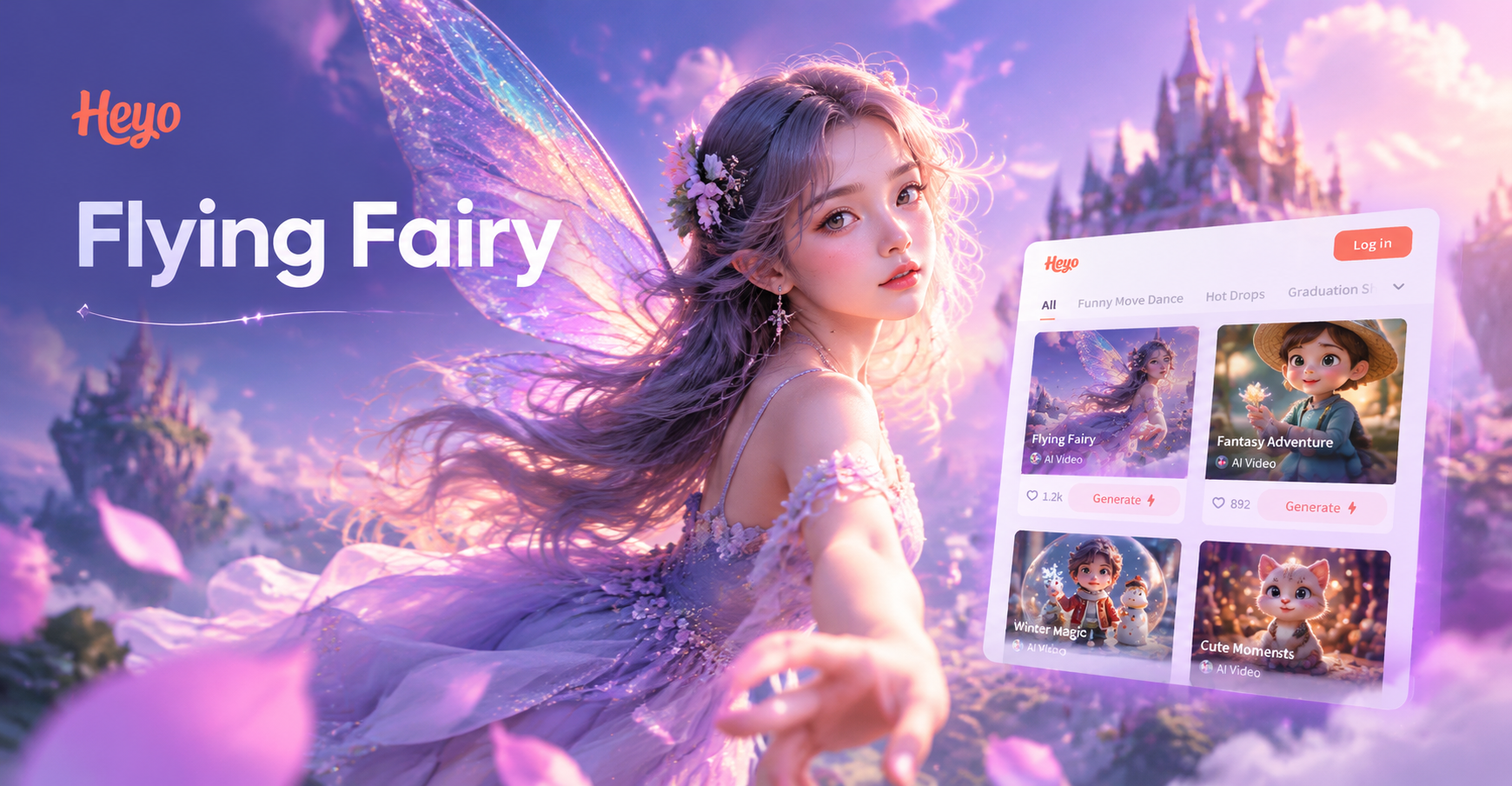
Flying fairy AI video prompts give you a shortcut to magical, motion filled clips. You do not need to be a director or a prompt engineer. The right prompt describes a character, a movement, a setting, and a visual style in plain language. This guide collects specific flying fairy prompts you can copy into the heyo app and adapt for your own videos.
Fairy videos often fail when the prompt is too vague. If you only write 'a fairy flying', the AI may return a static image or a blurry winged figure. Instead, describe the wings, the flight path, the light, and the environment. Use the examples below as starting points.
What Makes a Strong Flying Fairy AI Video Prompt
A useful fairy video prompt usually includes six elements.
- Character: describe the fairy's size, wings, hair, clothing, and expression.
- Motion: use verbs like gliding, hovering, swirling, diving, landing, or ascending.
- Environment: choose a forest, waterfall, night sky, meadow, cave, castle, or dreamlike void.
- Light and color: add moonlight, golden dust, fireflies, glowing trails, or soft dawn light.
- Camera: specify a close up, tracking shot, wide shot, top down view, or slow motion.
- Style: choose photorealistic, cinematic, 3D animation, watercolor, oil painting, or Ghibli inspired.
You do not need every element in every prompt, but the more specific you are, the more consistent the result.
Flying Fairy AI Video Prompts to Try Now
Copy any prompt below into the text to video tool in heyo. You can change the setting, colors, or camera to match your idea.
1. Moonlit Waterfall Fairy
A small fairy with translucent silver wings glides slowly toward a glowing waterfall at night. Her long white hair floats behind her. Tiny blue light particles trail from her wings. The camera follows her from behind. Soft moonlight, mist, photorealistic, cinematic lighting.
2. Sunrise Meadow Fairy
A tiny fairy with golden butterfly wings hovers above a wildflower meadow at sunrise. She spins gently and golden pollen drifts around her. Warm rim light, dewy grass, close up slow motion, photorealistic.
3. Fairy Dust Spiral
A fairy in a dark mossy forest flies upward in a spiral, leaving a thick ribbon of glowing pink dust behind her. Fireflies blink in the shadows. Wide shot, low angle, deep greens and magenta light, cinematic fantasy.
4. Flower Landing
A miniature fairy with soft blue wings descends and lands lightly on a pink peony petal. The flower sways from her weight. Spring garden, morning light, macro lens, shallow depth of field, photorealistic.
5. Ice Wing Fairy in Snow
A fairy with sharp ice crystal wings flies through a snowy pine forest. Her breath fogs in the cold air. Snowflakes scatter as she darts between branches. Cool blue and white palette, fast tracking shot, 3D animation style.
6. Ocean Cliff Glide
A fairy with pearl colored wings glides along a rocky ocean cliff at sunset. Sea spray rises below her. Her dress moves like water. Wide aerial shot, warm gold and teal tones, cinematic, slow motion.
7. Firefly Dusk Fairy
A small fairy with amber wings flies through a marsh at dusk. Hundreds of fireflies rise from the reeds and form a glowing path around her. Low light, soft bokeh, medium tracking shot, photorealistic.
8. Castle Ruin Light Trail
A fairy in a flowing lavender gown flies through broken castle arches, pulling a stream of white light behind her. Dust motes float in the sunbeams. High angle shot, stone texture detail, cinematic fantasy.
9. Desert Wind Fairy
A fairy with bronze and gold wings hovers above a desert dune at noon. Hot wind lifts sand in spirals around her. Her eyes shine with amber light. Wide shot, heat shimmer, 3D animation, warm earthy colors.
10. Rainy Garden Fairy
A tiny fairy shelters under a broad green leaf during a gentle rain. Droplets roll off the leaf edge. She shakes water from her pink wings. Close up, soft gray light, macro detail, photorealistic.
11. Northern Lights Flight
A fairy with silver and violet wings soars through a night sky filled with green and purple aurora. Stars reflect on her wings. The camera tilts upward as she flies toward the light. Wide angle, dreamy, cinematic.
12. Ghibli Style Fairy Village
A young fairy with round red wings flies over a small village of glowing mushroom houses. Warm lantern light, soft clouds, hand painted texture, Ghibli style animation, gentle floating motion.
Each prompt is a complete starting point. To create a longer video, add a second sentence about what happens next, such as 'She turns and smiles at the camera before flying away.'
How to Adapt These Flying Fairy Prompts
Do not treat the prompts above as fixed scripts. You can remix one element at a time to get a new scene.
- Change the setting: replace 'forest' with 'crystal cave', 'floating island', or 'ancient library'.
- Change the motion: replace 'glides' with 'dives', 'twirls', 'hovers', or 'races'.
- Change the light: replace 'moonlight' with 'golden hour', 'neon glow', or 'candlelight'.
- Change the style: replace 'photorealistic' with 'oil painting', 'watercolor', or '3D clay animation'.
- Add a prop: add a glowing wand, a tiny lantern, a flower crown, or a ribbon of stars.
For example, take the first prompt and change 'waterfall' to 'crystal cave' and 'silver wings' to 'rose quartz wings'. You now have a different video idea with the same flight motion.
Improving Weak or Generic Fairy Video Results
If your first result looks off, the fix is usually more specific motion and clearer light.
- Static wings: add 'wings flutter rapidly', 'feathers shimmer', or 'wing tips glow and leave a trail'.
- Blurry face: switch to a close up prompt and describe the eyes, expression, and hair movement.
- Empty background: add particles like pollen, snow, fireflies, or falling petals to create depth.
- Too short motion: include a flight path, such as 'flies from left to right', 'rises toward the sky', or 'circles the flower'.
- Flat colors: add a color contrast, such as warm fairy light against a cool blue forest.
Small changes can dramatically improve consistency.
Using These Prompts in the heyo App
heyo is a mobile AI design app available on Google Play. Open the text to video tool, paste one of the prompts, and choose a style template that fits the scene. For a dreamy fairy look, try a cinematic or fantasy filter. You can also upload a reference image of a fairy character and use image to video to animate it with a motion prompt.
Because heyo works entirely in the app, keep your prompt saved in a notes app before you start. Then paste it into the text field, adjust the style, and generate. It usually takes only a few moments to see the first version.
Tips for Sharing Your Flying Fairy Videos
- Create vertical clips for Shorts, Reels, and TikTok. A 9:16 frame keeps the fairy centered.
- Loop the video by ending and starting in a similar position, such as a floating pose.
- Add soft music or nature sounds to match the magical mood.
- Write a short caption with a fairy quote or a question to invite comments.
Final Thoughts
Flying fairy AI video prompts work best when they are specific about wings, motion, and light. Use the twelve examples above as templates, swap one visual element at a time, and generate multiple versions. With a few small edits, you can create dreamy fairy clips that look intentional and polished.