2016 Aesthetic Filter
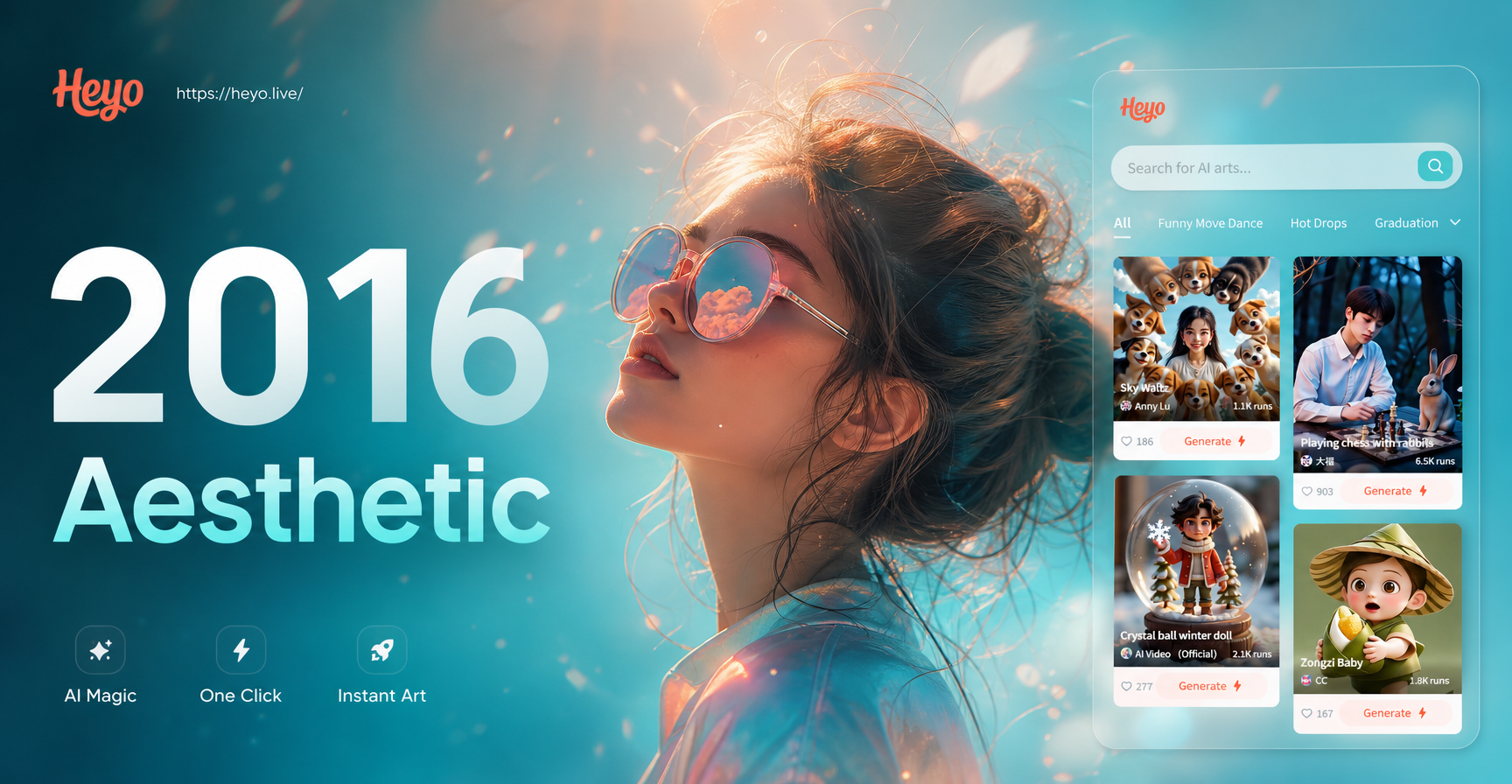
Choose Your Favorite 2016 Vibe
From faded VSCO presets to moody Tumblr grunge, we have the perfect filter to match your nostalgic aesthetic.
Key Features of Our 2016 Aesthetic Photo Editor
Our tool offers more than just a filter. It's a complete suite designed to authentically recreate the 2016 photo editing experience with modern AI power.
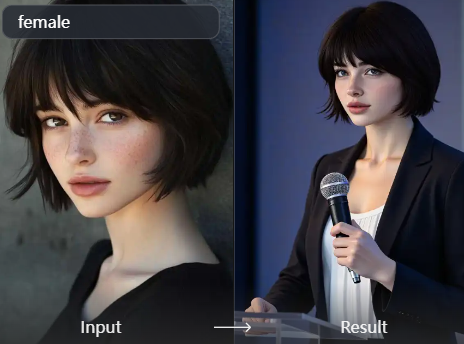
Authentic VSCO & Tumblr Presets
Access a vast library of filters that mimic the exact color grading, faded blacks, and subtle grain of popular 2016 editing apps. Every preset is designed for instant nostalgia.
Authentic VSCO & Tumblr Presets
Access a vast library of filters that mimic the exact color grading, faded blacks, and subtle grain of popular 2016 editing apps. Every preset is designed for instant nostalgia.
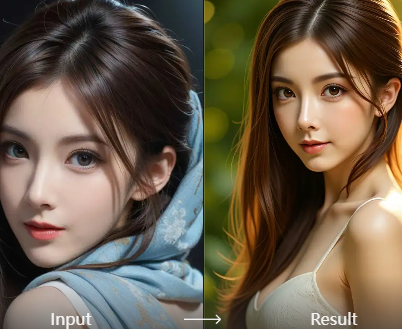
One-Click Time Travel
Upload any photo from today and transform it with a single tap. Our AI intelligently applies the 2016 aesthetic, adjusting tones, contrast, and mood to match the era perfectly.
One-Click Time Travel
Upload any photo from today and transform it with a single tap. Our AI intelligently applies the 2016 aesthetic, adjusting tones, contrast, and mood to match the era perfectly.
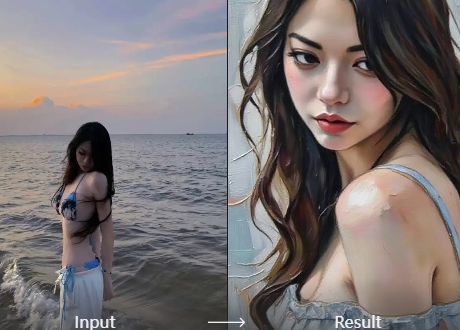
Advanced Custom Controls
Fine-tune your nostalgic look. Adjust individual elements like fade, warmth, saturation, and vignette to create your own signature 2016 inspired edit.
Advanced Custom Controls
Fine-tune your nostalgic look. Adjust individual elements like fade, warmth, saturation, and vignette to create your own signature 2016 inspired edit.
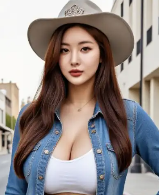
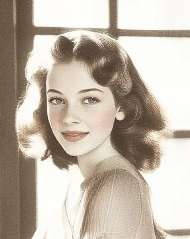
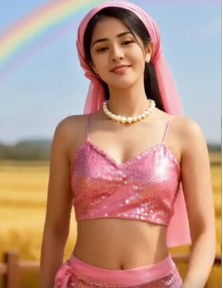
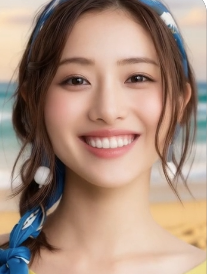
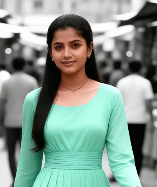
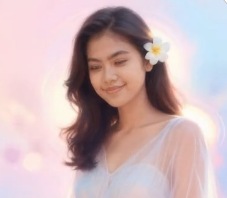
2016 Aesthetic Photo Gallery
See how ordinary photos are transformed with the iconic 2016 look. From portraits to landscapes, discover the power of nostalgic editing.
Why Use a Dedicated 2016 Filter App?
Generic filters don't capture the nuance. Our tool is built specifically to analyze and replicate the complex color science and mood that made 2016 edits so unique, saving you hours of manual tweaking.
Why Use a Dedicated 2016 Filter App?
Generic filters don't capture the nuance. Our tool is built specifically to analyze and replicate the complex color science and mood that made 2016 edits so unique, saving you hours of manual tweaking.
How to Create 2016 Aesthetic Photos?
Achieve the perfect nostalgic edit in just three simple steps with our mobile app.

Step 01.
Download the HeyO app from Google Play. It's your all-in-one portal to thousands of aesthetic filters, including our entire 2016 collection.

Step 02.
Open the app and select the '2016 Aesthetic' filter category. Browse and choose from sub-styles like Vintage VSCO, Tumblr Grunge, or Soft Fade.

Step 03.
Upload your photo, apply the filter with one tap, and use the customization tools if desired. Instantly save and share your nostalgic masterpiece.
What Creators Are Saying About 2016 Filters
Nailed the Nostalgia Perfectly
I've tried to recreate the 2016 Tumblr look in other apps for years. This is the first filter pack that genuinely gets the faded blacks and specific pink undertones right. It's like a time machine for my photos.
My Go-To for Consistent Aesthetics
I run a vintage themed Instagram page. This 2016 aesthetic photo editor lets me batch edit my photos so they all have the same cohesive, nostalgic feel. It's drastically cut down my editing time.
Brought My Old Photos Back to Life
I found old pictures from 2016 that were edited poorly with apps that don't exist anymore. Using these filters, I was able to not only match but improve the original aesthetic. It's incredibly powerful.
2016 Aesthetic Filter FAQs
Get answers to common questions about recreating the iconic 2016 look with our AI powered photo editor.
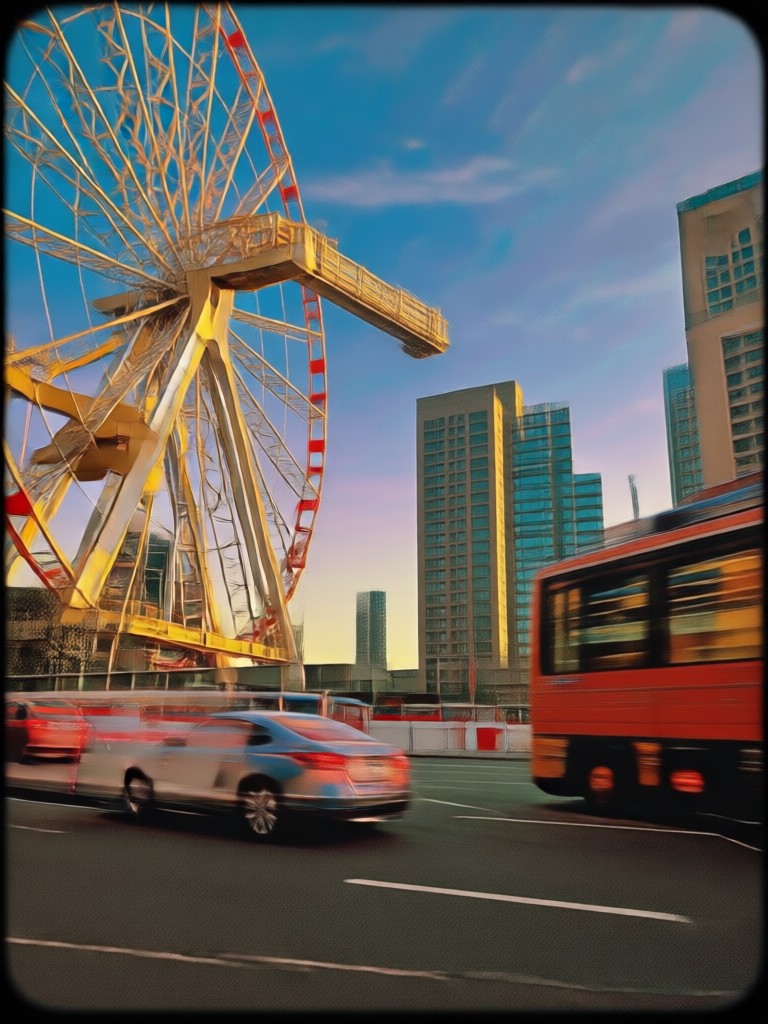
Your 2016 Aesthetic Toolkit, On the Go
Carry thousands of nostalgic filters in your pocket. Edit photos and videos anywhere, instantly matching the iconic 2016 look for your social media.

More Aesthetic Styles You May Like
Explore more topics you may like and discover fresh ideas tailored to your interests.
Nag Panchami AI Photo Editor | Devotion in Digital Art
AI Hug Effect: Free Virtual Photo Animation & Motion Maker
Create Divine Varamahalakshmi AI Portraits Instantly
Create 17 Agustus & HUT RI 81 AI Photos in Seconds
Nag Panchami AI Photo Editor | Devotion in Digital Art
AI Hug Effect: Free Virtual Photo Animation & Motion Maker
Create Divine Varamahalakshmi AI Portraits Instantly
Create 17 Agustus & HUT RI 81 AI Photos in Seconds
Step into 2016. Download Now.
Join the nostalgic revival. Transform your current photos and videos with the authentic, beloved aesthetic of 2016. The future of editing is nostalgic.

Step into 2016. Download Now.
Join the nostalgic revival. Transform your current photos and videos with the authentic, beloved aesthetic of 2016. The future of editing is nostalgic.