Add Beard To Photo Online
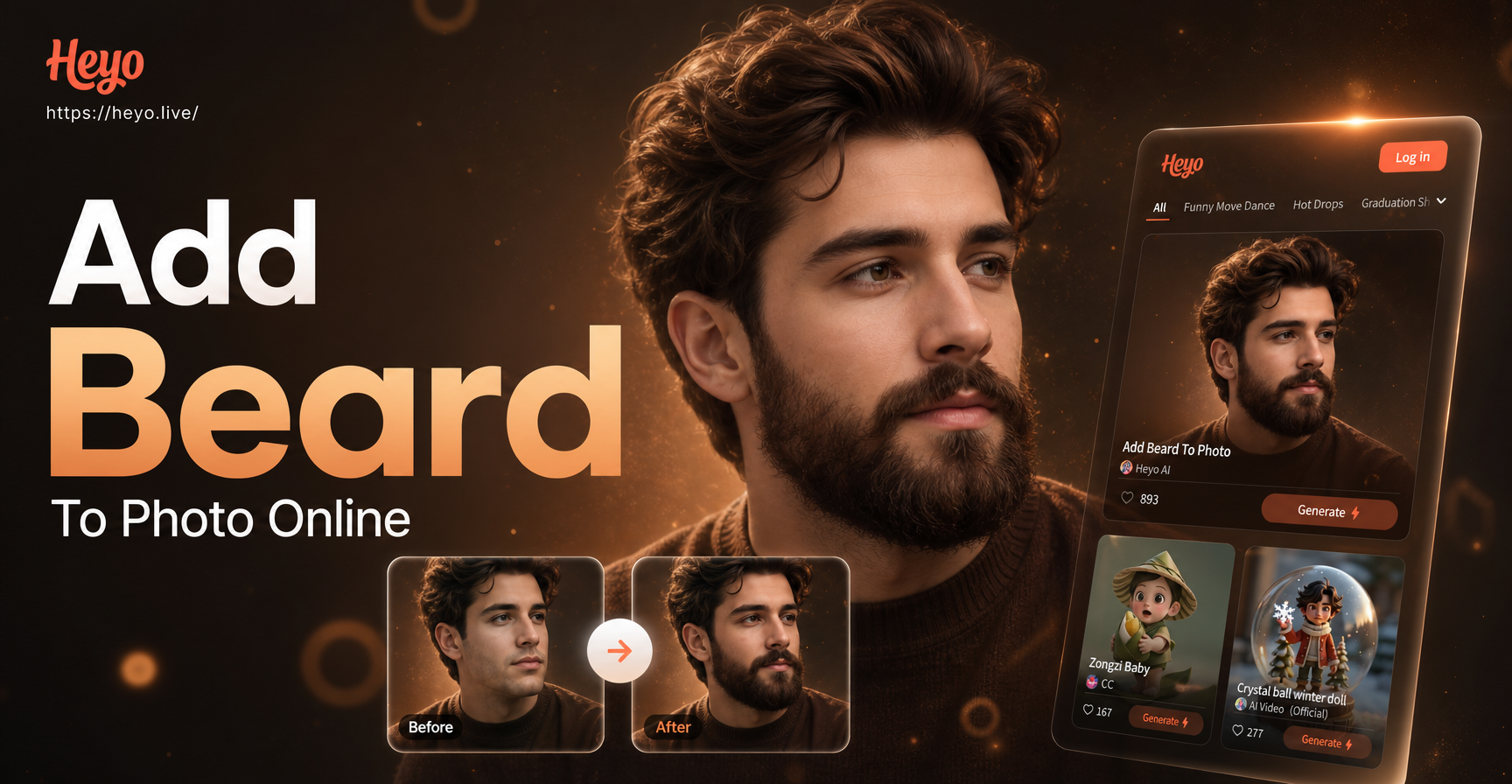
Discover Your Perfect Beard Style
Explore a wide variety of AI beard filters to find the look that suits your face shape and personality best.
Why Choose AI to Add a Beard?
Our mobile app makes beard transformation simple, fun, and incredibly realistic. No more complicated software or appointments.
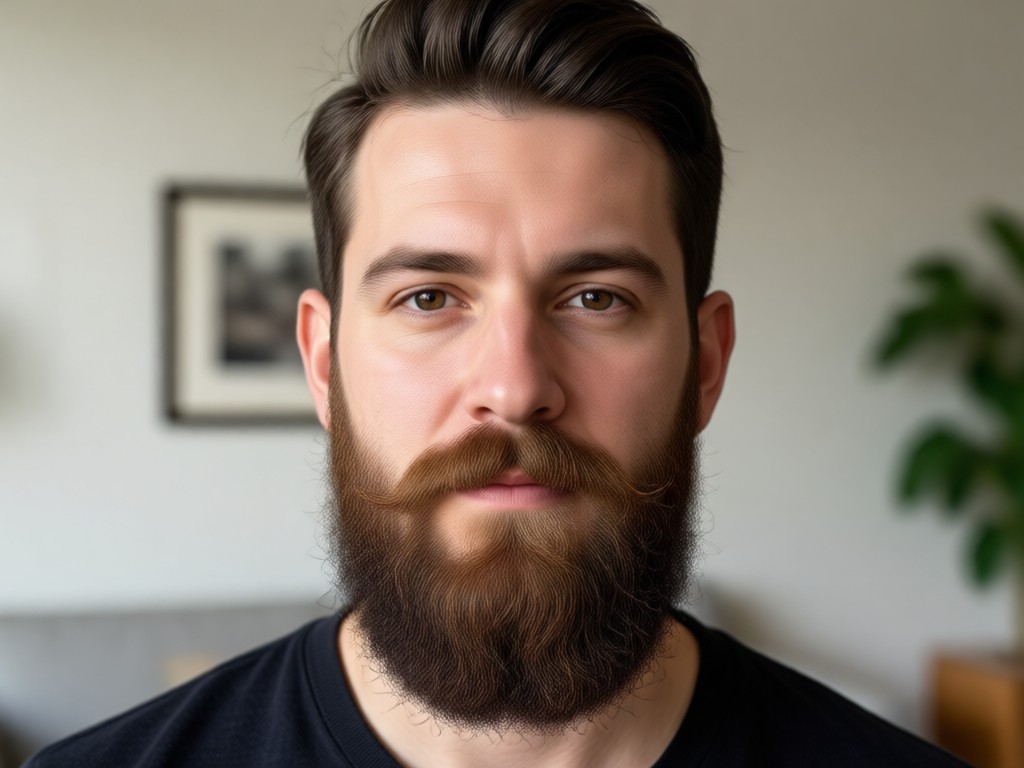
Ultra Realistic Styles
AI analyzes your facial structure to place beards, stubble, and mustaches naturally. It matches your skin tone, hair color, and facial contours for a seamless, believable look.
Ultra Realistic Styles
AI analyzes your facial structure to place beards, stubble, and mustaches naturally. It matches your skin tone, hair color, and facial contours for a seamless, believable look.
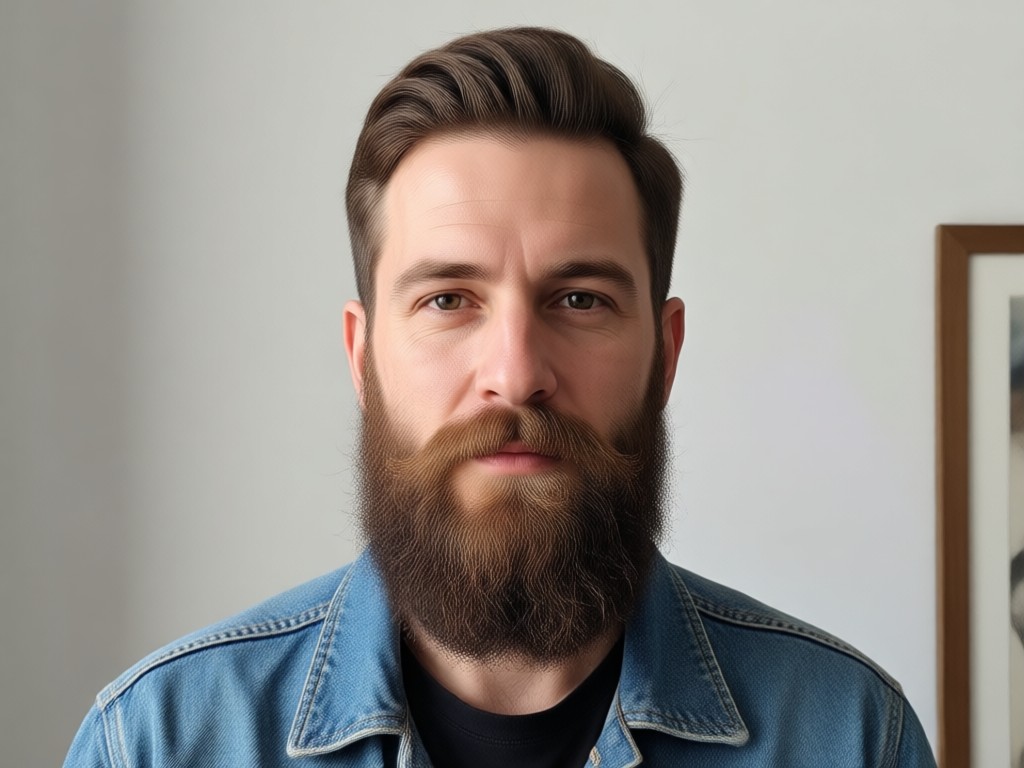
Style Variety Library
Choose from thousands of beard styles. Browse full beards, goatees, Van Dykes, handlebar mustaches, stubble, and creative colored beards to match any aesthetic or trend.
Style Variety Library
Choose from thousands of beard styles. Browse full beards, goatees, Van Dykes, handlebar mustaches, stubble, and creative colored beards to match any aesthetic or trend.
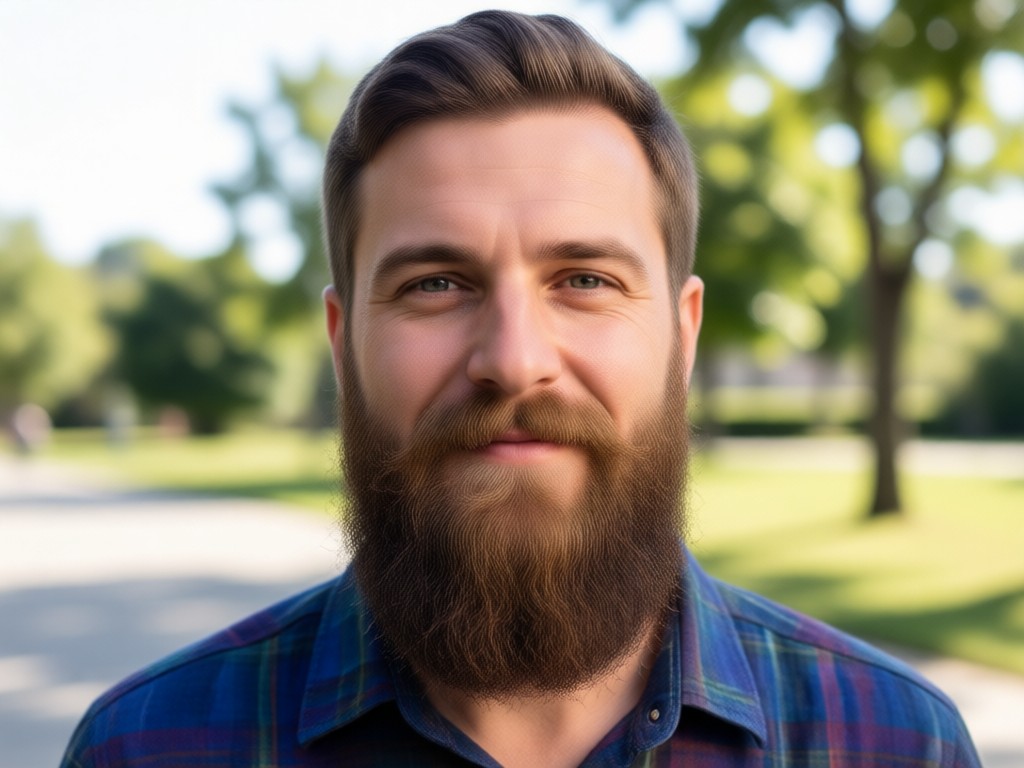
Simple One Tap Process
The entire process takes less than a minute. Just upload a clear selfie, select your favorite beard filter, and watch the AI work. Download and share your new look instantly.
Simple One Tap Process
The entire process takes less than a minute. Just upload a clear selfie, select your favorite beard filter, and watch the AI work. Download and share your new look instantly.
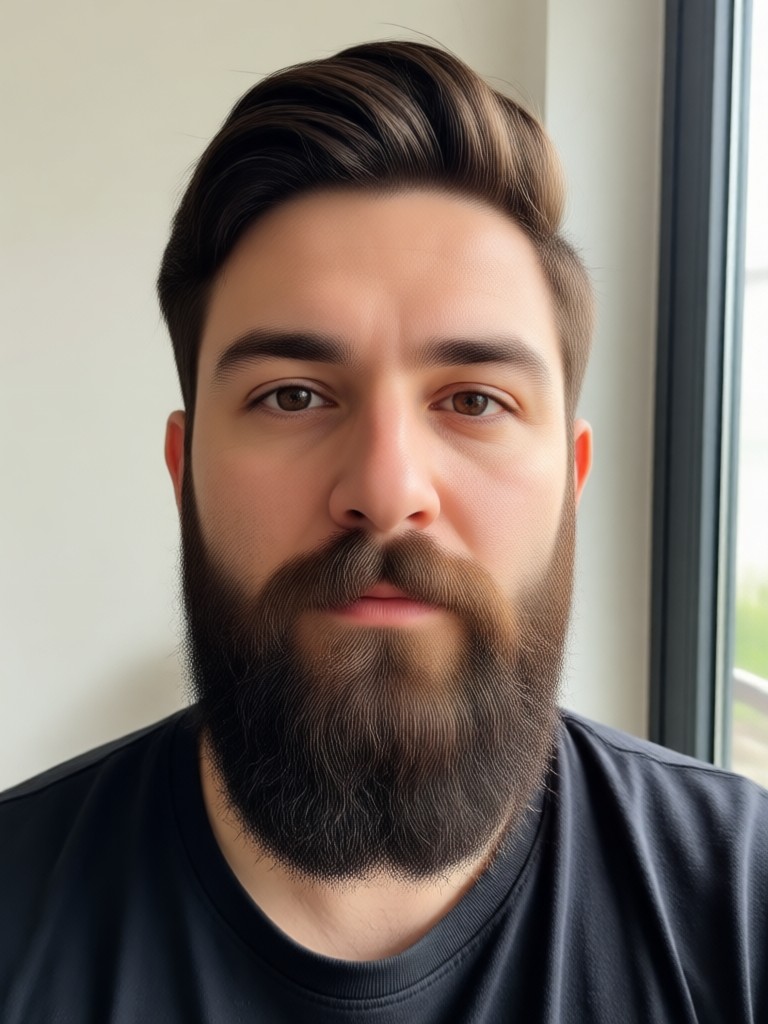
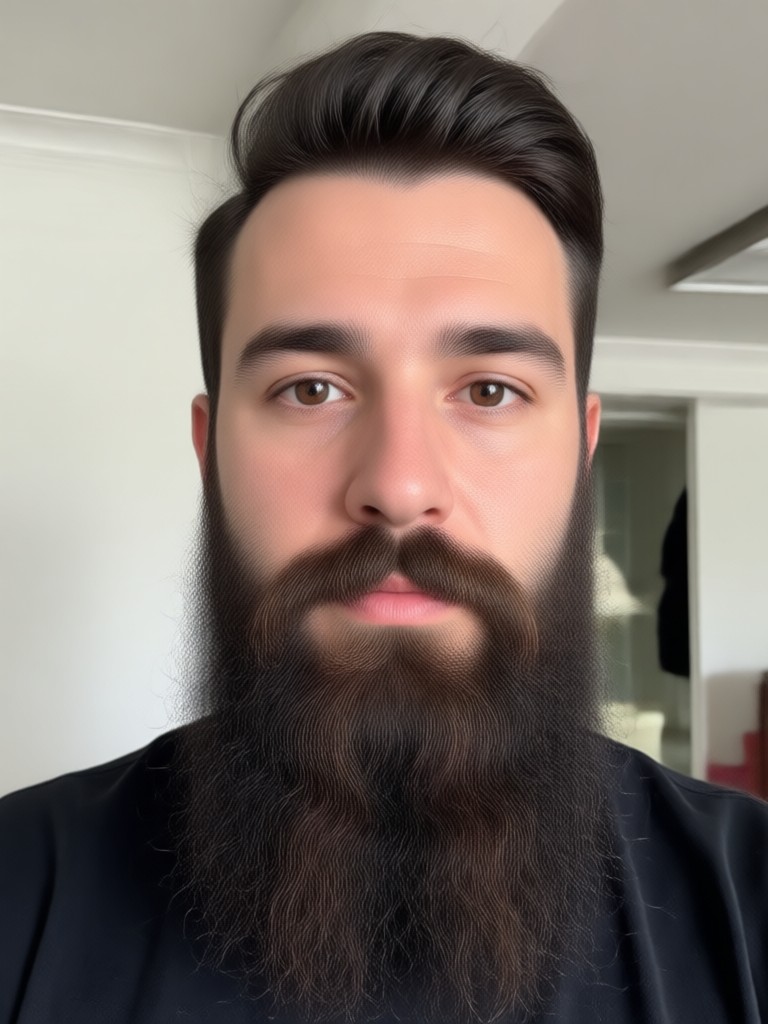
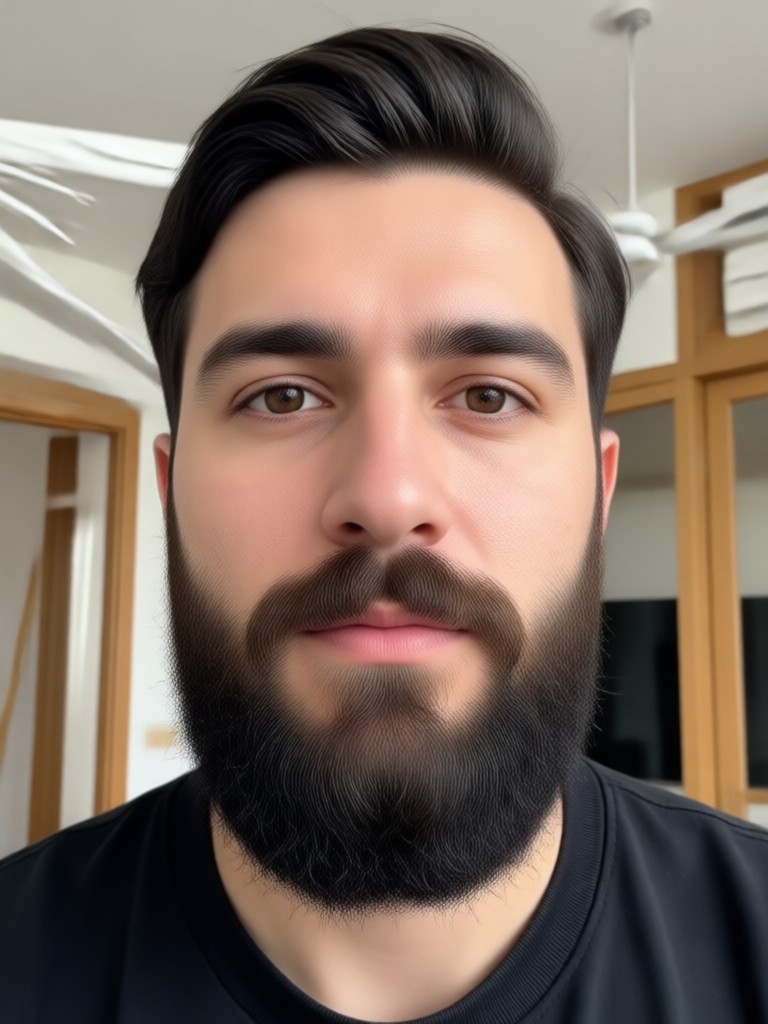
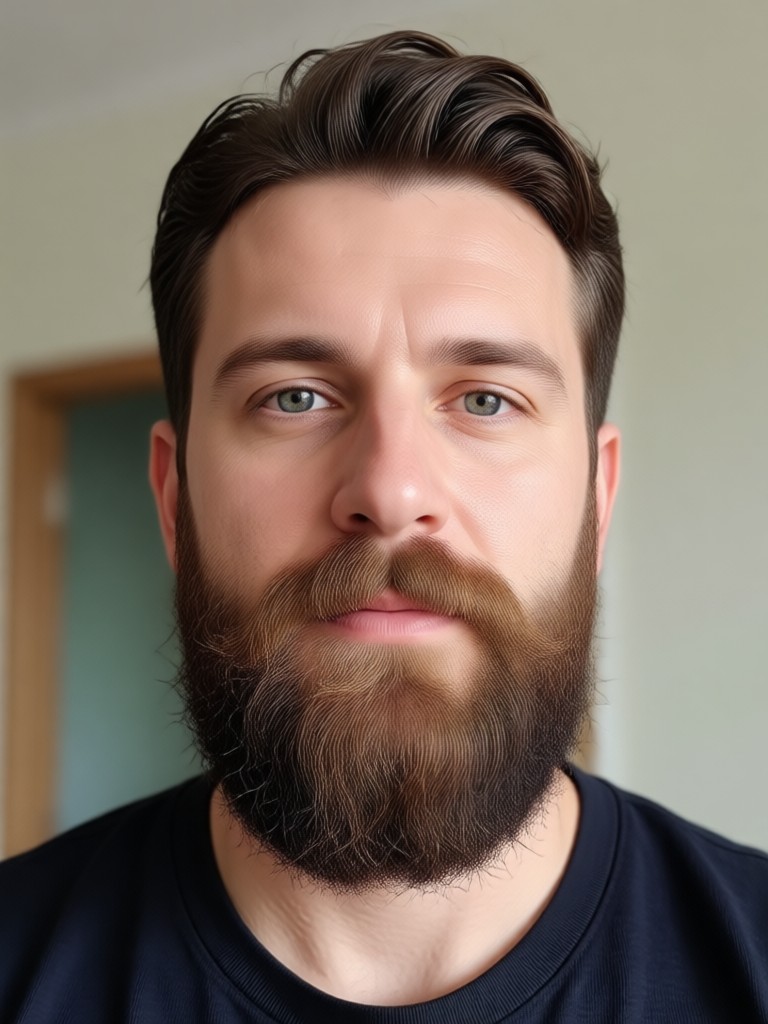
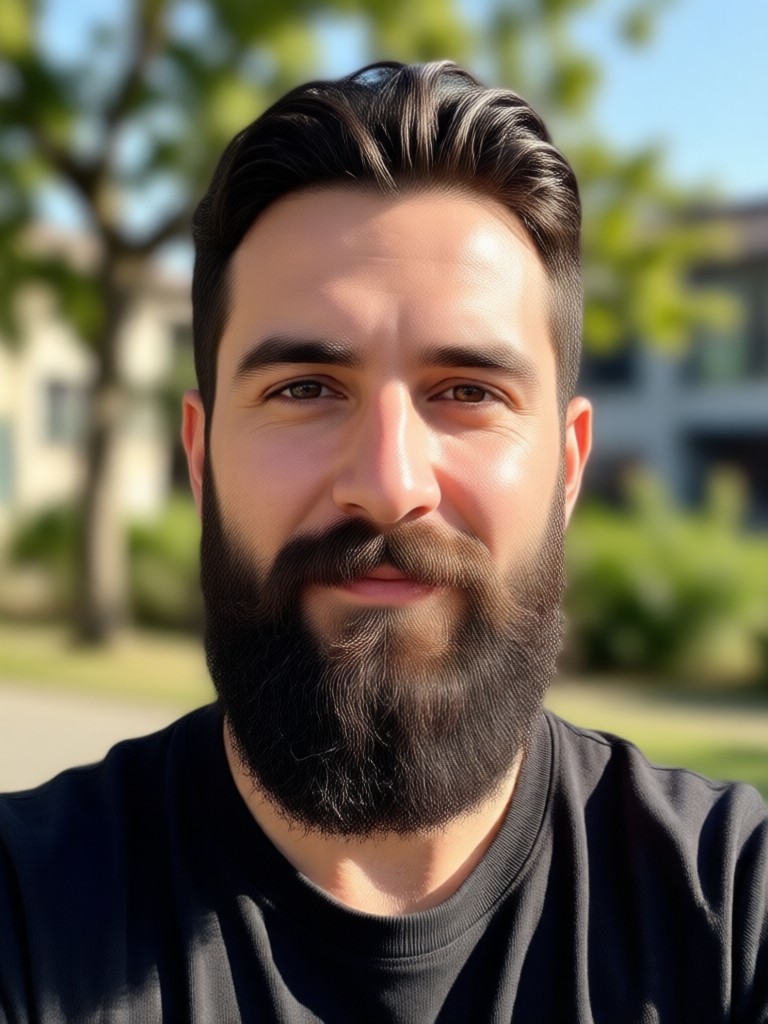
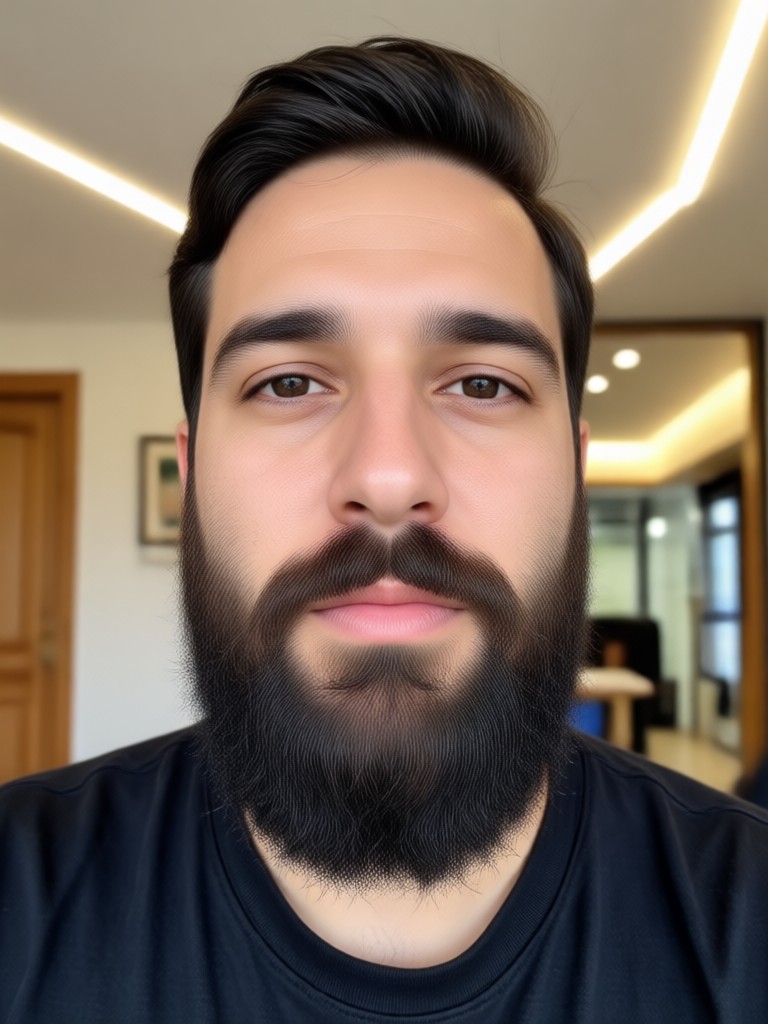
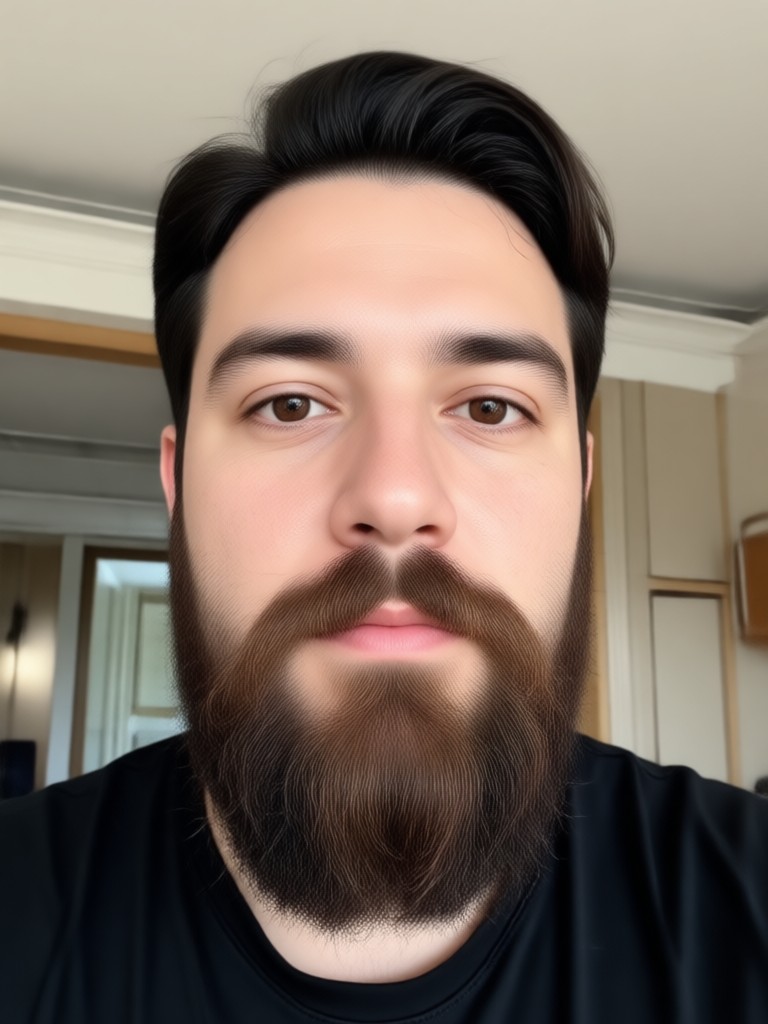
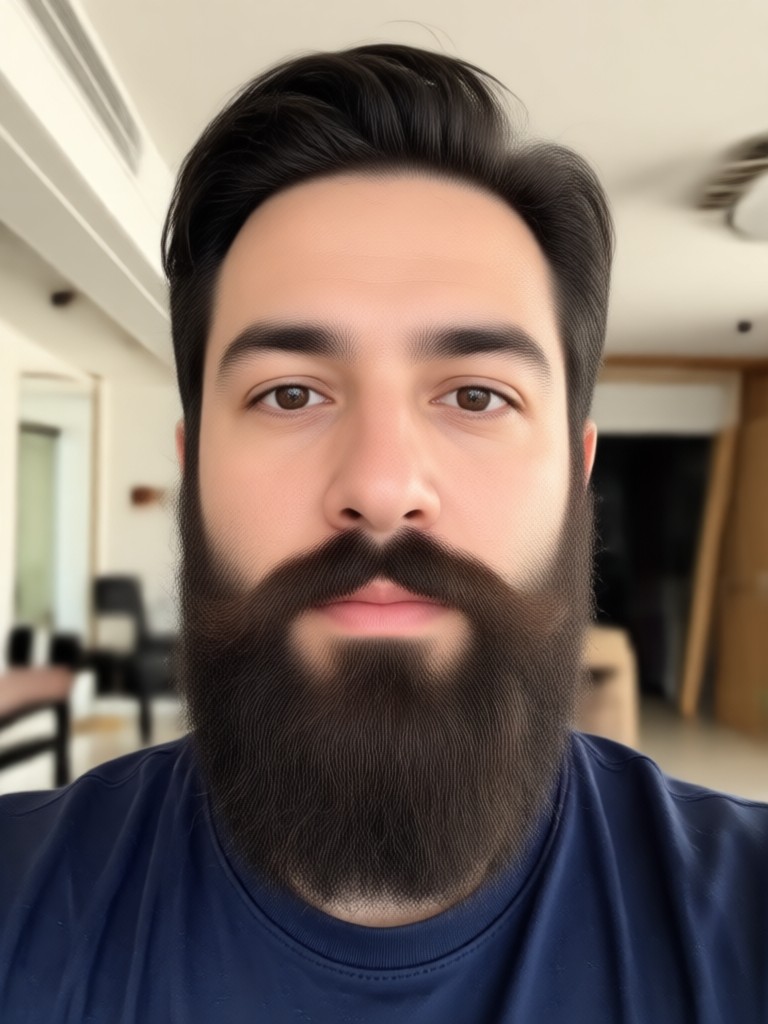
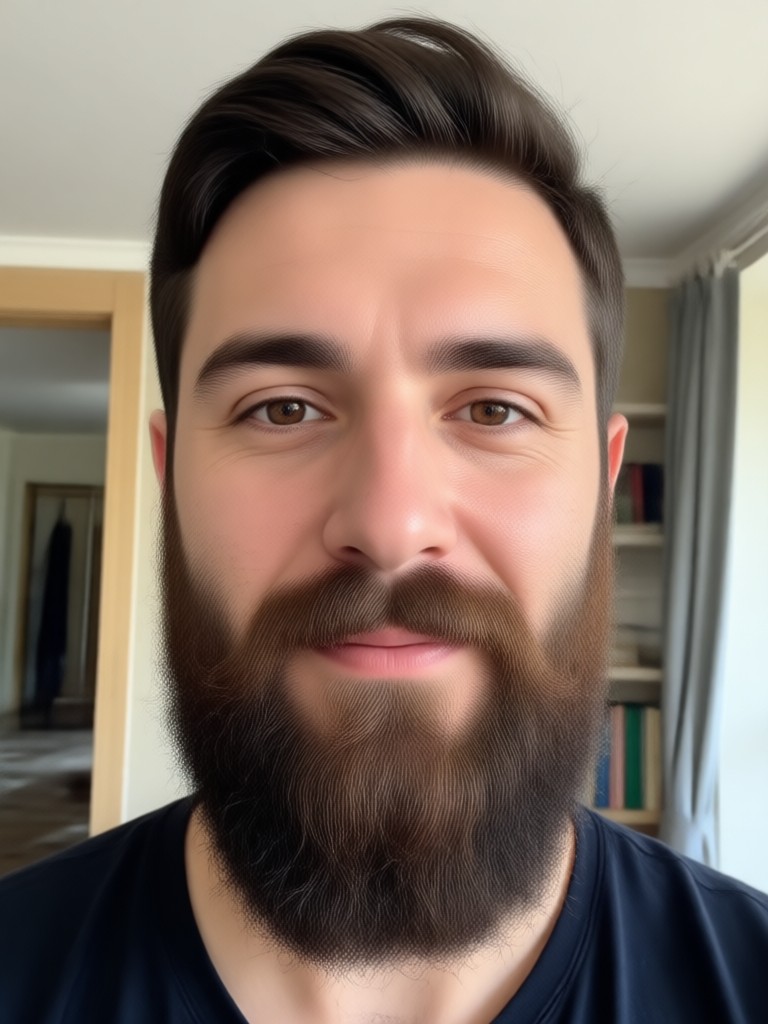
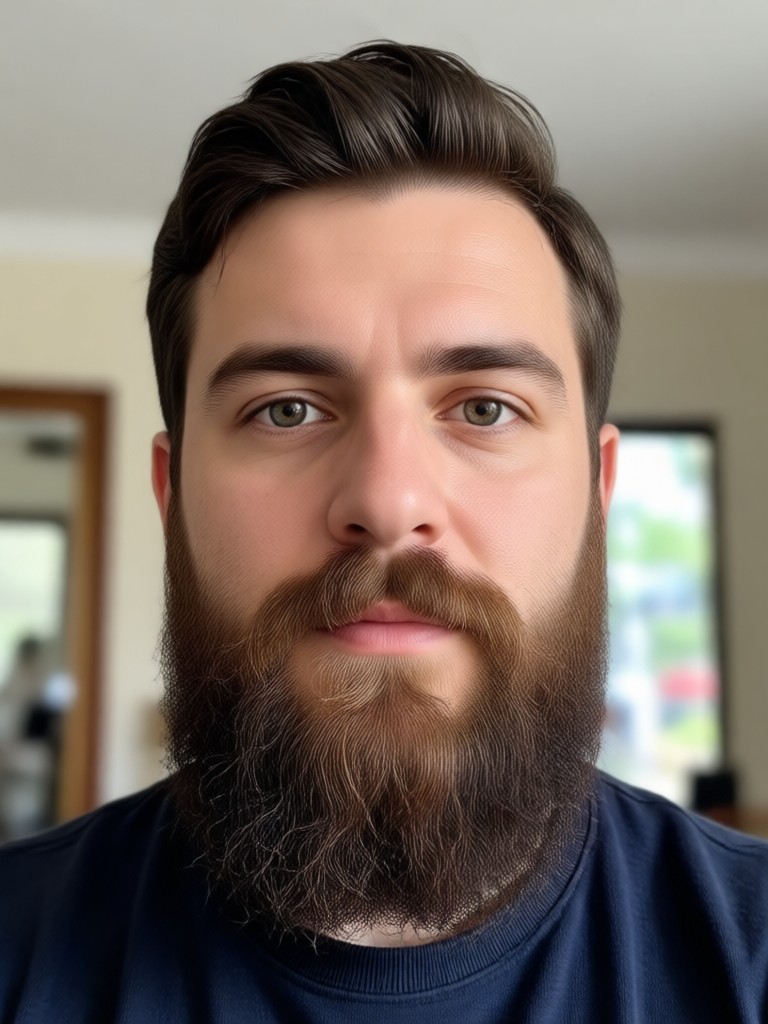
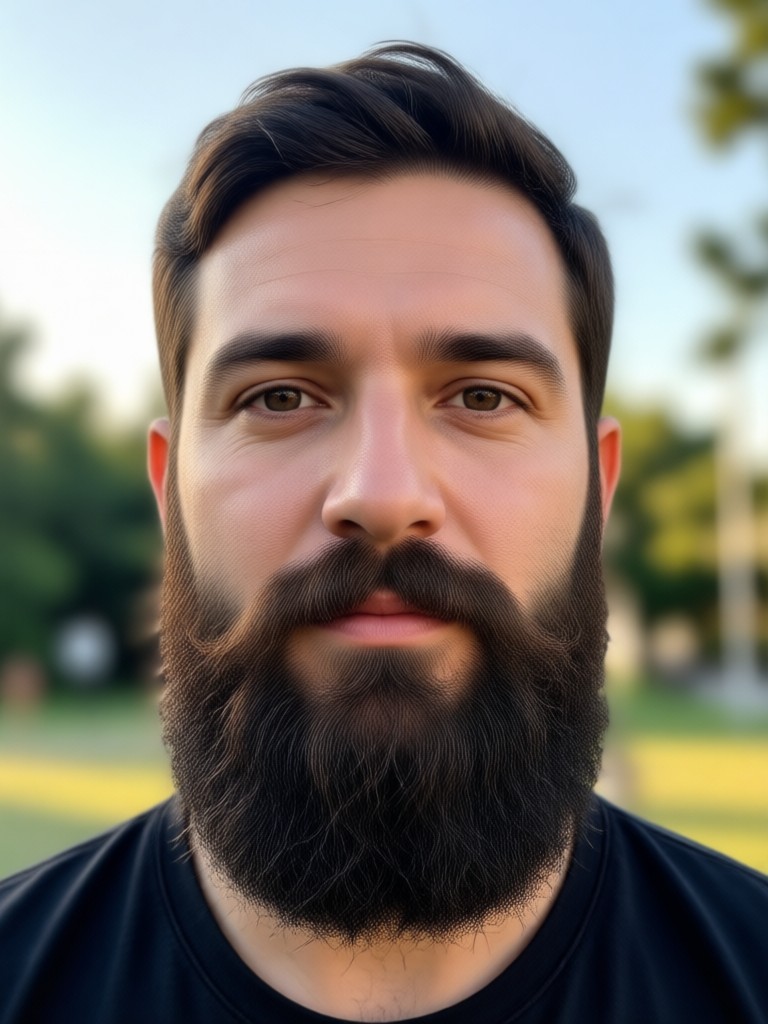
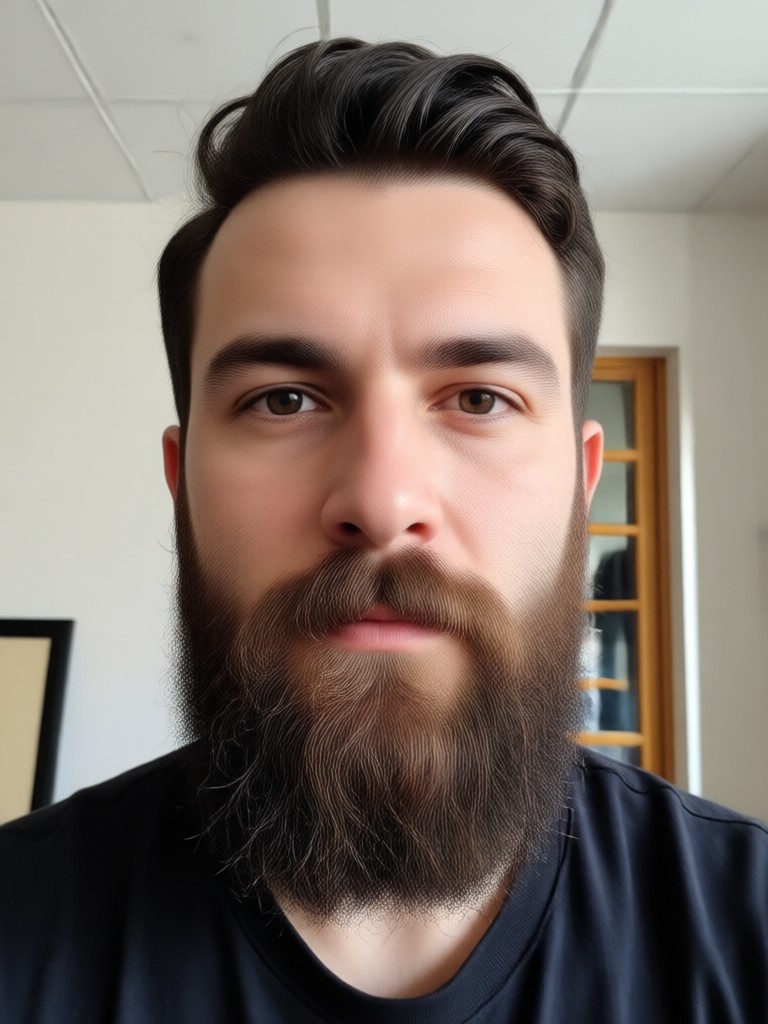
Beard Style Transformation Gallery
See real examples of AI beard transformations. From subtle stubble to bold, full beards, discover the possibilities for your own photo.
How to Add a Beard to Your Photo Online?
Transform your look in three easy steps with our free mobile app. No technical skills needed.

Step 01.
Download the free HeyO app from the Google Play Store to access all AI beard filters and tools directly on your phone.

Step 02.
Open the app, upload a clear front facing selfie, and browse the massive library of beard style templates. Select your favorite.

Step 03.
The AI instantly generates your new look. You can adjust intensity, try other styles, then save the high quality image or share it directly.
What Users Say About AI Beard Filters
Decided to actually grow one after seeing it!
I was always curious about a beard but hesitant. This app showed me exactly how I'd look with a full beard. It looked so good and natural that I finally decided to grow one for real. Best preview tool ever.
Perfect for character design and costumes
I use this to visualize characters for my D&D campaigns and for planning Halloween costumes. The variety of styles, from viking beards to neat goatees, is incredible. Saves me hours of Photoshop work.
My friends didn't believe it was fake
I added a beard to my profile picture as a joke. The AI blending was so perfect with my skin and hair that several friends texted me asking when I grew it. The realism is honestly shocking.
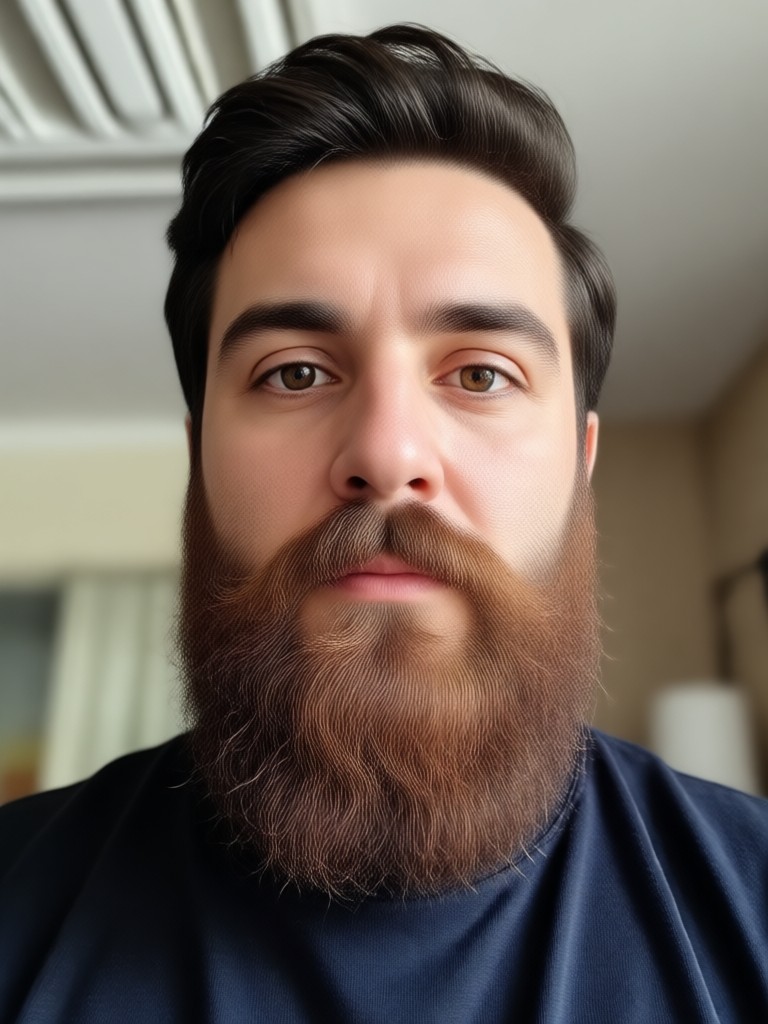
Add a Beard Anywhere, Instantly
Carry the power of AI style transformation in your pocket. Download the free HeyO app and access all beard filters, plus thousands of other AI effects.

FAQs About Adding a Beard Online
Get quick answers to common questions about using AI to add beards, mustaches, and stubble to your photos.
More AI Style Transformations
Explore more topics you may like and discover fresh ideas tailored to your interests.
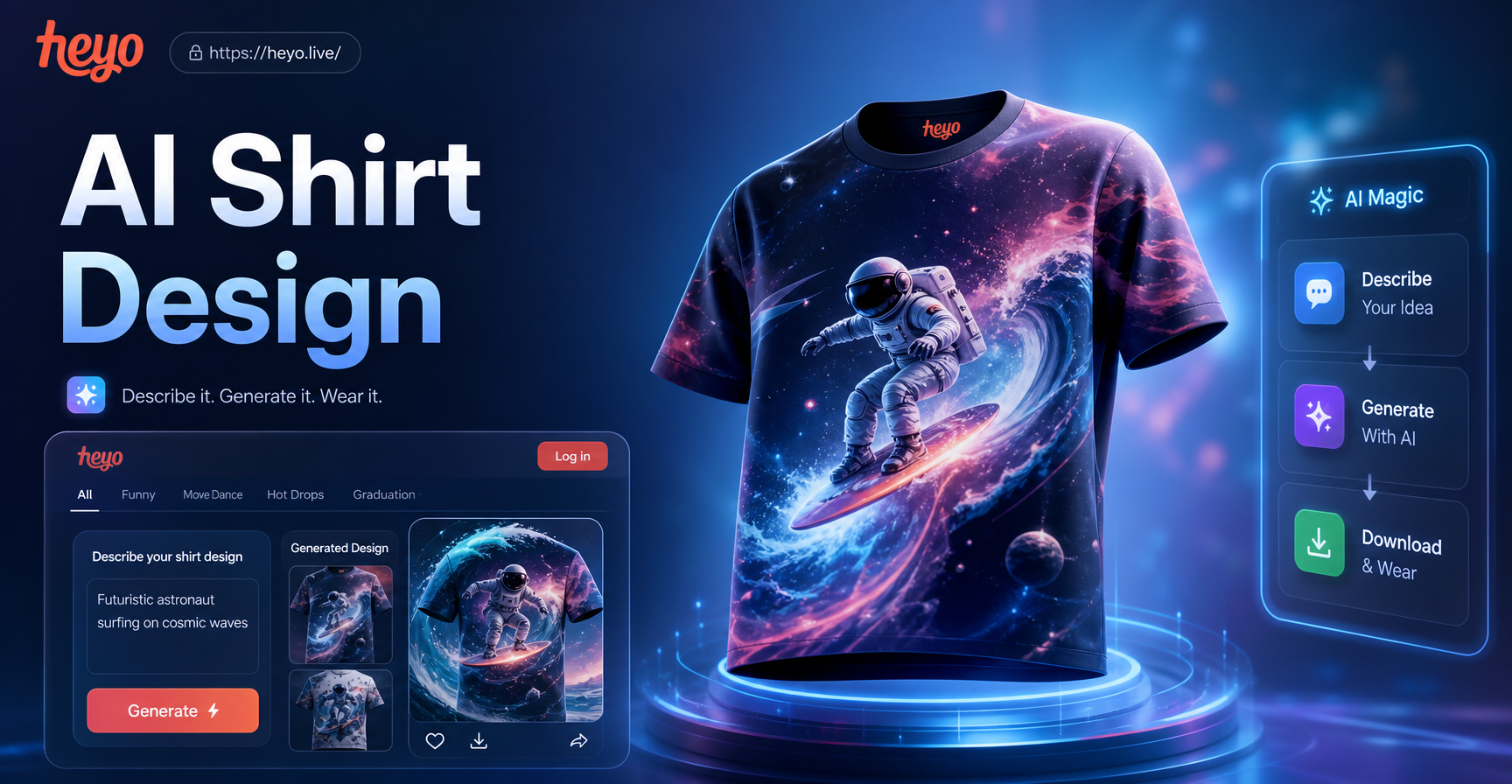
AI T-Shirt Design Maker | Create Custom Designs Instantly
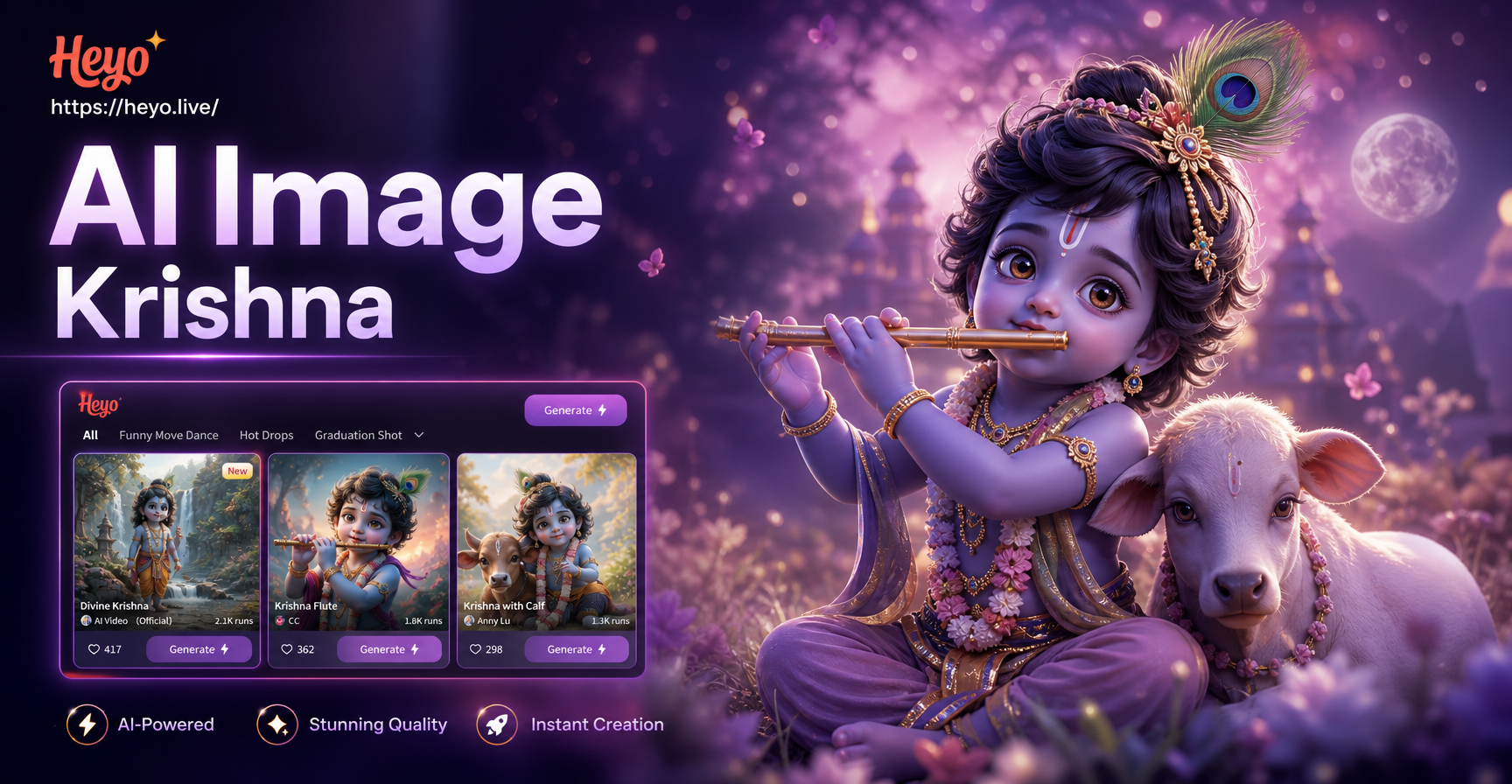
Create Divine Art: AI Krishna Image Generator
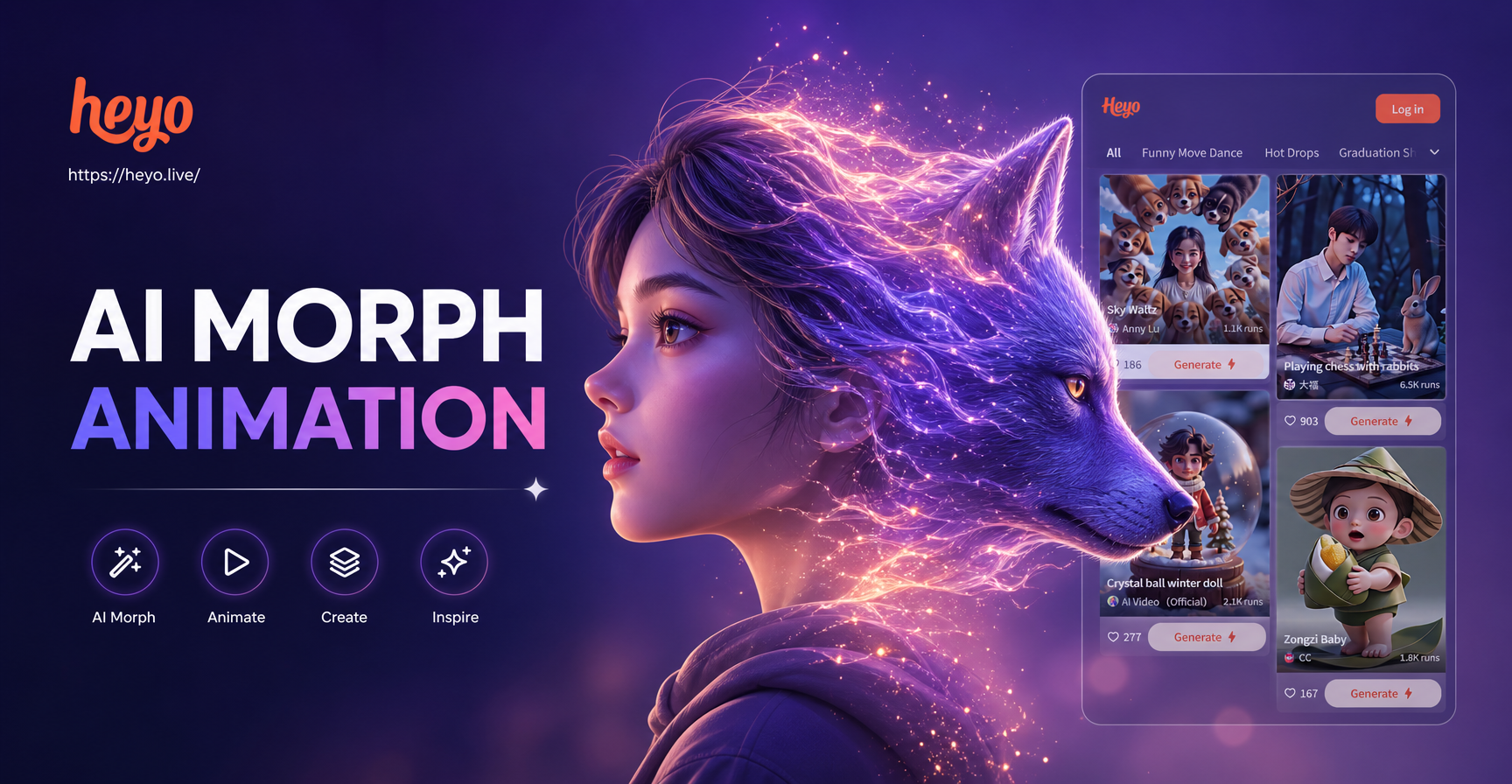
Create AI Morphing Animations Easily on Mobile
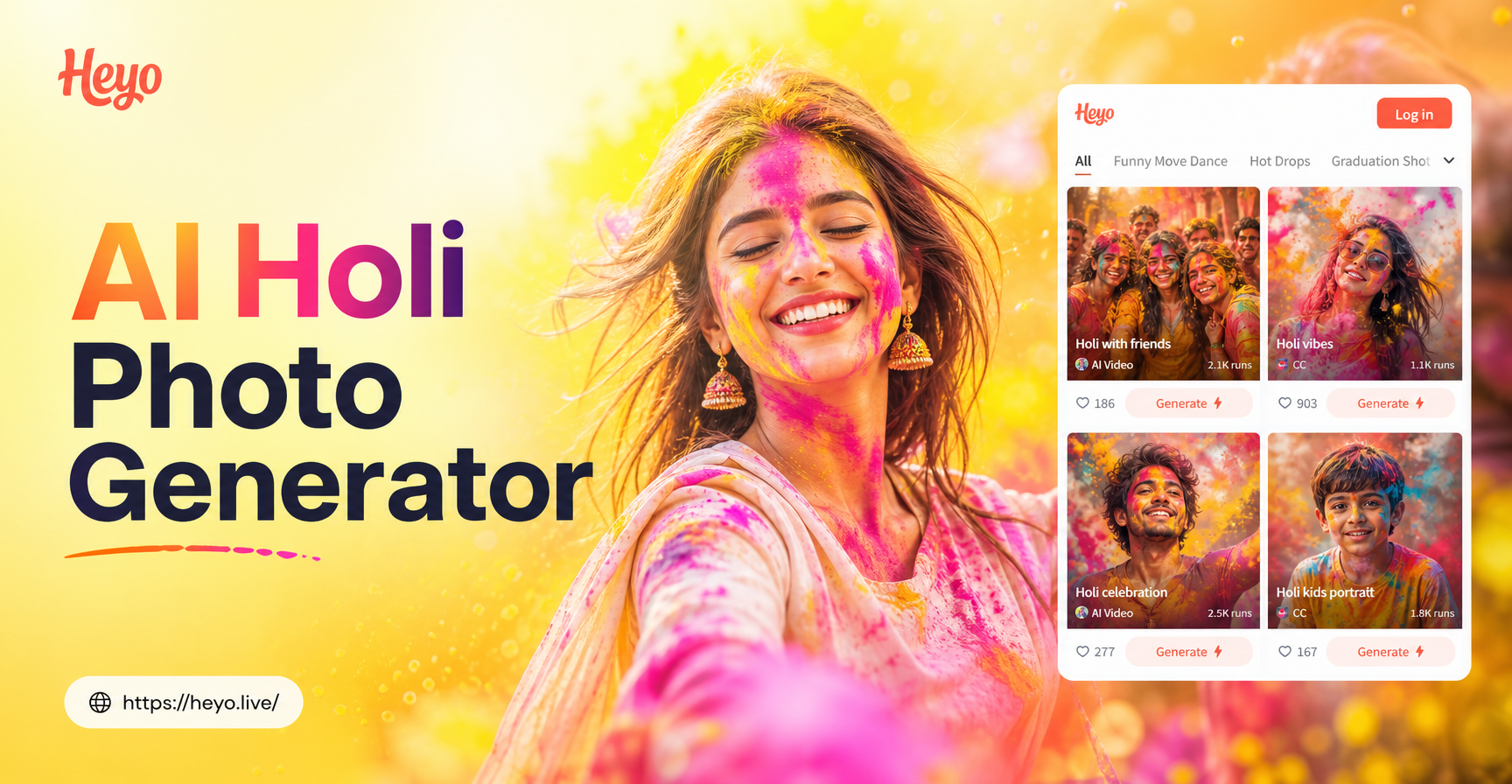
Create AI Holi Photos Instantly: Festive & Colorful
AI T-Shirt Design Maker | Create Custom Designs Instantly
Create Divine Art: AI Krishna Image Generator
Create AI Morphing Animations Easily on Mobile
Create AI Holi Photos Instantly: Festive & Colorful
See Your New Look Today
Stop wondering and start seeing. In less than a minute, you can preview any beard style on your own photo. Download the app and make your first transformation for free.
See Your New Look Today
Stop wondering and start seeing. In less than a minute, you can preview any beard style on your own photo. Download the app and make your first transformation for free.