Aesthetic Selfie Video Filters Soft Dreamy Pastels
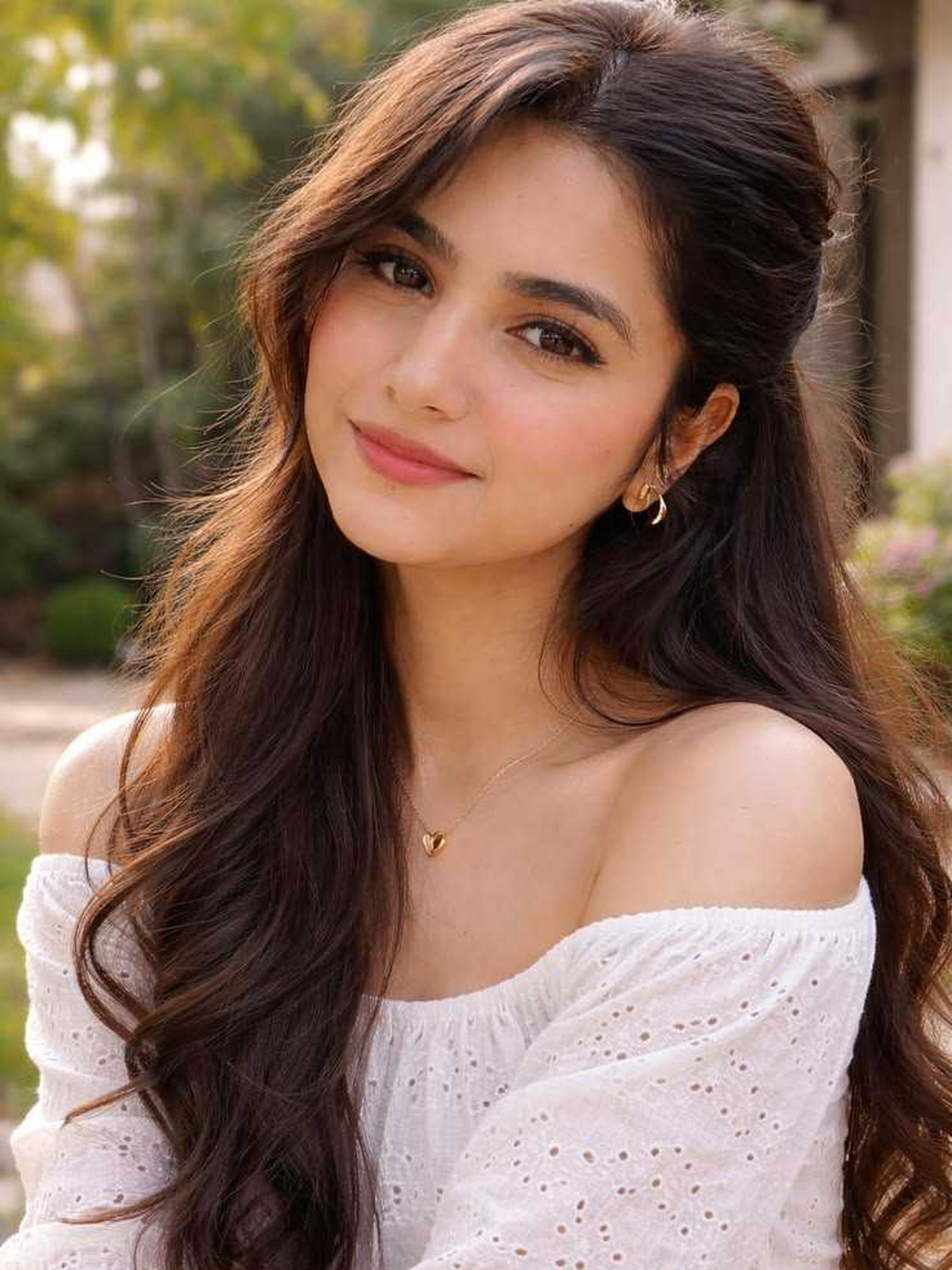
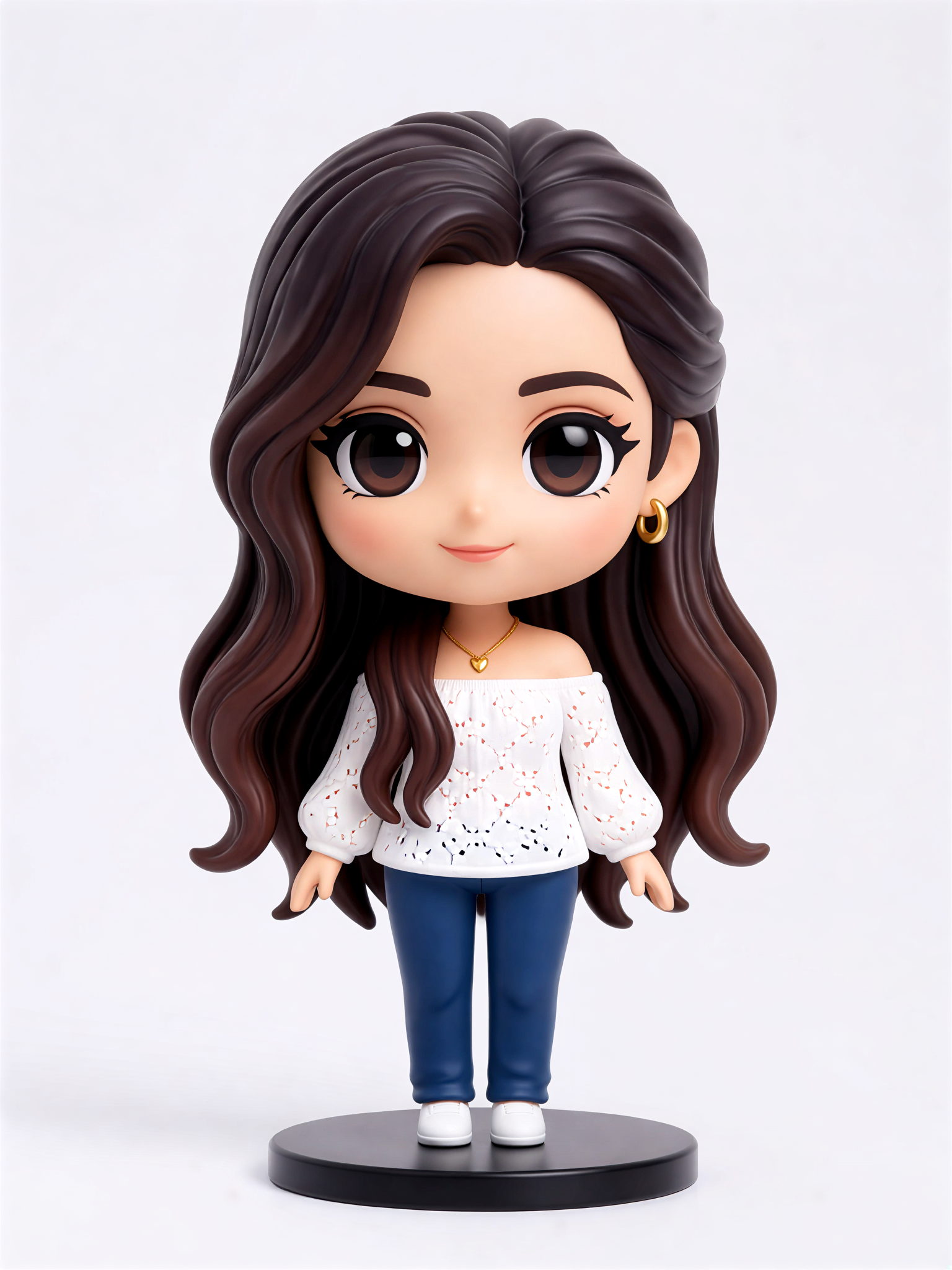
Cute Figurine

Why Pastel Filters Make Your Selfie Videos Better
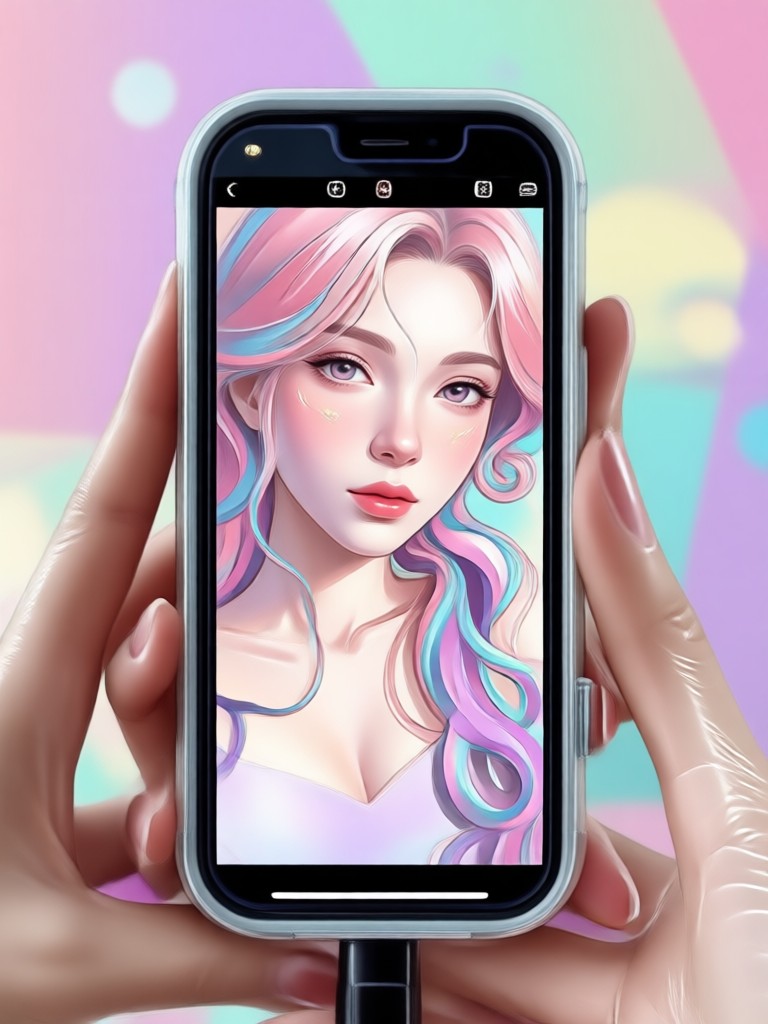
Soft dreamy pastels are more than just a trend. They smooth skin tones, soften harsh lighting, and give your videos a cinematic, romantic feel. Our AI handles the complex color grading for you.
Effortless Dreamy Presets
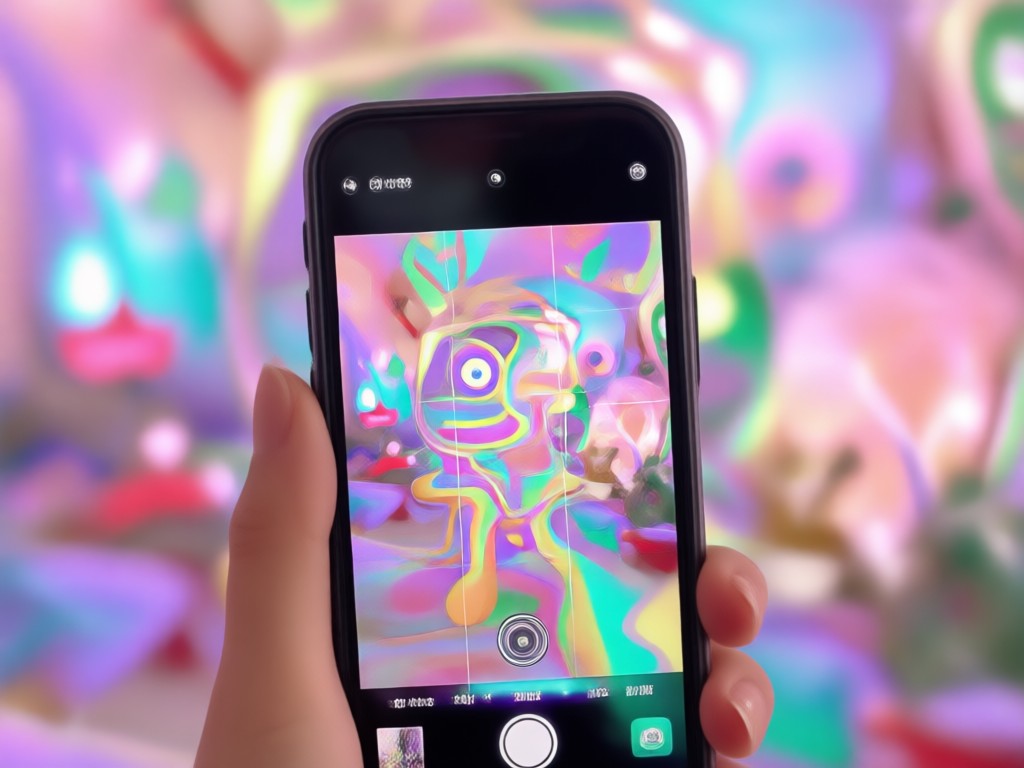
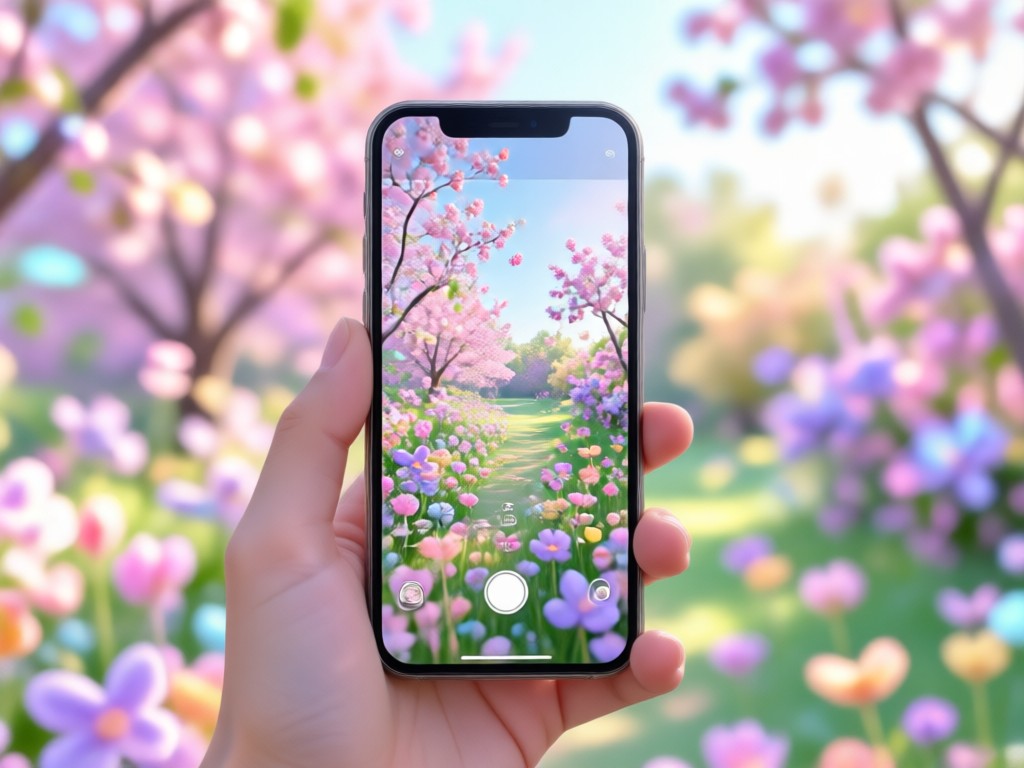
Skip the color wheel. Choose from dozens of handcrafted pastel presets that instantly apply soft pink, lavender, and cream tones to your clips.
Effortless Dreamy Presets
Skip the color wheel. Choose from dozens of handcrafted pastel presets that instantly apply soft pink, lavender, and cream tones to your clips.
AI Skin and Light Smoothing
Get that soft glow without losing detail. The AI intelligently evens out skin texture and reduces harsh highlights for a naturally polished finish.
AI Skin and Light Smoothing
Get that soft glow without losing detail. The AI intelligently evens out skin texture and reduces harsh highlights for a naturally polished finish.
Perfect for Social Trends
Match the viral aesthetic seen on TikTok and Instagram. These filters are designed to make your selfie videos look current, soft, and highly shareable.
Perfect for Social Trends
Match the viral aesthetic seen on TikTok and Instagram. These filters are designed to make your selfie videos look current, soft, and highly shareable.
Why Choose Our Aesthetic Video App
Creating a soft dreamy look usually requires professional software and hours of editing. We put that power in your pocket with a single tap.
Look Dreamy Without the Learning Curve
You do not need to be a video editor to get this look. The app analyzes your selfie video and applies the perfect pastel grade automatically. Whether you are filming a morning routine or a makeup tutorial, the result is always a soft, cohesive aesthetic. You can adjust the intensity of the glow and the warmth of the colors to match your exact mood. It is the fastest way to turn standard phone footage into a visually pleasing piece of content that draws viewers in and keeps them watching.
Look Dreamy Without the Learning Curve
You do not need to be a video editor to get this look. The app analyzes your selfie video and applies the perfect pastel grade automatically. Whether you are filming a morning routine or a makeup tutorial, the result is always a soft, cohesive aesthetic. You can adjust the intensity of the glow and the warmth of the colors to match your exact mood. It is the fastest way to turn standard phone footage into a visually pleasing piece of content that draws viewers in and keeps them watching.
How to Apply Dreamy Pastel Filters to Videos
Get the soft aesthetic look on your selfie videos in three simple steps. No complex tools required, just your phone and the app.

Step 01.
Get started by downloading the app to your Android device. It is the first step to accessing all the premium pastel filters.
Step 02.
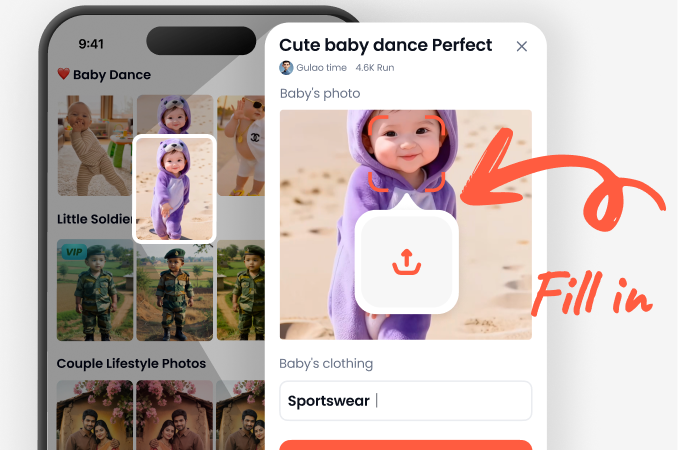
Upload your selfie video and browse the aesthetic filter library. Look for the soft dreamy pastel category to find your favorite tone.
Step 03.
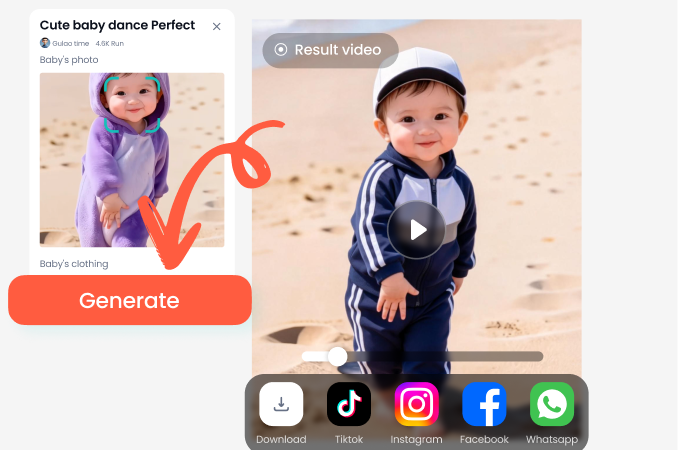
Render your video and save it to your camera roll. Share your beautiful pastel creation directly to your social media feed.
The Dreamy Aesthetic is Waiting for You
Download the app now and transform your videos into soft, colorful, and dreamy content that captures attention instantly.

Frequently Asked Questions
Find clear answers to common questions about our aesthetic video filters and pastel effects.
Ready to Look Soft and Dreamy?
Stop posting ordinary videos. Download the app and give your selfies the stunning pastel makeover they deserve.
Ready to Look Soft and Dreamy?
Stop posting ordinary videos. Download the app and give your selfies the stunning pastel makeover they deserve.