AI Bloom Effect
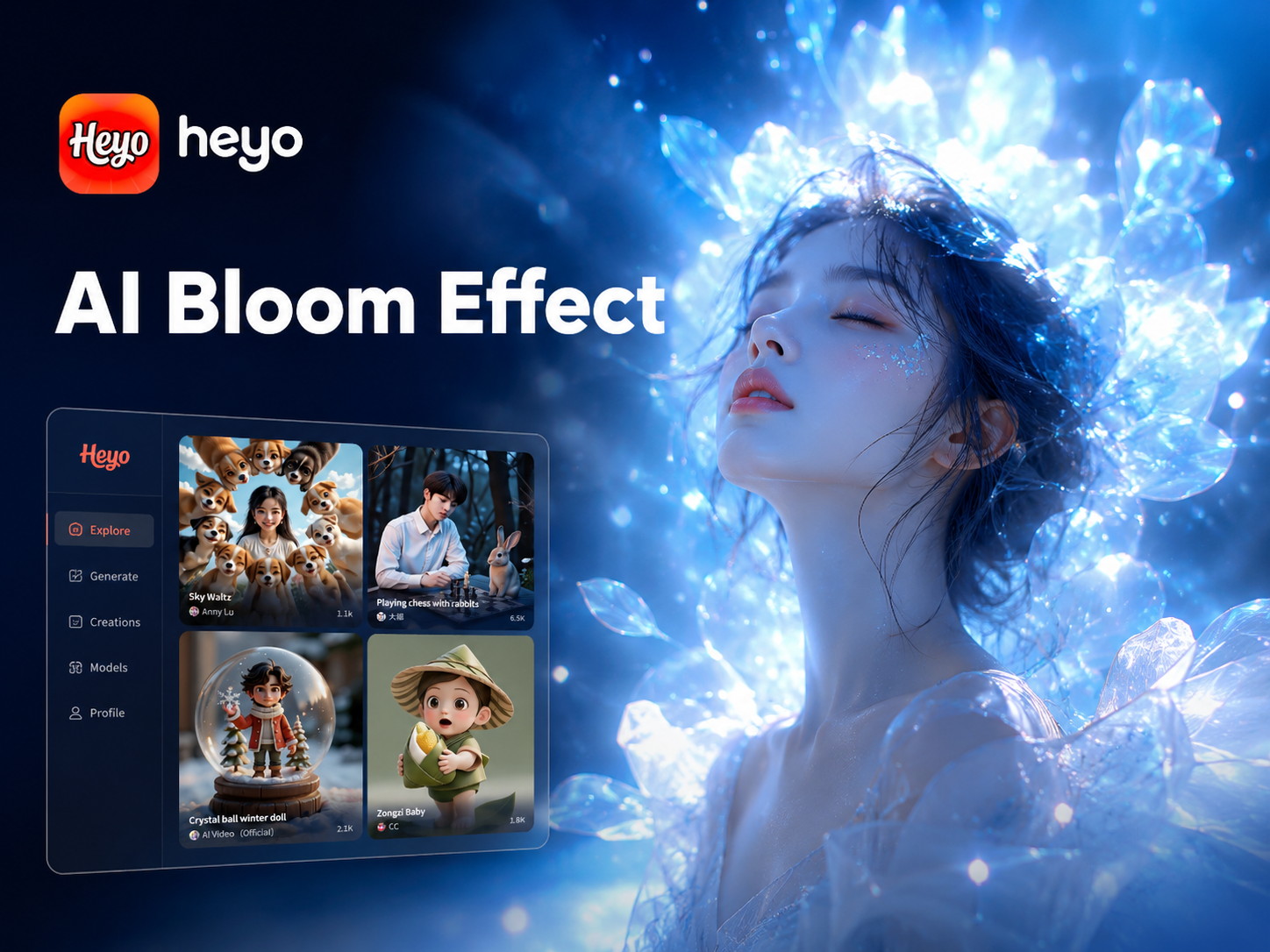
Choose Your Bloom Style
Explore a spectrum of glow effects, from subtle halos to intense radiant blooms. Find the perfect atmosphere for your image.
Why Choose Our AI Bloom Effect
Our AI Bloom Effect goes beyond a simple glow. It intelligently analyzes your image to apply light, color, and atmosphere for perfectly balanced, professional results every time.
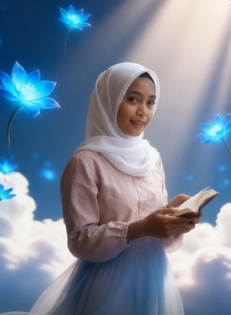
Intelligent Glow Detection
The AI doesn't just add a blanket glow. It identifies light sources, highlights, and edges in your photo to apply bloom effects realistically, enhancing the natural luminosity of your scene.
Intelligent Glow Detection
The AI doesn't just add a blanket glow. It identifies light sources, highlights, and edges in your photo to apply bloom effects realistically, enhancing the natural luminosity of your scene.
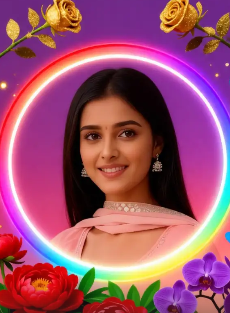
Customizable Intensity & Color
Fine-tune your bloom. Adjust the glow intensity, halo size, and color temperature from warm golden hour hues to cool, mystical blue tones to match your creative vision.
Customizable Intensity & Color
Fine-tune your bloom. Adjust the glow intensity, halo size, and color temperature from warm golden hour hues to cool, mystical blue tones to match your creative vision.
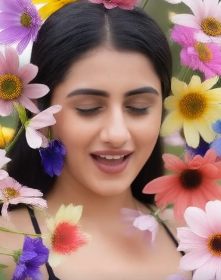
Works on Photos & Videos
Apply the dreamy AI Bloom Effect to both still images and video clips. Create consistent, ethereal aesthetics across your entire social media feed or video project seamlessly.
Works on Photos & Videos
Apply the dreamy AI Bloom Effect to both still images and video clips. Create consistent, ethereal aesthetics across your entire social media feed or video project seamlessly.
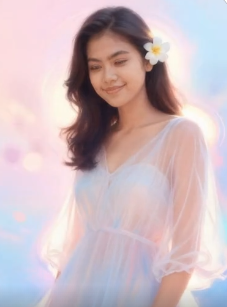
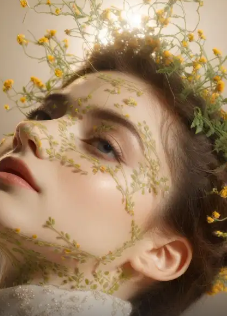
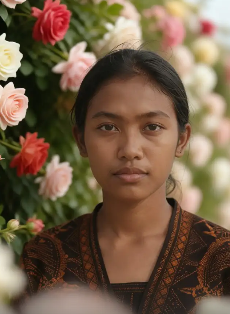
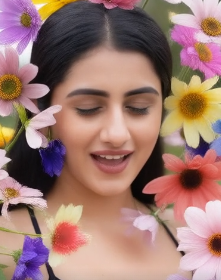
AI Flower Generator Gallery
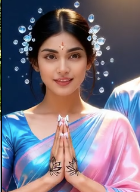
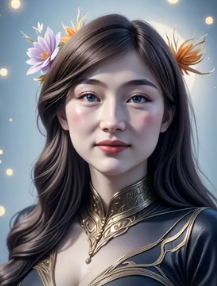
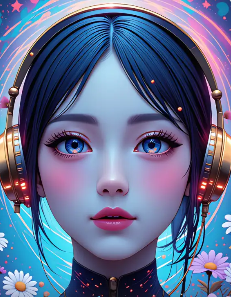
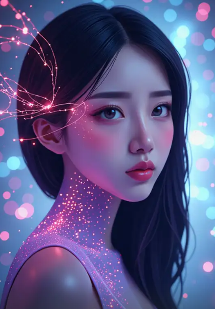
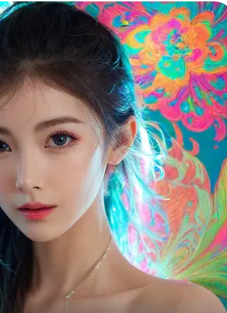
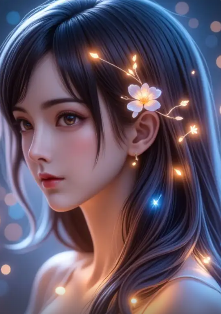
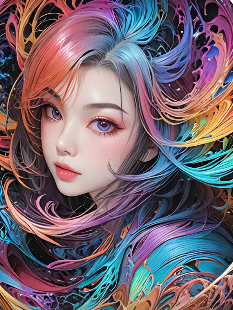
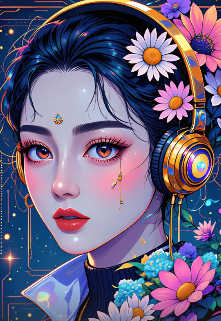
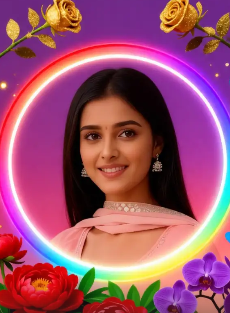
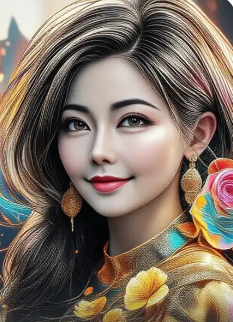
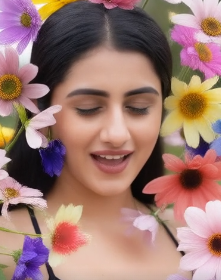
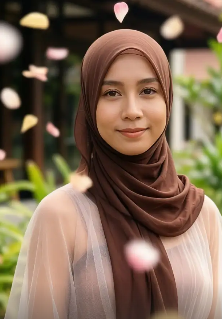
Explore a collection of stunning AI generated beautiful women created by our community. See the diversity of styles, from elegant realism to vibrant fantasy, and get inspired for your next creation.
How to Add the AI Bloom Effect?
Create stunning, glowing visuals in just three simple steps. No professional editing experience is required.

Step 01.
Download the heyo app from Google Play. It's your all in one tool for applying the AI Bloom Effect and thousands of other styles.

Step 02.
Upload your photo and browse the 'Bloom' or 'Glow' category. Choose from subtle halos, intense radiance, or colored light blooms.

Step 03.
Generate and customize. Adjust the glow intensity and color, then download your masterpiece to share instantly.
Beyond a Simple Glow Filter
Our AI Bloom Effect uses advanced machine learning to understand image composition, applying glow intelligently for professional, believable results.
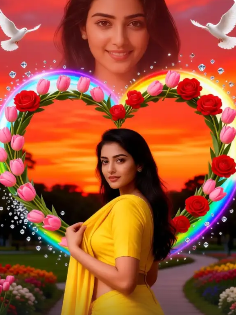
Intelligent Light Simulation
Unlike basic overlay filters, the AI Bloom Effect analyzes your photo's light sources, edges, and textures. It simulates how light would naturally bloom and scatter, creating a glow that feels organic and enhances the existing mood. This results in a more realistic and visually cohesive effect compared to manual editing or standard app filters.
Intelligent Light Simulation
Unlike basic overlay filters, the AI Bloom Effect analyzes your photo's light sources, edges, and textures. It simulates how light would naturally bloom and scatter, creating a glow that feels organic and enhances the existing mood. This results in a more realistic and visually cohesive effect compared to manual editing or standard app filters.
Creators Love the AI Bloom Effect
Transformed my portrait photography
As a portrait photographer, getting that perfect, soft glow in post production used to take me ages. The AI Bloom Effect does it in one tap with stunning, realistic results. My clients adore the dreamy look.
Essential for my fantasy art commissions
I create digital fantasy characters and scenes. Adding magical auras and light effects was the most time consuming part. Now, with the AI Bloom filter, I can establish the perfect ethereal atmosphere in seconds, which lets me focus on the creative details.
My secret for viral Instagram posts
I run a travel aesthetic page. The AI Bloom Effect gives my landscape and cityscape photos that 'wow' factor. The way it makes sunsets and city lights pop has significantly increased my engagement. It's my go to final edit.
AI Bloom Effect FAQs
Get answers to the most common questions about creating and customizing stunning glow effects with AI.
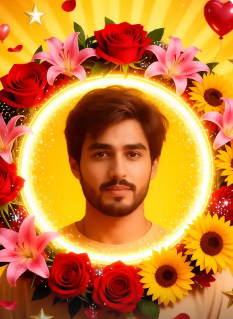
Create Magic in Your Pocket
Turn any photo into a luminous masterpiece. Download heyo now and explore the AI Bloom Effect alongside a million other creative styles.

More Visual Effects You May Like
Explore more creative AI filters and transformations to elevate your photos and videos.
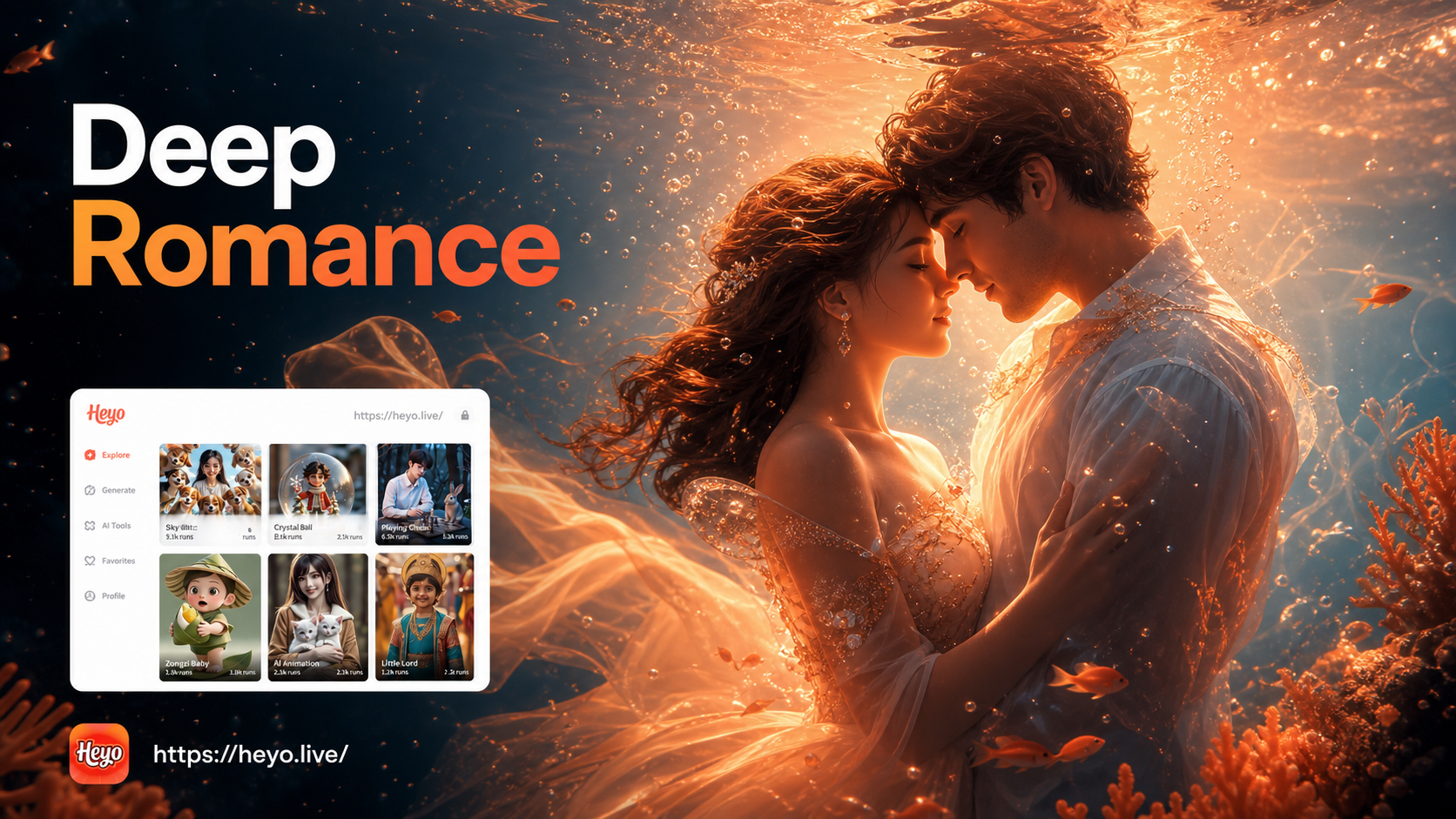
Underwater Couple Portrait
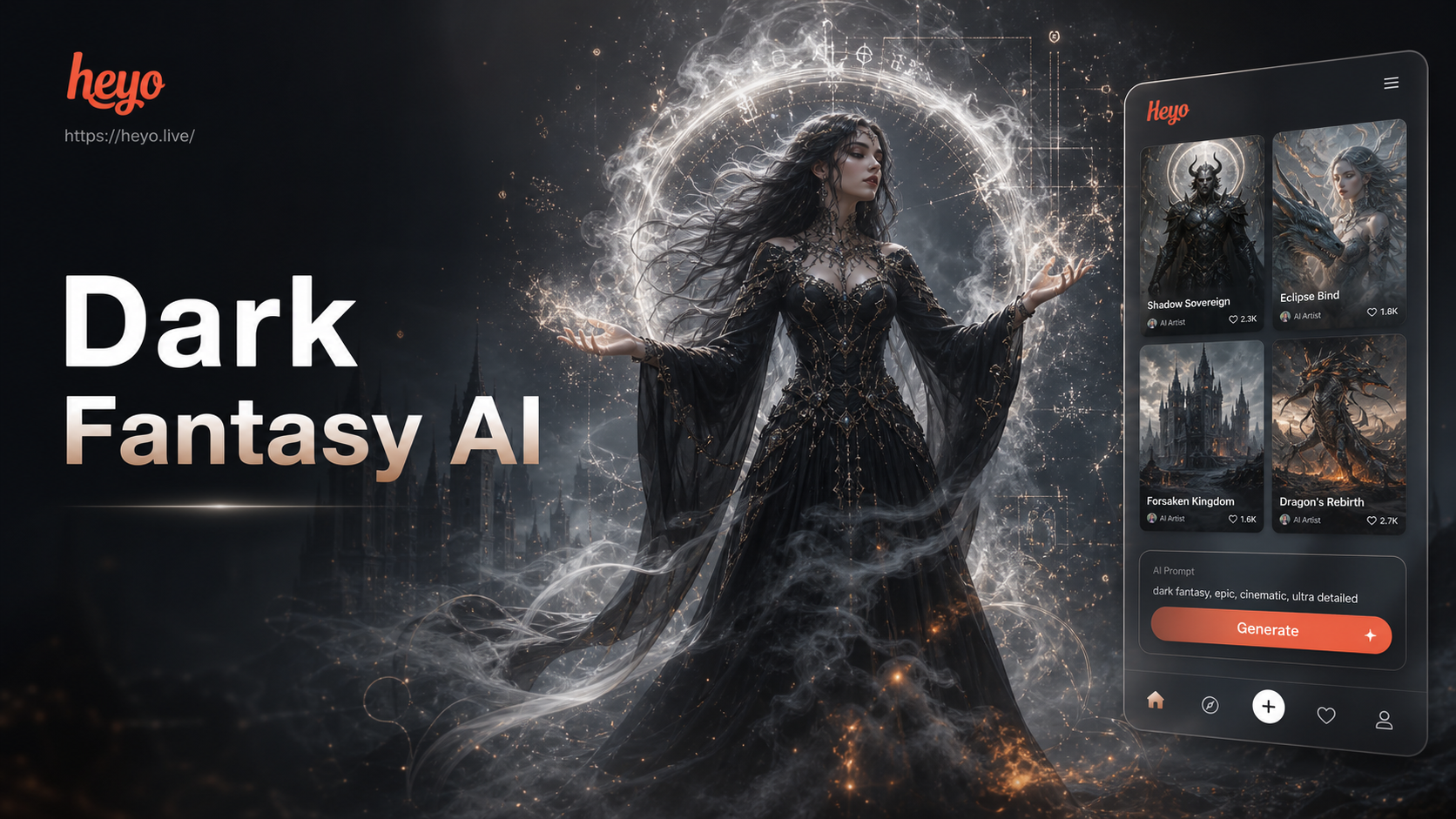
Ai Dark Fantasy Art Generator

Ai Bratz Doll Generator
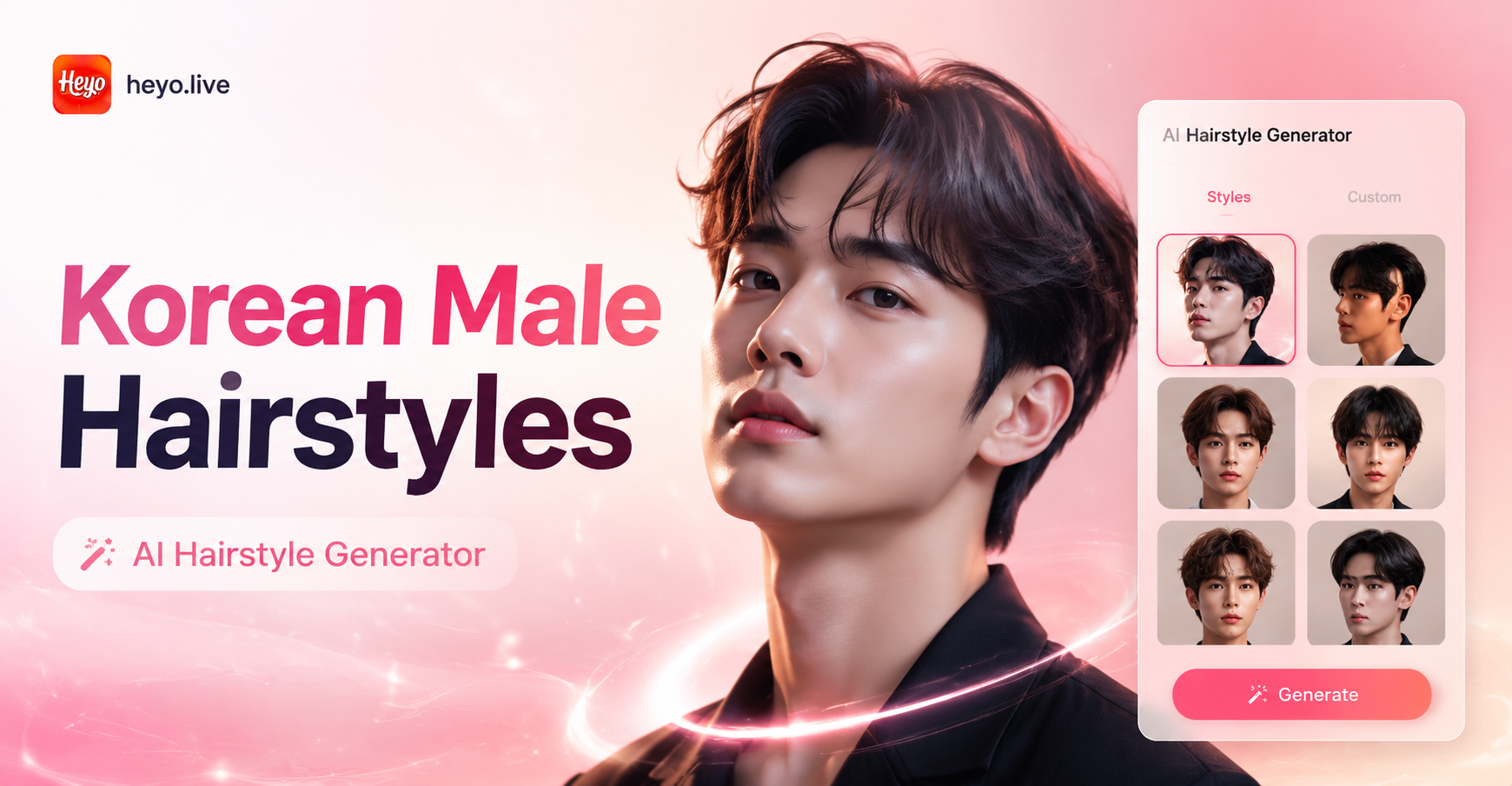
Ai Korean Male Hairstyle Generator
Underwater Couple Portrait
Ai Dark Fantasy Art Generator
Ai Bratz Doll Generator
Ai Korean Male Hairstyle Generator
Ignite Your Images with Light
Don't just edit your photos, transform them with emotion and atmosphere. Download heyo now and discover the magic of the AI Bloom Effect.
Ignite Your Images with Light
Don't just edit your photos, transform them with emotion and atmosphere. Download heyo now and discover the magic of the AI Bloom Effect.