AI Long Exposure Photography
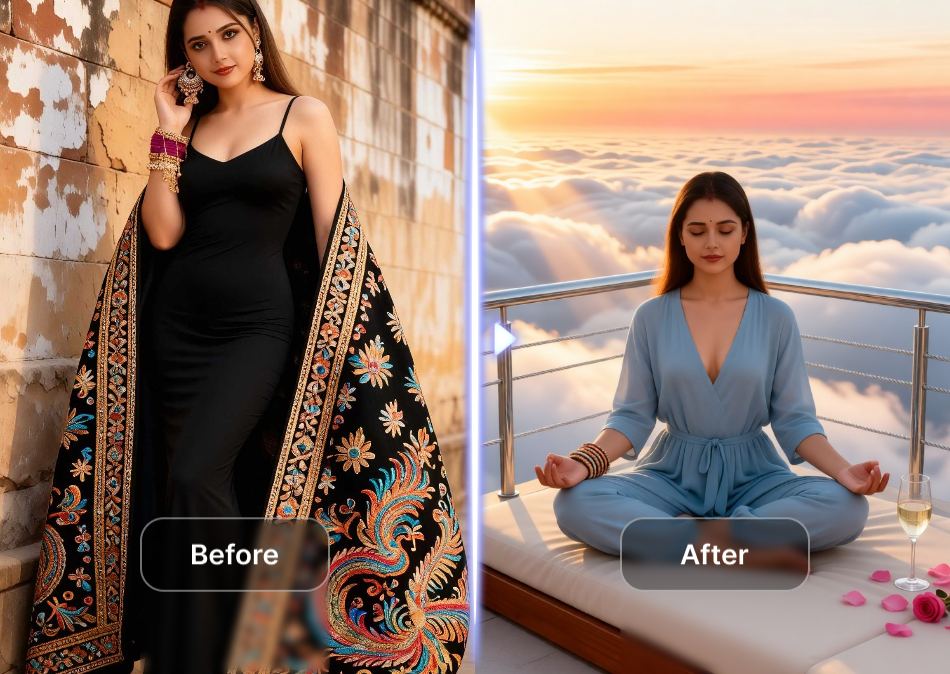
Choose Your AI Long Exposure Style
Discover a wide range of long exposure filters from silky waterfalls to neon light trails. Find the perfect style for your photo and transform it instantly.
Key Features of AI Long Exposure Photography
Explore powerful tools that make long exposure photography effortless. From realistic motion blur to one tap style filters, heyo brings professional results to your phone.
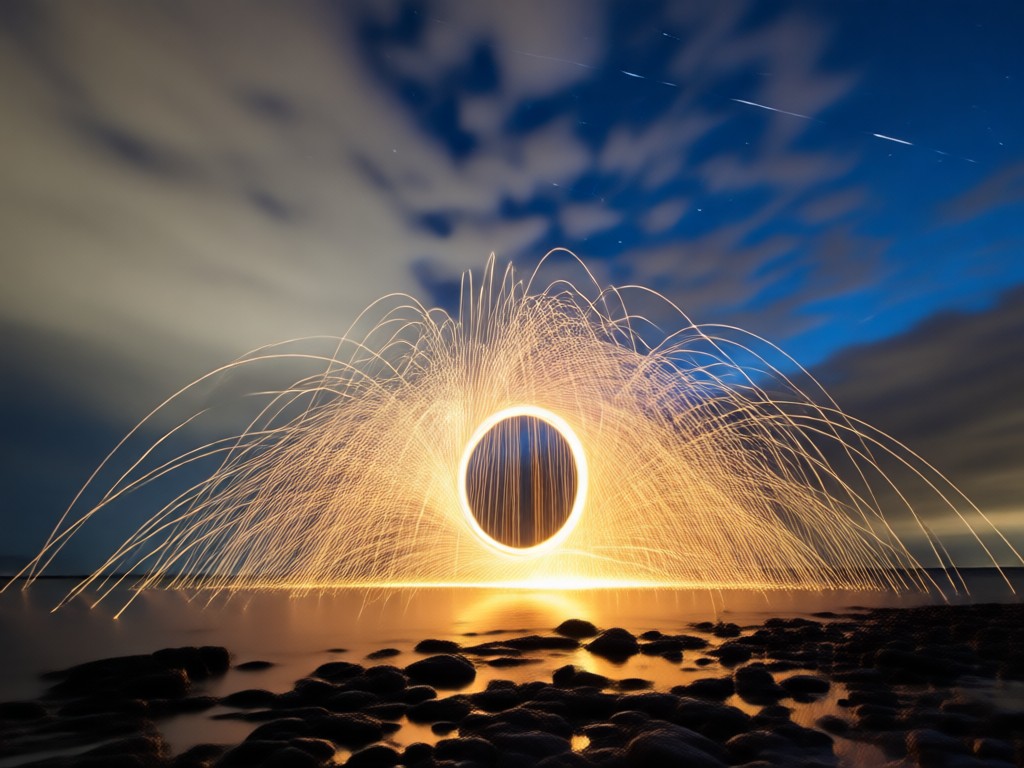
Realistic Motion Blur
Add natural long exposure effects to moving water, clouds, or traffic. The AI understands depth and motion to create smooth, cinematic blur without ghosting or artifacts.
Realistic Motion Blur
Add natural long exposure effects to moving water, clouds, or traffic. The AI understands depth and motion to create smooth, cinematic blur without ghosting or artifacts.
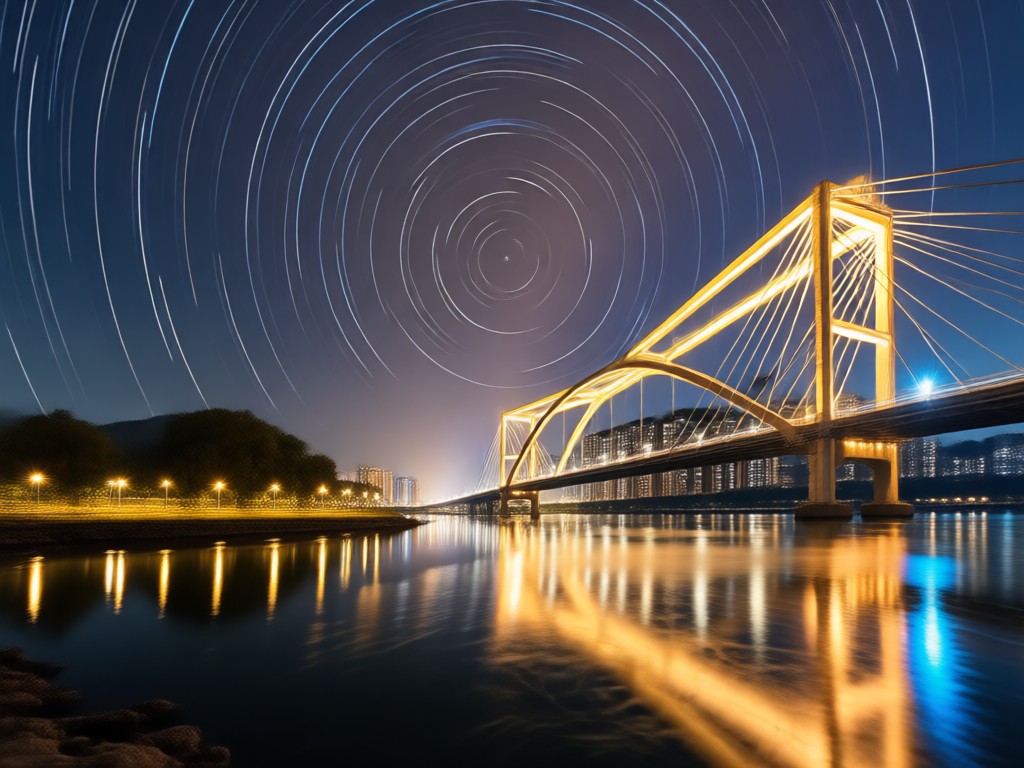
Light Trail Effects
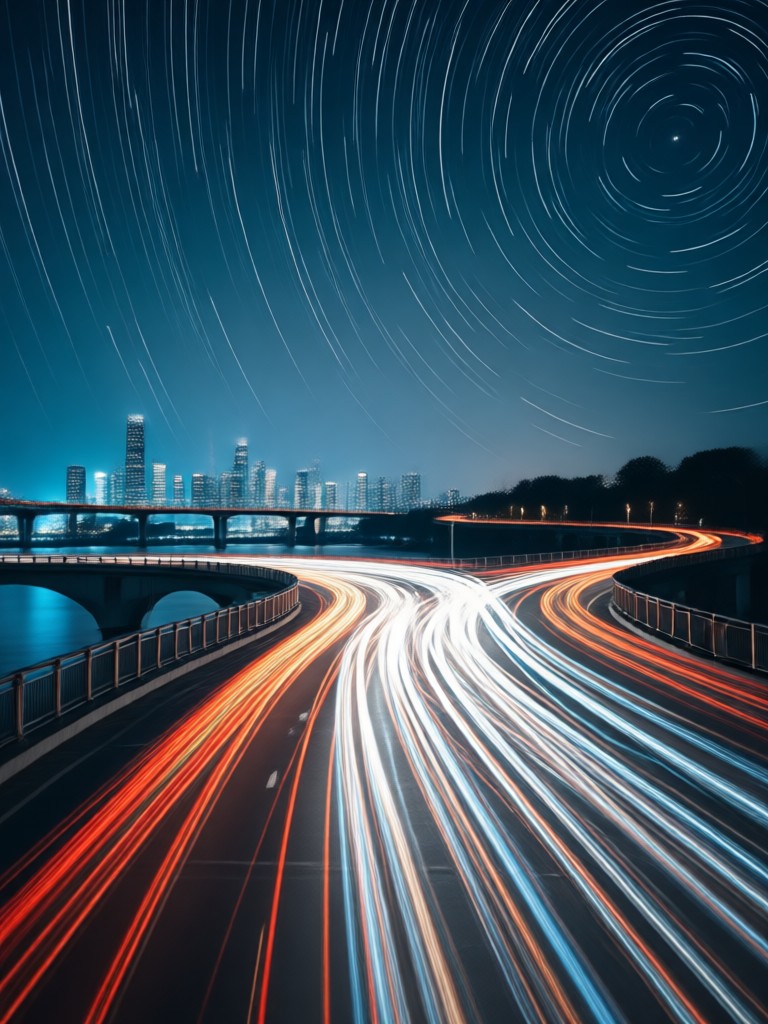
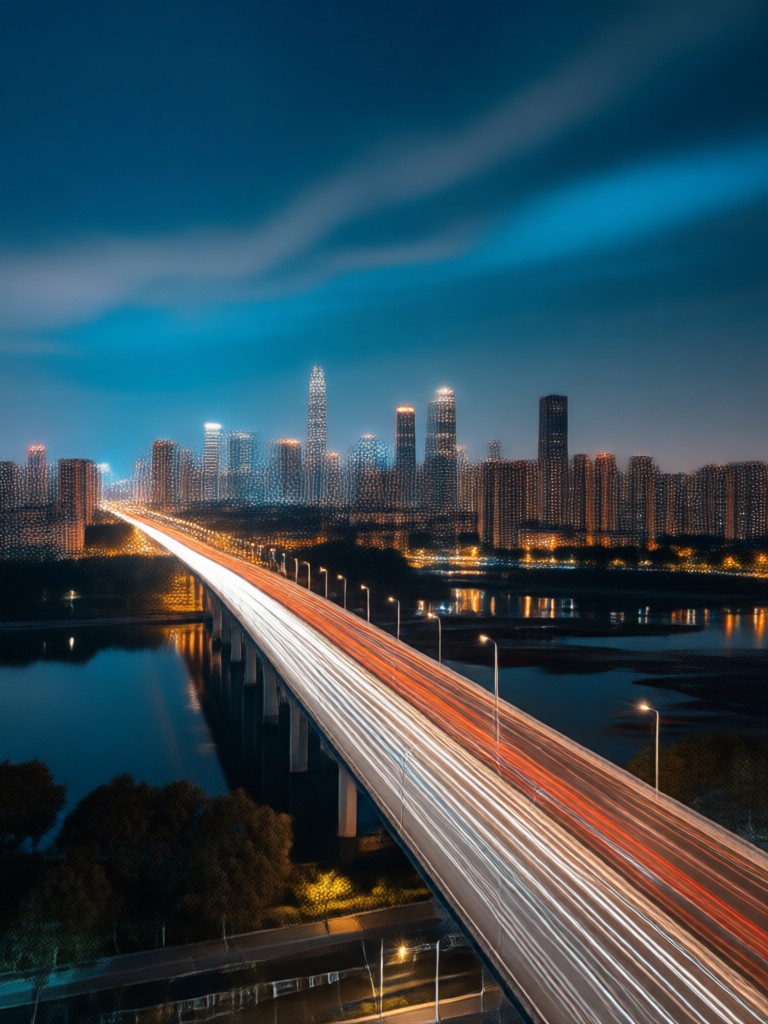
Transform city streets and highways into glowing light trails. Choose from multiple light trail styles and adjust intensity to match your creative vision in seconds.
Light Trail Effects
Transform city streets and highways into glowing light trails. Choose from multiple light trail styles and adjust intensity to match your creative vision in seconds.
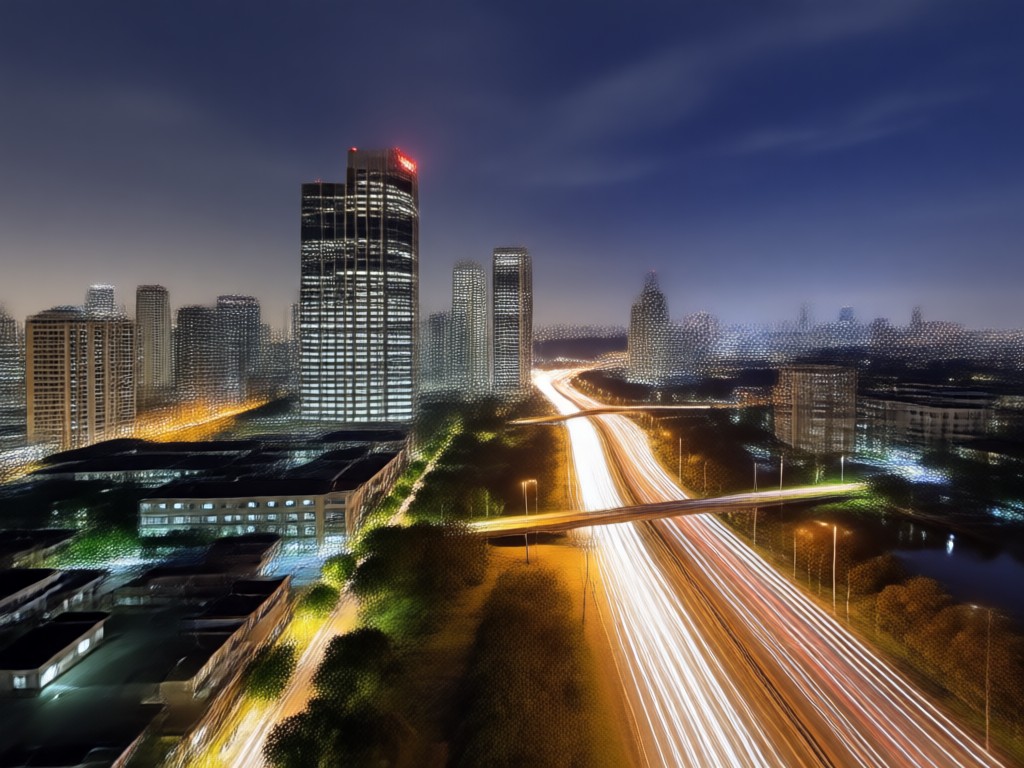
Mobile First Editing
No bulky camera or tripod required. Upload any photo from your gallery and apply long exposure styles directly on your phone. Simple controls for instant sharing.
Mobile First Editing
No bulky camera or tripod required. Upload any photo from your gallery and apply long exposure styles directly on your phone. Simple controls for instant sharing.
How to Create AI Long Exposure Photos?
Make stunning long exposure images in three simple steps using the heyo app. No photography experience required.

Step 01.
Download the heyo app from Google Play and open it on your phone.
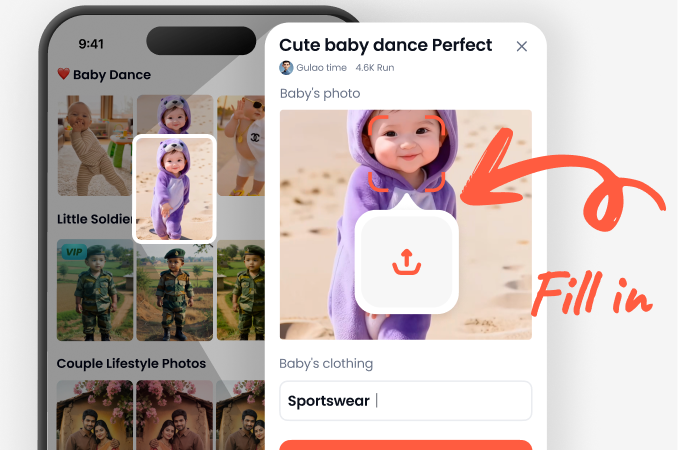
Step 02.
Upload a photo and select an AI long exposure style from the filter library.
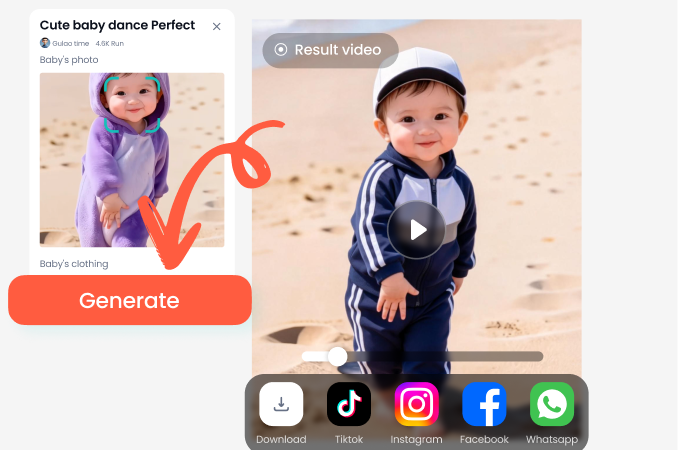
Step 03.
Generate your long exposure photo, then save and share it on social media.
AI Long Exposure Photography Gallery
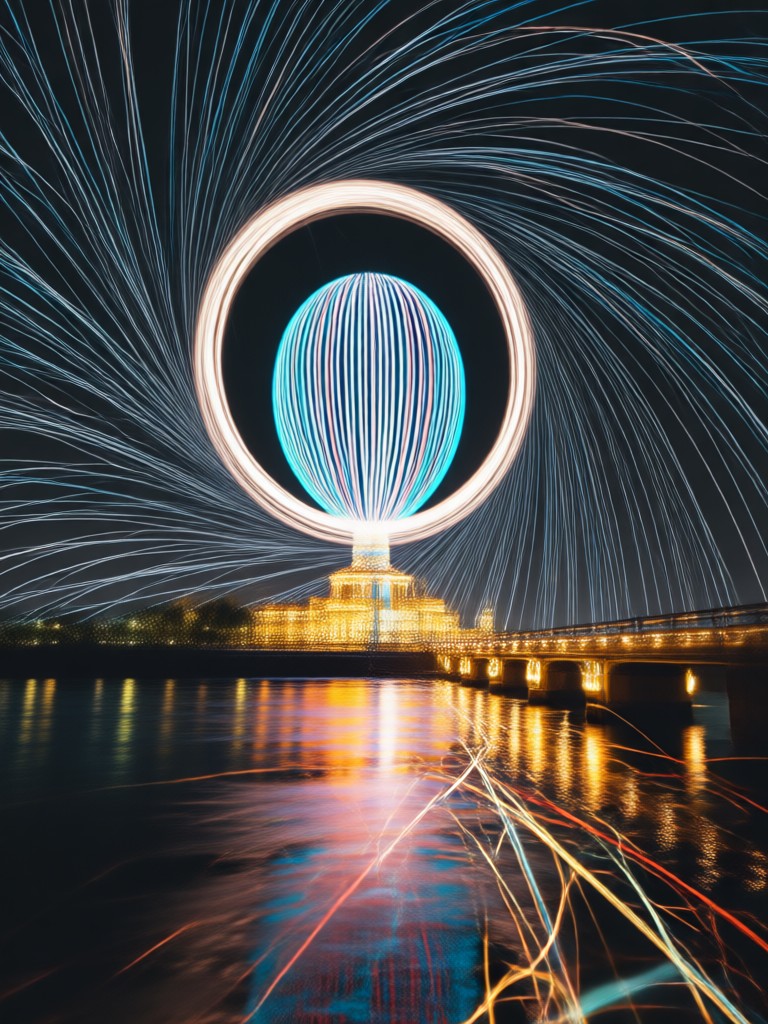
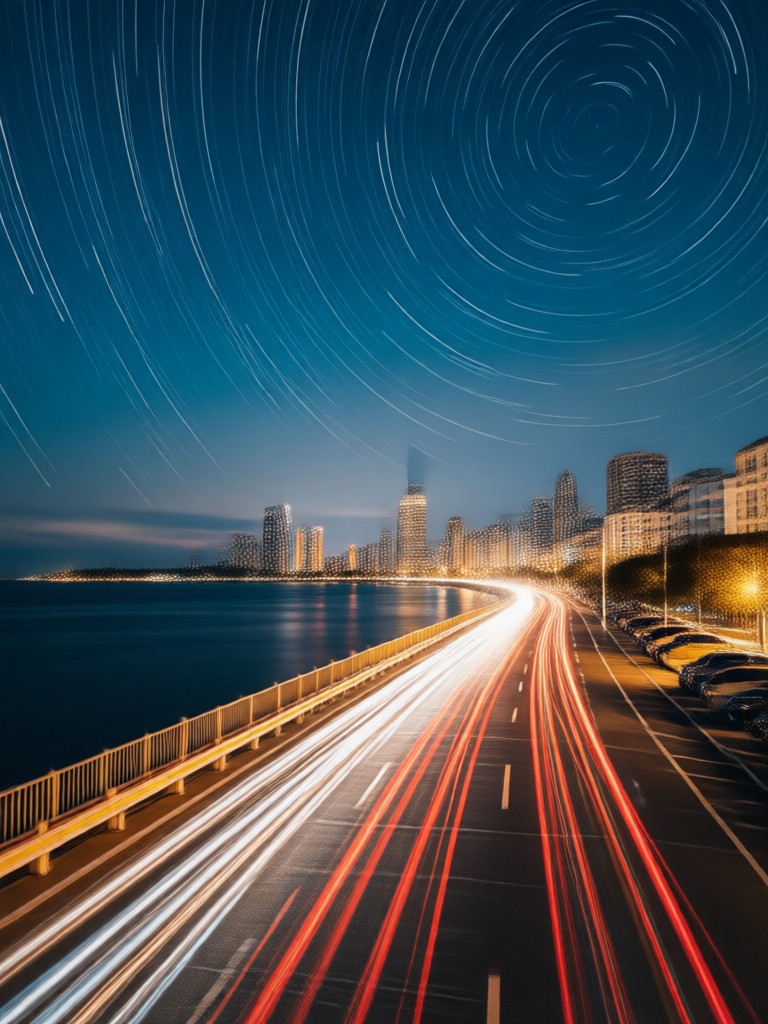
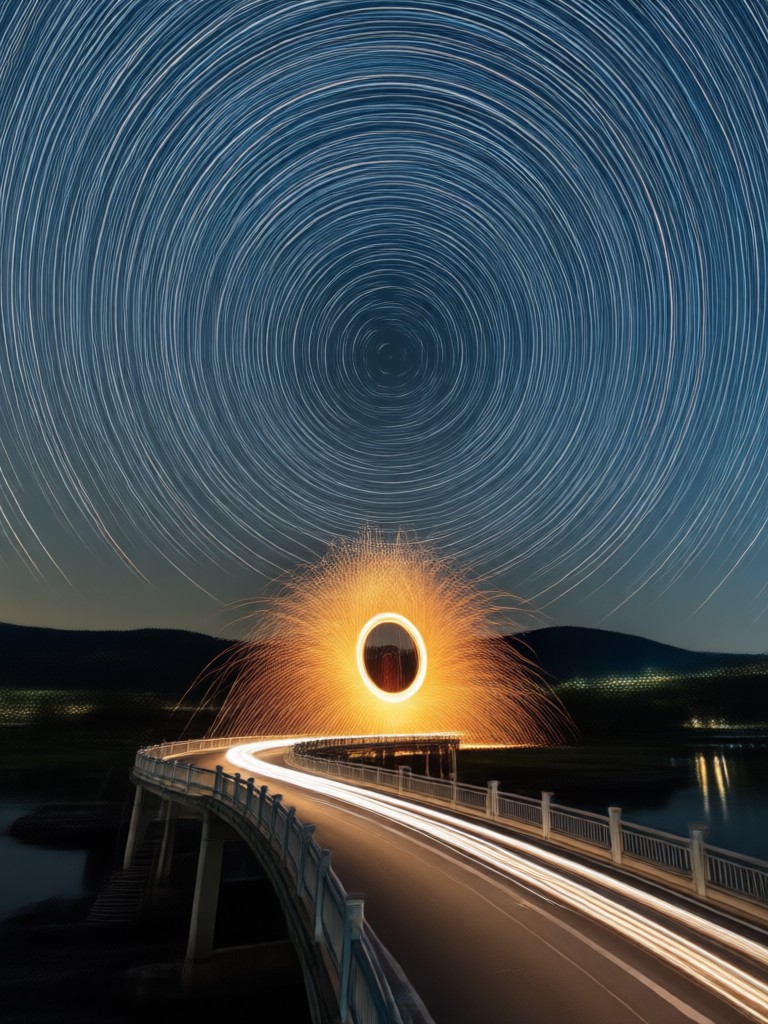
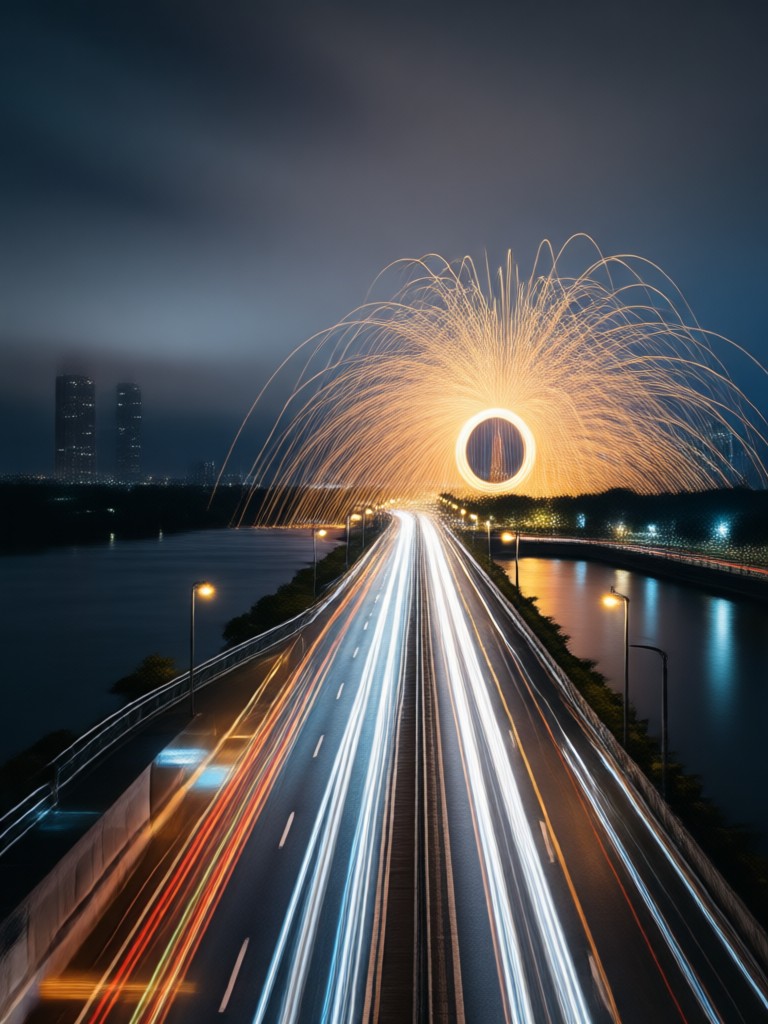
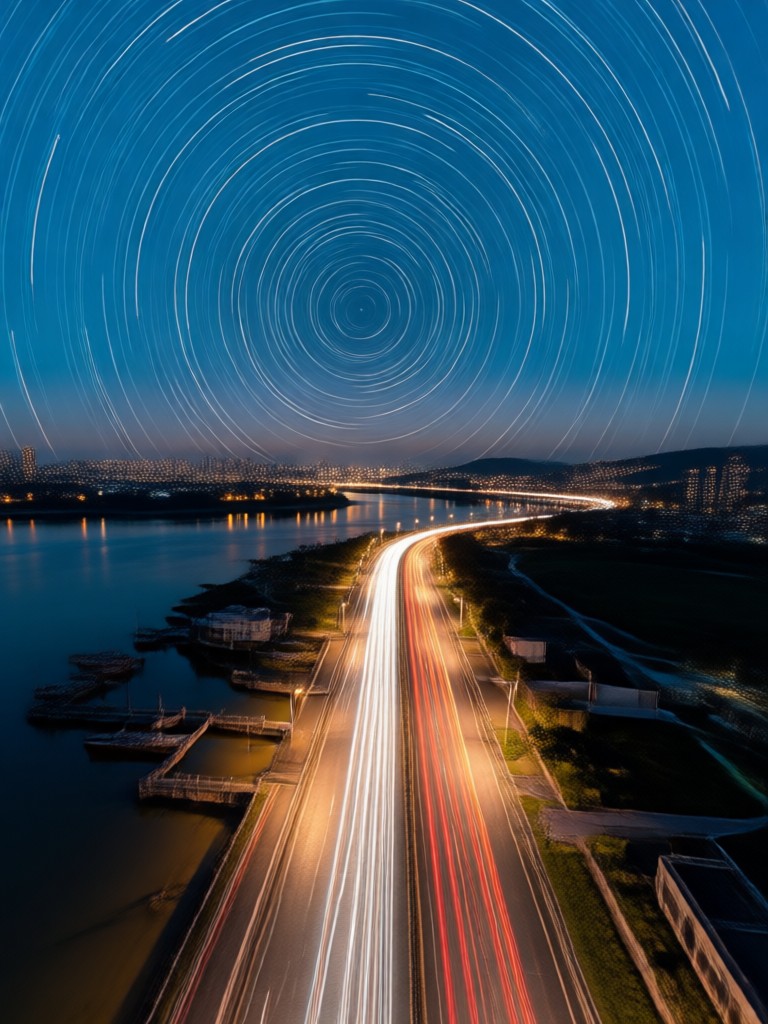
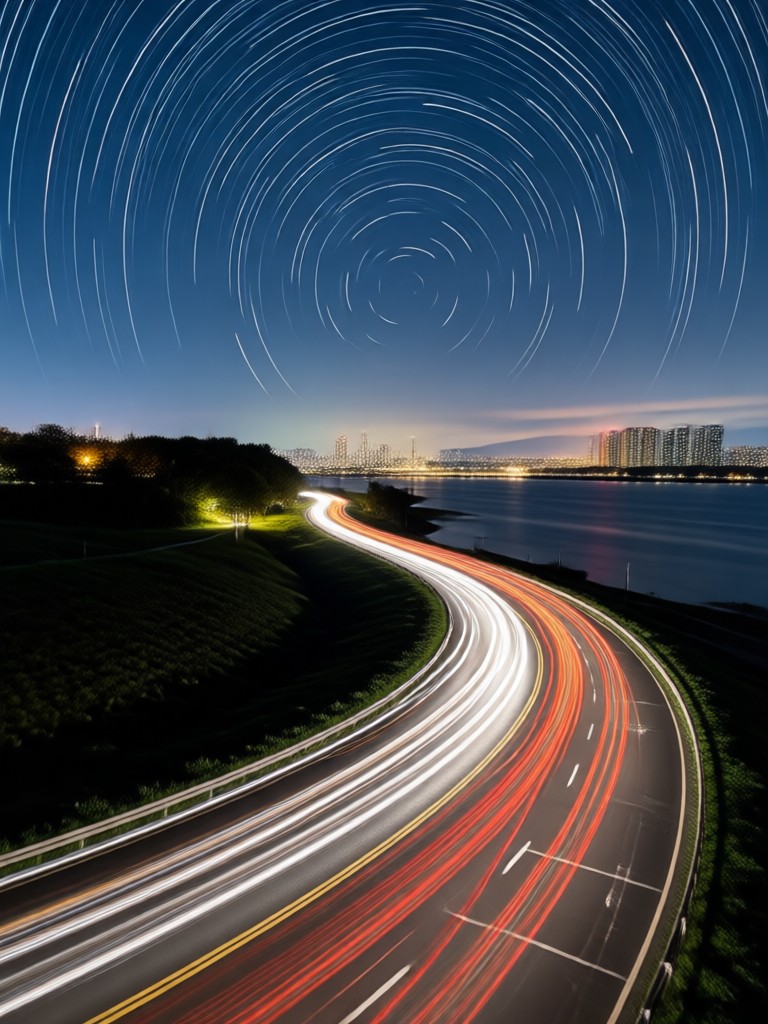
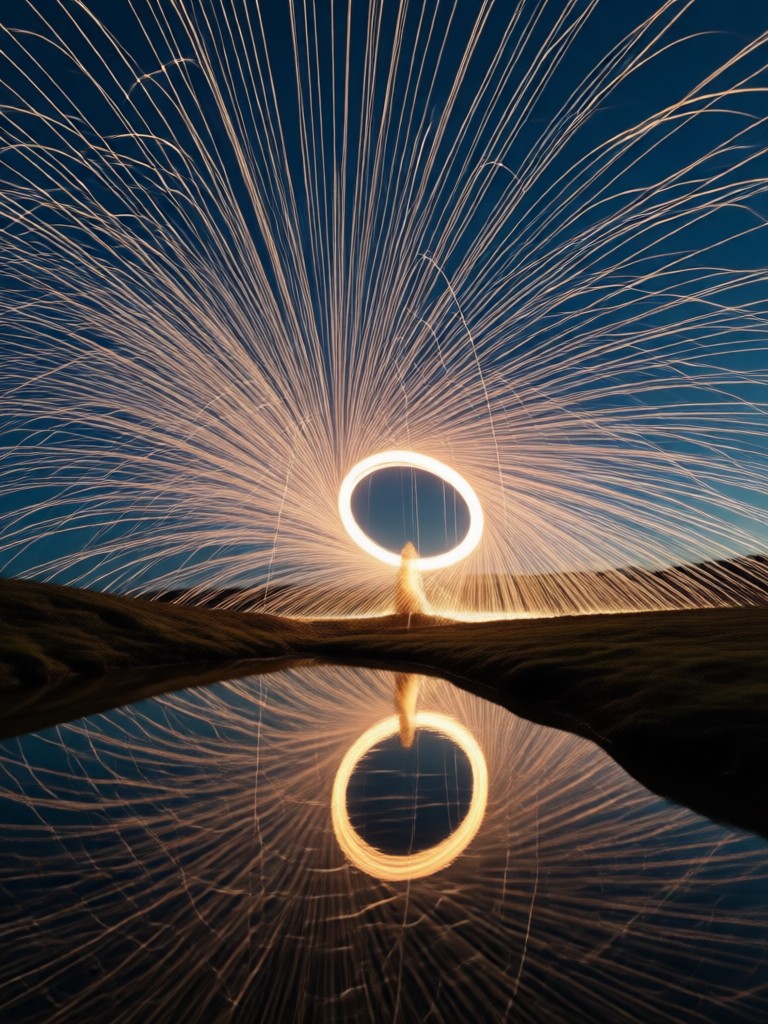
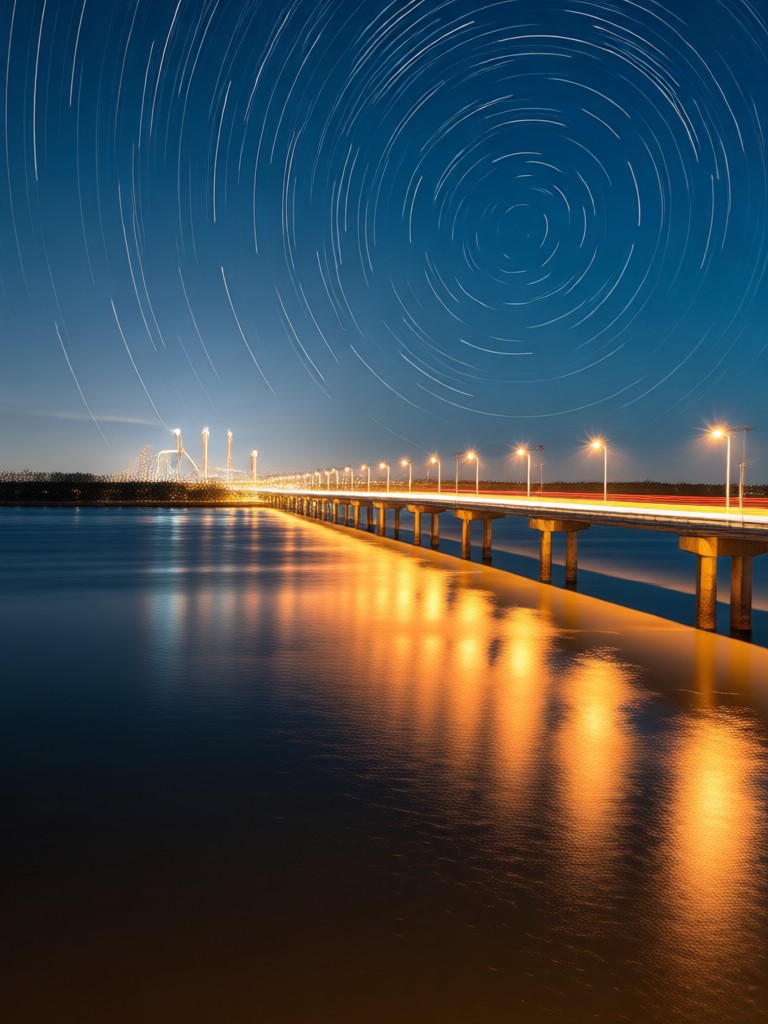
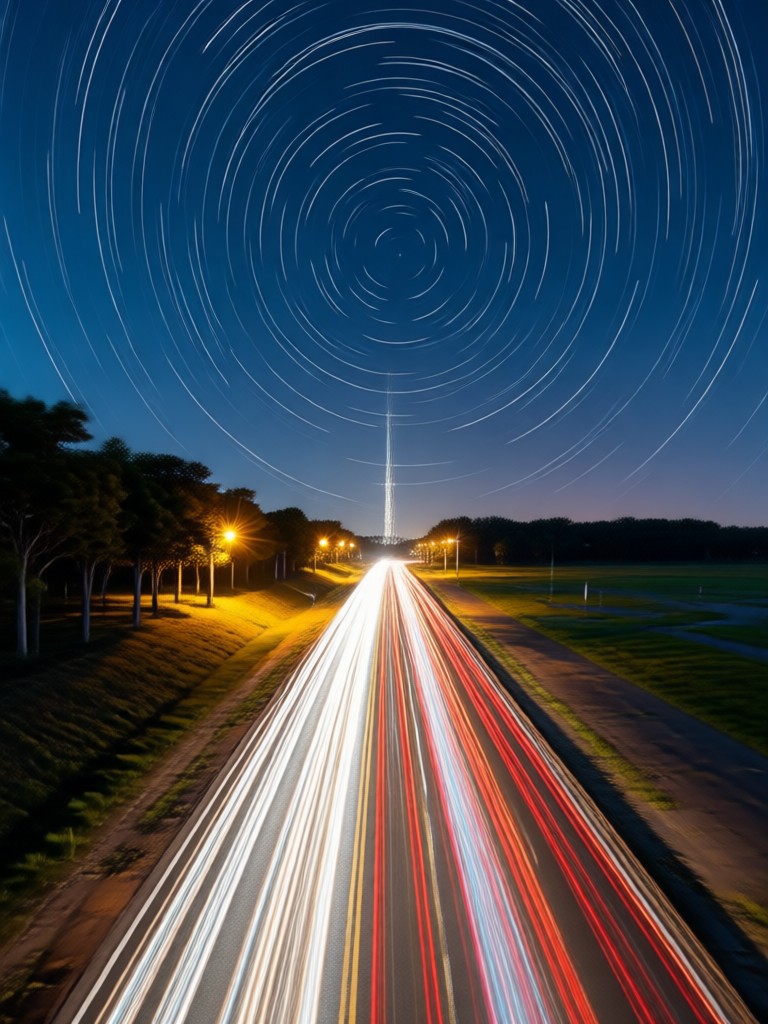
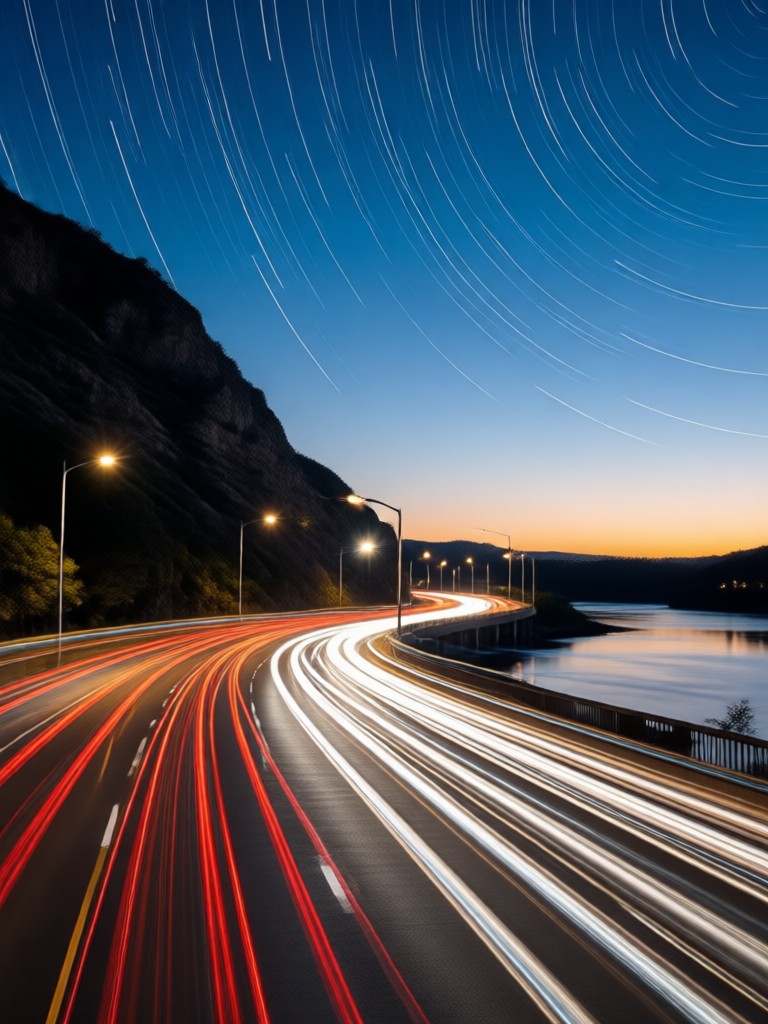
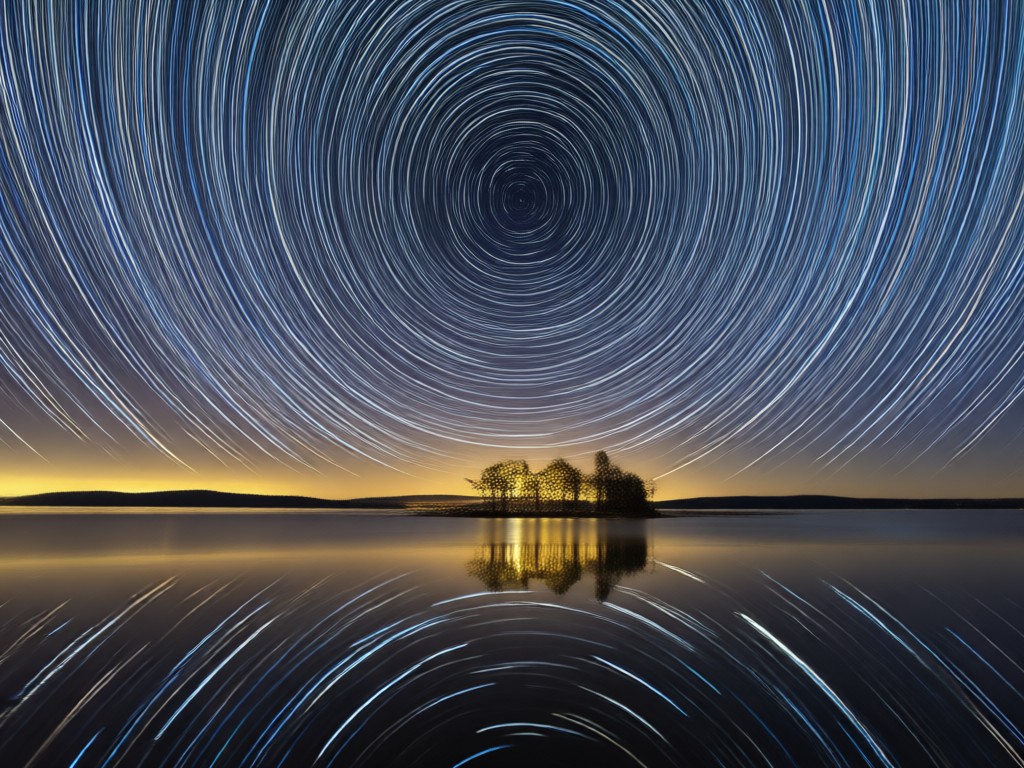
Browse stunning examples of AI generated long exposure images. See how ordinary photos transform into dreamy landscapes, glowing cityscapes, and ethereal portraits.
Why Use AI Long Exposure Photography?
Traditional long exposure shots need a tripod, dark filters, and perfect timing. AI long exposure removes all barriers. Upload any photo, pick a style, and get a professional result in seconds. It is perfect for landscapes, city scenes, and creative portraits without leaving your phone.
Why Use AI Long Exposure Photography?
Traditional long exposure shots need a tripod, dark filters, and perfect timing. AI long exposure removes all barriers. Upload any photo, pick a style, and get a professional result in seconds. It is perfect for landscapes, city scenes, and creative portraits without leaving your phone.
How to Add Long Exposure Effect to Your Photo?
Open the heyo app, upload a photo from your gallery, and select a long exposure filter. Adjust the intensity with a slider, then tap generate. Your photo becomes a silky smooth or light streaked masterpiece in seconds. No manual masking or layer work required.
Here is What Creators Think About AI Long Exposure
Finally long exposure without a tripod
I always loved silky water photos but never wanted to carry a tripod. heyo lets me create them from my couch with a few taps. The results look surprisingly natural.
Light trails made easy
City night shots used to take me an hour of setup. Now I upload a regular photo and get gorgeous light trails in seconds. It is my favorite AI tool for Instagram.
Perfect for creative portraits
I use AI long exposure to add dreamy motion blur behind my subjects. It makes my portraits stand out and takes almost no effort.
Frequently Asked Questions
Find clear answers to common questions about AI long exposure photography and how to get the best results with heyo.
More Topics You May Like
Explore more AI photography styles and effects to expand your creative toolkit.
Turn Your Photo into a Pro Golfer with AI
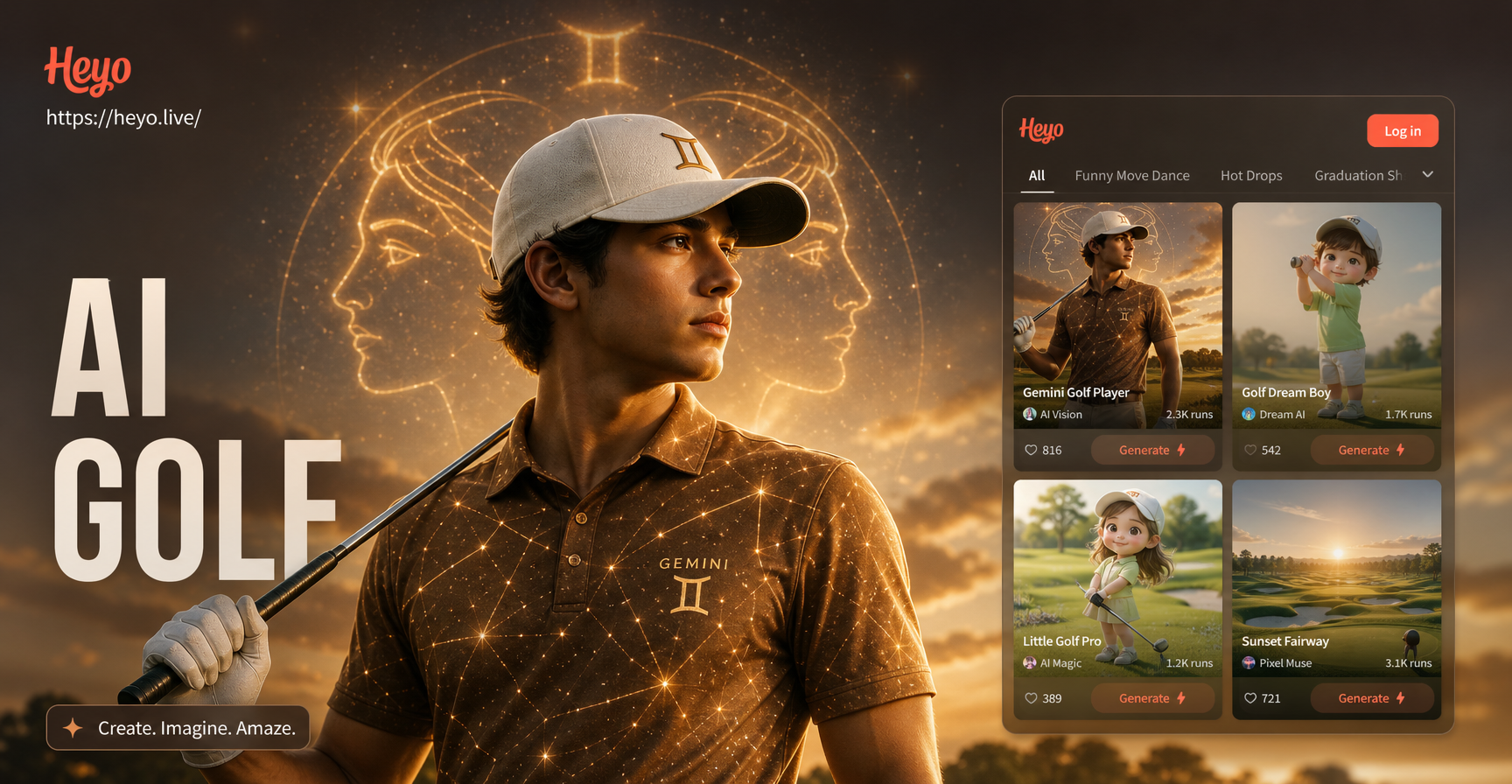
Create realistic Gemini AI golf player photos. Upload a selfie, pick a golf style, and get a pro athlete portrait in seconds. No editing skills needed.
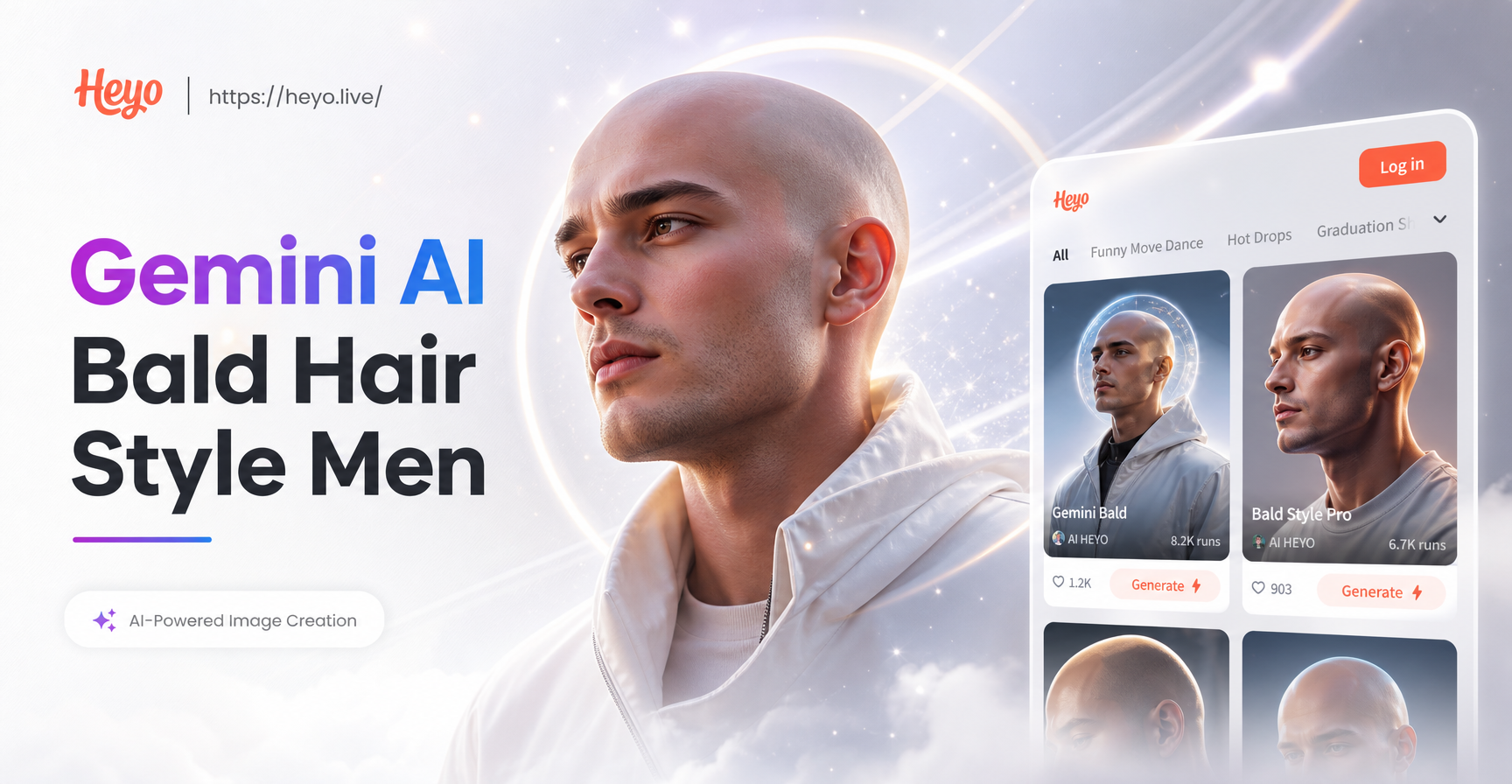
Bold Bald Looks for Men: Try Gemini AI Styles
See your bald look instantly with Gemini AI. Upload a photo and try realistic bald hair styles for men, from smooth to faded. No salon visit needed.

Create Gemini AI Paris Vacation Photo in Seconds
Turn your travel dreams into stunning Gemini AI Paris vacation photo edits. Upload a picture, pick Paris scenes, and get realistic results instantly.
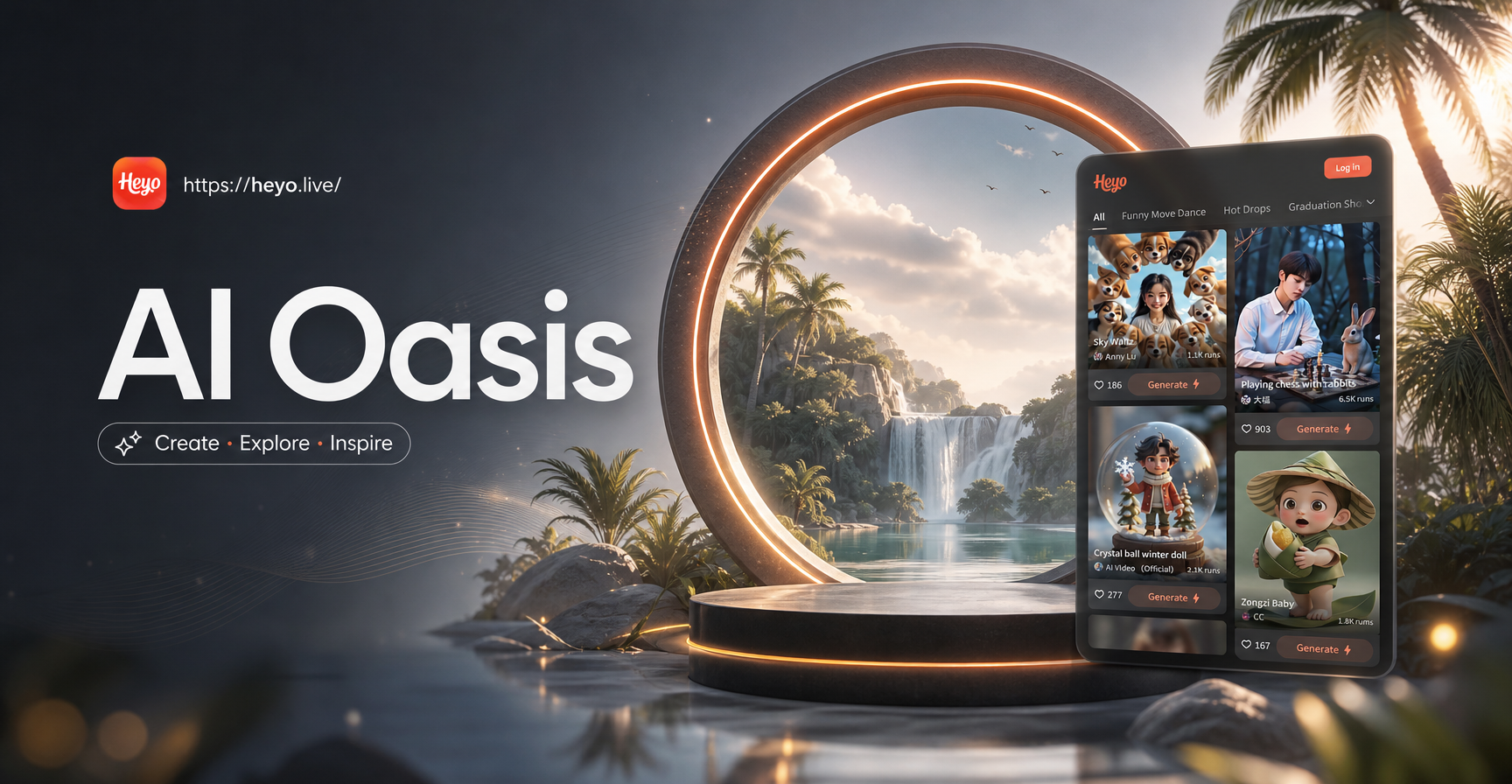
Craft Dreamy AI Oasis Images in Seconds
Turn text into stunning AI oasis images. Pick from desert, tropical, fantasy, and realistic filters, then download your creation in HD. No design skills needed.
Trending AI Effects at Your Fingertips
Apply the latest long exposure, light trail, and motion blur effects to your photos effortlessly. Stay ahead of trends and create content everyone will notice.

Trending AI Effects at Your Fingertips
Apply the latest long exposure, light trail, and motion blur effects to your photos effortlessly. Stay ahead of trends and create content everyone will notice.