AI Medium Shot Photo
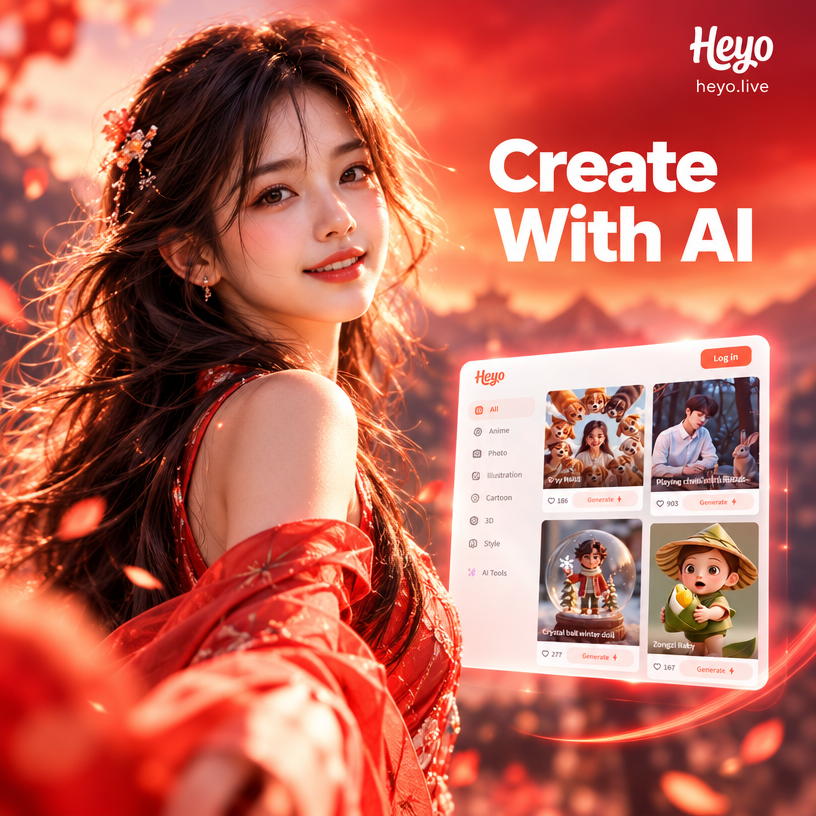
Choose the Medium Shot Style That Fits You
Discover filters for realistic portraits, cinematic frames, anime looks, and more. Find the perfect medium shot style for your next photo.
Key Features of AI Medium Shot Photo
Create balanced, subject focused medium shot images with intuitive controls and realistic output.
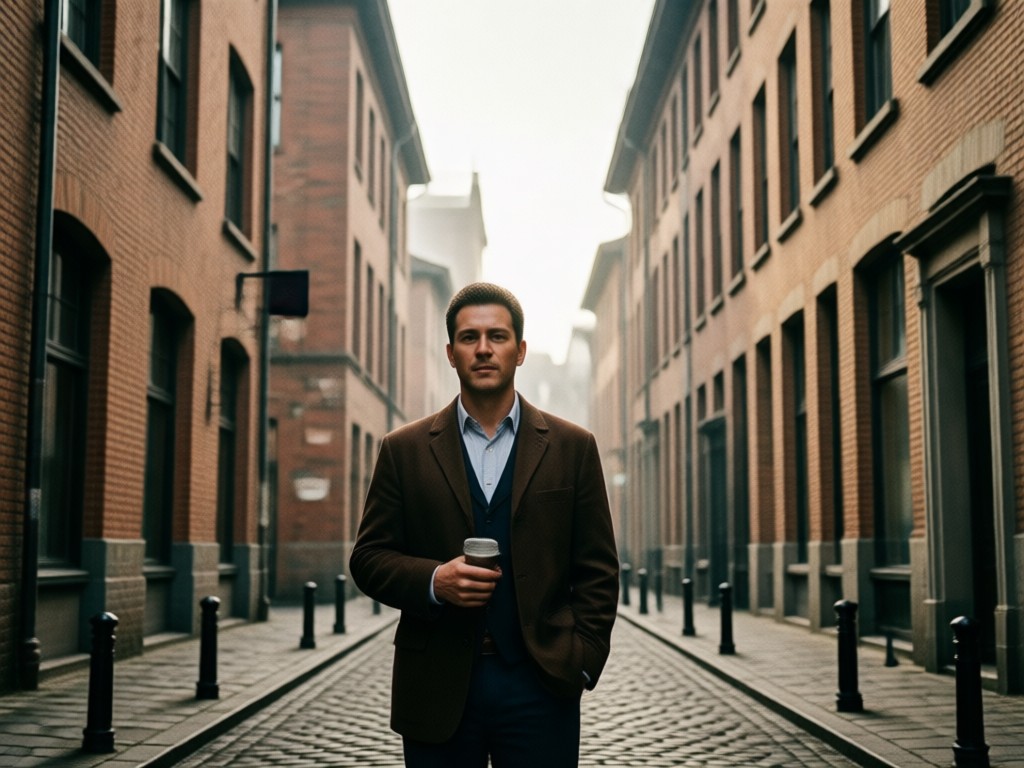
Automatic Subject Framing
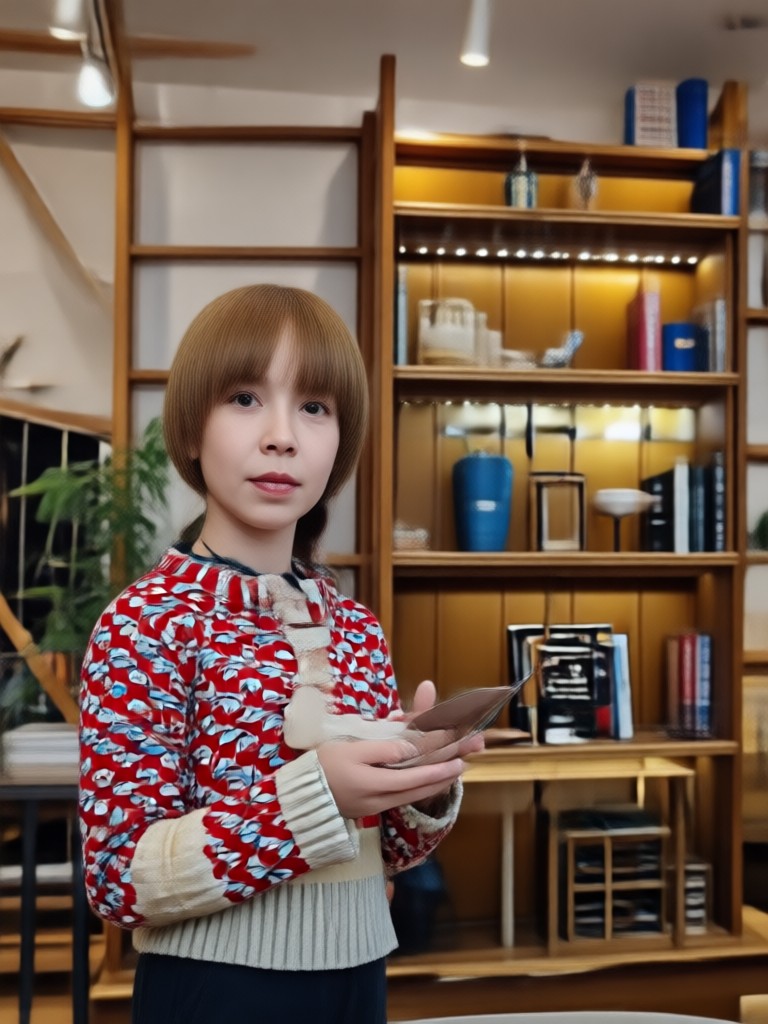
AI automatically frames subjects from the waist up, keeping proportions natural and the composition balanced for portraits and profile pictures.
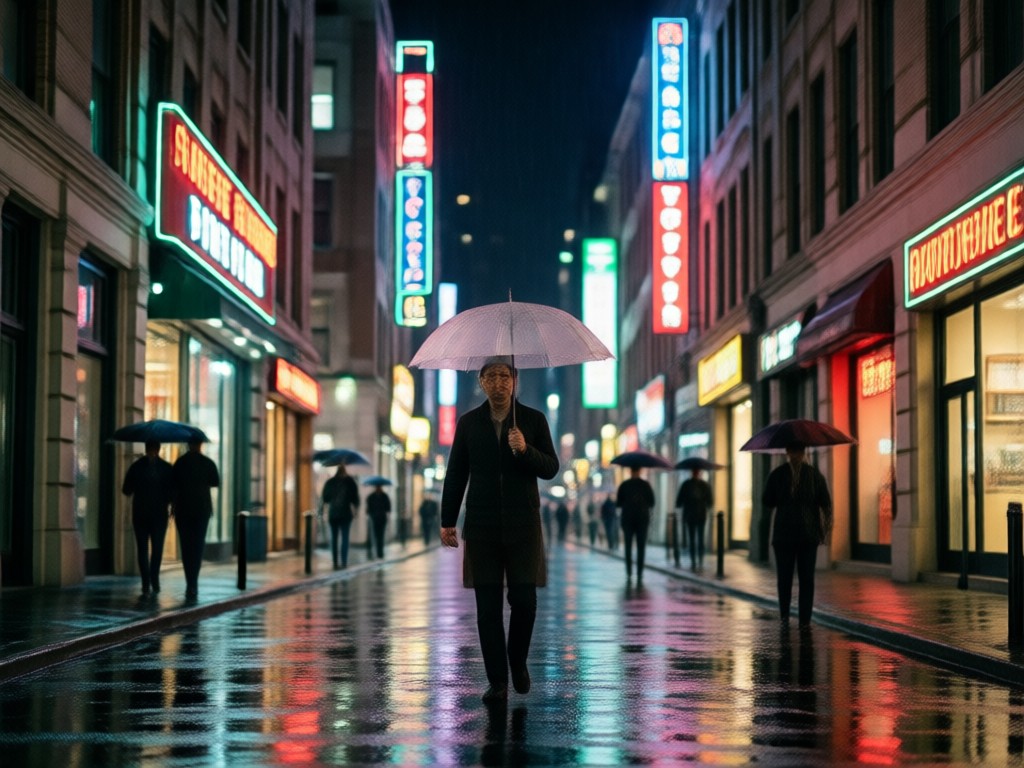
Massive Style Library
Apply over a million filters, from cinematic film to anime and watercolor, while preserving facial details and clothing texture.
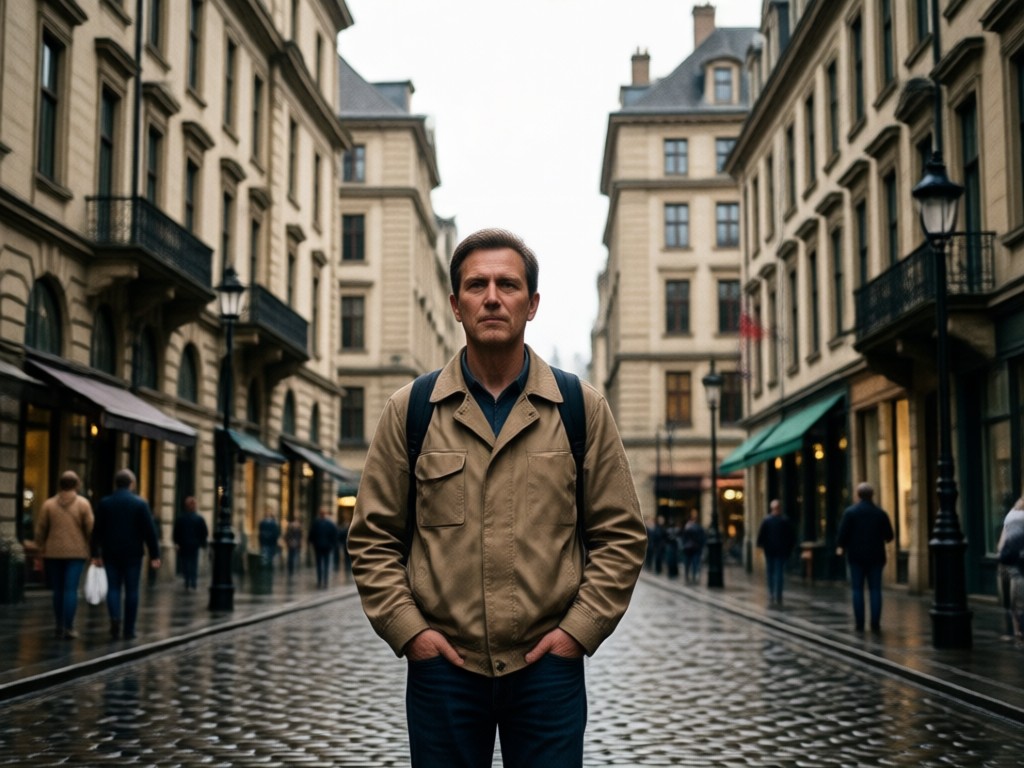
High Resolution Output
Export crisp medium shot photos ready for Instagram, TikTok, YouTube thumbnails, or even print without losing detail.
Explore AI Medium Shot Photo Gallery
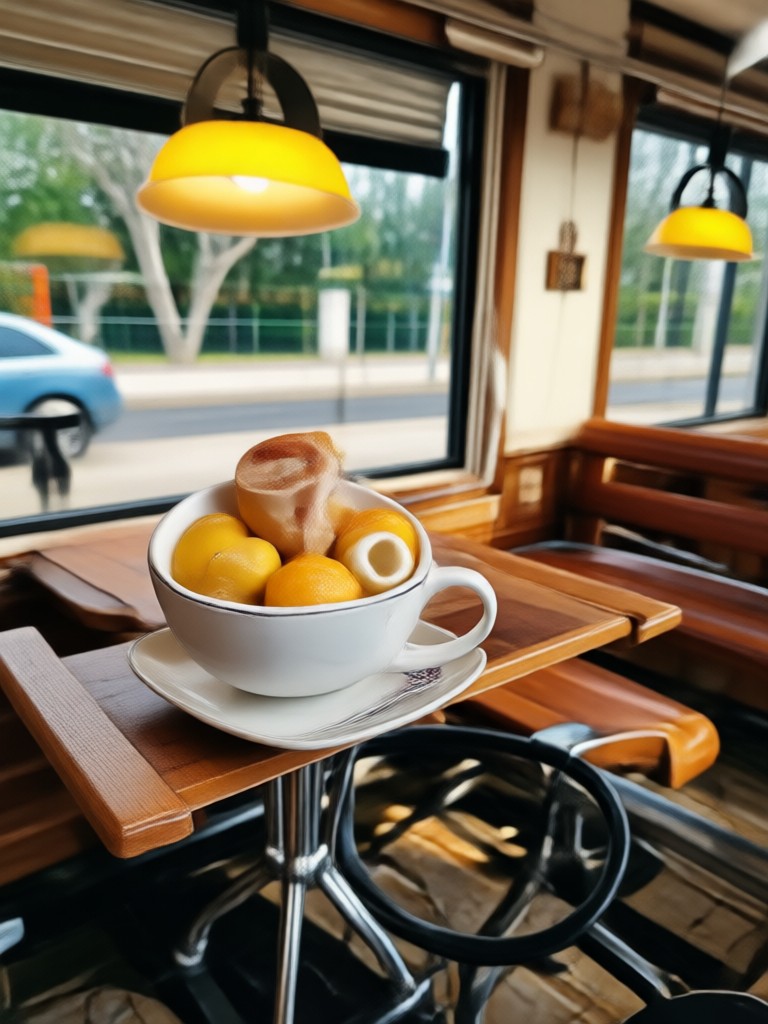
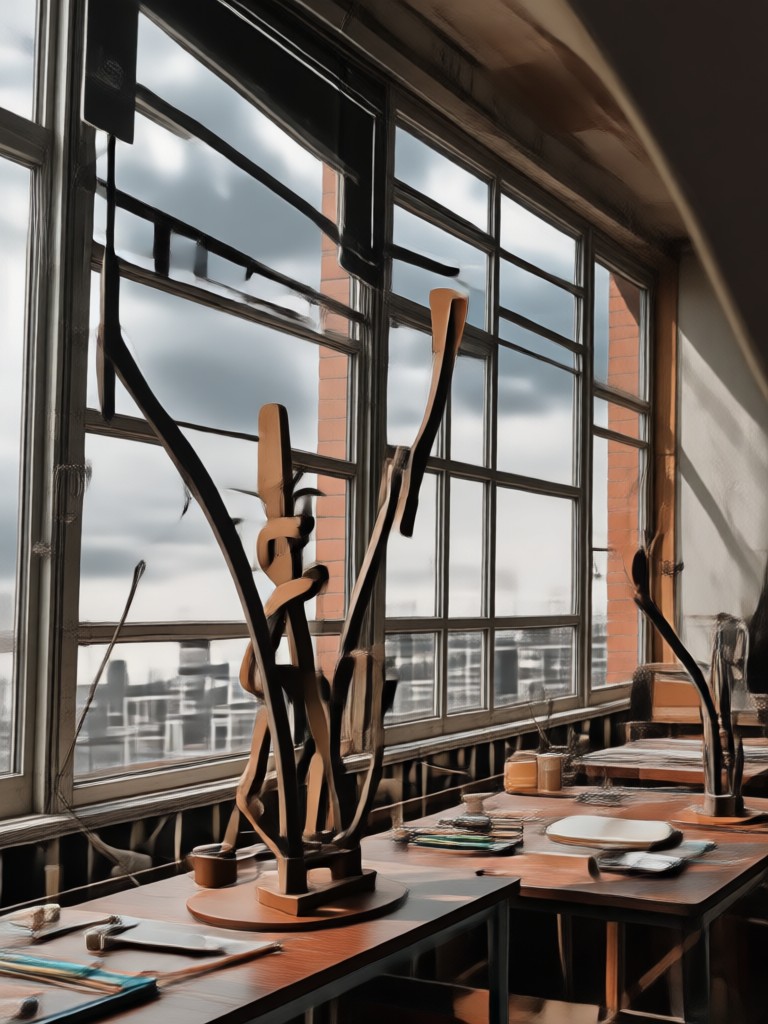
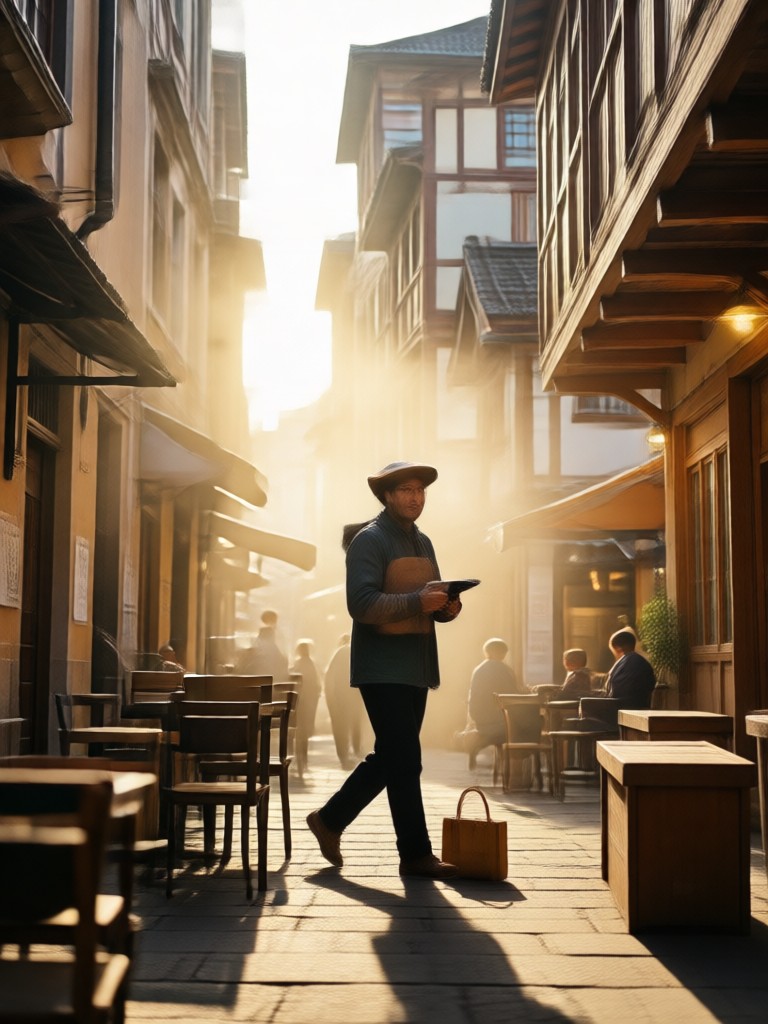
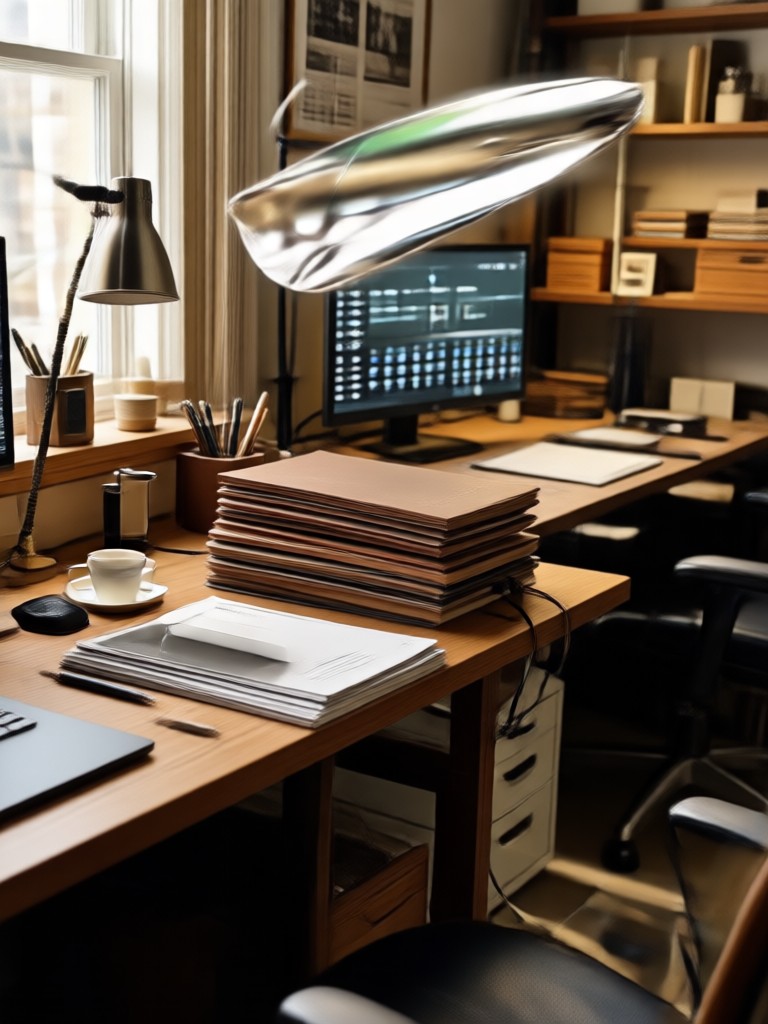
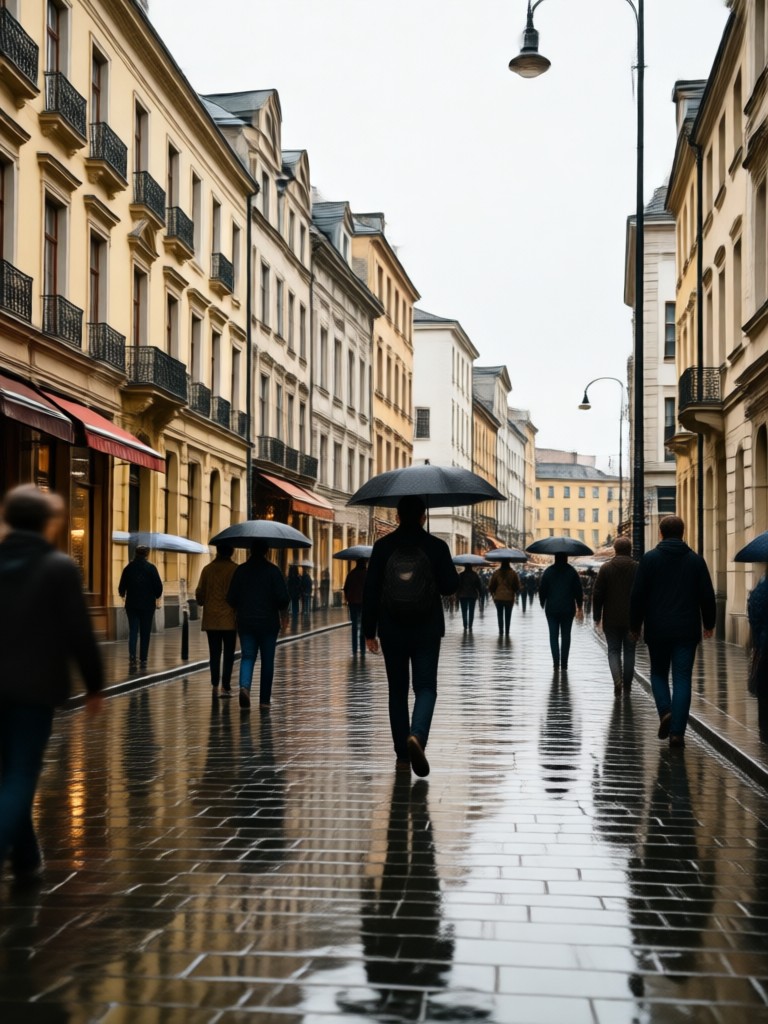
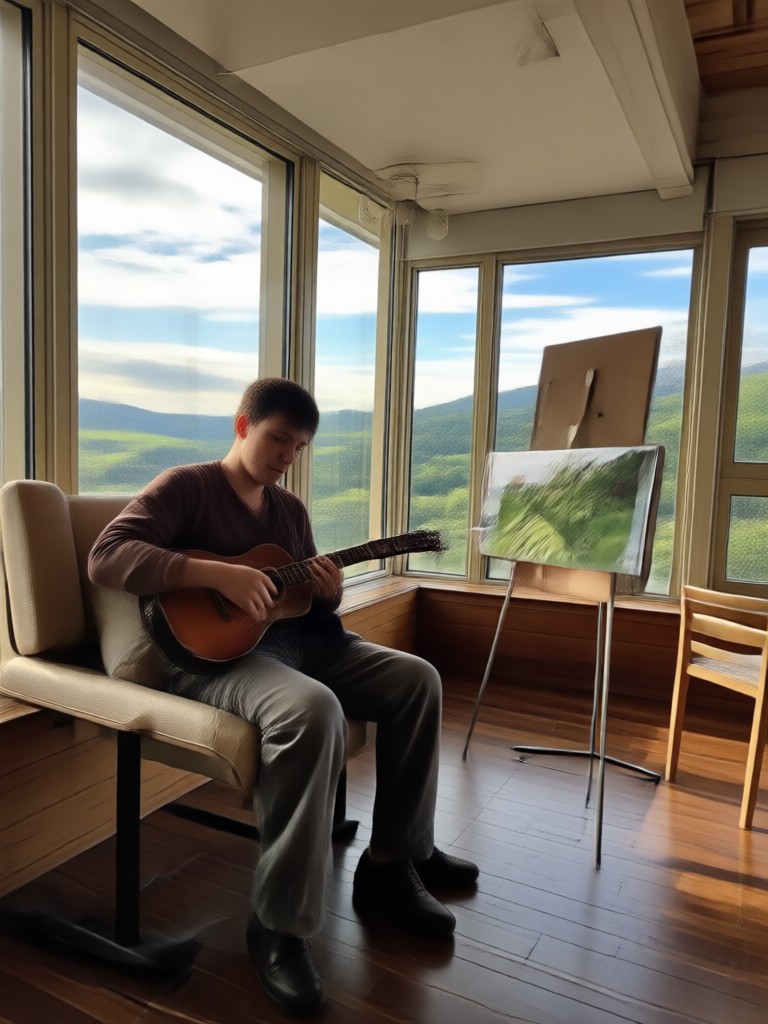
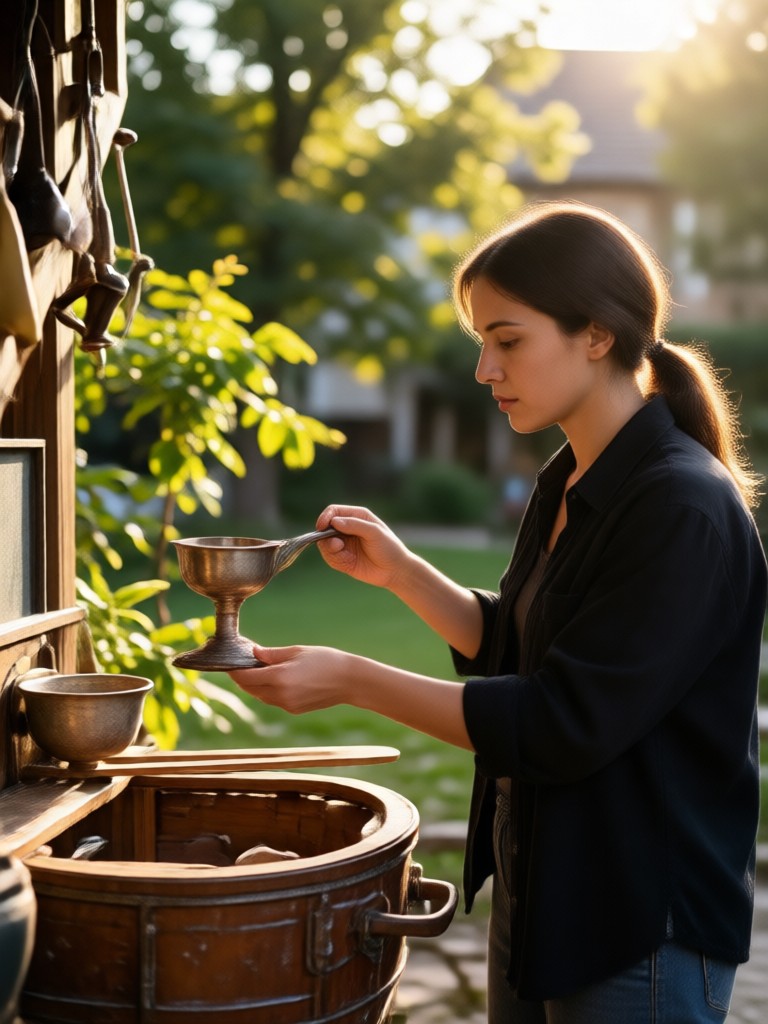
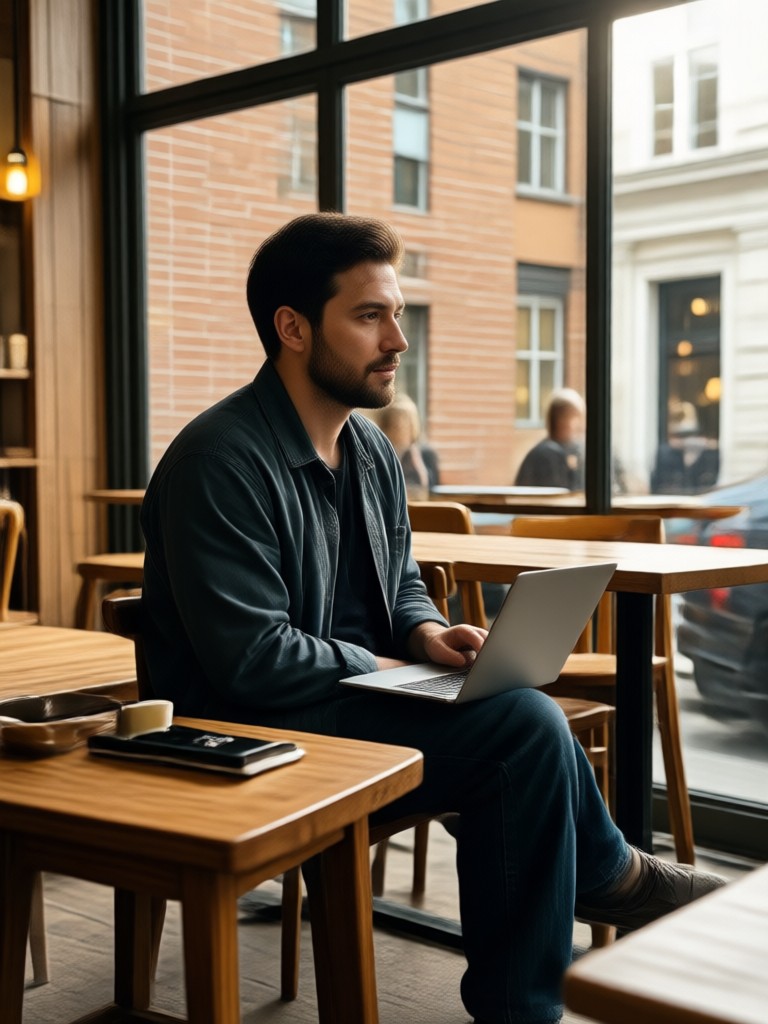
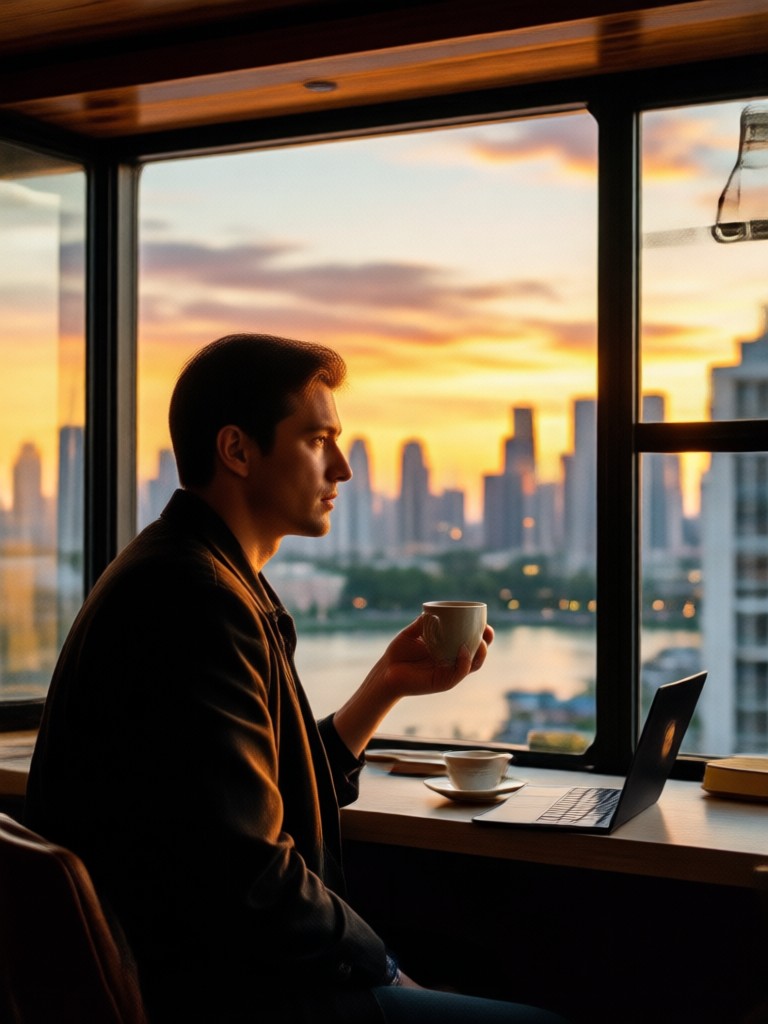
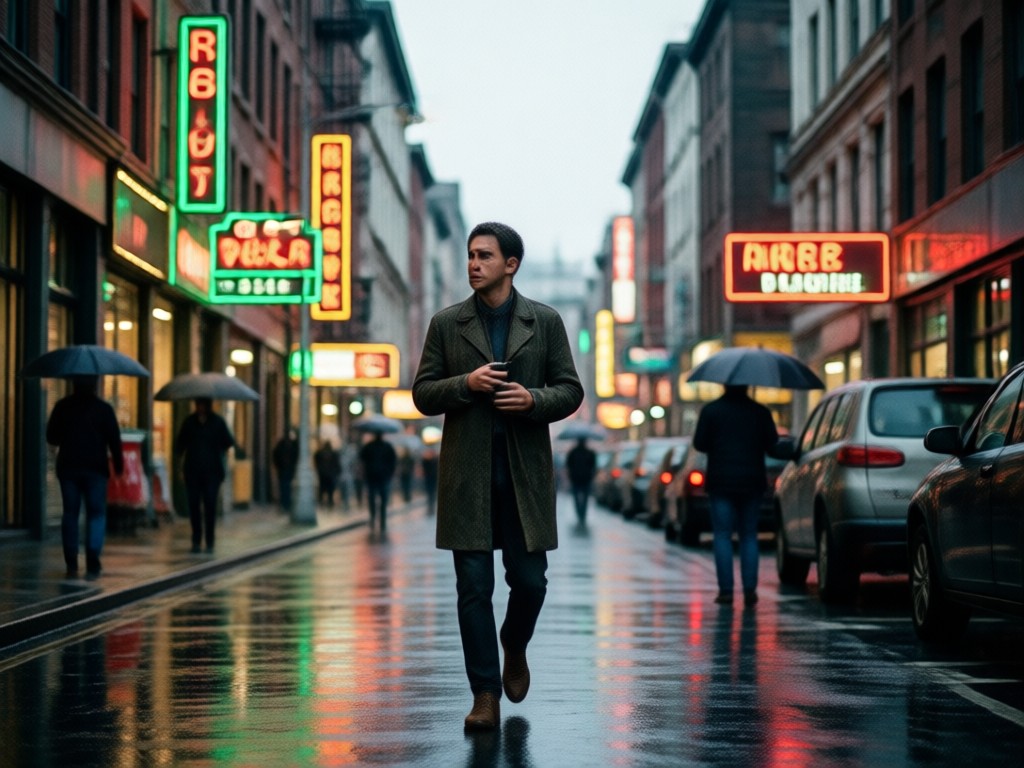
Browse stunning medium shot photos created by heyo users. See how different styles and prompts produce balanced, professional compositions.
Why Use heyo for AI Medium Shot Photos
heyo combines an ultra simple interface with advanced AI that understands framing. You do not need to type complex prompts or adjust camera angles. Just upload a photo, choose a style, and let the app handle composition, lighting, and skin detail. Everything happens on your phone in seconds.
Why Use heyo for AI Medium Shot Photos
heyo combines an ultra simple interface with advanced AI that understands framing. You do not need to type complex prompts or adjust camera angles. Just upload a photo, choose a style, and let the app handle composition, lighting, and skin detail. Everything happens on your phone in seconds.
How to Create AI Medium Shot Photos
Generate studio quality medium shot images in three simple steps using the heyo app.
Step 01.
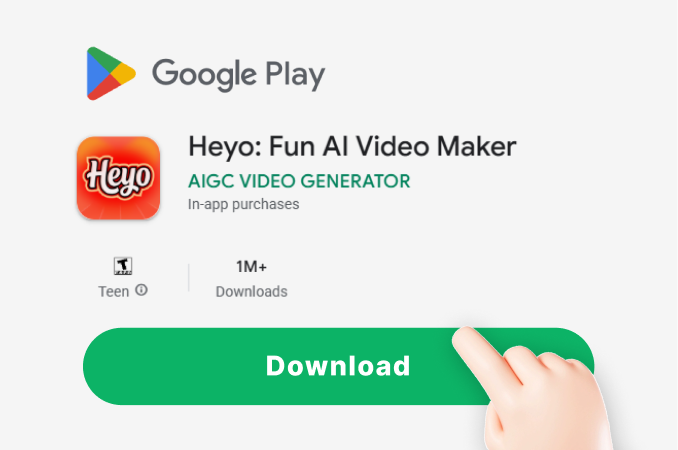
Download the heyo app from Google Play and open it on your phone.
Step 02.
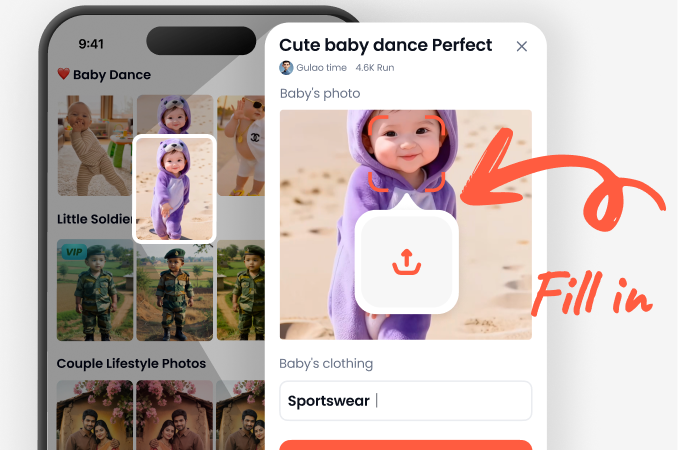
Upload a photo or choose a style template from the massive filter library.
Step 03.
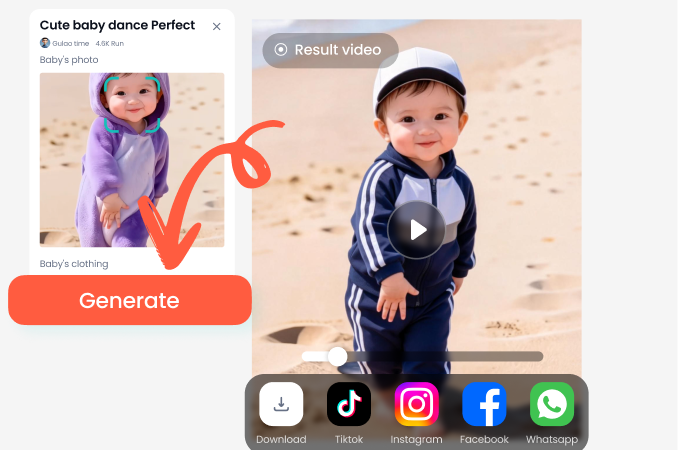
Tap generate and download your medium shot photo to share anywhere.
Here is What Creators Think About heyo
Perfect framing every time
I use heyo to make medium shot photos for my acting portfolio. The AI keeps my face and upper body in perfect proportion, and the lighting looks like a professional studio shot.
No more blurry selfies
I tried other apps that crop awkwardly, but heyo actually composes the shot. The medium shot filter works great for Instagram posts and YouTube thumbnails.
Stylish and fast
As a digital artist, I love the style variety. I can turn a simple photo into a cinematic medium shot in under a minute. It saves me so much editing time.
Frequently Asked Questions
Find clear answers to common questions about creating AI medium shot photos with heyo.
More Topics You May Like
Explore more topics you may like and discover fresh ideas tailored to your interests.

Create Custom AI Baby Nursery Wall Art in Seconds
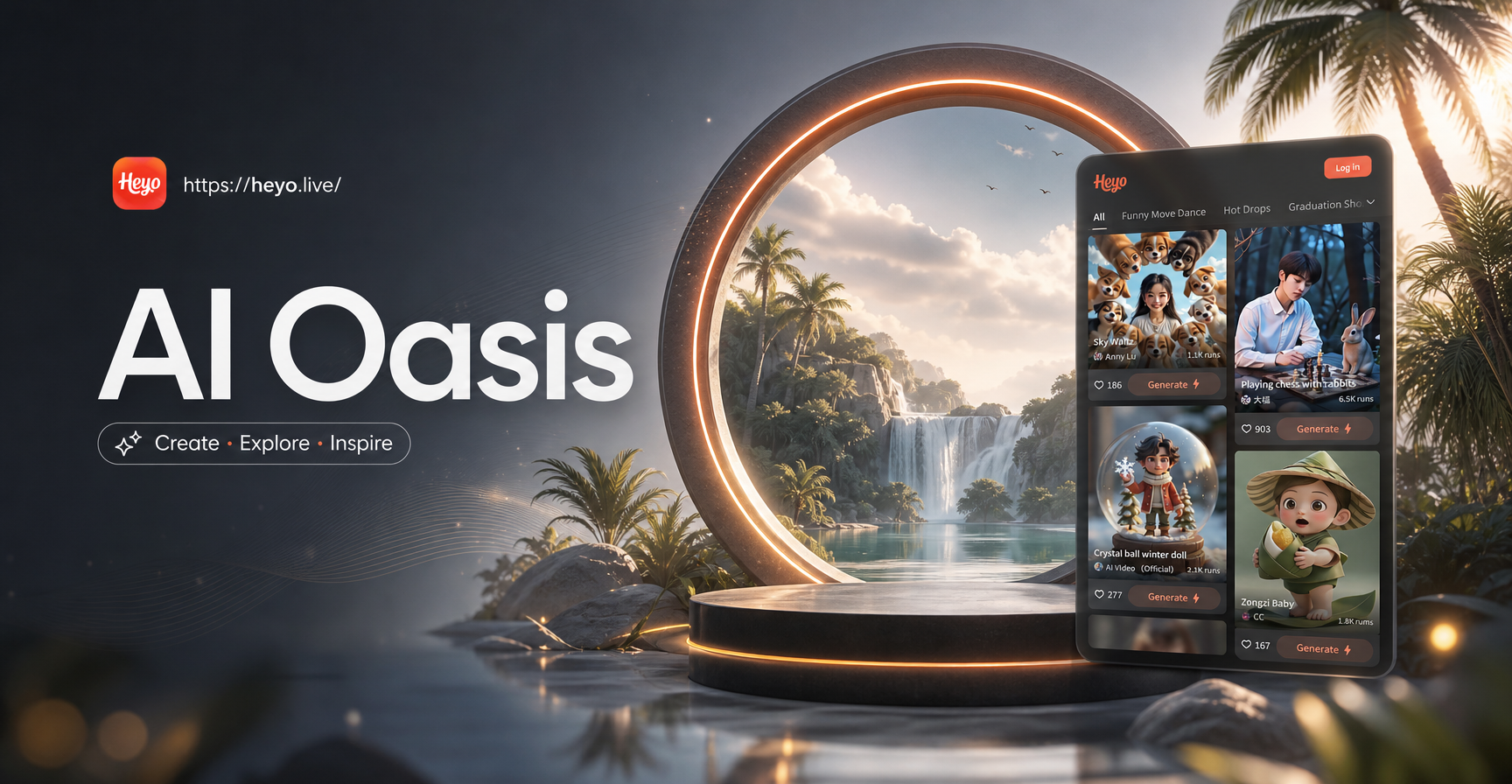
Craft Dreamy AI Oasis Images in Seconds
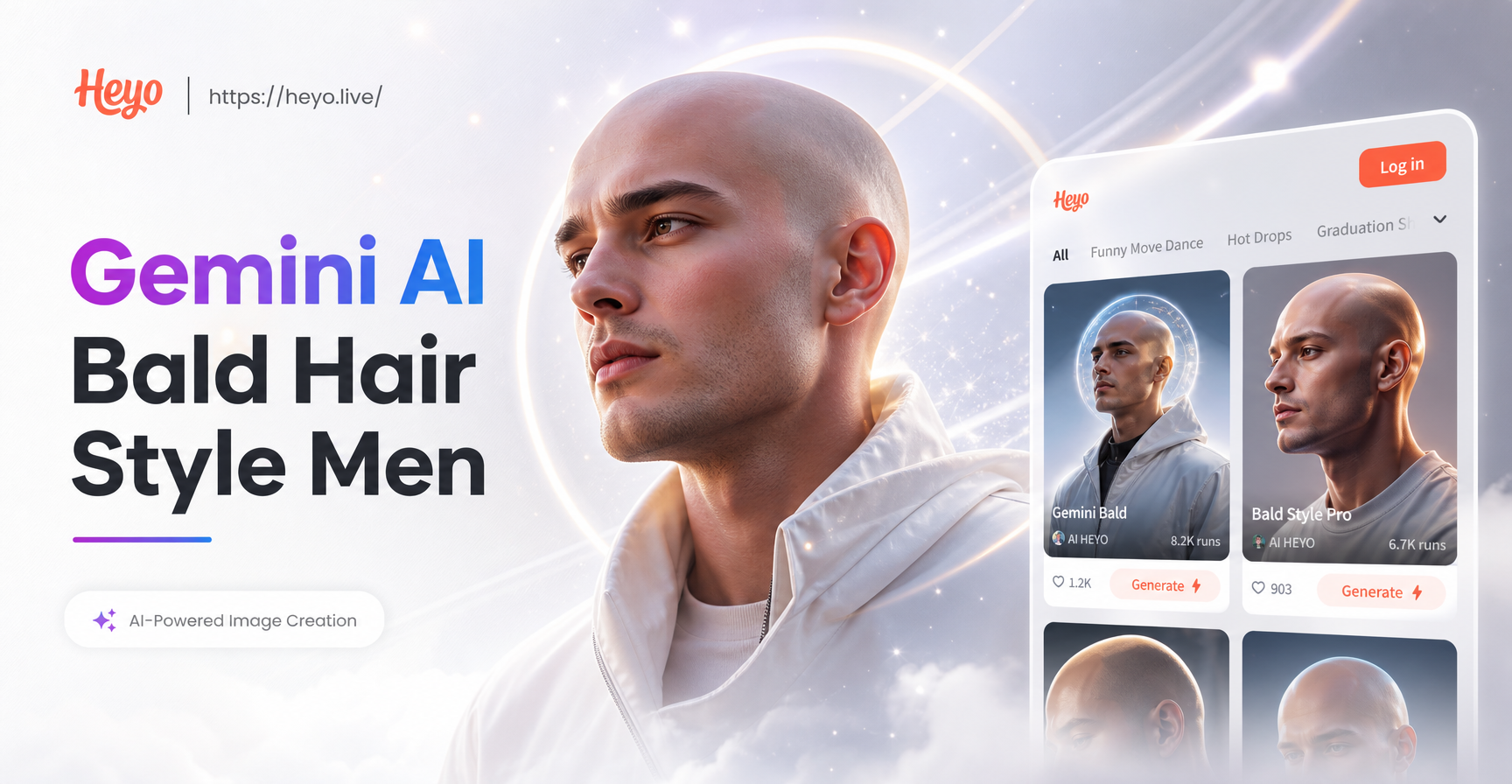
Bold Bald Looks for Men: Try Gemini AI Styles

Create Gemini AI Paris Vacation Photo in Seconds
Create Custom AI Baby Nursery Wall Art in Seconds
Craft Dreamy AI Oasis Images in Seconds
Bold Bald Looks for Men: Try Gemini AI Styles
Create Gemini AI Paris Vacation Photo in Seconds
Your Perfect Medium Shot Is One Tap Away
Download heyo and turn any photo into a professionally composed medium shot with AI. Access thousands of style filters and generate stunning portraits in seconds.
Your Perfect Medium Shot Is One Tap Away
Download heyo and turn any photo into a professionally composed medium shot with AI. Access thousands of style filters and generate stunning portraits in seconds.