AI Mugshot Generator
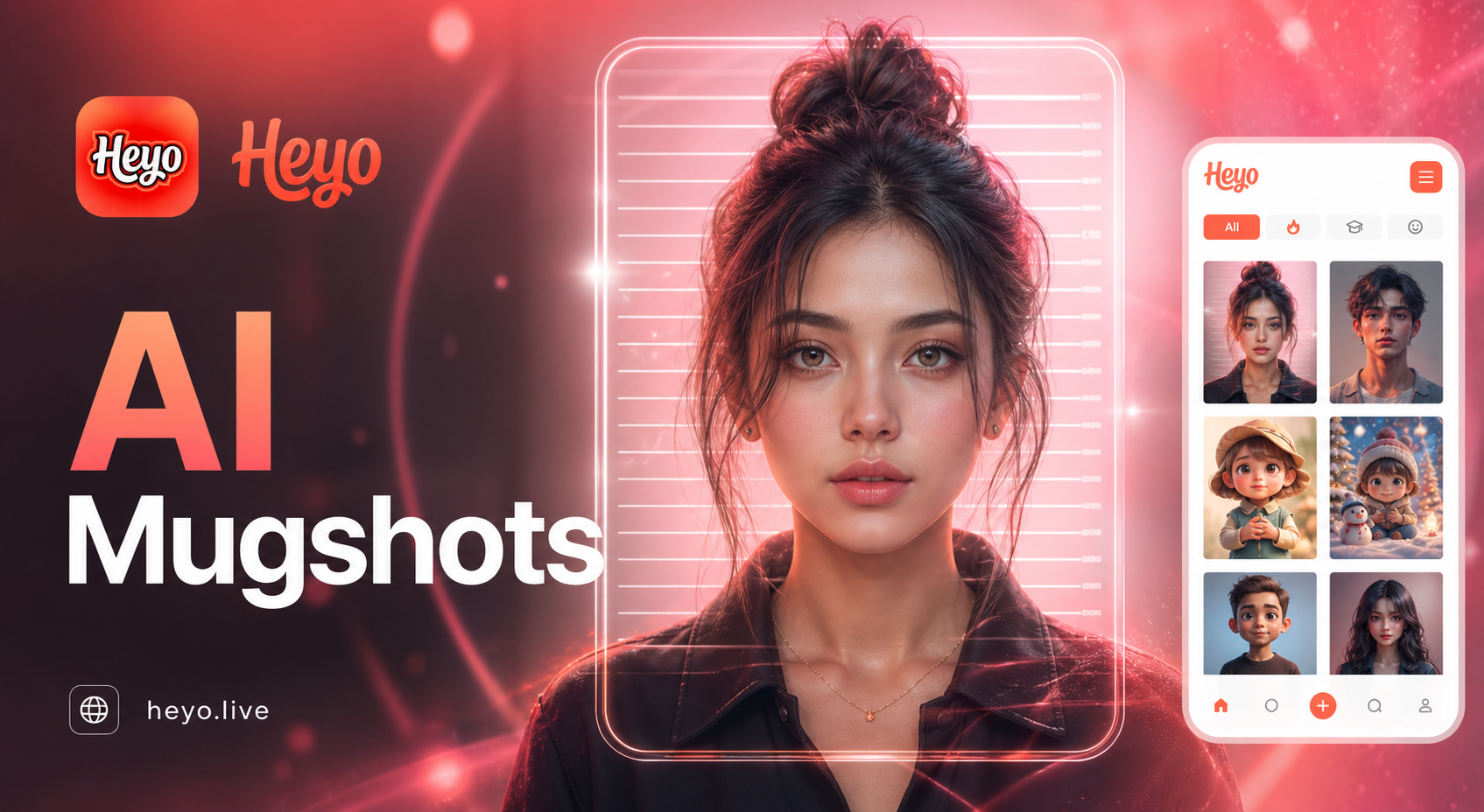
Choose Your Mugshot Style
Explore a vast library of AI filters to create the perfect mugshot, from gritty realism to cinematic fantasy.
AI Mugshot Generator Features
Create realistic mugshot photos with powerful AI tools inside the Usgen app.
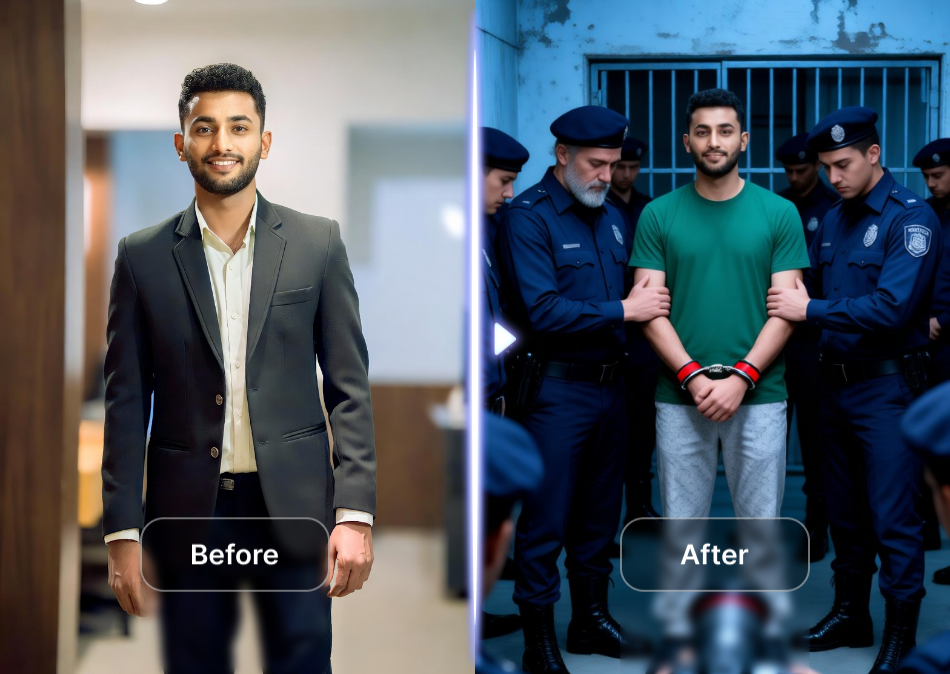
Realistic Police Style Photos
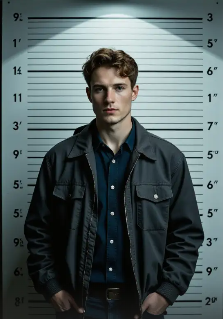
Generate professional, photorealistic mugshots in seconds. Our AI perfectly captures the classic police-style format with accurate lighting, neutral expressions, and authentic details, delivering front-facing and profile views that look like real studio photography.
Realistic Police Style Photos
Generate professional, photorealistic mugshots in seconds. Our AI perfectly captures the classic police-style format with accurate lighting, neutral expressions, and authentic details, delivering front-facing and profile views that look like real studio photography.
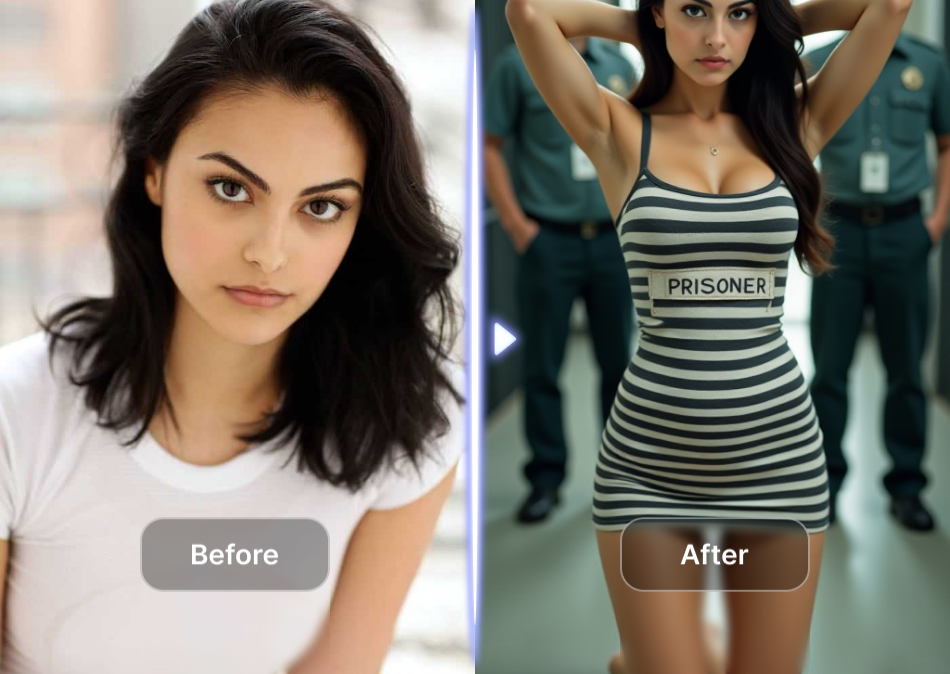
Selfie to Mugshot AI
Create highly detailed mugshots with full control over age, gender, ethnicity, facial features, hairstyles, scars, tattoos, and clothing. Whether you need realistic suspect portraits, character designs for games, films, or creative projects, turn any text description into a perfect mugshot.
Selfie to Mugshot AI
Create highly detailed mugshots with full control over age, gender, ethnicity, facial features, hairstyles, scars, tattoos, and clothing. Whether you need realistic suspect portraits, character designs for games, films, or creative projects, turn any text description into a perfect mugshot.
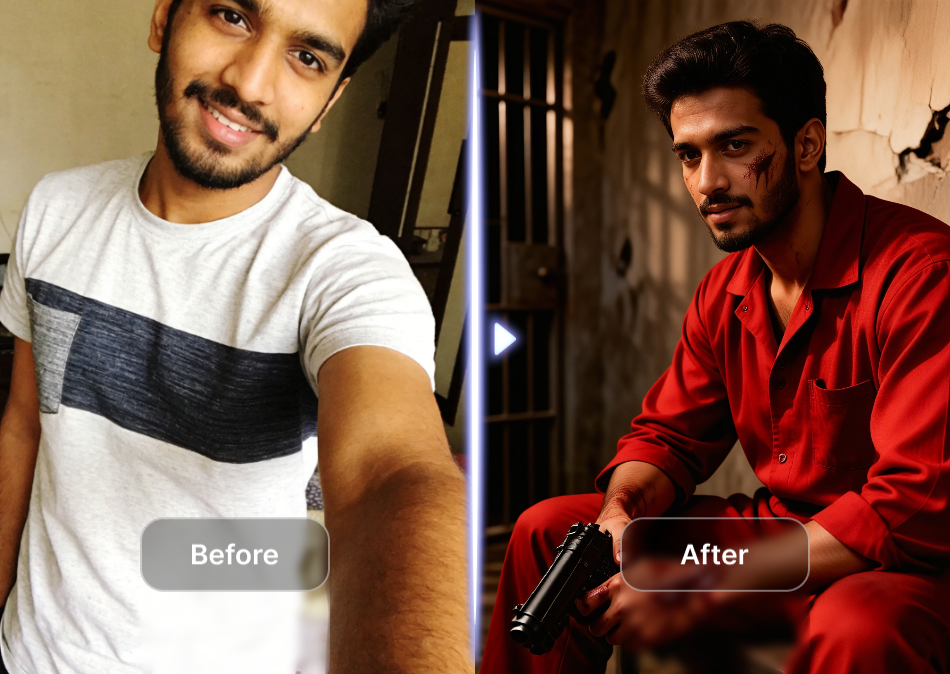
Creative Viral Styles
Get complete mugshot sets instantly — front view, left profile, right profile, and multiple variations in one click. Easily adjust expressions, lighting, background styles, and resolution, saving you hours of manual editing or expensive photoshoots.
Creative Viral Styles
Get complete mugshot sets instantly — front view, left profile, right profile, and multiple variations in one click. Easily adjust expressions, lighting, background styles, and resolution, saving you hours of manual editing or expensive photoshoots.
Explore AI Mugshot Photo and Video Ideas
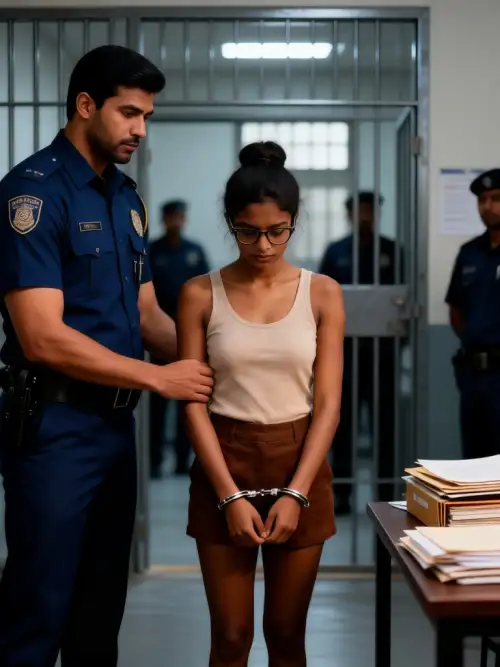
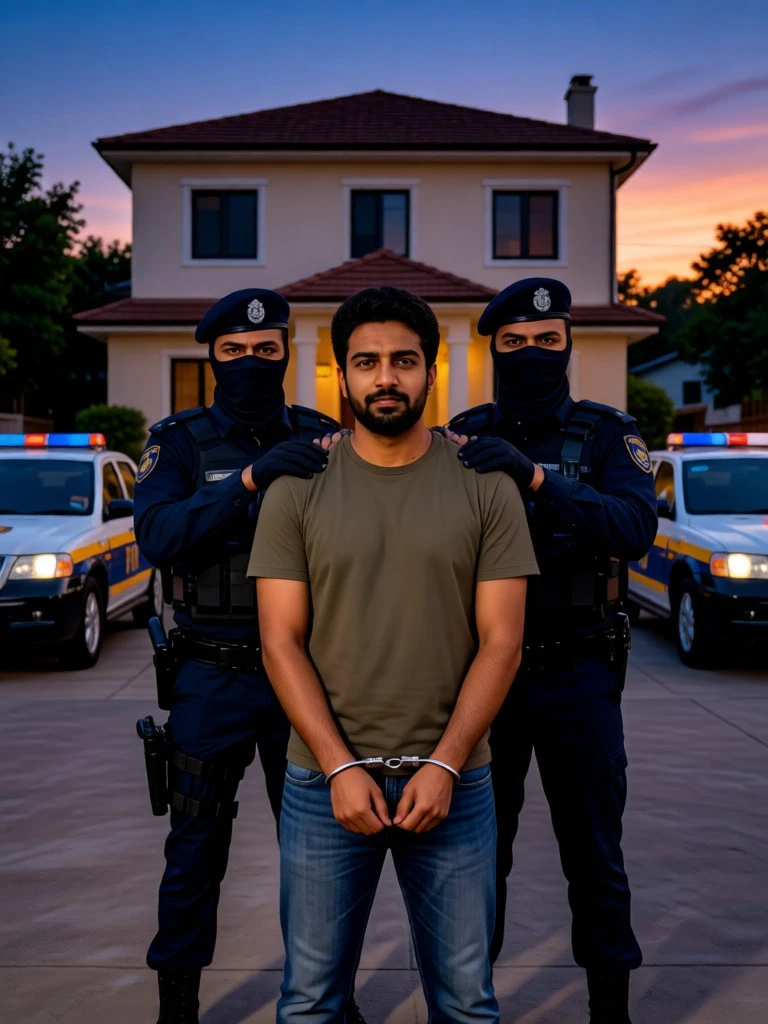
Browse realistic AI mugshot portraits created with different styles and moods.

How to Create AI Mugshots in 3 Steps
Follow this simple process to generate your own unique AI mugshots directly from your phone. No technical skills needed.

Step 01.
Download the heyo app from Google Play. It's your all-in-one mobile studio for AI image generation, including creating realistic mugshots.

Step 02.
Upload a clear front-facing photo of yourself or a character. Then, browse and select from hundreds of mugshot style filters, from police realism to fantasy themes.

Step 03.
Tap generate. In seconds, heyo's AI will transform your photo. Download your high-quality AI mugshot and share your unique character creation.
Why Use an AI Mugshot Generator?
Discover the creative and practical applications for AI-generated mugshots, from character development to unique digital art.
Unlock Creative Storytelling & Character Design
An AI mugshot generator is more than a novelty. It's a powerful tool for writers, game developers, role-players, and digital artists. Quickly visualize characters for stories, RPG campaigns, or comic books with authentic-looking reference images. Create consistent character profiles, design alternate universe versions, or produce compelling assets for social media narratives and cosplay inspiration. It eliminates the need for costly photo shoots or complex digital painting, putting professional-grade character visualization in your pocket.
Unlock Creative Storytelling & Character Design
An AI mugshot generator is more than a novelty. It's a powerful tool for writers, game developers, role-players, and digital artists. Quickly visualize characters for stories, RPG campaigns, or comic books with authentic-looking reference images. Create consistent character profiles, design alternate universe versions, or produce compelling assets for social media narratives and cosplay inspiration. It eliminates the need for costly photo shoots or complex digital painting, putting professional-grade character visualization in your pocket.
How Creators Use AI Mugshot Generators
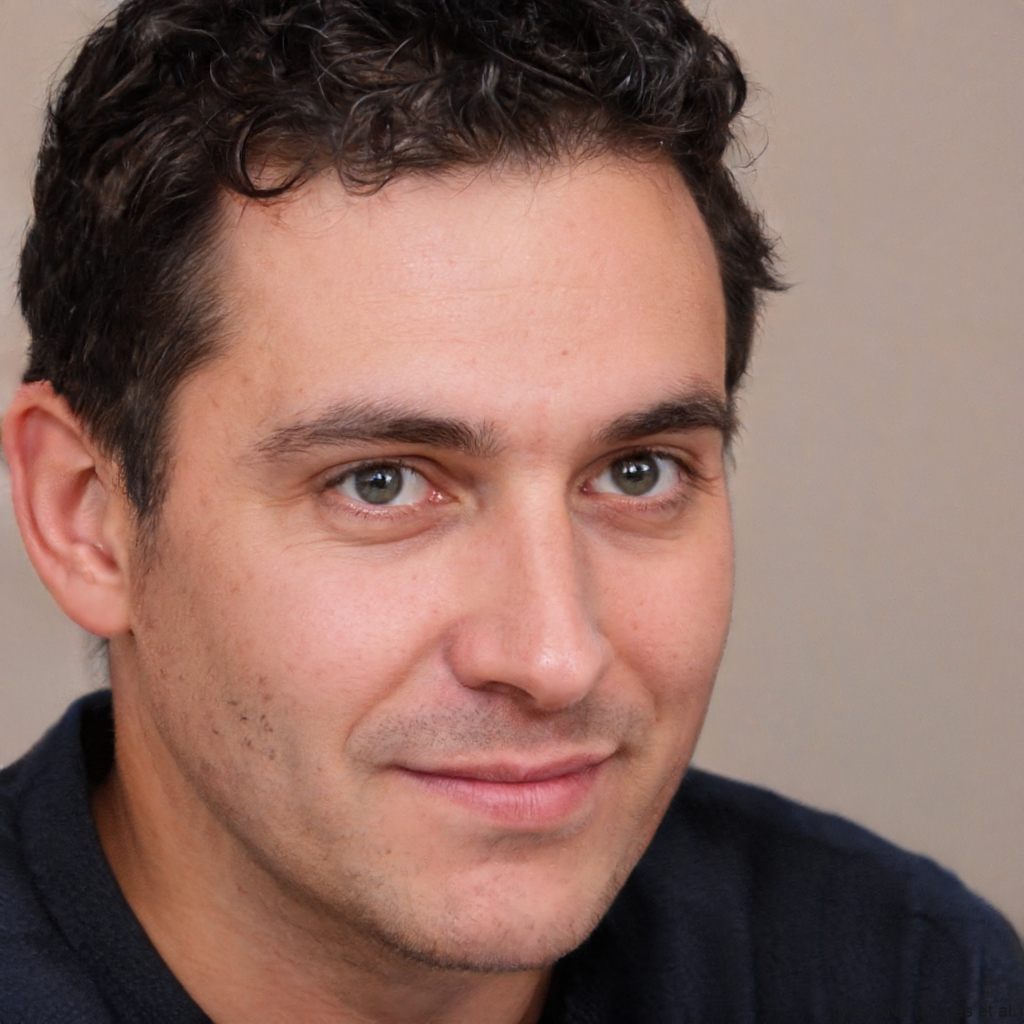
Marcus Chen
As an indie game dev, I use heyo to create quick concept mugshots for NPCs in my detective game. It's incredibly fast and gives me a visual anchor for each character's backstory.
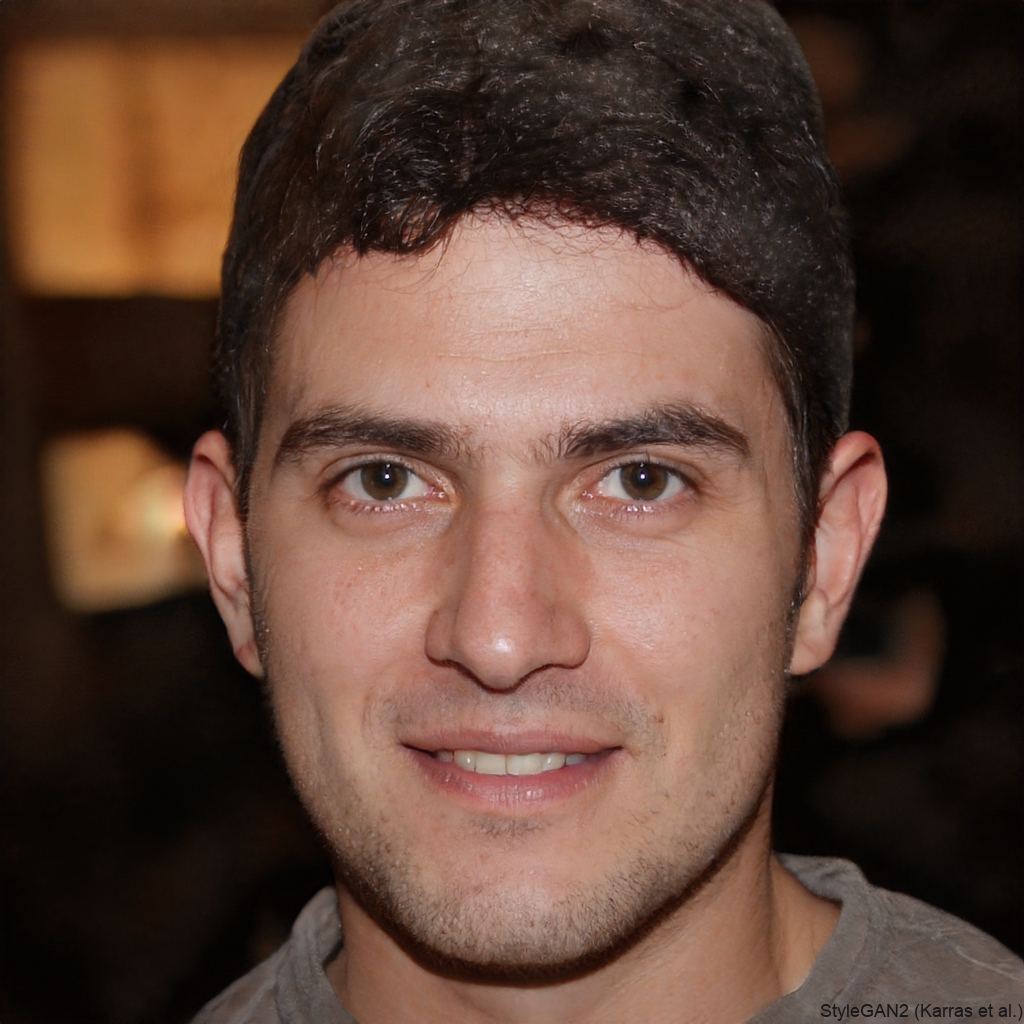
Sophie Rivera
My D&D group loves the immersive handouts. I generate 'wanted poster' mugshots for key villains using different fantasy filters. It adds a whole new layer to our campaign storytelling.
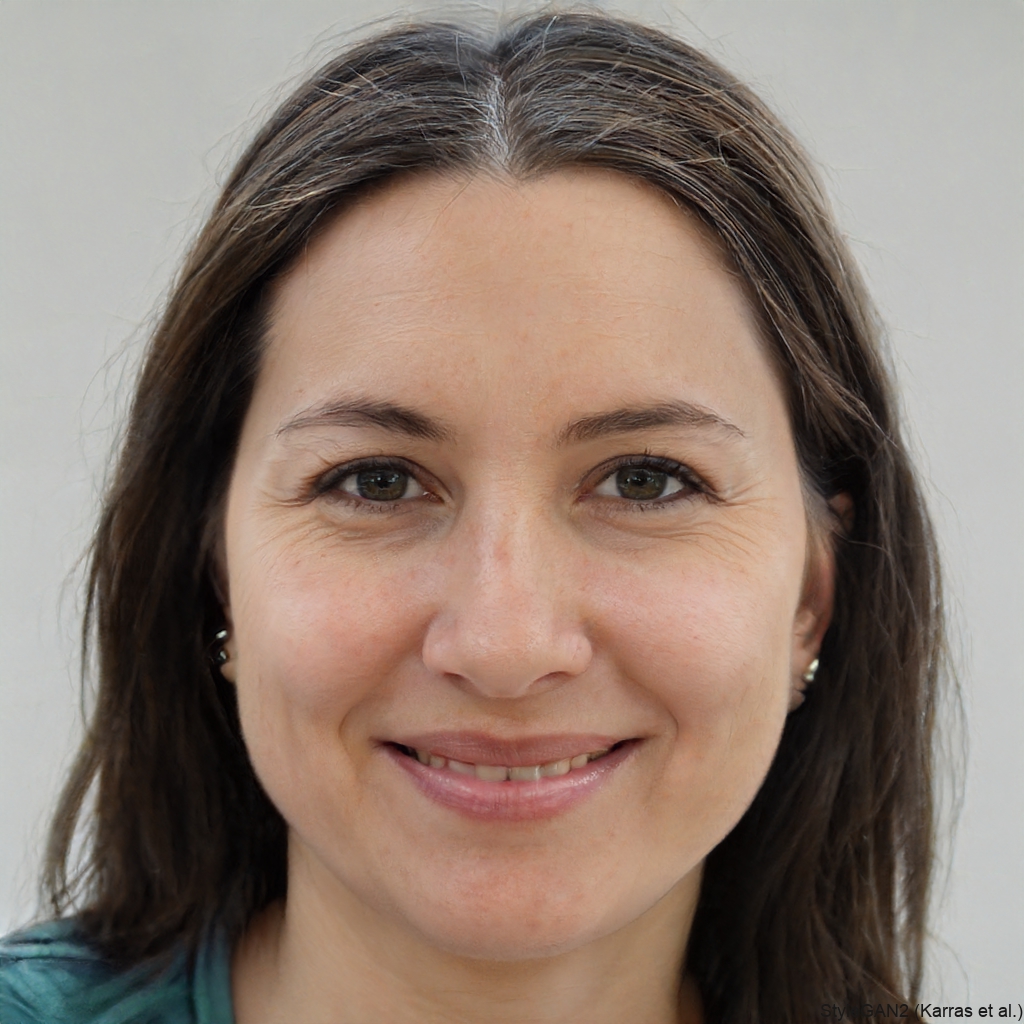
David Park
When I'm writing a thriller, visualizing the suspect is crucial. This tool lets me create a mugshot for my antagonist in minutes, keeping their appearance consistent in my mind as I write.
Lena Kovac
For my cyberpunk cosplay, I used the AI to generate a matching 'corporate arrest' mugshot of my character. It was the perfect addition to my social media content and character bio.
Marcus Chen
As an indie game dev, I use heyo to create quick concept mugshots for NPCs in my detective game. It's incredibly fast and gives me a visual anchor for each character's backstory.
Sophie Rivera
My D&D group loves the immersive handouts. I generate 'wanted poster' mugshots for key villains using different fantasy filters. It adds a whole new layer to our campaign storytelling.
David Park
When I'm writing a thriller, visualizing the suspect is crucial. This tool lets me create a mugshot for my antagonist in minutes, keeping their appearance consistent in my mind as I write.
Lena Kovac
For my cyberpunk cosplay, I used the AI to generate a matching 'corporate arrest' mugshot of my character. It was the perfect addition to my social media content and character bio.
Marcus Chen
As an indie game dev, I use heyo to create quick concept mugshots for NPCs in my detective game. It's incredibly fast and gives me a visual anchor for each character's backstory.
Sophie Rivera
My D&D group loves the immersive handouts. I generate 'wanted poster' mugshots for key villains using different fantasy filters. It adds a whole new layer to our campaign storytelling.
David Park
When I'm writing a thriller, visualizing the suspect is crucial. This tool lets me create a mugshot for my antagonist in minutes, keeping their appearance consistent in my mind as I write.
Lena Kovac
For my cyberpunk cosplay, I used the AI to generate a matching 'corporate arrest' mugshot of my character. It was the perfect addition to my social media content and character bio.
AI Mugshot Generator FAQs
Get answers to common questions about creating AI-generated mugshots, using the tool responsibly, and achieving the best results.
More Topics You May Like
Explore more topics you may like and discover fresh ideas tailored to your interests.
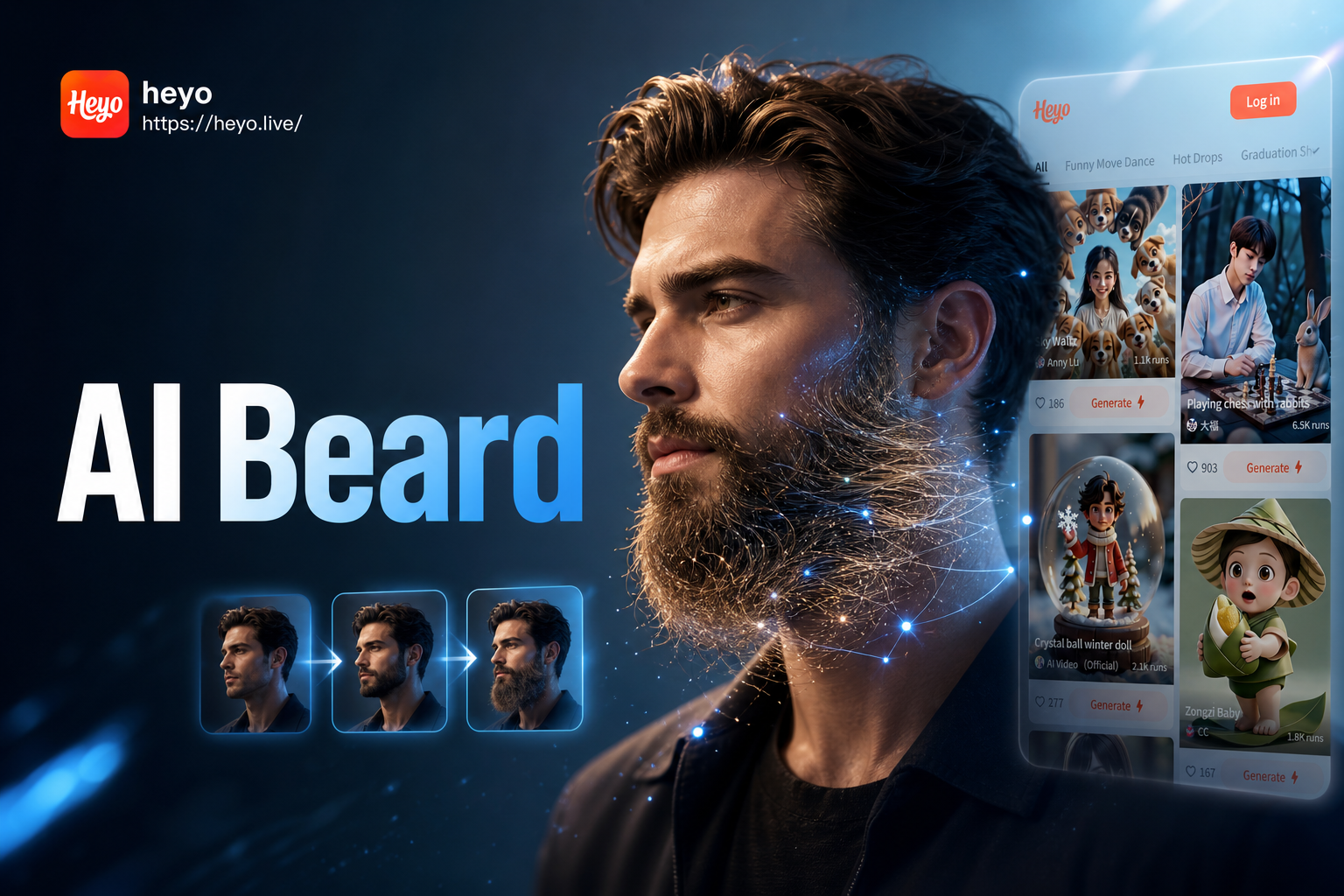
Ai Beard Generator
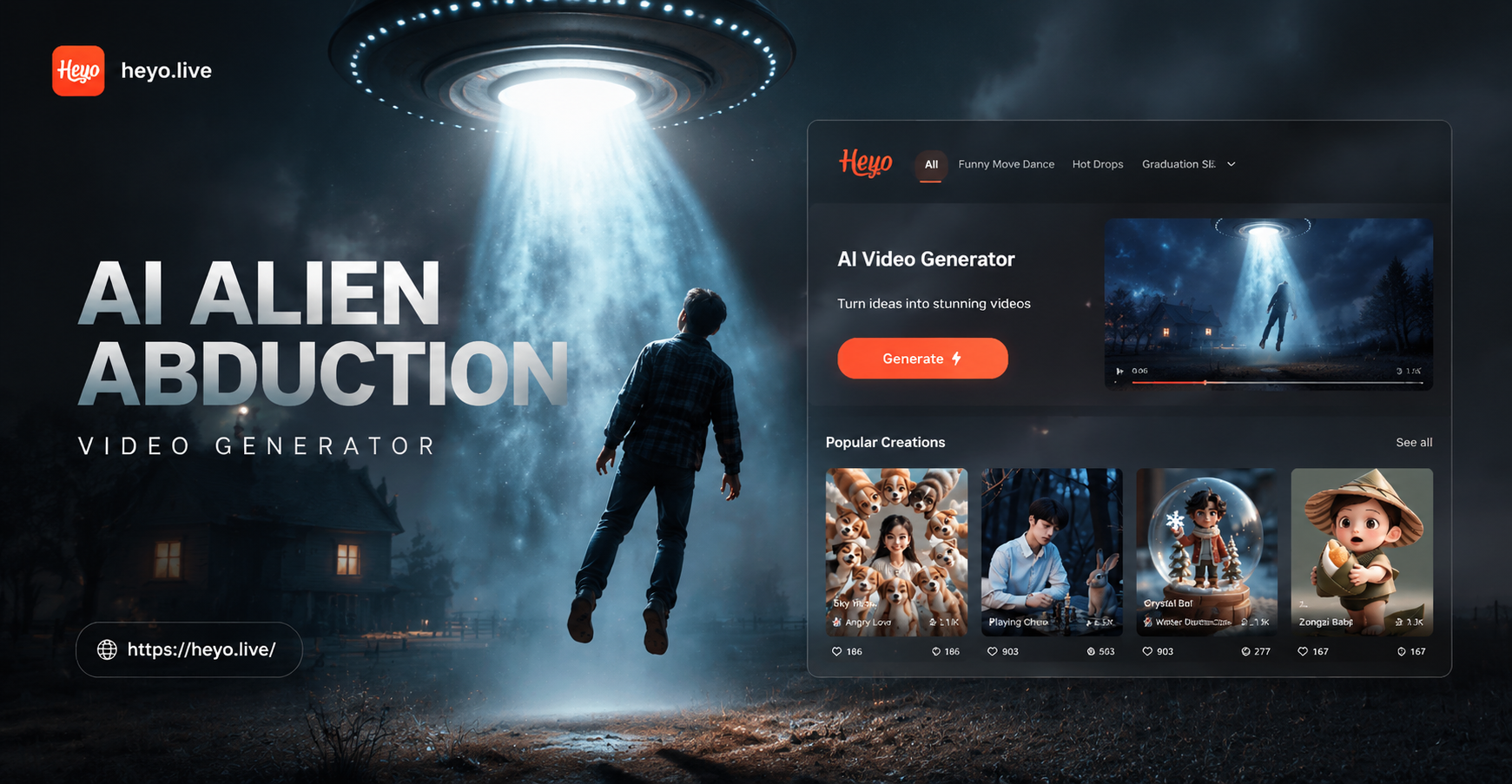
Ai Alien Abduction Video Generator
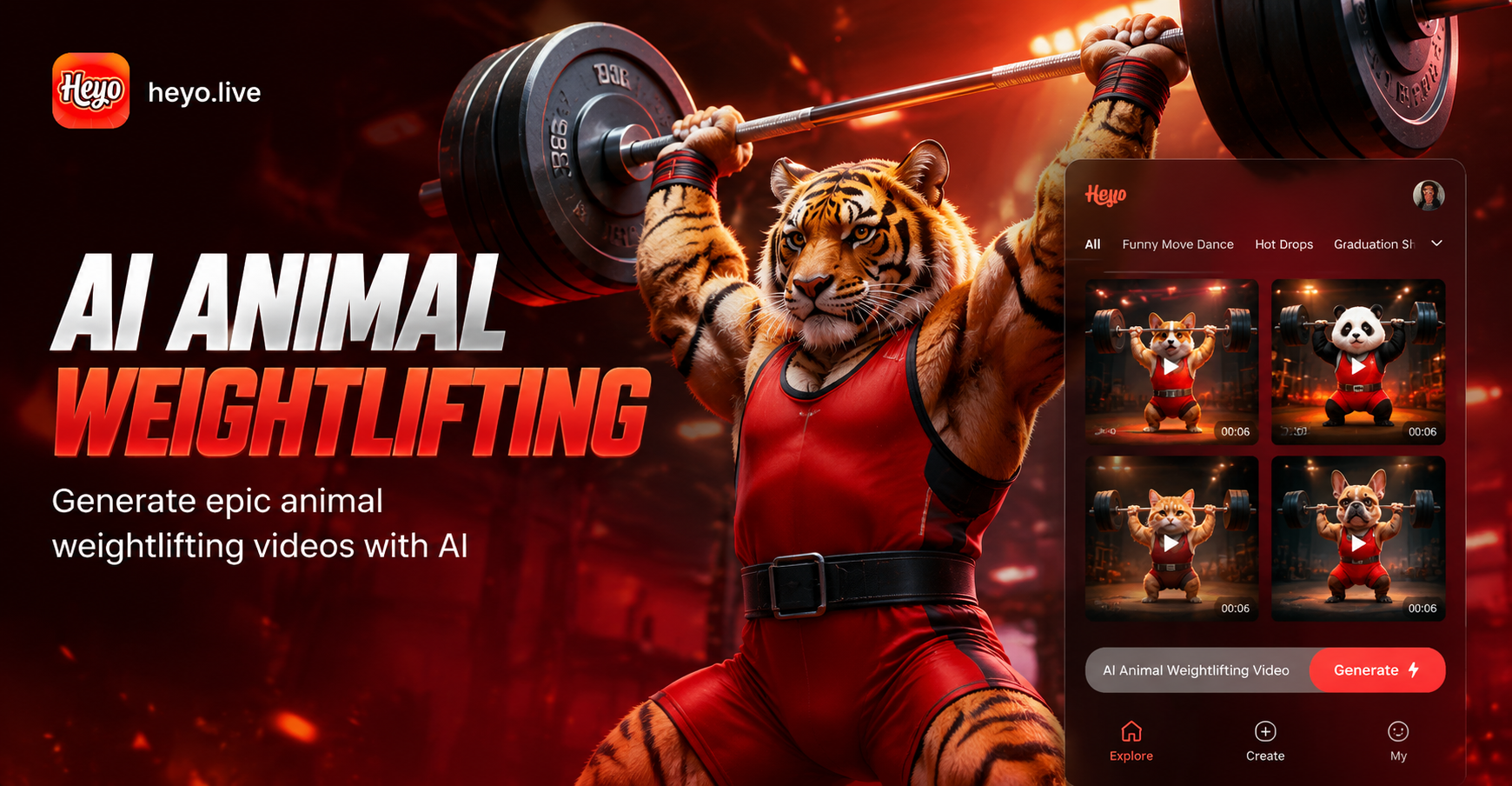
Ai Animal Weightlifting Video Generator
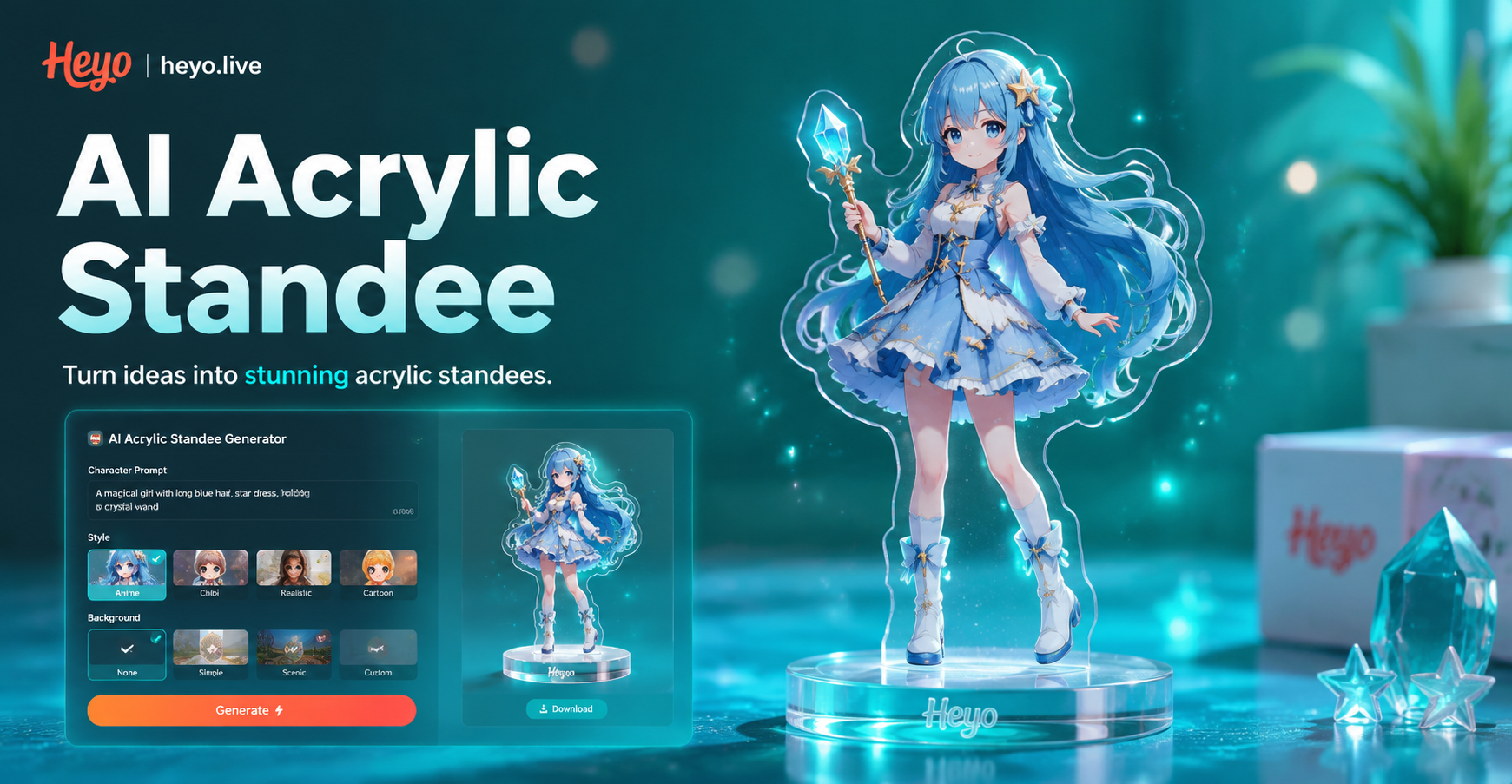
Ai Acrylic Standee Generator
Ai Beard Generator
Ai Alien Abduction Video Generator
Ai Animal Weightlifting Video Generator
Ai Acrylic Standee Generator
Create Your Character's Story Today
Download heyo now and instantly access the world's most powerful AI mugshot generator. Transform your photos into compelling character art with just a few taps.

Create Your Character's Story Today
Download heyo now and instantly access the world's most powerful AI mugshot generator. Transform your photos into compelling character art with just a few taps.