AI Selective Color Video Effect
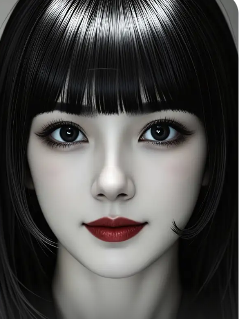
Create Cinematic Effects in One Tap
Choose from our collection of AI powered video filters designed to make your content stand out, from selective color to dynamic motion effects.
Why Choose Our AI Selective Color Tool
Our AI video editor goes beyond simple filters. It intelligently analyzes your footage to deliver professional selective color effects with unmatched precision and ease.
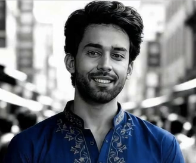
One Tap Color Isolation
Simply tap the color you want to keep. Our AI instantly identifies and preserves that hue across every frame, while seamlessly converting the rest of the scene to elegant black and white.
One Tap Color Isolation
Simply tap the color you want to keep. Our AI instantly identifies and preserves that hue across every frame, while seamlessly converting the rest of the scene to elegant black and white.
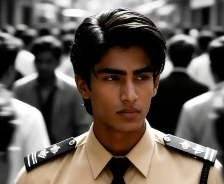
Frame by Frame Accuracy
Experience flawless color tracking. The AI follows your chosen color through movement and scene changes, ensuring consistent, artifact free isolation from start to finish in your video.
Frame by Frame Accuracy
Experience flawless color tracking. The AI follows your chosen color through movement and scene changes, ensuring consistent, artifact free isolation from start to finish in your video.
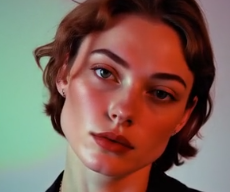
Social Media Ready Formats
Export your selective color videos directly in optimal formats for TikTok, Instagram Reels, and YouTube Shorts. Create trending, attention grabbing content without complex rendering settings.
Social Media Ready Formats
Export your selective color videos directly in optimal formats for TikTok, Instagram Reels, and YouTube Shorts. Create trending, attention grabbing content without complex rendering settings.
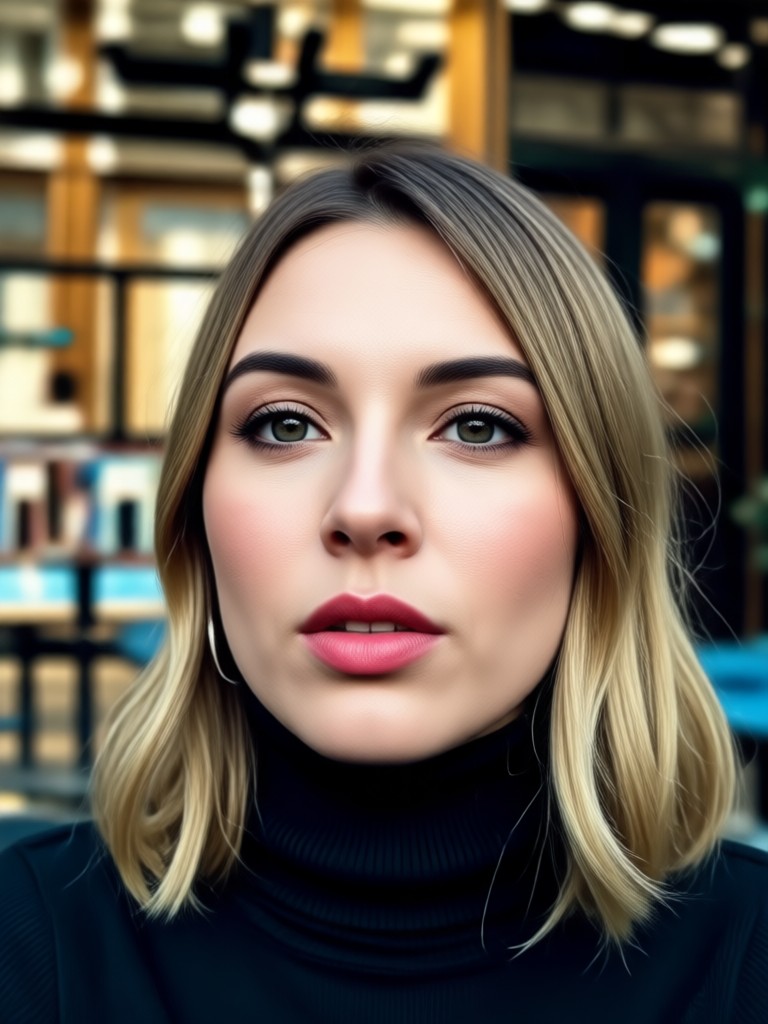
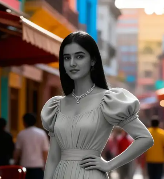
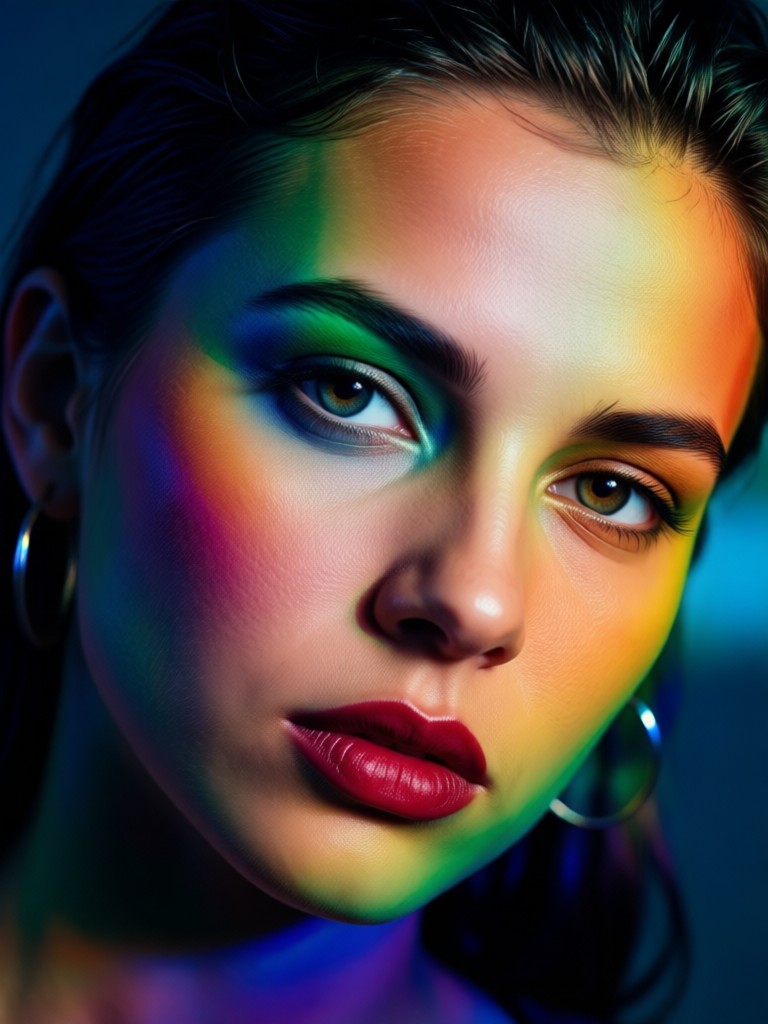
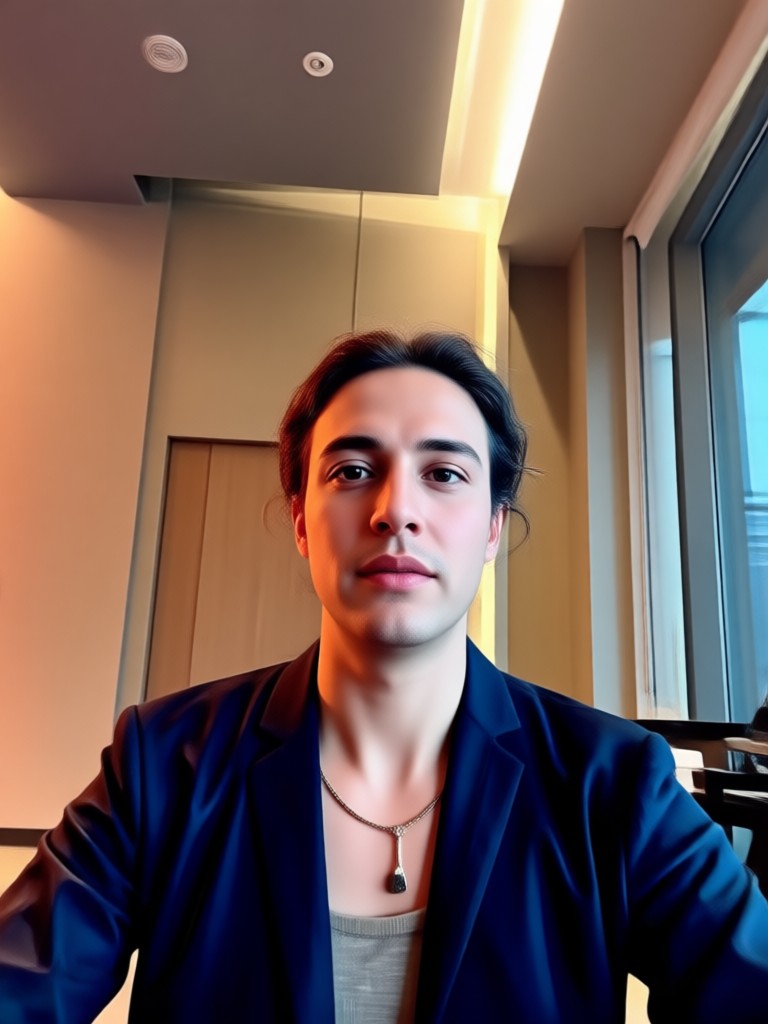
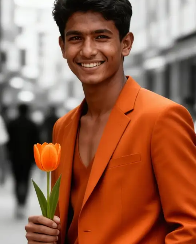
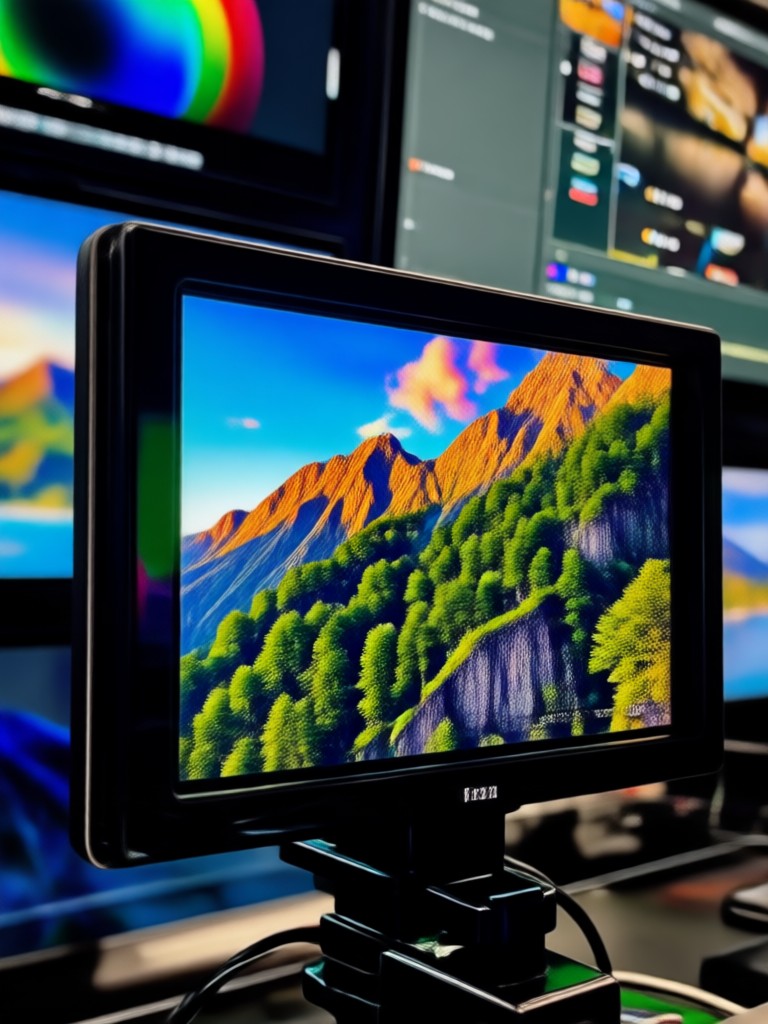
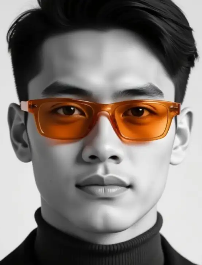
Selective Color Video Inspiration
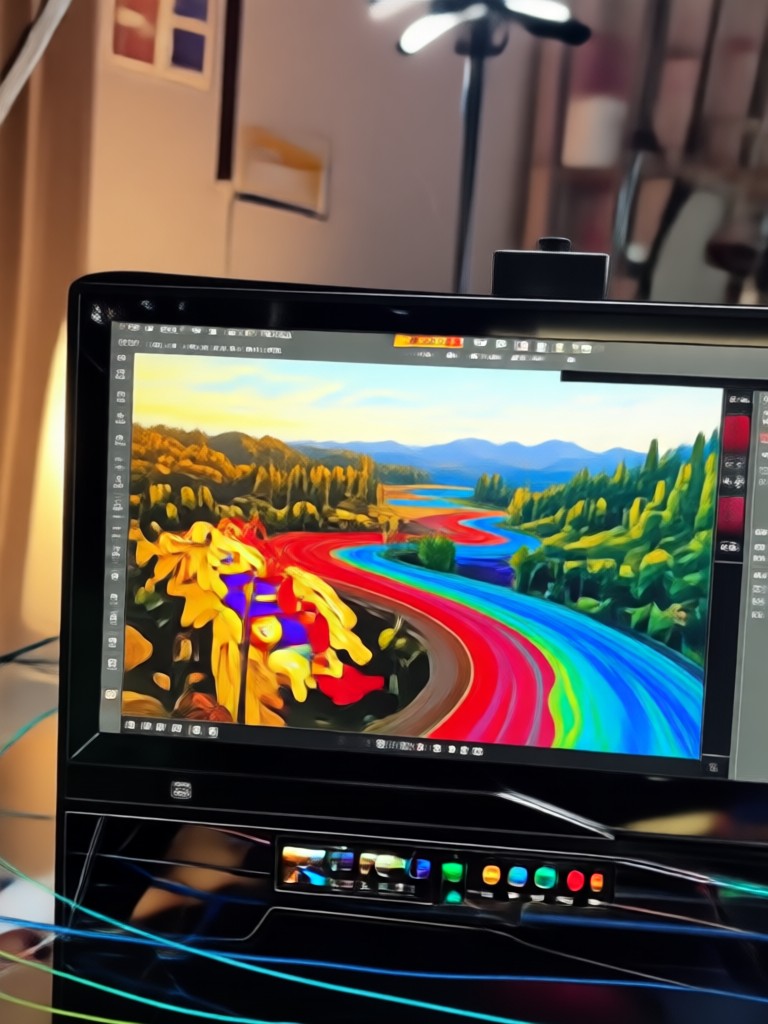
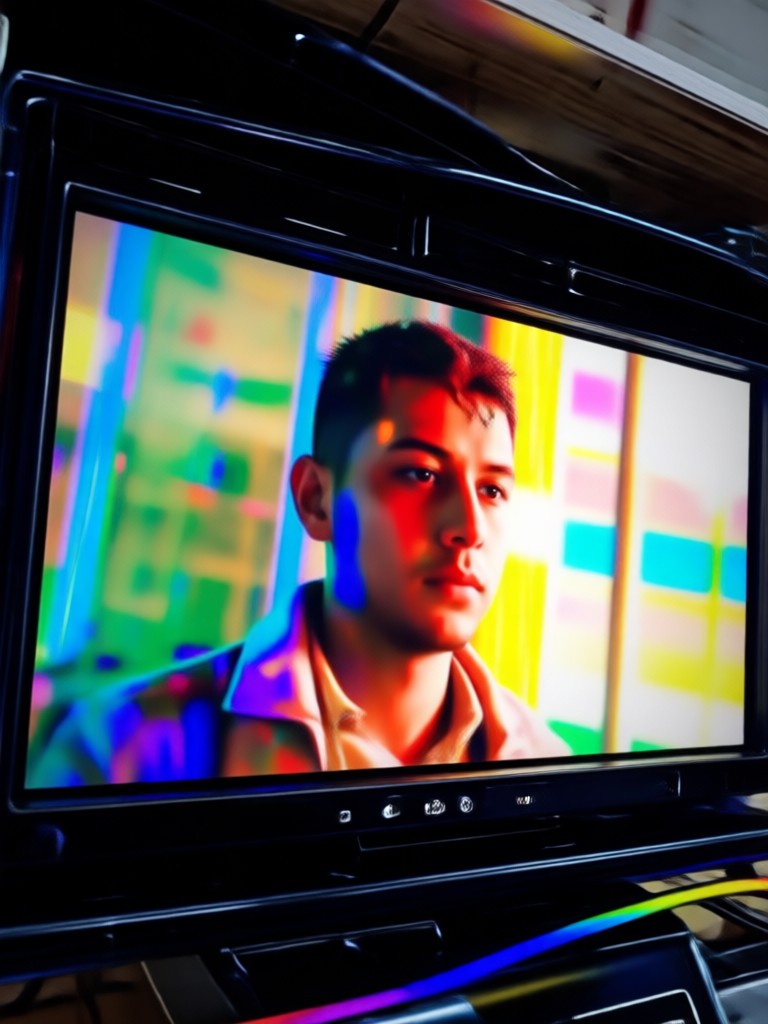
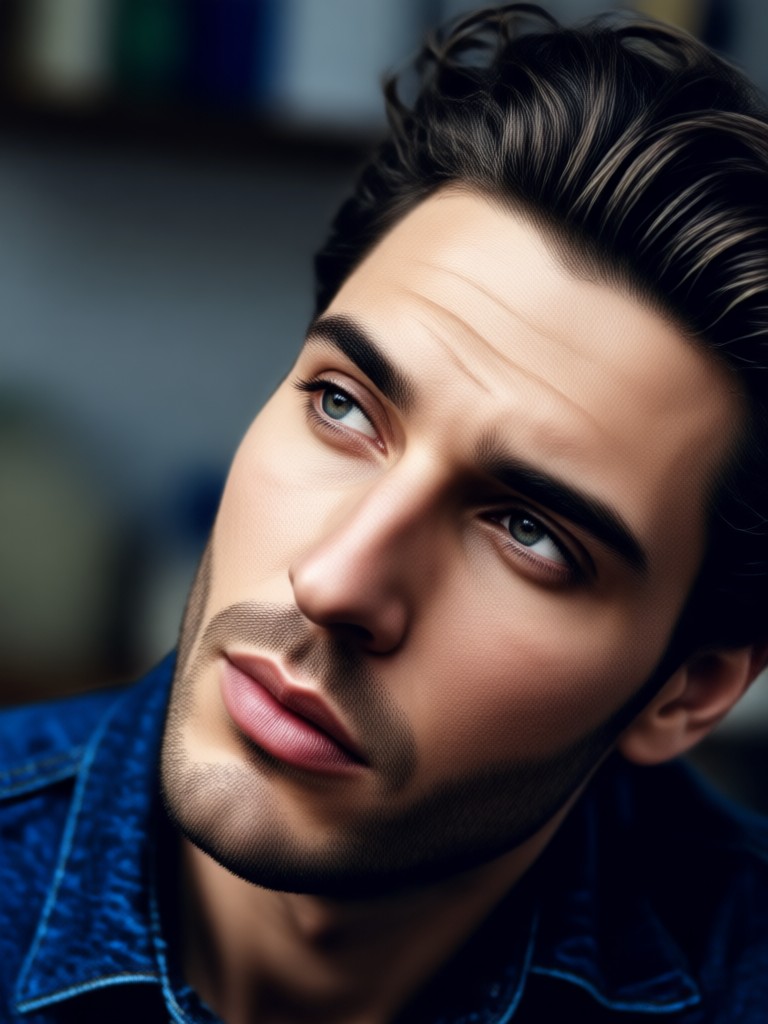
See how creators use AI selective color effects to tell powerful stories, highlight emotions, and make their videos unforgettable. Get inspired and start your own project.



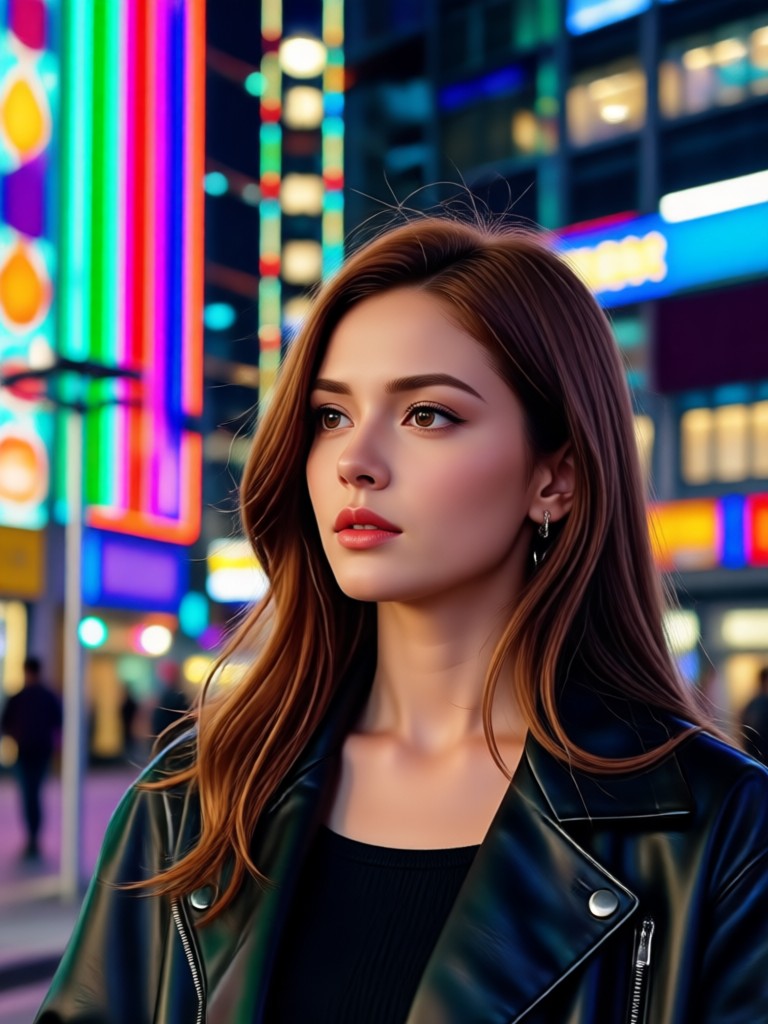
How to Create a Selective Color Video?
Make stunning selective color videos in three simple steps. No professional editing experience is required.

Step 01.
Download the Heyo app from Google Play. Open the app and select the Video Editor or AI Effects section to begin.

Step 02.
Upload your video clip. Browse the effects library and choose the 'Selective Color' or 'Color Isolation' AI filter.

Step 03.
Tap on the color in your video you wish to keep. Preview the effect, adjust intensity if needed, then export and share your cinematic video.
The Power of AI Driven Selective Color
Move beyond basic filters. Our AI understands context and motion, delivering a selective color effect that feels intentional and professional.

From Manual Editing to AI Simplicity
Traditional selective color requires tedious, frame by frame masking in complex software like Premiere Pro or After Effects. Our AI selective color tool automates this entire process. Simply choose your color, and the AI handles the rest, tracking objects and maintaining consistency across your entire video clip. This saves hours of work and makes a high end cinematic technique accessible to everyone, from social media creators to small business marketers.
From Manual Editing to AI Simplicity
Traditional selective color requires tedious, frame by frame masking in complex software like Premiere Pro or After Effects. Our AI selective color tool automates this entire process. Simply choose your color, and the AI handles the rest, tracking objects and maintaining consistency across your entire video clip. This saves hours of work and makes a high end cinematic technique accessible to everyone, from social media creators to small business marketers.
How Creators Use the Selective Color Tool

Chloe R.
This tool is a game changer for my Instagram Reels. I use it to make my product the only colored item in the frame. It drives so much more engagement and makes my ads look incredibly high end.
Marcus T.
As a indie filmmaker on a budget, I use this for symbolic shots. Isolating a red door or a blue letter adds narrative depth. The AI's accuracy saves me days in post production.

Sofia L.
My travel videos stand out because I highlight one colorful element, like a market stall or a traditional dress, against a monochrome background. It tells a more focused story and my viewers love it.
Jaden K.
I created a lyric video where only the words I sang changed color. It was so easy to do on my phone and gave my music a professional visual identity without hiring an editor.
Chloe R.
This tool is a game changer for my Instagram Reels. I use it to make my product the only colored item in the frame. It drives so much more engagement and makes my ads look incredibly high end.
Marcus T.
As a indie filmmaker on a budget, I use this for symbolic shots. Isolating a red door or a blue letter adds narrative depth. The AI's accuracy saves me days in post production.
Sofia L.
My travel videos stand out because I highlight one colorful element, like a market stall or a traditional dress, against a monochrome background. It tells a more focused story and my viewers love it.
Jaden K.
I created a lyric video where only the words I sang changed color. It was so easy to do on my phone and gave my music a professional visual identity without hiring an editor.
Chloe R.
This tool is a game changer for my Instagram Reels. I use it to make my product the only colored item in the frame. It drives so much more engagement and makes my ads look incredibly high end.
Marcus T.
As a indie filmmaker on a budget, I use this for symbolic shots. Isolating a red door or a blue letter adds narrative depth. The AI's accuracy saves me days in post production.
Sofia L.
My travel videos stand out because I highlight one colorful element, like a market stall or a traditional dress, against a monochrome background. It tells a more focused story and my viewers love it.
Jaden K.
I created a lyric video where only the words I sang changed color. It was so easy to do on my phone and gave my music a professional visual identity without hiring an editor.
Frequently Asked Questions
Get answers to common questions about creating AI selective color videos. Learn how to achieve the best results with our tool.

Create Cinematic Videos on Your Phone
Turn everyday clips into artistic masterpieces with the AI selective color tool. Download Heyo now and highlight what matters most.

More AI Art Topics You May Like
Explore more topics you may like and discover fresh ideas tailored to your interests.
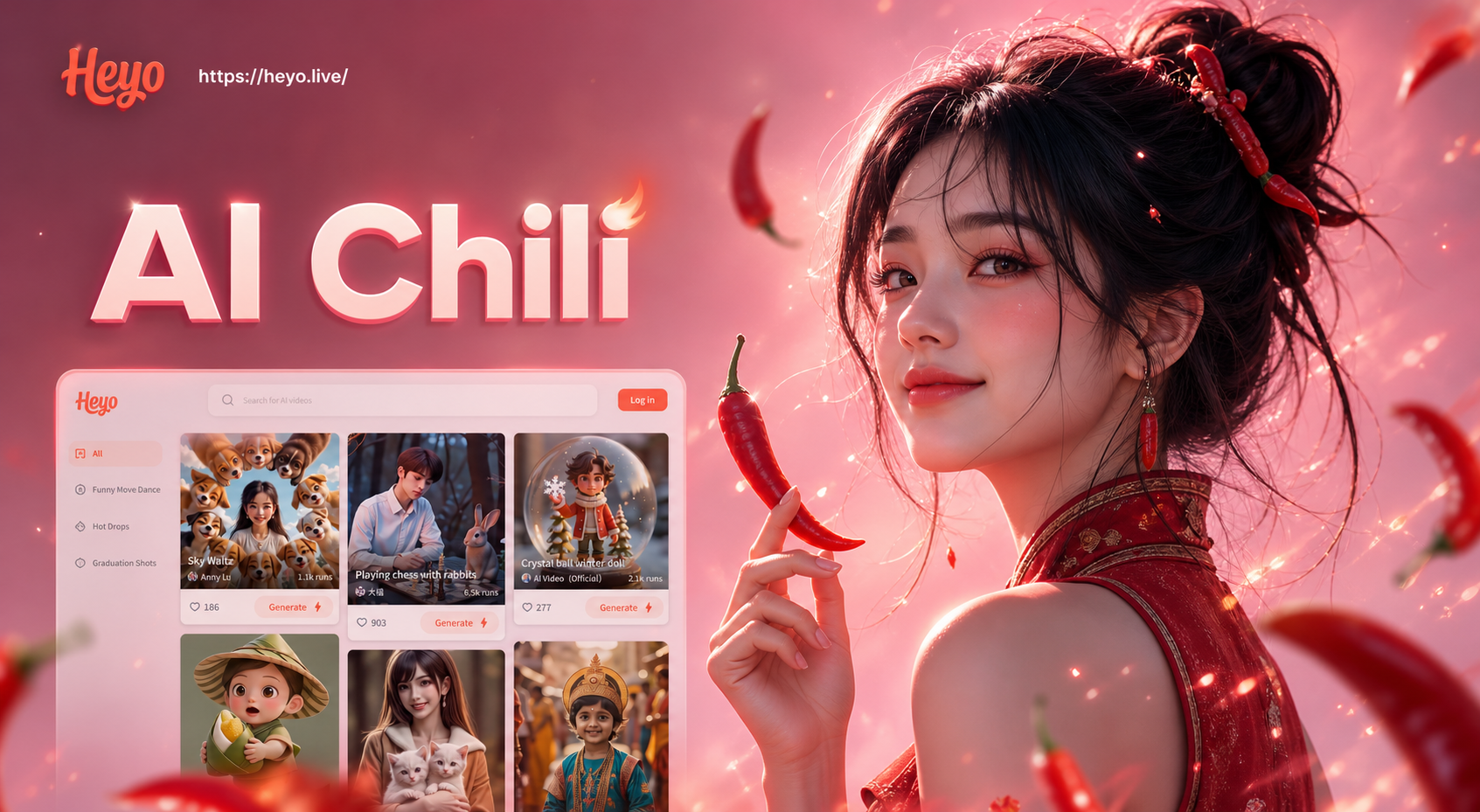
Beatmo AI Chili Filter - Make Indian Girls Hotter & Spicier Instantly
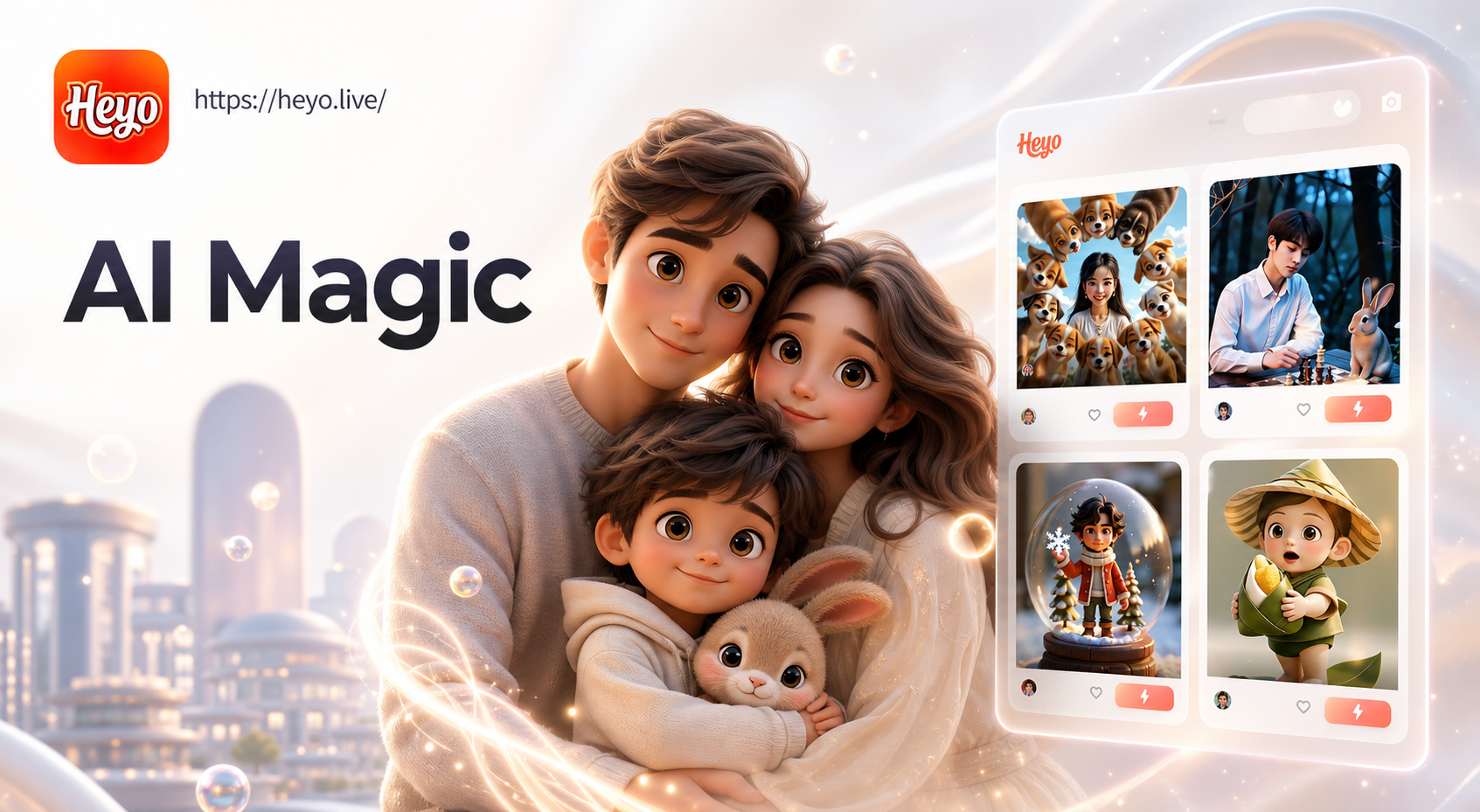
Heyo AI Pixar Family Filter: Transform Your Family into Pixar Characters
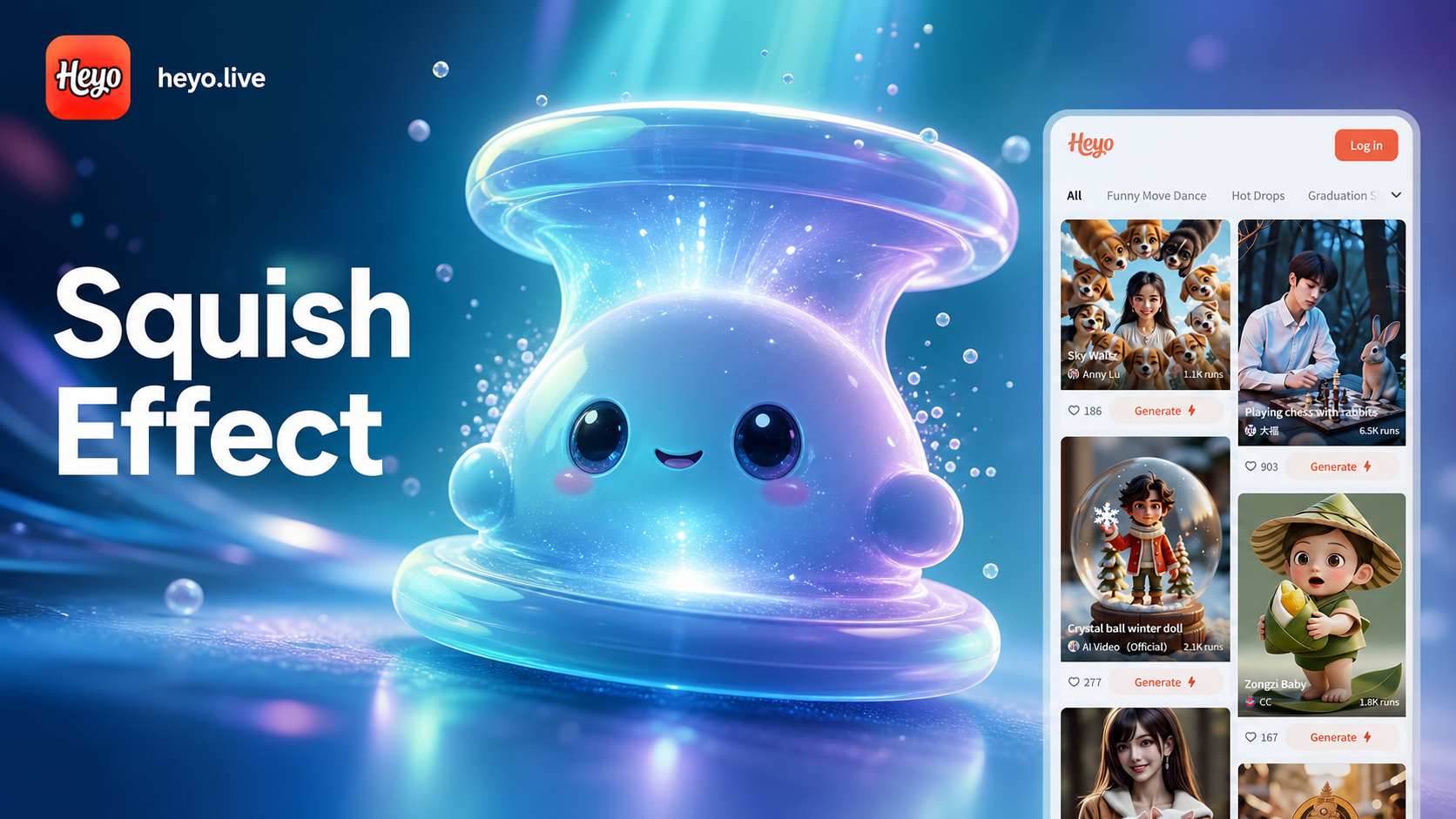
Heyo AI Squish Effect Generator: Hilarious Squish Videos & Photos
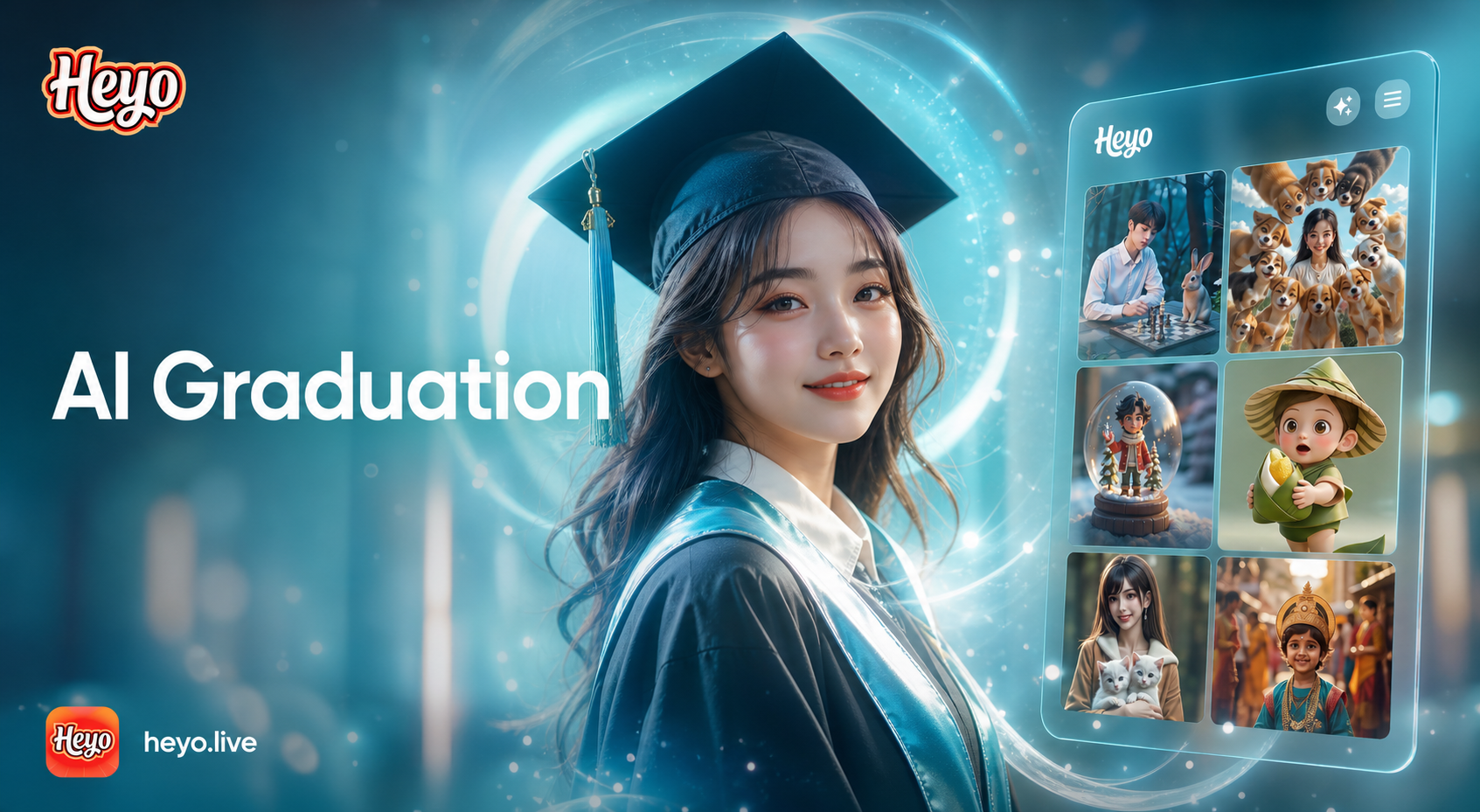
Heyo AI Graduation Photo Maker: Turn Photos into Graduation Portraits
Beatmo AI Chili Filter - Make Indian Girls Hotter & Spicier Instantly
Heyo AI Pixar Family Filter: Transform Your Family into Pixar Characters
Heyo AI Squish Effect Generator: Hilarious Squish Videos & Photos
Heyo AI Graduation Photo Maker: Turn Photos into Graduation Portraits
Highlight Your Story with Color
Don't let your important moments blend in. Use AI selective color to direct attention, evoke emotion, and create videos that truly stand out. Start for free.
Highlight Your Story with Color
Don't let your important moments blend in. Use AI selective color to direct attention, evoke emotion, and create videos that truly stand out. Start for free.