AI Watercolor Portrait Effect
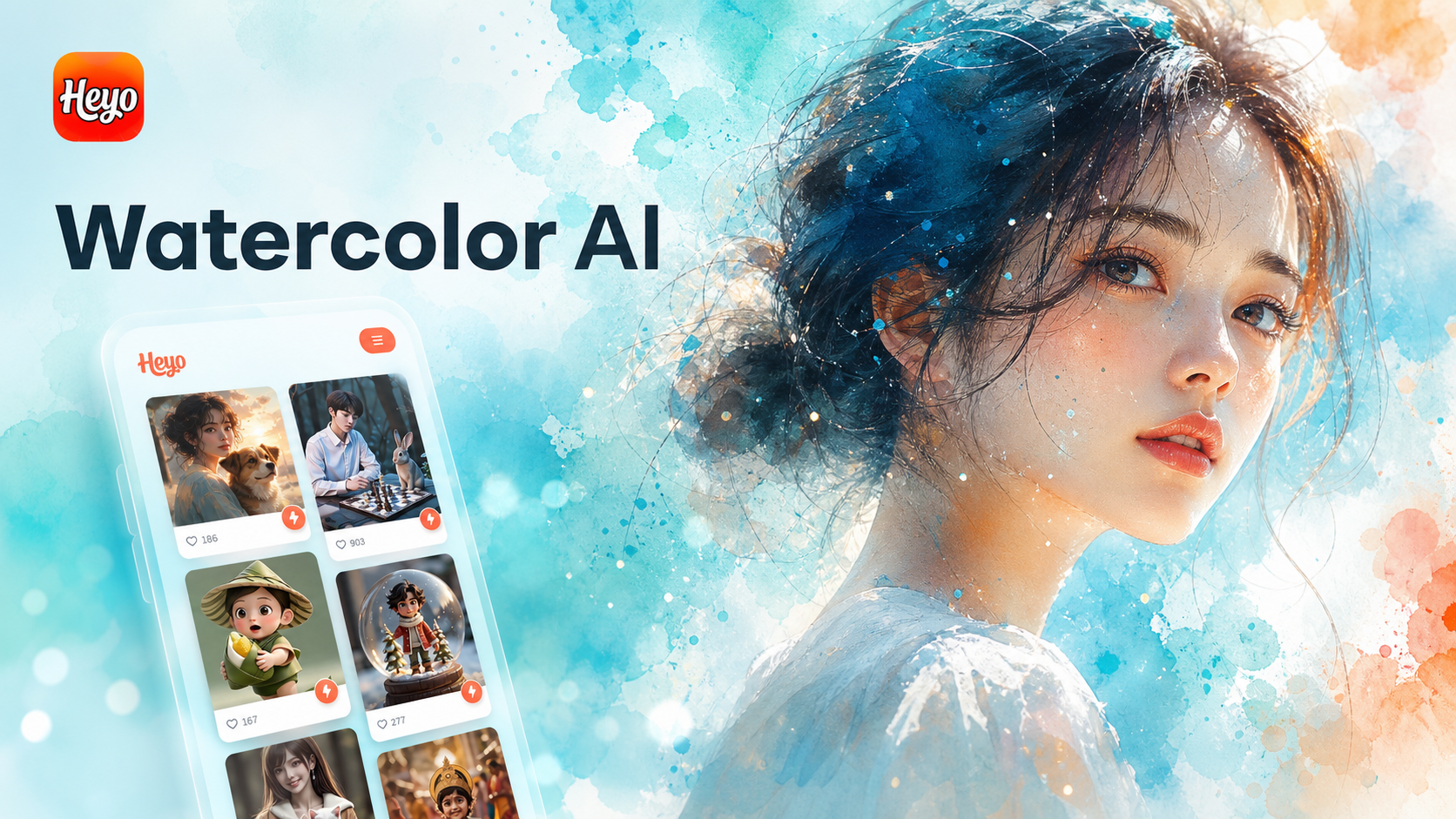
Explore Our AI Art Style Collection
Beyond watercolor, discover a world of artistic filters. From oil painting and sketch to anime and cyberpunk, find the perfect style to match your vision.
Why Choose Our AI Watercolor Portrait Effect
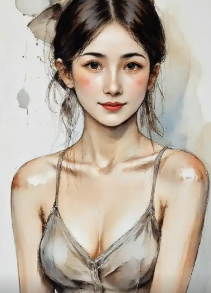
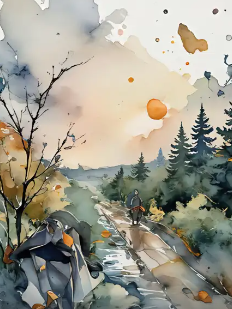
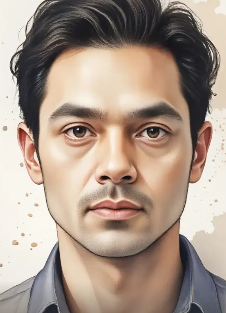
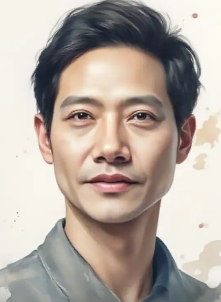
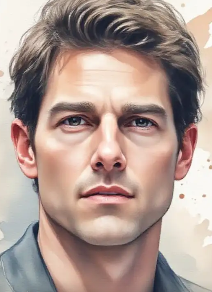
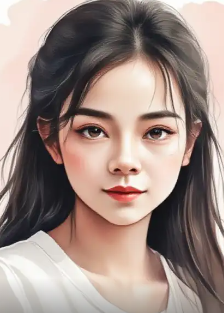
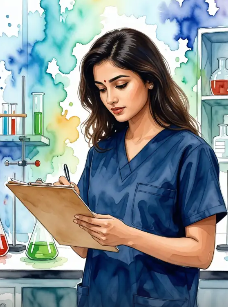
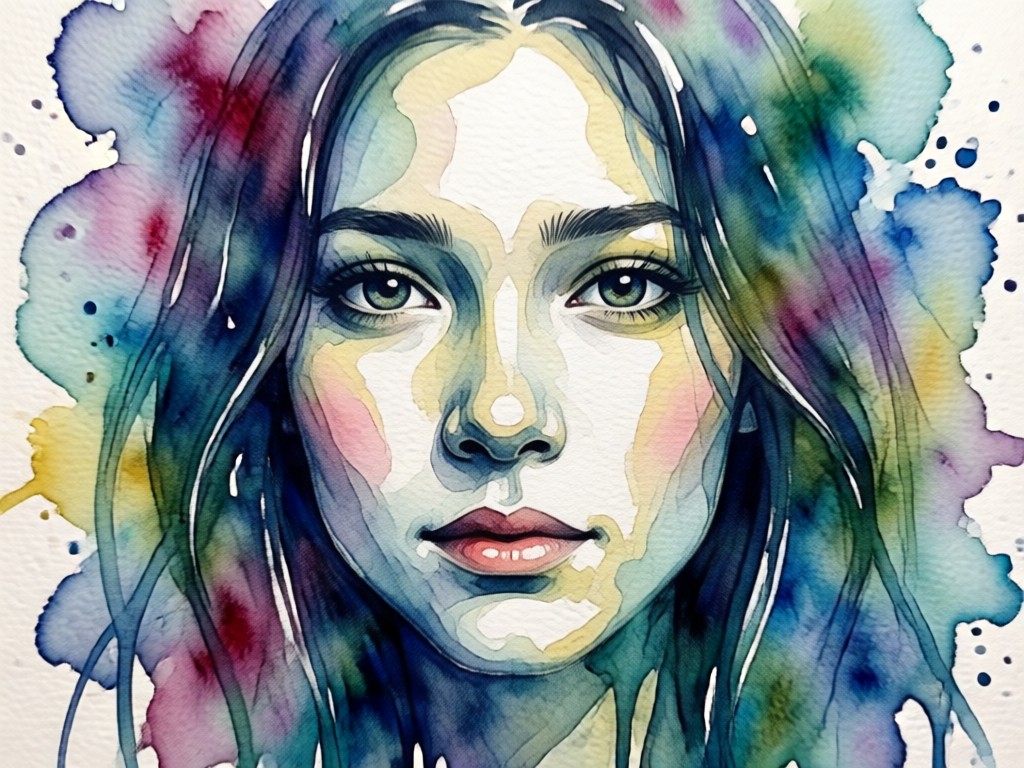
Our AI doesn't just apply a simple filter. It intelligently analyzes your photo to recreate the authentic texture and flow of watercolor paint, delivering gallery-worthy results in seconds.
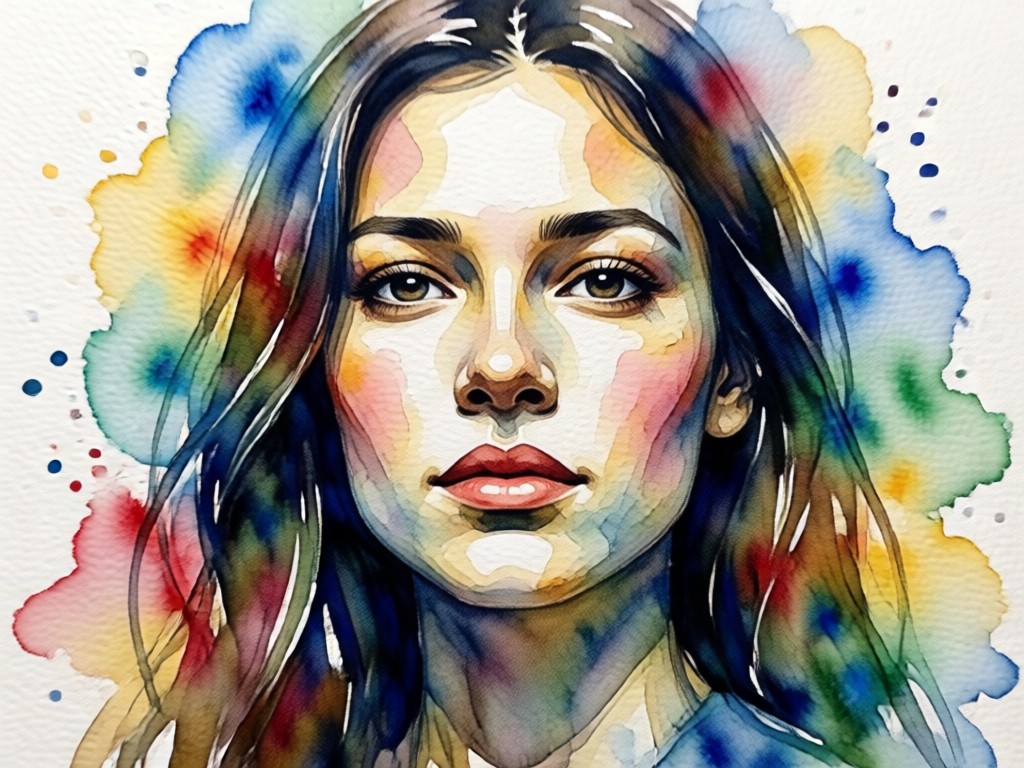
Authentic Watercolor Texture
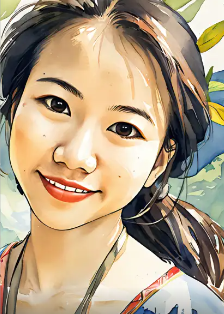
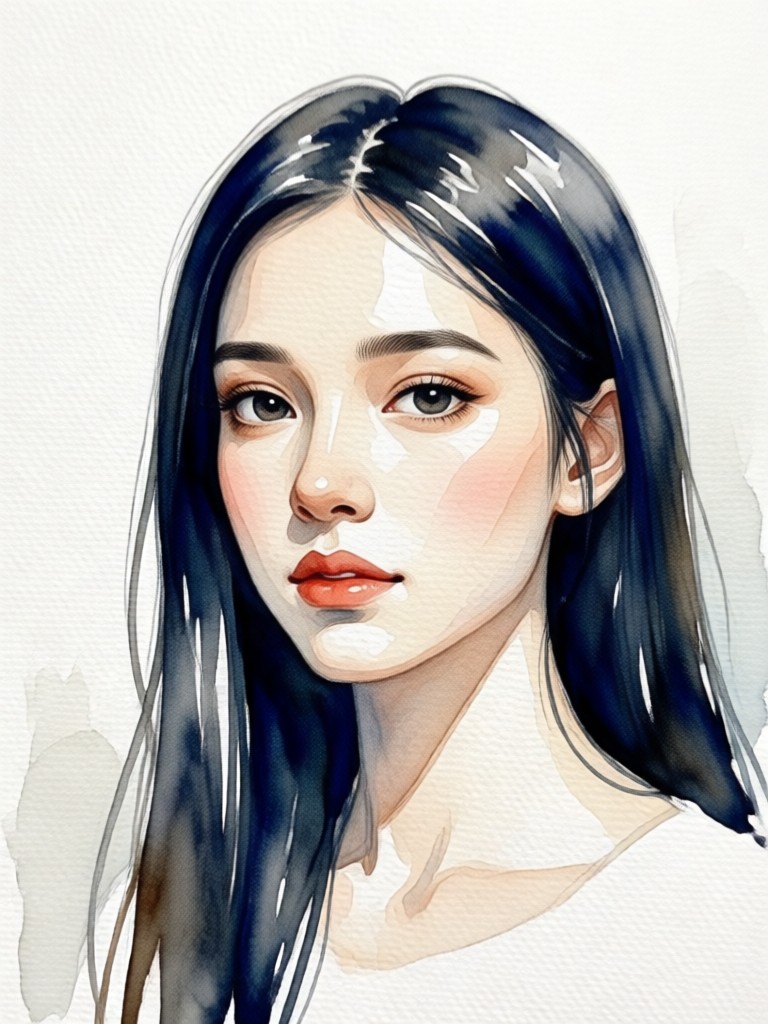
Experience realistic pigment diffusion, granulation, and soft edges that mimic real watercolor on paper. The AI preserves light and shadow to create depth and dimension.
Authentic Watercolor Texture
Experience realistic pigment diffusion, granulation, and soft edges that mimic real watercolor on paper. The AI preserves light and shadow to create depth and dimension.
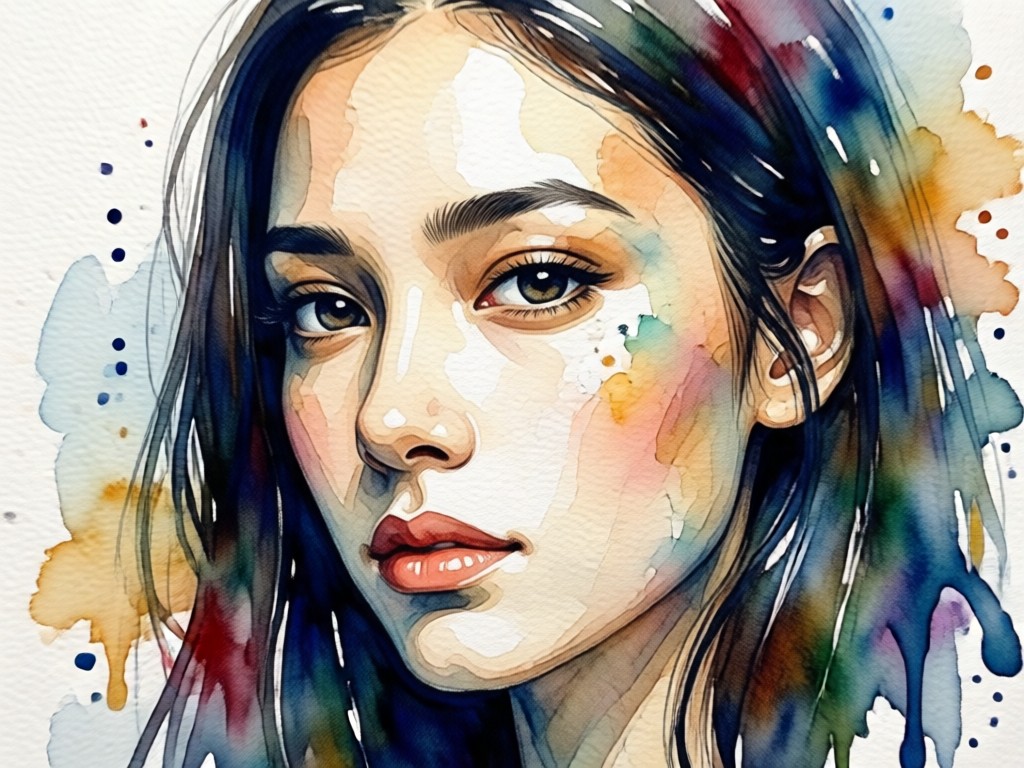
One-Click Artistic Transformation
No complex settings or manual editing required. Upload your portrait, select the watercolor effect, and watch as AI instantly generates a beautiful, cohesive piece of art.
One-Click Artistic Transformation
No complex settings or manual editing required. Upload your portrait, select the watercolor effect, and watch as AI instantly generates a beautiful, cohesive piece of art.
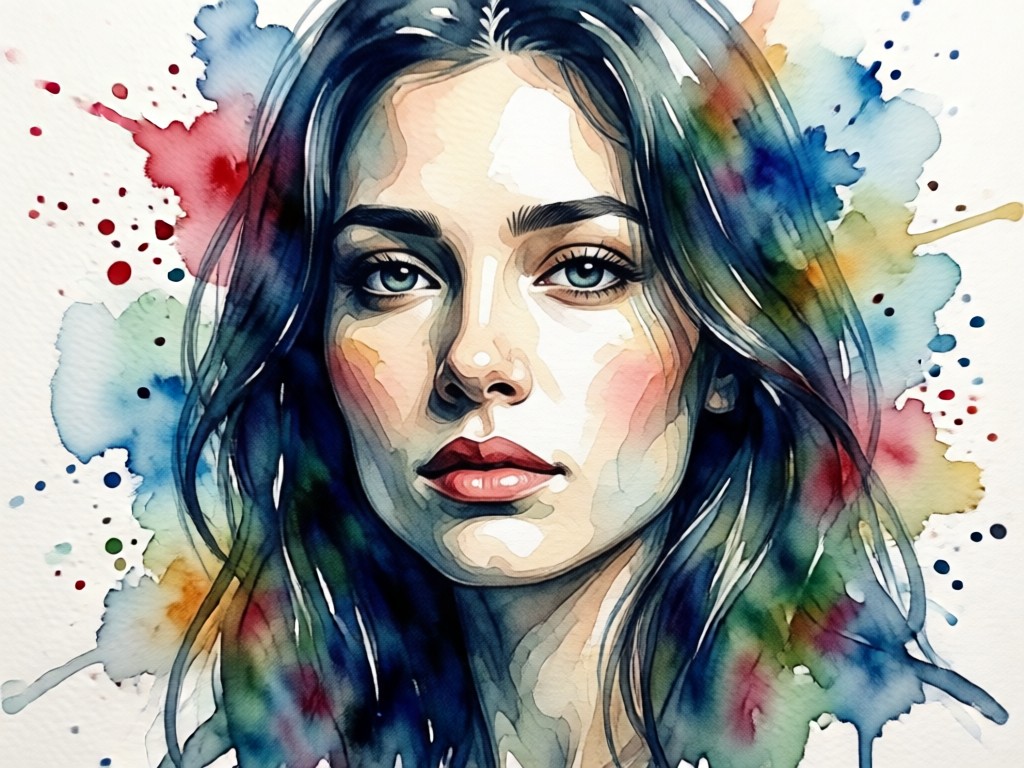
Customizable Art Styles
Adjust the intensity, color saturation, and brushstroke detail. Choose from variations like loose wash, detailed portrait, or modern abstract watercolor styles.
Customizable Art Styles
Adjust the intensity, color saturation, and brushstroke detail. Choose from variations like loose wash, detailed portrait, or modern abstract watercolor styles.
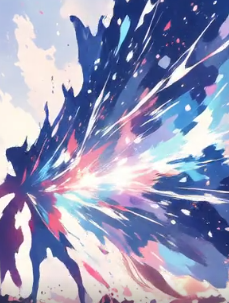
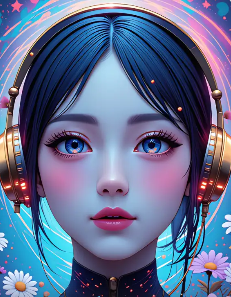
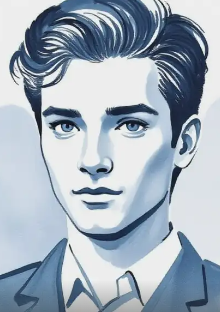
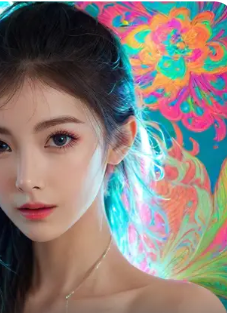
AI Bloom Effect Transformations
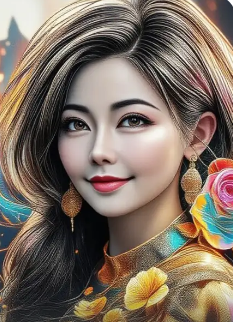
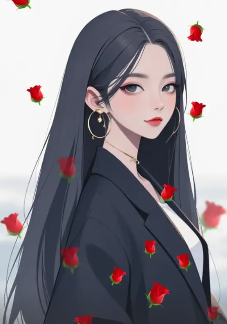
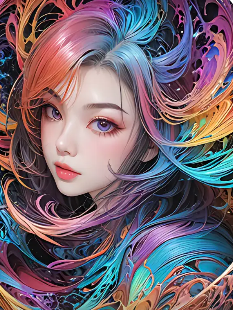
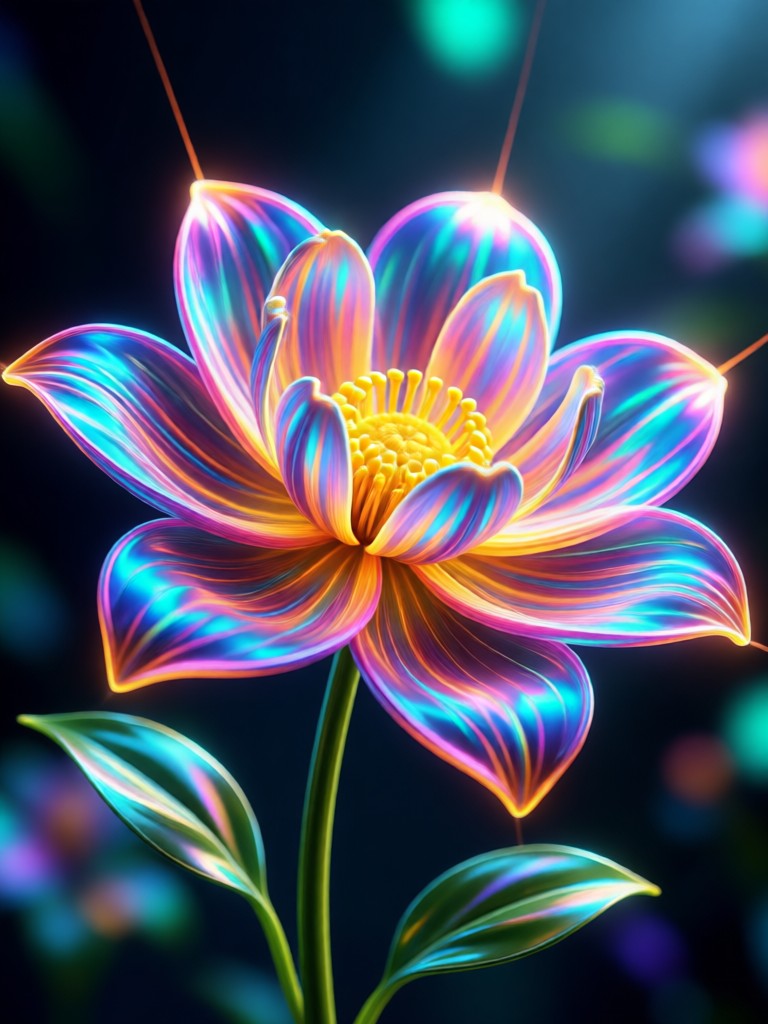
See how the AI Bloom Effect transforms portraits, landscapes, and everyday scenes into magical, glowing works of art. Each image showcases the power of ethereal light enhancement.
How to Create an AI Watercolor Portrait
Create your own beautiful watercolor portrait art in just three simple steps. No design experience or expensive software is needed.

Step 01.
Download the Heyo app from the Google Play Store. It's your all-in-one mobile studio for AI art creation, completely free to start.

Step 02.
Open the app, upload your favorite portrait photo, and browse the art filters. Select the 'Watercolor Portrait' effect from the style library.

Step 03.
Generate and customize your artwork. Adjust settings if desired, then save your high-quality watercolor portrait to your phone or share it directly.
The Art of Accessible Creativity
Watercolor painting is a skill that takes years to master. Our AI effect bridges that gap, giving everyone the power to create beautiful, personalized art with the tap of a finger.
Why Create AI Watercolor Portraits?
An AI watercolor portrait is more than a filter, it's a unique piece of personalized art. It offers a timeless, elegant alternative to standard photos, perfect for commemorating special moments, creating memorable gifts, or refreshing your online presence with a creative profile picture. The organic, soft aesthetic of watercolor adds emotion and artistry that digital filters often lack.
Why Create AI Watercolor Portraits?
An AI watercolor portrait is more than a filter, it's a unique piece of personalized art. It offers a timeless, elegant alternative to standard photos, perfect for commemorating special moments, creating memorable gifts, or refreshing your online presence with a creative profile picture. The organic, soft aesthetic of watercolor adds emotion and artistry that digital filters often lack.
What Our Community is Creating
Turned our wedding photo into a masterpiece
I used the watercolor effect on our favorite wedding portrait. The result was breathtaking, it looked like a commissioned painting. We printed it on canvas and it's now the centerpiece of our living room. The AI captured the emotion perfectly.
My new favorite tool for client gifts
As a photographer, I'm always looking for unique thank-you gifts. Now I use this to turn my client's best portrait into a watercolor artwork. It adds incredible value to my packages and clients are always amazed. The quality is consistently professional.
Brought my grandma's old photo to life
I had a faded black and white photo of my grandmother as a young woman. The AI watercolor effect not only colorized it but turned it into a beautiful painting. It felt like restoring a memory in the most artistic way possible. My family was moved to tears.
Create Your First Watercolor Portrait Today
Join millions who are transforming memories into art. Download the Heyo app now and explore the watercolor portrait effect, along with hundreds of other AI art styles.

AI Watercolor Portrait FAQs
Got questions about creating watercolor portraits with AI? Find quick answers to the most common queries below.
More Topics You May Like
Explore more topics you may like and discover fresh ideas tailored to your interests.
Ai Red Black Portrait

Ai Stadium Camera Capture Effect
Ai Taper Fade Haircut Generator
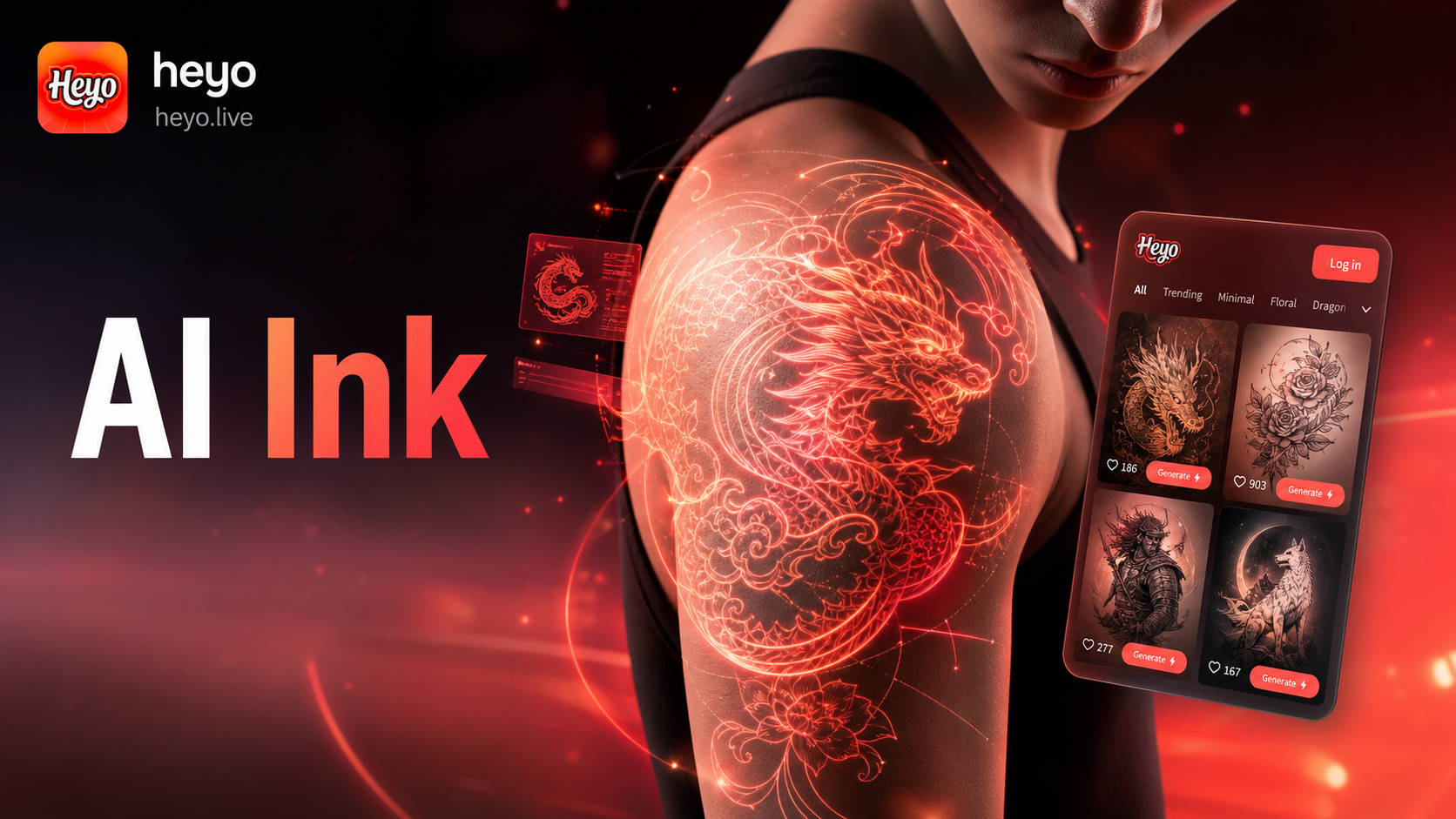
Ai Tattoo Generator
Ai Red Black Portrait
Ai Stadium Camera Capture Effect
Ai Taper Fade Haircut Generator
Ai Tattoo Generator
Your Portrait, Masterfully Painted by AI
Stop scrolling and start creating. Download Heyo now and turn your favorite photos into beautiful watercolor art in seconds. No brushes, no mess, just stunning results.

Your Portrait, Masterfully Painted by AI
Stop scrolling and start creating. Download Heyo now and turn your favorite photos into beautiful watercolor art in seconds. No brushes, no mess, just stunning results.