AI Yearbook Photo Generator
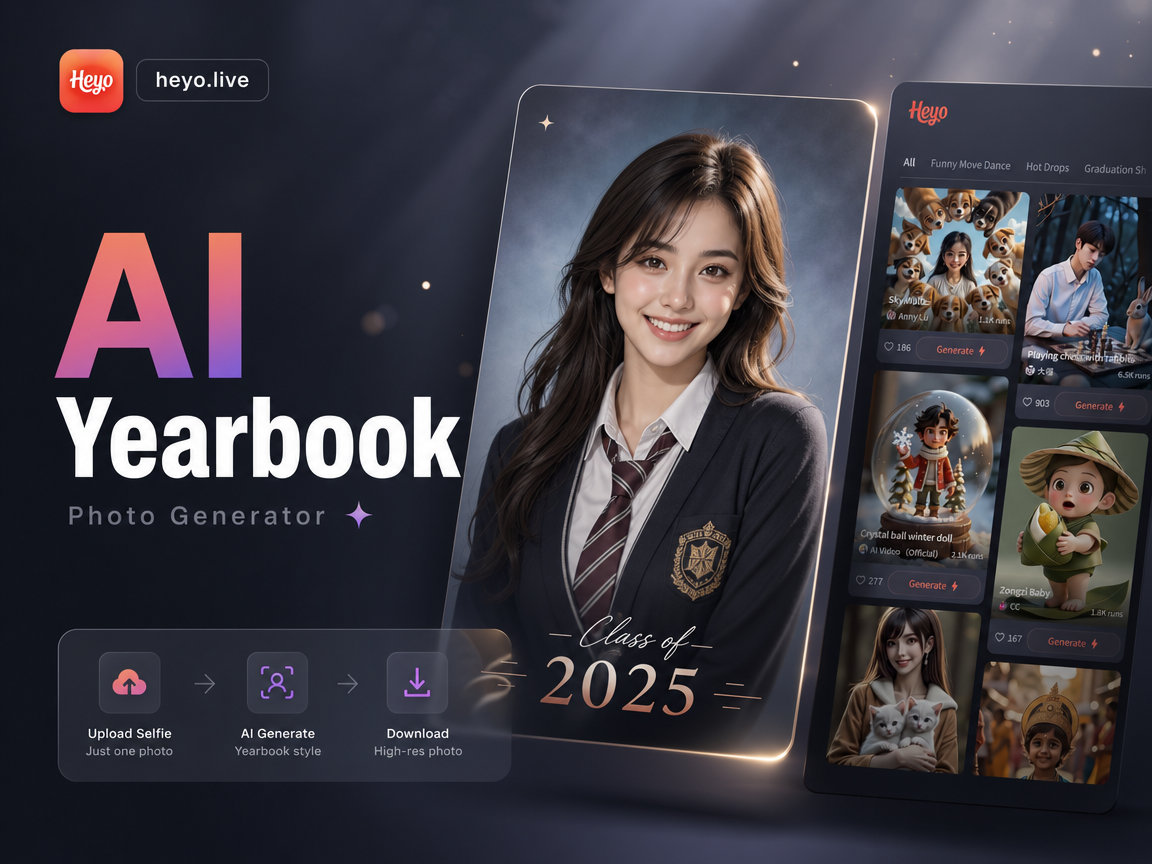
Choose Your Favorite Yearbook Era
Our AI doesn't just add a filter, it understands vintage style. Pick from our library of era-specific filters for the most authentic look.
Key Features of AI Yearbook Generator
We combine powerful AI with a deep understanding of retro photography to deliver yearbook photos that feel genuinely authentic, not just edited.
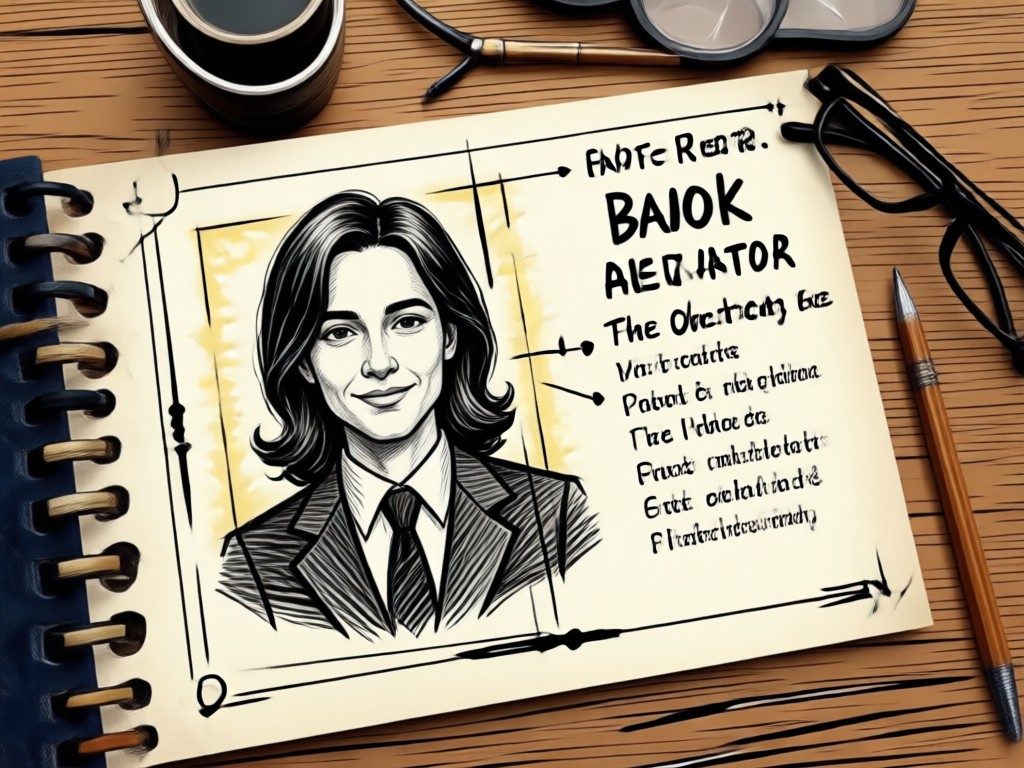
Authentic Era Filters
Our AI doesn't just overlay a sepia tone. It analyzes and applies the exact grain, color palettes, and lighting styles of 70s, 80s, and 90s school photography for a true vintage feel.
Authentic Era Filters
Our AI doesn't just overlay a sepia tone. It analyzes and applies the exact grain, color palettes, and lighting styles of 70s, 80s, and 90s school photography for a true vintage feel.
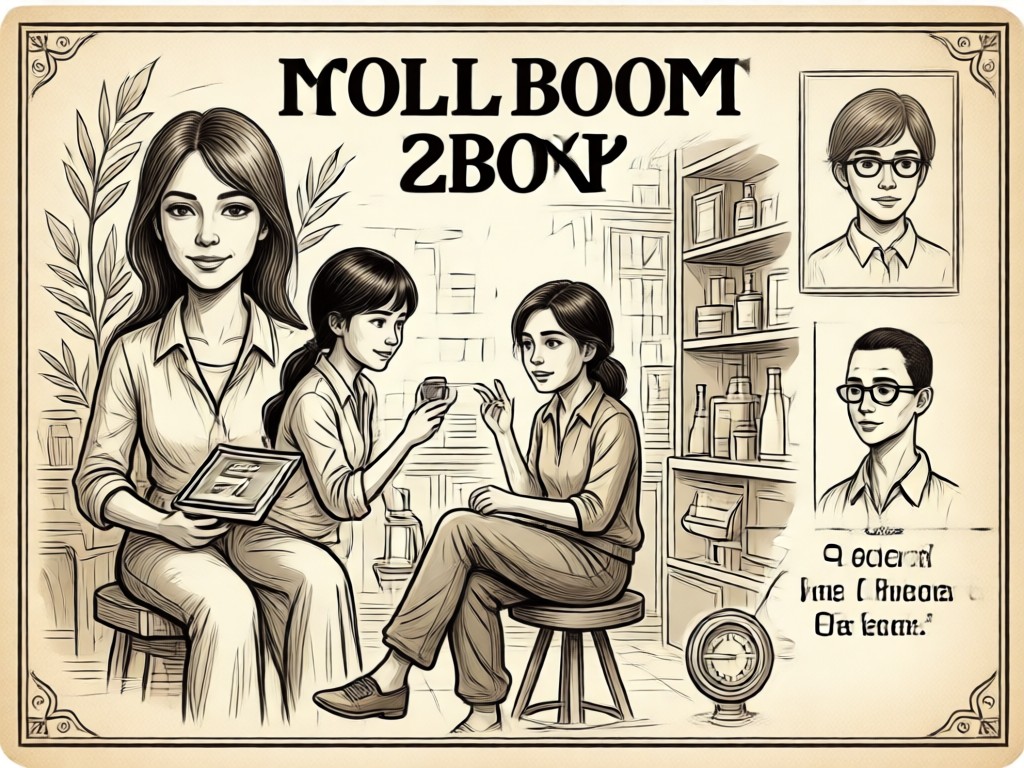
Smart Portrait Enhancement
The AI gently adjusts your features to match classic portrait styles, softening skin tones and adjusting contrast to mimic the soft-focus look of old yearbook photos without losing your identity.
Smart Portrait Enhancement
The AI gently adjusts your features to match classic portrait styles, softening skin tones and adjusting contrast to mimic the soft-focus look of old yearbook photos without losing your identity.
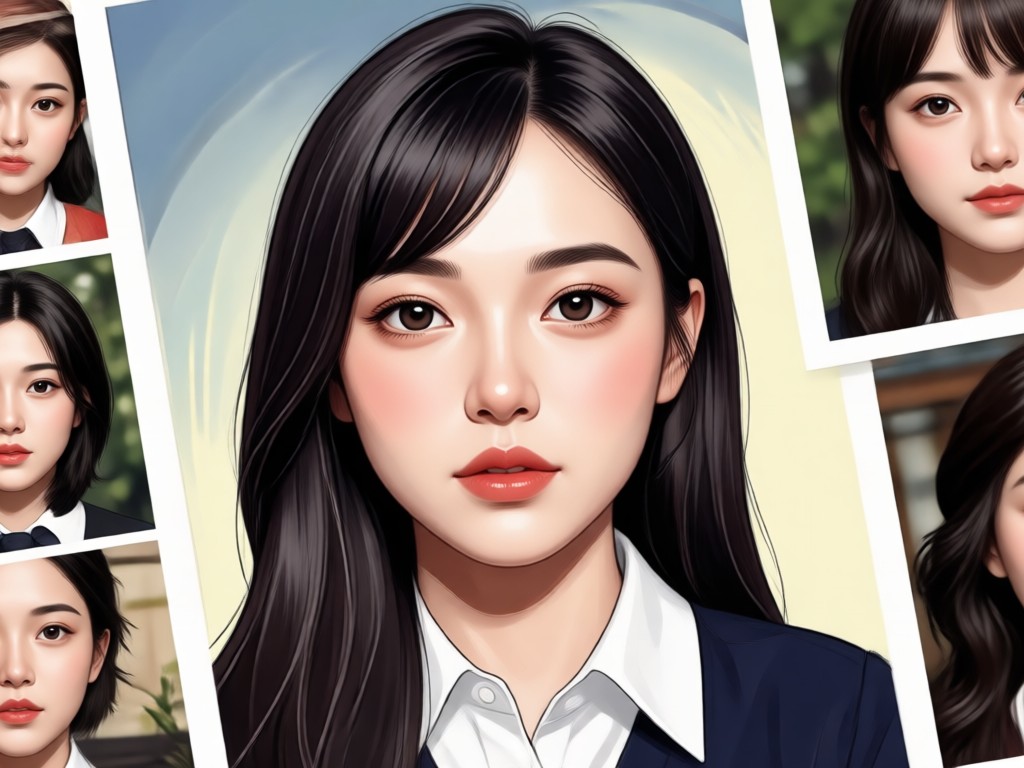
Classic Background Library
Automatically place yourself against authentic yearbook backdrops, from classic blue mottled screens to retro gymnasium walls. No green screen or manual editing required.
Classic Background Library
Automatically place yourself against authentic yearbook backdrops, from classic blue mottled screens to retro gymnasium walls. No green screen or manual editing required.
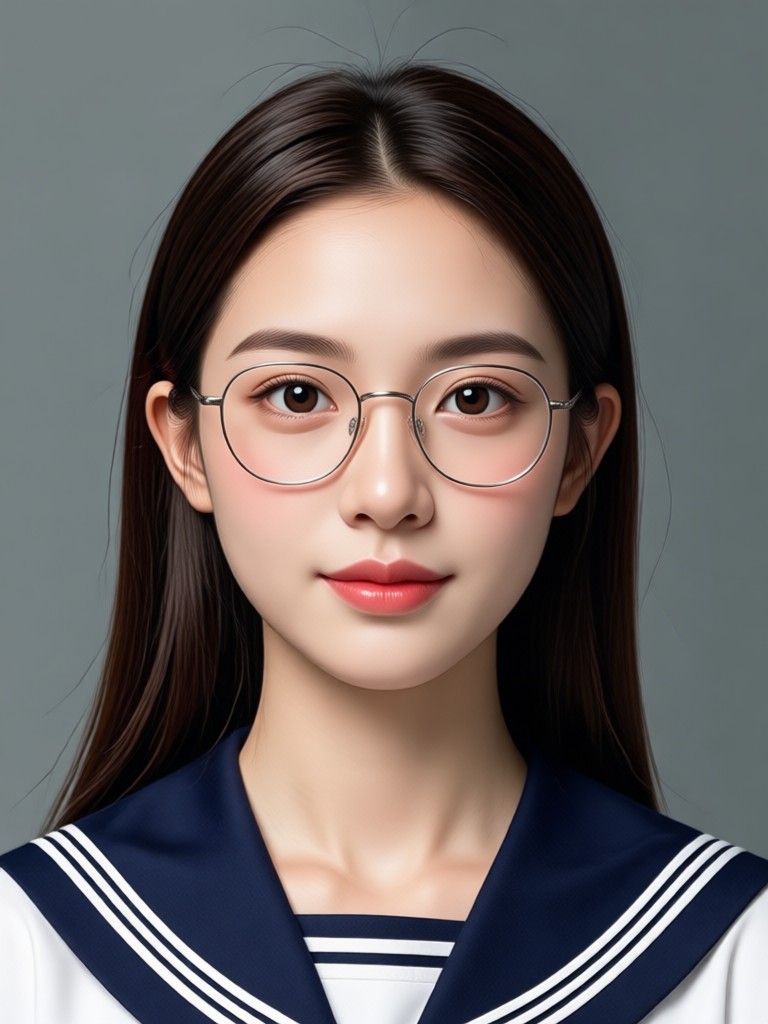
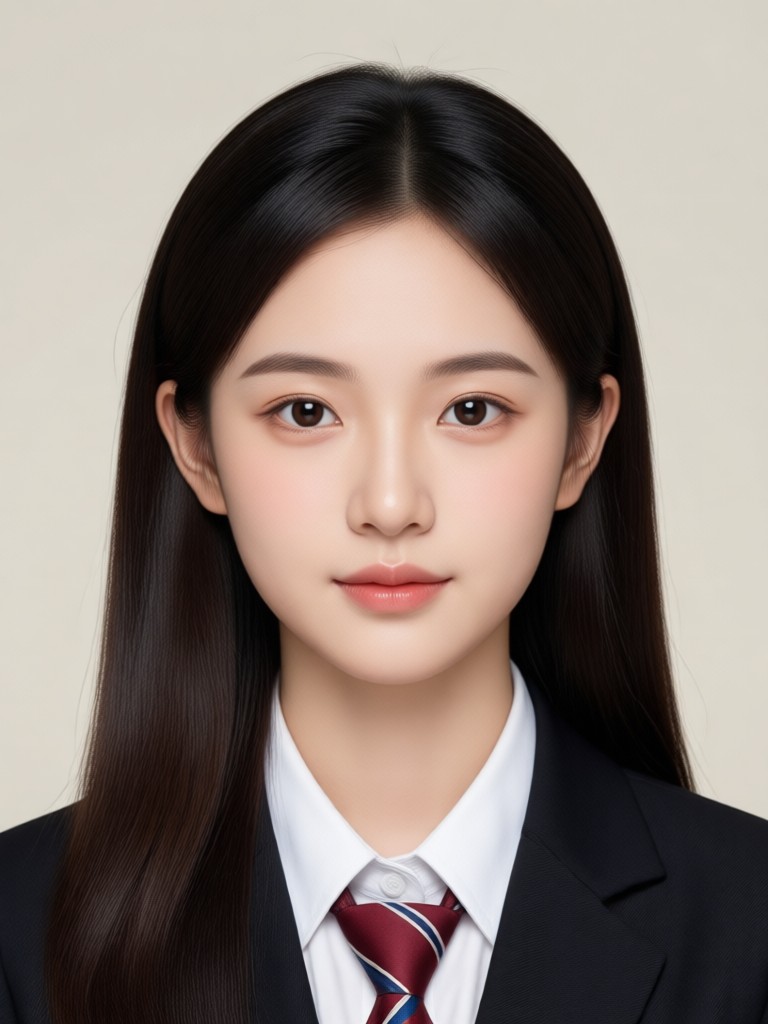
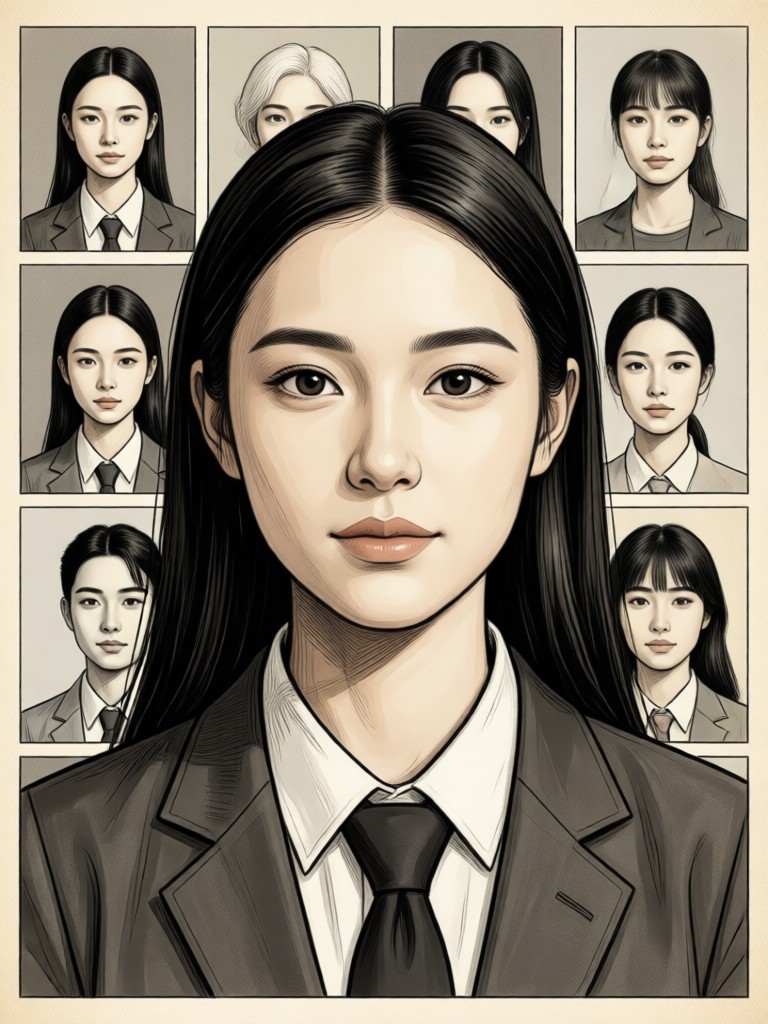
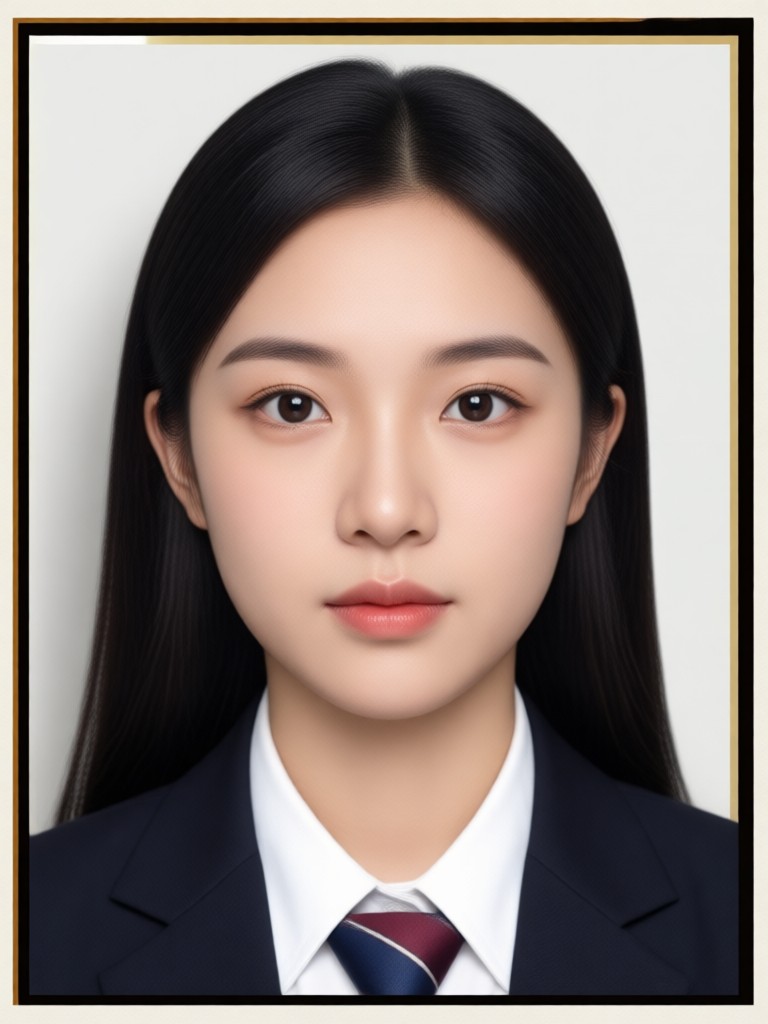
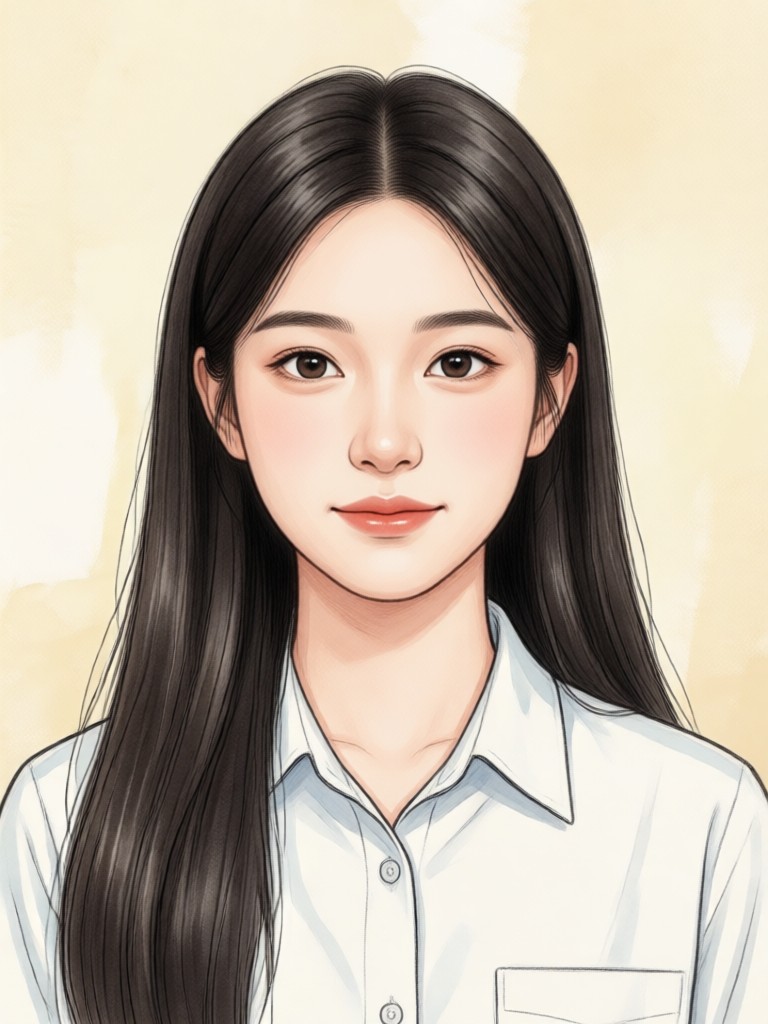
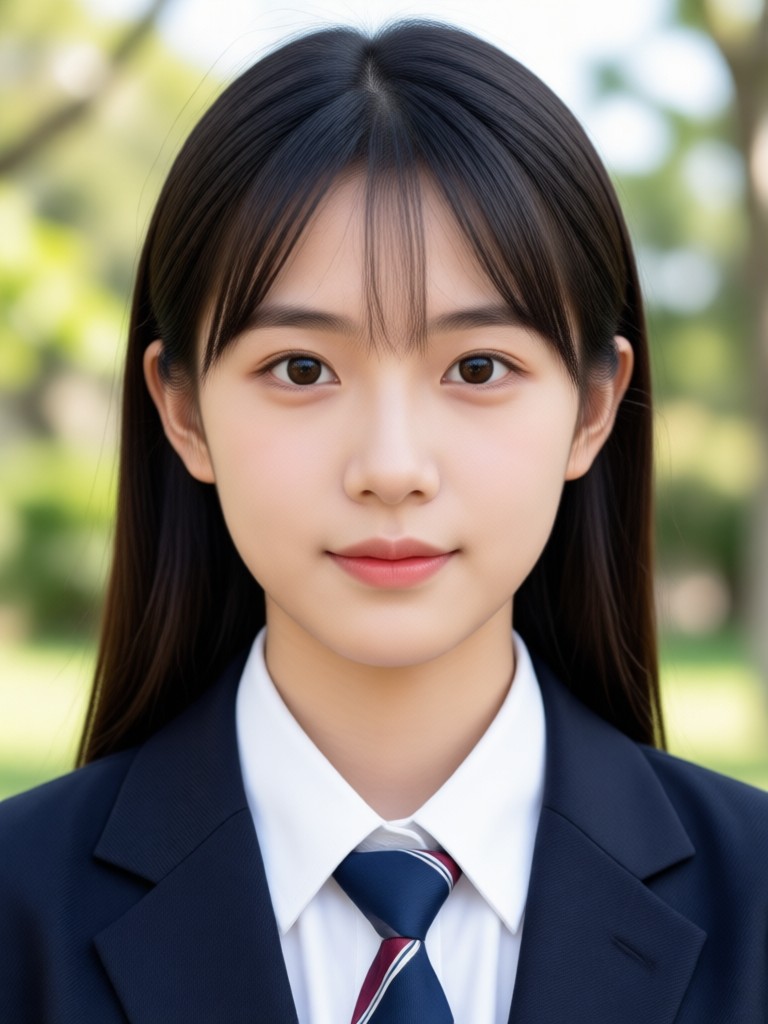
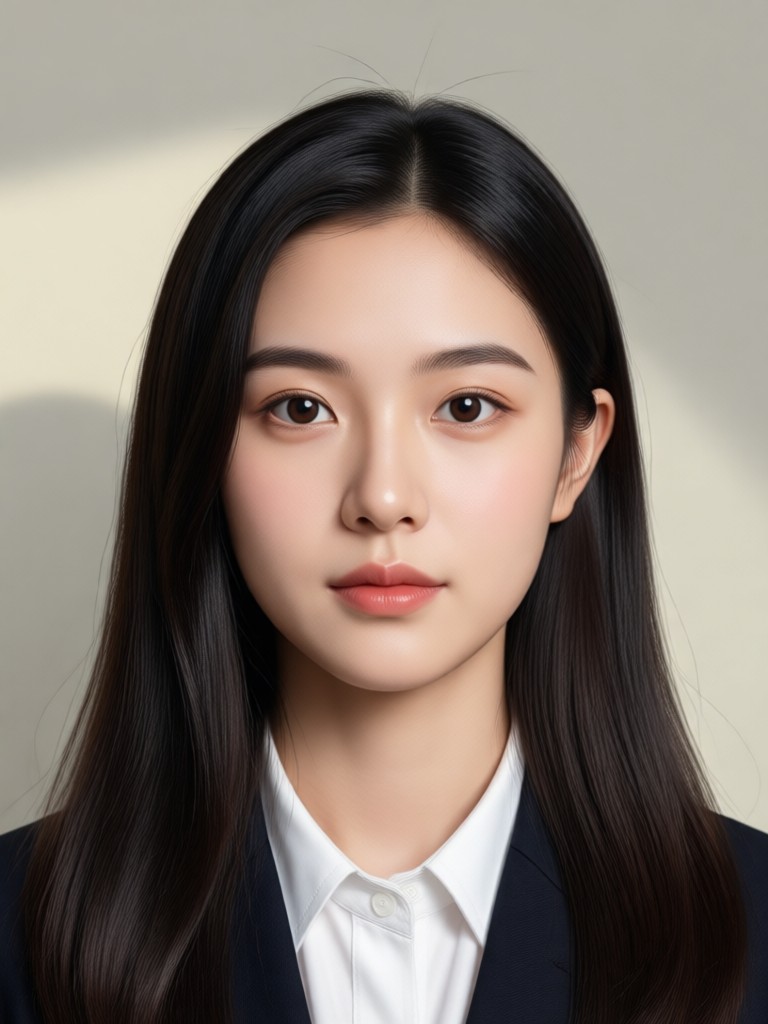
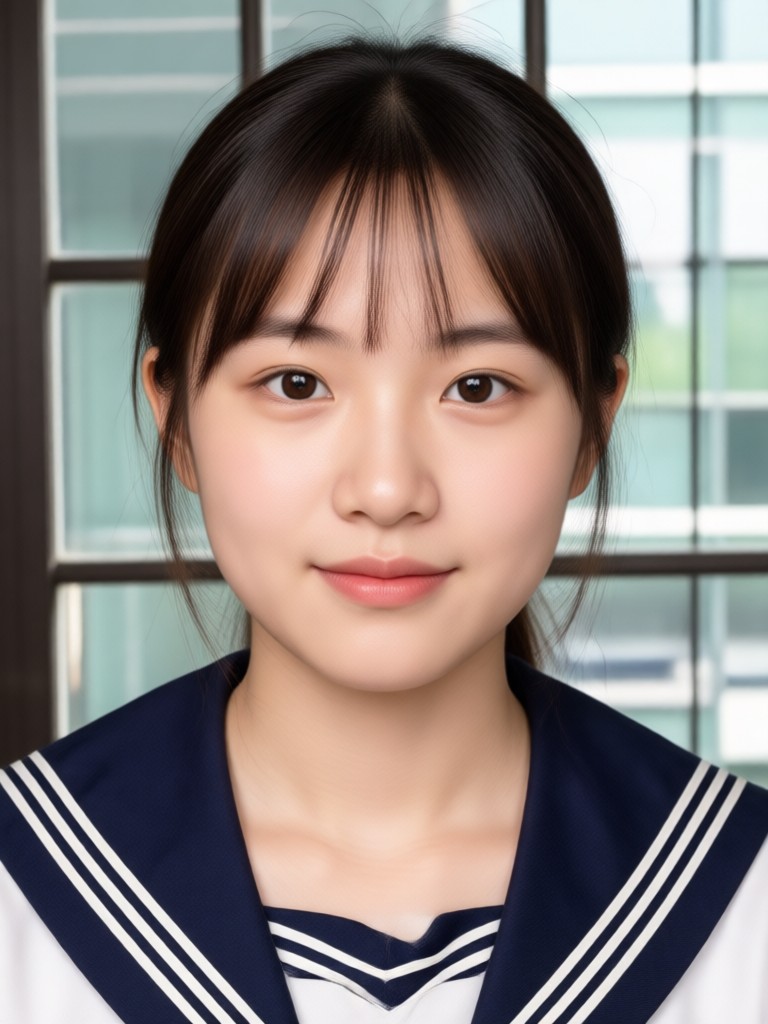
AI Yearbook Photo Generator Gallery
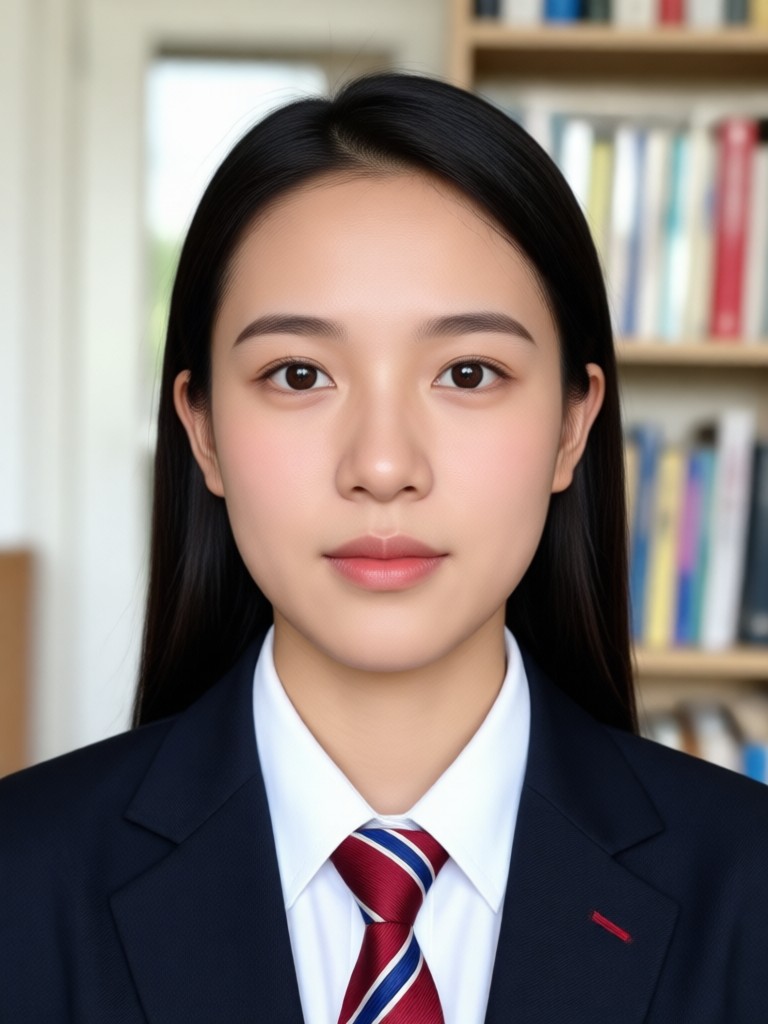
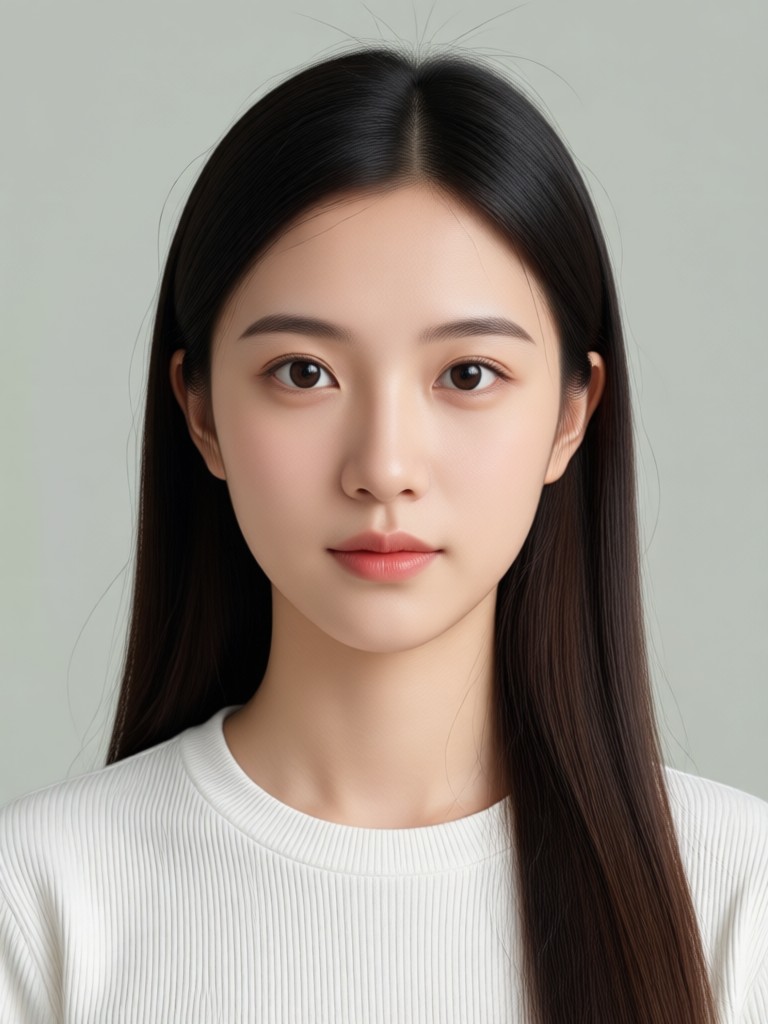
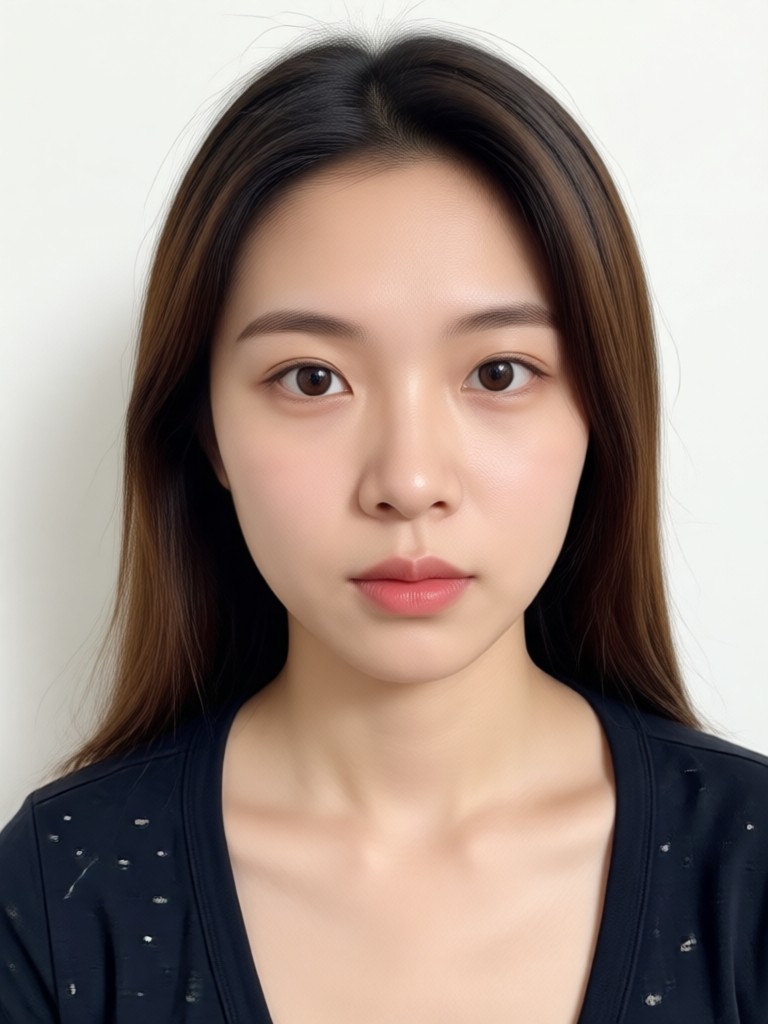
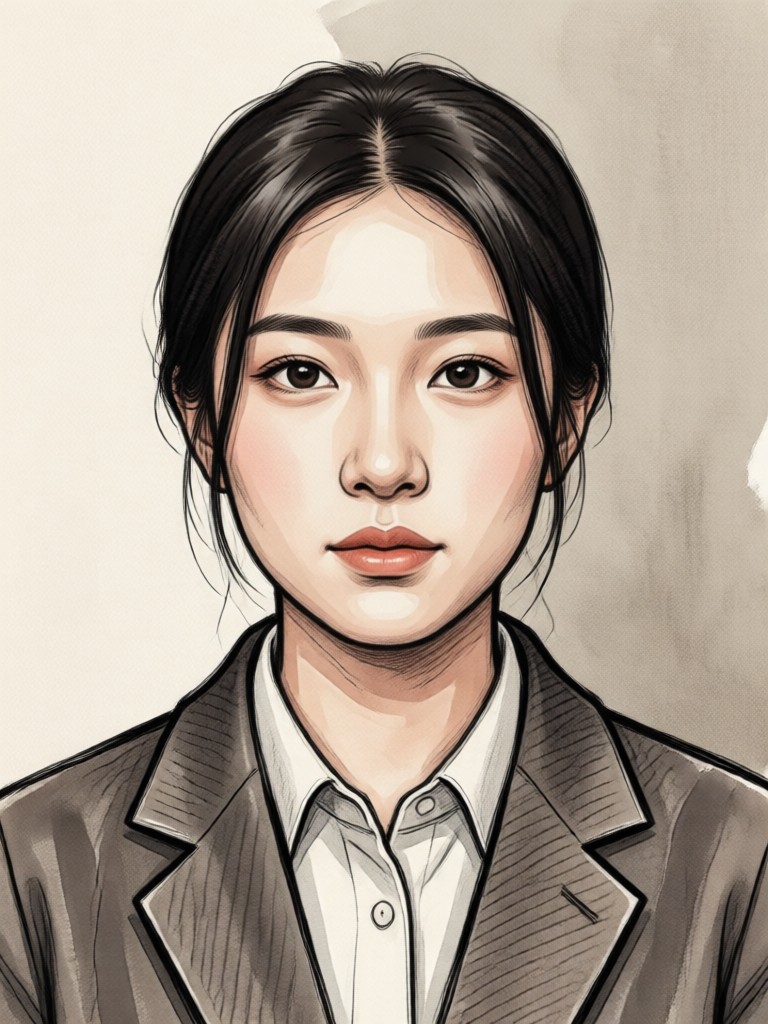
See how ordinary selfies transform into nostalgic treasures. Browse real examples created with our AI Yearbook Photo Generator and get inspired for your own retro portrait.
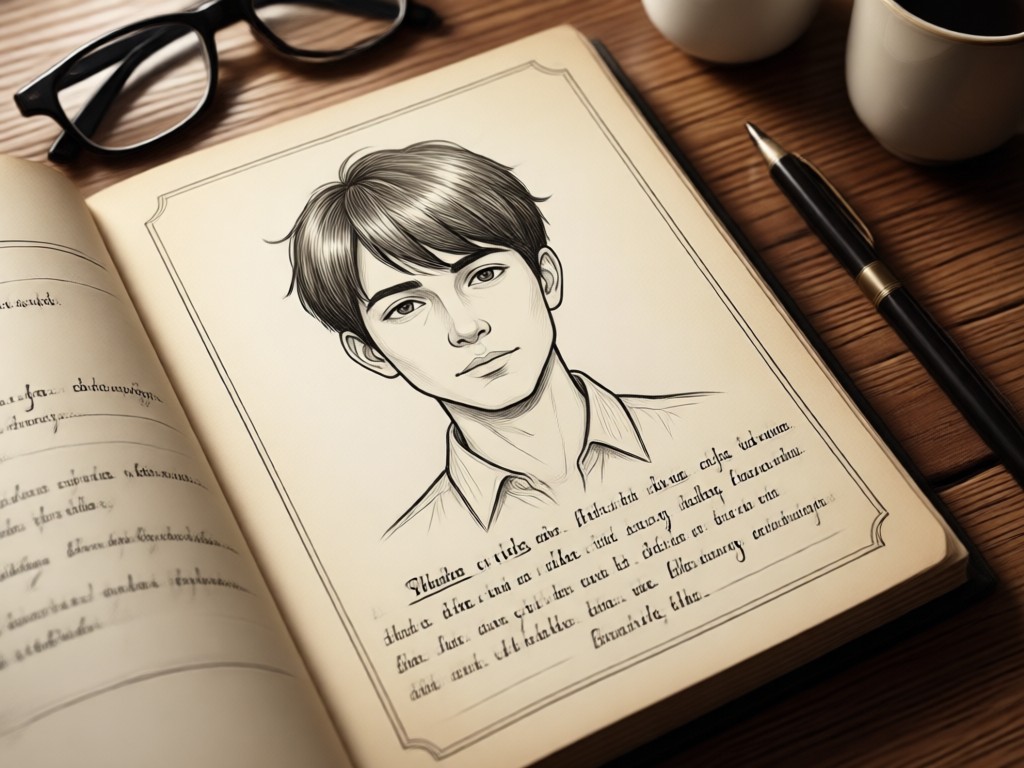
Why Use an AI Yearbook Photo Generator?
Creating a convincing vintage yearbook photo manually requires expertise in old photography techniques. Our AI does the heavy lifting, analyzing thousands of real yearbook photos to apply the perfect combination of aging effects, lighting, and style instantly.
Why Use an AI Yearbook Photo Generator?
Creating a convincing vintage yearbook photo manually requires expertise in old photography techniques. Our AI does the heavy lifting, analyzing thousands of real yearbook photos to apply the perfect combination of aging effects, lighting, and style instantly.
Who Uses the AI Yearbook Photo Generator
Sarah K.
Used the generator for our 20-year reunion. Everyone loved creating their 'what if' yearbook photos from the wrong decade. The 80s filter was a huge hit and made the event unforgettable.
Mark T.
As a creator focusing on nostalgia content, this tool is a goldmine. The AI yearbook photos are so authentic they get massive engagement. My '90s Yearbook Challenge' video went viral.
Jenna L.
I used the vintage portrait generator for a history class project. Students created yearbook photos for historical figures. It brought the past to life in a way textbooks never could.

Alex R.
I needed a series of retro portraits for a client's branding. This AI tool delivered consistent, high-quality vintage looks in minutes, saving me hours of manual photo editing.
Sarah K.
Used the generator for our 20-year reunion. Everyone loved creating their 'what if' yearbook photos from the wrong decade. The 80s filter was a huge hit and made the event unforgettable.
Mark T.
As a creator focusing on nostalgia content, this tool is a goldmine. The AI yearbook photos are so authentic they get massive engagement. My '90s Yearbook Challenge' video went viral.
Jenna L.
I used the vintage portrait generator for a history class project. Students created yearbook photos for historical figures. It brought the past to life in a way textbooks never could.
Alex R.
I needed a series of retro portraits for a client's branding. This AI tool delivered consistent, high-quality vintage looks in minutes, saving me hours of manual photo editing.
Sarah K.
Used the generator for our 20-year reunion. Everyone loved creating their 'what if' yearbook photos from the wrong decade. The 80s filter was a huge hit and made the event unforgettable.
Mark T.
As a creator focusing on nostalgia content, this tool is a goldmine. The AI yearbook photos are so authentic they get massive engagement. My '90s Yearbook Challenge' video went viral.
Jenna L.
I used the vintage portrait generator for a history class project. Students created yearbook photos for historical figures. It brought the past to life in a way textbooks never could.
Alex R.
I needed a series of retro portraits for a client's branding. This AI tool delivered consistent, high-quality vintage looks in minutes, saving me hours of manual photo editing.
How to Create AI Yearbook Photos?
Create your perfect vintage yearbook portrait in just three simple steps. No design skills or photo editing experience needed.

Step 01.
Download the heyo app to access the AI Yearbook Photo Generator and all its vintage filters on your mobile device.

Step 02.
Upload your selfie and browse our collection of era-specific yearbook filters. Choose from 70s, 80s, 90s, or modern vintage styles.

Step 03.
Generate, preview, and download your high-quality AI yearbook photo. Share it directly to social media or save it for your reunion.
What Makes a Great Vintage Yearbook Photo?
Authentic yearbook photos have distinct traits: soft, even lighting that eliminates shadows, a specific matte finish to the skin tones, subtle film grain, and a muted, era-appropriate color palette. Our AI Yearbook Photo Generator replicates all these elements perfectly.
AI Yearbook Photo Generator FAQ
Find quick answers to common questions about creating vintage yearbook portraits with AI. Get started with confidence.
More Topics You May Like
Explore more topics you may like and discover fresh ideas tailored to your interests.
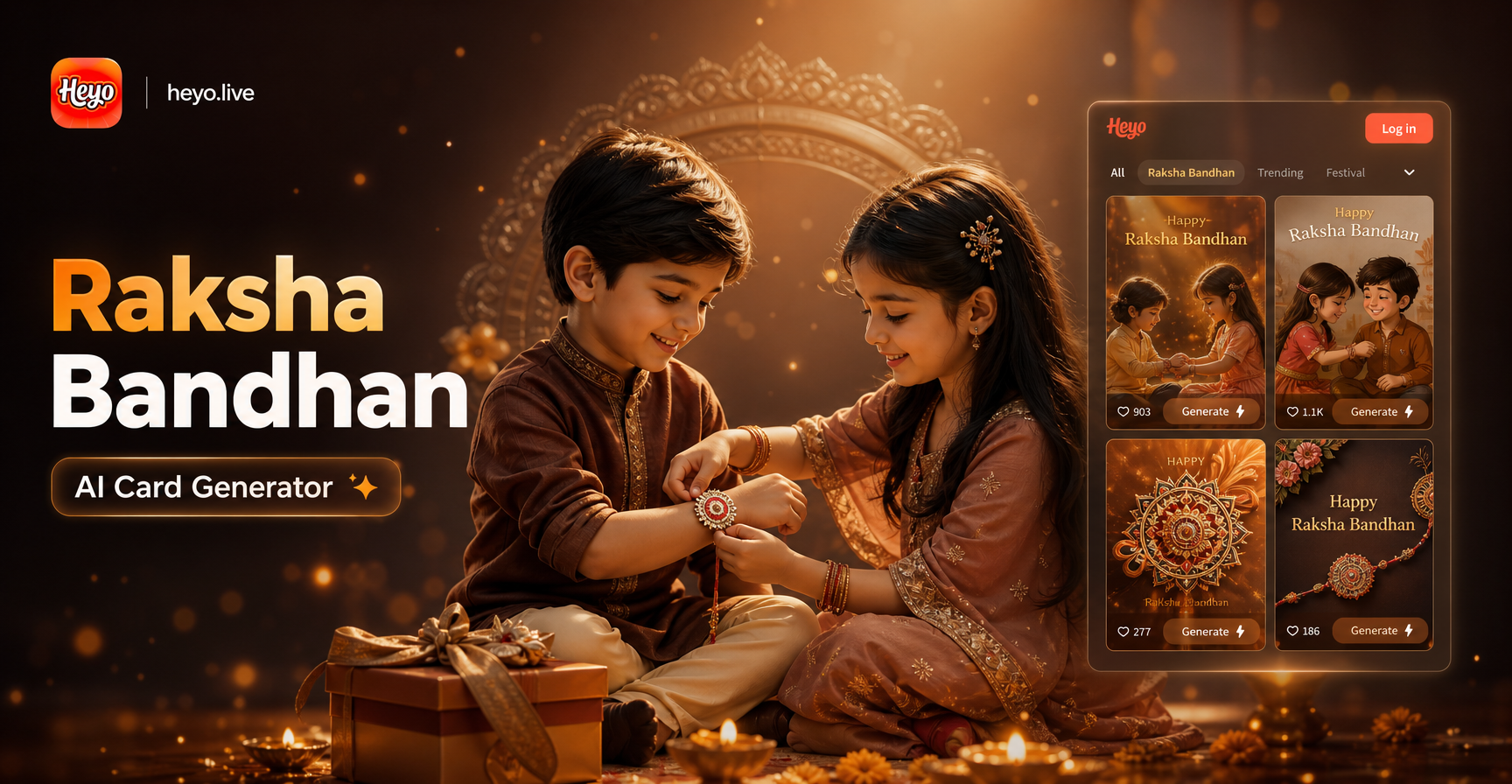
Create Stunning Raksha Bandhan Cards Instantly with AI
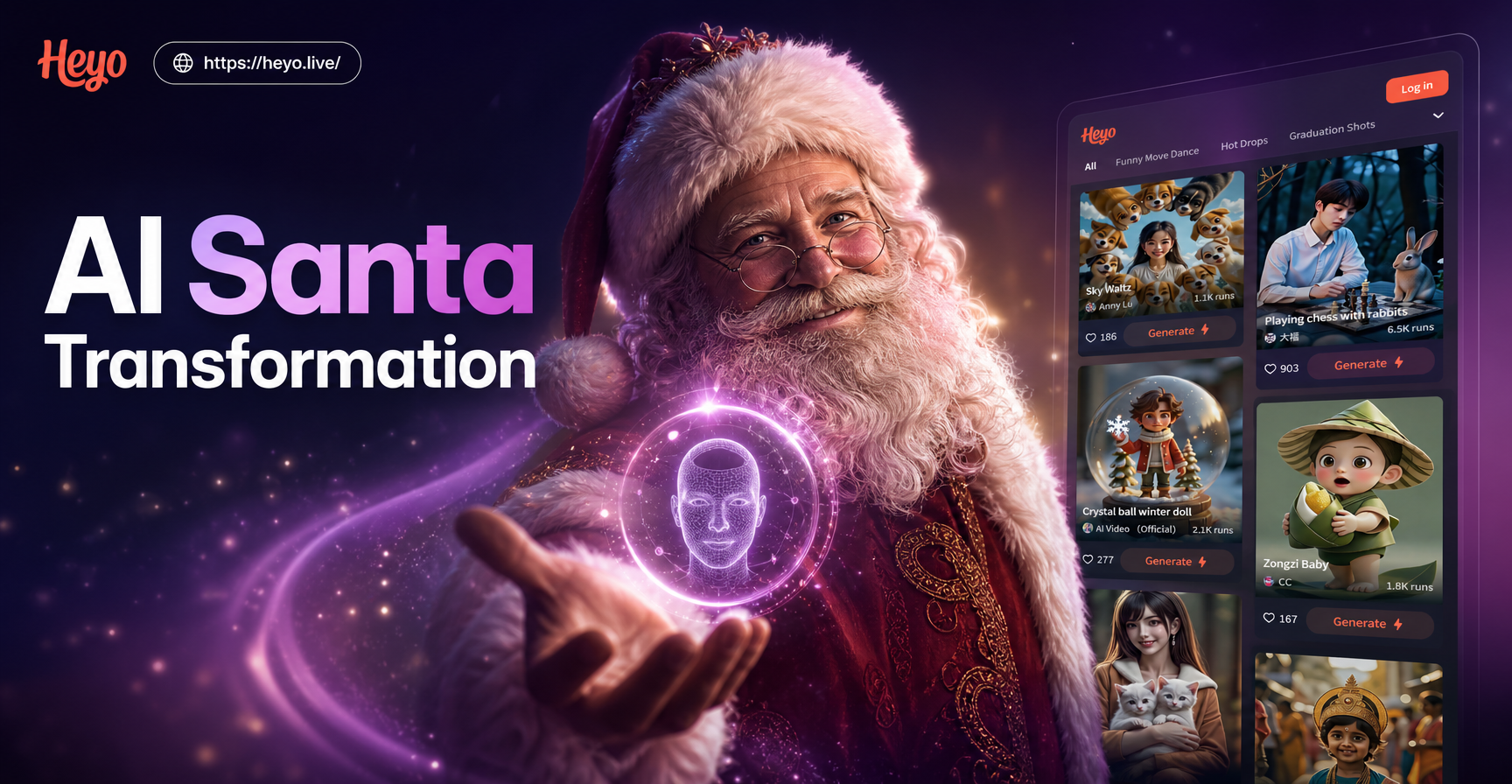
Become Santa Instantly: AI Transformation Tool
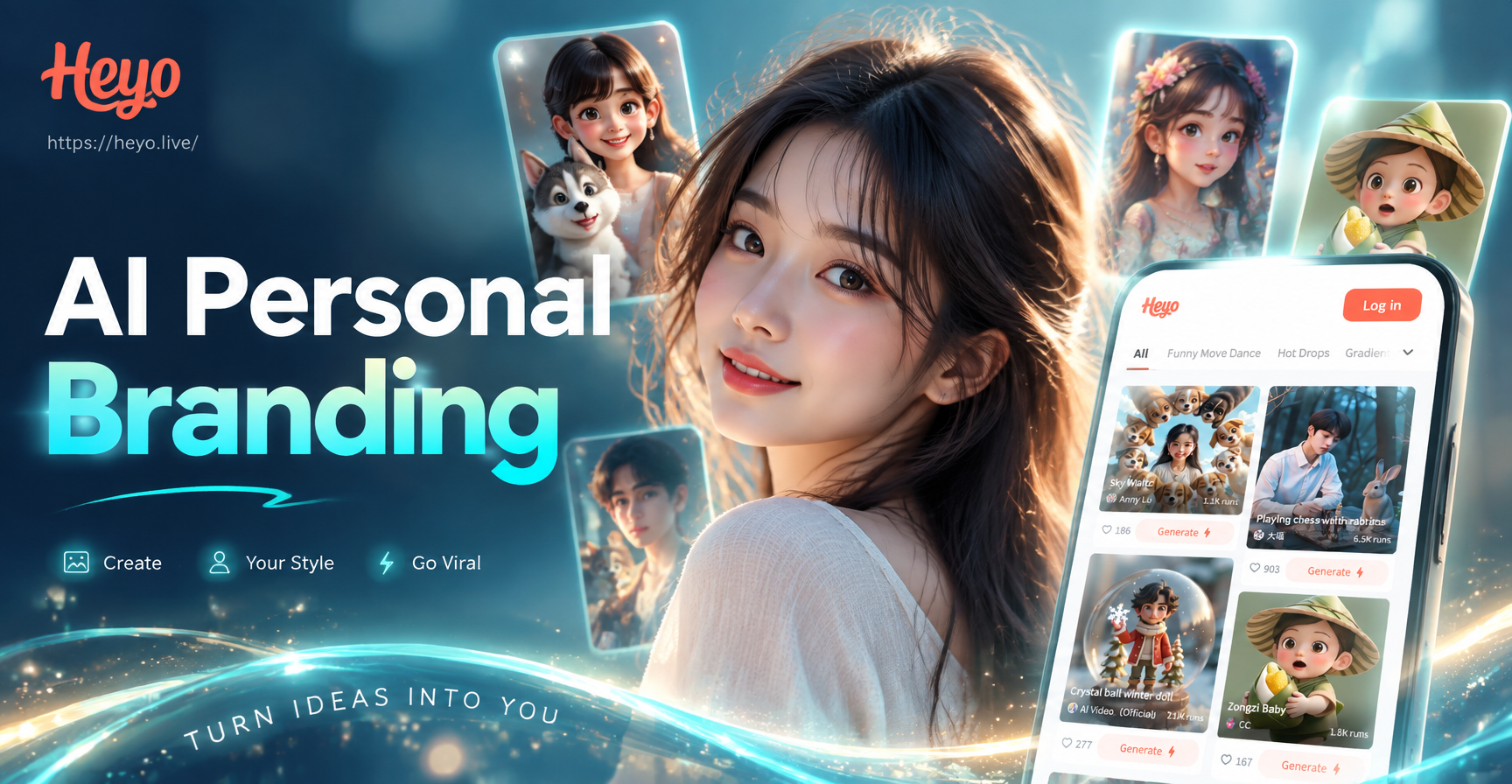
Build Your Digital Persona with AI Branding Tools
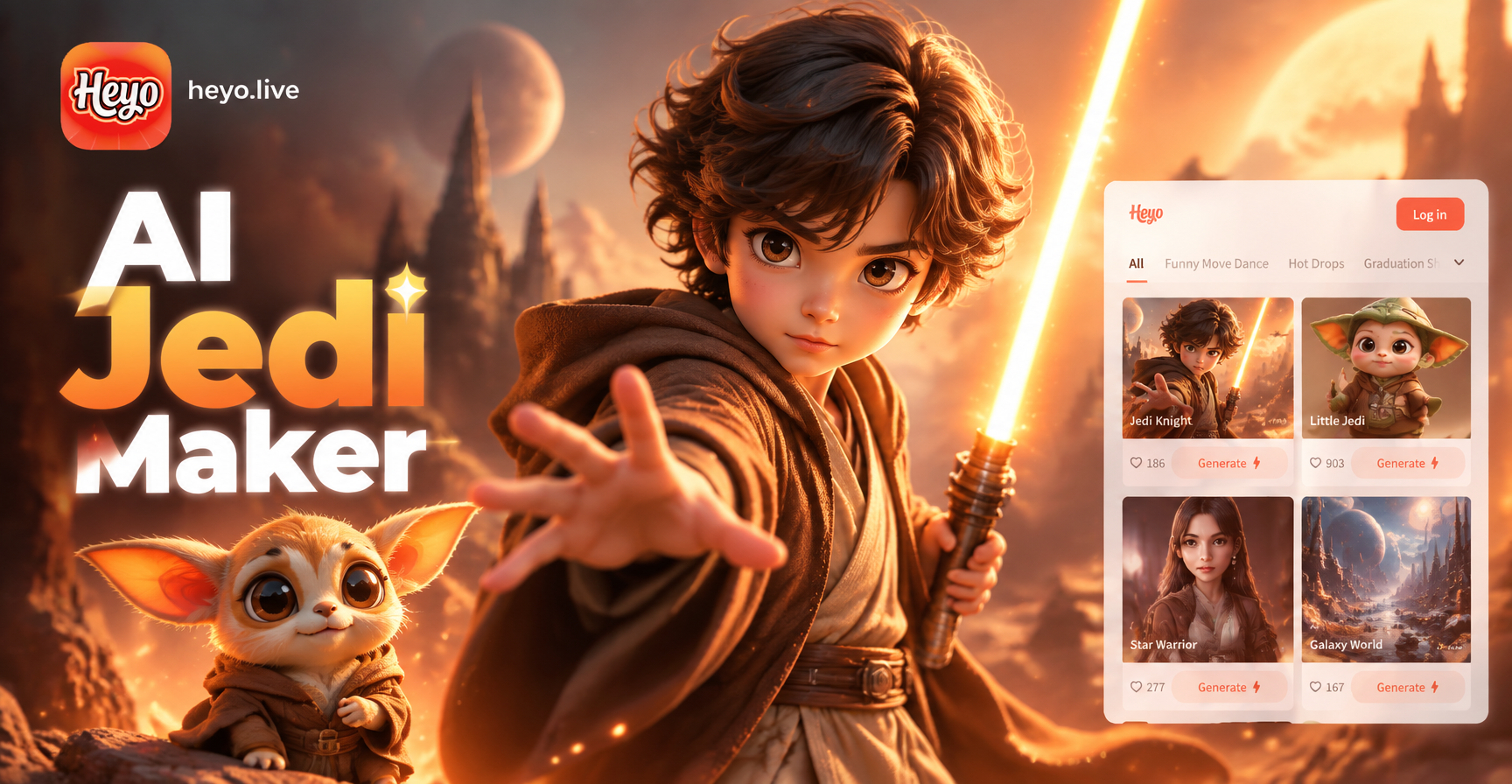
Become a Jedi Instantly with AI Character Creator
Create Stunning Raksha Bandhan Cards Instantly with AI
Become Santa Instantly: AI Transformation Tool
Build Your Digital Persona with AI Branding Tools
Become a Jedi Instantly with AI Character Creator
Create Your Nostalgic Masterpiece Today
Don't just imagine your vintage yearbook photo, create it. Download heyo now and transform any selfie into a timeless portrait with our AI Yearbook Photo Generator.

Create Your Nostalgic Masterpiece Today
Don't just imagine your vintage yearbook photo, create it. Download heyo now and transform any selfie into a timeless portrait with our AI Yearbook Photo Generator.