Architecture Double Exposure Portrait Generator
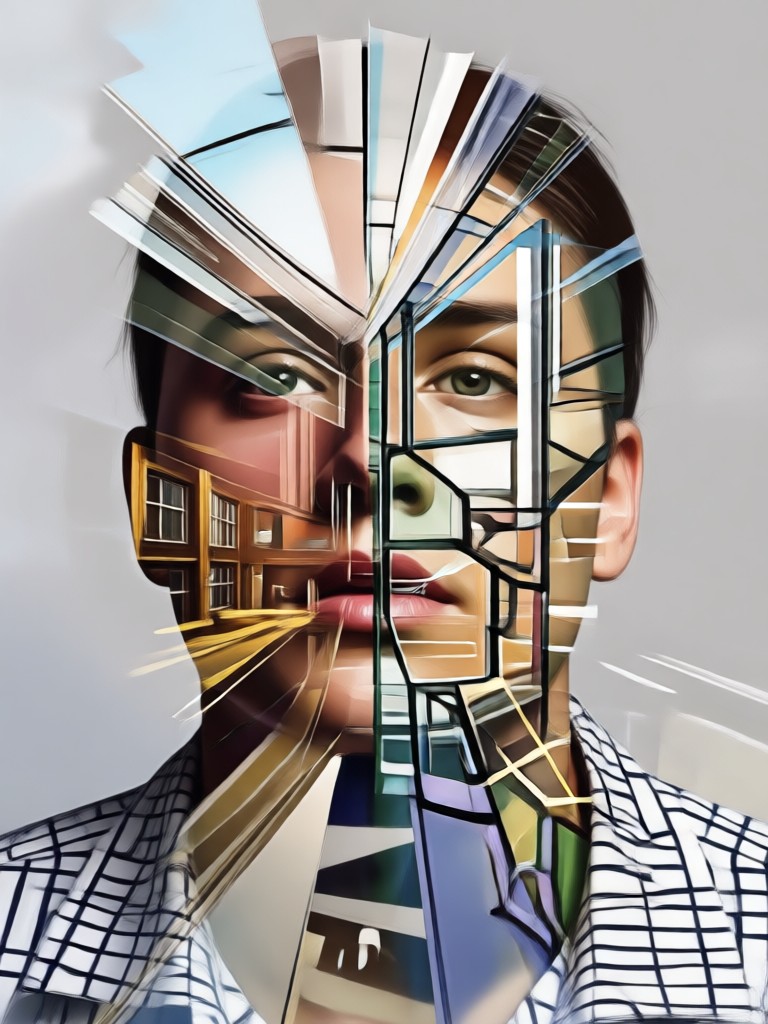
Popular Architecture Styles for Double Exposure
Choose from a curated library of architectural themes to find the perfect backdrop for your portrait. Whether you seek modern minimalism or gothic grandeur, the right style awaits.
Key Features of Our Double Exposure Generator
Our AI powered tool transforms the complex art of double exposure into a simple, intuitive process. Achieve stunning, gallery worthy results without any technical knowledge.
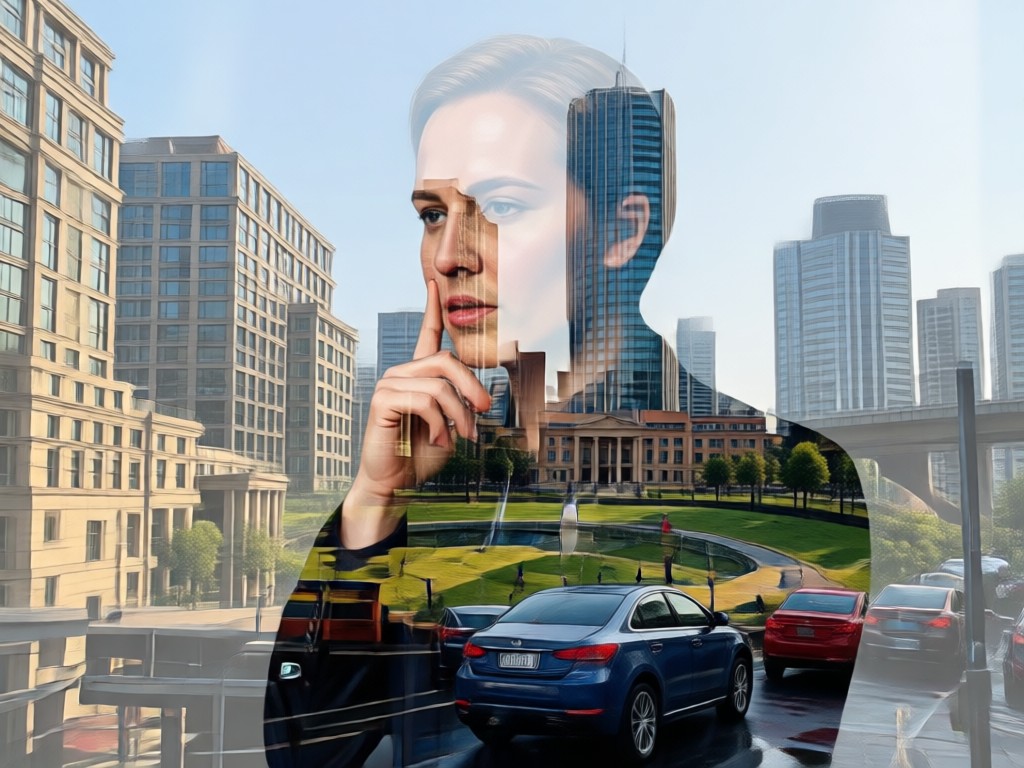
One Tap Architecture Blending
Upload your portrait and select an architectural style. Our AI intelligently analyzes both images to find the perfect points of fusion, creating a seamless and artistic blend between human form and built environment.
One Tap Architecture Blending
Upload your portrait and select an architectural style. Our AI intelligently analyzes both images to find the perfect points of fusion, creating a seamless and artistic blend between human form and built environment.
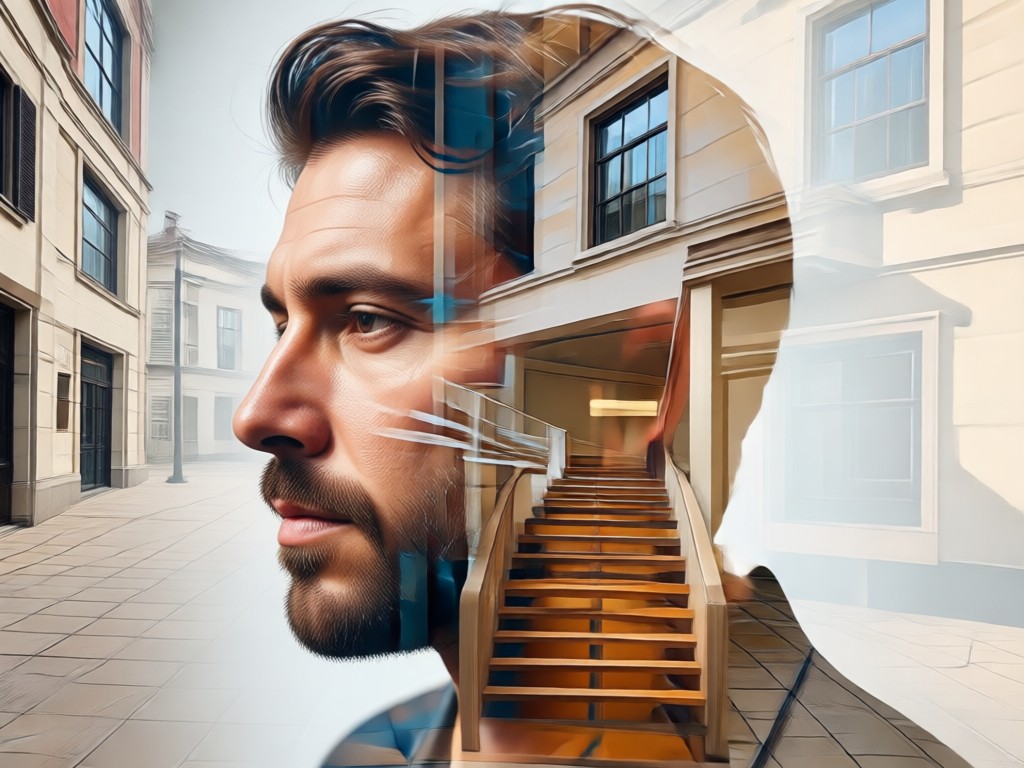
Massive Architecture Library
Access thousands of high quality architectural images. From the Eiffel Tower and Colosseum to futuristic cityscapes and serene temples. Find the perfect structural element to convey your desired mood and story.
Massive Architecture Library
Access thousands of high quality architectural images. From the Eiffel Tower and Colosseum to futuristic cityscapes and serene temples. Find the perfect structural element to convey your desired mood and story.
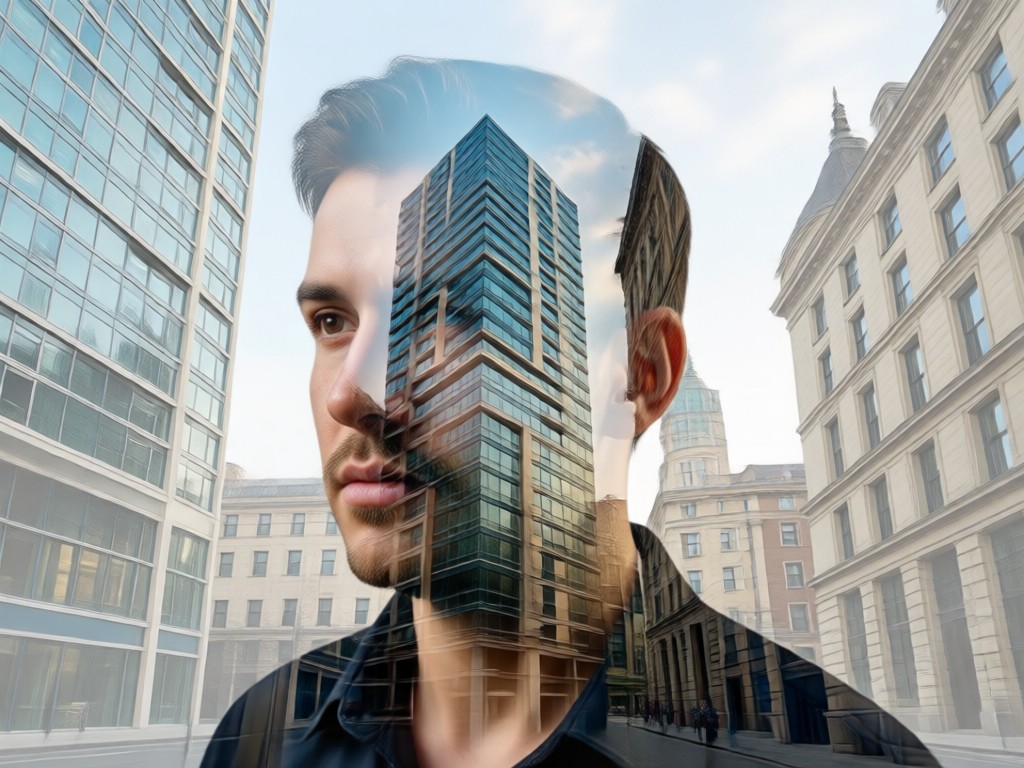
Advanced Customization Controls
Fine tune your masterpiece. Adjust the blend intensity, modify contrast and opacity for each layer, and choose from different fusion modes like screen, multiply, or overlay to get your exact artistic vision.
Advanced Customization Controls
Fine tune your masterpiece. Adjust the blend intensity, modify contrast and opacity for each layer, and choose from different fusion modes like screen, multiply, or overlay to get your exact artistic vision.
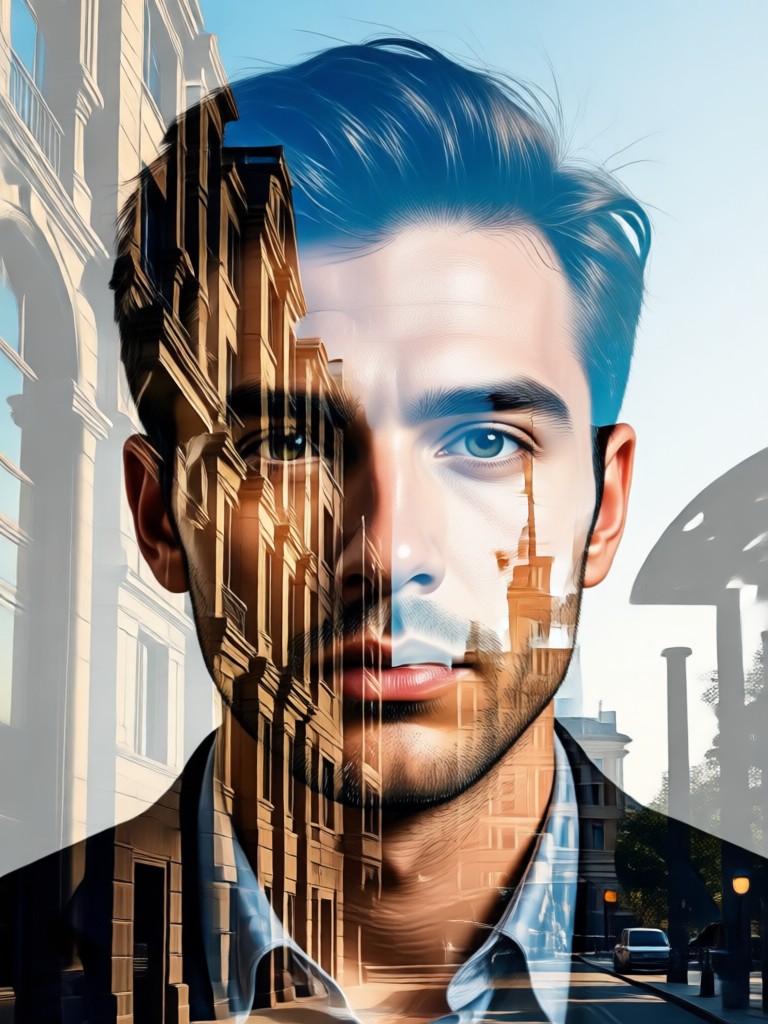
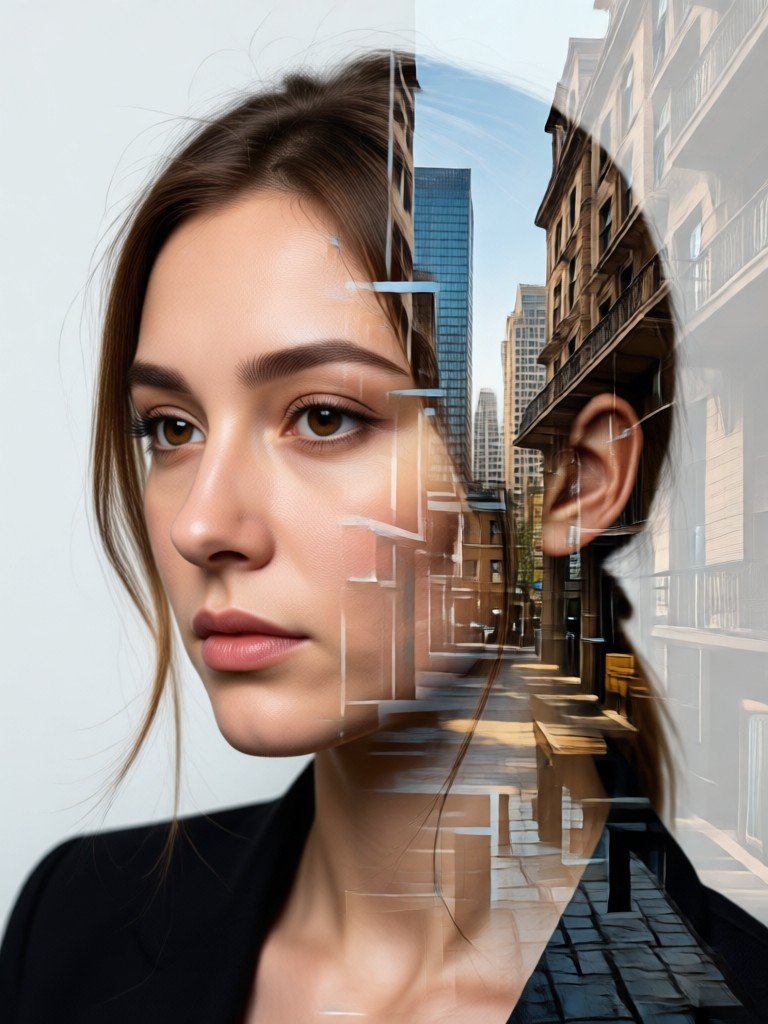
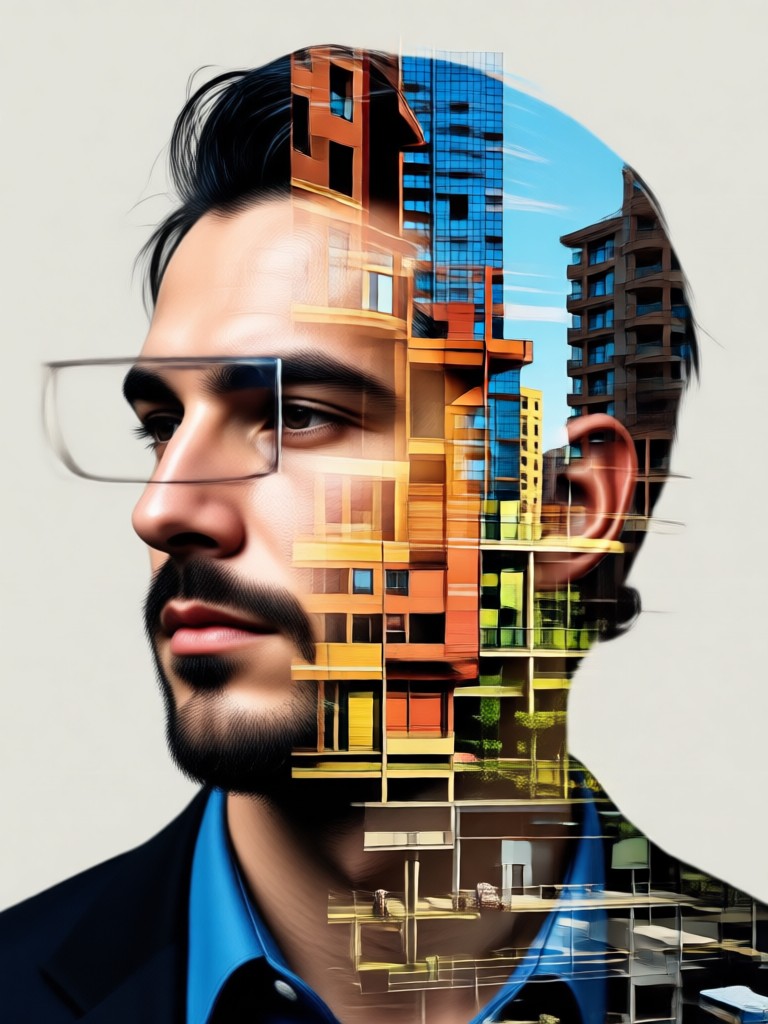
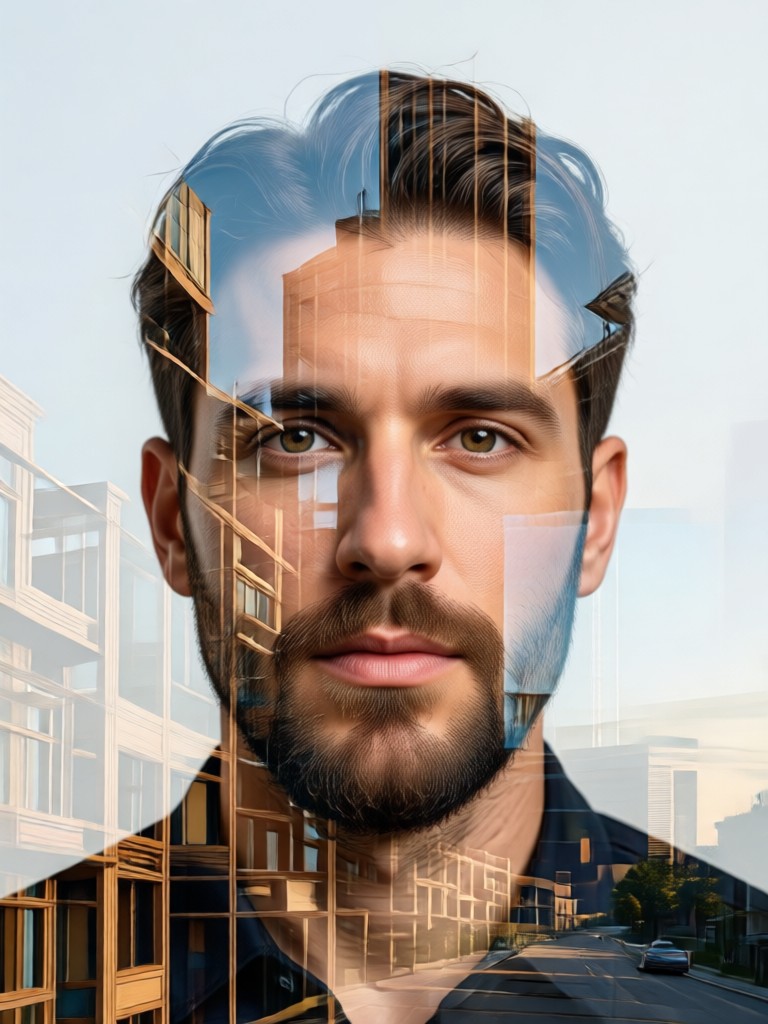
Architecture Double Exposure Gallery
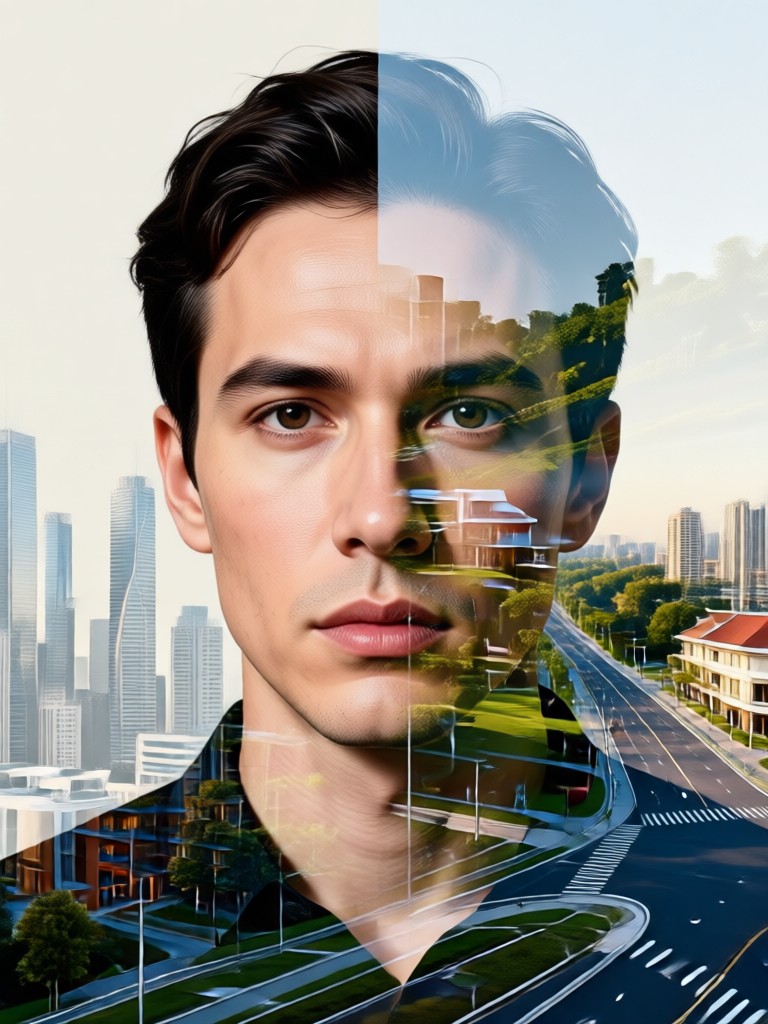
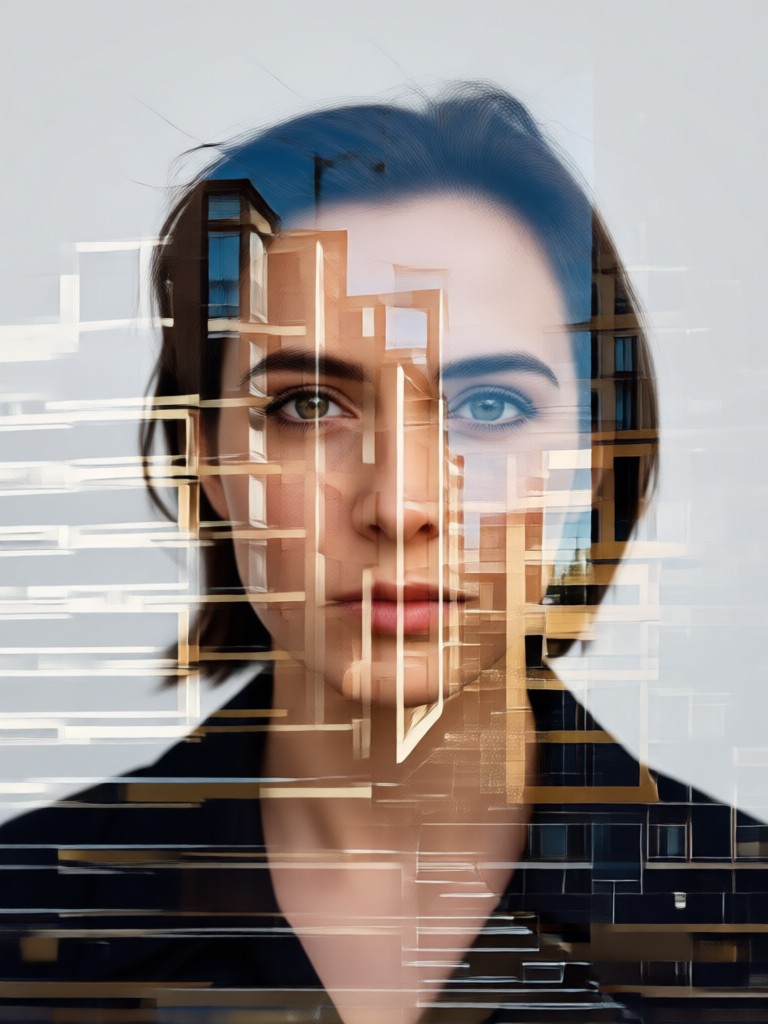
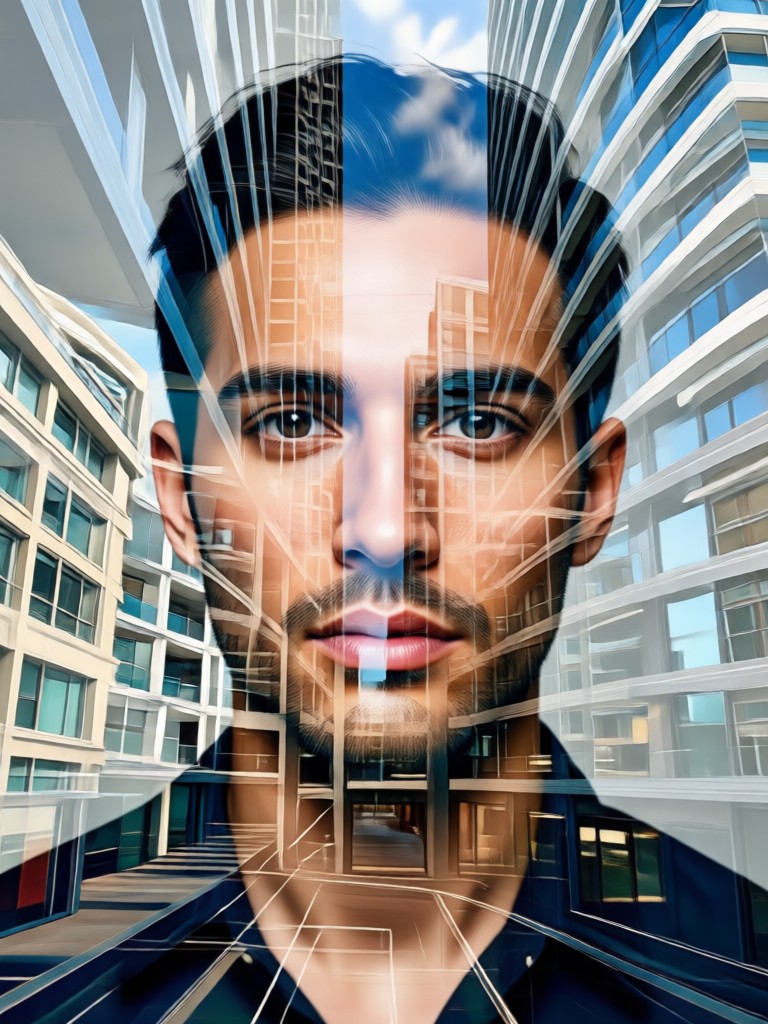
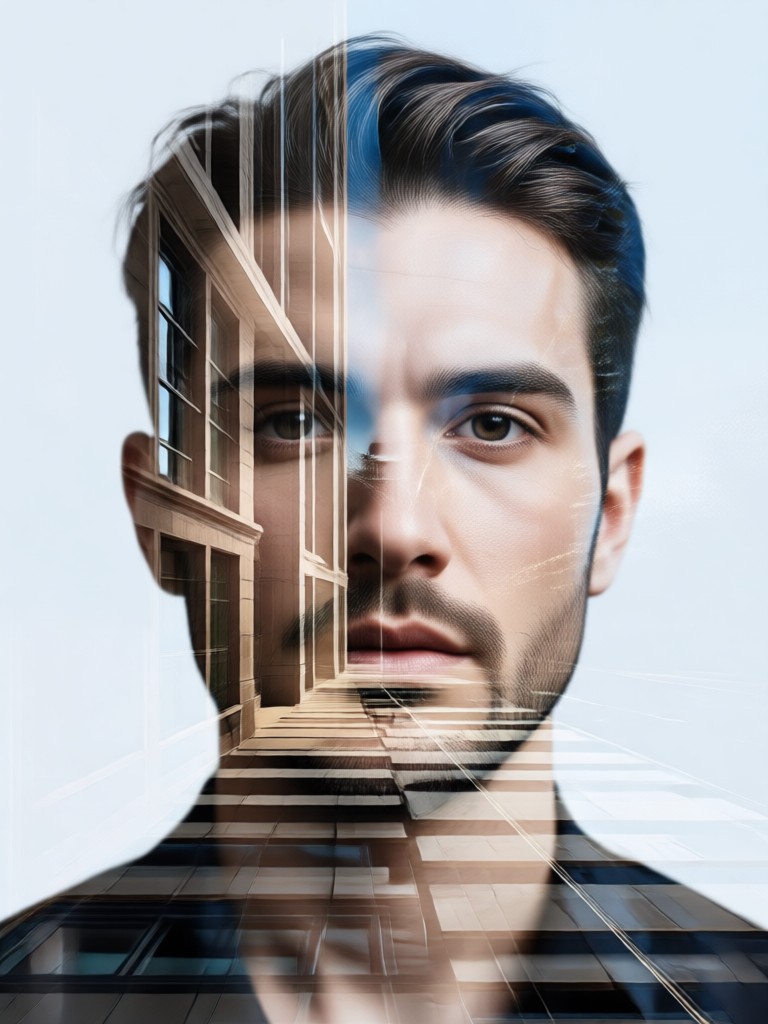
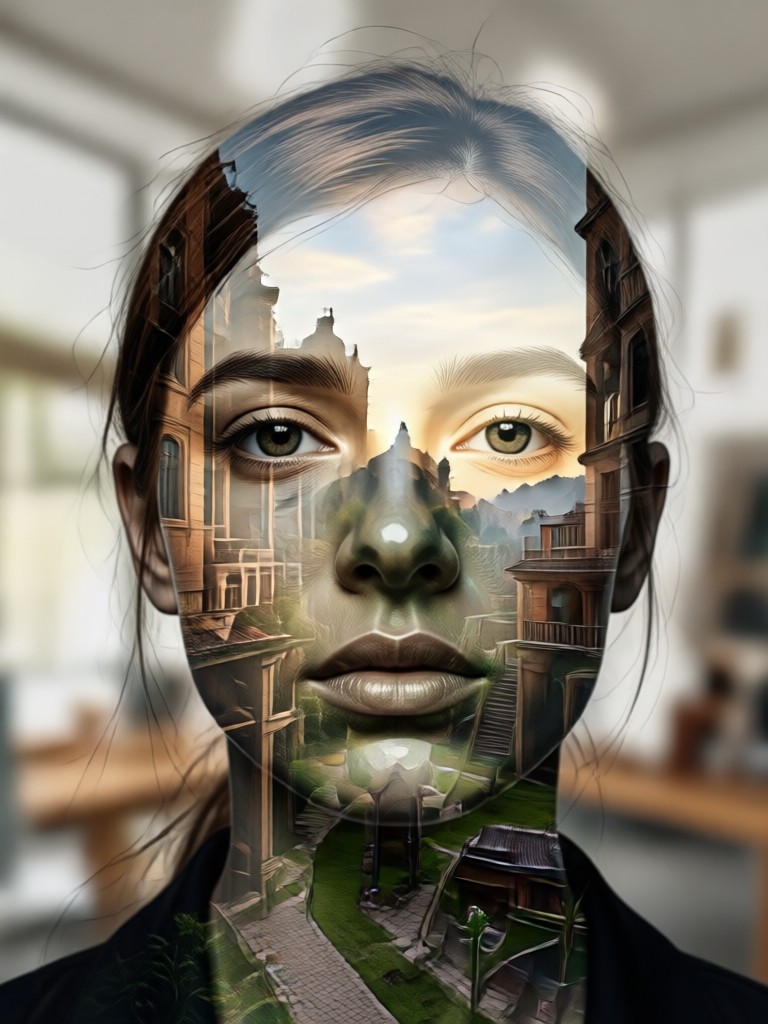
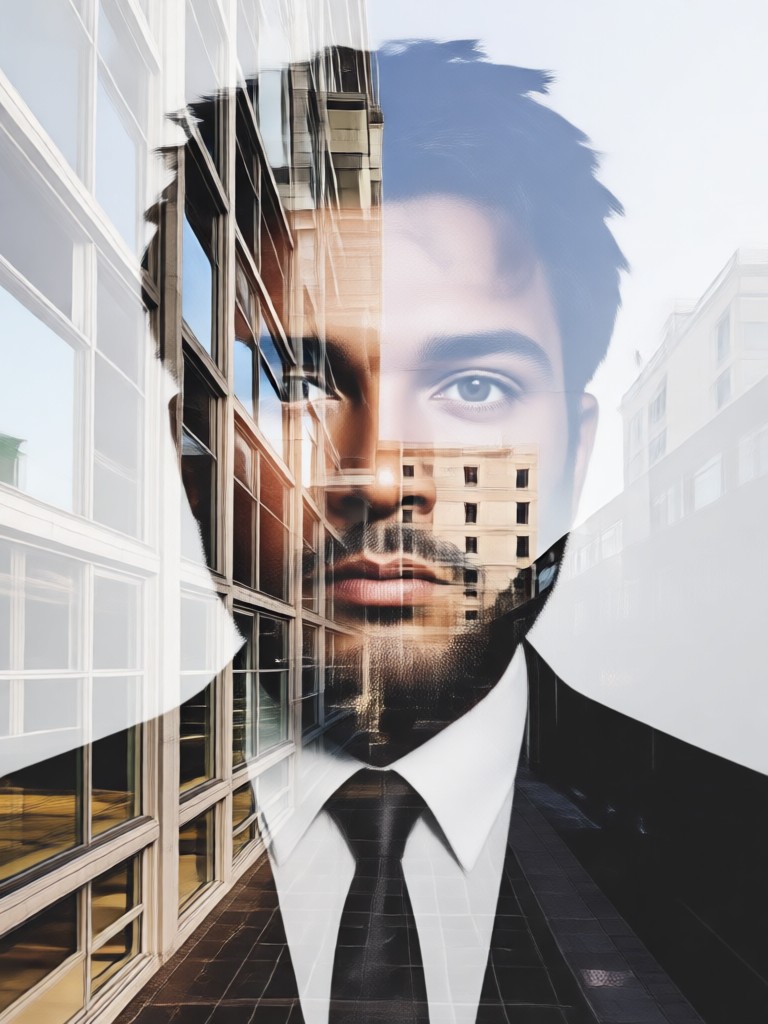
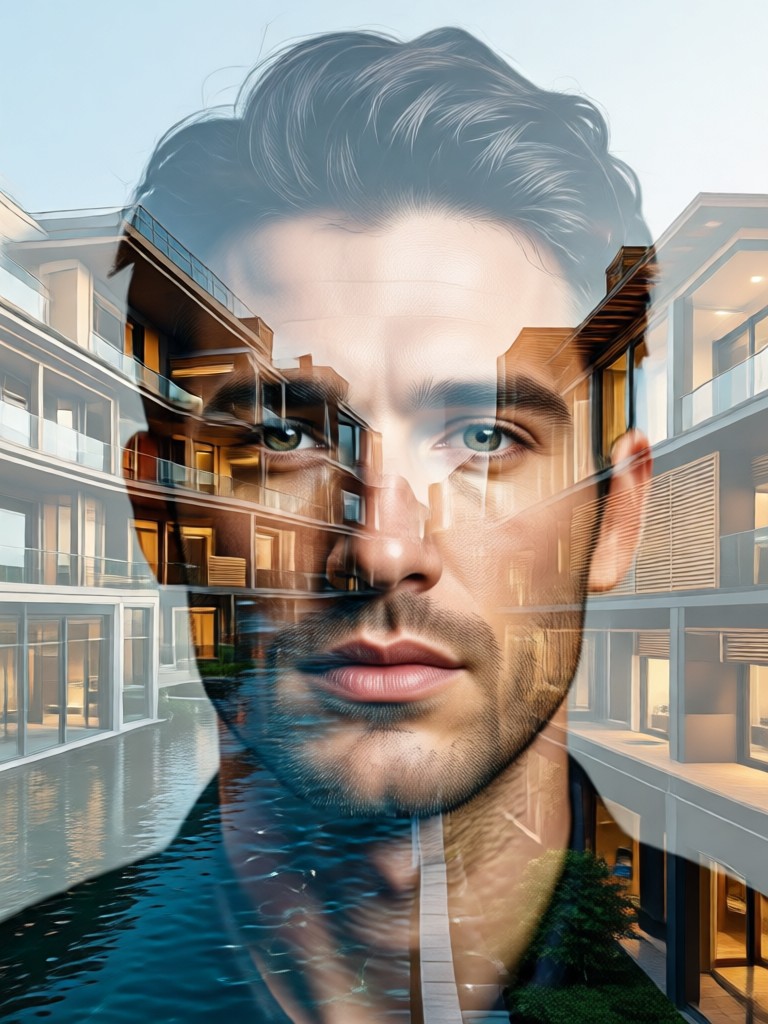
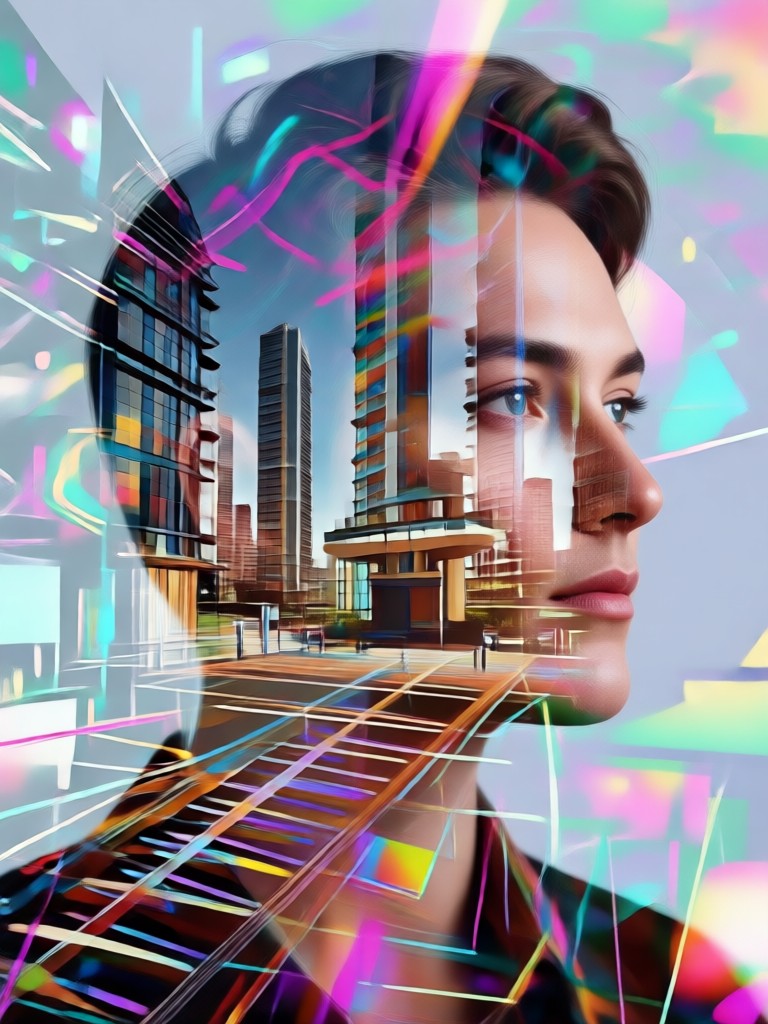
Explore stunning examples of AI generated double exposure art. See how portraits transform when fused with urban landscapes, historic landmarks, and abstract structural forms.
How to Create an Architecture Double Exposure Portrait?
Create your own stunning architectural double exposure art in three simple steps, entirely within your mobile app.

Step 01.
Download the Heyo app from Google Play. Open it and navigate to the image tools section to find the double exposure portrait generator.

Step 02.
Upload a clear portrait photo. Then, browse and select your preferred architectural background from categories like Modern, Gothic, Industrial, or Ancient.

Step 03.
Let the AI generate your art. Use the adjustment tools to perfect the blend, then save your high resolution double exposure portrait to your device or share it directly.
Why Choose AI for Double Exposure Art?
Traditional double exposure requires expert skill in Photoshop. Our AI democratizes this art form, making it accessible, fast, and consistently high quality for everyone.
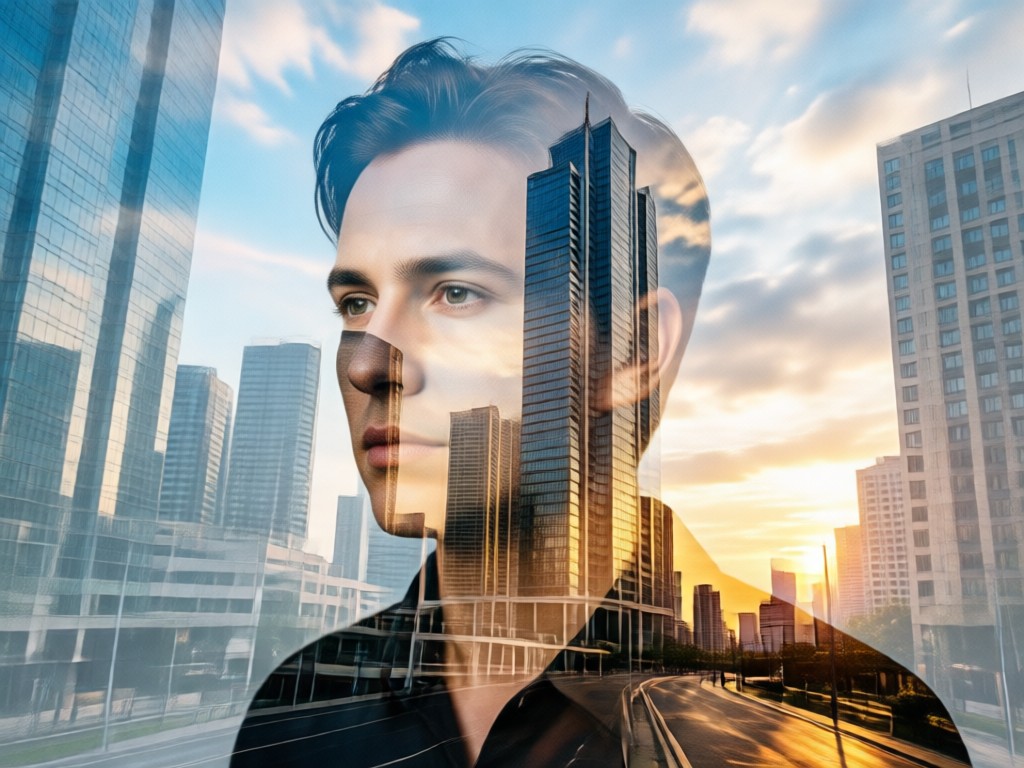
From Complex Technique to Simple Creation
Manual double exposure involves precise layer masking, blending modes, and hours of adjustment. Our AI generator replicates this professional workflow in seconds. It intelligently maps architectural textures to facial contours, preserves critical details, and applies aesthetically pleasing transparency. This allows artists, photographers, and social media users to experiment freely and produce portfolio quality work without a steep learning curve or expensive software.
From Complex Technique to Simple Creation
Manual double exposure involves precise layer masking, blending modes, and hours of adjustment. Our AI generator replicates this professional workflow in seconds. It intelligently maps architectural textures to facial contours, preserves critical details, and applies aesthetically pleasing transparency. This allows artists, photographers, and social media users to experiment freely and produce portfolio quality work without a steep learning curve or expensive software.
What Creators Are Saying
Transformed my photography portfolio
As an urban photographer, I wanted to blend my portrait work with my cityscapes. This tool did it perfectly. The AI understands light and composition, creating pieces that look like they took days in Photoshop, not seconds on my phone.
Perfect for album art and social media
I used it to create double exposure covers for my music releases, blending my image with architectural elements that match the album's theme. It's incredibly intuitive and gives my brand a unique, professional artistic edge.
Brings architecture projects to life
I'm an architecture student. I use this to create compelling presentations by blending client portraits with my 3D building models. It communicates the human scale and emotional connection to a design in a powerful, visual way.
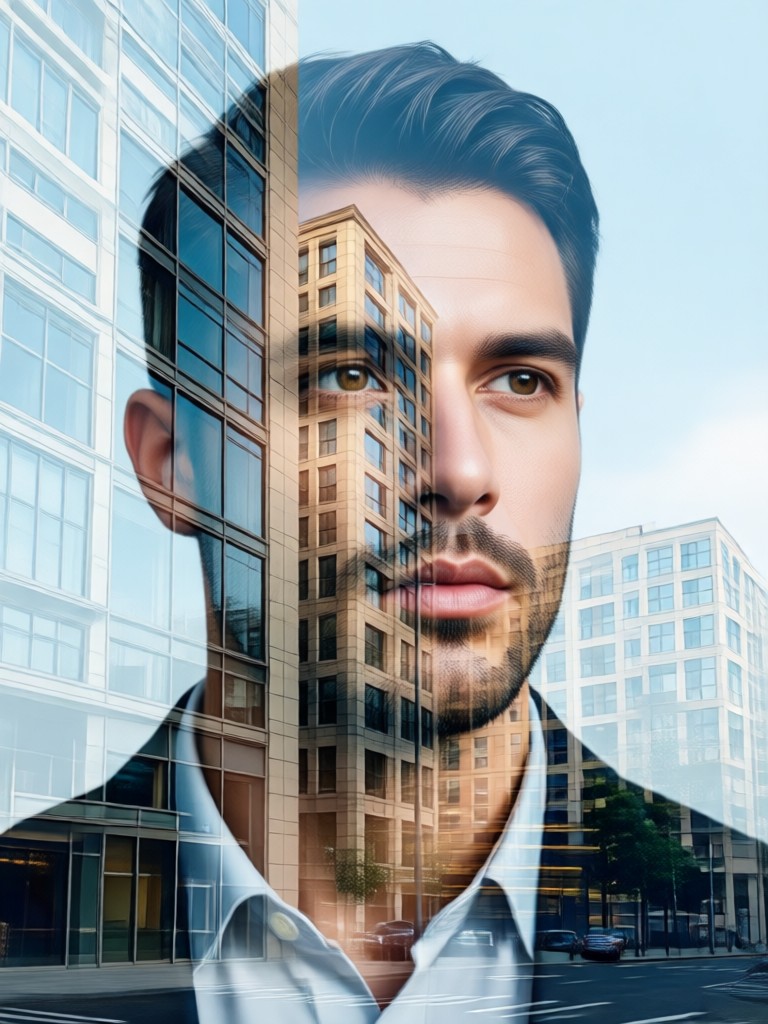
Create on the Go
Your pocket sized studio for architectural double exposure art. Capture inspiration anywhere and transform it instantly. No computer required.

Double Exposure Portrait FAQ
Get quick answers to common questions about creating and using architecture double exposure portraits with our AI generator.
More Topics You May Like
Explore more topics you may like and discover fresh ideas tailored to your interests.
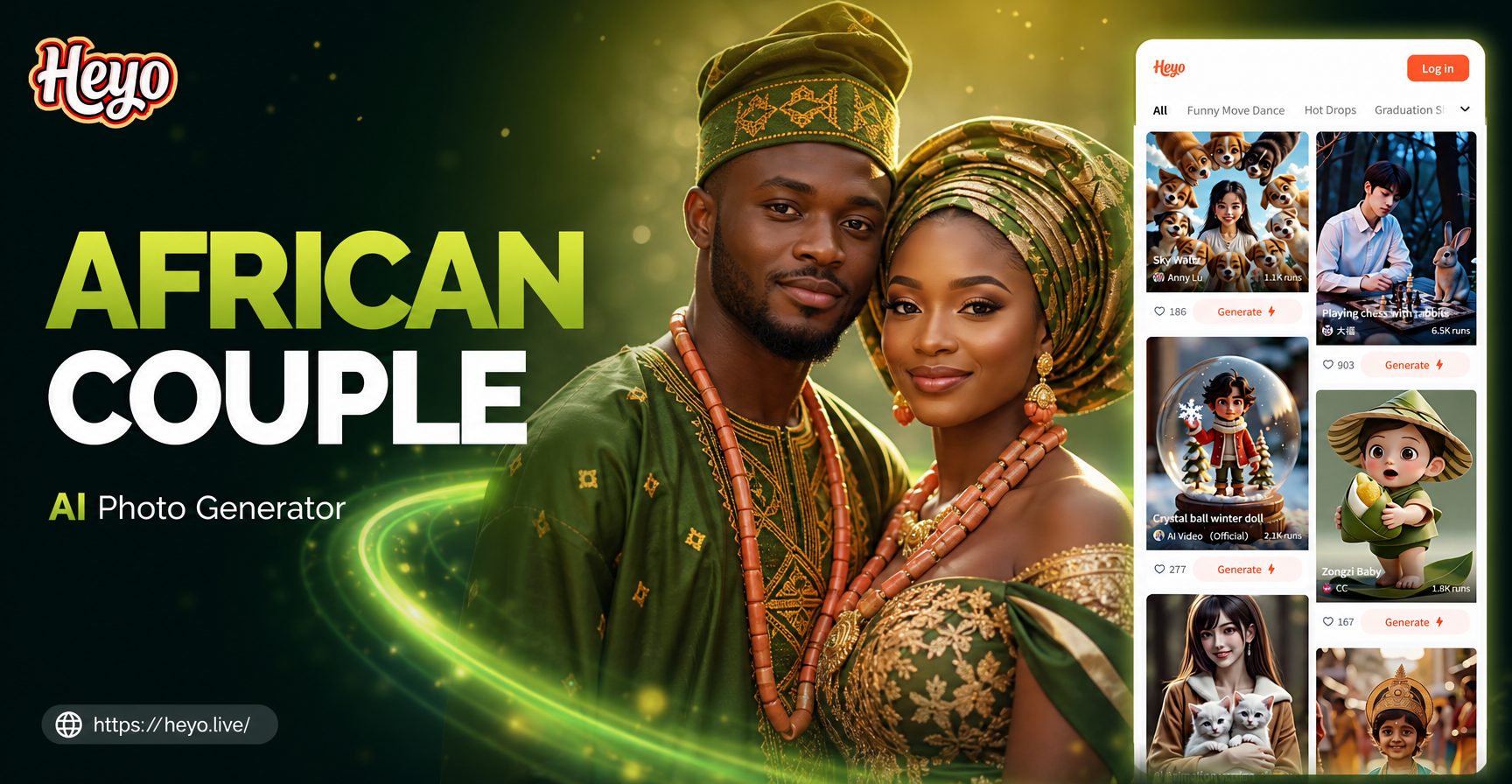
Capture Timeless Love with AI African Couple Photos
Generate stunning, personalized African traditional couple photos with AI. Honor heritage with authentic attire, patterns, and settings. Create beautiful portraits in minutes.
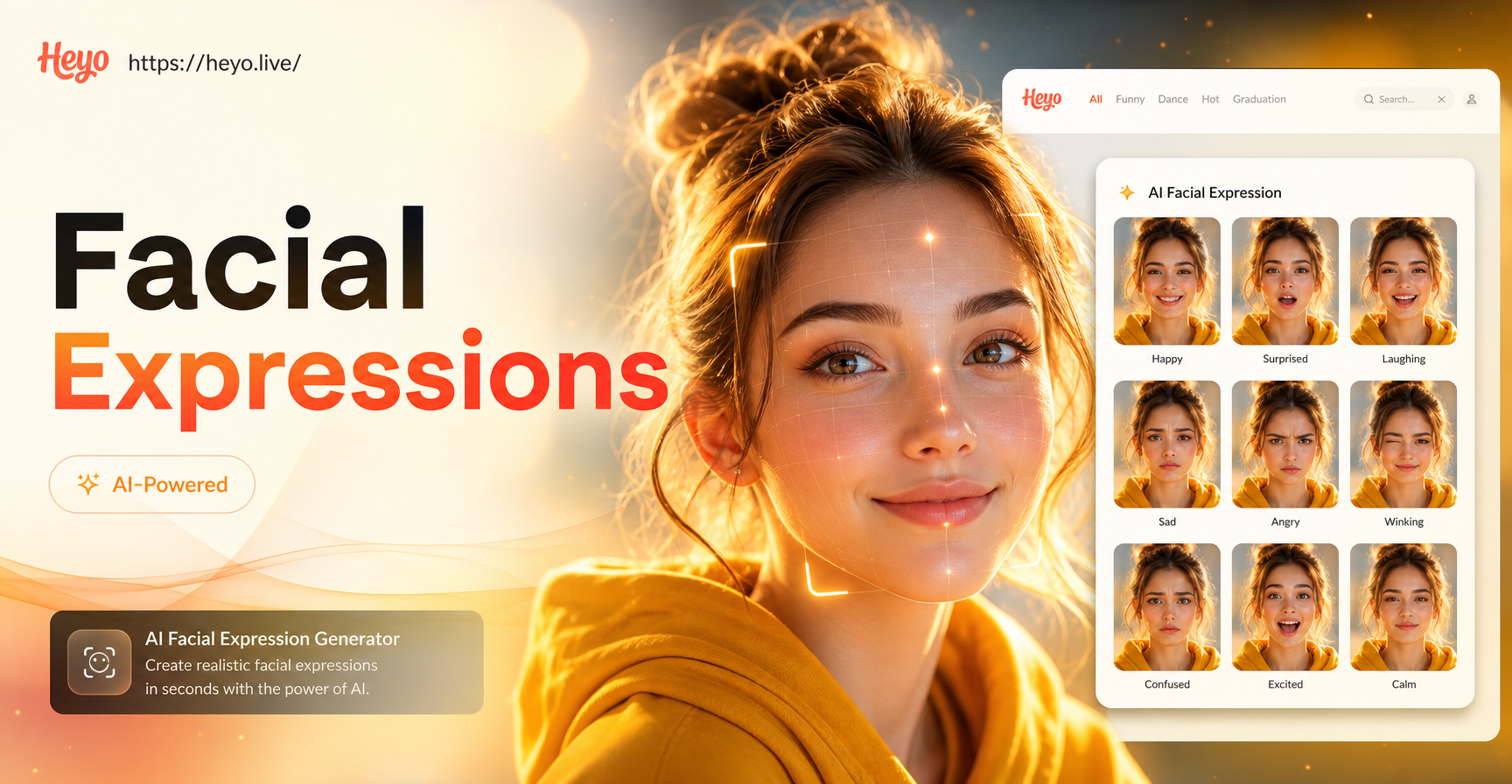
Bring Photos to Life with AI Facial Expression Magic
Edit facial expressions in photos instantly with AI. Transform neutral faces into smiles, winks, or surprise. No photo editing skills required. Just upload and choose your emotion.
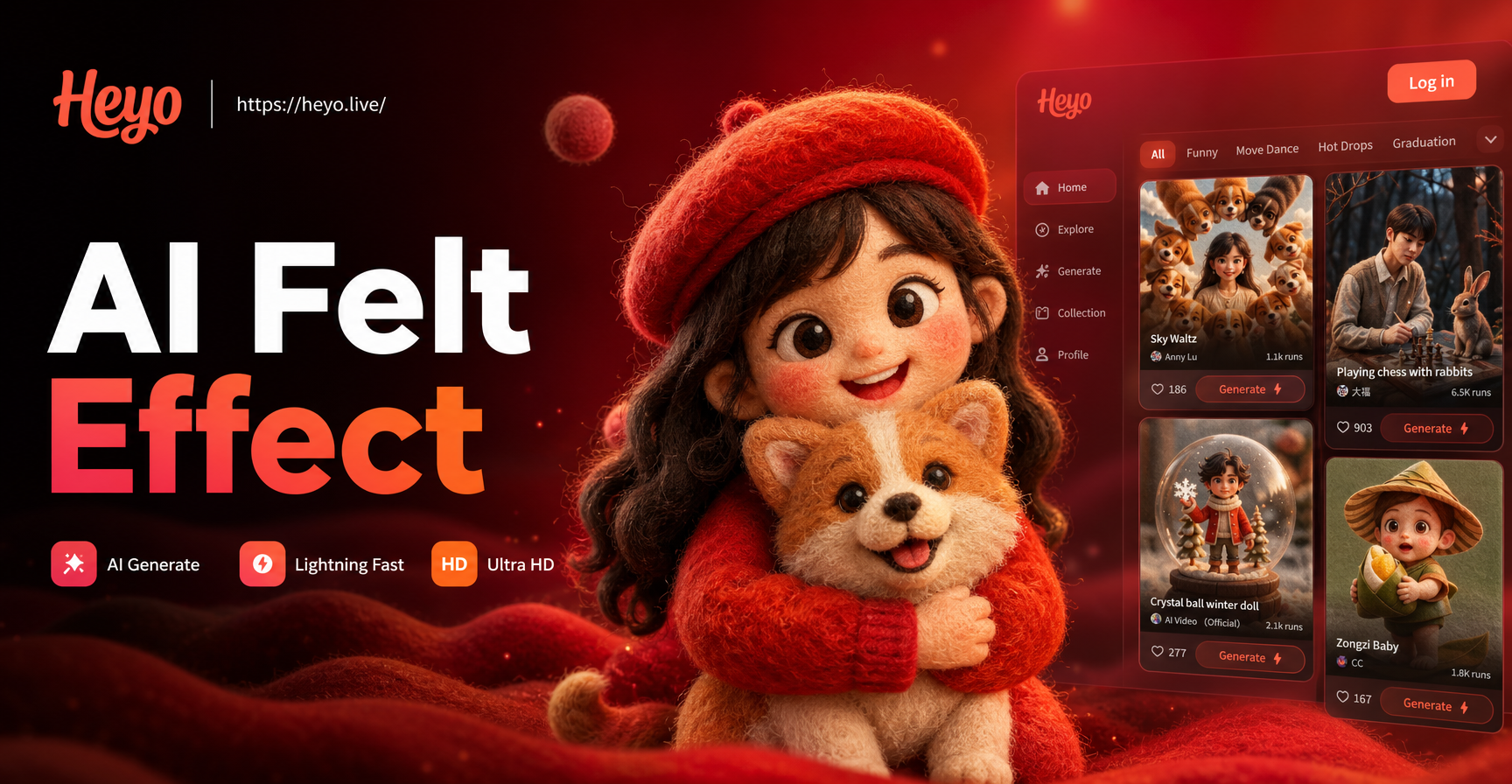
Turn Your Photos Into Cozy Felt Art in Seconds
AI felt effect transforms any photo into soft, handmade wool art. No skills needed. Upload, choose a style, and instantly create cozy illustrations. Try now.
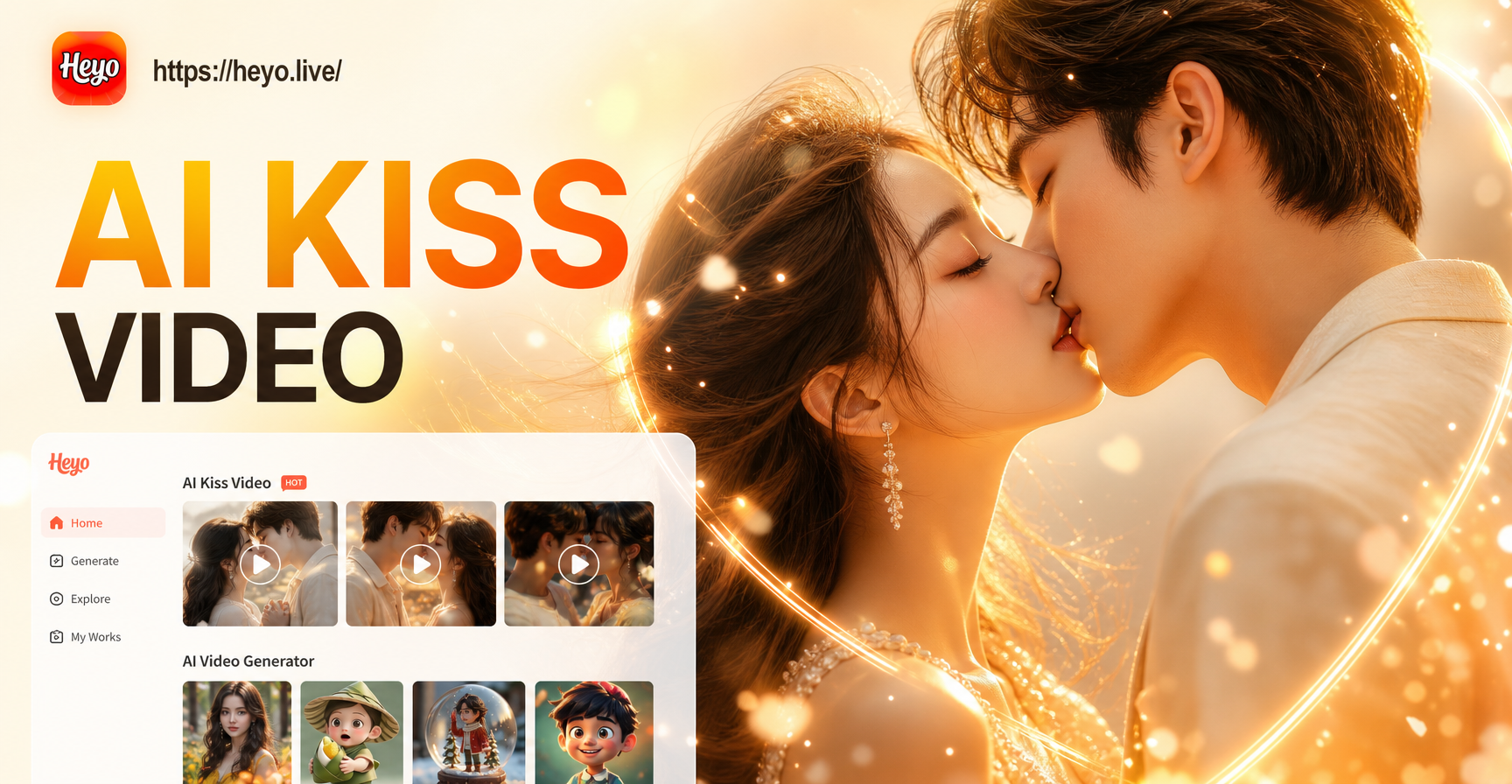
Create Magical AI Kiss Videos in Seconds
Turn any photo into a romantic AI kiss video. Upload a selfie, choose a viral kiss template, and watch as our AI brings the moment to life. Perfect for couples, content creators, and playful fun.
Blend Your World with the Built World
Stop imagining and start creating. Transform your portraits into symbolic architectural art with the power of AI. Download the app and make your first masterpiece today.
Blend Your World with the Built World
Stop imagining and start creating. Transform your portraits into symbolic architectural art with the power of AI. Download the app and make your first masterpiece today.