Blur The Background Of A Photo
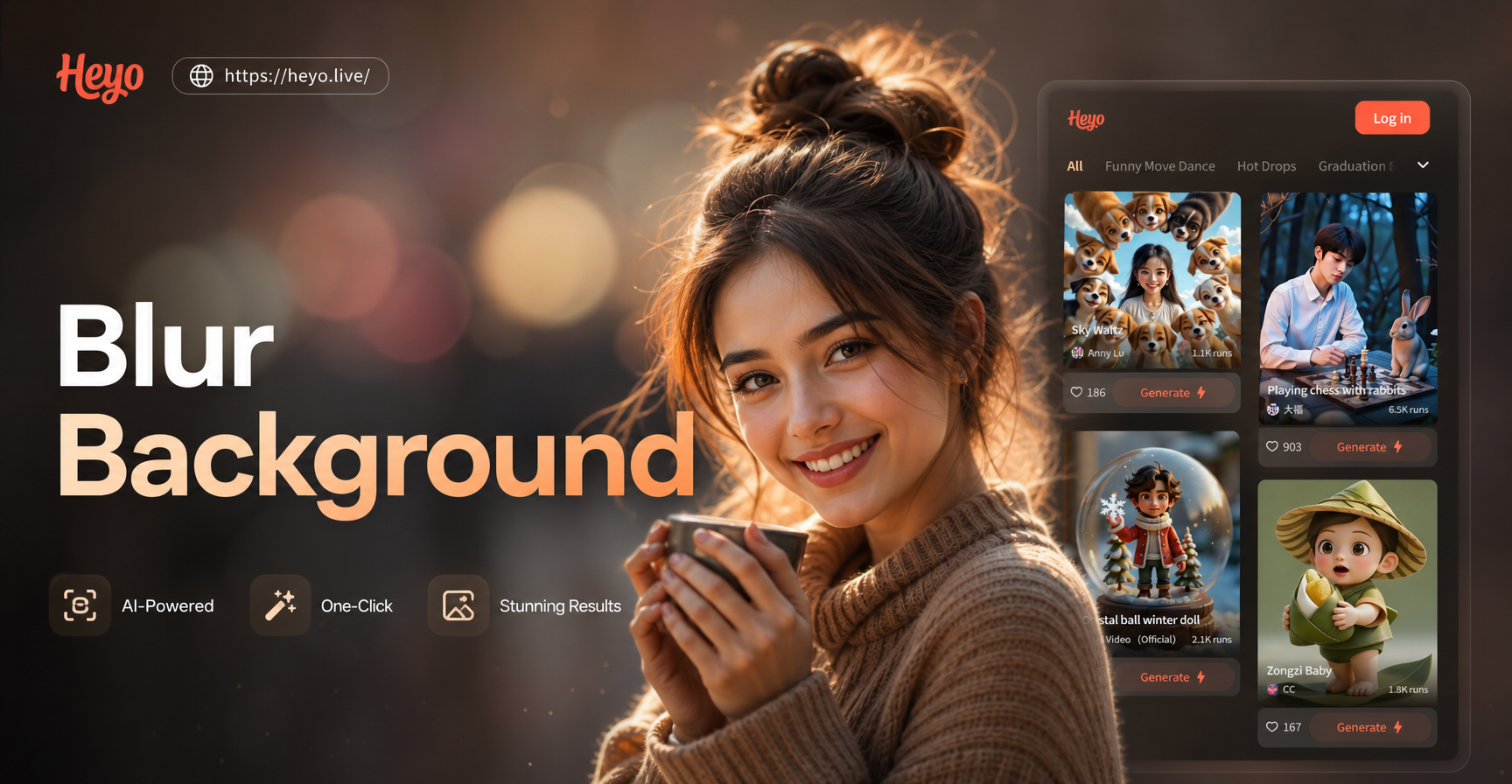
Choose Your Perfect Background Style
Go beyond simple blurring. Select from a variety of AI background effects to match your photo's mood, from creamy bokeh to artistic textures.
Why AI Beats Manual Background Blur
Traditional photo editing is time-consuming. Our AI delivers professional-grade background isolation and blur effects with just one tap, saving you hours.
One-Tap Subject Detection
Our AI instantly and accurately identifies people, pets, or objects in your photo, creating a perfect cutout for background editing without manual selection.
Adjustable Blur Intensity
Fine-tune your background effect. Choose from a subtle soft focus to a dramatic, creamy bokeh blur that makes your subject truly stand out.
Replace or Enhance
Don't just blur, replace. Swap out a messy background entirely with a scenic landscape, solid color, or studio backdrop for a complete transformation.
AI Background Blur Gallery
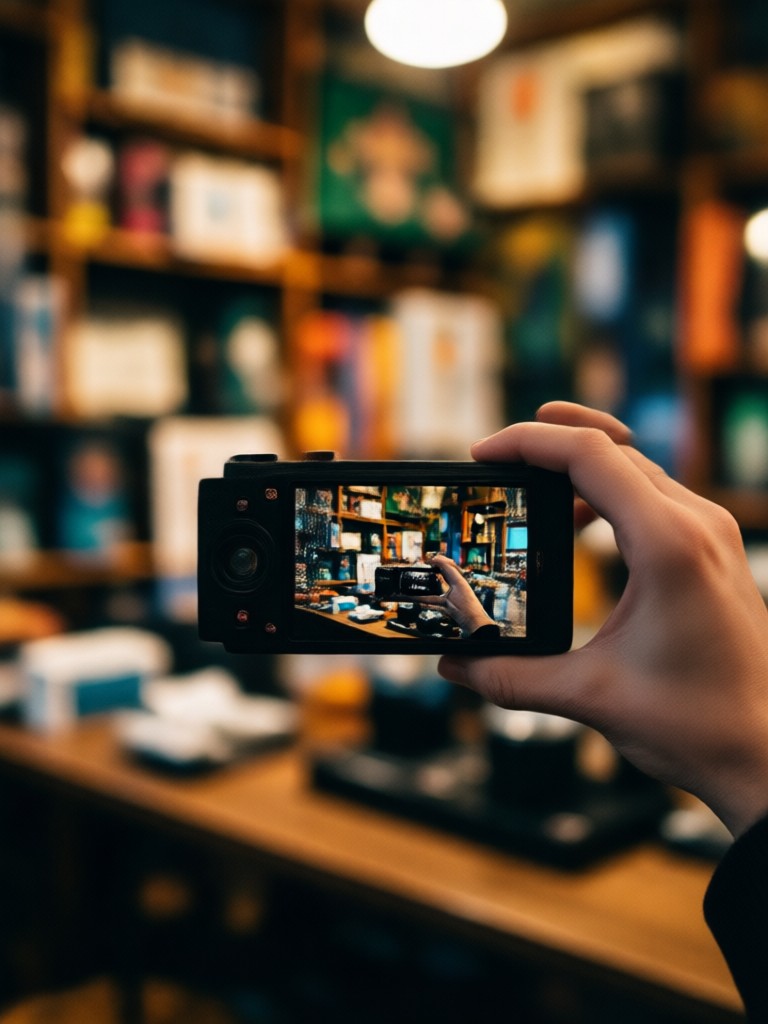
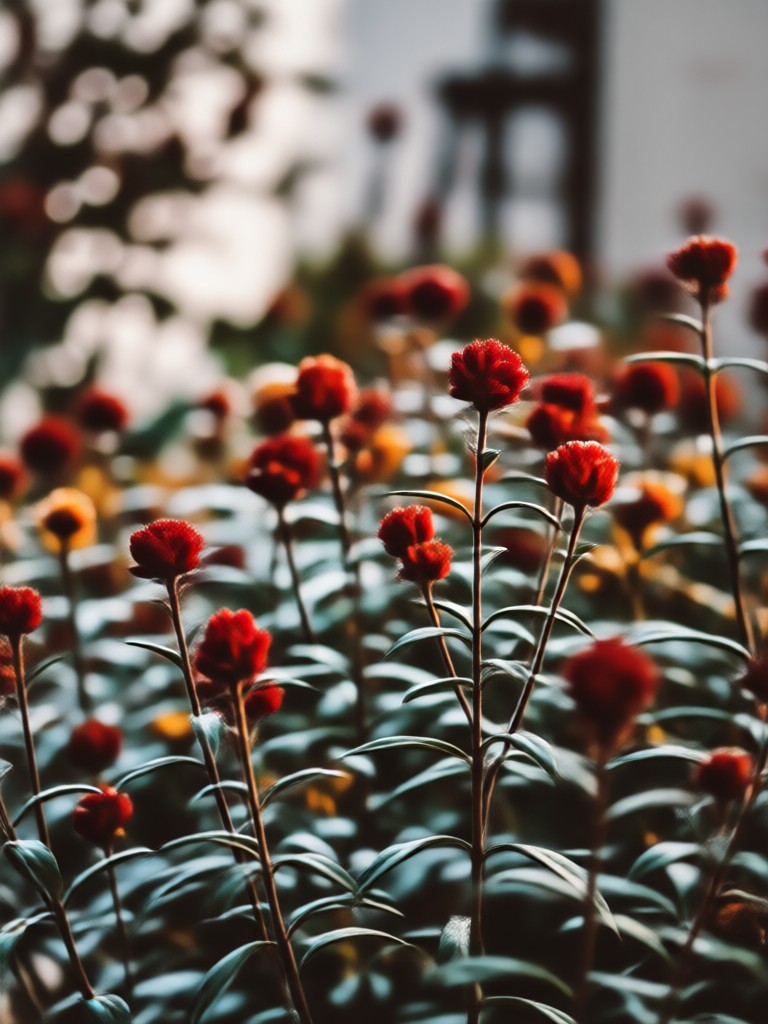
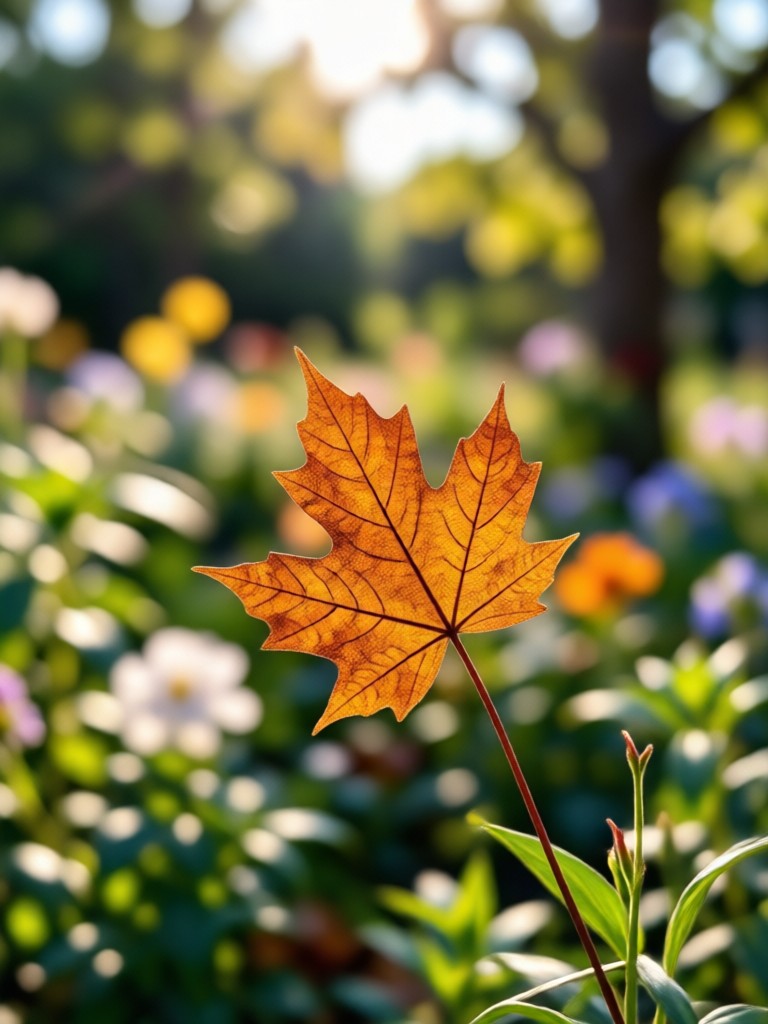
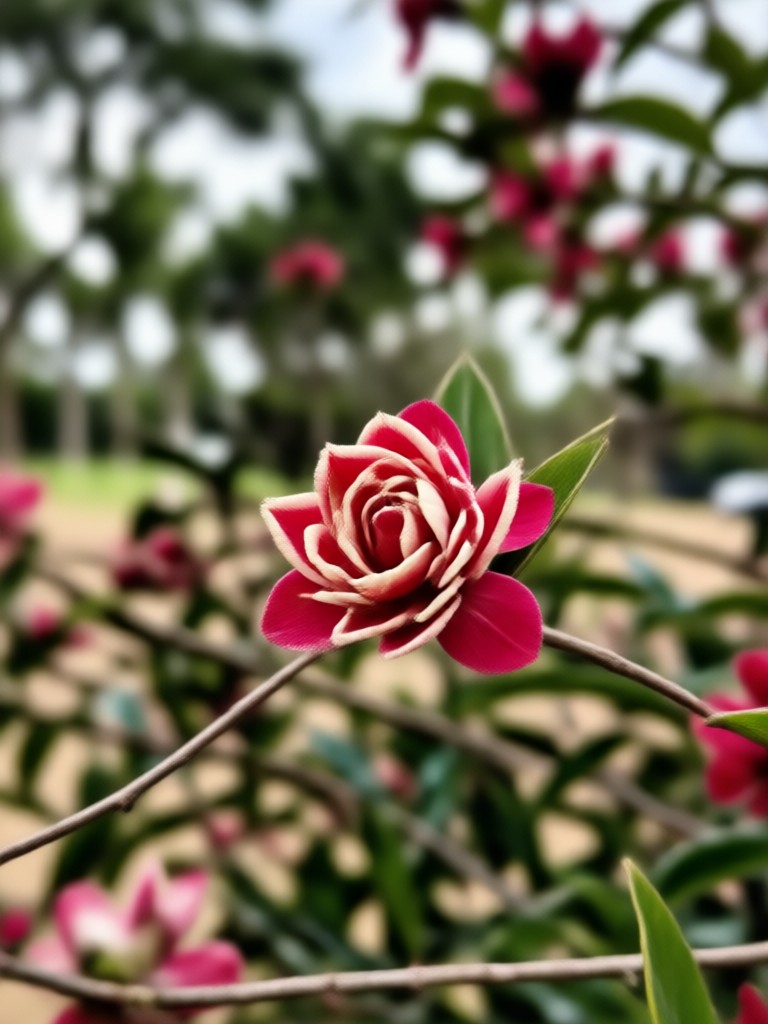
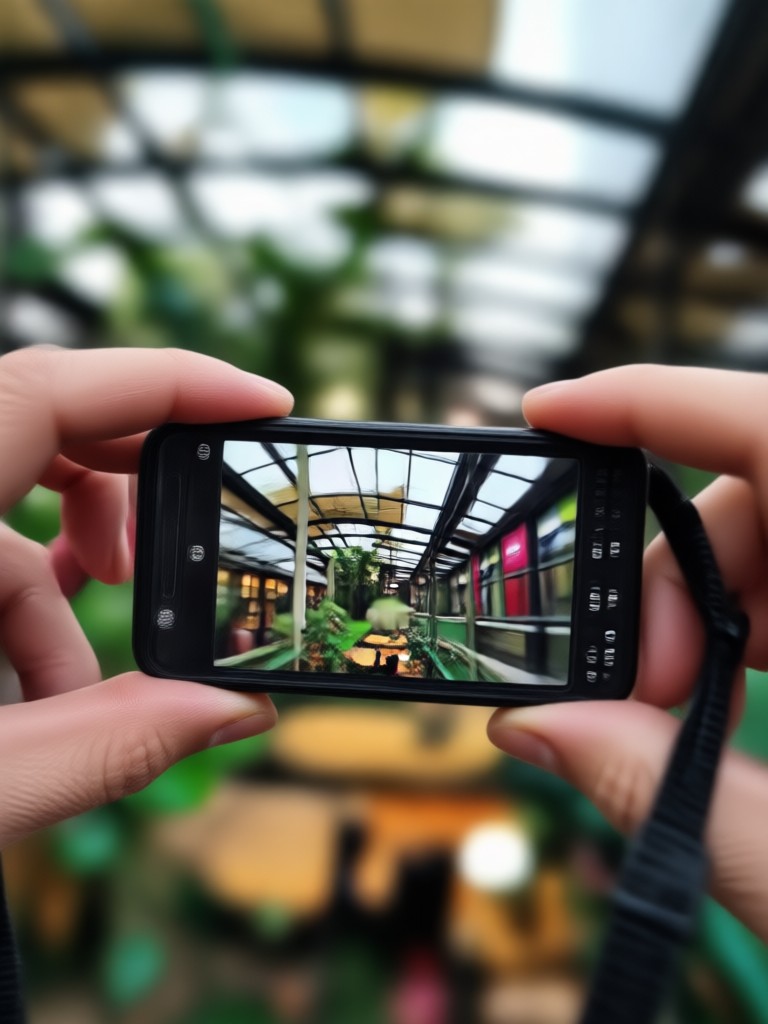
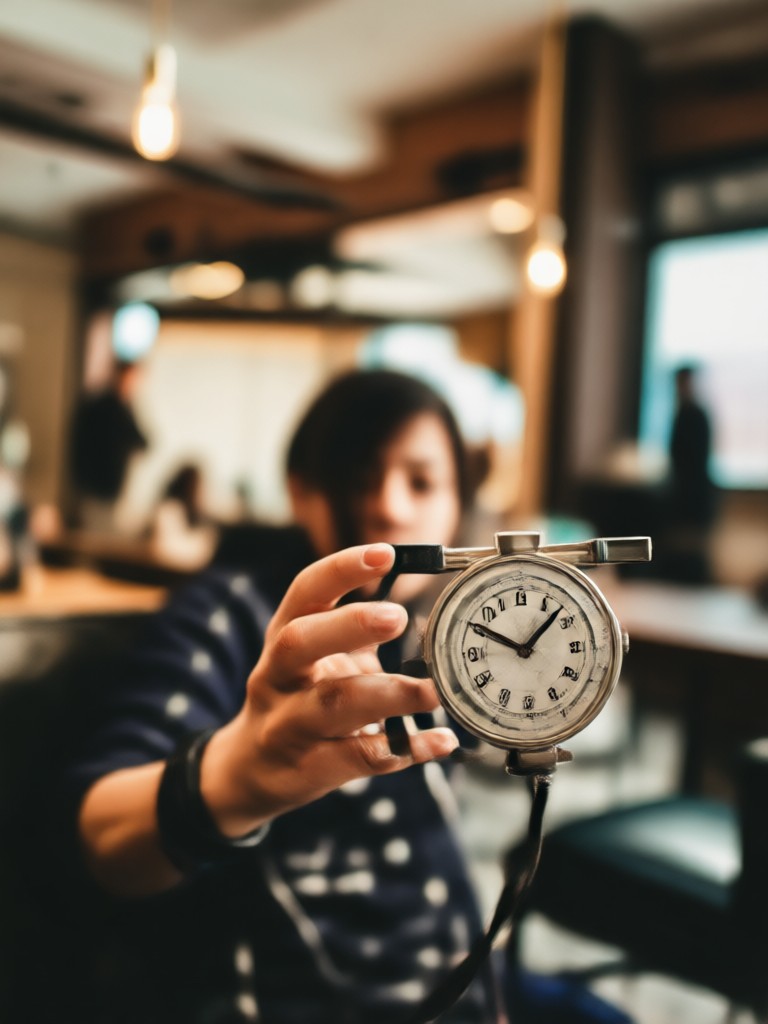
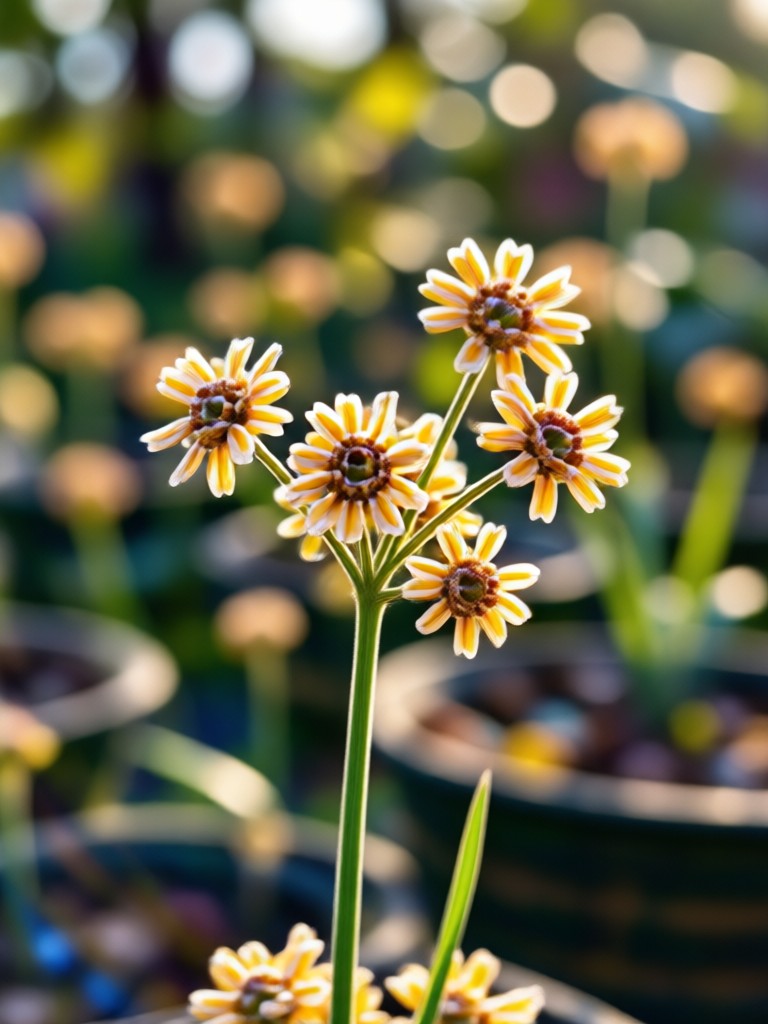
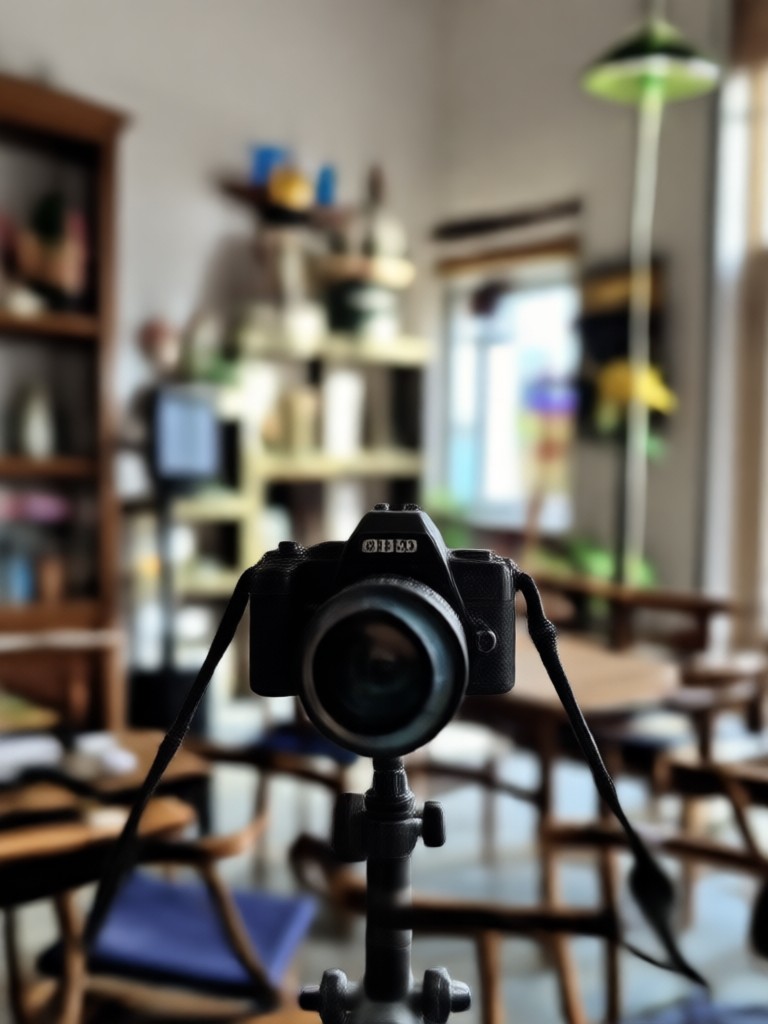
See the transformative power of AI. These before-and-after examples show how a simple background blur can elevate portrait, product, and pet photography.


Professional Results, Zero Effort
Achieve the shallow depth of field look of expensive camera lenses directly from your phone. Our AI handles the complex masking and gradient blur, delivering studio-quality edits in seconds.
Professional Results, Zero Effort
Achieve the shallow depth of field look of expensive camera lenses directly from your phone. Our AI handles the complex masking and gradient blur, delivering studio-quality edits in seconds.
How to Blur a Photo Background?
Create stunning, professional-looking photos with a blurred background in just three simple steps using the HeyO app.

Step 01.
Download the free HeyO app from Google Play. Open the app and select the 'Edit Photo' option to begin.

Step 02.
Upload your photo. Navigate to the 'Background' tools and choose the 'Blur' or 'Bokeh' effect. Adjust the intensity to your liking.

Step 03.
Save your newly edited photo with its perfectly blurred background. Share your professional-looking portrait directly to social media.
What Users Say About AI Background Blur
A Game-Changer for My Social Media
As a small business owner, my product photos needed to look professional fast. This AI blur tool lets me create studio-quality images from my phone in seconds. My engagement has doubled.
Perfect for Portrait Photography Beginners
I love photography but don't own a fancy lens for bokeh. This app gives me that beautiful, blurred background effect on every portrait I take with my smartphone. It's incredible.
Saves Me Hours of Editing
I used to manually blur backgrounds in complex software. Now I get better, more natural-looking results with one tap. It's streamlined my entire workflow for client headshots.
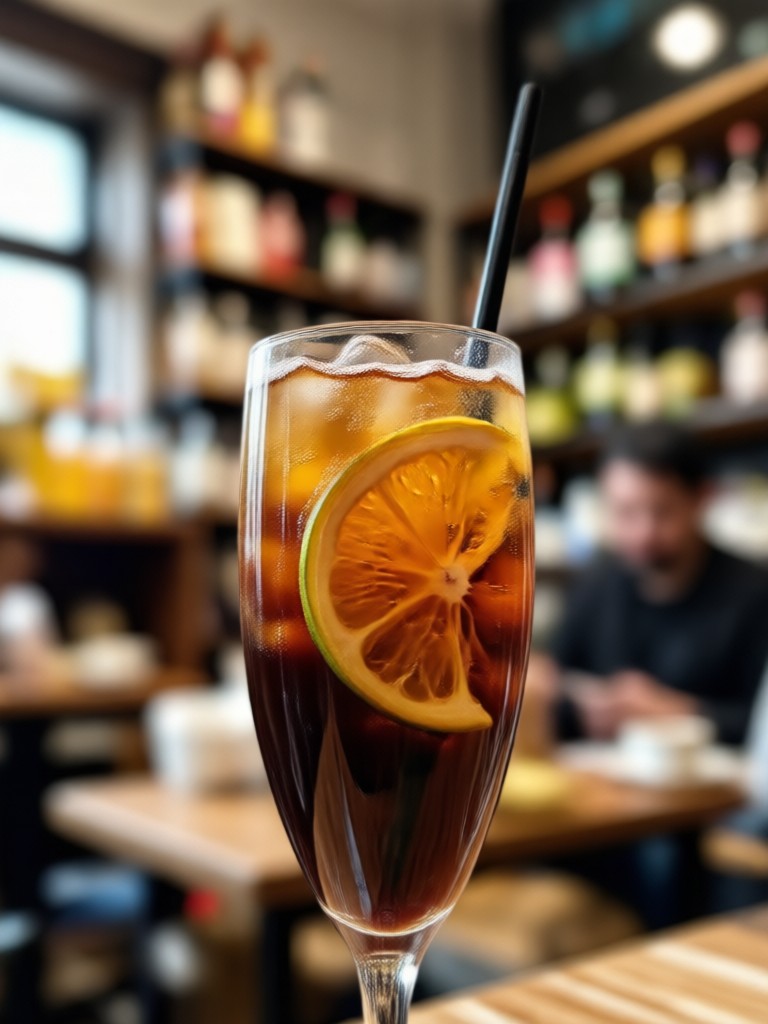
Blur Any Photo Background Instantly
Turn cluttered, distracting backgrounds into soft, professional bokeh. Make your subject the undeniable focus of every photo with AI-powered precision.

AI Background Blur FAQs
Get quick answers to common questions about blurring photo backgrounds with AI technology in the HeyO app.
More Topics You May Like
Explore more topics you may like and discover fresh ideas tailored to your interests.
Create Perfect AI Babes: Realistic Avatars & Models
Design Your Anime Guy: AI Character Creator & Style Generator
Bring Your Pictures to Life with Free AI Animation
AI Childhood Image Generator: See Your Younger Self
Create Perfect AI Babes: Realistic Avatars & Models
Design Your Anime Guy: AI Character Creator & Style Generator
Bring Your Pictures to Life with Free AI Animation
AI Childhood Image Generator: See Your Younger Self
Transform Your Photos in One Tap
Download HeyO for free and instantly access professional AI editing tools. Blur backgrounds, enhance portraits, and create stunning visuals right from your phone.

Transform Your Photos in One Tap
Download HeyO for free and instantly access professional AI editing tools. Blur backgrounds, enhance portraits, and create stunning visuals right from your phone.