Character Intro AI Photo Prompt
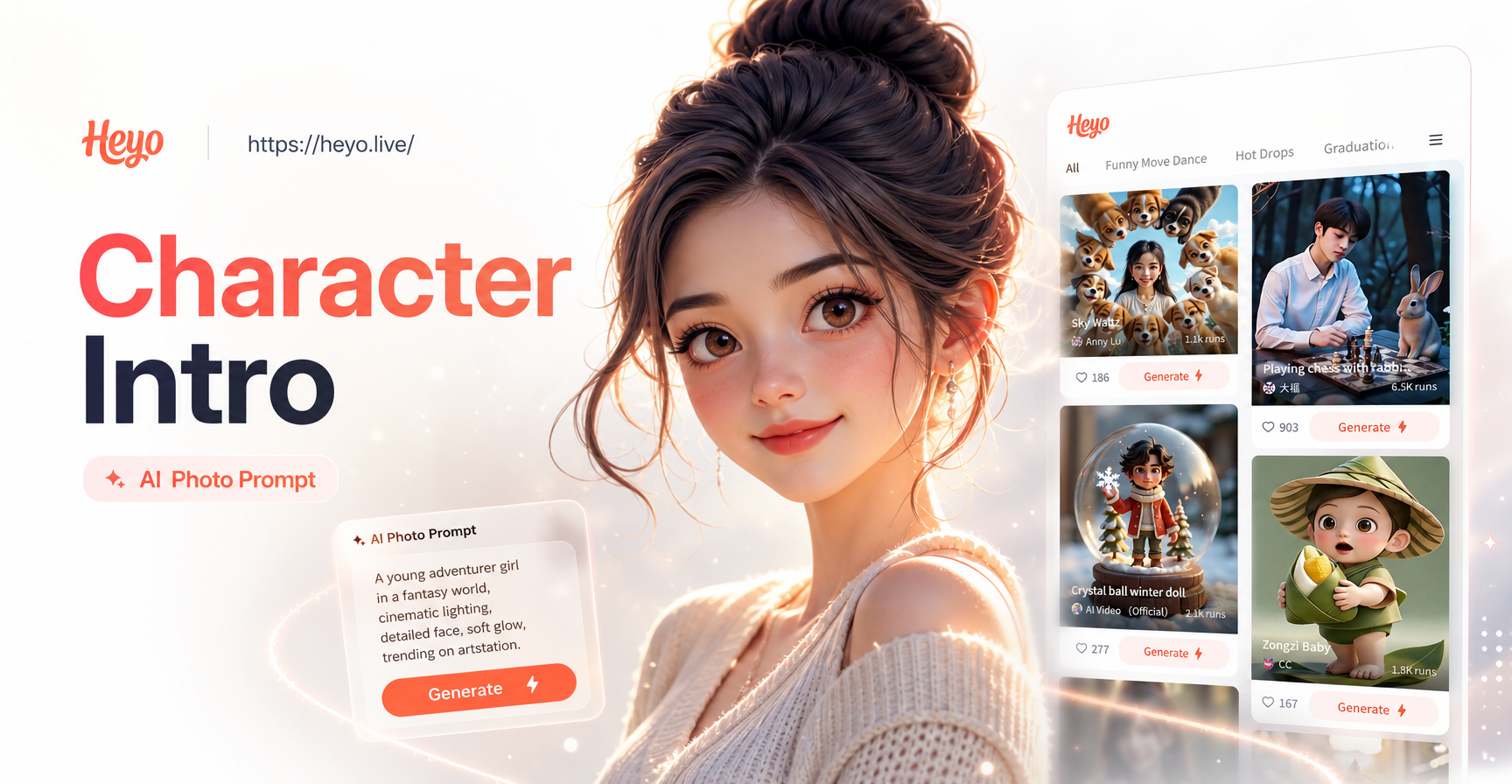
Find Your Character's Visual Style
Match your character's essence with the perfect AI art style. From photorealistic portraits to epic anime and painterly fantasy.
Master the Art of AI Character Design
Learn the core techniques that turn a simple idea into a compelling visual character sheet using AI prompts.
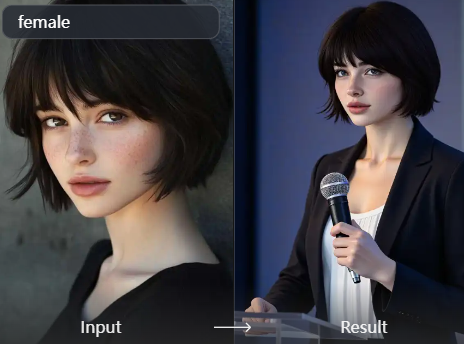
Prompt Anatomy for Characters
Structure your prompts with subject, appearance, action, setting, and style. A clear hierarchy ensures the AI captures your character's essence correctly, focusing on key details first.
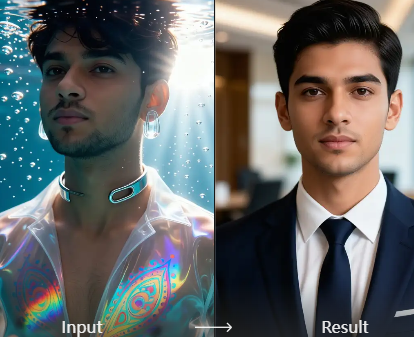
Visual Style & Genre Matching
Choose a style that fits your story's tone. Use terms like 'cinematic key art', 'concept art painting', 'anime cel-shaded', or 'photorealistic portrait' to set the perfect artistic mood.
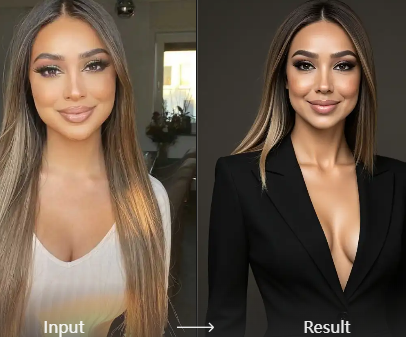
Dynamic Posing & Emotion
Go beyond a simple portrait. Describe dynamic action poses, subtle emotional expressions, or iconic introductory moments that reveal your character's personality at first glance.
Character Archetype Prompt Examples
See how specific prompt templates bring classic and unique character types to life. Use these as a starting point for your own creations.
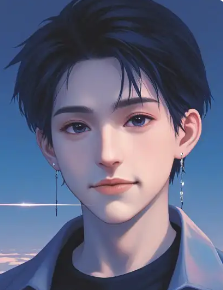

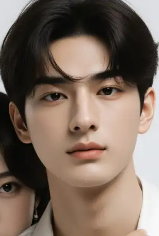
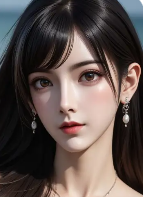
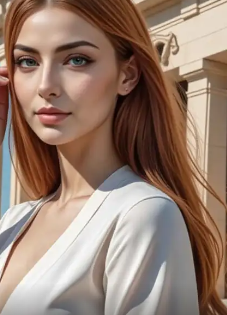
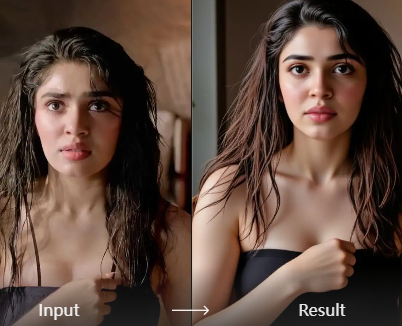
Why Use AI for Character Intros?
AI character generation bridges the gap between imagination and visualization. It allows writers, game masters, and creators to rapidly prototype and refine their characters' looks, providing a visual anchor for storytelling, worldbuilding, and audience engagement.
Why Use AI for Character Intros?
AI character generation bridges the gap between imagination and visualization. It allows writers, game masters, and creators to rapidly prototype and refine their characters' looks, providing a visual anchor for storytelling, worldbuilding, and audience engagement.
How to Create an AI Character Intro Photo
Follow three simple steps to generate your own professional character introduction artwork in minutes.

Step 01.
Download the HeyO app to access millions of AI art styles and the powerful text-to-image generator designed for character creation.

Step 02.
Select the 'Text to Image' feature and input your character prompt. Choose a style filter like 'Fantasy Art', 'Anime', or 'Cinematic' to define the visual tone.

Step 03.
Generate, refine, and download your character artwork. Use the results for your novel cover, RPG character sheet, social media, or creative portfolio.
What Creators Are Saying
Finally gave faces to my novel's cast
As a writer, I had detailed descriptions but no visual reference. Using these AI prompts, I generated perfect portraits for my main characters. It helped my cover designer immensely and made my characters feel real to me.
Game-changing for our D&D campaign
My players love having a visual token that matches their character's description exactly. We generate a group shot for every new campaign arc. It's become an essential part of our session zero.
Incredible for concept art and inspiration
I use it to brainstorm visual ideas for client projects. I can generate 10 variations of a 'cyberpunk samurai' in different styles faster than I could sketch one. It's a powerful ideation tool.
Character Intro AI Prompt FAQ
Get answers to the most common questions about crafting effective AI prompts for character introductions and portraits.
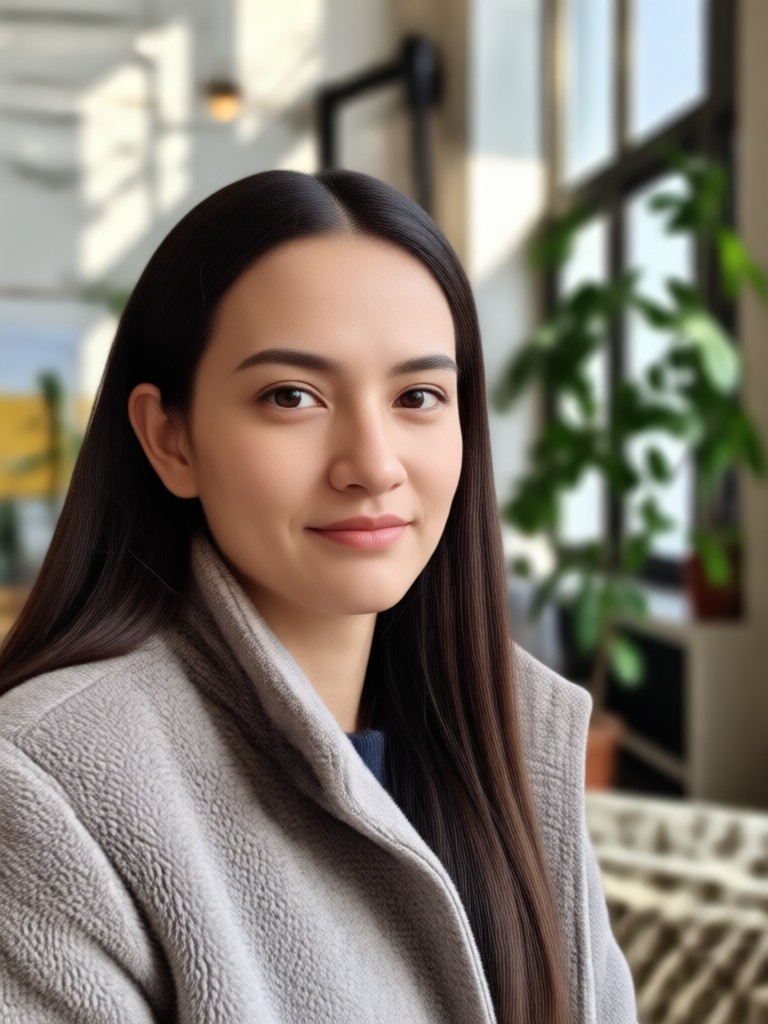
Your Character, Visualized in Minutes
Stop imagining and start seeing. Turn your character descriptions into stunning visual assets for your story, game, or project with our intuitive AI tools.

More Topics You May Like
Explore more topics you may like and discover fresh ideas tailored to your interests.
Transform Your Ganpati Visarjan Photos with AI Magic
AI Back-to-School Photos: Smart Generator & Editor for 2024
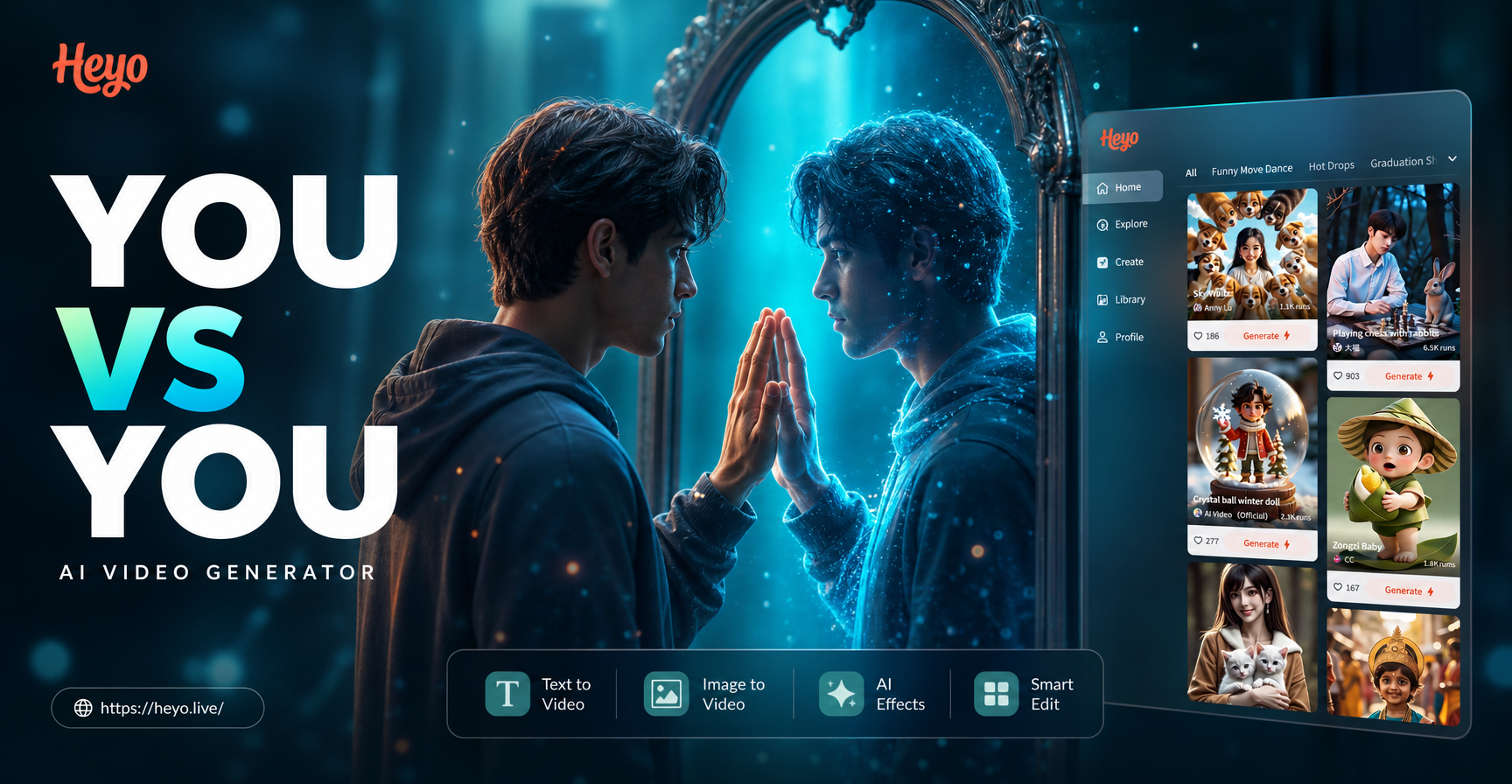
Create Your Ultimate Rival with You vs You AI Video Generator
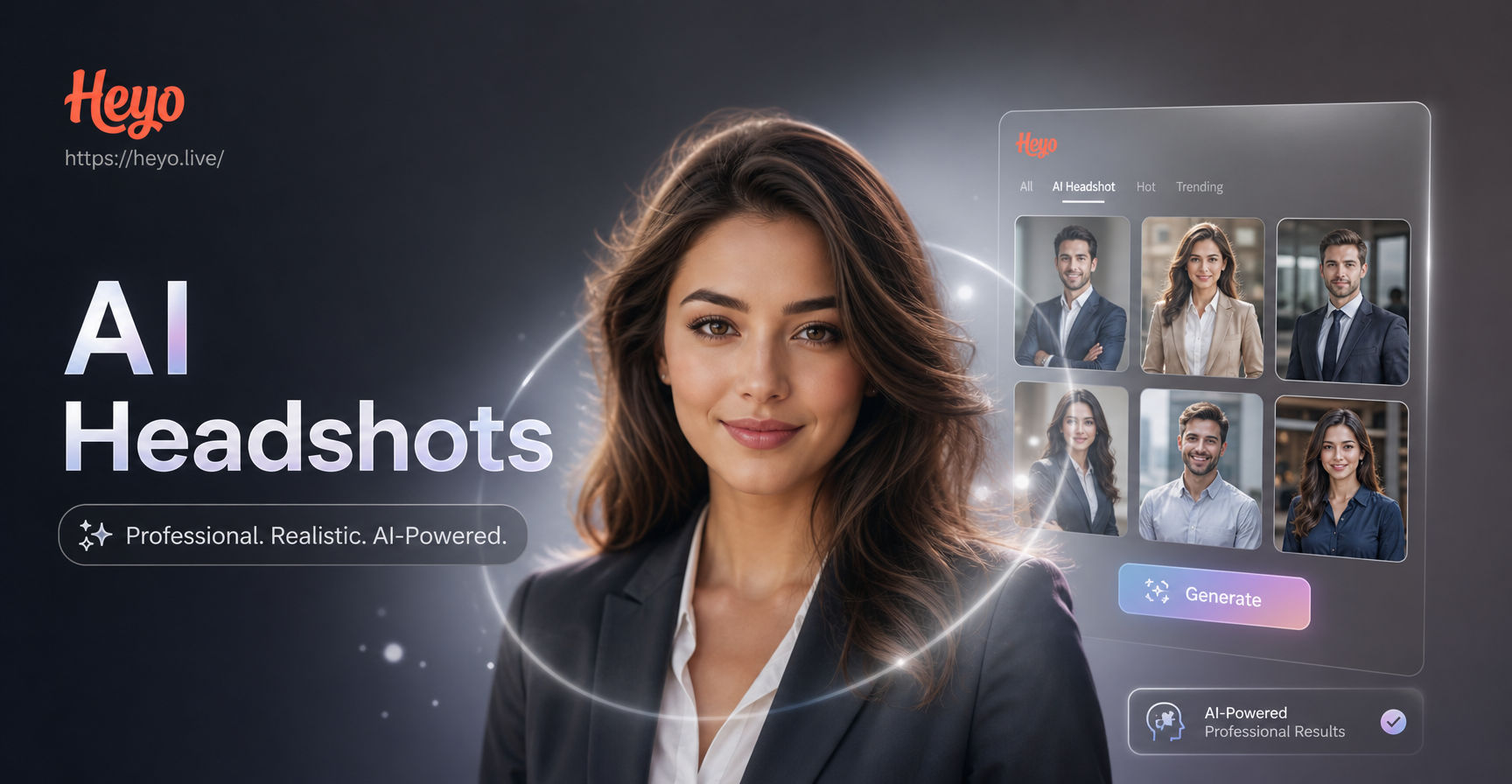
Custom AI Professional Headshots in Minutes
Transform Your Ganpati Visarjan Photos with AI Magic
AI Back-to-School Photos: Smart Generator & Editor for 2024
Create Your Ultimate Rival with You vs You AI Video Generator
Custom AI Professional Headshots in Minutes
Bring Every Character to Life
Download HeyO now and unlock the easiest way to create professional character art, concept sheets, and iconic introductions with the power of AI.

Bring Every Character to Life
Download HeyO now and unlock the easiest way to create professional character art, concept sheets, and iconic introductions with the power of AI.