Cinematic 3 Layer AI Photo Editing
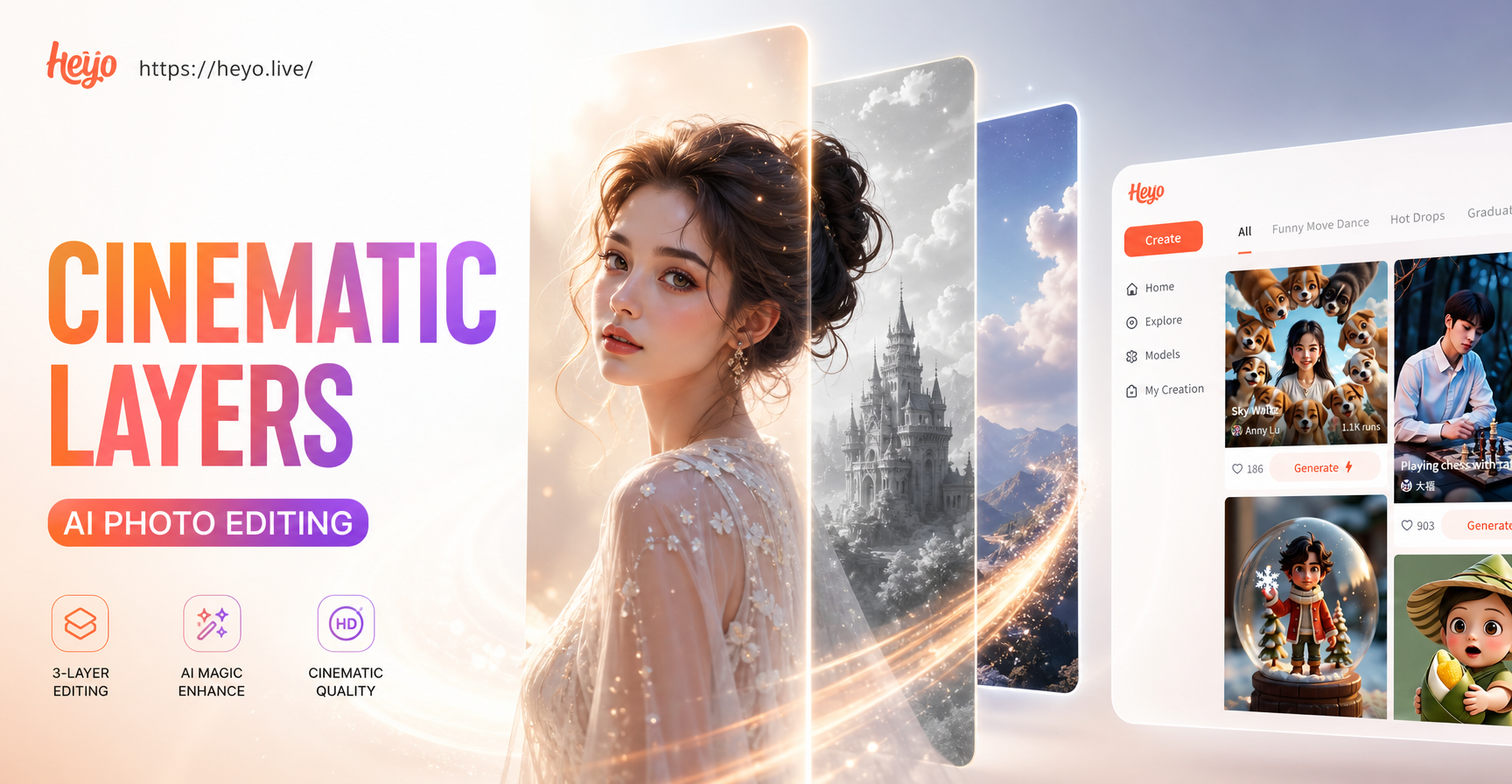
Explore Cinematic AI Filters
Choose from a vast library of cinematic styles. From moody noir and vibrant blockbuster to serene indie film aesthetics, find the perfect filter to tell your story.
How 3 Layer AI Editing Works
Our AI doesn't just apply a simple filter. It intelligently processes your photo across three distinct layers to build professional cinematic quality.
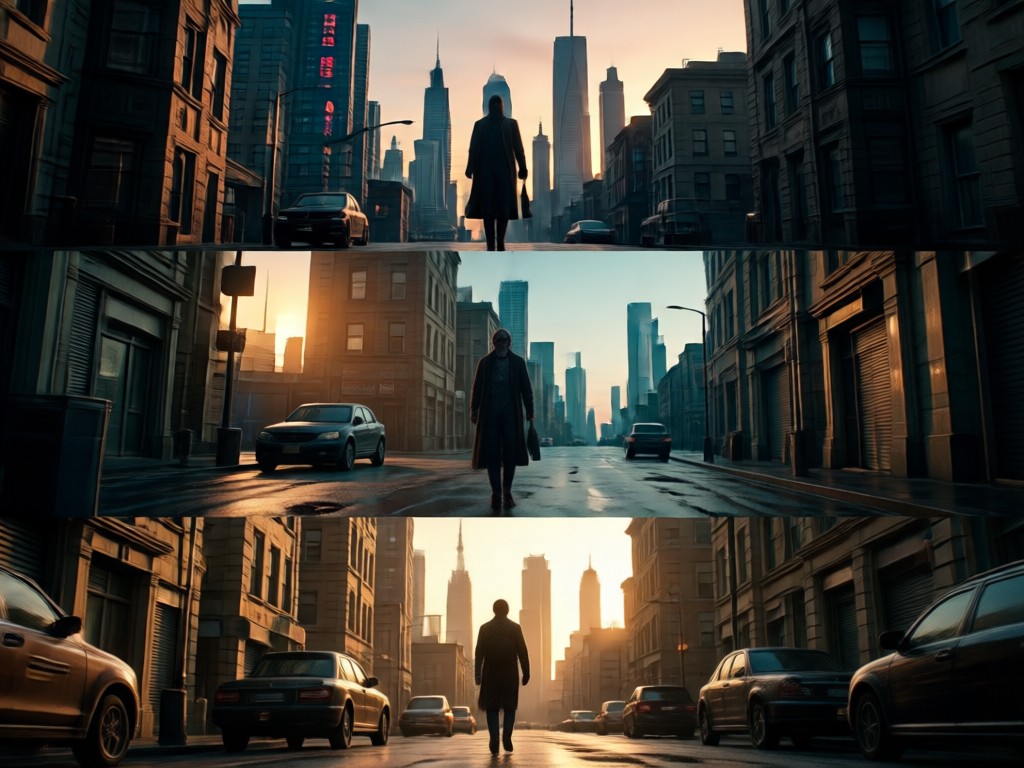
Layer 1: Subject & Depth
AI isolates your main subject and analyzes scene depth. It enhances focus, adds subtle background blur (bokeh), and creates a natural sense of three dimensional space.
Layer 1: Subject & Depth
AI isolates your main subject and analyzes scene depth. It enhances focus, adds subtle background blur (bokeh), and creates a natural sense of three dimensional space.
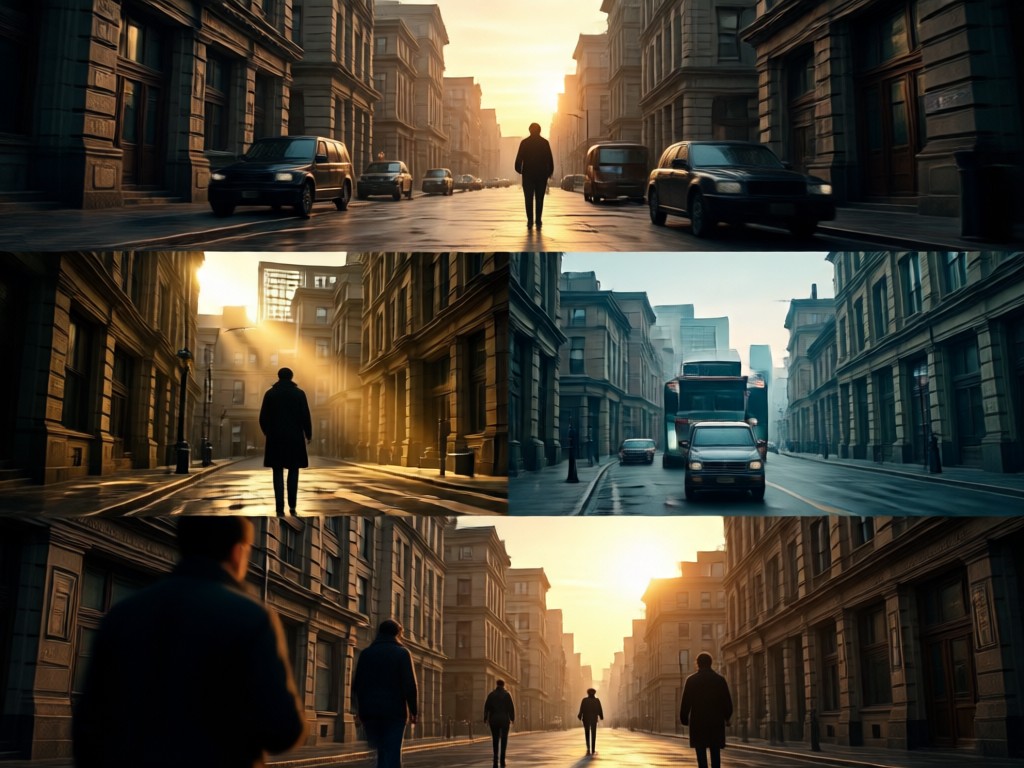
Layer 2: Lighting & Mood
The AI applies cinematic lighting principles. It adjusts highlights, shadows, and adds dynamic light sources like lens flares or volumetric rays to establish the photo's emotional tone.
Layer 2: Lighting & Mood
The AI applies cinematic lighting principles. It adjusts highlights, shadows, and adds dynamic light sources like lens flares or volumetric rays to establish the photo's emotional tone.
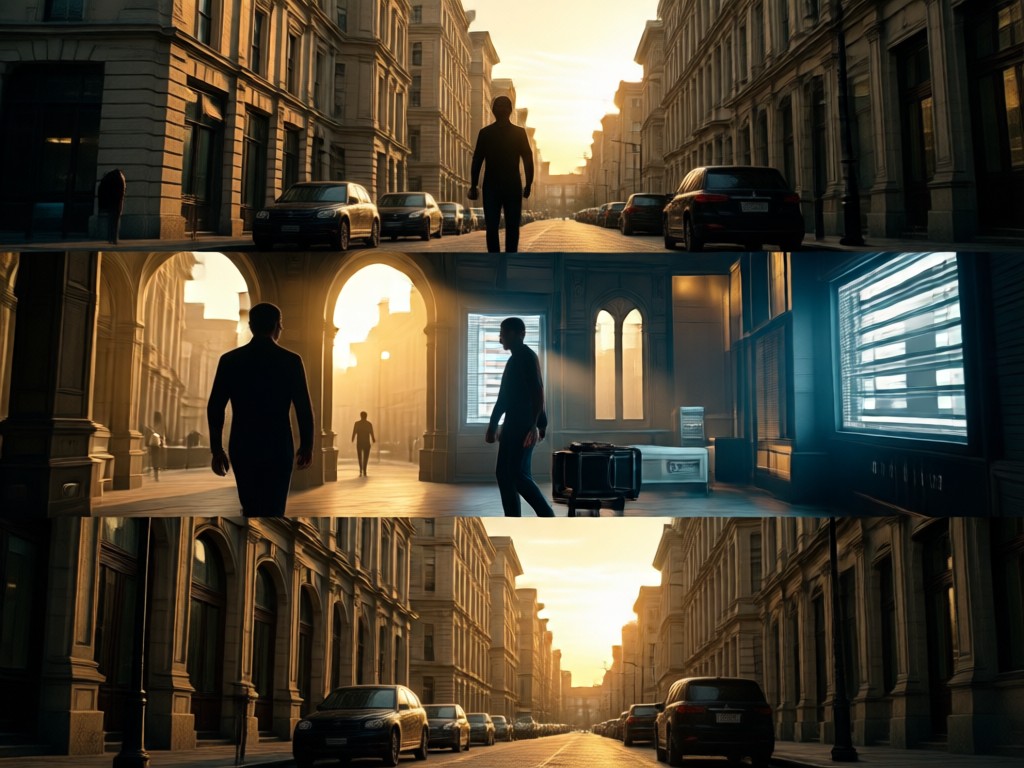
Layer 3: Color & Texture
Professional color grading is applied. AI adjusts color palettes, saturation, and contrast, and can add film grain or texture to mimic specific movie stocks or visual styles.
Layer 3: Color & Texture
Professional color grading is applied. AI adjusts color palettes, saturation, and contrast, and can add film grain or texture to mimic specific movie stocks or visual styles.
Cinematic AI Photo Gallery
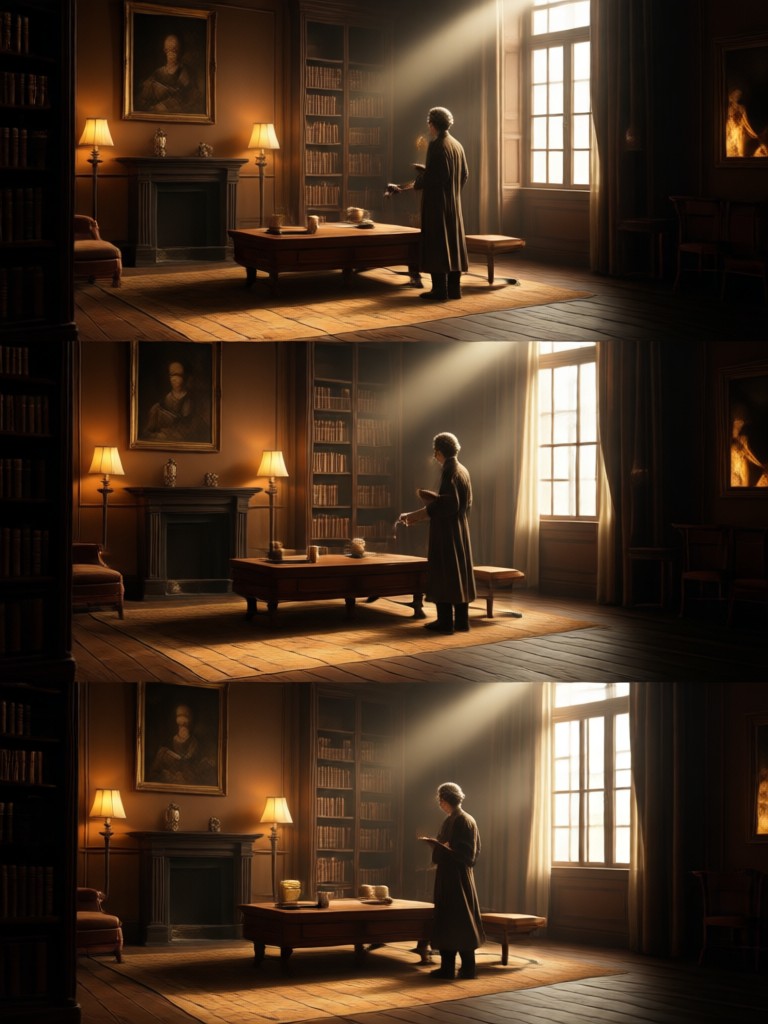
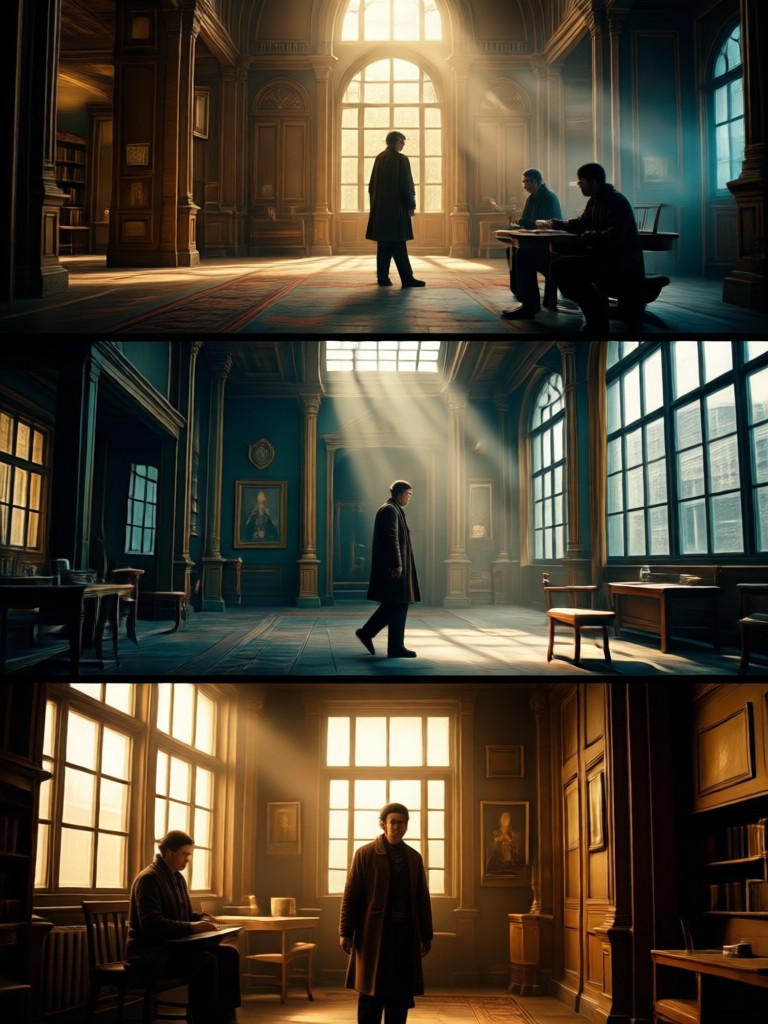
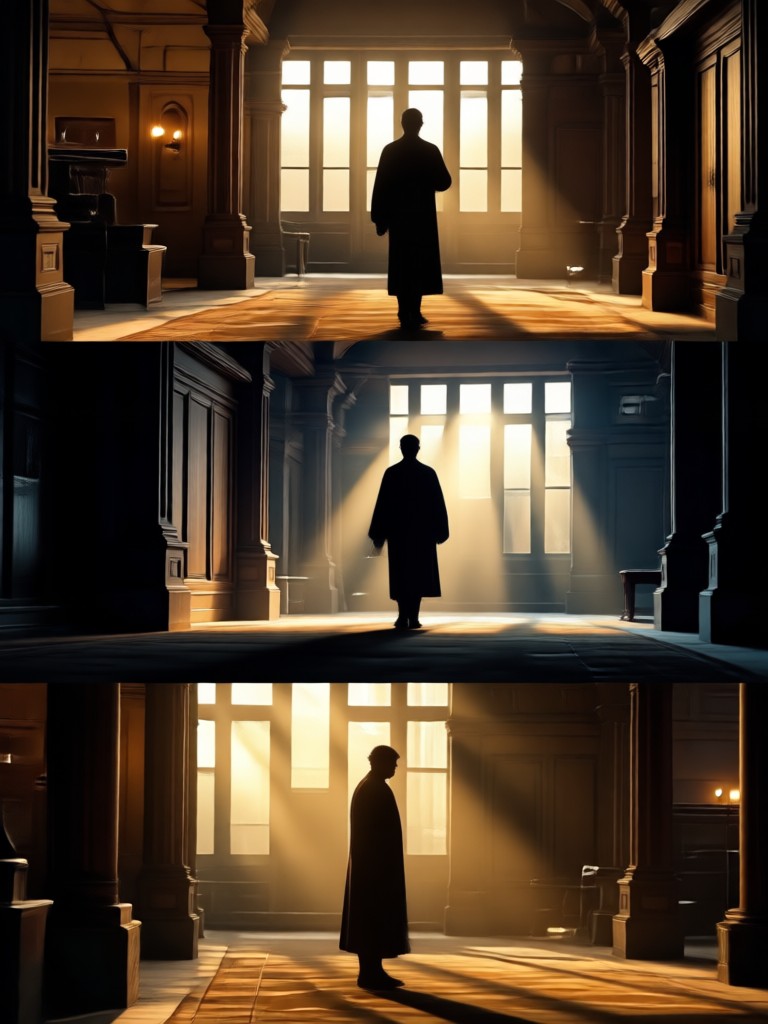
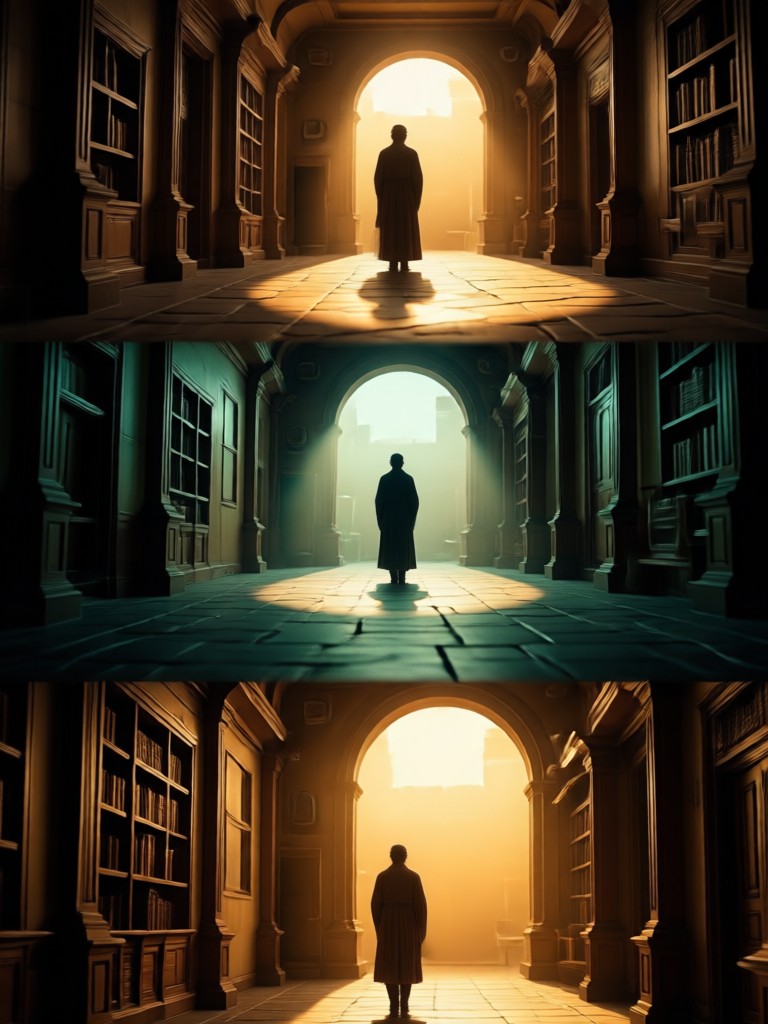
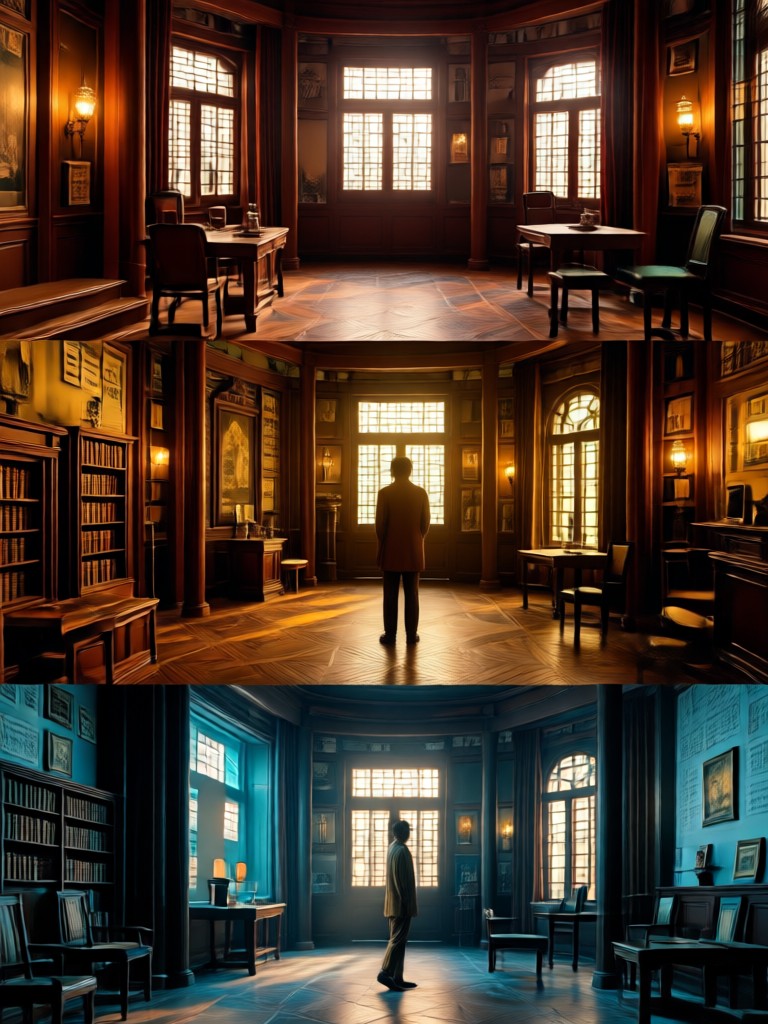
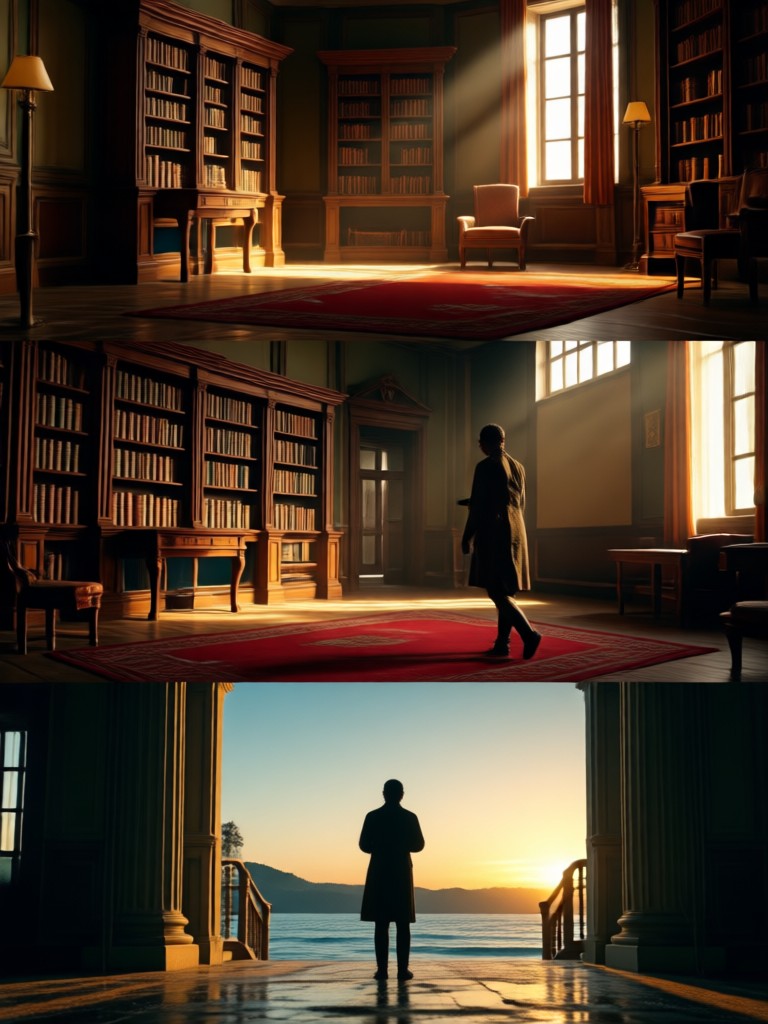
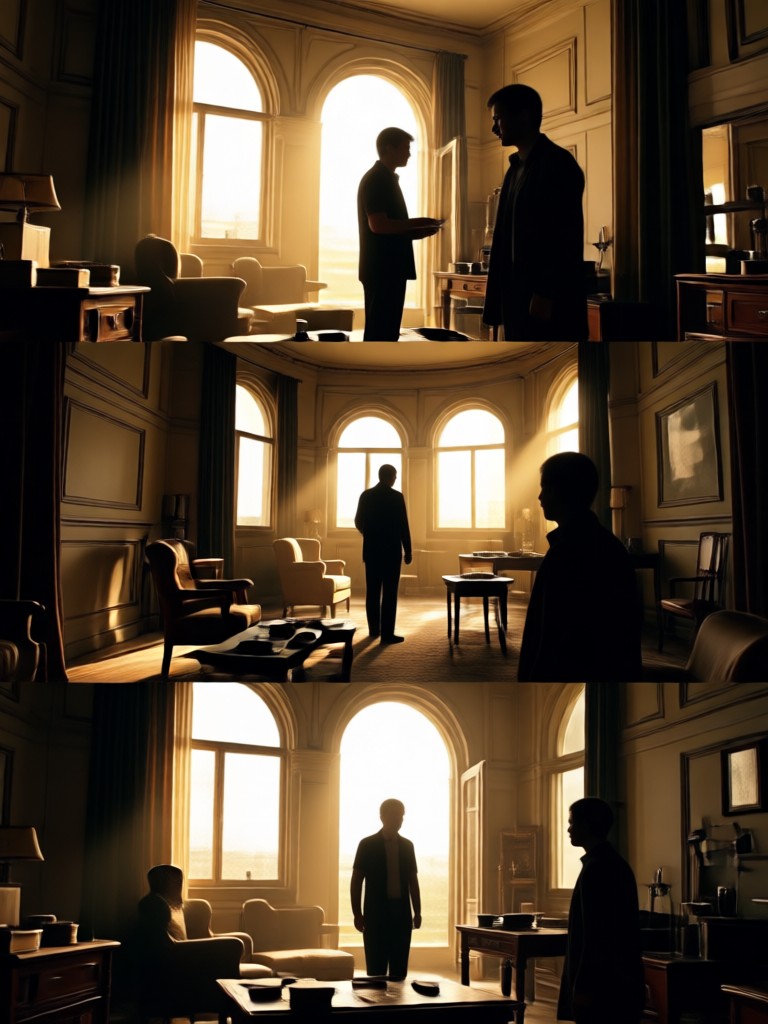
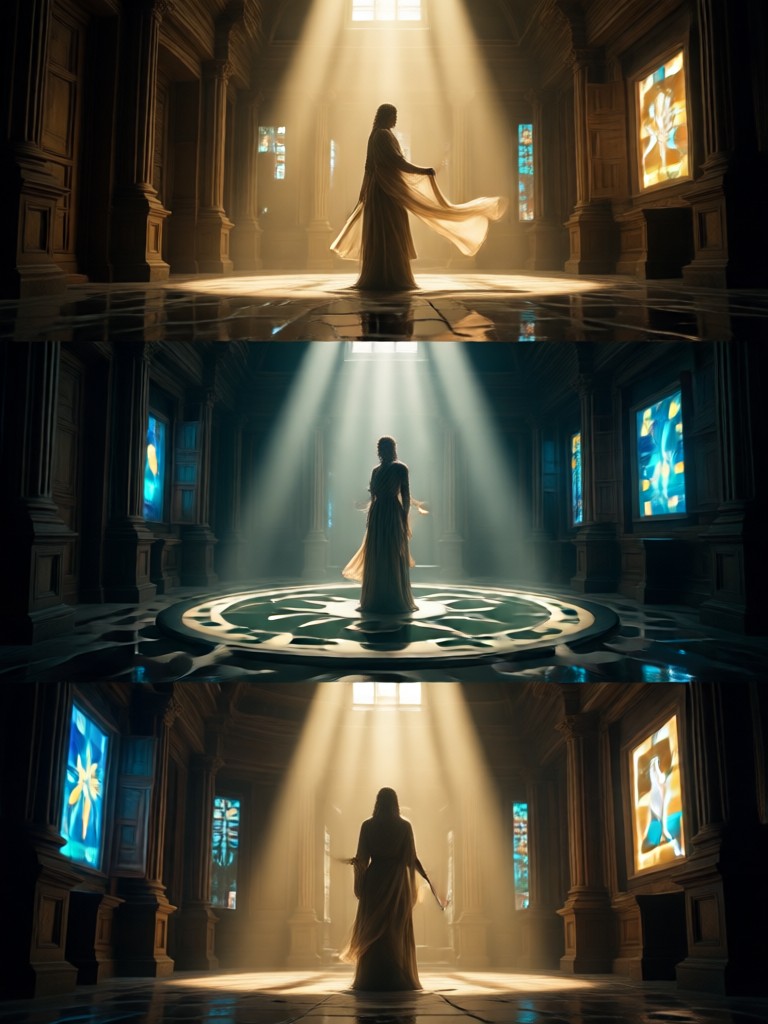
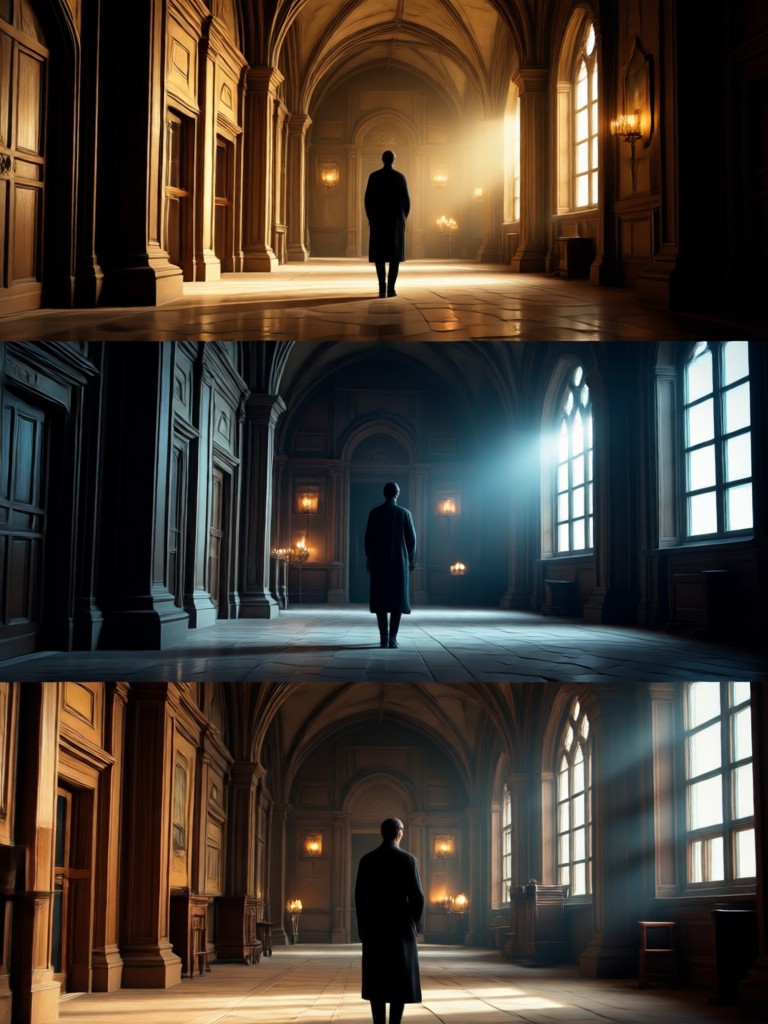
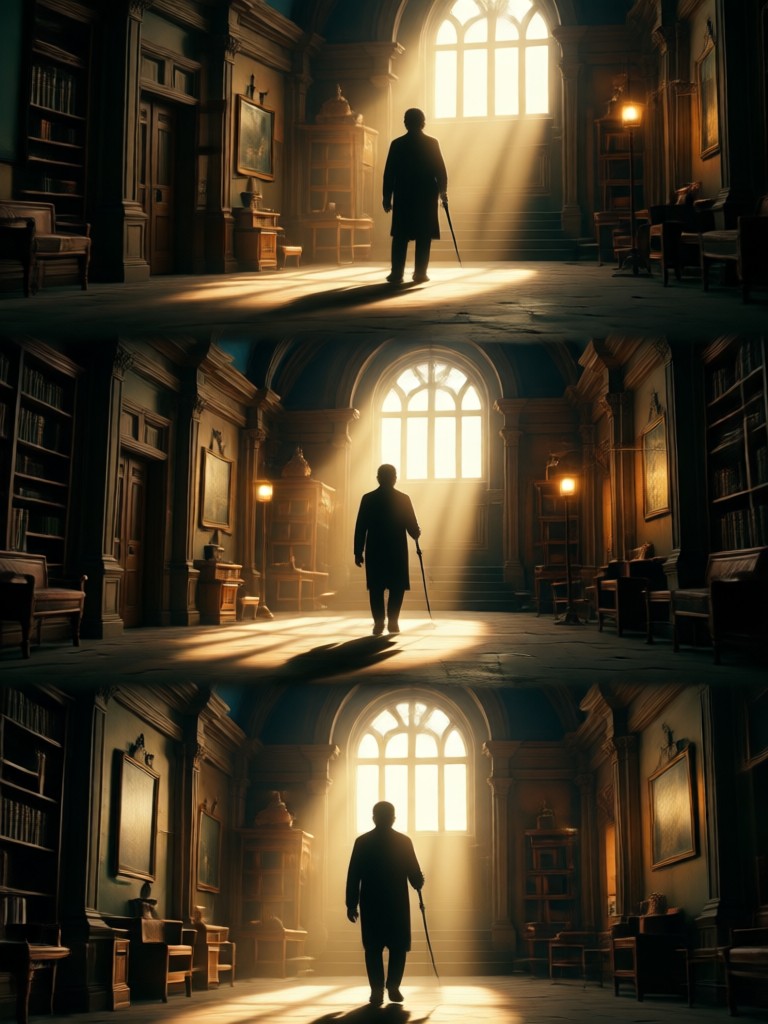
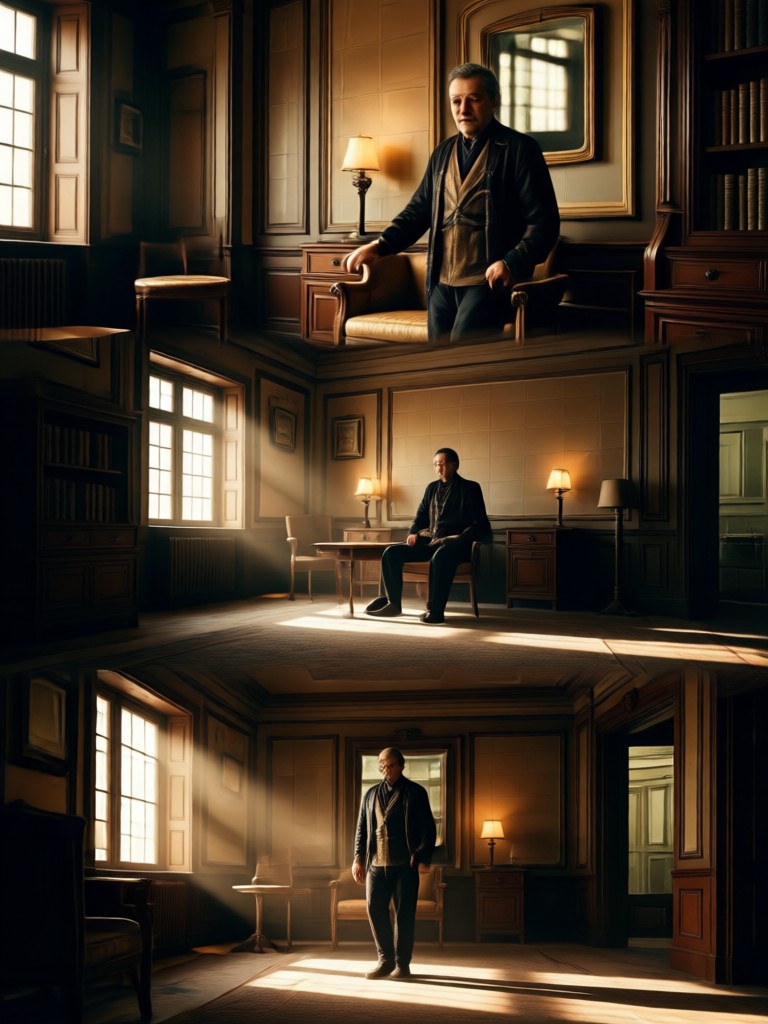
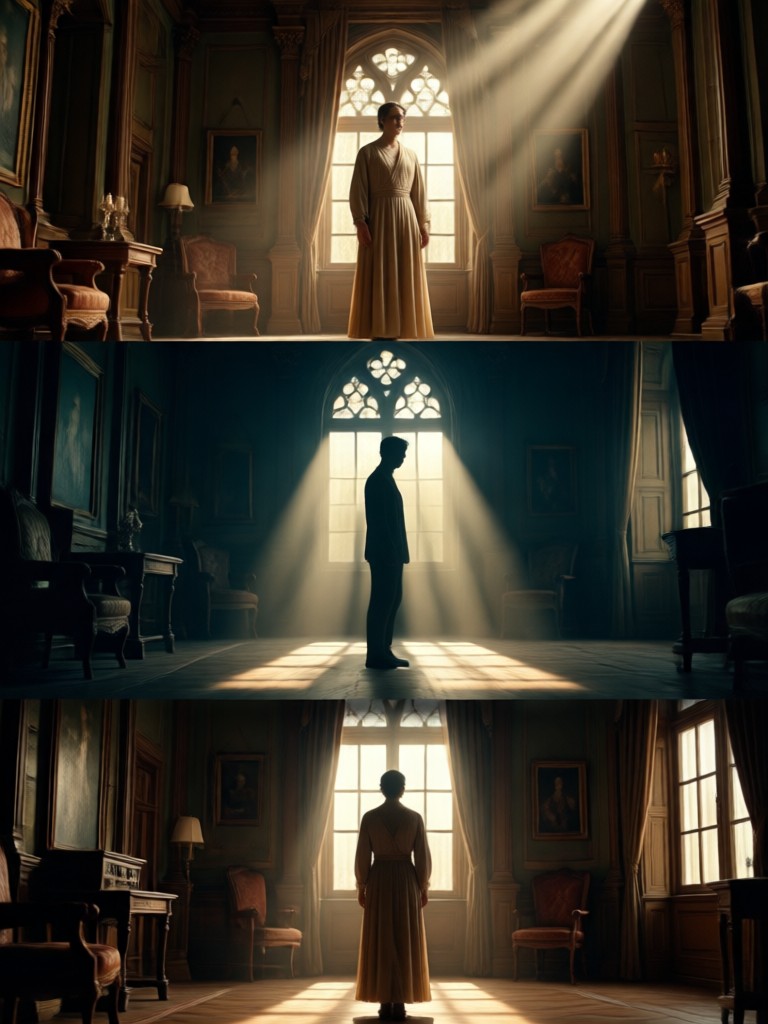
See how ordinary photos are transformed into cinematic masterpieces. These results were created in seconds using our 3 layer AI editing technology.
Why Choose AI for Cinematic Edits?
Professional cinematic editing typically requires expensive software, years of skill, and hours of work. AI makes it accessible to everyone.
From Complex to Simple
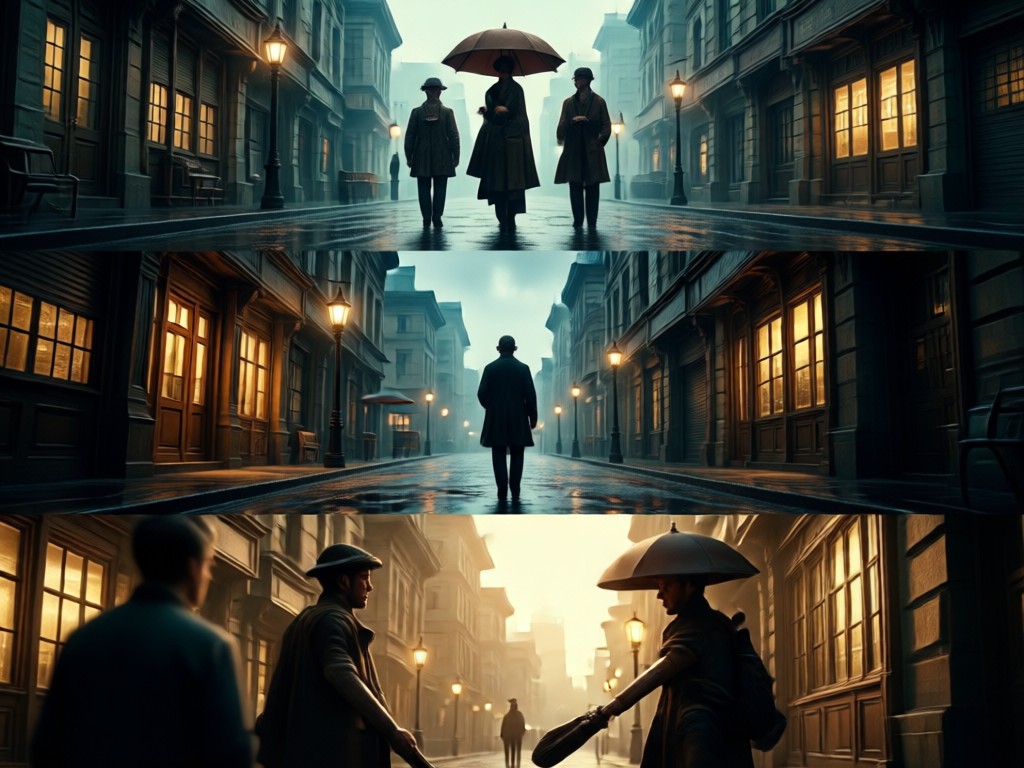
Traditional cinematic editing involves separate adjustments for curves, color wheels, masks, and layers. Our AI condenses this professional workflow into a single tap. It intelligently applies the principles a colorist would use, analyzing your image's content to make context aware enhancements that a simple filter cannot achieve. This saves you time while delivering a uniquely tailored, high quality result that looks professionally crafted.
From Complex to Simple
Traditional cinematic editing involves separate adjustments for curves, color wheels, masks, and layers. Our AI condenses this professional workflow into a single tap. It intelligently applies the principles a colorist would use, analyzing your image's content to make context aware enhancements that a simple filter cannot achieve. This saves you time while delivering a uniquely tailored, high quality result that looks professionally crafted.
How to Create Cinematic Photos in 3 Steps
Transform your photos into cinematic art in less than a minute. No technical knowledge required, just your creativity.

Step 01.
Download the Heyo app from Google Play. Open the app and upload any photo from your gallery or take a new one directly.

Step 02.
Navigate to the 'Styles' section and select the 'Cinematic' category. Browse and choose from dozens of 3 layer AI filters like 'Blockbuster', 'Noir', 'Indie Drama', or 'Epic Fantasy'.

Step 03.
Tap 'Generate'. In seconds, watch as AI applies depth, lighting, and color grading across three layers. Download your cinematic masterpiece and share it directly to social media.
What Creators Are Saying
My Instagram feed looks like a movie trailer now
As a travel blogger, I need my photos to stand out. This AI cinematic editor gives my shots a professional depth and color grade I could never achieve with basic apps. It's completely changed my visual storytelling.
Finally, cinematic quality without the learning curve
I've tried to learn DaVinci Resolve for years but never had the time. This app delivers that high end cinematic look in one tap. The 3 layer processing is noticeable, the lighting adjustments feel intelligent, not just slapped on.
A game changer for my portrait business
I use this to create unique, stylized previews for my clients. The 'indie film' filter is a particular favorite. It adds a consistent, artistic mood that makes my work memorable and has actually attracted new clients.
Your Pocket Cinematographer
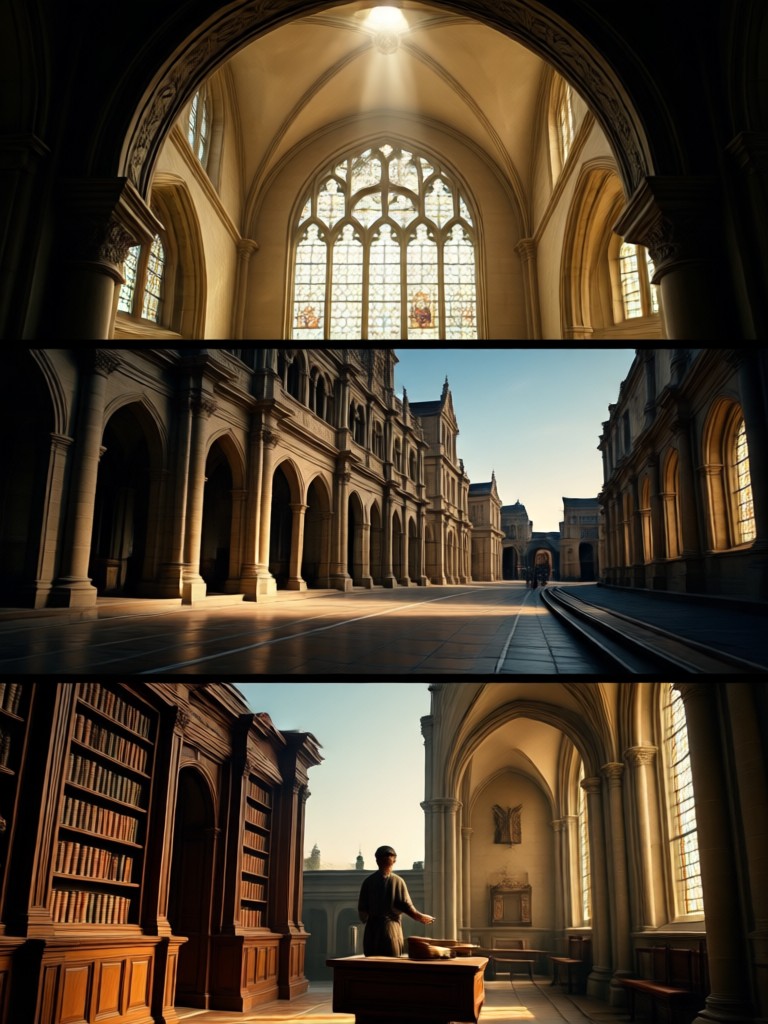
Carry the power of professional cinematic editing in your pocket. Download Heyo now and transform your photo gallery into a collection of movie stills.

Cinematic AI Editing FAQs
Get answers to common questions about using AI for cinematic 3 layer photo editing and creating professional style images.
More Topics You May Like
Explore more topics you may like and discover fresh ideas tailored to your interests.
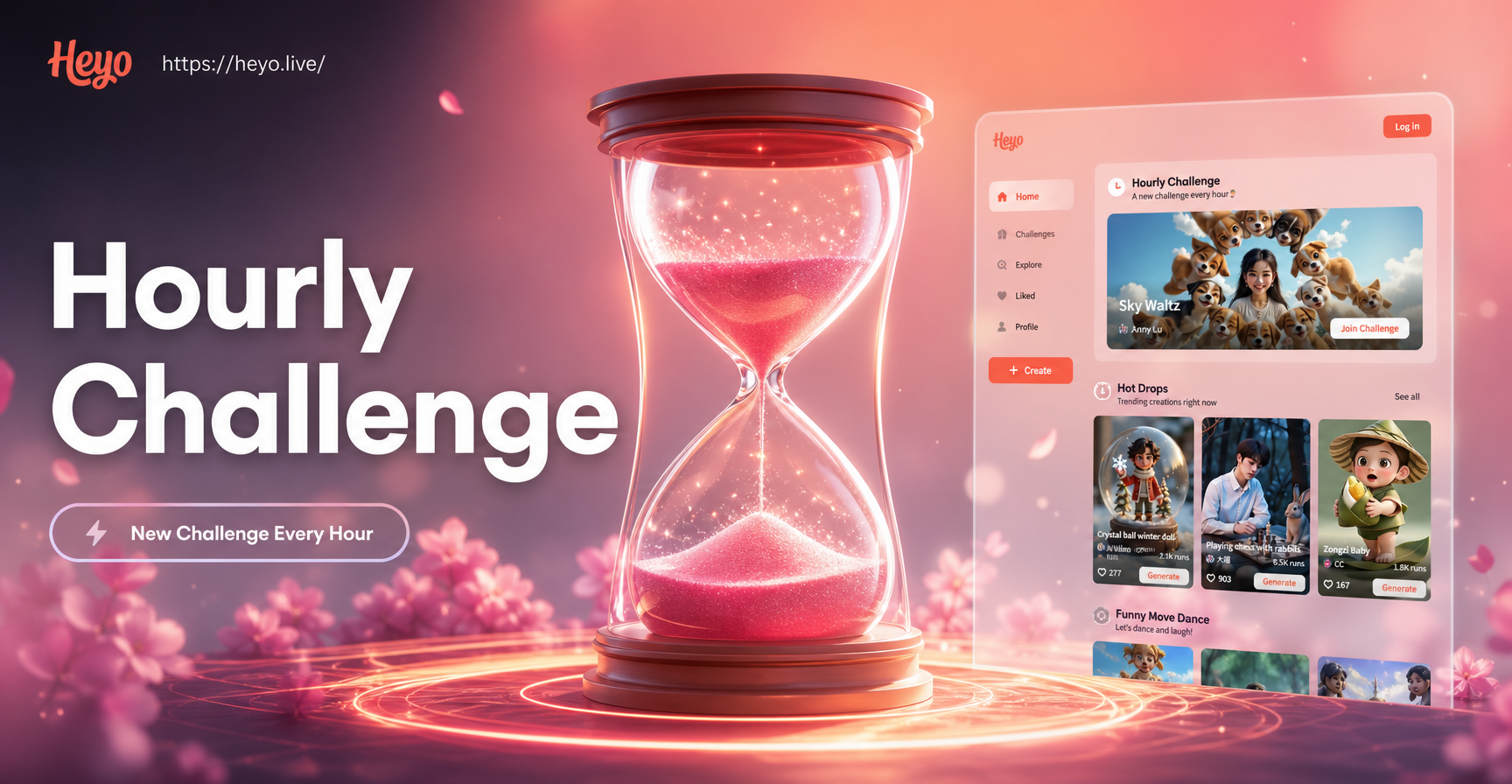
Hourly Photo Challenge Generator: AI-Powered Daily Visual Creativity
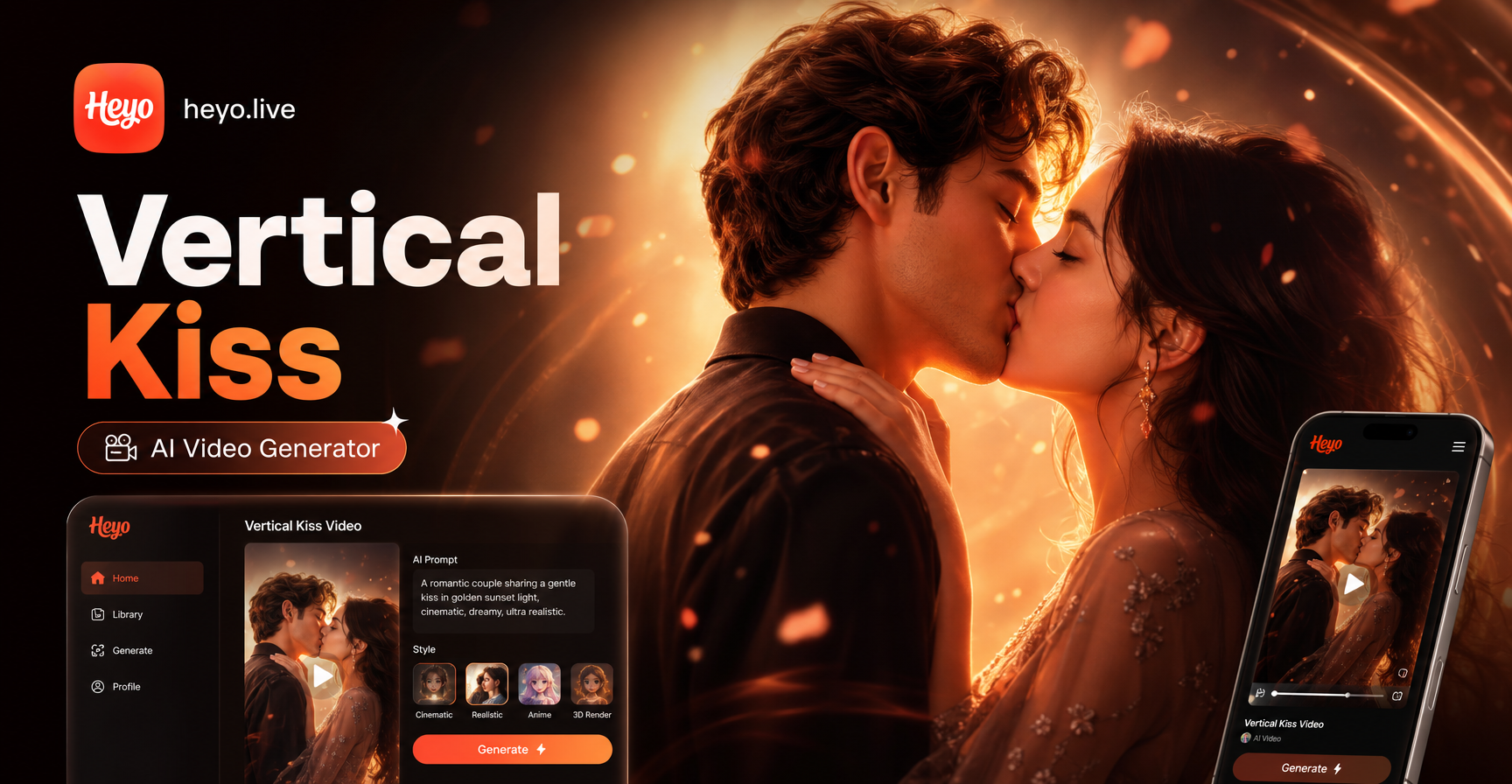
Create Vertical Kiss Videos Instantly With AI
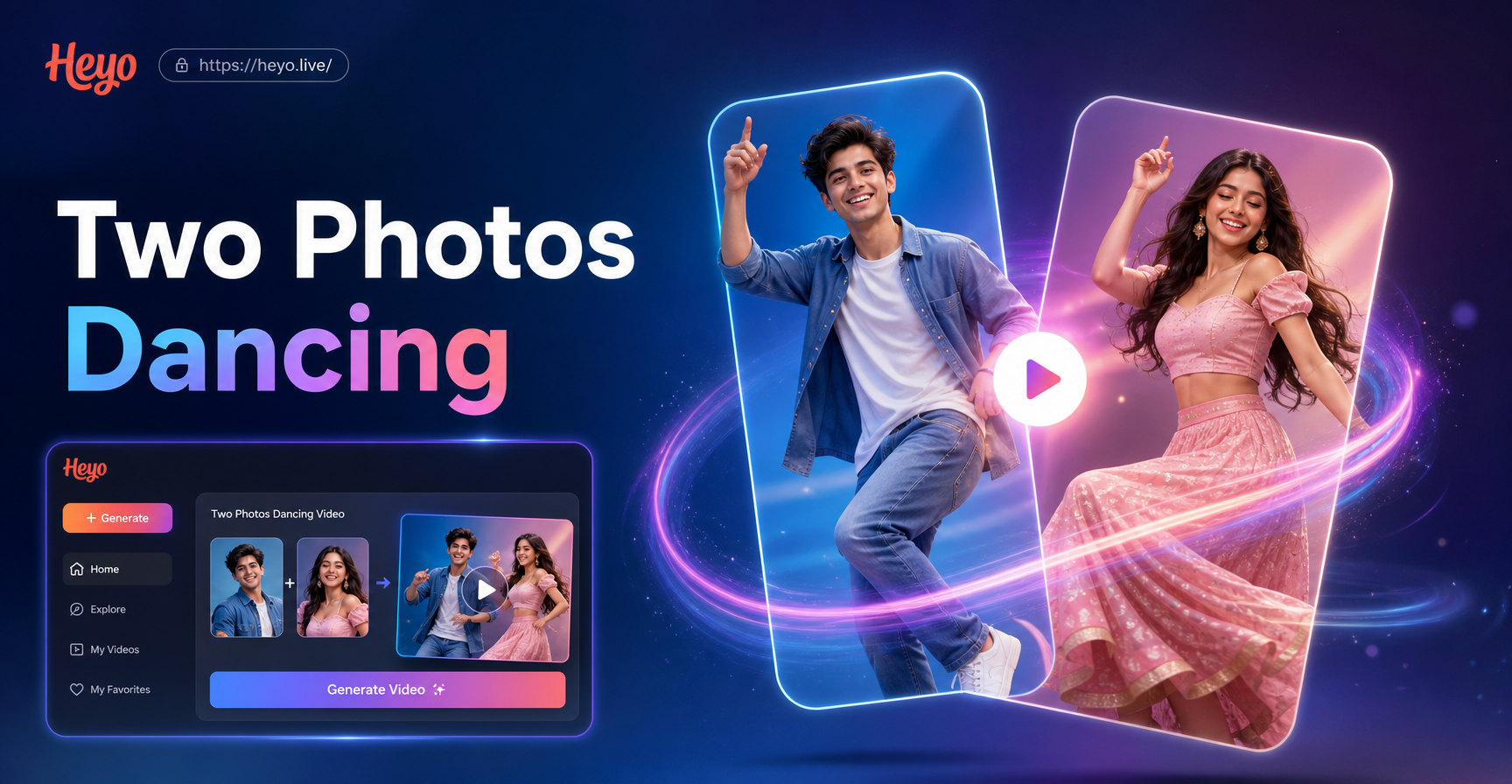
Create a Two Photos Dancing Video in Seconds
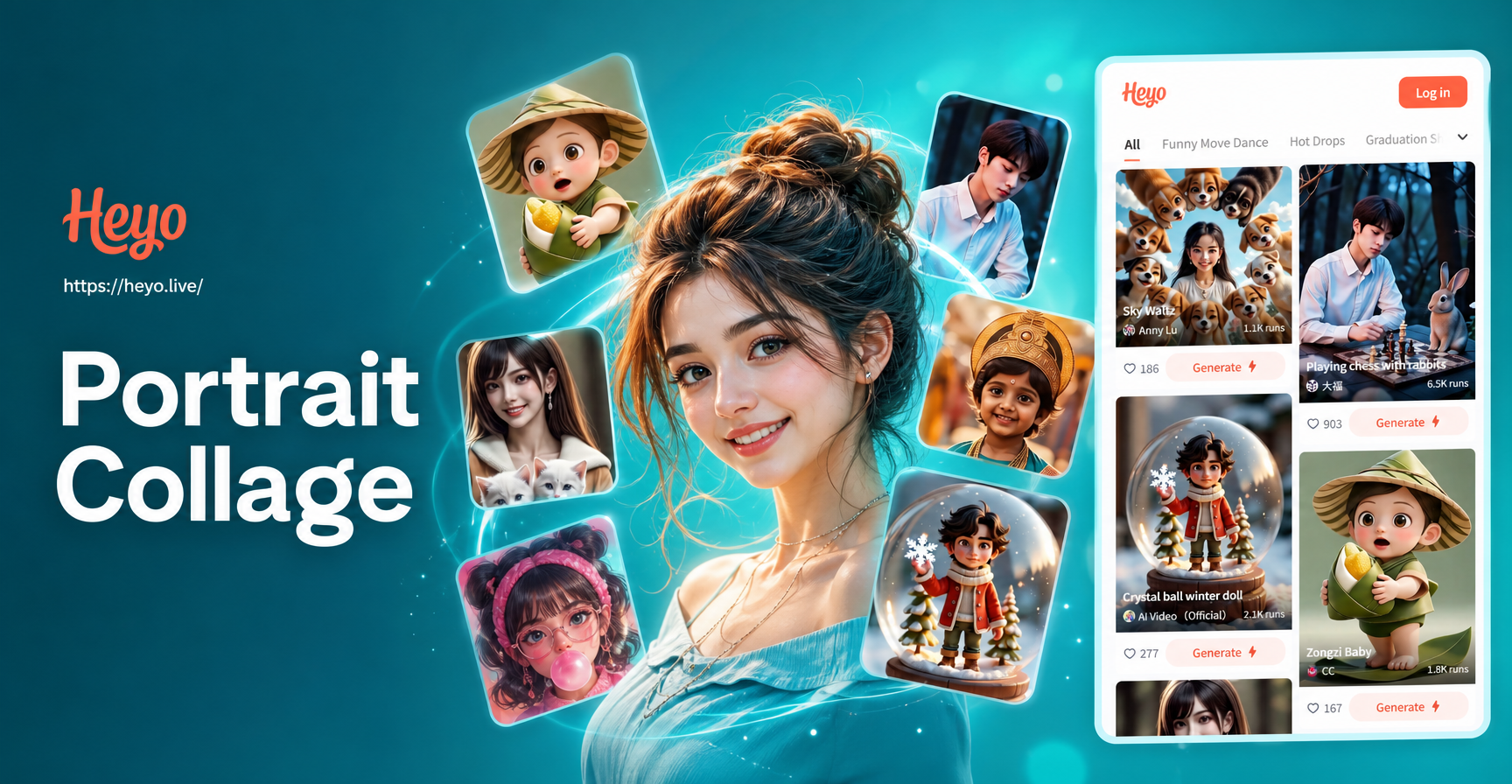
Create Viral Social Media Portraits with AI Collage Maker
Hourly Photo Challenge Generator: AI-Powered Daily Visual Creativity
Create Vertical Kiss Videos Instantly With AI
Create a Two Photos Dancing Video in Seconds
Create Viral Social Media Portraits with AI Collage Maker
Direct Your Own Visual Story
Stop scrolling through generic filters. Use AI powered 3 layer editing to craft photos with intention, mood, and professional cinematic quality. Your story deserves the big screen treatment.
Direct Your Own Visual Story
Stop scrolling through generic filters. Use AI powered 3 layer editing to craft photos with intention, mood, and professional cinematic quality. Your story deserves the big screen treatment.