Free Photo Enhancer
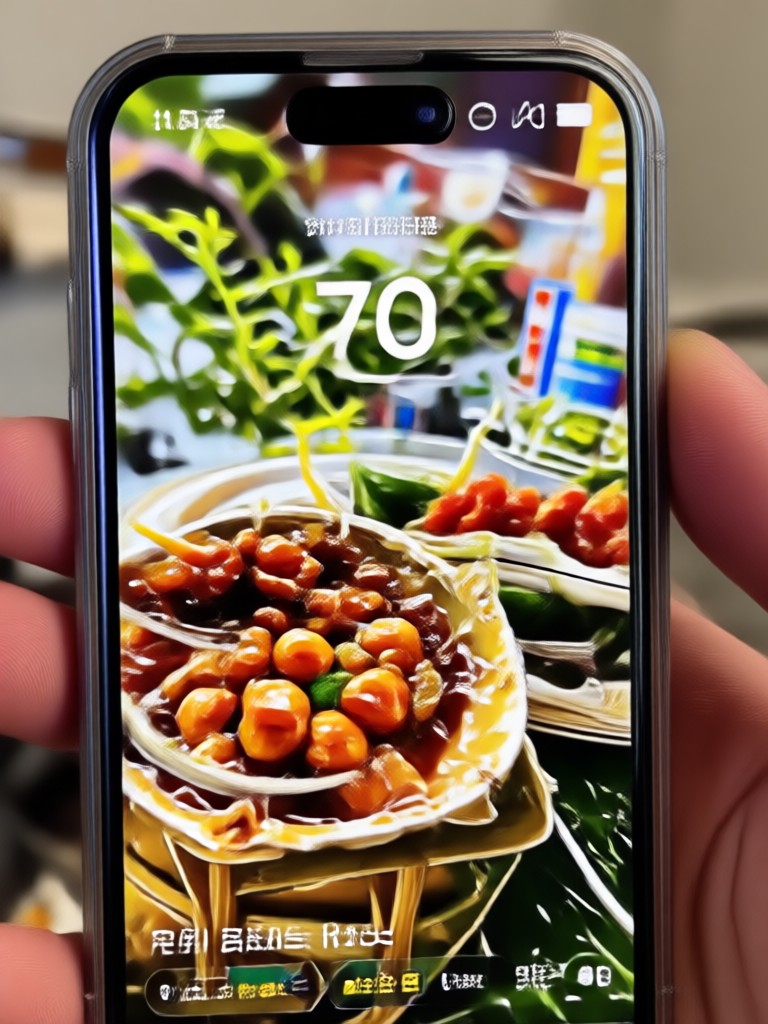
Perfect Filters for Your Enhanced Photos
Pair your enhanced photos with the perfect style filter. Explore our curated collection to take your improved images to the next level.
Key Features of the AI Photo Enhancer
The heyo app provides a powerful suite of tools to instantly improve photo quality. Experience automated enhancements that range from basic color correction to high-end upscaling for professional results.
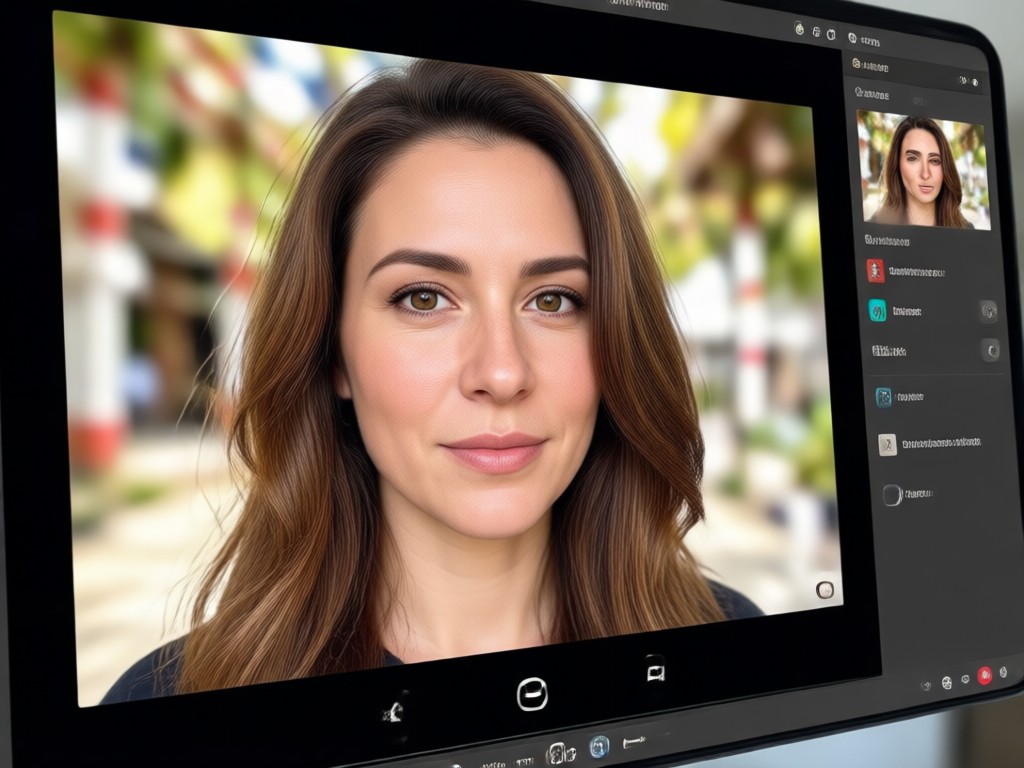
One-Tap Auto Enhance
Stop struggling with complex editors. Our AI analyzes your photo and automatically adjusts brightness, contrast, and saturation to achieve the perfect balanced look in a single tap.
One-Tap Auto Enhance
Stop struggling with complex editors. Our AI analyzes your photo and automatically adjusts brightness, contrast, and saturation to achieve the perfect balanced look in a single tap.
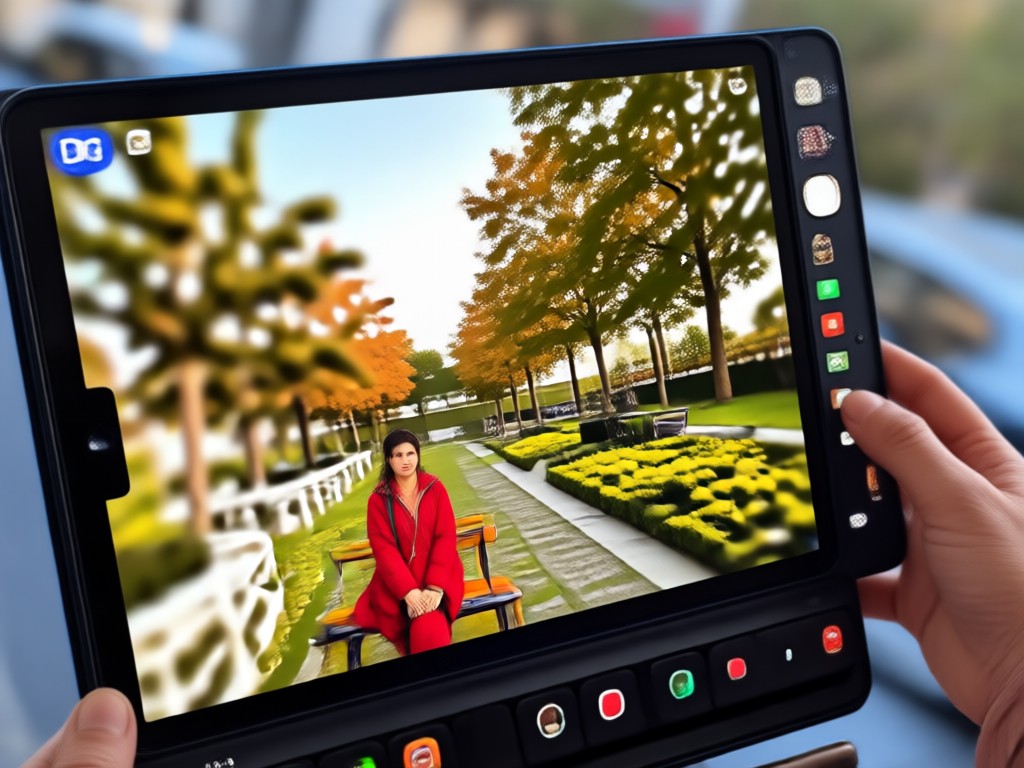
HD Upscaling & Sharpening
Turn low-resolution or blurry pictures into crisp, clear images. The AI increases resolution while restoring fine details and textures, making every photo look professionally shot.
HD Upscaling & Sharpening
Turn low-resolution or blurry pictures into crisp, clear images. The AI increases resolution while restoring fine details and textures, making every photo look professionally shot.
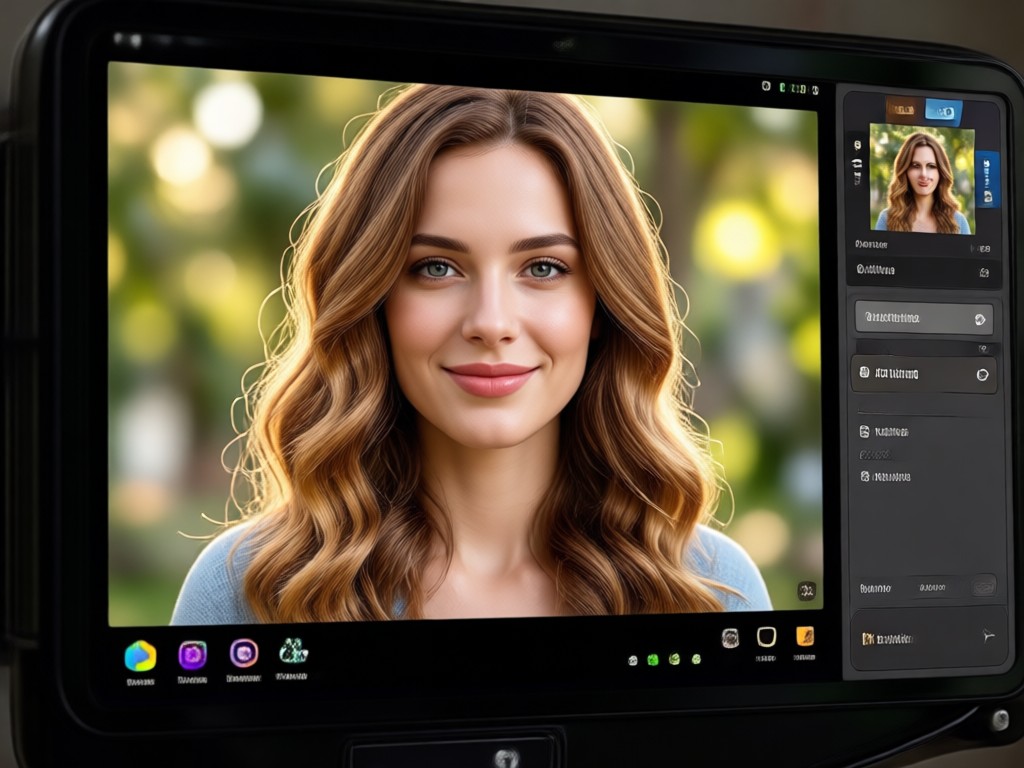
Portrait Restoration
Specifically designed for faces, this tool enhances facial features, smooths skin naturally, and removes noise to bring out the best in your selfies and portraits without losing realism.
Portrait Restoration
Specifically designed for faces, this tool enhances facial features, smooths skin naturally, and removes noise to bring out the best in your selfies and portraits without losing realism.
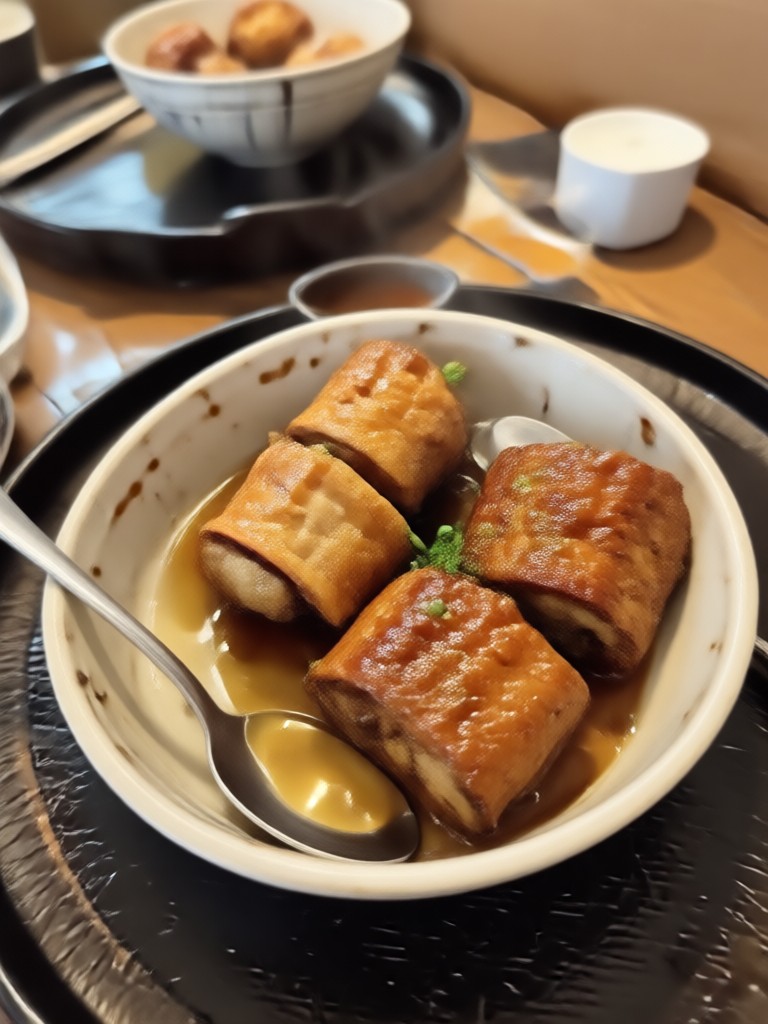
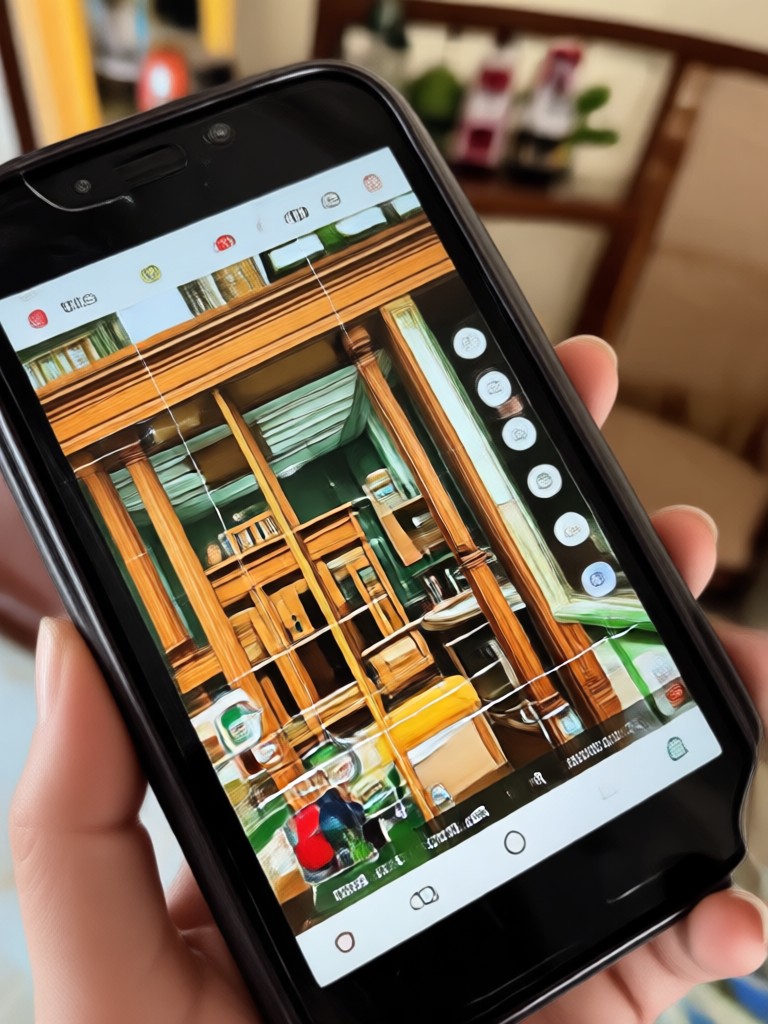
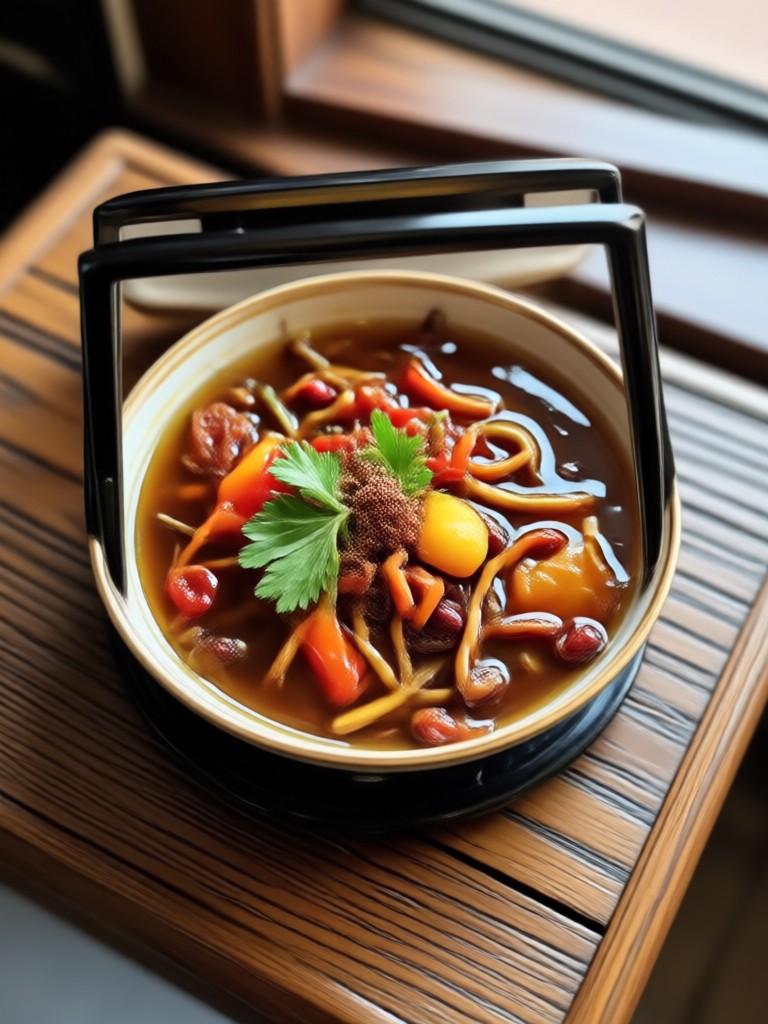
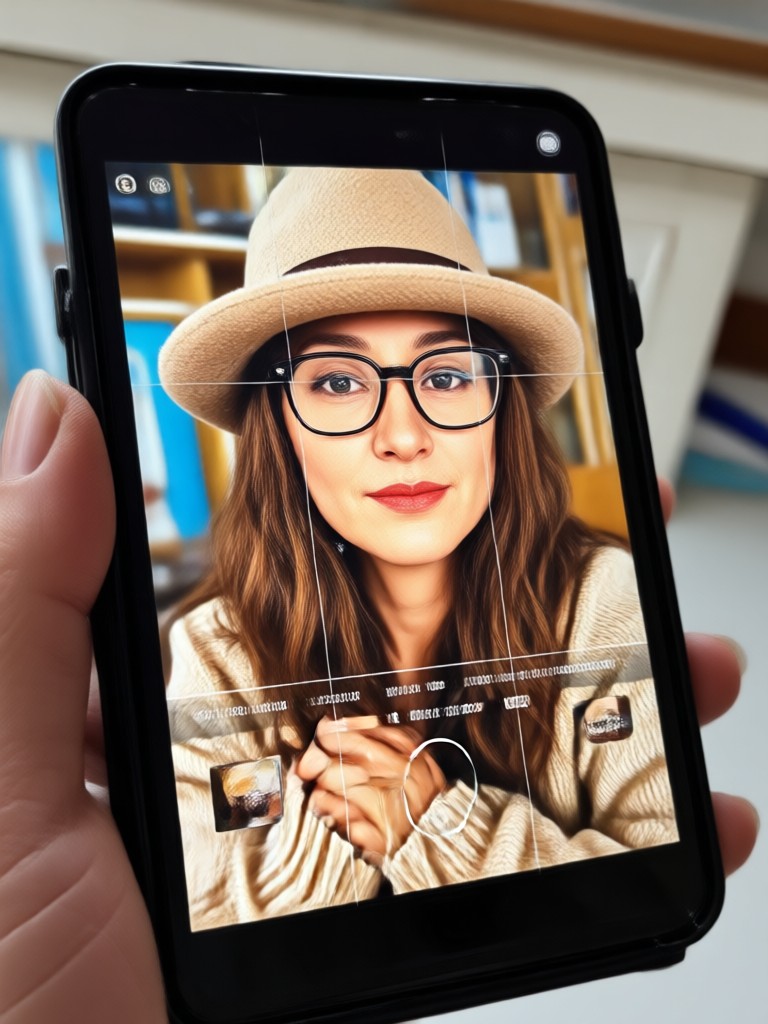
Stunning Results from AI Photo Enhancement
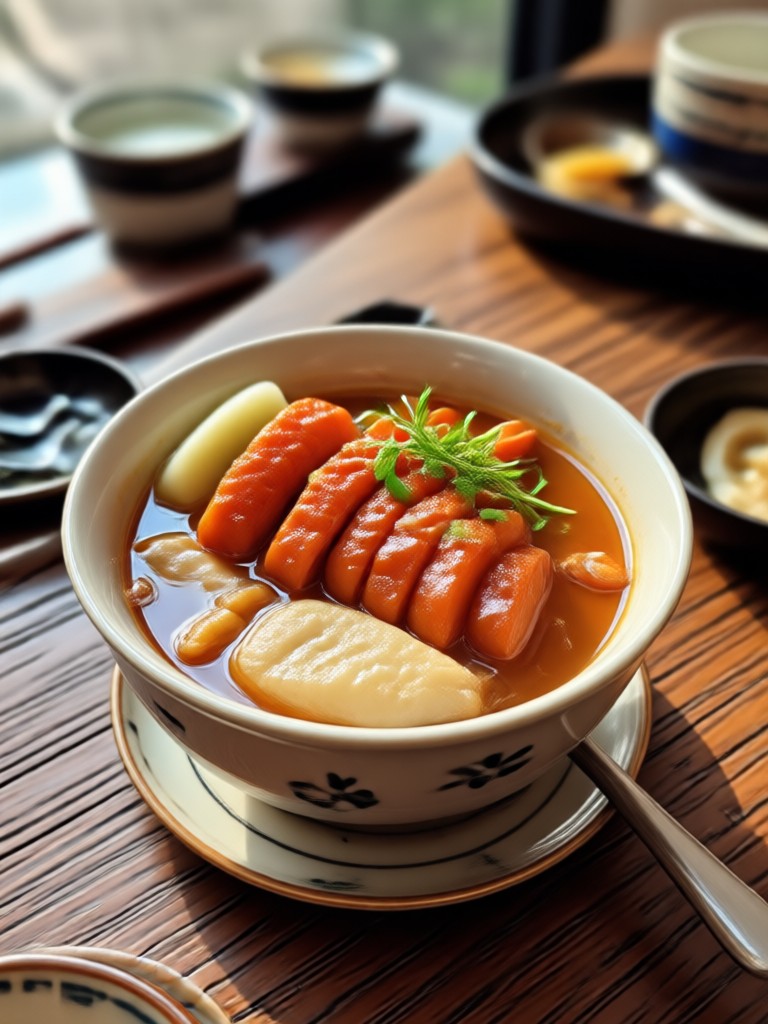
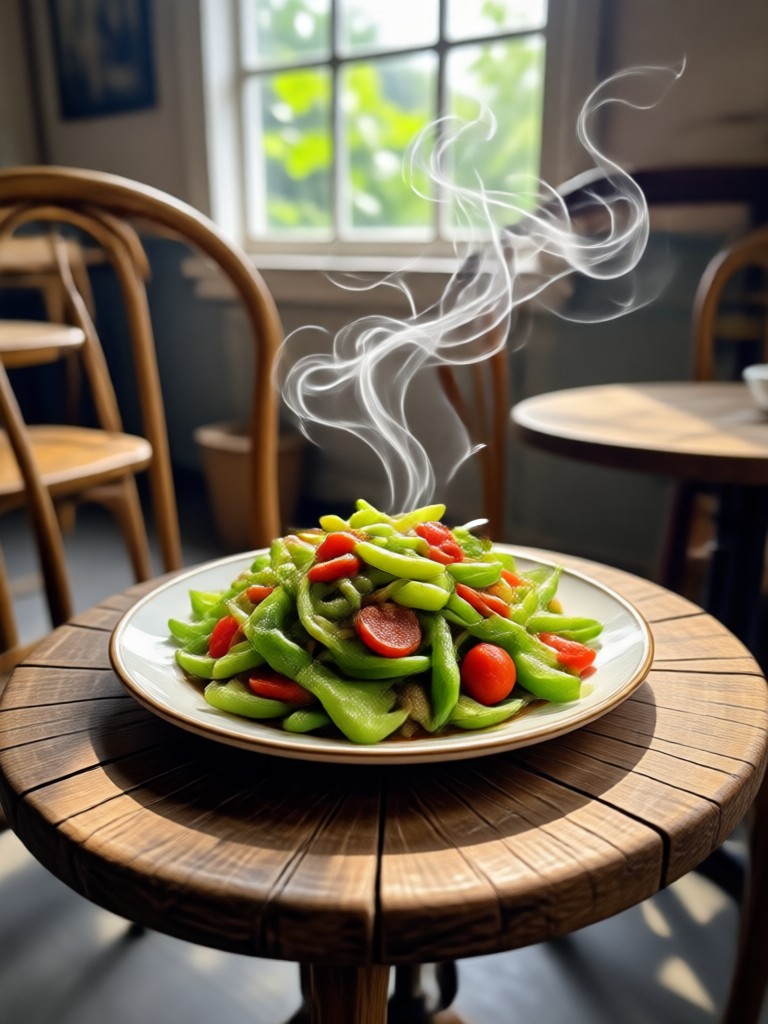
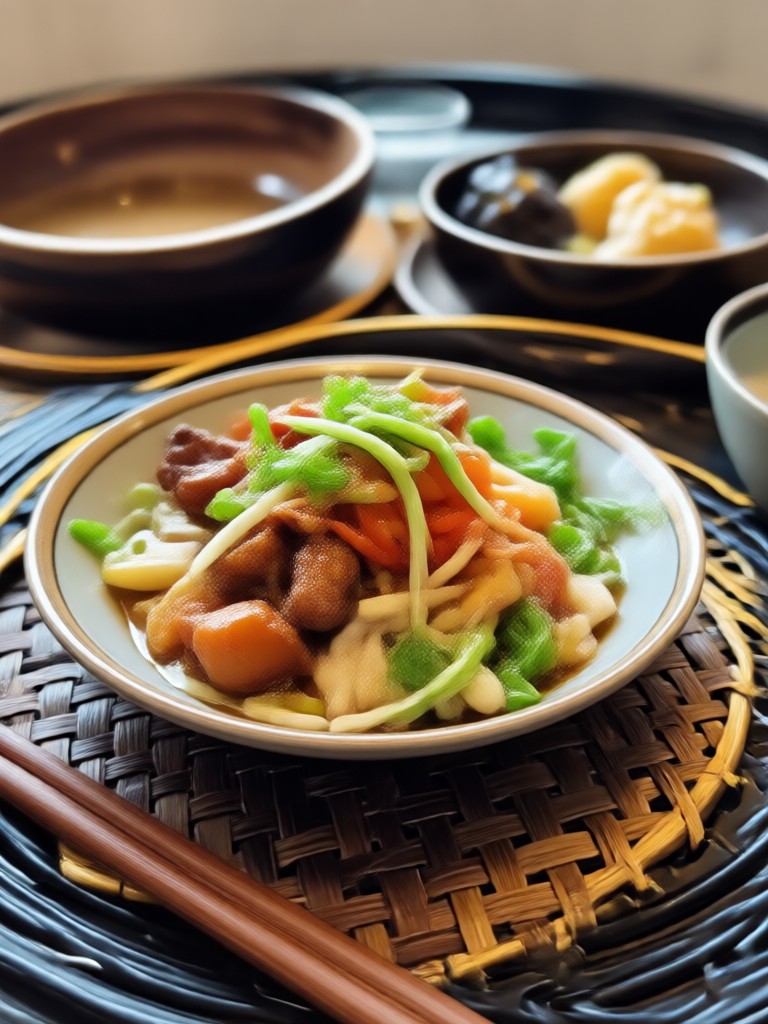
See the dramatic difference AI enhancement makes. Browse through examples of restored photos, sharpened details, and vibrant colors created with our powerful free photo enhancer.

How to Enhance Photos with AI
Improving your photo quality has never been easier. Follow these three simple steps in the heyo app to turn your ordinary photos into extraordinary ones.

Step 01.
Download the heyo app from Google Play and open the AI Photo Enhancer tool directly from the home screen.
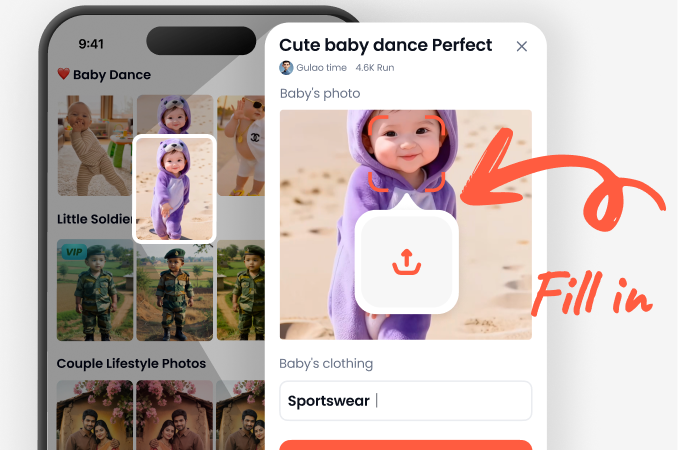
Step 02.
Upload the photo you want to fix. The AI will automatically analyze it for lighting, clarity, and color balance issues.
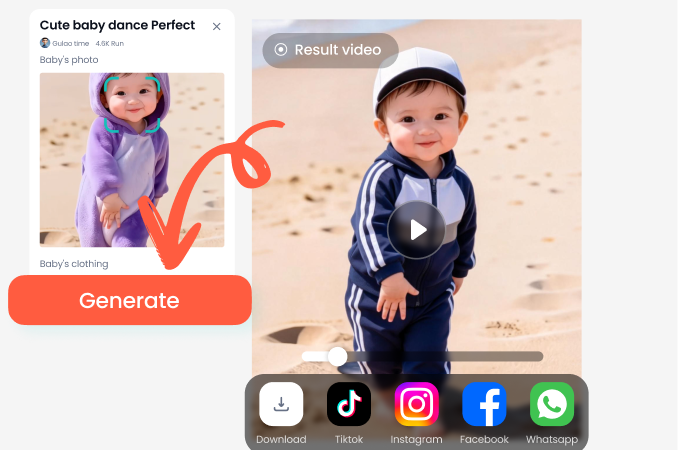
Step 03.
Apply the enhancement and save your result. Share your newly enhanced photo directly to social media and amaze your friends.

Try the Best Free Photo Enhancer App
Take your mobile photography to the next level. Download heyo to access the full power of AI photo enhancement in your pocket. It is fast, free, and incredibly effective.

Frequently Asked Questions
Here are some common questions about using our free AI photo enhancer. Find out how to get the best results and what the heyo app can do for you.
More AI Tools You May Like
Discover other amazing AI features available in the app. Explore more topics and find new ways to get creative with your photos and videos.

AI Childhood Image Generator: See Your Younger Self

Transform Into an Angel: Create Heavenly AI Portraits Instantly
Bring Your Pictures to Life with Free AI Animation

Design Your Anime Guy: AI Character Creator & Style Generator
AI Childhood Image Generator: See Your Younger Self
Transform Into an Angel: Create Heavenly AI Portraits Instantly
Bring Your Pictures to Life with Free AI Animation
Design Your Anime Guy: AI Character Creator & Style Generator
Enhance Your Photos Today
Ready to see the difference? Download the heyo app now and start transforming your photos with the power of AI. It is fast, simple, and free to start.

Enhance Your Photos Today
Ready to see the difference? Download the heyo app now and start transforming your photos with the power of AI. It is fast, simple, and free to start.