Gemini AI Watercolor Art Photo
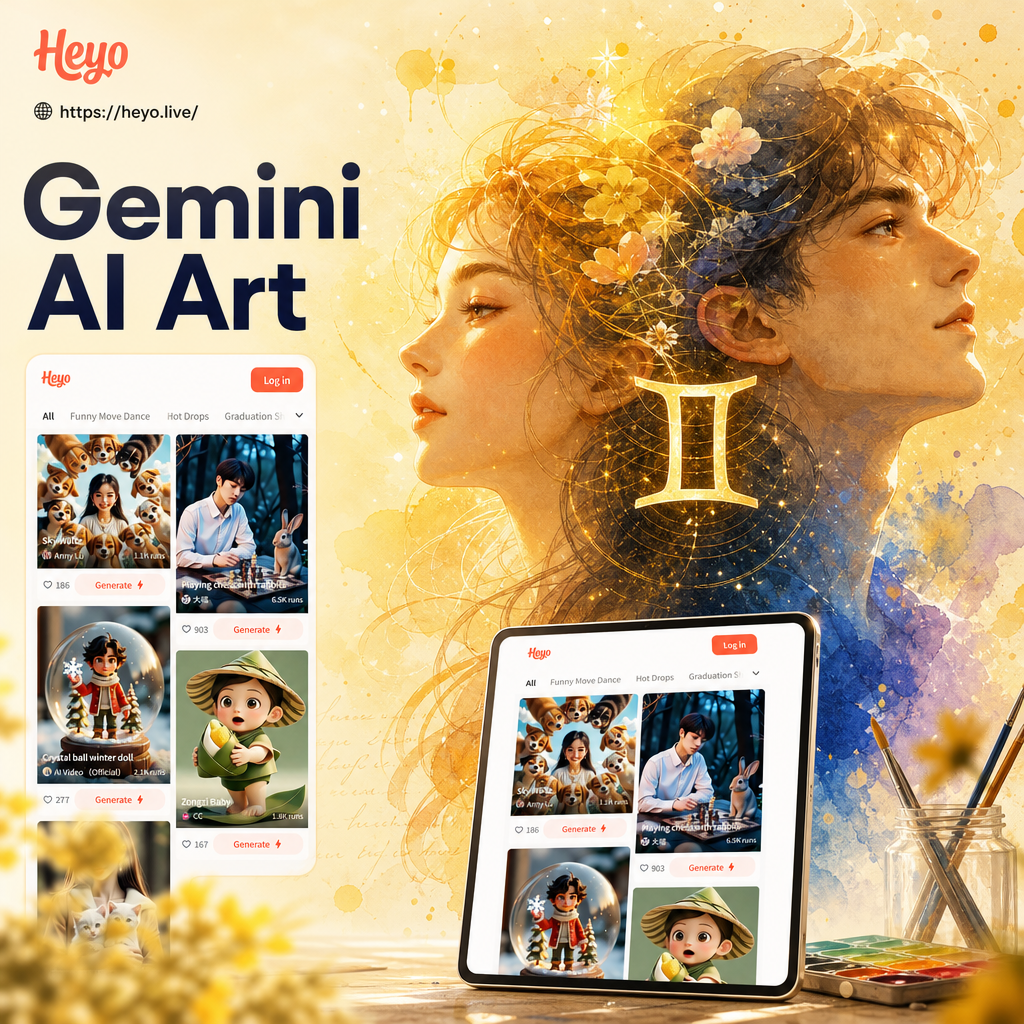
Discover Your Perfect Watercolor Style
From soft pastel washes to bold illustrative strokes, find the exact watercolor filter that matches your photo and your mood.
Powerful Features for Watercolor Art
The heyo app combines cutting-edge AI with simplicity. It analyzes your photo and applies watercolor effects in a way that respects the original composition while adding a natural, hand-painted feel.
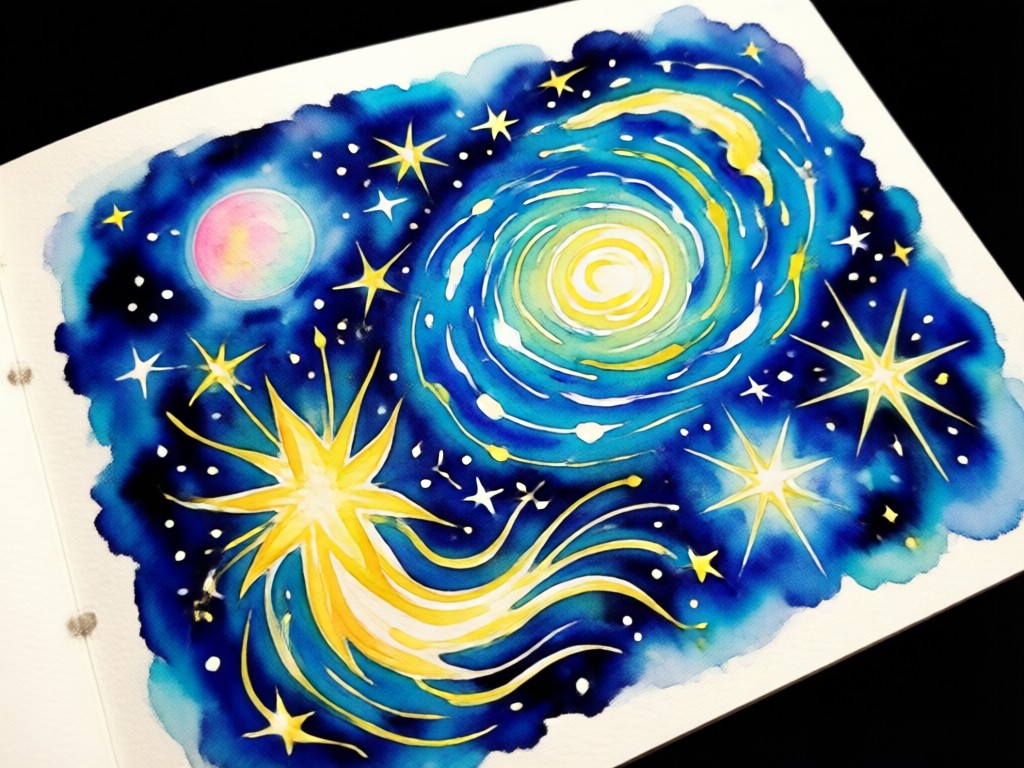
Preserve Original Details
The AI carefully distinguishes between the subject and the background. It keeps facial features sharp and recognizable while allowing the surrounding areas to melt into beautiful watercolor pools of pigment.
Preserve Original Details
The AI carefully distinguishes between the subject and the background. It keeps facial features sharp and recognizable while allowing the surrounding areas to melt into beautiful watercolor pools of pigment.
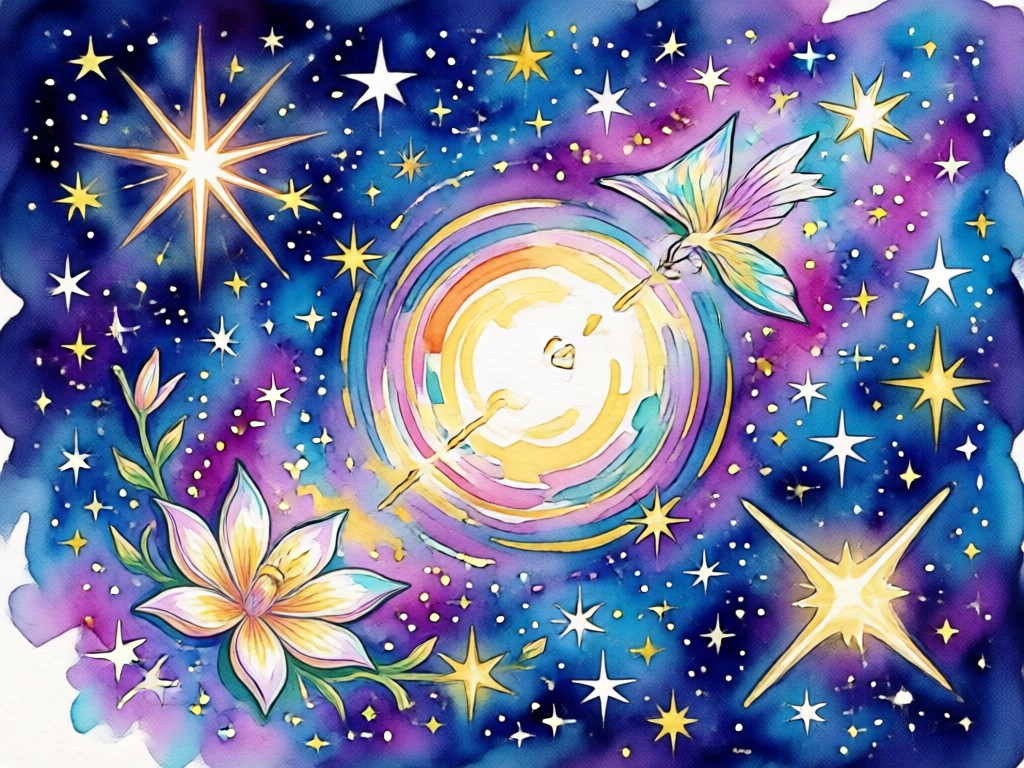
Multiple Artistic Styles
Choose from a variety of watercolor interpretations. Whether you prefer a clean and simple sketch style or a rich and layered painting look, there is a filter for your specific taste.
Multiple Artistic Styles
Choose from a variety of watercolor interpretations. Whether you prefer a clean and simple sketch style or a rich and layered painting look, there is a filter for your specific taste.
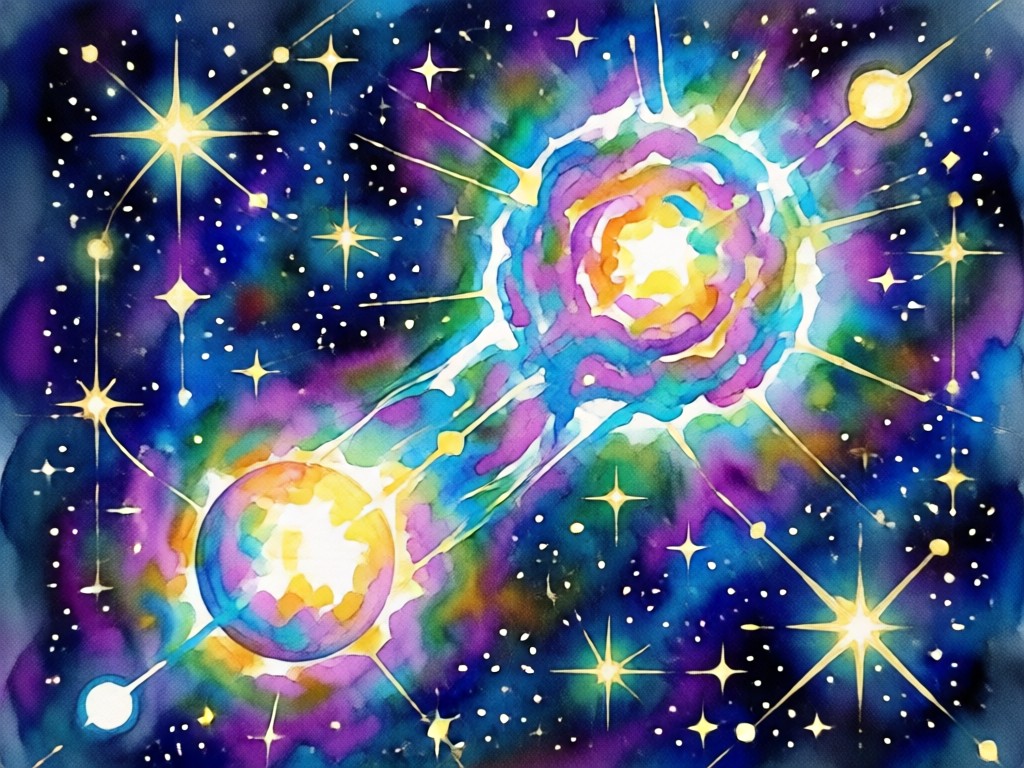
High Resolution Output
Get gallery-quality results that are ready to print or share. The app renders your Gemini AI watercolor art photo in stunning high definition, so every subtle brushstroke and color blend is visible.
High Resolution Output
Get gallery-quality results that are ready to print or share. The app renders your Gemini AI watercolor art photo in stunning high definition, so every subtle brushstroke and color blend is visible.
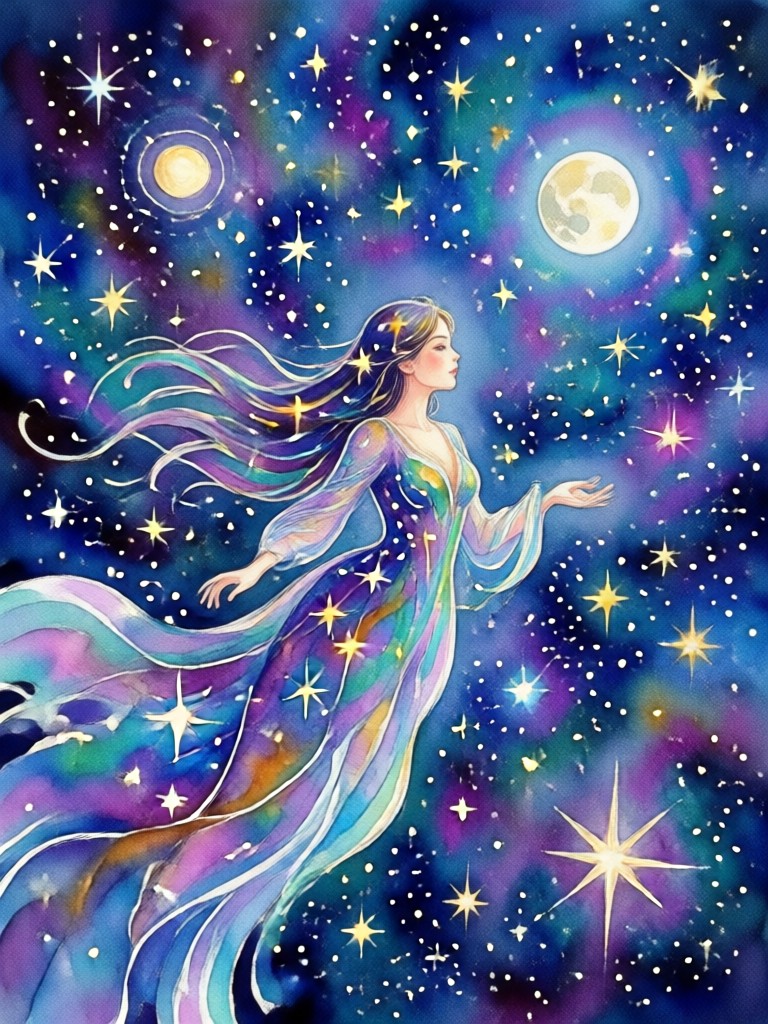
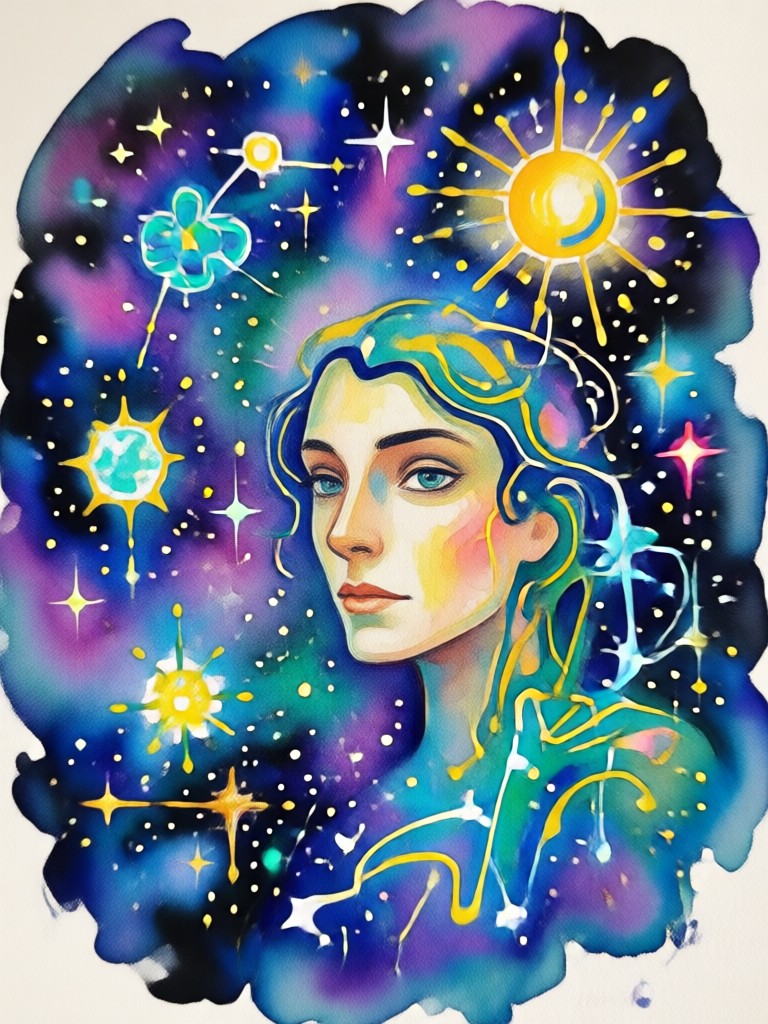
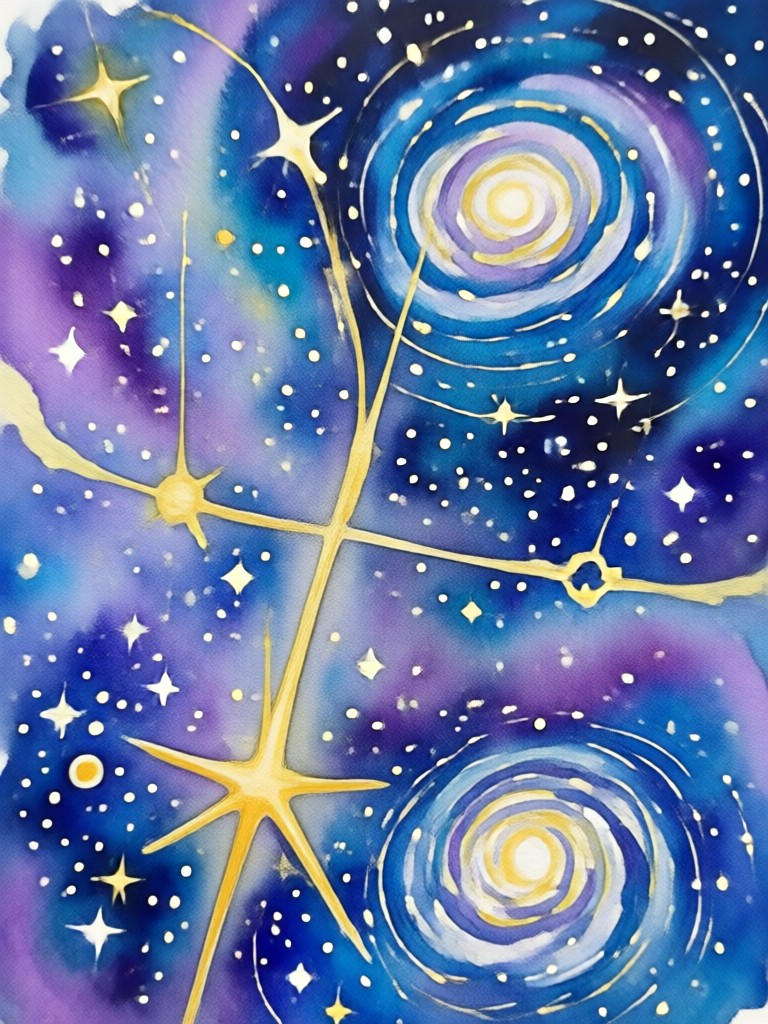
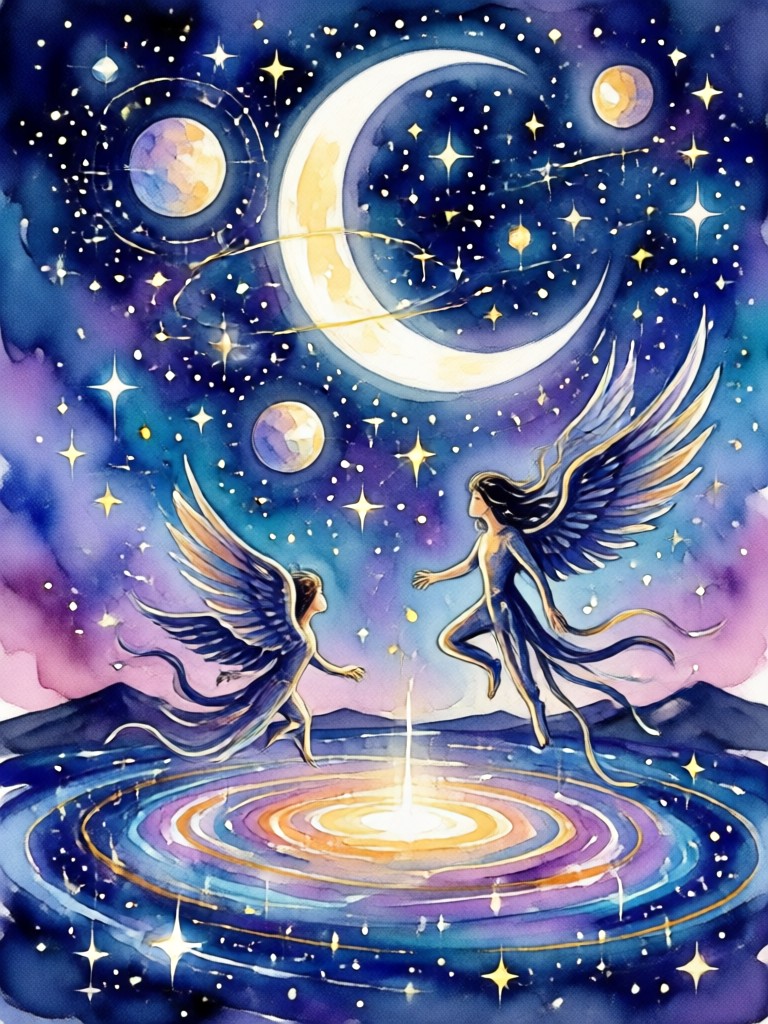
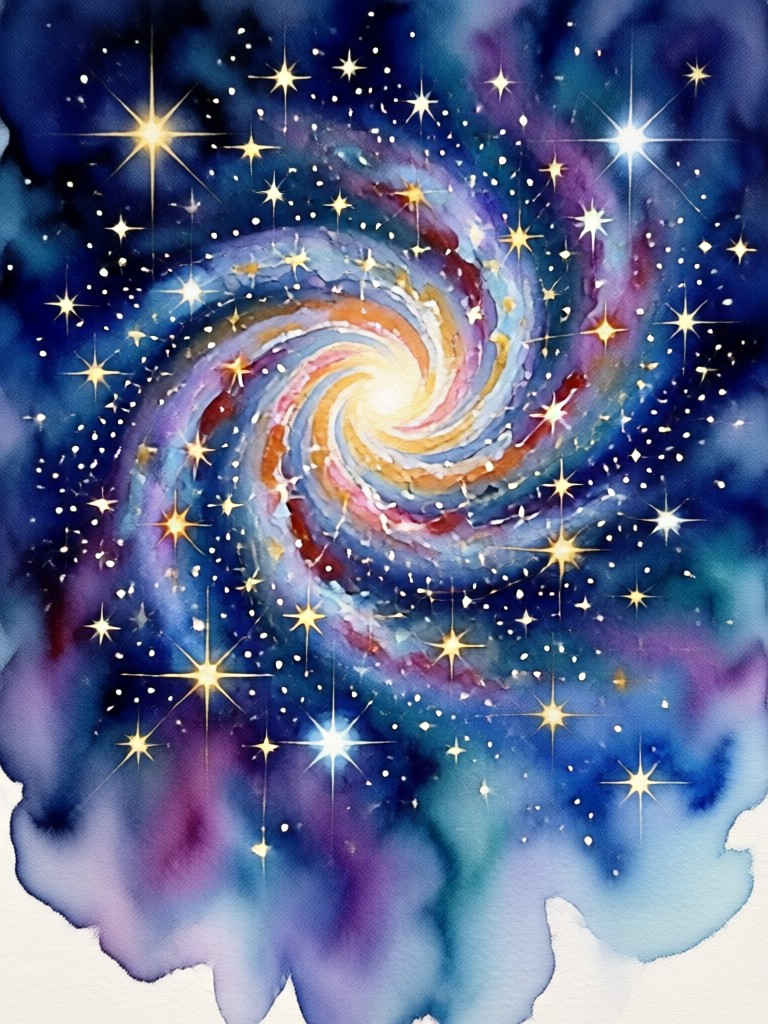
Different Gemini AI Watercolor Photo Samples
Browse these samples to see how different subjects look when transformed by the AI. Each image shows a distinct approach to watercolor rendering, from light washes to deep saturated tones.
How to Create a Gemini AI Watercolor Art Photo
Creating your own watercolor masterpiece takes just a few seconds. Follow these simple steps within the heyo mobile app to get started.

Step 01.
Download the heyo app from the Google Play Store and open it on your Android device.

Step 02.
Upload a clear photo from your gallery or take a new one with your camera.

Step 03.
Select the watercolor filter you love, apply the transformation, and save your new artwork to your device.
Why Use AI for Watercolor Art?
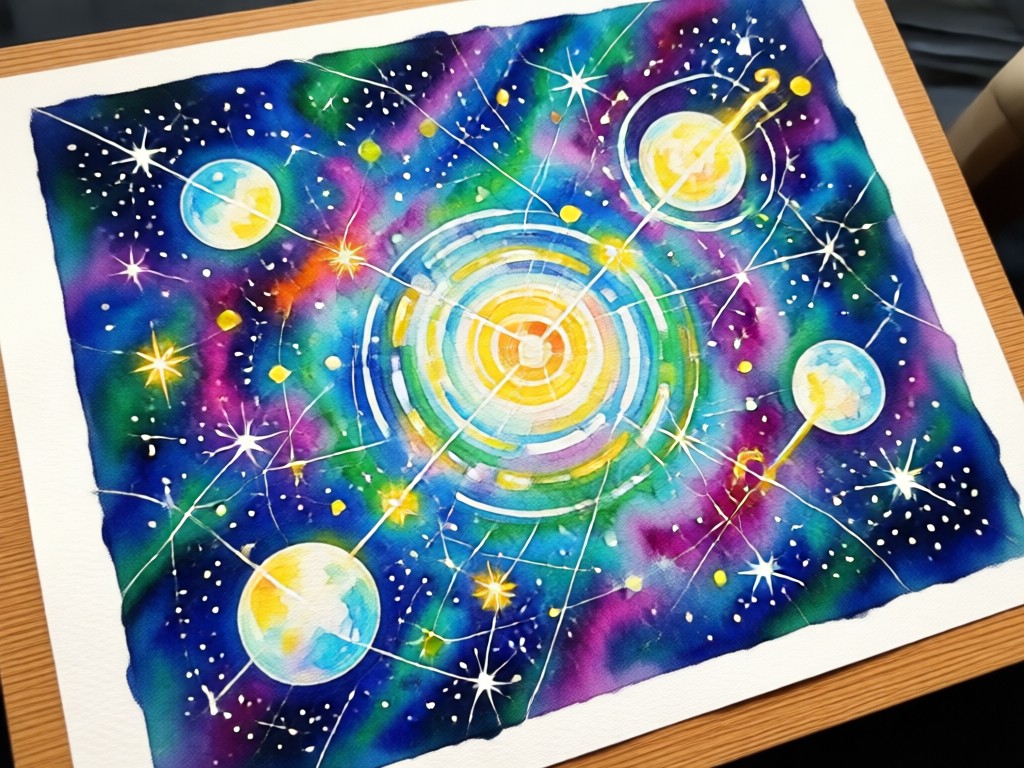
Traditional watercolor painting takes years to master. The heyo app removes the barrier to entry by letting the AI handle the complex brush dynamics and color mixing. You get consistent, beautiful results without the frustration of wasted paper or dried-out paint.
Why Use AI for Watercolor Art?
Traditional watercolor painting takes years to master. The heyo app removes the barrier to entry by letting the AI handle the complex brush dynamics and color mixing. You get consistent, beautiful results without the frustration of wasted paper or dried-out paint.
What Creators Are Saying About the Watercolor Effect
Looks exactly like a real painting
I was skeptical at first, but the watercolor filter on this app is incredible. It turned my vacation photo into something that looks like it took hours to paint. The colors are so soft and realistic.
Perfect for my art blog
I use this app constantly to create featured images for my blog posts. The Gemini AI watercolor art photo style is my favorite because it looks professional and handcrafted. It saves me so much money on stock photos.
So easy my grandmother uses it
The interface is really simple. You just pick a photo and tap the watercolor button. It worked perfectly on the first try and the result was beautiful enough to print and frame for her birthday.
Frequently Asked Questions About Gemini AI Watercolor
Find clear answers to common questions about creating watercolor art from your photos using the heyo app.
Ready to Paint with AI?
Download heyo now and turn your everyday photos into stunning Gemini AI watercolor art. It is fast, intuitive, and available on Google Play.

Ready to Paint with AI?
Download heyo now and turn your everyday photos into stunning Gemini AI watercolor art. It is fast, intuitive, and available on Google Play.