How to Use Photo to Video
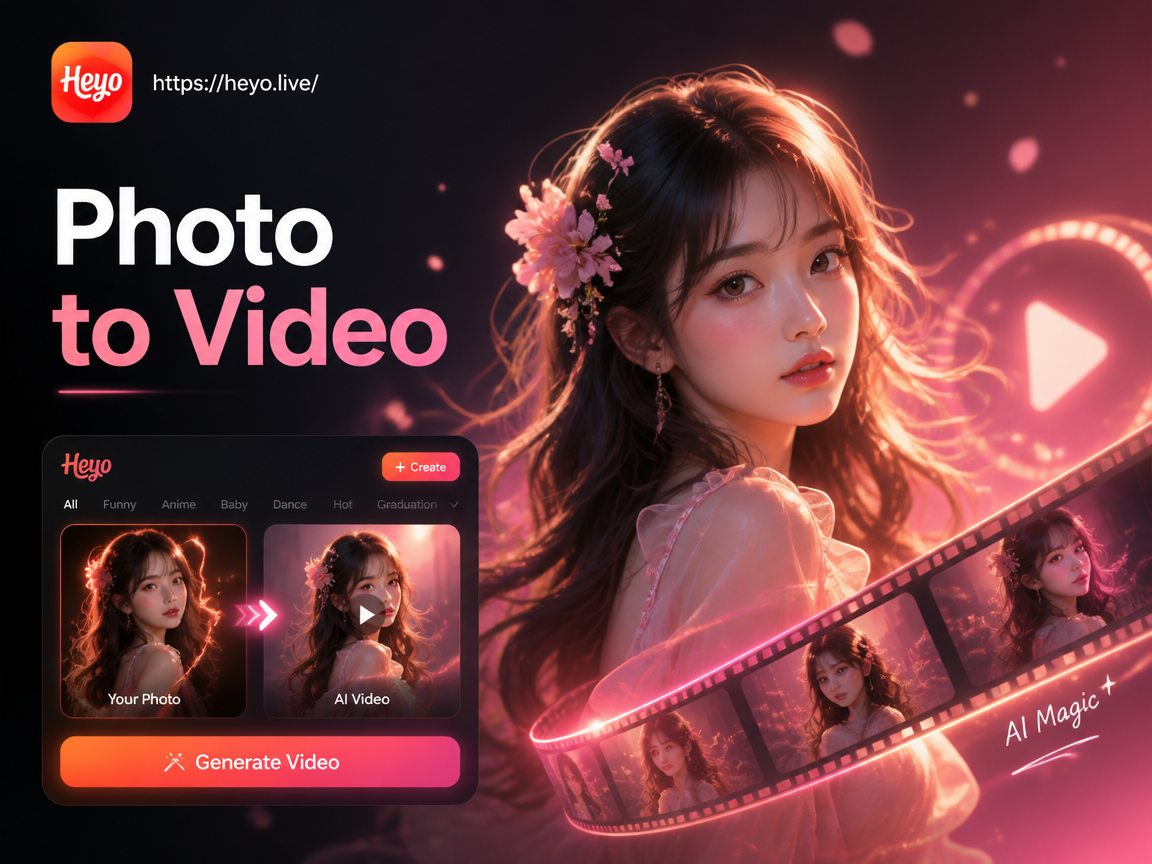
Choose Your Animation Style
Select from our collection of powerful AI filters designed to bring different emotions and styles to your videos. From cinematic motion to playful effects.
Popular Video Styles You Can Create
Explore common transformations. From subtle movements to dynamic scenes, see how a single photo can become a captivating video.
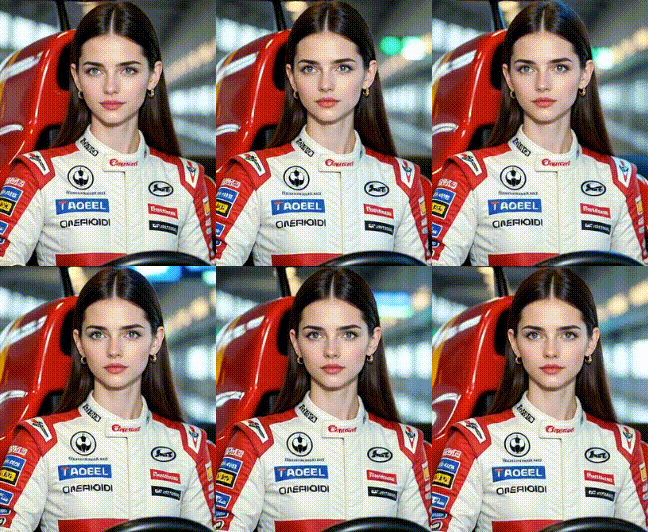
How to Use Photo to Video AI?
Create stunning AI videos from your photos in just three simple steps with our mobile app.

Step 01.
Download the heyo app from Google Play. It's your all-in-one studio for AI photo and video creation, ready to use anywhere.

Step 02.
Upload your photo and browse our library. Choose an animation style like 'AI Talking', 'Cinematic Motion', or 'Old Photo Revival'.

Step 03.
Generate and share. The AI processes your photo instantly. Download your new video or share it directly to TikTok, Instagram, or YouTube.
Why Our Photo to Video AI Stands Out
Our tool is built for simplicity and power, giving you professional-grade animations without the complexity of traditional video editing software.
One-Click Animation
Transform static images into videos with a single tap. The AI handles complex motion synthesis, facial expression mapping, and scene dynamics for you.
Massive Style Library
Access thousands of pre-set motion templates and artistic styles. Find the perfect animation for any photo, from portraits to landscapes and abstract art.
High-Quality Output
Generate videos with smooth, realistic motion and high resolution. Perfect for sharing on social media platforms where visual quality matters most.
Here is What Creators Are Saying
Revived my family archives beautifully
I had old black and white photos of my grandparents. Using the old photo revival filter, I turned them into gentle, moving videos. It felt like bringing history to life for my kids. The process was incredibly simple.
Game-changer for my social content
As a small business owner, I need eye-catching content fast. This tool lets me turn product photos into short, engaging videos for Instagram Reels in under a minute. My engagement rates have noticeably improved.
Makes digital art dynamic
I create digital portraits. Now, instead of posting still images, I can animate them with subtle blinks or smiles. It adds a whole new layer of storytelling and personality to my artwork. The anime and cinematic filters are my favorite.
Frequently Asked Questions
Get quick answers about turning photos into videos with AI. Find everything you need to start creating right away.
More Topics You May Like
Explore more topics you may like and discover fresh ideas tailored to your interests.
Create Perfect Passport Photos with AI | Official Sizes & Backgrounds
Nag Panchami AI Photo Editor | Devotion in Digital Art
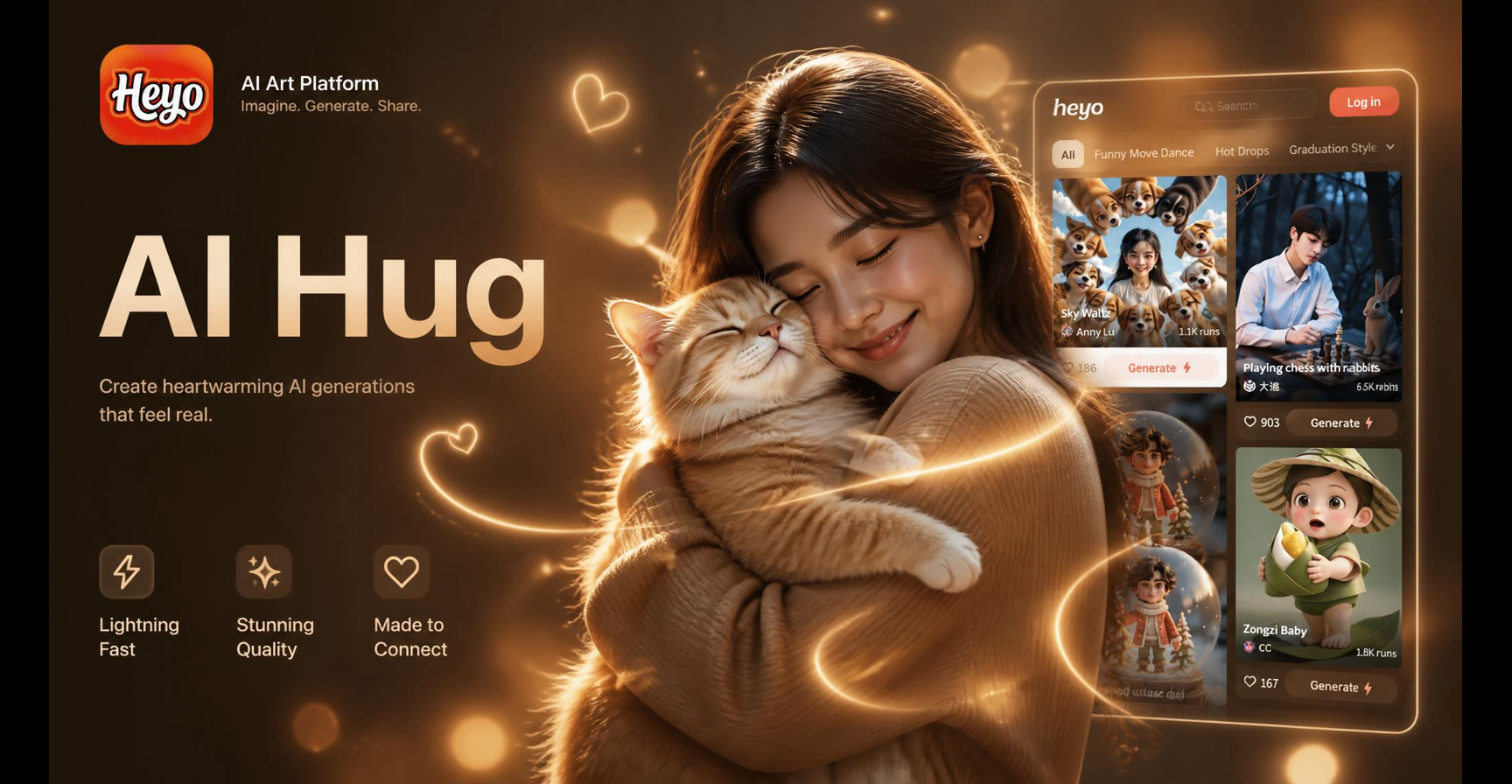
AI Hug Effect: Free Virtual Photo Animation & Motion Maker
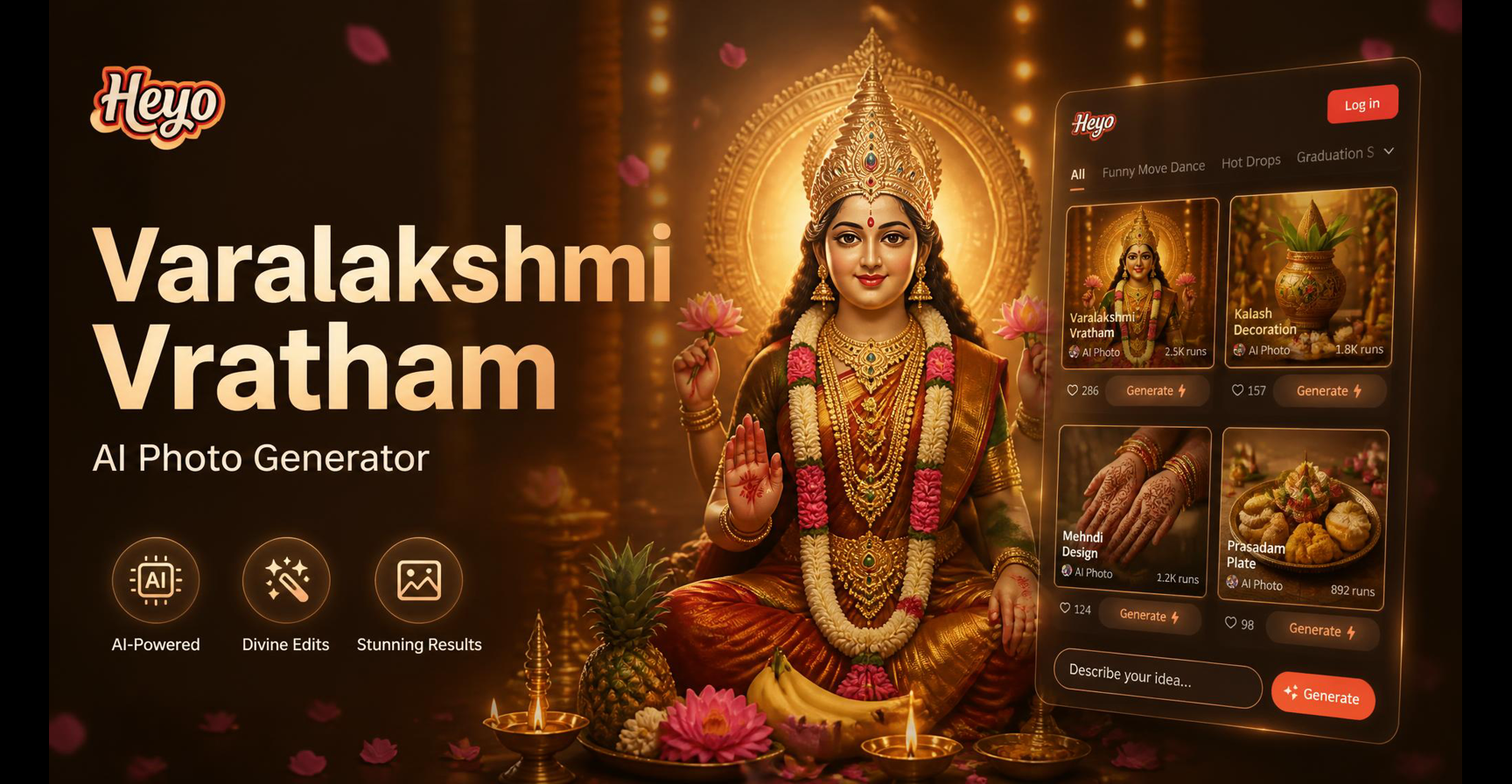
Create Divine Varamahalakshmi AI Portraits Instantly
Create Perfect Passport Photos with AI | Official Sizes & Backgrounds
Nag Panchami AI Photo Editor | Devotion in Digital Art
AI Hug Effect: Free Virtual Photo Animation & Motion Maker
Create Divine Varamahalakshmi AI Portraits Instantly
Bring Your Photos to Life Today
Stop scrolling and start creating. Download the app now and discover how easy it is to turn your memories and ideas into captivating videos with AI.
Bring Your Photos to Life Today
Stop scrolling and start creating. Download the app now and discover how easy it is to turn your memories and ideas into captivating videos with AI.