Neon Light Photo Effect
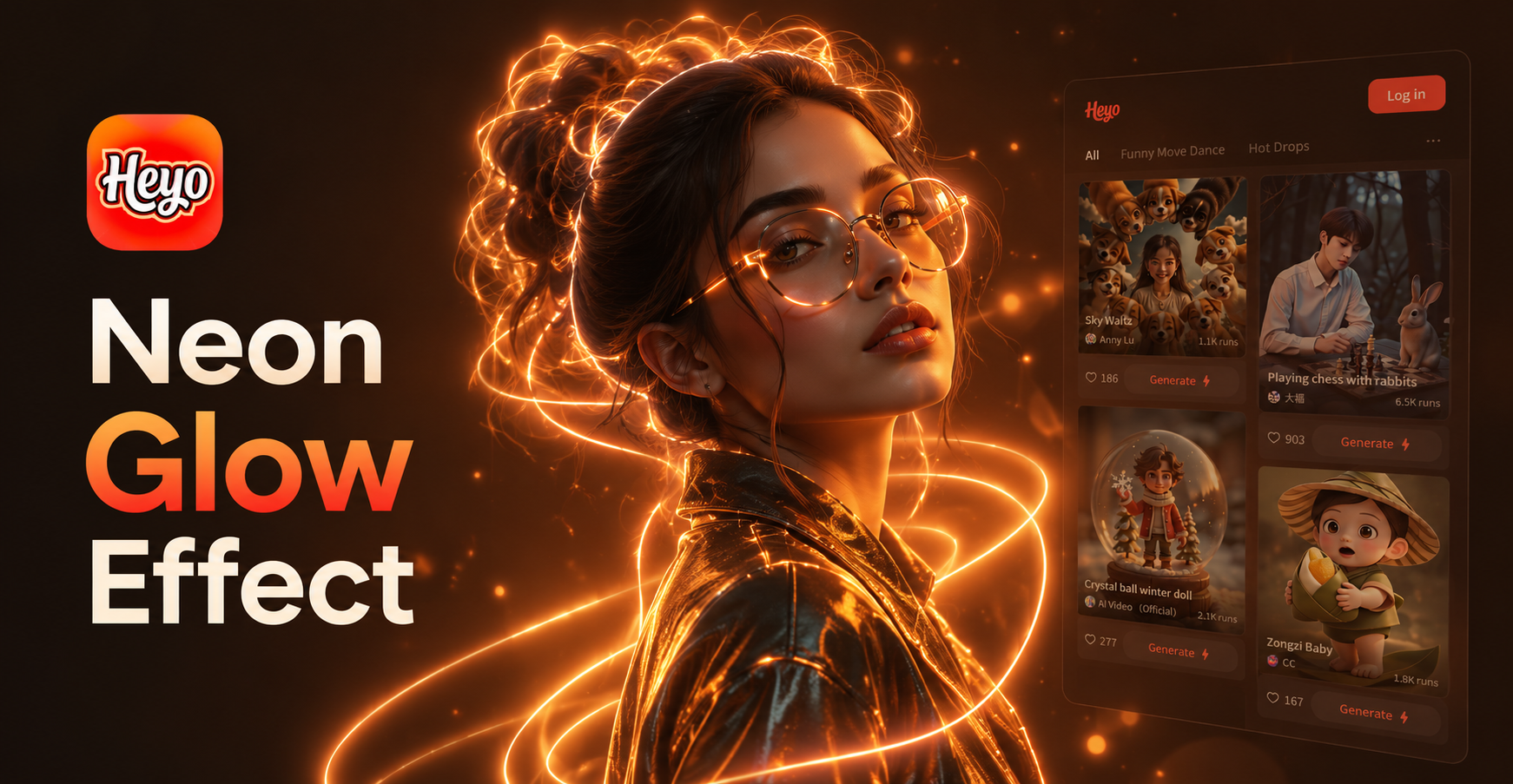
Explore the Spectrum of Glow
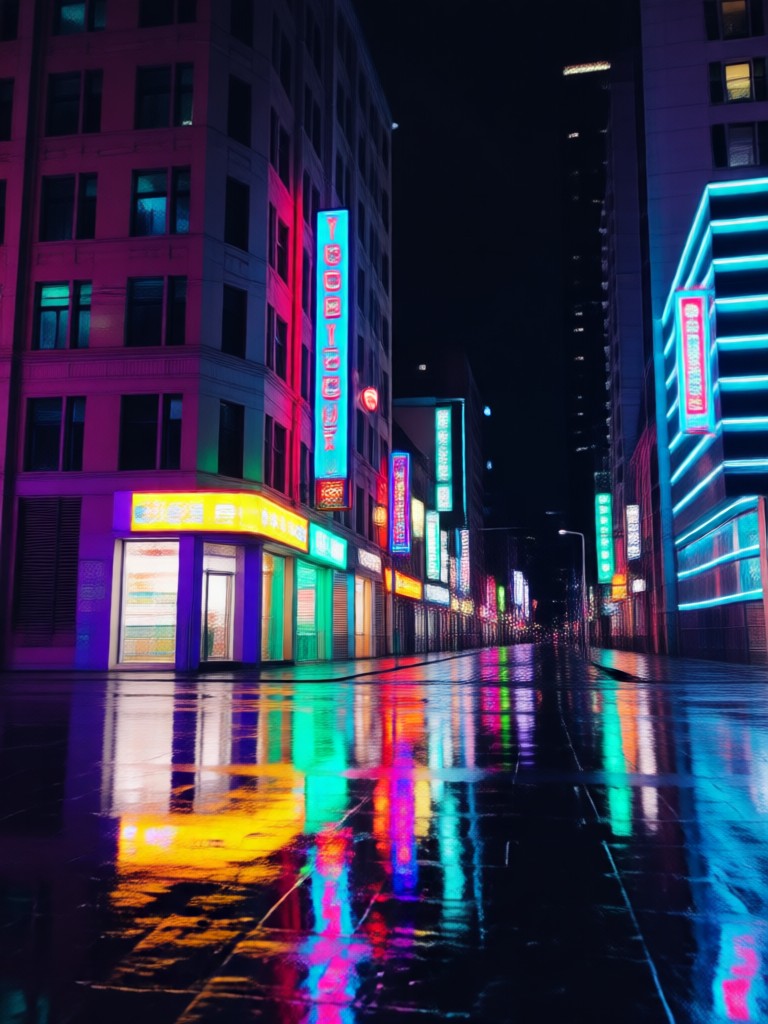
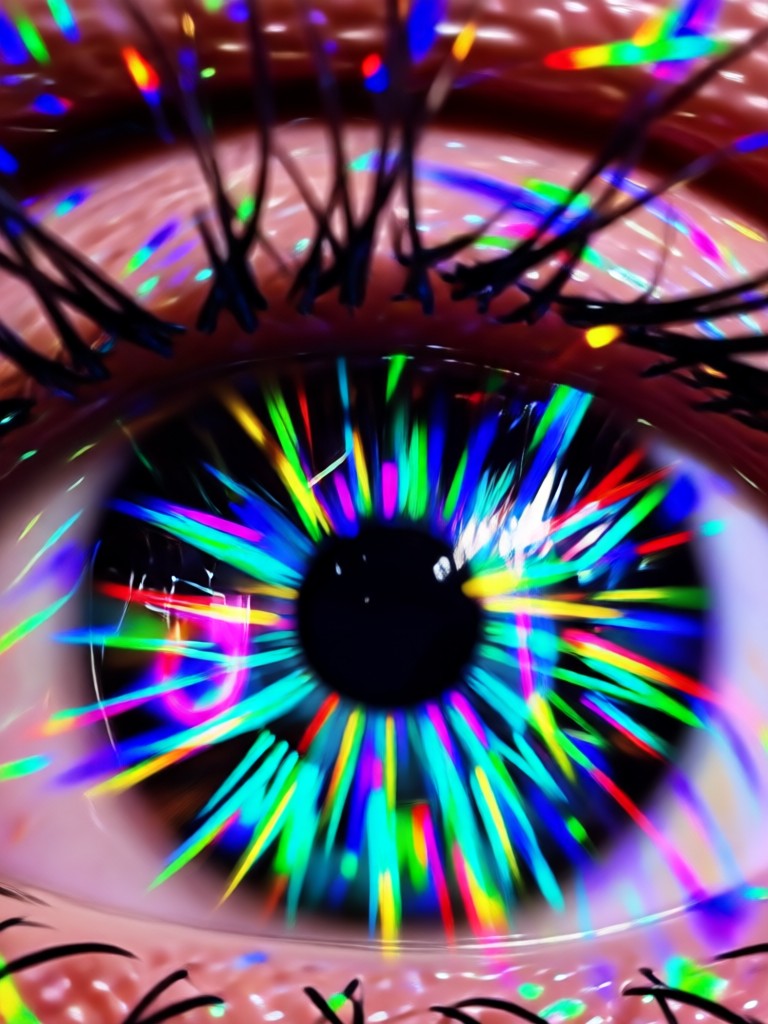
From subtle cyberpunk auras to explosive light trails, discover the perfect neon filter to match your vision.
Why Your Photos Need the Neon Glow
Go beyond basic filters. Our AI understands light physics and artistic composition to apply realistic, customizable neon and light trail effects that enhance your original image.
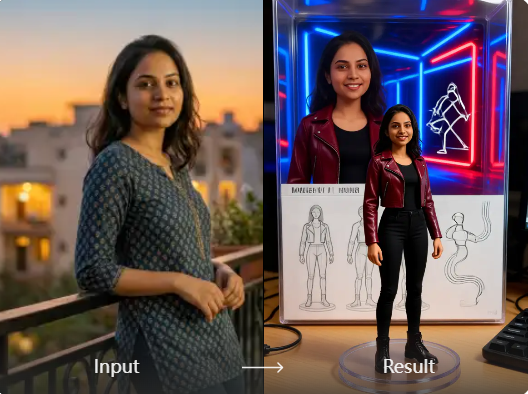
Vibrant Neon Glows
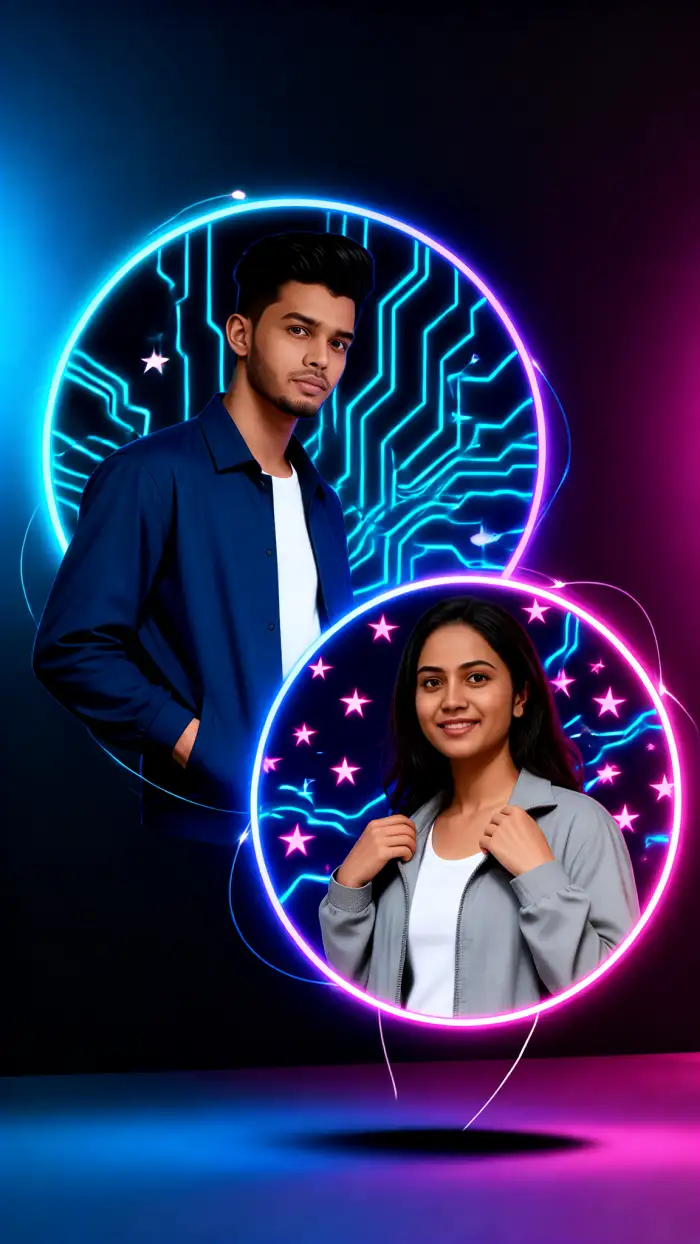
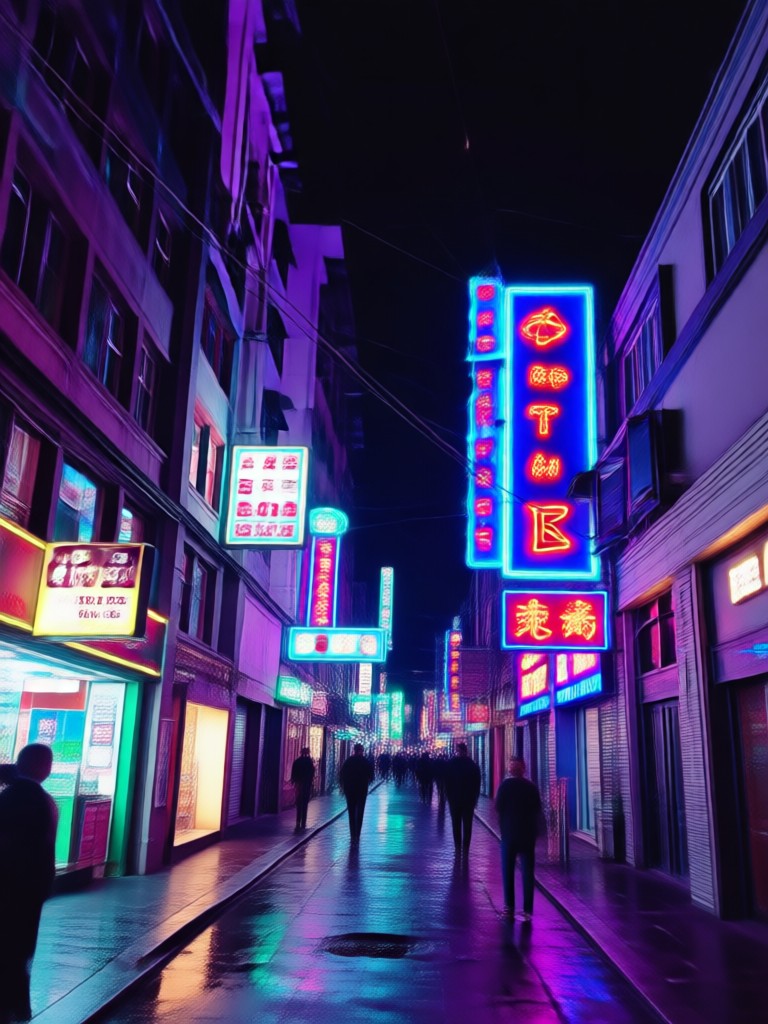
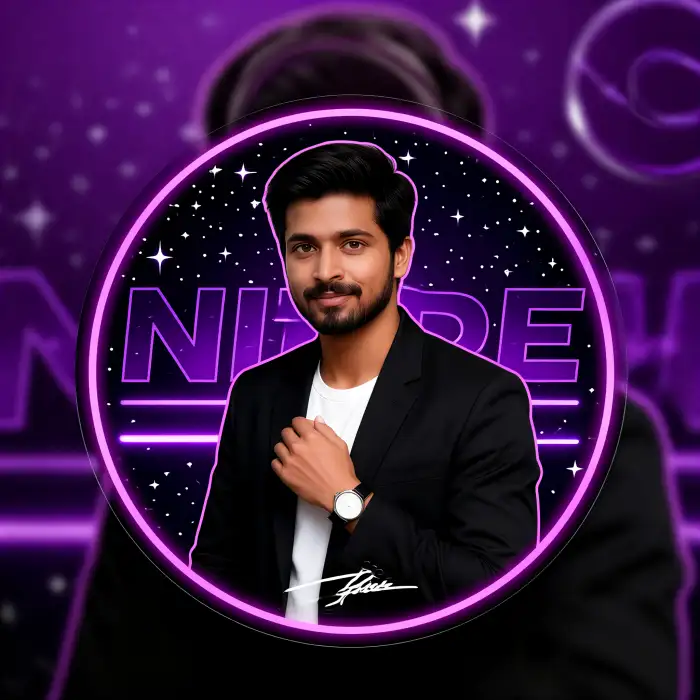
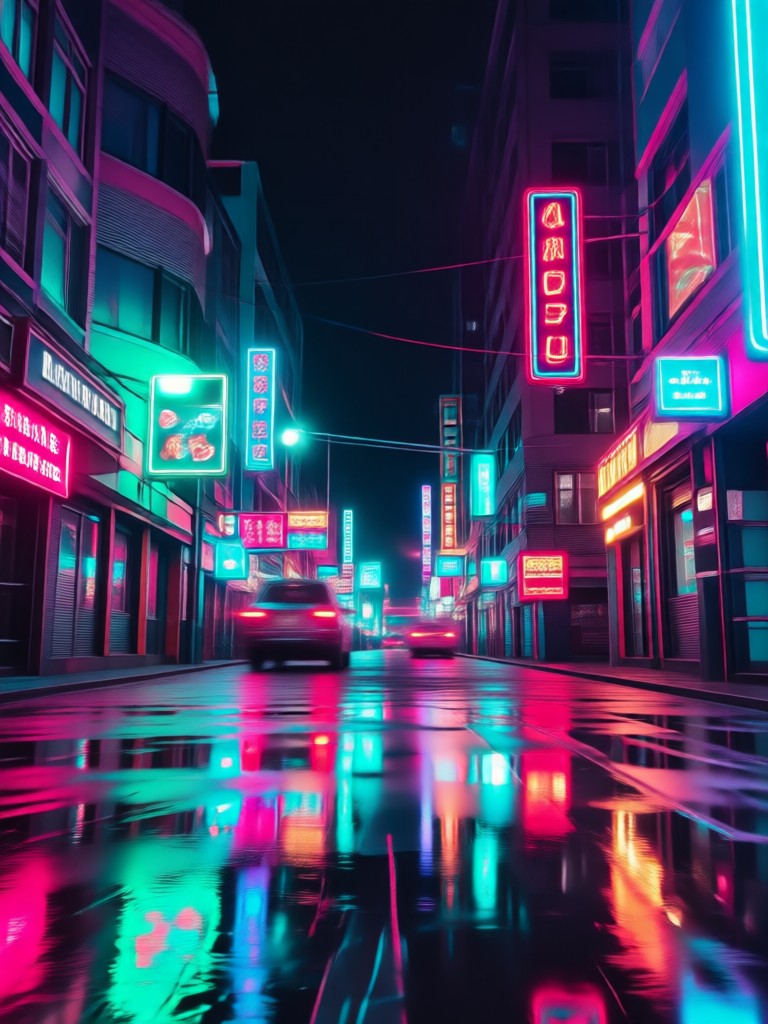
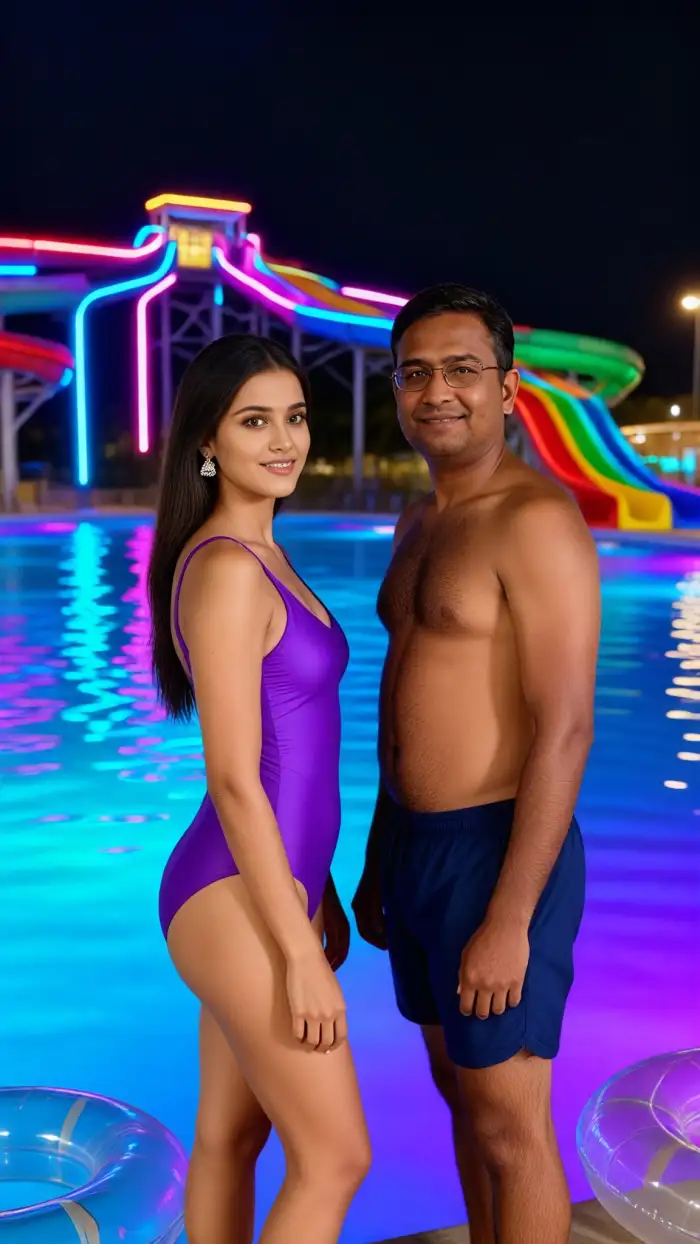
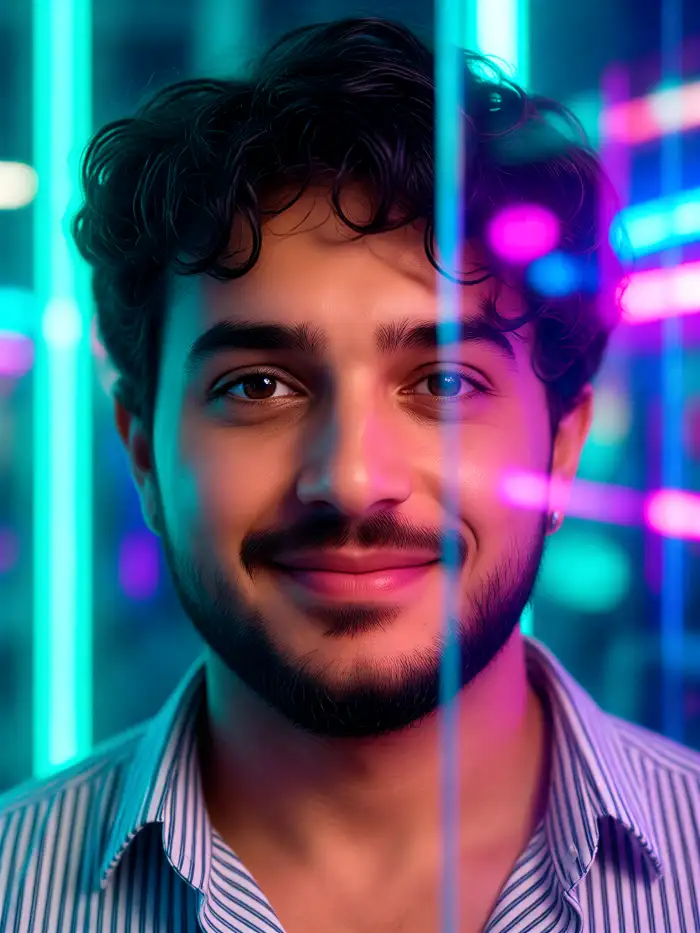
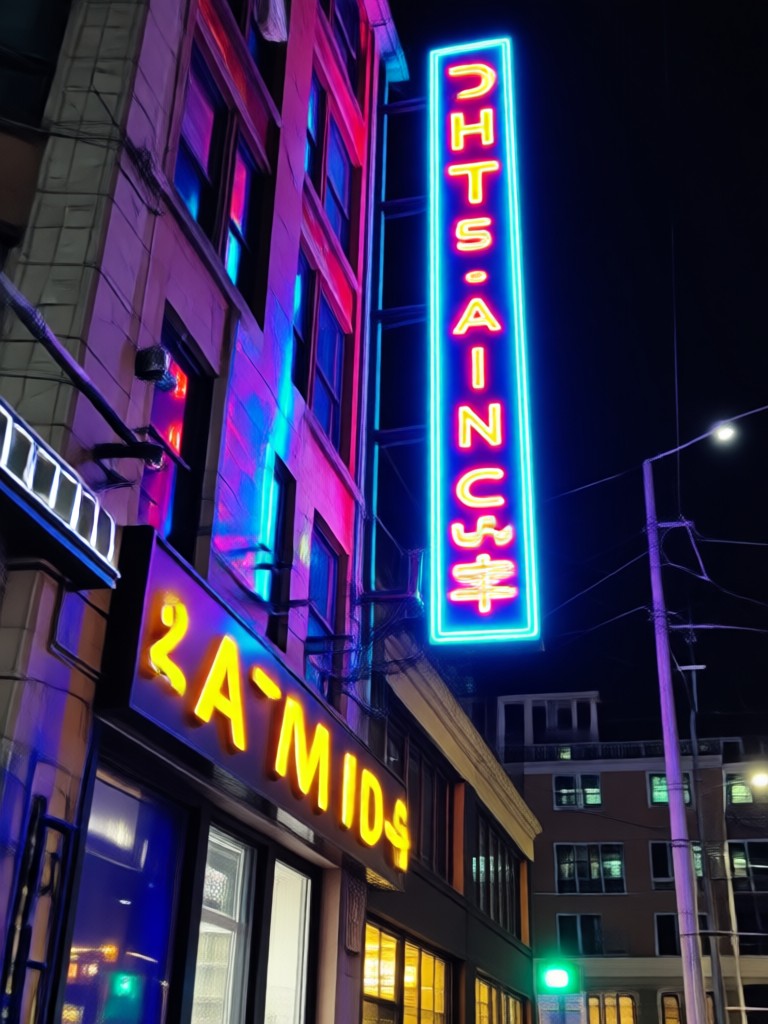
Wrap your subject in soft, luminous halos of cyan, magenta, or gold. Perfect for creating a retro-futuristic or cyberpunk atmosphere in any portrait or street scene.
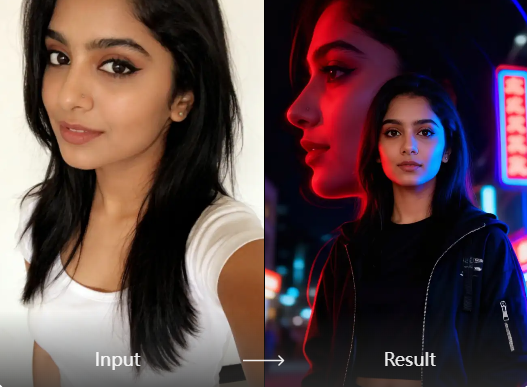
Dynamic Light Trails
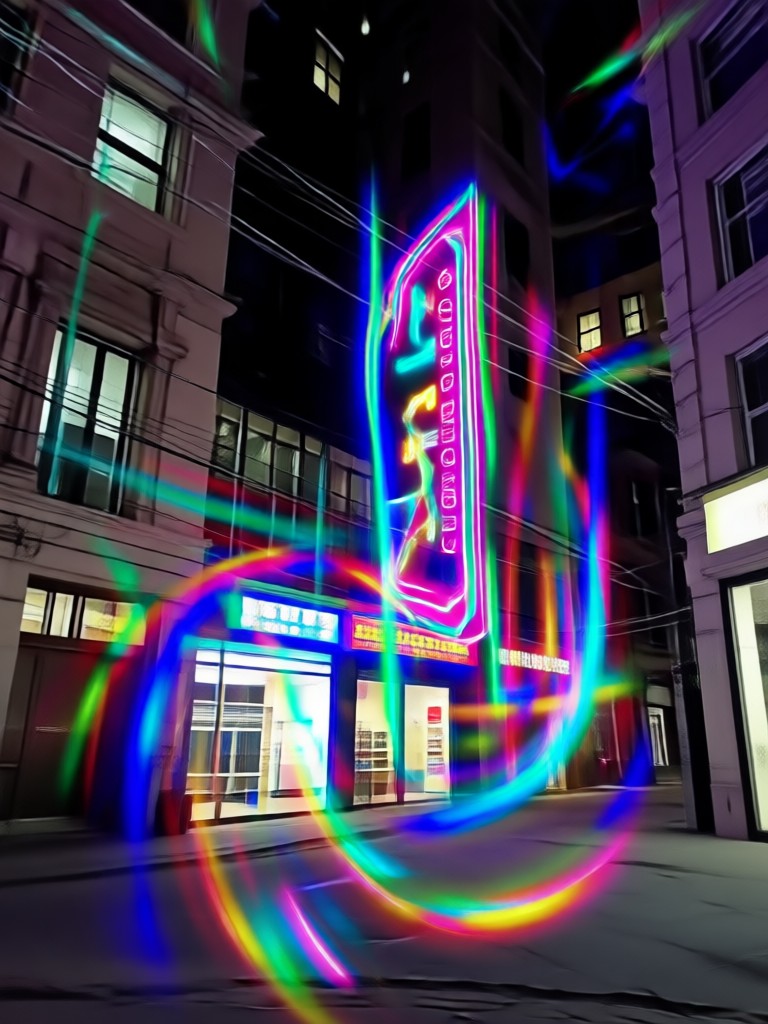
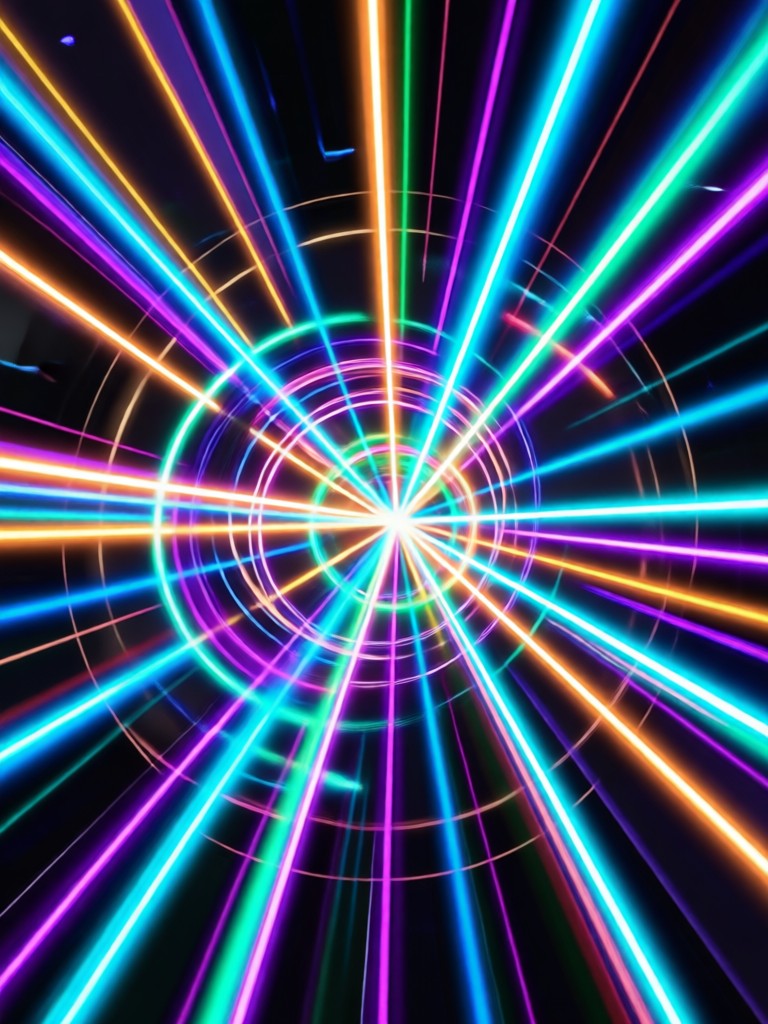
Simulate the motion of speeding cars or energy beams with stunning light trail photo effects. Add a sense of velocity and dynamic energy to static images.
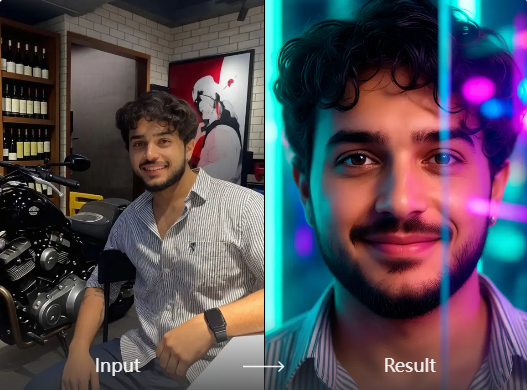
Intelligent Edge Lighting
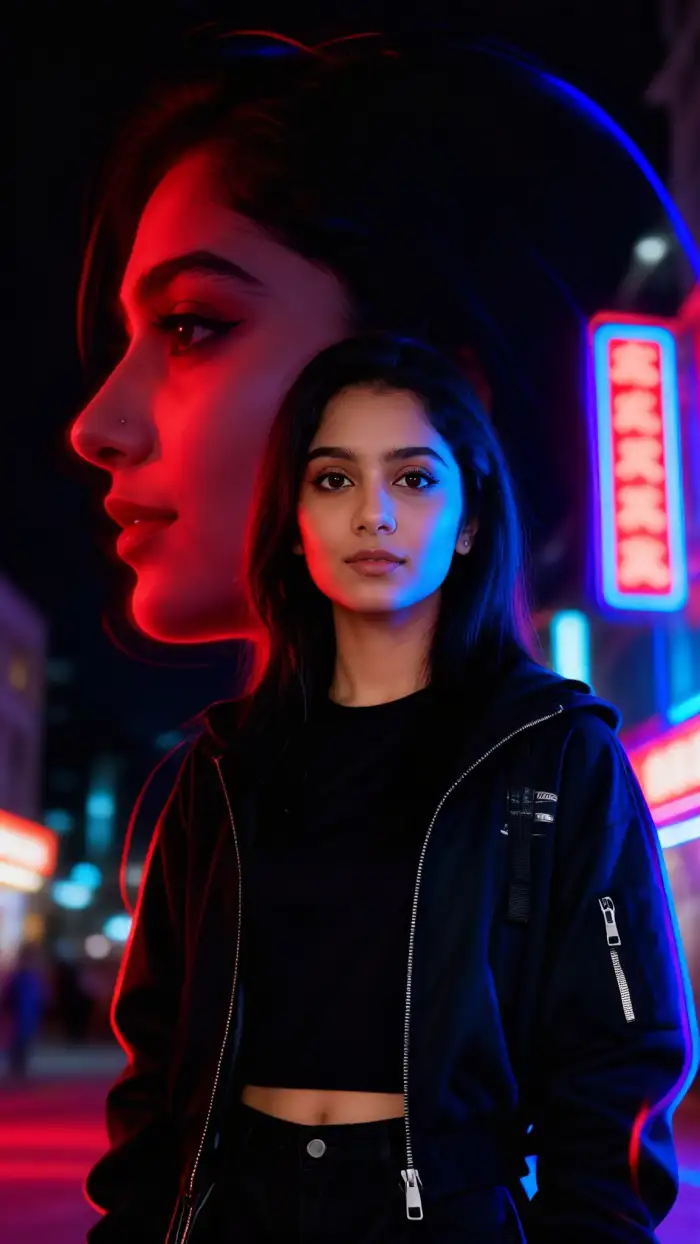
Our AI detects the contours and edges in your photo, applying neon accents that follow the natural lines of your subject for a professional, studio-quality look.
Gallery of Glowing Creations
See how others are transforming ordinary photos into extraordinary works of art with neon light and light trail effects. Get inspired for your next creation.
How to Add Neon Effects to Photos?
Create dazzling neon light photo effects in just three simple steps with the HeyO app.

Step 01.
Download the free HeyO app from Google Play. Open it and tap the 'Upload' button to select a photo from your gallery.

Step 02.
Browse the 'Effects' section and select a neon light or light trail photo effect filter. Preview different color glows and intensity levels.

Step 03.
Generate your transformed image with one tap. Download the HD result instantly to your phone and share your glowing creation on social media.
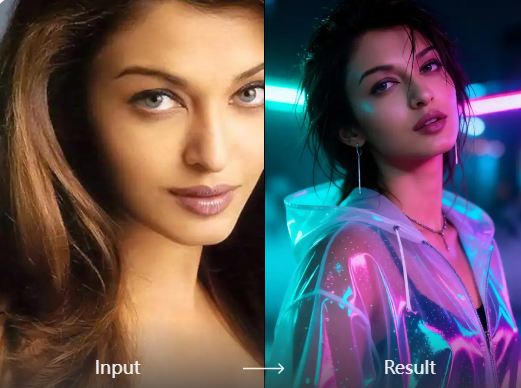
AI-Powered Precision, Not Just a Filter
Unlike simple overlay filters, our AI analyzes your photo's lighting, depth, and composition. It then generates and places neon glows and light trails that look physically believable, respecting shadows and highlights for a professional finish every time.
AI-Powered Precision, Not Just a Filter
Unlike simple overlay filters, our AI analyzes your photo's lighting, depth, and composition. It then generates and places neon glows and light trails that look physically believable, respecting shadows and highlights for a professional finish every time.
What Creators Are Saying About Neon Effects
Game-changer for my music cover art
I used to spend hours in Photoshop trying to get neon glows right. With HeyO, I get perfect, vibrant neon light effects on my artist photos in under a minute. It's streamlined my entire workflow.
My car photography has never looked better
The light trail photo effect is incredibly realistic. I use it to add a sense of motion to my static shots of cars, making them look like they're speeding through the city. My Instagram engagement doubled.
Perfect for creating unique social content
As a content creator, I need to stand out. The neon effects give my travel and portrait photos a signature, futuristic look that gets tons of comments and shares. It's my secret weapon for viral posts.
Neon Light Effect FAQs
Get quick answers to common questions about creating and using stunning neon light and light trail photo effects.
More Topics You May Like
Explore more topics you may like and discover fresh ideas tailored to your interests.
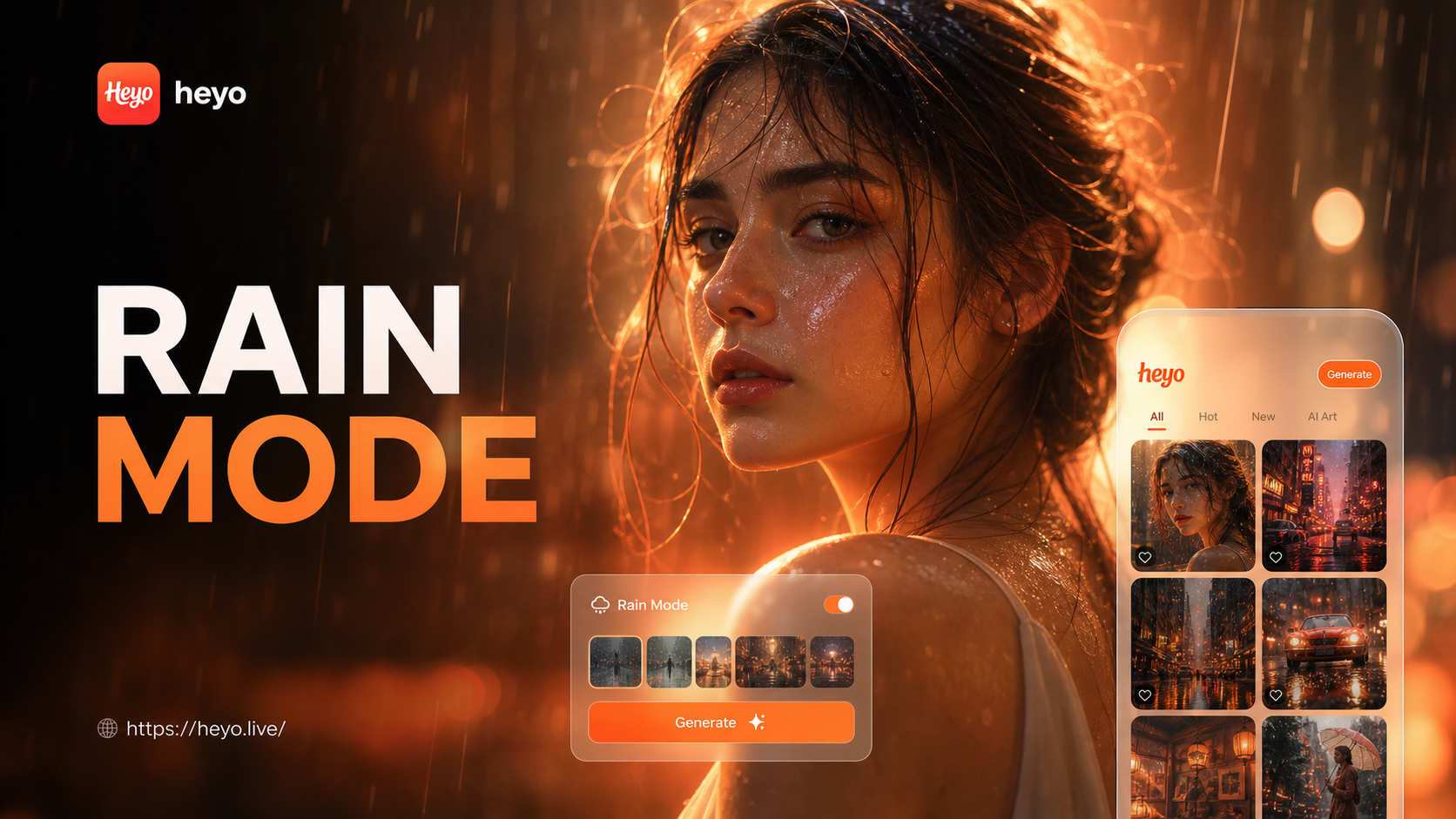
Add Rain Effect to Photos Online | Rainy Mood Editor
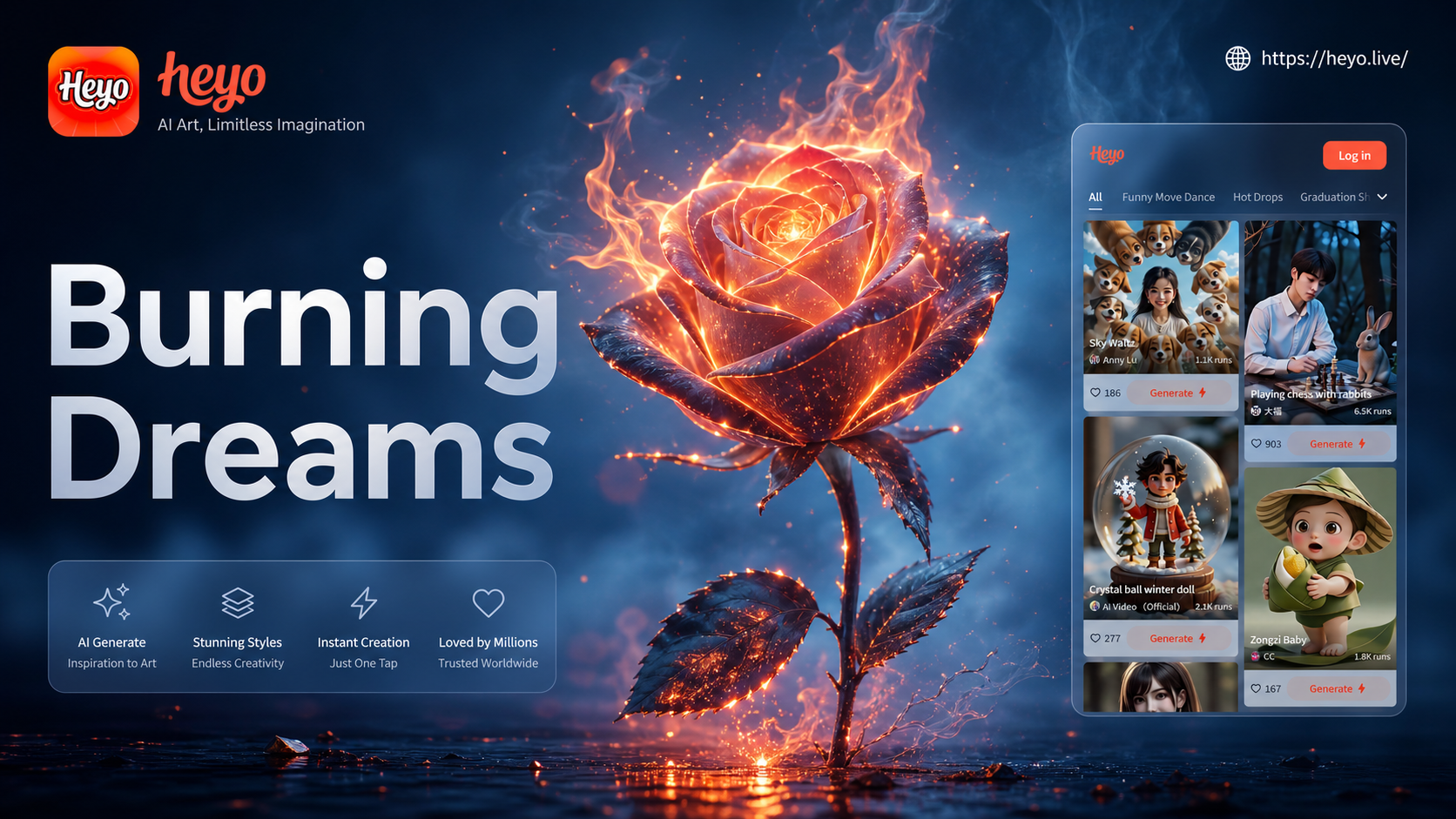
Burning Rose Photo Effect | Transform Images with AI Fire Effects
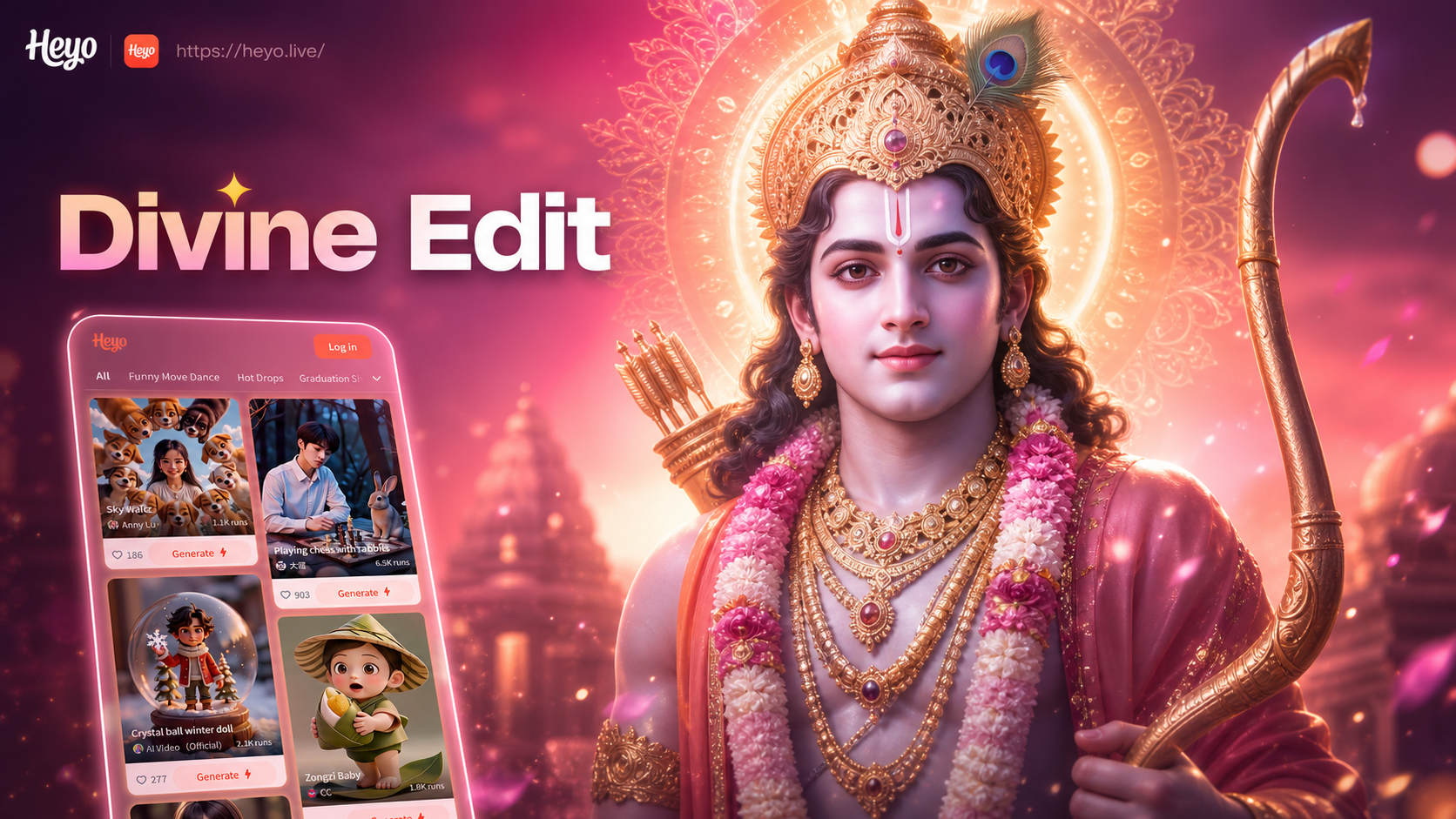
Hindu God Photo Editor: Add Blessings to Your Images

AI Figurine Generator: Create Custom 3D Characters & Chibi Figures
Add Rain Effect to Photos Online | Rainy Mood Editor
Burning Rose Photo Effect | Transform Images with AI Fire Effects
Hindu God Photo Editor: Add Blessings to Your Images
AI Figurine Generator: Create Custom 3D Characters & Chibi Figures
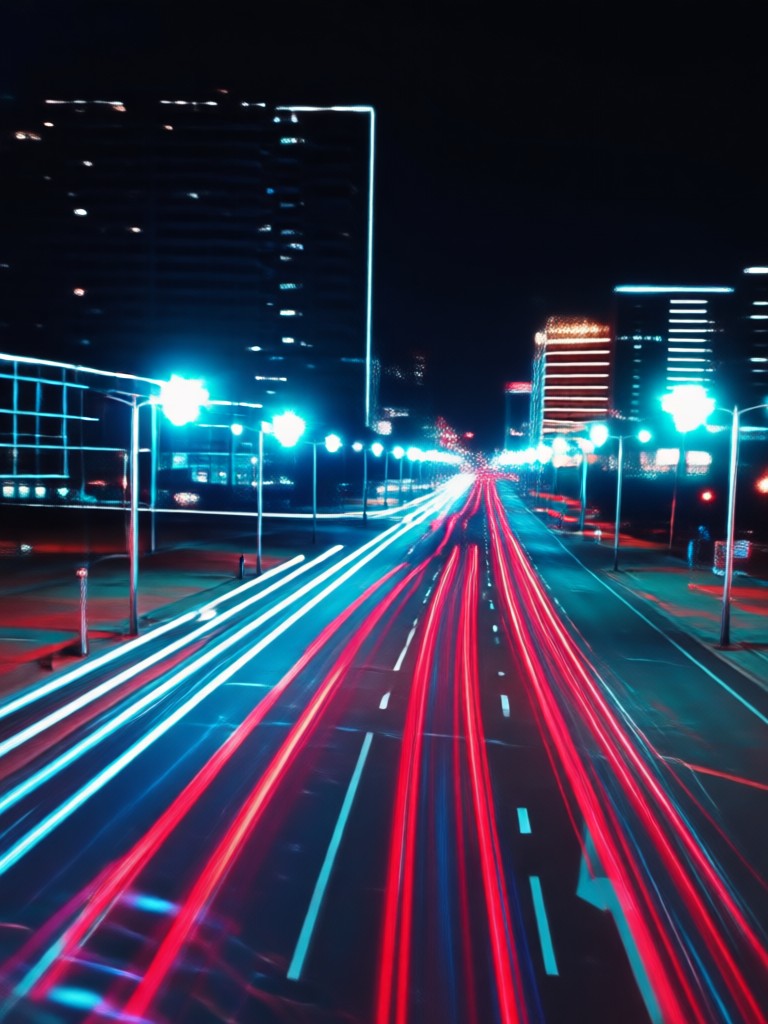
Neon Effects in Your Pocket
Turn any moment into a glowing masterpiece. The HeyO app puts professional-grade neon light and light trail photo effects right on your Android phone.

Ready to Make Your Photos Glow?
Join thousands of creators who are transforming their visuals with AI-powered neon and light trail effects. Download HeyO now and light up your gallery.
Ready to Make Your Photos Glow?
Join thousands of creators who are transforming their visuals with AI-powered neon and light trail effects. Download HeyO now and light up your gallery.