Night Flash AI Filter
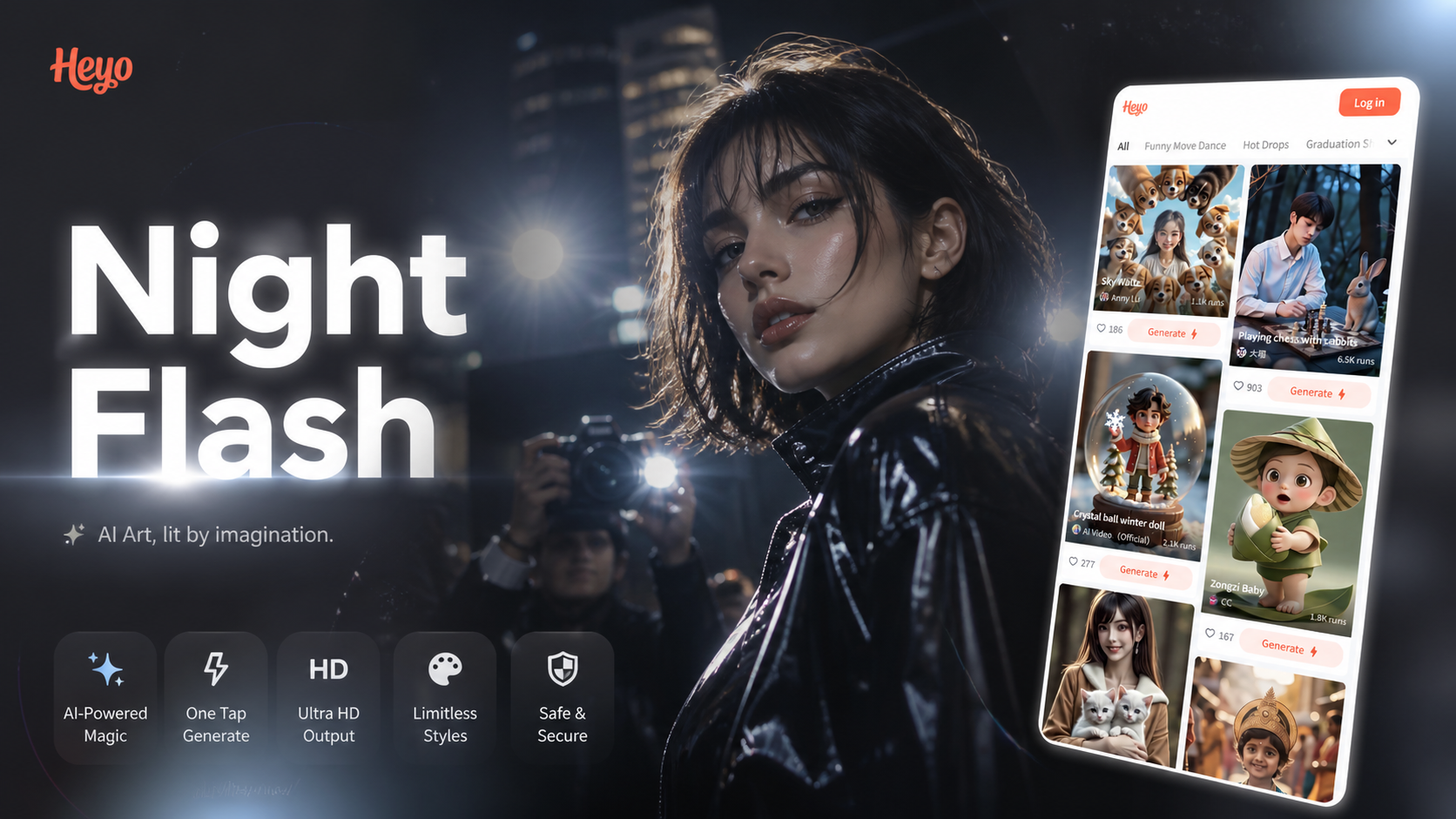
Explore Related Flash & Glow Filters
Beyond the classic night flash, discover a suite of AI-powered filters to enhance your photos with light, color, and retro vibes.
Why the Night Flash AI Filter Stands Out
Our AI doesn't just add a white spot. It intelligently analyzes your photo to apply a realistic, customizable flash effect that looks authentically captured.
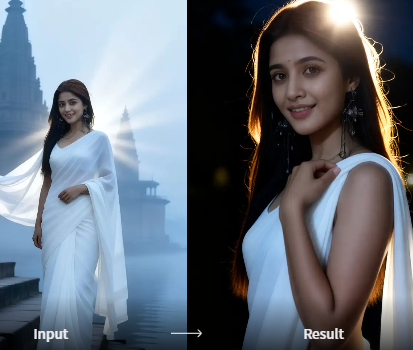
Realistic Flash Simulation
The AI mimics real camera flash behavior, creating accurate light falloff, catchlights in eyes, and natural-looking halos around light sources for a believable paparazzi effect.
Realistic Flash Simulation
The AI mimics real camera flash behavior, creating accurate light falloff, catchlights in eyes, and natural-looking halos around light sources for a believable paparazzi effect.
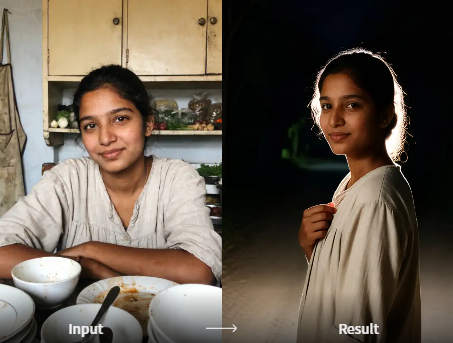
Customizable Glow & Intensity
Adjust the flash intensity, glow radius, and color temperature. Choose from a cool blue moonlight flash or a warm golden hour glow to match your photo's mood.
Customizable Glow & Intensity
Adjust the flash intensity, glow radius, and color temperature. Choose from a cool blue moonlight flash or a warm golden hour glow to match your photo's mood.
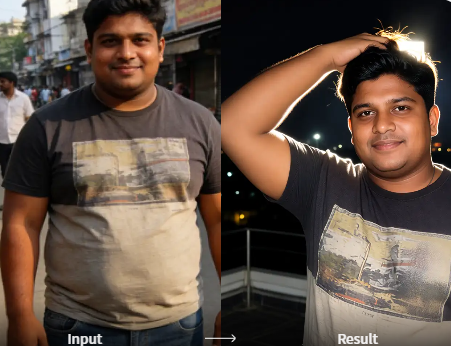
Smart Subject Detection
The filter automatically detects faces and main subjects, ensuring the flash highlight is perfectly positioned without washing out important details or skin tones.
Smart Subject Detection
The filter automatically detects faces and main subjects, ensuring the flash highlight is perfectly positioned without washing out important details or skin tones.
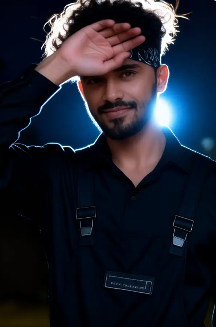
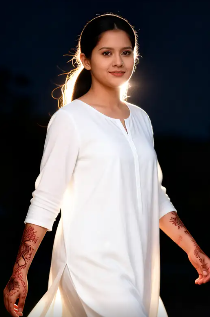
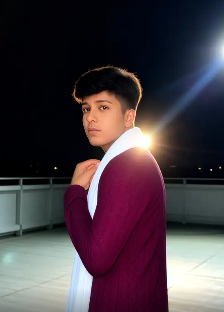
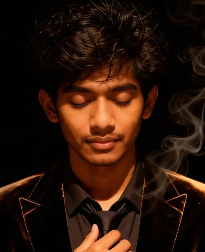
Night Flash Filter Transformation Gallery
See how ordinary photos are transformed into dramatic, eye-catching images with the power of the AI Night Flash filter. From portraits to cityscapes.
How to Use the Night Flash AI Filter?
Add stunning paparazzi-style flash effects to your photos in just three simple steps, directly from your phone.

Step 01.
Download the HeyO app from the Google Play Store to access the Night Flash AI filter and hundreds of other creative tools.

Step 02.
Open the app, upload your photo, and navigate to the 'Effects' section. Select the 'Night Flash' or 'Retro Flash' filter from the library.

Step 03.
Apply the filter instantly. Use the adjustment sliders to fine-tune the intensity and glow, then save and share your flash-enhanced masterpiece.
What Creators Say About the Flash Filter
Game Changer for My Instagram Aesthetic
This night flash filter gave my feed a consistent, editorial look overnight. It makes even casual shots look like they were taken by a professional with a real ring flash. The adjustable glow is perfect.
Authentic Retro Vibes Made Easy
I've tried to replicate the 90s paparazzi flash look in Photoshop for years. This AI filter does it in one tap with more realism than I could manually create. It's now my go-to for portrait sessions.
My Secret for Viral Nightlife Content
My club and concert videos were always too dark. The night glow AI filter adds just the right amount of dramatic light without looking fake. My engagement on these posts has doubled.
Beyond a Simple Brightness Boost
Understanding the difference between a basic photo edit and an AI-powered flash simulation helps you create truly professional results.
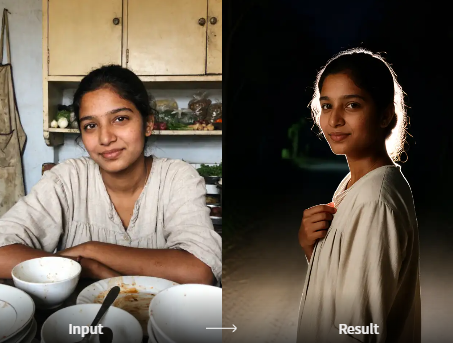
Why AI Makes the Difference
A standard photo editor might just overexpose the center of your image. Our Night Flash AI filter intelligently analyzes the scene's lighting, depth, and subjects. It then generates a complex light source that interacts naturally with the environment, creating realistic specular highlights, soft volumetric glow, and enhanced contrast in the shadows. This results in an effect that feels captured in-camera, not added in post, elevating your photos from edited to artistically transformed.
Why AI Makes the Difference
A standard photo editor might just overexpose the center of your image. Our Night Flash AI filter intelligently analyzes the scene's lighting, depth, and subjects. It then generates a complex light source that interacts naturally with the environment, creating realistic specular highlights, soft volumetric glow, and enhanced contrast in the shadows. This results in an effect that feels captured in-camera, not added in post, elevating your photos from edited to artistically transformed.
Night Flash AI Filter FAQ
Get quick answers to the most common questions about using, customizing, and getting the best results from the Night Flash filter.
Get the Paparazzi Flash Look on Mobile
Download HeyO to instantly access the Night Flash AI filter and transform your phone into a professional flash photography studio. No bulky equipment required.

More Topics You May Like
Explore more topics you may like and discover fresh ideas tailored to your interests.
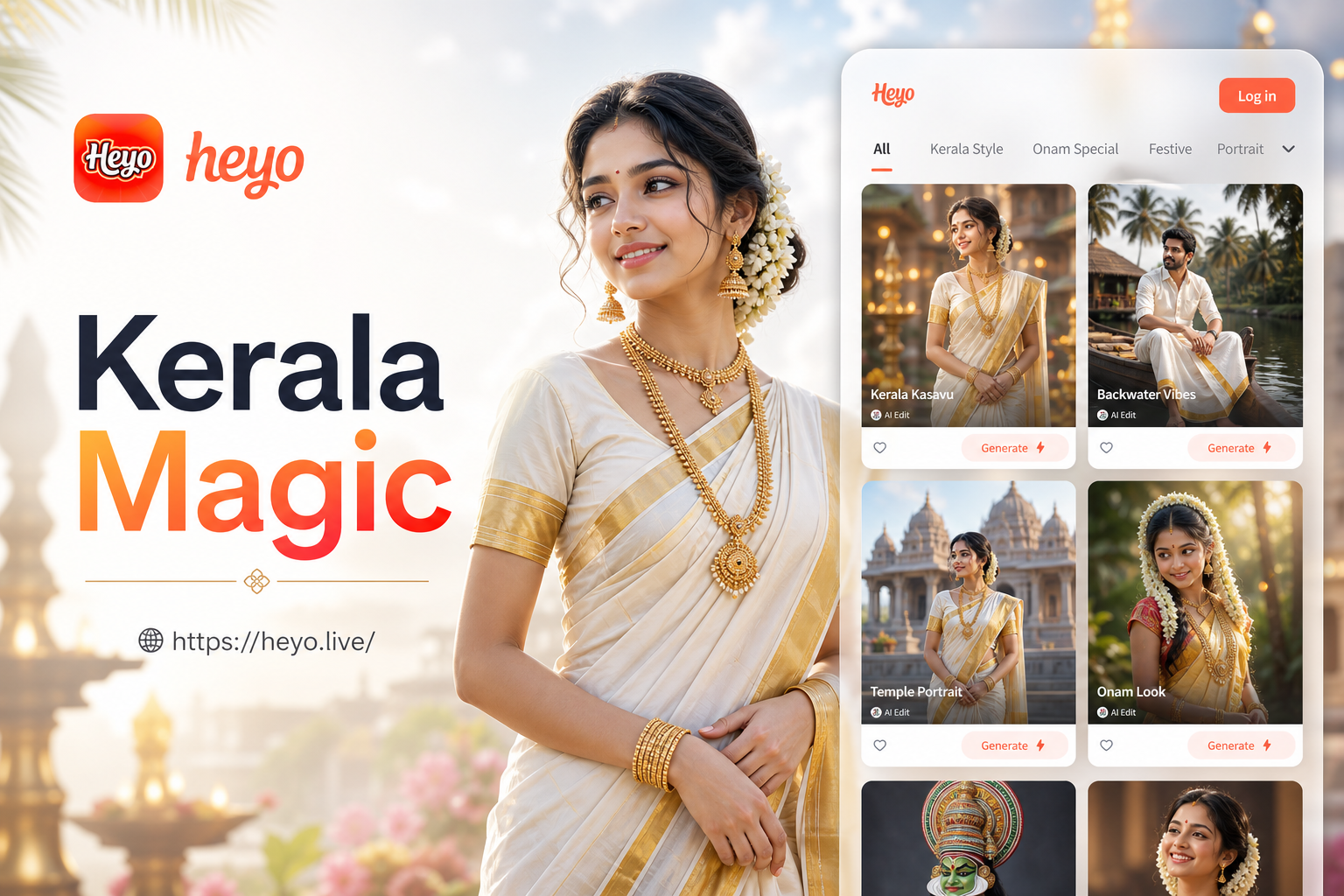
Transform Photos into Kerala Traditional Attire Online
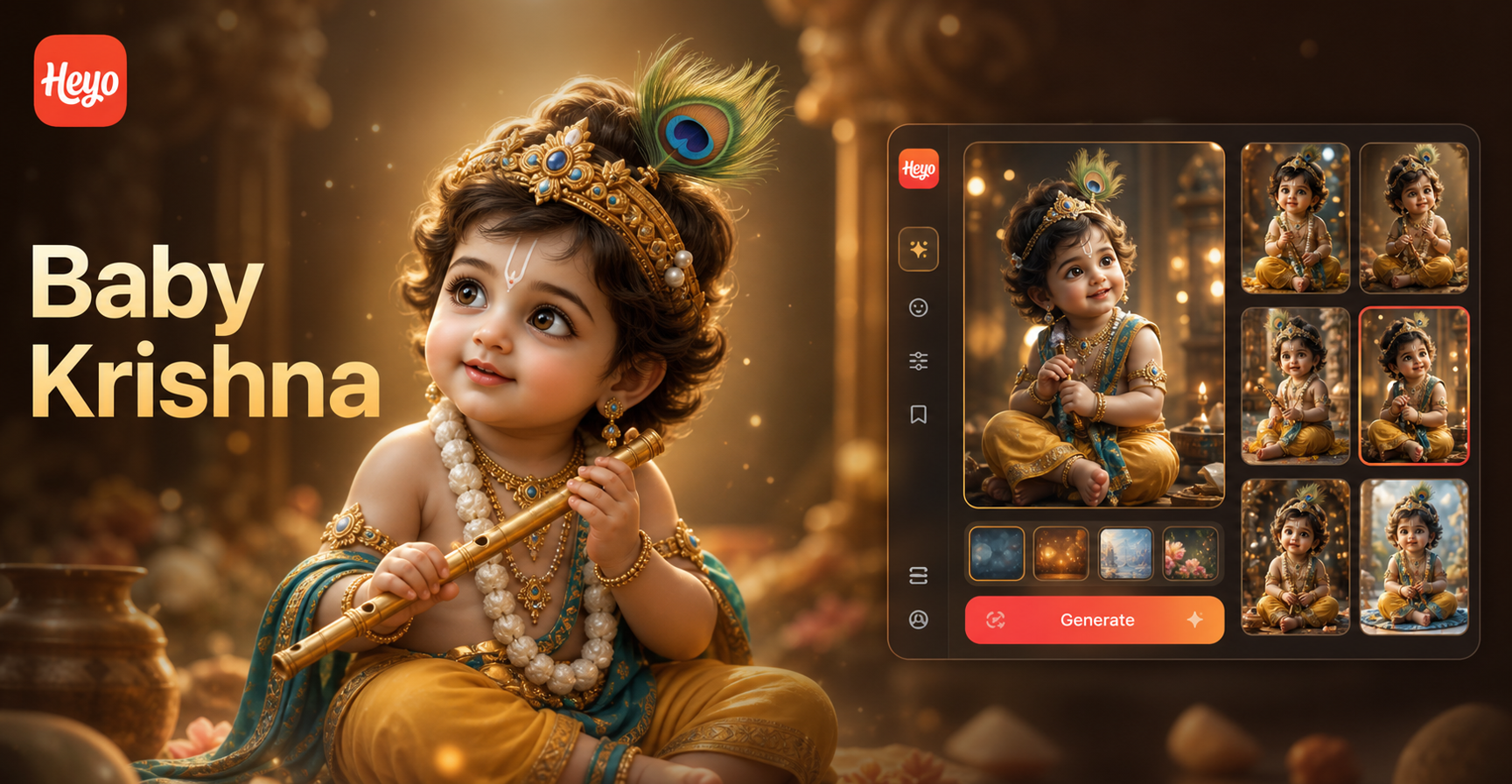
Create Divine Baby Krishna Photos with AI Editor

Create Sibling Magic with an AI Photo Generator
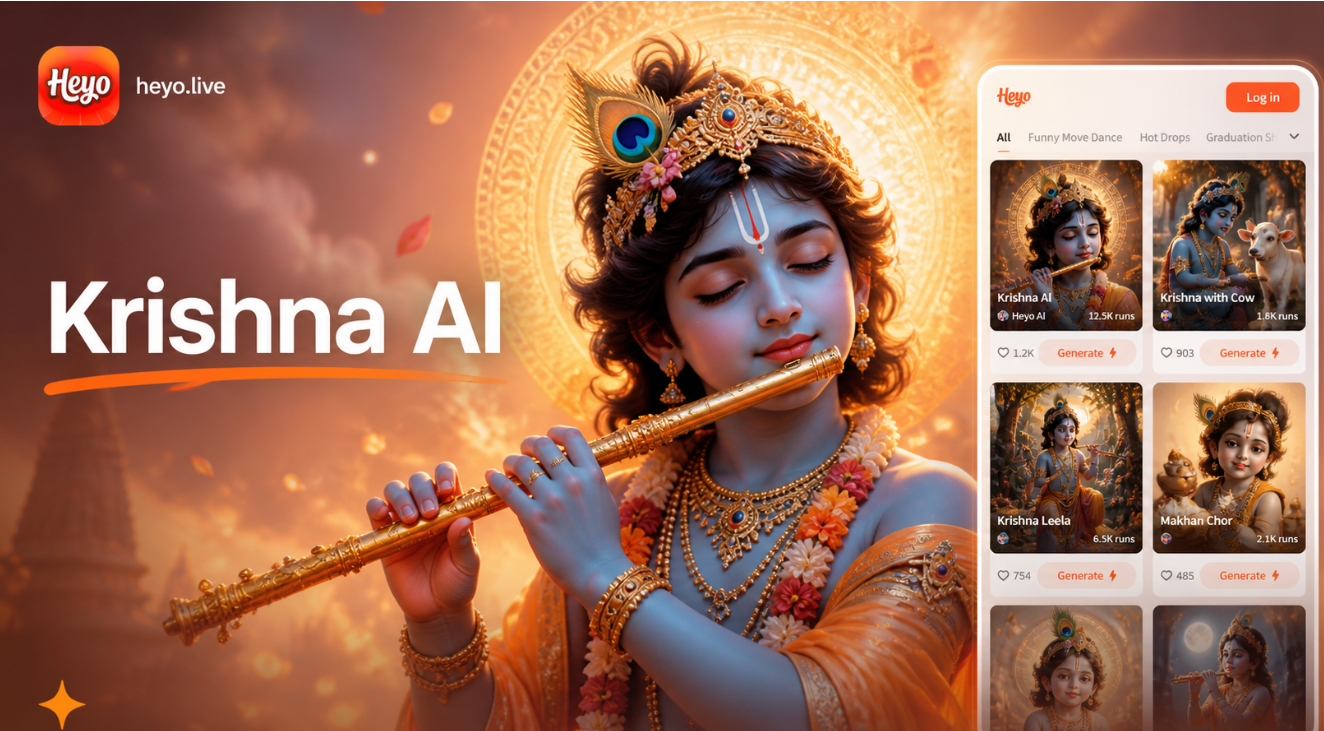
Create Divine Lord Krishna AI Photos in Seconds
Transform Photos into Kerala Traditional Attire Online
Create Divine Baby Krishna Photos with AI Editor
Create Sibling Magic with an AI Photo Generator
Create Divine Lord Krishna AI Photos in Seconds
Ignite Your Photos with AI Flash
Stop scrolling past dark, dull photos. Download HeyO now and illuminate your memories with the perfect paparazzi-style flash effect in seconds.
Ignite Your Photos with AI Flash
Stop scrolling past dark, dull photos. Download HeyO now and illuminate your memories with the perfect paparazzi-style flash effect in seconds.