Photo to Double Exposure Portrait Generator
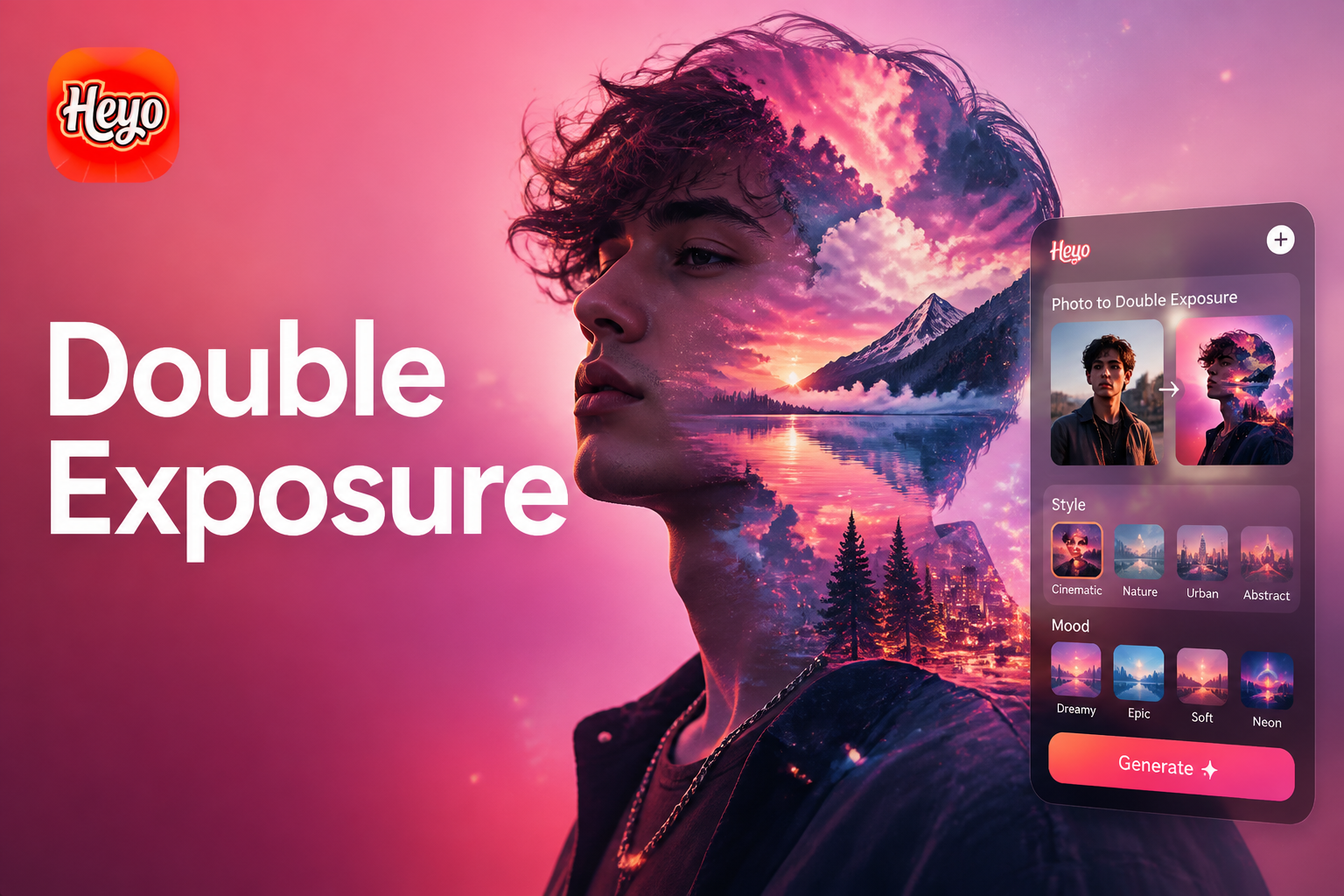
Choose Your Double Exposure Style
Discover a variety of artistic templates designed to give your double exposure portraits different moods and aesthetics.
Create Stunning Double Exposure Portraits in Seconds
Our AI photo to double exposure editing tool simplifies advanced art creation. Just follow these simple steps to achieve professional results.
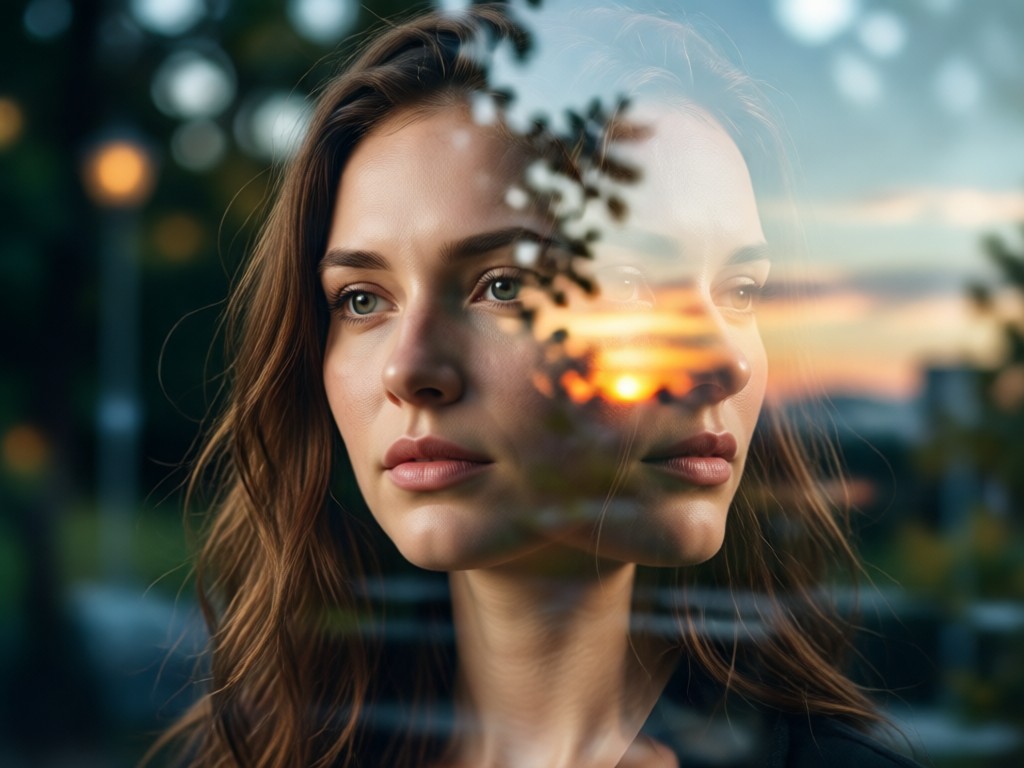
Upload and Layer
Select a clear portrait as your base layer. Then, choose a second image, like a landscape or texture, to be overlaid. The AI intelligently analyzes both to begin the blending process.
Upload and Layer
Select a clear portrait as your base layer. Then, choose a second image, like a landscape or texture, to be overlaid. The AI intelligently analyzes both to begin the blending process.
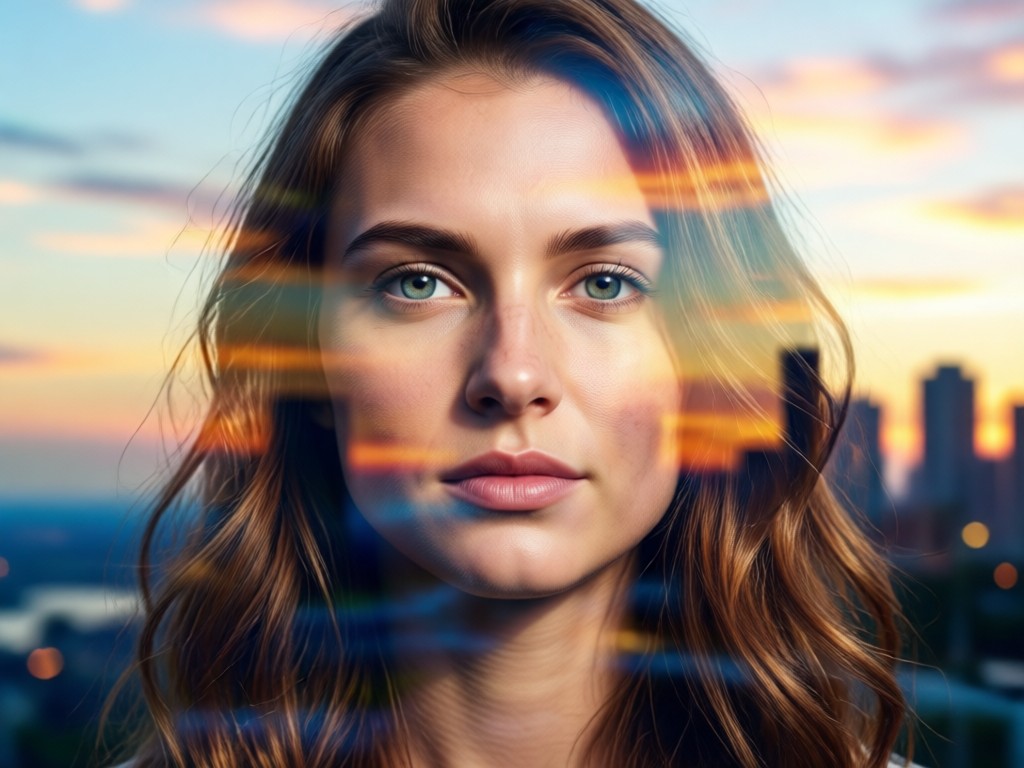
AI-Powered Blending
Our algorithm automatically blends the two photos. It preserves critical facial features from the portrait while seamlessly integrating the patterns, light, and textures from the overlay image.
AI-Powered Blending
Our algorithm automatically blends the two photos. It preserves critical facial features from the portrait while seamlessly integrating the patterns, light, and textures from the overlay image.
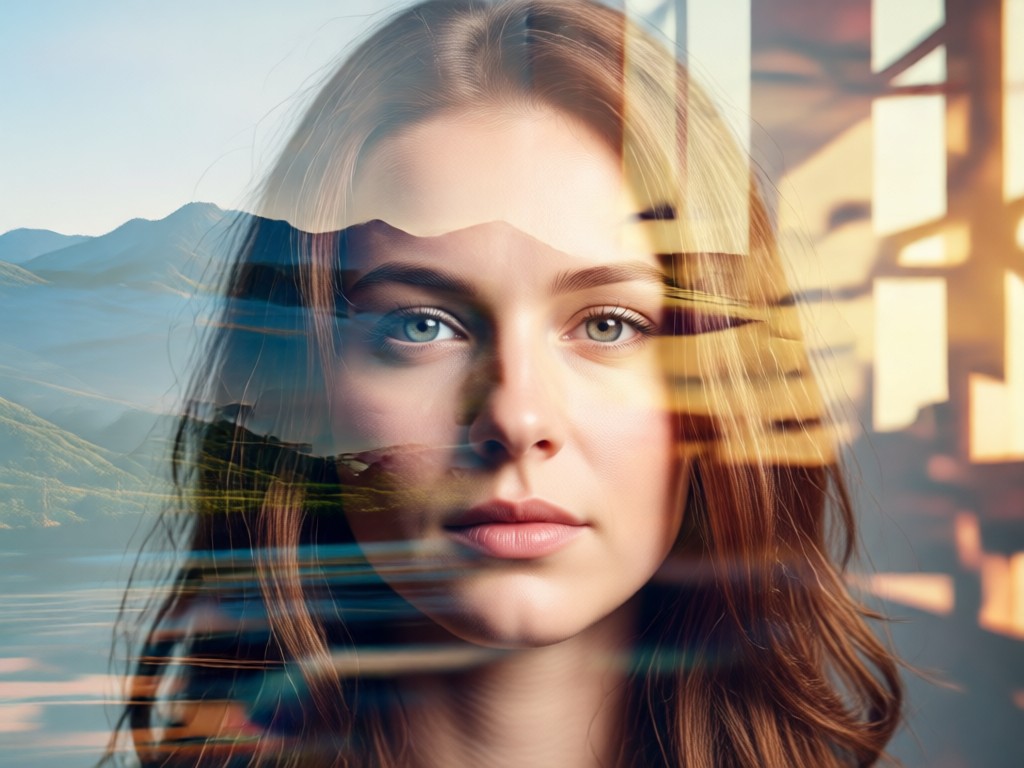
Fine-Tune & Export
Adjust the blend opacity, contrast, and color balance with simple sliders. Once satisfied, download your high-quality double exposure image ready for sharing or printing.
Fine-Tune & Export
Adjust the blend opacity, contrast, and color balance with simple sliders. Once satisfied, download your high-quality double exposure image ready for sharing or printing.
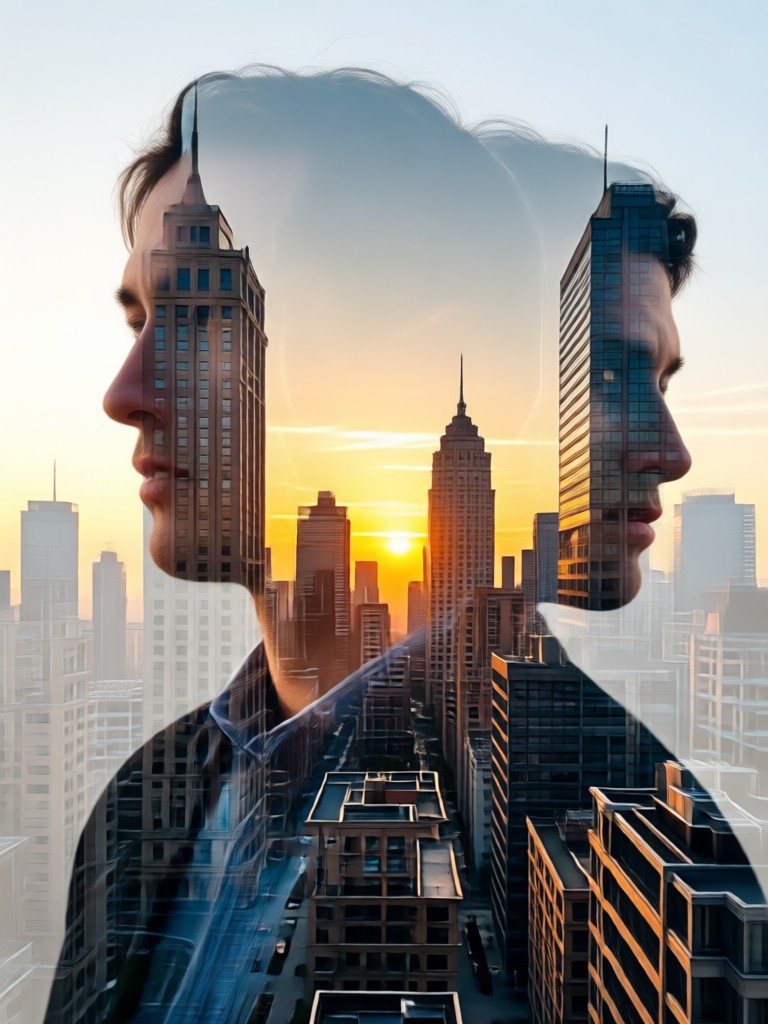
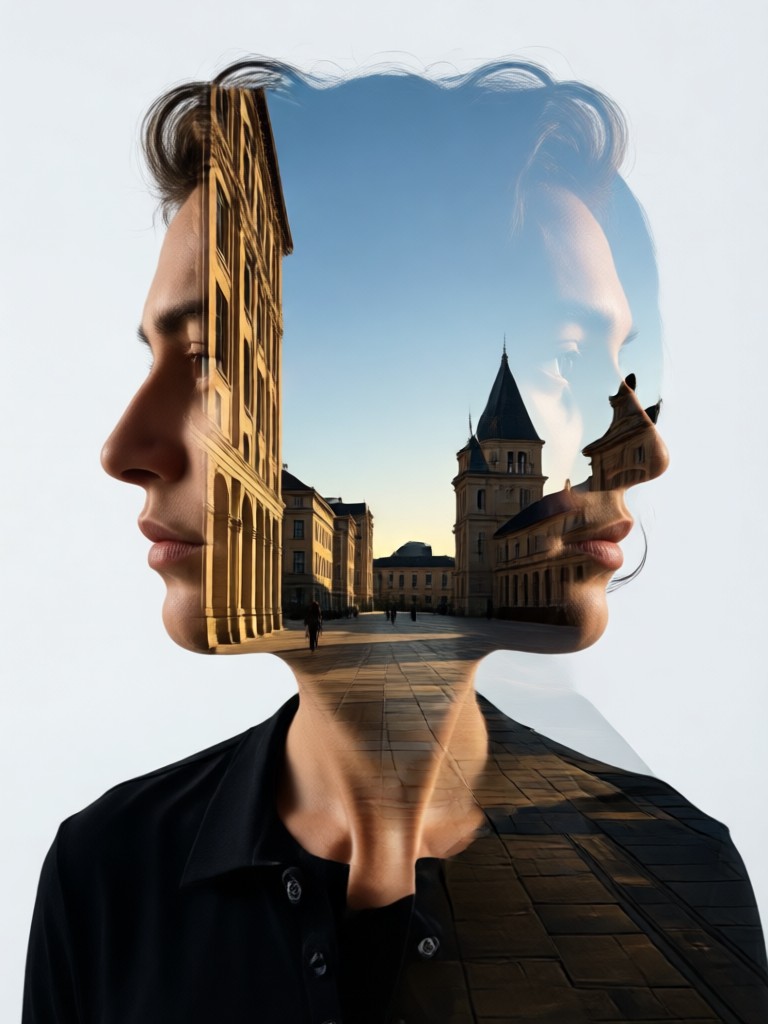
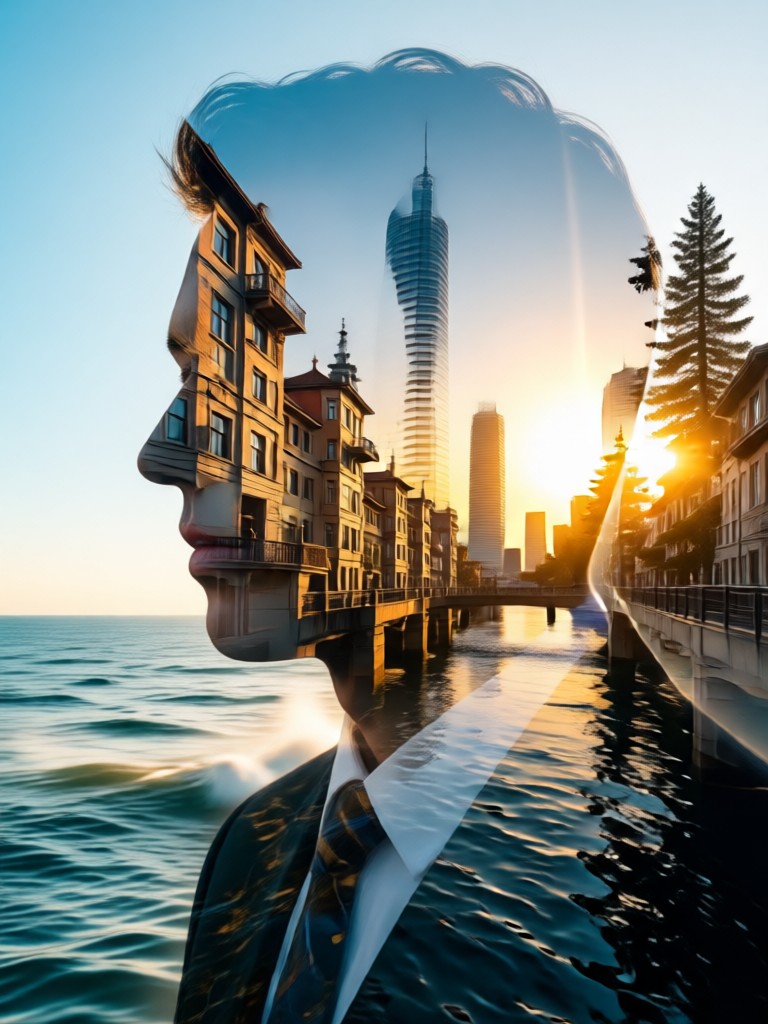
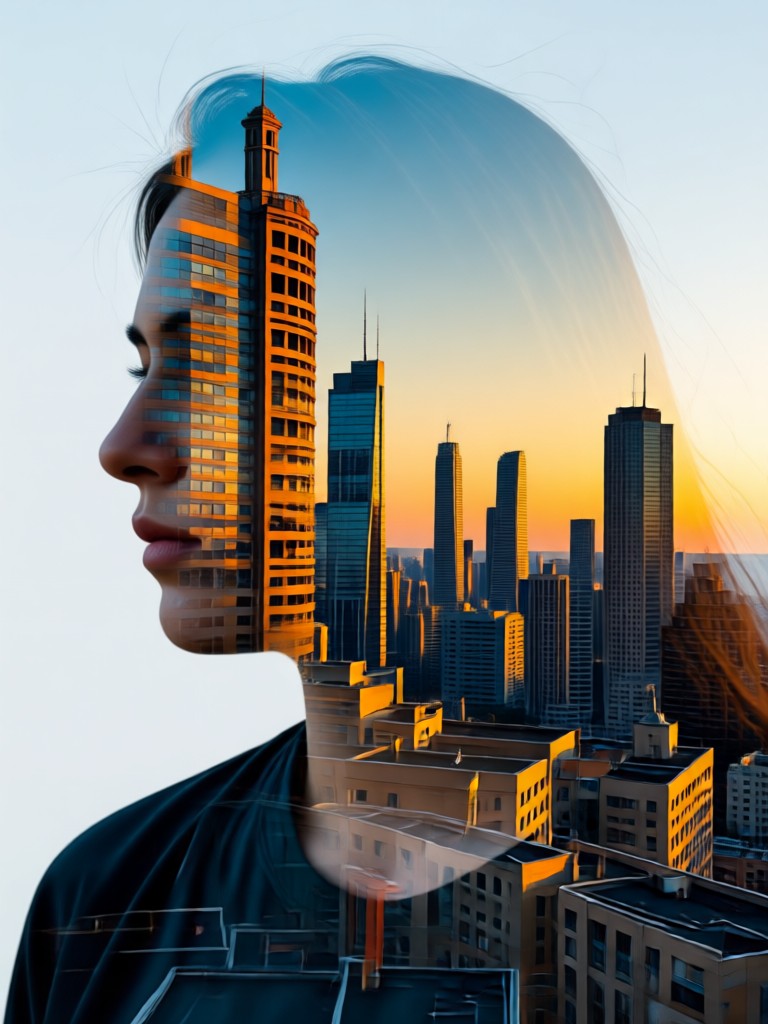
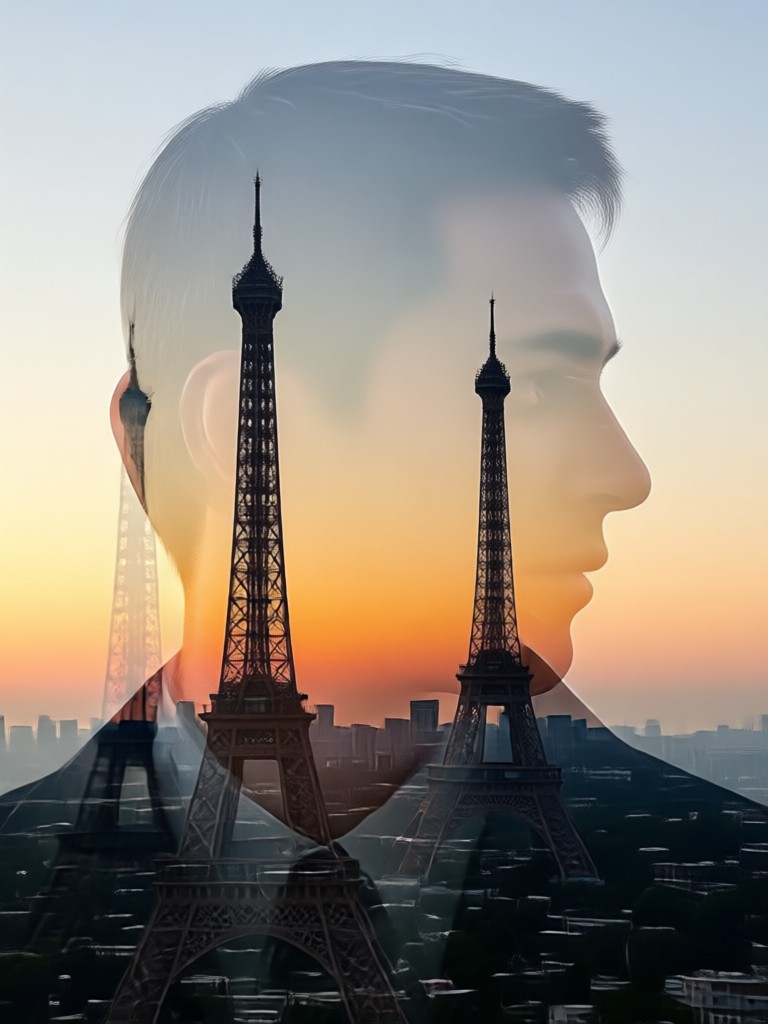
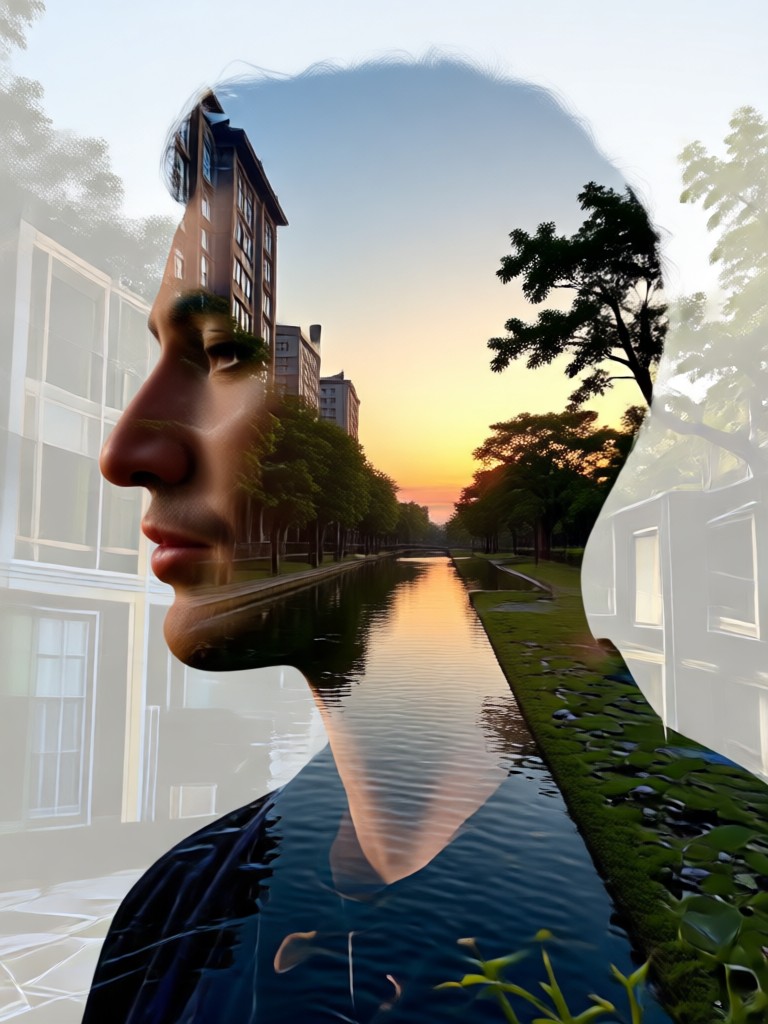
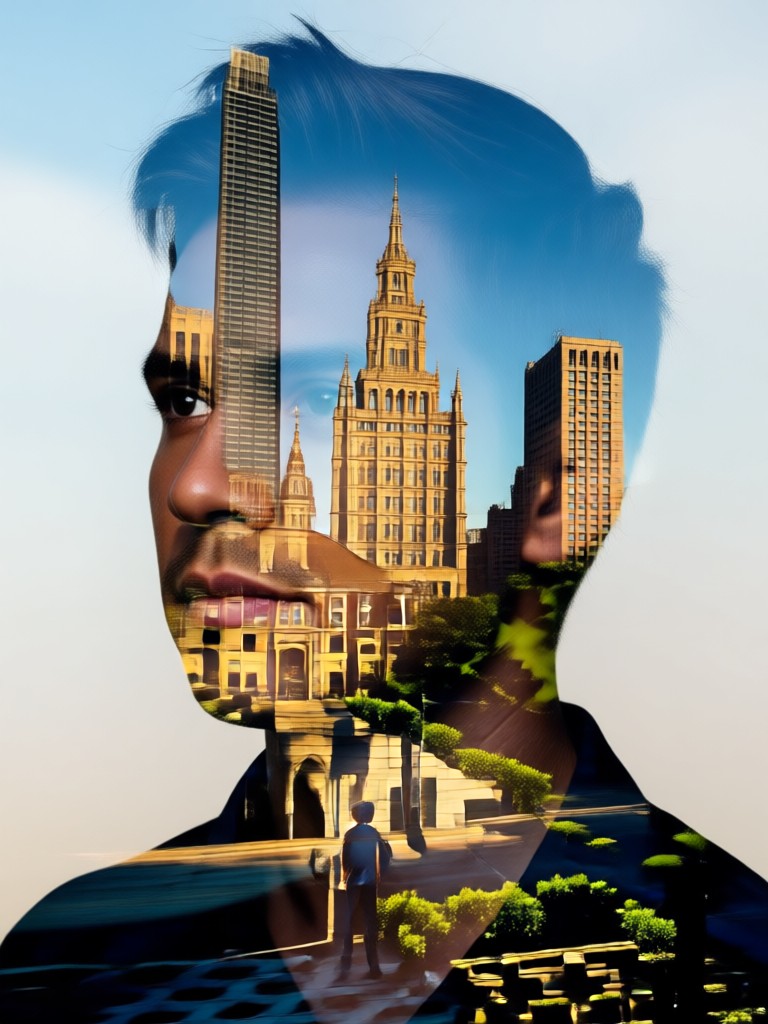
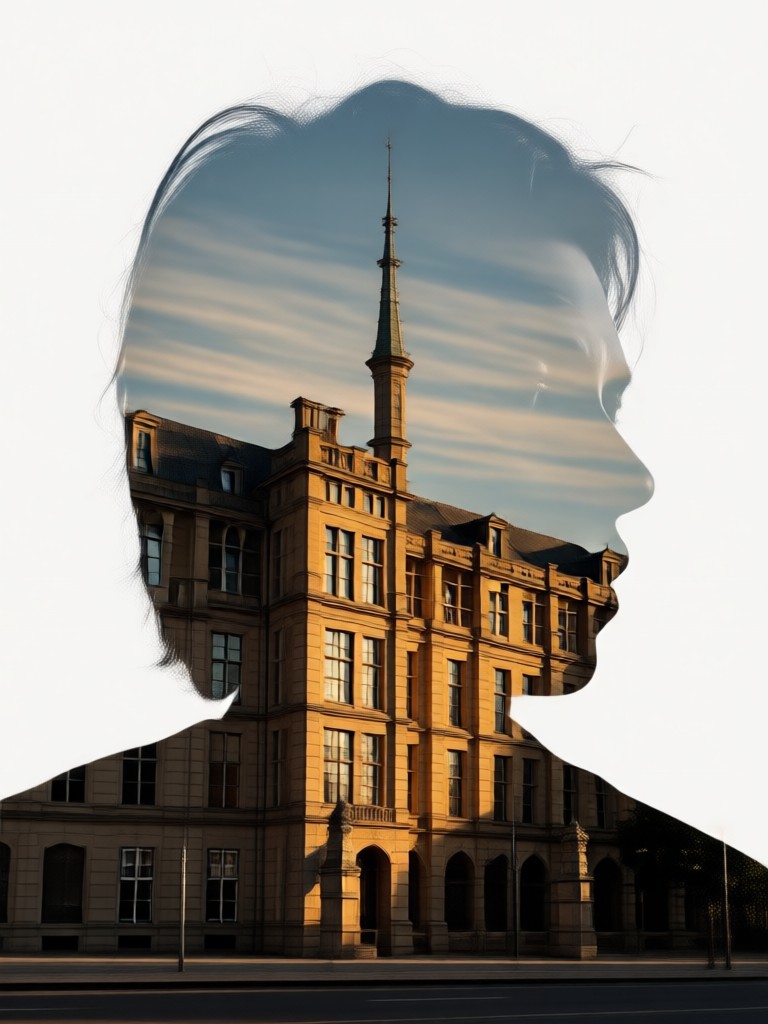
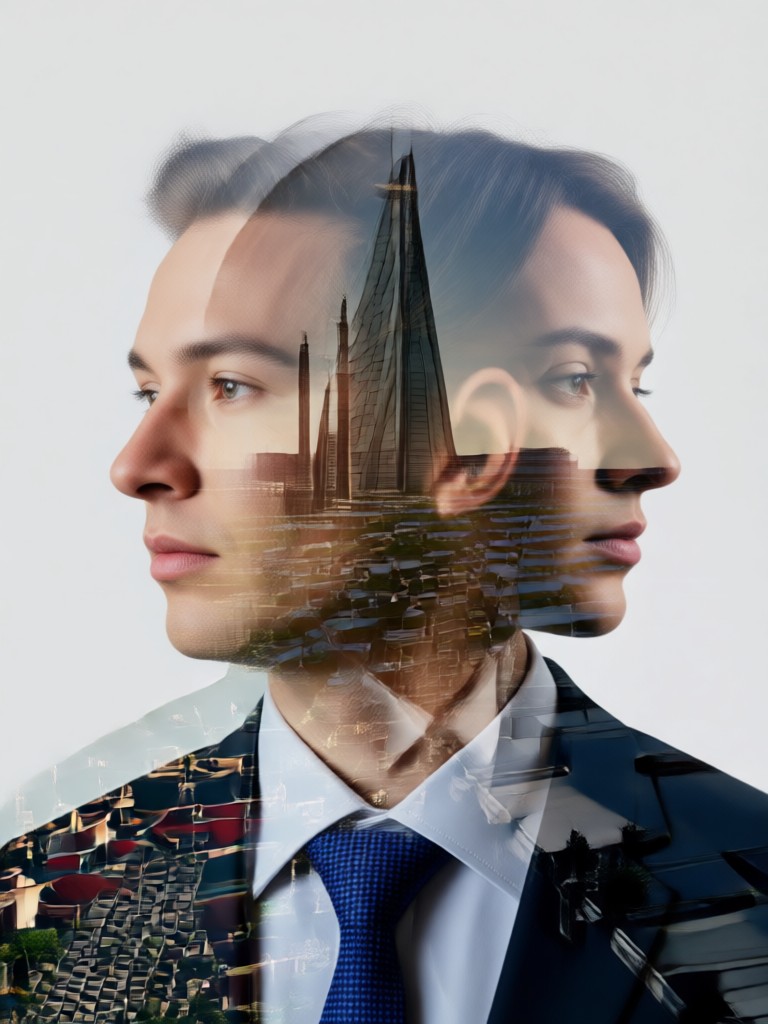
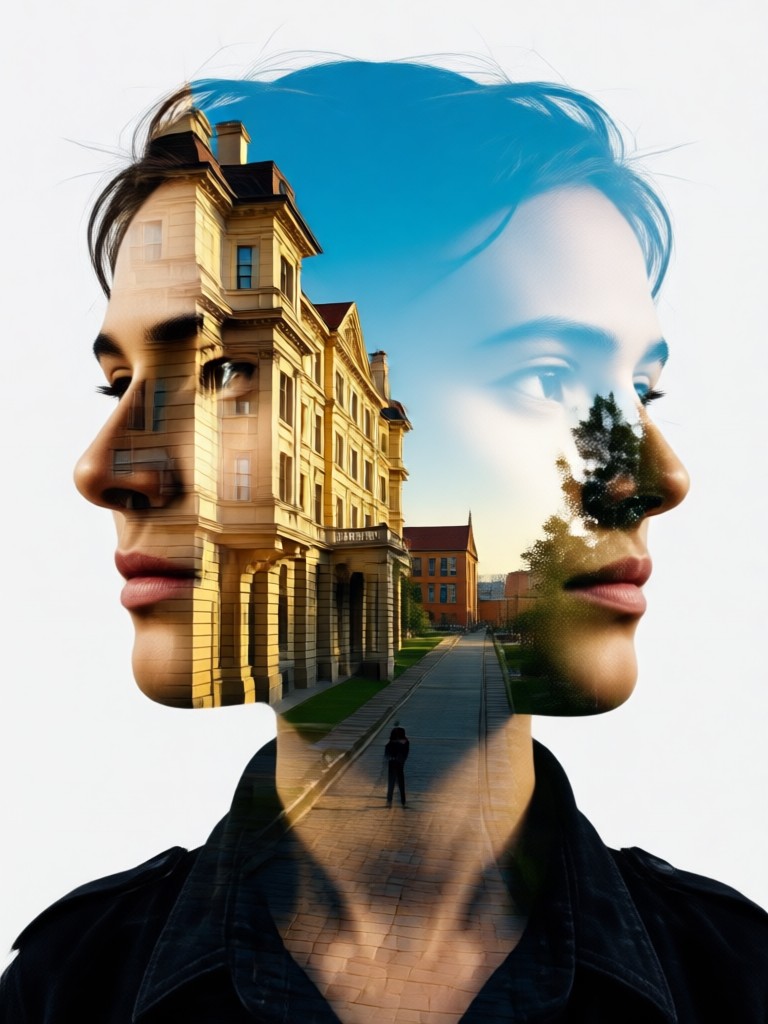
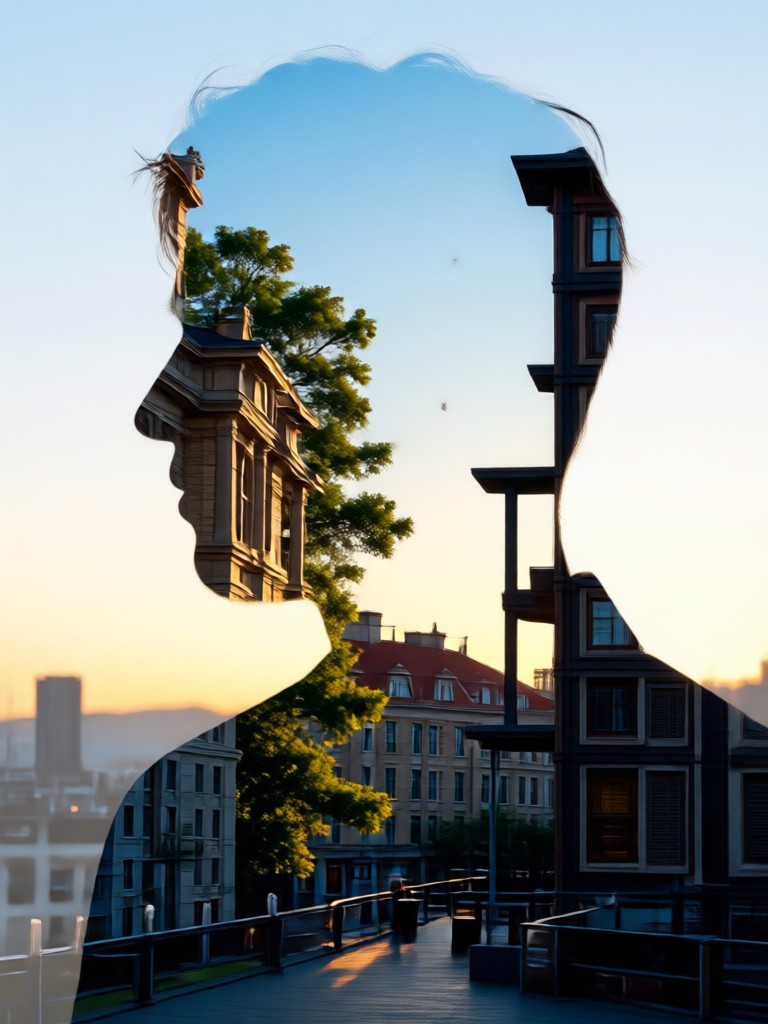
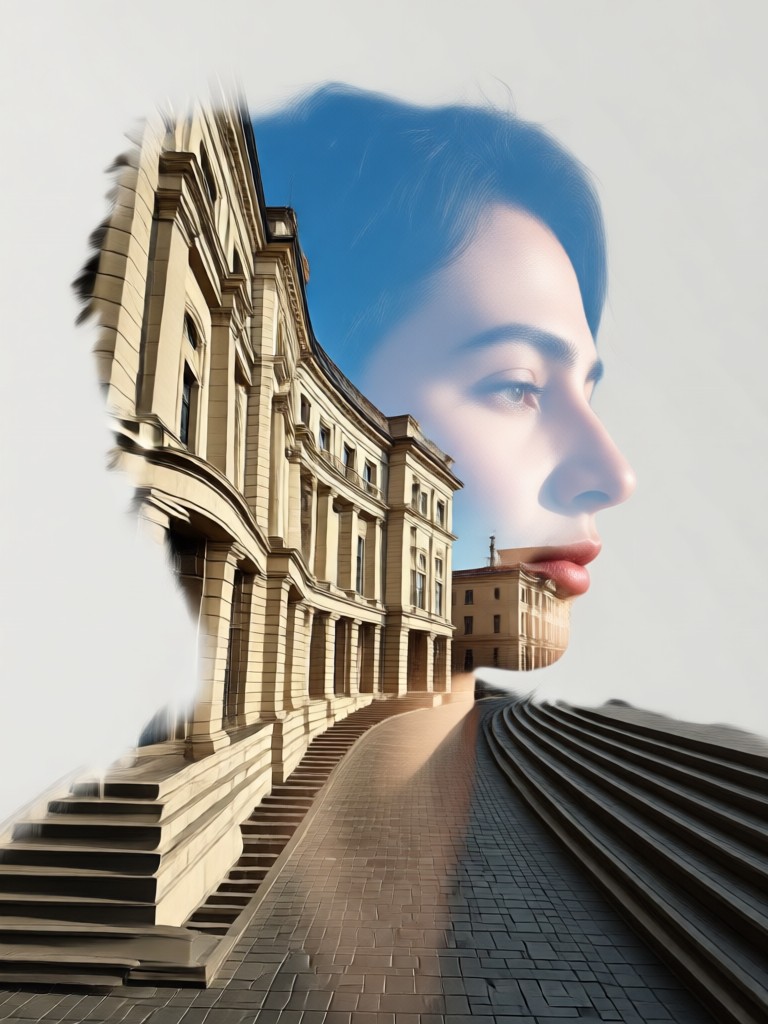
Double Exposure Art Gallery
See how users blend desert motorcycles, urban scenes, and natural landscapes with portraits to create breathtaking composite art.
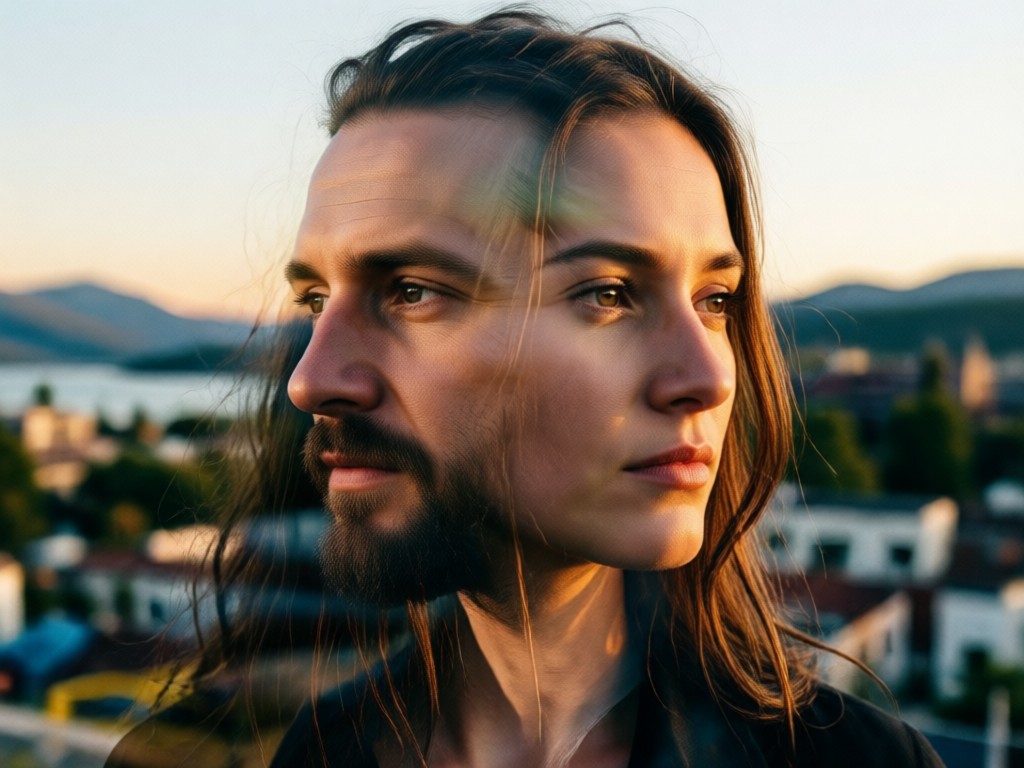
Why Use an AI Double Exposure Maker?
Traditional double exposure requires expert knowledge in software like Photoshop. Our tool democratizes this art form, making it accessible to everyone with a smartphone. Achieve complex, layered visuals with the tap of a button, unlocking creative potential without a steep learning curve.
Why Use an AI Double Exposure Maker?
Traditional double exposure requires expert knowledge in software like Photoshop. Our tool democratizes this art form, making it accessible to everyone with a smartphone. Achieve complex, layered visuals with the tap of a button, unlocking creative potential without a steep learning curve.
Artists and Creators Love Our Tool
A game-changer for my digital art portfolio
As a photographer, I always admired double exposure but never had the time to master Photoshop. This AI tool lets me create professional-grade pieces for my clients in minutes. It's intuitive and the results are consistently stunning.
Perfect for creating unique social media content
I run a lifestyle blog and needed a way to make my images stand out. This photo to double exposure portrait maker is my secret weapon. It adds such a professional, artistic touch to my posts without any design background.
Brought my conceptual ideas to life effortlessly
I had a vision for a series merging human profiles with elemental textures. This AI editor understood the assignment perfectly. The control over the blend is fantastic, allowing for both subtle and dramatic effects.
How to Make a Double Exposure Portrait?
Create captivating AI double exposure art in just three simple steps with the HeyO app.

Step 01.
Download the HeyO app to access the powerful photo to double exposure photo effect generator directly on your mobile device.

Step 02.
Select the double exposure template and upload your two photos: a clear portrait and a secondary image for the overlay effect.

Step 03.
Let the AI work its magic, fine-tune the blend with easy controls, and download your unique double exposure portrait to share.
Double Exposure Portrait FAQs
Find answers to common questions about creating and using our AI photo to double exposure editing tool.
More Topics You May Like
Explore more topics you may like and discover fresh ideas tailored to your interests.
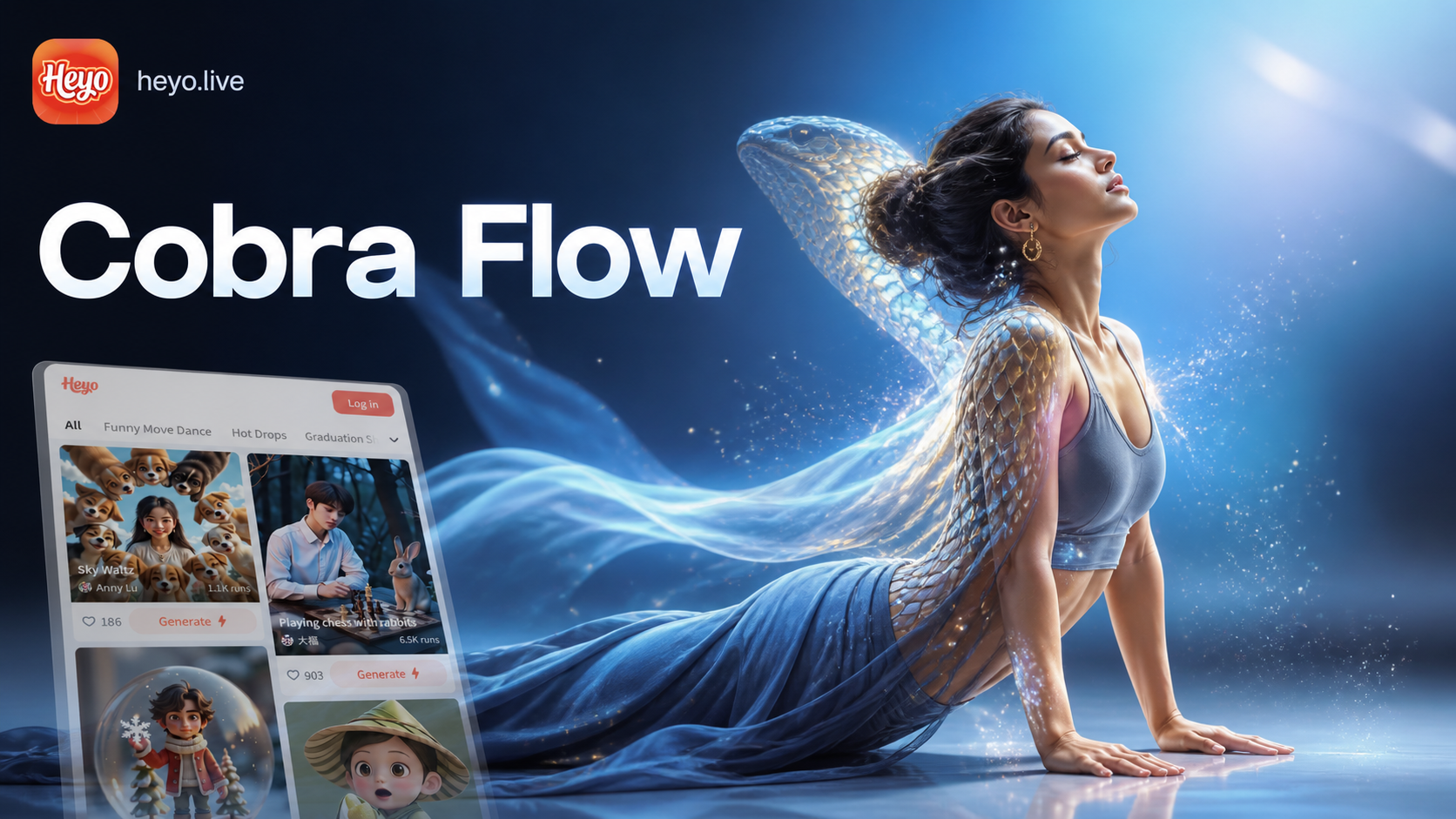
Cobra Yoga Pose AI: Transform Your Photos Instantly
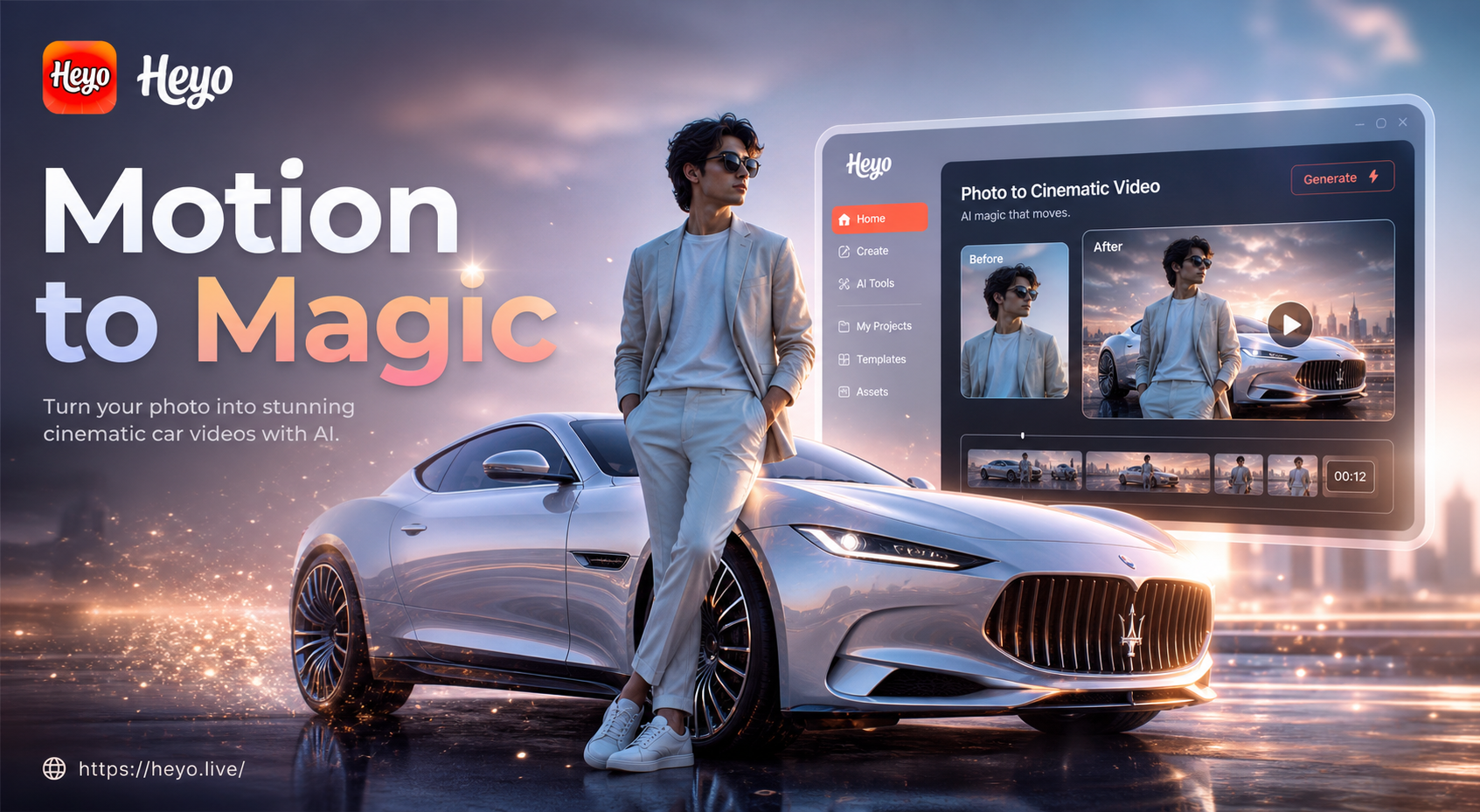
Create Photo to Car Kiss Videos with AI Magic
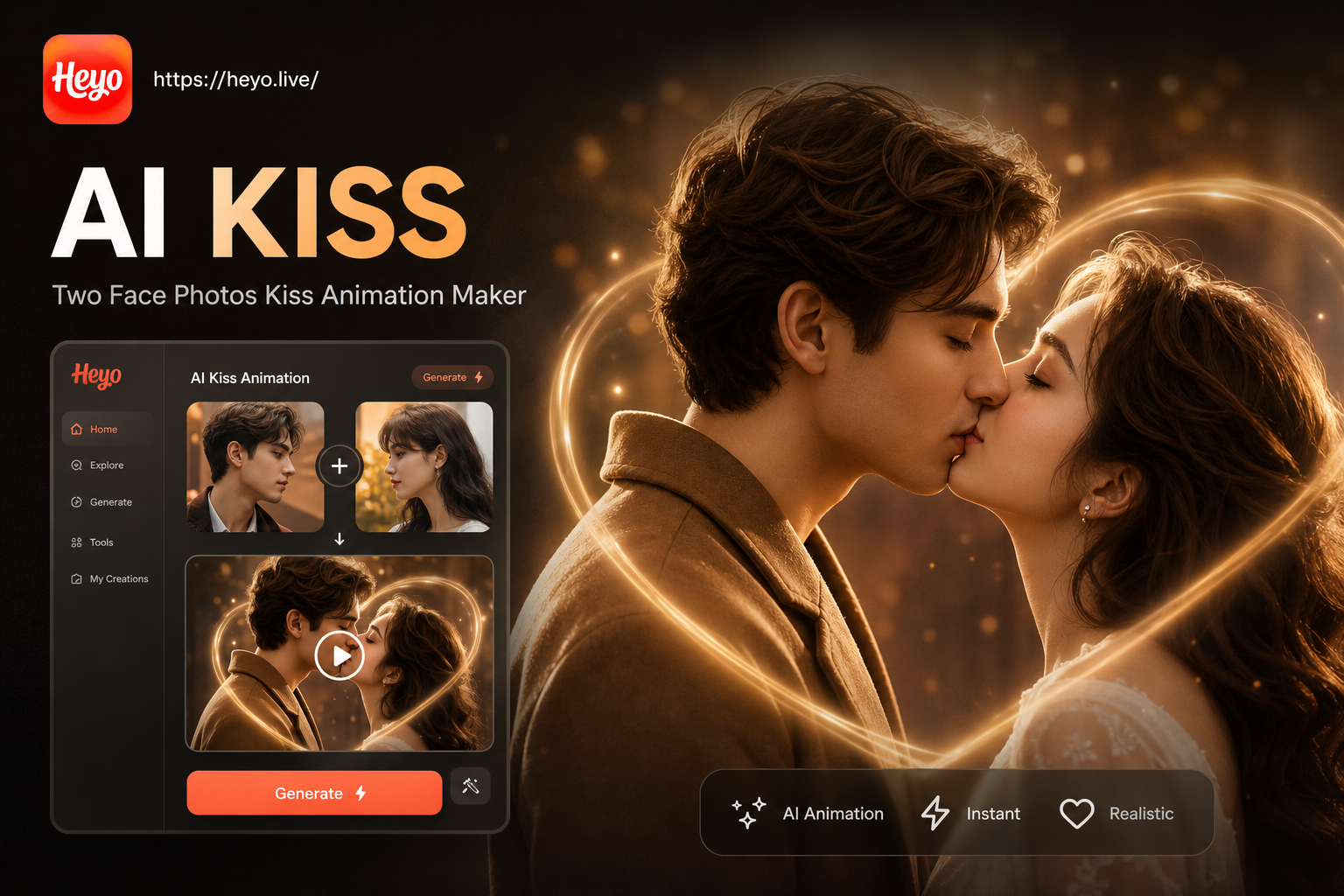
Create Kiss Animations from Two Face Photos
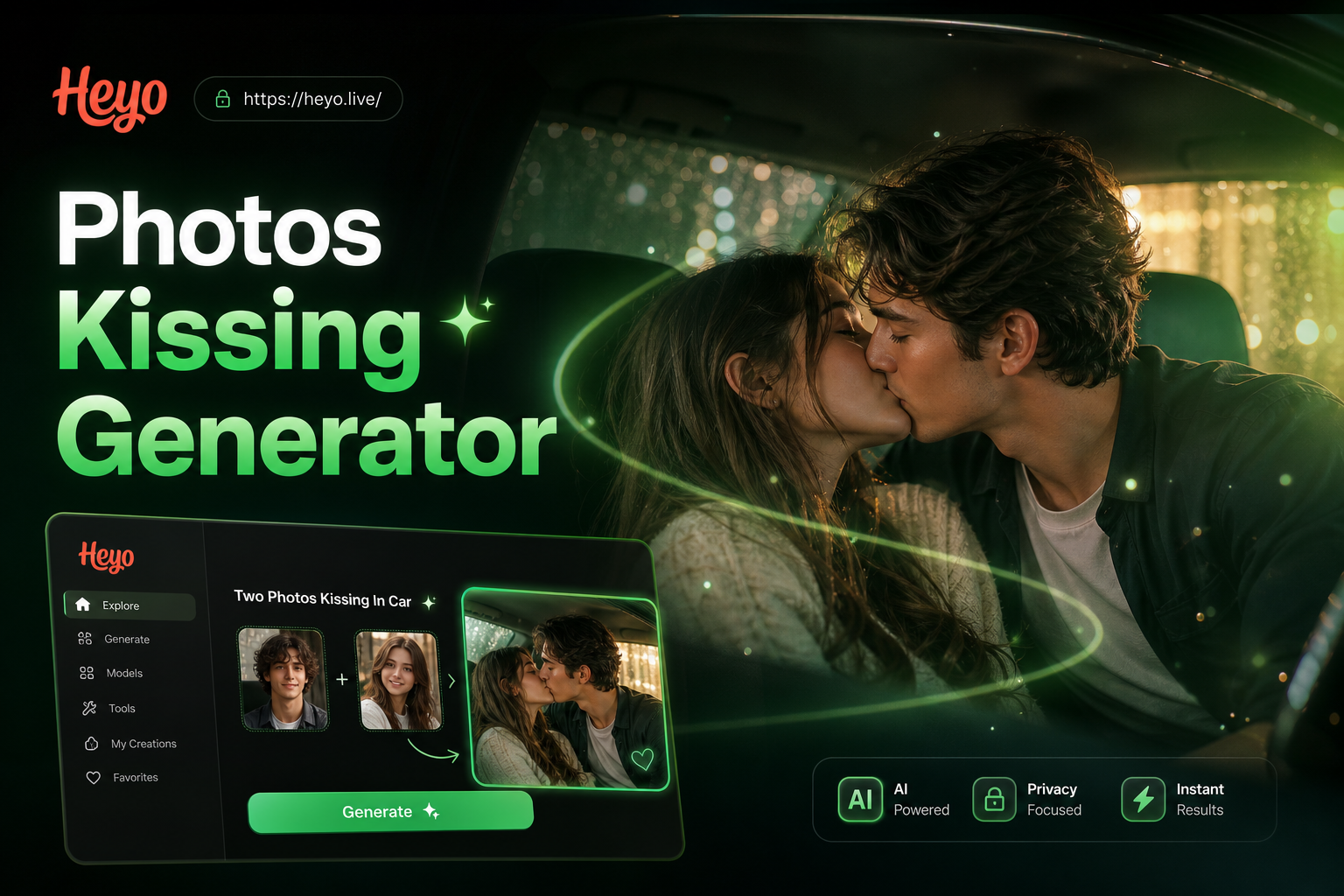
Turn Photos into Cinematic Car Kiss Videos
Cobra Yoga Pose AI: Transform Your Photos Instantly
Create Photo to Car Kiss Videos with AI Magic
Create Kiss Animations from Two Face Photos
Turn Photos into Cinematic Car Kiss Videos
Turn Your Photos into Art Masterpieces
Download HeyO now and access the most intuitive AI photo to double exposure image generator. Transform ordinary portraits into extraordinary art with just a few taps.

Turn Your Photos into Art Masterpieces
Download HeyO now and access the most intuitive AI photo to double exposure image generator. Transform ordinary portraits into extraordinary art with just a few taps.