Photo to Sketch: Turn Any Image into Pencil Art
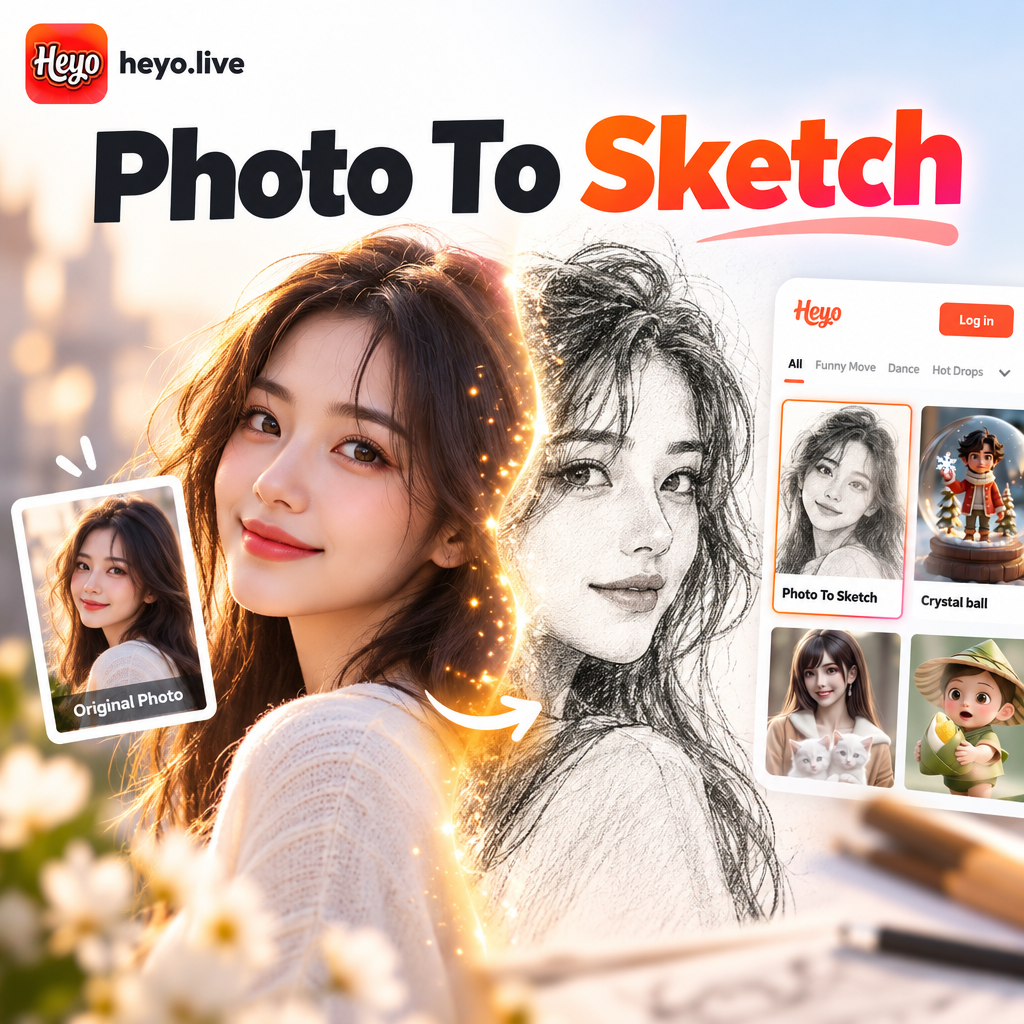
Choose the Sketch Filter That Suits You Best
Explore a variety of photo to sketch styles including pencil, charcoal, ink, and digital line art. Find the perfect filter for your image.
Key Features of Photo to Sketch AI
heyo makes it effortless to create hand drawn style sketches from any photo. No drawing skills or complex software needed.
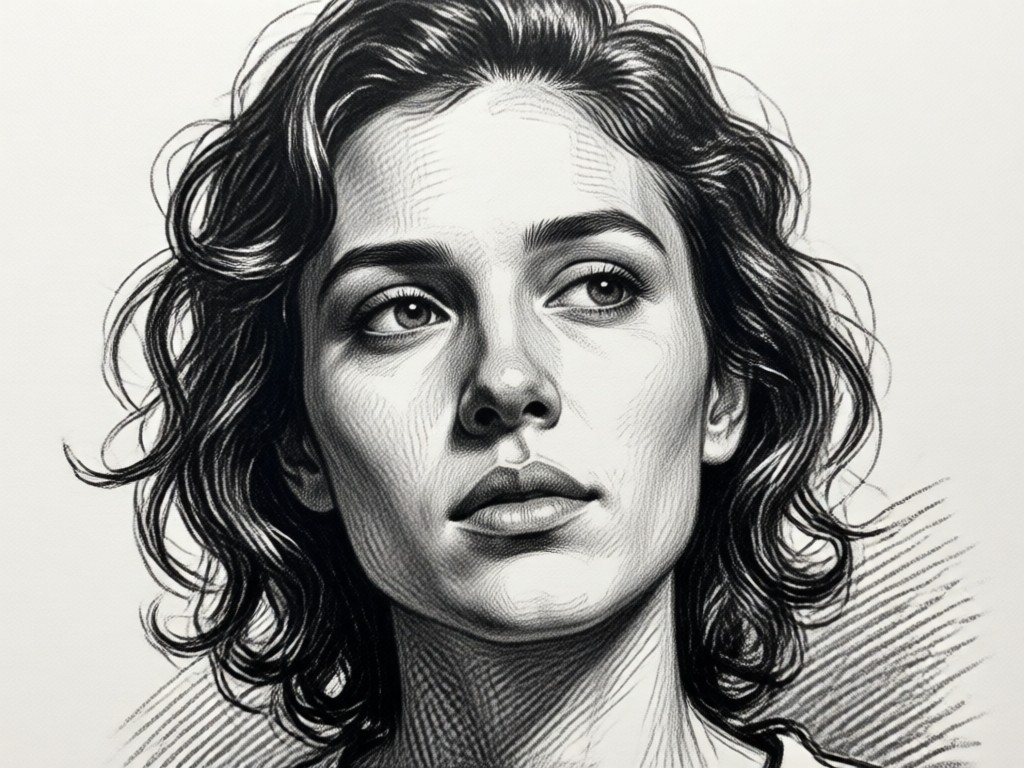
Smart Edge Detection
The AI identifies facial features, textures, and outlines to create clean pencil lines and realistic shading without losing the original composition.
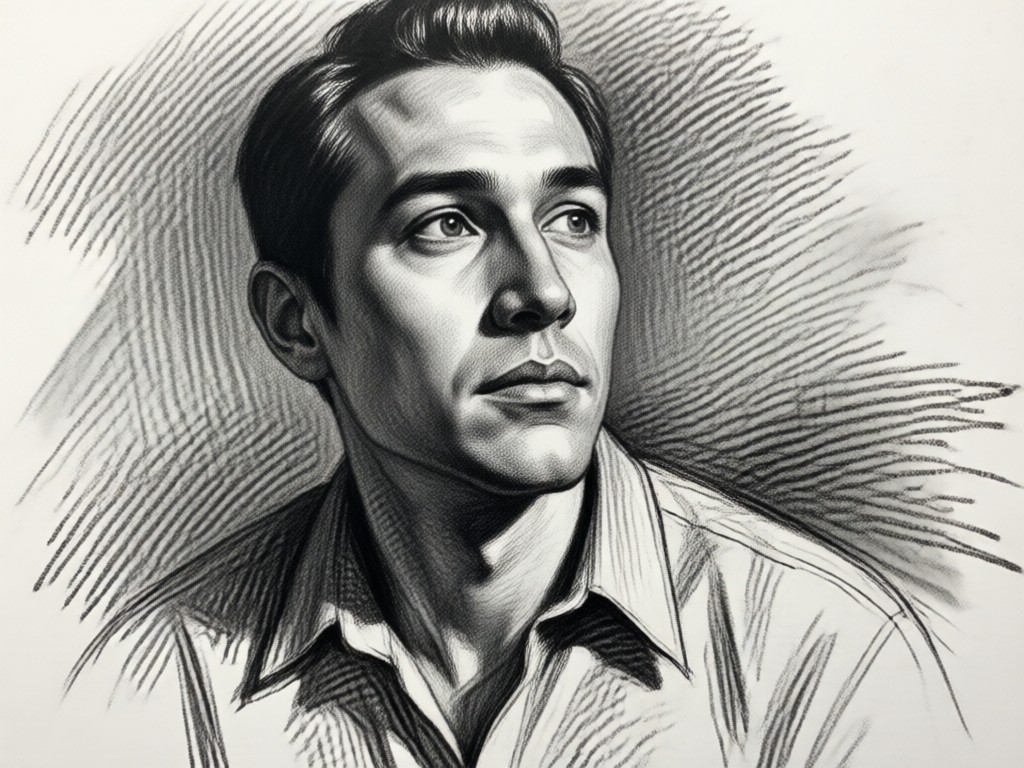
Multiple Artistic Styles
Switch between pencil, charcoal, ink, and soft line art. Adjust intensity and detail to match your preferred sketch aesthetic.
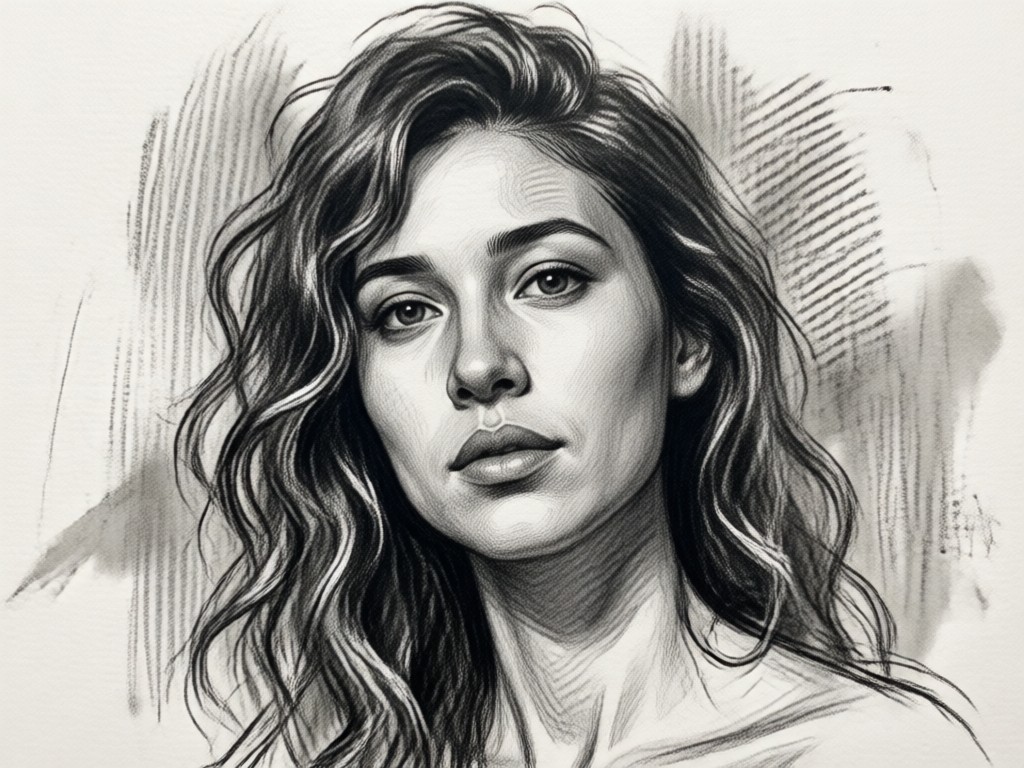
High Resolution Export
Download your sketch in crisp quality for printing, social media, or framing. Every detail stays sharp and true to the original photo.
How to Turn a Photo into a Sketch?
Create a hand drawn style sketch from any photo in three simple steps using the heyo app.

Step 01.
Download the heyo app from Google Play and open it on your phone.
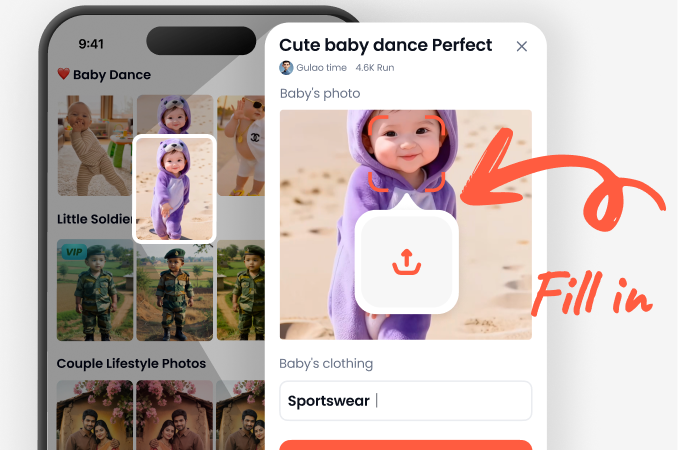
Step 02.
Upload a photo from your gallery or take a new one. Then pick a sketch filter such as pencil, charcoal, or ink.
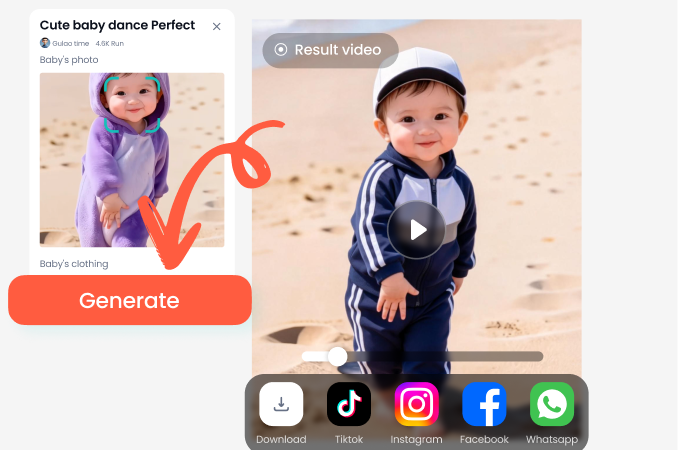
Step 03.
Let the AI process your image and download the finished sketch. Share it on social media or save it for later.
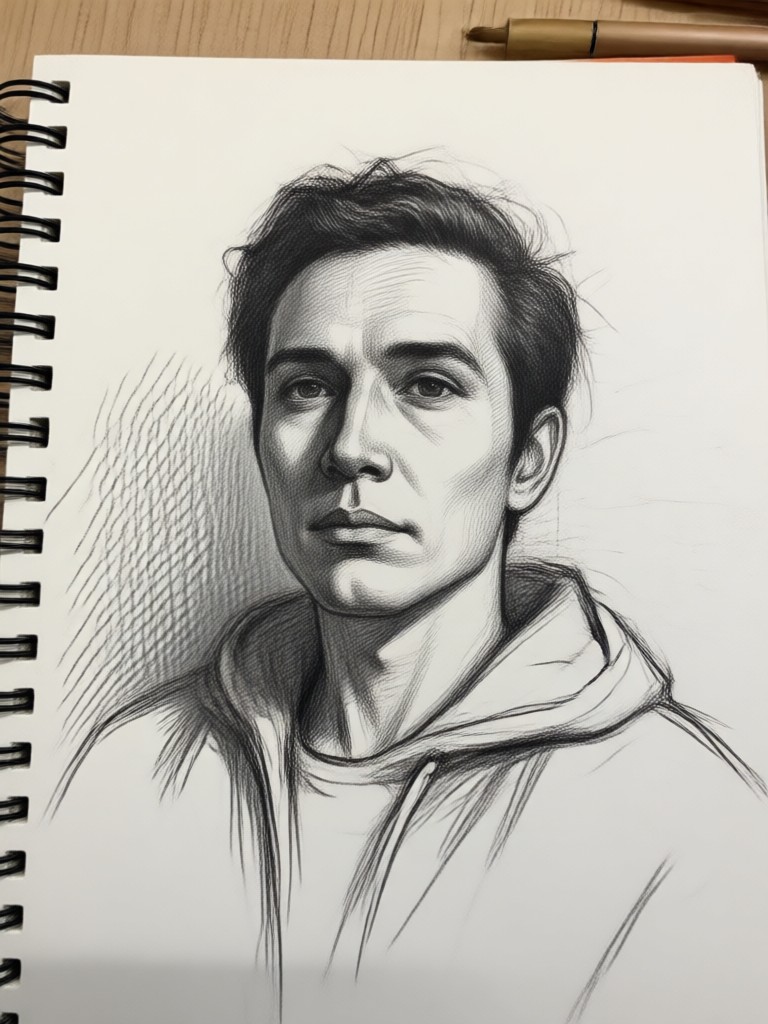
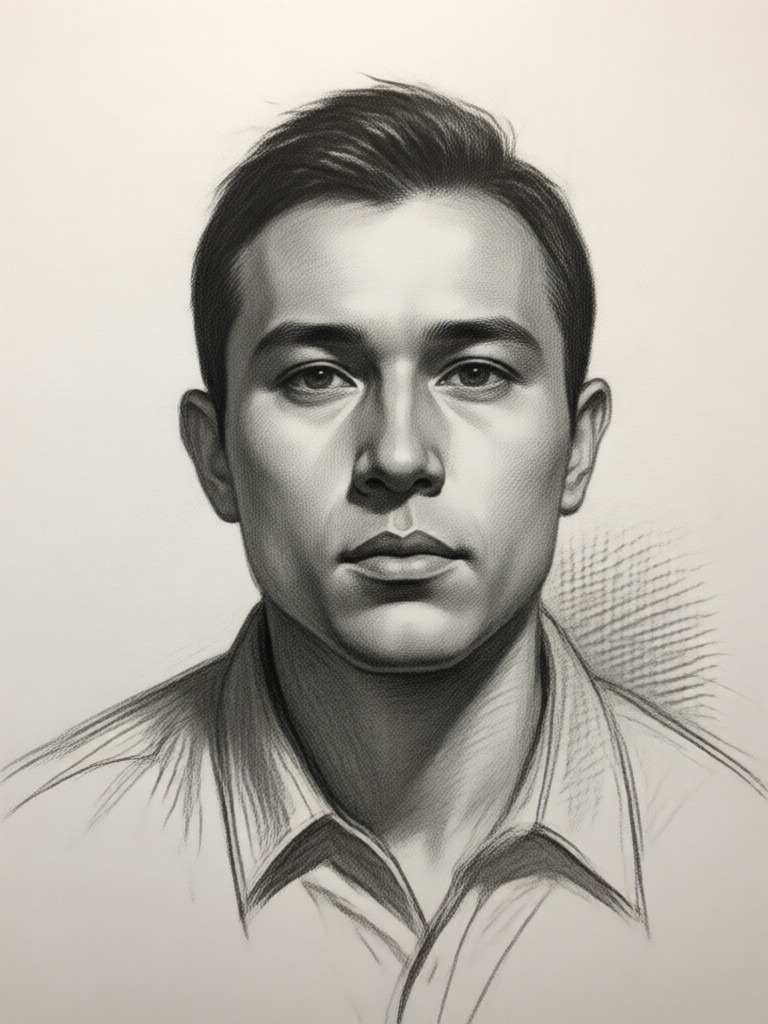
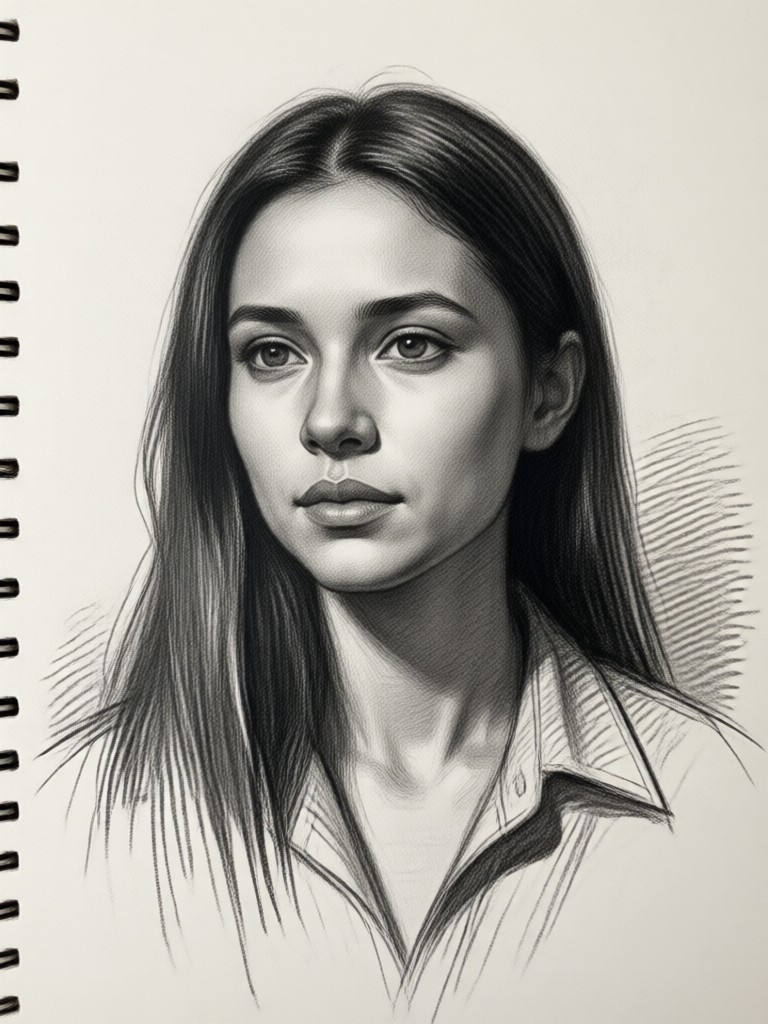
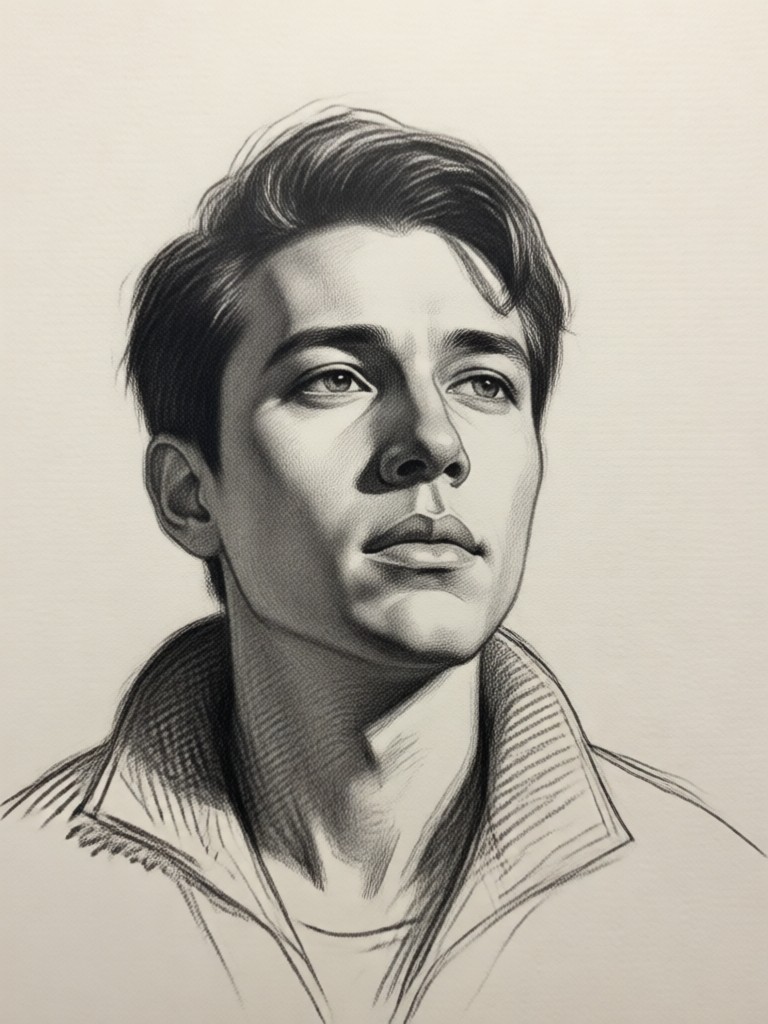
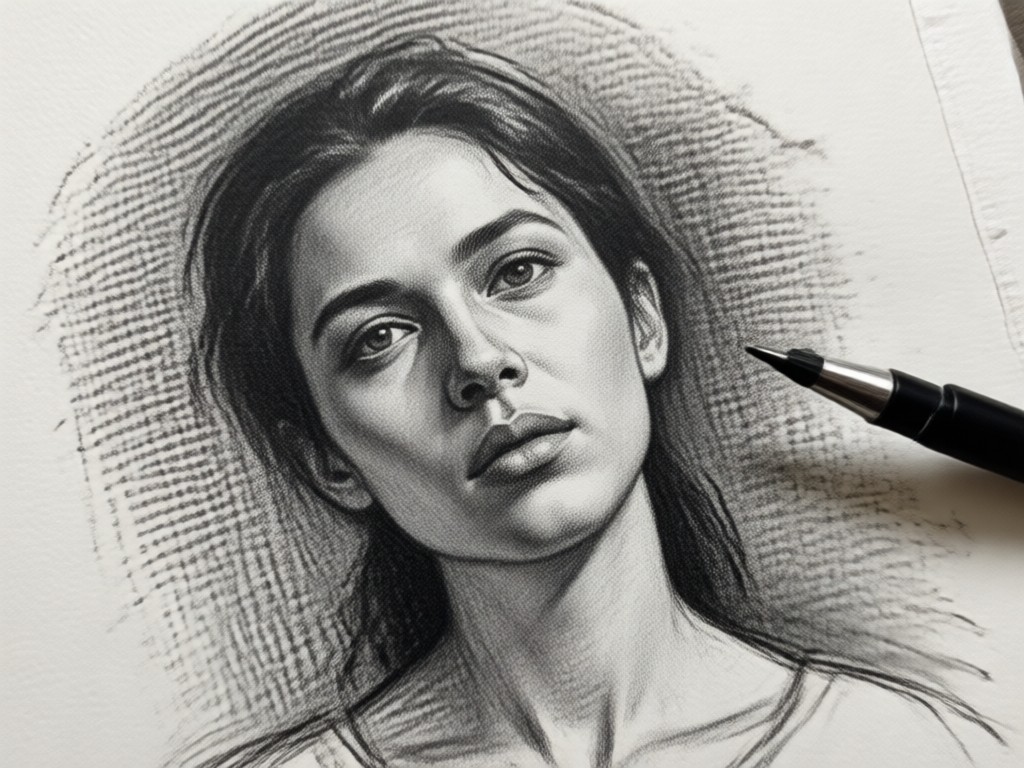
Photo to Sketch Gallery
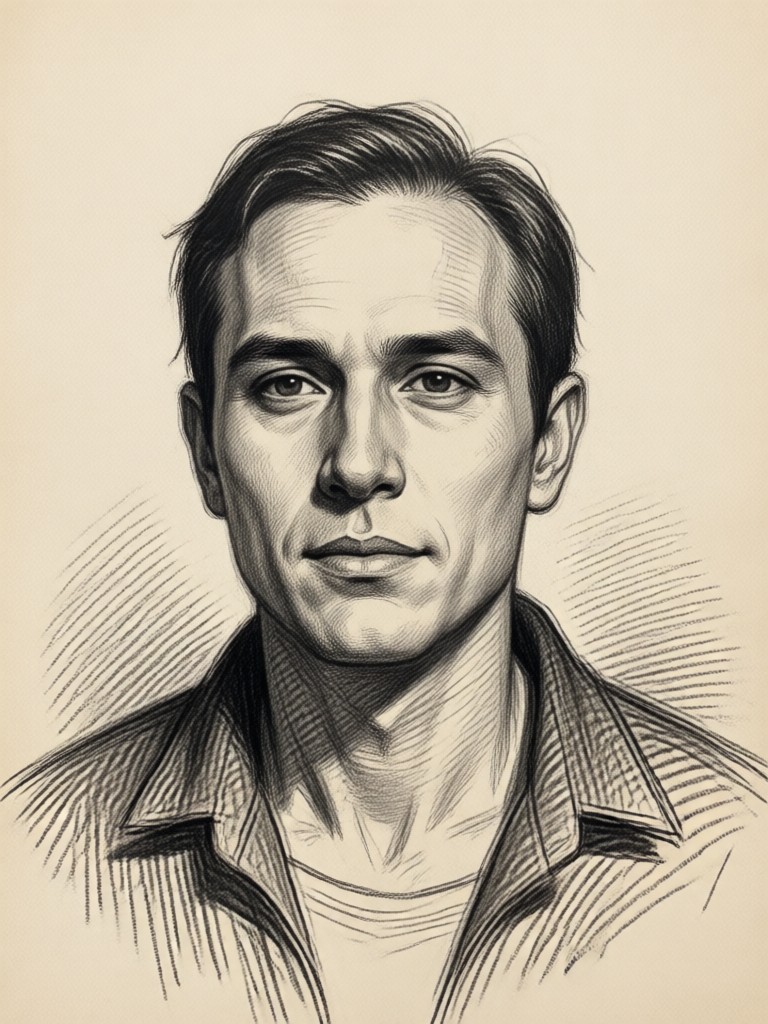
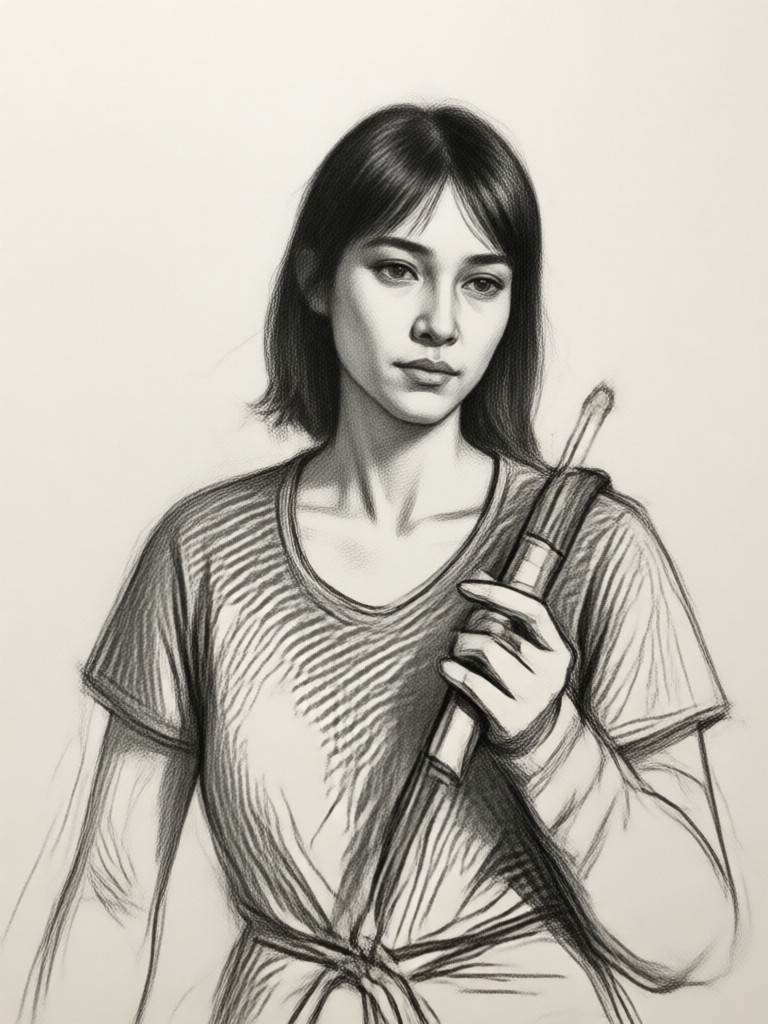
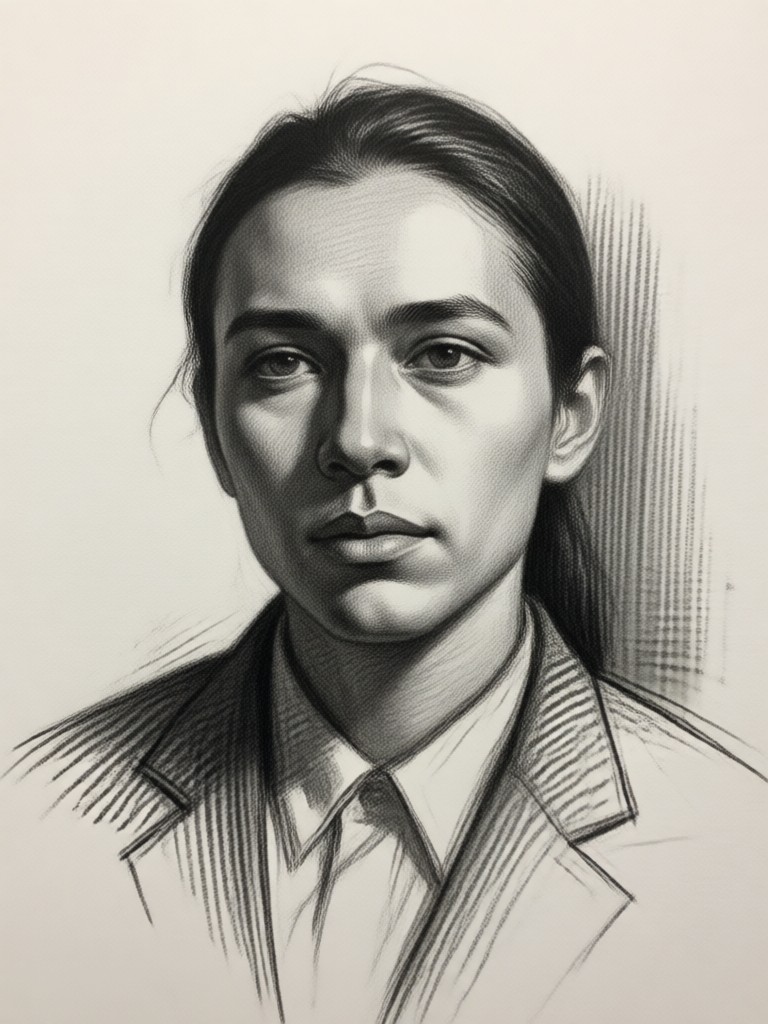
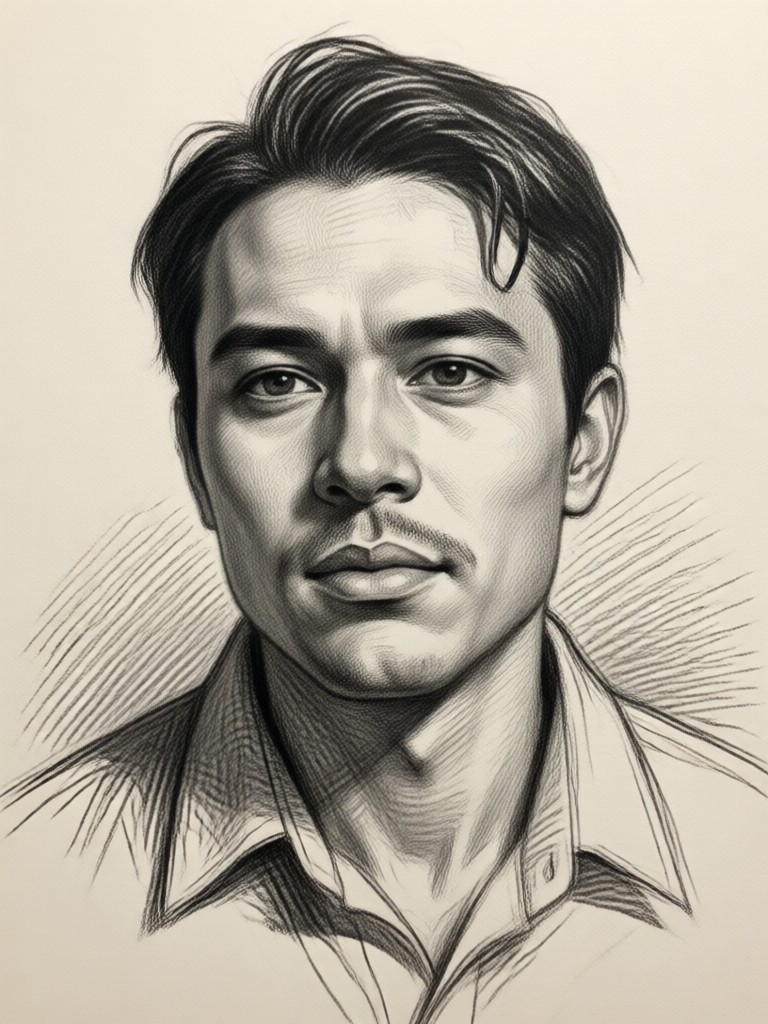
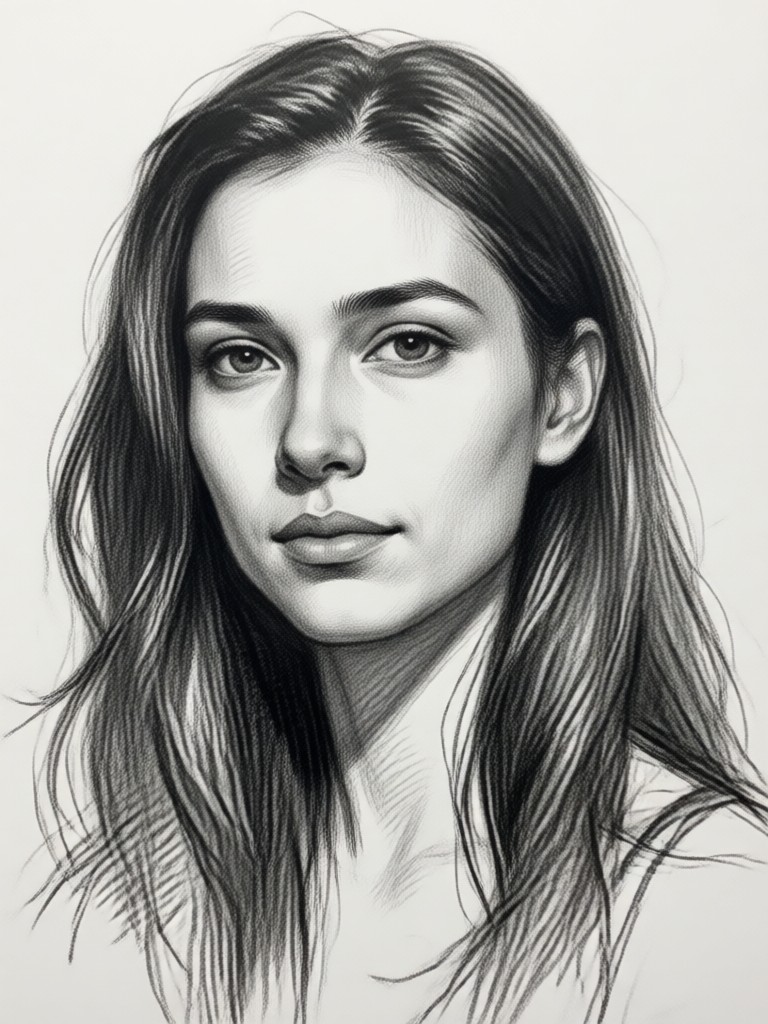
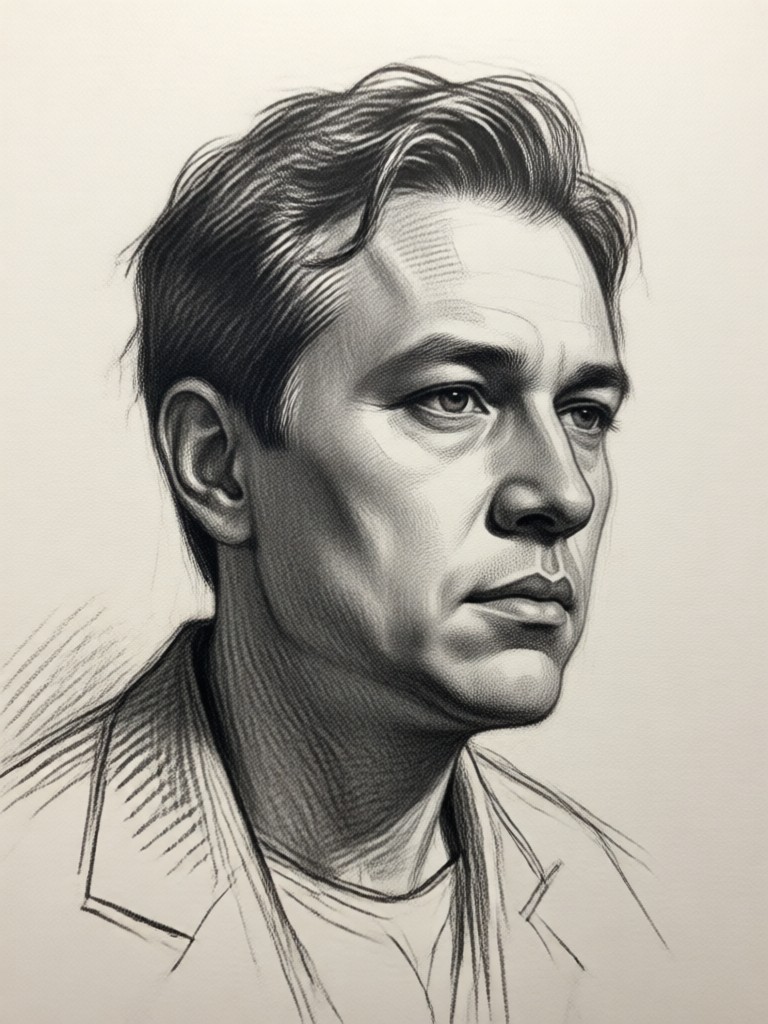
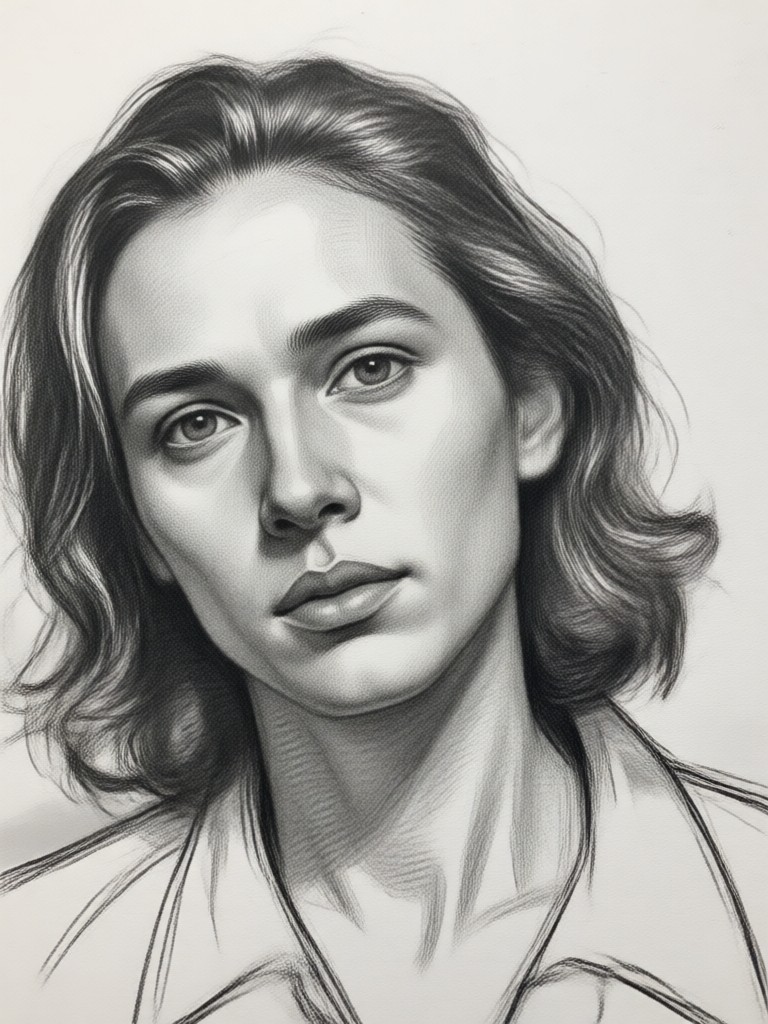
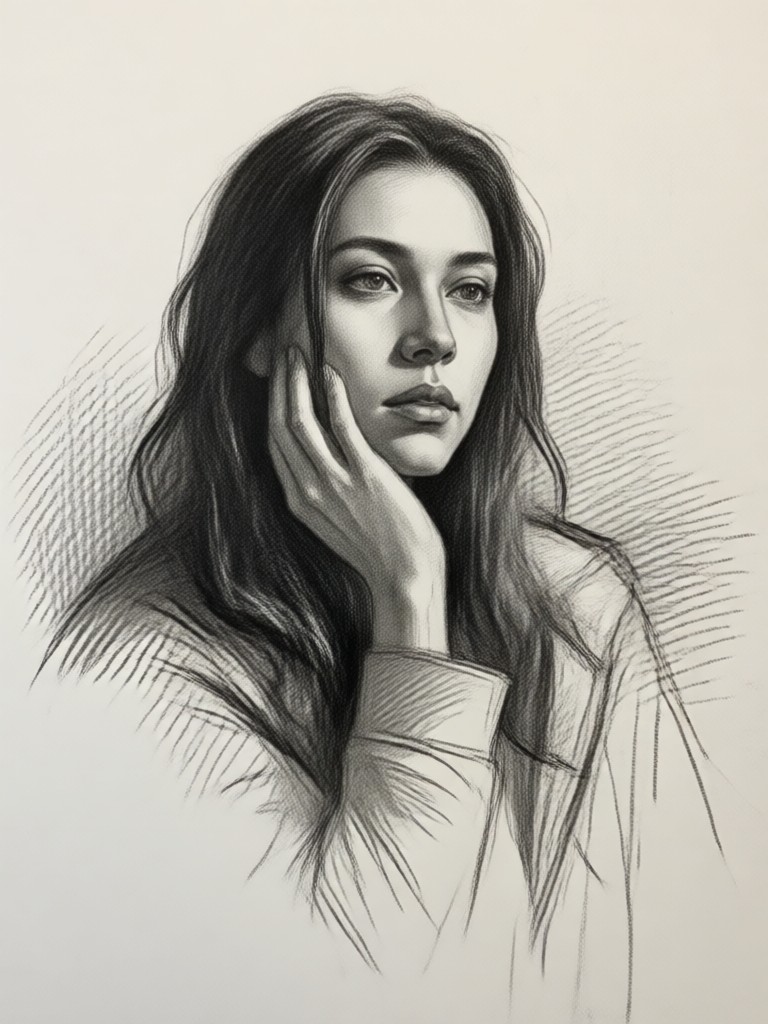
Browse real examples generated with heyo. See how different photos transform into pencil, charcoal, and line art sketches.
Why Use a Photo to Sketch AI Filter?
Skip complicated drawing apps and expensive software. heyo uses advanced AI to produce authentic pencil and charcoal sketches from any photo in seconds. You get full control over style and intensity, with no drawing experience needed. Perfect for portraits, pets, landscapes, and social media content.
Why Use a Photo to Sketch AI Filter?
Skip complicated drawing apps and expensive software. heyo uses advanced AI to produce authentic pencil and charcoal sketches from any photo in seconds. You get full control over style and intensity, with no drawing experience needed. Perfect for portraits, pets, landscapes, and social media content.
Frequently Asked Questions
Find clear answers to common questions about turning photos into sketches with heyo.
What Creators Say About Photo to Sketch
The pencil sketches look so real
I used heyo to turn my wedding photos into pencil sketches and the result was stunning. My friends thought I hired an artist. It took less than a minute per photo.
Perfect for quick social media art
I make sketch versions of my travel photos to post on Instagram. heyo gives me consistent quality and the charcoal style is gorgeous. No more struggling with drawing apps.
Finally an app that understands line art
The line art filter is exactly what I needed for my design projects. I can convert product photos into clean sketches and use them in client presentations. Fast and reliable.
More Topics You May Like
Explore more creative AI tools and effects from heyo to expand your content possibilities.
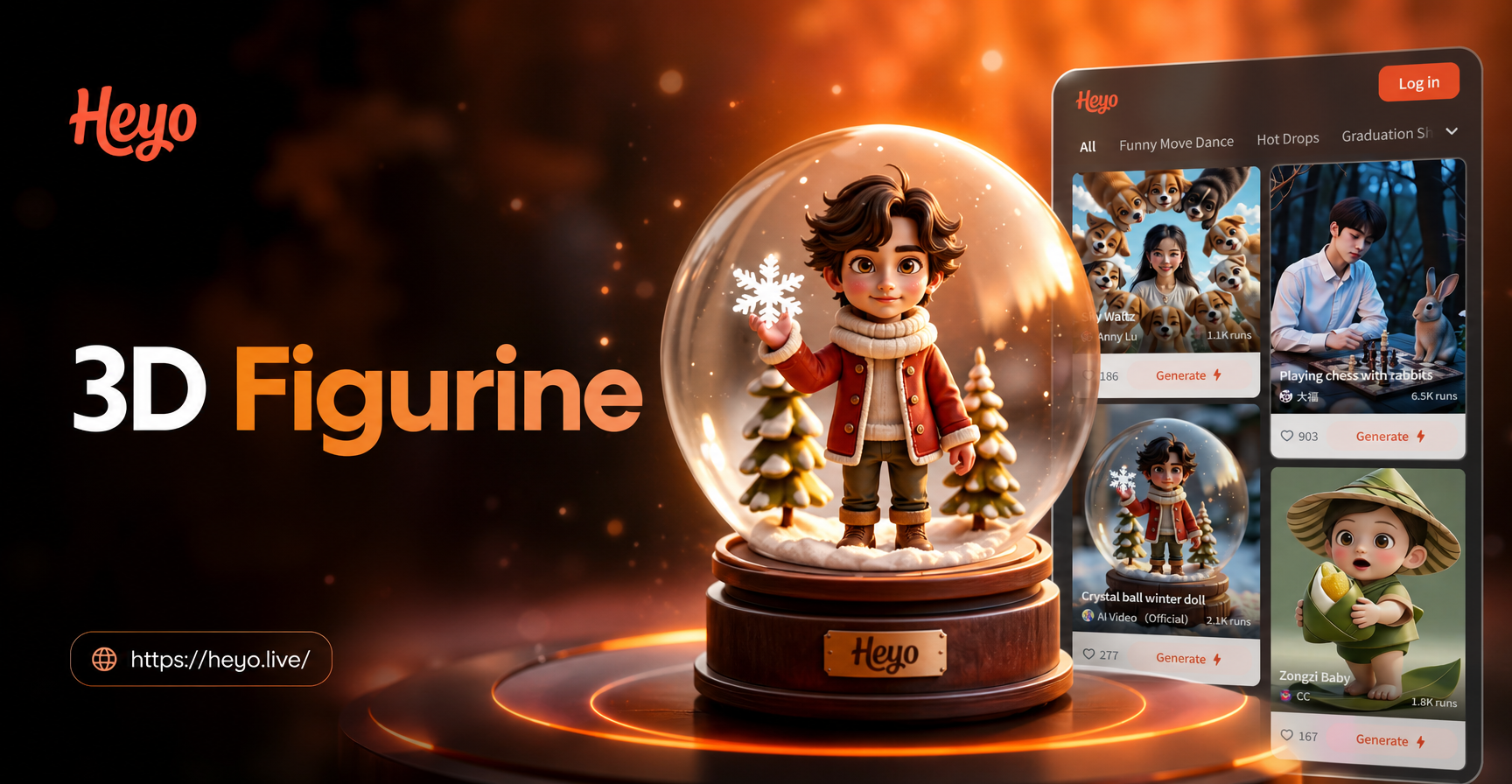
Create 3D Figurines: AI Photo Prompt Inspiration & Guide
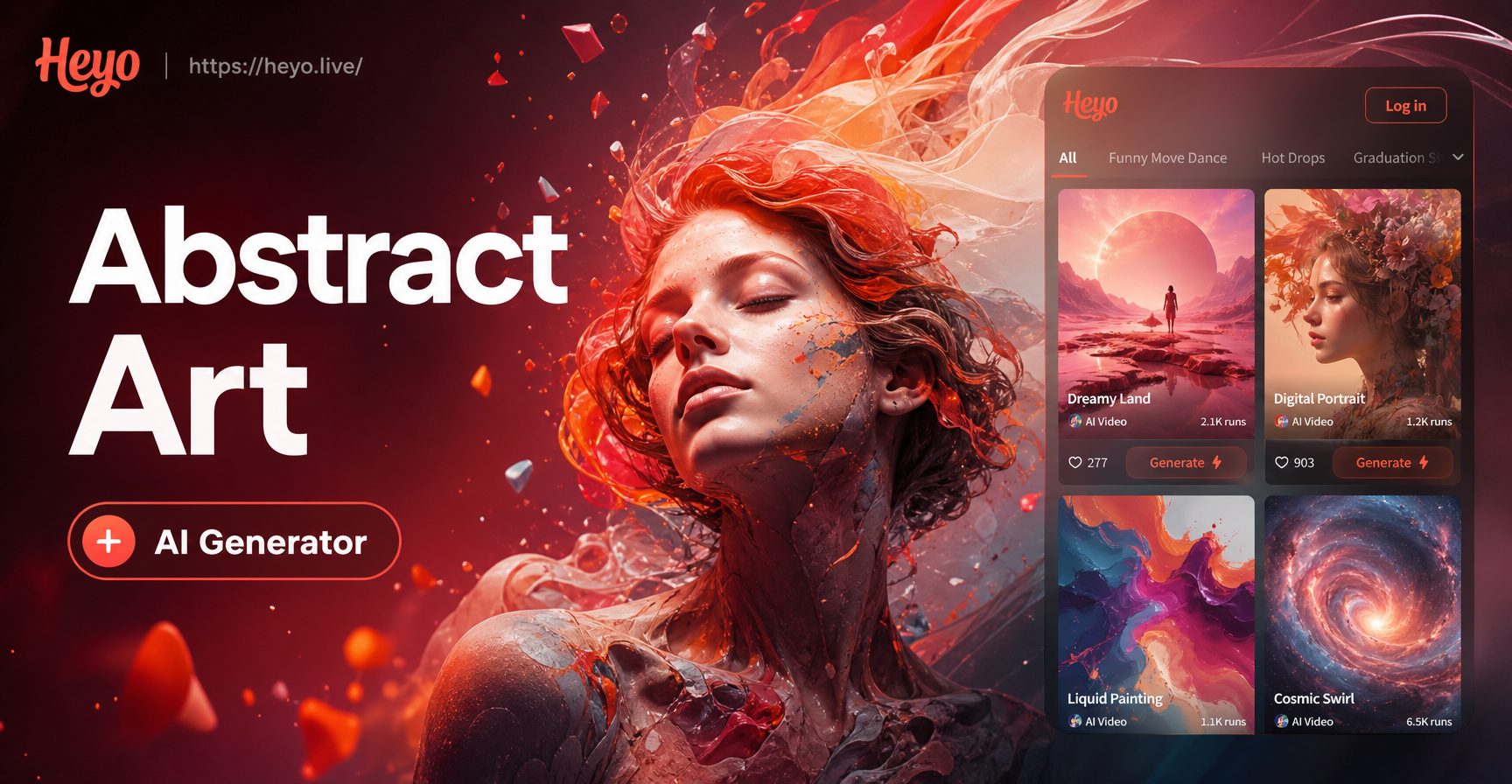
Abstract Art Generator - AI Powered Creative Tool | heyo
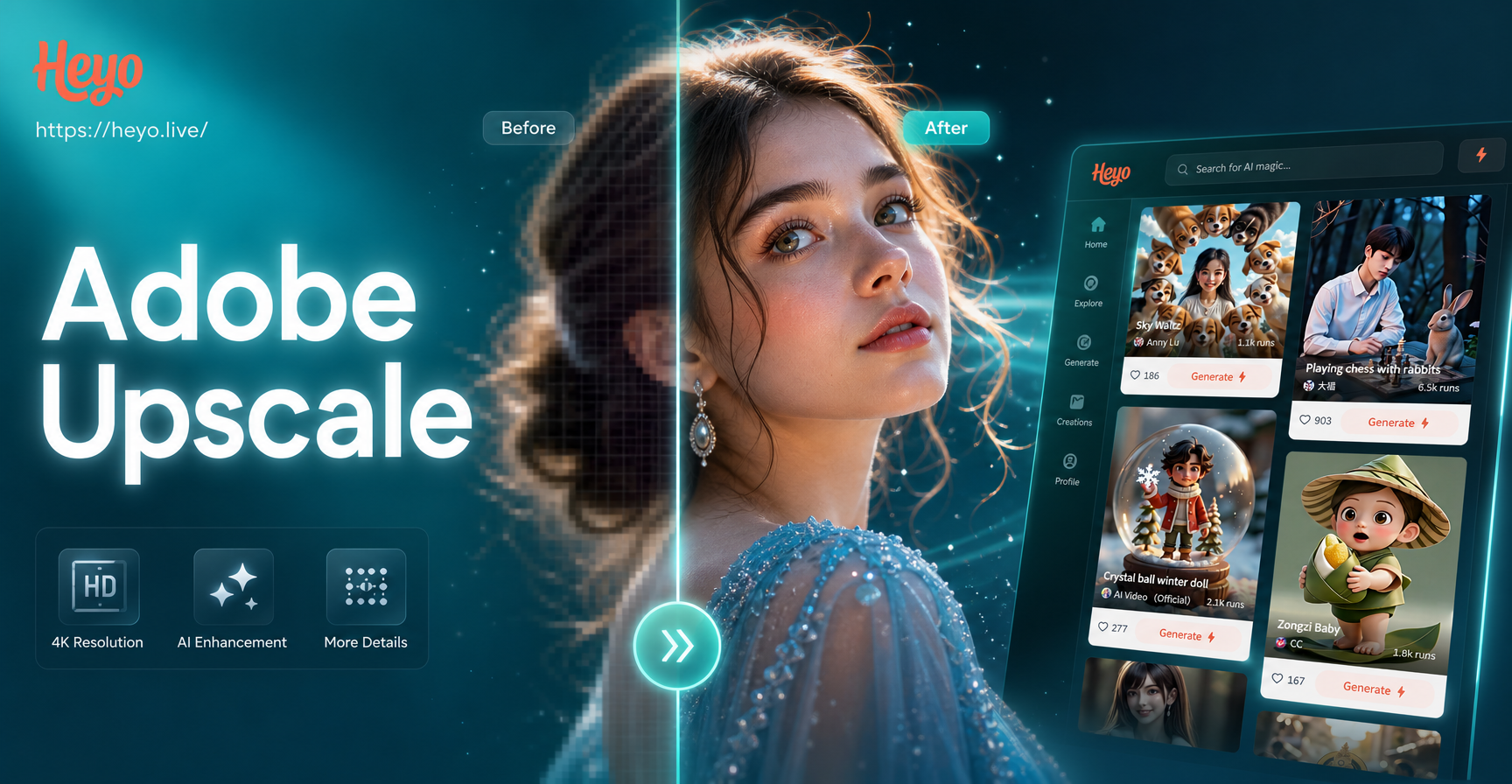
Adobe Upscale Image - AI Powered Creative Tool | heyo
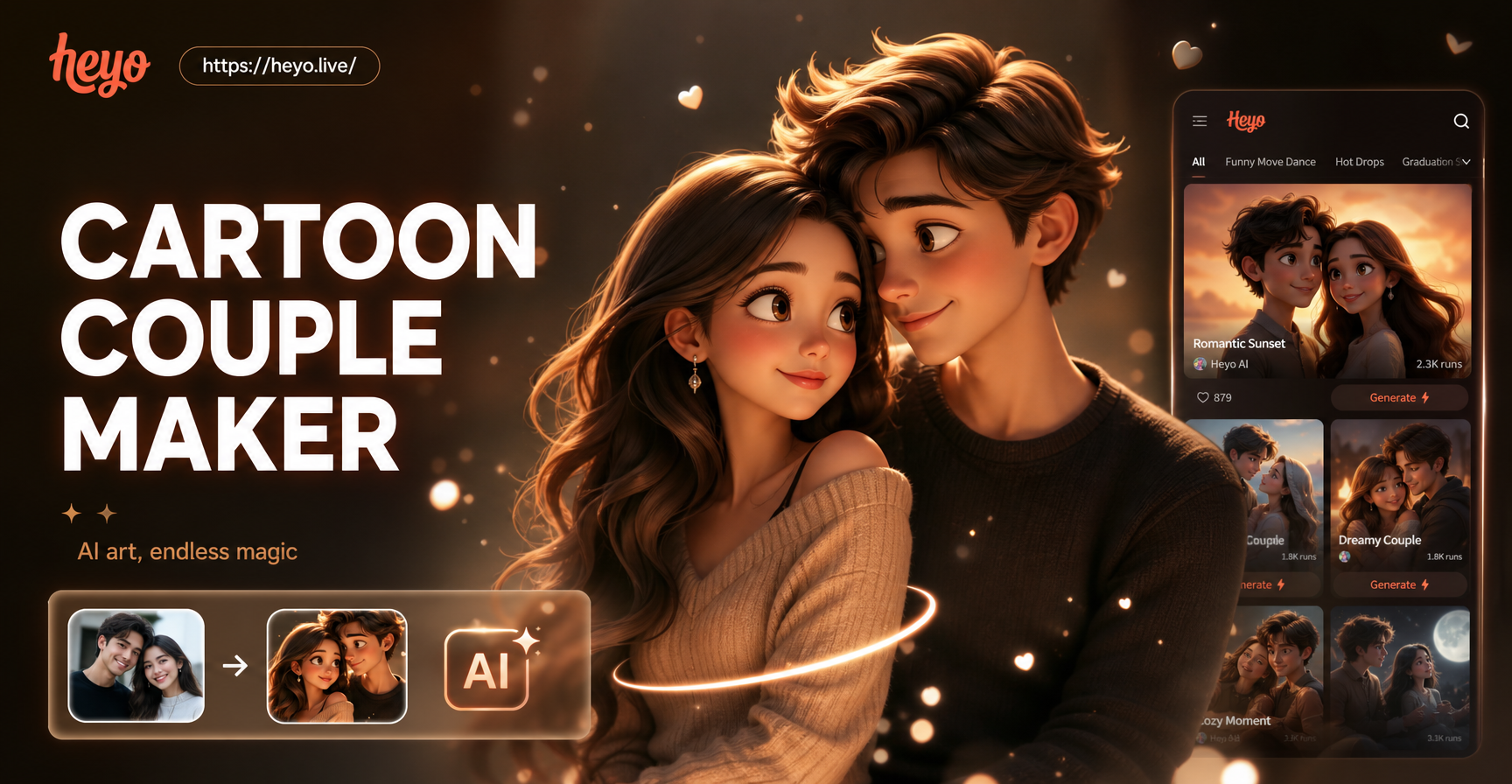
Cartoon Couple Maker - AI Powered Creative Tool | heyo
Create 3D Figurines: AI Photo Prompt Inspiration & Guide
Abstract Art Generator - AI Powered Creative Tool | heyo
Adobe Upscale Image - AI Powered Creative Tool | heyo
Cartoon Couple Maker - AI Powered Creative Tool | heyo
Turn Photos into Sketches Instantly
Download the heyo app and start transforming your photos into pencil, charcoal, and ink sketches in seconds. No drawing skills needed.
Turn Photos into Sketches Instantly
Download the heyo app and start transforming your photos into pencil, charcoal, and ink sketches in seconds. No drawing skills needed.