Photo to Smoke Portrait Generator
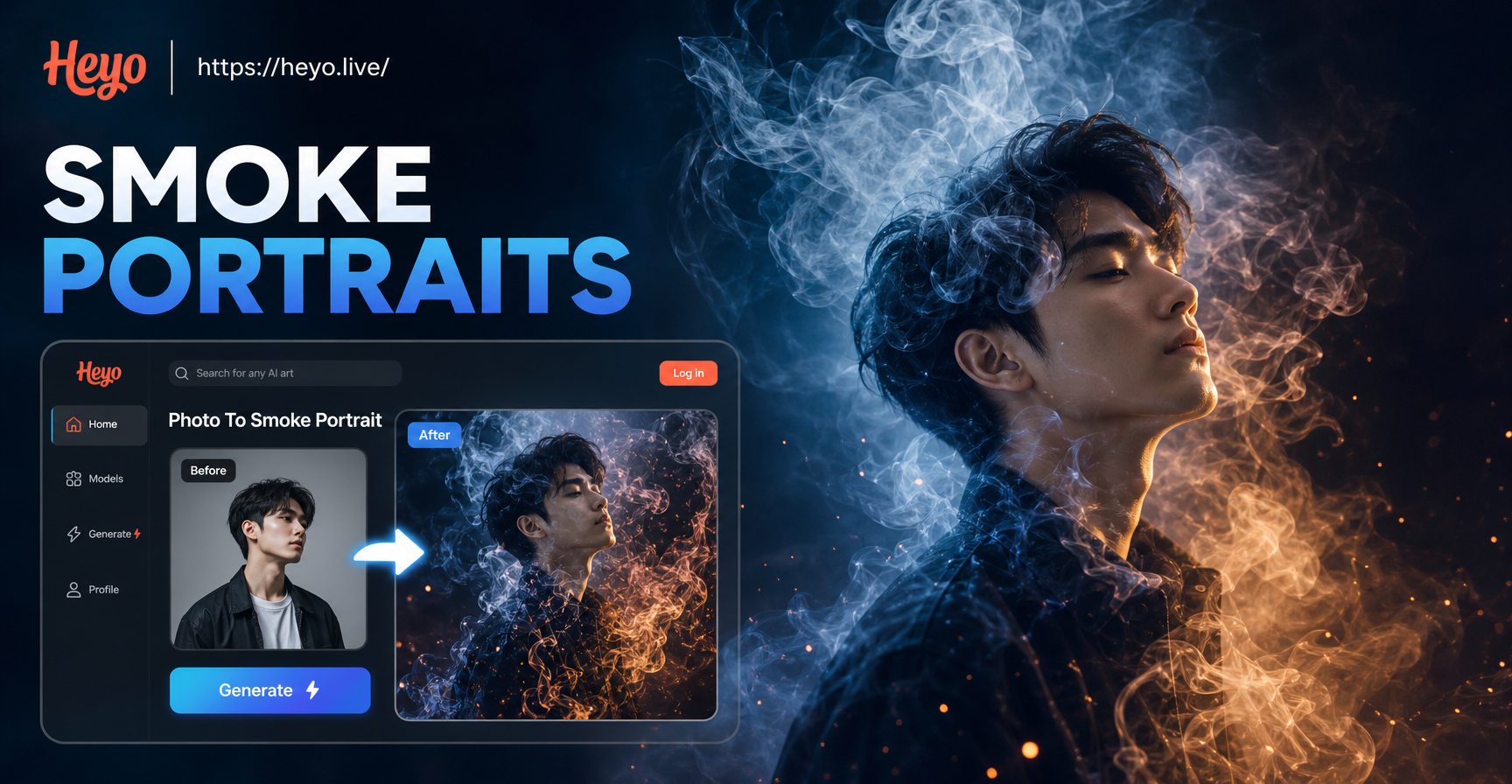
Choose Your Smoke Portrait Style
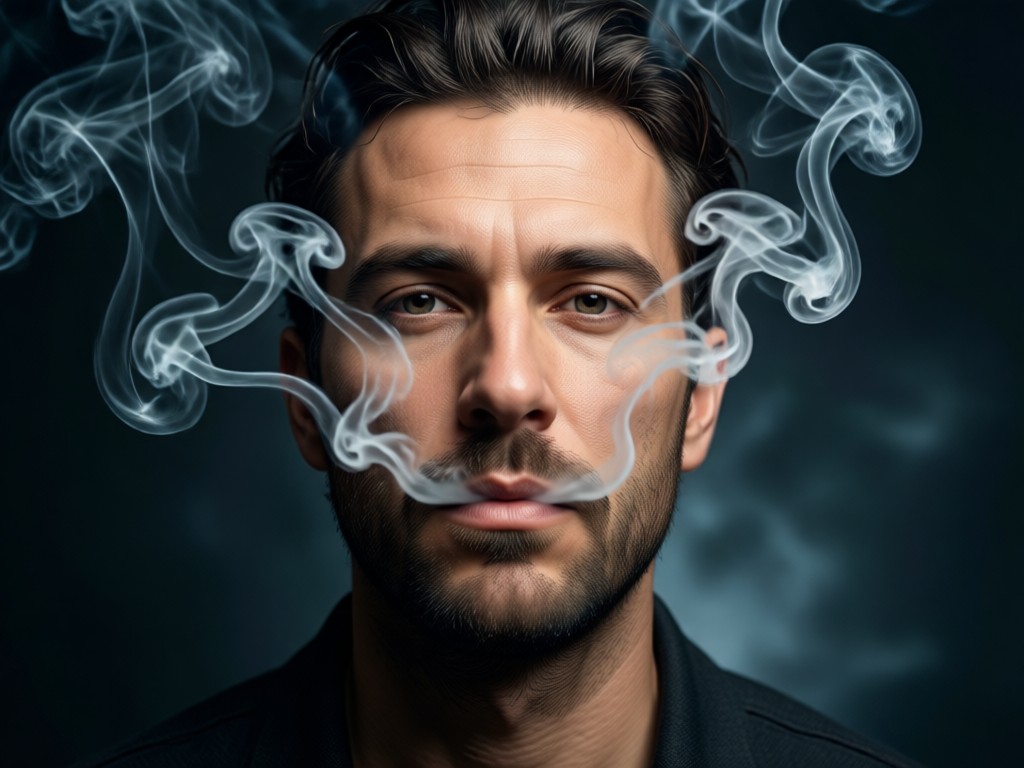
Explore a variety of atmospheric filters designed to add smoke, fog, and mystical overlays to your portraits.
How the AI Smoke Portrait Generator Works
Our technology analyzes your portrait's depth, lighting, and subject to apply smoke effects that look natural and professionally edited.
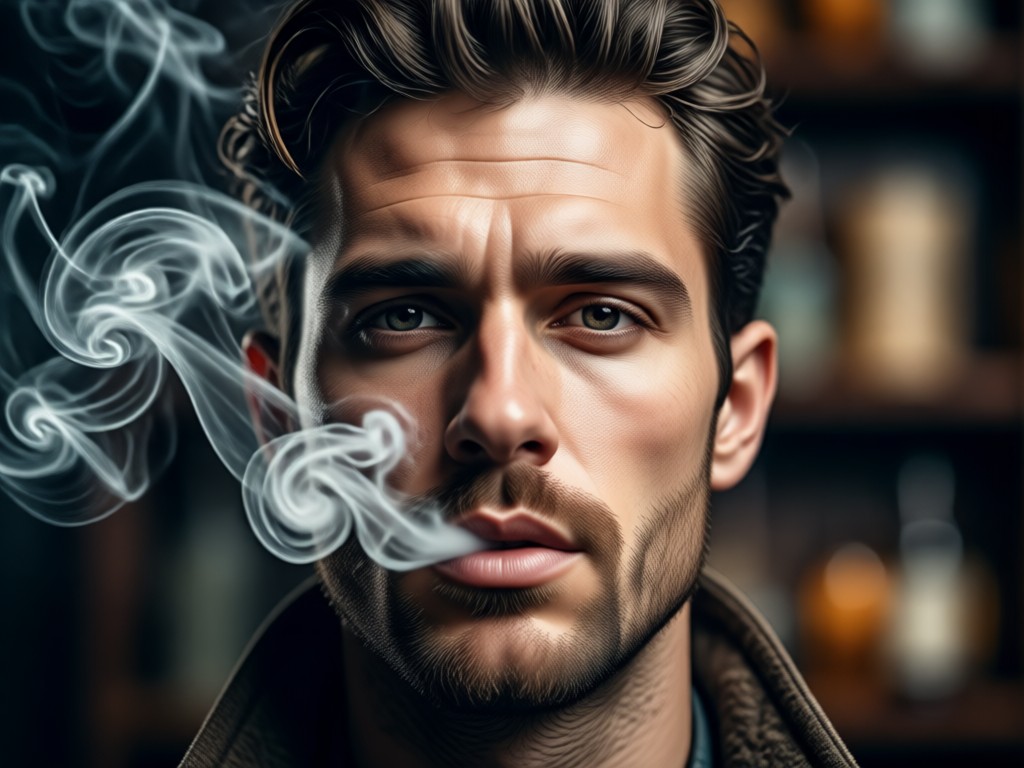
Intelligent Subject Detection
AI precisely identifies the portrait subject, ensuring smoke wisps flow around faces and hair naturally without obscuring important features.
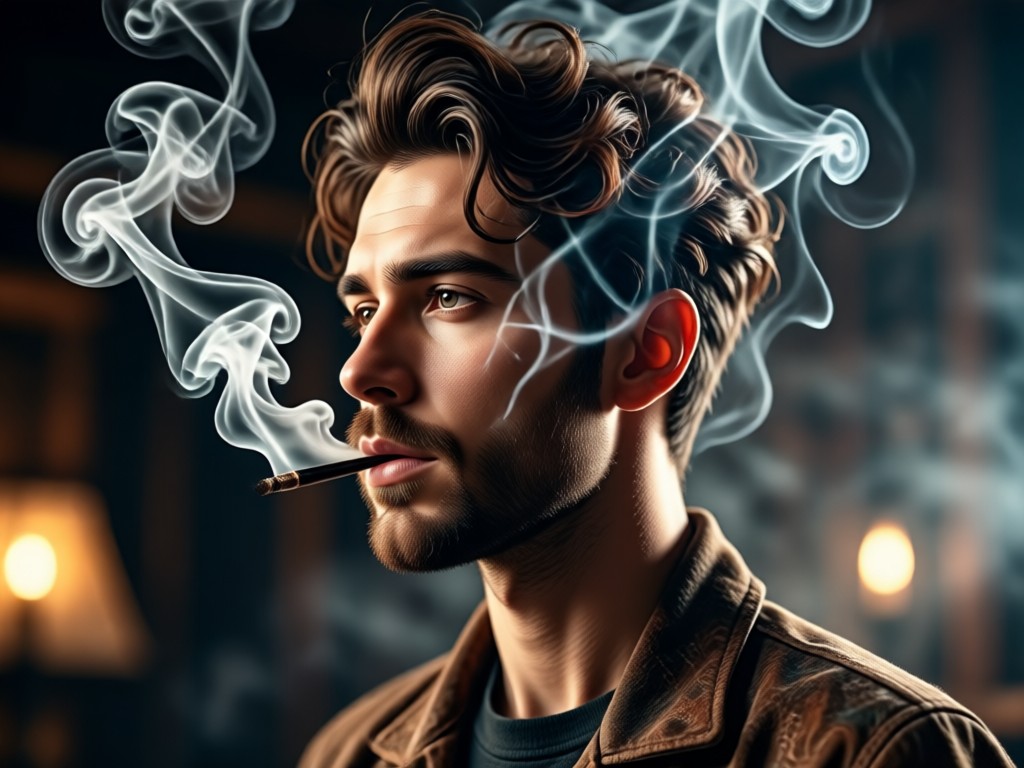
Realistic Physics Simulation
The generator simulates how smoke interacts with light and movement, creating volumetric, wispy effects that respect the original photo's lighting direction.
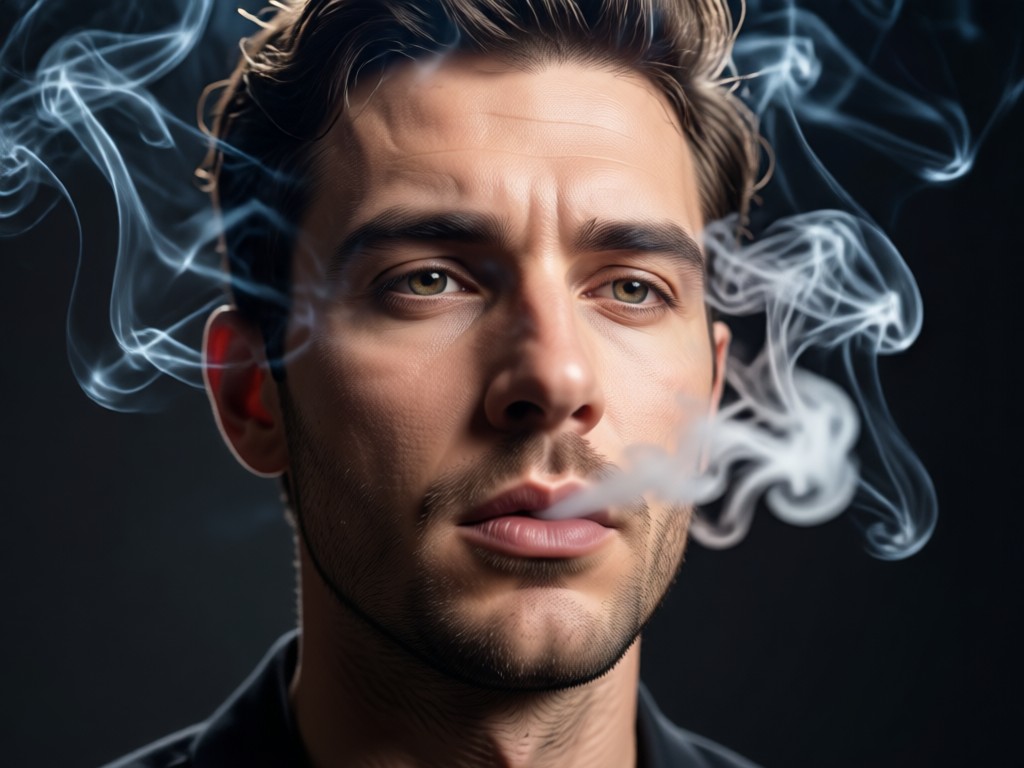
Customizable Intensity & Color
Adjust the density of the smoke from a subtle haze to a thick fog. Tint your smoke with cool blues, warm ambers, or mystical purples.
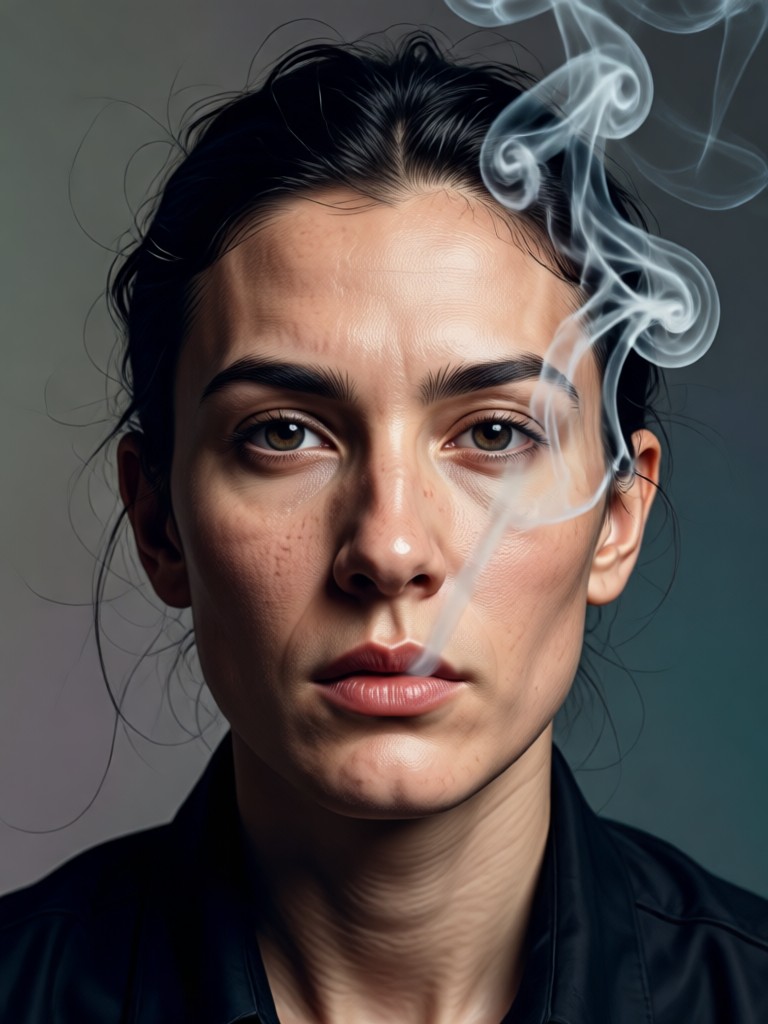
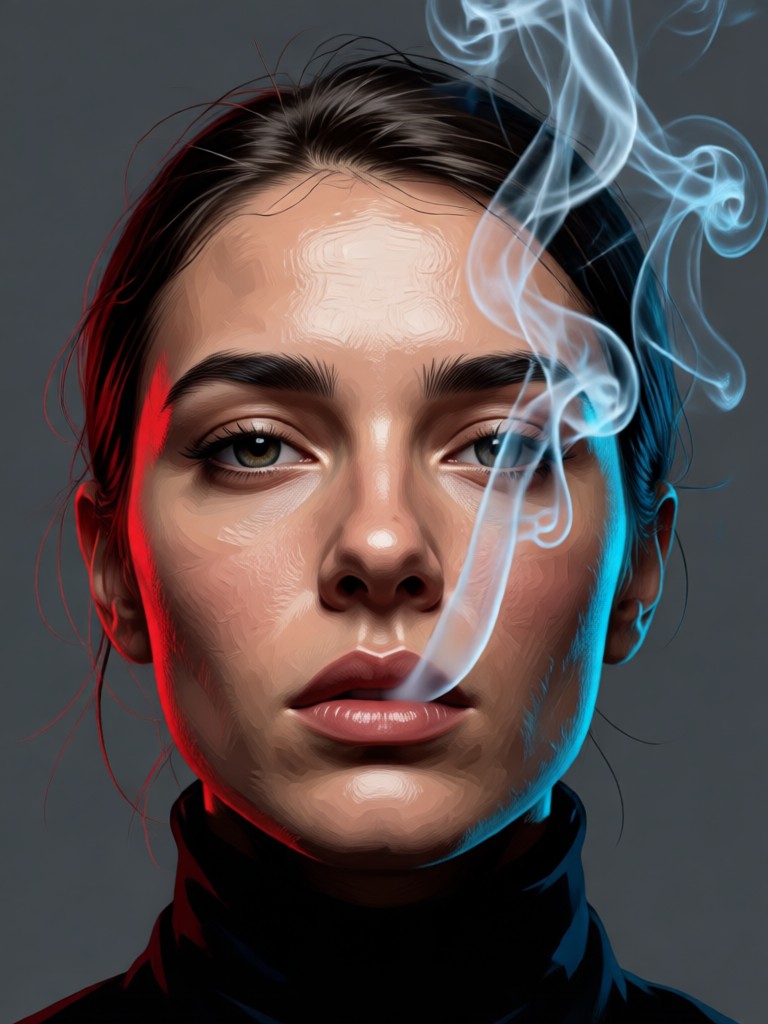
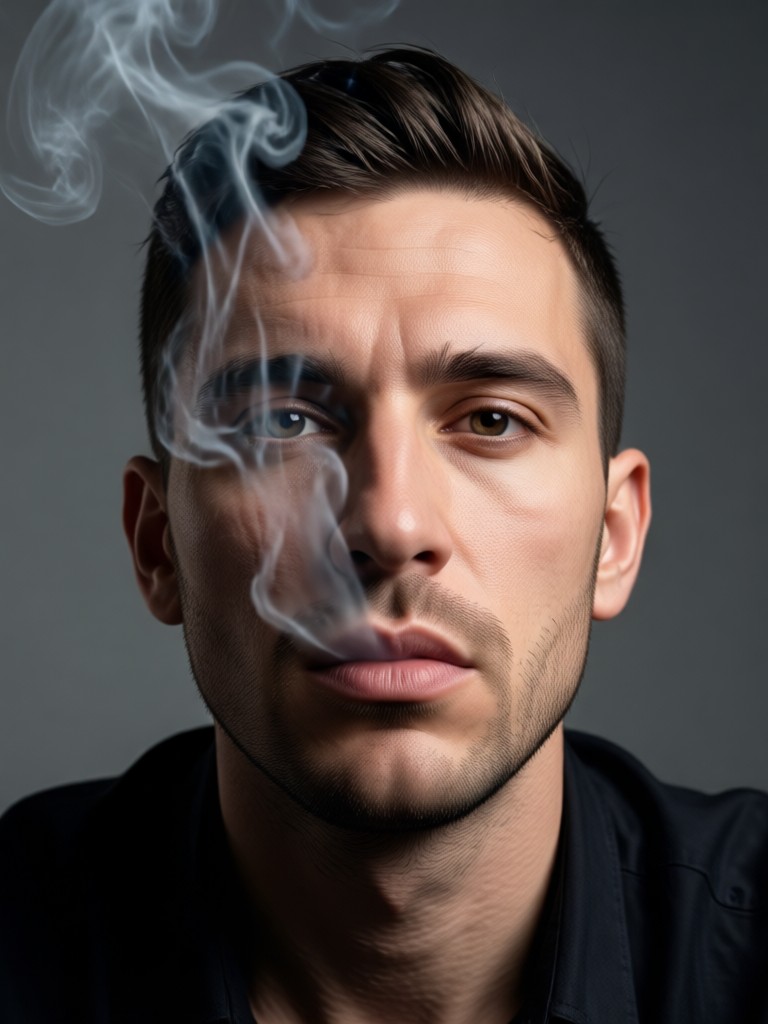
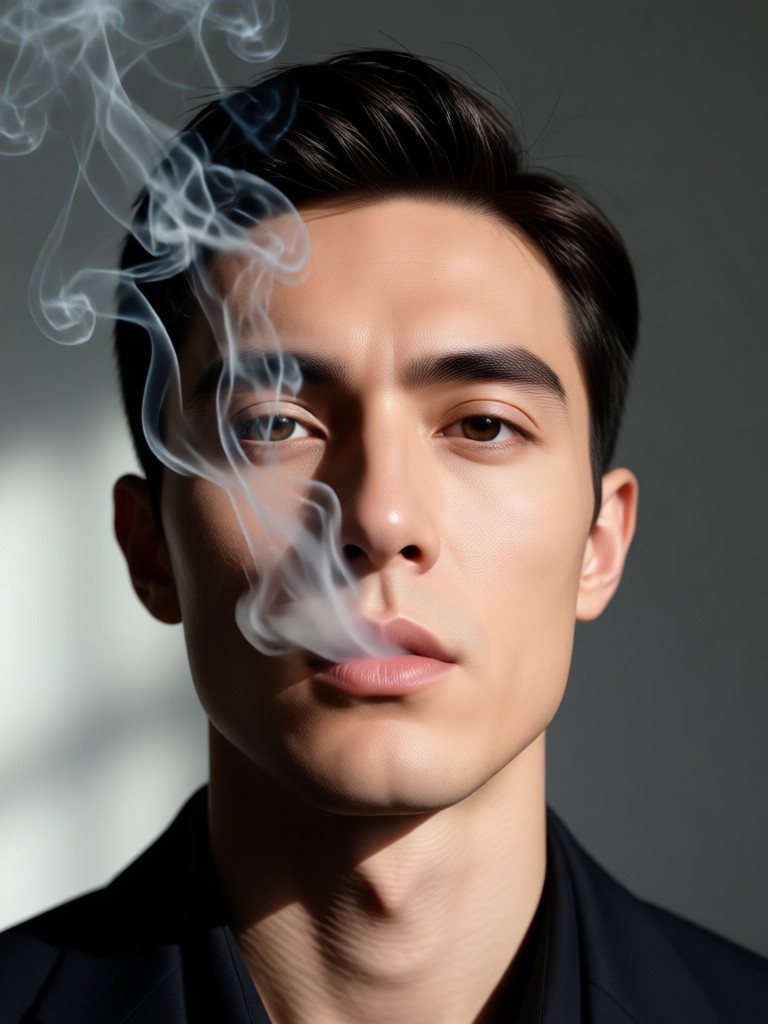
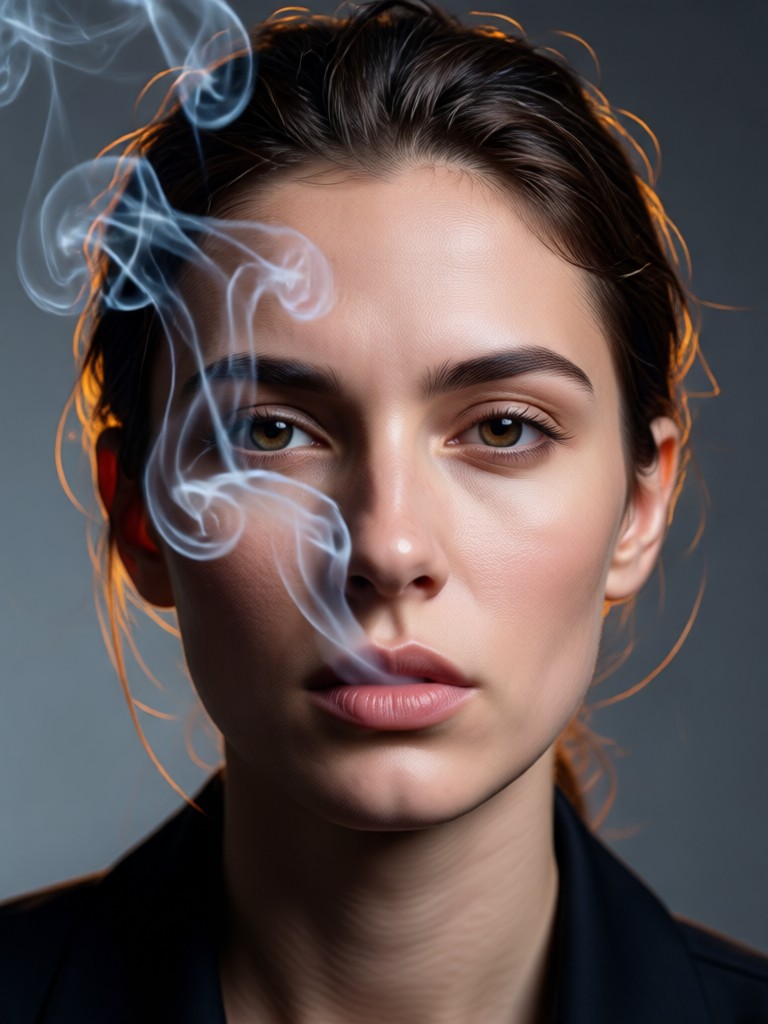
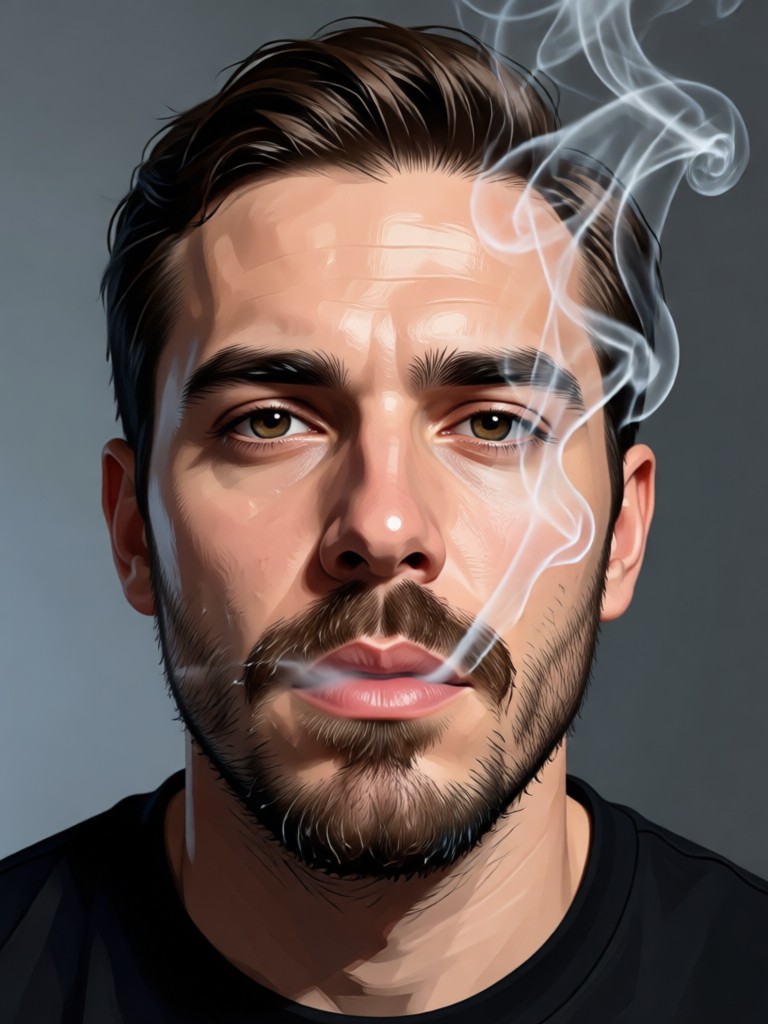
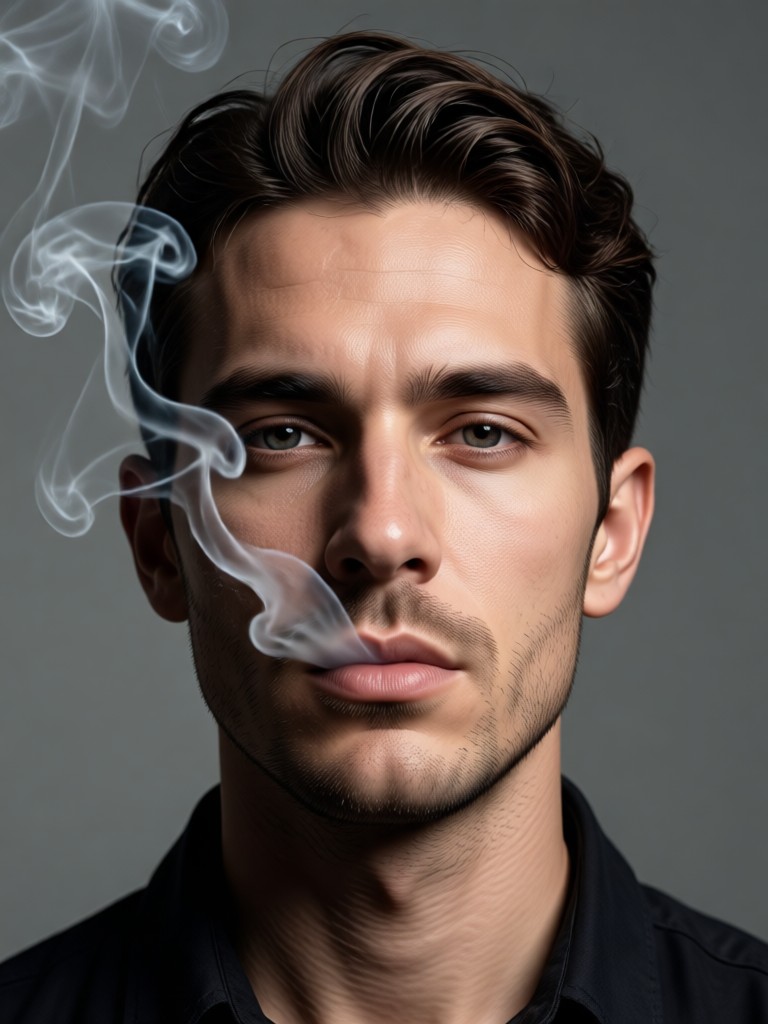
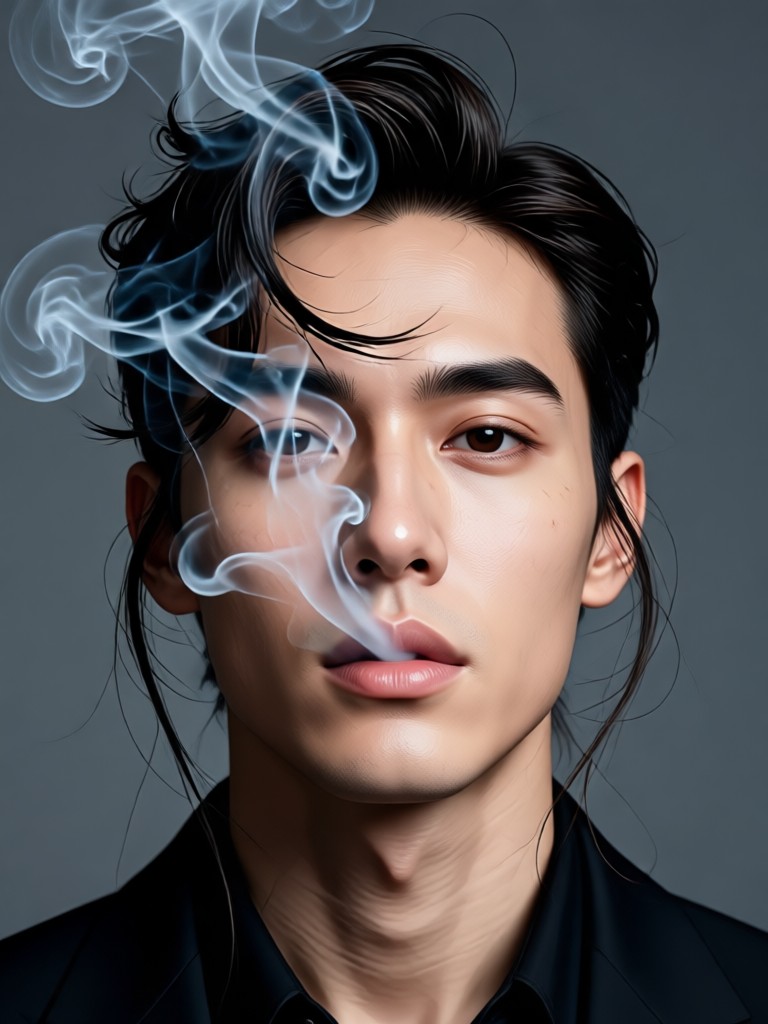
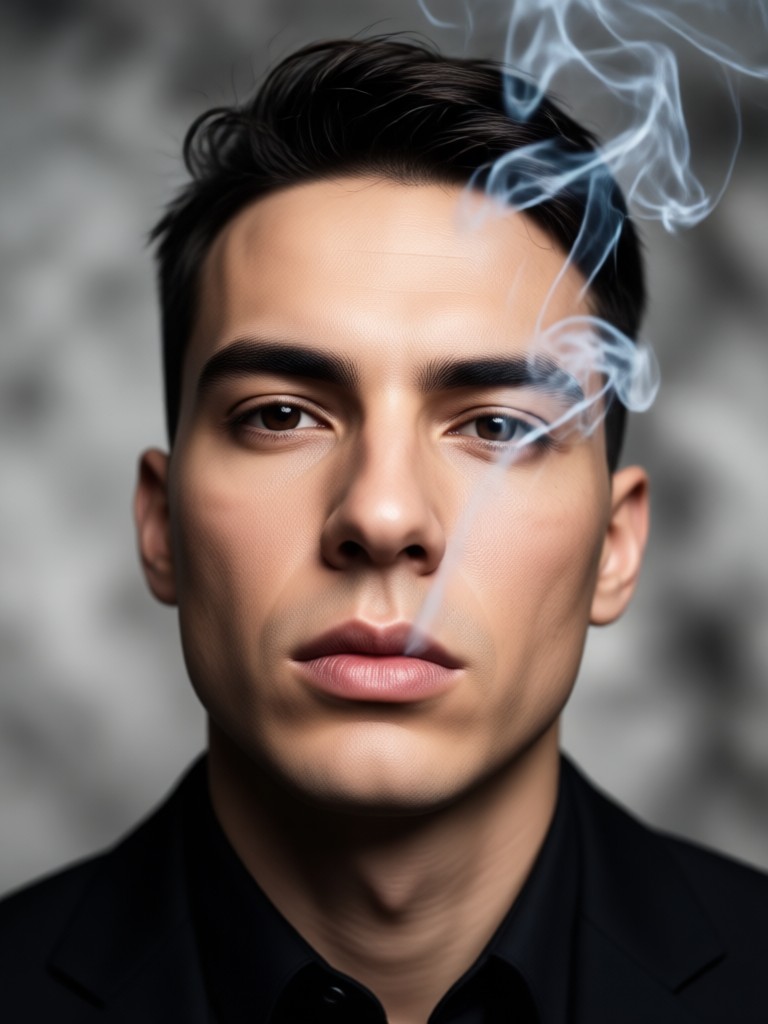
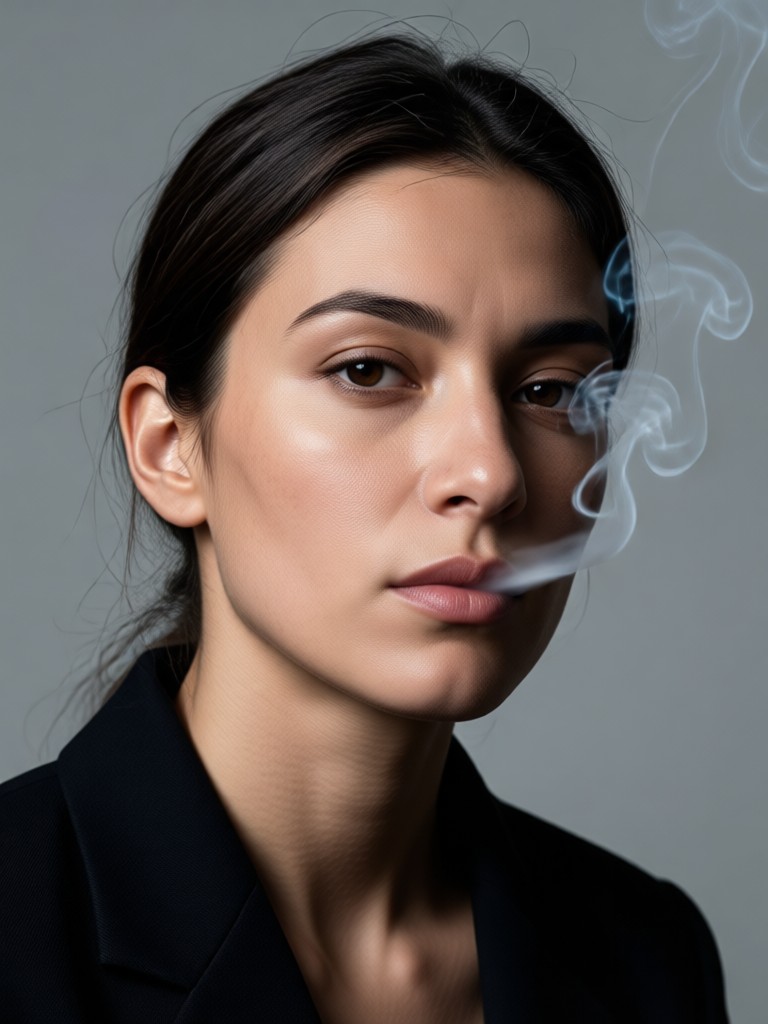
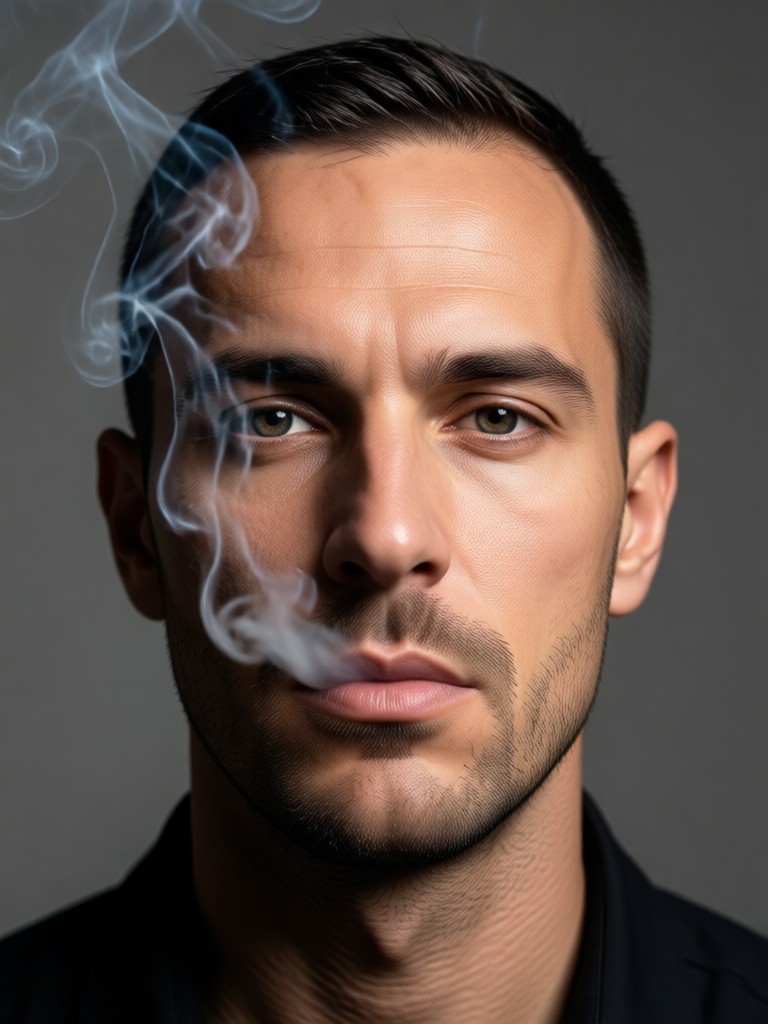
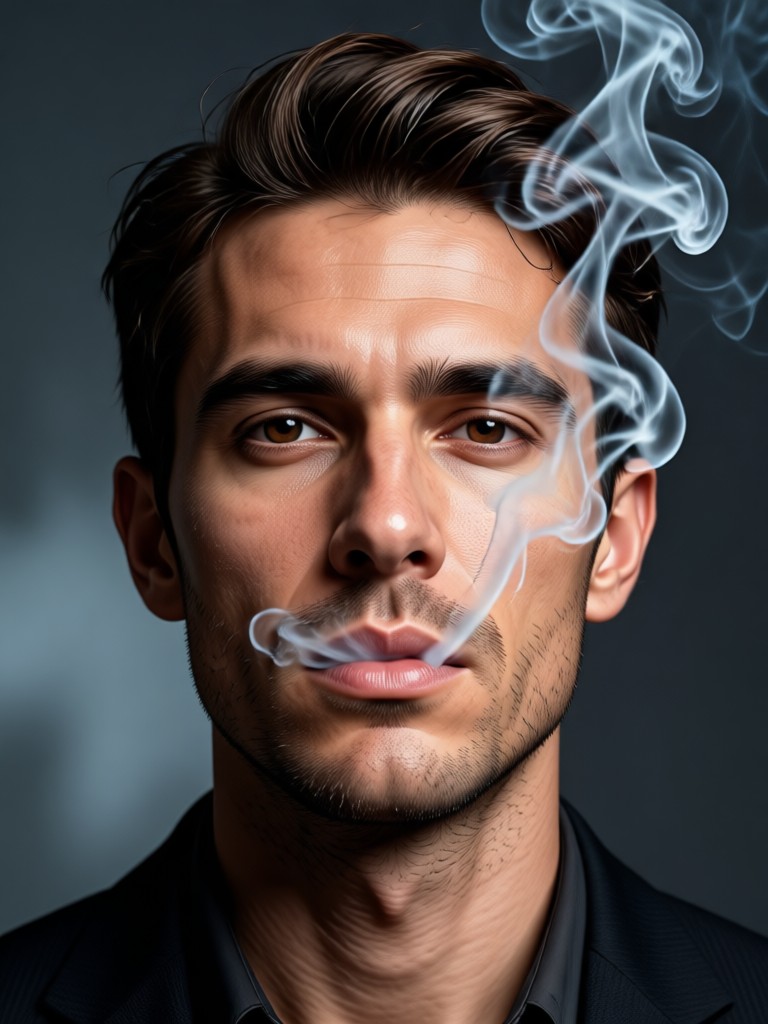
Smoke Effect Portrait Inspiration Gallery
See how ordinary portraits are transformed into extraordinary works of art with AI generated smoke and atmospheric effects.
Why Create Smoke Portraits with AI?
Manually creating realistic smoke in photo editing software is time consuming and requires advanced skills. Our AI generator delivers professional grade smoke effects instantly. It's perfect for enhancing professional headshots, creating unique social media content, developing concept art, or simply exploring a new artistic style without a steep learning curve.
Why Create Smoke Portraits with AI?
Manually creating realistic smoke in photo editing software is time consuming and requires advanced skills. Our AI generator delivers professional grade smoke effects instantly. It's perfect for enhancing professional headshots, creating unique social media content, developing concept art, or simply exploring a new artistic style without a steep learning curve.
How to Create a Smoke Portrait in 3 Steps
Transform your photo into a stunning smoke effect portrait in less than a minute with our simple process.

Step 01.
Download the HeyO app from Google Play. Open it and select the 'Photo to Smoke' or 'Portrait Effects' category from the main menu.

Step 02.
Upload a clear portrait photo from your gallery. Then, browse and select your preferred smoke effect style, from subtle haze to dramatic fog.

Step 03.
Let the AI work its magic. In seconds, download your new smoke portrait and share it directly to Instagram, TikTok, or save it to your device.
Creators Love the Smoke Portrait Generator
A game changer for my conceptual photography
I used to spend hours in Photoshop painting smoke. This AI generator gives me realistic, adjustable effects in seconds. It's become an essential part of my pre visualization and final touch up process.
My Instagram engagement skyrocketed
The smoky background maker helped me create a cohesive, mystical theme for my feed. The AI effects are so consistent and high quality, my followers constantly ask what filter I use.
Perfect for adding drama to client headshots
Offering 'smoke portrait' upgrades has become a popular add on service for my corporate clients wanting edgier LinkedIn photos. The tool is incredibly professional and reliable.
Smoke Portrait Generator FAQs
Get answers to the most common questions about creating AI smoke effect portraits. Learn how to get the best results and use the tool effectively.
More Topics You May Like
Explore more topics you may like and discover fresh ideas tailored to your interests.

Create Patriotic Videos with AI | Merdeka AI Video Generator
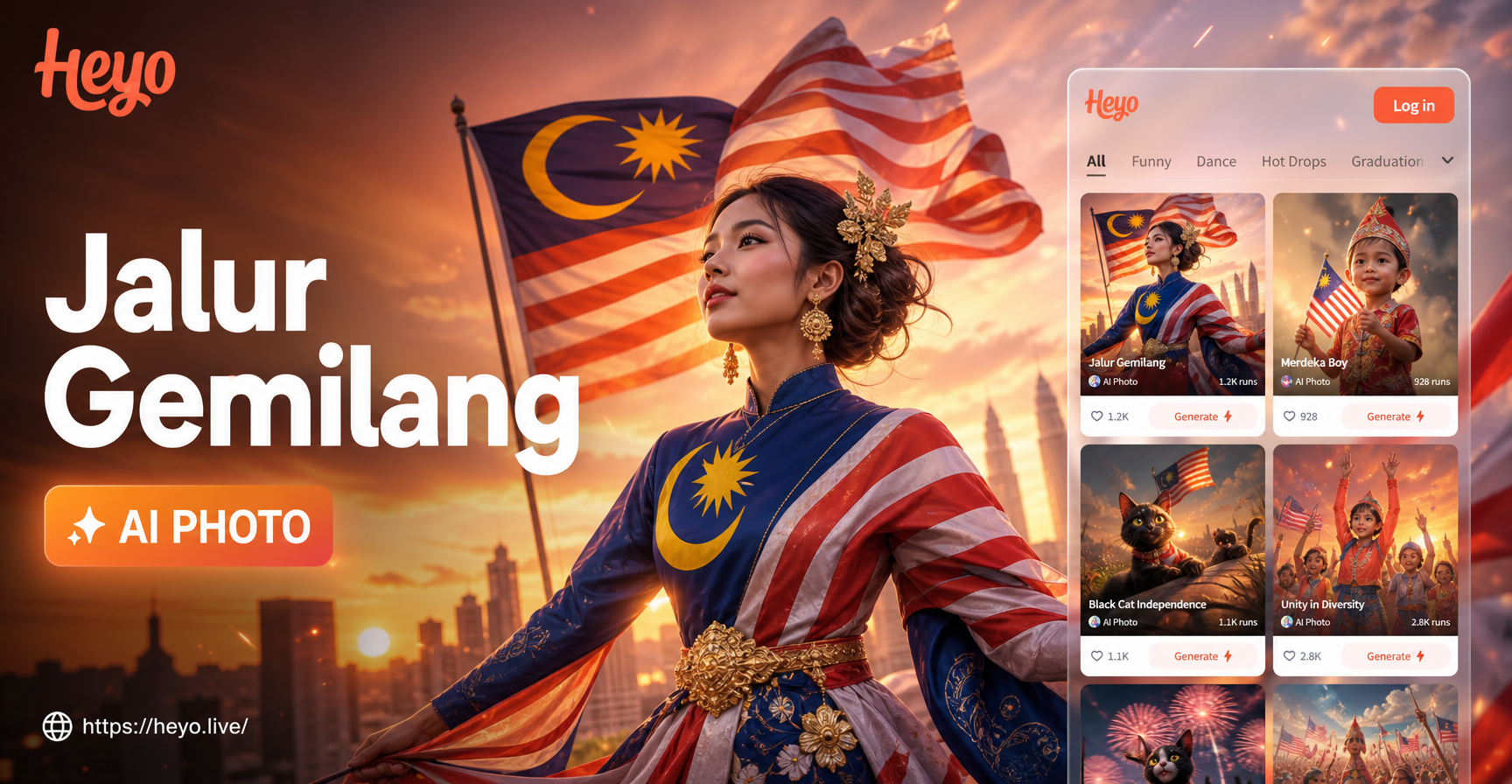
Create Patriotic AI Photos with Malaysia Flag Magic
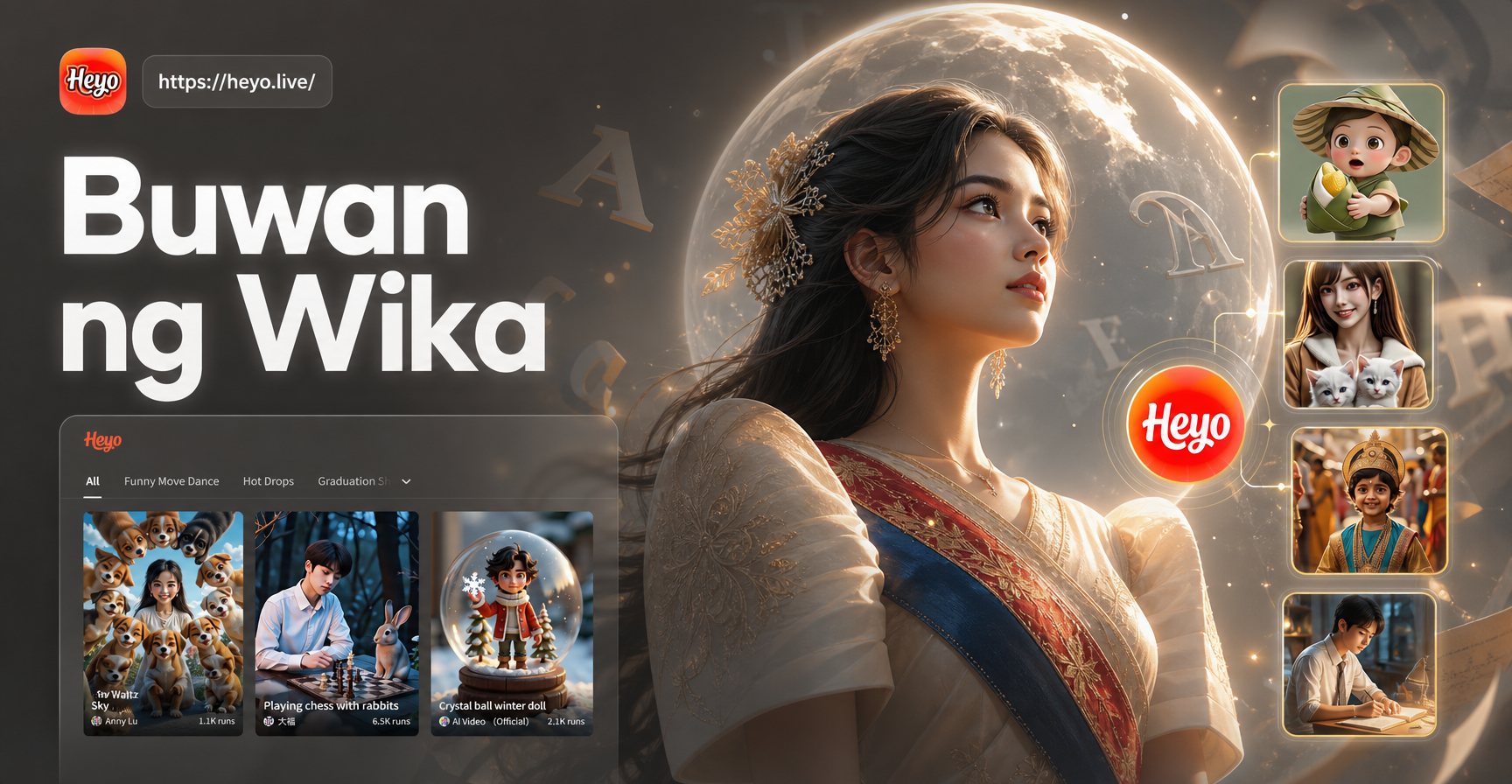
Create AI Infographics for Buwan ng Wika
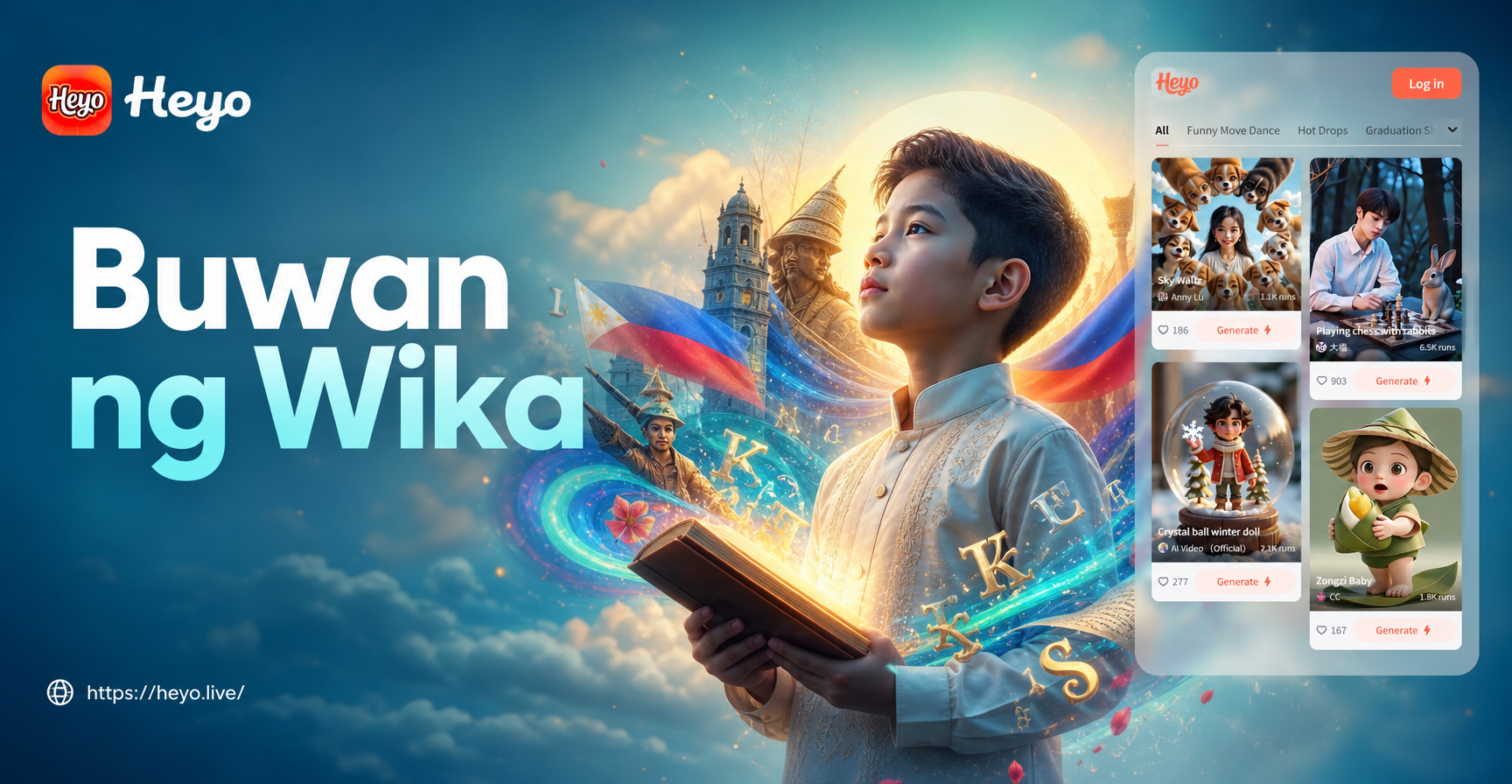
Design Buwan ng Wika Posters with AI in Minutes
Create Patriotic Videos with AI | Merdeka AI Video Generator
Create Patriotic AI Photos with Malaysia Flag Magic
Create AI Infographics for Buwan ng Wika
Design Buwan ng Wika Posters with AI in Minutes
Create Your Signature Smoke Portrait Today
Stop scrolling through generic filters. Generate a completely unique, AI powered smoke effect portrait that captures mood, mystery, and artistry. Download the app and see your photos transformed.
Create Your Signature Smoke Portrait Today
Stop scrolling through generic filters. Generate a completely unique, AI powered smoke effect portrait that captures mood, mystery, and artistry. Download the app and see your photos transformed.