Remove Hair From Photo
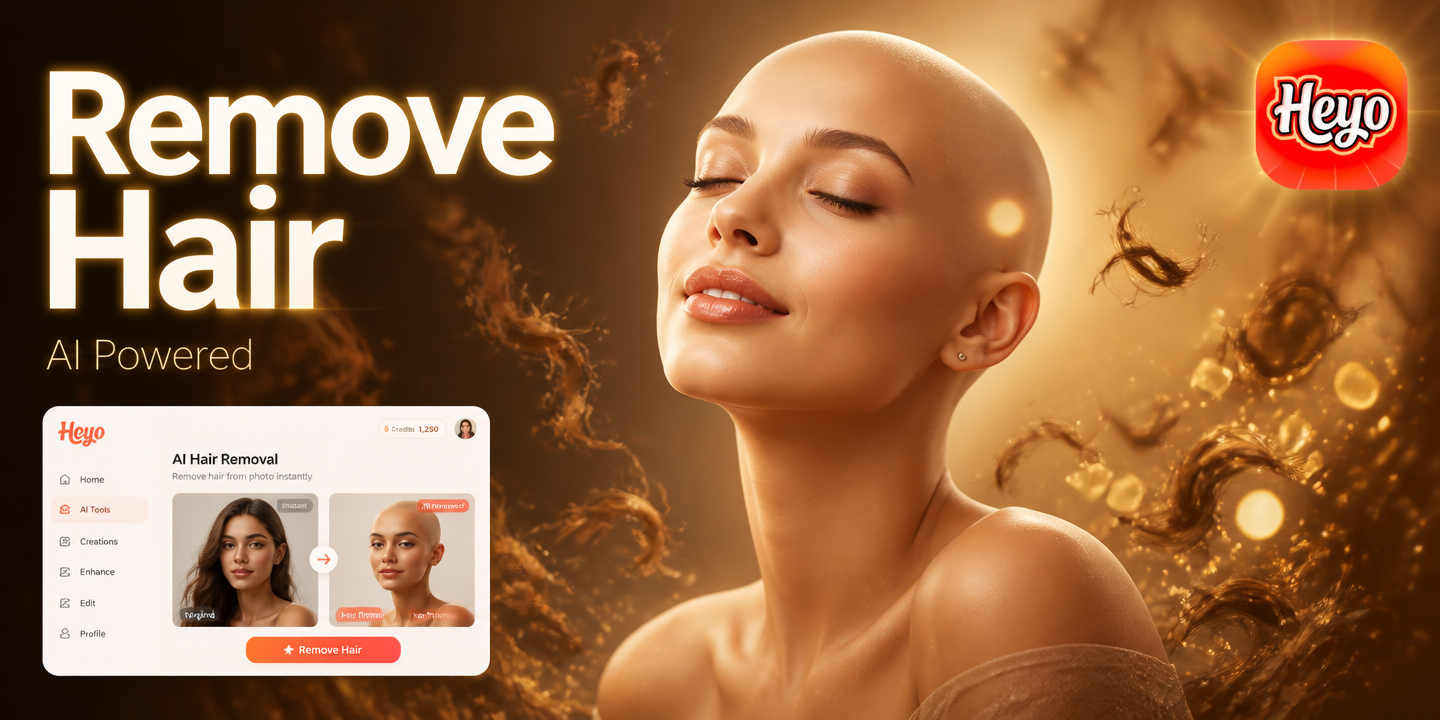
Achieve Flawless Skin & Clean Backgrounds
Explore our specialized AI tools designed for precision editing. From facial hair removal to full photo cleanup, find the perfect filter for your needs.
Key Features of AI Hair Remover
Our AI photo editor specializes in removing unwanted elements while preserving your photo's original quality and natural appearance.

Precision Facial Hair Removal
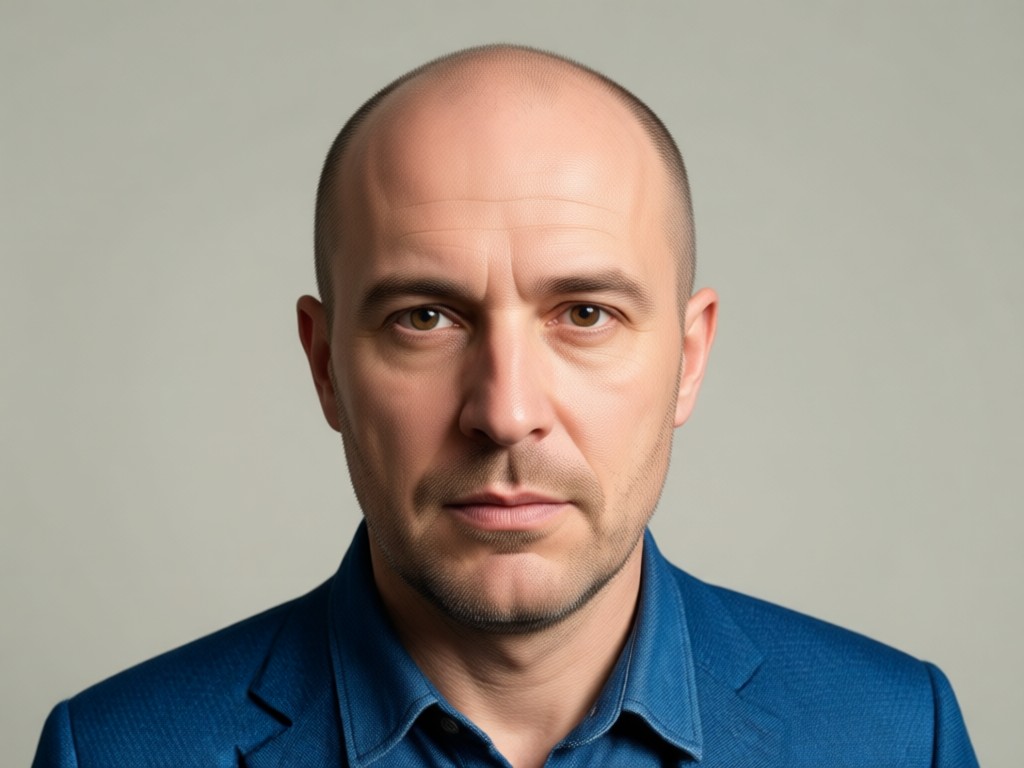
Target and remove mustaches, beards, or stray chin hairs with pinpoint accuracy. The AI intelligently fills in skin texture for a perfectly smooth, natural finish without blurring.
Precision Facial Hair Removal
Target and remove mustaches, beards, or stray chin hairs with pinpoint accuracy. The AI intelligently fills in skin texture for a perfectly smooth, natural finish without blurring.
Stray Hair & Flyaway Cleanup
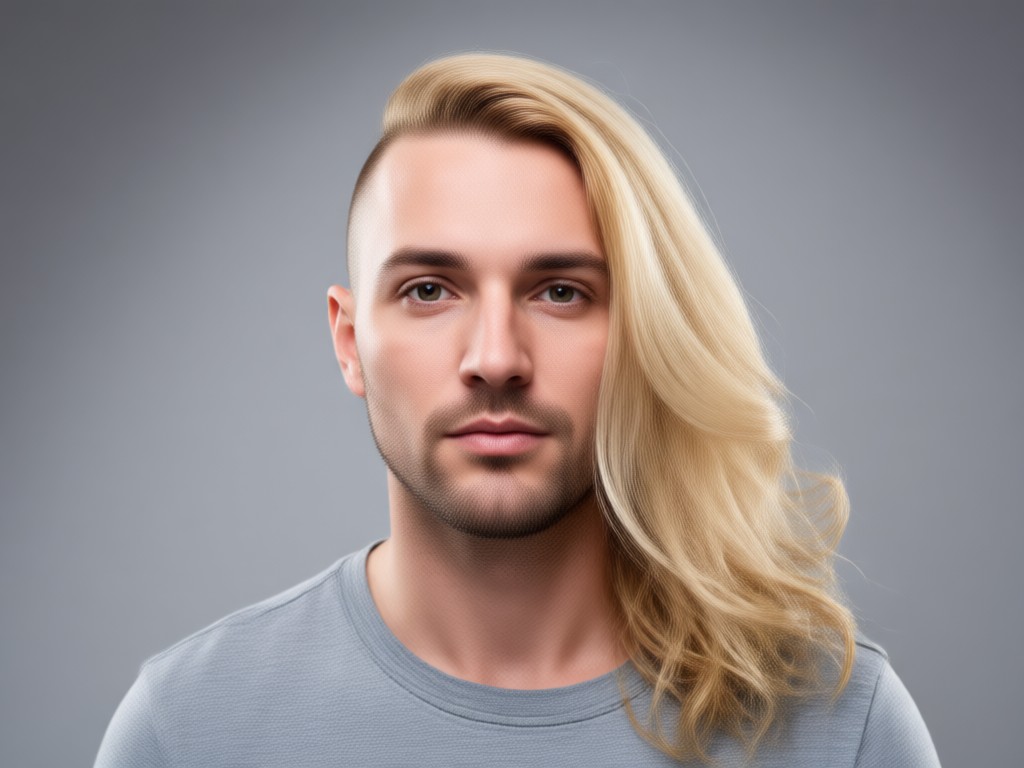
Eliminate distracting flyaway hairs, wisps around the face, or hairs across the forehead. Achieve a polished, studio-quality look in any portrait or profile picture.
Stray Hair & Flyaway Cleanup
Eliminate distracting flyaway hairs, wisps around the face, or hairs across the forehead. Achieve a polished, studio-quality look in any portrait or profile picture.
Background Hair & Object Removal
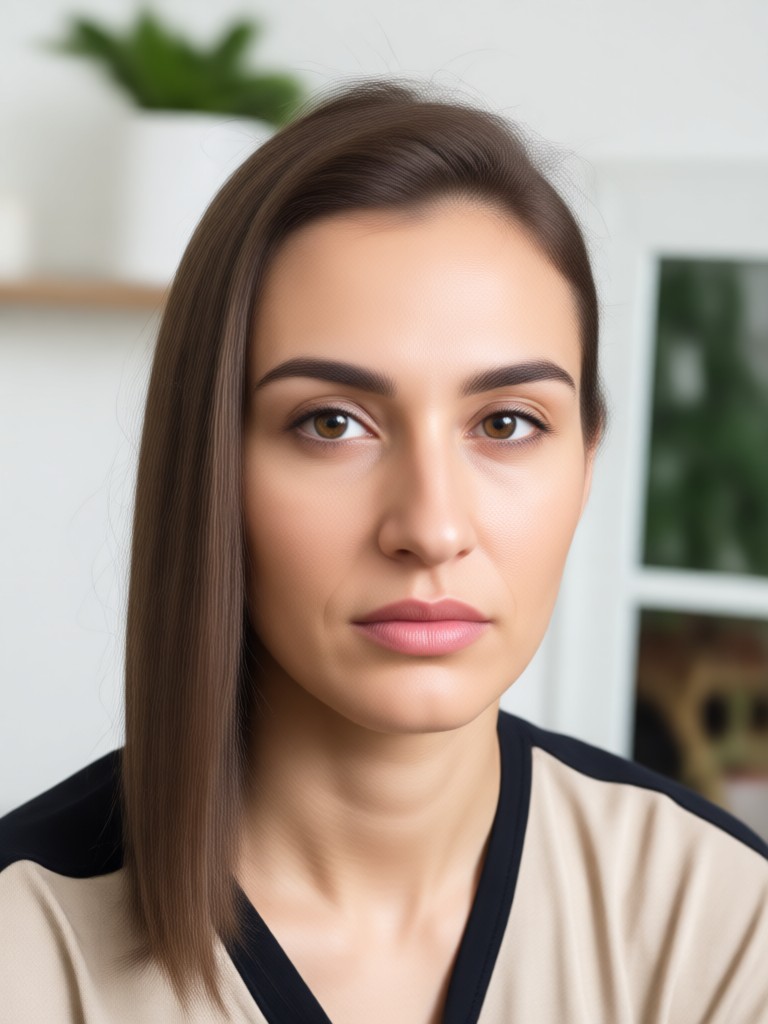
Not just for people. Remove pet hair from furniture, stray hairs from clothing, or any unwanted strands from your photo's background for a perfectly clean scene.
Background Hair & Object Removal
Not just for people. Remove pet hair from furniture, stray hairs from clothing, or any unwanted strands from your photo's background for a perfectly clean scene.
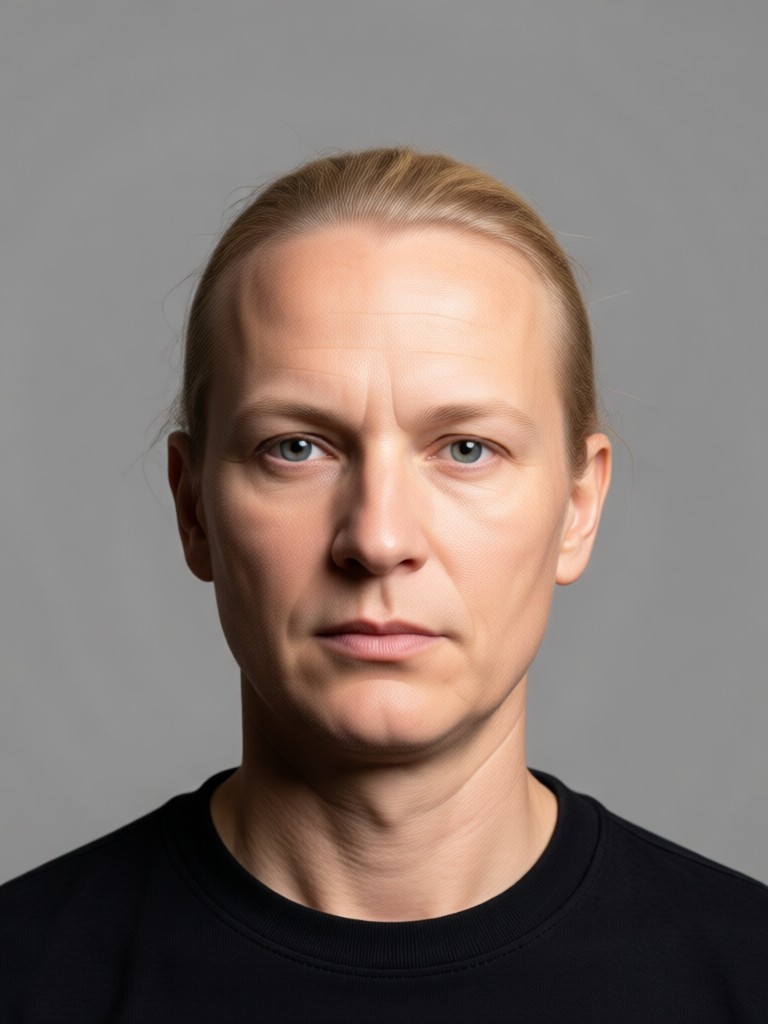
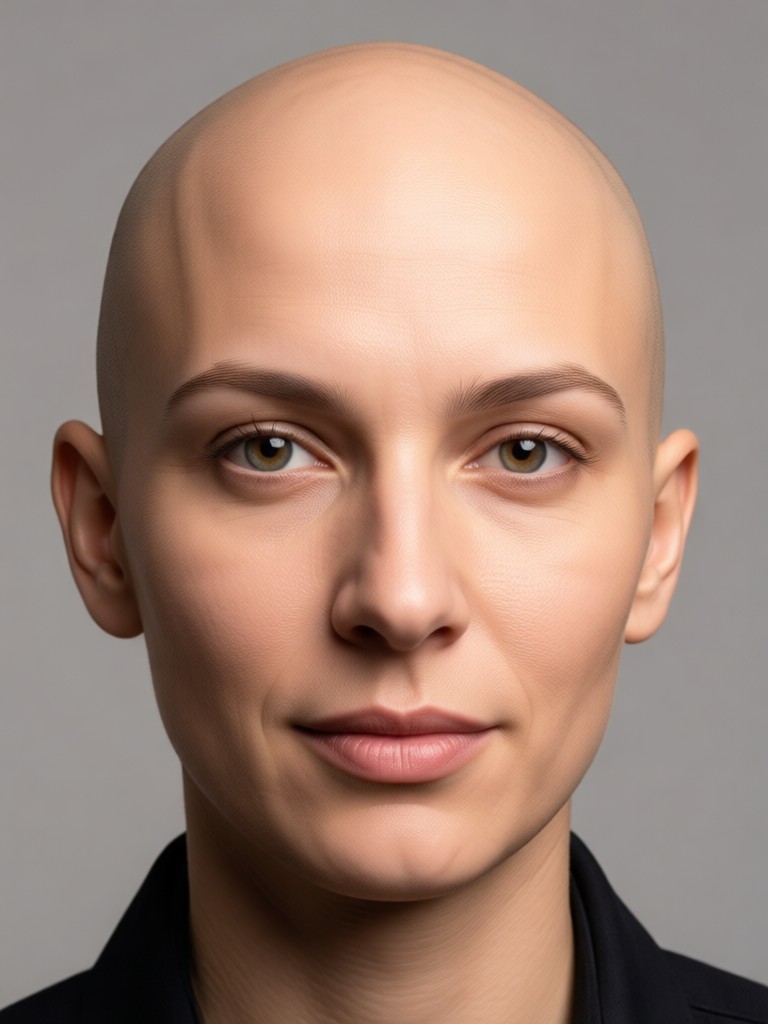
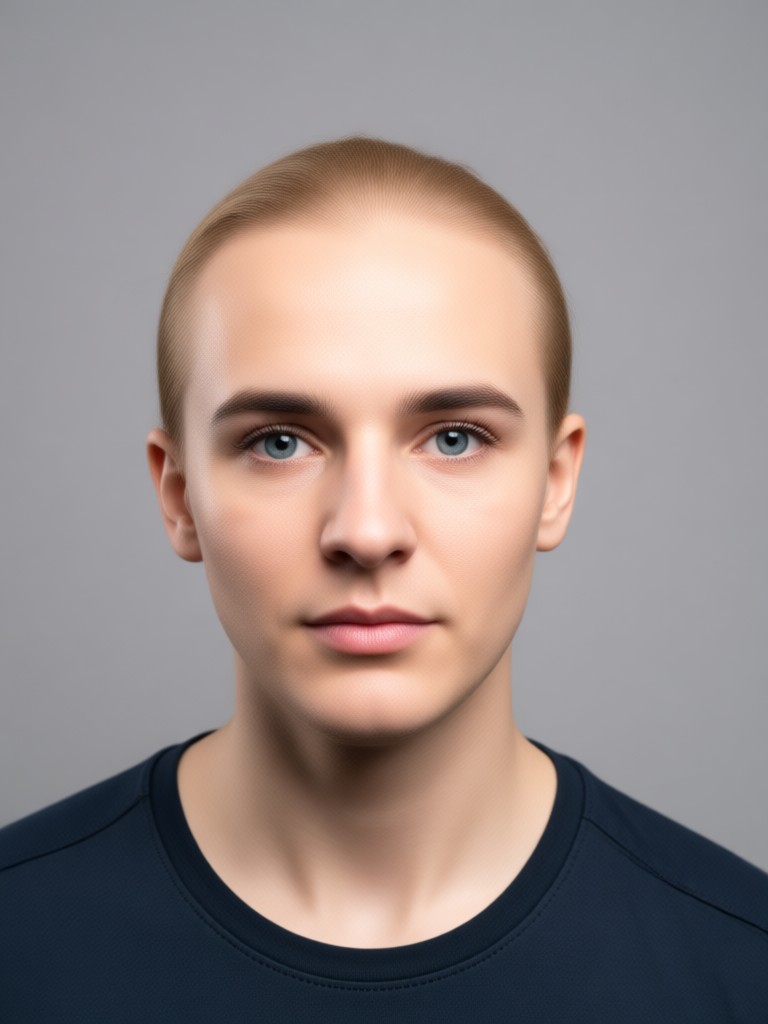
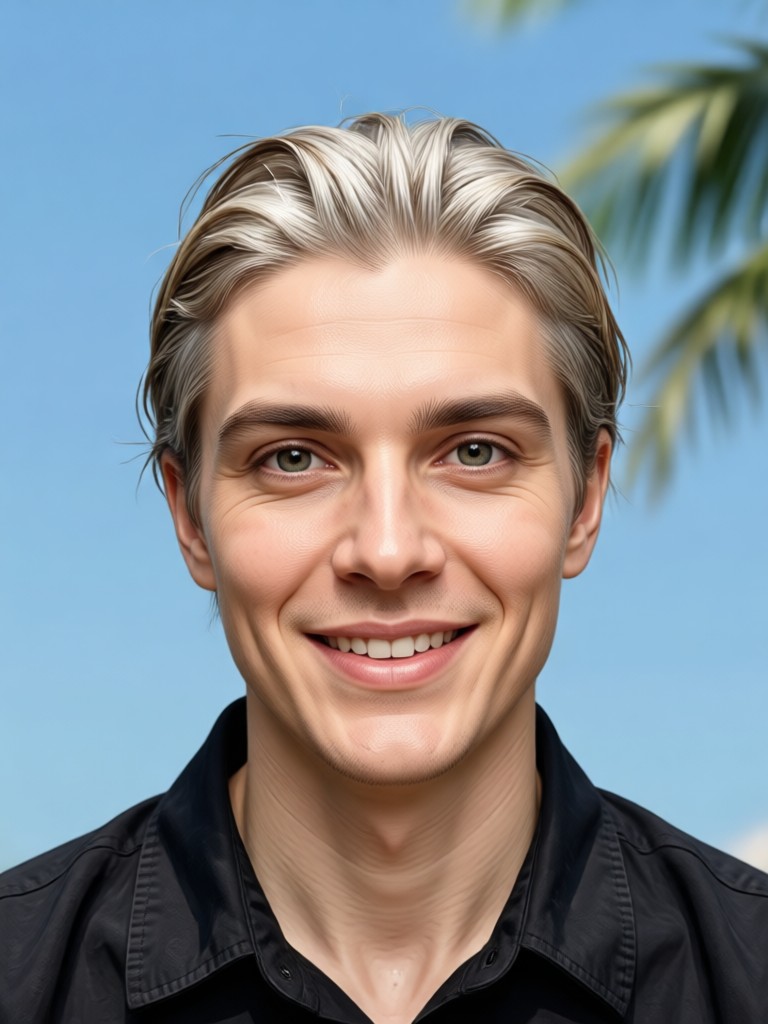
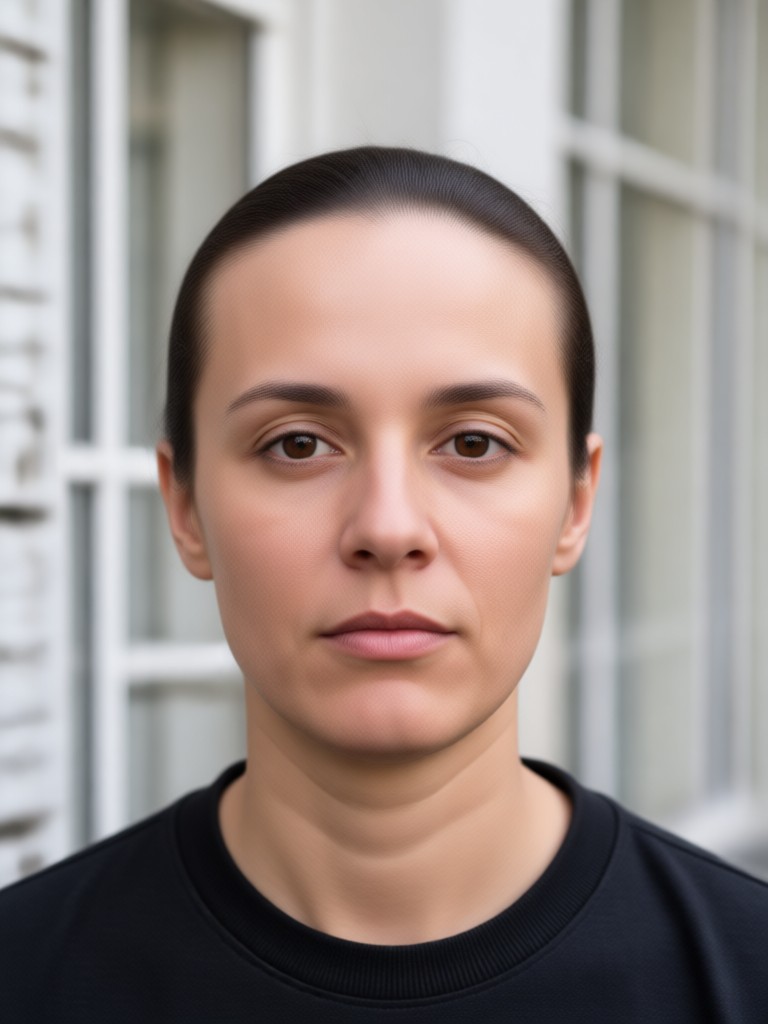
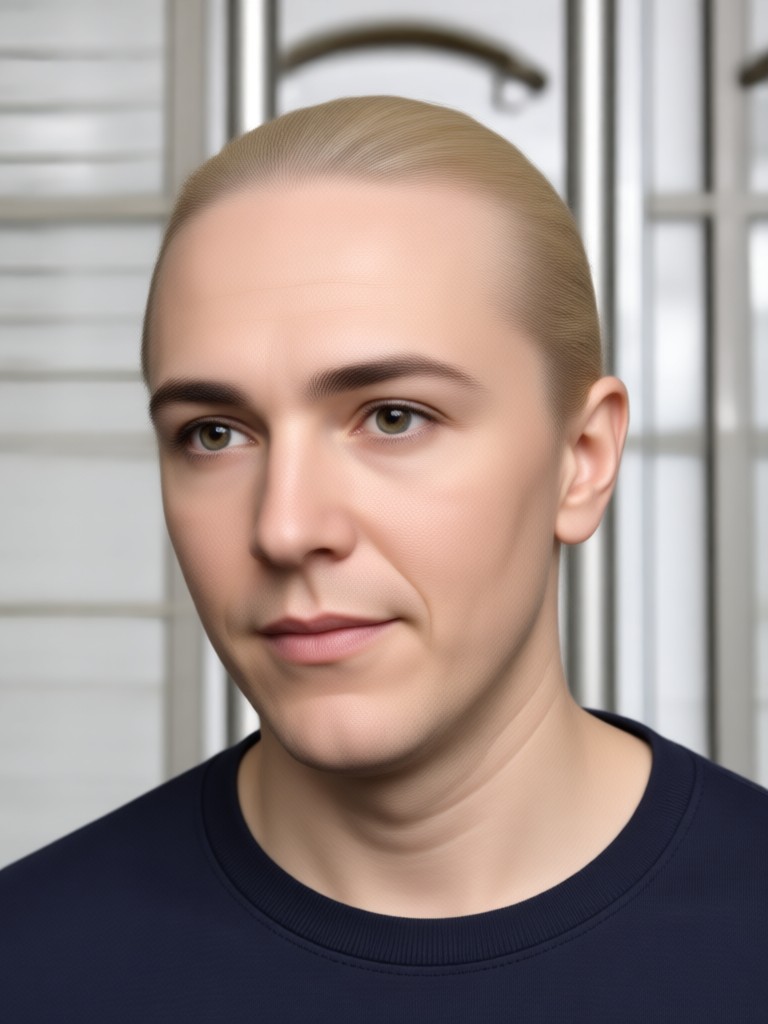
AI Hair Removal Results Gallery
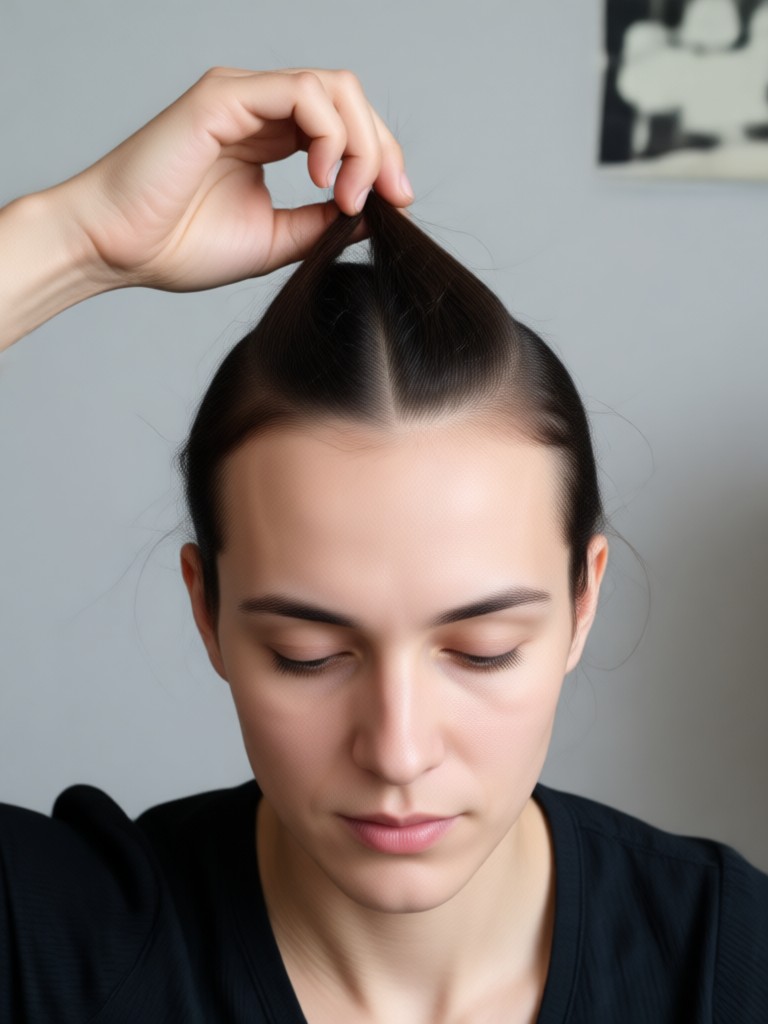
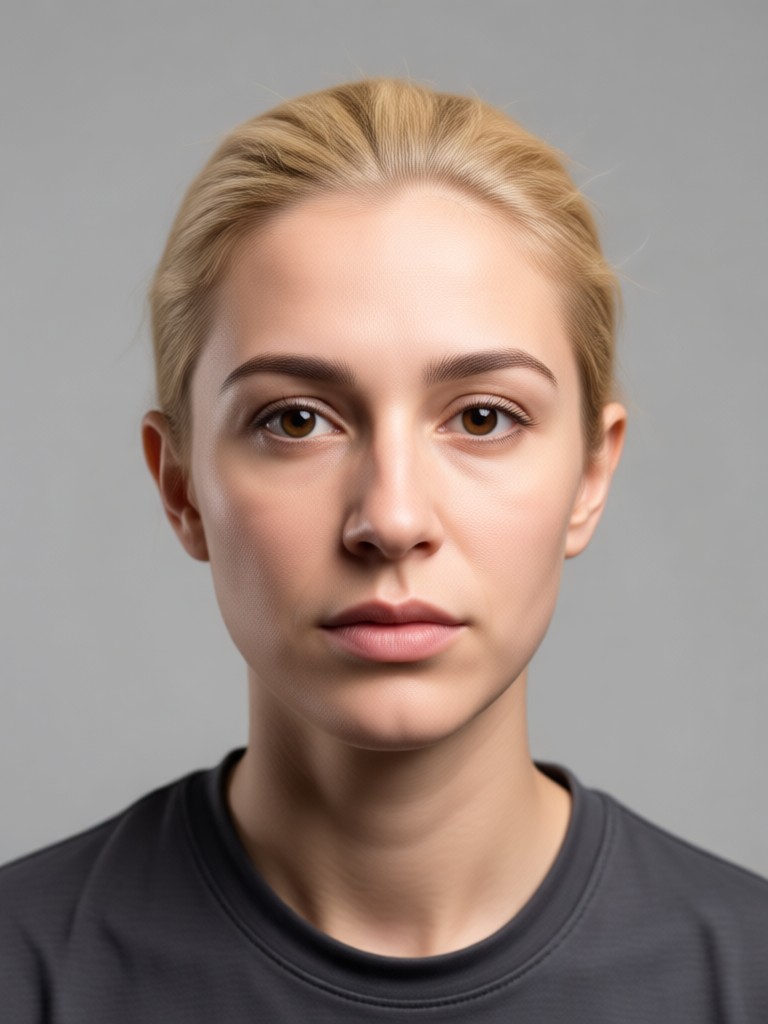
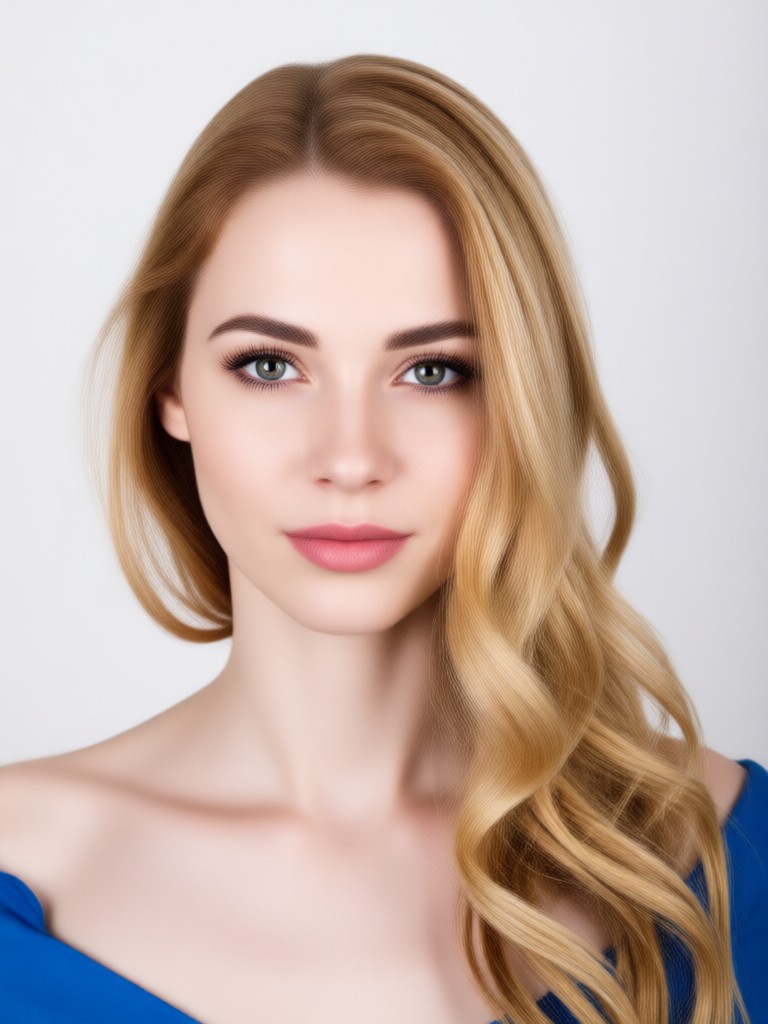
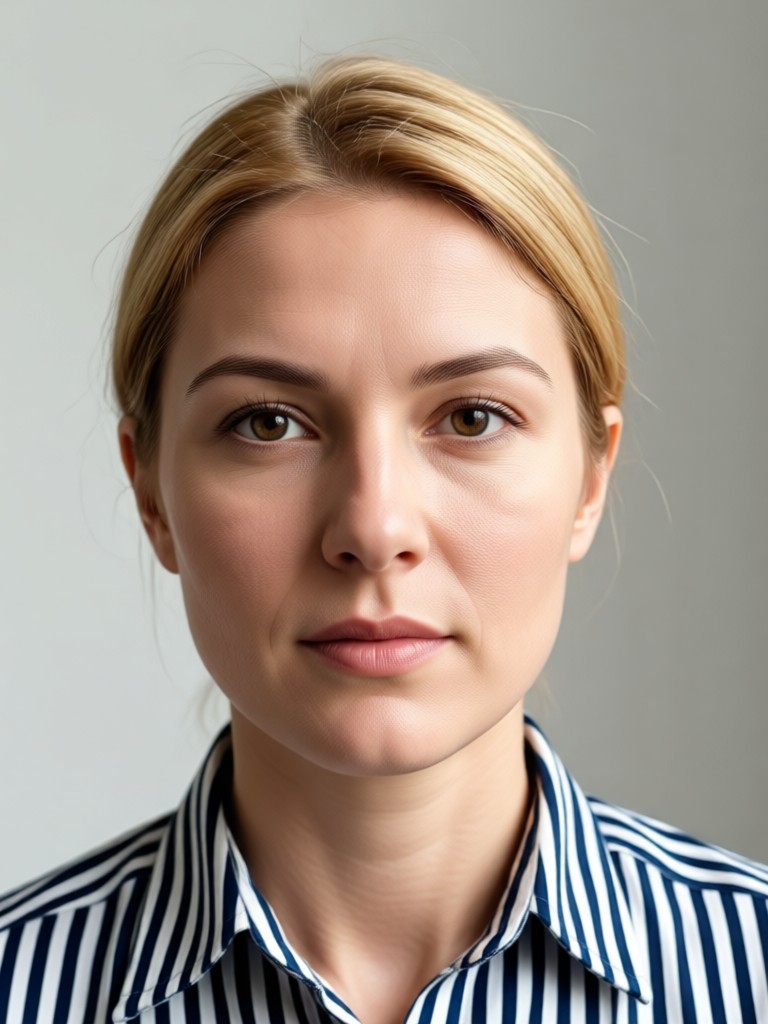
See the transformative power of AI hair removal. Browse real examples showing how unwanted facial hair, stray strands, and background hairs are seamlessly erased.
How to Remove Hair From a Photo?
Create clean, professional photos free of unwanted hair in just three simple steps with our mobile AI editor.

Step 01.
Download the heyo app from Google Play to access all AI hair removal and photo editing tools directly on your phone.

Step 02.
Upload your photo and select the 'Hair Removal' or 'Cleanup' filter. Use the brush tool to mark the unwanted hairs you want to erase.

Step 03.
Let AI process the photo. It will seamlessly remove the marked hairs and intelligently reconstruct the skin or background. Download and share your flawless image.
Why Use AI to Remove Hair?
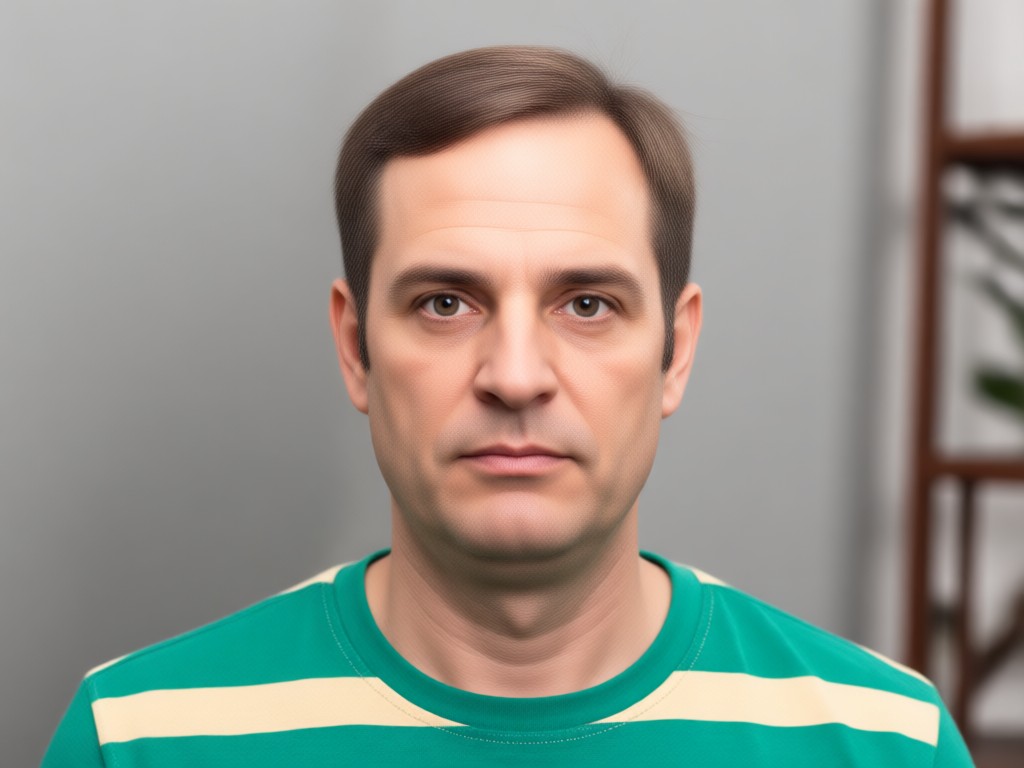
Manual photo editing to remove hair is tedious and often leaves obvious patches. Our AI understands textures, lighting, and patterns to erase hair non-destructively, blending the area perfectly with the surrounding pixels for a result that looks naturally untouched.
Why Use AI to Remove Hair?
Manual photo editing to remove hair is tedious and often leaves obvious patches. Our AI understands textures, lighting, and patterns to erase hair non-destructively, blending the area perfectly with the surrounding pixels for a result that looks naturally untouched.
Who Uses AI Hair Removal
Sophia Reed
This saves me hours in post-production. Cleaning up flyaways and minor facial hair on client portraits is now instantaneous, letting me focus on creative edits.
Marcus Lee
Perfect for grooming my profile pictures. I can quickly remove a five o'clock shadow or stray eyebrow hairs before posting, ensuring I always look polished.
Chloe Carter
A game-changer for product photos. Removing pet hair or lint from fabric backgrounds used to be a nightmare. Now it's done perfectly with one tap.
David Park
I'm not a pro editor, but I needed to clean up a family photo where hair was across someone's face. The AI made it disappear like magic, no skills required.
Sophia Reed
This saves me hours in post-production. Cleaning up flyaways and minor facial hair on client portraits is now instantaneous, letting me focus on creative edits.
Marcus Lee
Perfect for grooming my profile pictures. I can quickly remove a five o'clock shadow or stray eyebrow hairs before posting, ensuring I always look polished.
Chloe Carter
A game-changer for product photos. Removing pet hair or lint from fabric backgrounds used to be a nightmare. Now it's done perfectly with one tap.
David Park
I'm not a pro editor, but I needed to clean up a family photo where hair was across someone's face. The AI made it disappear like magic, no skills required.
Sophia Reed
This saves me hours in post-production. Cleaning up flyaways and minor facial hair on client portraits is now instantaneous, letting me focus on creative edits.
Marcus Lee
Perfect for grooming my profile pictures. I can quickly remove a five o'clock shadow or stray eyebrow hairs before posting, ensuring I always look polished.
Chloe Carter
A game-changer for product photos. Removing pet hair or lint from fabric backgrounds used to be a nightmare. Now it's done perfectly with one tap.
David Park
I'm not a pro editor, but I needed to clean up a family photo where hair was across someone's face. The AI made it disappear like magic, no skills required.
Frequently Asked Questions
Find clear answers to common questions about removing hair from photos with AI. Learn how it works and get the best results from our tool.
AI Photo Cleanup on Mobile
Carry a powerful photo editor in your pocket. Remove unwanted hair, objects, and imperfections from any image, anytime, directly on your Android device.

Your Flawless Photo, One Tap Away
Stop letting unwanted hair ruin your perfect shots. Download the app and experience the easiest way to clean up any photo with AI precision.
Your Flawless Photo, One Tap Away
Stop letting unwanted hair ruin your perfect shots. Download the app and experience the easiest way to clean up any photo with AI precision.