Sleeve Tattoo Photo Generator
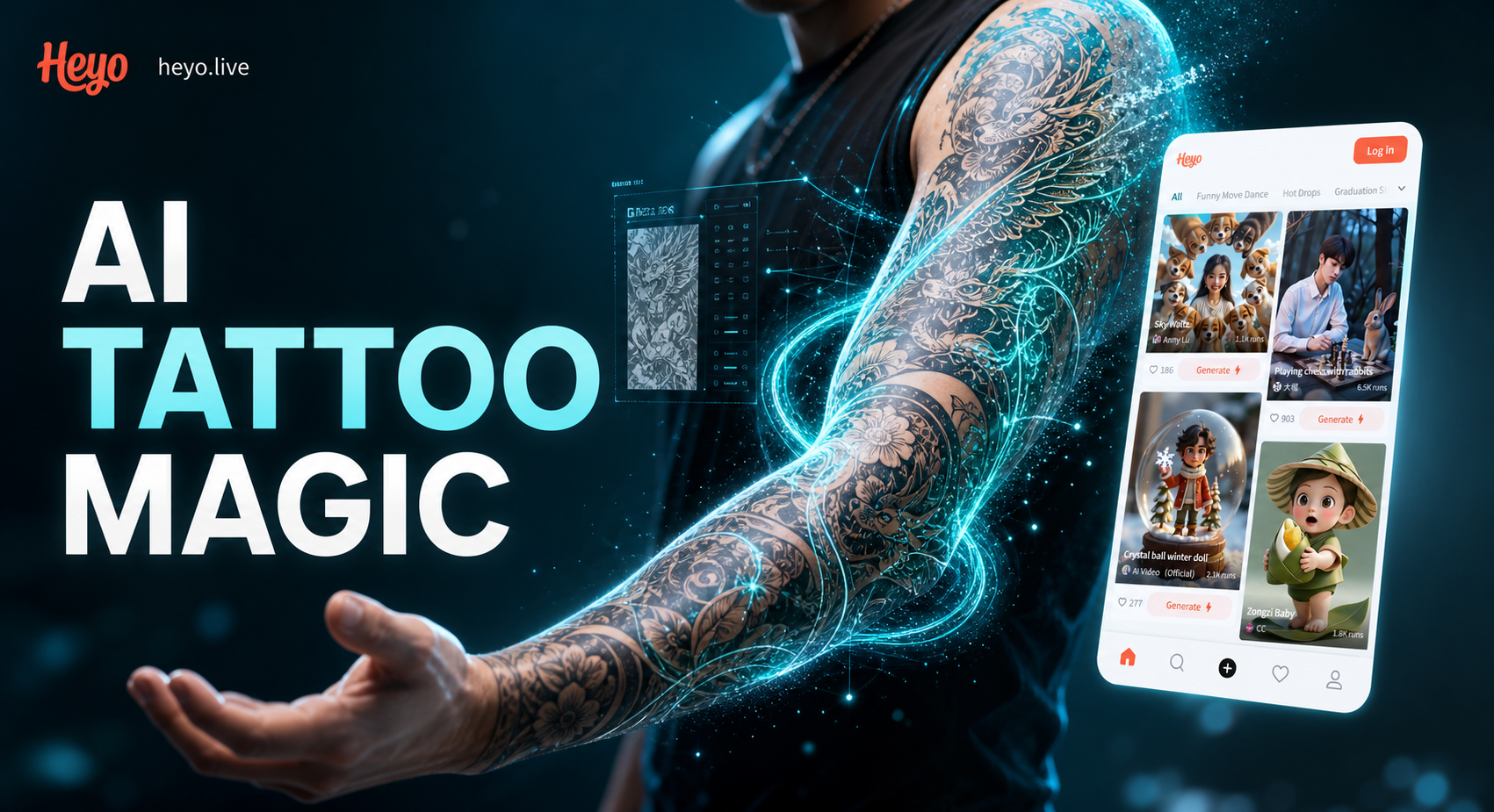
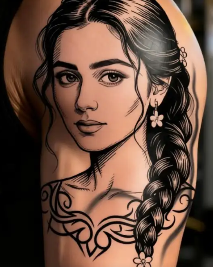
Discover Your Perfect Tattoo Style
Browse our curated collection of AI tattoo filters. From hyper realistic black and grey to vibrant illustrative sleeves, find the aesthetic that speaks to you.
Why Use Our Sleeve Tattoo Generator
Our AI tattoo generator provides a risk free way to experiment with permanent body art. See how different styles, placements, and sizes look on your unique skin tone and arm shape.
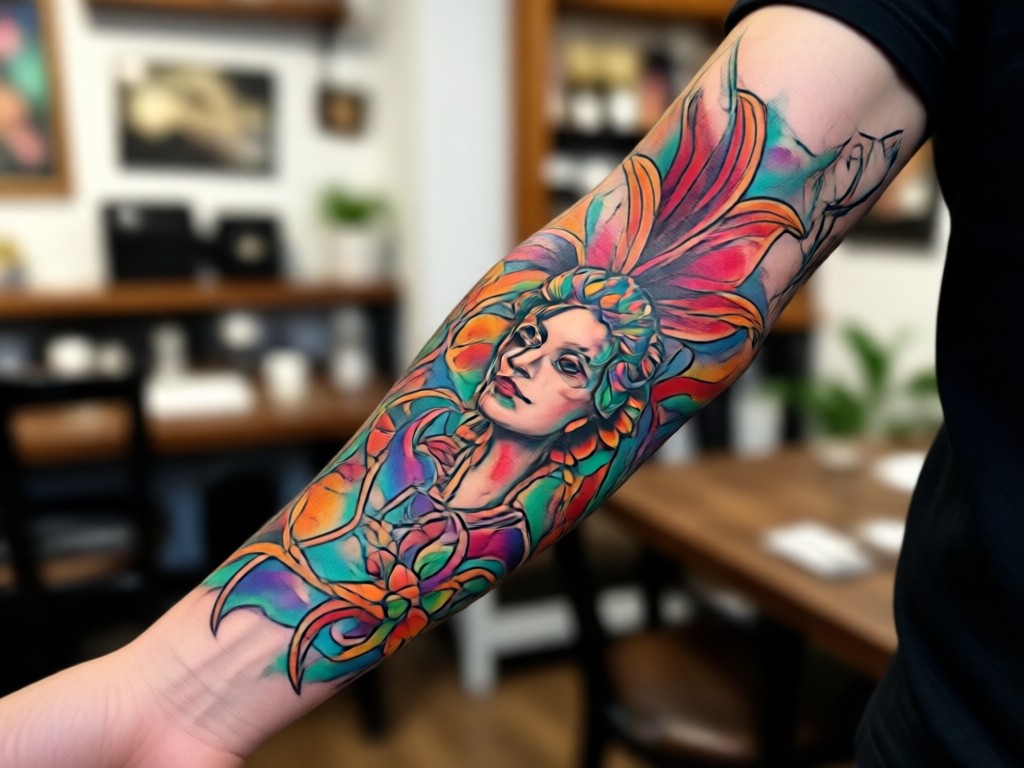
Realistic Skin Integration
Our AI doesn't just overlay a design. It analyzes your skin texture, tone, and muscle contours to blend the tattoo seamlessly, creating a photo realistic preview that accounts for shadows and lighting.
Realistic Skin Integration
Our AI doesn't just overlay a design. It analyzes your skin texture, tone, and muscle contours to blend the tattoo seamlessly, creating a photo realistic preview that accounts for shadows and lighting.
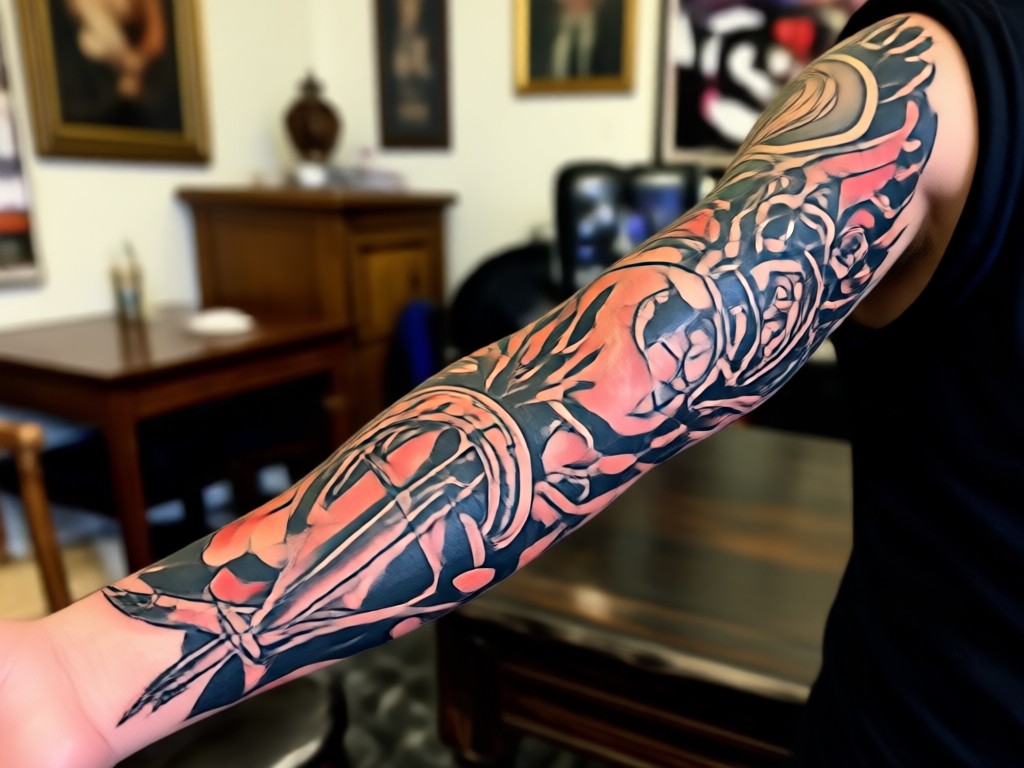
Massive Style Library
Access thousands of tattoo art styles. Generate everything from a delicate floral half sleeve to a full traditional Japanese bodysuit concept. Mix and match elements from different genres to create a truly custom design.
Massive Style Library
Access thousands of tattoo art styles. Generate everything from a delicate floral half sleeve to a full traditional Japanese bodysuit concept. Mix and match elements from different genres to create a truly custom design.
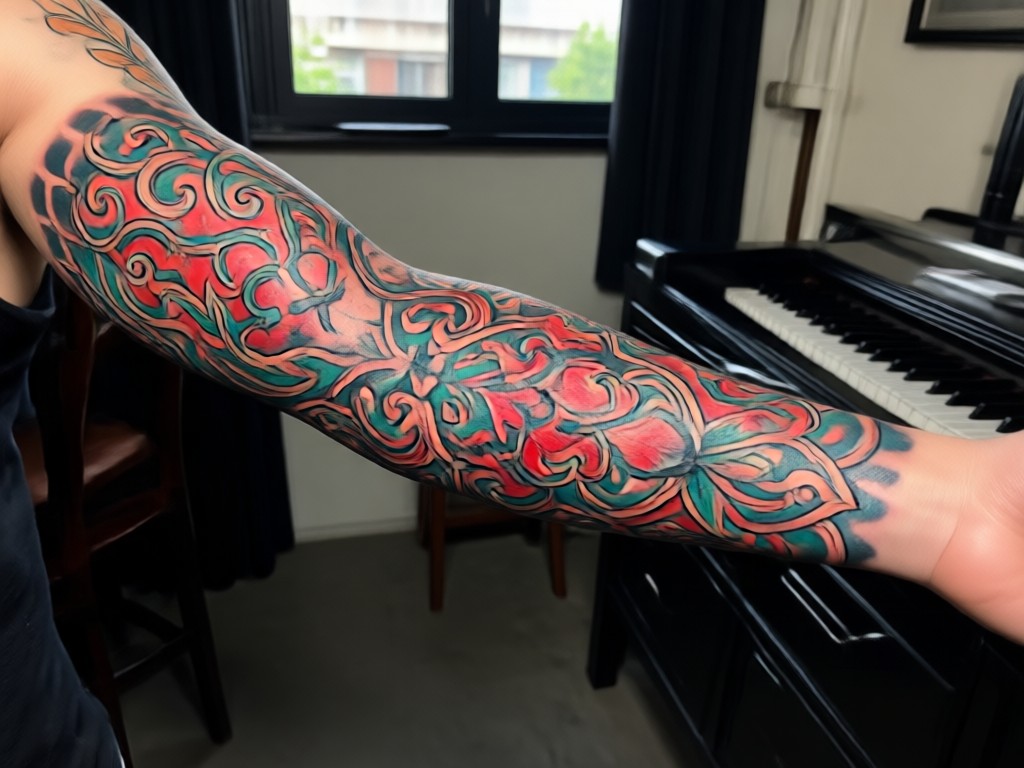
Instant Visualization
Skip the months of sketching and uncertainty. Upload a clear photo of your arm and see multiple tattoo concepts rendered on your body in under a minute. Perfect for collaborating with your actual tattoo artist.
Instant Visualization
Skip the months of sketching and uncertainty. Upload a clear photo of your arm and see multiple tattoo concepts rendered on your body in under a minute. Perfect for collaborating with your actual tattoo artist.
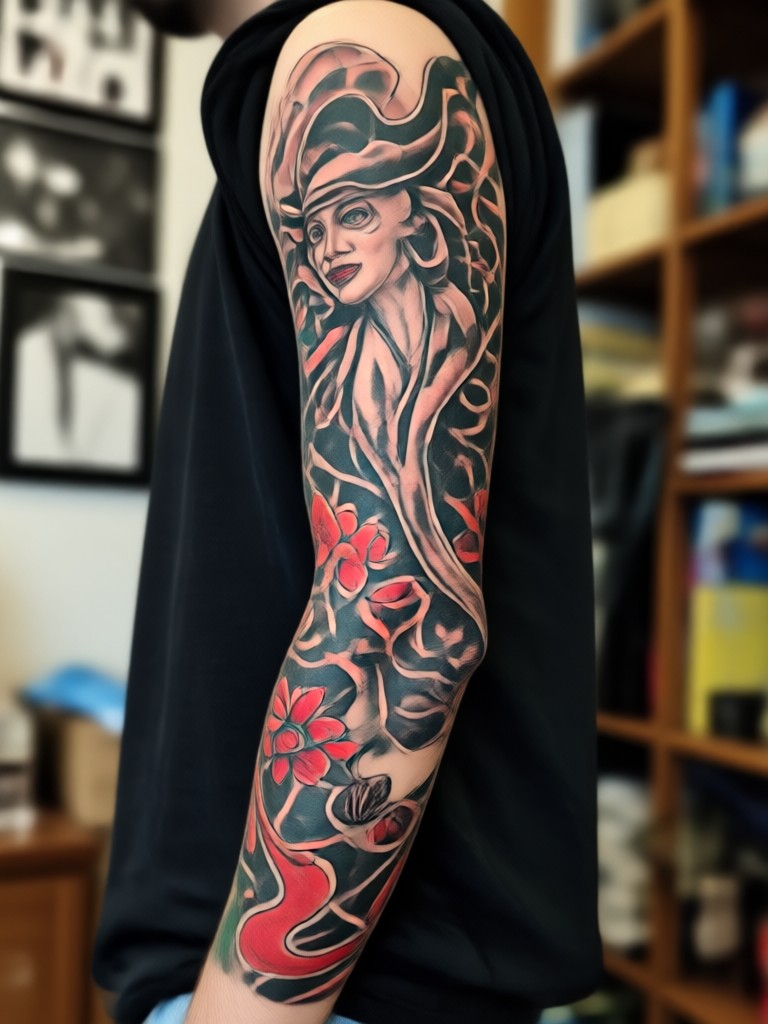
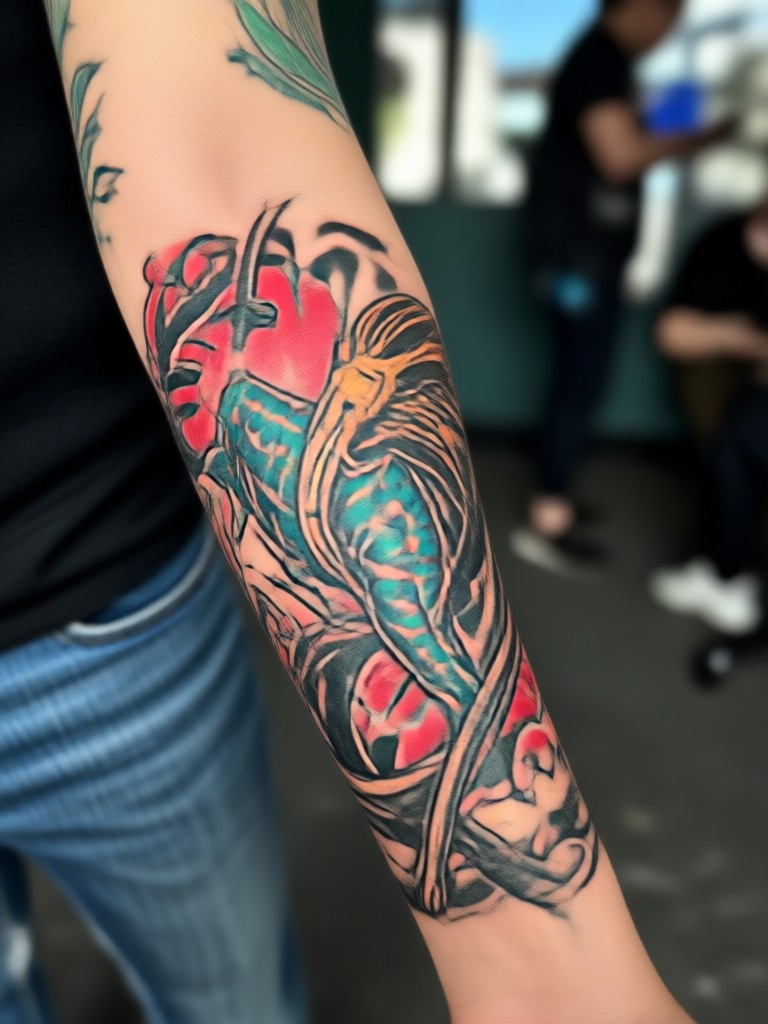
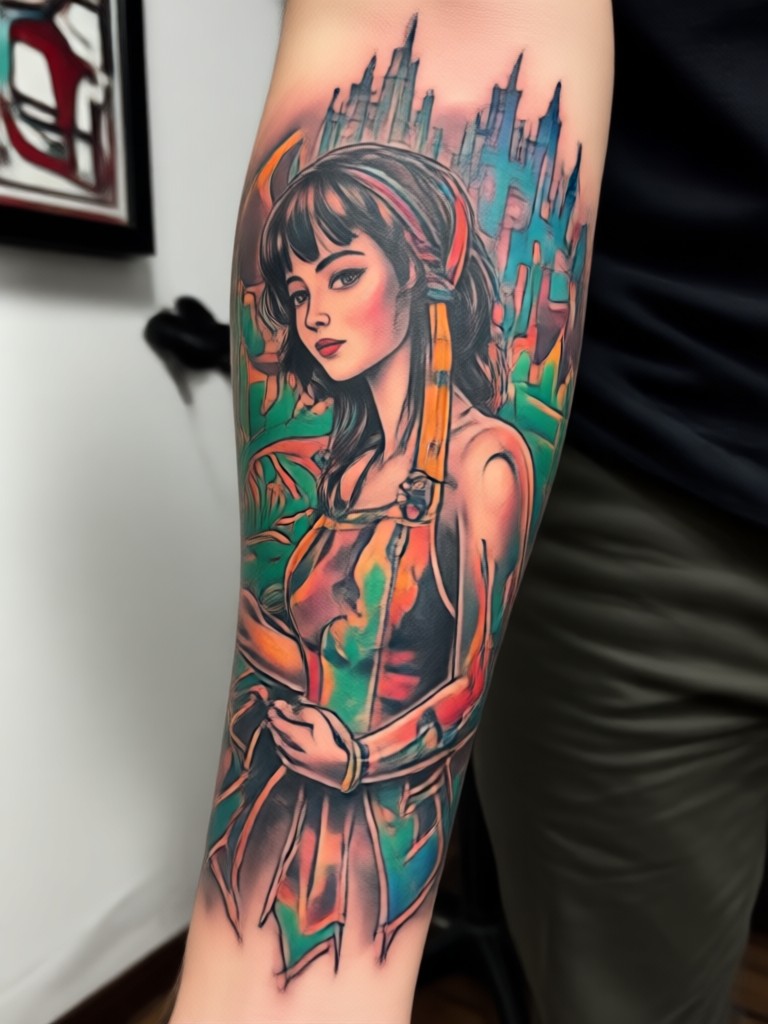
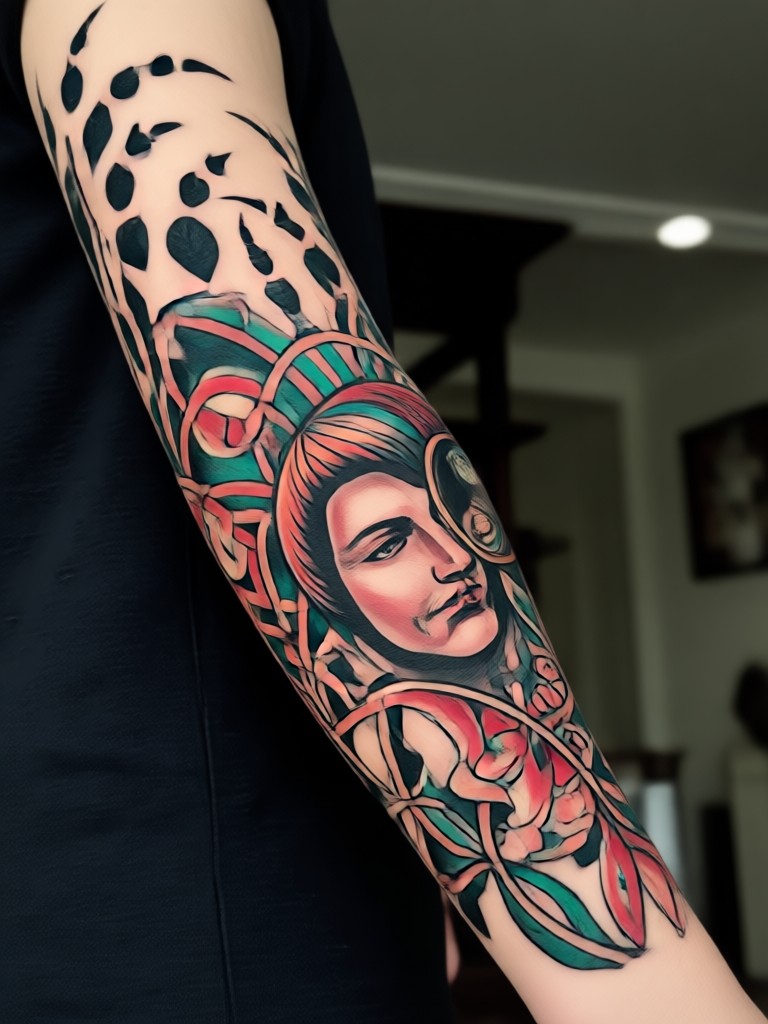
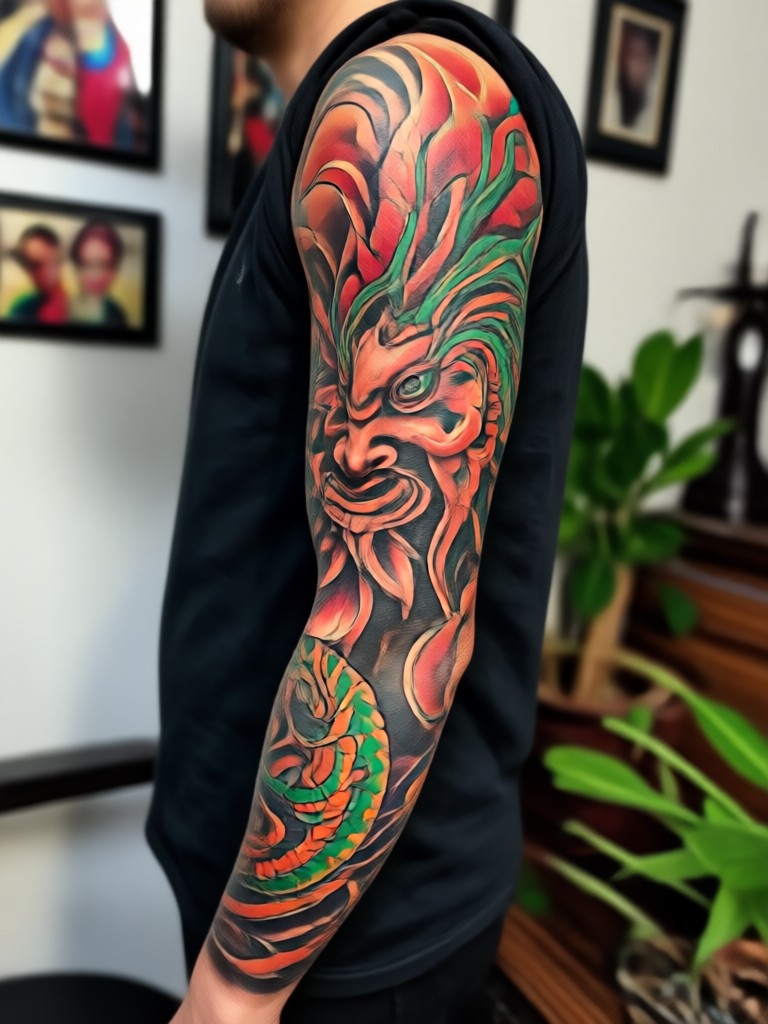
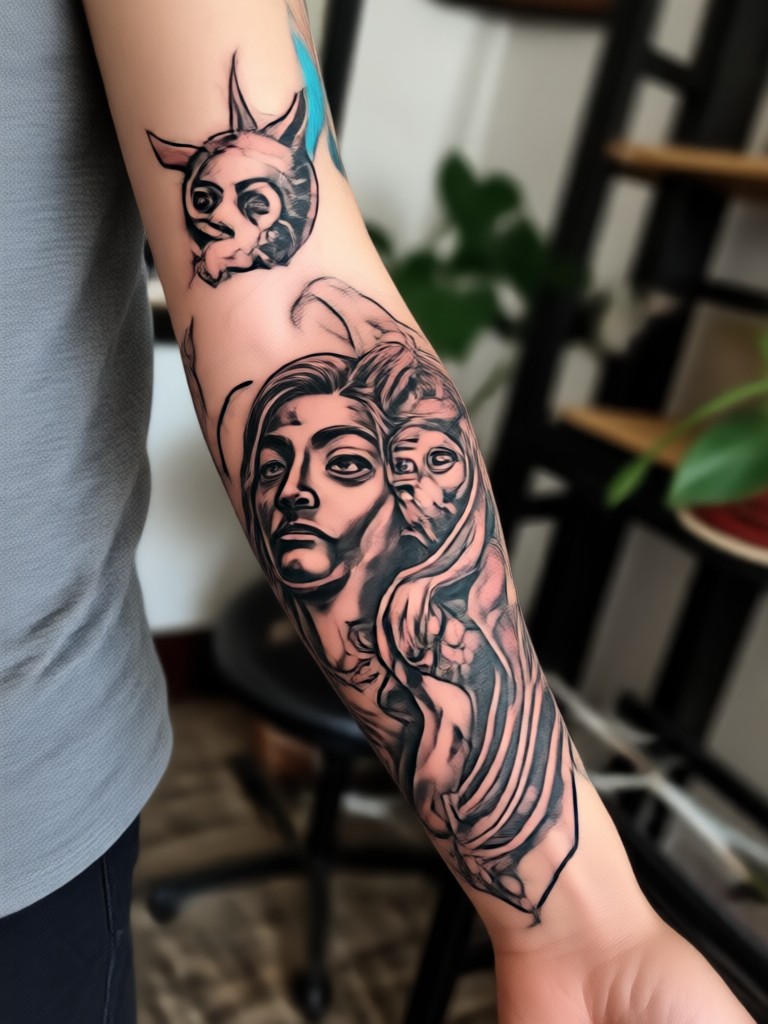
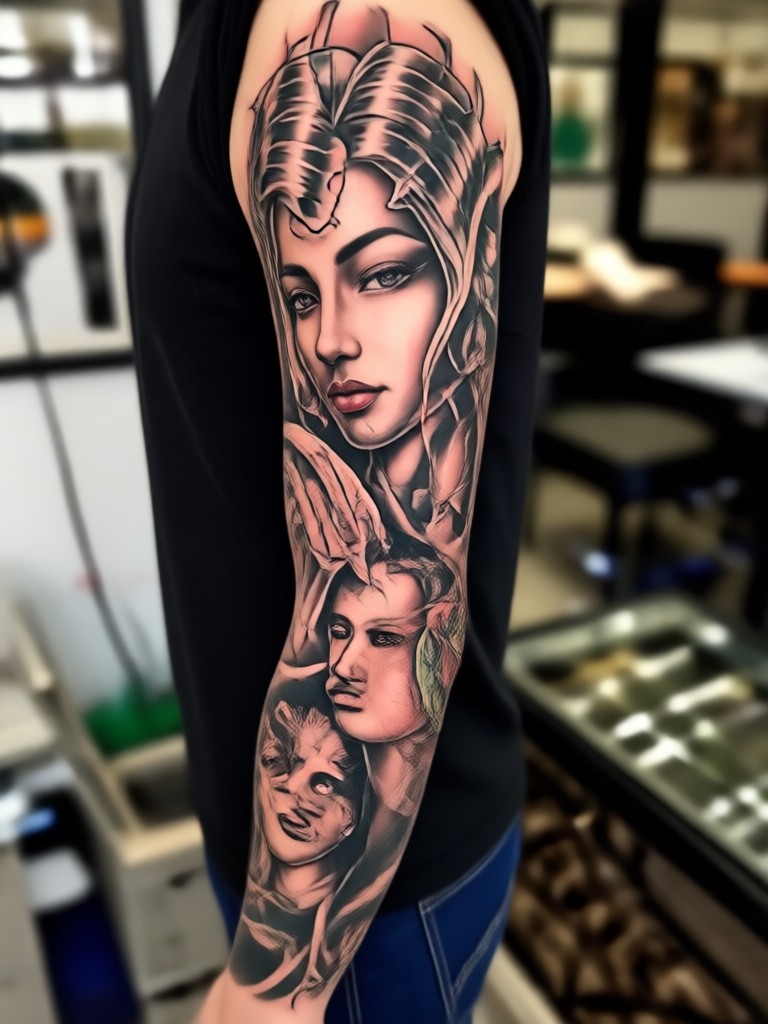
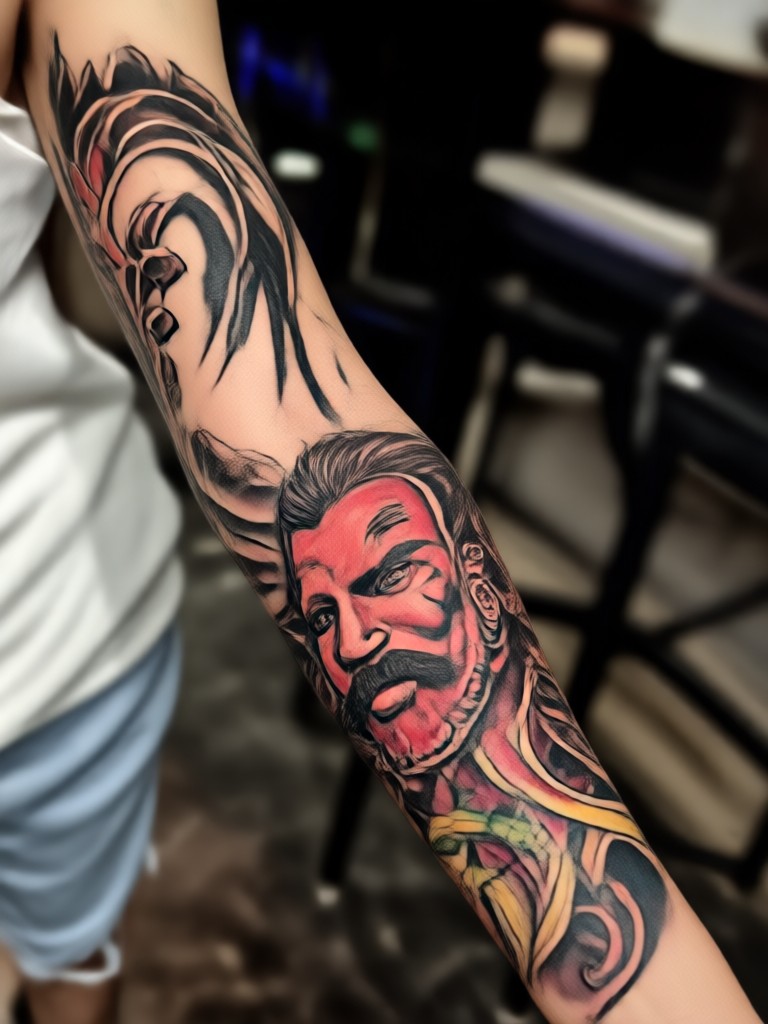
Sleeve Tattoo Inspiration Gallery
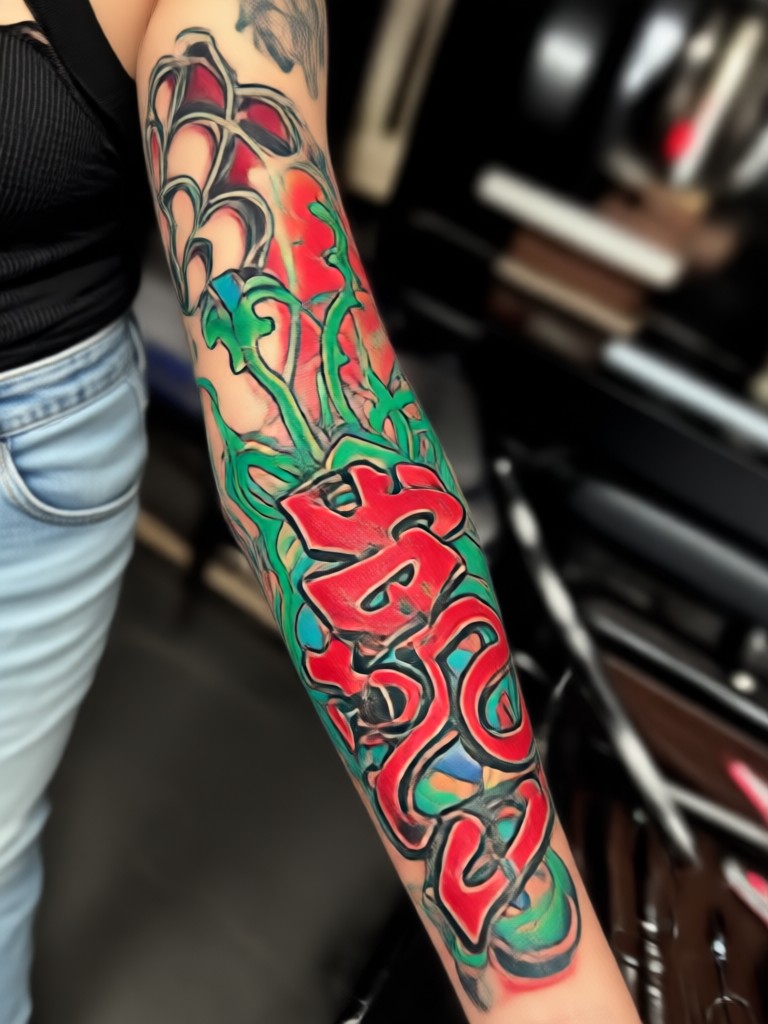
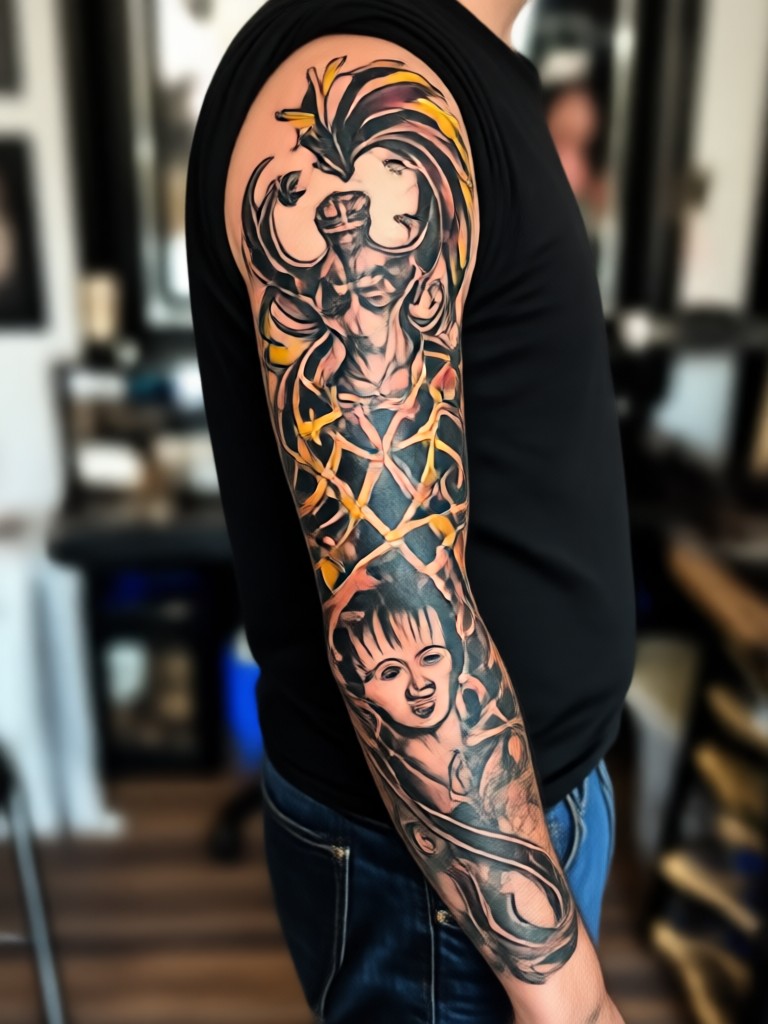
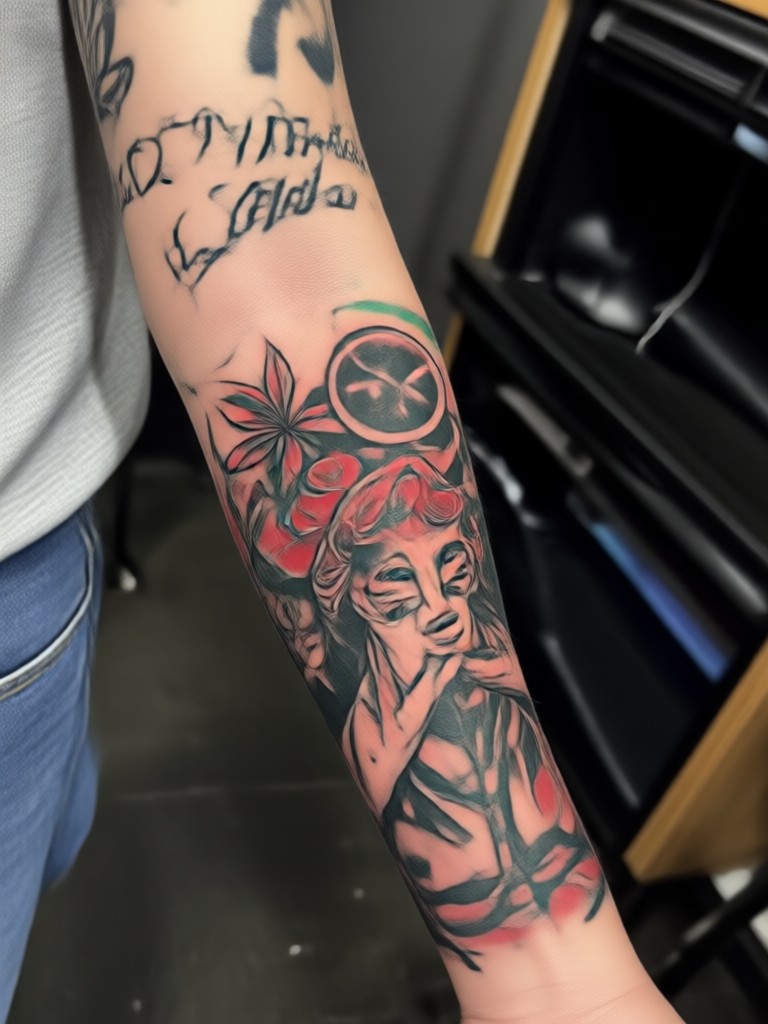
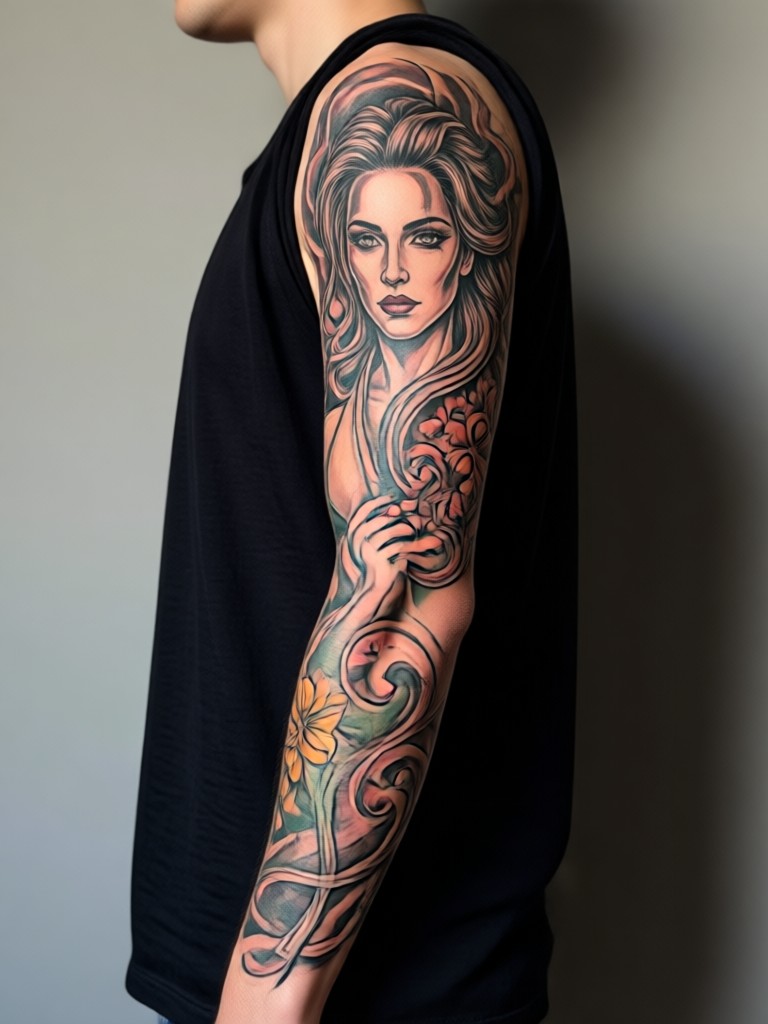
See what's possible with AI tattoo generation. These images were created by users just like you, exploring different styles and concepts for their dream sleeve tattoos.
How to Generate a Sleeve Tattoo Photo
Create your custom sleeve tattoo preview in three simple steps. No design experience needed.

Step 01.
Download the HeyO app from the Google Play Store. It's your all in one mobile studio for AI tattoo visualization and design.

Step 02.
Take or upload a clear, well lit photo of your arm. For best results, ensure your skin is visible and the photo is taken straight on.

Step 03.
Browse our tattoo style filters, select one, and generate. Save your favorite designs to your phone to show your tattoo artist or share on social media.
Tattoo Enthusiasts & Artists Love Our Generator
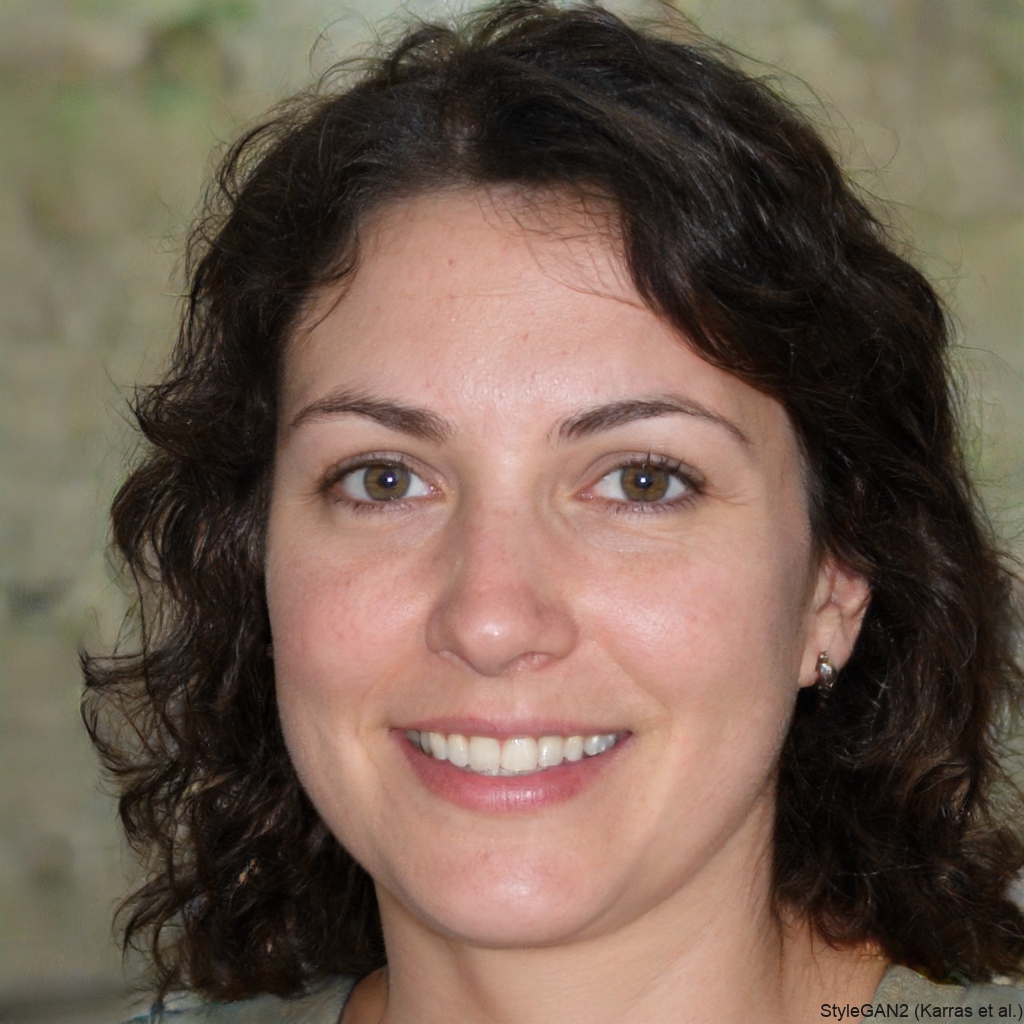
Marcus T.
As a tattoo artist, this tool is incredible for client consultations. We can visualize 5 different sleeve concepts in minutes instead of sketching for hours. It sets clear expectations.
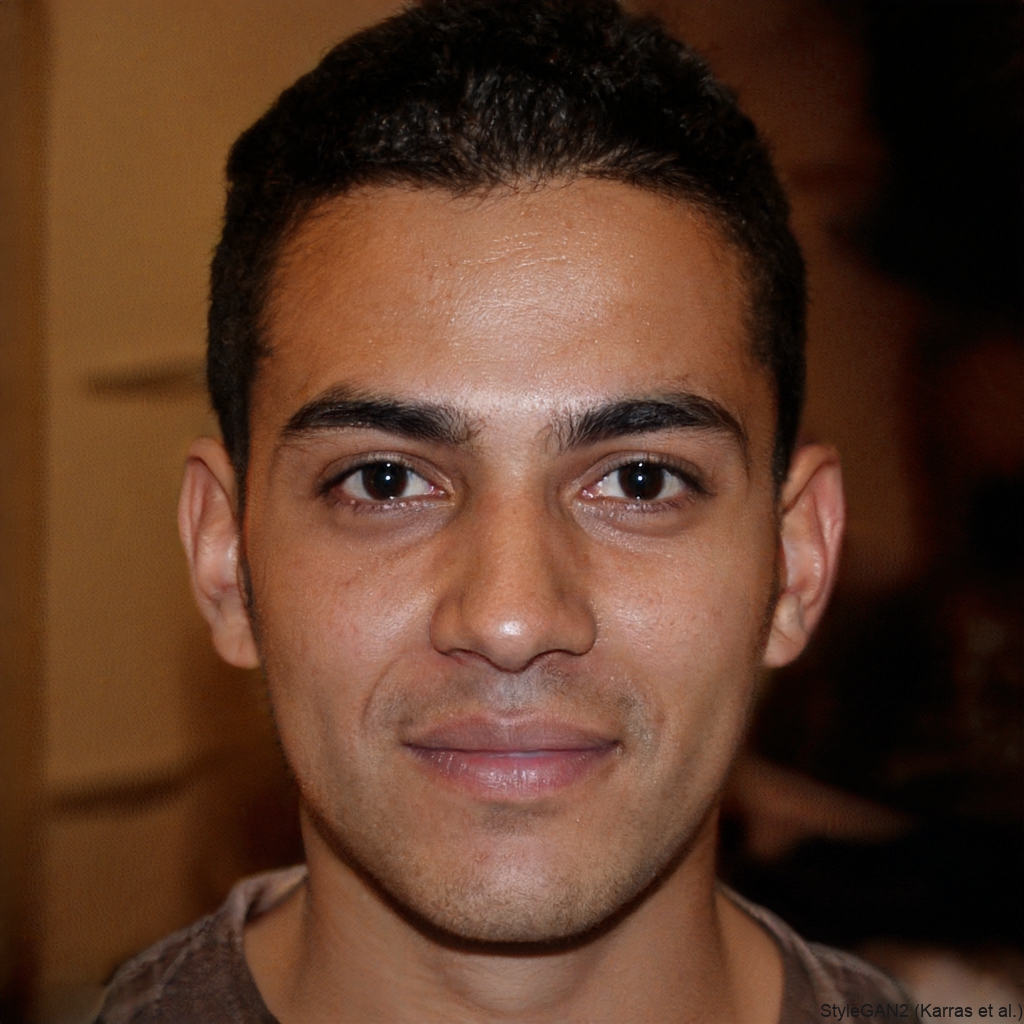
Sarah L.
I was terrified of regretting a big sleeve. This let me 'try on' dozens of styles. I finally settled on a blackwork geometric design I love and feel confident about.
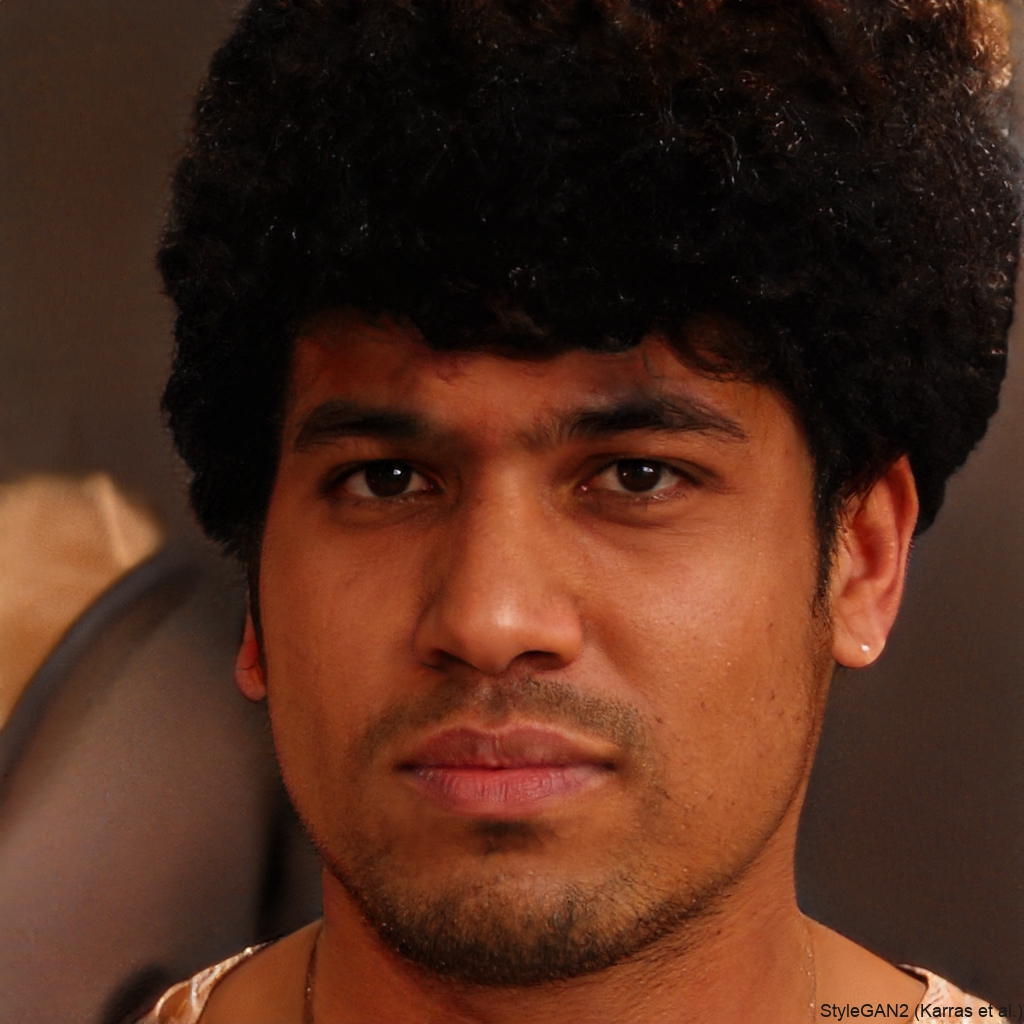
Jake R.
I use it to plan additions to my existing sleeve. Seeing how a new piece flows with my old ink is a game changer. My artist uses my generated photos as a direct reference.
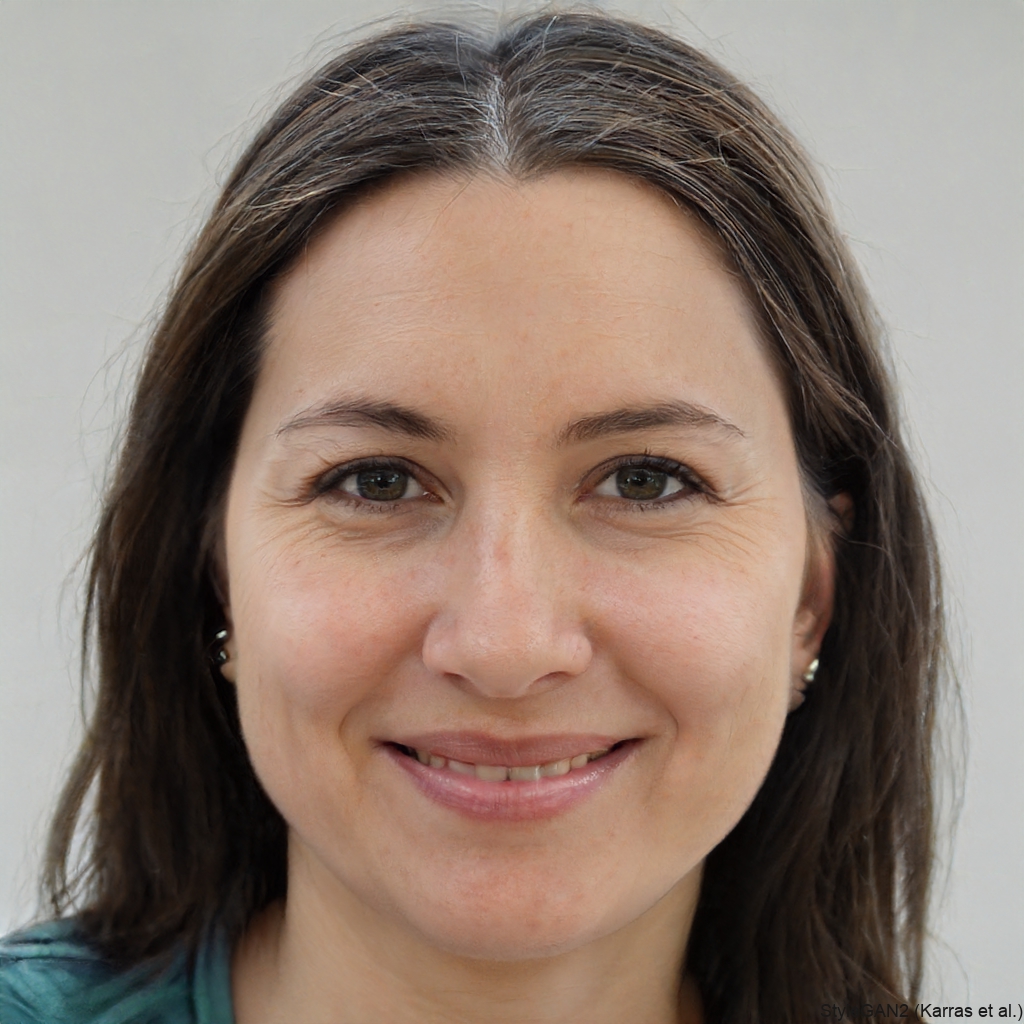
Chloe K.
The realism is shocking. It shows how tattoos warp with muscle and skin movement. I generated a floral sleeve and could even see how it would look with my arm bent vs. straight.
Marcus T.
As a tattoo artist, this tool is incredible for client consultations. We can visualize 5 different sleeve concepts in minutes instead of sketching for hours. It sets clear expectations.
Sarah L.
I was terrified of regretting a big sleeve. This let me 'try on' dozens of styles. I finally settled on a blackwork geometric design I love and feel confident about.
Jake R.
I use it to plan additions to my existing sleeve. Seeing how a new piece flows with my old ink is a game changer. My artist uses my generated photos as a direct reference.
Chloe K.
The realism is shocking. It shows how tattoos warp with muscle and skin movement. I generated a floral sleeve and could even see how it would look with my arm bent vs. straight.
Marcus T.
As a tattoo artist, this tool is incredible for client consultations. We can visualize 5 different sleeve concepts in minutes instead of sketching for hours. It sets clear expectations.
Sarah L.
I was terrified of regretting a big sleeve. This let me 'try on' dozens of styles. I finally settled on a blackwork geometric design I love and feel confident about.
Jake R.
I use it to plan additions to my existing sleeve. Seeing how a new piece flows with my old ink is a game changer. My artist uses my generated photos as a direct reference.
Chloe K.
The realism is shocking. It shows how tattoos warp with muscle and skin movement. I generated a floral sleeve and could even see how it would look with my arm bent vs. straight.
From Blank Canvas to Masterpiece
Your arm is a blank canvas. Our AI is the brush. See the transformation from bare skin to fully realized tattoo art in a single tap. Experiment with placement, size, and color without any permanent commitment.
Sleeve Tattoo Generator FAQ
Get answers to the most common questions about using AI to visualize and generate sleeve tattoo designs.
More Topics You May Like
Explore more topics you may like and discover fresh ideas tailored to your interests.
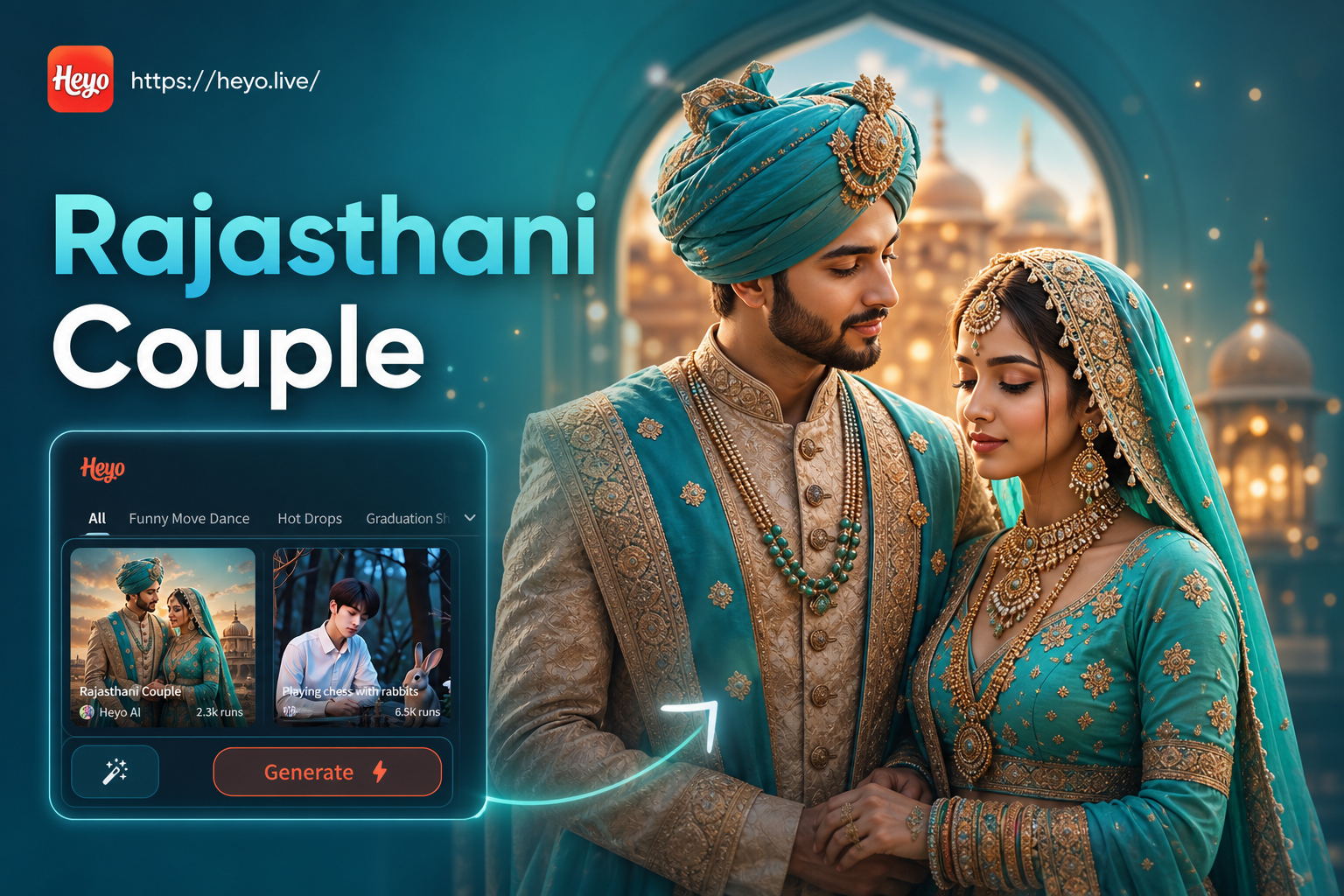
Rajasthani Couple Photo Generator
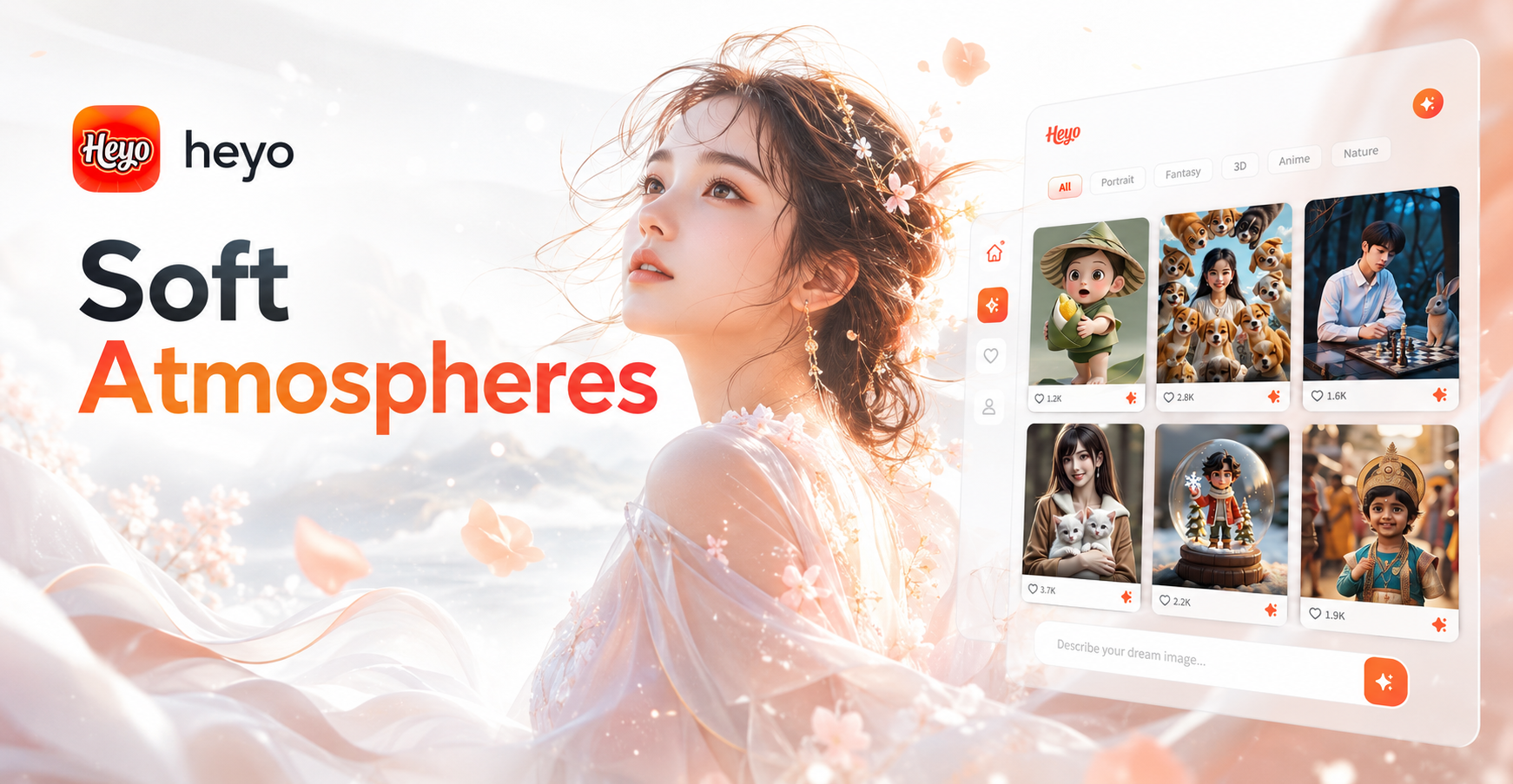
Ai Soft Atmosphere Generator
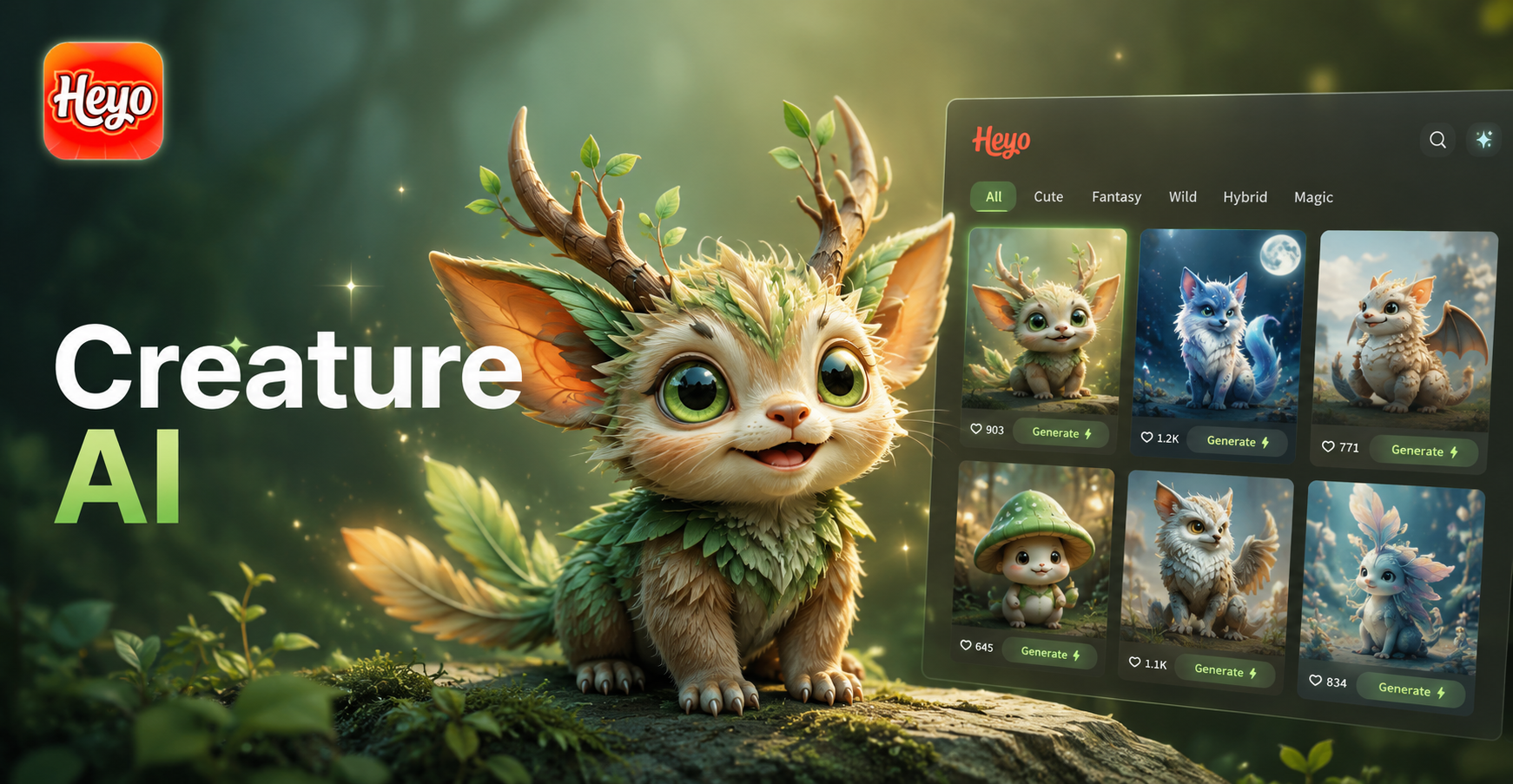
Ai Creature Generator
Ai Model Girl Generator
Rajasthani Couple Photo Generator
Ai Soft Atmosphere Generator
Ai Creature Generator
Ai Model Girl Generator
Design Your Dream Sleeve Today
Stop imagining and start visualizing. Download HeyO now and turn your arm into a digital canvas. Explore limitless tattoo art possibilities with zero risk.

Design Your Dream Sleeve Today
Stop imagining and start visualizing. Download HeyO now and turn your arm into a digital canvas. Explore limitless tattoo art possibilities with zero risk.