Smoke Background Portrait Generator
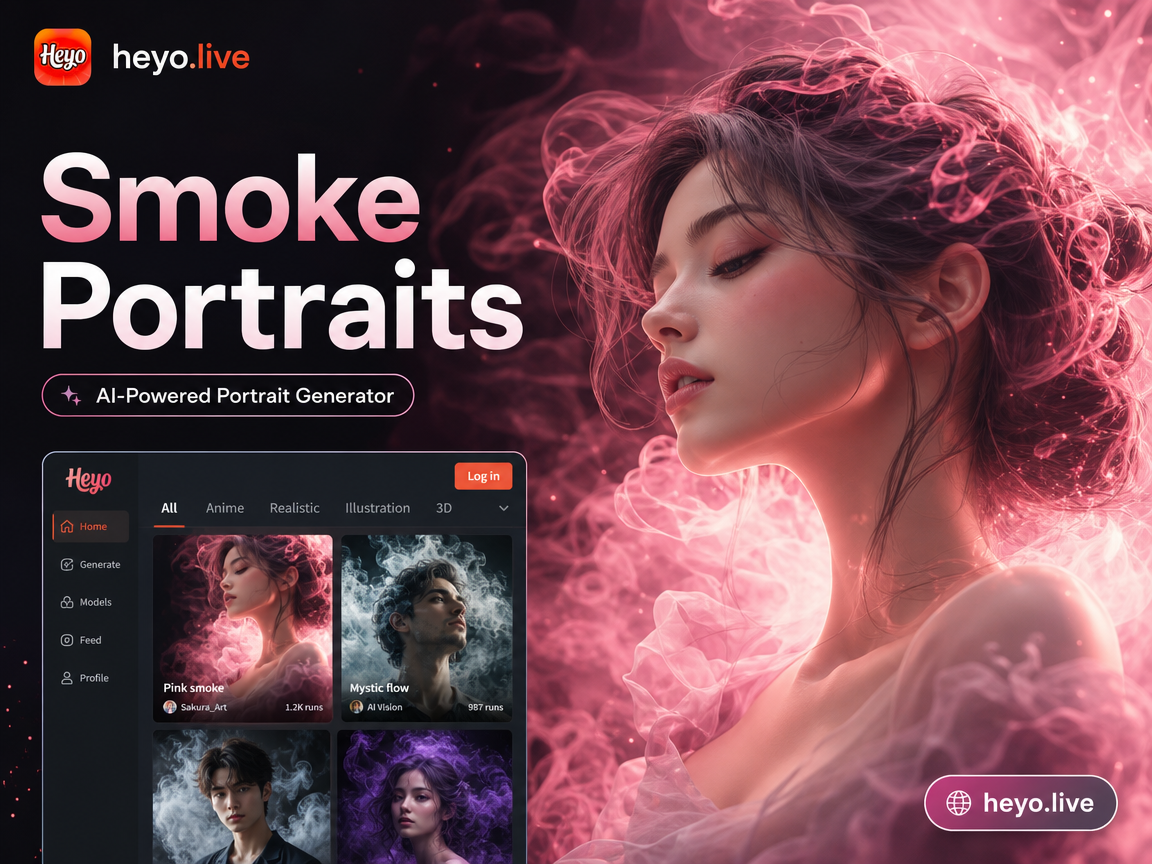
Create the Perfect Smoky Portrait
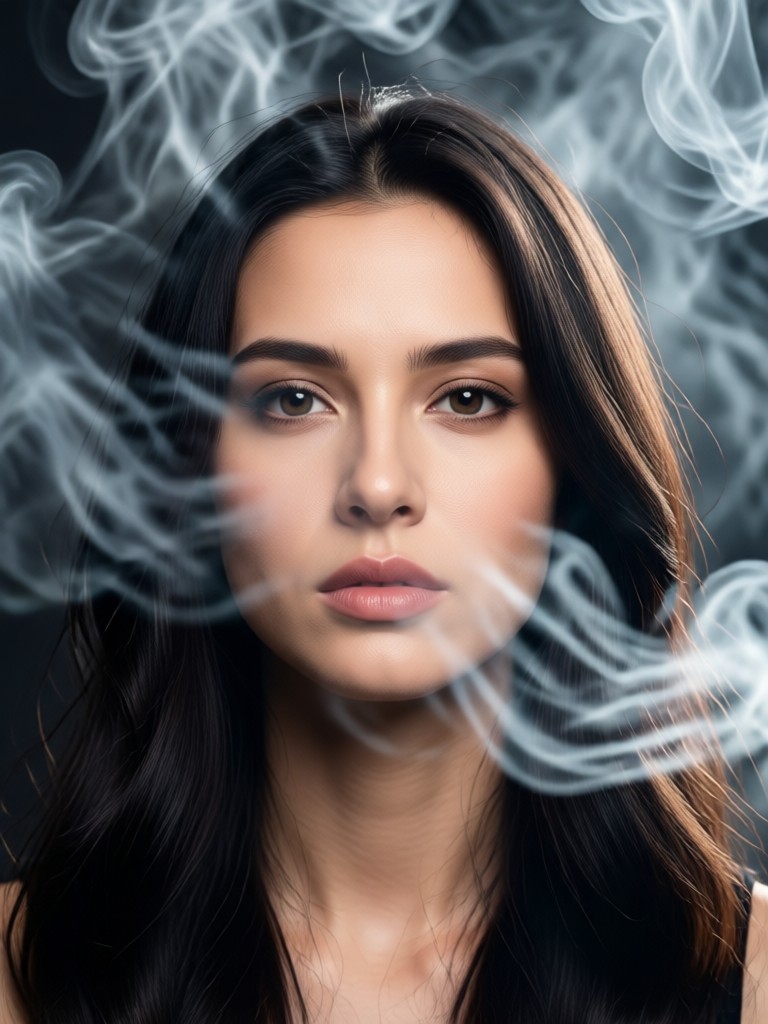
Choose from our curated collection of smoke effects, from subtle wisps to dense, billowing clouds, to match your desired mood and style.
Why Create Smoke Portraits with AI?
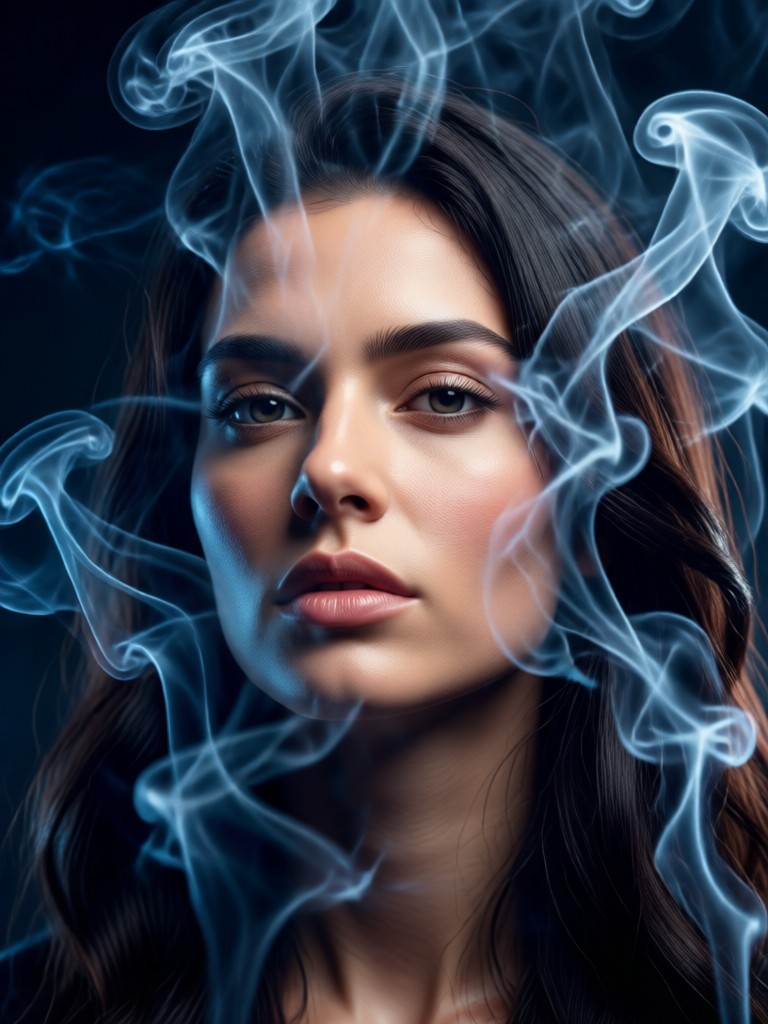
Our generator uses advanced AI to blend smoke effects with your portrait realistically. It understands lighting, facial contours, and hair, ensuring the smoke appears natural and integrated, not just pasted on.
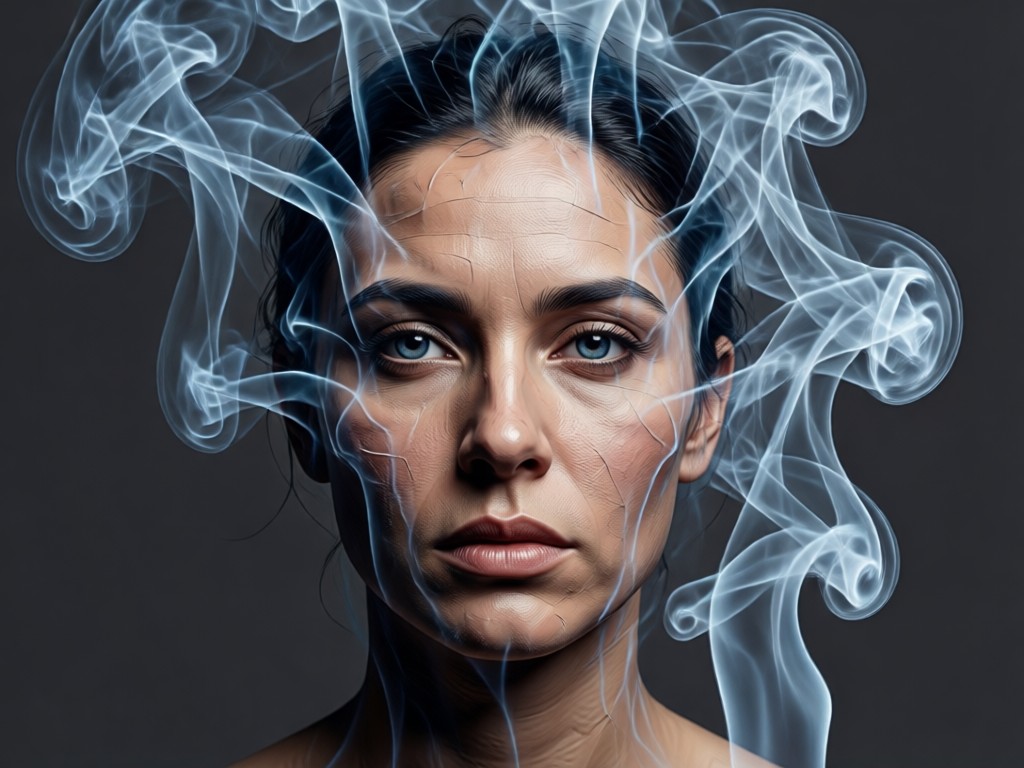
Realistic Smoke Physics
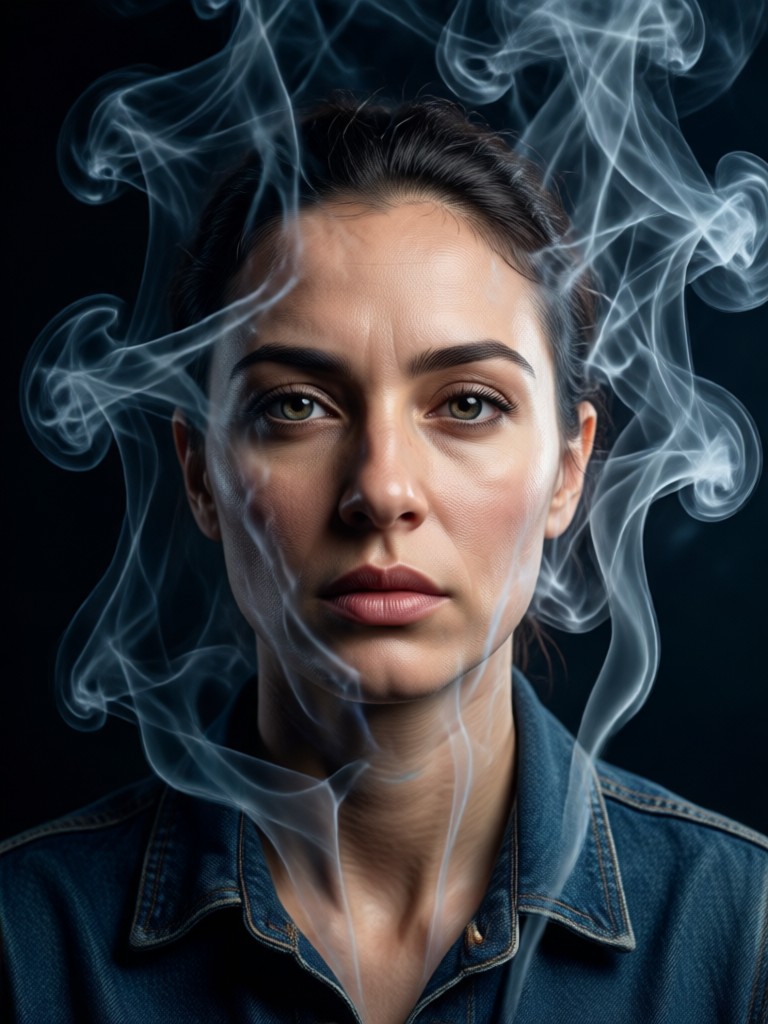
The AI generates smoke with realistic wisps, curls, and diffusion patterns that interact naturally with your portrait's lighting and shadows for a convincing effect.
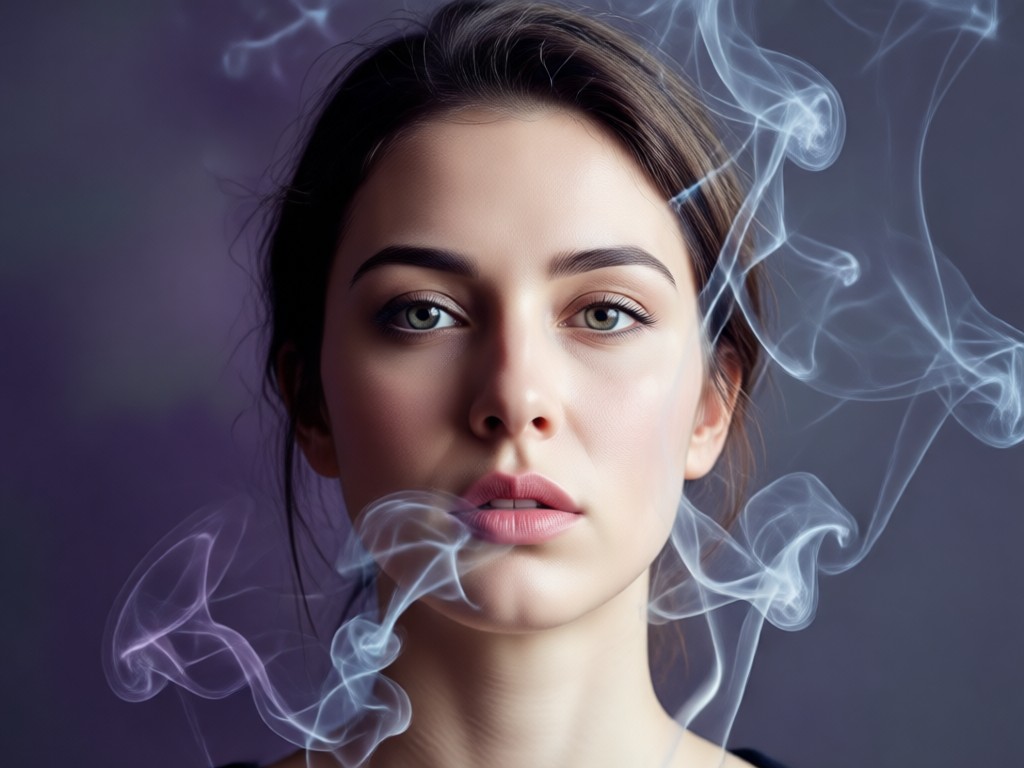
Style & Color Control
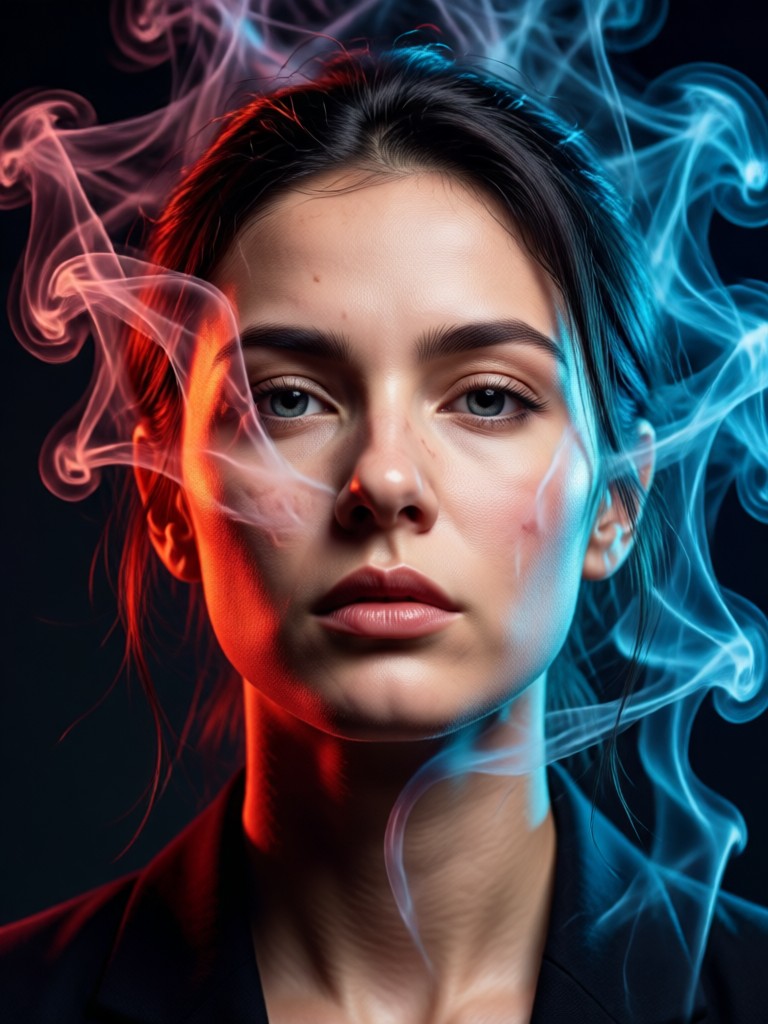
Choose from classic gray smoke, intense black plumes, or vibrant colored smoke. Adjust density and direction to create anything from a haunting mist to fiery drama.
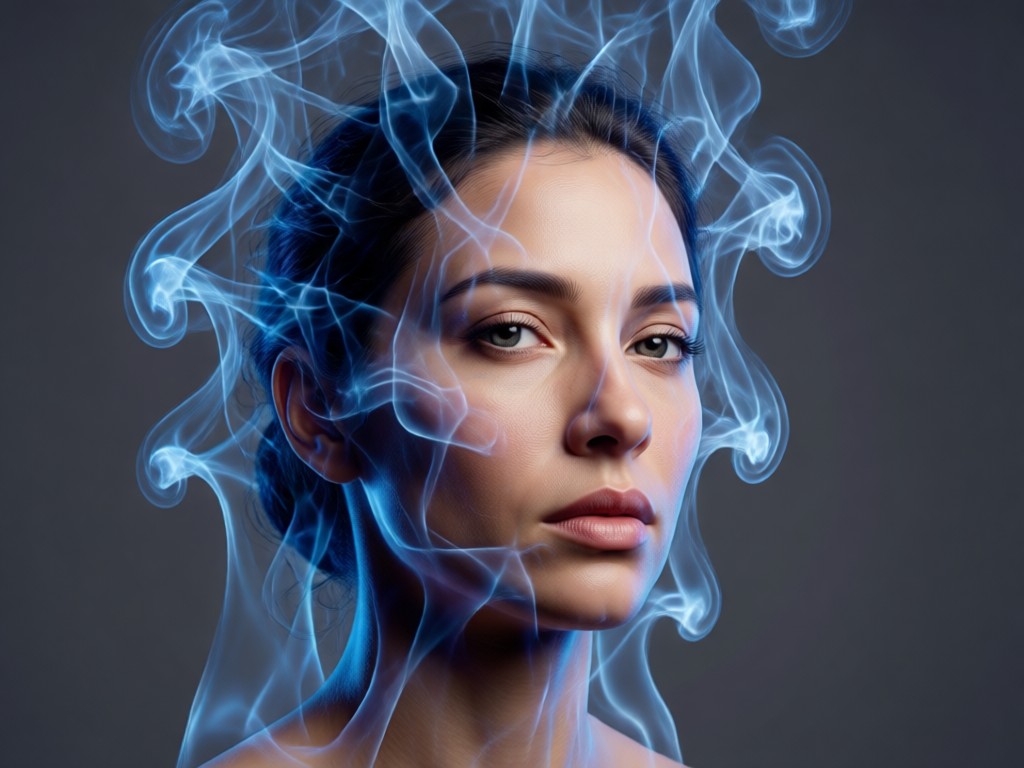
One-Click Background Replacement
Instantly replace dull backgrounds with dynamic smoke clouds. The AI seamlessly merges your subject with the new smoky environment, preserving all details.
Smoke Portrait Inspiration Gallery
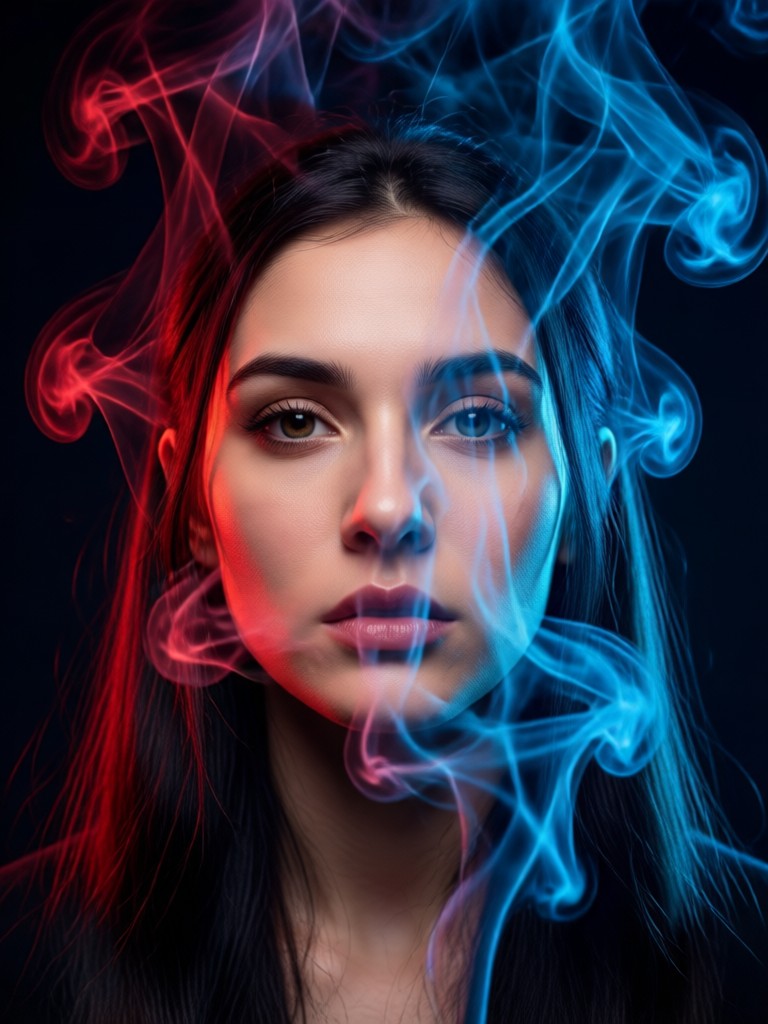
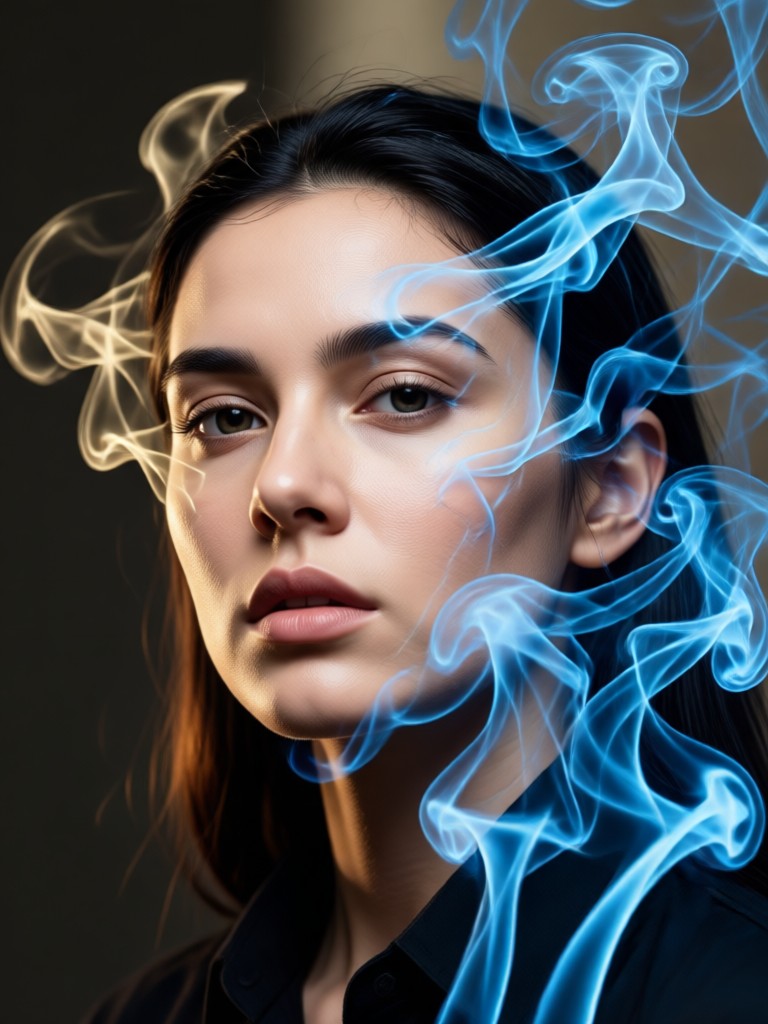
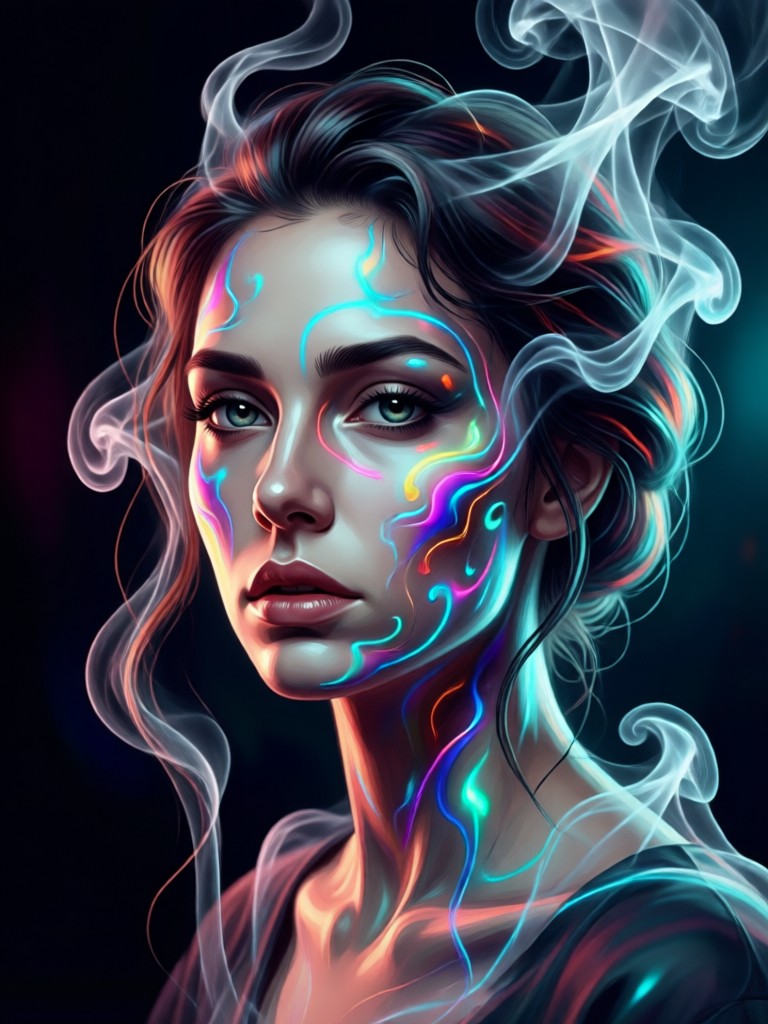
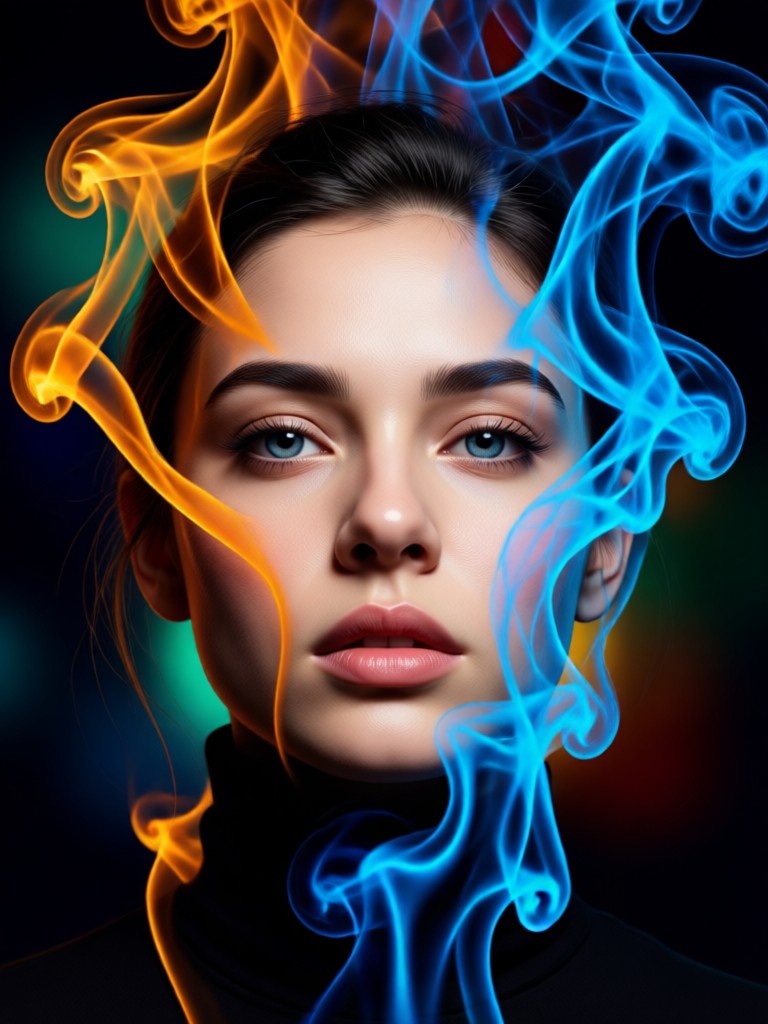
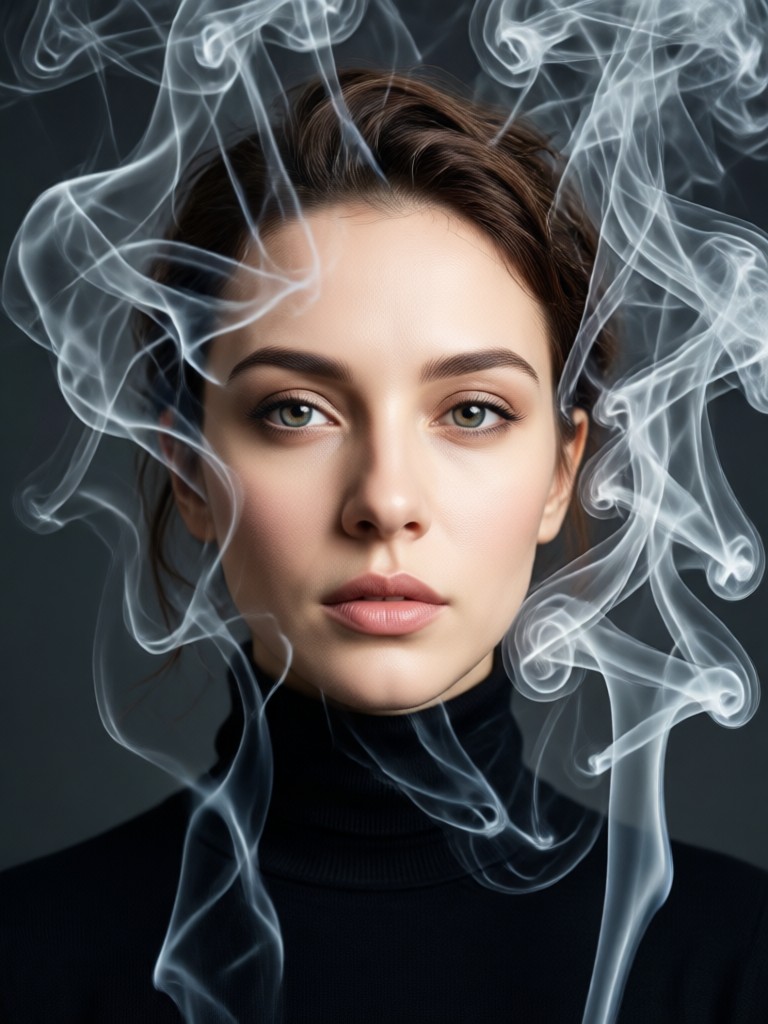
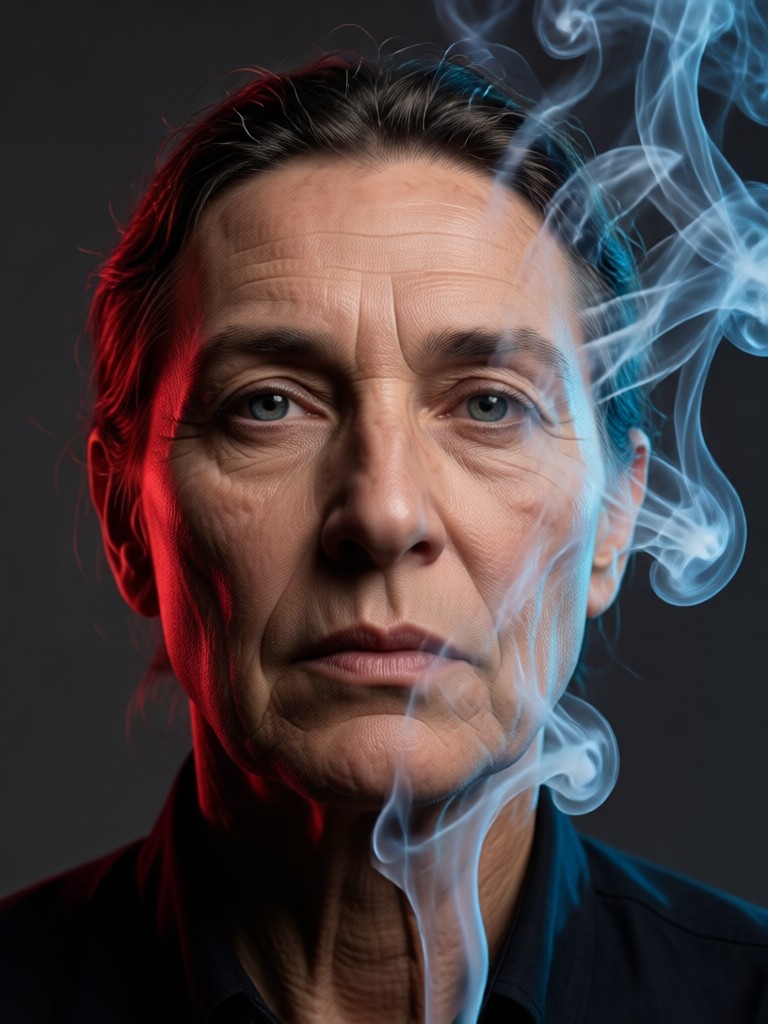
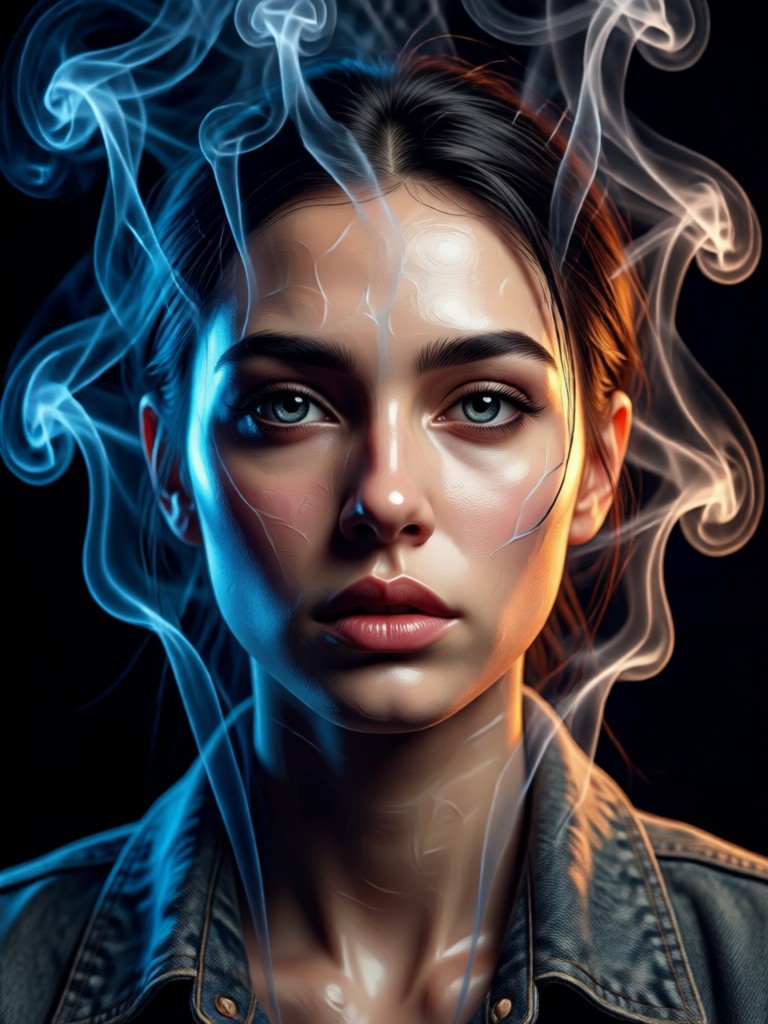
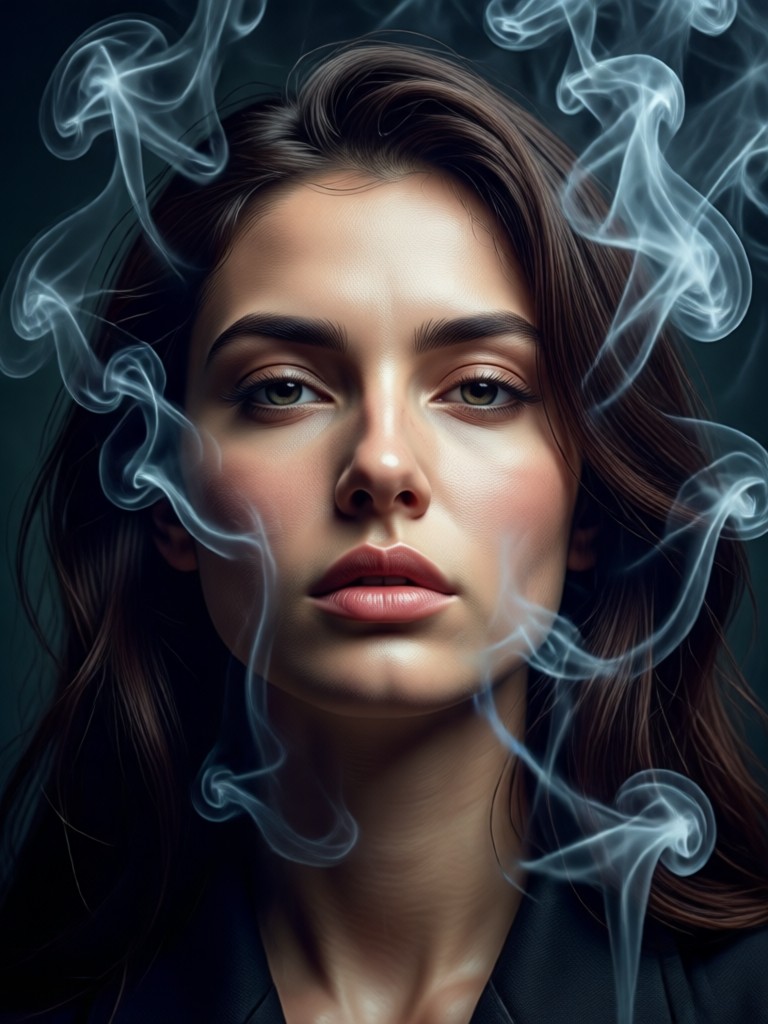
See the stunning possibilities. Browse AI-generated smoky portraits to inspire your own creation. Each image started as a simple photo.
How to Create a Smoke Background Portrait?
Make a stunning smoky portrait effect in just three simple steps with our mobile app.

Step 01.
Download the heyo app from Google Play. It's your all-in-one tool for AI photo and video creation, including smoke portrait effects.

Step 02.
Upload your portrait and browse our library of smoke effect filters. Choose from wispy mist, dark plumes, colored smoke, and more.

Step 03.
Generate and refine. Let the AI create your smoky portrait, then download the high-quality result to share instantly.
Creators Using Smoke Portrait Effects
Maya R.
As a portrait photographer, this tool is a game-changer. I can offer clients dramatic 'smoke session' edits without any of the messy, expensive setup. The AI results look incredibly authentic.
Leo T.
I use it for concept art and character design. The smoke effects add immediate depth and mood. It's faster than painting smoke manually and gives me a perfect base to work from.
Chloe S.
My Instagram engagement skyrocketed after I started posting these smoky portraits. They stand out so much in the feed. My followers always ask how I get that effect.
Kai J.
Perfect for creating album art and promotional visuals. The dark, swirling smoke backgrounds give my music the exact atmospheric vibe I want to convey.
Maya R.
As a portrait photographer, this tool is a game-changer. I can offer clients dramatic 'smoke session' edits without any of the messy, expensive setup. The AI results look incredibly authentic.
Leo T.
I use it for concept art and character design. The smoke effects add immediate depth and mood. It's faster than painting smoke manually and gives me a perfect base to work from.
Chloe S.
My Instagram engagement skyrocketed after I started posting these smoky portraits. They stand out so much in the feed. My followers always ask how I get that effect.
Kai J.
Perfect for creating album art and promotional visuals. The dark, swirling smoke backgrounds give my music the exact atmospheric vibe I want to convey.
Maya R.
As a portrait photographer, this tool is a game-changer. I can offer clients dramatic 'smoke session' edits without any of the messy, expensive setup. The AI results look incredibly authentic.
Leo T.
I use it for concept art and character design. The smoke effects add immediate depth and mood. It's faster than painting smoke manually and gives me a perfect base to work from.
Chloe S.
My Instagram engagement skyrocketed after I started posting these smoky portraits. They stand out so much in the feed. My followers always ask how I get that effect.
Kai J.
Perfect for creating album art and promotional visuals. The dark, swirling smoke backgrounds give my music the exact atmospheric vibe I want to convey.
Smoke Portrait Generator FAQs
Get quick answers to common questions about creating AI smoke background portraits and using the heyo app.
More Topics You May Like
Explore more topics you may like and discover fresh ideas tailored to your interests.
Create Cinematic Romantic Cuddle Videos with AI
AI Ganesh Aarti Photo Creation & Divine Art Generator
Create Stunning Ganesha Pandal Photos with AI
Create Divine AI Ganesh Images in Seconds
Create Cinematic Romantic Cuddle Videos with AI
AI Ganesh Aarti Photo Creation & Divine Art Generator
Create Stunning Ganesha Pandal Photos with AI
Create Divine AI Ganesh Images in Seconds
Ready to Create Your Smoke Portrait Masterpiece?
Don't just imagine a dramatic smoky portrait effect. Create it in seconds with AI. Download the app, upload your photo, and watch the magic happen.
Ready to Create Your Smoke Portrait Masterpiece?
Don't just imagine a dramatic smoky portrait effect. Create it in seconds with AI. Download the app, upload your photo, and watch the magic happen.