AI Smoke Effect Male Portrait Generator
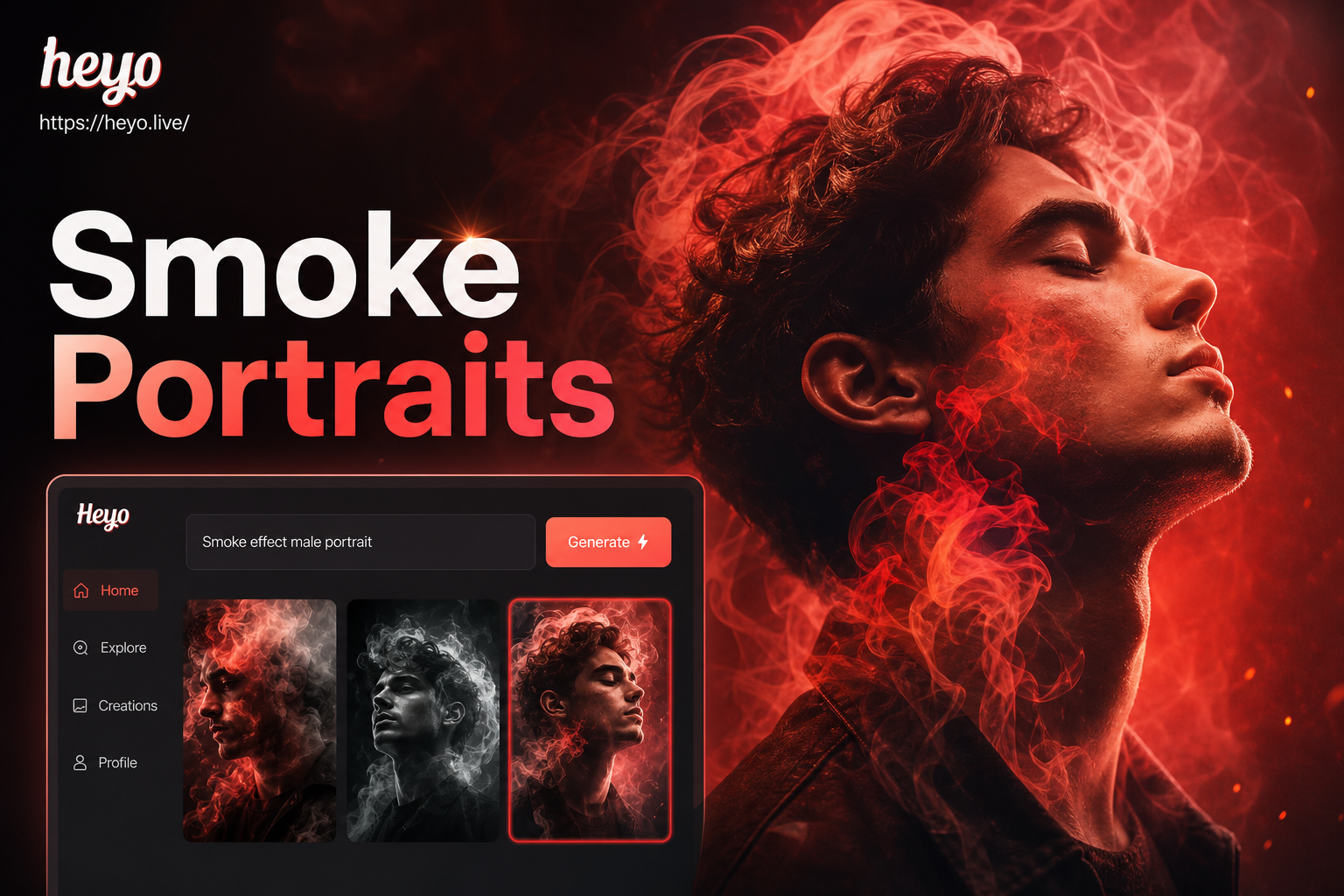
Create the Perfect Smoky Portrait
Choose from our curated collection of smoke effects, from subtle wisps to dense, billowing clouds, to match your desired mood and style.
Why Choose Our Smoke Effect Generator
Our AI tool is built specifically for creating high-impact, photorealistic smoke effects on male portraits, offering unmatched control and ease of use.
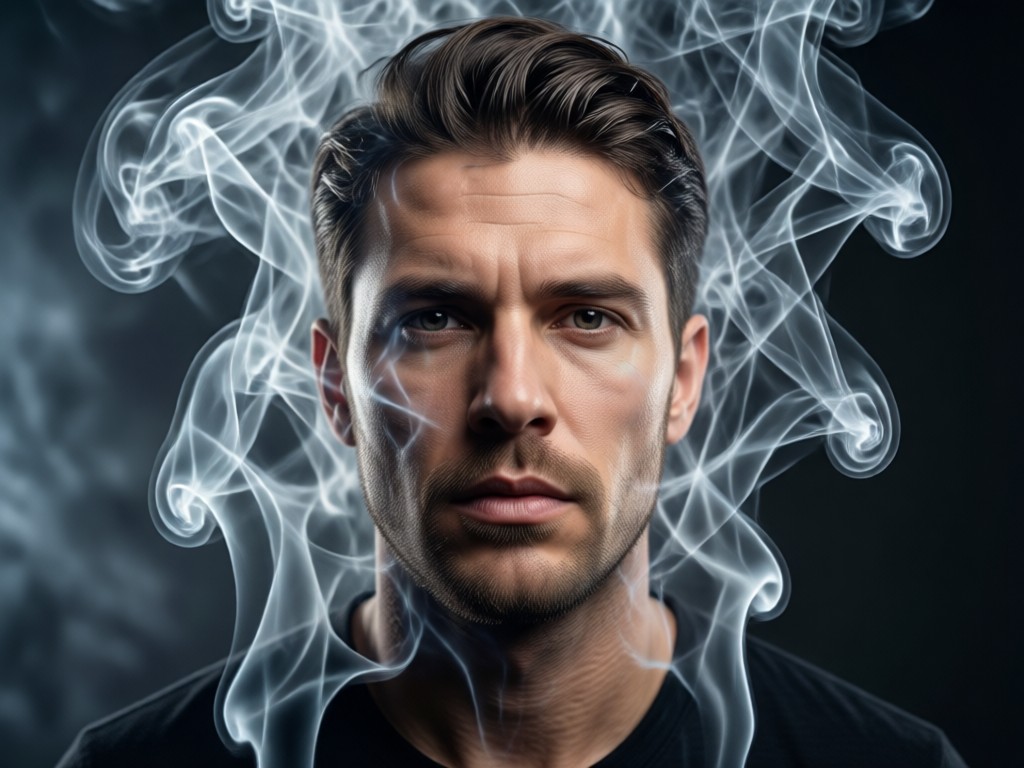
Realistic Smoke Overlays
Apply dynamic smoke effects that interact naturally with light and shadow on your portrait. Our AI intelligently wraps smoke around facial features and clothing for a convincing, three-dimensional look.
Realistic Smoke Overlays
Apply dynamic smoke effects that interact naturally with light and shadow on your portrait. Our AI intelligently wraps smoke around facial features and clothing for a convincing, three-dimensional look.
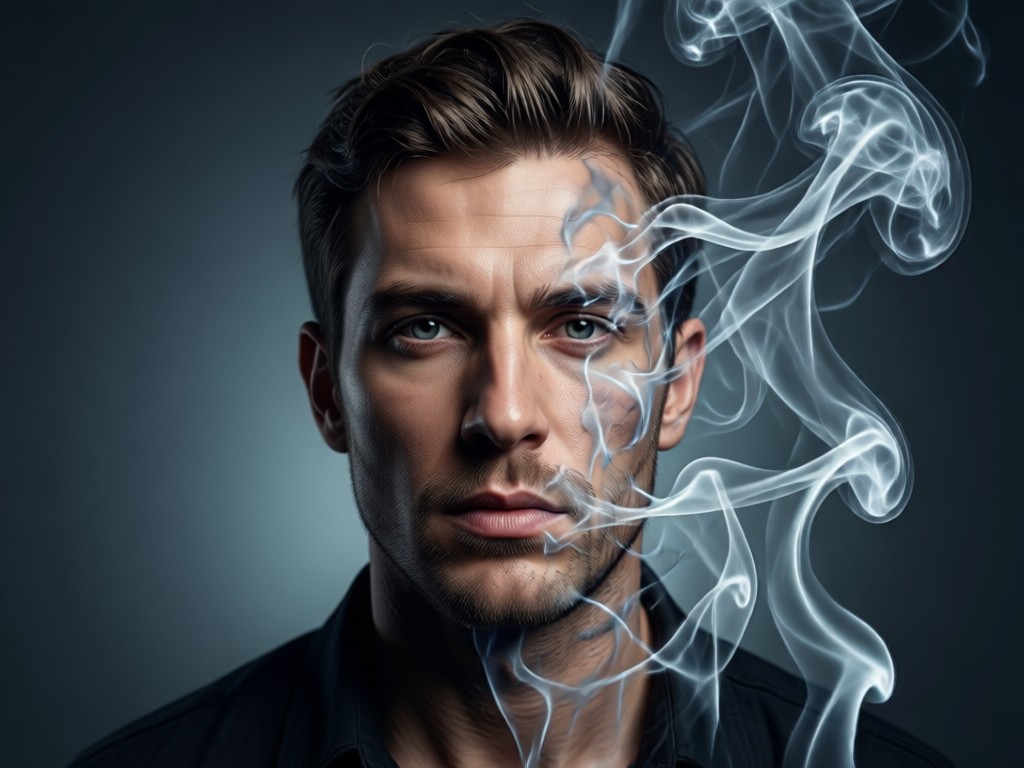
Customizable Smoky Backgrounds
Instantly replace any boring backdrop with atmospheric, AI-generated smoky backgrounds. Choose from various densities and colors to create the perfect moody or ethereal setting for your portrait.
Customizable Smoky Backgrounds
Instantly replace any boring backdrop with atmospheric, AI-generated smoky backgrounds. Choose from various densities and colors to create the perfect moody or ethereal setting for your portrait.
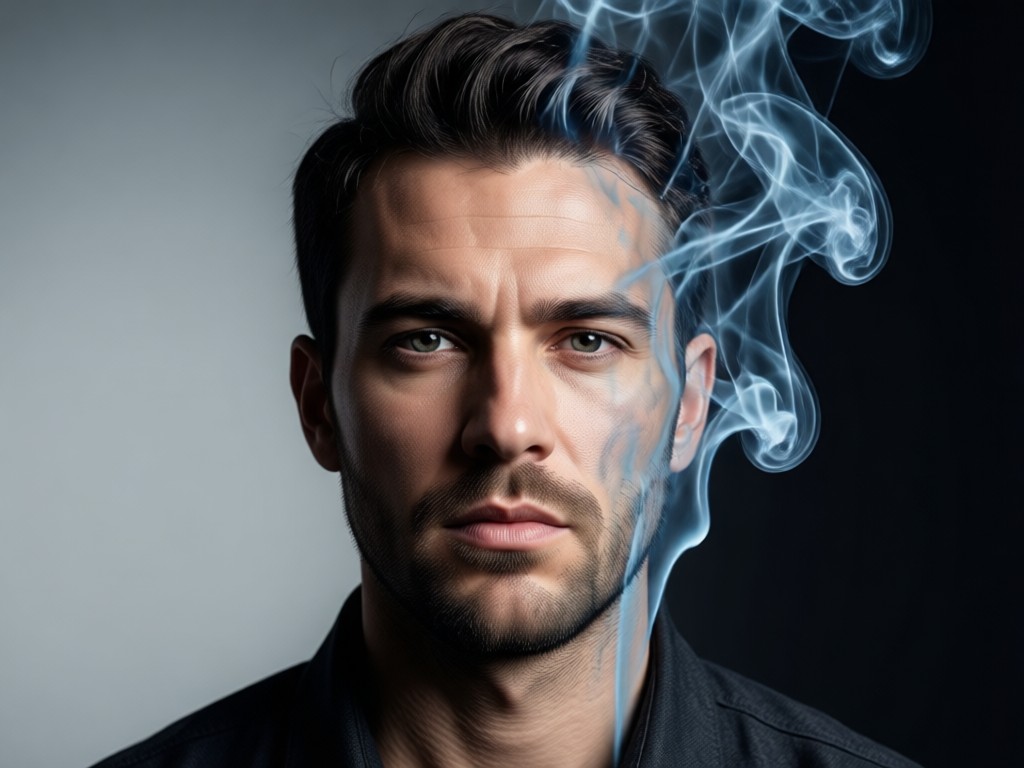
Face-Aware Effect Application
Our advanced AI preserves the subject's facial details and expression while seamlessly integrating smoke. The effect enhances the portrait without distorting or obscuring key features.
Face-Aware Effect Application
Our advanced AI preserves the subject's facial details and expression while seamlessly integrating smoke. The effect enhances the portrait without distorting or obscuring key features.
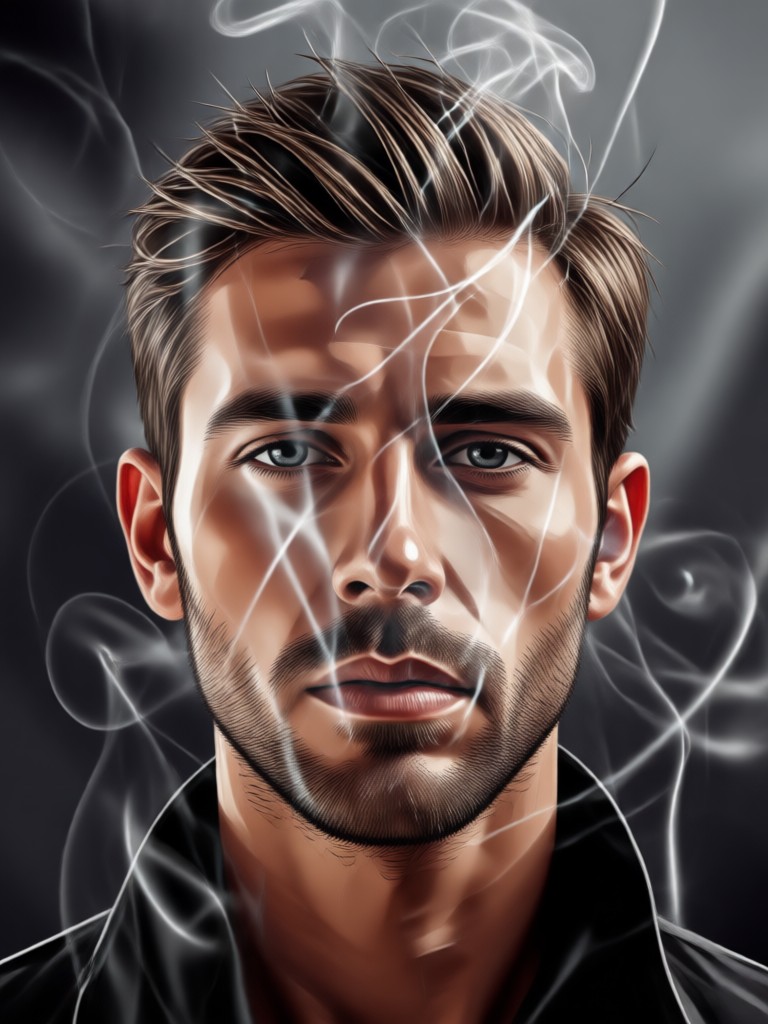
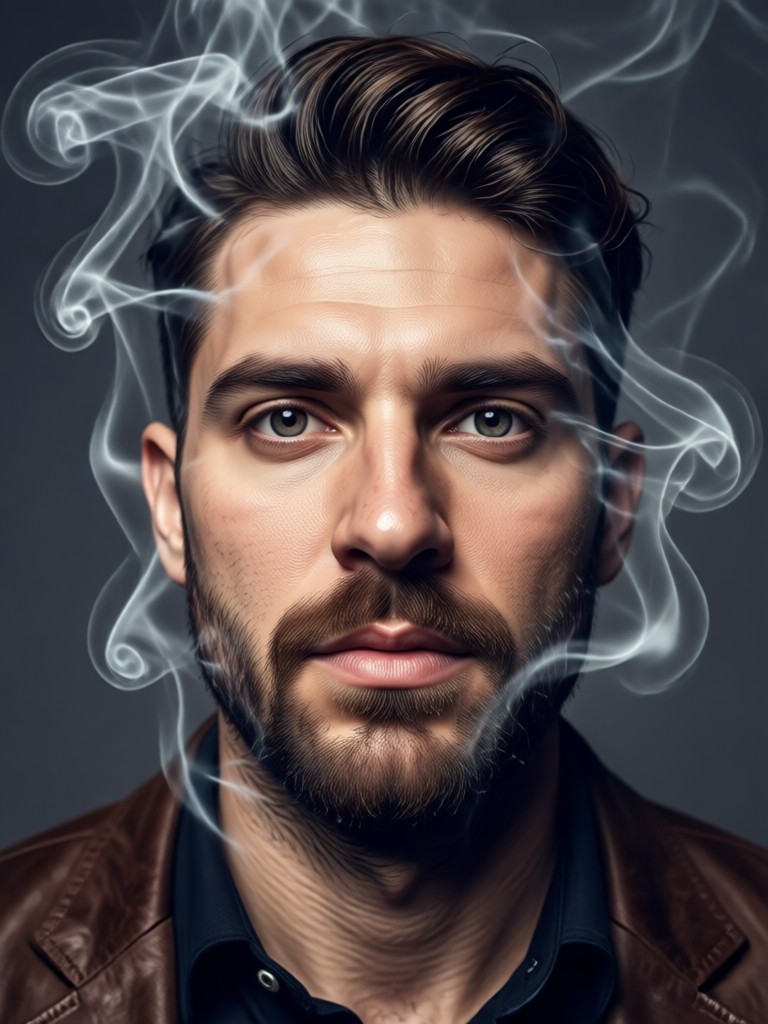
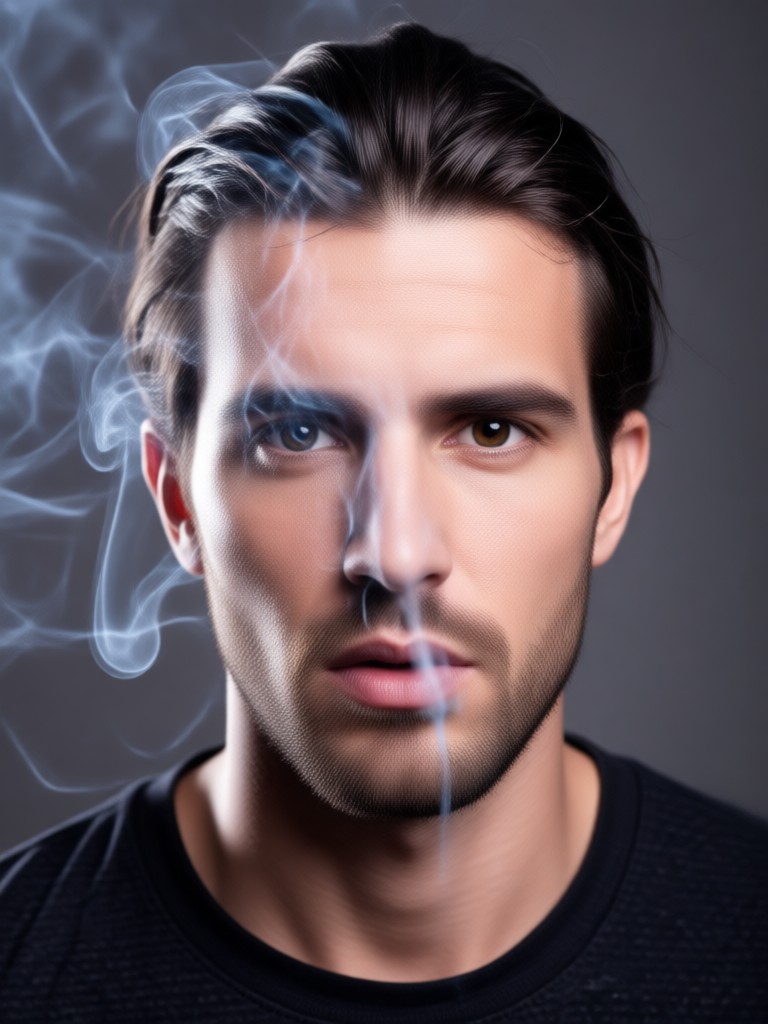
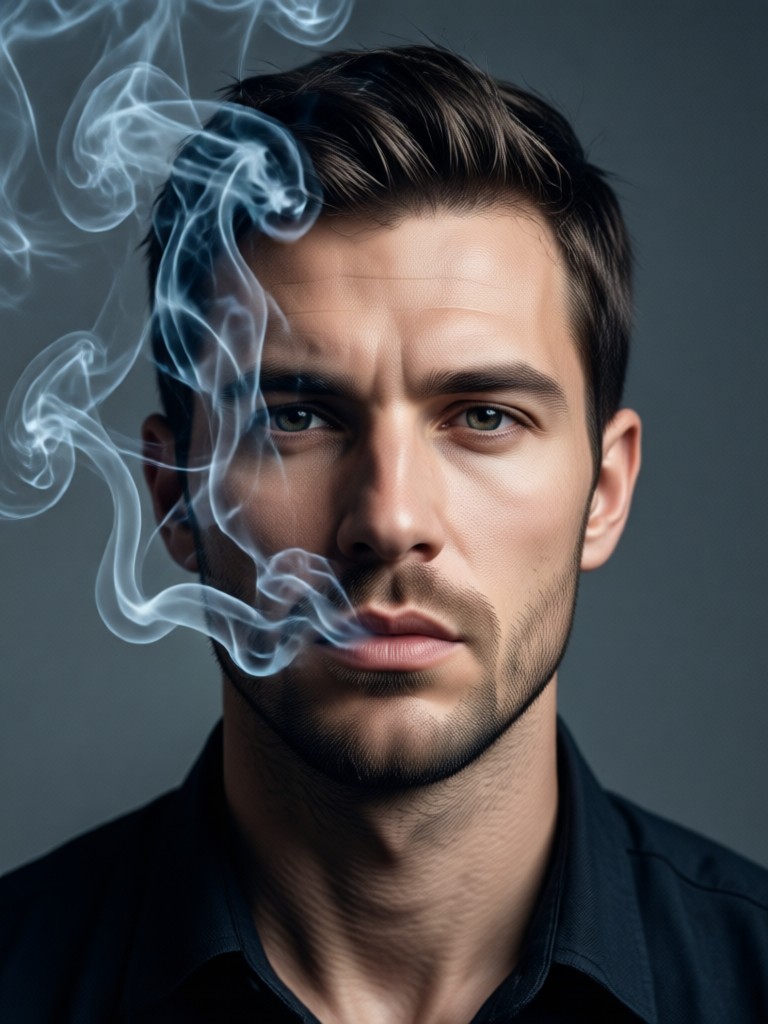
Smoke Effect Male Portrait Gallery
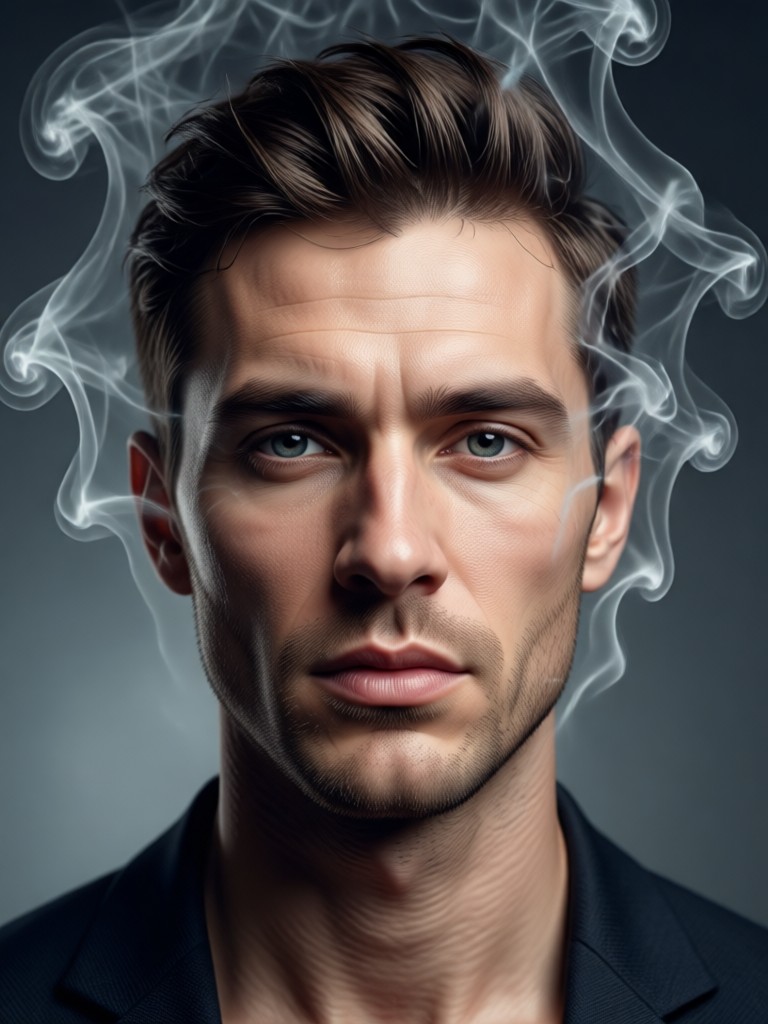
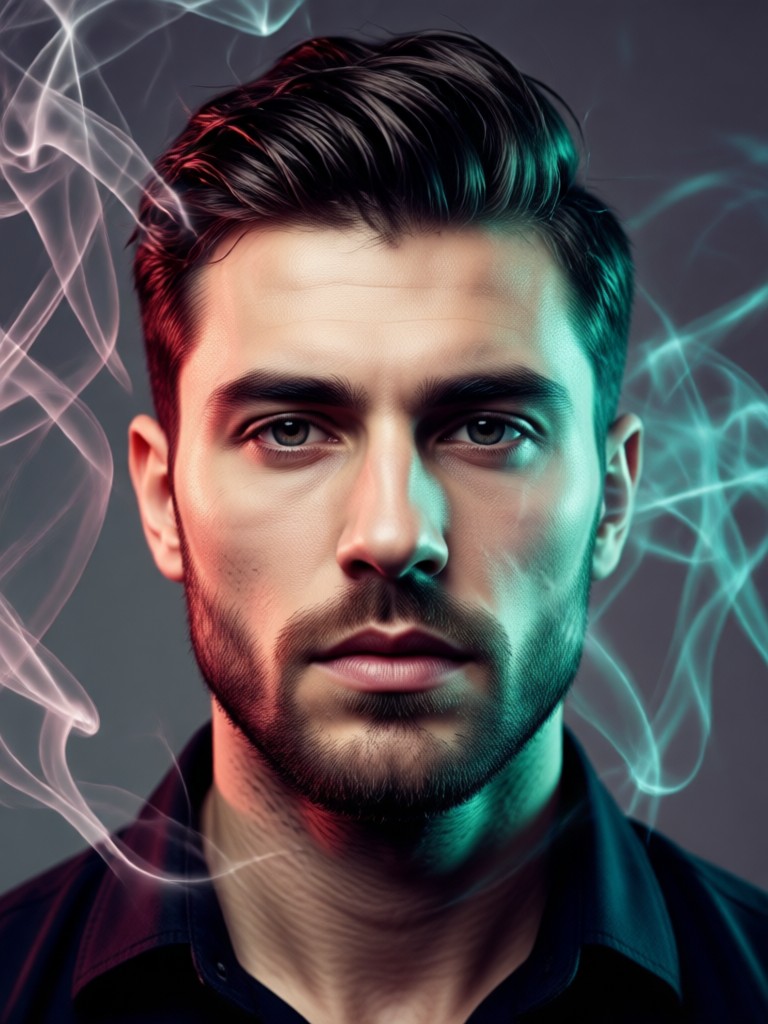
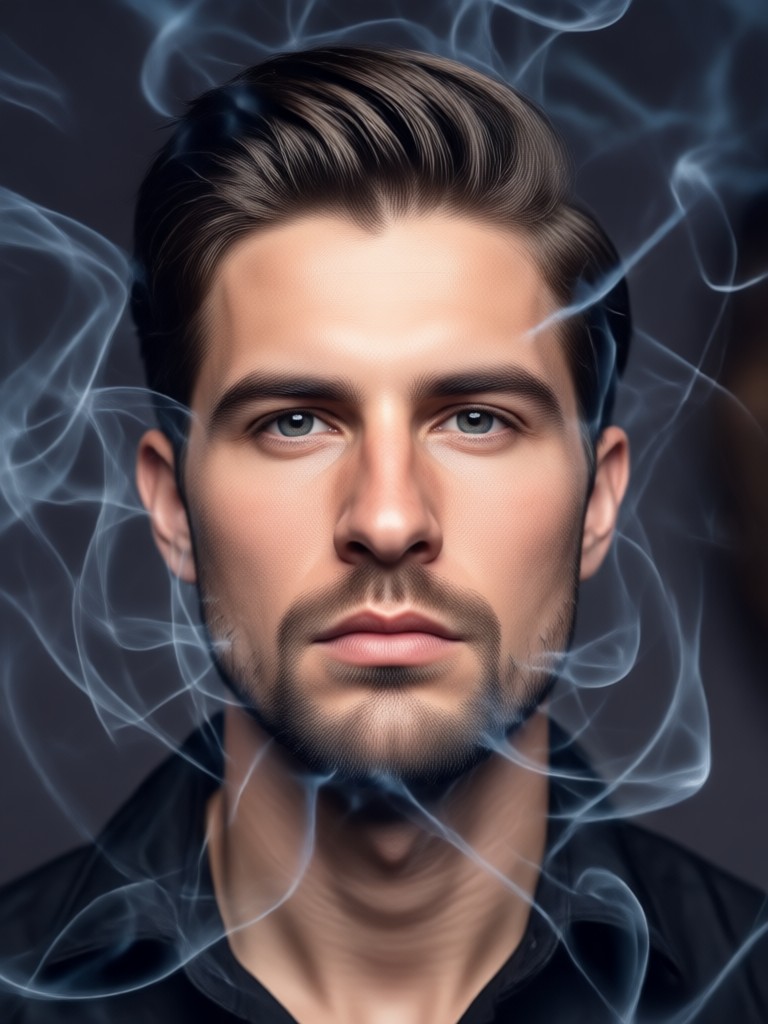
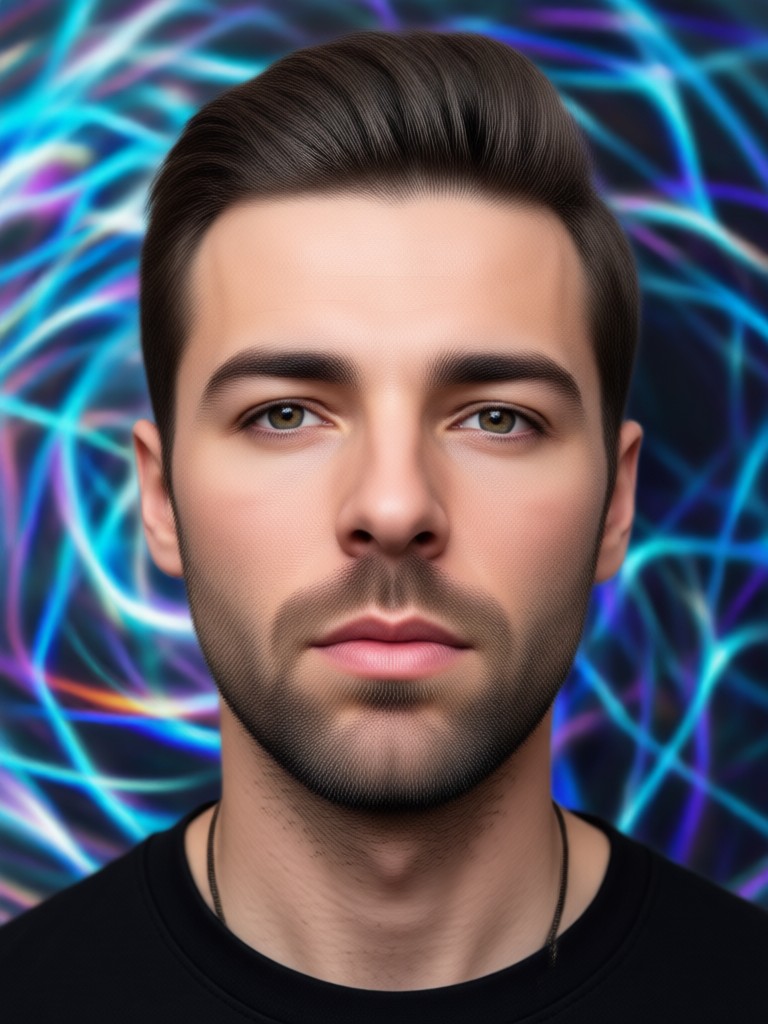
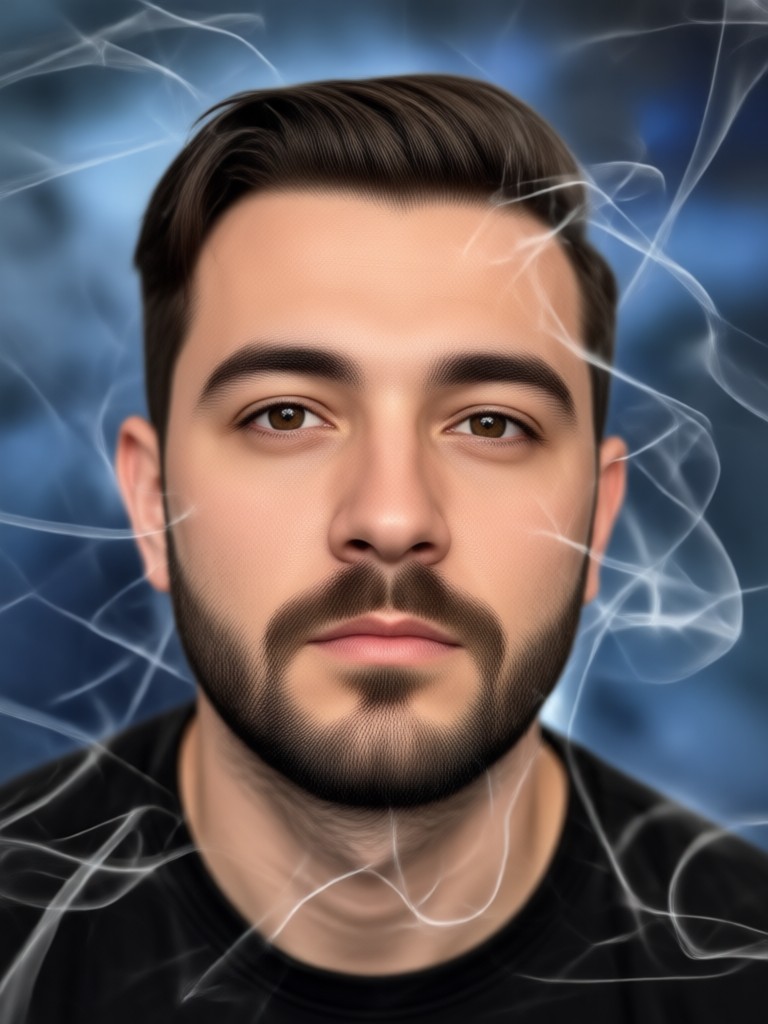
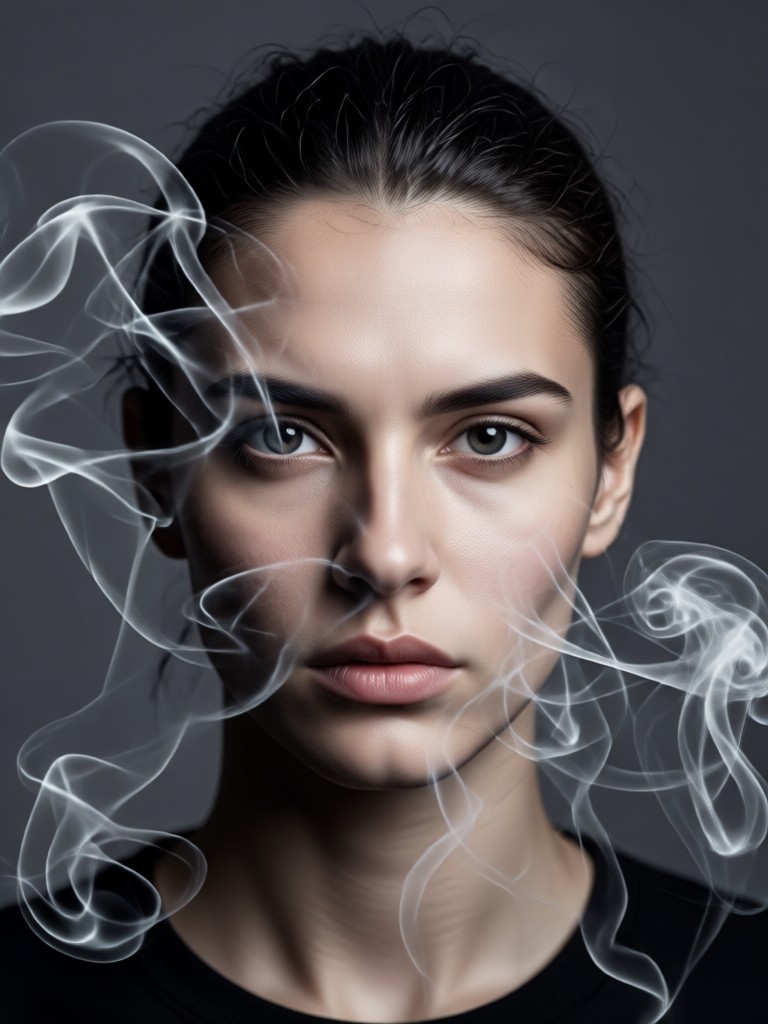
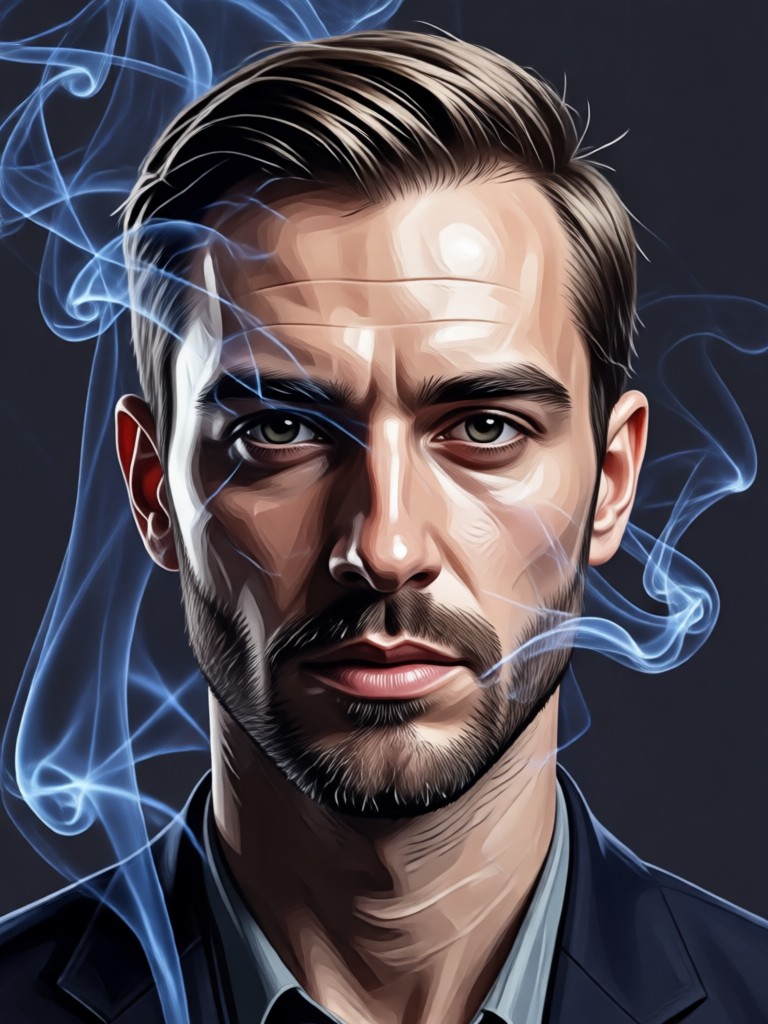
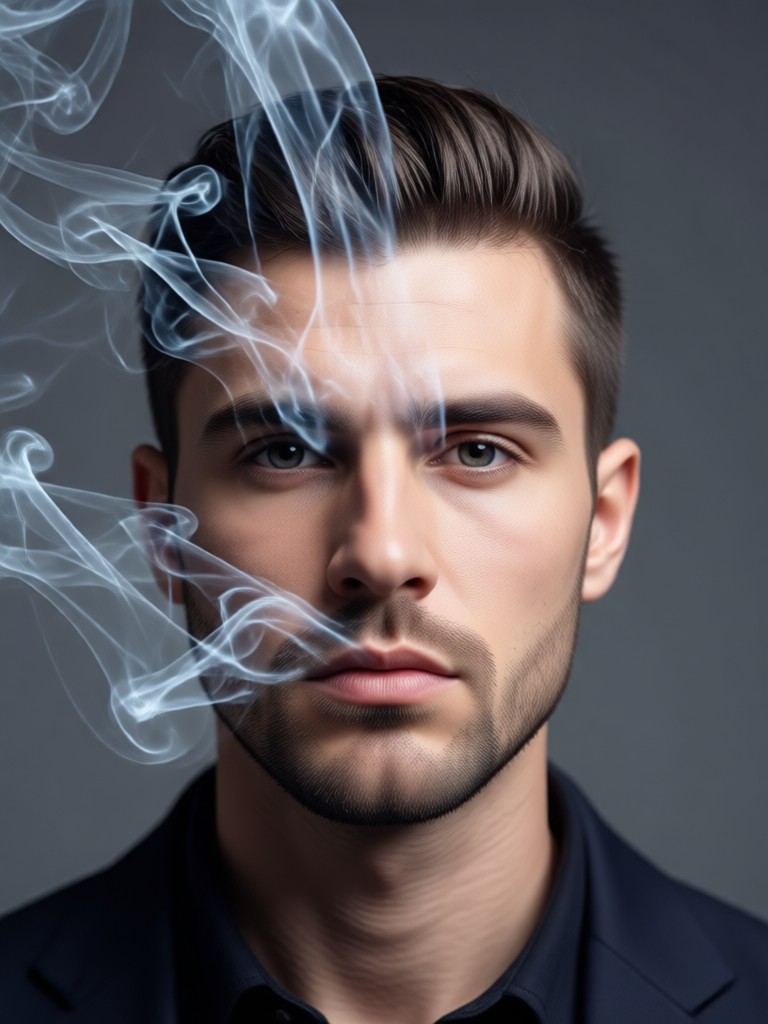
See the transformative power of AI smoke effects. Browse our gallery of before-and-after portraits showcasing different smoky styles and intensities you can achieve in seconds.
How to Add Smoke Effects in 3 Steps
Create stunning smoky male portraits right from your phone with our simple, three-step process. No complex software required.

Step 01.
Download the heyo app from Google Play to access all AI smoke effects and creative tools directly on your mobile device.

Step 02.
Upload your male portrait and browse the 'Effects' section to select a smoke style, adjusting intensity and color to your preference.

Step 03.
Generate your smoky portrait instantly. Download the high-quality result to share on social media or use in your creative projects.
What Creators Say About Our Smoke Effects
Game-Changer for Portrait Photography
As a portrait photographer, adding realistic smoke in post-production used to take hours. This AI tool delivers stunning, believable smoky backgrounds in under a minute. It's become a secret weapon for my client shoots.
Perfect for Music Artists and Album Art
I use this constantly to create atmospheric visuals for my music promotions. The smoke effects add so much drama and mystery to my photos. The ability to get pro-level results straight from my phone is incredible.
Unmatched for Social Media Content
This tool helps my content stand out immediately. The smoke effects are trending, and being able to apply them so easily to any portrait has significantly boosted my engagement on Instagram and TikTok.
Smoke Effect Generator FAQs
Find quick answers to common questions about creating AI smoke effects for male portraits and using the heyo app effectively.
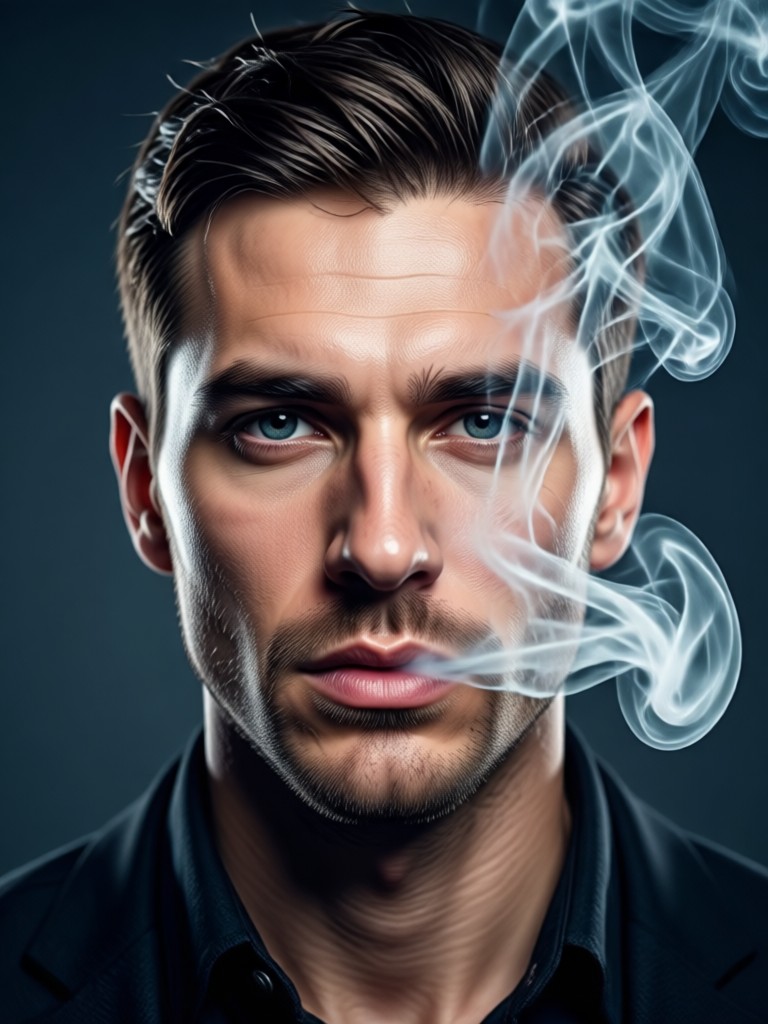
Create Smoky Portraits on Mobile
Transform any male portrait into a cinematic masterpiece with realistic AI smoke effects. Download the app now and start creating in seconds.

More Topics You May Like
Explore more topics you may like and discover fresh ideas tailored to your interests.
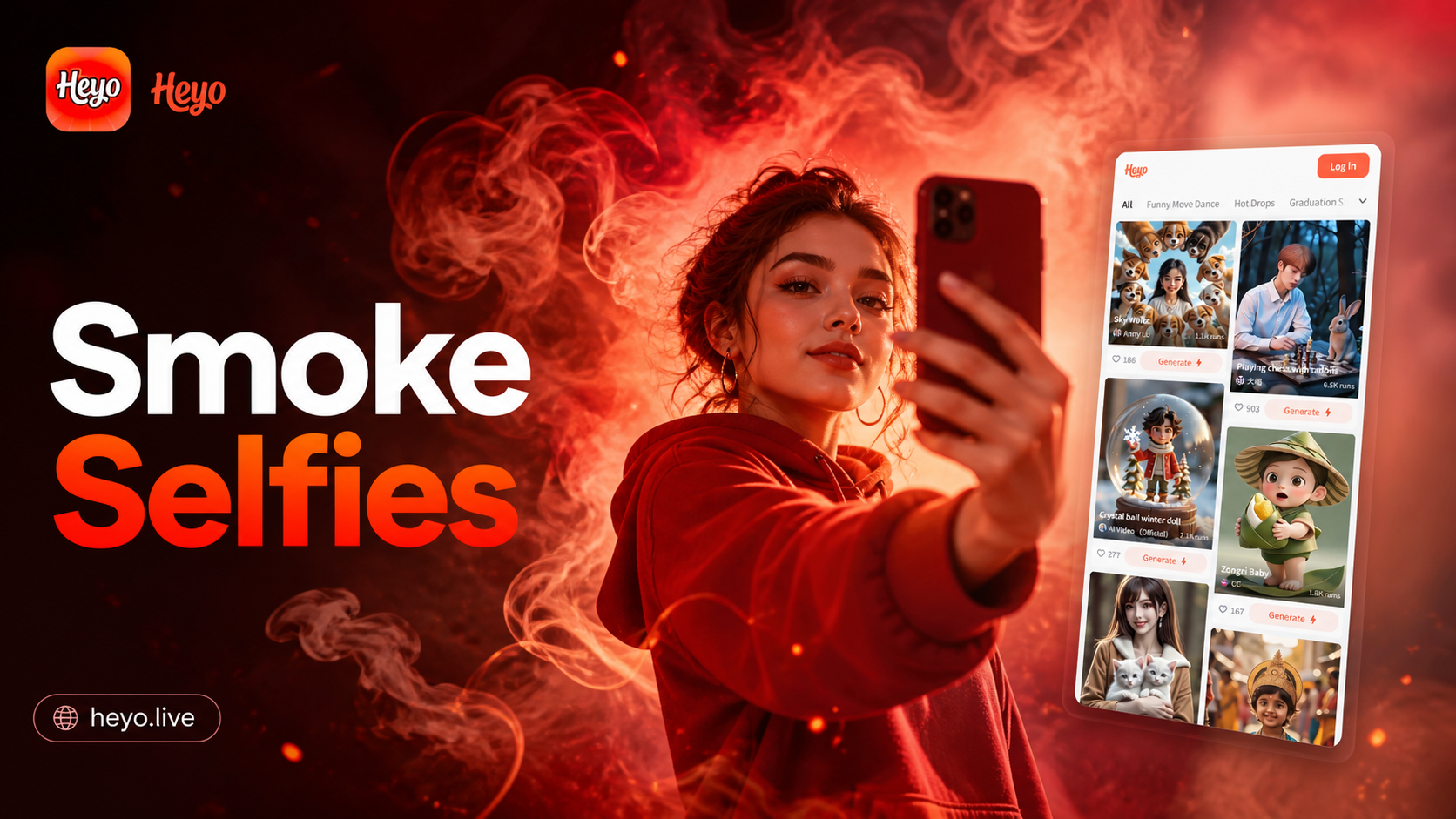
Create Stunning Smoke Background Selfies Instantly
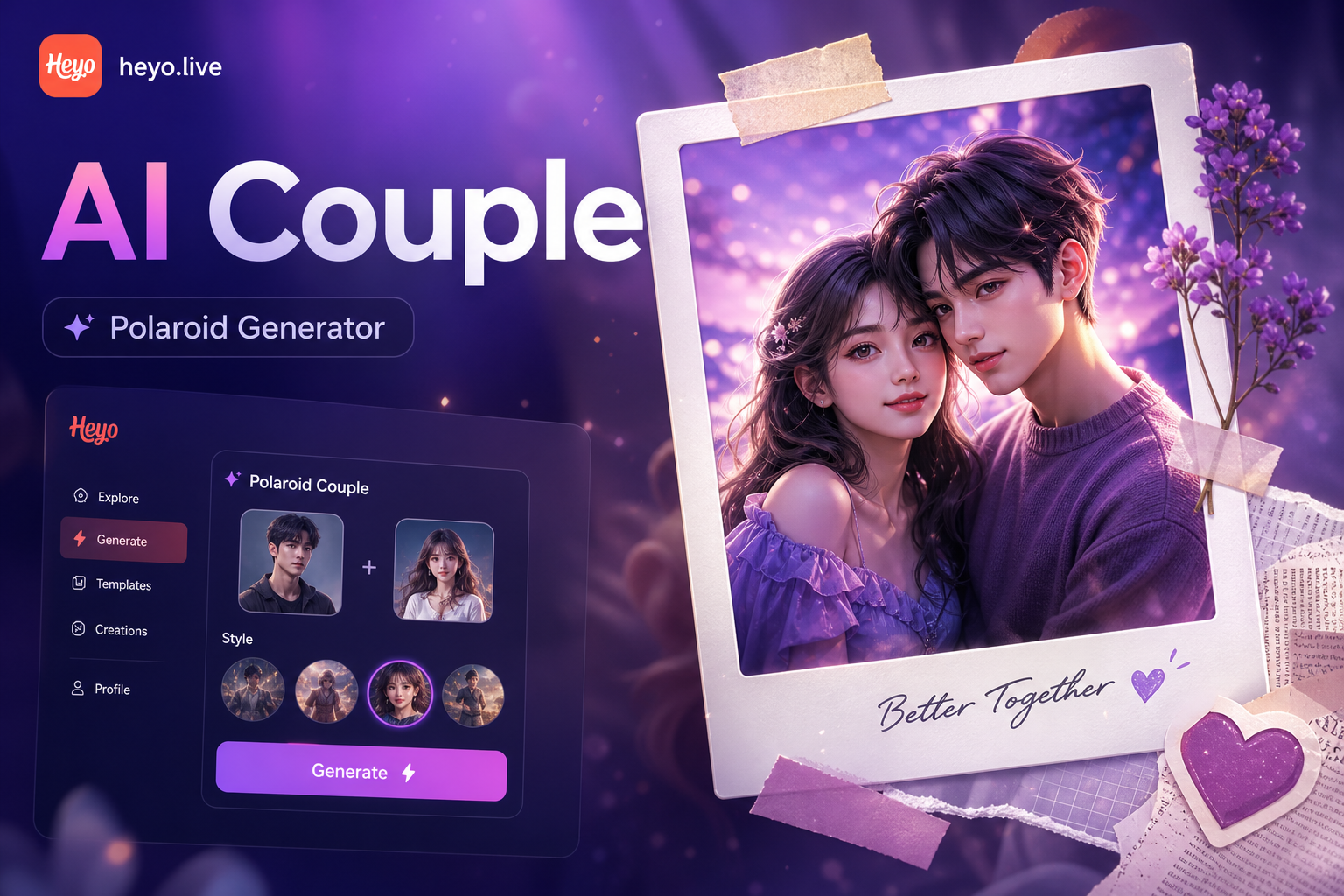
Create Your Dream Scrapbook Polaroid Couple Photos Instantly
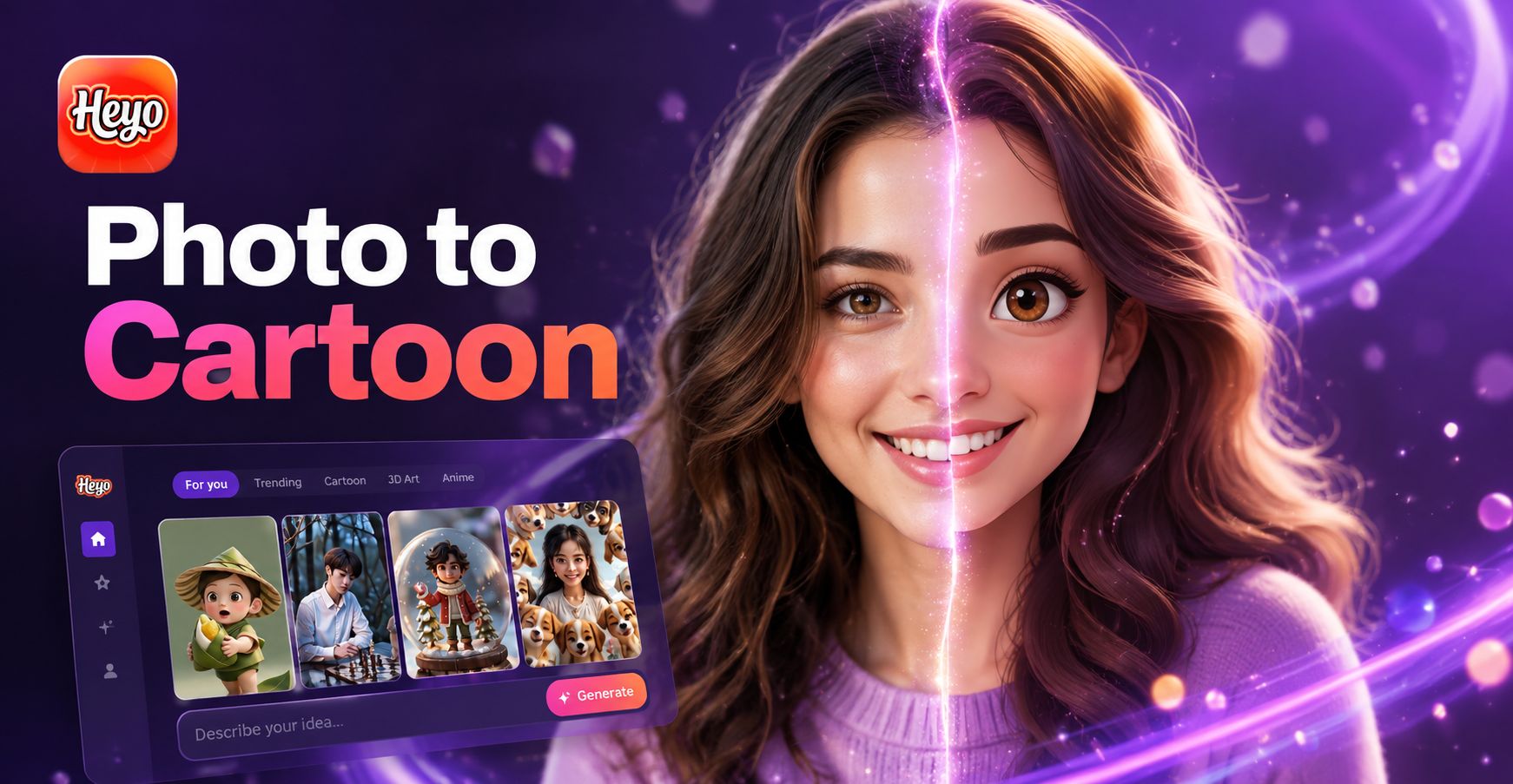
Turn Photos to Cartoon Magic with AI
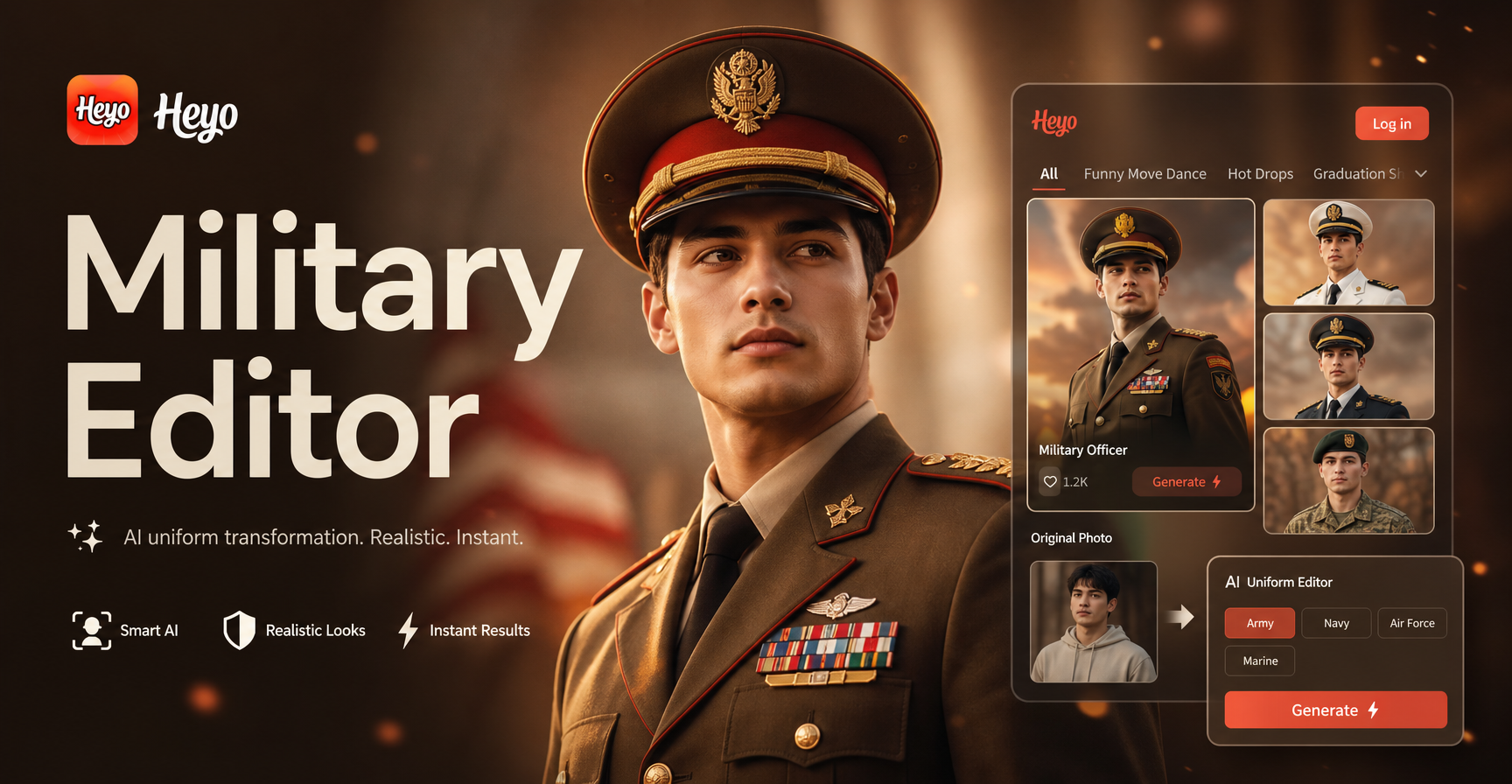
Military Photo Editor: AI Uniform Change & Army Effects
Create Stunning Smoke Background Selfies Instantly
Create Your Dream Scrapbook Polaroid Couple Photos Instantly
Turn Photos to Cartoon Magic with AI
Military Photo Editor: AI Uniform Change & Army Effects
Ignite Your Portraits with AI Smoke
Stop with ordinary photos. Add drama, mystery, and a professional edge to any male portrait with our powerful, easy-to-use smoke effect generator.
Ignite Your Portraits with AI Smoke
Stop with ordinary photos. Add drama, mystery, and a professional edge to any male portrait with our powerful, easy-to-use smoke effect generator.