Text to Video AI
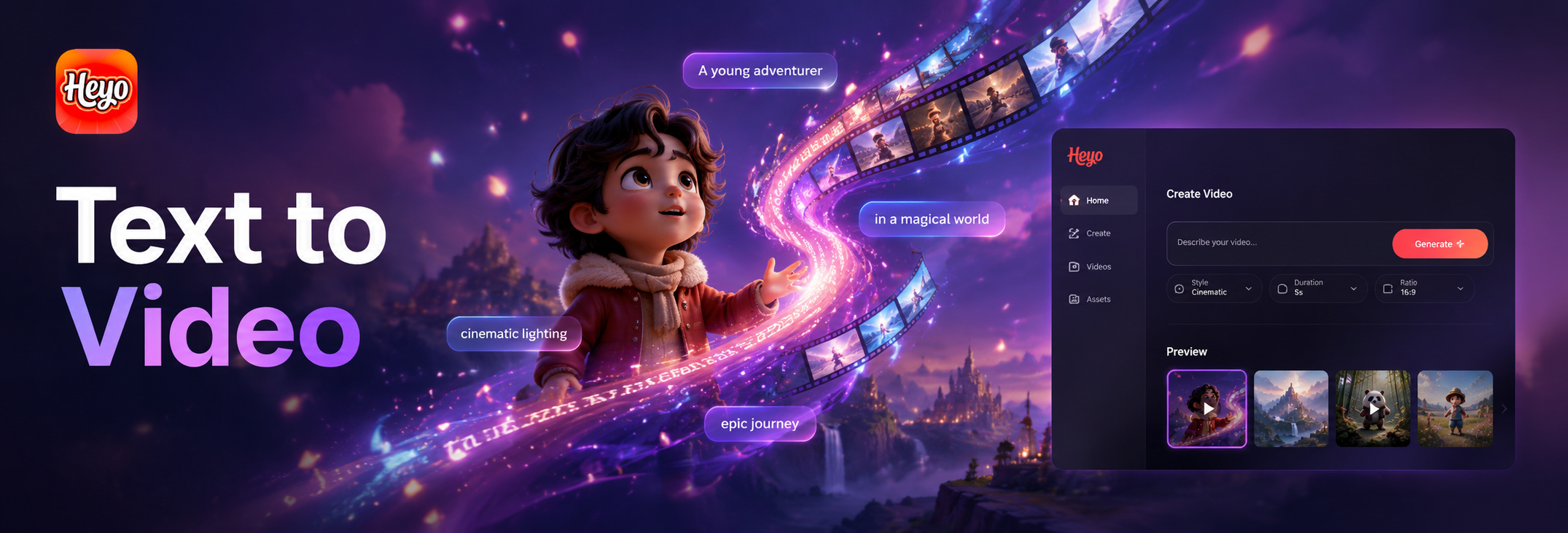
Explore AI Video Creation Styles
Choose from a vast library of cinematic styles to define the look and feel of your AI generated video.
Key Features of Text to Video AI
Our platform combines cutting edge AI with an intuitive interface, making professional video creation accessible to everyone.
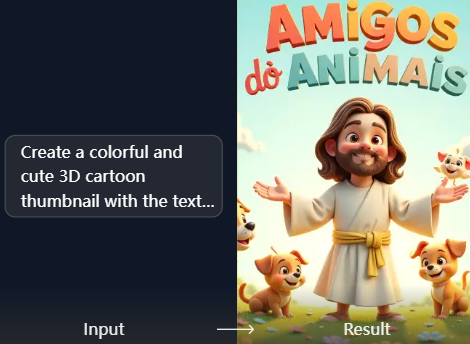
Text to Video Generation
Simply type any description, from a simple scene to a complex narrative. Our AI interprets your text and generates a coherent, visually stunning video with appropriate motion, lighting, and composition.
Text to Video Generation
Simply type any description, from a simple scene to a complex narrative. Our AI interprets your text and generates a coherent, visually stunning video with appropriate motion, lighting, and composition.
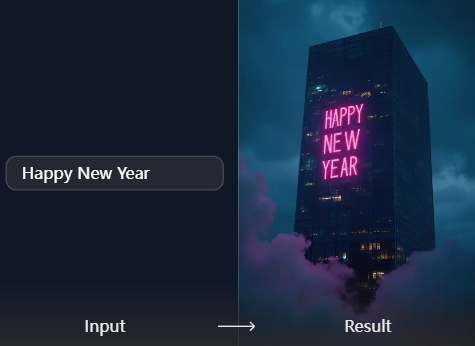
Cinematic Style Library
Access thousands of pre defined visual styles. Generate videos in anime, cyberpunk, realistic film, watercolor, 3D animation, or vintage cinematic looks to match your creative vision perfectly.
Cinematic Style Library
Access thousands of pre defined visual styles. Generate videos in anime, cyberpunk, realistic film, watercolor, 3D animation, or vintage cinematic looks to match your creative vision perfectly.
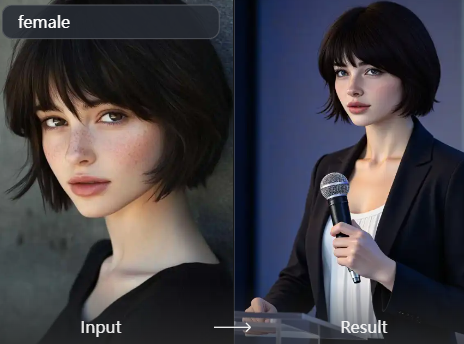
Intuitive Mobile Creation
Create stunning AI videos directly from your phone. The Heyo app provides a streamlined workflow for writing prompts, selecting styles, and generating or editing your videos on the go.
Intuitive Mobile Creation
Create stunning AI videos directly from your phone. The Heyo app provides a streamlined workflow for writing prompts, selecting styles, and generating or editing your videos on the go.
AI Video Creations Gallery
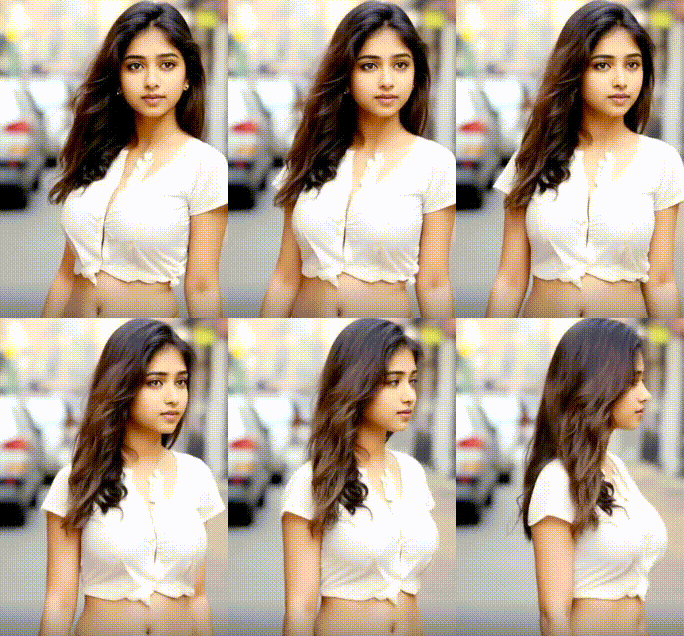
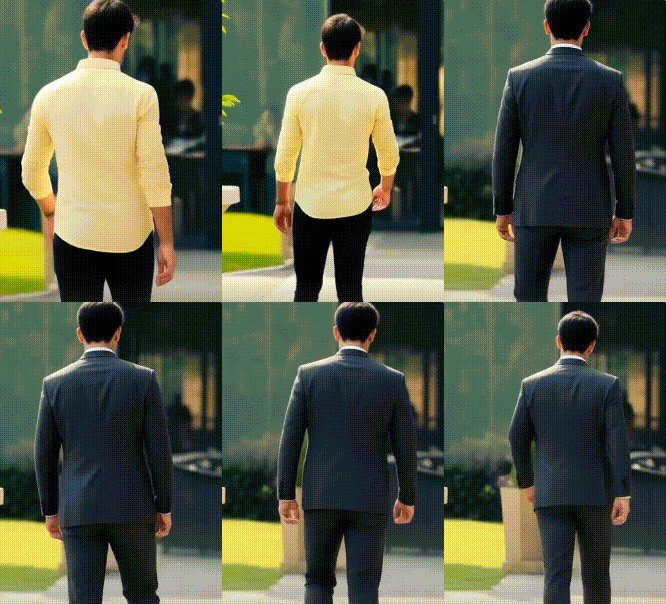
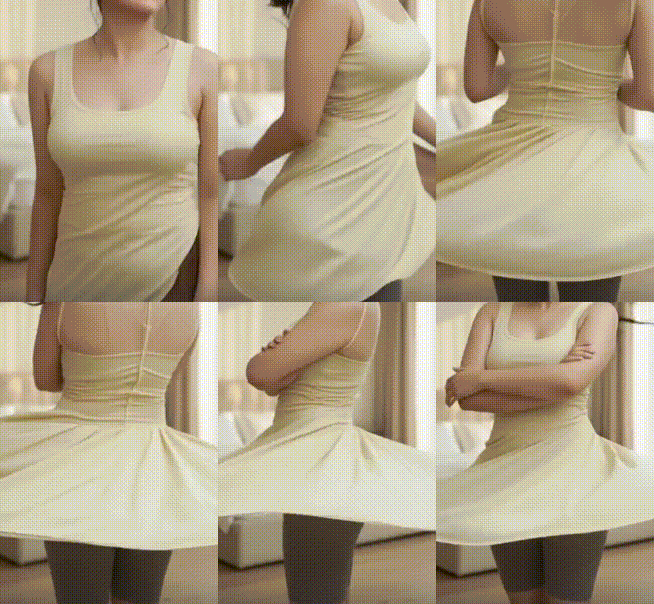
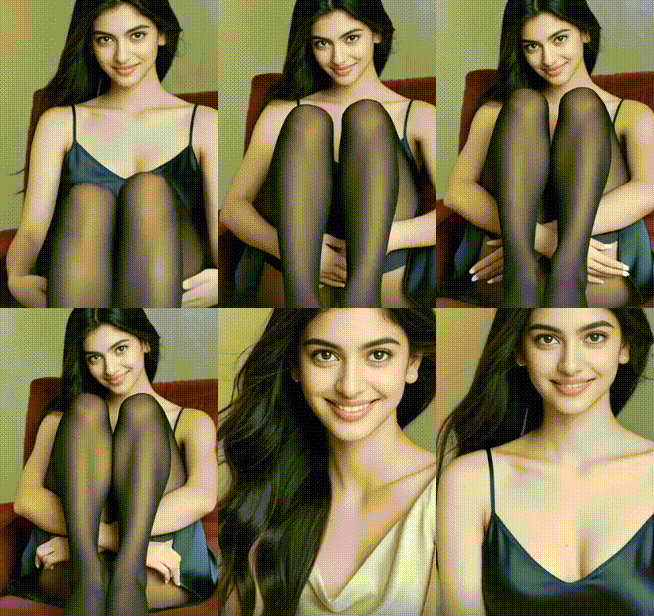
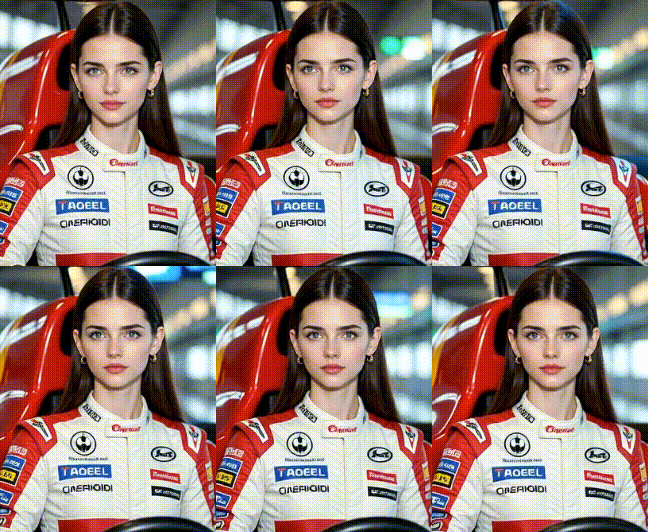
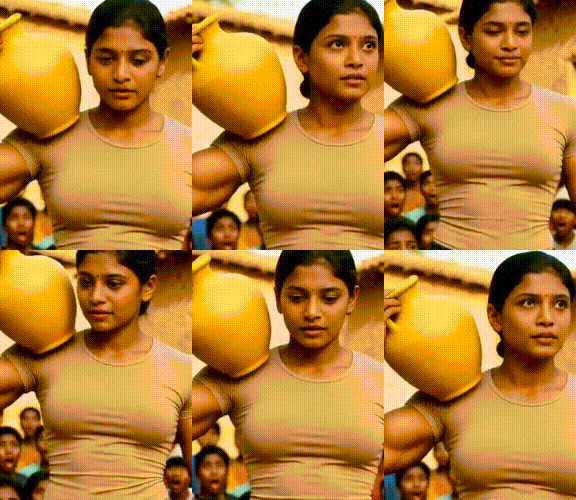
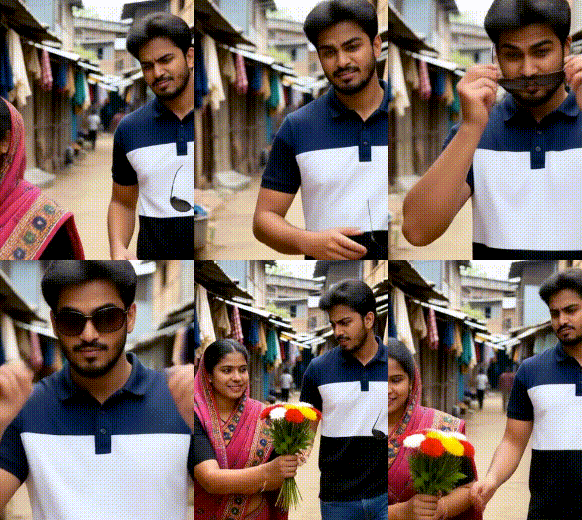
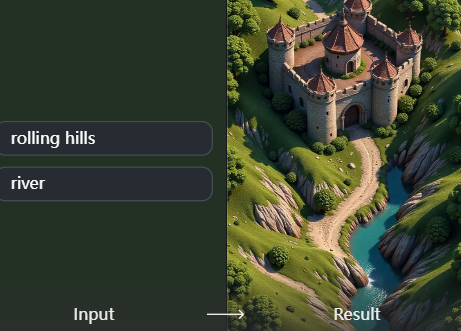
Every image and video in this gallery was generated by real users using simple text prompts. Get inspired by the diversity, quality, and imagination on display — then create your own masterpiece in seconds.





Why Choose Our Text to Video AI?
We simplify the complex process of video production. Instead of expensive equipment and editing software, you just need an idea and the words to describe it. Our AI handles the rest, delivering unique, royalty free videos in a fraction of the time.
Why Choose Our Text to Video AI?
We simplify the complex process of video production. Instead of expensive equipment and editing software, you just need an idea and the words to describe it. Our AI handles the rest, delivering unique, royalty free videos in a fraction of the time.
How to Create an AI Video from Text?
Follow three simple steps to transform your textual ideas into engaging AI videos right from your mobile device.

Step 01.
Download the Heyo app from Google Play. It's your all in one mobile studio for AI powered text to video creation.

Step 02.
Tap 'Text to Video' and describe your scene. Be as detailed or as simple as you like. Then, browse and select a cinematic style from our vast library.

Step 03.
Generate your video with one tap. Preview, download, and share your unique AI creation directly to social media or save it for your projects.
Creators Using Text to Video AI

Alex Rivera
This tool is a game changer for my social content. I can brainstorm an idea, type it out, and have a unique, eye catching video ready for TikTok or Reels in under a minute. It keeps my feed fresh.

Maya Chen
I use it to create quick concept trailers and mood videos for my game projects. Writing a description of a scene from my game's lore and seeing it visualized helps immensely with pitching ideas to my team.

David Park
We've integrated AI generated videos into our digital ads. The ability to quickly produce multiple visual variations for A/B testing from a single text brief has significantly improved our campaign performance.

Sarah Jones
As an educator, I use it to create engaging visual aids for complex topics. Describing a historical event or a scientific process and getting a short, clear video makes learning more accessible for my students.
Alex Rivera
This tool is a game changer for my social content. I can brainstorm an idea, type it out, and have a unique, eye catching video ready for TikTok or Reels in under a minute. It keeps my feed fresh.
Maya Chen
I use it to create quick concept trailers and mood videos for my game projects. Writing a description of a scene from my game's lore and seeing it visualized helps immensely with pitching ideas to my team.
David Park
We've integrated AI generated videos into our digital ads. The ability to quickly produce multiple visual variations for A/B testing from a single text brief has significantly improved our campaign performance.
Sarah Jones
As an educator, I use it to create engaging visual aids for complex topics. Describing a historical event or a scientific process and getting a short, clear video makes learning more accessible for my students.
Alex Rivera
This tool is a game changer for my social content. I can brainstorm an idea, type it out, and have a unique, eye catching video ready for TikTok or Reels in under a minute. It keeps my feed fresh.
Maya Chen
I use it to create quick concept trailers and mood videos for my game projects. Writing a description of a scene from my game's lore and seeing it visualized helps immensely with pitching ideas to my team.
David Park
We've integrated AI generated videos into our digital ads. The ability to quickly produce multiple visual variations for A/B testing from a single text brief has significantly improved our campaign performance.
Sarah Jones
As an educator, I use it to create engaging visual aids for complex topics. Describing a historical event or a scientific process and getting a short, clear video makes learning more accessible for my students.
Text to Video AI FAQs
Get answers to the most common questions about creating AI videos from text with Heyo.
More Topics You May Like
Explore more topics you may like and discover fresh ideas tailored to your interests.
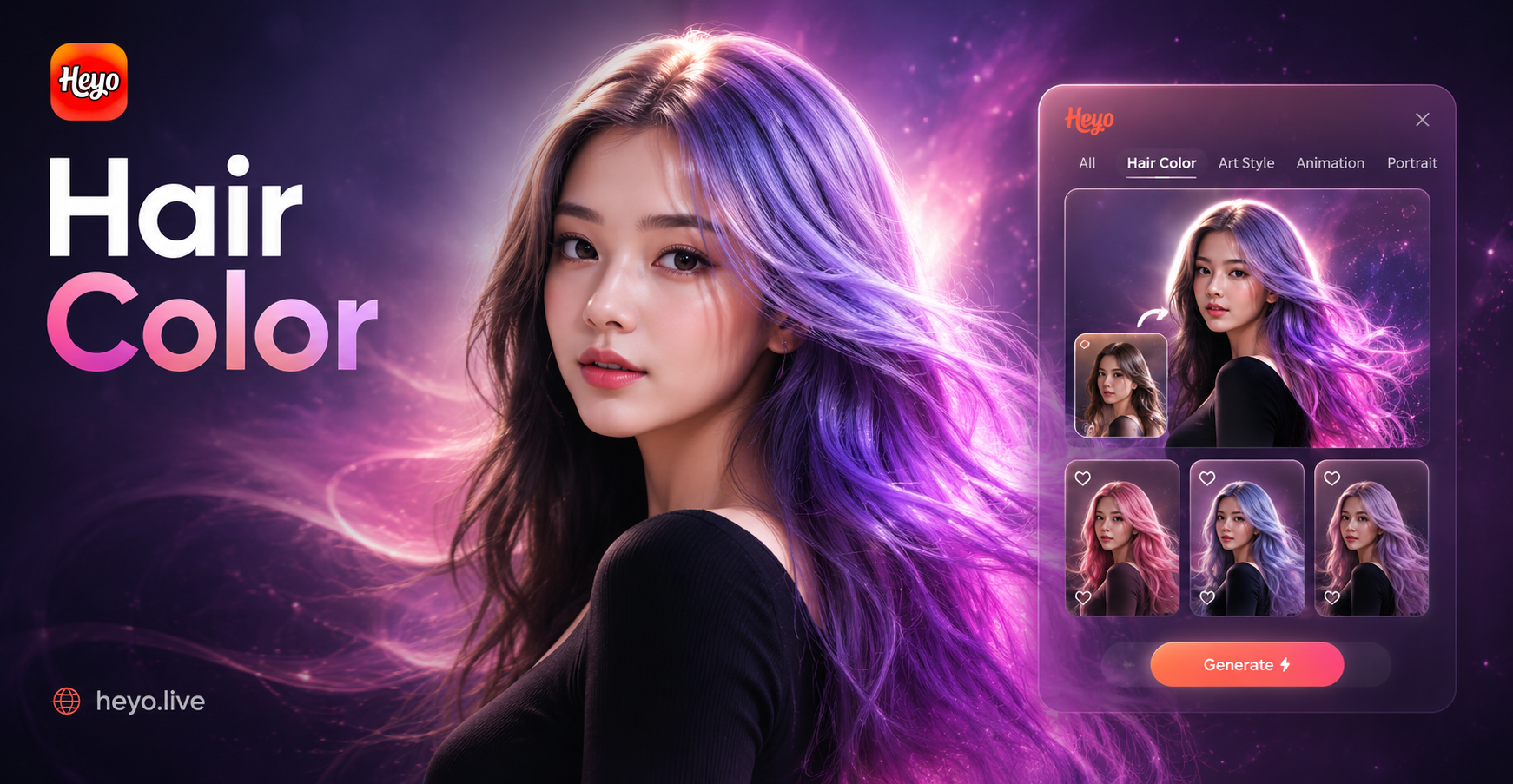
Hair Color Change
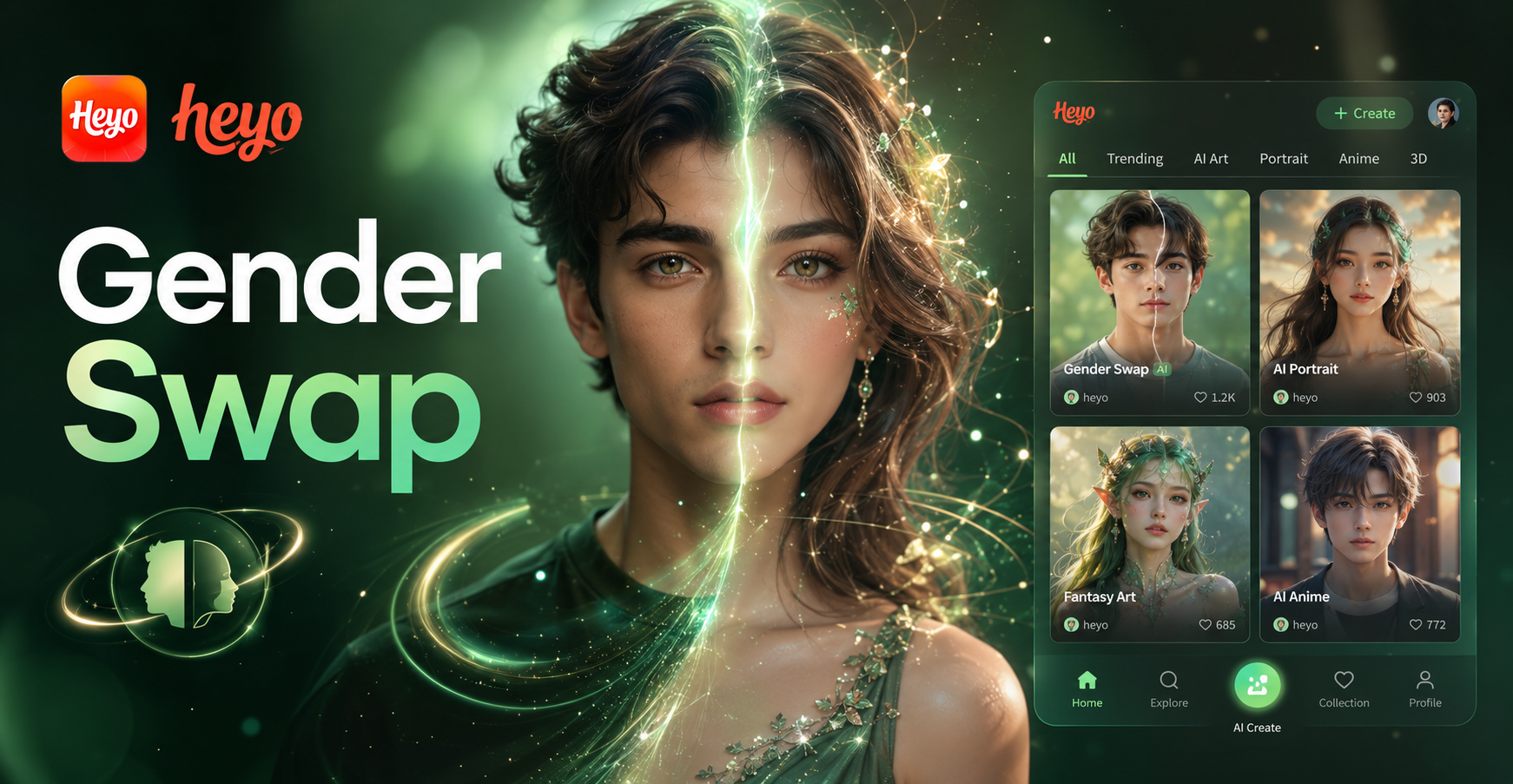
Ai Gender Swap
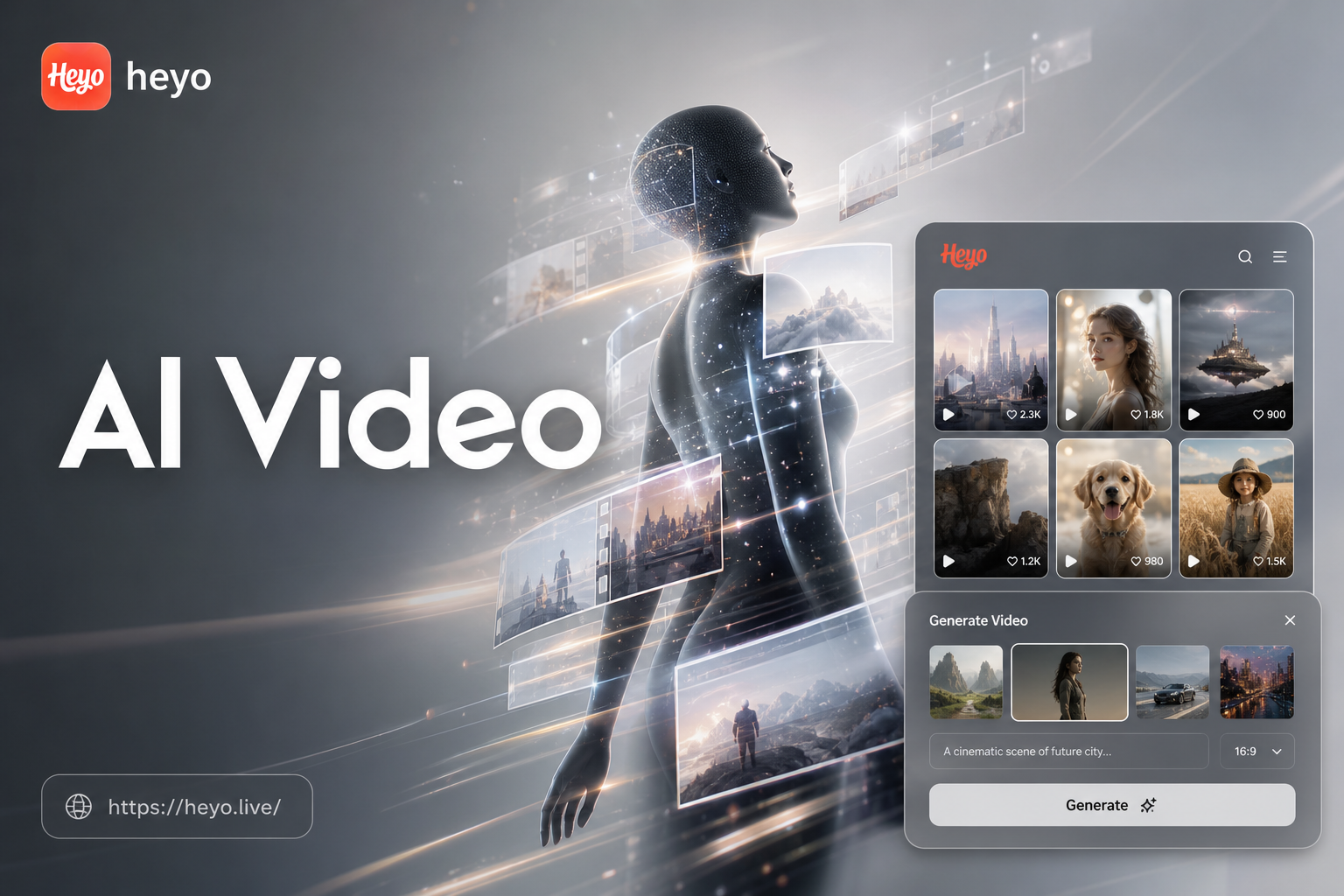
Ai Video Generator
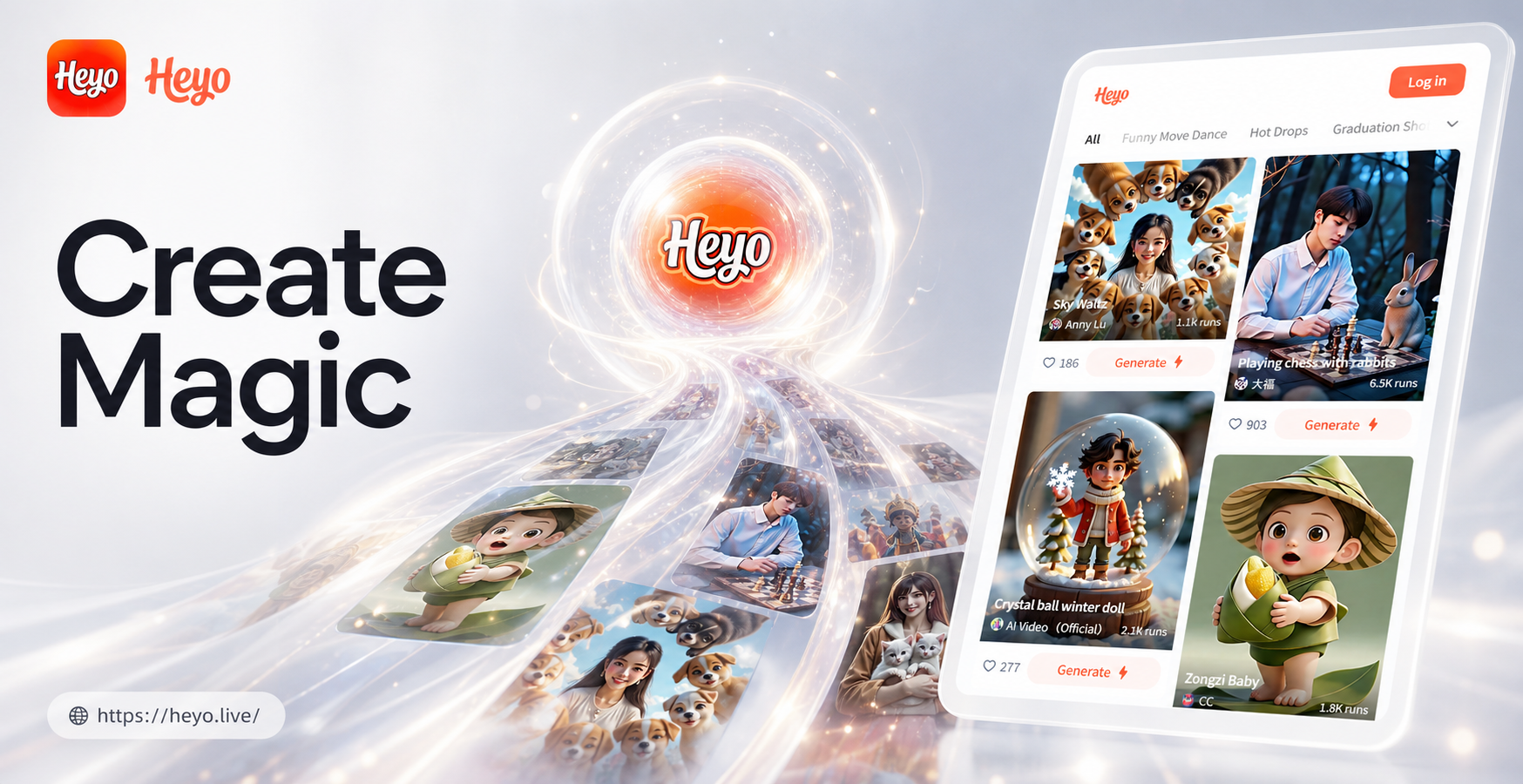
Ai Image Generator
Hair Color Change
Ai Gender Swap
Ai Video Generator
Ai Image Generator
Turn Your Words into Motion
Stop imagining and start creating. Your next viral video, stunning visual, or creative story is just a description away. Experience the future of content creation today.
Turn Your Words into Motion
Stop imagining and start creating. Your next viral video, stunning visual, or creative story is just a description away. Experience the future of content creation today.