Tricolor Photo Editor
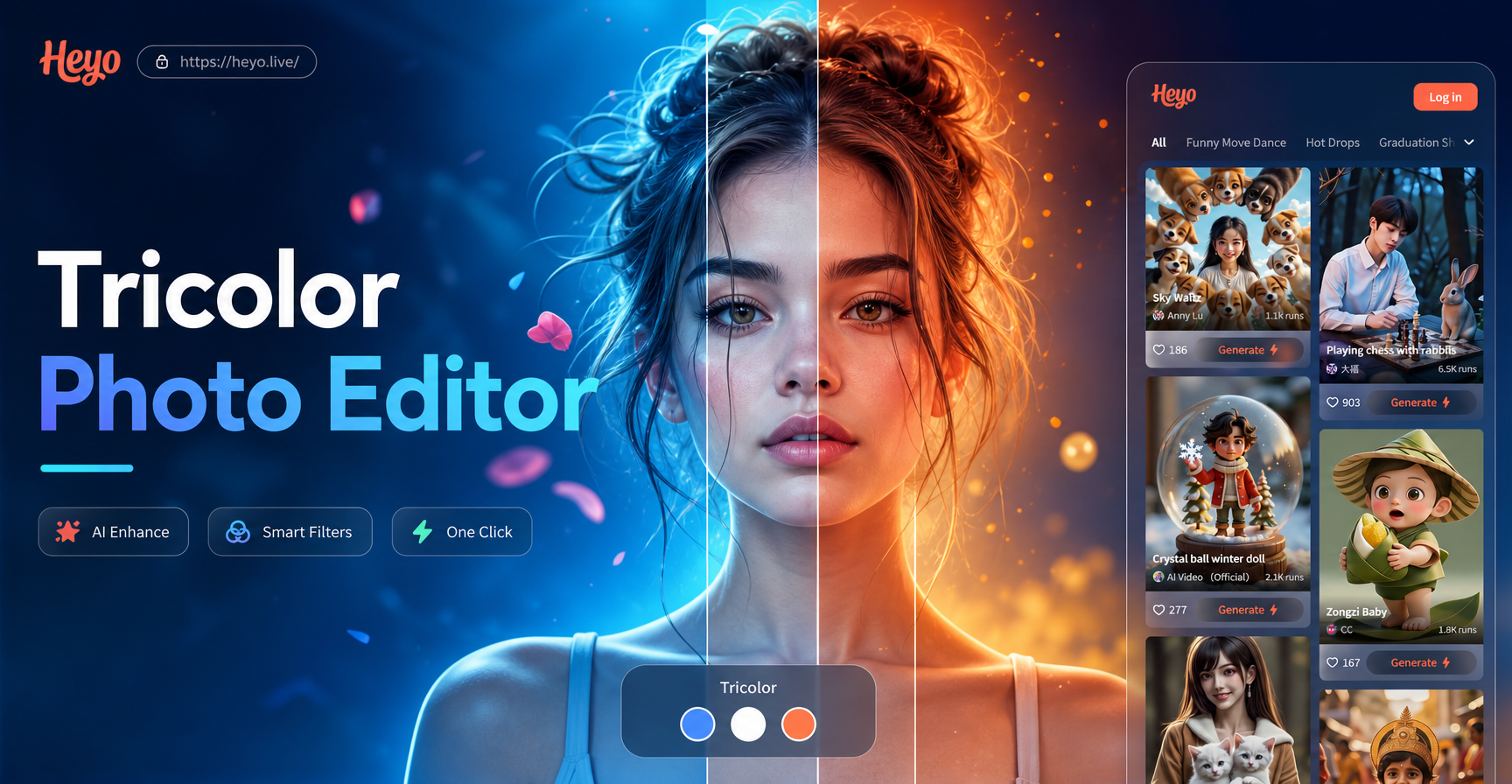
Popular Tricolor & RGB Filters
Choose from a vast collection of tri-tone, three color, and RGB split filters to create unique visual styles.
Key Features of Our Tricolor Editor
Edit your photos with professional grade tri color effects using an intuitive mobile app designed for creators.
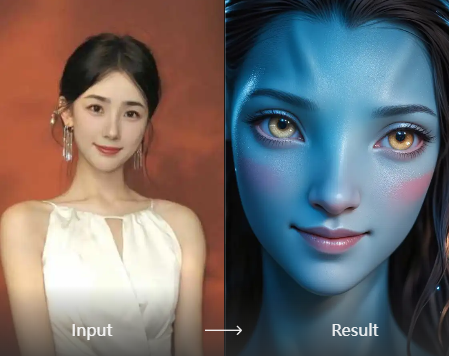
RGB Split & Glitch Effects
Create dynamic RGB channel separation and digital glitch aesthetics. Adjust the intensity and direction of the red, green, and blue shifts for a custom look.
RGB Split & Glitch Effects
Create dynamic RGB channel separation and digital glitch aesthetics. Adjust the intensity and direction of the red, green, and blue shifts for a custom look.
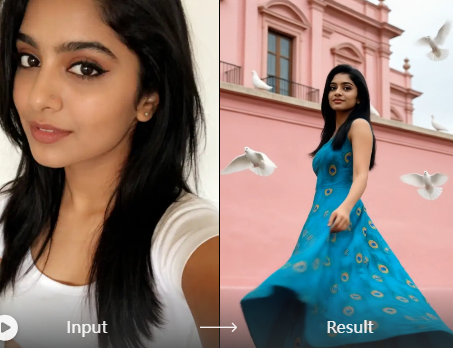
Tri Tone Color Grading
Apply beautiful tri-tone color grading to your photos. Mix and match highlight, midtone, and shadow colors to craft a cinematic or retro mood instantly.
Tri Tone Color Grading
Apply beautiful tri-tone color grading to your photos. Mix and match highlight, midtone, and shadow colors to craft a cinematic or retro mood instantly.
Selective Three Color Editing
Isolate and enhance specific three color combinations within your image. Target reds, blues, and greens separately for precise, professional edits.
Selective Three Color Editing
Isolate and enhance specific three color combinations within your image. Target reds, blues, and greens separately for precise, professional edits.
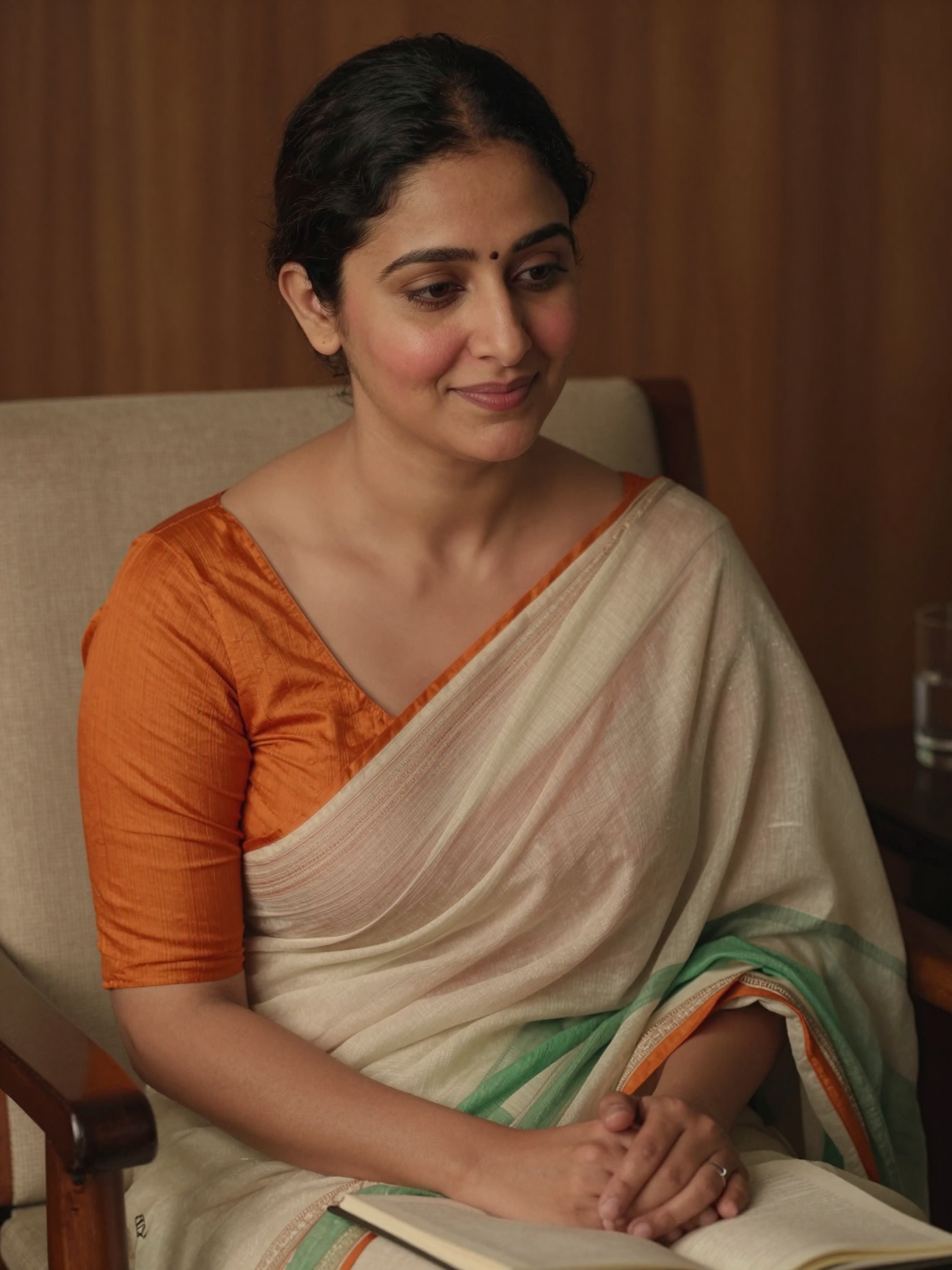
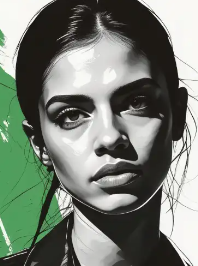
Tricolor Photo Editor Gallery
Explore stunning transformations created with our tricolor and RGB photo editing tools. See how three color effects can redefine your images.
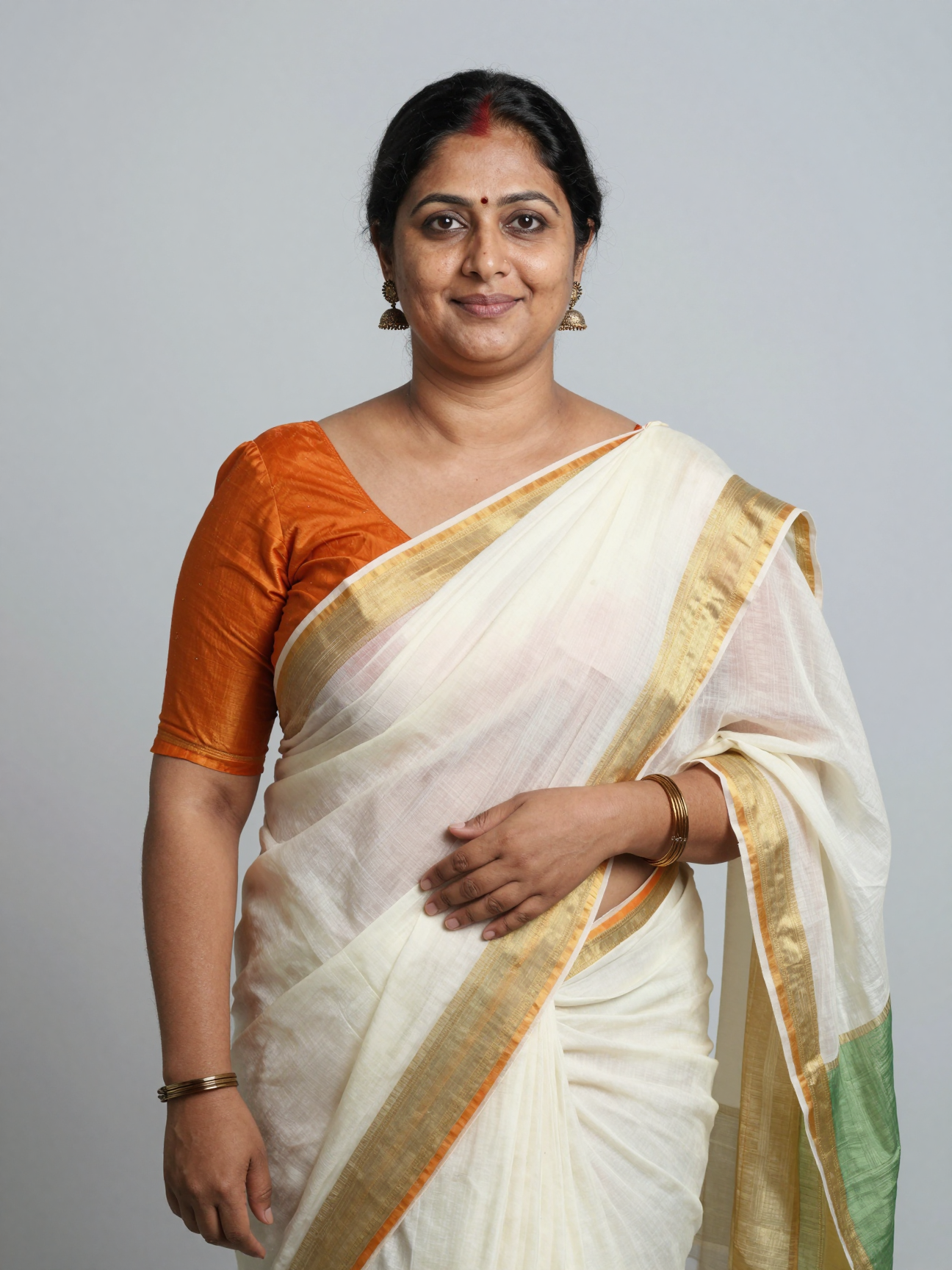
Why Choose This Tricolor Photo Editor?
Stand out on social media with unique three color effects that are impossible to achieve with standard filters. Our app puts professional RGB editing tools in your pocket, making complex color work simple and fun.
Why Choose This Tricolor Photo Editor?
Stand out on social media with unique three color effects that are impossible to achieve with standard filters. Our app puts professional RGB editing tools in your pocket, making complex color work simple and fun.
How to Use the Tricolor Photo Editor?
Create stunning tricolor and RGB edited photos in three simple steps with our mobile app.

Step 01.
Download the heyo app from Google Play to access all tricolor and three color editing tools on your Android device.

Step 02.
Select a photo from your gallery and browse our specialized tricolor, RGB split, and tri-tone filter collections.

Step 03.
Apply your chosen three color effect, adjust settings like intensity and blend, then save and share your masterpiece.
What Creators Say About Our Tricolor Editor
Perfect for my digital art projects
This tricolor photo editor is my go-to for adding RGB split and glitch effects to my artwork. The control over individual color channels is fantastic, and it's so much easier than using complicated desktop software.
Makes my Instagram feed pop
I was looking for a way to make my travel photos stand out. The tri-tone and three color filters in this app are incredible. I get compliments on my unique editing style all the time now.
Simple yet powerful color editing
As a hobbyist photographer, I love how this app makes professional looking color grading accessible. The selective three color tool lets me enhance specific hues without affecting the whole image. Highly recommended.
Tricolor Photo Editor FAQs
Find answers to common questions about using our RGB split, tri-tone, and three color photo editing tools.
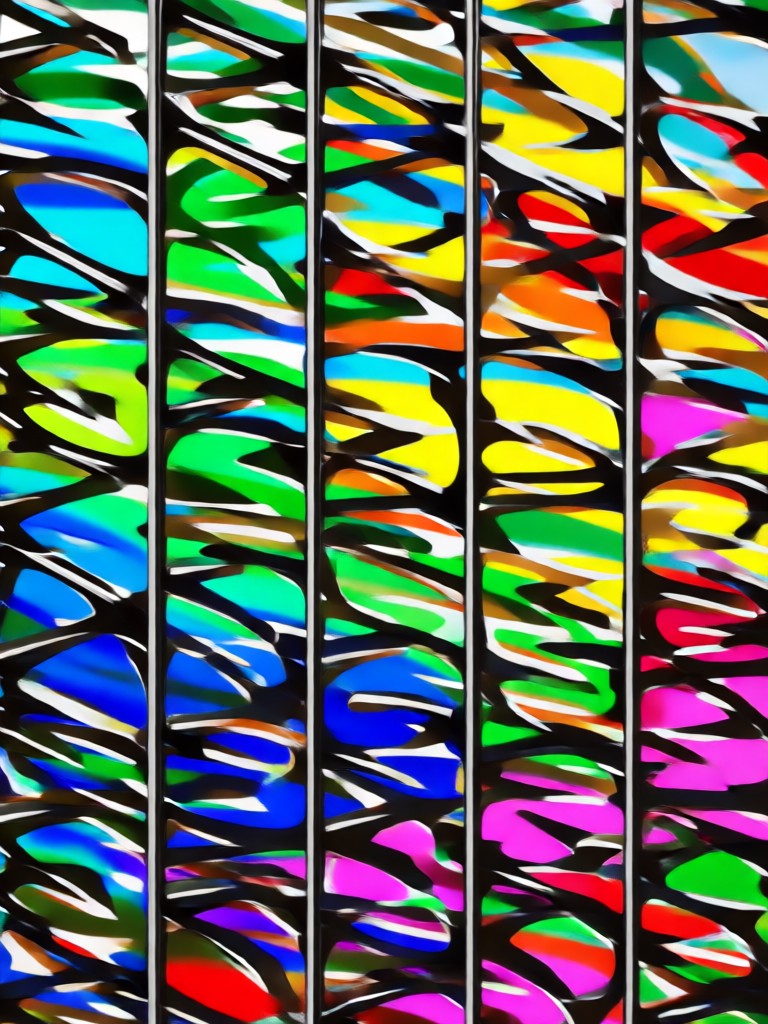
Tricolor Editor for Android
Transform your photos with professional RGB split and three color effects. Download the app now and start creating.

More Topics You May Like
Explore more topics you may like and discover fresh ideas tailored to your interests.
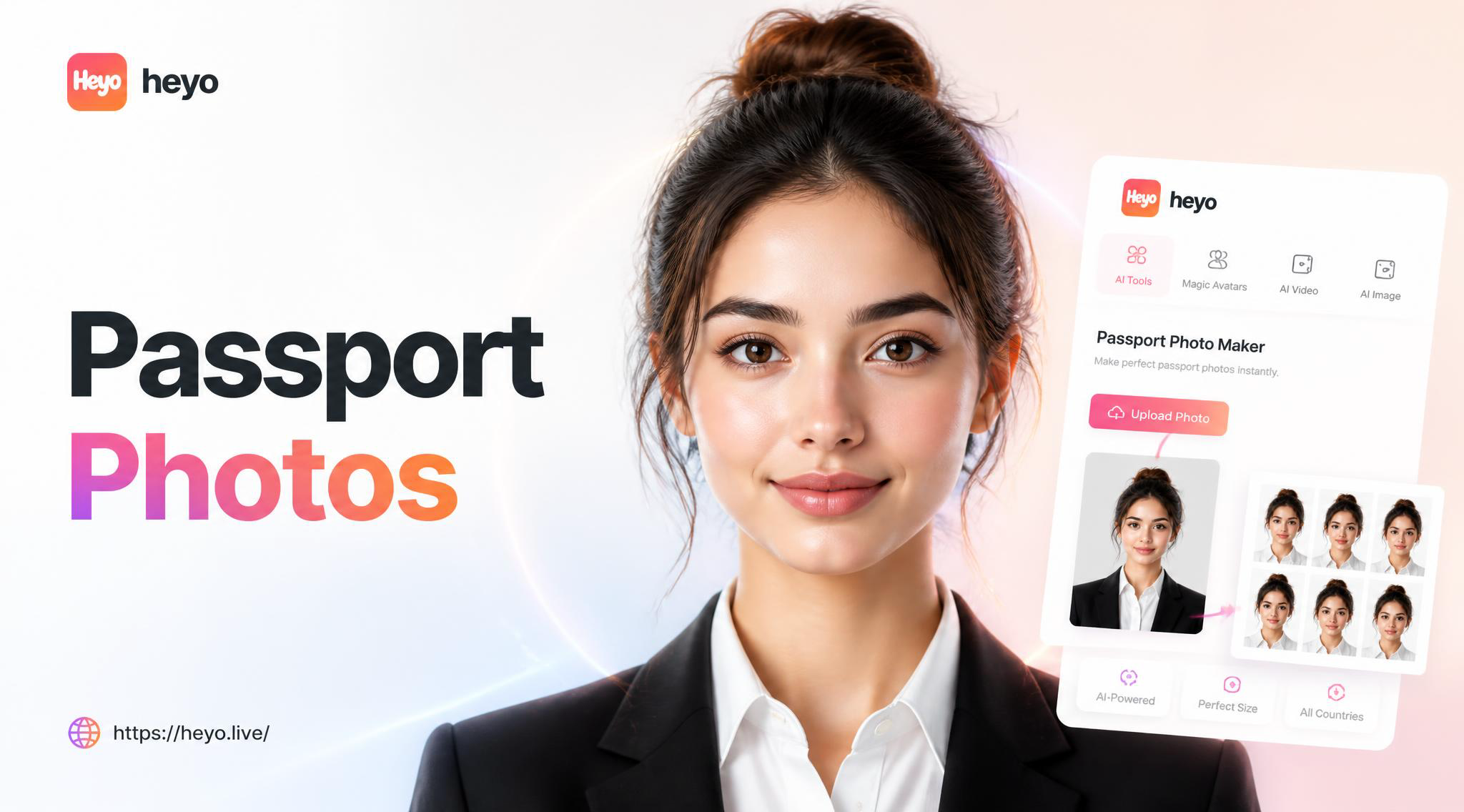
Create Perfect Passport Photos with AI | Official Sizes & Backgrounds
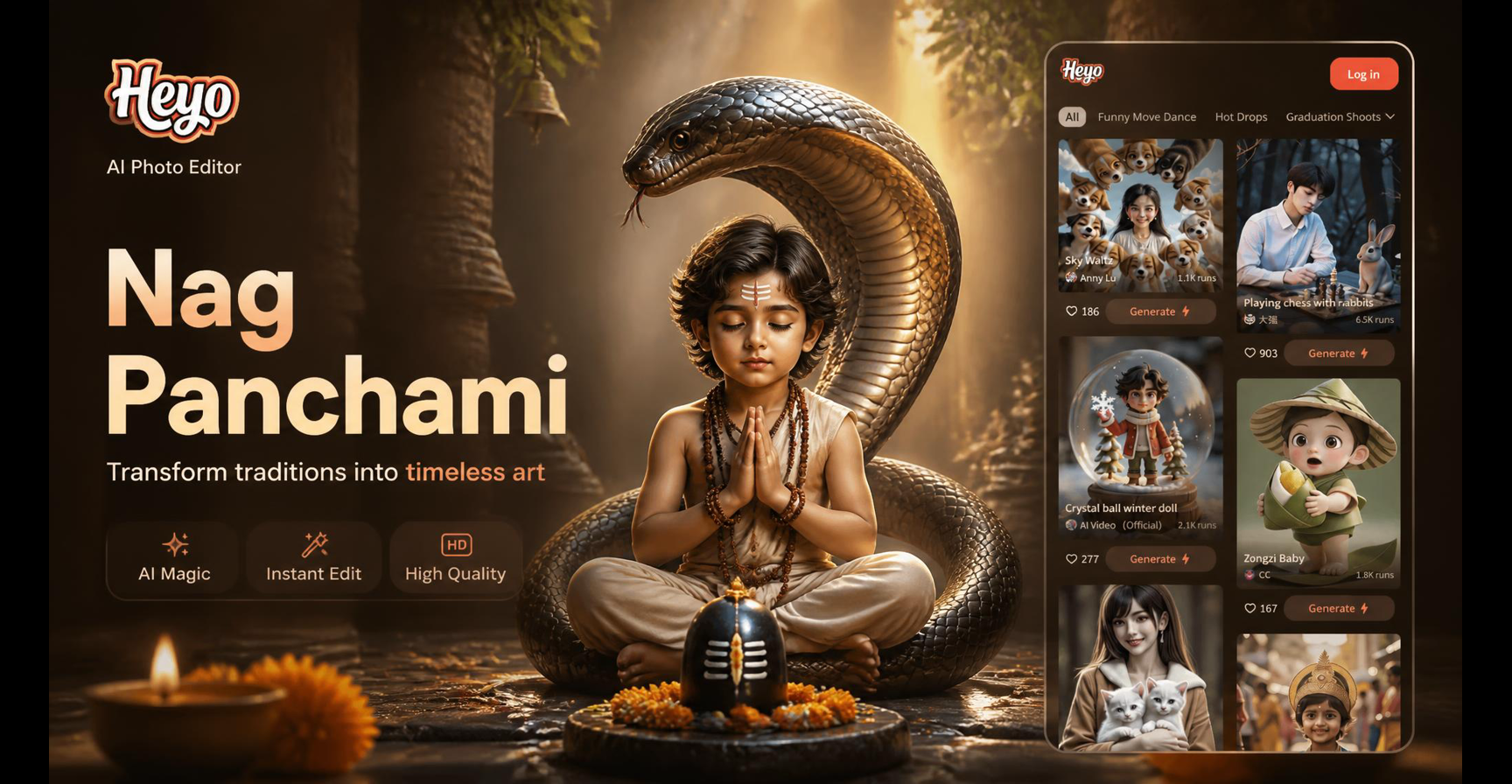
Nag Panchami AI Photo Editor | Devotion in Digital Art

AI Hug Effect: Free Virtual Photo Animation & Motion Maker
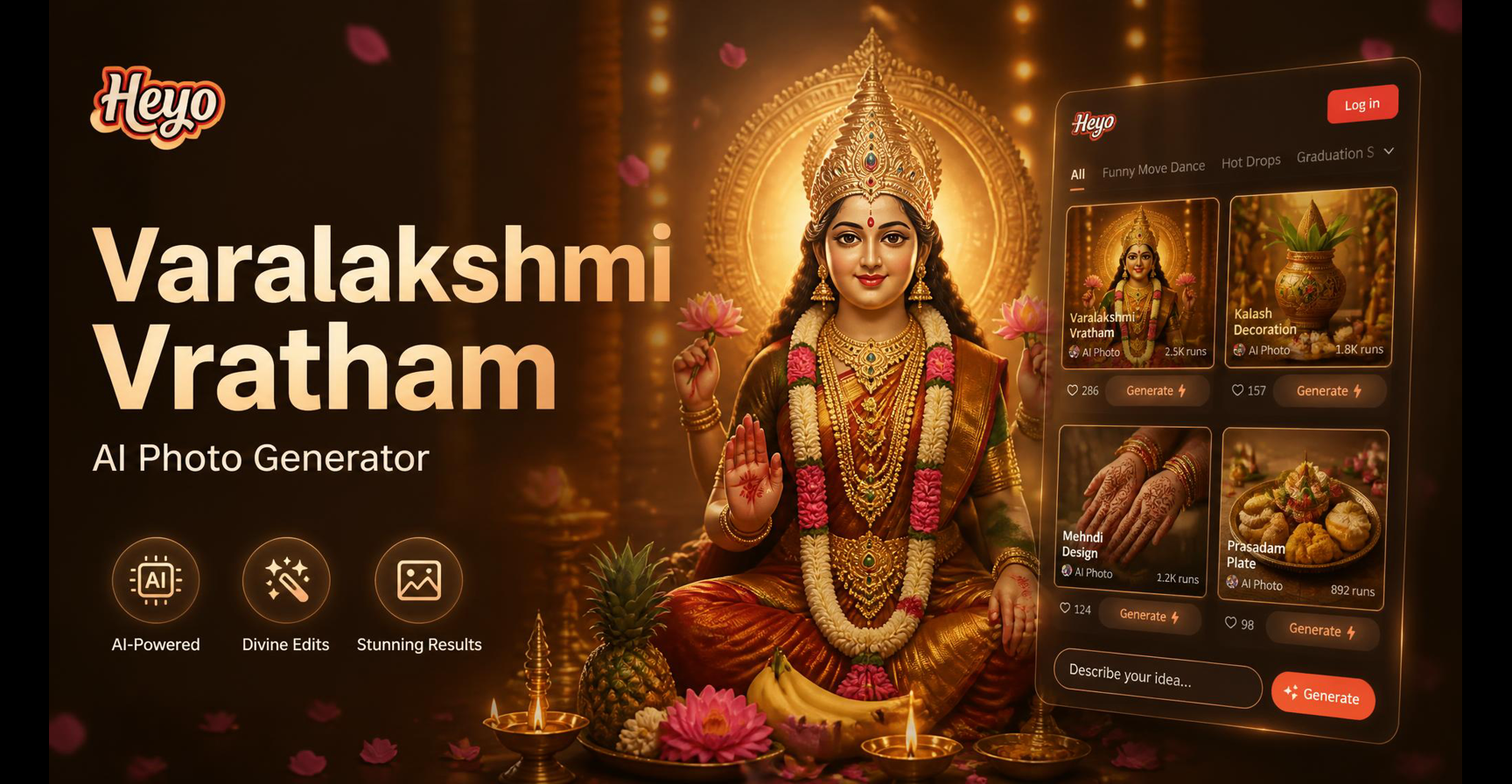
Create Divine Varamahalakshmi AI Portraits Instantly
Create Perfect Passport Photos with AI | Official Sizes & Backgrounds
Nag Panchami AI Photo Editor | Devotion in Digital Art
AI Hug Effect: Free Virtual Photo Animation & Motion Maker
Create Divine Varamahalakshmi AI Portraits Instantly
Edit Your First Tricolor Photo Today
Join thousands of creators who use our app to apply stunning RGB and three color effects. No subscription, no complex tools, just instant creativity.
Edit Your First Tricolor Photo Today
Join thousands of creators who use our app to apply stunning RGB and three color effects. No subscription, no complex tools, just instant creativity.