Wall Painting Photo Effect
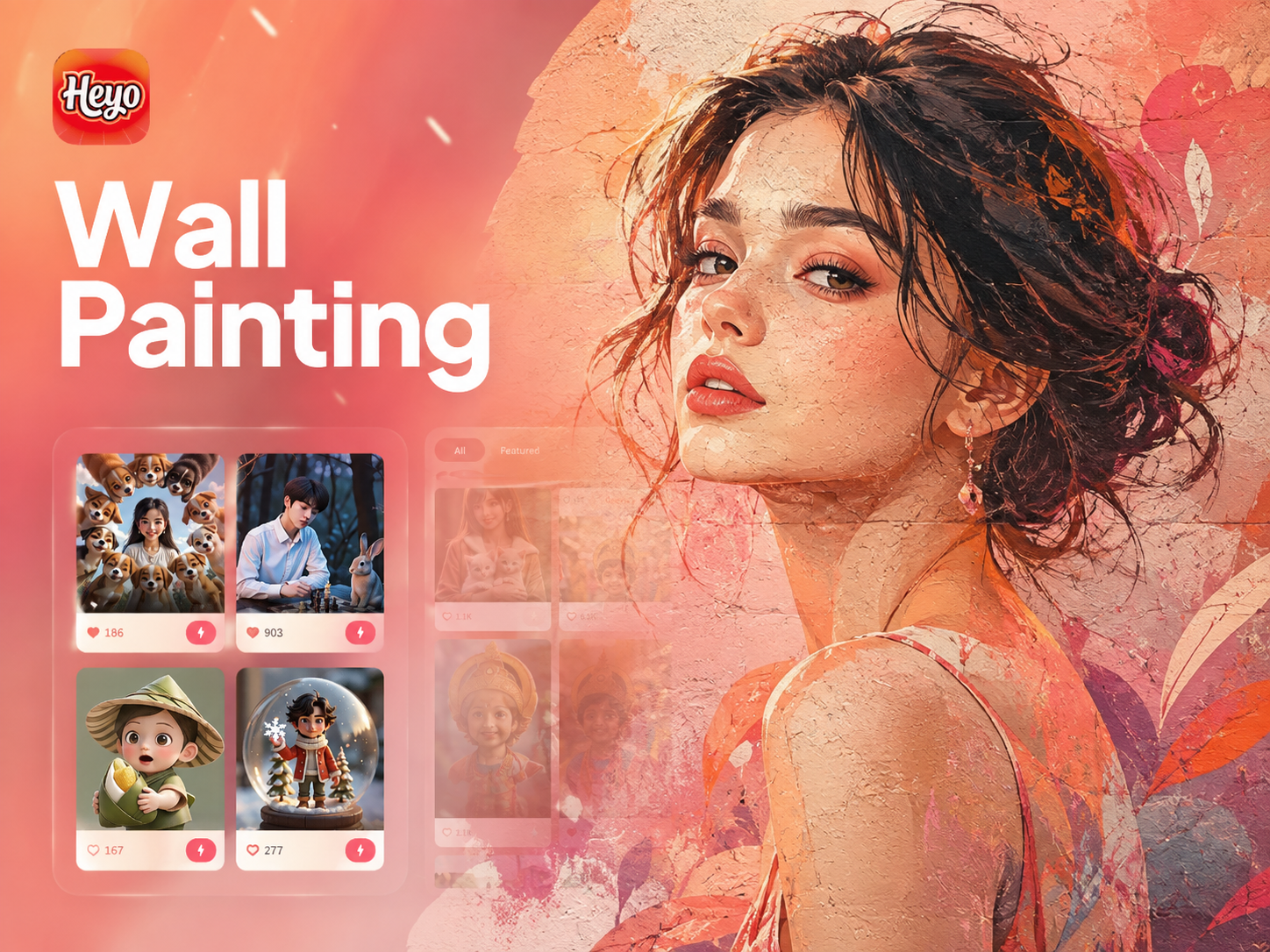
Choose Your Mural Masterpiece Style
From classic frescoes to modern graffiti, explore a vast collection of wall painting filters designed to match any artistic vision.
Create Like a Street Artist
Our mural photo editor combines powerful AI with artistic filters to give you professional-grade wall painting effects in seconds.
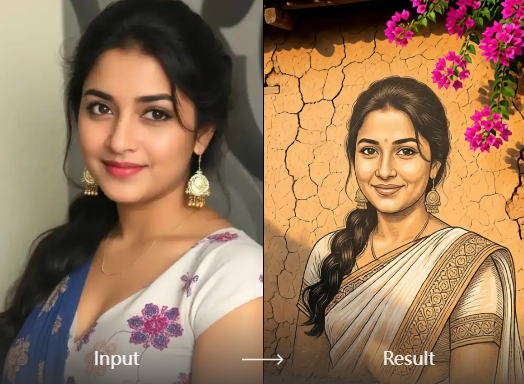
Realistic Texture & Brushstrokes
Experience authentic mural textures, from rough concrete and peeling paint to smooth fresco finishes. AI replicates real brushstrokes and spray paint effects for a genuine look.
Realistic Texture & Brushstrokes
Experience authentic mural textures, from rough concrete and peeling paint to smooth fresco finishes. AI replicates real brushstrokes and spray paint effects for a genuine look.
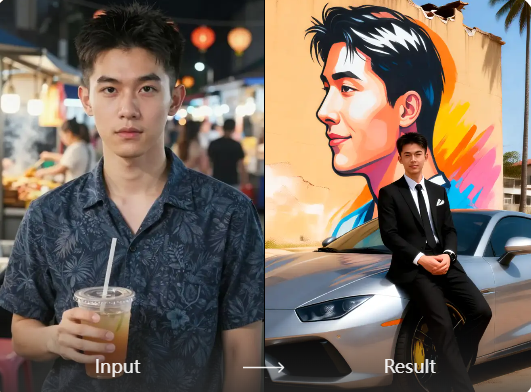
Vast Style Library
Access hundreds of pre-made mural styles. Choose from graffiti, stencil art, trompe-l'oeil, classical fresco, abstract street art, and more to find your perfect match.
Vast Style Library
Access hundreds of pre-made mural styles. Choose from graffiti, stencil art, trompe-l'oeil, classical fresco, abstract street art, and more to find your perfect match.
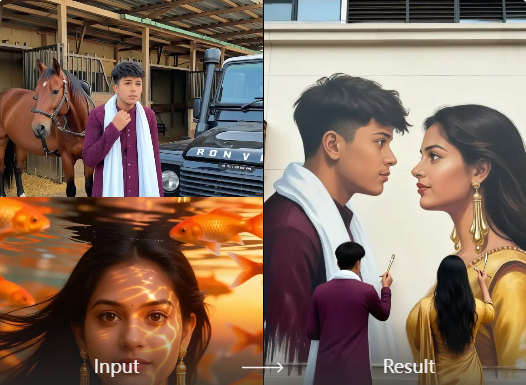
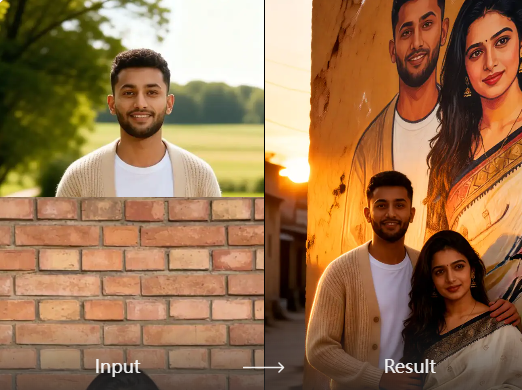
One-Click Background Replacement
Seamlessly place your subject onto any wall surface. Transform a plain background into a brick wall, urban alley, or gallery space with a single tap.
One-Click Background Replacement
Seamlessly place your subject onto any wall surface. Transform a plain background into a brick wall, urban alley, or gallery space with a single tap.
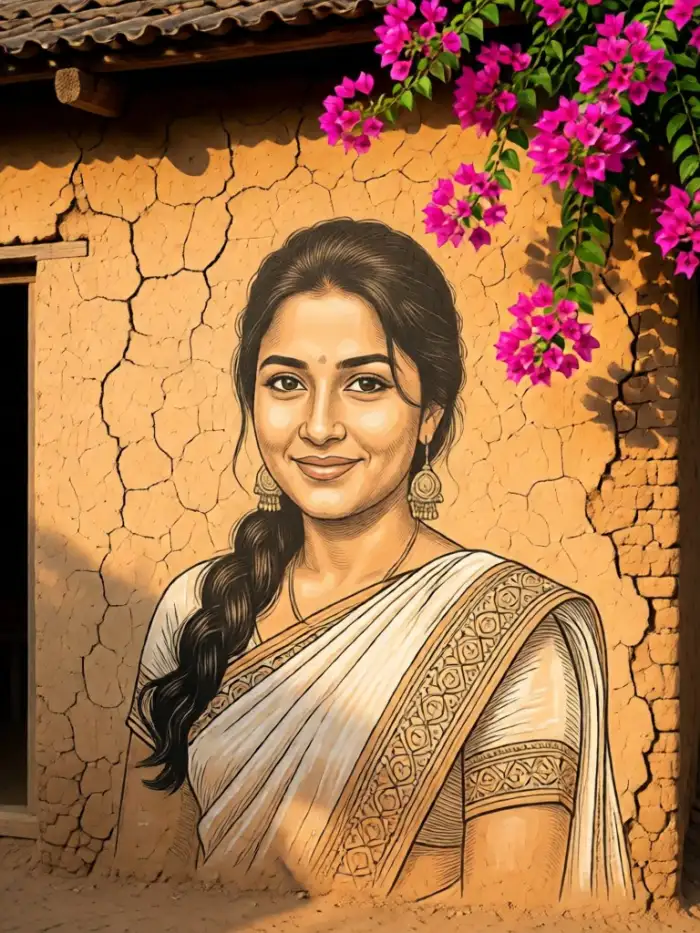
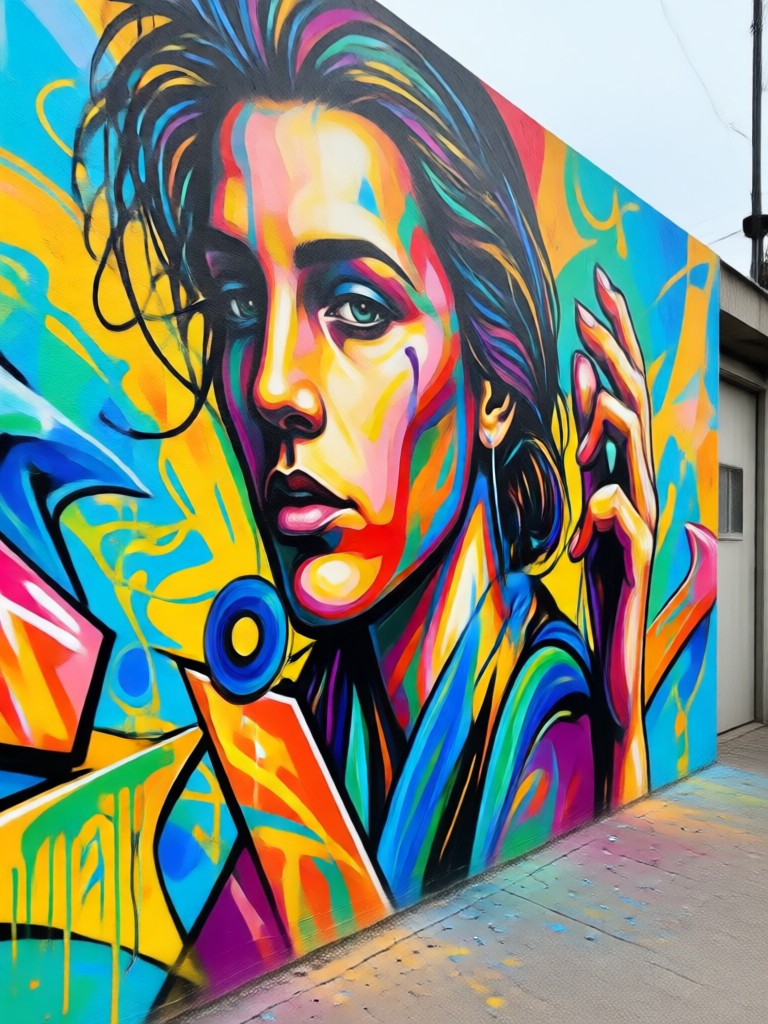
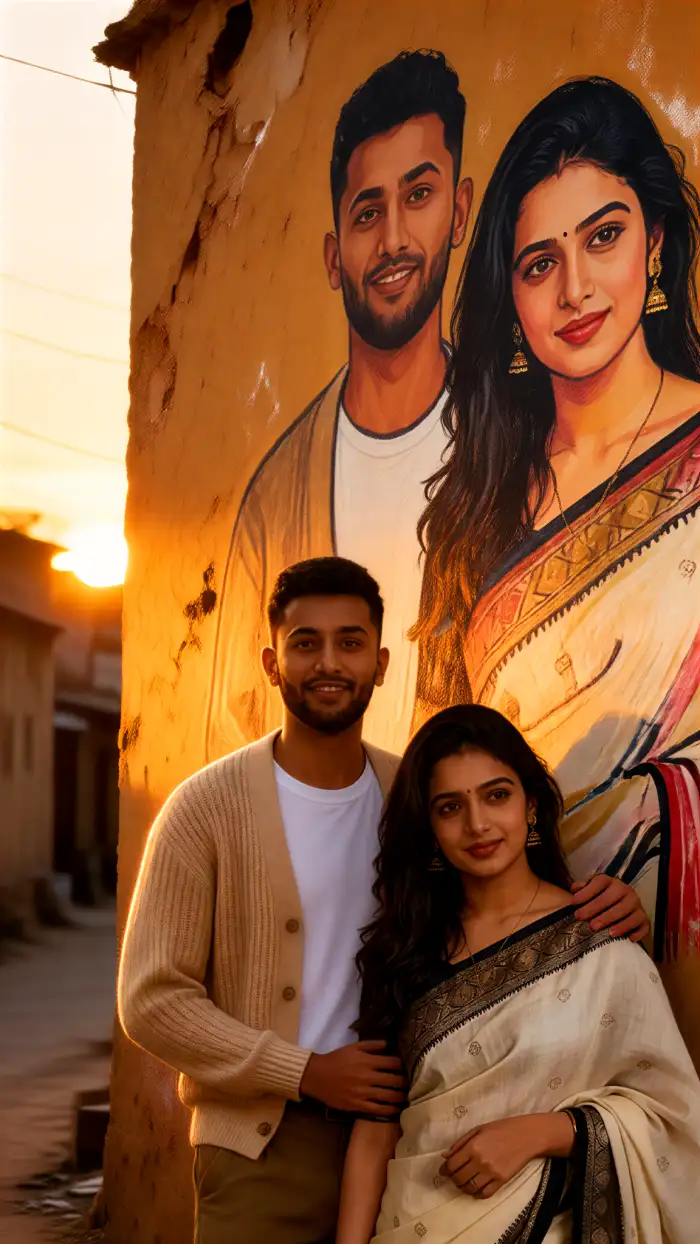
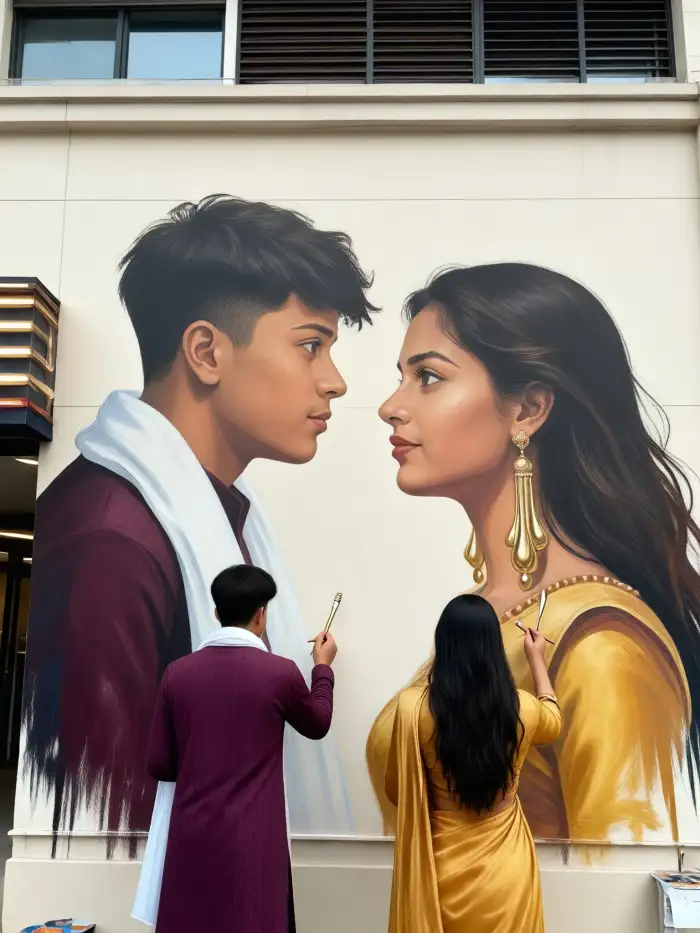
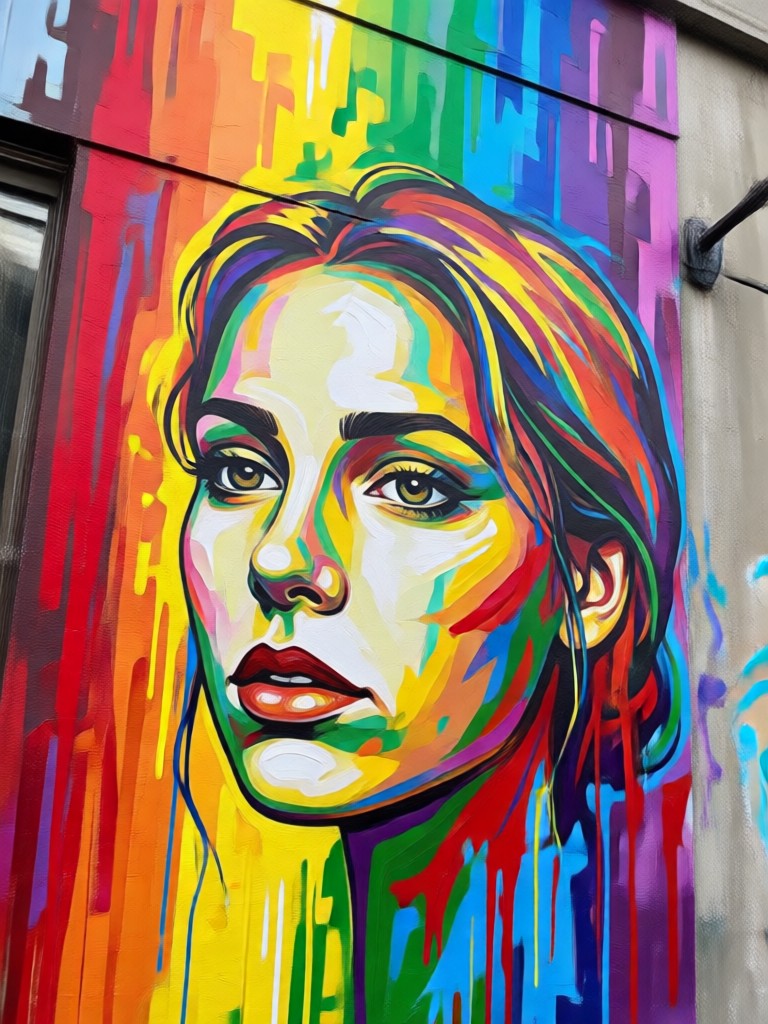
Popular Wall Painting Effect Samples
Get inspired by our community's creations. See how different photos transform with various mural art filters.
How to Apply a Wall Painting Effect?
Create stunning mural art from your photos in three simple steps with our mobile app.

Step 01.
Download the heyo app from Google Play to access all wall painting and mural photo editor tools on your mobile device.

Step 02.
Upload your photo and explore the 'Wall Art' or 'Mural' filter category. Browse and select the painting style that inspires you.

Step 03.
Generate your artwork. Adjust intensity if desired, then download and share your new mural masterpiece on social media.
Loved by Artists and Content Creators
Marco V.
As a street photographer, this mural editor lets me preview how my portraits would look as large-scale art. It's an incredible tool for conceptualizing projects.
Chloe R.
I use the graffiti effects to create eye-catching thumbnails and Instagram stories for my brand. It makes our content stand out instantly.
David L.
I propose mural ideas to clients by applying effects to photos of their blank walls. It's a game-changer for visualization and getting approvals.
Sofia K.
The texture quality is amazing. I use it to add base layers and gritty, realistic wall finishes to my digital paintings, saving me hours of work.
Marco V.
As a street photographer, this mural editor lets me preview how my portraits would look as large-scale art. It's an incredible tool for conceptualizing projects.
Chloe R.
I use the graffiti effects to create eye-catching thumbnails and Instagram stories for my brand. It makes our content stand out instantly.
David L.
I propose mural ideas to clients by applying effects to photos of their blank walls. It's a game-changer for visualization and getting approvals.
Sofia K.
The texture quality is amazing. I use it to add base layers and gritty, realistic wall finishes to my digital paintings, saving me hours of work.
Marco V.
As a street photographer, this mural editor lets me preview how my portraits would look as large-scale art. It's an incredible tool for conceptualizing projects.
Chloe R.
I use the graffiti effects to create eye-catching thumbnails and Instagram stories for my brand. It makes our content stand out instantly.
David L.
I propose mural ideas to clients by applying effects to photos of their blank walls. It's a game-changer for visualization and getting approvals.
Sofia K.
The texture quality is amazing. I use it to add base layers and gritty, realistic wall finishes to my digital paintings, saving me hours of work.
Why Edit Photos Into Murals?
Wall painting effects are more than a filter. They transform personal memories into public art, add gritty character to portraits, and help visualize large-scale creative projects without any physical paint.
Why Edit Photos Into Murals?
Wall painting effects are more than a filter. They transform personal memories into public art, add gritty character to portraits, and help visualize large-scale creative projects without any physical paint.
Wall Painting Effect FAQs
Get quick answers about using our mural photo editor and creating stunning wall art from your photos.
More Topics You May Like
Explore more topics you may like and discover fresh ideas tailored to your interests.

Create Your Dream AI Boyfriend: Free, Realistic & Interactive
Free AI Boyfriend Generator lets you design a perfect, custom companion. Choose personality, appearance, and chat instantly. Create realistic, anime, or fantasy boyfriends with no limits. Download now.
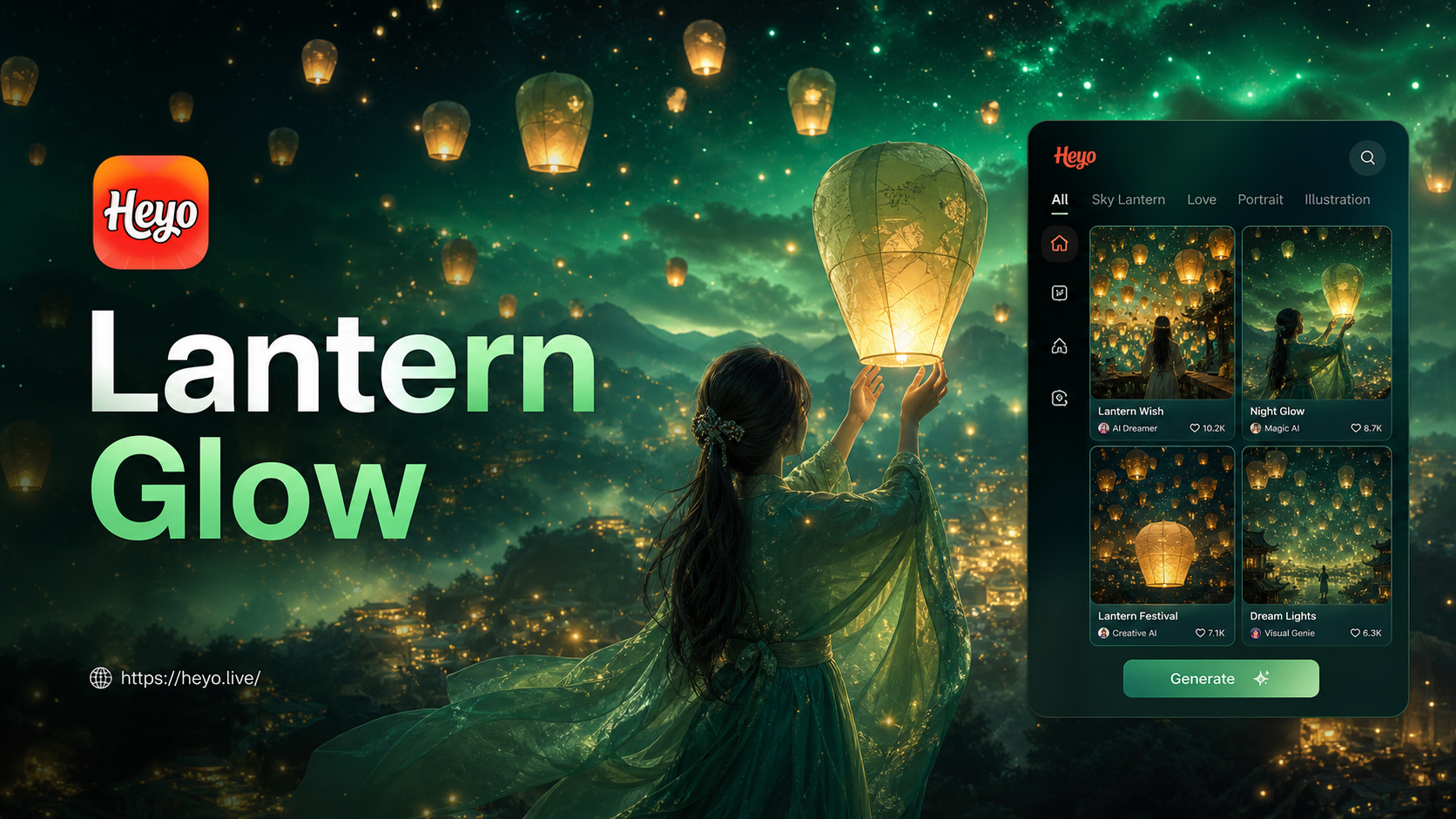
Sky Lantern Photo Editor - Magical Festive Photo Effects
Add glowing lanterns & magical festival vibes to any photo with AI. Transform daytime shots into enchanting lantern festival scenes. No editing skills needed. Download now.
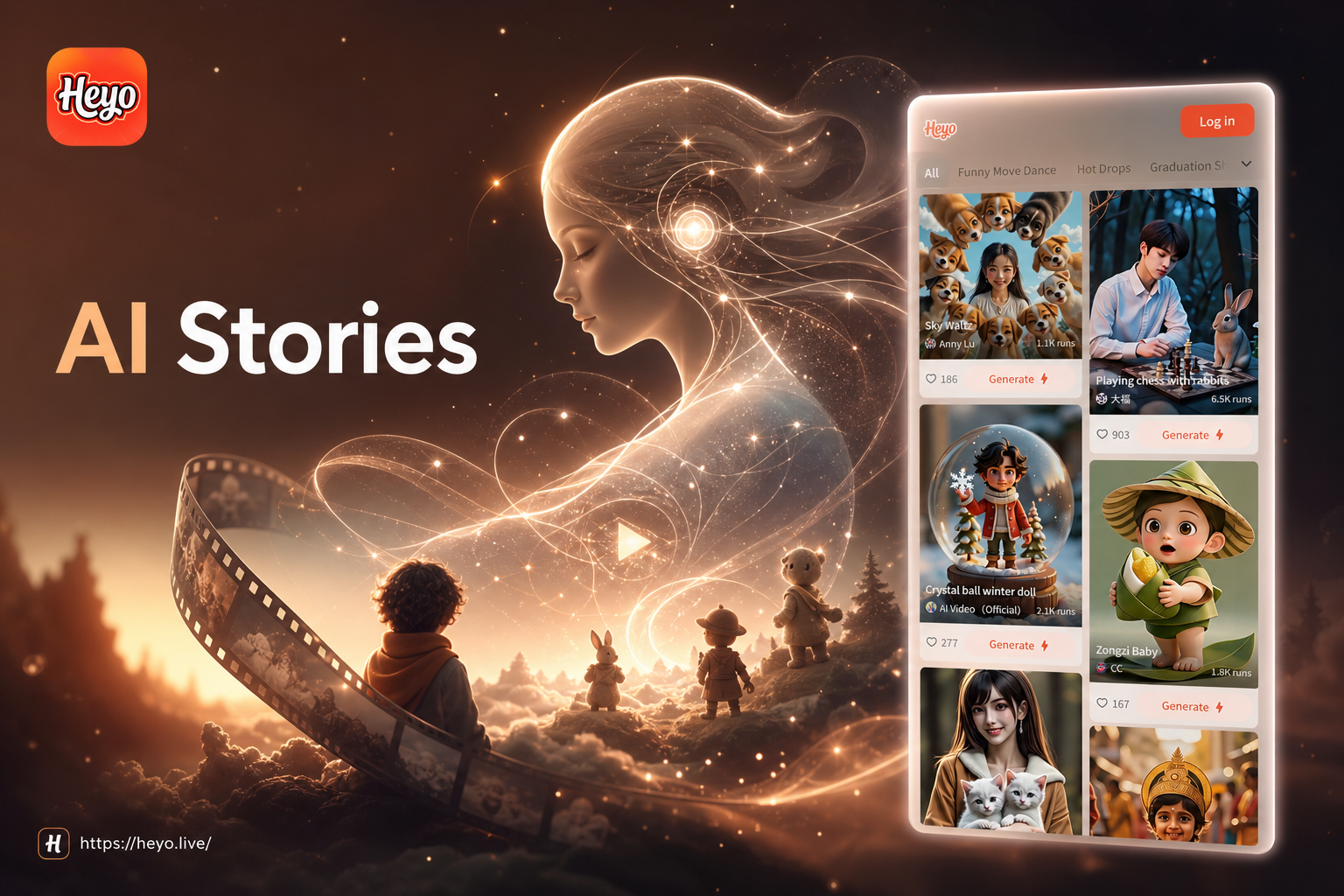
AI Story Video Generator | Create Viral Short Stories Instantly
Transform text into captivating story videos with AI. Generate animated narratives, character-driven shorts, and visual stories for TikTok, YouTube, and Instagram in minutes. Download heyo now.
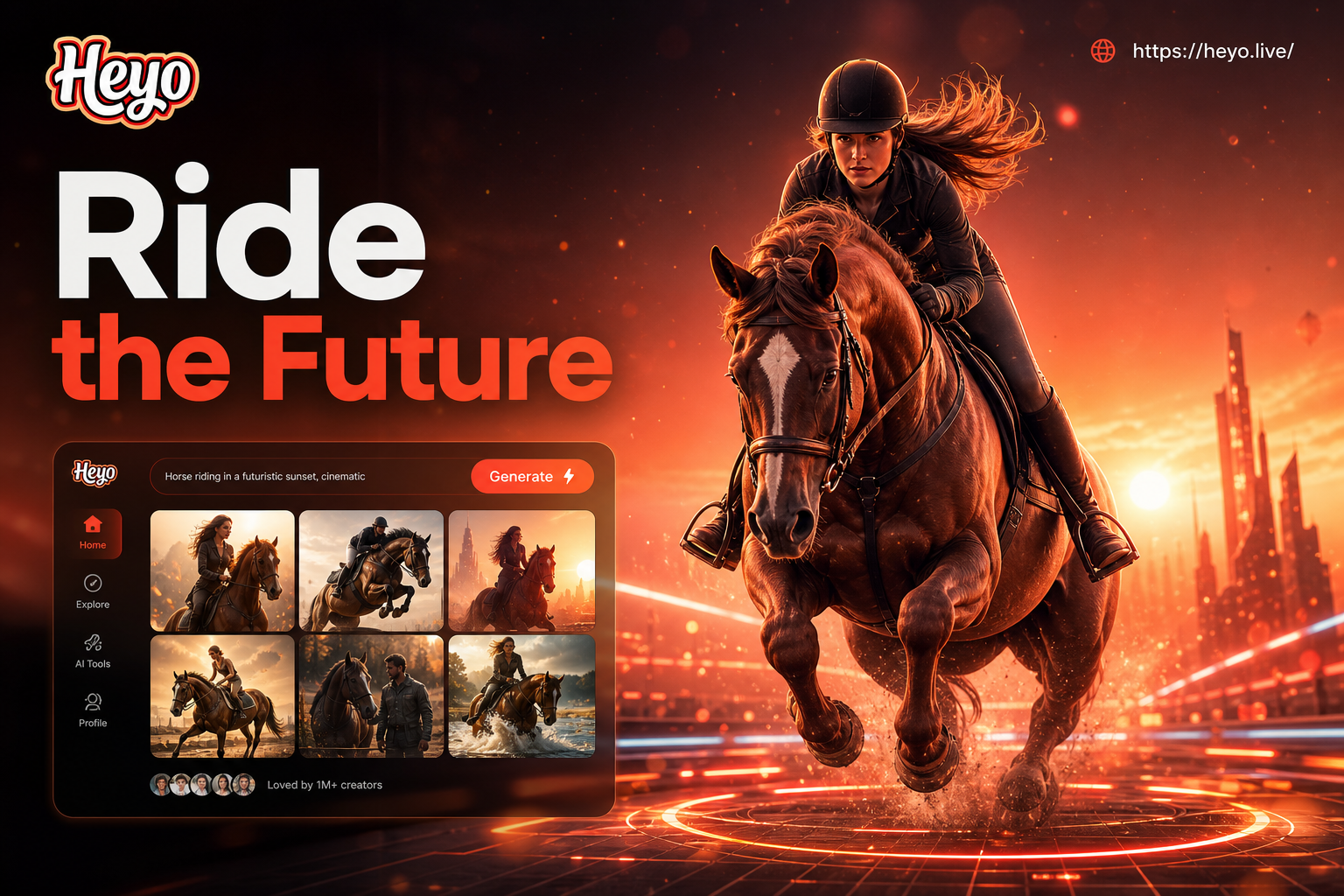
AI Horse Riding Photo Generator: Create Epic Equestrian Scenes
Generate stunning AI horse riding photos. Upload any photo and transform it into epic equestrian art. Choose from galloping, jumping, or western styles. No riding experience or Photoshop needed.
Your Personal Mural Studio, On the Go
Stop imagining and start creating. Download the app now to access the most powerful and creative wall painting photo effects and mural editor.

Your Personal Mural Studio, On the Go
Stop imagining and start creating. Download the app now to access the most powerful and creative wall painting photo effects and mural editor.