AI Camera Orbit Video Effect
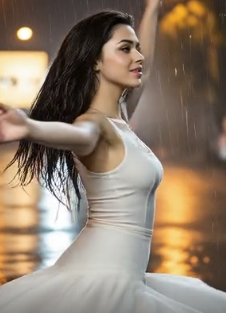
Explore Dynamic Video Effects
Beyond the 360 orbit, discover a suite of AI powered video effects to animate your photos in creative new ways.
Why Choose Our AI Camera Orbit Effect
Our AI orbit video technology makes professional 360° camera spins accessible to everyone. With intelligent subject detection and smooth motion paths, create Hollywood-style orbit videos in seconds.
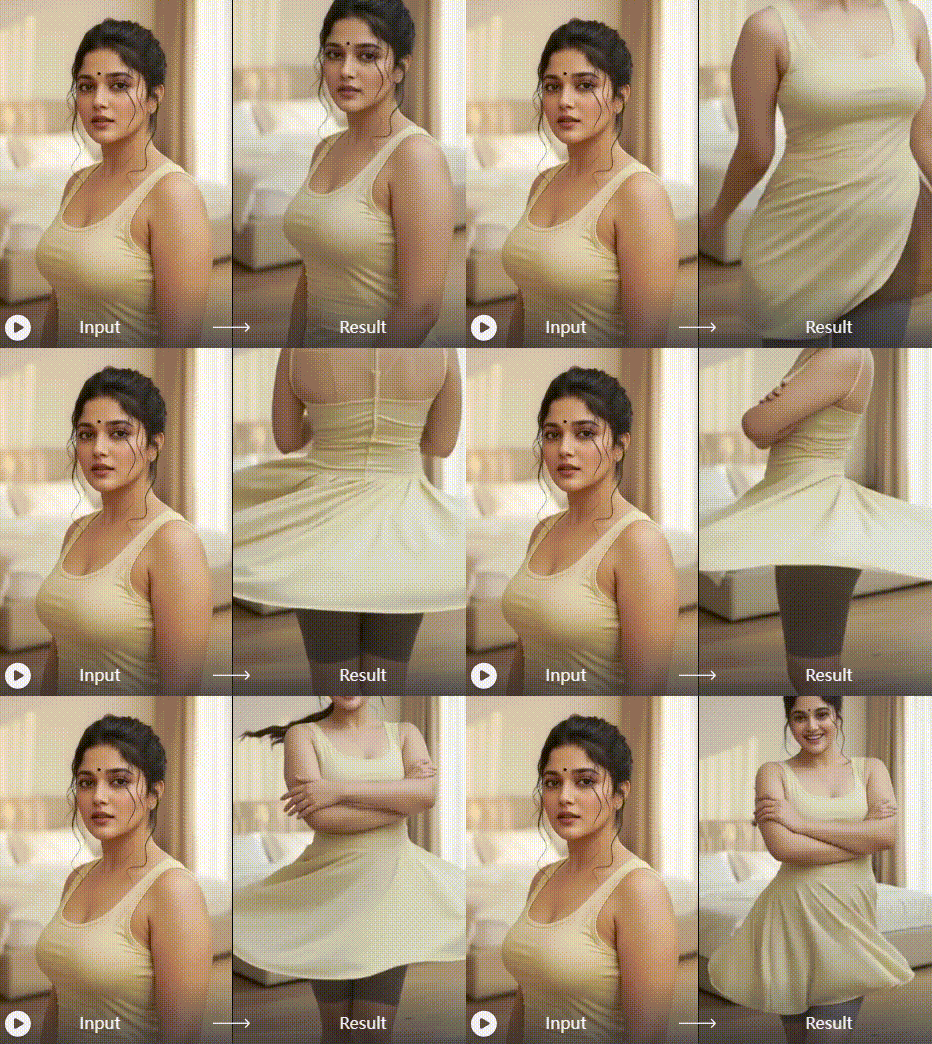
One-Click Orbit Generation
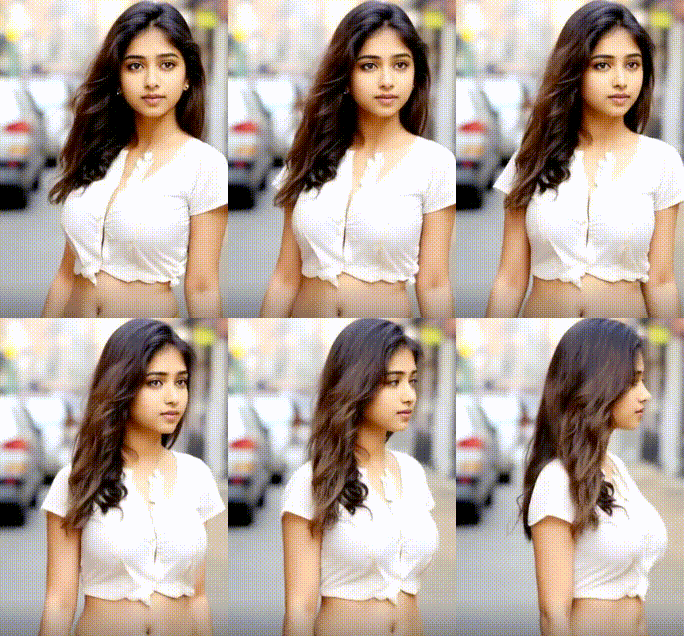
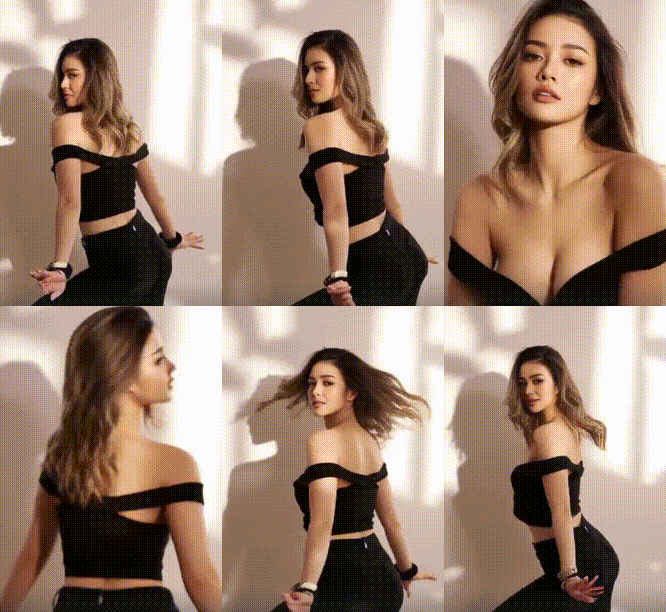
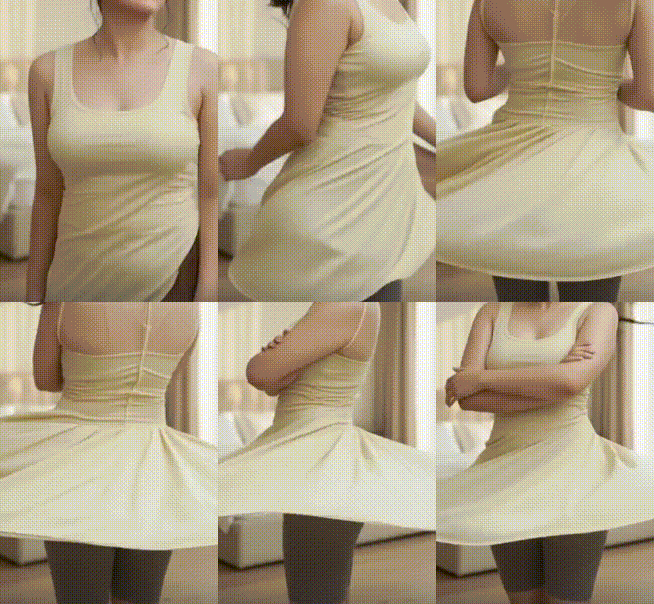
Upload any photo and watch AI automatically create a smooth 360° camera orbit around your subject. No manual keyframing or complex animation settings required. The AI analyzes your image and generates perfect circular motion paths.
One-Click Orbit Generation
Upload any photo and watch AI automatically create a smooth 360° camera orbit around your subject. No manual keyframing or complex animation settings required. The AI analyzes your image and generates perfect circular motion paths.
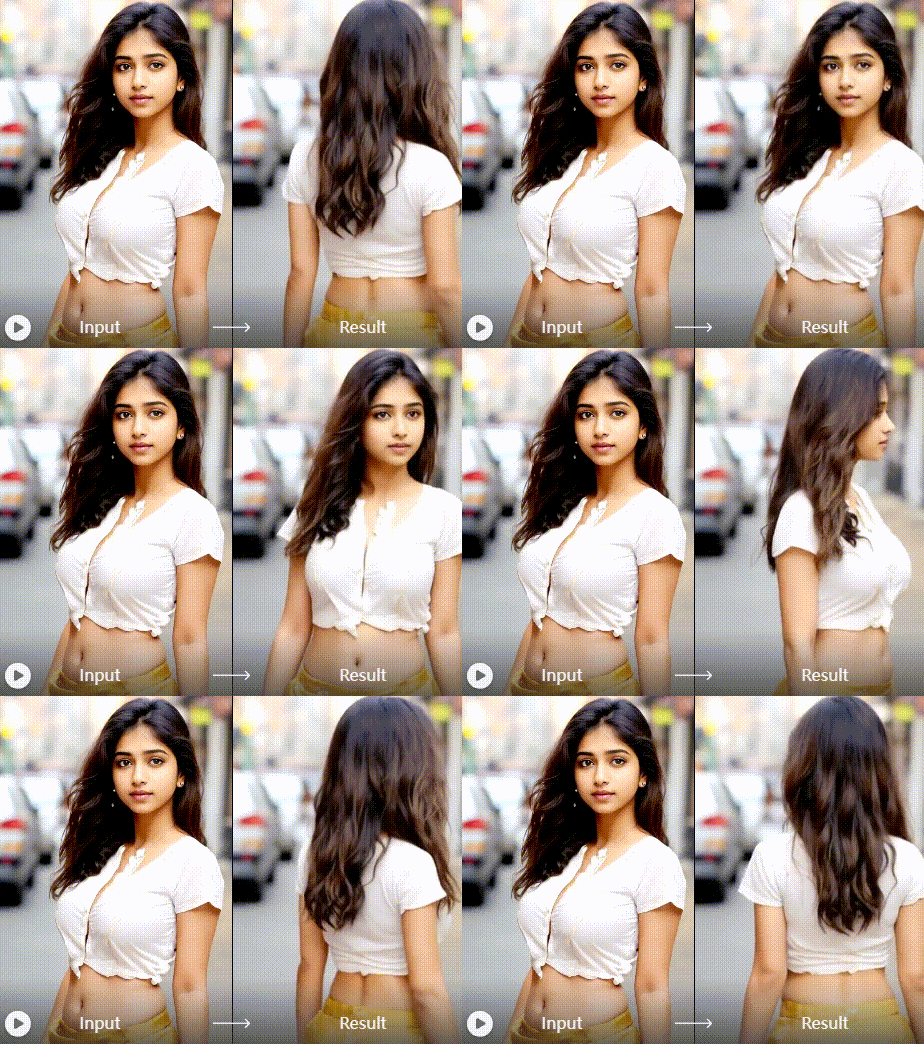
Customizable Spin Parameters
Adjust rotation speed, direction, camera distance, and motion smoothness. Choose clockwise or counter-clockwise spins, control rotation duration from 3 to 15 seconds, and fine-tune the orbit radius for different visual impacts.
Customizable Spin Parameters
Adjust rotation speed, direction, camera distance, and motion smoothness. Choose clockwise or counter-clockwise spins, control rotation duration from 3 to 15 seconds, and fine-tune the orbit radius for different visual impacts.
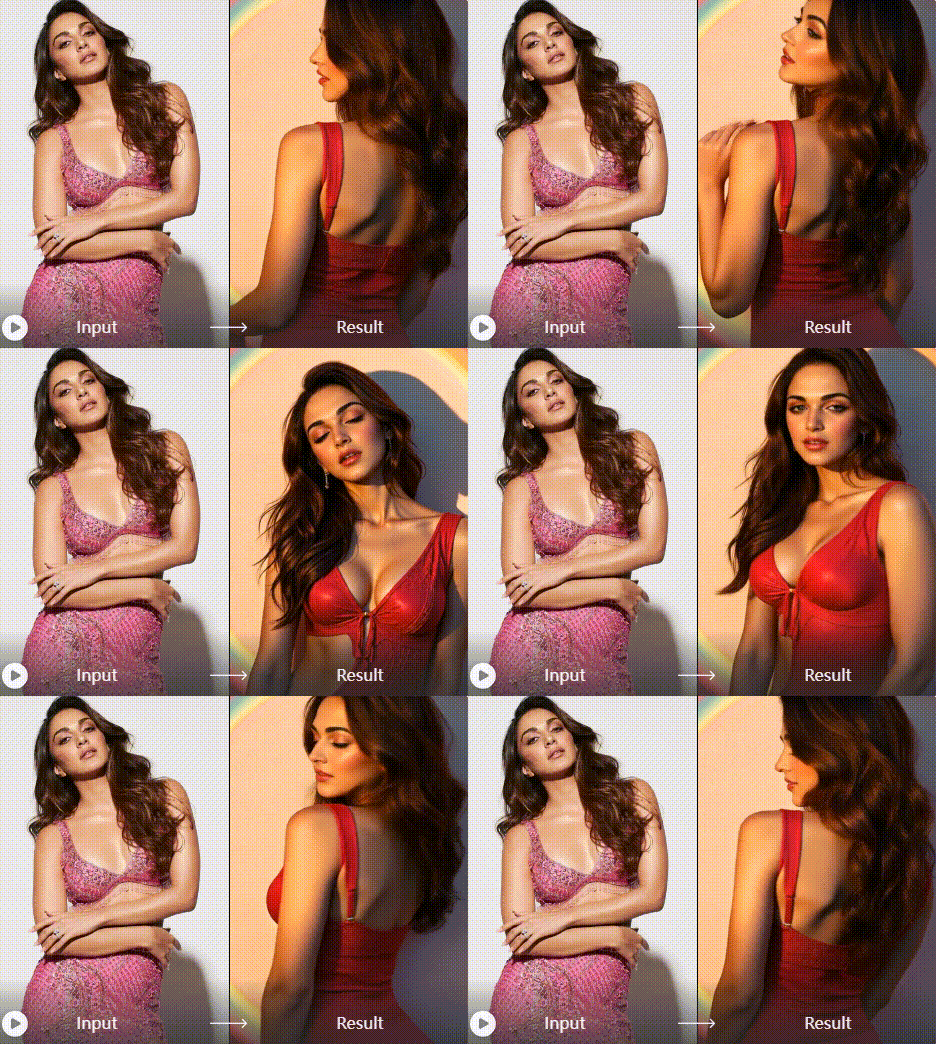
Multi-Platform Export
Export your orbit videos in optimal formats for Instagram Reels, TikTok, YouTube Shorts, and professional presentations. Choose from square, portrait, or landscape orientations with perfect resolution for each platform.
Multi-Platform Export
Export your orbit videos in optimal formats for Instagram Reels, TikTok, YouTube Shorts, and professional presentations. Choose from square, portrait, or landscape orientations with perfect resolution for each platform.
Unlimited Ready-to-Use Motion Transfer Templates
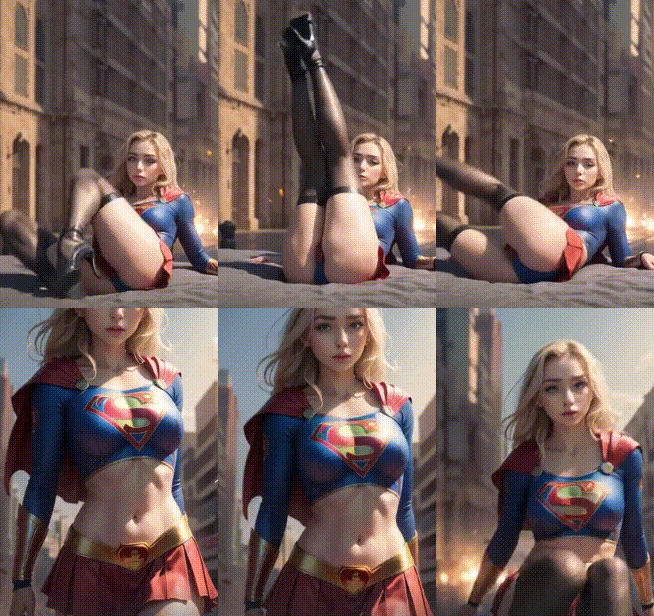
Access our growing library of AI mimic motion templates or upload your own! Whether you choose from our curated movements or provide a custom video, our AI will mimic motion flawlessly. Perfect motion transfer for any photo, any style, any movement you imagine.
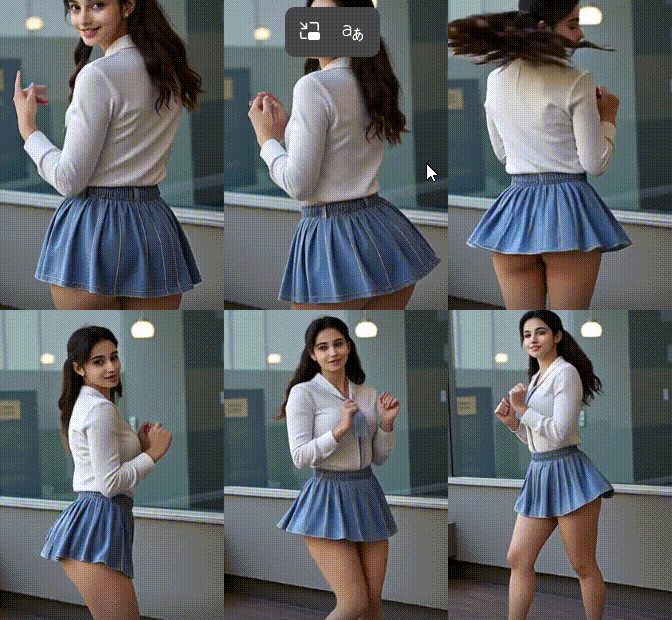
How to Create a 360 Orbit Video?
Create a stunning AI camera orbit video in just three simple steps using the heyo app. No video editing experience required.

Step 01.
Download the free heyo app from Google Play. Open the app and navigate to the video effects section to find the Orbit Camera tool.

Step 02.
Select the Orbit Video effect. Upload a clear, high quality portrait photo. The AI will automatically detect the subject and prepare it for the 360 spin.

Step 03.
Customize the spin speed and direction, then generate your video. Instantly download your HD orbit video or share it directly to social platforms like TikTok and Instagram.
Creators Using the AI Orbit Effect
Chloe R.
This orbit effect is a game changer for my Instagram Reels. It makes my portrait shots look like professional music video clips. My engagement has skyrocketed since I started using it.

Marcus T.
As a digital artist, I use this to present my character designs. The 360 spin gives clients a full view in a dynamic way. It's incredibly simple and the results are always impressive.
Sofia L.
I run a small business and use this for product showcases on TikTok. Making a still image of our product orbit creates so much more interest than a static post. It's my secret weapon.
David K.
I offer this as an add on service for my portrait clients. They love getting a cool, animated version of their photos. The AI handles the complex motion, so I can deliver more value effortlessly.
Chloe R.
This orbit effect is a game changer for my Instagram Reels. It makes my portrait shots look like professional music video clips. My engagement has skyrocketed since I started using it.
Marcus T.
As a digital artist, I use this to present my character designs. The 360 spin gives clients a full view in a dynamic way. It's incredibly simple and the results are always impressive.
Sofia L.
I run a small business and use this for product showcases on TikTok. Making a still image of our product orbit creates so much more interest than a static post. It's my secret weapon.
David K.
I offer this as an add on service for my portrait clients. They love getting a cool, animated version of their photos. The AI handles the complex motion, so I can deliver more value effortlessly.
Chloe R.
This orbit effect is a game changer for my Instagram Reels. It makes my portrait shots look like professional music video clips. My engagement has skyrocketed since I started using it.
Marcus T.
As a digital artist, I use this to present my character designs. The 360 spin gives clients a full view in a dynamic way. It's incredibly simple and the results are always impressive.
Sofia L.
I run a small business and use this for product showcases on TikTok. Making a still image of our product orbit creates so much more interest than a static post. It's my secret weapon.
David K.
I offer this as an add on service for my portrait clients. They love getting a cool, animated version of their photos. The AI handles the complex motion, so I can deliver more value effortlessly.
The Power of AI Driven Motion
Traditional 360 video requires expensive equipment and complex filming. Our AI democratizes this effect, making it accessible to anyone with a smartphone.
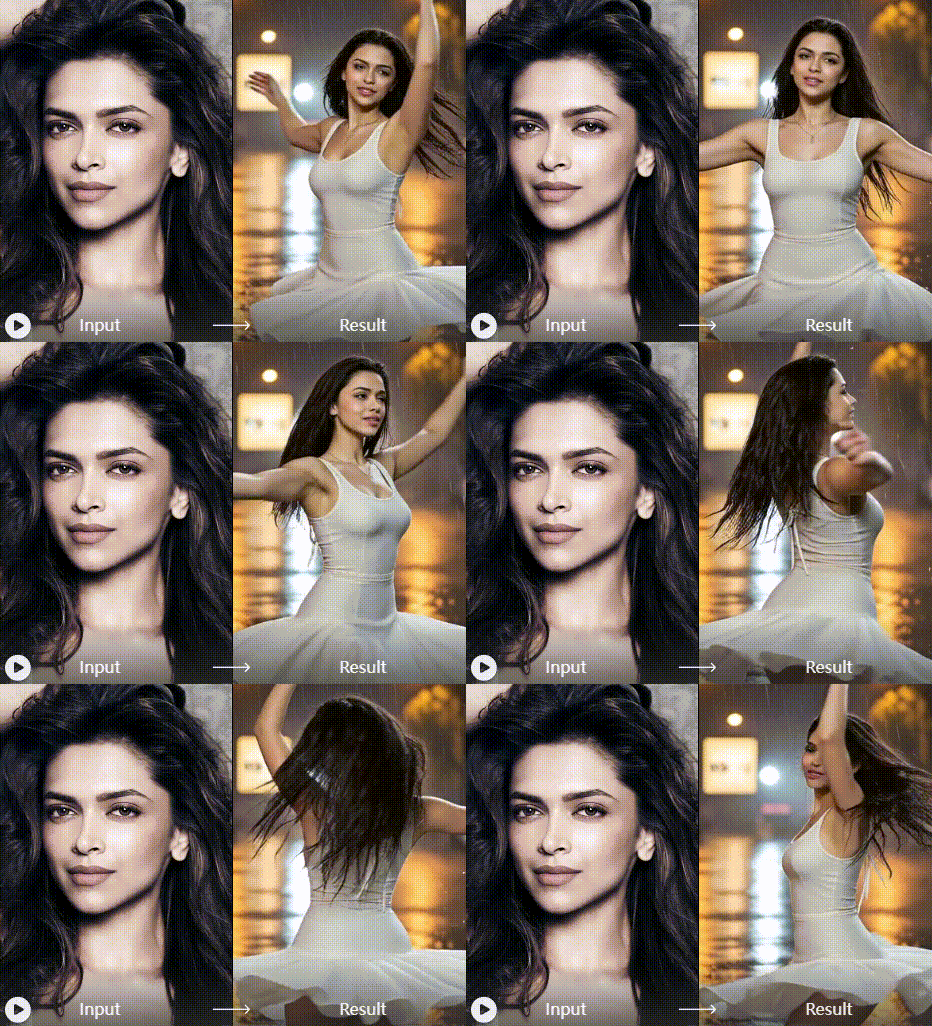
From Still Image to Cinematic Motion
The AI camera orbit effect uses advanced depth estimation and 3D modeling algorithms to understand the spatial relationships in your 2D photo. It then synthesizes a smooth, realistic camera path that orbits the main subject, creating the illusion of a multi angle video shoot from a single source. This technology saves hours of manual animation work and requires zero technical skill, putting professional grade motion graphics in the palm of your hand.
From Still Image to Cinematic Motion
The AI camera orbit effect uses advanced depth estimation and 3D modeling algorithms to understand the spatial relationships in your 2D photo. It then synthesizes a smooth, realistic camera path that orbits the main subject, creating the illusion of a multi angle video shoot from a single source. This technology saves hours of manual animation work and requires zero technical skill, putting professional grade motion graphics in the palm of your hand.
AI Orbit Video Effect FAQs
Get answers to the most common questions about creating 360 degree spin videos with AI. Learn how to get the best results quickly.
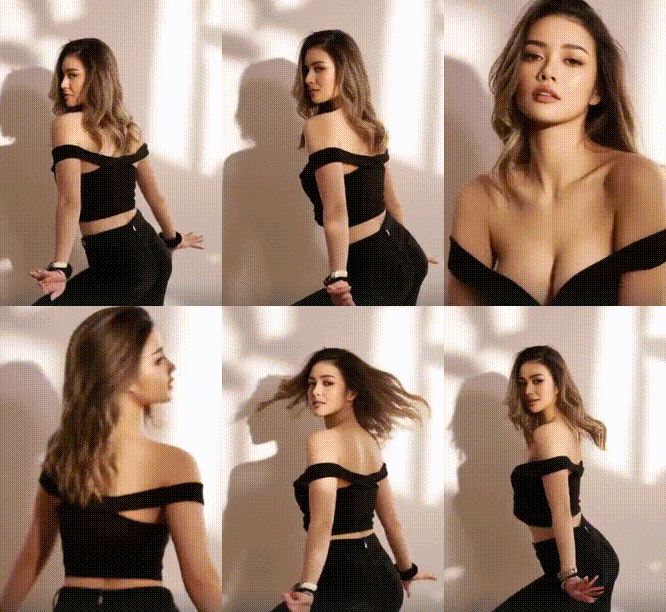
Create Your First Orbit Video Now
Turn your favorite portrait into a captivating 360 degree video. Download the heyo app and explore the magic of AI powered motion.

More AI Effects You May Like
Explore more topics you may like and discover fresh ideas tailored to your interests.
Ai Mugshot Generator
Ai Beard Generator
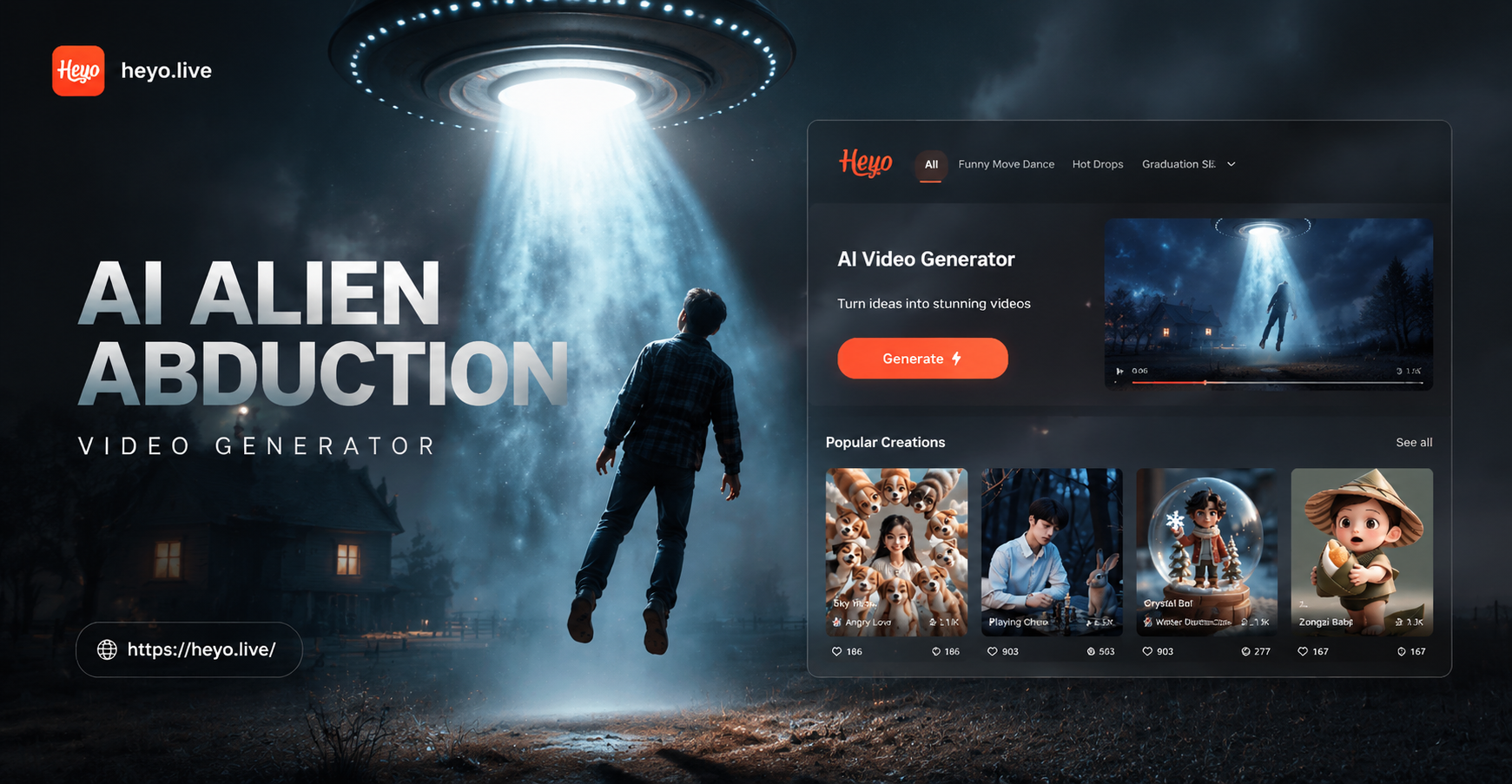
Ai Alien Abduction Video Generator
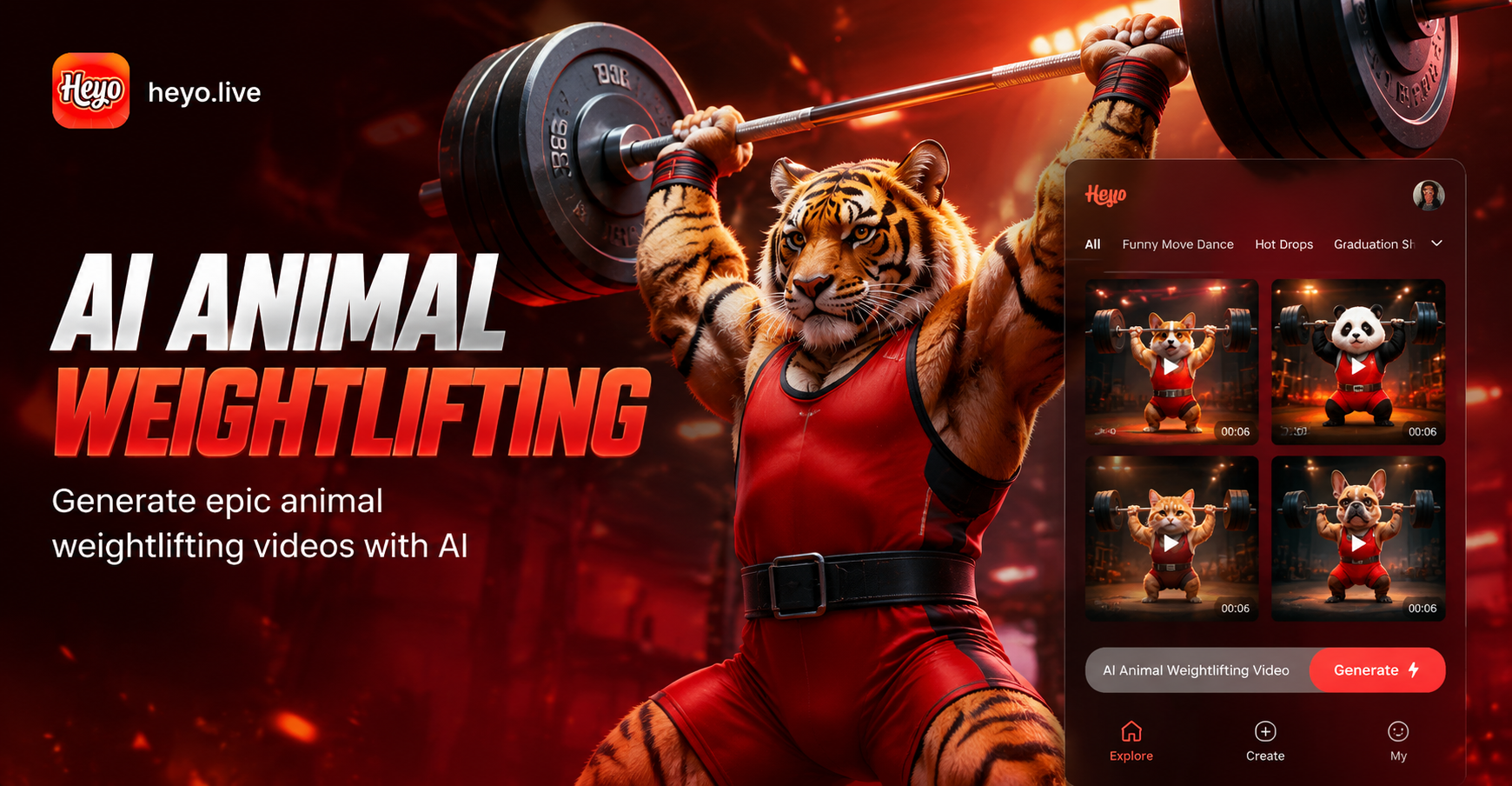
Ai Animal Weightlifting Video Generator
Ai Mugshot Generator
Ai Beard Generator
Ai Alien Abduction Video Generator
Ai Animal Weightlifting Video Generator
Bring Your Photos to Life with Motion
Stop scrolling. Start creating. Download heyo now and unlock the AI camera orbit effect, along with hundreds of other creative tools, all in one mobile app.

Bring Your Photos to Life with Motion
Stop scrolling. Start creating. Download heyo now and unlock the AI camera orbit effect, along with hundreds of other creative tools, all in one mobile app.