AI Double Exposure Portrait
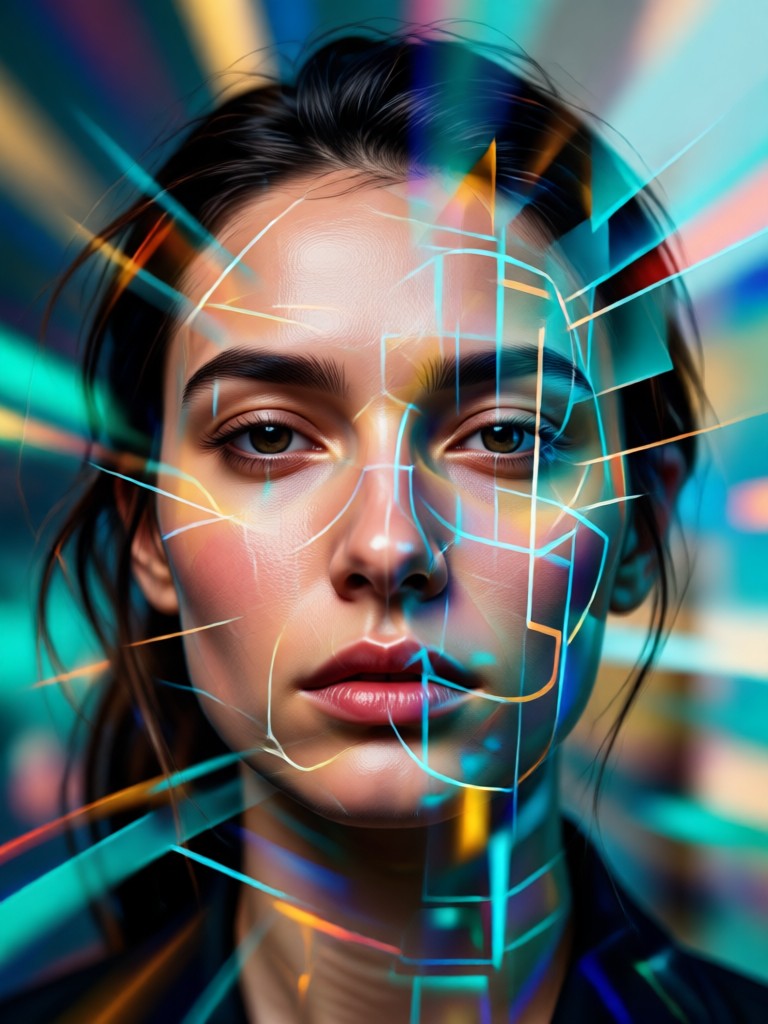
Discover Your Double Exposure Style
Explore a vast library of artistic filters and blending modes designed specifically for creating stunning double exposure effects. From ethereal nature blends to urban geometric overlays, find the perfect style to match your vision.
Why Choose AI for Double Exposure Portraits?
heyo combines advanced AI with intuitive design to make complex photo editing accessible to everyone. Experience the power of professional double exposure without the steep learning curve.
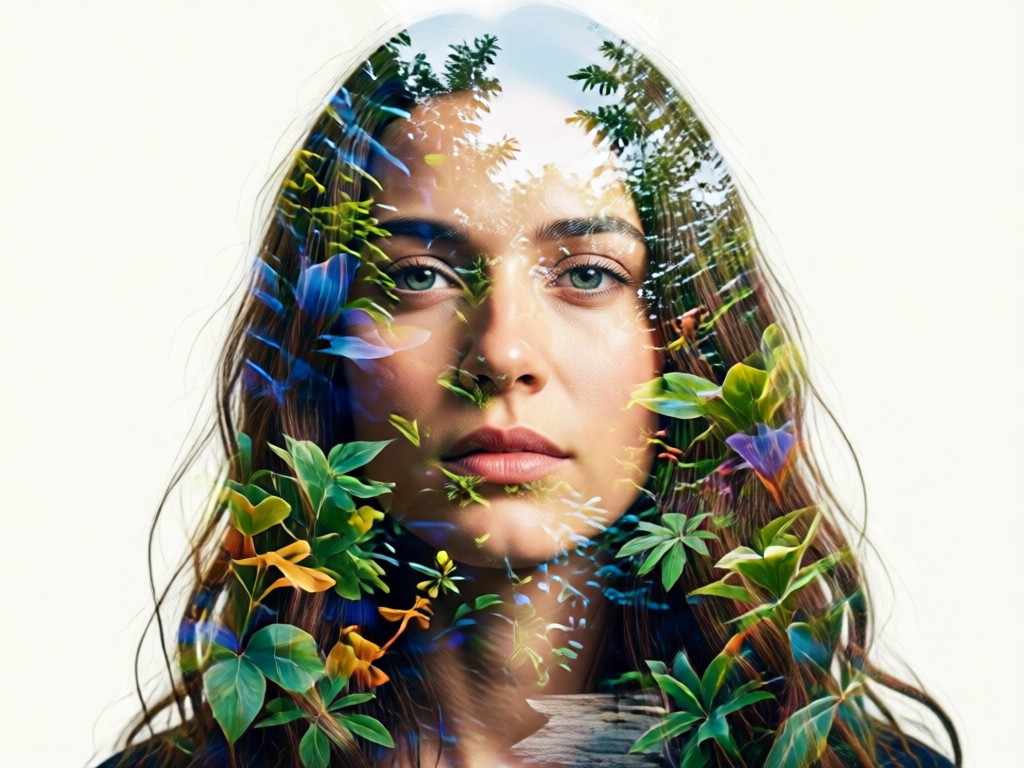
One-Click Blending
Upload your portrait and a secondary image. Our AI automatically detects subjects, aligns layers, and applies intelligent blending masks for a flawless double exposure effect, preserving fine details like hair and facial features.
One-Click Blending
Upload your portrait and a secondary image. Our AI automatically detects subjects, aligns layers, and applies intelligent blending masks for a flawless double exposure effect, preserving fine details like hair and facial features.
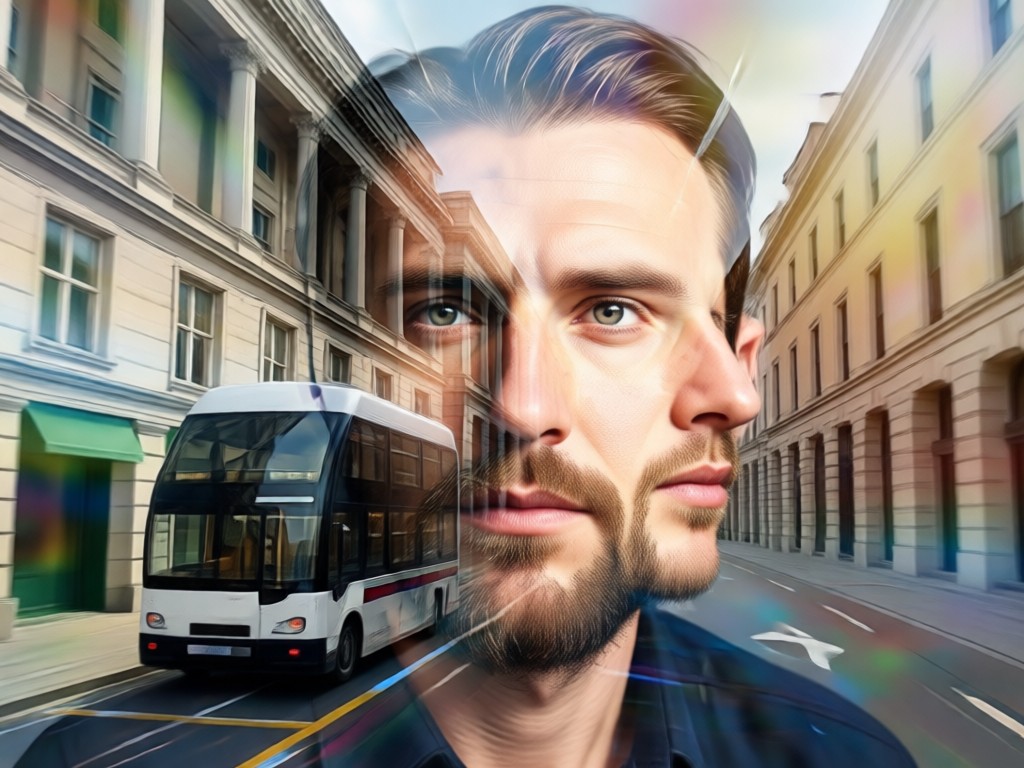
Massive Style Library
Access thousands of pre-designed double exposure templates. Choose from categories like nature fusion, cityscape overlays, abstract textures, floral blends, and cinematic moods to instantly apply a professional look to your portrait.
Massive Style Library
Access thousands of pre-designed double exposure templates. Choose from categories like nature fusion, cityscape overlays, abstract textures, floral blends, and cinematic moods to instantly apply a professional look to your portrait.
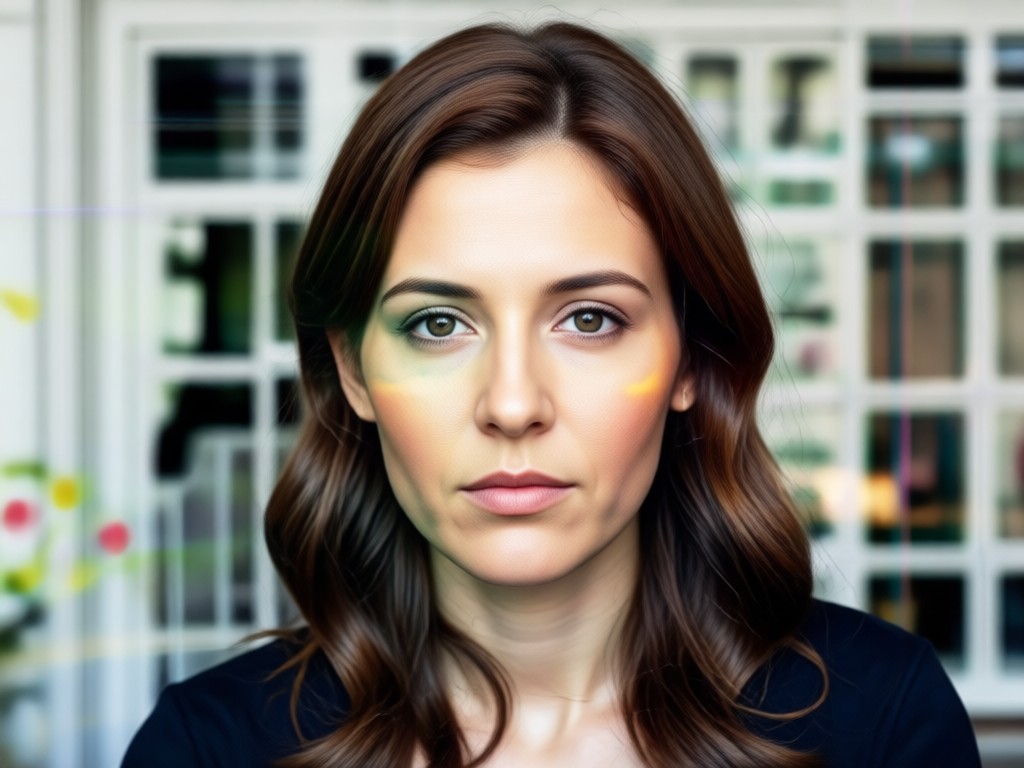
Precision Customization
Fine-tune your creation with intuitive sliders for opacity, blend mode, contrast, and color grading. Adjust how the foreground and background interact to achieve the exact artistic vision you have in mind.
Precision Customization
Fine-tune your creation with intuitive sliders for opacity, blend mode, contrast, and color grading. Adjust how the foreground and background interact to achieve the exact artistic vision you have in mind.
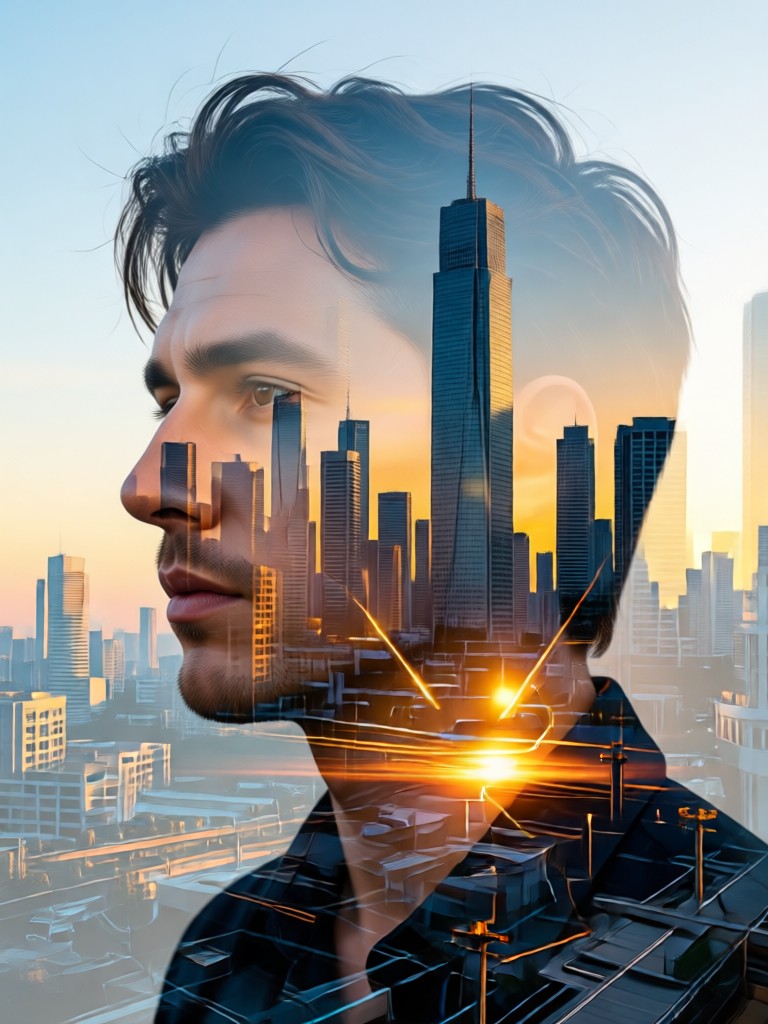
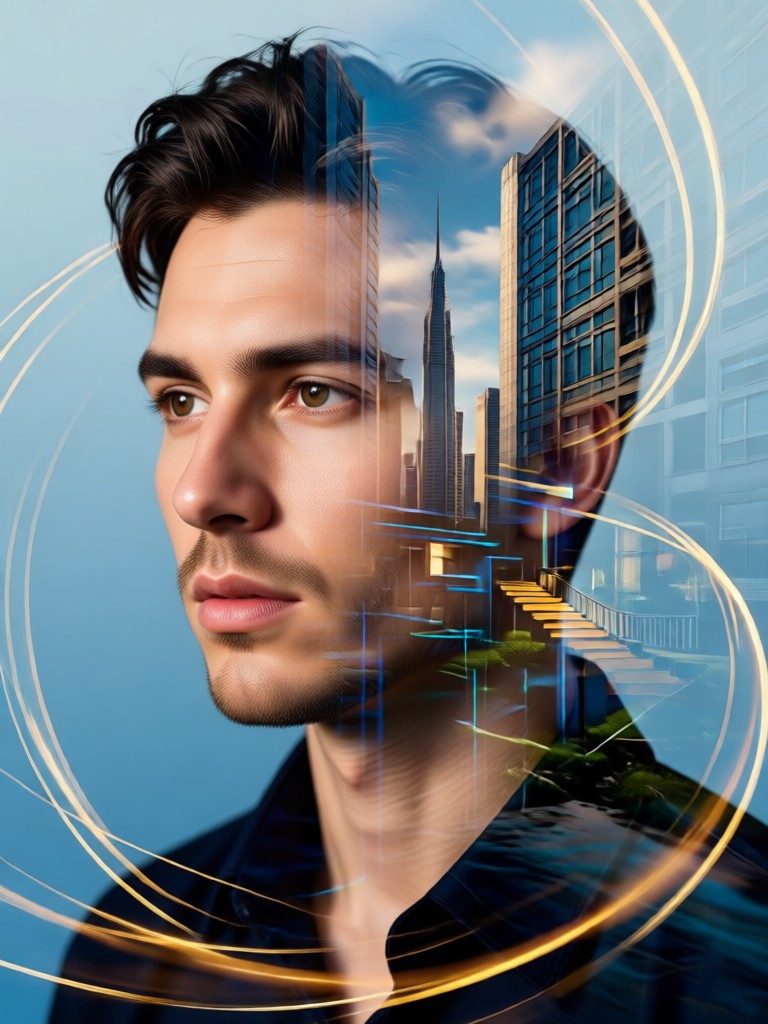
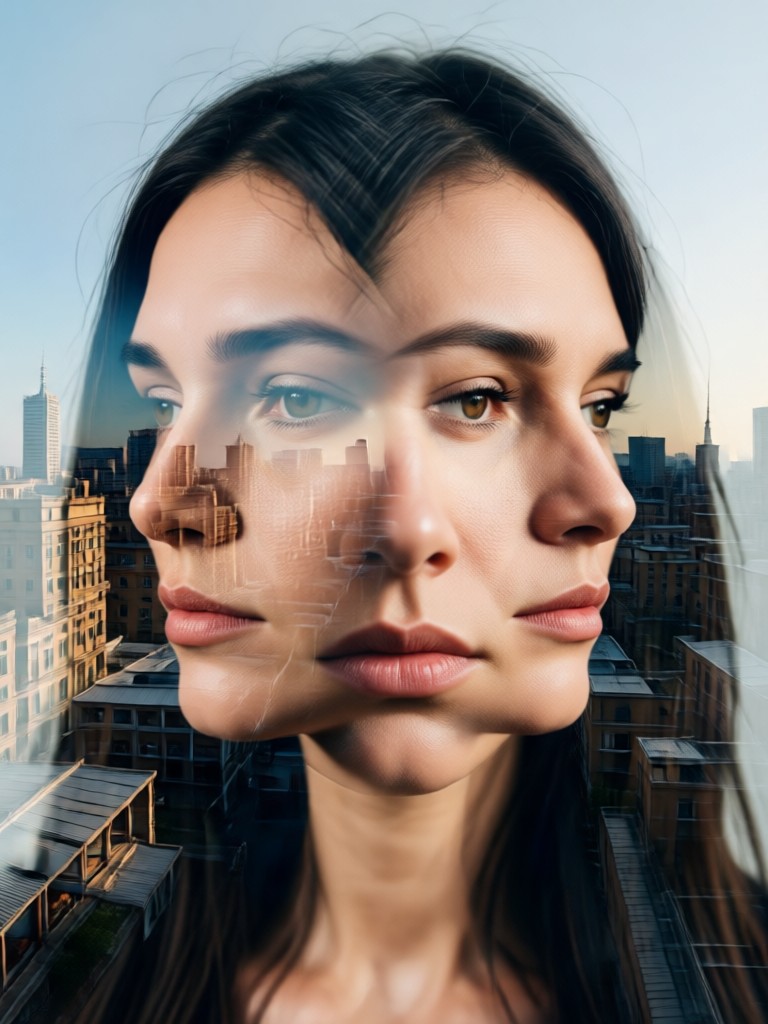
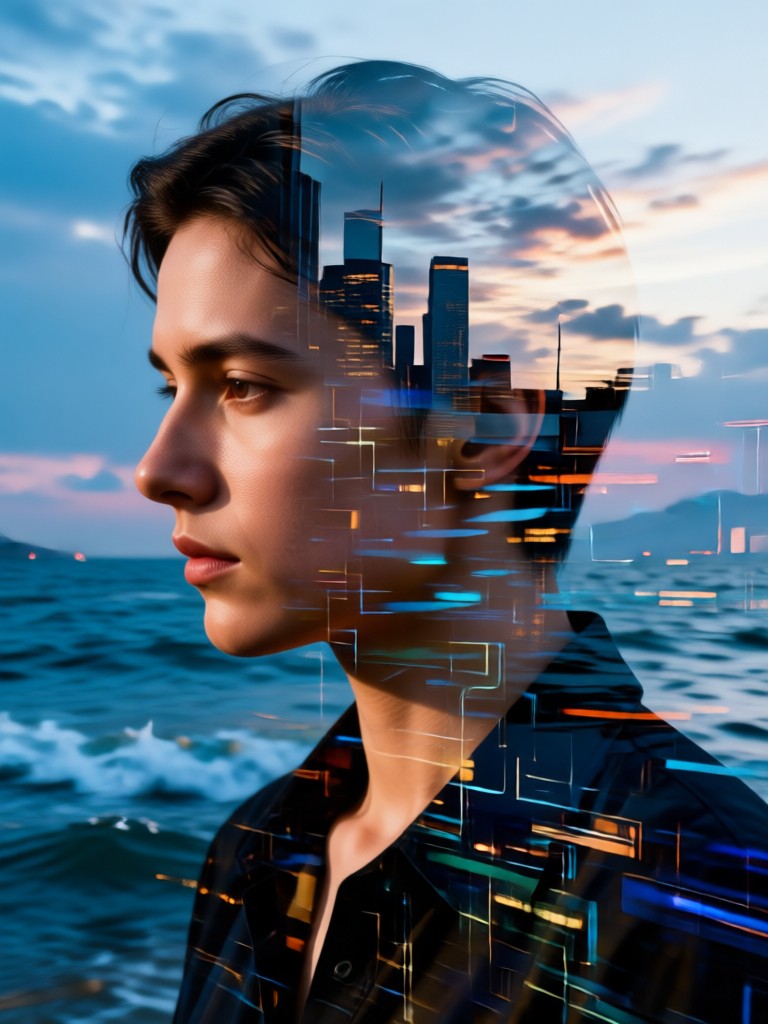
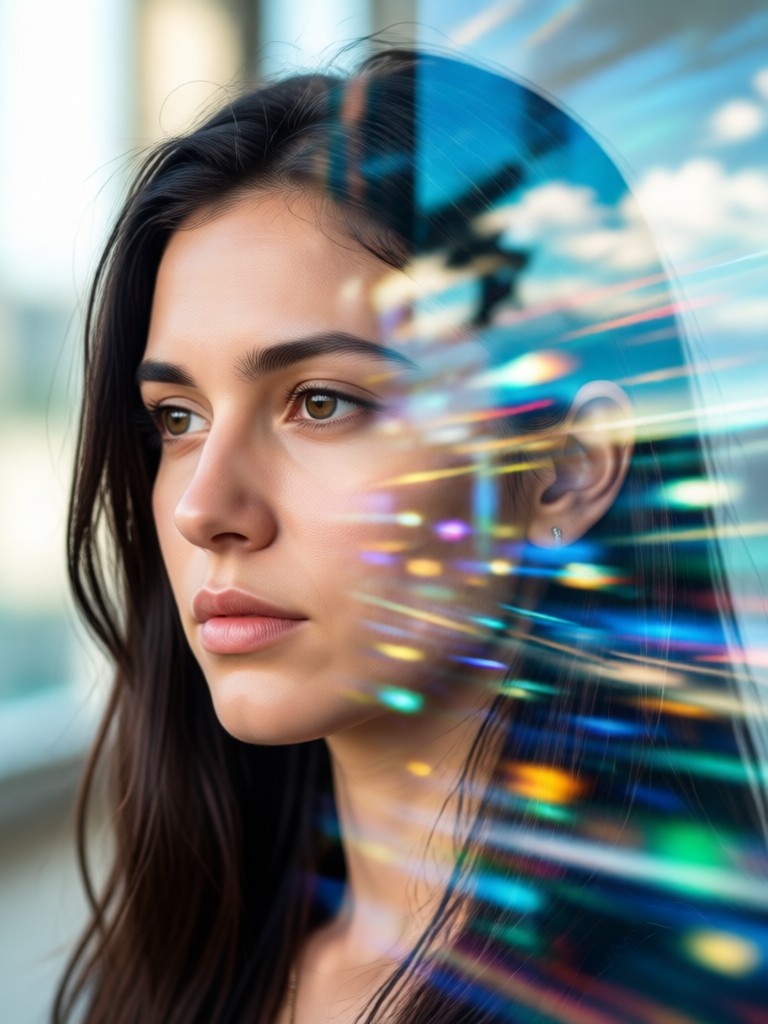
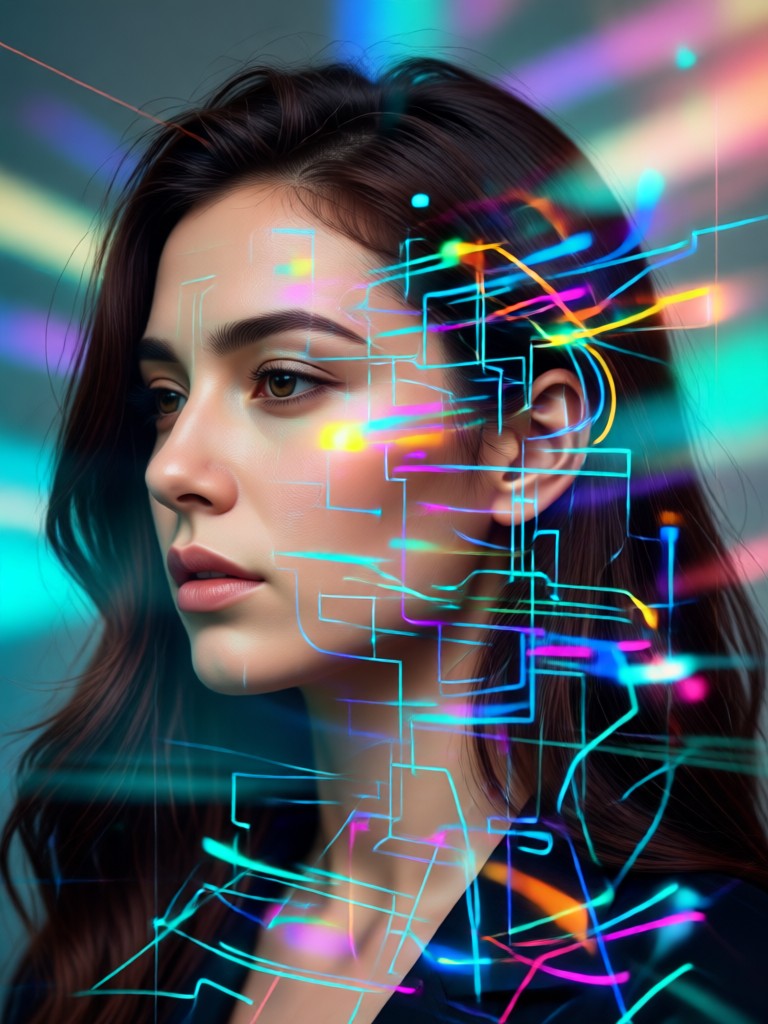
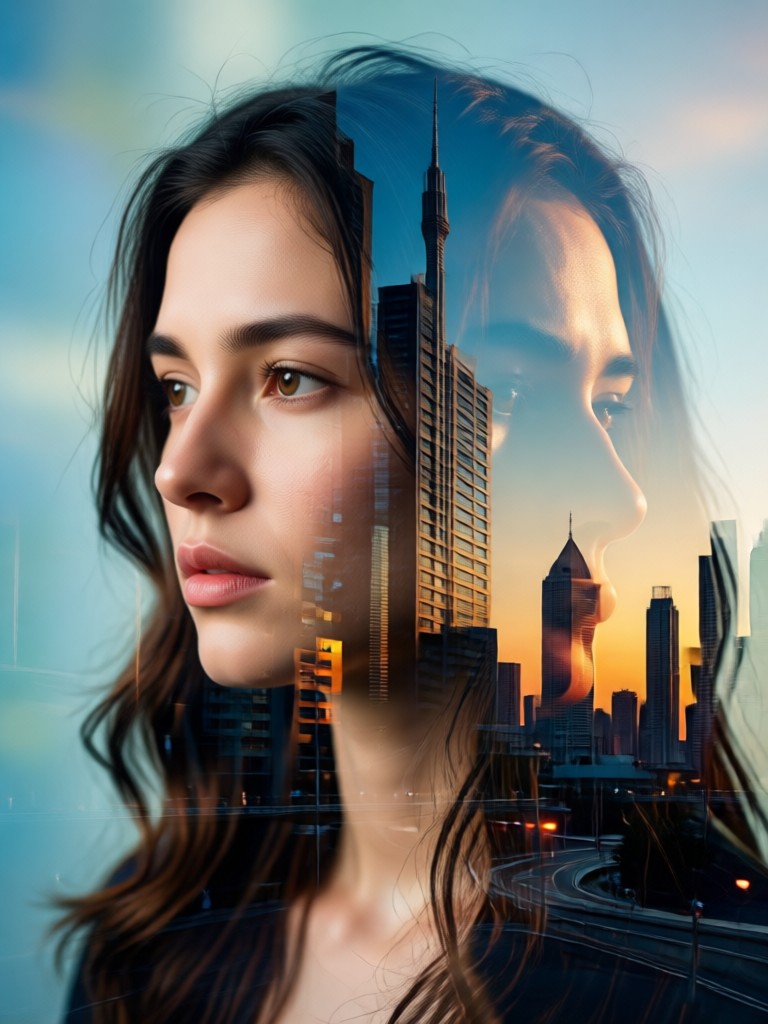
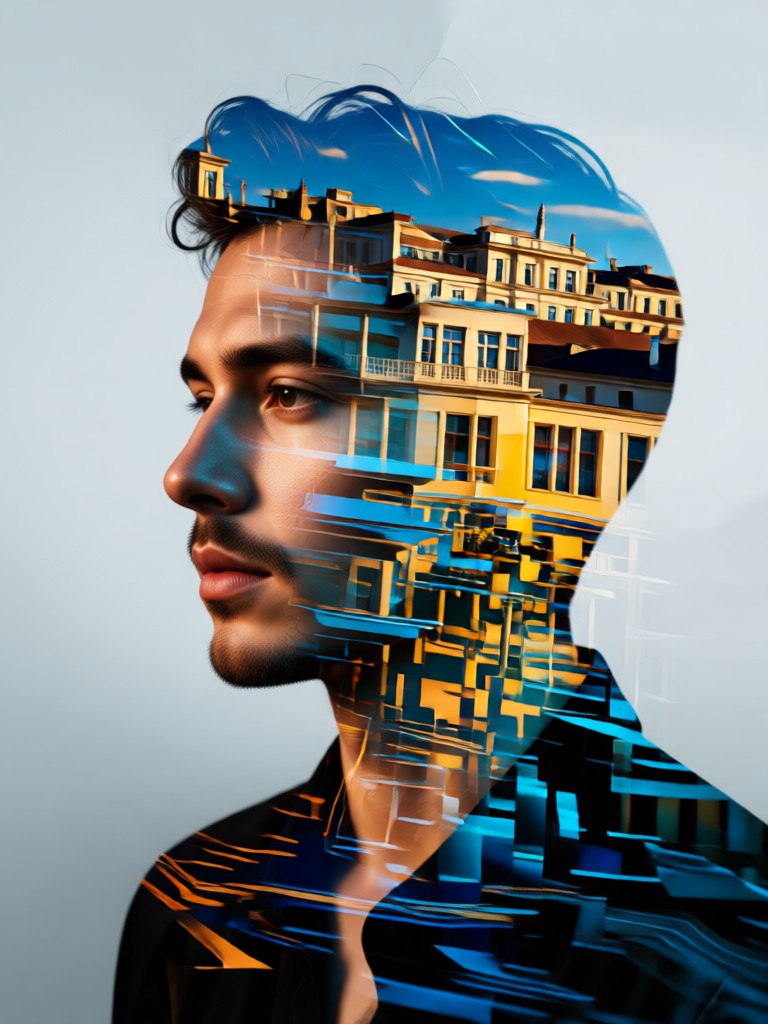
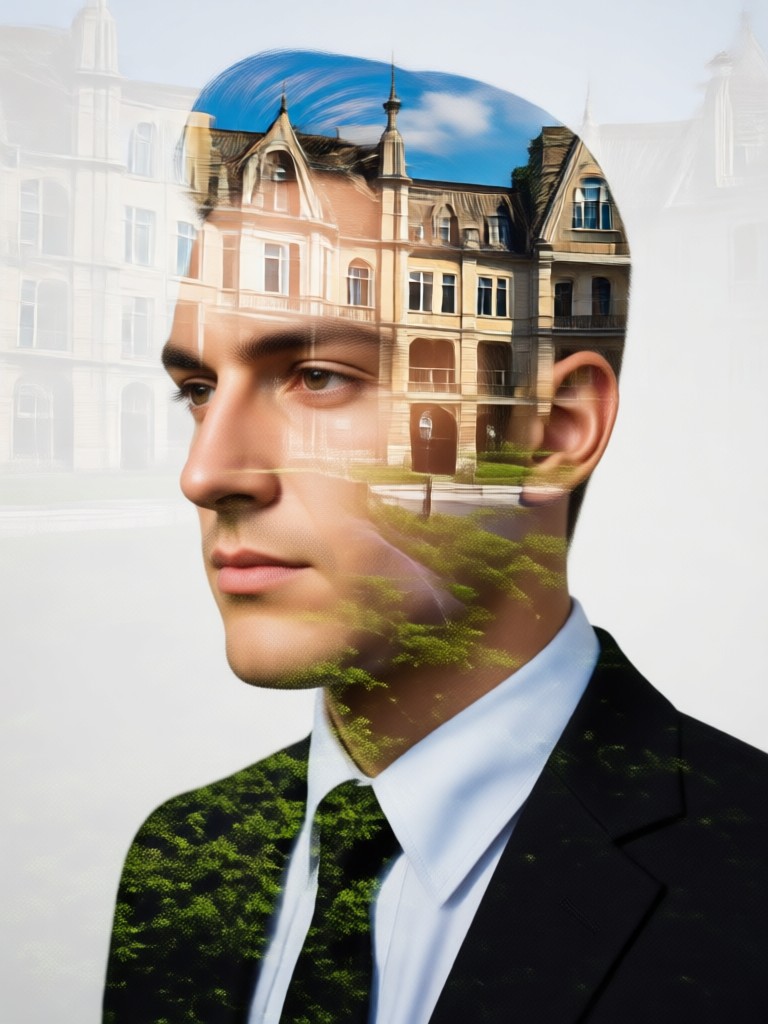
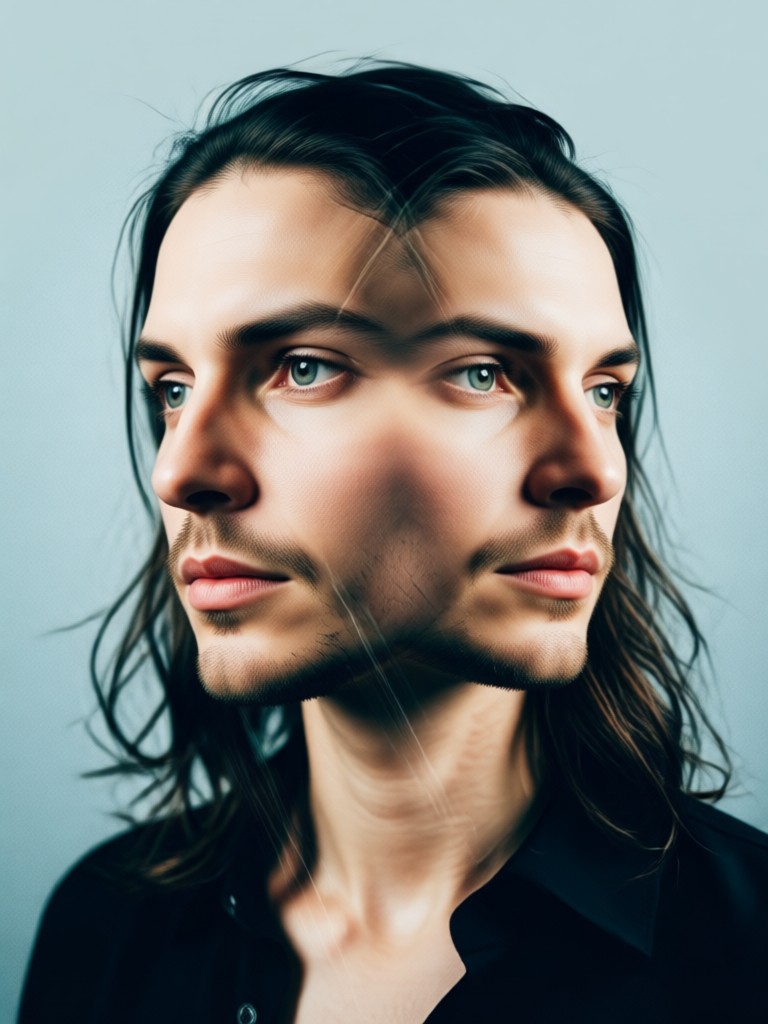
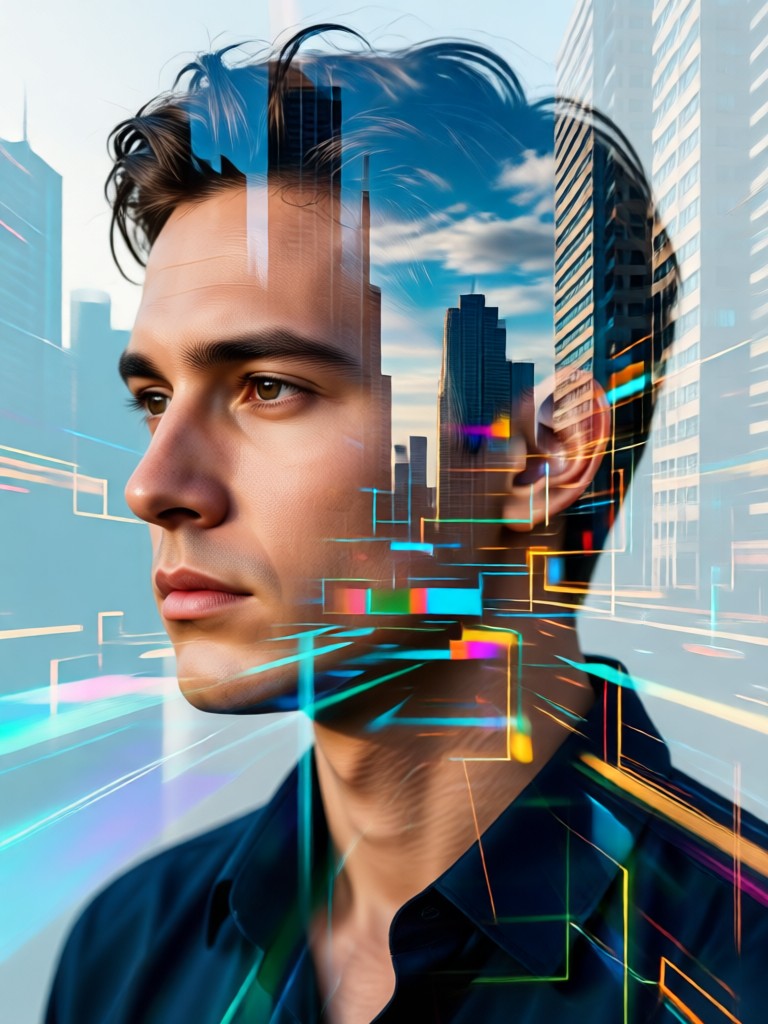
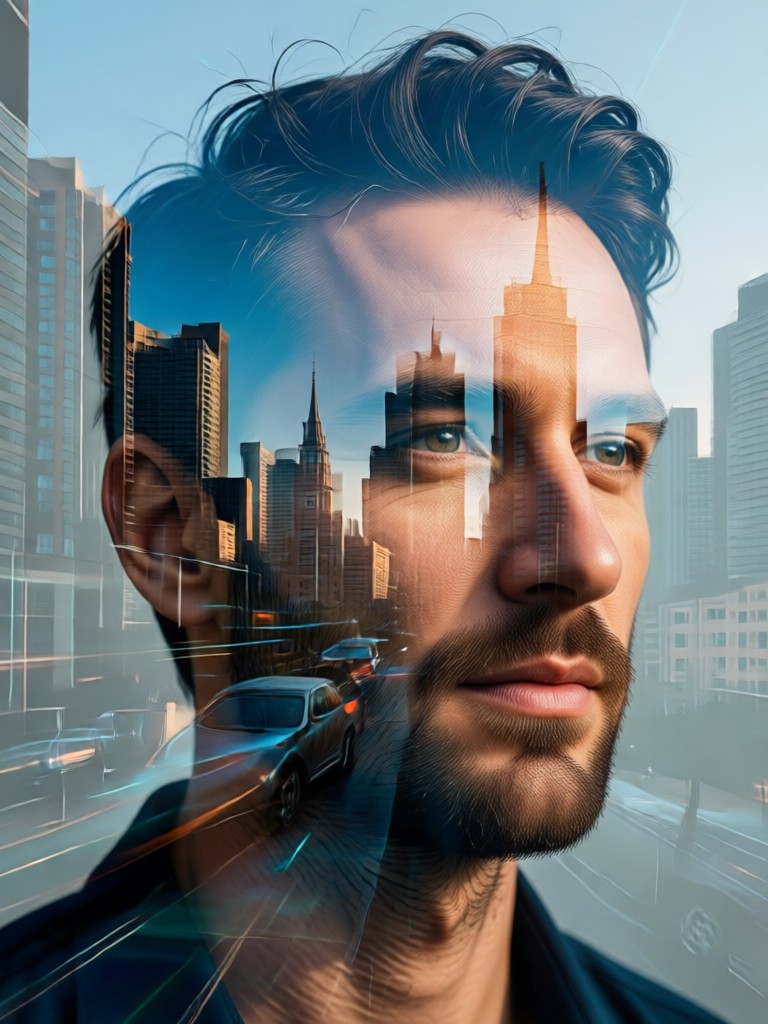
AI Double Exposure Portrait Gallery
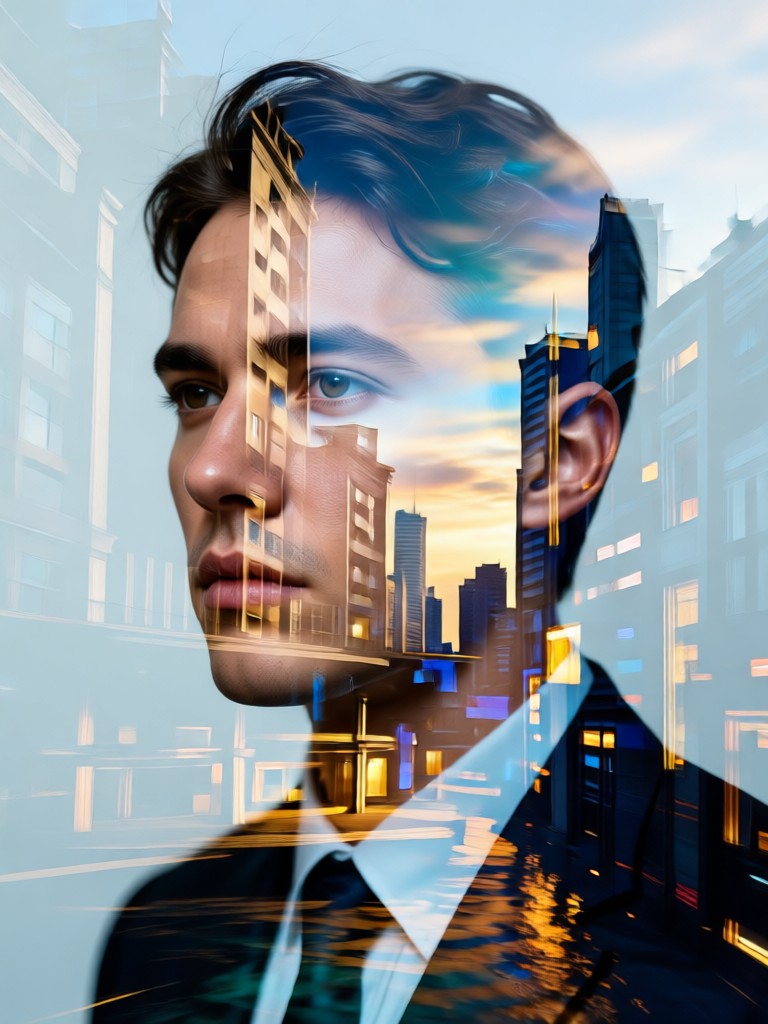
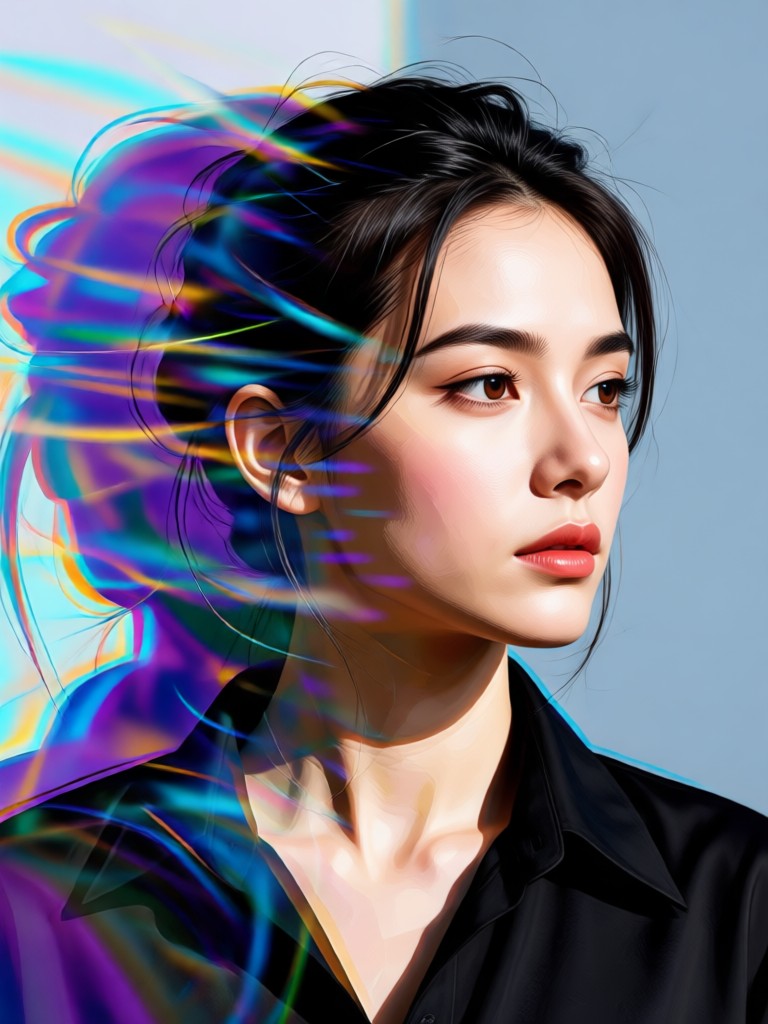
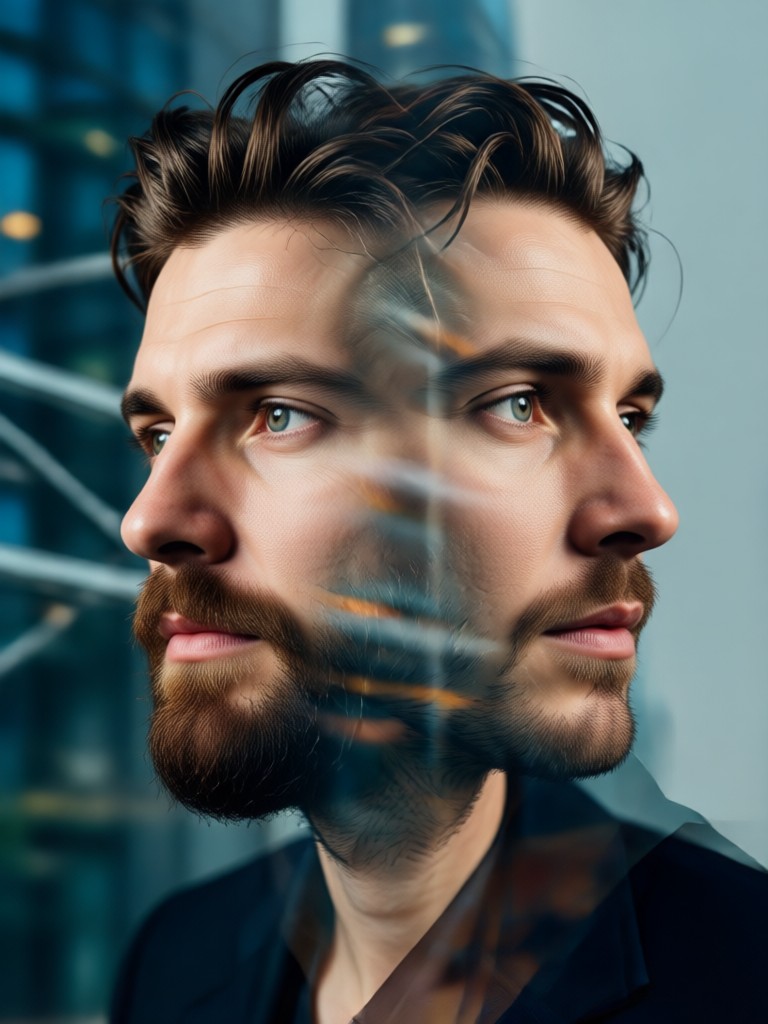
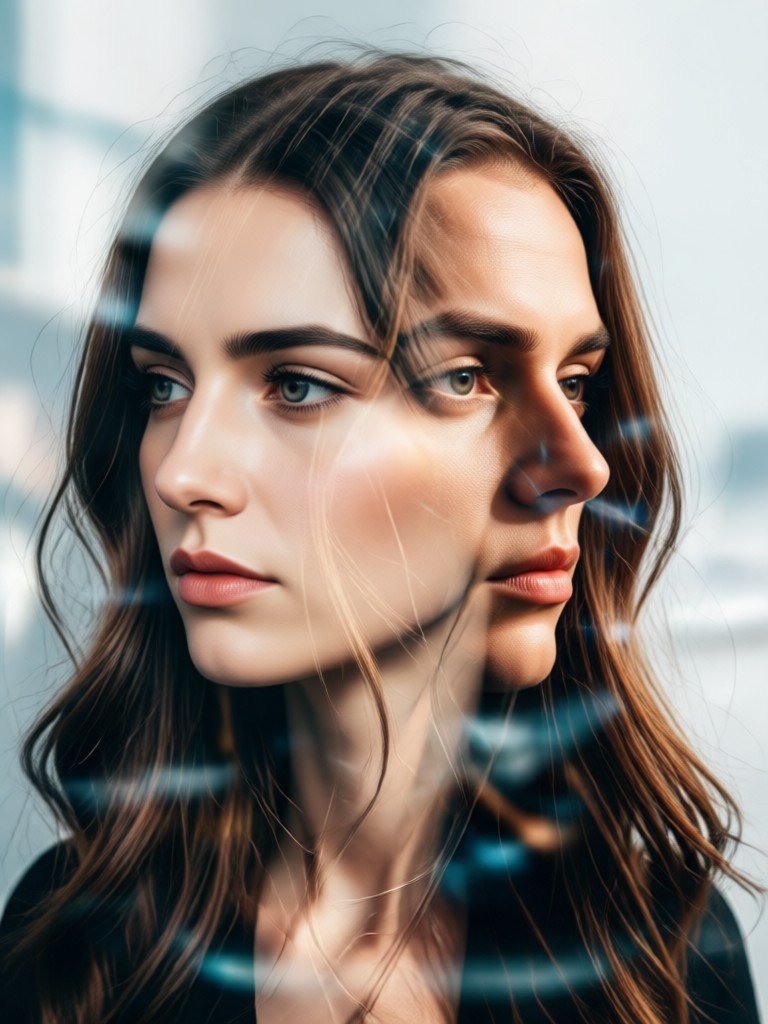
See the stunning possibilities of AI-generated double exposure art. Each portrait showcases a unique blend of human expression and captivating scenery, all created effortlessly with heyo.
How to Create an AI Double Exposure Portrait?
Make stunning composite art in just three simple steps with heyo's mobile app. No complex software or editing skills are required.

Step 01.
Download the heyo app from Google Play. Open the app and navigate to the 'Double Exposure' or 'Portrait Blend' section within the AI tools library.

Step 02.
Upload a clear portrait photo. Then, either choose a second image from your gallery or select one from heyo's vast library of scenic backgrounds, textures, and overlay images.

Step 03.
Let the AI work its magic. Choose a blending style, adjust settings like opacity and contrast if desired, and generate your artwork. Download and share your unique double exposure portrait instantly.
What Creators Are Saying About AI Double Exposure
A Game-Changer for My Photography Portfolio
As a portrait photographer, I wanted to offer something unique. heyo's double exposure tool lets me create stunning, artistic composites for clients in minutes, something that used to take me hours in Photoshop. It's expanded my service offerings dramatically.
Brought My Social Media Content to Life
My Instagram needed a refresh. Using heyo to create double exposure portraits for my profile and posts has significantly increased my engagement. Followers constantly ask how I make such professional-looking art. It's my secret weapon.
Perfect for Meaningful Personal Art
I used it to blend a portrait of my daughter with a photo of her favorite vacation spot. The result was a beautiful, sentimental piece of art I printed and framed. The process was so simple and the outcome was breathtaking.
From Complex Edit to One-Tap Art
Traditional double exposure requires expert knowledge in layer masks, blend modes, and precise editing. heyo democratizes this advanced technique.
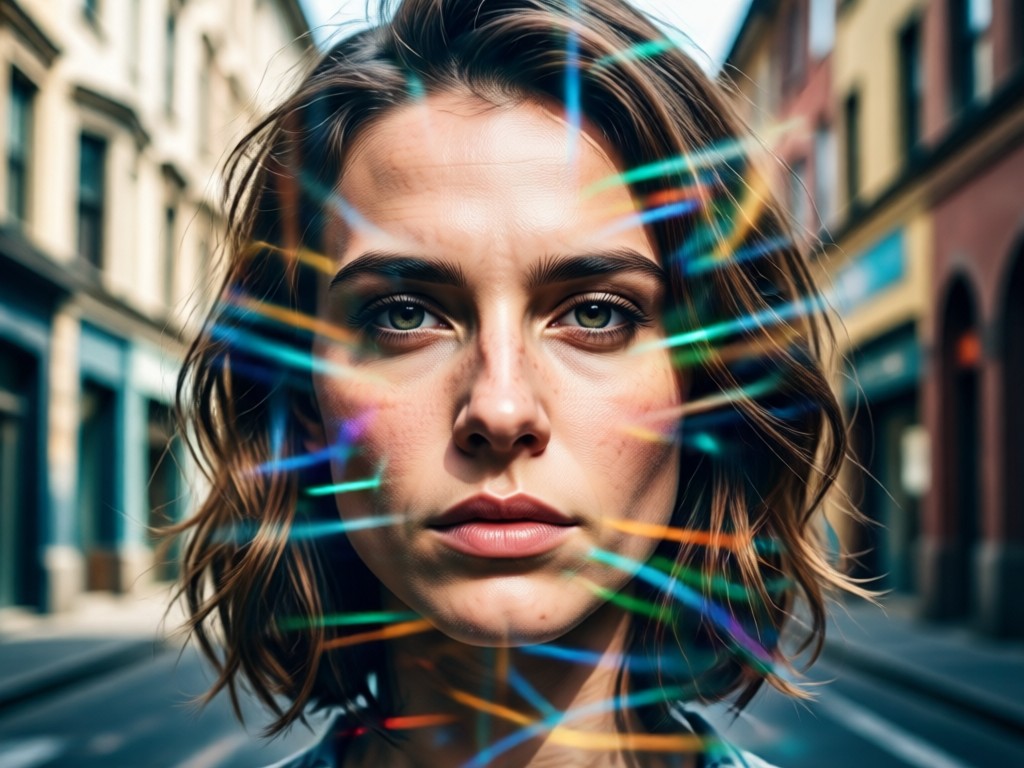
Why Use AI Over Manual Editing?
Manual double exposure in software like Photoshop involves tedious steps: precise masking, careful layer alignment, and experimenting with blend modes. heyo's AI automates all this. It intelligently isolates your subject, finds the optimal blend with your chosen background, and applies professional-grade adjustments instantly. This saves hours of work and makes a sophisticated artistic technique accessible to anyone with a smartphone, regardless of their design experience.
Why Use AI Over Manual Editing?
Manual double exposure in software like Photoshop involves tedious steps: precise masking, careful layer alignment, and experimenting with blend modes. heyo's AI automates all this. It intelligently isolates your subject, finds the optimal blend with your chosen background, and applies professional-grade adjustments instantly. This saves hours of work and makes a sophisticated artistic technique accessible to anyone with a smartphone, regardless of their design experience.
Double Exposure Portrait FAQs
Get answers to common questions about creating AI double exposure portraits with heyo. Learn how to achieve the best results and explore the tool's capabilities.
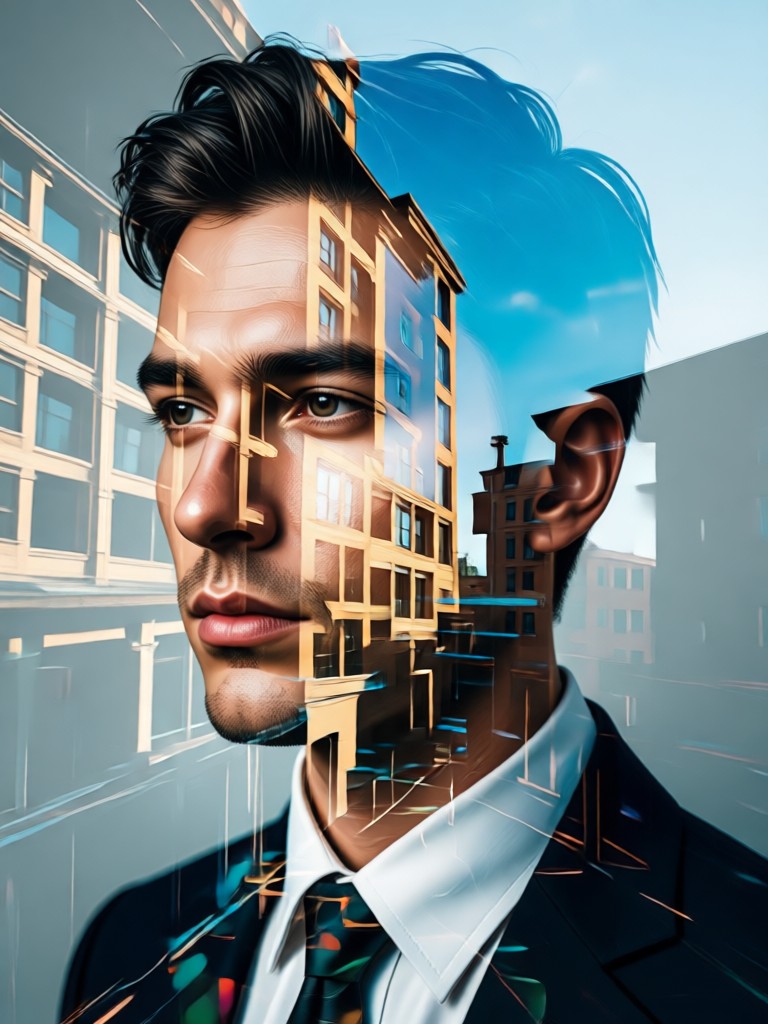
Create Your Masterpiece on Mobile
Turn your phone into a portable art studio. Download heyo now and start blending portraits with worlds of imagination. Professional double exposure effects are just a tap away.

More Topics You May Like
Explore more topics you may like and discover fresh ideas tailored to your interests.
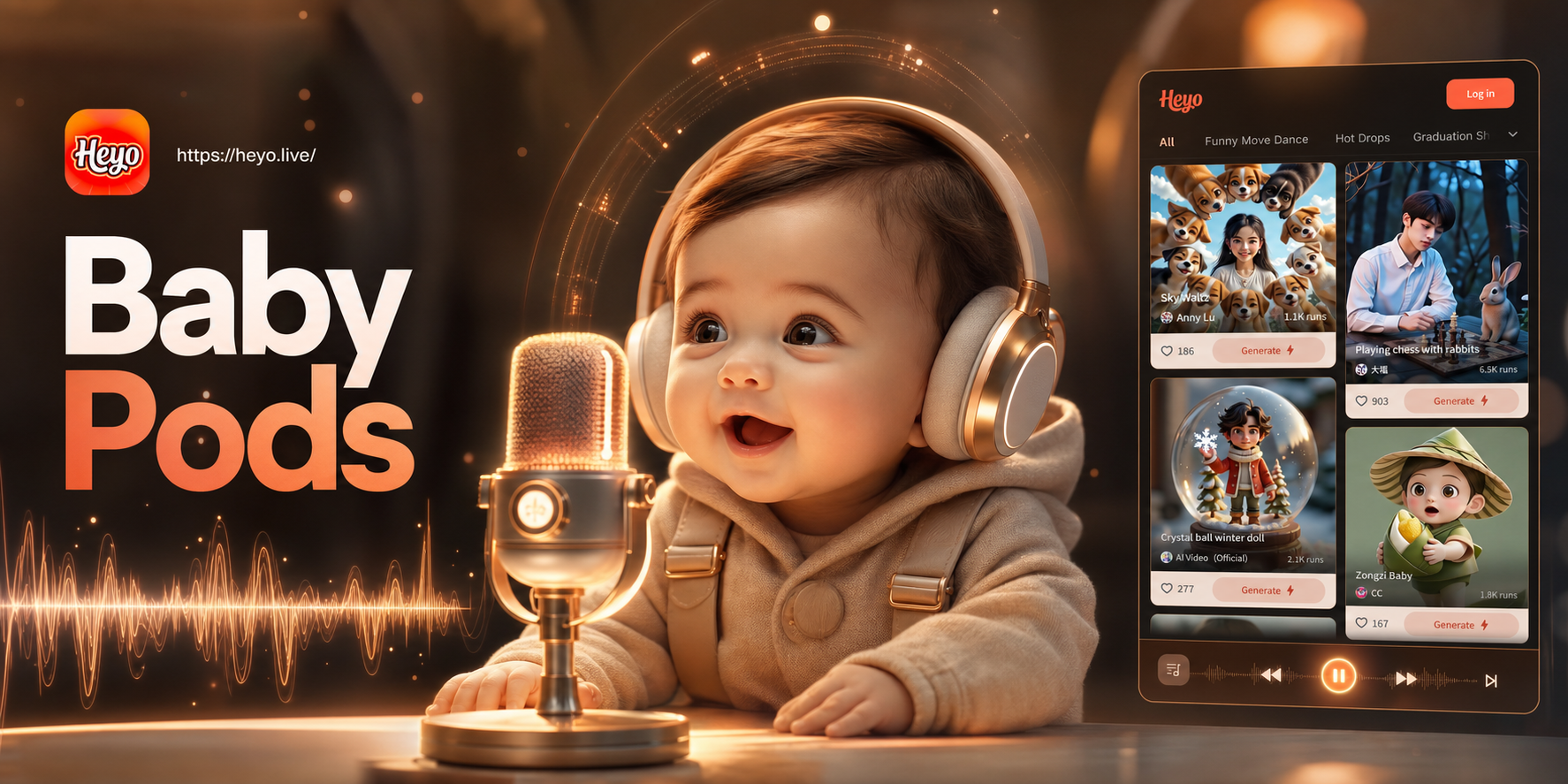
Heyo AI Baby Podcast Generator - Adorable AI Baby Hosts & Stories
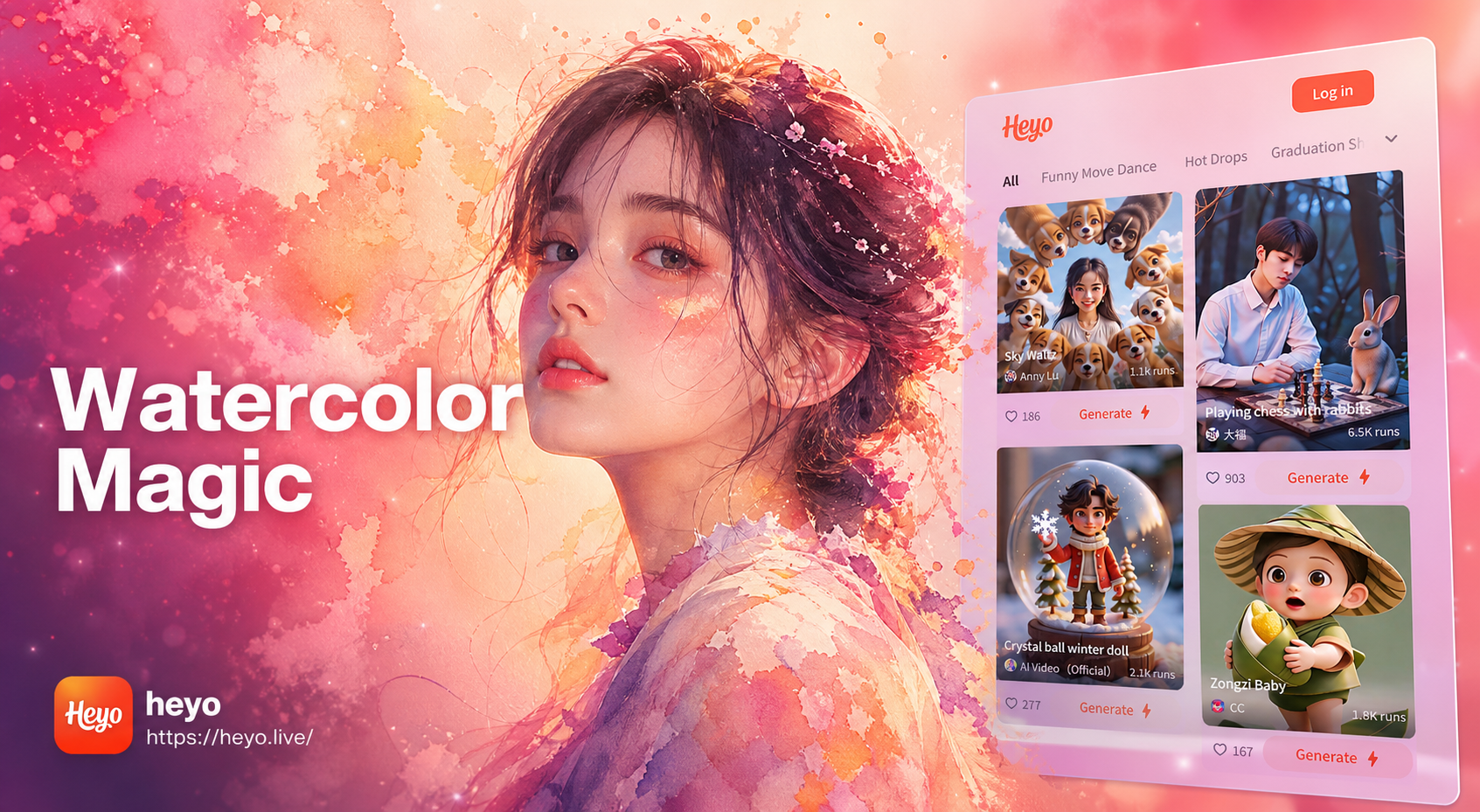
Heyo AI Watercolor Portrait Generator - Realistic Watercolor Portraits
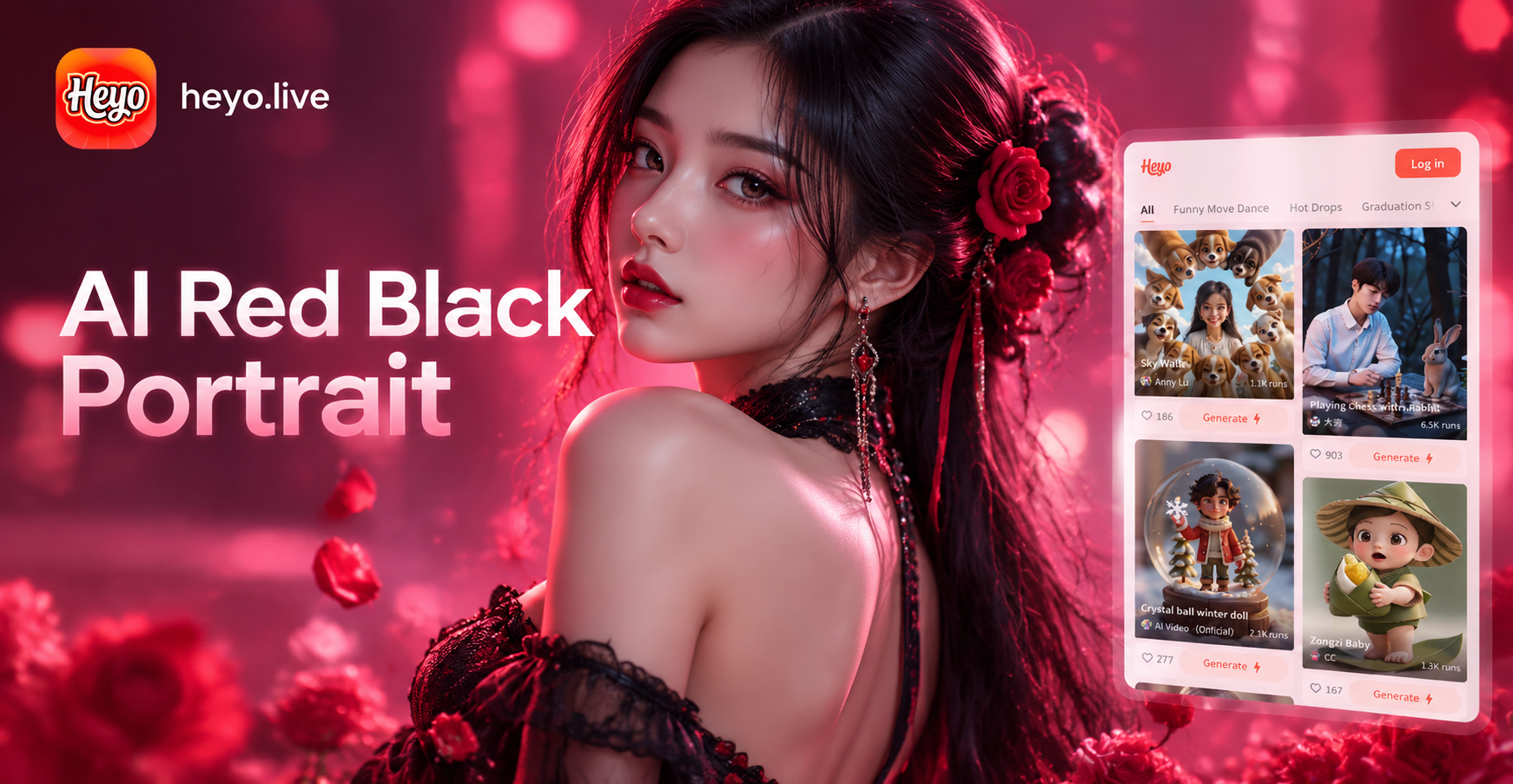
Heyo AI Red Black Portrait - Stunning Red and Black Artistic Portraits
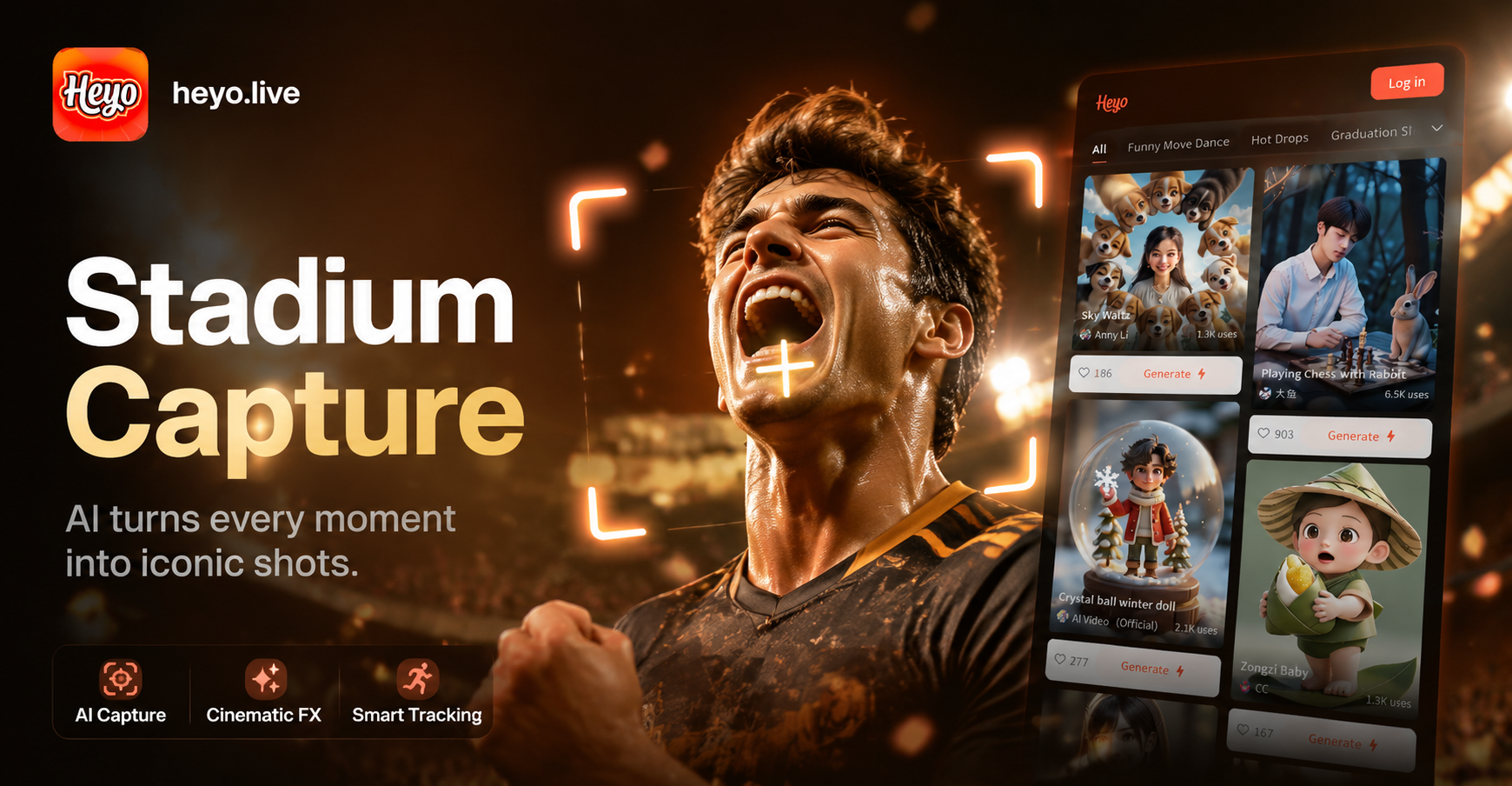
Heyo AI Stadium Camera Capture Effect - Cinematic Stadium Photography
Heyo AI Baby Podcast Generator - Adorable AI Baby Hosts & Stories
Heyo AI Watercolor Portrait Generator - Realistic Watercolor Portraits
Heyo AI Red Black Portrait - Stunning Red and Black Artistic Portraits
Heyo AI Stadium Camera Capture Effect - Cinematic Stadium Photography
Ready to Redefine Portrait Art?
Stop scrolling and start creating. Download heyo now and discover how easy it is to transform your photos into captivating AI double exposure portraits that tell a deeper story.
Ready to Redefine Portrait Art?
Stop scrolling and start creating. Download heyo now and discover how easy it is to transform your photos into captivating AI double exposure portraits that tell a deeper story.