AI Icon Design

Choose the Icon Style That Fits Your Brand
Browse flat, 3D, glassmorphism, gradient, line art, and hand drawn AI icon filters. Find the perfect visual language for your app or website.
Key Features of AI Icon Design
From text prompts to photo references, heyo gives you everything needed to generate original icon sets without leaving your phone.
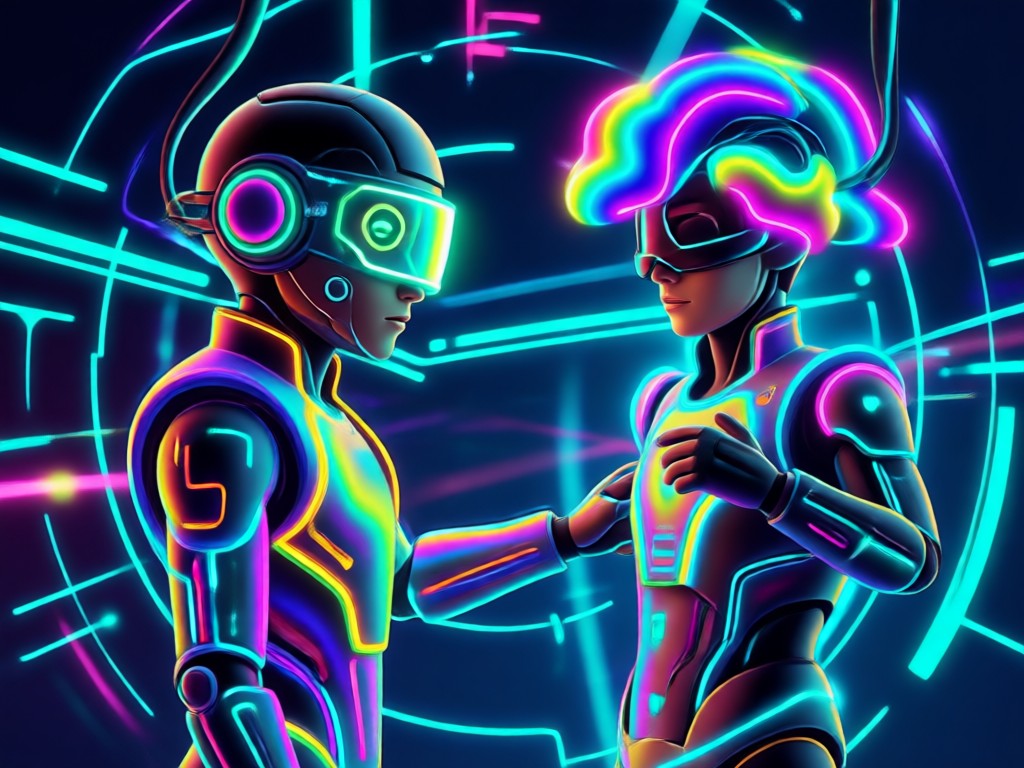
Text to Icon Generation
Describe the icon you want in plain language and watch heyo turn your words into a polished icon. Choose a style filter, type a short prompt, and generate multiple variations in seconds. No prompt engineering expertise required.
Text to Icon Generation
Describe the icon you want in plain language and watch heyo turn your words into a polished icon. Choose a style filter, type a short prompt, and generate multiple variations in seconds. No prompt engineering expertise required.
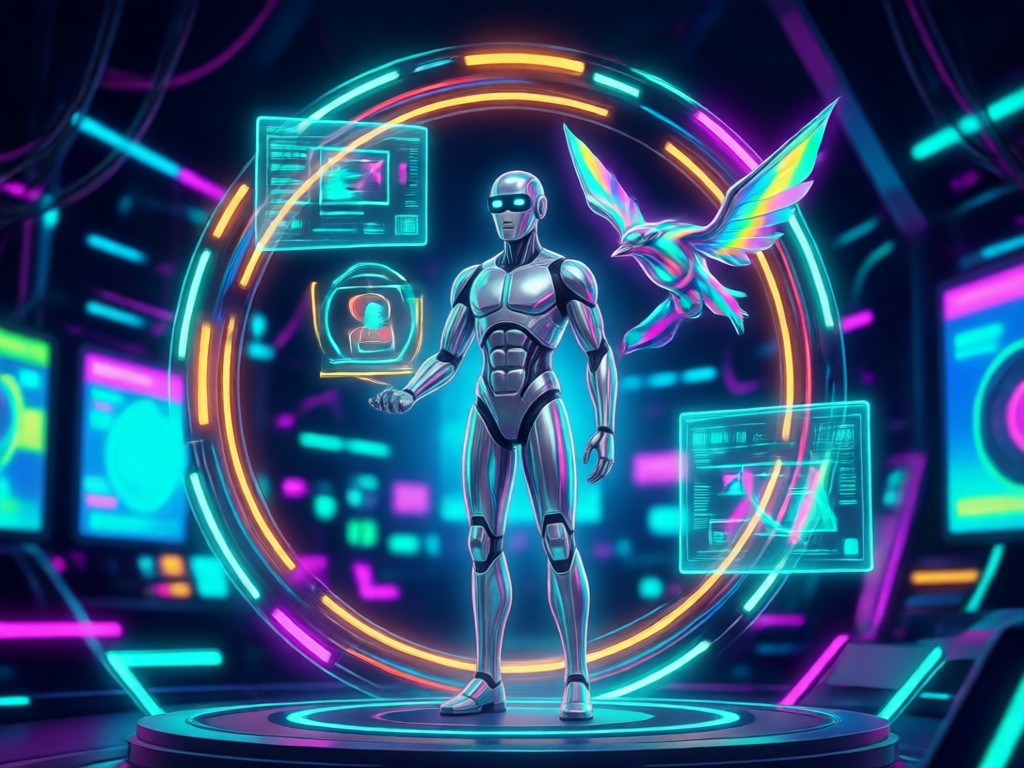
Image to Icon Conversion
Upload a reference photo, sketch, or existing logo and let AI transform it into a clean icon design. Preserve the core subject while applying flat, 3D, gradient, or line styles with one tap.
Image to Icon Conversion
Upload a reference photo, sketch, or existing logo and let AI transform it into a clean icon design. Preserve the core subject while applying flat, 3D, gradient, or line styles with one tap.
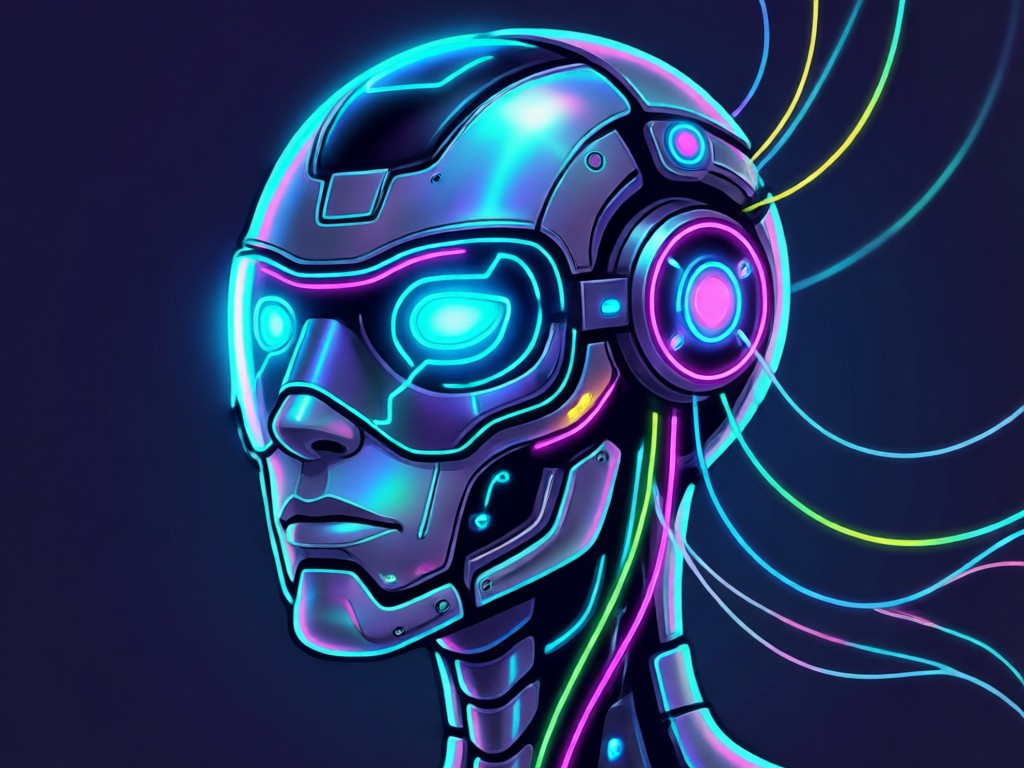
1,000,000+ Icon Style Filters
Explore an unmatched library of icon templates and filters. From glassmorphism to cyberpunk, hand drawn to minimal line art, you can find the exact aesthetic your project needs.
1,000,000+ Icon Style Filters
Explore an unmatched library of icon templates and filters. From glassmorphism to cyberpunk, hand drawn to minimal line art, you can find the exact aesthetic your project needs.
Popular AI Icon Design Styles
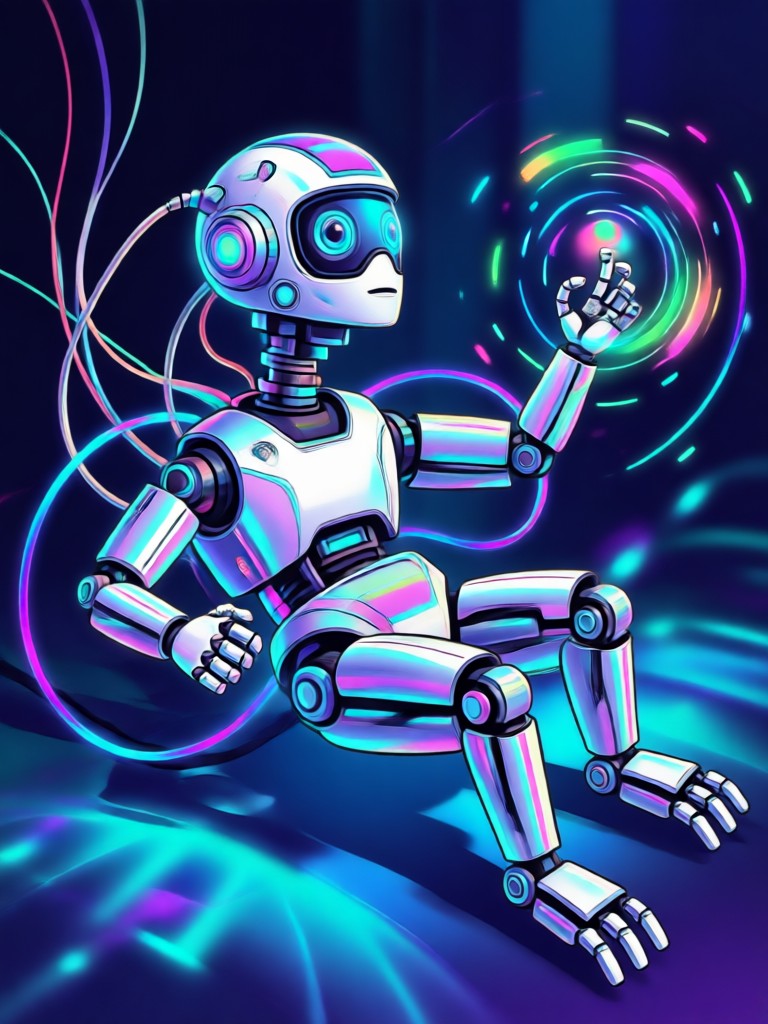
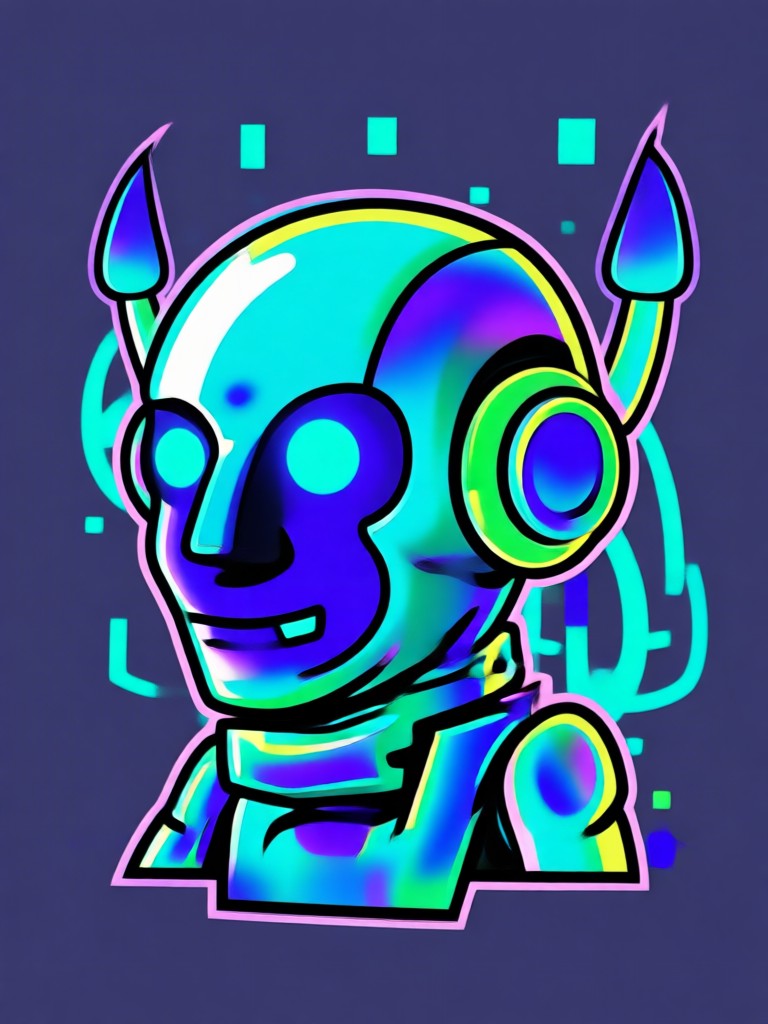
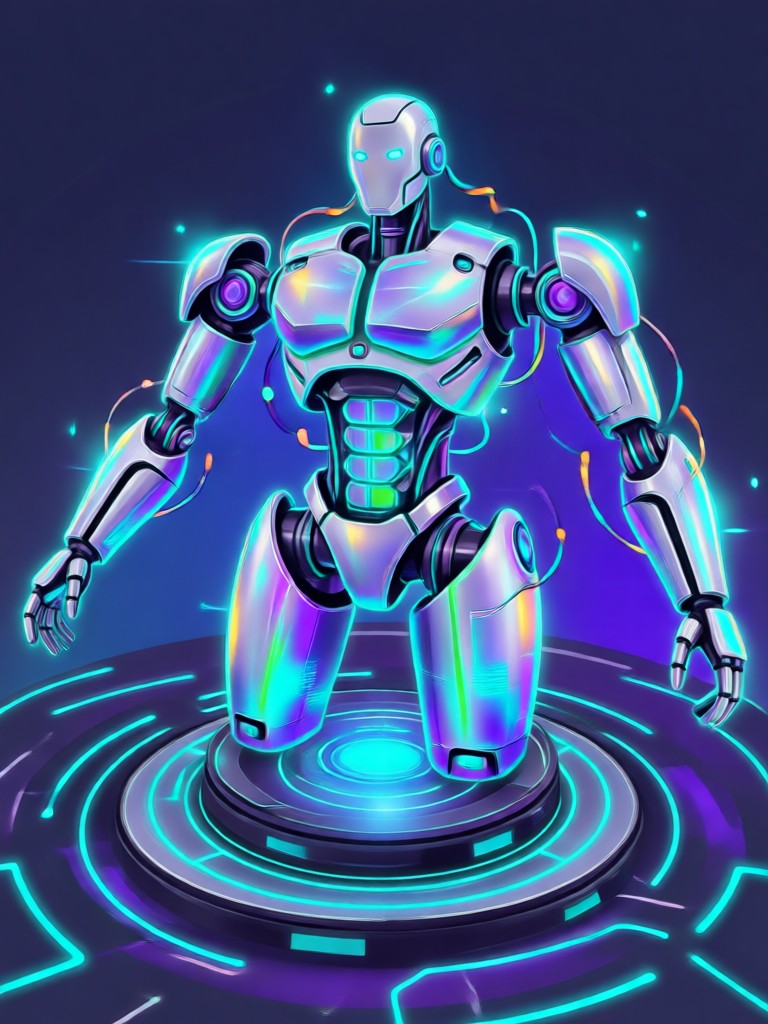
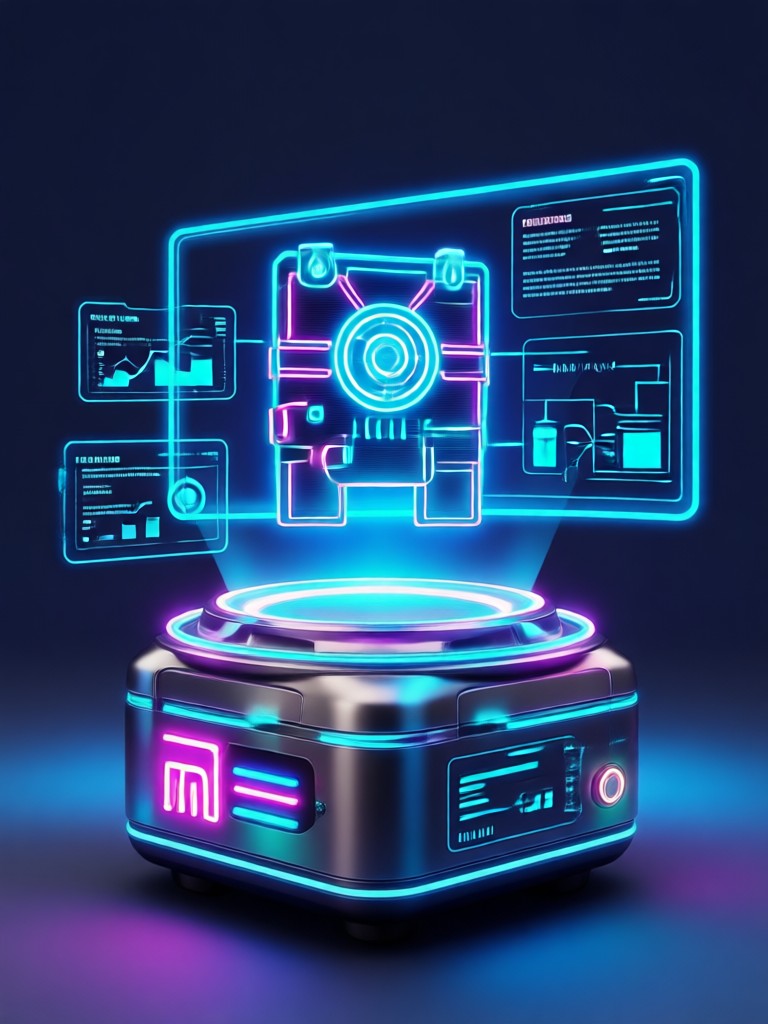
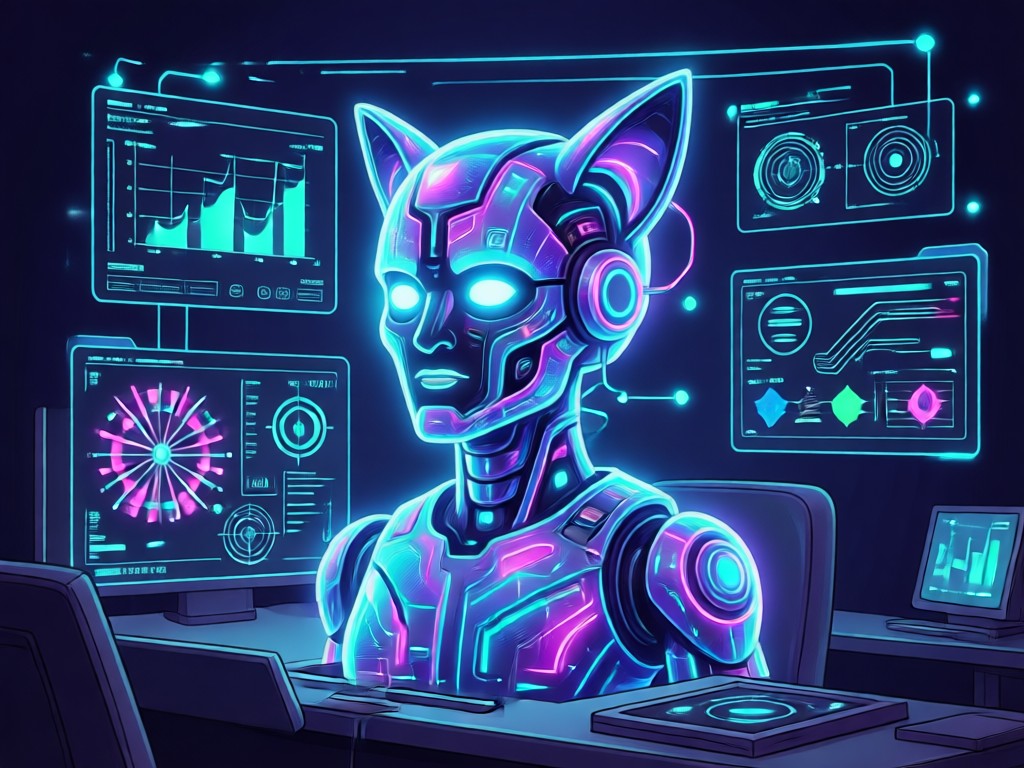
Explore popular AI generated icon styles and choose a visual direction for your next project. Each style can be customized with your own prompt or photo.
Why Designers Choose heyo for AI Icon Design
Traditional icon design takes hours of sketching, vector editing, and client revisions. heyo compresses that workflow into minutes with AI generation, style matching, and instant variations. Just download the app and produce a full icon set on your phone.
Why Designers Choose heyo for AI Icon Design
Traditional icon design takes hours of sketching, vector editing, and client revisions. heyo compresses that workflow into minutes with AI generation, style matching, and instant variations. Just download the app and produce a full icon set on your phone.
How to Make AI Icons?
Create a custom AI icon in three simple steps using the heyo app on your mobile device.
Step 01.
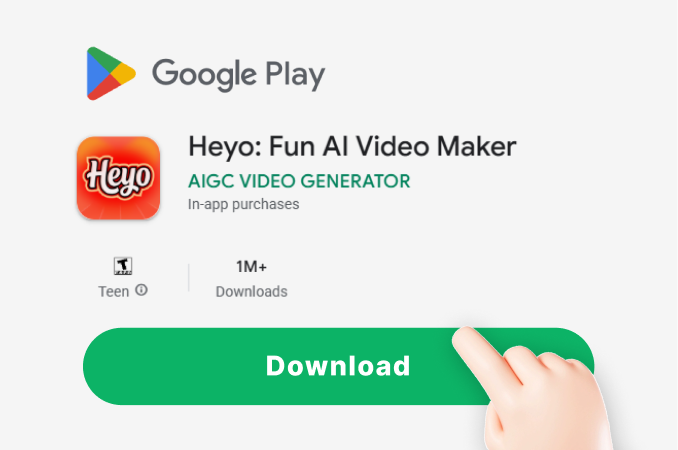
Download heyo from Google Play and open the app to access the full AI icon design toolkit.
Step 02.
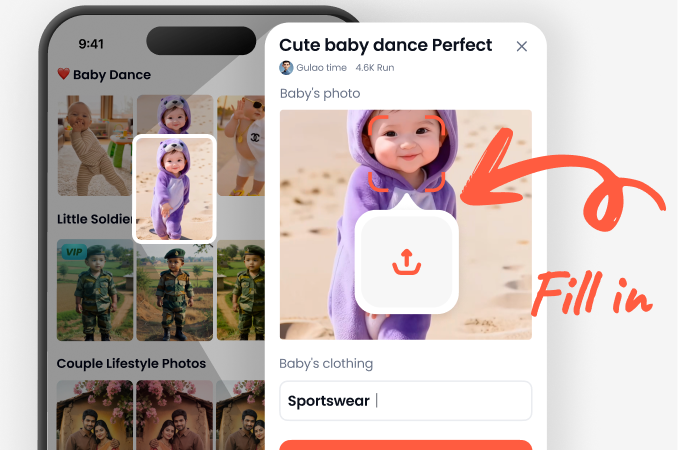
Choose an icon style filter such as flat, 3D, gradient, or line art. You can also upload a reference photo to guide the result.
Step 03.
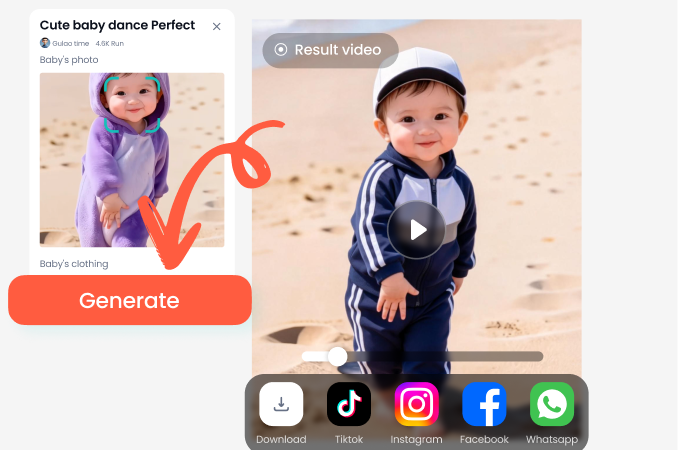
Type a short prompt or edit your image, generate multiple icon variations, then download and share your favorite design.
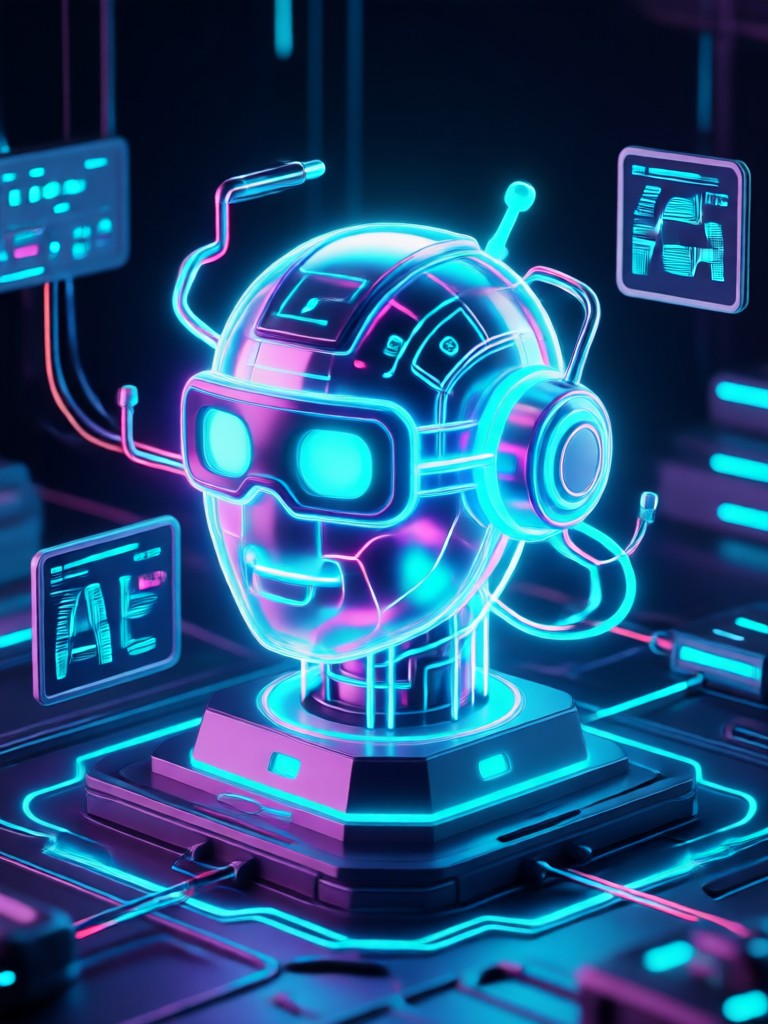
AI Icon Design on Your Phone
Generate app icons, favicons, and UI symbols anywhere. Download heyo from Google Play and turn brief text prompts into crisp, export ready icon designs.

What Creators Say About AI Icon Design
A faster way to build icon sets
I design UI kits for early stage startups. heyo helps me generate consistent icon variations in minutes instead of spending days in vector tools. The style filters keep everything visually cohesive.
Perfect for app store assets
I needed a quick icon refresh for my mobile game. Uploading a rough sketch and applying the 3D style filter gave me options I could share with my team the same afternoon.
Simple enough for non designers
I run a small bakery and used heyo to create a logo icon and matching social media avatars. The prompts are forgiving and the results look professionally made.
Frequently Asked Questions About AI Icon Design
Find clear answers about creating custom icons, choosing styles, and exporting your AI generated designs with heyo.
More Topics You May Like
Explore more AI creative guides and discover fresh ideas for your next project.

Gemini AI Pose Change: Redefine Any Photo in Seconds
Try the Gemini AI Pose Change effect to remix body positions and angles. Upload a photo, pick a pose template, and generate natural results instantly. No editing skills required.

Become a Builder: Gemini AI Worker Photos
Transform your selfies into realistic construction worker photos with Gemini AI. Upload a picture, choose a builder style, and generate HD results in seconds.
Gemini AI High Fashion Female: Virtual Style Transformation
Turn photos into high fashion female portraits. Upload a selfie, pick the Gemini AI High Fashion Female style, and get magazine quality results in seconds.

Transform Your Nursing Grad Photo With a Gemini AI Look
Turn your nursing graduation photo into a stunning Gemini themed portrait. Upload a picture, apply the AI style, and get a unique, share-ready image in seconds using the heyo mobile app.
Create Your Perfect AI Icon Today
Download heyo and turn a simple text prompt into a polished icon design. Access a huge style library and generate multiple variations in seconds, all from your phone.
Create Your Perfect AI Icon Today
Download heyo and turn a simple text prompt into a polished icon design. Access a huge style library and generate multiple variations in seconds, all from your phone.