AI Pixel Art Effect
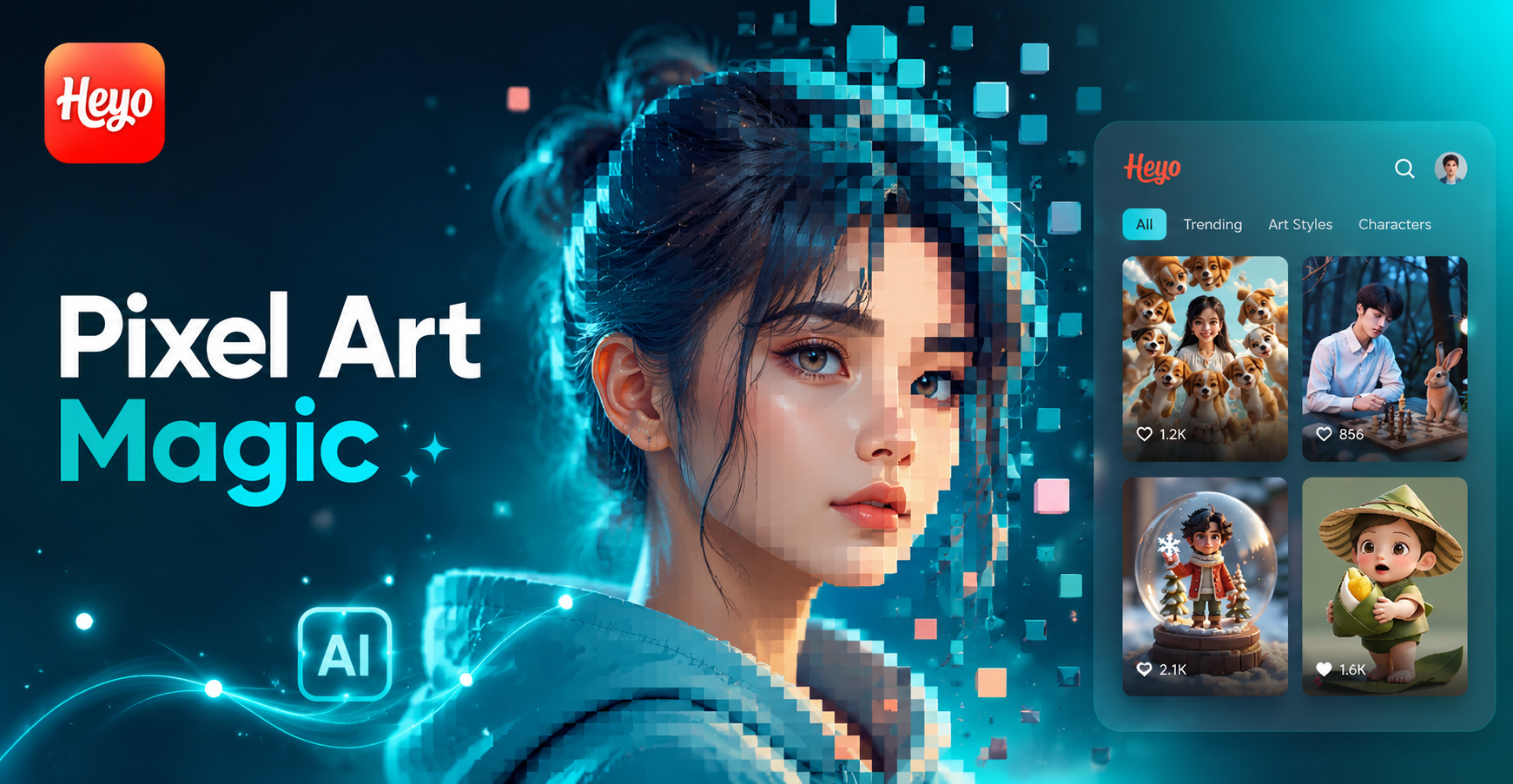
Choose Your Pixel Art Style
From classic 8-bit to detailed modern pixel art, select the perfect filter to match your creative vision.
Why Choose Our AI Pixel Art Generator
Experience the most intuitive and powerful pixel art creation tool, designed for both beginners and retro art enthusiasts.
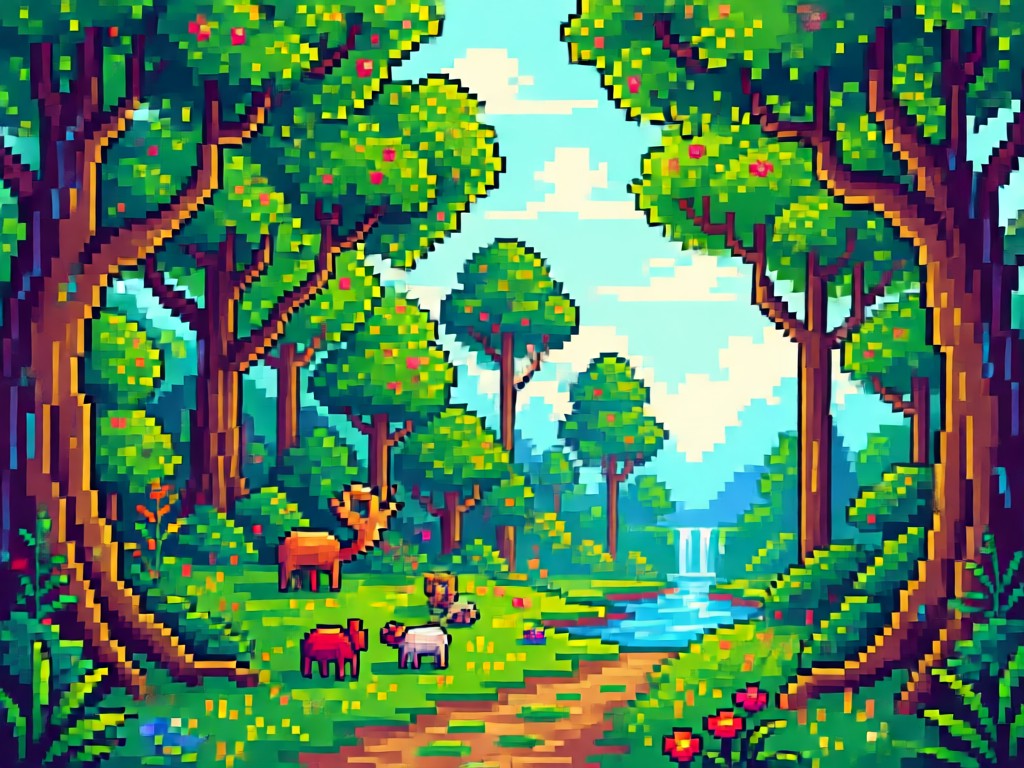
One-Click Pixel Conversion
Upload any photo and watch it transform into pixel art instantly. Our AI analyzes your image and applies authentic pixelation, color reduction, and dithering effects automatically.
One-Click Pixel Conversion
Upload any photo and watch it transform into pixel art instantly. Our AI analyzes your image and applies authentic pixelation, color reduction, and dithering effects automatically.
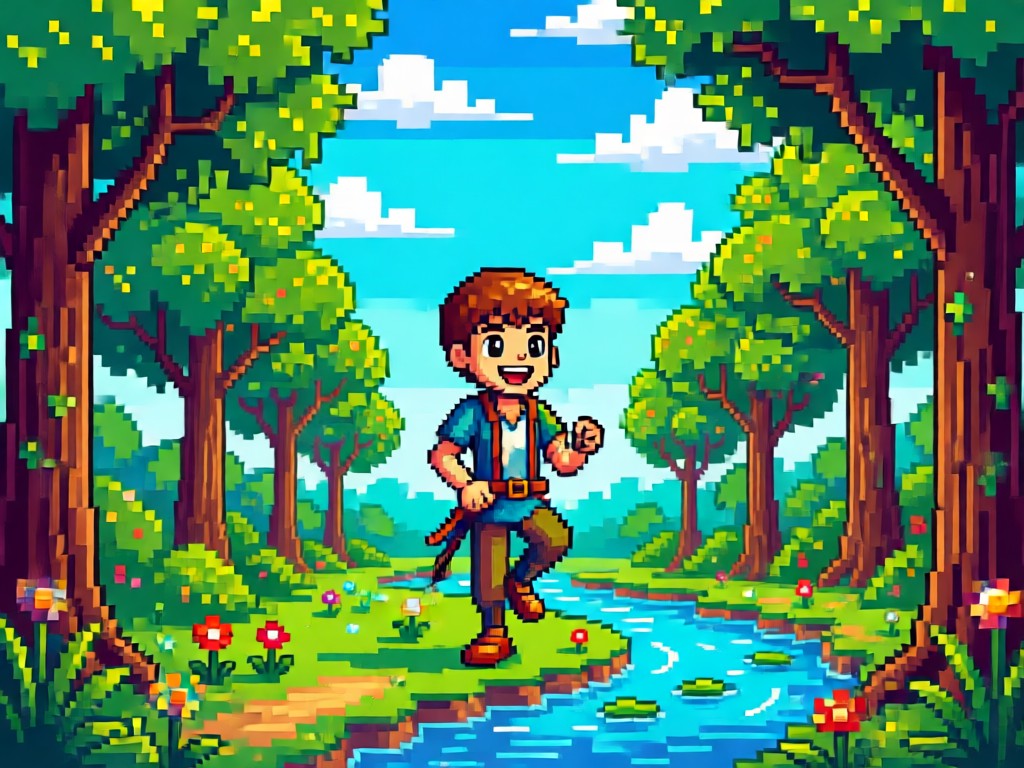
Multiple Pixel Art Styles
Choose from authentic 8-bit NES style, vibrant 16-bit SNES aesthetics, detailed modern pixel art, or create your own custom pixel density and color palette.
Multiple Pixel Art Styles
Choose from authentic 8-bit NES style, vibrant 16-bit SNES aesthetics, detailed modern pixel art, or create your own custom pixel density and color palette.
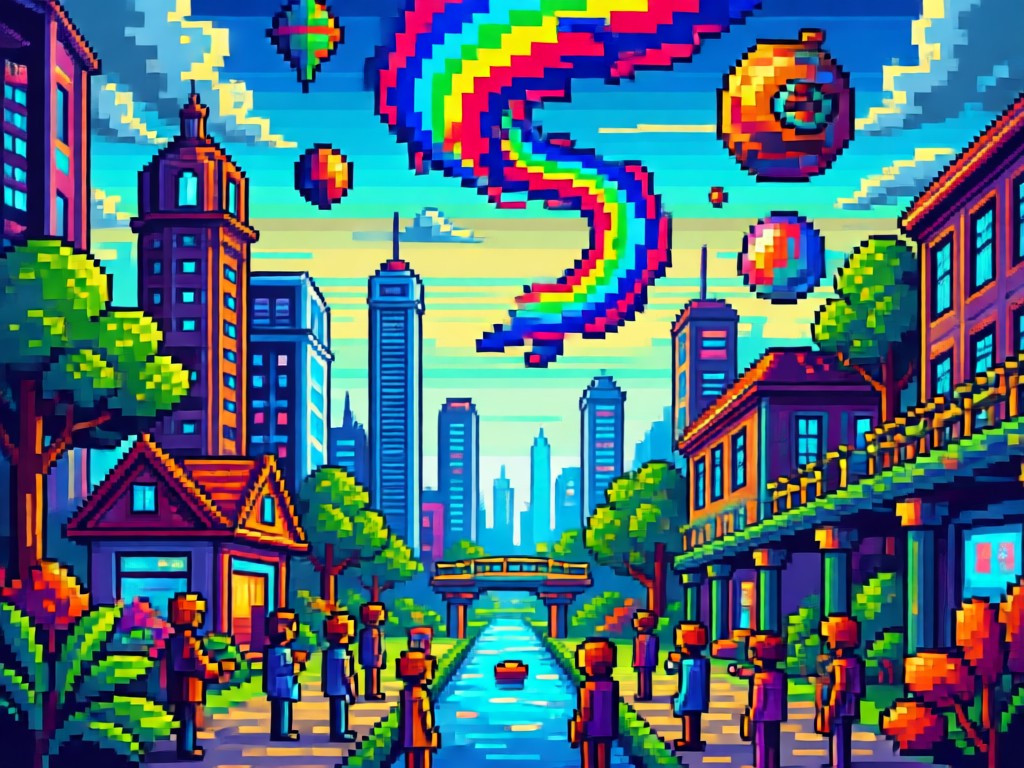
High-Resolution Export
Generate pixel art that retains clarity when enlarged. Perfect for social media posts, game assets, profile pictures, or custom merchandise printing.
High-Resolution Export
Generate pixel art that retains clarity when enlarged. Perfect for social media posts, game assets, profile pictures, or custom merchandise printing.
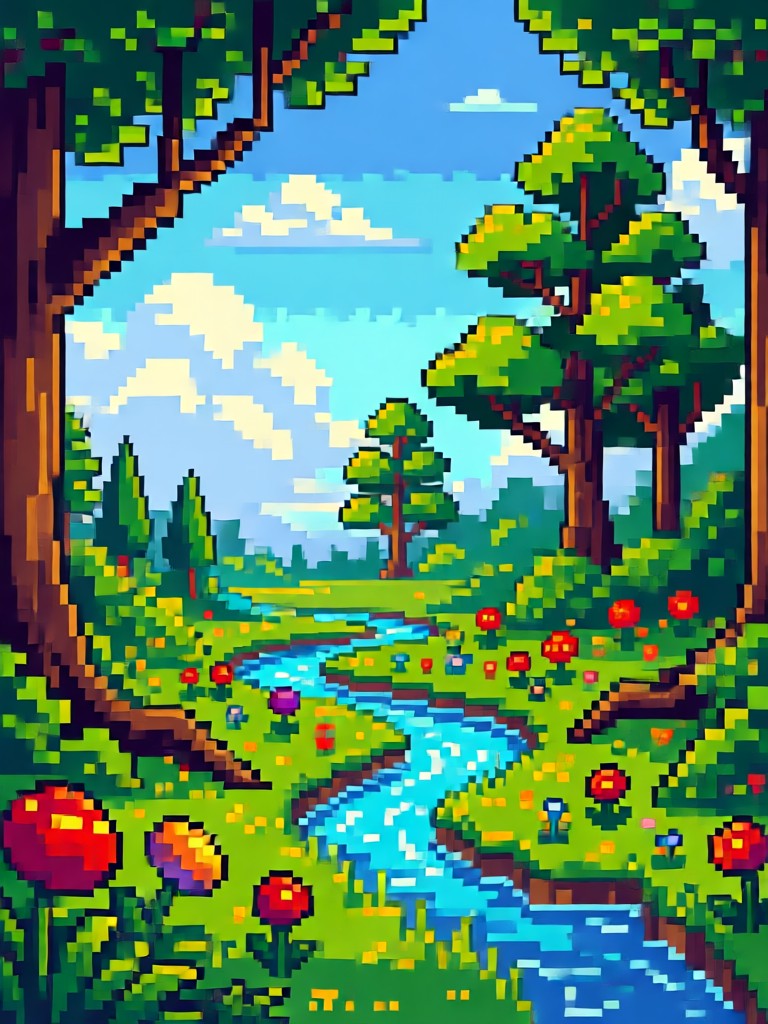
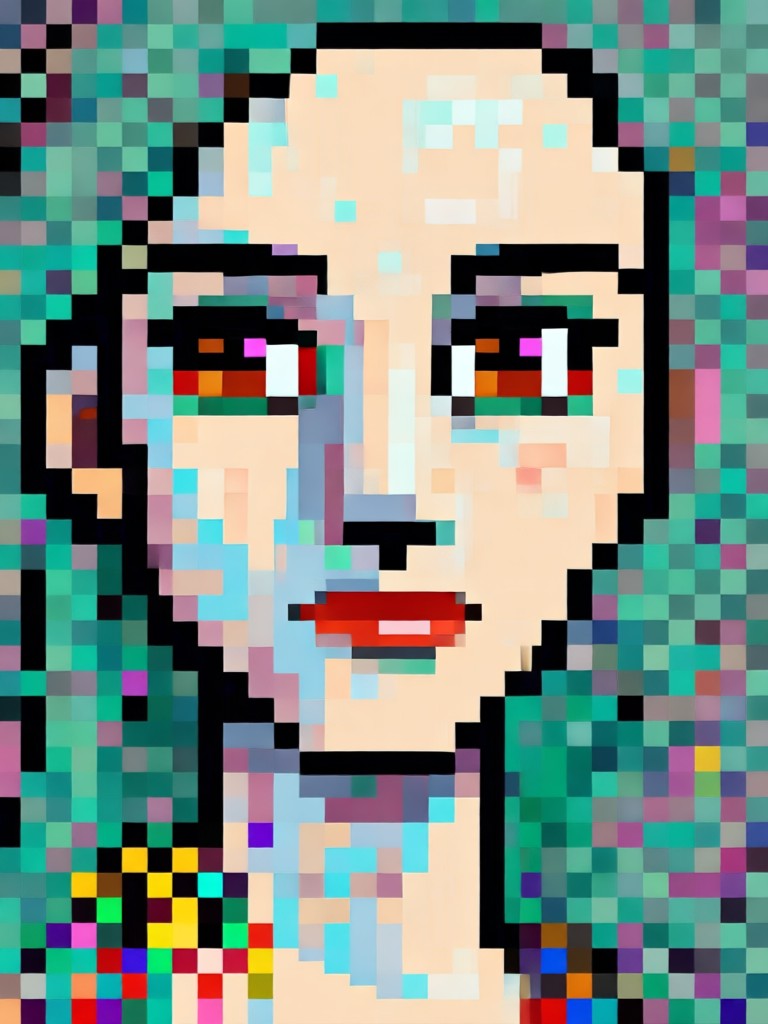
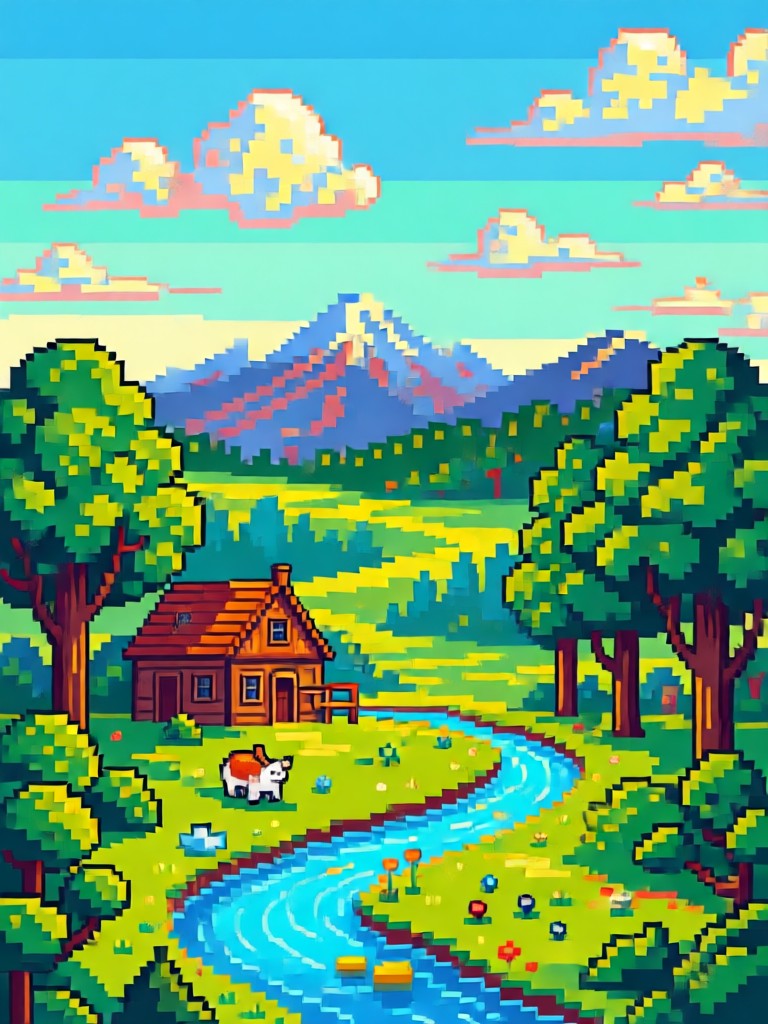
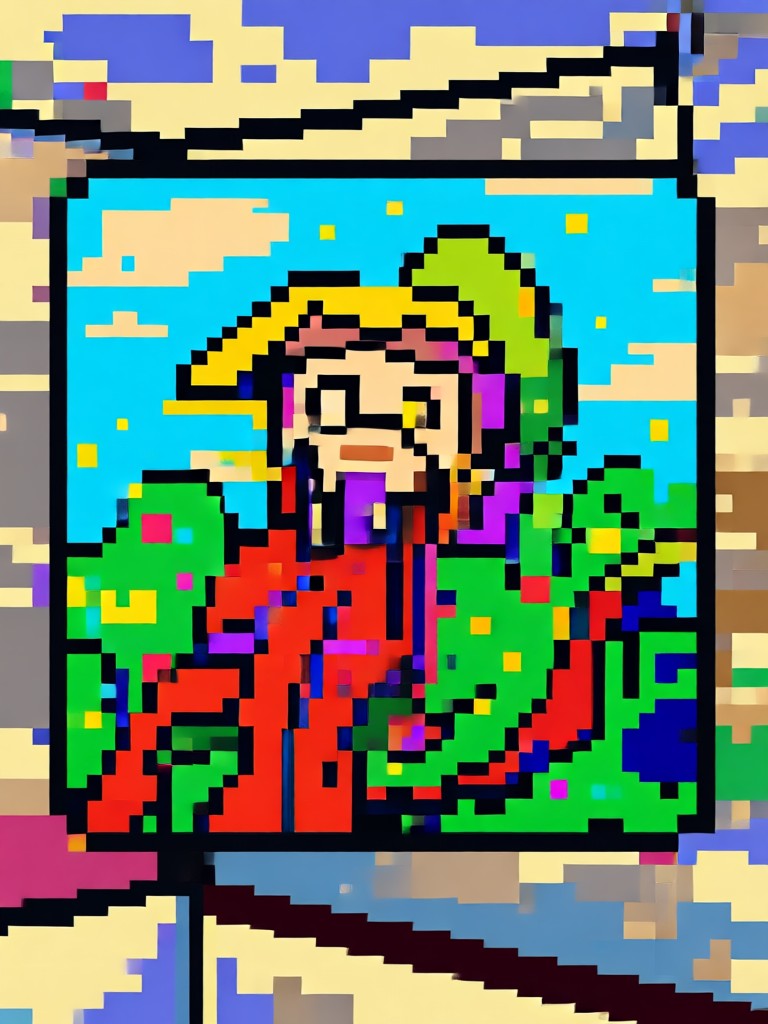
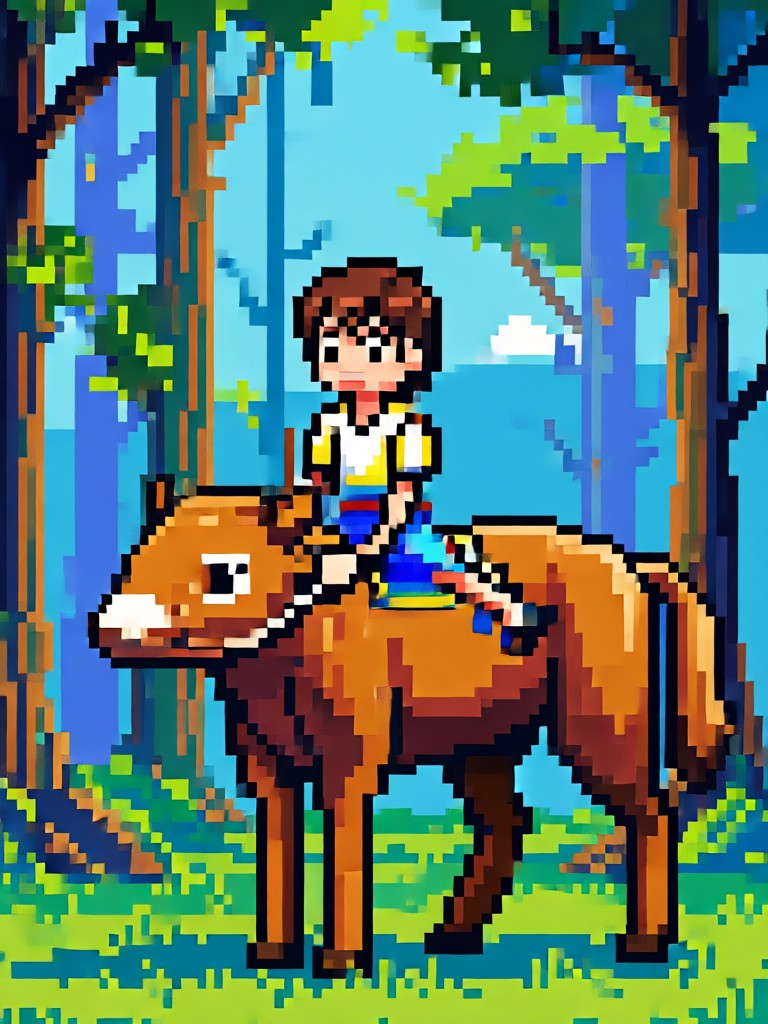
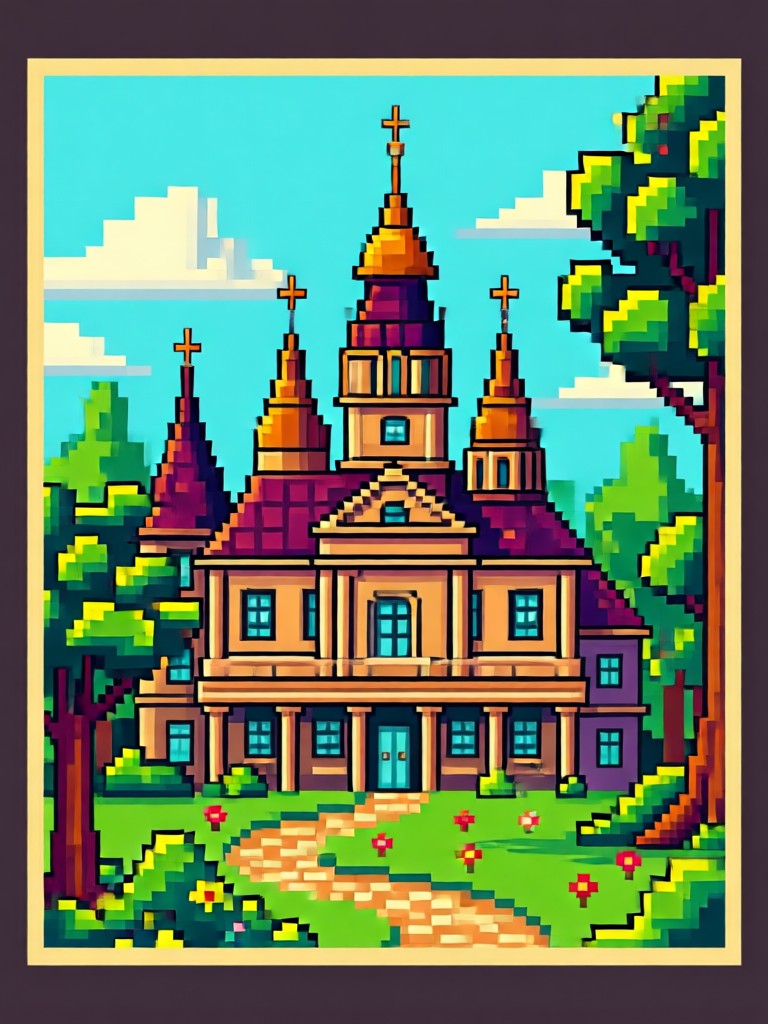
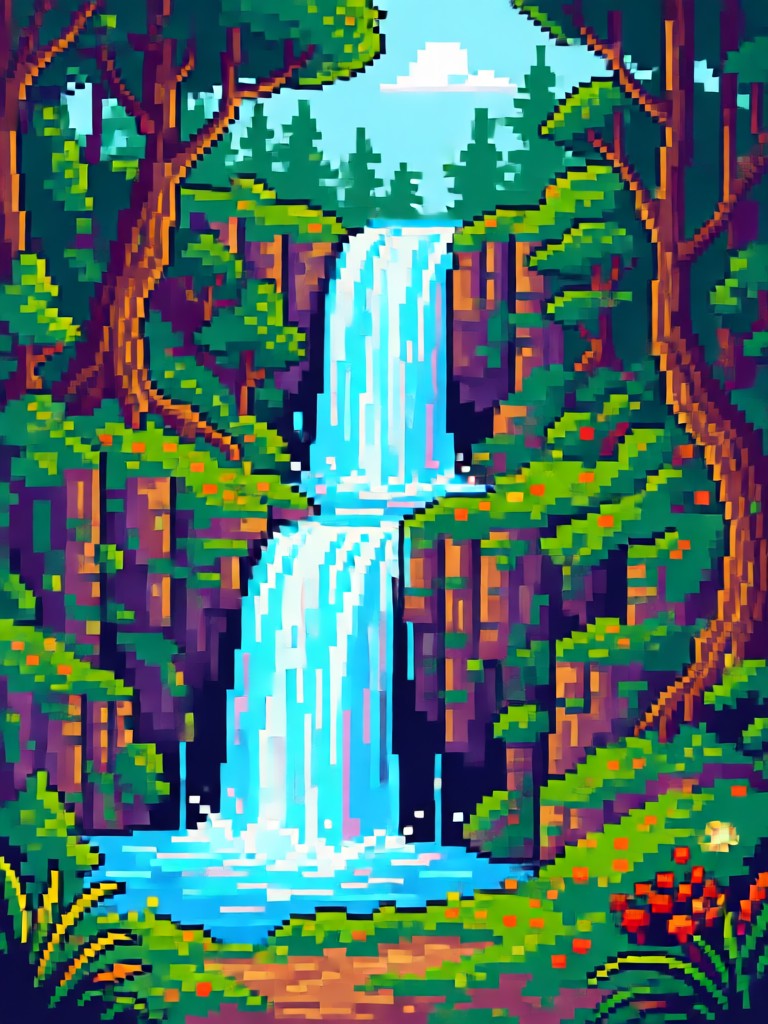
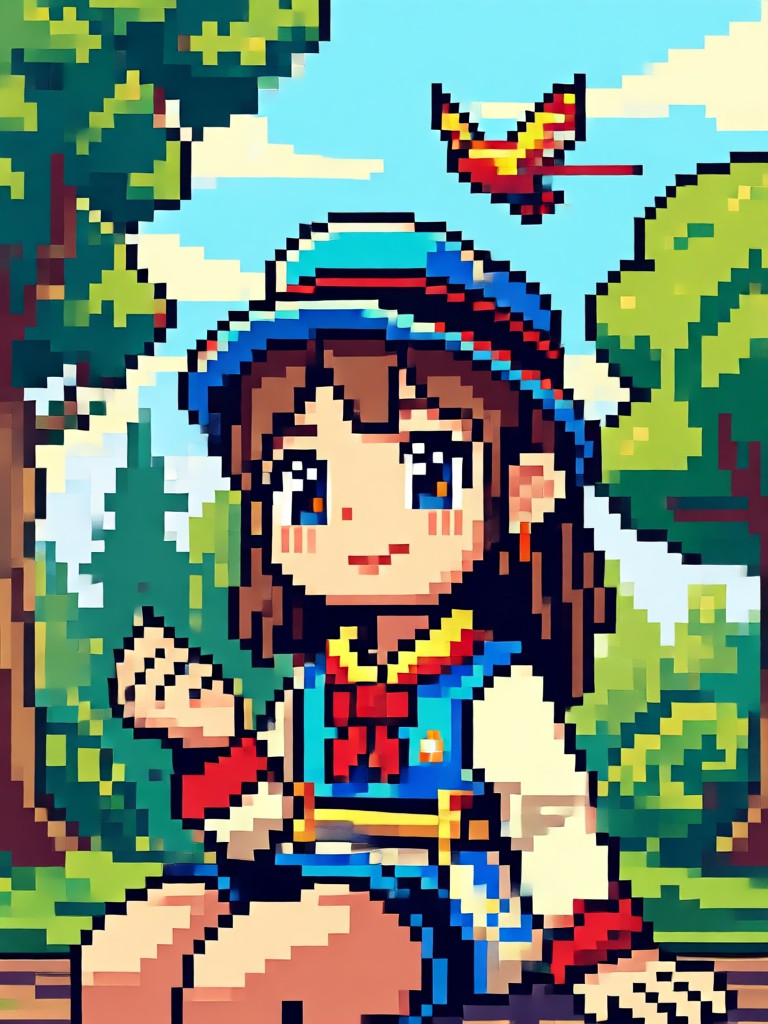
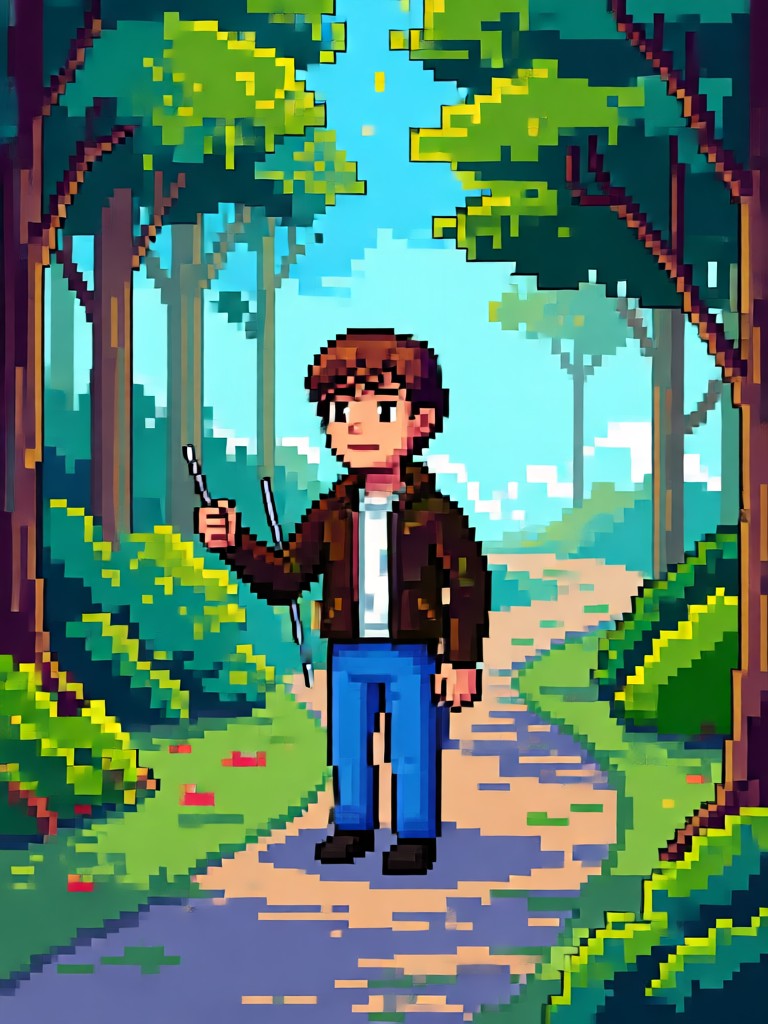
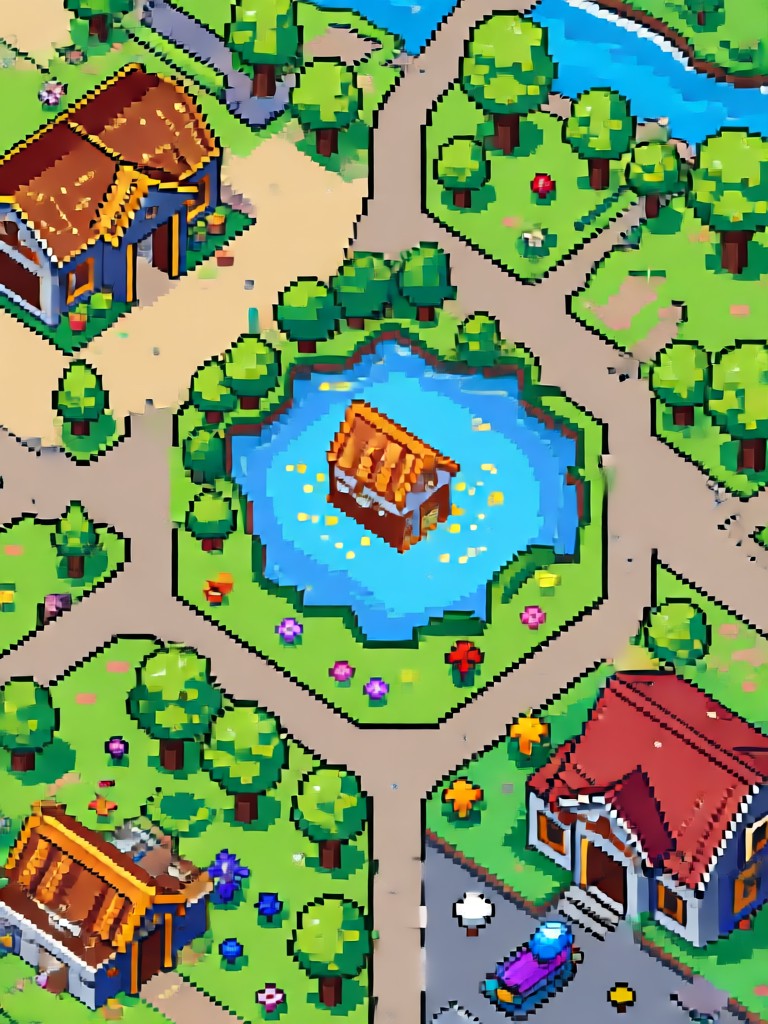
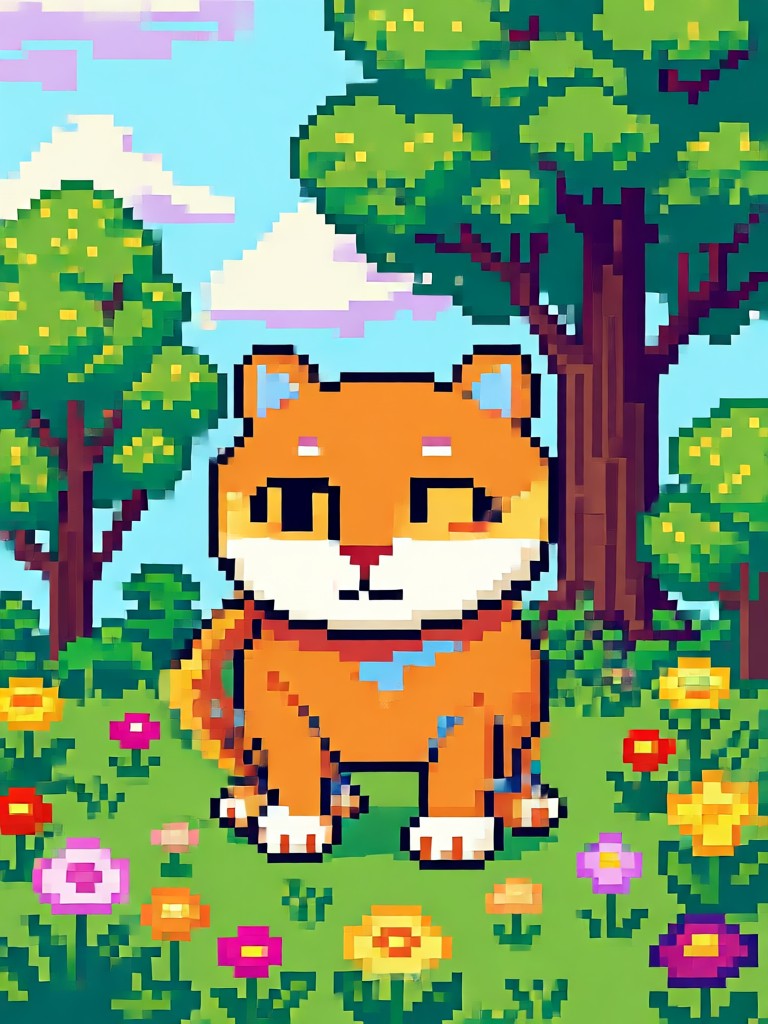
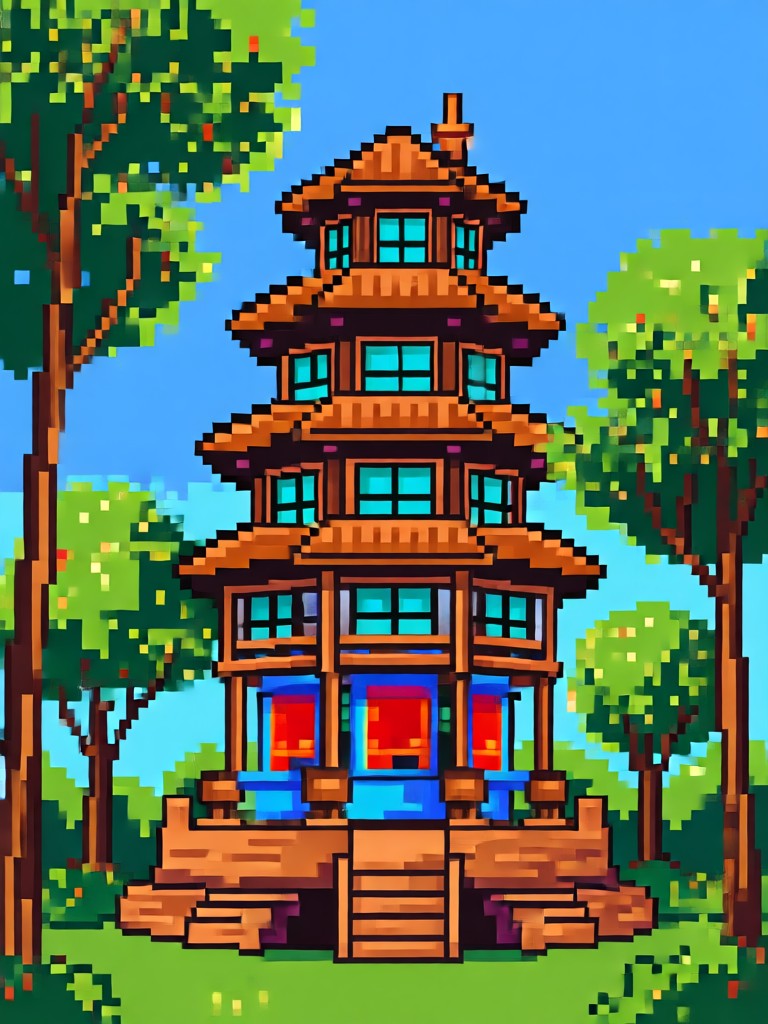
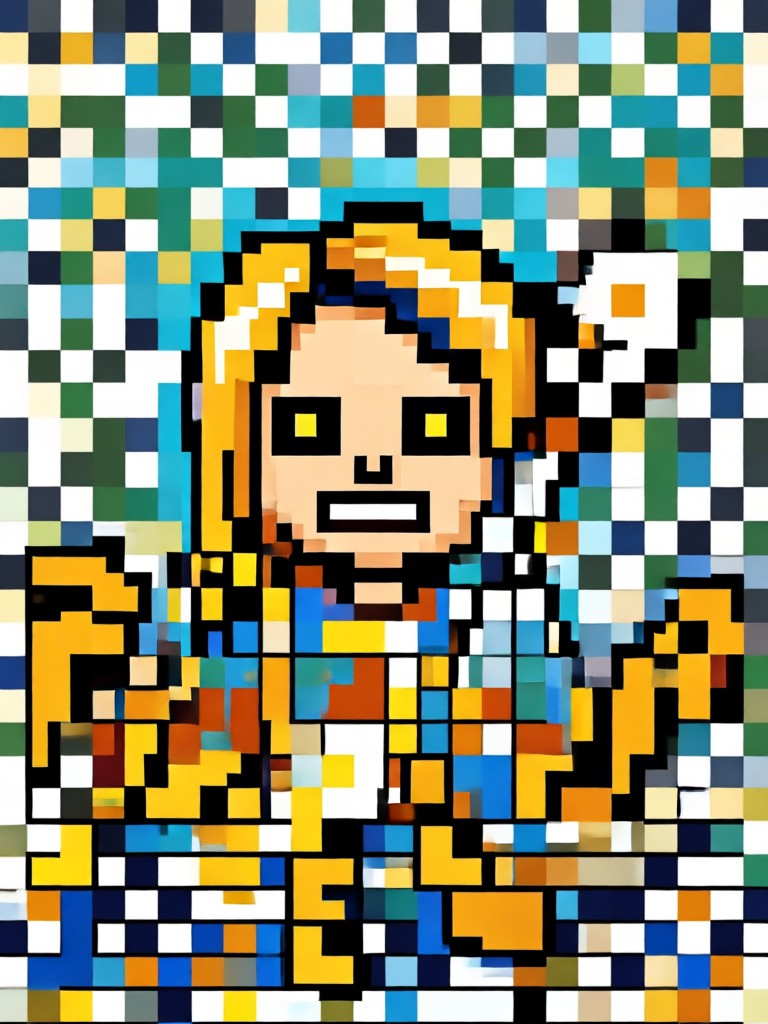
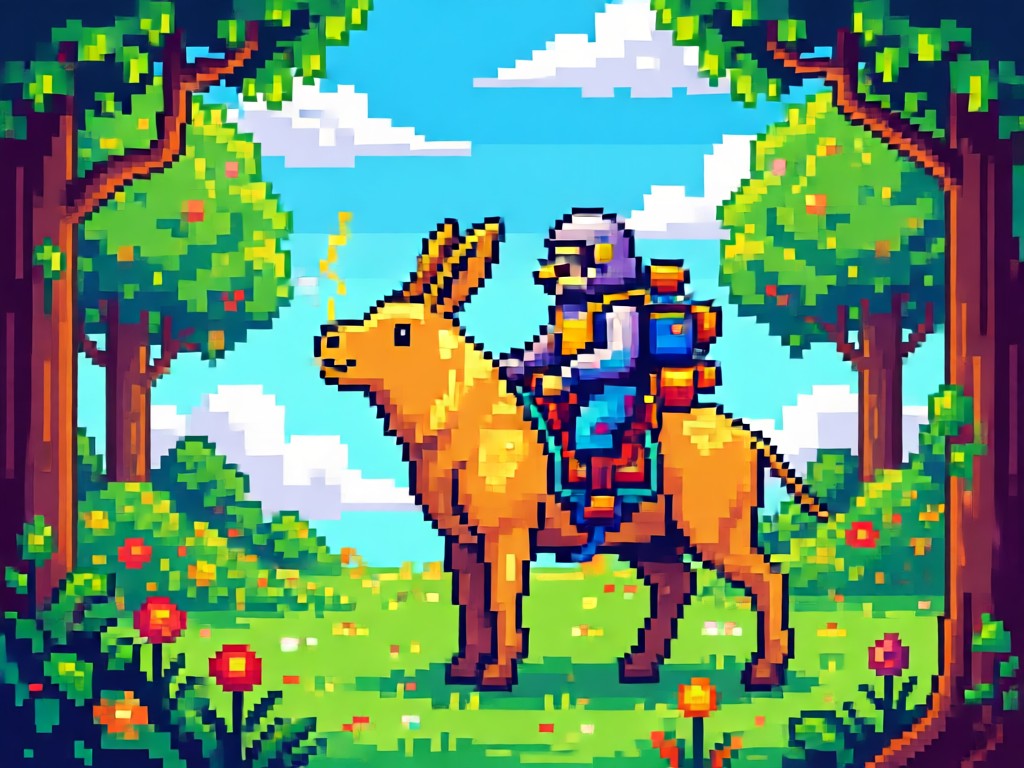
Pixel Art Gallery: See the Transformation
Browse our collection of AI-generated pixel art. See how ordinary photos become extraordinary retro-inspired creations.
Create Authentic Pixel Art Without Skills
Our AI Pixel Art Effect understands the fundamentals of pixel art creation. It doesn't just pixelate your photos, it applies proper color theory, consistent pixel sizing, and authentic dithering techniques used by retro game artists.
Create Authentic Pixel Art Without Skills
Our AI Pixel Art Effect understands the fundamentals of pixel art creation. It doesn't just pixelate your photos, it applies proper color theory, consistent pixel sizing, and authentic dithering techniques used by retro game artists.
How to Create Pixel Art in 3 Steps
Turn your photos into stunning pixel art creations with our simple three-step process. No design experience required.

Step 01.
Download the heyo app from Google Play to access the AI Pixel Art Effect and thousands of other creative filters.

Step 02.
Select the Pixel Art Effect from our style library. Choose from 8-bit, 16-bit, modern pixel, or customize your own settings.

Step 03.
Upload your photo, generate your pixel art masterpiece, then download and share your retro creation on social media.
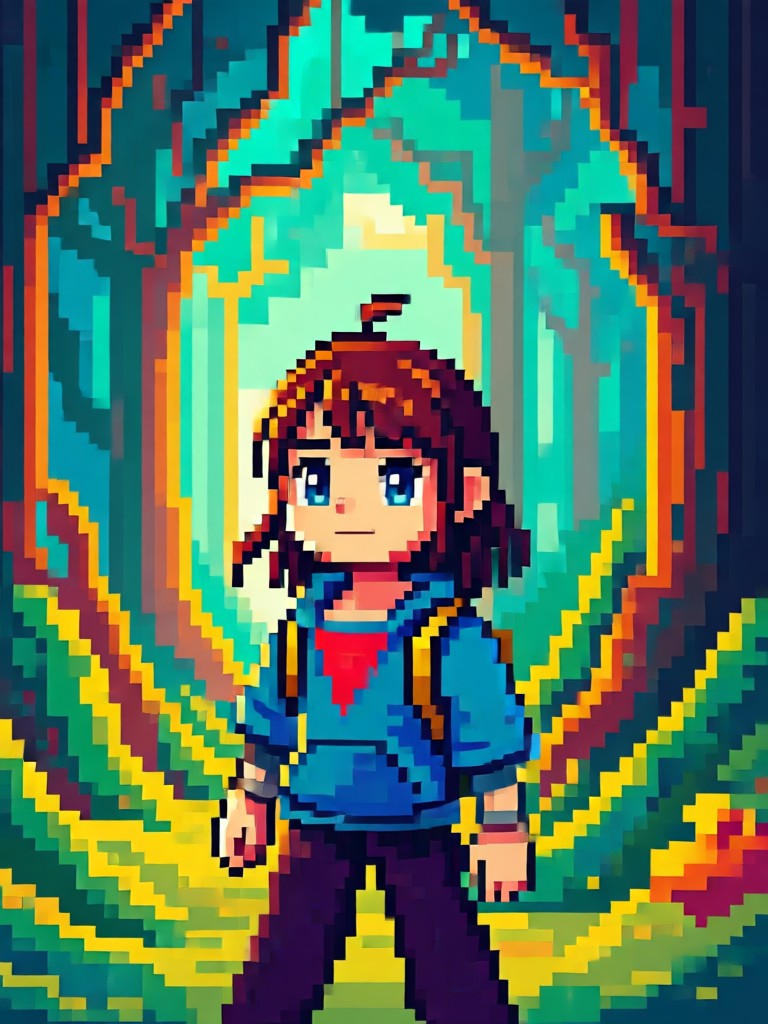
Pixel Art Generator on Mobile
Create stunning pixel art wherever you are. Transform photos into retro masterpieces directly from your phone with our easy-to-use app.

What Creators Say About Our Pixel Art Effect
Alex Chen
As an indie game developer, I use this to create character concepts quickly. The 8-bit filter perfectly captures that authentic NES aesthetic I need for my projects.

Maya Rodriguez
My pixel art portraits consistently get the most engagement on Instagram. Followers love the retro vibe, and the app makes it so easy to maintain a unique aesthetic.

Samir Patel
I use this for client work when they want pixel art logos or merchandise designs. The customization options let me tweak the output to match their brand colors perfectly.

Jordan Lee
Perfect for creating unique thumbnails and channel art. The pixel art effect gives my gaming channel a consistent, nostalgic look that stands out from other creators.
Alex Chen
As an indie game developer, I use this to create character concepts quickly. The 8-bit filter perfectly captures that authentic NES aesthetic I need for my projects.
Maya Rodriguez
My pixel art portraits consistently get the most engagement on Instagram. Followers love the retro vibe, and the app makes it so easy to maintain a unique aesthetic.
Samir Patel
I use this for client work when they want pixel art logos or merchandise designs. The customization options let me tweak the output to match their brand colors perfectly.
Jordan Lee
Perfect for creating unique thumbnails and channel art. The pixel art effect gives my gaming channel a consistent, nostalgic look that stands out from other creators.
Alex Chen
As an indie game developer, I use this to create character concepts quickly. The 8-bit filter perfectly captures that authentic NES aesthetic I need for my projects.
Maya Rodriguez
My pixel art portraits consistently get the most engagement on Instagram. Followers love the retro vibe, and the app makes it so easy to maintain a unique aesthetic.
Samir Patel
I use this for client work when they want pixel art logos or merchandise designs. The customization options let me tweak the output to match their brand colors perfectly.
Jordan Lee
Perfect for creating unique thumbnails and channel art. The pixel art effect gives my gaming channel a consistent, nostalgic look that stands out from other creators.
Pixel Art Effect FAQs
Get answers to common questions about creating pixel art with AI. Learn how to make the most of our pixel art generator.
More AI Effects You Might Like
Explore more creative AI effects and transform your photos in new and exciting ways.
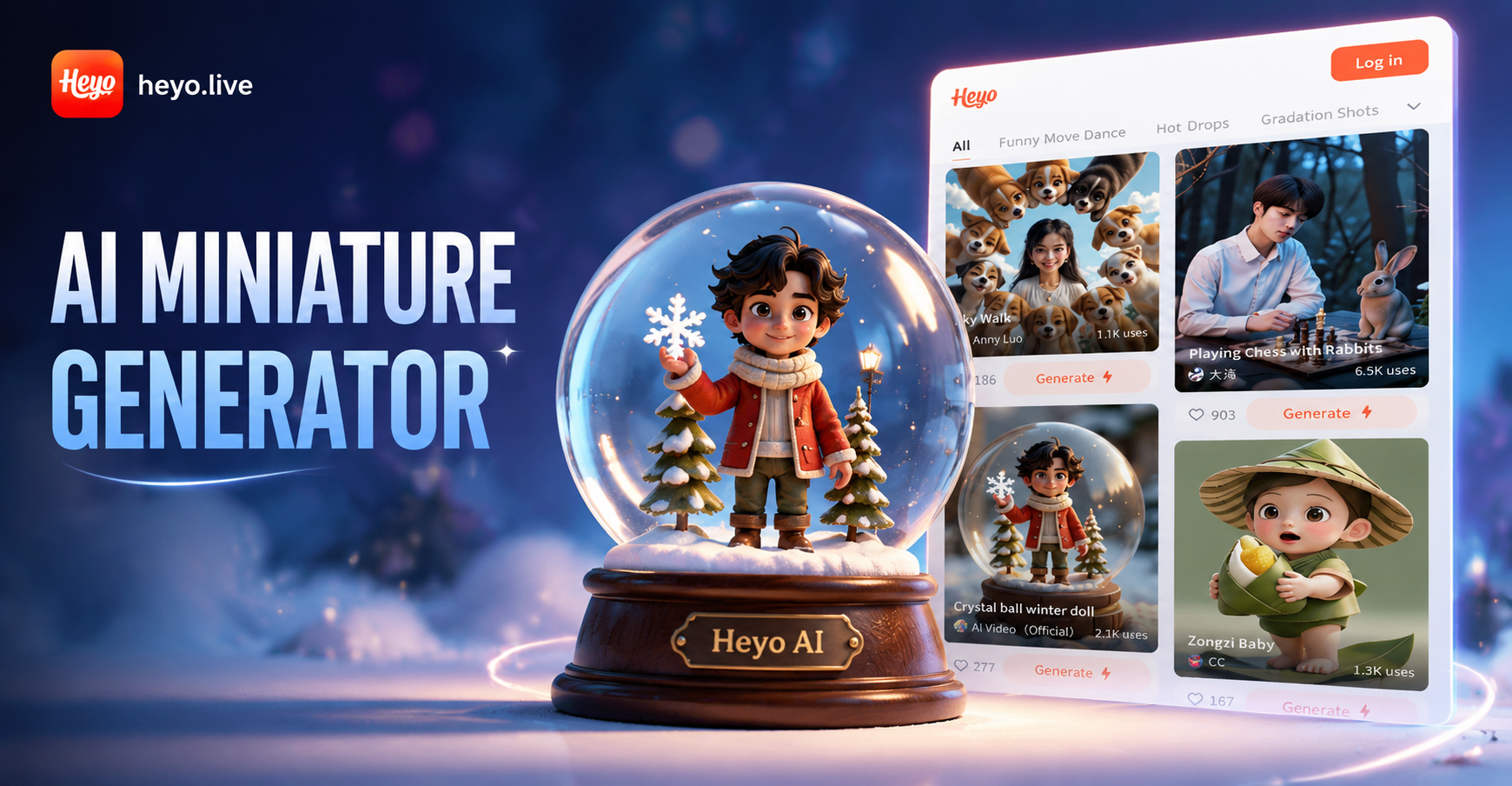
Ai Miniature Generator
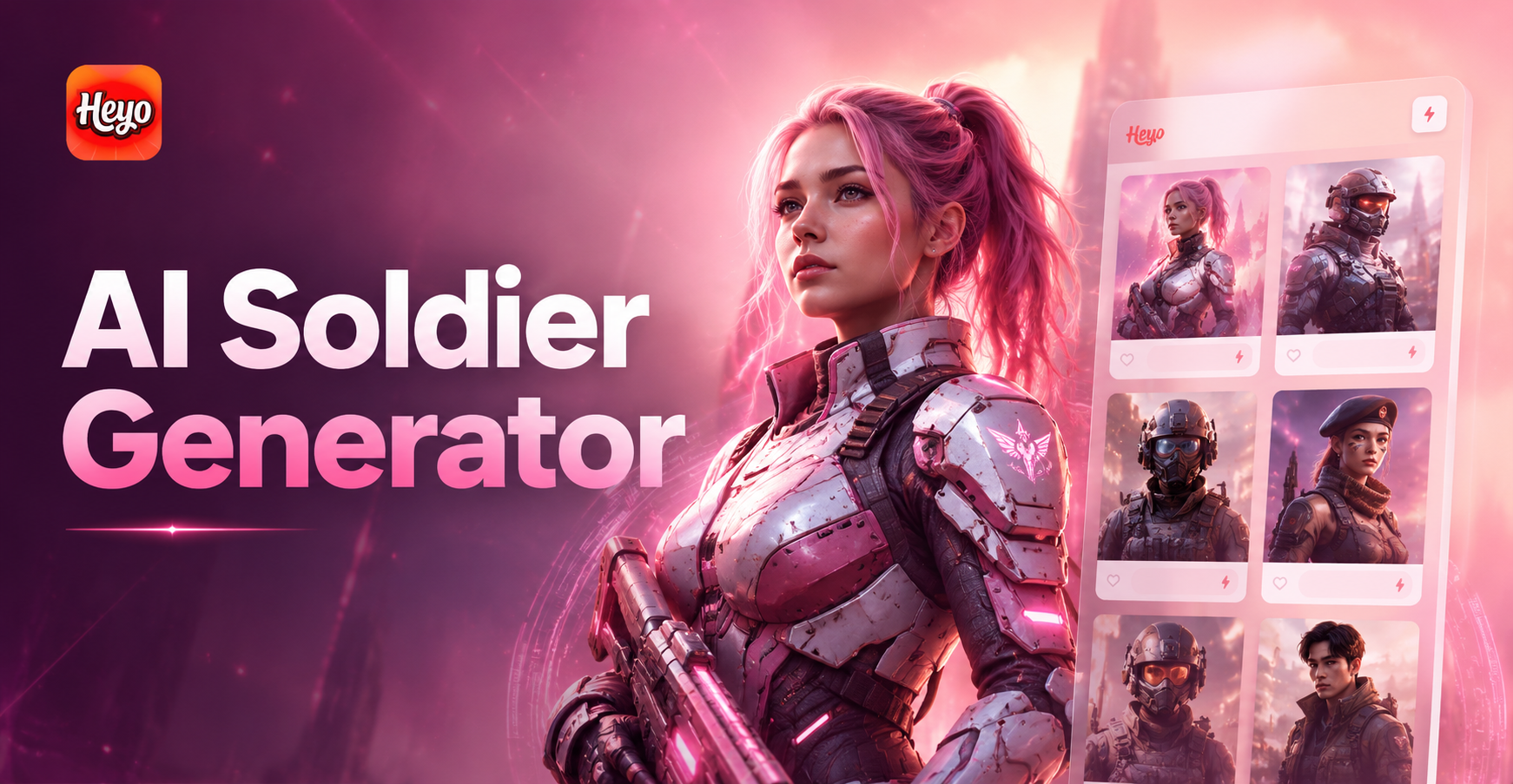
Ai Soldier Generator
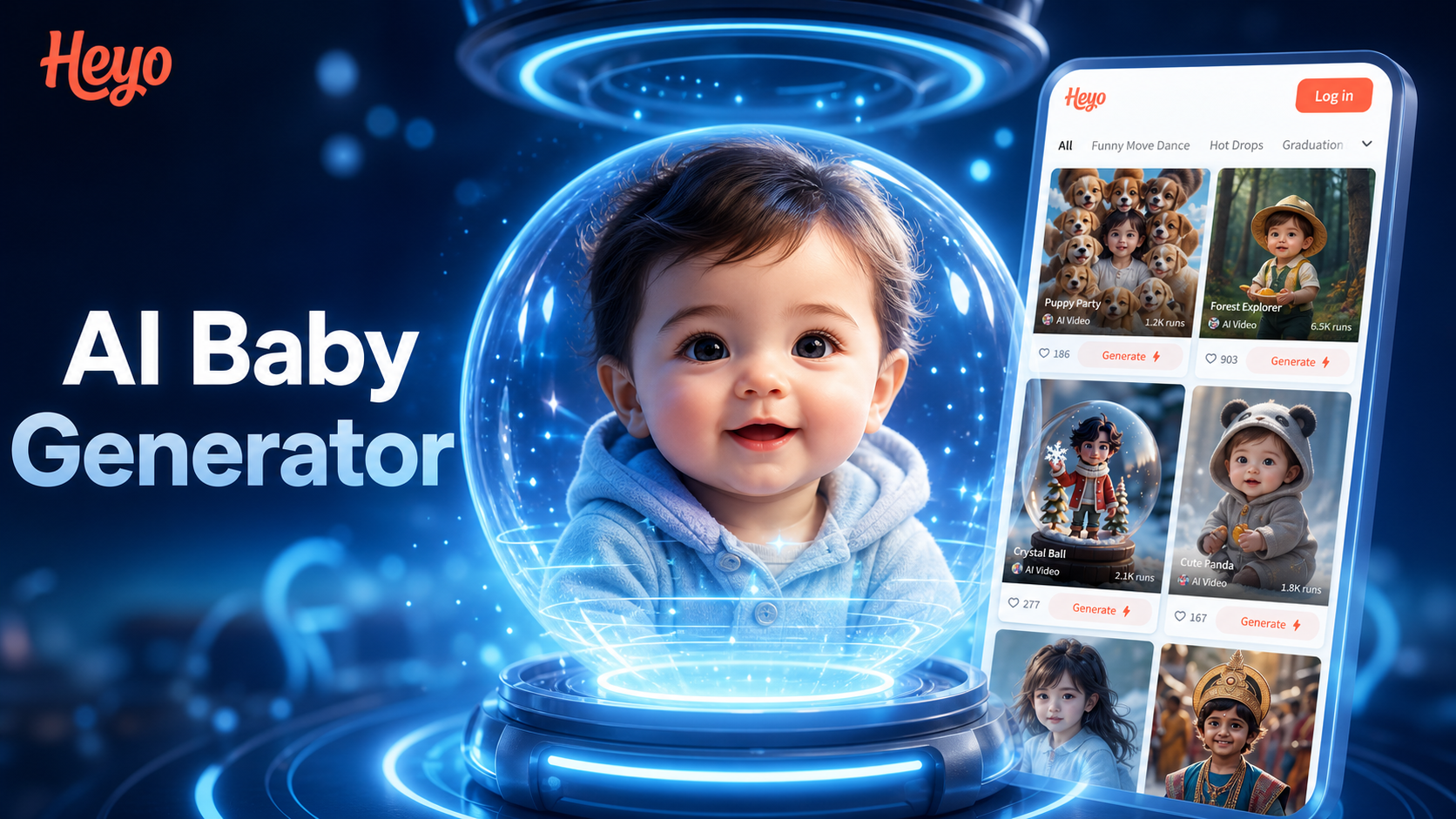
Ai Baby Generator
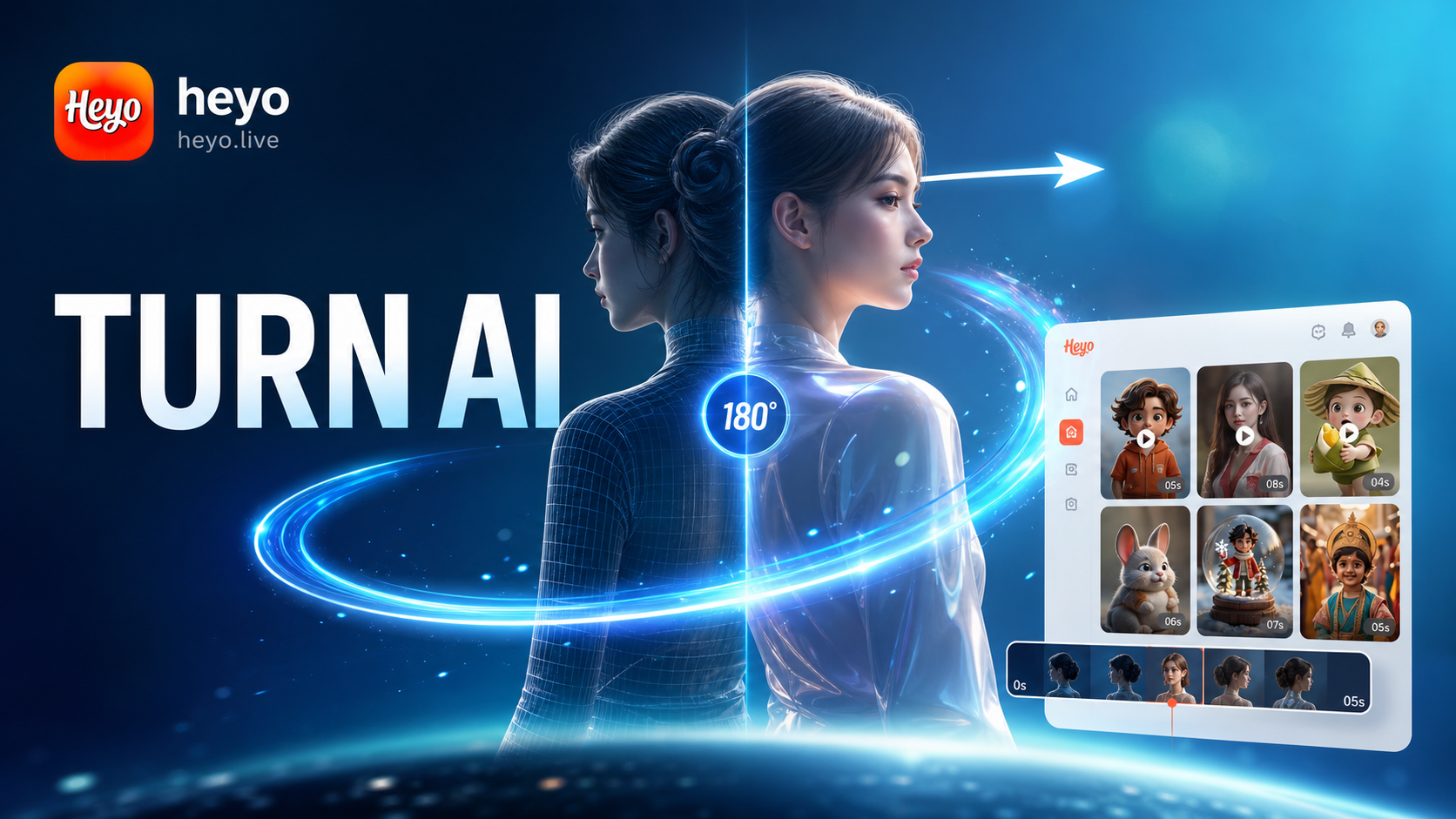
Ai 180 Turn Video Generator
Ai Miniature Generator
Ai Soldier Generator
Ai Baby Generator
Ai 180 Turn Video Generator
Start Creating Pixel Art Today
Join thousands of creators who are transforming their photos into nostalgic pixel art masterpieces. No artistic skills required, just your imagination and our AI.
Start Creating Pixel Art Today
Join thousands of creators who are transforming their photos into nostalgic pixel art masterpieces. No artistic skills required, just your imagination and our AI.