AI 180 Turn Video Generator
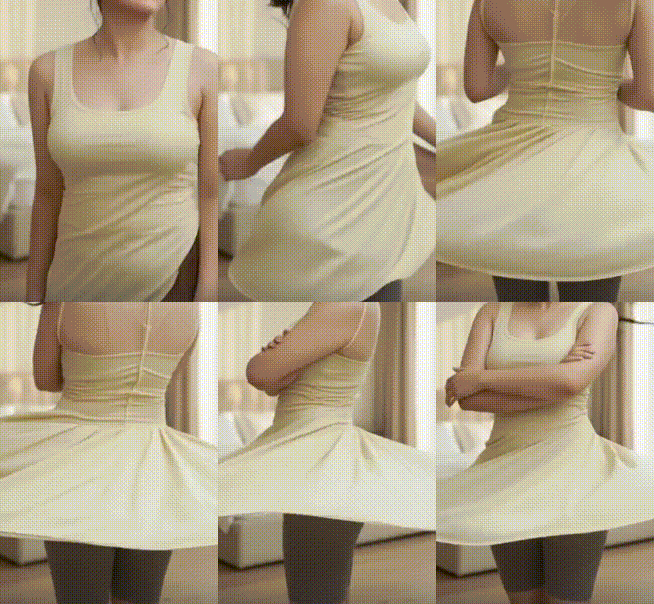
Popular AI Video Motion Effects
Explore our top AI video generators to create engaging motion from any photo. From smooth turns to expressive animations, find the perfect effect for your content.
Key Features of Our 180 Turn Video Generator
Our AI powered platform makes it effortless to create professional 180° spin videos. No complex editing software or technical skills are required, just your photo and our intelligent technology.
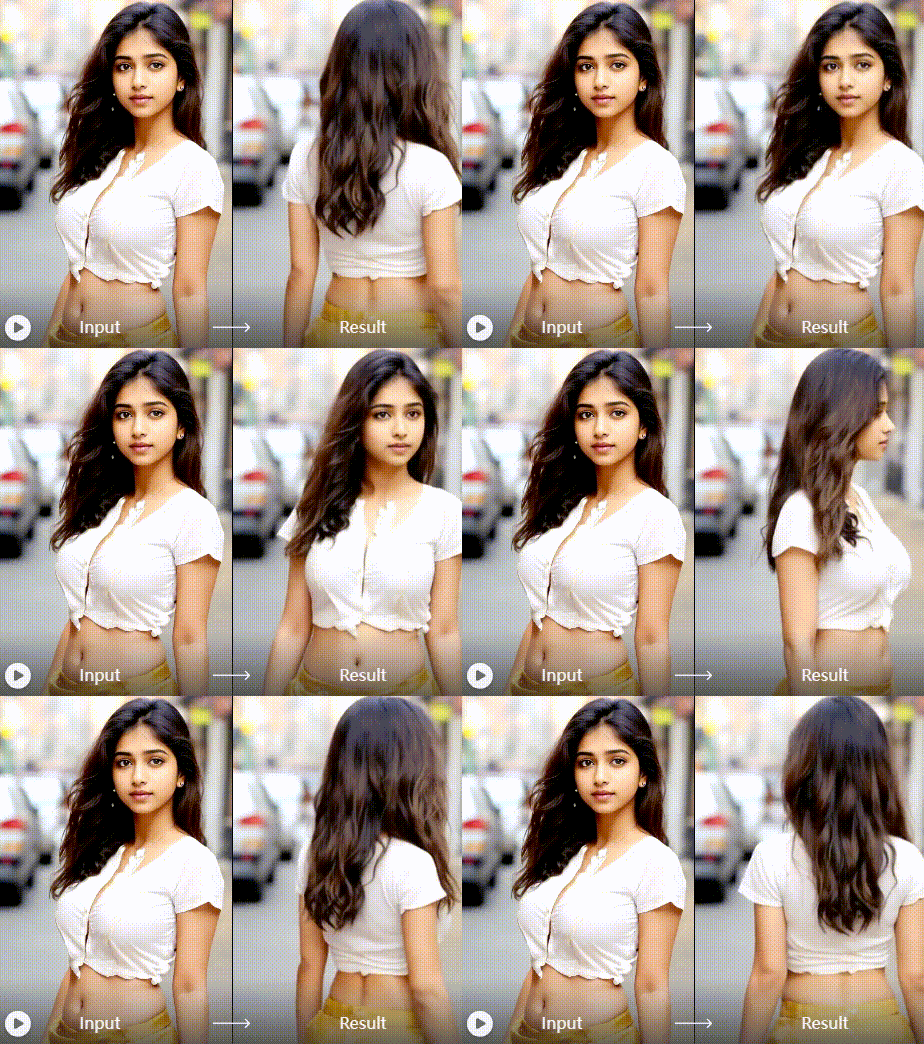
One Click 180° Spin
Generate a smooth, realistic 180 degree turn video from any portrait in seconds. The AI automatically creates natural head and shoulder rotation, producing a cinematic result that looks professionally animated.
One Click 180° Spin
Generate a smooth, realistic 180 degree turn video from any portrait in seconds. The AI automatically creates natural head and shoulder rotation, producing a cinematic result that looks professionally animated.
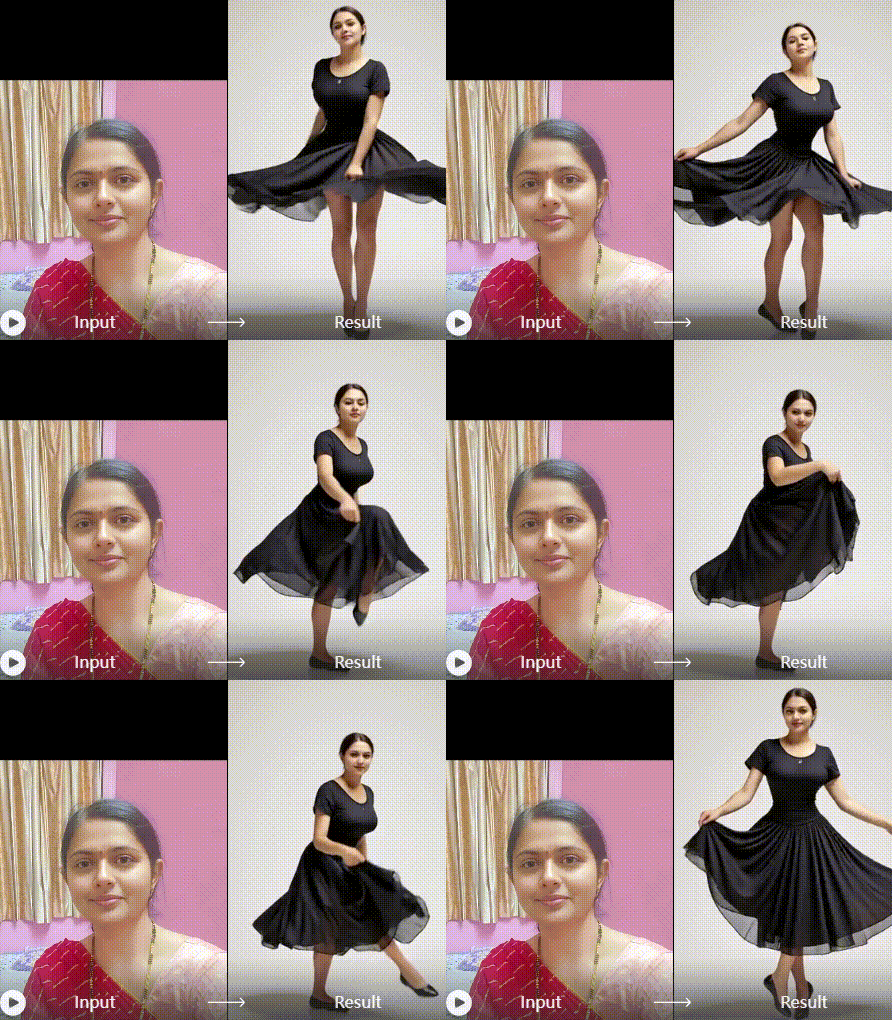
Realistic AI Motion
Experience lifelike animation with our advanced AI models. The technology preserves facial features and details while generating fluid, natural motion, avoiding the robotic or distorted look common in basic filters.
Realistic AI Motion
Experience lifelike animation with our advanced AI models. The technology preserves facial features and details while generating fluid, natural motion, avoiding the robotic or distorted look common in basic filters.
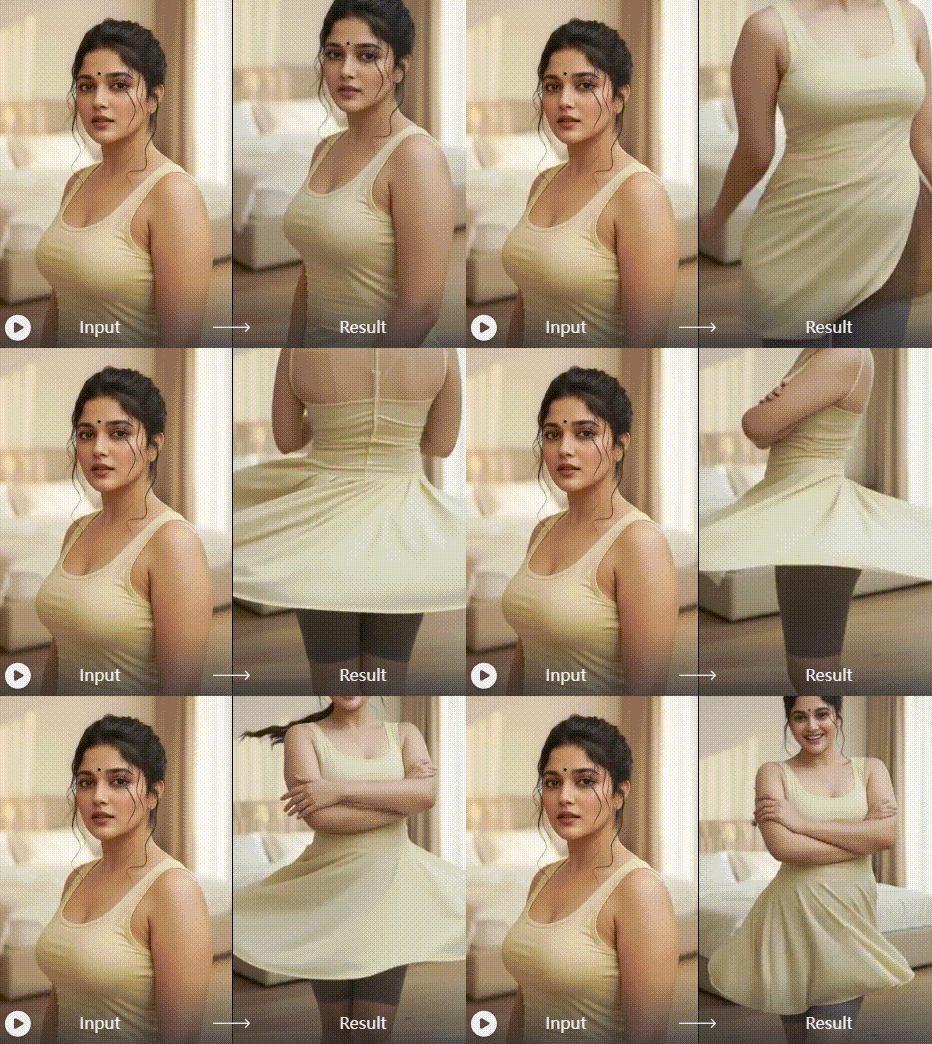
Customizable Output
Adjust the speed, direction, and smoothness of your 180 turn video. Choose from different animation styles and background options to match the tone of your project, whether it's for TikTok, Instagram Reels, or a professional showcase.
Customizable Output
Adjust the speed, direction, and smoothness of your 180 turn video. Choose from different animation styles and background options to match the tone of your project, whether it's for TikTok, Instagram Reels, or a professional showcase.
Build Something Great
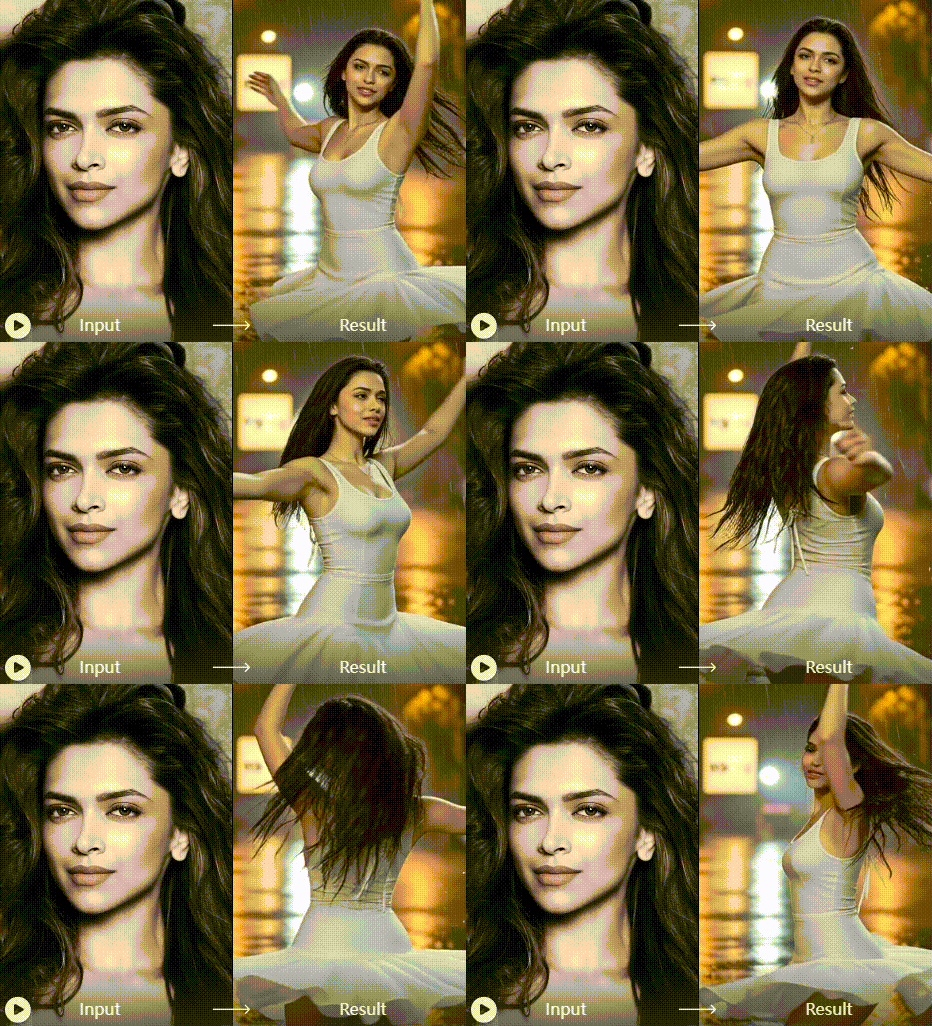
How to Create an AI 180 Turn Video?
Create captivating spin videos in just three simple steps with our intuitive mobile app. No technical expertise required.

Step 01.
Download the HeyO app from the Google Play Store. Open the app and navigate to the video generation section to find the 180 Turn effect.

Step 02.
Select the '180 Turn' template. Upload a clear, front-facing photo of a person, character, or object. The AI works best with a well-lit, forward-looking image.

Step 03.
Tap 'Generate' and watch as AI creates a smooth 180-degree turn video. Once processed, you can download the video directly to your phone or share it on social media.
Creators Using AI 180 Turn Video

Maya Chen
This tool has revolutionized how I showcase outfits. I can now create a dynamic 'try-on' reel from a single flatlay photo. My engagement on Reels has doubled since I started using the 180 turn effect.

Leo Rivera
As a character artist, presenting my work from multiple angles was a hassle. This AI generator brings my 2D portraits to life with a simple spin, making my portfolio infinitely more engaging for clients.

Sarah Jones
We use it for brand ambassador content. It adds a professional, cinematic flair to static photos without the cost of a video shoot. It's become a staple in our content calendar for product reveals.

Alex Wong
Perfect for cosplay showcases! I can now show off intricate costume details from all sides in a short video. The AI handles complex props and fabrics surprisingly well, making my content stand out.
Maya Chen
This tool has revolutionized how I showcase outfits. I can now create a dynamic 'try-on' reel from a single flatlay photo. My engagement on Reels has doubled since I started using the 180 turn effect.
Leo Rivera
As a character artist, presenting my work from multiple angles was a hassle. This AI generator brings my 2D portraits to life with a simple spin, making my portfolio infinitely more engaging for clients.
Sarah Jones
We use it for brand ambassador content. It adds a professional, cinematic flair to static photos without the cost of a video shoot. It's become a staple in our content calendar for product reveals.
Alex Wong
Perfect for cosplay showcases! I can now show off intricate costume details from all sides in a short video. The AI handles complex props and fabrics surprisingly well, making my content stand out.
Maya Chen
This tool has revolutionized how I showcase outfits. I can now create a dynamic 'try-on' reel from a single flatlay photo. My engagement on Reels has doubled since I started using the 180 turn effect.
Leo Rivera
As a character artist, presenting my work from multiple angles was a hassle. This AI generator brings my 2D portraits to life with a simple spin, making my portfolio infinitely more engaging for clients.
Sarah Jones
We use it for brand ambassador content. It adds a professional, cinematic flair to static photos without the cost of a video shoot. It's become a staple in our content calendar for product reveals.
Alex Wong
Perfect for cosplay showcases! I can now show off intricate costume details from all sides in a short video. The AI handles complex props and fabrics surprisingly well, making my content stand out.
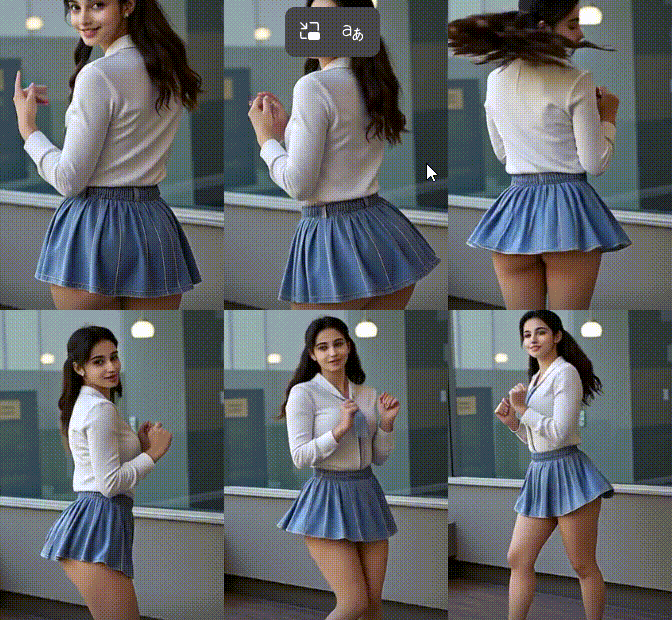
Turn Photos into Videos Instantly
Download HeyO now and access the powerful AI 180 Turn Video Generator. Animate your portraits, artwork, and products with a single tap.

AI 180 Turn Video Generator FAQ
Get answers to the most common questions about creating stunning spin videos with our AI technology.
More AI Tools You May Like
Explore more topics you may like and discover fresh ideas tailored to your interests.
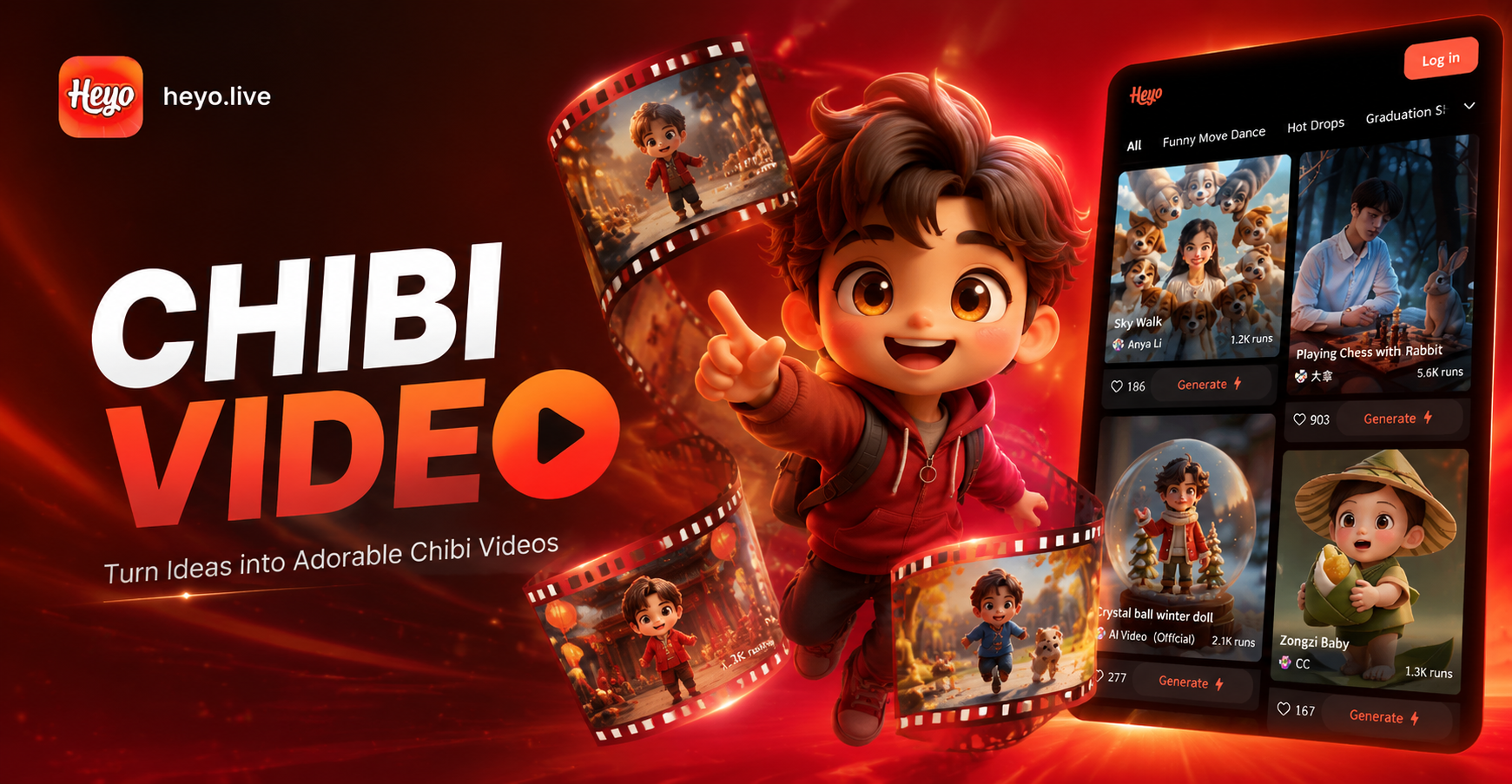
Heyo AI Chibi Cartoon Video Effect - Animate Videos in Chibi Style
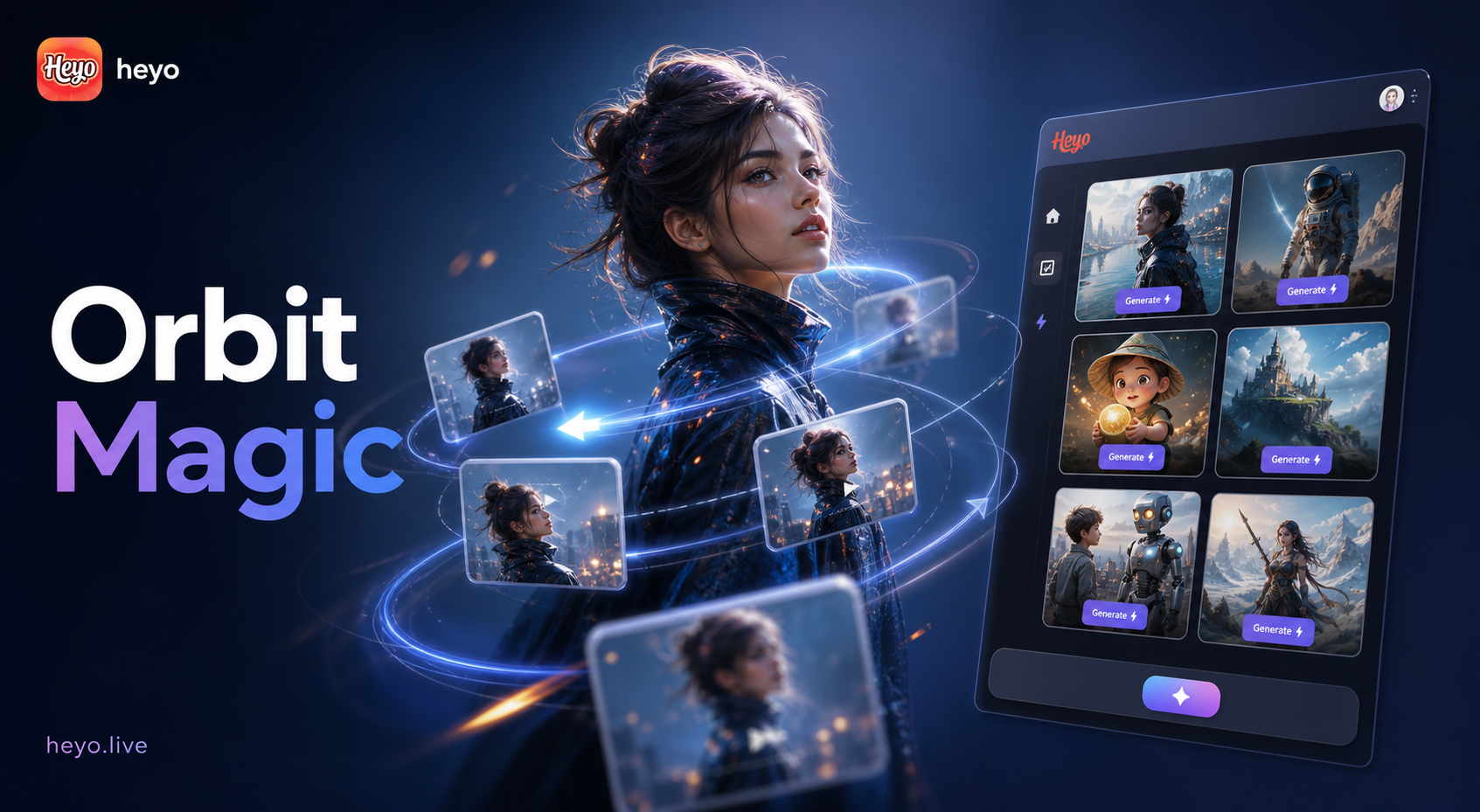
Heyo AI Camera Orbit Video Effect: Create Cinematic 360° Orbit Videos Instantly
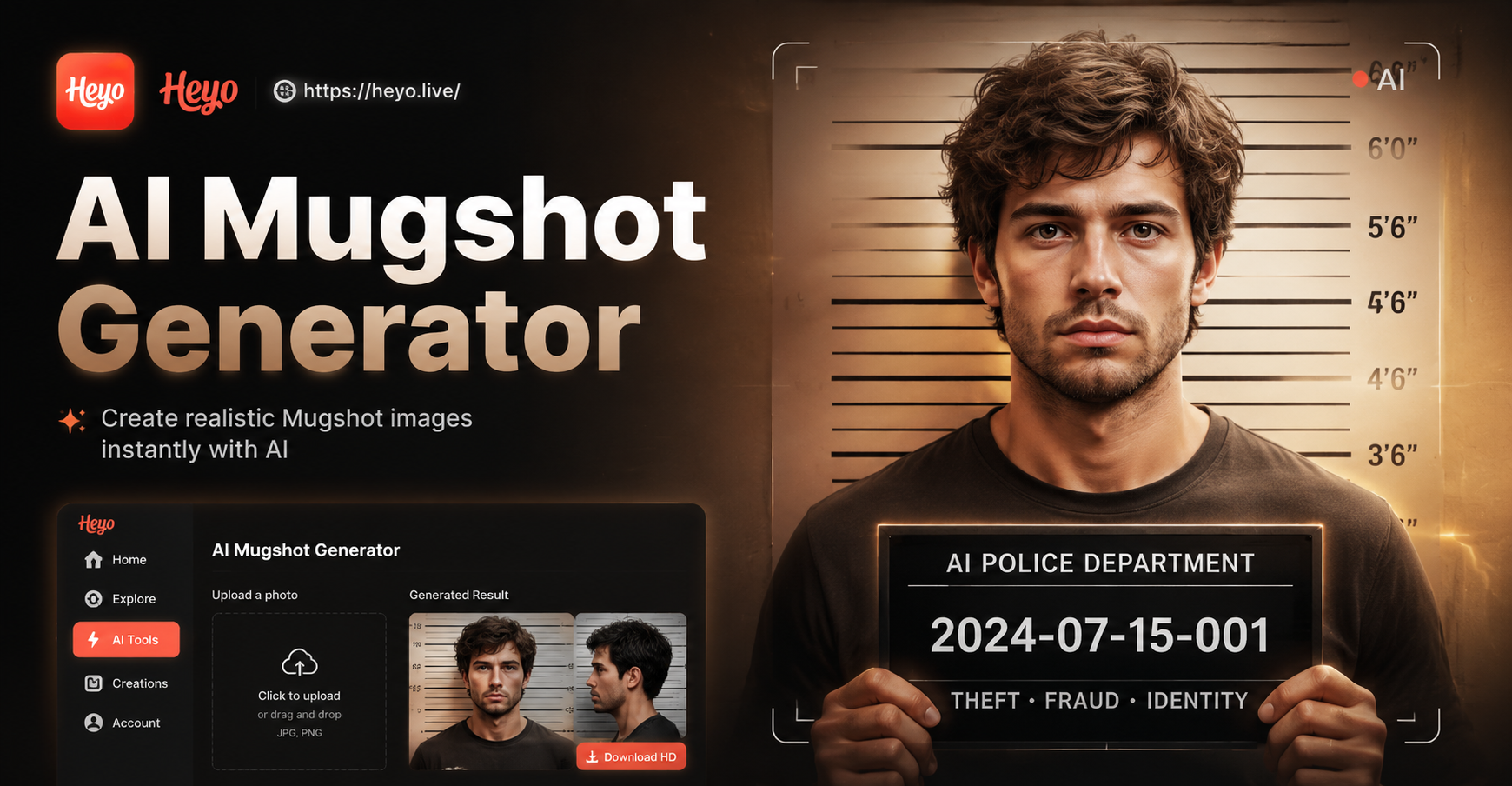
Heyo AI Mugshot Generator: Create Realistic Mugshots Instantly
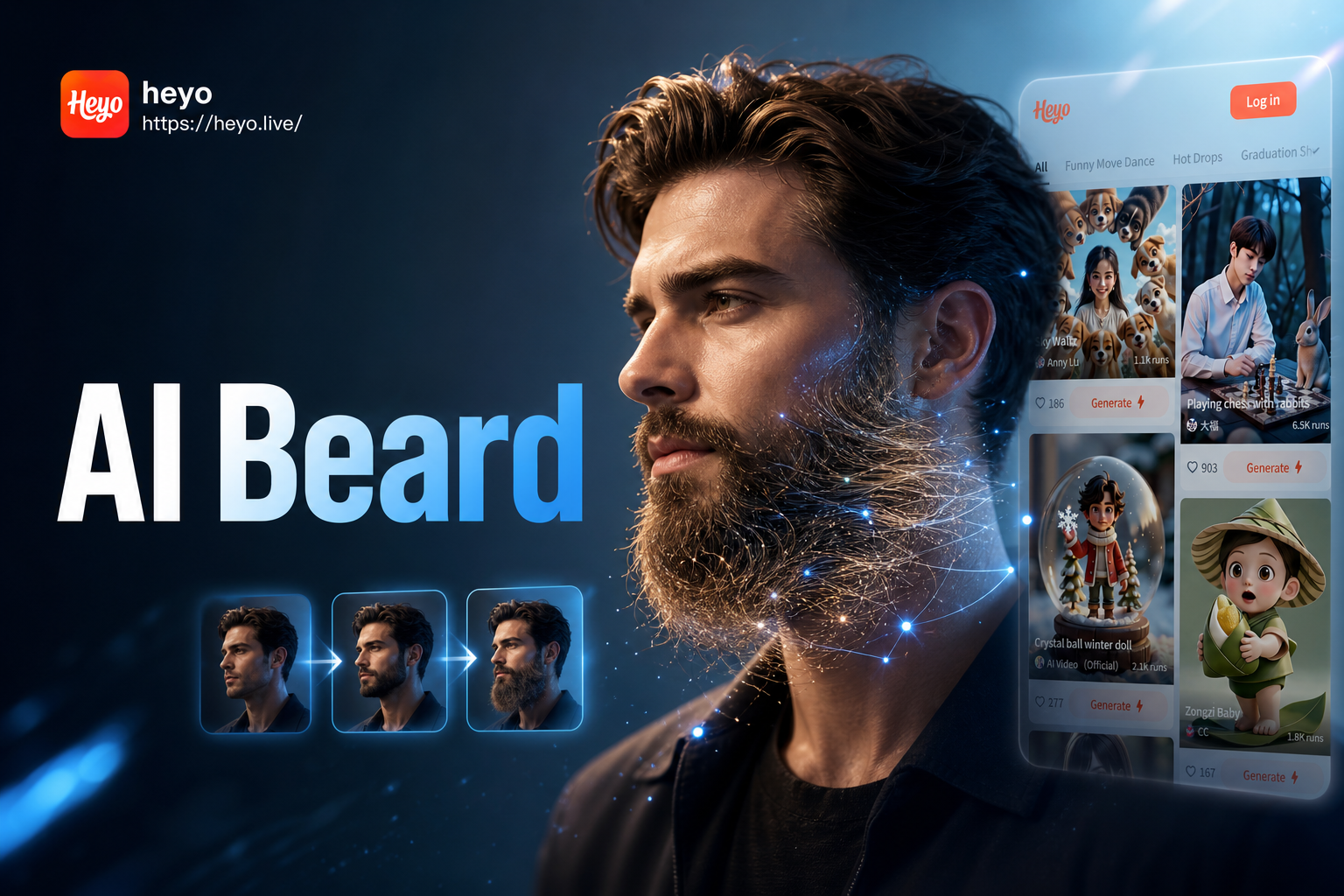
Heyo AI Beard Generator - Try Virtual Beard Styles on Your Face
Heyo AI Chibi Cartoon Video Effect - Animate Videos in Chibi Style
Heyo AI Camera Orbit Video Effect: Create Cinematic 360° Orbit Videos Instantly
Heyo AI Mugshot Generator: Create Realistic Mugshots Instantly
Heyo AI Beard Generator - Try Virtual Beard Styles on Your Face
Bring Your Photos to Life with a Spin
Stop posting static images. Create engaging, dynamic 180-degree turn videos that capture attention and tell a better story. Download HeyO and start animating today.
Bring Your Photos to Life with a Spin
Stop posting static images. Create engaging, dynamic 180-degree turn videos that capture attention and tell a better story. Download HeyO and start animating today.