Animal Face Filter
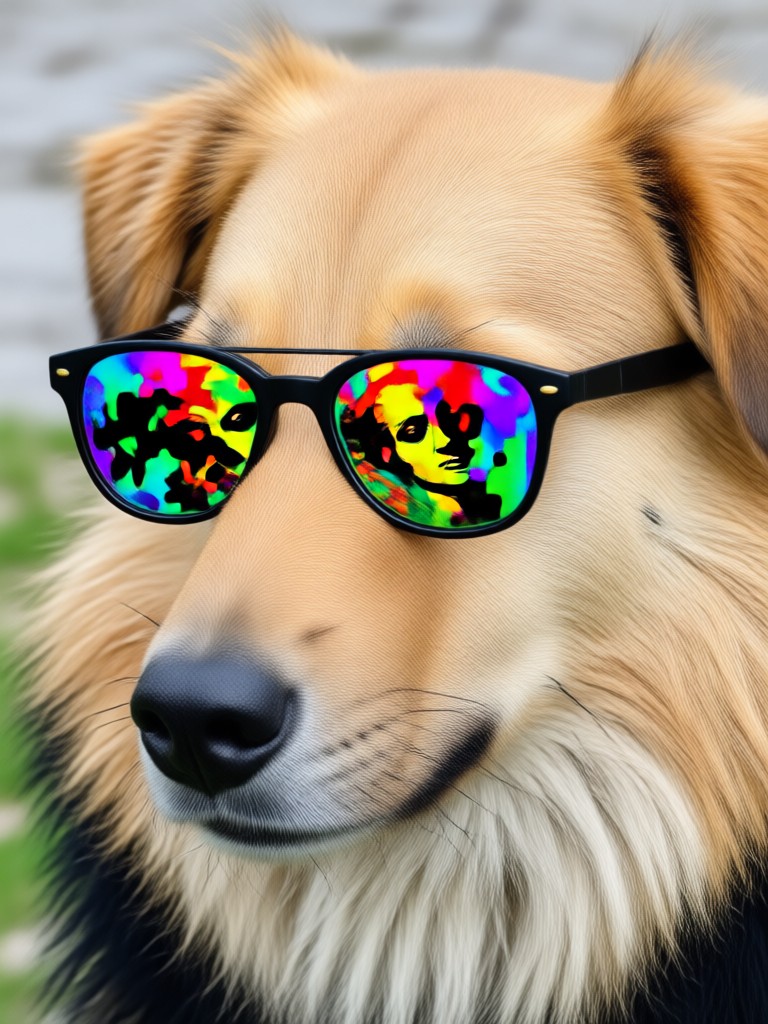
Choose Your Favorite Animal Face
Explore a variety of AI animal face filters and find the one that makes you smile.
Key Features of Animal Face Filter
Discover what makes our animal face filter the most fun and realistic AI transformation tool on mobile.
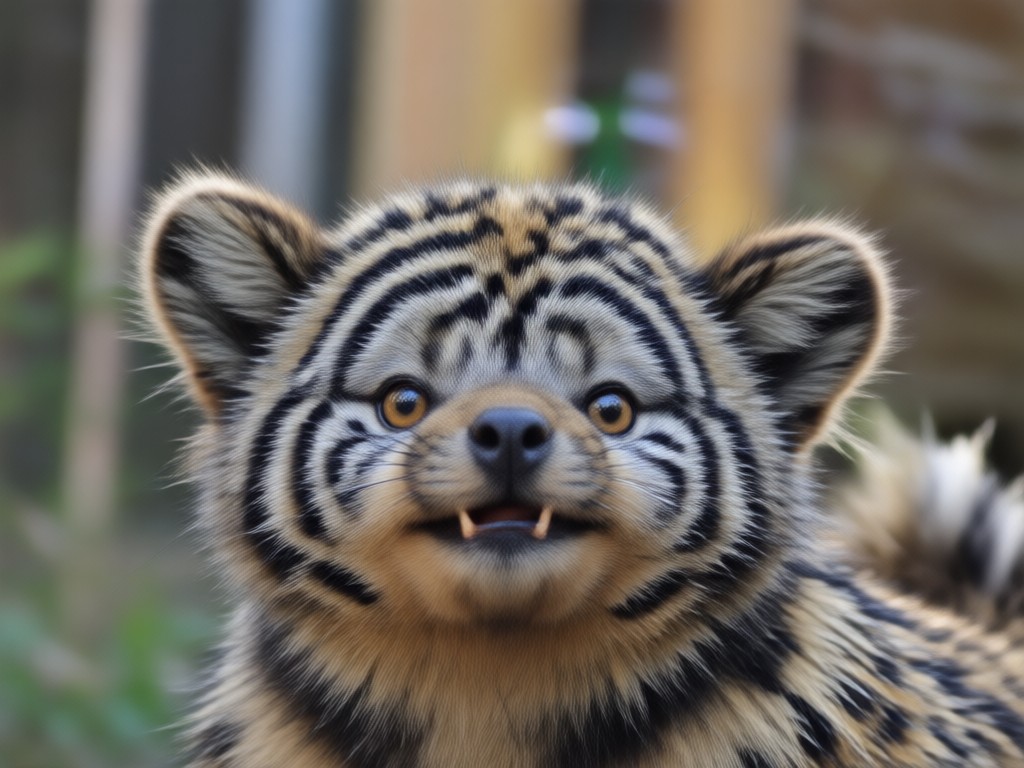
Realistic Animal Face Swap
Our AI accurately maps your facial features onto a wide range of animal faces, preserving your expressions and movements for a truly lifelike transformation.
Realistic Animal Face Swap
Our AI accurately maps your facial features onto a wide range of animal faces, preserving your expressions and movements for a truly lifelike transformation.
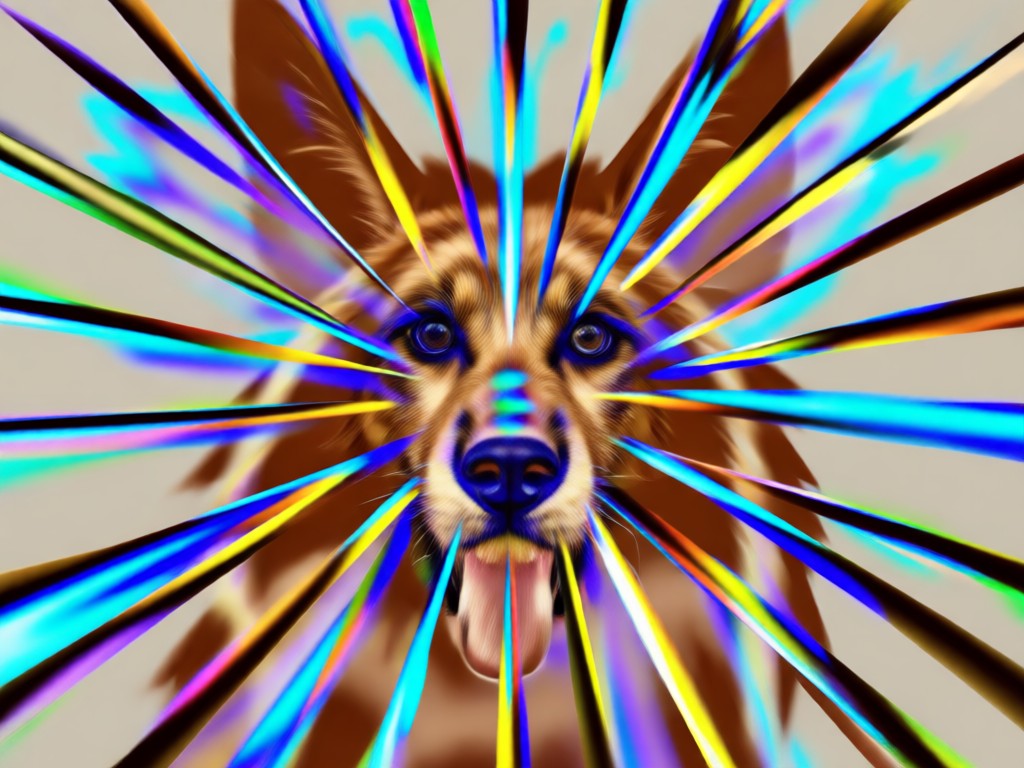
Huge Collection of Animals
Choose from dogs, cats, foxes, bears, pandas, and many more. We regularly add new animal face filters to keep your content fresh and exciting.
Huge Collection of Animals
Choose from dogs, cats, foxes, bears, pandas, and many more. We regularly add new animal face filters to keep your content fresh and exciting.
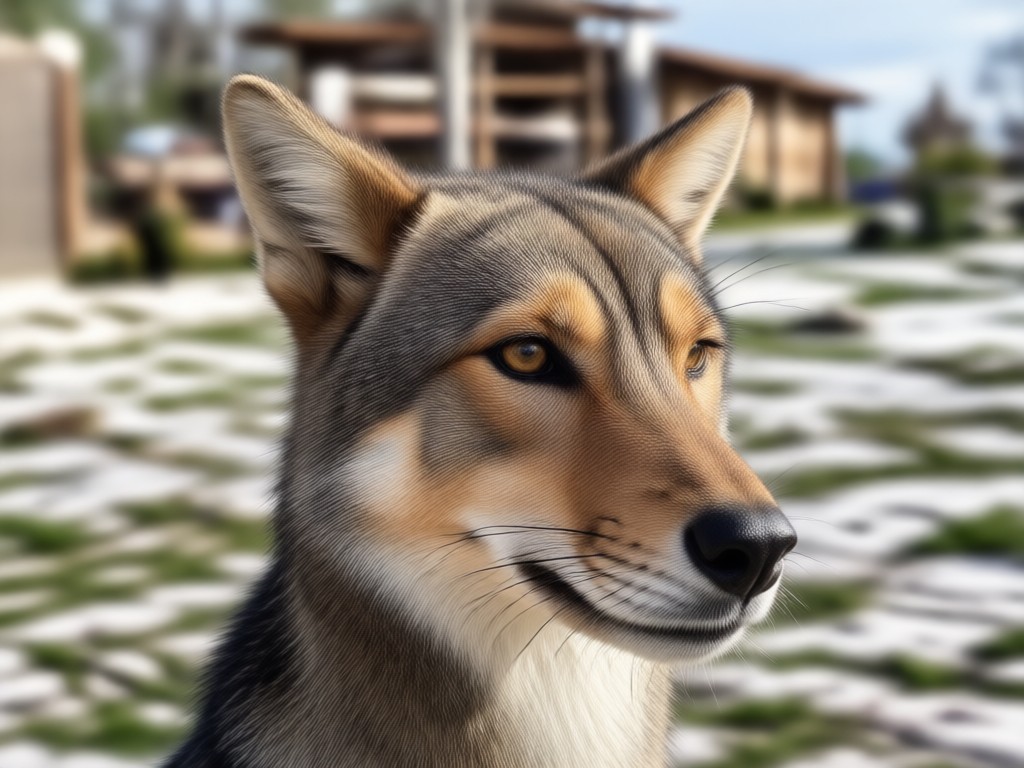
Easy One-Tap Sharing
Save your animal face photos and videos in HD and share them directly to TikTok, Instagram, Snapchat, or with friends in just one tap.
Easy One-Tap Sharing
Save your animal face photos and videos in HD and share them directly to TikTok, Instagram, Snapchat, or with friends in just one tap.
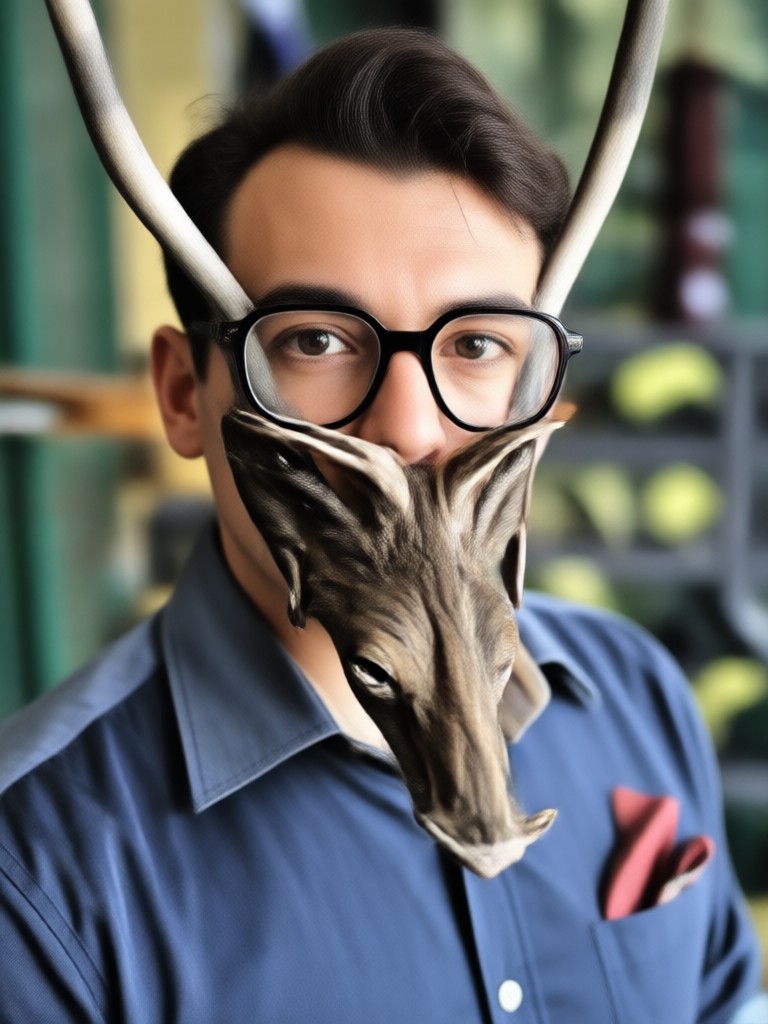
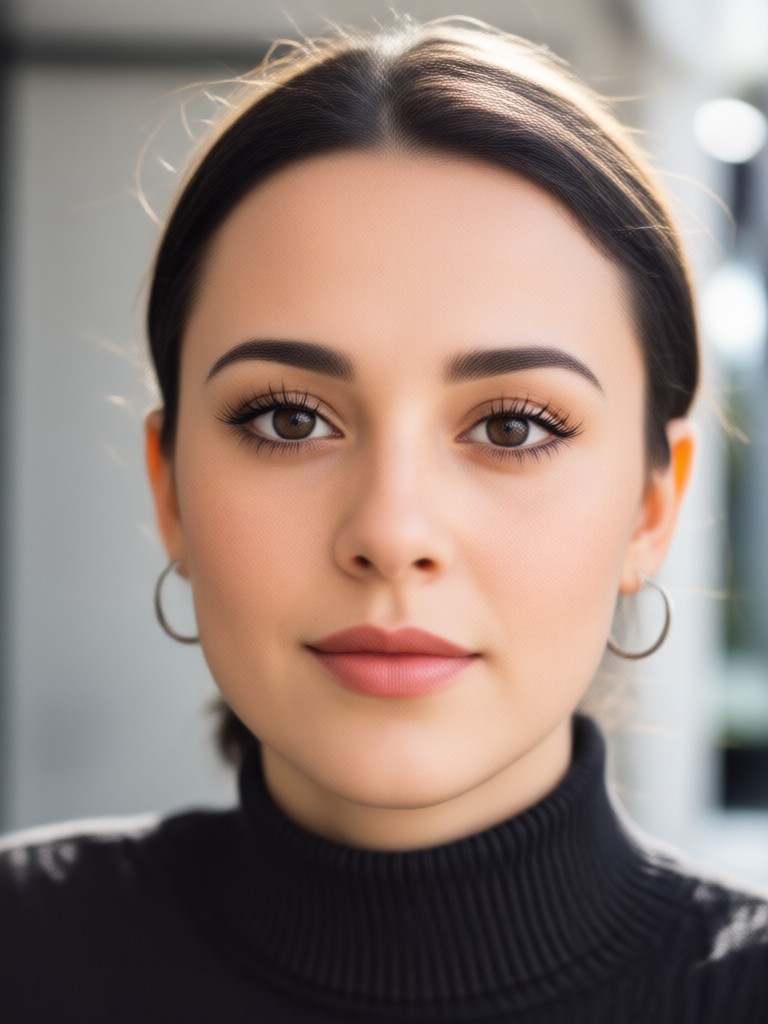
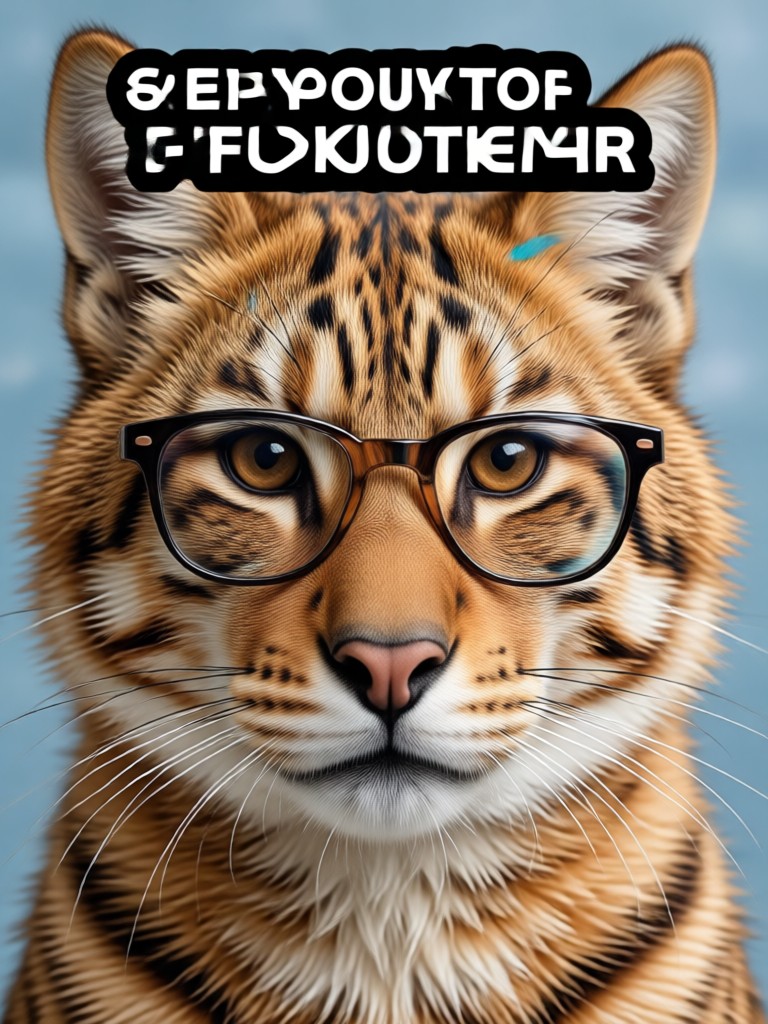
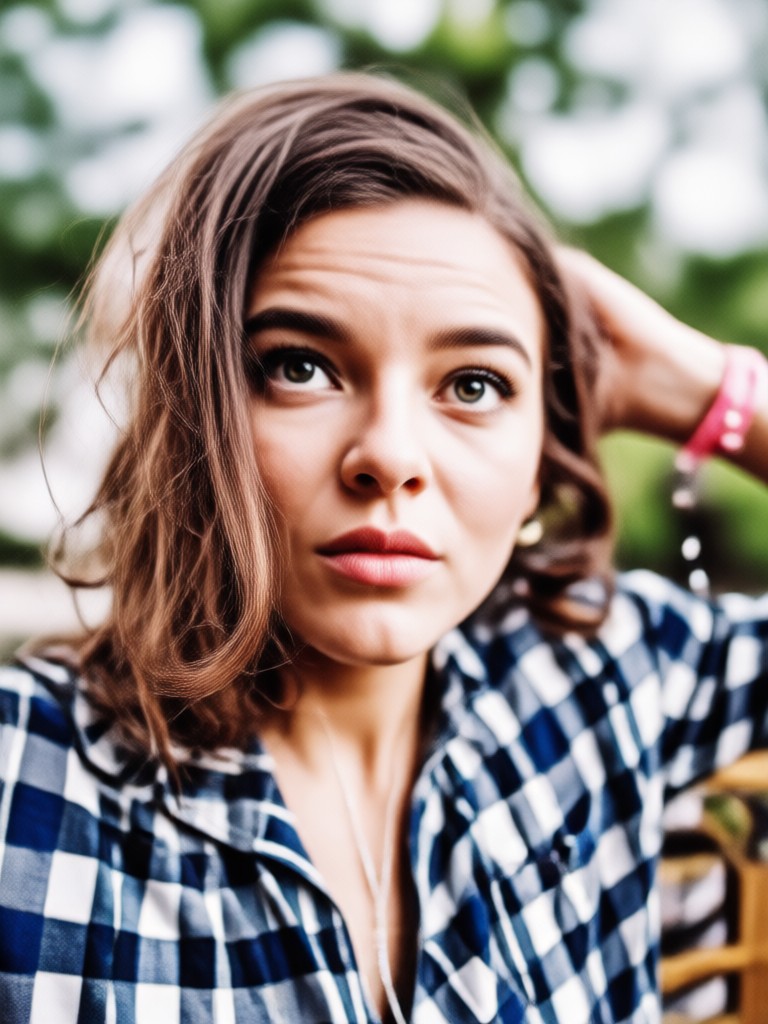
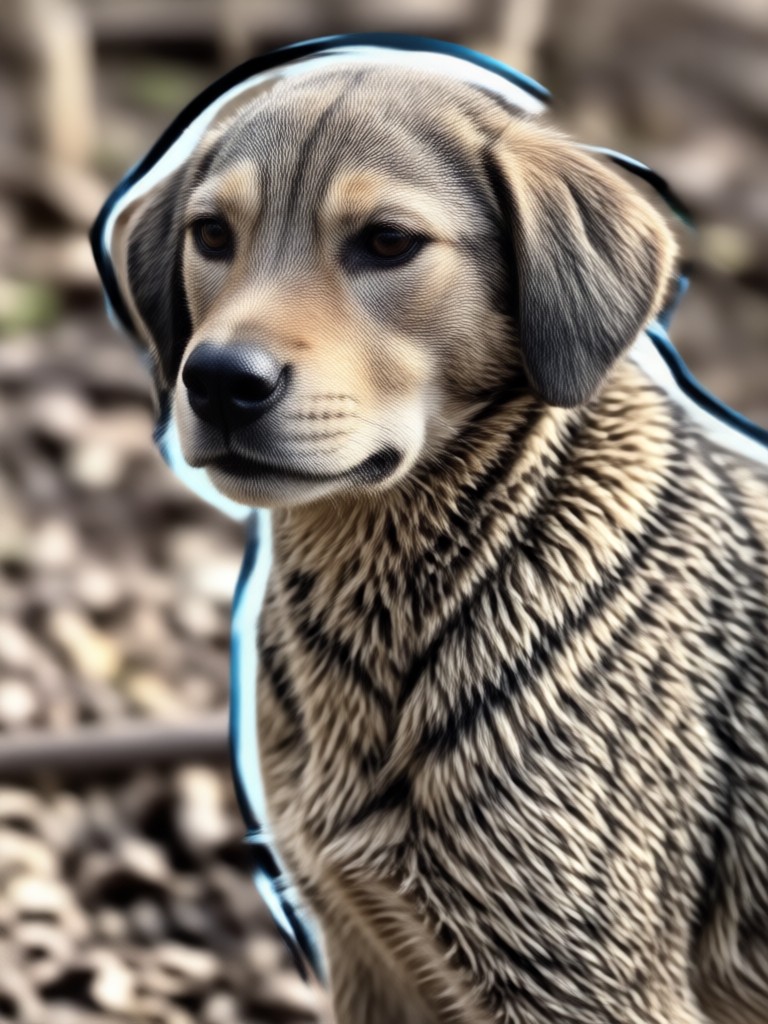
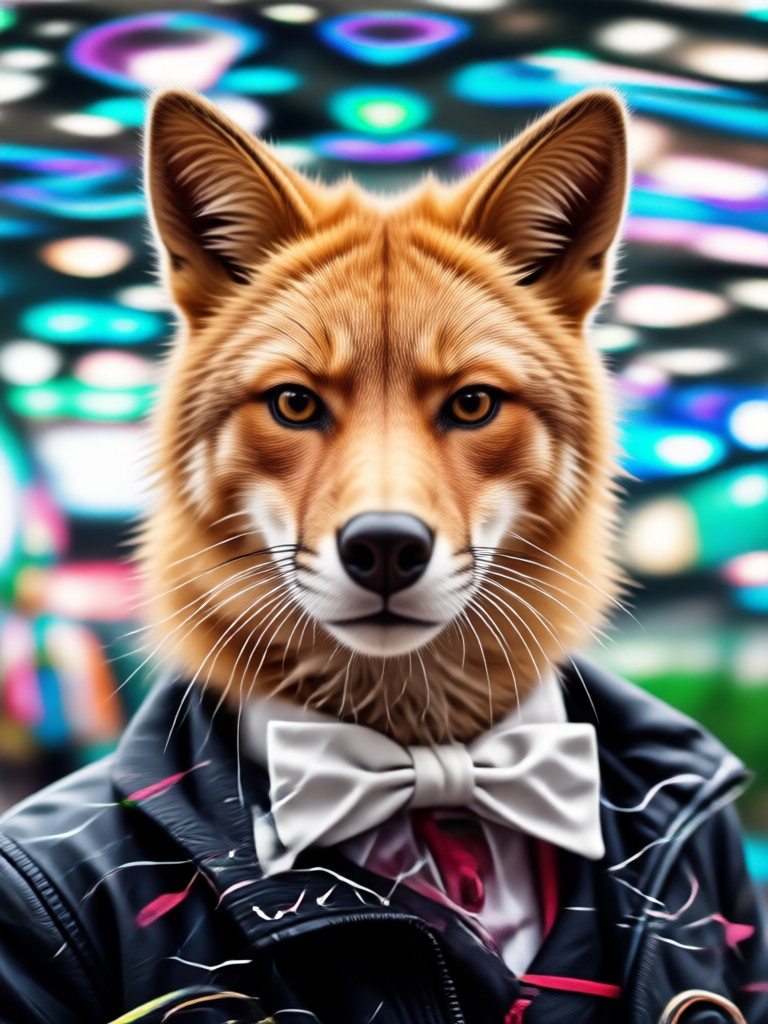
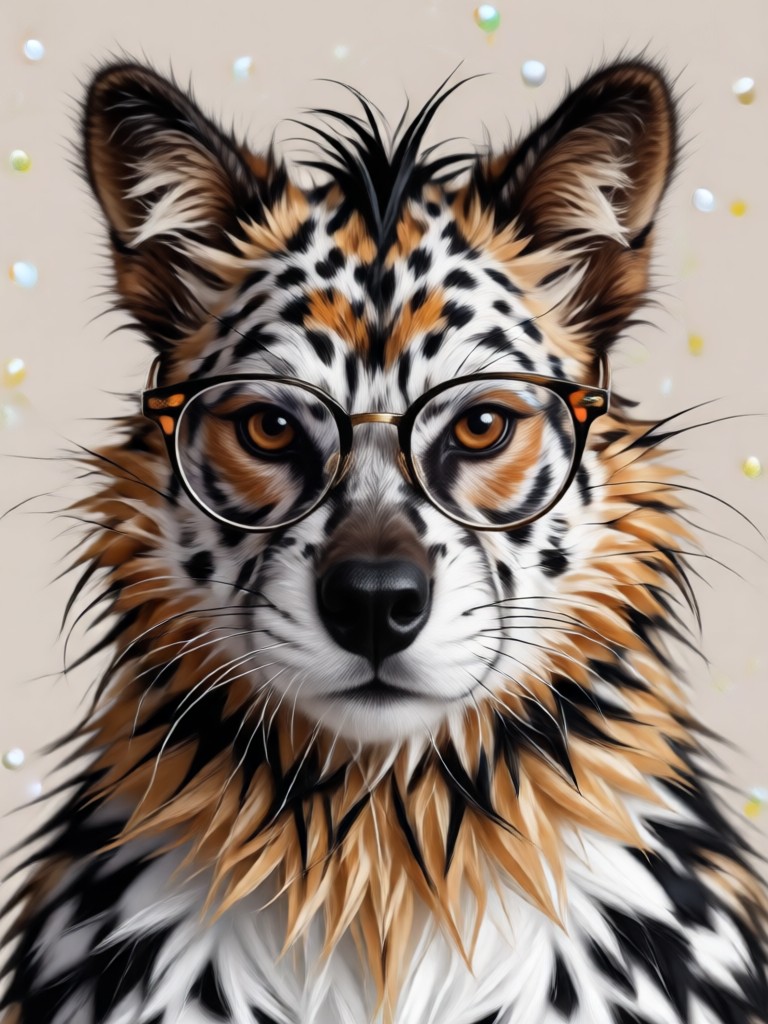
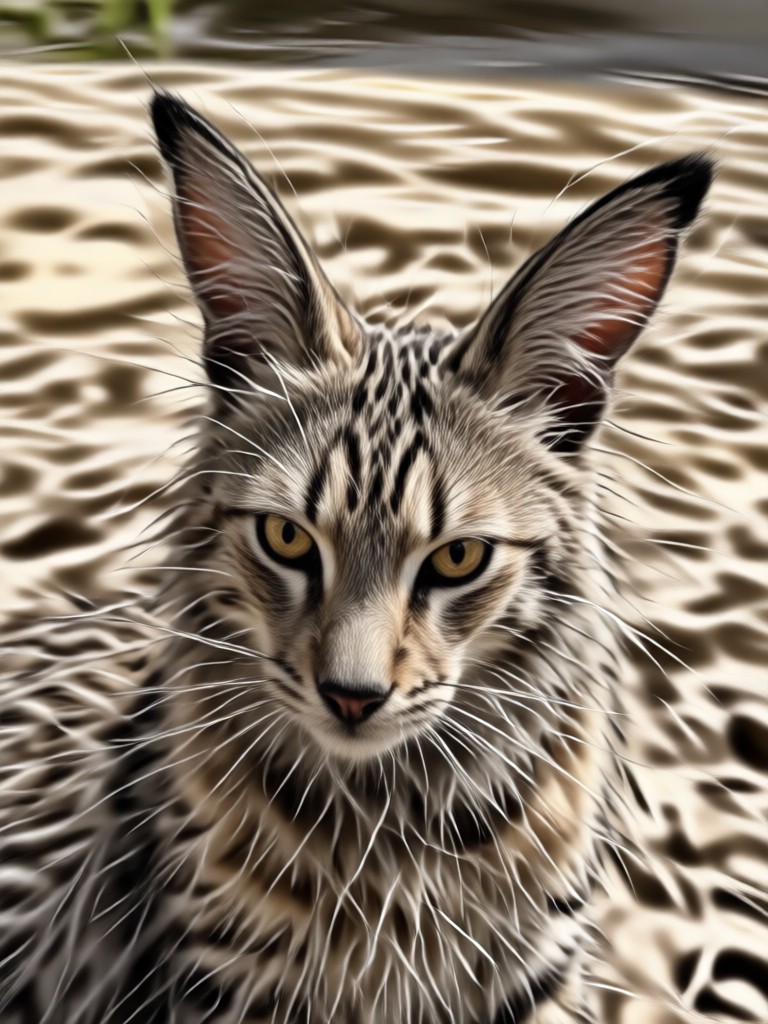
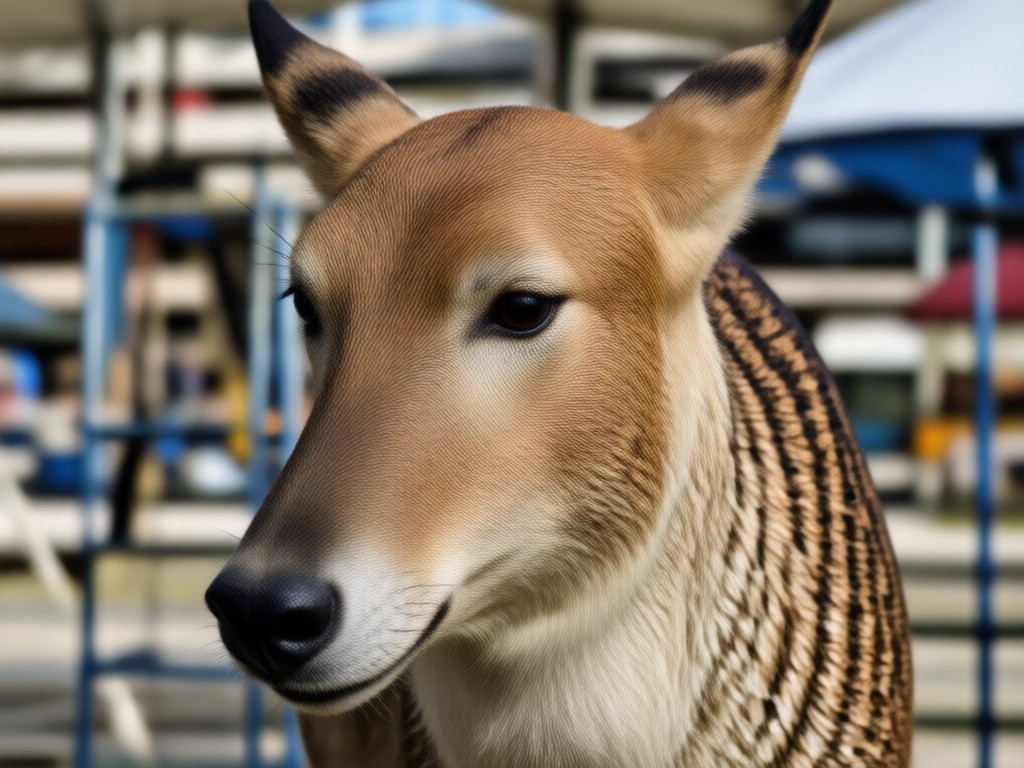
Explore Animal Face Filter Creations
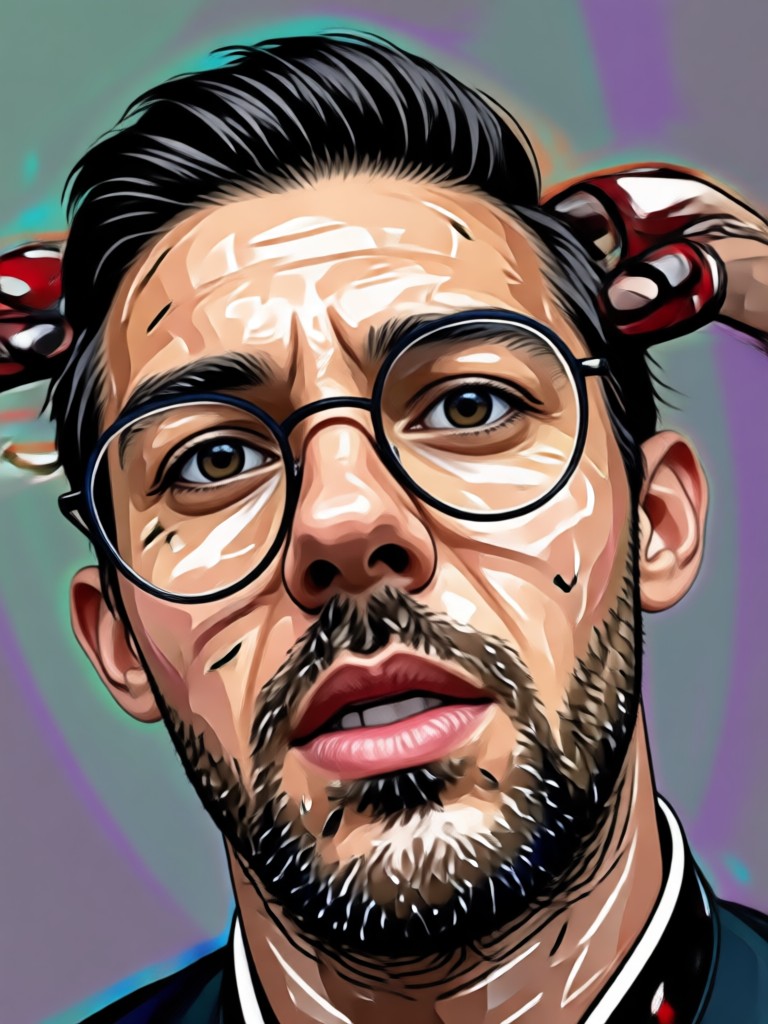
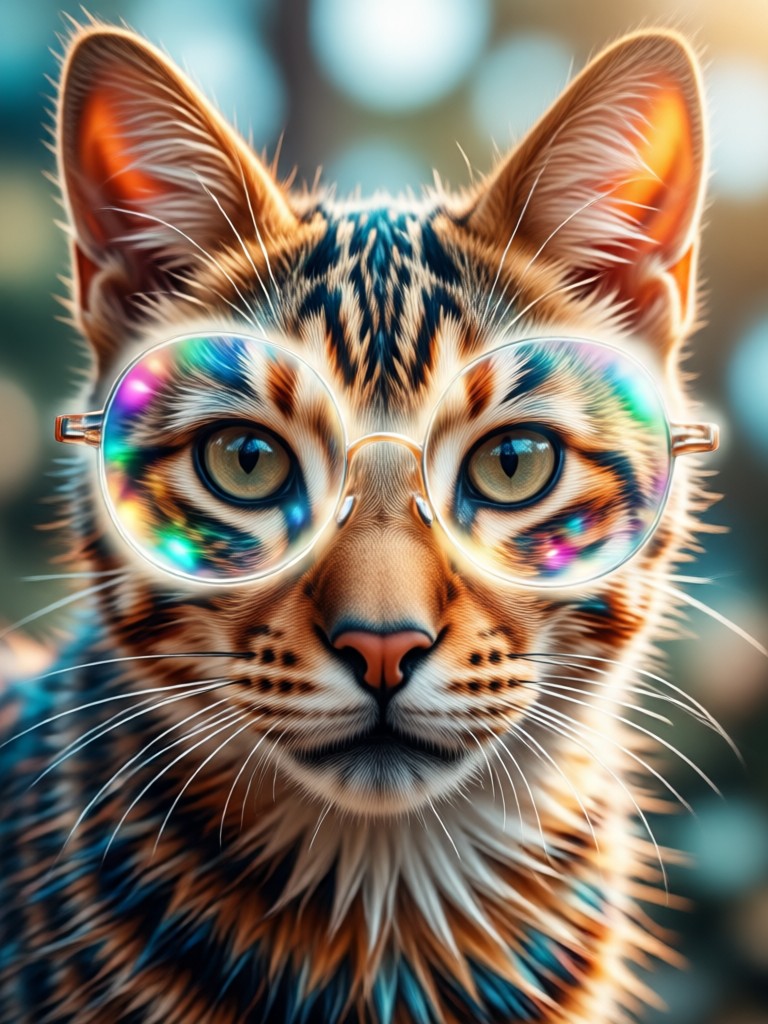
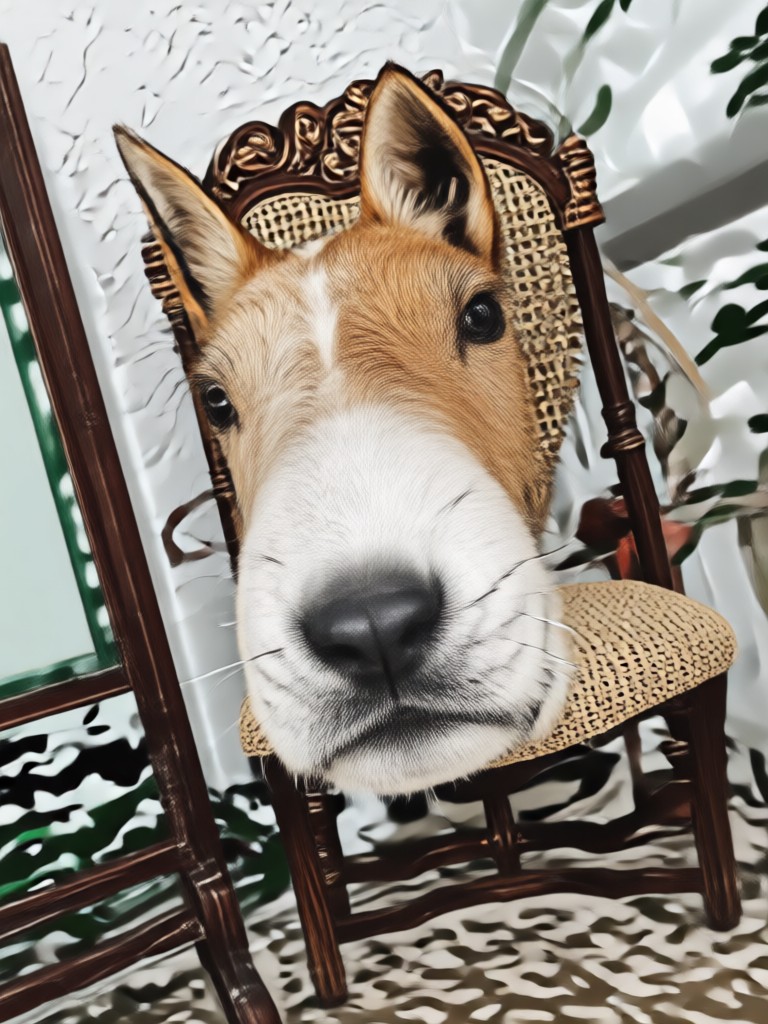
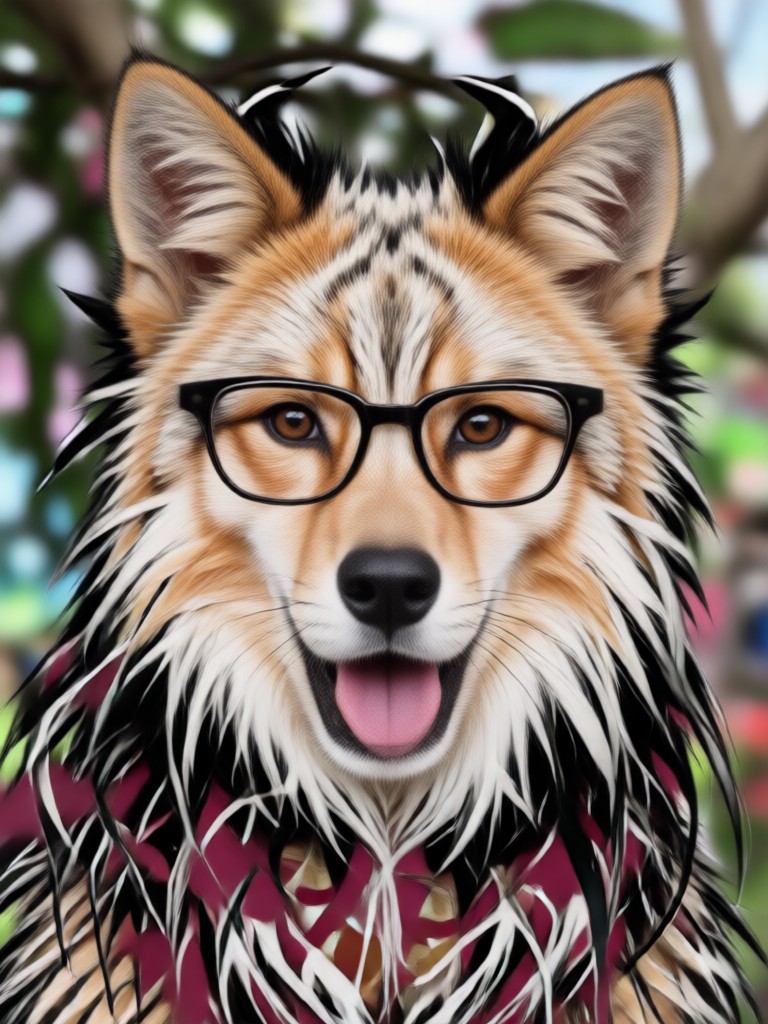
See how users transform their selfies into cute, funny, and wild animal faces with our AI animal face filter app.
Why Use Our AI Animal Face Filter?
Unlike basic photo editors, our animal face filter uses advanced AI to track your facial expressions in real time. That means your animal ears twitch, your snout wrinkles, and your eyes blink naturally. You get a believable animal avatar that is perfect for reaction videos, memes, and profile pictures.
Why Use Our AI Animal Face Filter?
Unlike basic photo editors, our animal face filter uses advanced AI to track your facial expressions in real time. That means your animal ears twitch, your snout wrinkles, and your eyes blink naturally. You get a believable animal avatar that is perfect for reaction videos, memes, and profile pictures.
How to Use Animal Face Filter?
Create your own animal face transformation in just three simple steps with the heyo app.

Step 01.
Download the heyo app from Google Play and open it on your Android device.
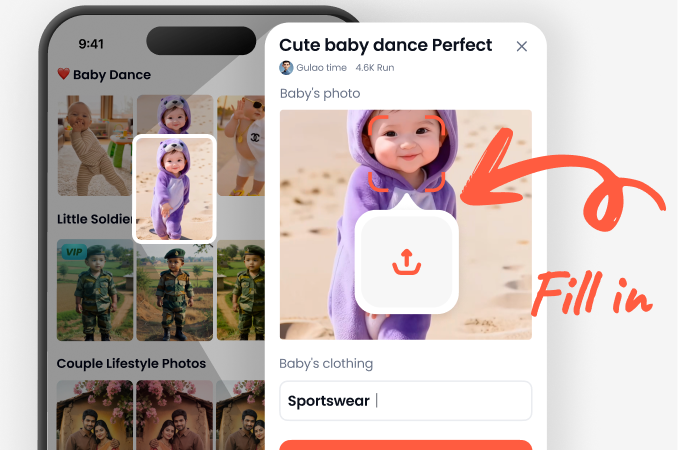
Step 02.
Choose from a variety of animal face filters including dog, cat, fox, panda, and more.
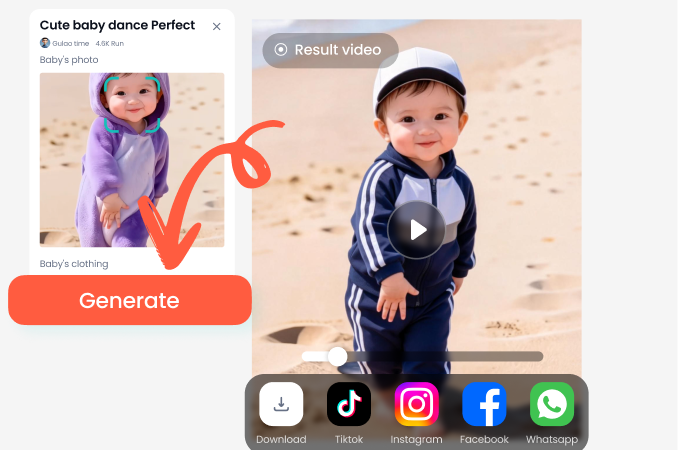
Step 03.
Generate your animal face photo or video, then download and share it with friends or on social media.
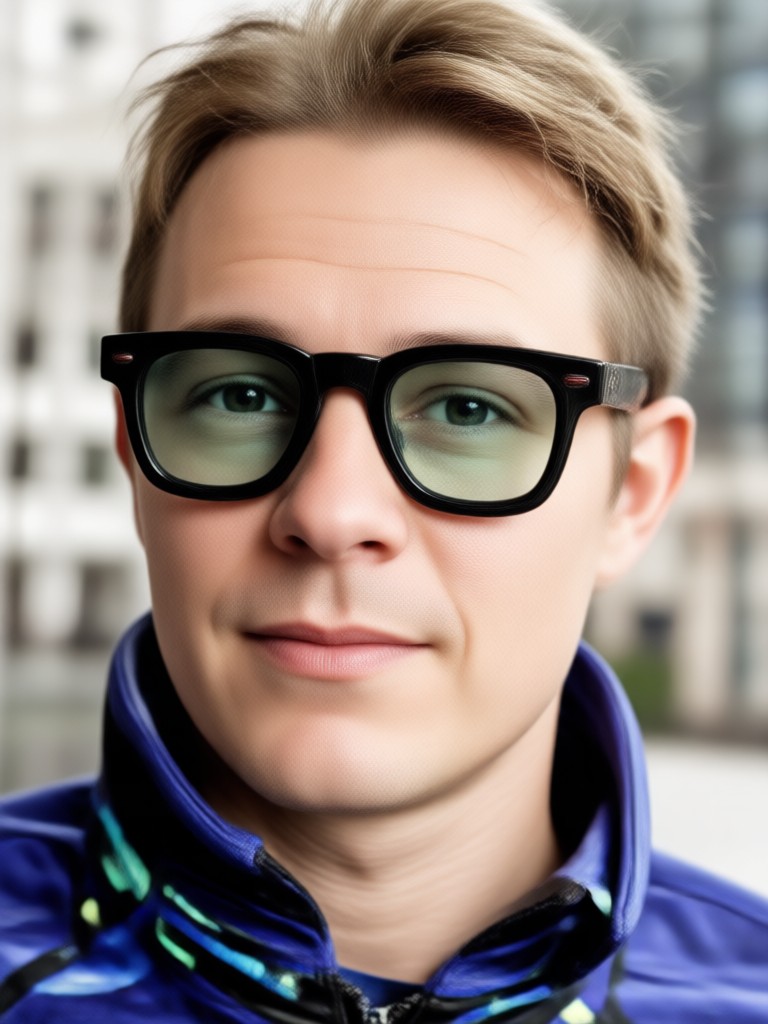
Animal Face Filter App for Android
Download heyo on Google Play and instantly access over 100 animal face filters. Turn your selfies into cute puppies, kittens, and more with just a tap.

What People Are Saying About Animal Face Filter
So much fun with friends
I tried the animal face filter with my friends and we couldn't stop laughing. The dog filter looks so real and the app is super easy to use. Highly recommend for parties.
Best animal filter app I've used
The AI tracks my face perfectly even when I move. I've used other apps but this one has the most realistic animal faces. The cat filter is my favorite.
Perfect for TikTok videos
I make funny animal face videos for TikTok and this app saves me so much time. The HD export quality is amazing and my followers love the content.
Frequently Asked Questions
Find answers to common questions about using the animal face filter and the heyo app.
More Topics You May Like
Explore more topics you may like and discover fresh ideas tailored to your interests.
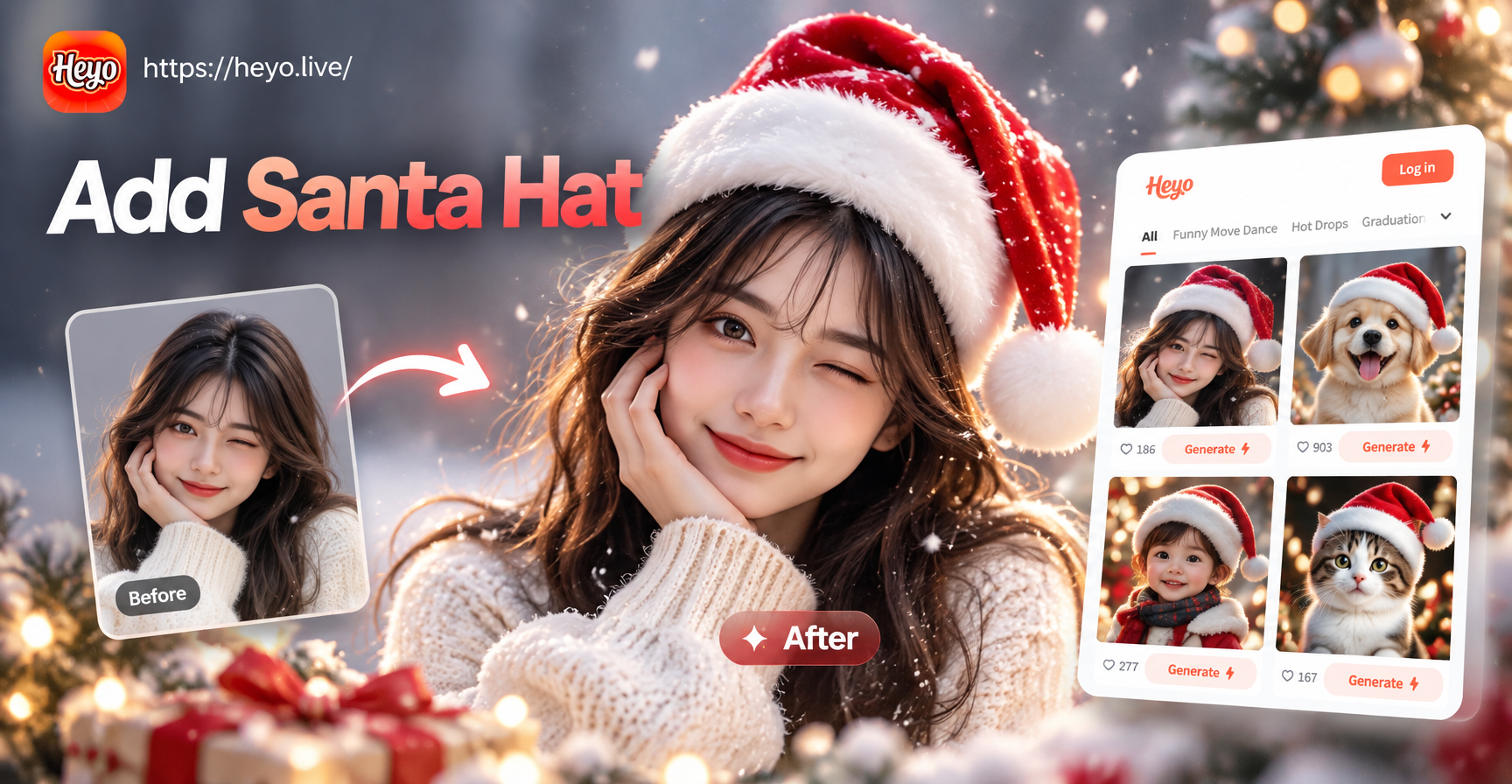
Add Santa Hat To Photo: Instant AI Christmas Magic
Add Santa Hat To Photo in seconds with heyo. Upload any picture, choose a festive style, and get a realistic holiday portrait instantly. No editing skills needed.

Add Angel Wings To Photo: AI Wing Effect in Seconds
Turn yourself into a heavenly vision. Upload a photo, choose an angel wings style, and generate realistic wings in seconds. No editing skills needed. Get stunning angel wing photos to share.
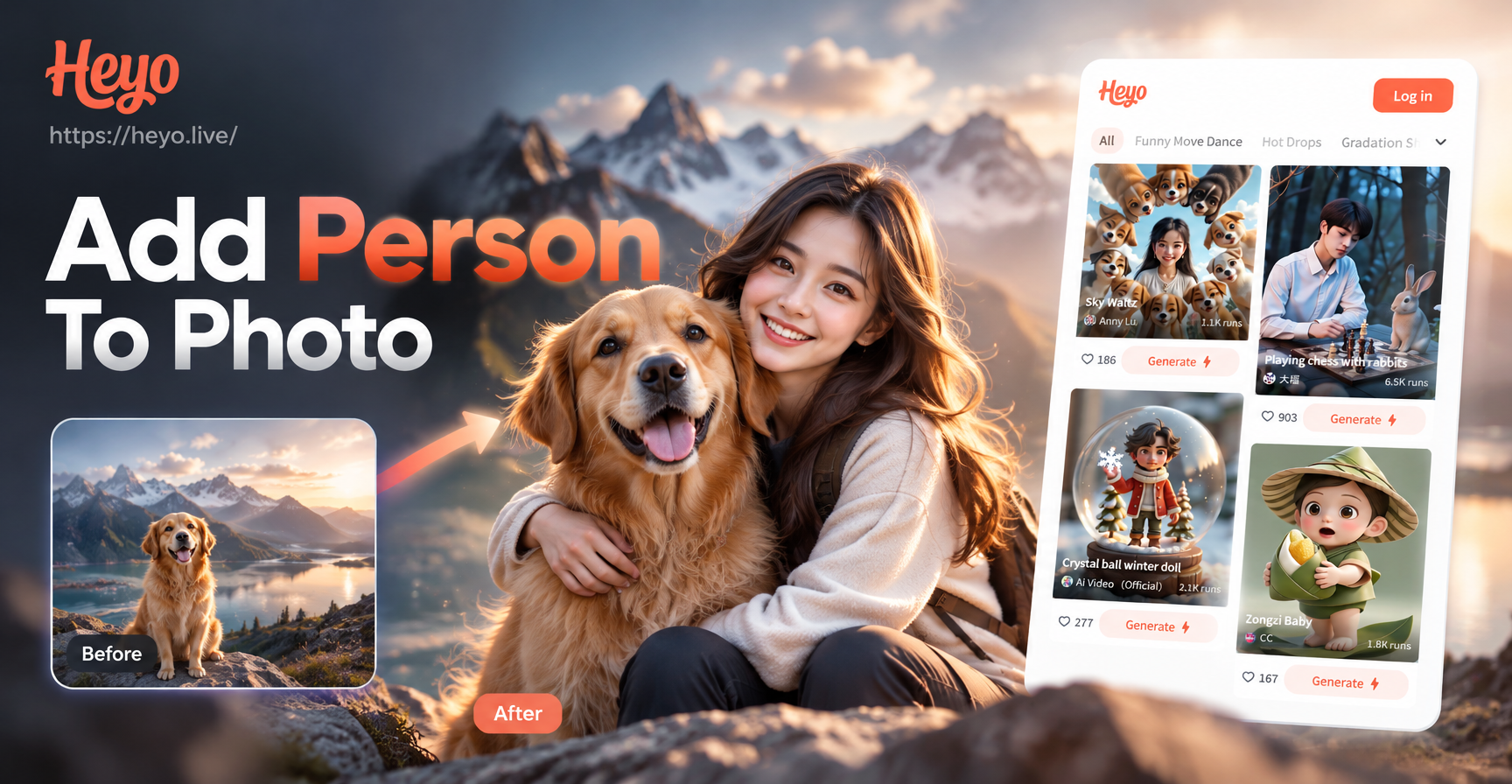
Add Person To Photo with AI: Make Anyone Appear in Seconds
Add Person To Photo with AI. Upload a photo, choose a style, and watch missing people appear naturally. Perfect for group photos, family portraits, and more.
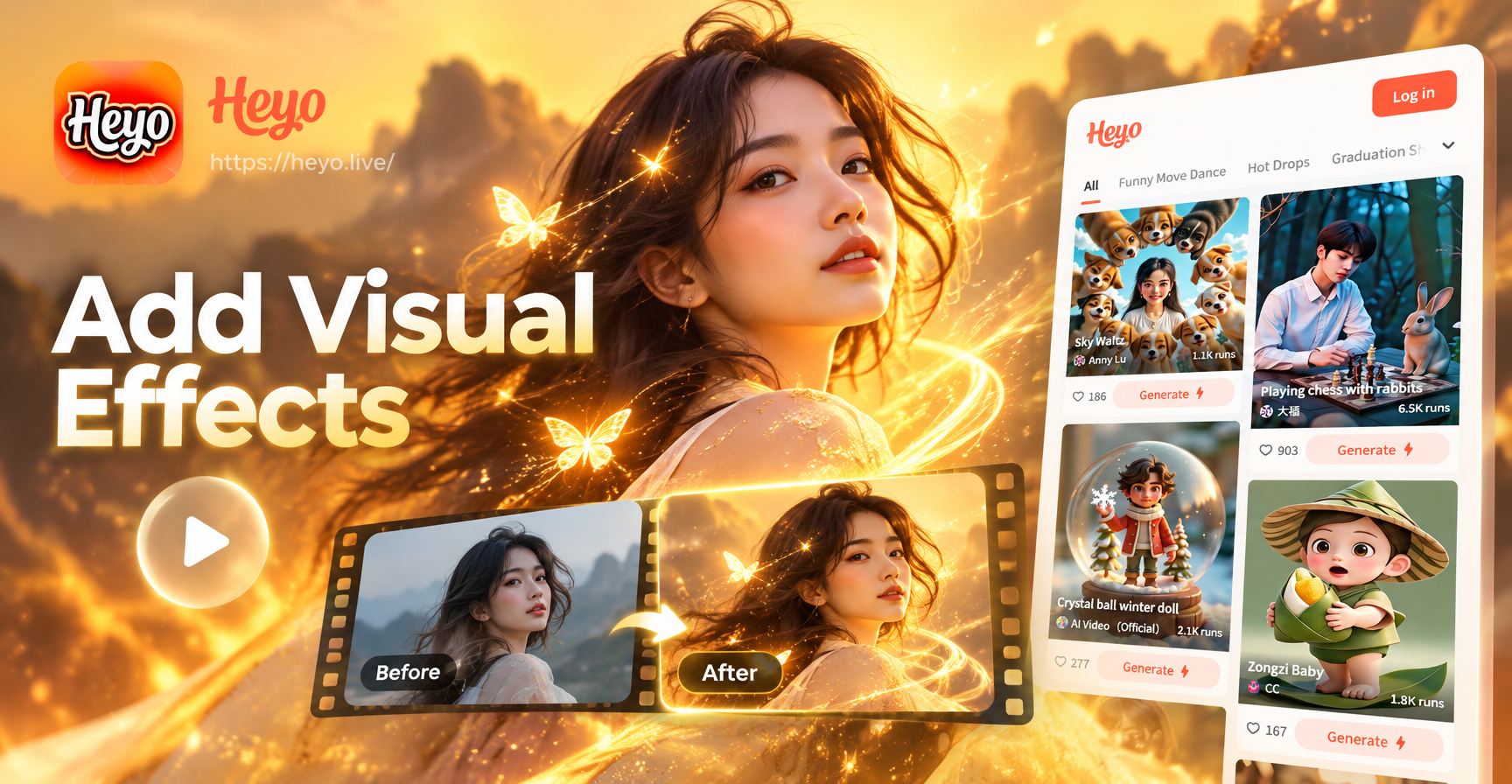
Add Visual Effects To Video - AI Powered Creative Tool | heyo
Create stunning Add Visual Effects To Video with heyo AI. Generate images, videos, and art instantly with one tap. Download the app and start creating today.
Ready to Transform Yourself into an Animal?
Download heyo now and start using the Animal Face Filter. Create funny animal face swaps, share with friends, and go viral on social media. Free to download on Google Play.
Ready to Transform Yourself into an Animal?
Download heyo now and start using the Animal Face Filter. Create funny animal face swaps, share with friends, and go viral on social media. Free to download on Google Play.