Add Angel Wings To A Photo
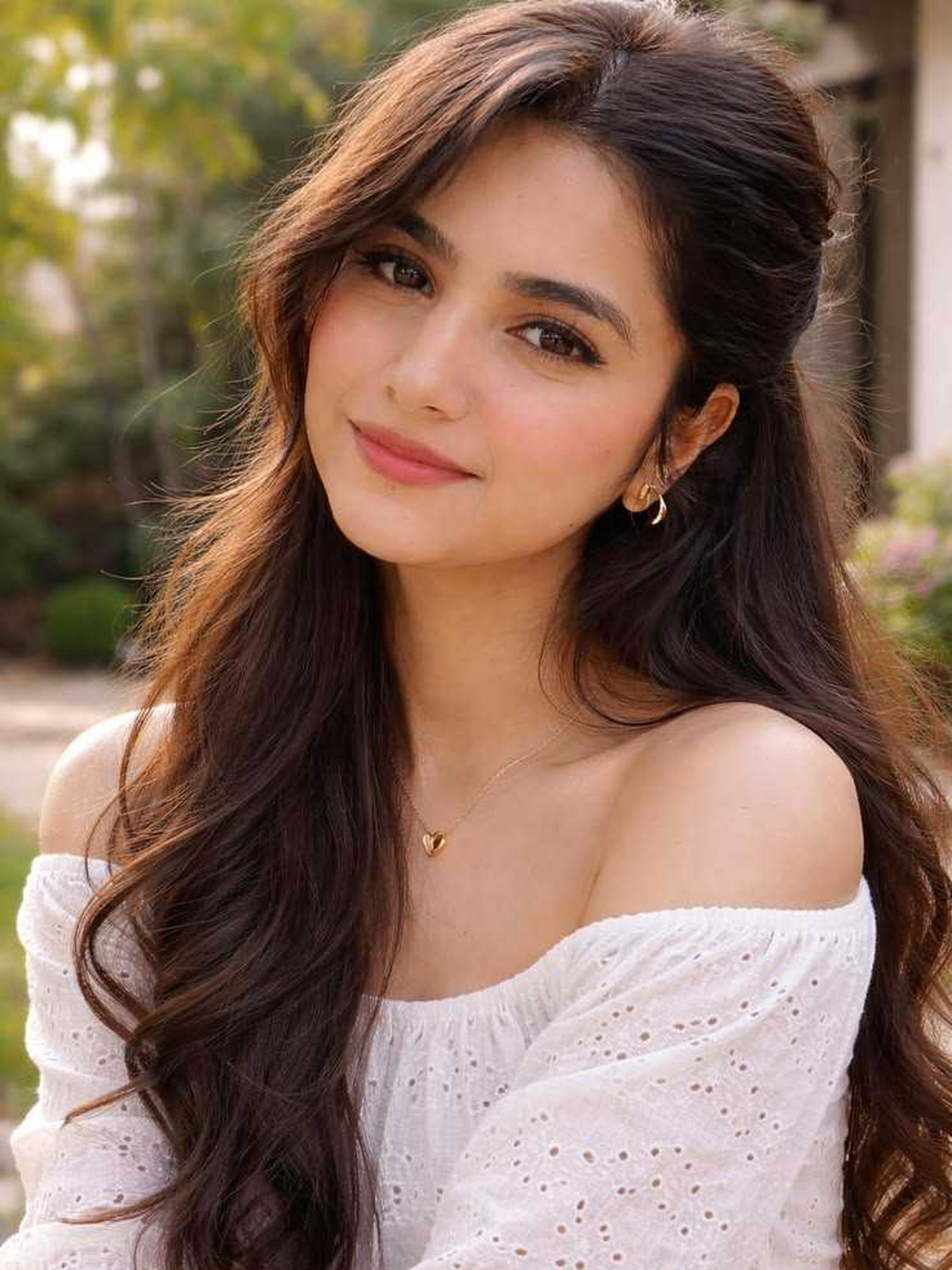
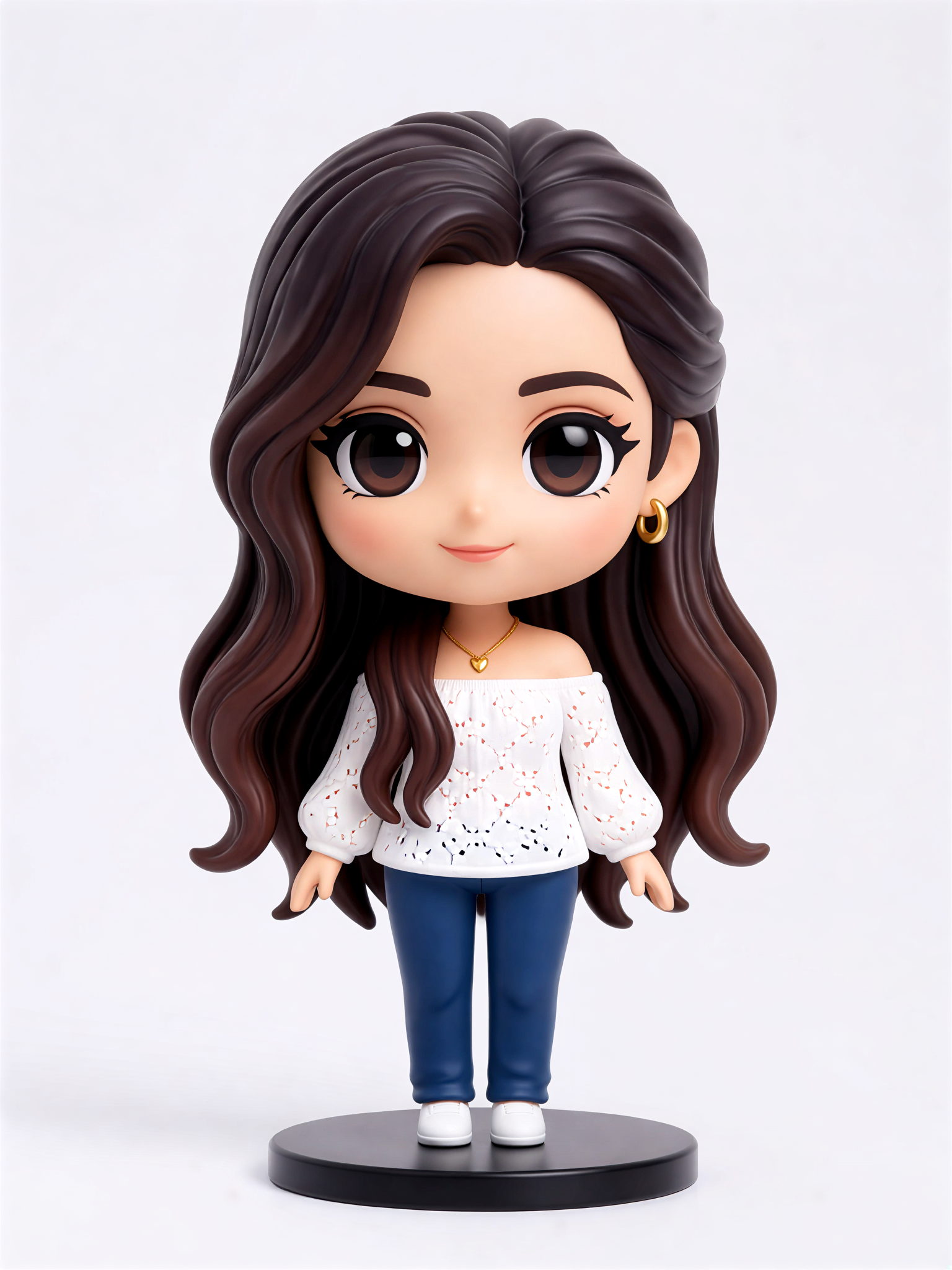
Cute Figurine

Key Features of Angel Wings Photo Effect
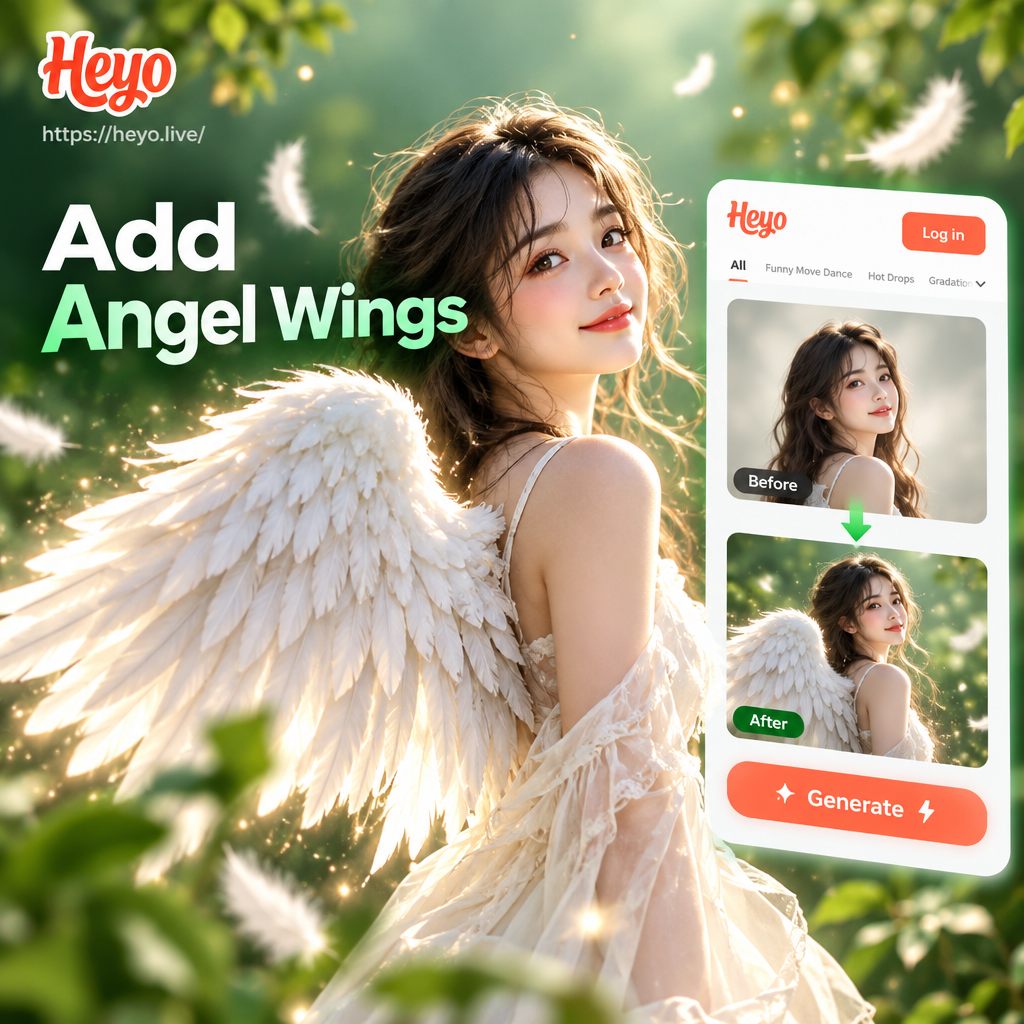
Create dreamy angel wing photos with advanced AI tools that handle lighting, shadows, and feather details automatically. Perfect for profile pictures, fantasy art, and memorable social posts.
Realistic Feather Details
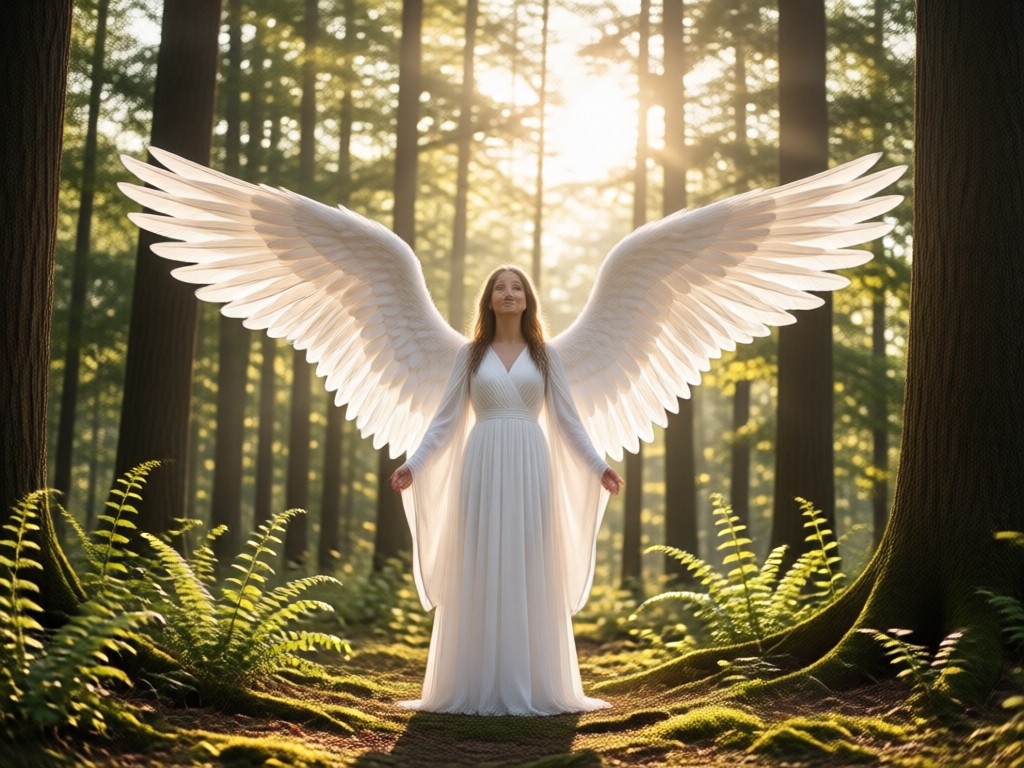
The AI adds layered feathers with soft shading and natural wing movement, making the wings look like they belong in the original photo. Choose from white, golden, black, and pastel wing styles.
Realistic Feather Details
The AI adds layered feathers with soft shading and natural wing movement, making the wings look like they belong in the original photo. Choose from white, golden, black, and pastel wing styles.
One Tap Style Selection
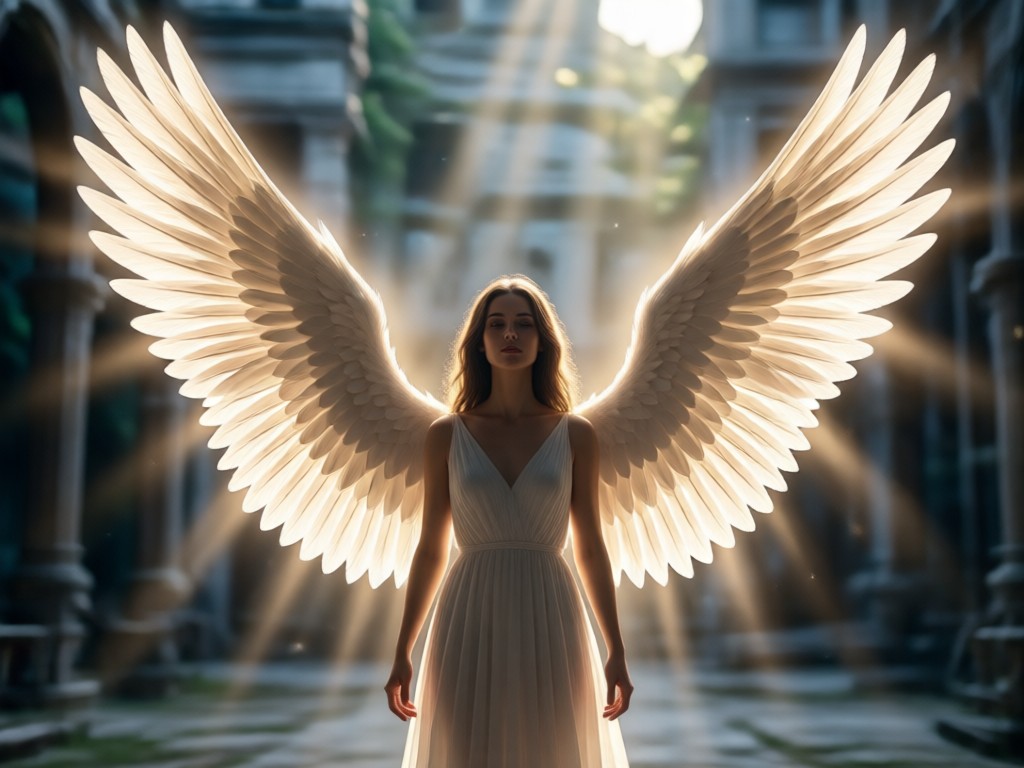
Browse dozens of angel wing templates from classic white to dramatic dark wings. Each template adjusts to your body pose and background lighting for a believable result.
One Tap Style Selection
Browse dozens of angel wing templates from classic white to dramatic dark wings. Each template adjusts to your body pose and background lighting for a believable result.
Fast Mobile Generation
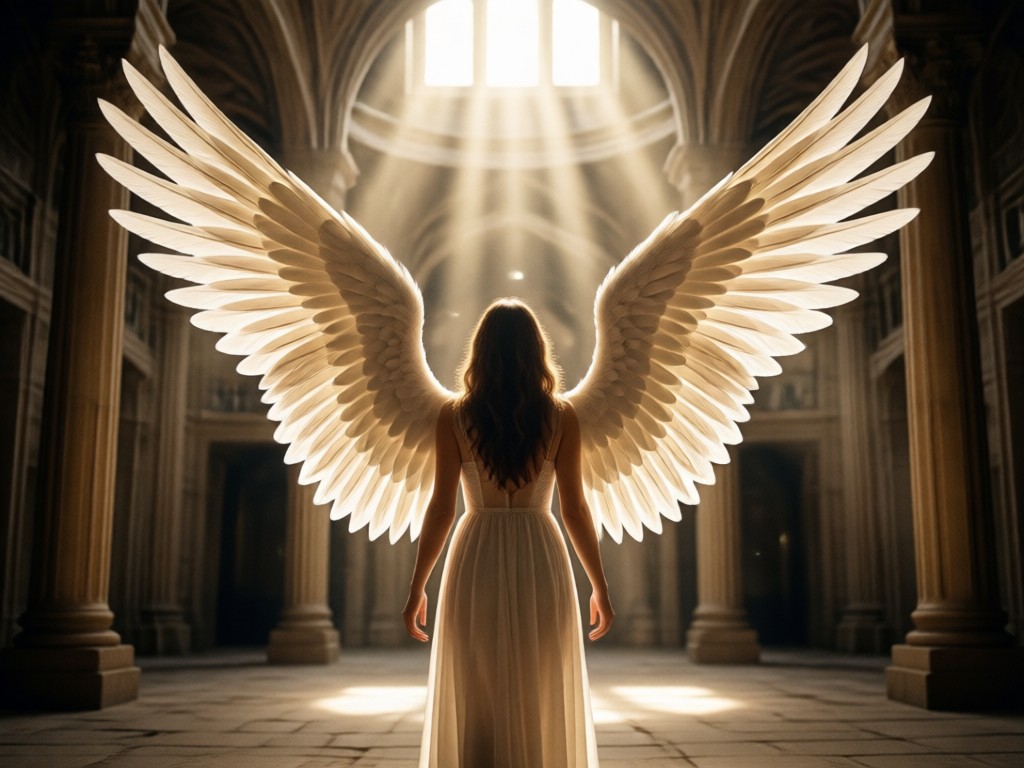
No desktop software needed. Upload a selfie or portrait, tap generate, and get a high resolution angel wing photo in under 30 seconds. Share directly to social media.
Fast Mobile Generation
No desktop software needed. Upload a selfie or portrait, tap generate, and get a high resolution angel wing photo in under 30 seconds. Share directly to social media.
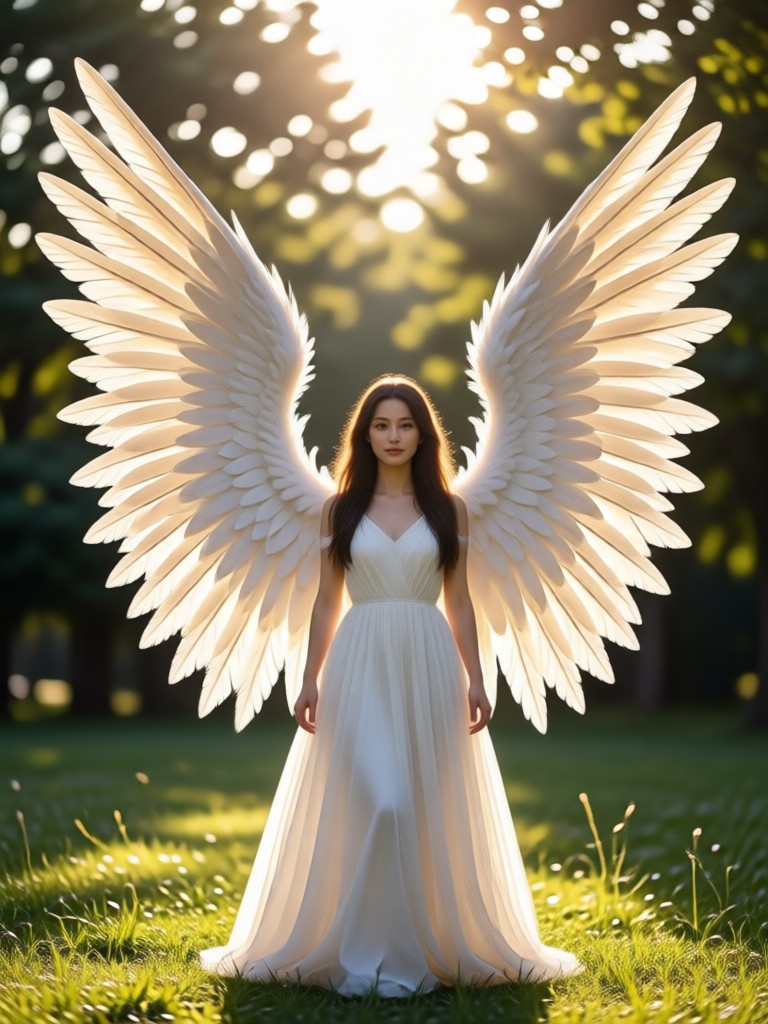
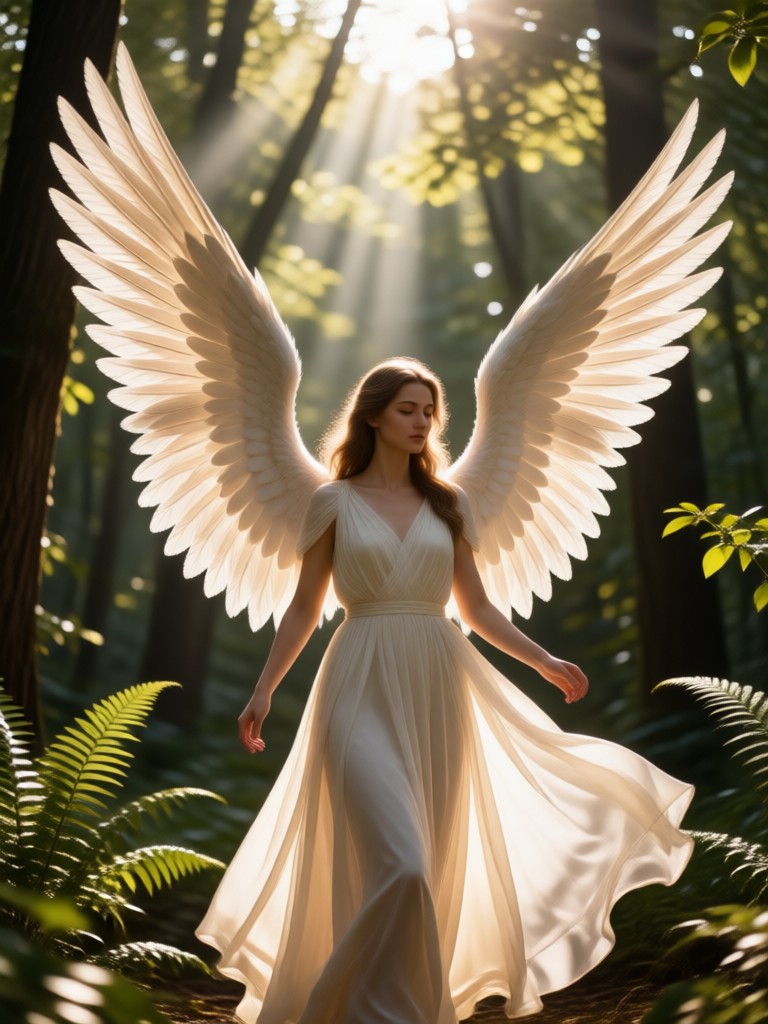
Angel Wings Photo Transformations
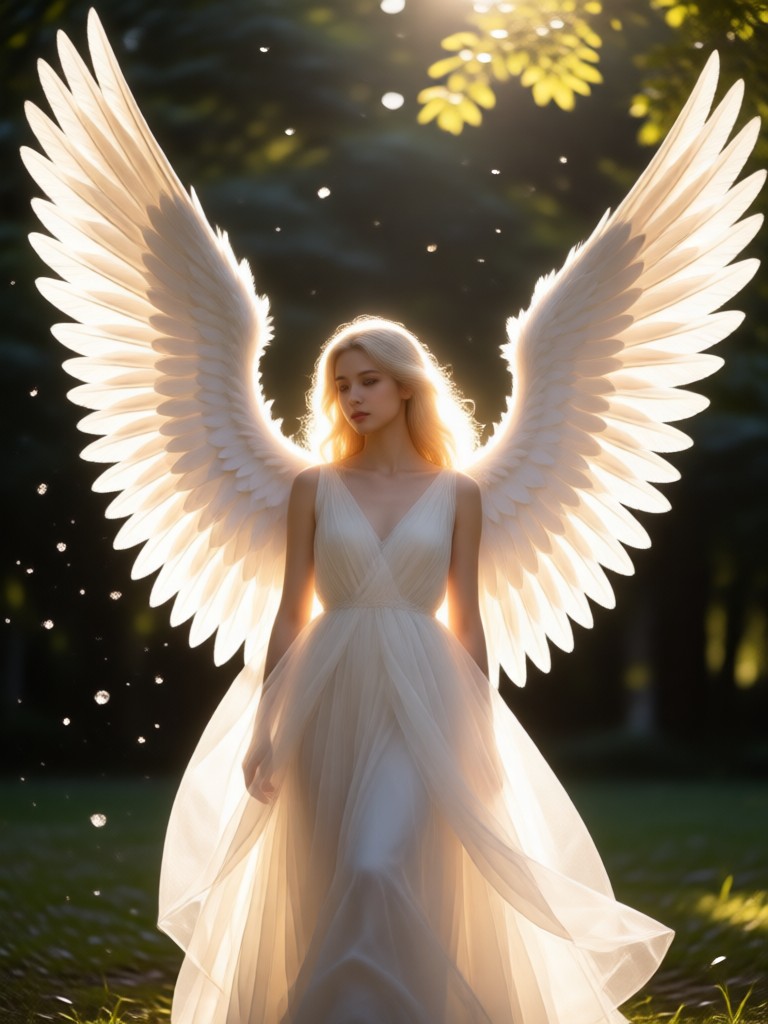
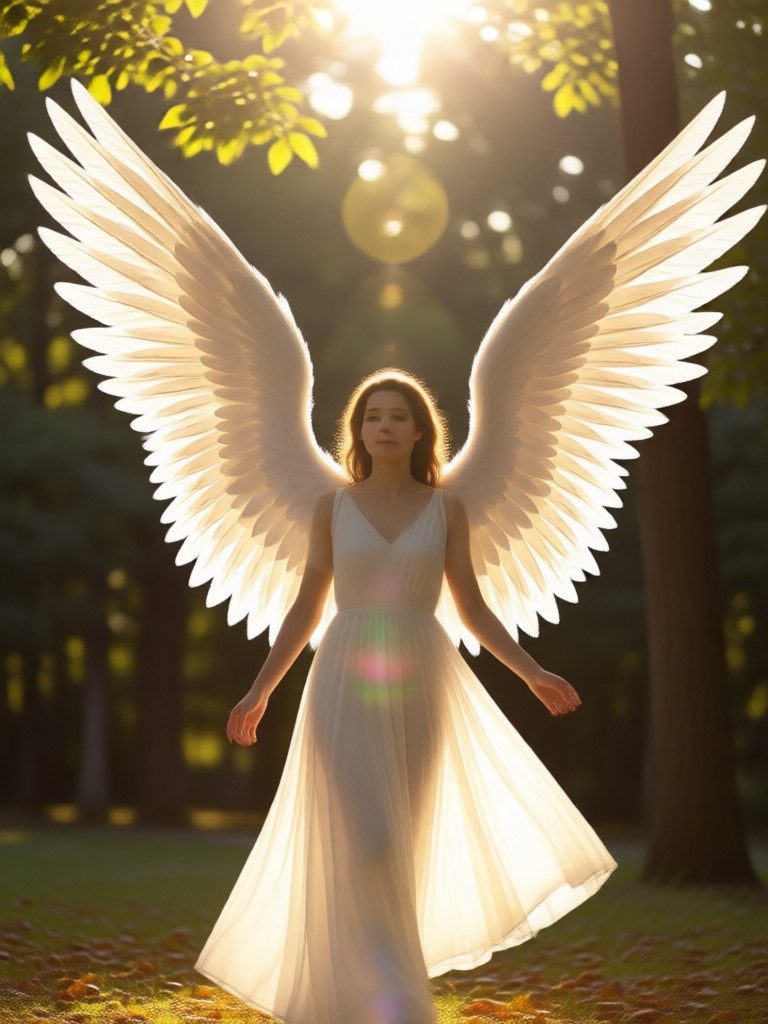
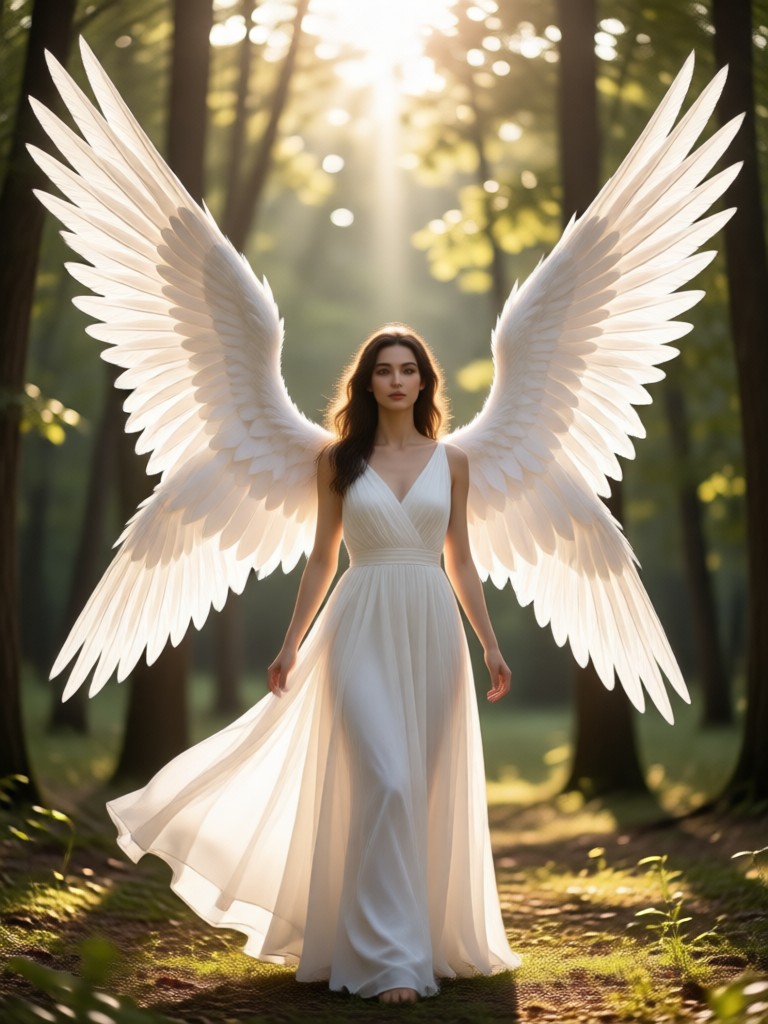
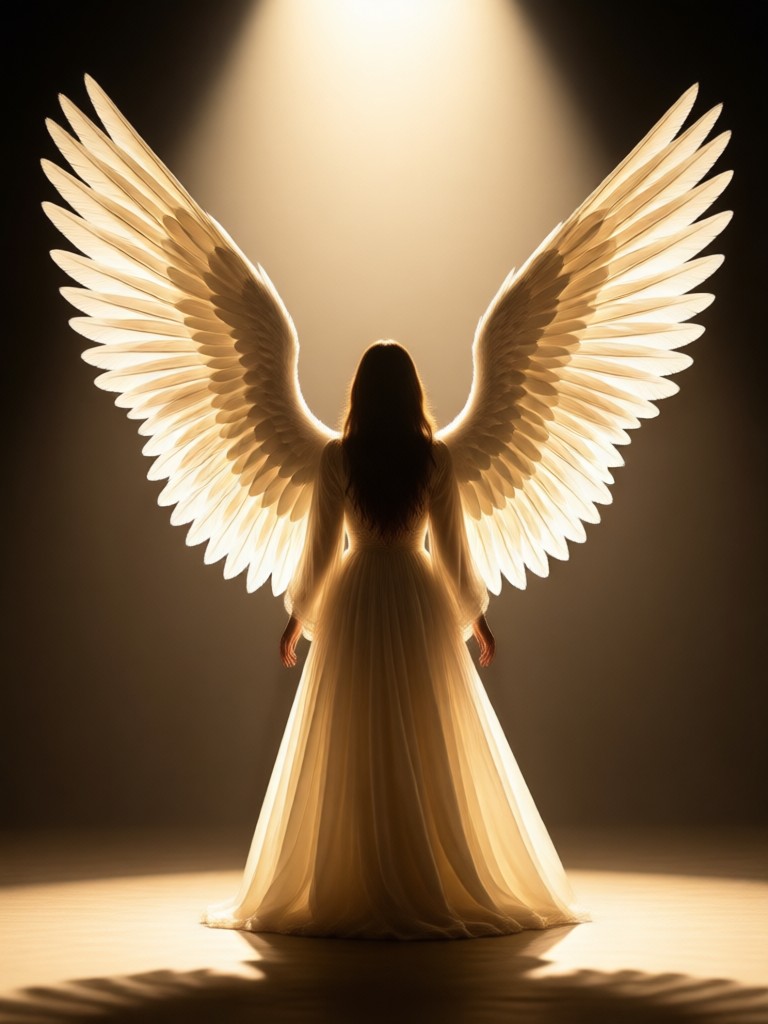
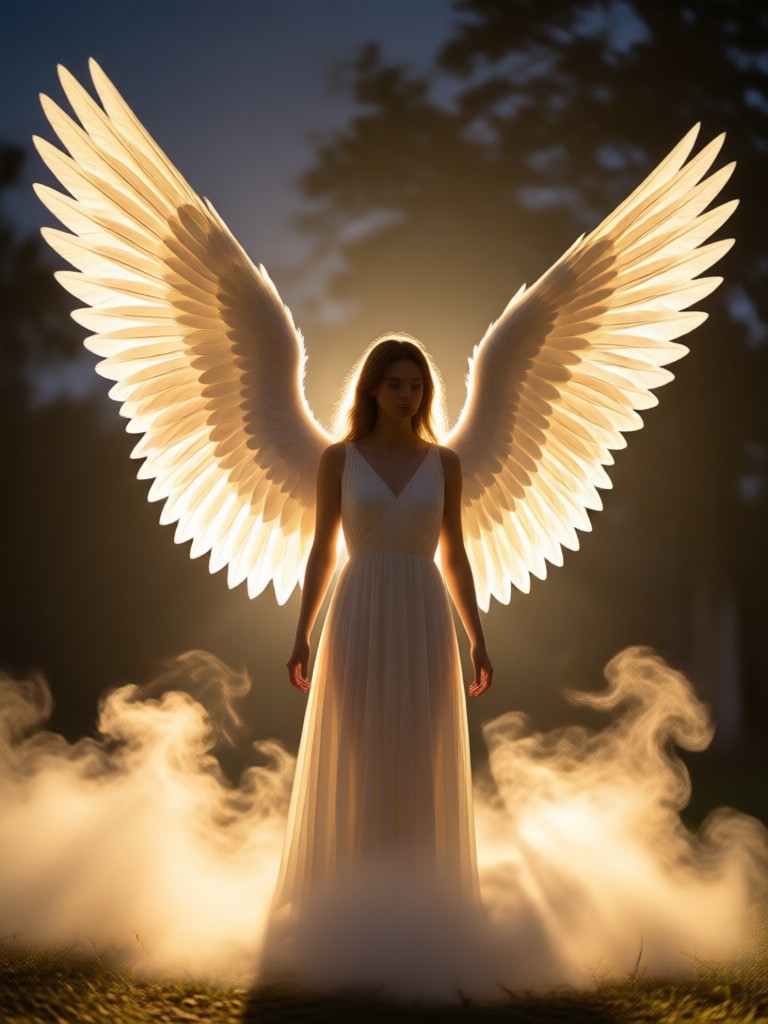
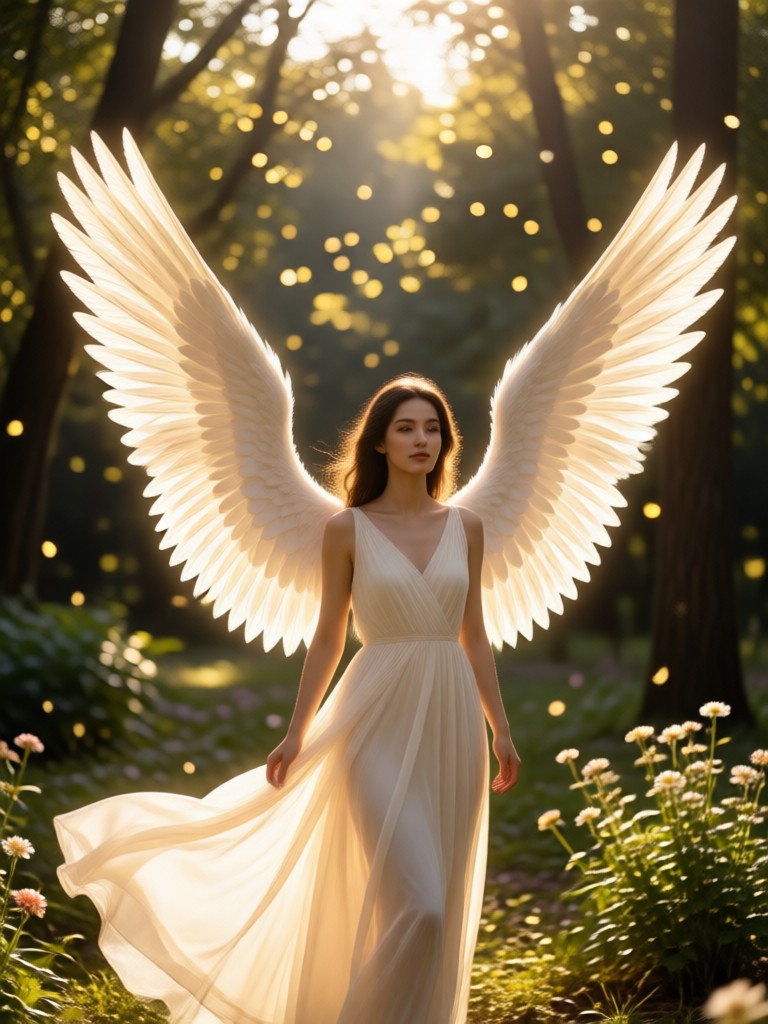
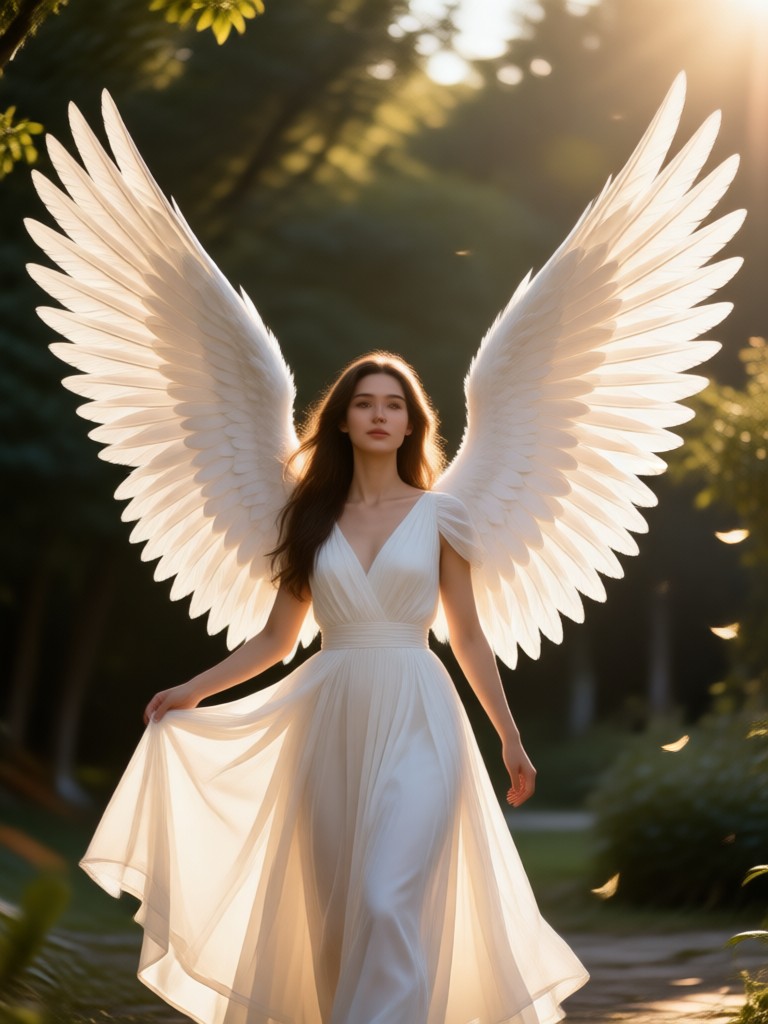
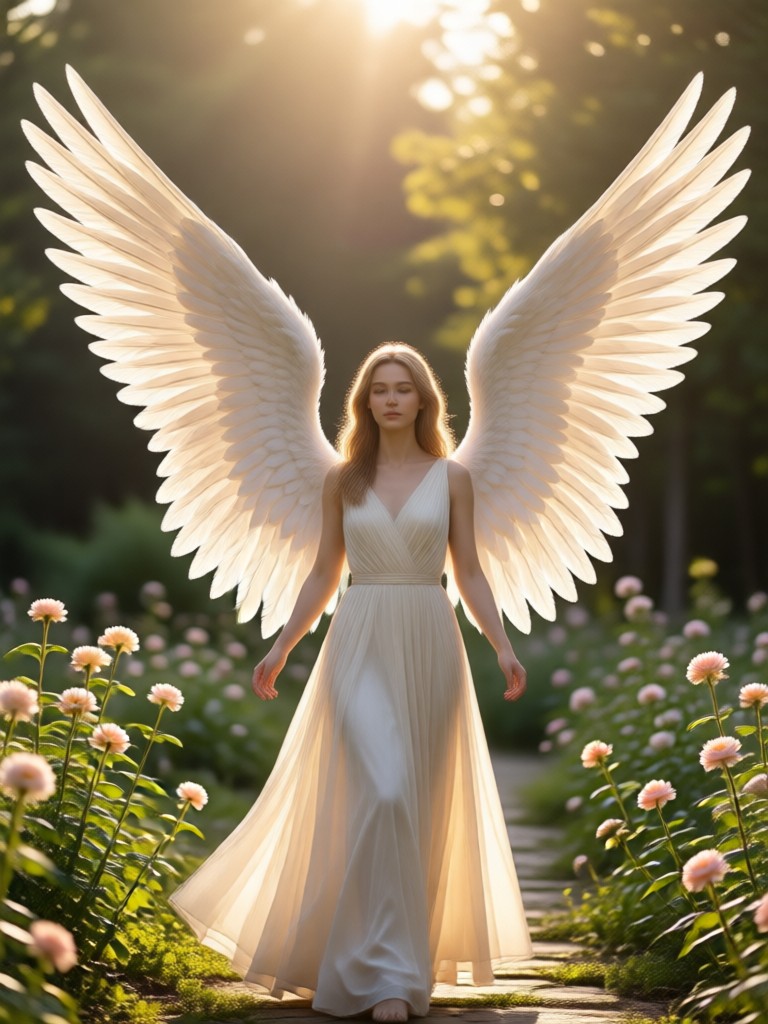
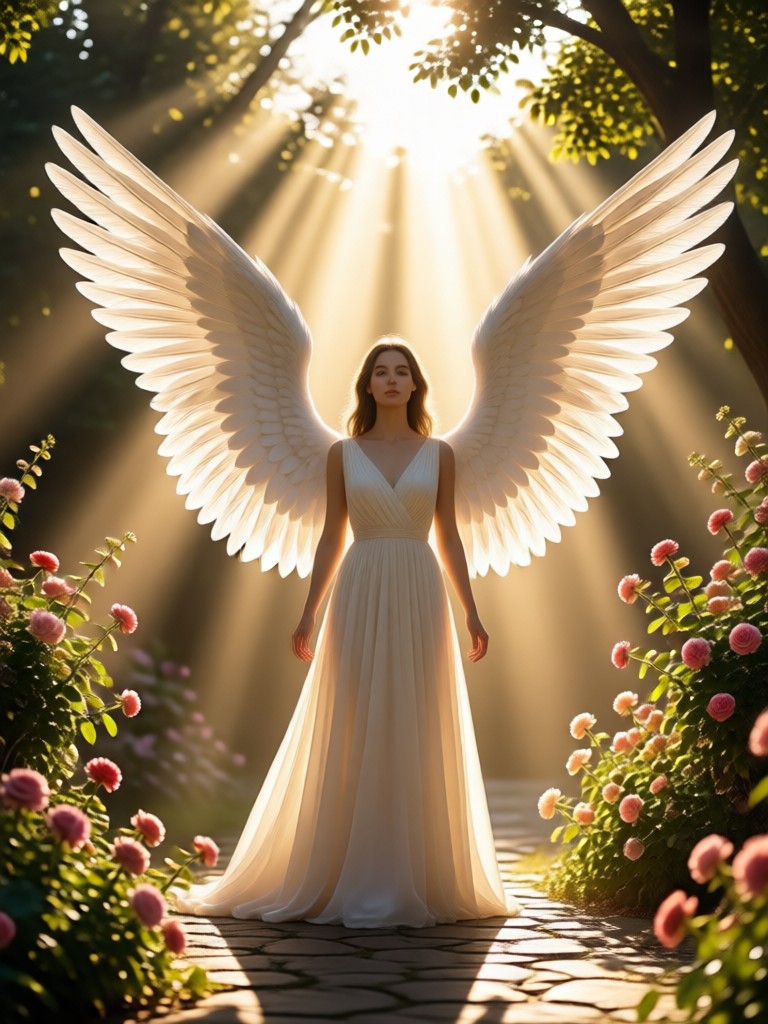
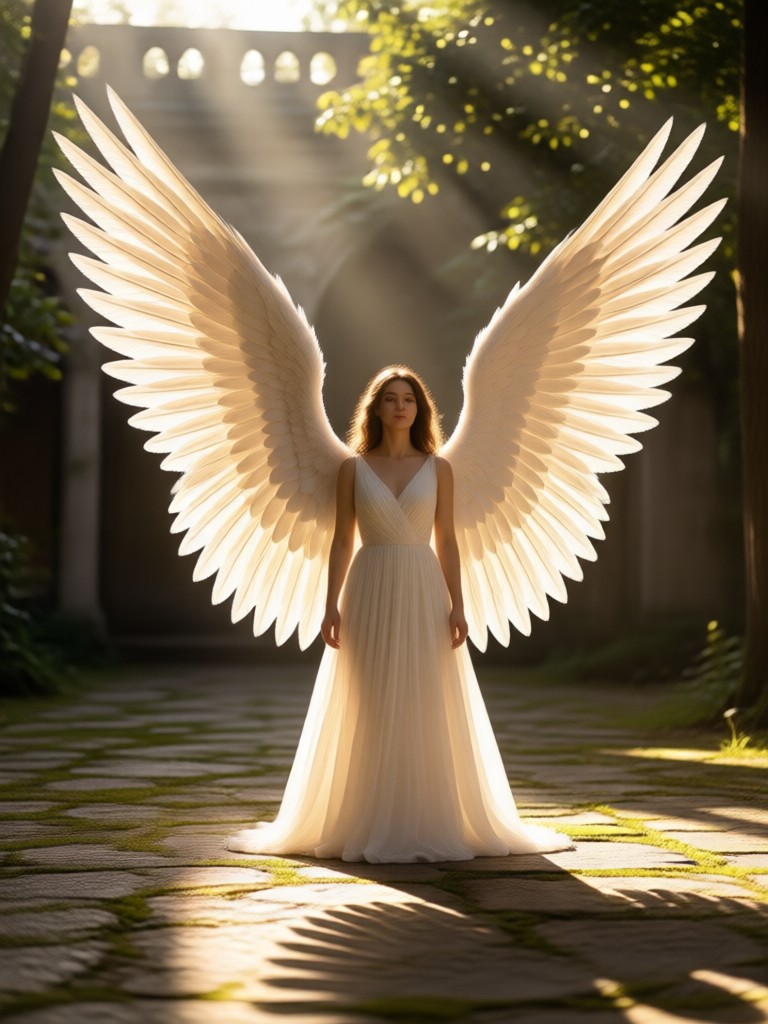
See how heyo turns ordinary portraits into heavenly masterpieces. Browse real examples of angel wing effects applied to different poses and lighting. Get inspired and create your own.
How to Add Angel Wings to a Photo
Follow three simple steps to transform your photo with beautiful angel wings using the heyo app.

Step 01.
Download the heyo app from Google Play and open the angel wings filter. No account setup is required to start creating.
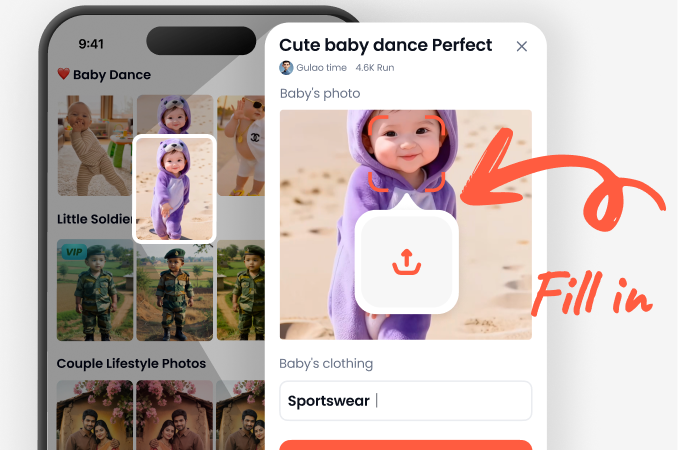
Step 02.
Select the angel wings style you like. Adjust the position, size, and color intensity if needed to match your photo perfectly.
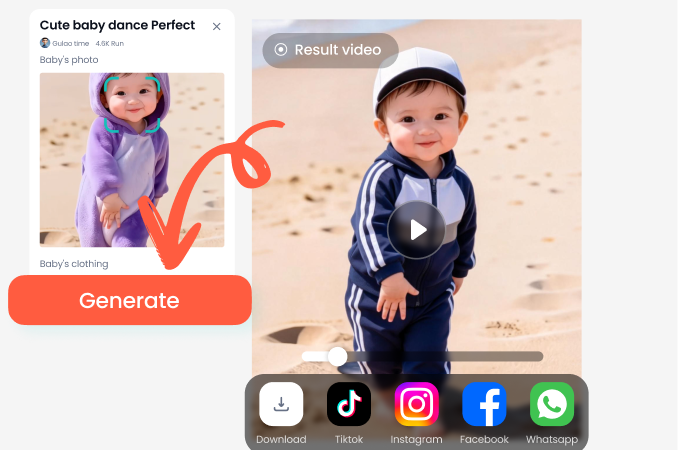
Step 03.
Tap generate and wait a few seconds. Save your new angel wing photo to your gallery and share it with friends or on social media.
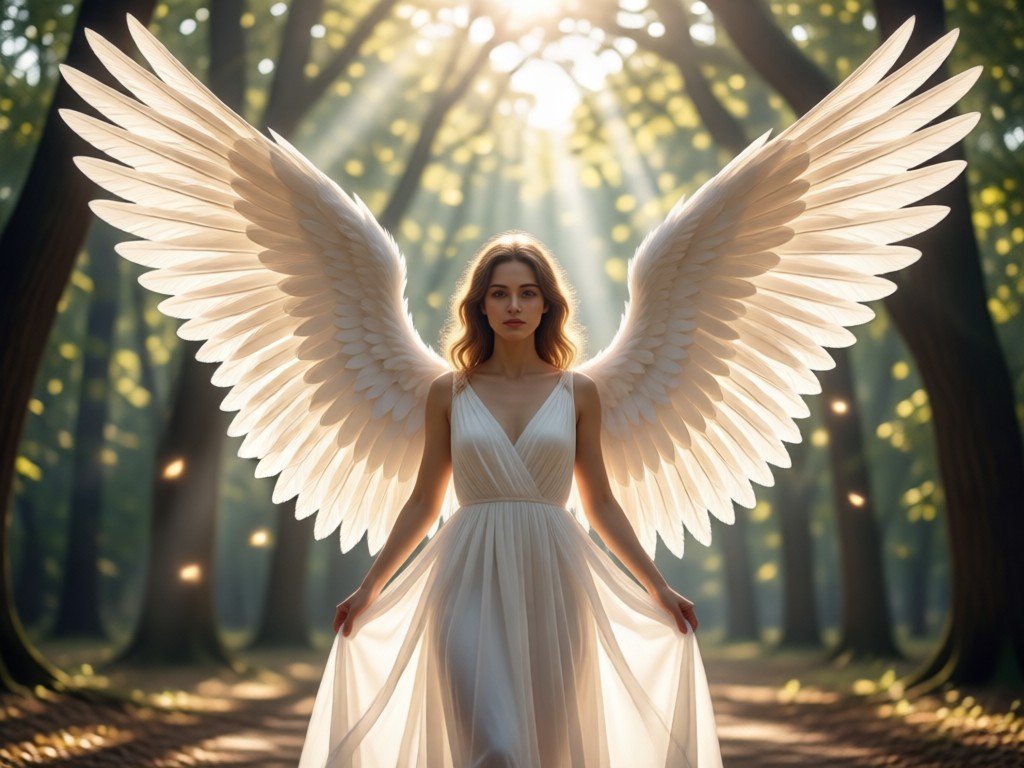
Why Use heyo to Add Angel Wings?
heyo delivers studio quality angel wing effects without expensive software or design experience. The AI understands body pose, lighting, and background so the wings look naturally attached.
Why Use heyo to Add Angel Wings?
heyo delivers studio quality angel wing effects without expensive software or design experience. The AI understands body pose, lighting, and background so the wings look naturally attached.
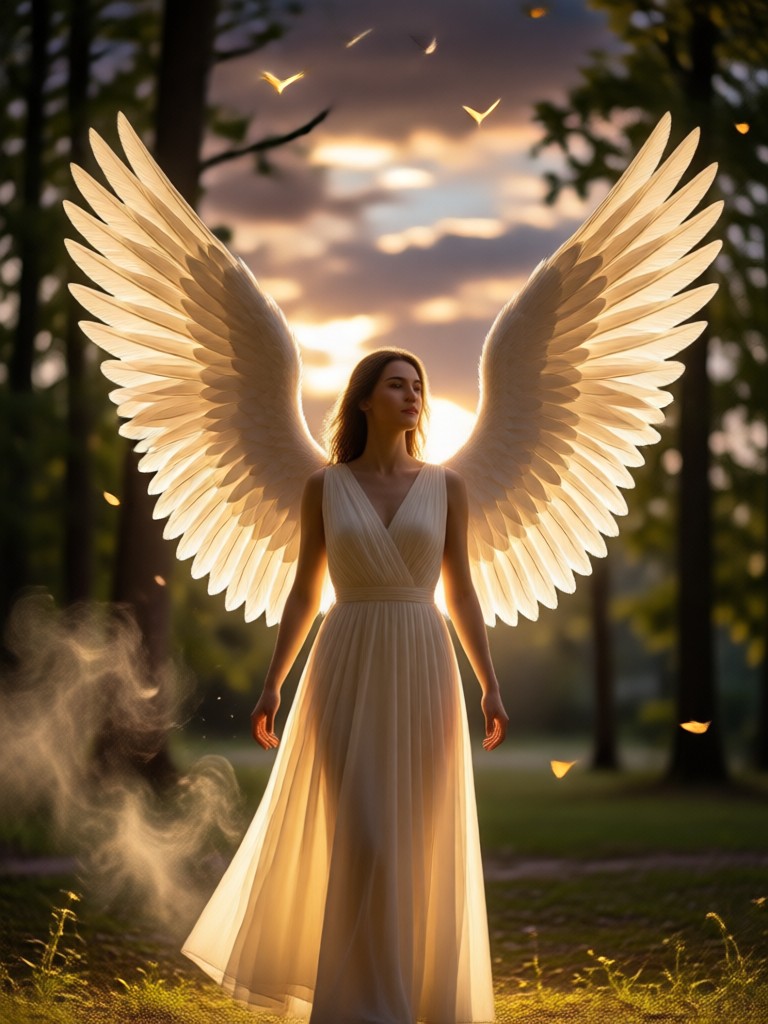
Get the Angel Wings Effect on Your Phone
Download heyo from Google Play and start adding angel wings to your photos in minutes. The app includes free templates and regular updates with new wing styles.

Who Loves Adding Angel Wings to Photos?
Mira K.
I used heyo to add angel wings to my graduation photo and everyone asked how I did it. The feathers look so real and the lighting matched perfectly.
Sam T.
I create fantasy portraits for my Instagram and heyo saves me hours. The angel wing filter is my favorite, it blends perfectly with any background.
Elena R.
My daughter wanted a fairy angel photo for her birthday invitation. We uploaded a simple portrait and got a magical result in seconds. She was thrilled.
Jordan P.
The wing styles are amazing. From soft white feathers to dramatic black wings, I can match any mood. The app is incredibly easy to use.
Mira K.
I used heyo to add angel wings to my graduation photo and everyone asked how I did it. The feathers look so real and the lighting matched perfectly.
Sam T.
I create fantasy portraits for my Instagram and heyo saves me hours. The angel wing filter is my favorite, it blends perfectly with any background.
Elena R.
My daughter wanted a fairy angel photo for her birthday invitation. We uploaded a simple portrait and got a magical result in seconds. She was thrilled.
Jordan P.
The wing styles are amazing. From soft white feathers to dramatic black wings, I can match any mood. The app is incredibly easy to use.
Mira K.
I used heyo to add angel wings to my graduation photo and everyone asked how I did it. The feathers look so real and the lighting matched perfectly.
Sam T.
I create fantasy portraits for my Instagram and heyo saves me hours. The angel wing filter is my favorite, it blends perfectly with any background.
Elena R.
My daughter wanted a fairy angel photo for her birthday invitation. We uploaded a simple portrait and got a magical result in seconds. She was thrilled.
Jordan P.
The wing styles are amazing. From soft white feathers to dramatic black wings, I can match any mood. The app is incredibly easy to use.
Frequently Asked Questions
Find answers to common questions about adding angel wings to photos with heyo.
More Topics You May Like
Explore more creative effects and photo transformation ideas.

Add Person To Photo with AI: Make Anyone Appear in Seconds
Add Person To Photo with AI. Upload a photo, choose a style, and watch missing people appear naturally. Perfect for group photos, family portraits, and more.

Add Santa Hat To Photo: Instant AI Christmas Magic
Add Santa Hat To Photo in seconds with heyo. Upload any picture, choose a festive style, and get a realistic holiday portrait instantly. No editing skills needed.

Turn Any Photo Into a Painting With AI
Turn any photo into a stunning painting with heyo. Choose oil, watercolor, acrylic, and sketch styles. Generate high resolution AI art in seconds with no design skills needed.
Photo to Sketch: Turn Any Image into Pencil Art
Transform photos into realistic pencil sketches with AI. Upload any image, choose a style, and get high quality sketch results in seconds. No design skills needed.
Ready to Add Angel Wings to Your Photo?
Download heyo now and turn your ordinary portraits into stunning angelic artwork. Choose from dozens of wing styles and share your favorite transformations in minutes.
Ready to Add Angel Wings to Your Photo?
Download heyo now and turn your ordinary portraits into stunning angelic artwork. Choose from dozens of wing styles and share your favorite transformations in minutes.