Cinematic Smoky Portrait
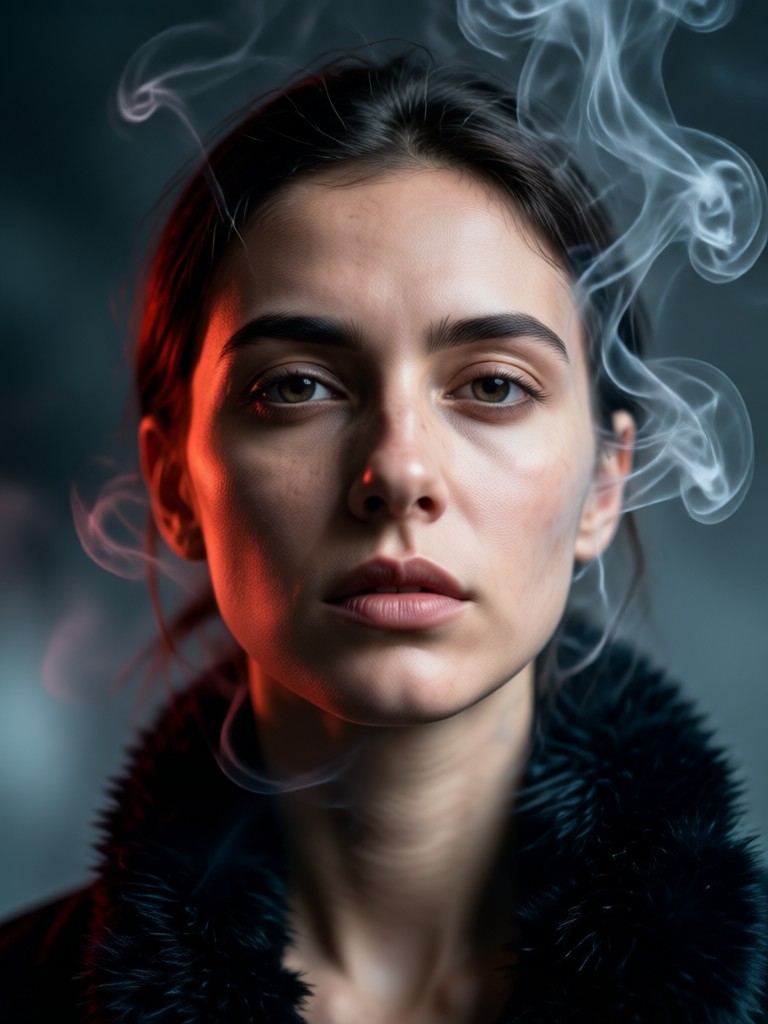
Explore Moody & Atmospheric Portrait Filters
Beyond smoky effects, discover a full suite of AI filters designed to evoke emotion and drama in your portraits.
Why Choose Our Cinematic Smoky Portrait AI
Our AI doesn't just overlay smoke. It intelligently integrates atmospheric elements with your portrait's lighting, depth, and composition for a believable, artistic result.
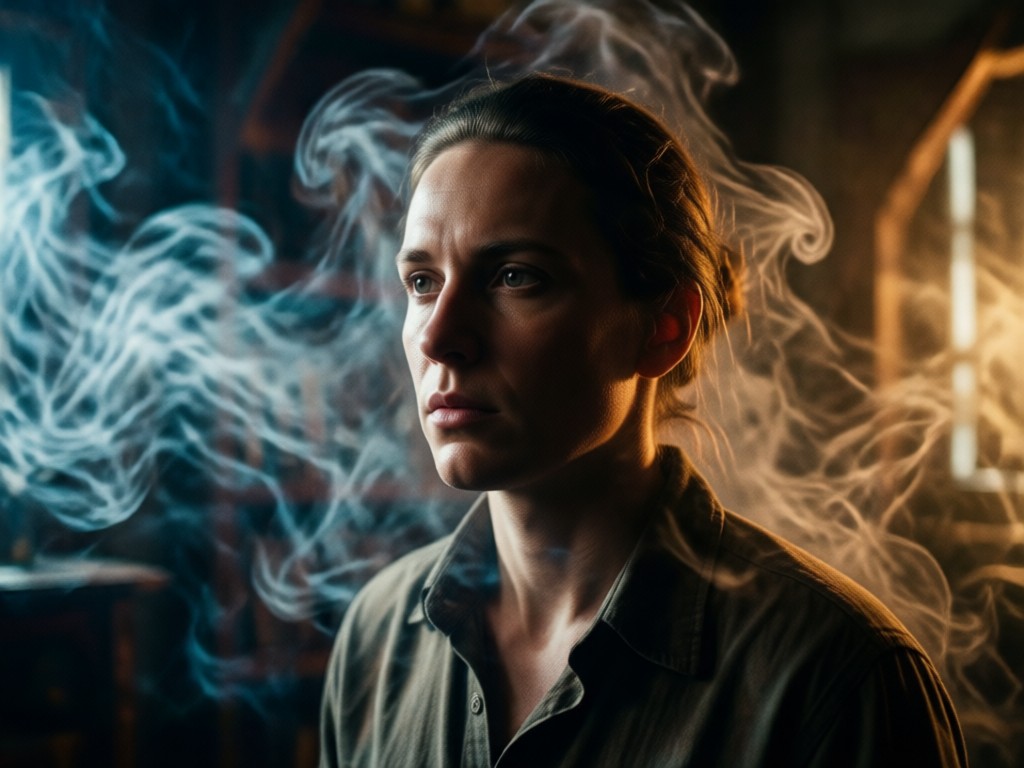
Intelligent Smoke Simulation
The AI generates realistic, volumetric smoke that interacts naturally with your subject. Smoke wraps around features, reacts to implied light sources, and adds depth, avoiding a simple, flat overlay.
Intelligent Smoke Simulation
The AI generates realistic, volumetric smoke that interacts naturally with your subject. Smoke wraps around features, reacts to implied light sources, and adds depth, avoiding a simple, flat overlay.
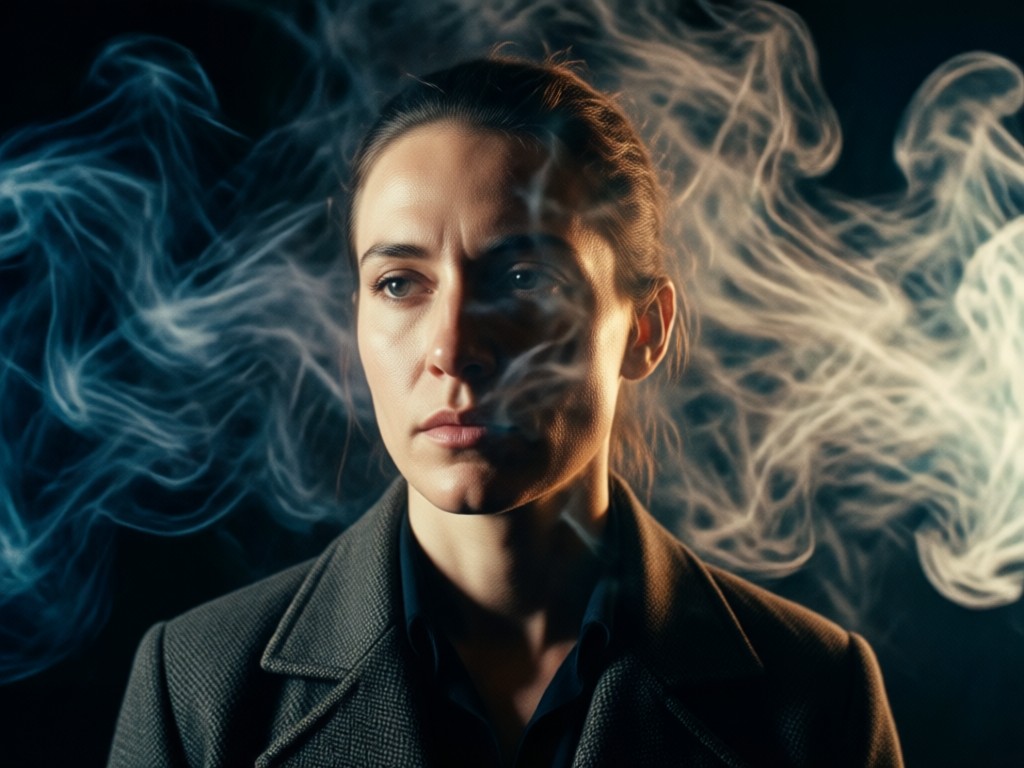
Cinematic Color Grading
Automatically applies professional color palettes inspired by film noir, thriller, and fantasy genres. Adjusts contrast, highlights, and shadows to complement the smoke and enhance the overall mood.
Cinematic Color Grading
Automatically applies professional color palettes inspired by film noir, thriller, and fantasy genres. Adjusts contrast, highlights, and shadows to complement the smoke and enhance the overall mood.
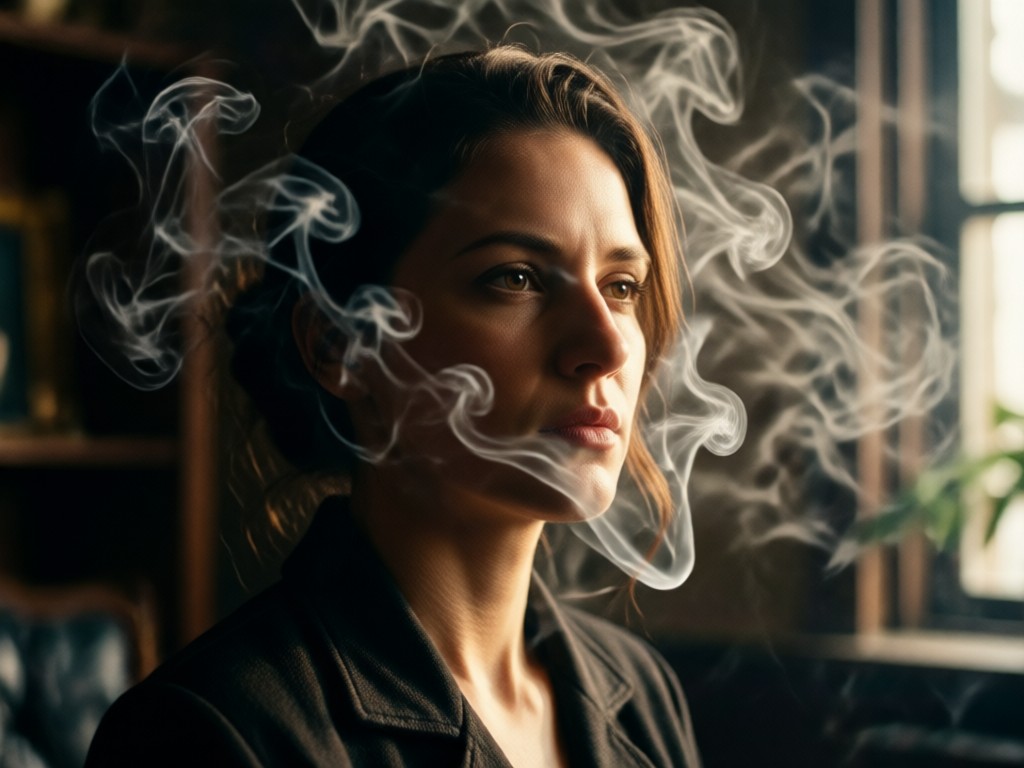
Lighting & Atmosphere Control
Fine-tune the intensity, density, and spread of the smoke effect. Adjust virtual light sources to make the smoke glow or cast dramatic shadows across your subject's face.
Lighting & Atmosphere Control
Fine-tune the intensity, density, and spread of the smoke effect. Adjust virtual light sources to make the smoke glow or cast dramatic shadows across your subject's face.
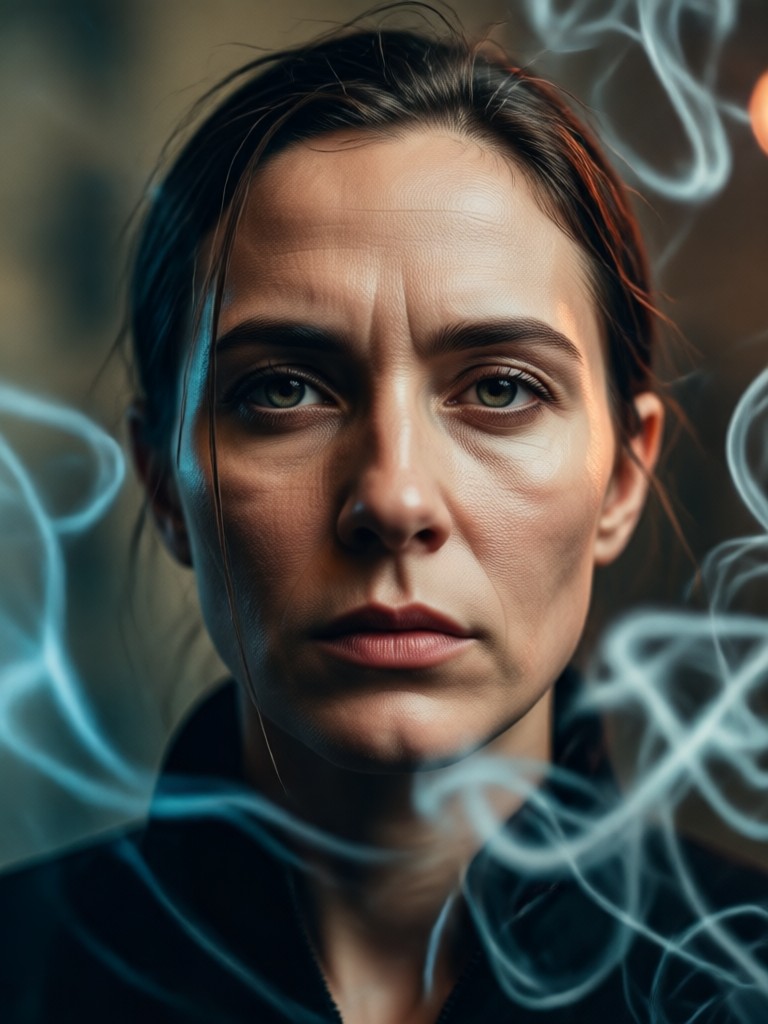
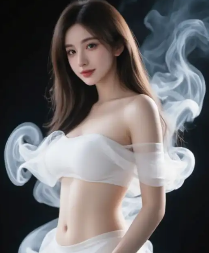
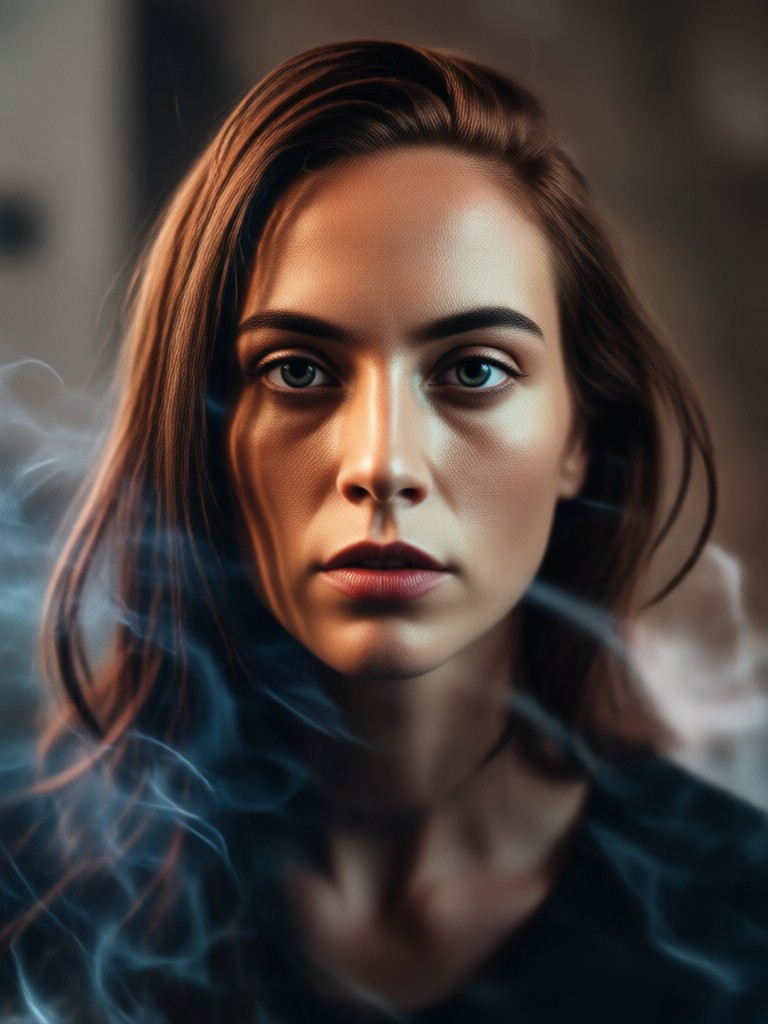
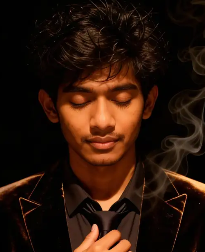
Cinematic Smoky Portrait Gallery
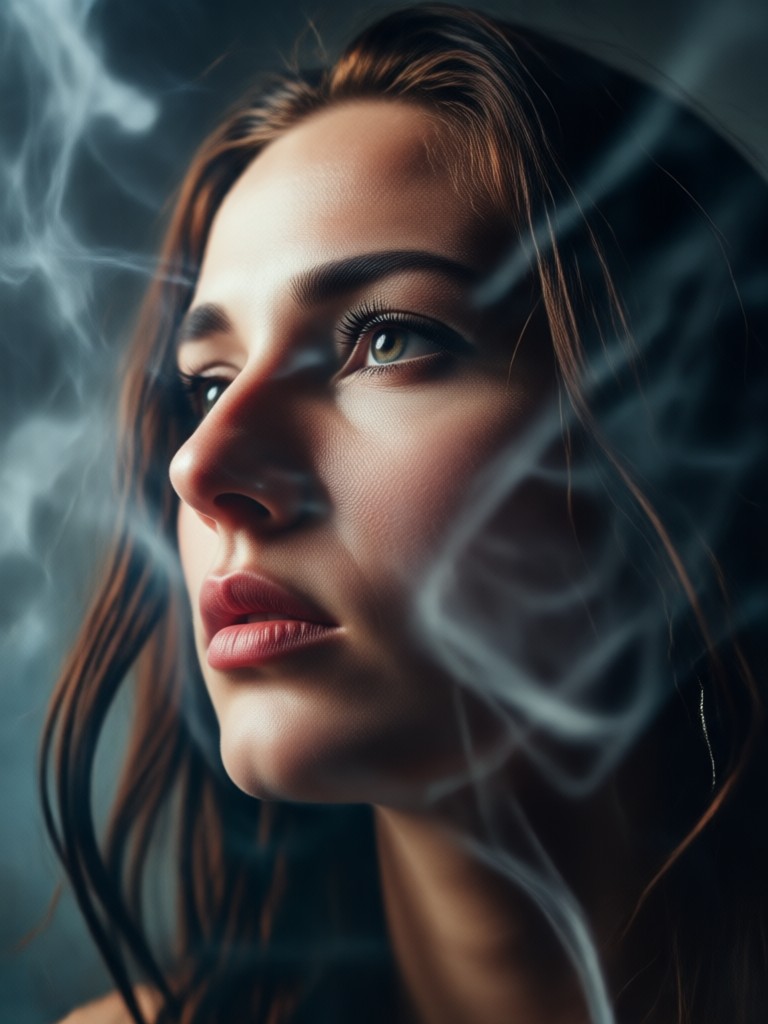
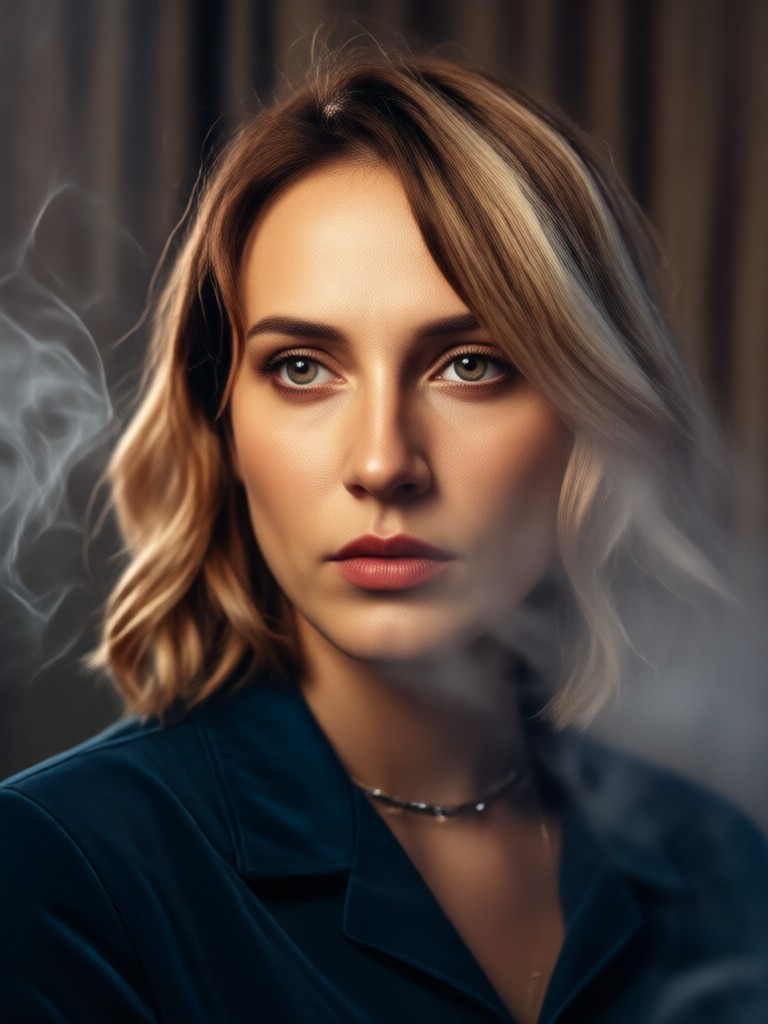
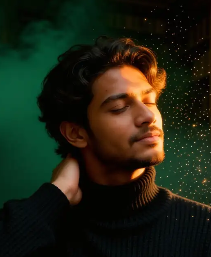
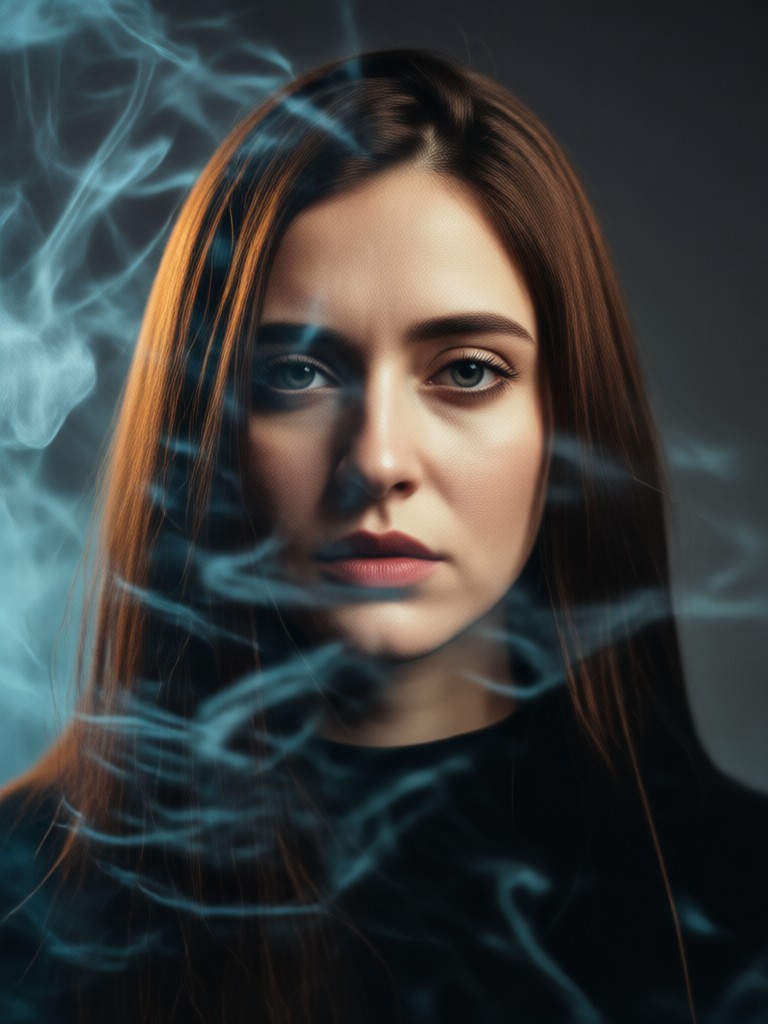
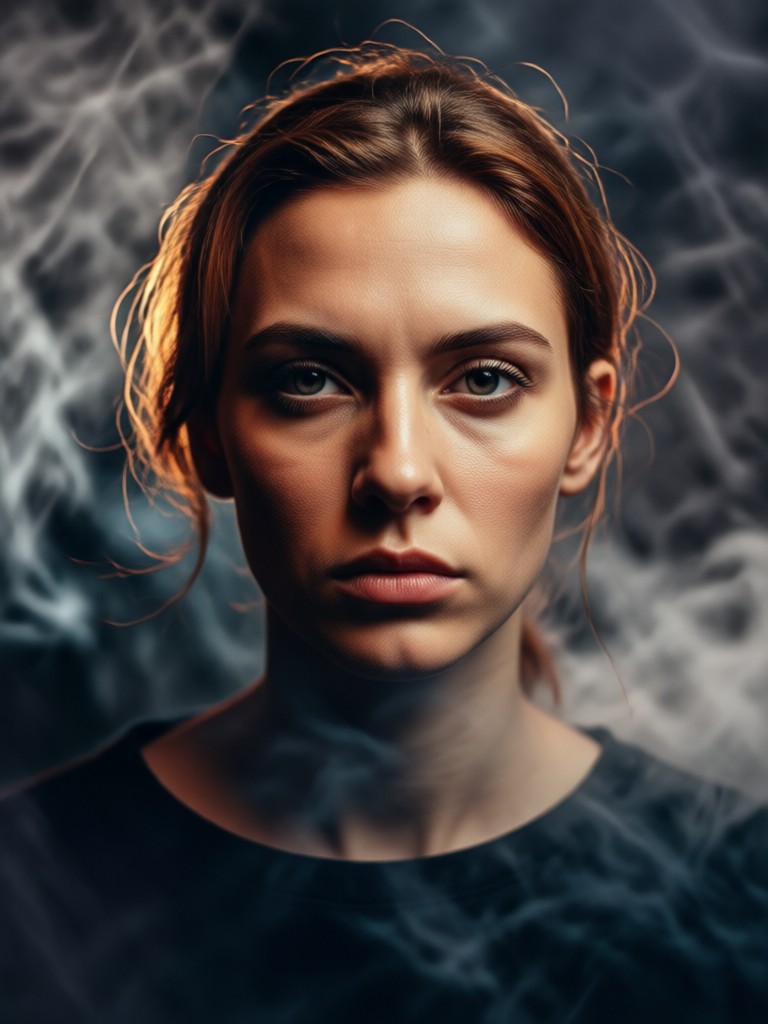
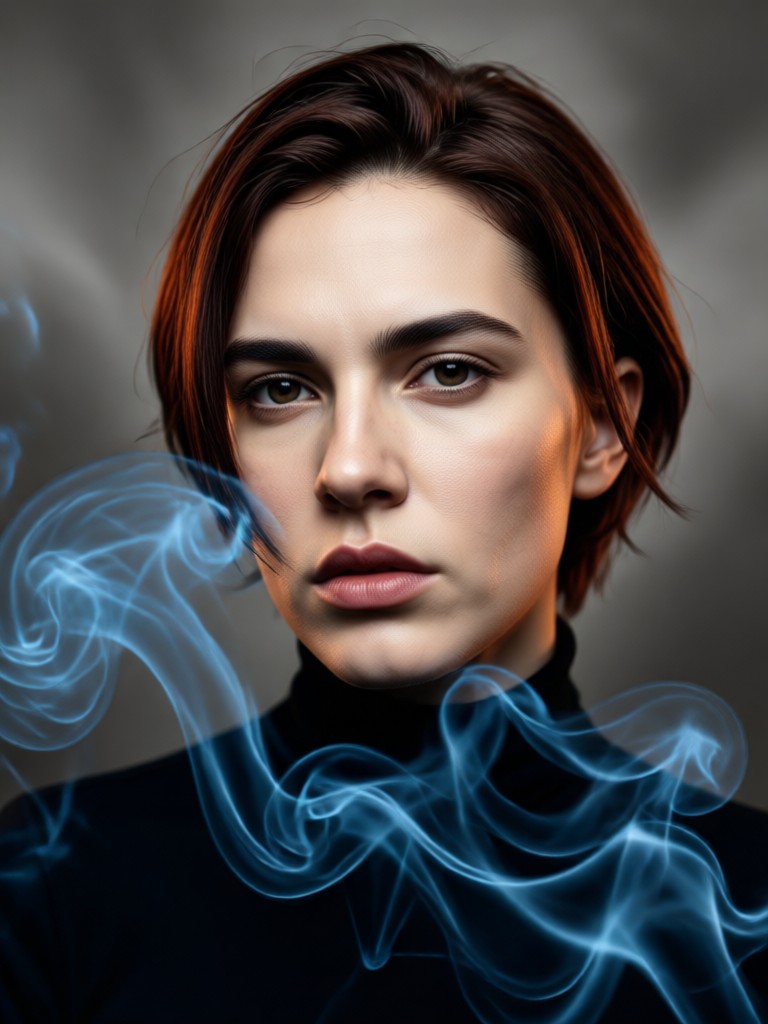
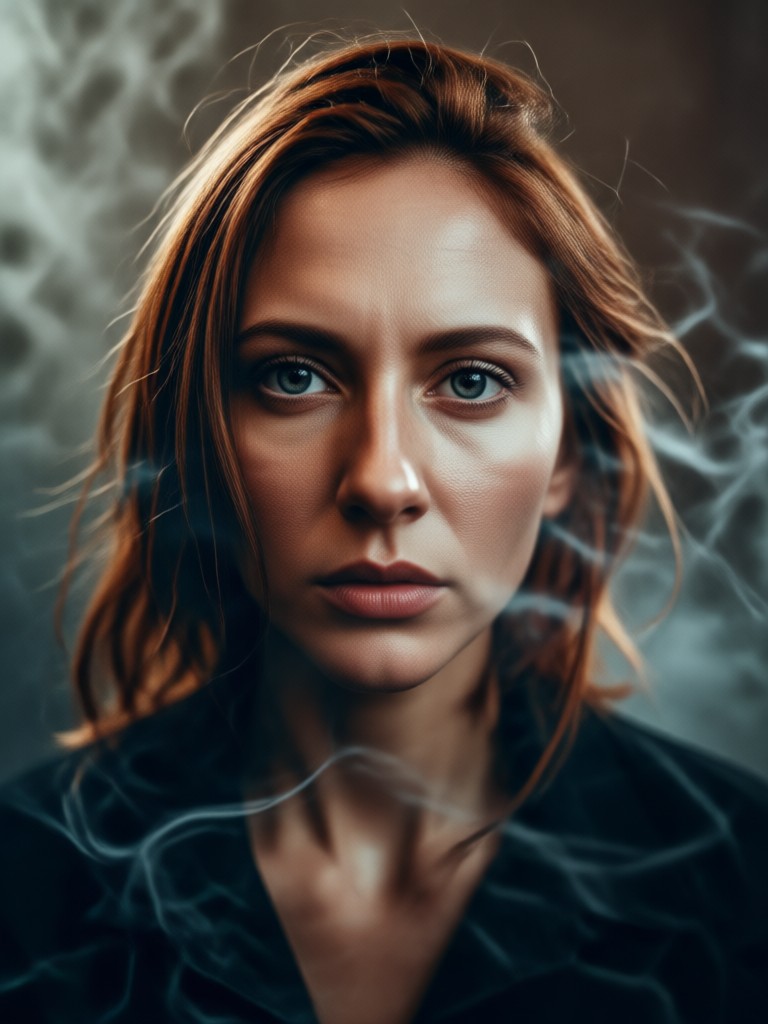
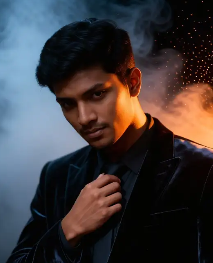
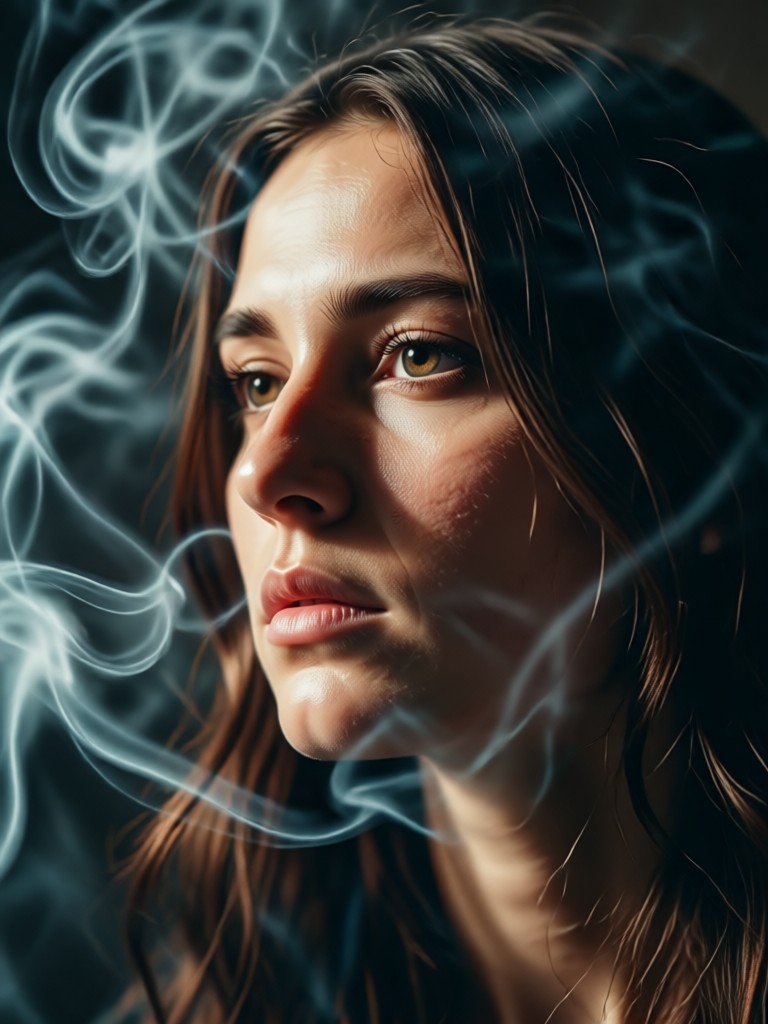
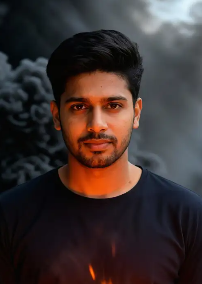
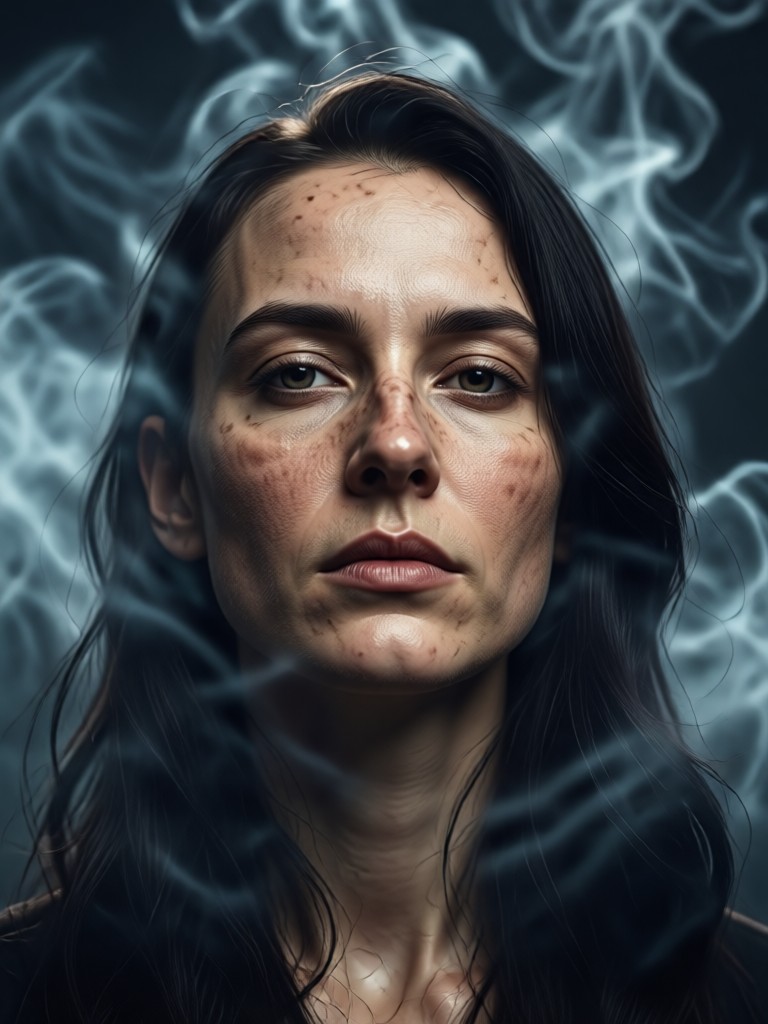
See how heyo transforms standard portraits into evocative, smoke-filled scenes. Each image showcases the AI's ability to create unique, atmospheric narratives.
How to Create a Cinematic Smoky Portrait in 3 Steps
Go from a standard photo to a dramatic smoky portrait in under a minute. No professional skills required.

Step 01.
Download the heyo app from Google Play. Open it and tap the camera or upload button to select your portrait photo.

Step 02.
Browse the 'Portrait' or 'Cinematic' filter categories. Select the 'Cinematic Smoky Portrait' filter or a similar atmospheric style template.

Step 03.
Generate your image. Preview the result, make quick adjustments to smoke intensity or color tone if desired, then save and share your cinematic creation.
Professional Results, Effortless Process
Achieve the look of high-end photo shoots and film posters without expensive equipment or hours in Photoshop.
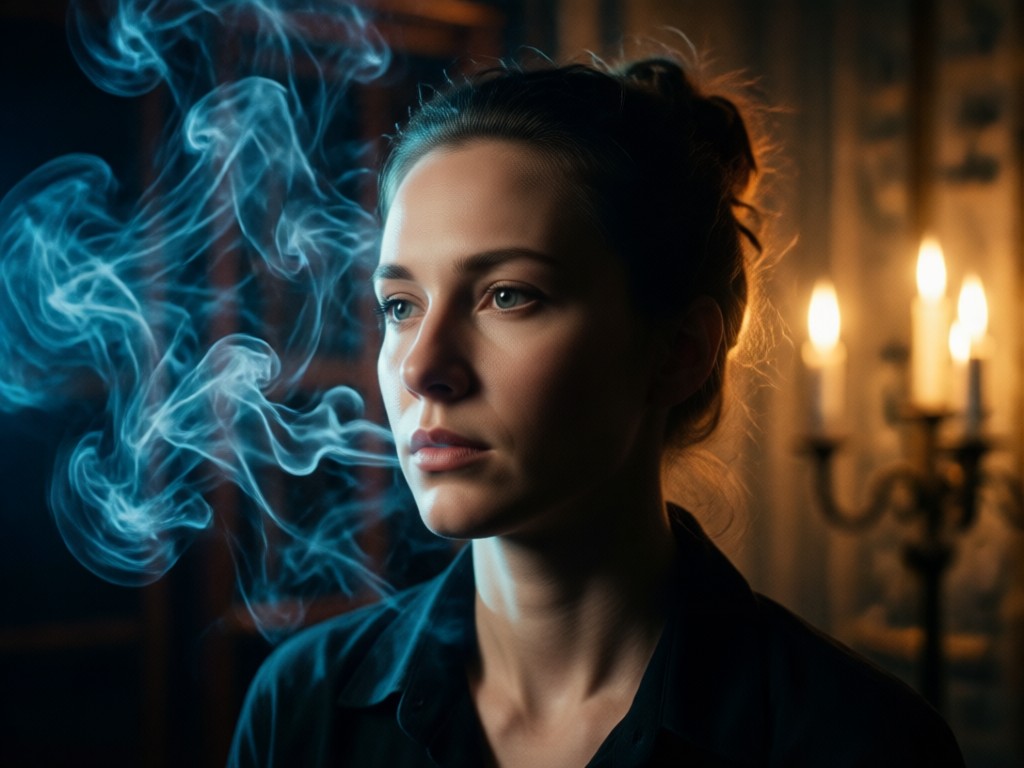
From Amateur Shot to Cinematic Art
Traditional smoky portrait creation requires studio smoke machines, specific lighting setups, and advanced post-production. Our AI filter replicates this complex process digitally. It analyzes facial structure and lighting to place smoke realistically, applies nuanced color grading for drama, and preserves skin details and expression. This turns everyday selfies or portraits into compelling visual stories perfect for social media profiles, artistic portfolios, or creative projects.
From Amateur Shot to Cinematic Art
Traditional smoky portrait creation requires studio smoke machines, specific lighting setups, and advanced post-production. Our AI filter replicates this complex process digitally. It analyzes facial structure and lighting to place smoke realistically, applies nuanced color grading for drama, and preserves skin details and expression. This turns everyday selfies or portraits into compelling visual stories perfect for social media profiles, artistic portfolios, or creative projects.
Creatives Using Cinematic Smoky Portraits
Marcus Chen
As a portrait photographer, I use this to create stunning client previews and concept art. It helps visualize final shots and adds an artistic flair to my portfolio that attracts new clients.
Lena Rivera
This filter is a game-changer for my Instagram aesthetic. It gives my feed a consistent, moody, and professional look that stands out. My engagement on posts using these smoky portraits has doubled.
David Park
We use it to create promotional character posters for our short films. It adds production value and a cinematic tone that would otherwise require a huge VFX budget. Incredibly efficient.
Sophie Wright
I integrate these AI-generated smoky portraits into my larger digital paintings. The atmospheric base it provides saves me hours of manual painting and inspires new creative directions for my character art.
Marcus Chen
As a portrait photographer, I use this to create stunning client previews and concept art. It helps visualize final shots and adds an artistic flair to my portfolio that attracts new clients.
Lena Rivera
This filter is a game-changer for my Instagram aesthetic. It gives my feed a consistent, moody, and professional look that stands out. My engagement on posts using these smoky portraits has doubled.
David Park
We use it to create promotional character posters for our short films. It adds production value and a cinematic tone that would otherwise require a huge VFX budget. Incredibly efficient.
Sophie Wright
I integrate these AI-generated smoky portraits into my larger digital paintings. The atmospheric base it provides saves me hours of manual painting and inspires new creative directions for my character art.
Marcus Chen
As a portrait photographer, I use this to create stunning client previews and concept art. It helps visualize final shots and adds an artistic flair to my portfolio that attracts new clients.
Lena Rivera
This filter is a game-changer for my Instagram aesthetic. It gives my feed a consistent, moody, and professional look that stands out. My engagement on posts using these smoky portraits has doubled.
David Park
We use it to create promotional character posters for our short films. It adds production value and a cinematic tone that would otherwise require a huge VFX budget. Incredibly efficient.
Sophie Wright
I integrate these AI-generated smoky portraits into my larger digital paintings. The atmospheric base it provides saves me hours of manual painting and inspires new creative directions for my character art.
Cinematic Smoky Portrait FAQs
Get answers to common questions about creating stunning smoky portrait effects with heyo's AI technology.
More Topics You May Like
Explore more topics you may like and discover fresh ideas tailored to your interests.
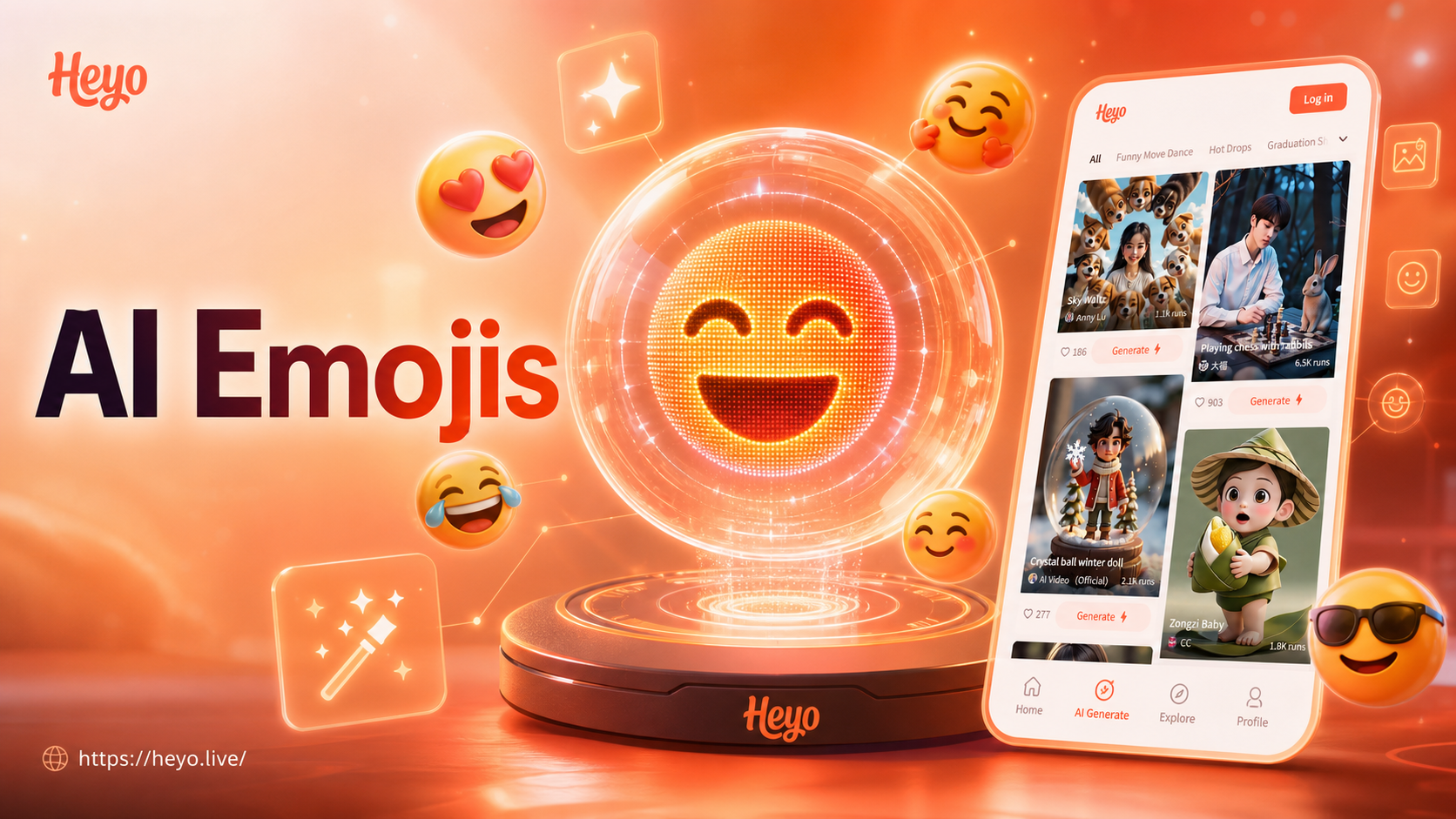
Ai Emoji Generator
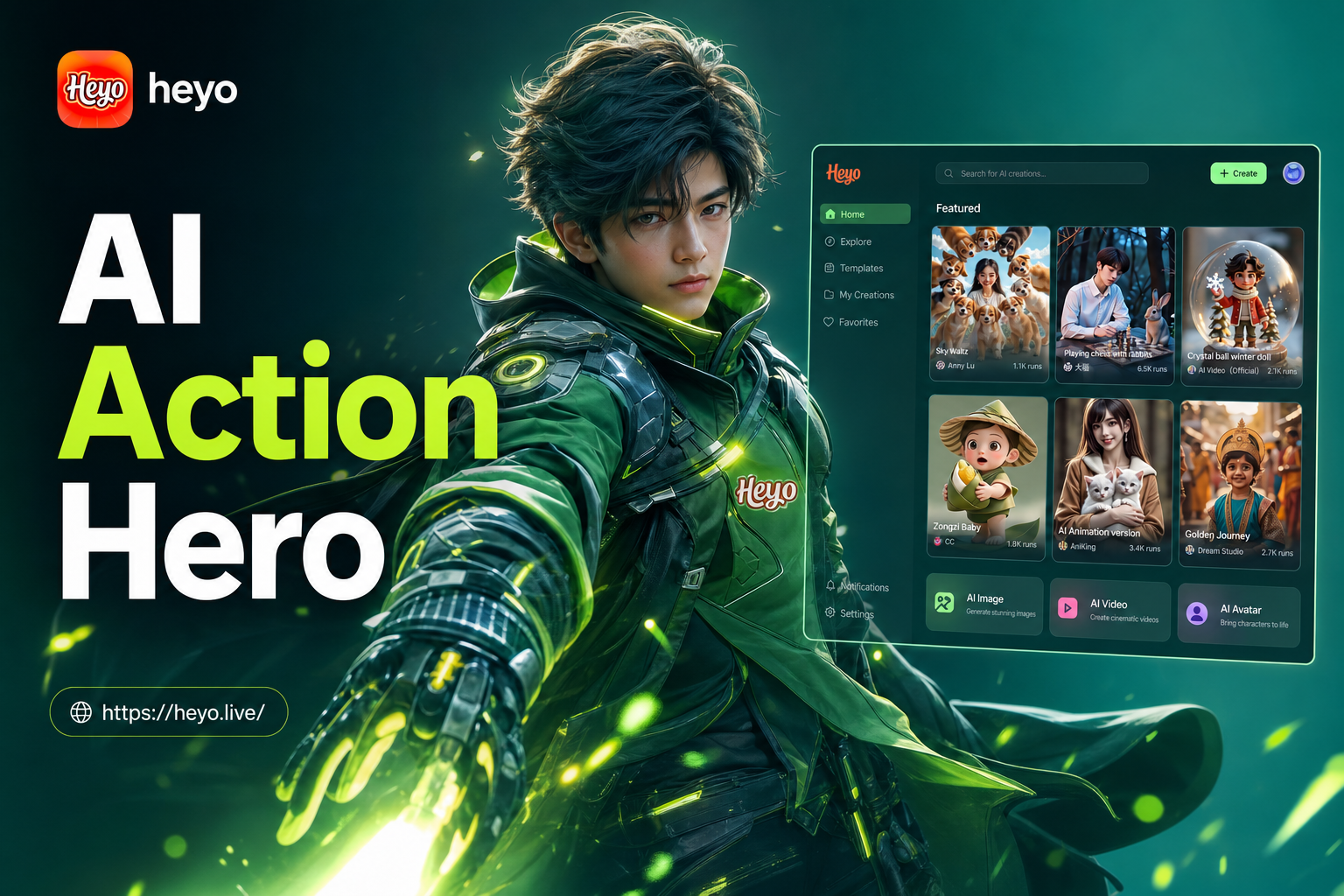
Ai Action Hero
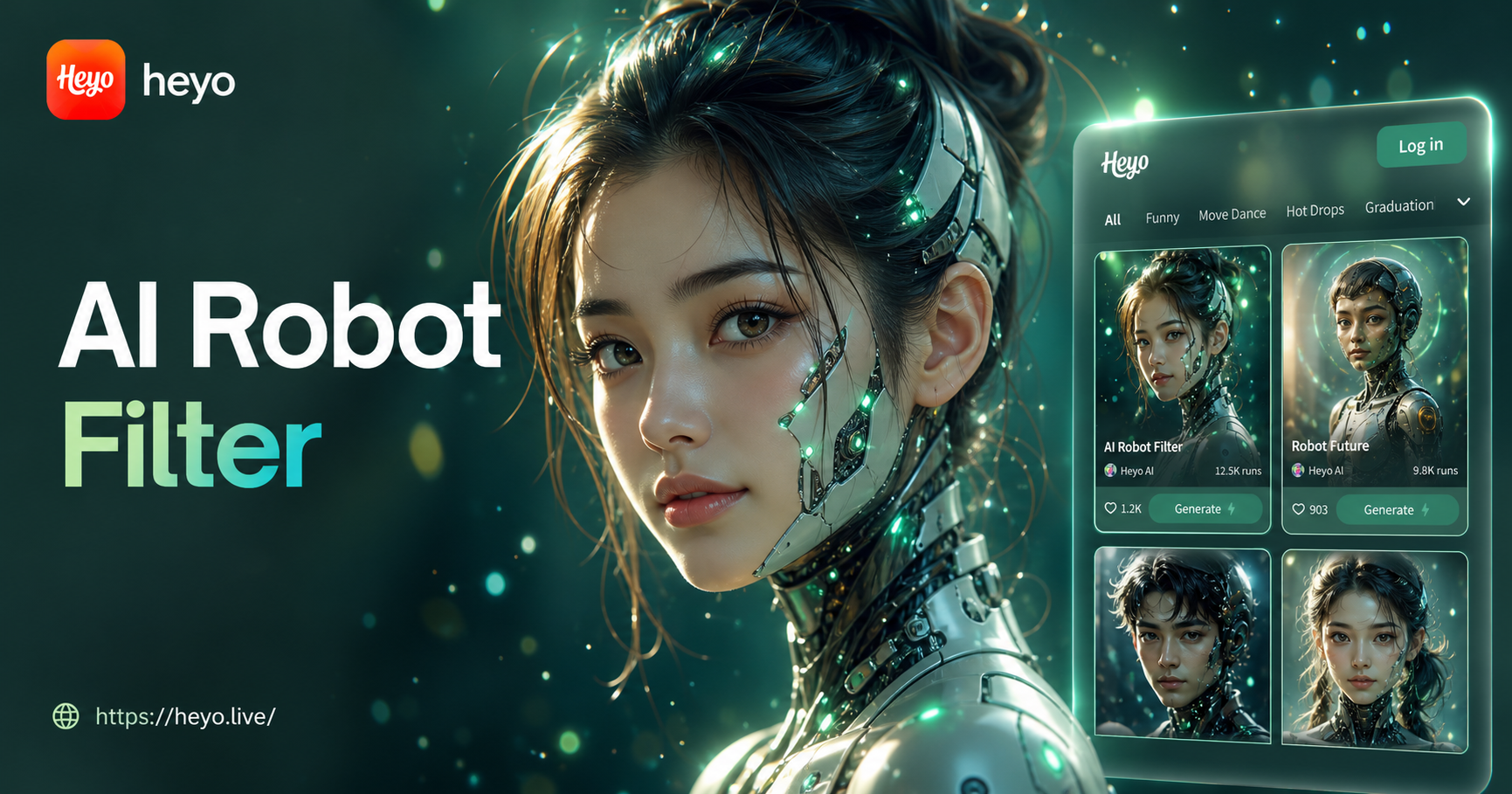
Ai Robot Filter
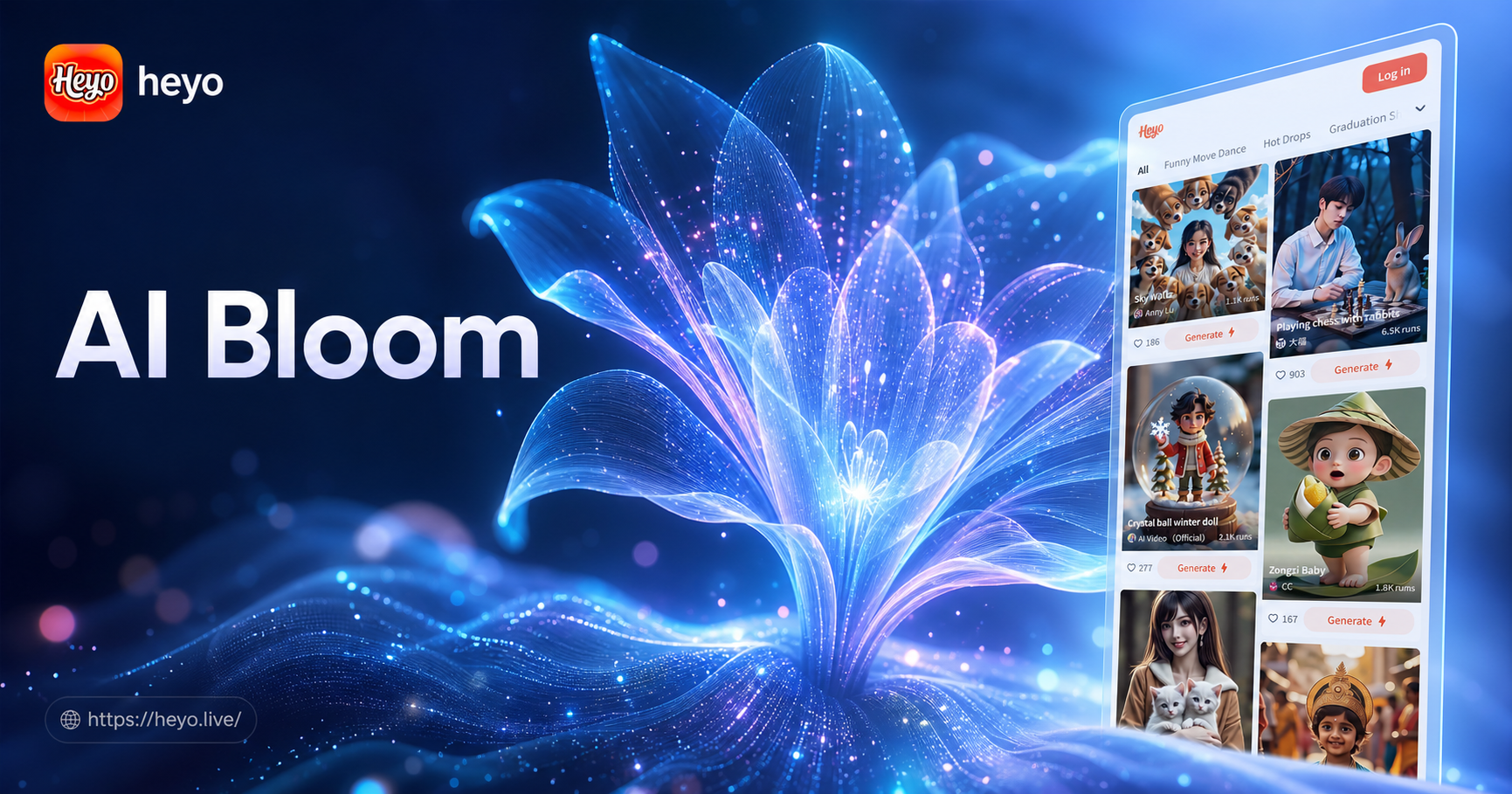
Ai Bloom Effect
Ai Emoji Generator
Ai Action Hero
Ai Robot Filter
Ai Bloom Effect
Ignite Your Portraits with Cinematic Drama
Stop scrolling through generic filters. Download heyo now and instantly add the mystery, atmosphere, and professional quality of smoke and cinema to your photos.
Ignite Your Portraits with Cinematic Drama
Stop scrolling through generic filters. Download heyo now and instantly add the mystery, atmosphere, and professional quality of smoke and cinema to your photos.