Photo To Painting AI
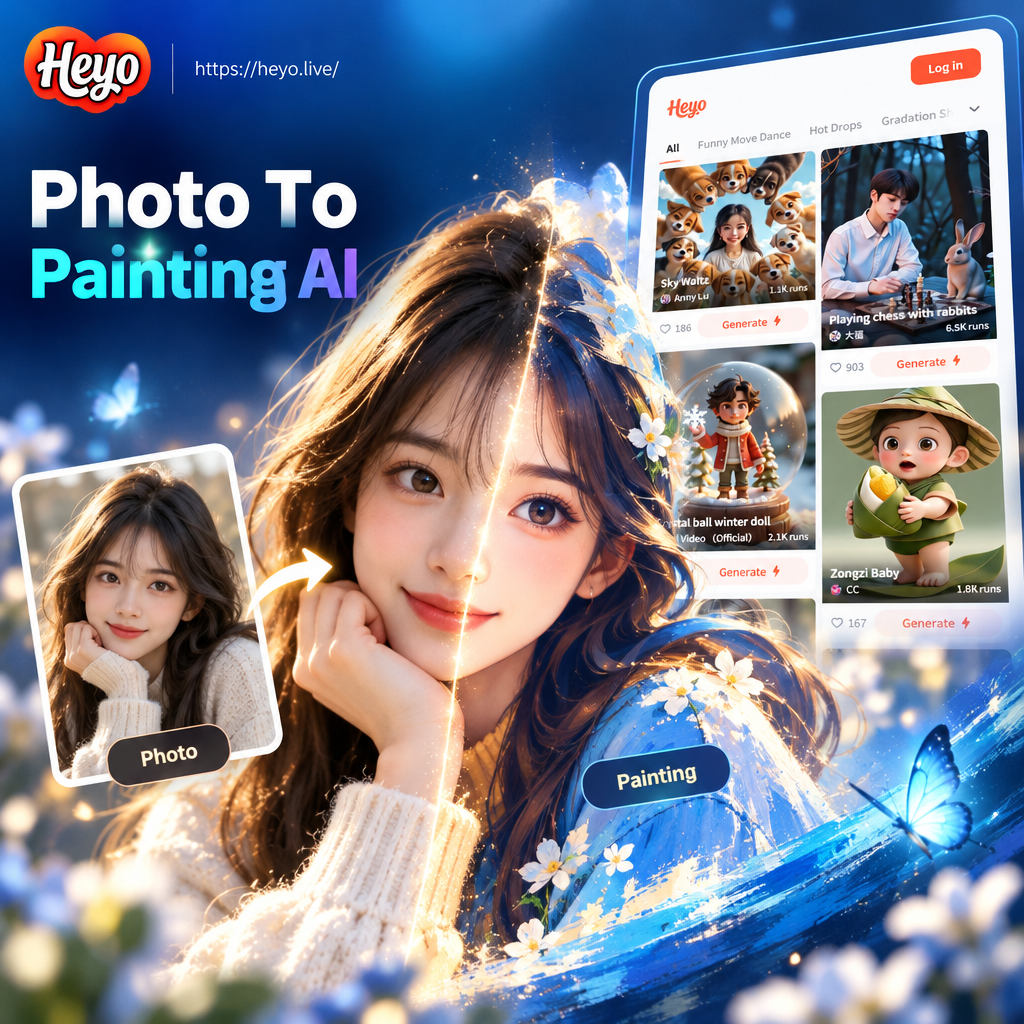
Choose Your Painting Style
Browse popular AI painting filters and find the one that matches your photo perfectly.
Key Features of Photo To Painting AI
Turn any photo into a custom painted portrait, landscape, or stylized artwork with powerful AI tools that preserve your subject while applying beautiful artistic effects.
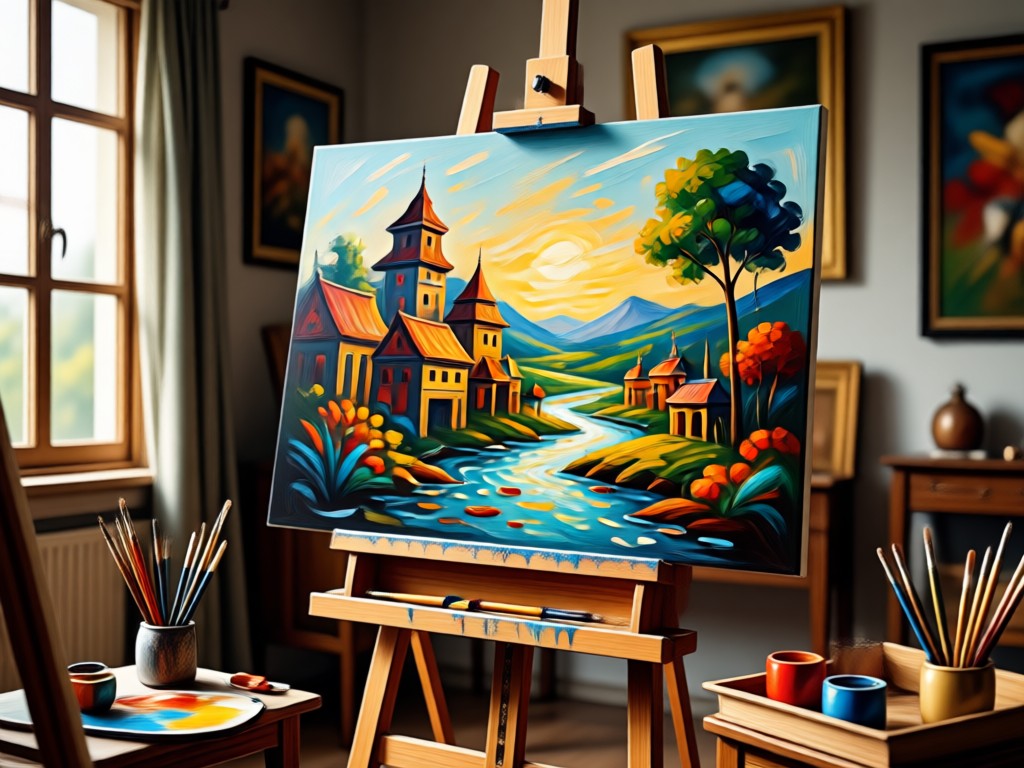
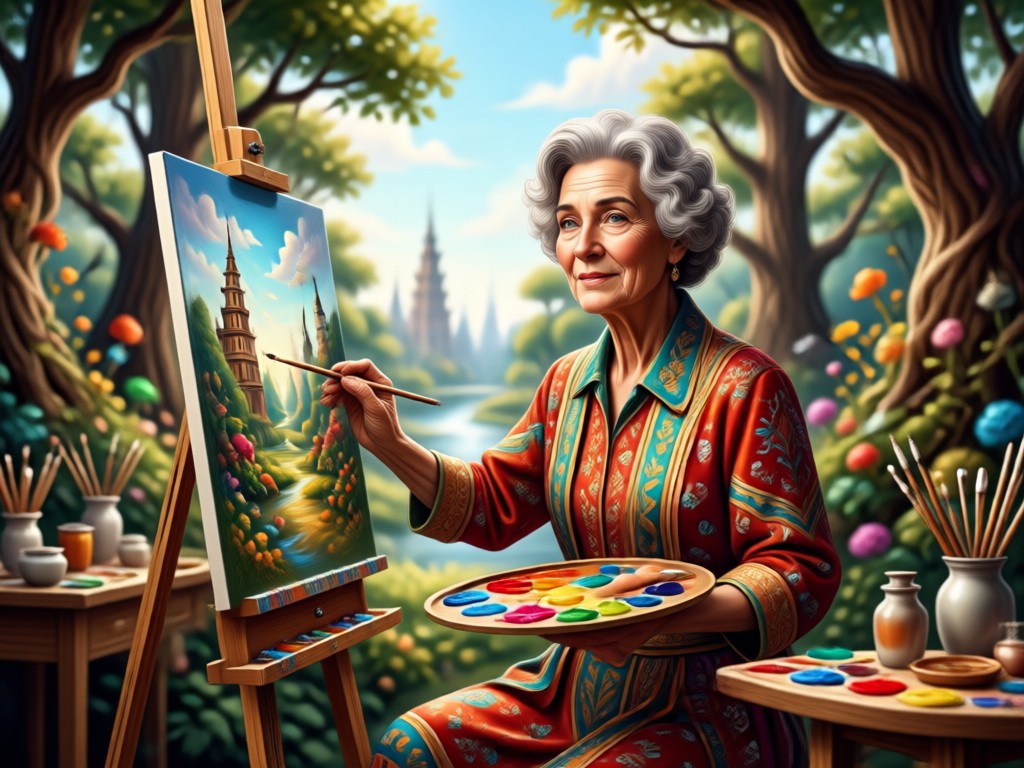
Realistic Oil Painting Effects
Upload a portrait or landscape and let AI recreate it with rich brushstrokes, soft color blends, and classic oil painting texture. Perfect for family photos, pet portraits, and travel shots.
Realistic Oil Painting Effects
Upload a portrait or landscape and let AI recreate it with rich brushstrokes, soft color blends, and classic oil painting texture. Perfect for family photos, pet portraits, and travel shots.
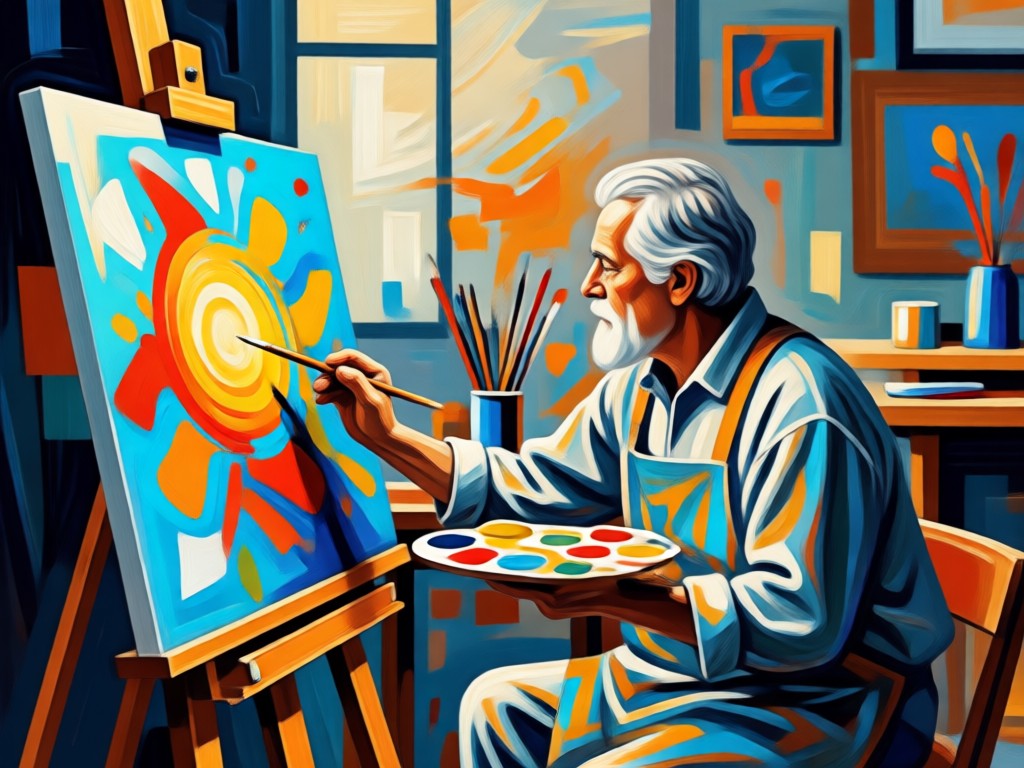
Soft Watercolor and Sketch Filters
Transform pictures into delicate watercolor washes, pencil sketches, or charcoal drawings. Adjust the intensity to match your mood, from subtle tint to full artistic conversion.
Soft Watercolor and Sketch Filters
Transform pictures into delicate watercolor washes, pencil sketches, or charcoal drawings. Adjust the intensity to match your mood, from subtle tint to full artistic conversion.
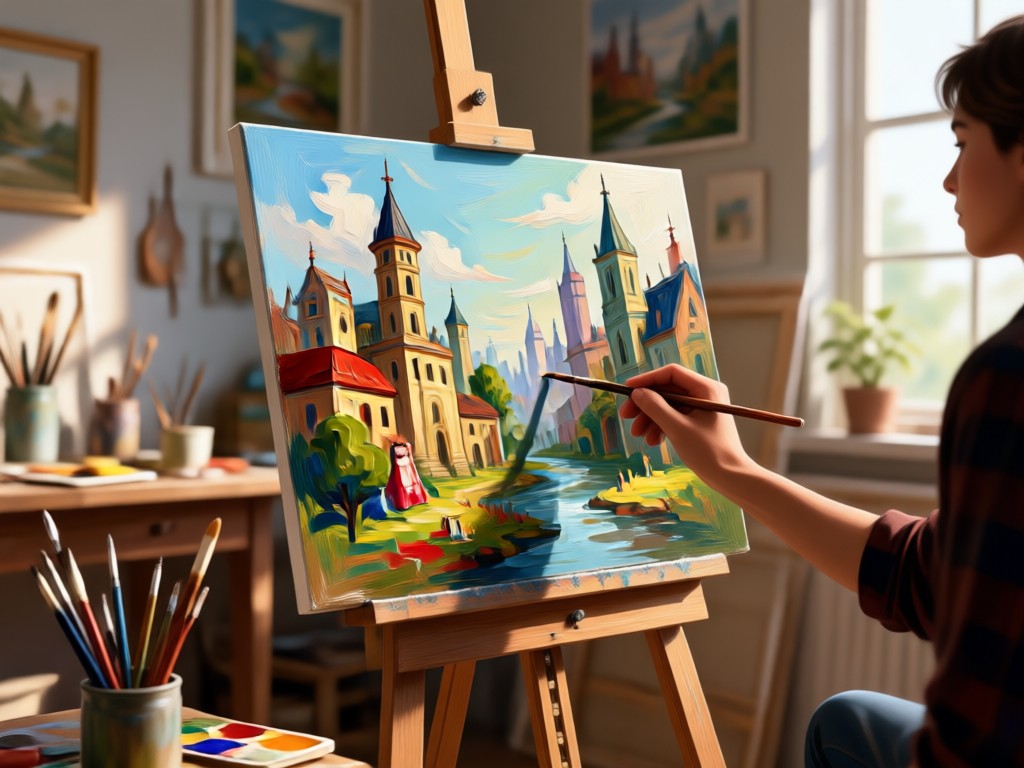
High Resolution Painting Output
Generate sharp, print-ready painting images in seconds. Save your AI artwork to your phone, share it on social media, or use it as a unique profile picture or gift.
High Resolution Painting Output
Generate sharp, print-ready painting images in seconds. Save your AI artwork to your phone, share it on social media, or use it as a unique profile picture or gift.
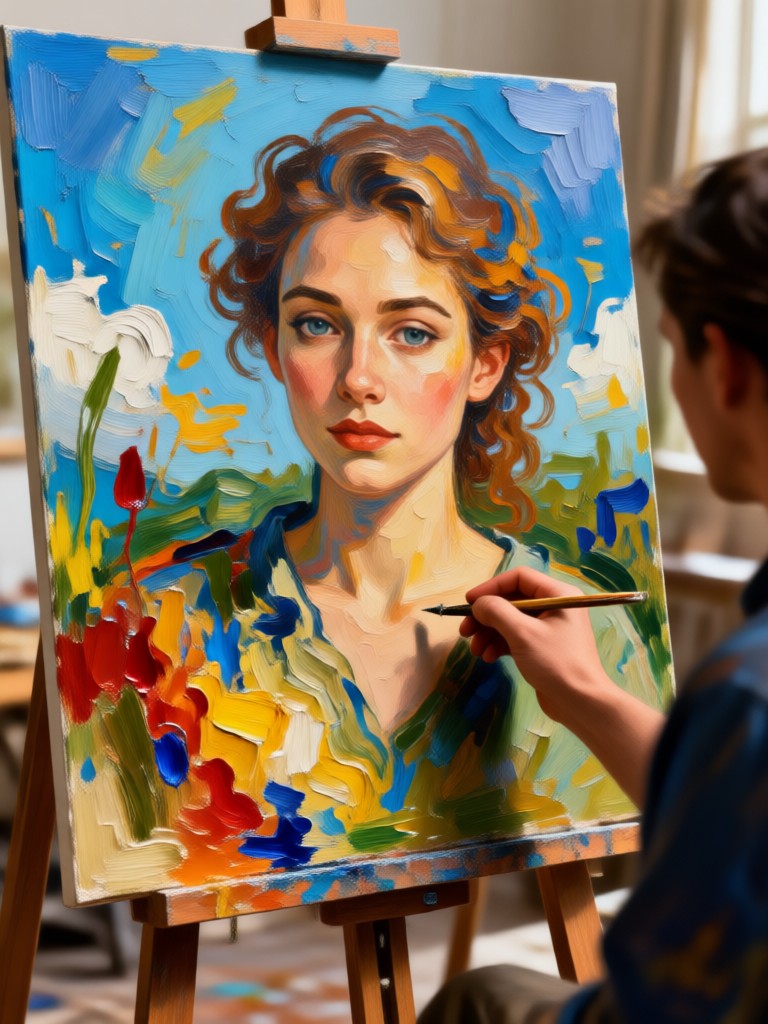
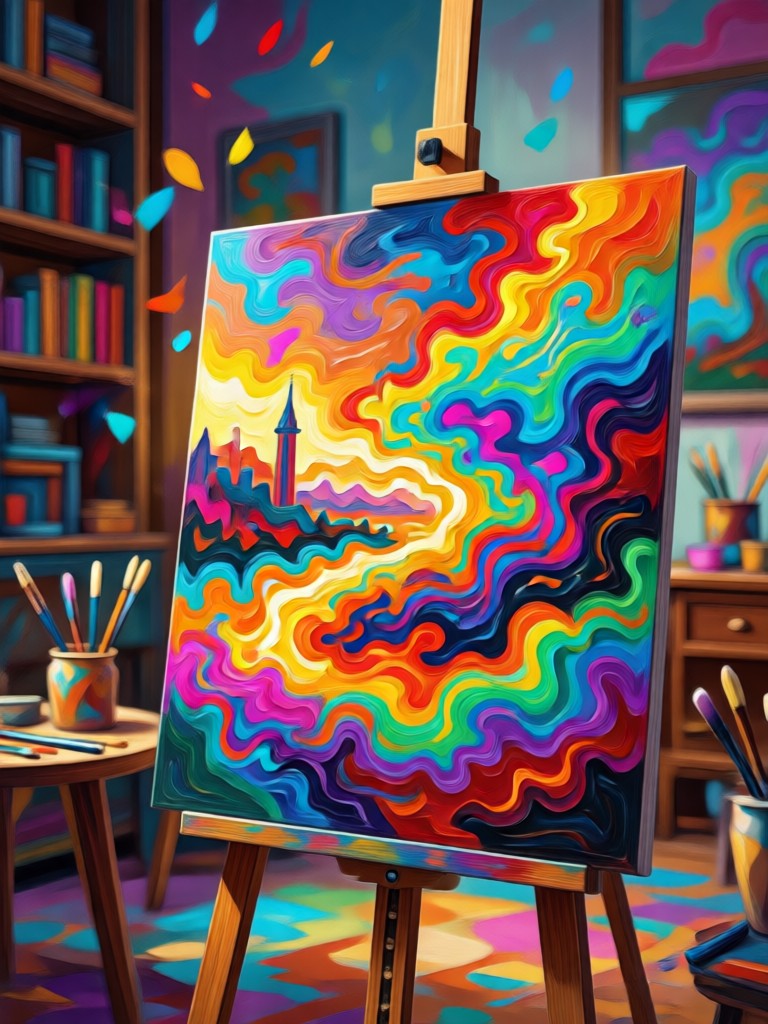
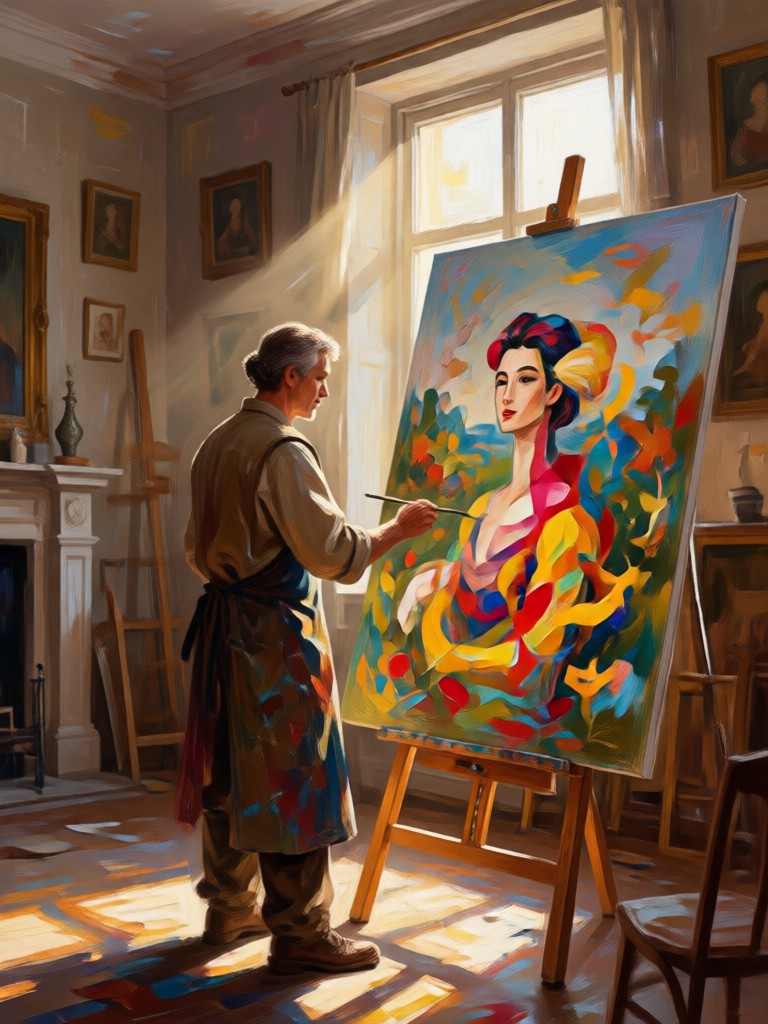
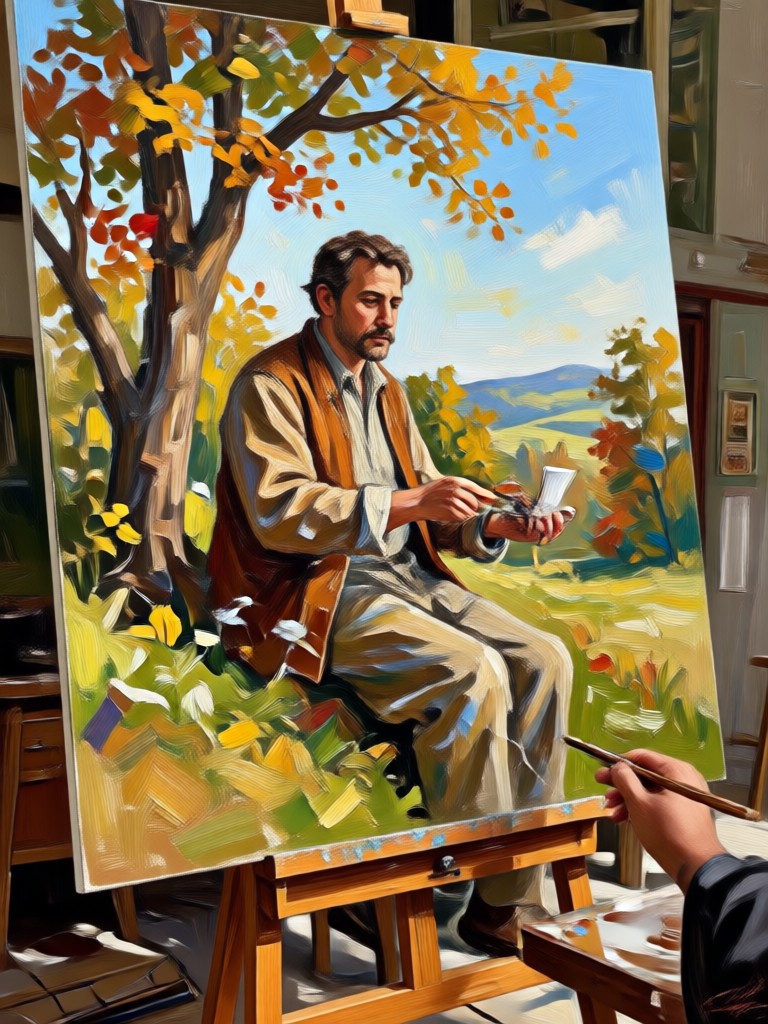
AI Painting Transformations Gallery
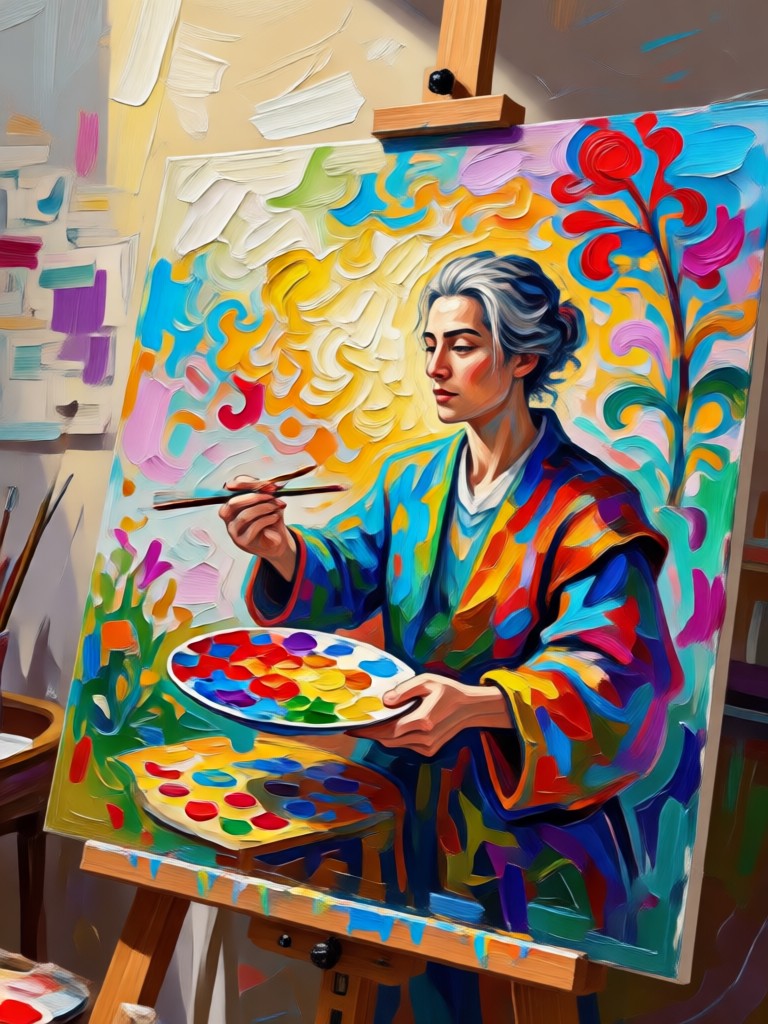
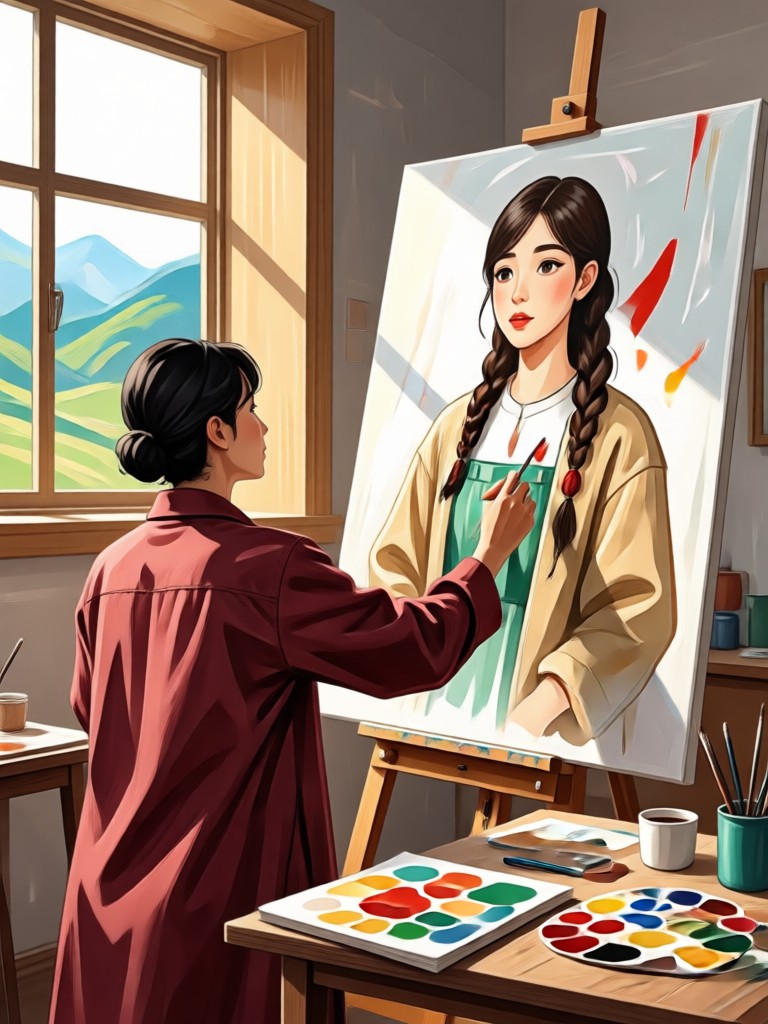
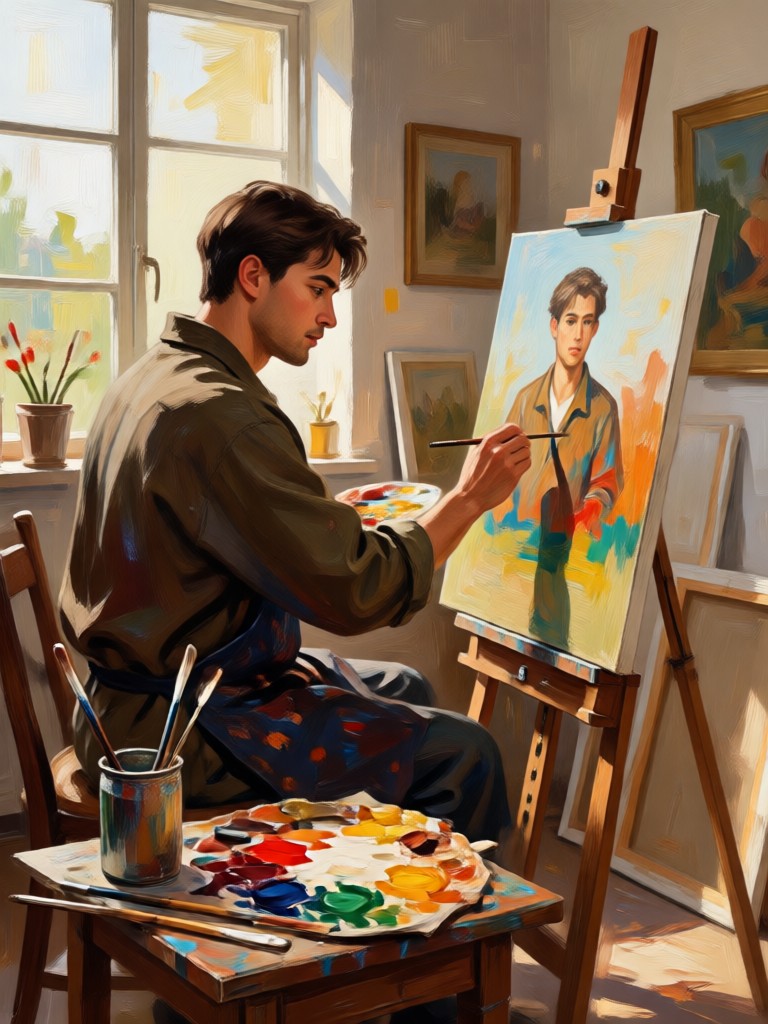
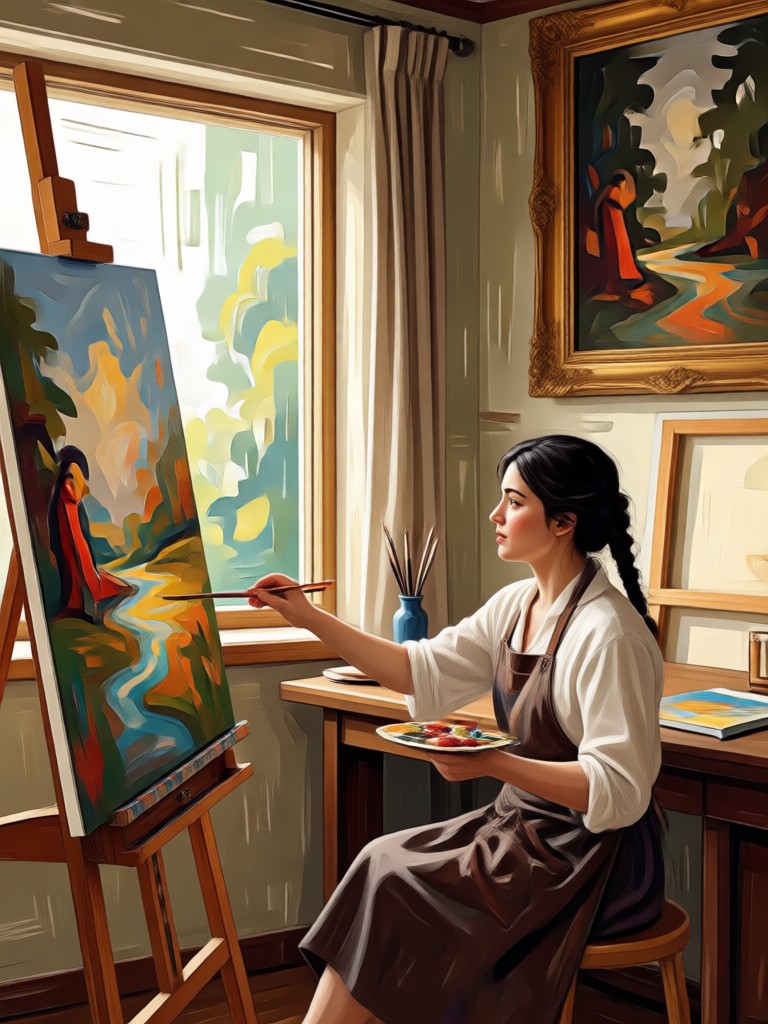
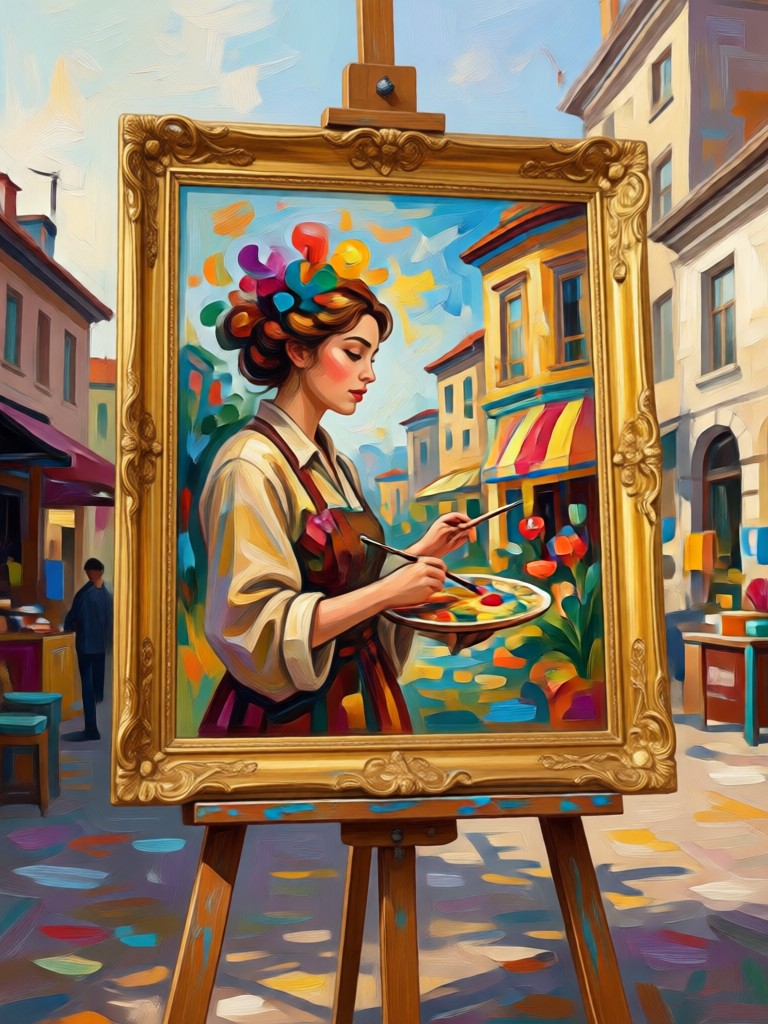
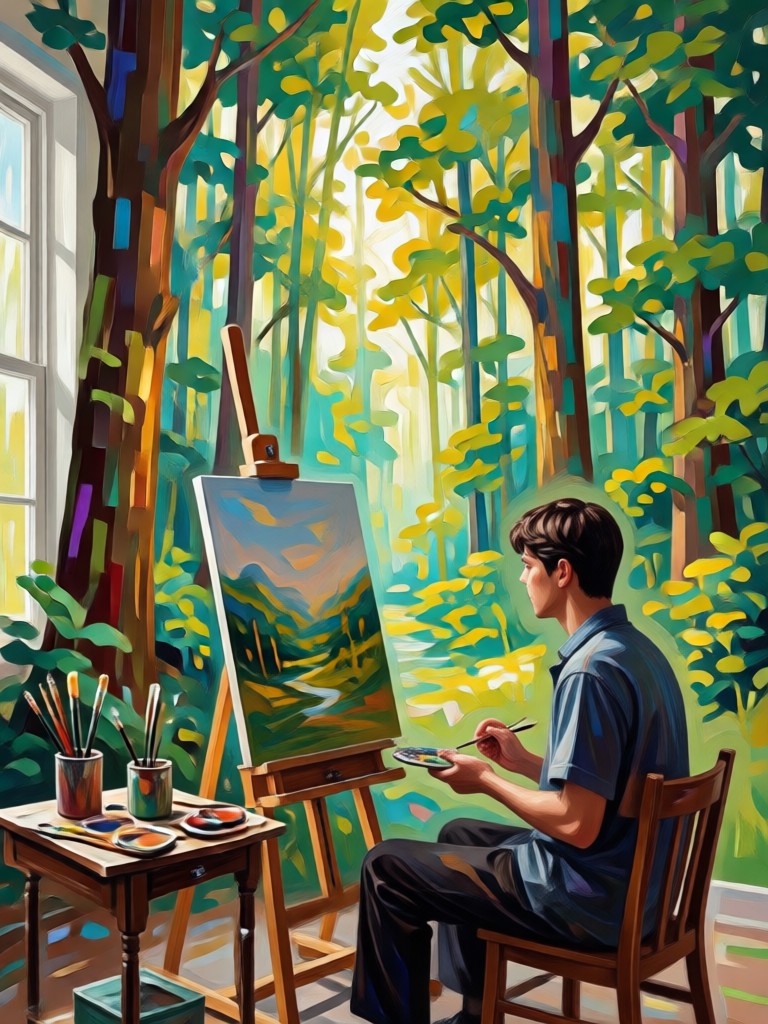
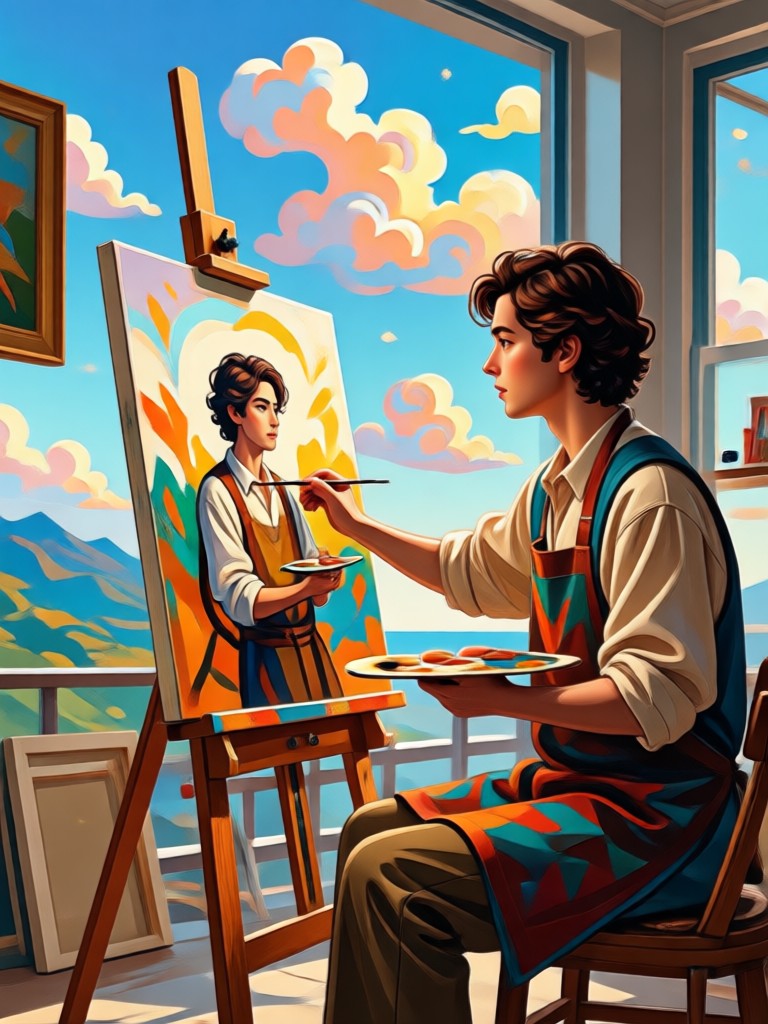
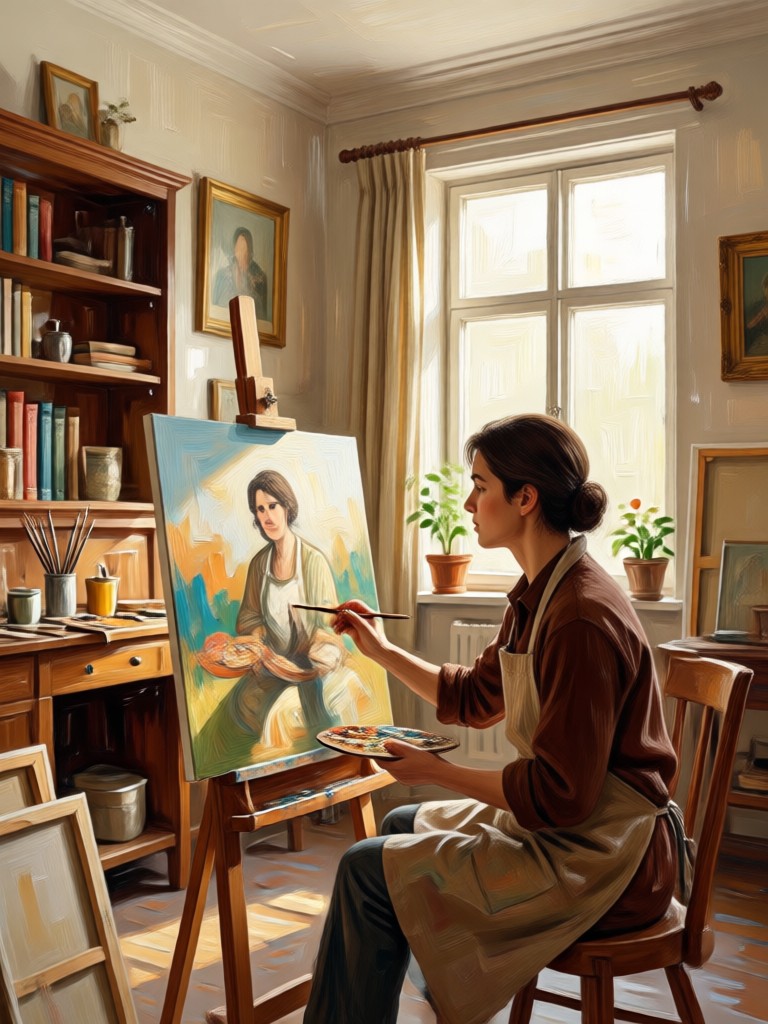
See how heyo turns ordinary photos into stunning paintings. Browse examples of oil, watercolor, acrylic, and sketch styles created by our AI photo to painting generator.
How to Turn a Photo Into a Painting
Create a beautiful AI painting from any photo in three simple steps using the heyo app.

Step 01.
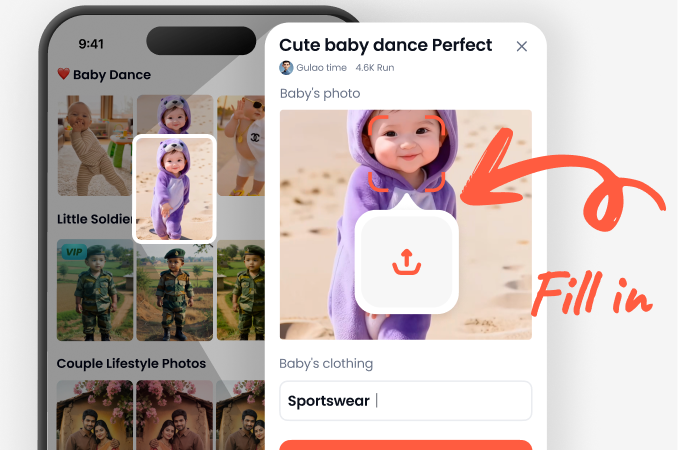
Download the heyo app from Google Play and open the photo to painting tool on your phone.
Step 02.
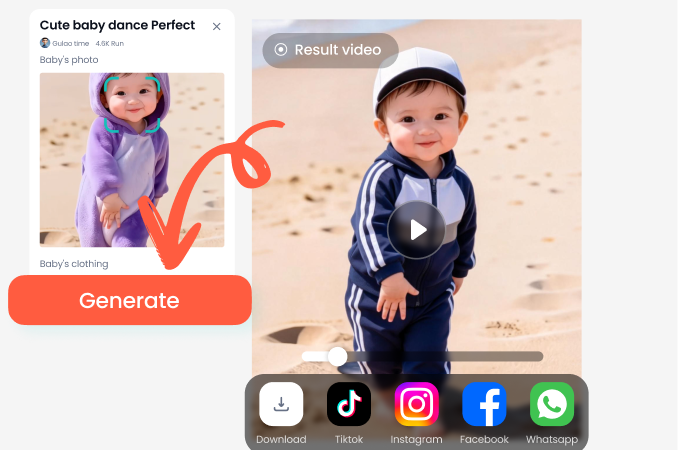
Upload a portrait or landscape photo, then browse the painting style library and pick oil, watercolor, sketch, or acrylic.
Step 03.
Generate your AI painting in seconds. Save the high resolution result to your gallery or share it directly on social media.
Why Choose heyo for Photo to Painting AI
heyo combines powerful AI painting models with a simple mobile workflow. You do not need photo editing skills, brushes, or a desktop program. Just pick a style and generate. The app handles face preservation, lighting, and brush detail automatically, so your painting looks natural and artistic.
Why Choose heyo for Photo to Painting AI
heyo combines powerful AI painting models with a simple mobile workflow. You do not need photo editing skills, brushes, or a desktop program. Just pick a style and generate. The app handles face preservation, lighting, and brush detail automatically, so your painting looks natural and artistic.
What Users Say About Photo to Painting AI
My family photos finally look like real art
I turned our vacation picture into an oil painting and printed it for the living room. The brush texture looks amazing and the faces stayed natural. Super easy to use.
Perfect for social media posts
I use the watercolor filter for my travel photos and my engagement went way up. It takes two taps and the results are always beautiful. No editing skills required.
Great for gifts
I made a sketch style painting of my friend's dog and framed it. She loved it. The AI kept all the little details that make him recognizable.
Frequently Asked Questions
Find clear answers to common questions about using heyo to turn photos into paintings.
More Topics You May Like
Explore more topics you may like and discover fresh ideas tailored to your interests.

Photo to Sketch: Turn Any Image into Pencil Art
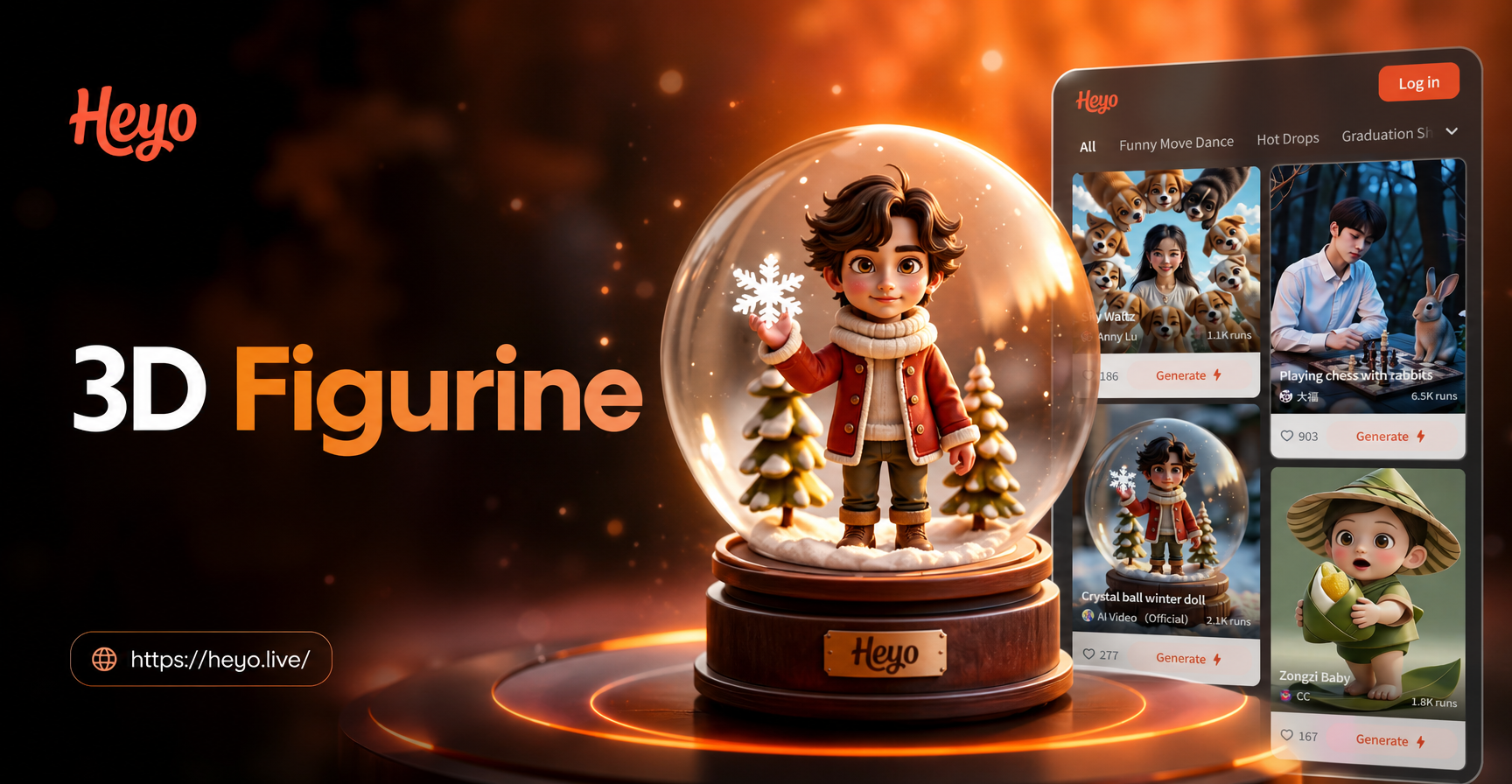
Create 3D Figurines: AI Photo Prompt Inspiration & Guide
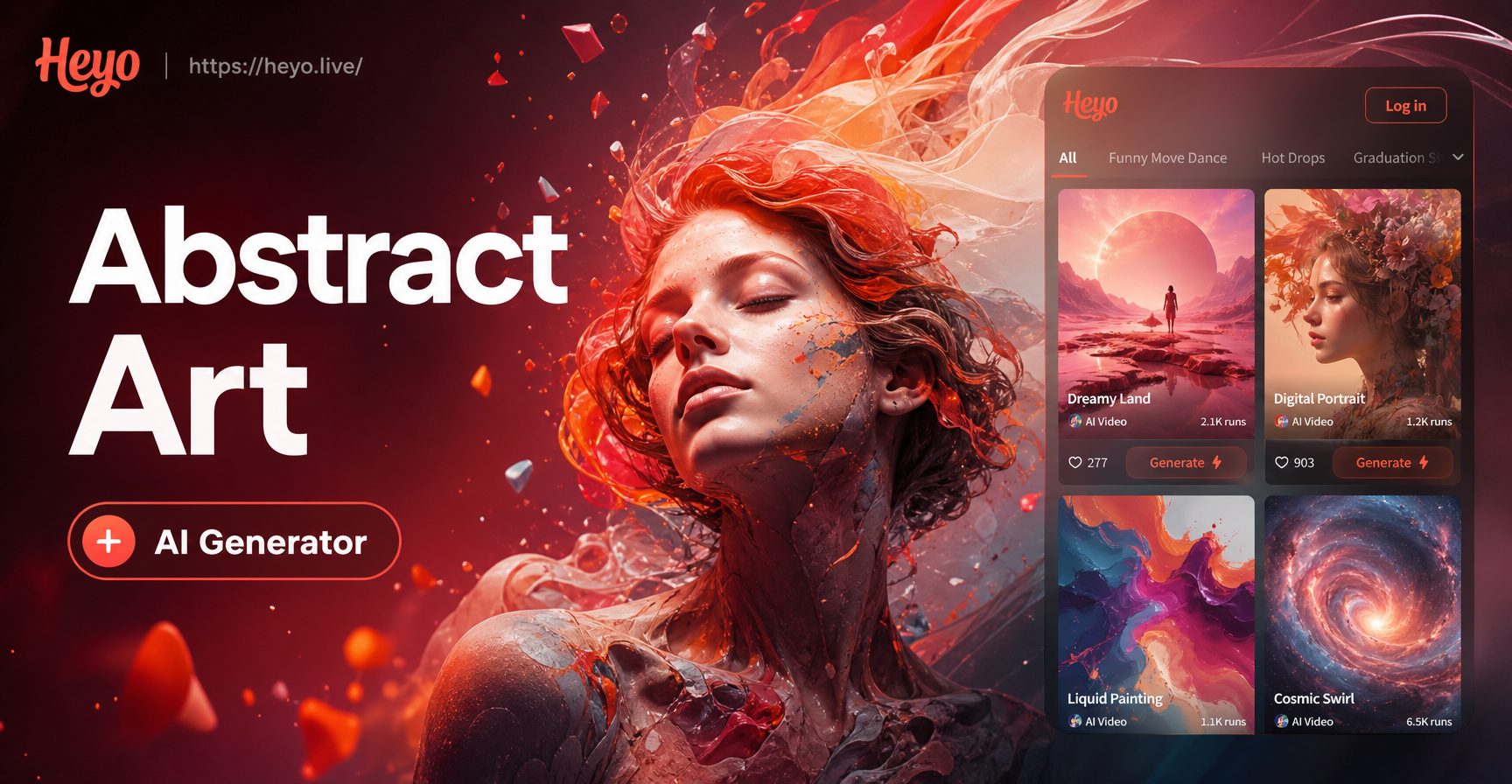
Abstract Art Generator - AI Powered Creative Tool | heyo
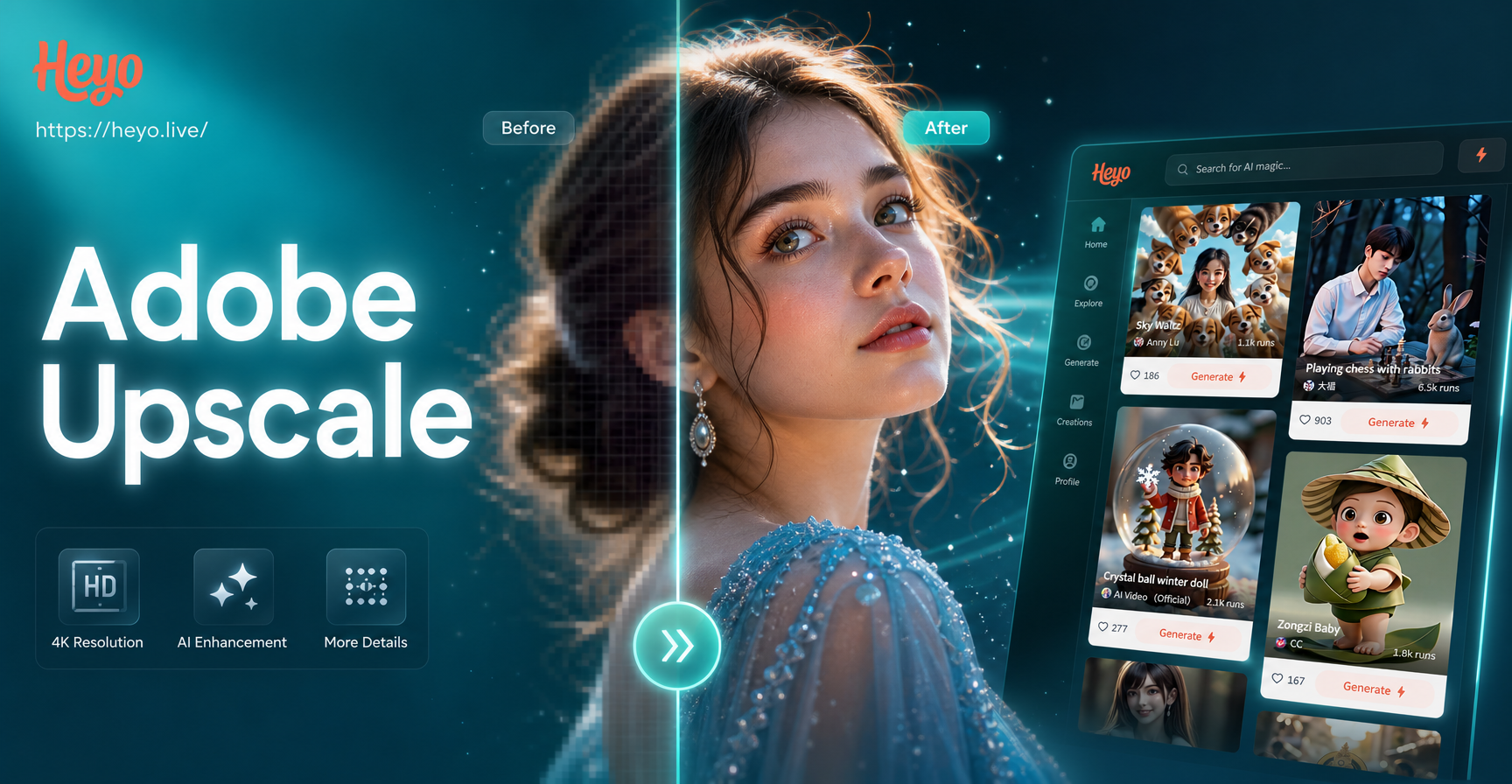
Adobe Upscale Image - AI Powered Creative Tool | heyo
Photo to Sketch: Turn Any Image into Pencil Art
Create 3D Figurines: AI Photo Prompt Inspiration & Guide
Abstract Art Generator - AI Powered Creative Tool | heyo
Adobe Upscale Image - AI Powered Creative Tool | heyo
Turn Your Photos Into Paintings Today
Download heyo and start creating stunning painted artwork from your photos. Choose from thousands of art styles and share your masterpieces with friends.
Turn Your Photos Into Paintings Today
Download heyo and start creating stunning painted artwork from your photos. Choose from thousands of art styles and share your masterpieces with friends.