Pika AI Video
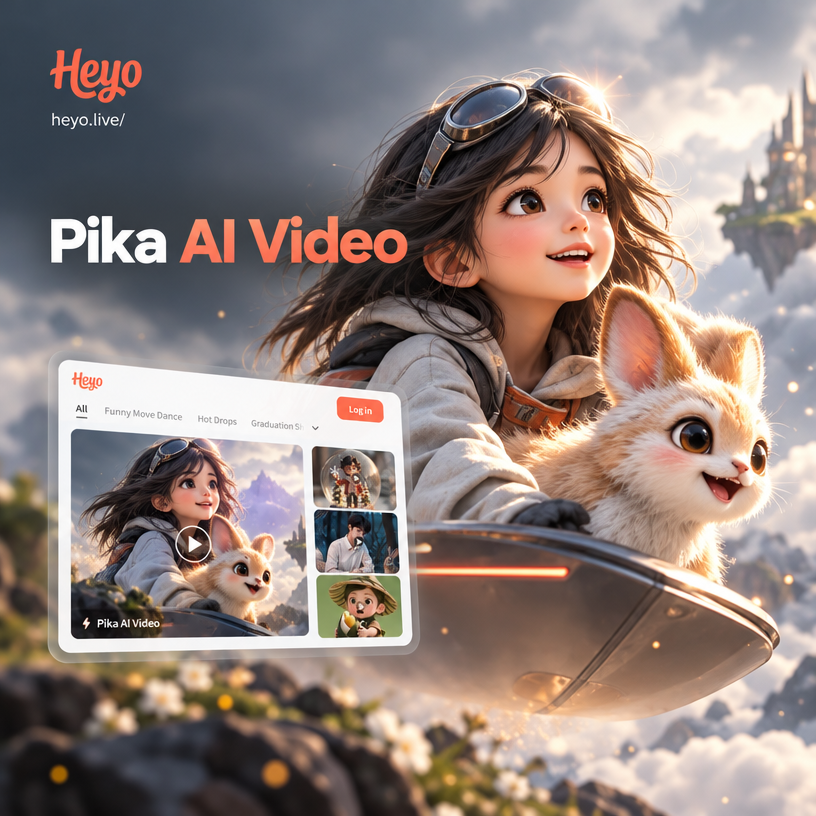
Explore Pika AI Video Style Filters
Discover the perfect motion style for your Pika AI video. From photorealistic film looks to playful claymation, heyo has a filter for every creative idea.
Key Features for Pika AI Video Creation
Create polished Pika AI videos without complex editing tools. Use text prompts or existing photos to generate motion that matches your vision.
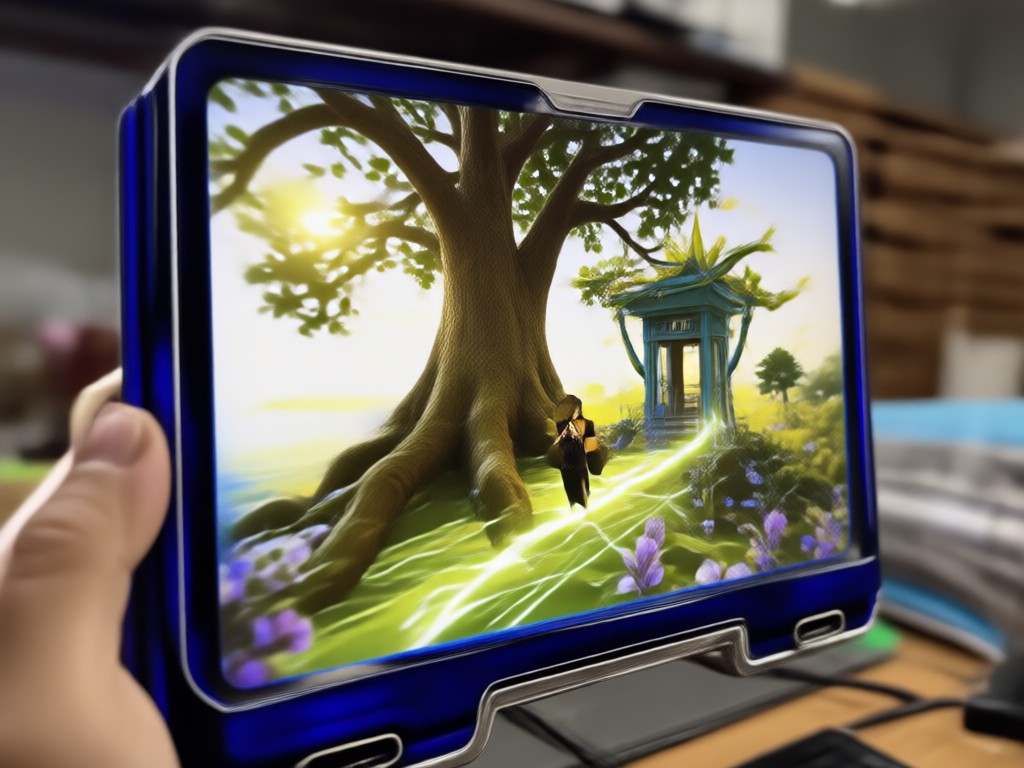
Text to Video Generation
Type a short scene description and choose a style filter. heyo turns your words into a dynamic Pika AI video with smooth motion and rich visuals.
Text to Video Generation
Type a short scene description and choose a style filter. heyo turns your words into a dynamic Pika AI video with smooth motion and rich visuals.
Image to Video Animation
Upload a still photo and watch it blink, smile, turn, or move through a short narrative. Perfect for adding life to portraits and product shots.
Image to Video Animation
Upload a still photo and watch it blink, smile, turn, or move through a short narrative. Perfect for adding life to portraits and product shots.
Million Plus Style Filters
Apply cinematic, anime, 3D clay, watercolor, cyberpunk, and many more looks to your Pika AI video. Switch styles instantly without redoing your work.
Million Plus Style Filters
Apply cinematic, anime, 3D clay, watercolor, cyberpunk, and many more looks to your Pika AI video. Switch styles instantly without redoing your work.
Pika AI Video Inspiration Gallery
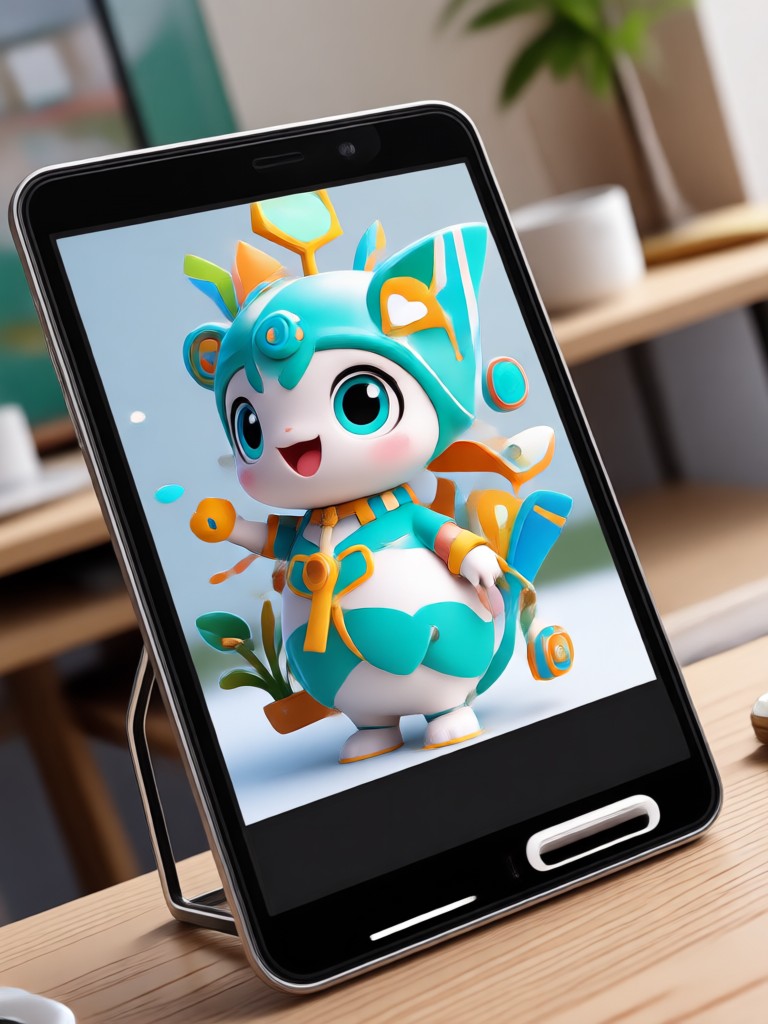
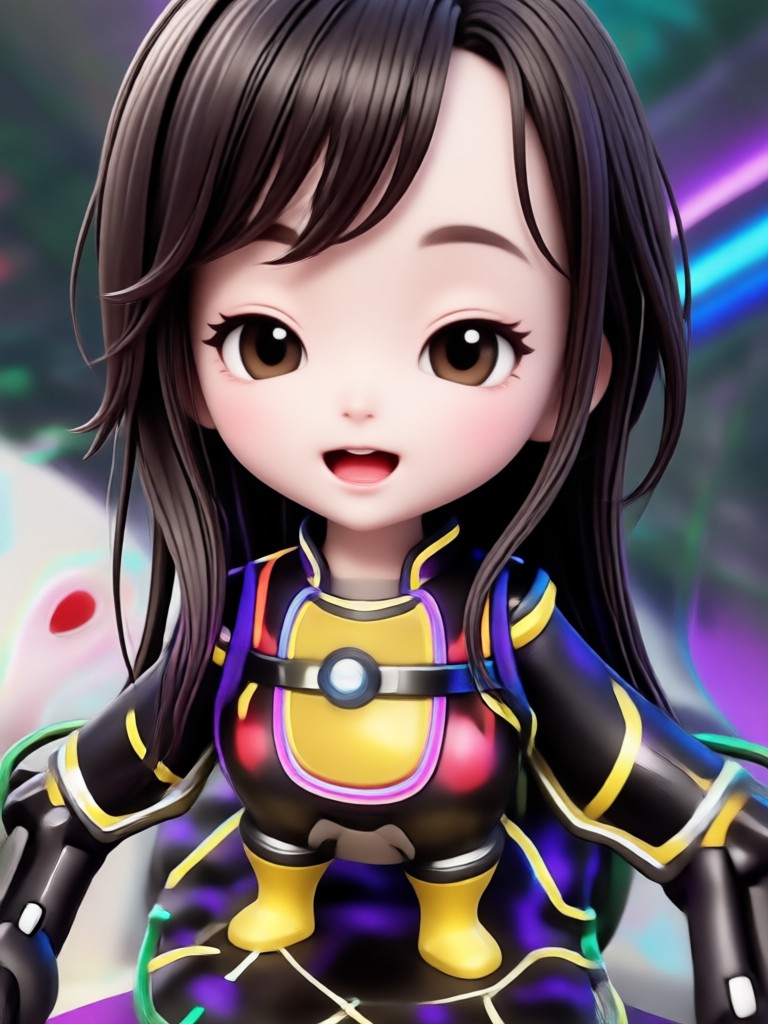
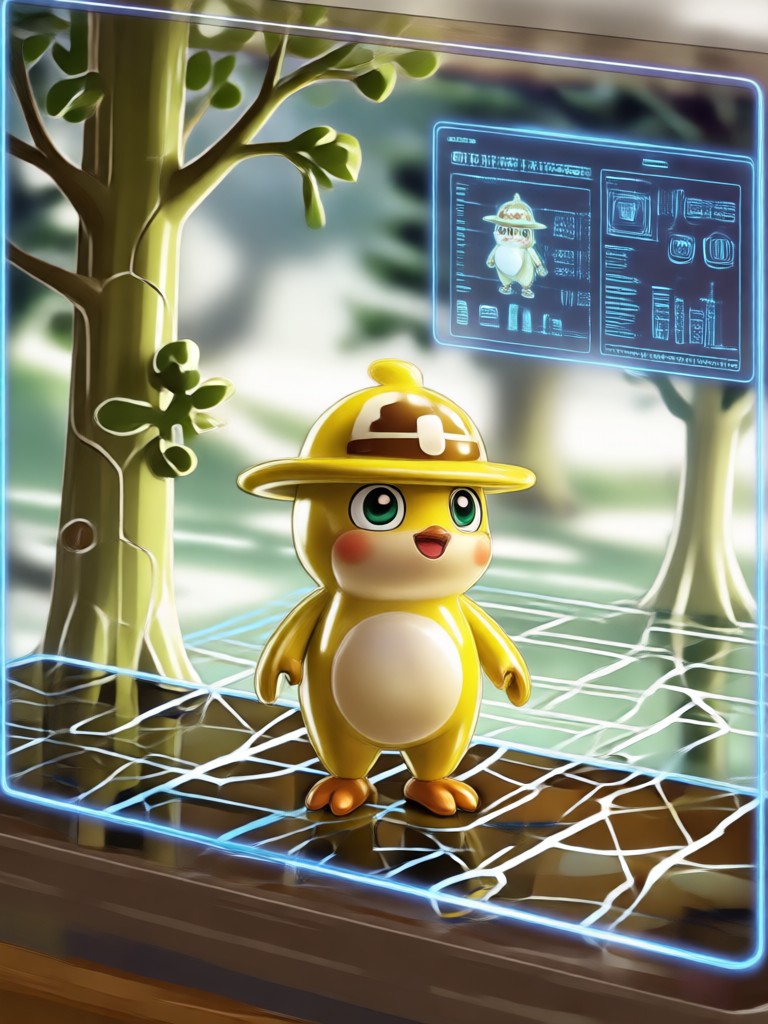
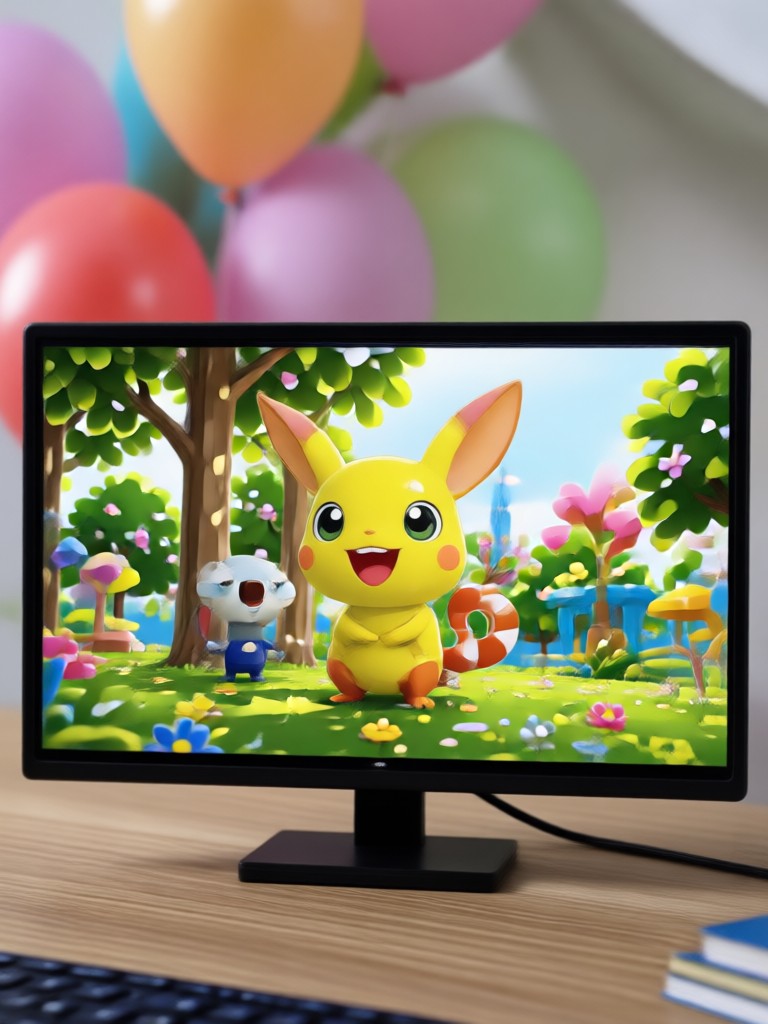
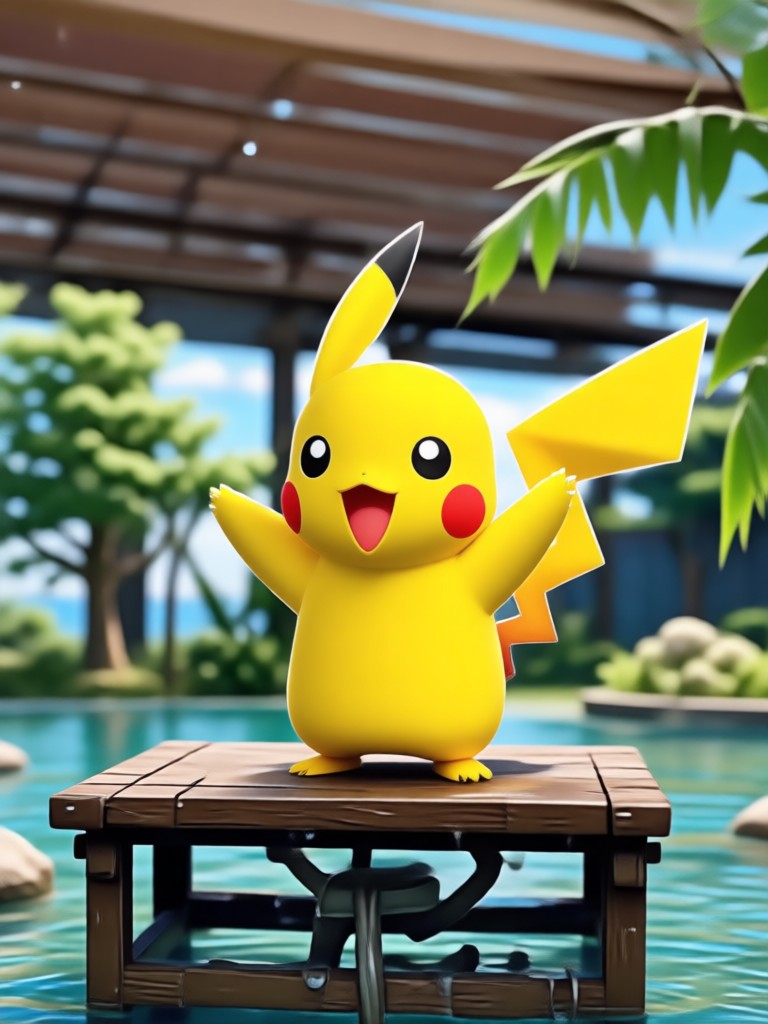
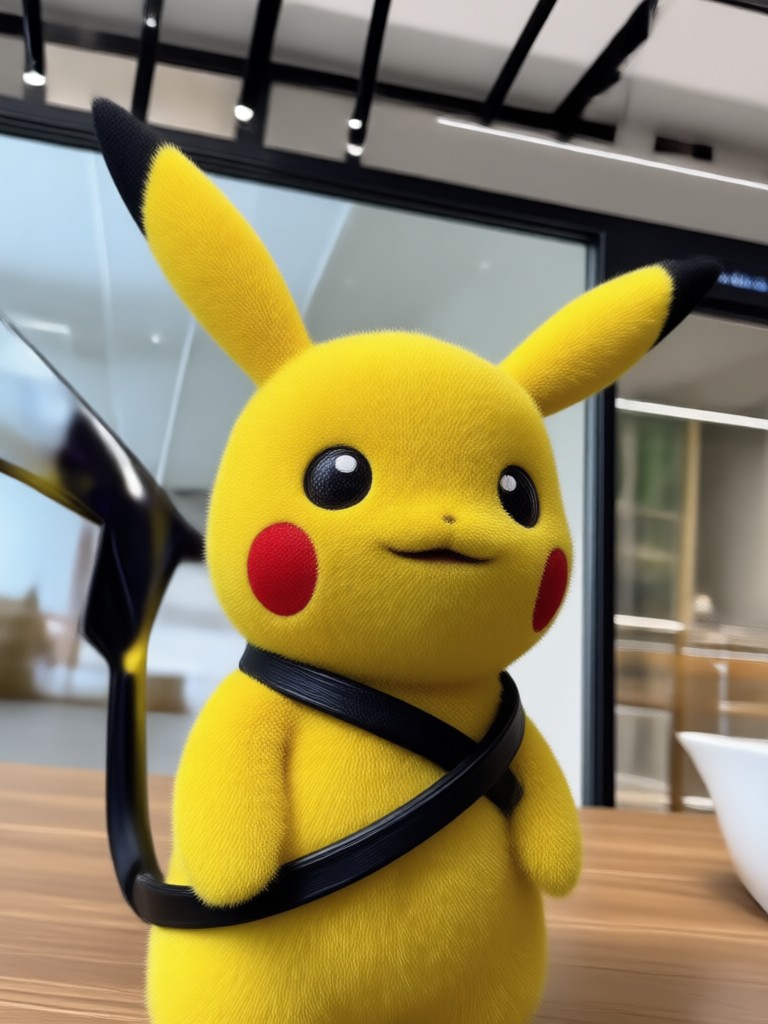
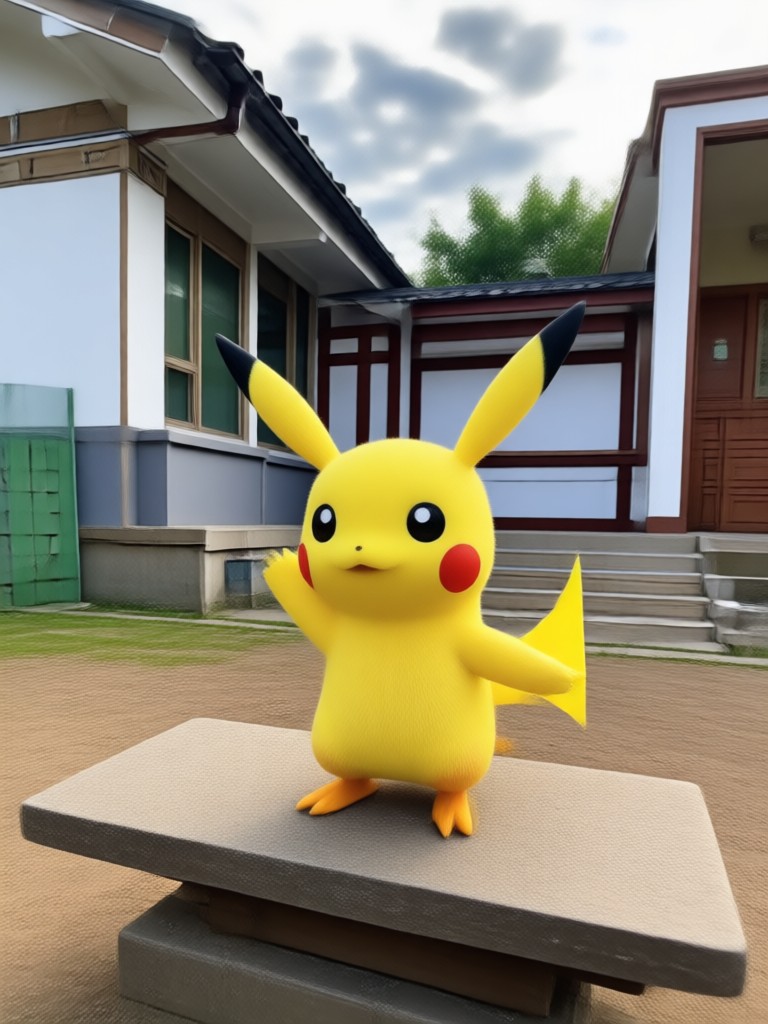
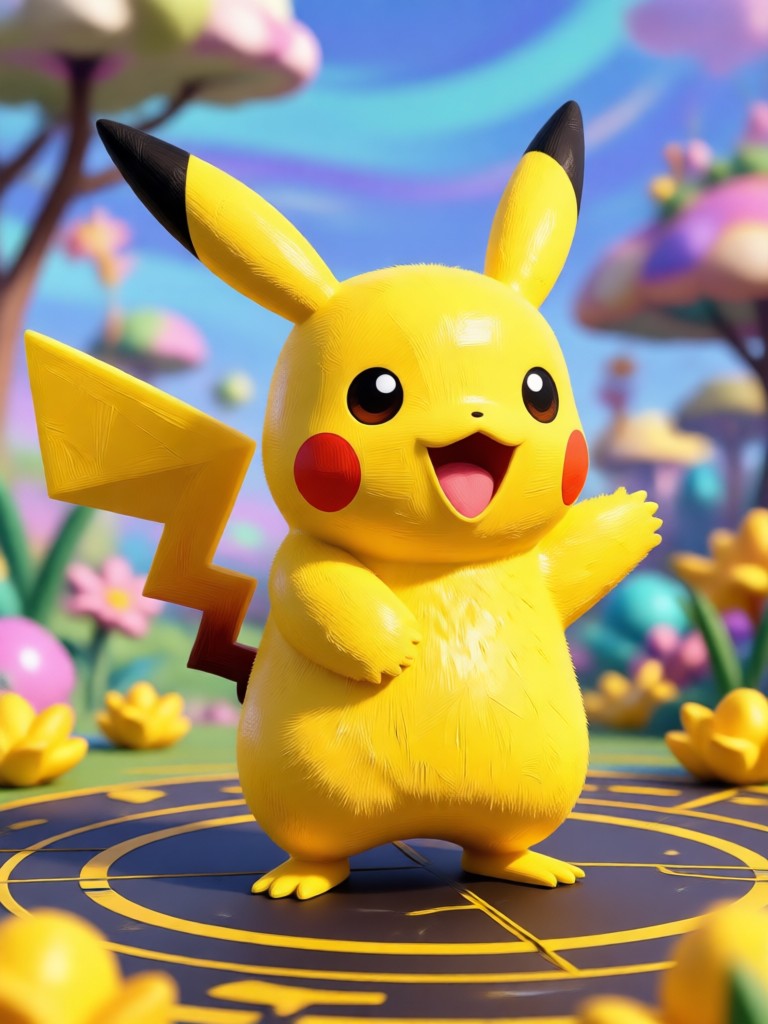
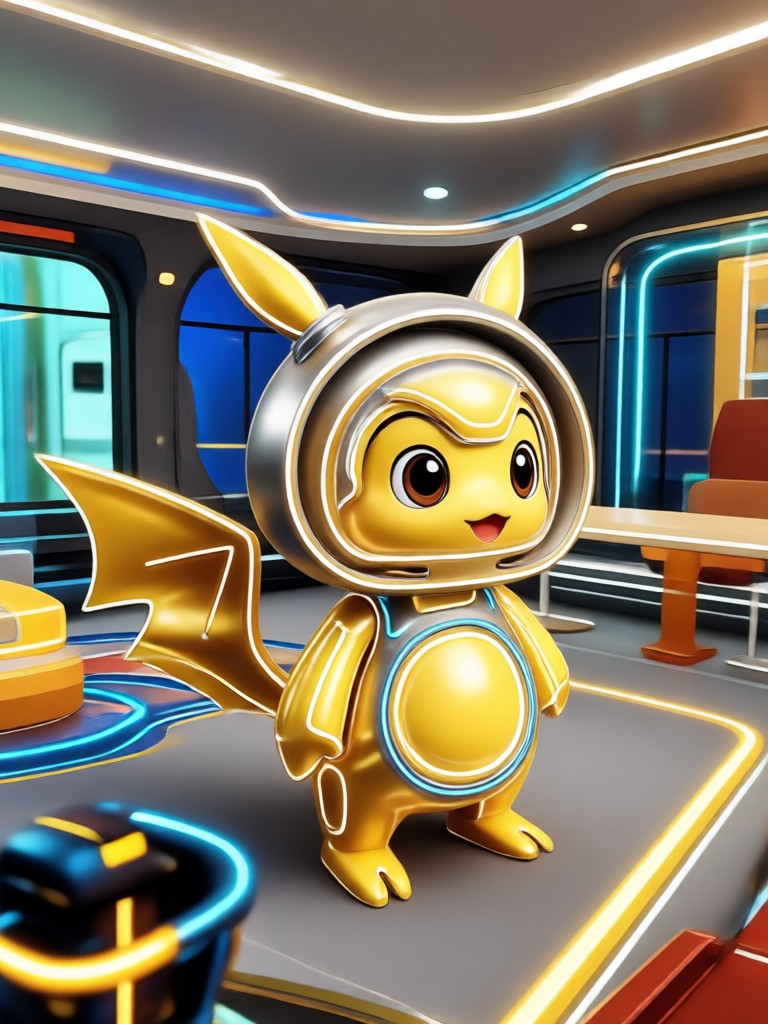
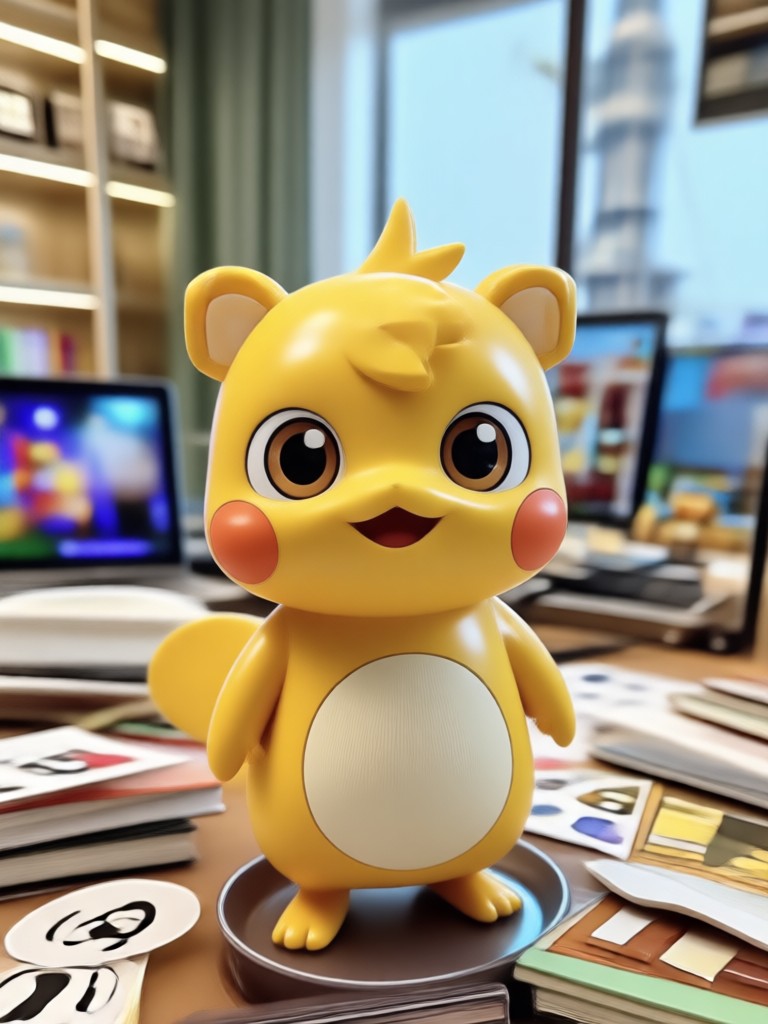
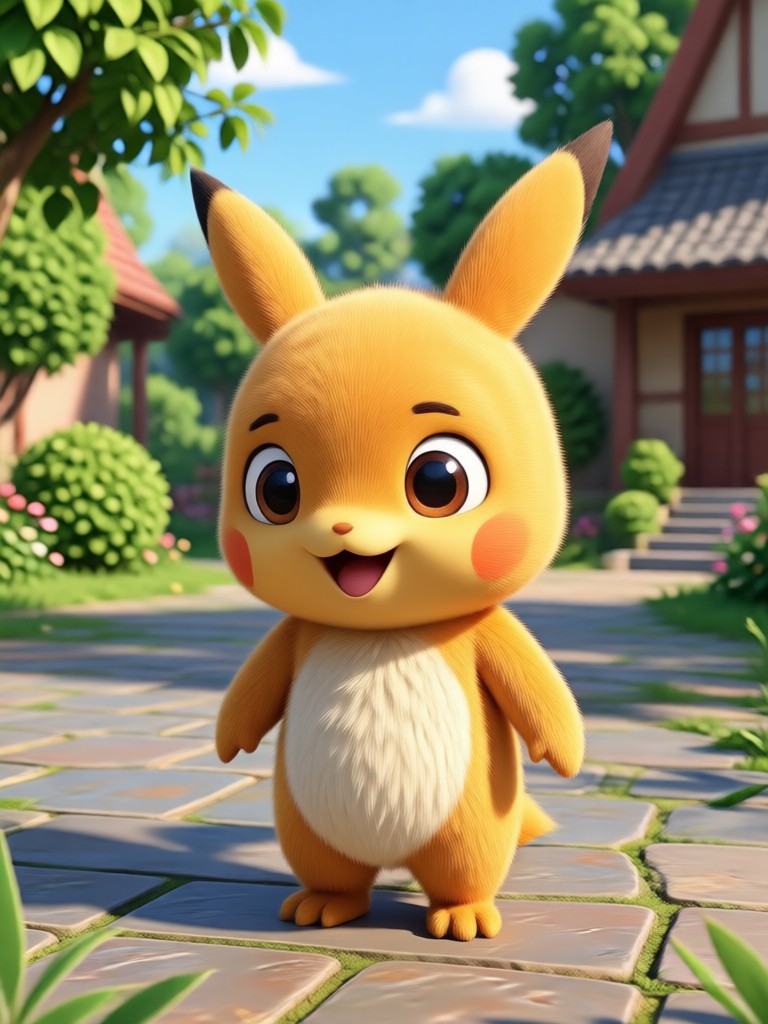
Browse stunning Pika AI video stills created with heyo. See how text prompts and photos transform into cinematic, anime, and artistic motion clips.

Why Choose heyo for Pika AI Video
heyo combines powerful AI video generation with an ultra simple mobile interface. You get professional quality results without a steep learning curve.
Made for Creators Who Want Speed and Quality
Most AI video tools bury you in complex settings. heyo keeps things simple. Pick a style filter, add your prompt or photo, and generate a Pika AI video in seconds. The app runs entirely on your phone, so you can create anywhere. Whether you make social clips, product teasers, or personal memories, heyo gives you cinematic motion without needing a desktop editor. Join thousands of creators who switched to heyo for fast, beautiful AI videos.
Made for Creators Who Want Speed and Quality
Most AI video tools bury you in complex settings. heyo keeps things simple. Pick a style filter, add your prompt or photo, and generate a Pika AI video in seconds. The app runs entirely on your phone, so you can create anywhere. Whether you make social clips, product teasers, or personal memories, heyo gives you cinematic motion without needing a desktop editor. Join thousands of creators who switched to heyo for fast, beautiful AI videos.
How to Create a Pika AI Video
Make your first Pika AI video in three simple steps using the heyo mobile app.
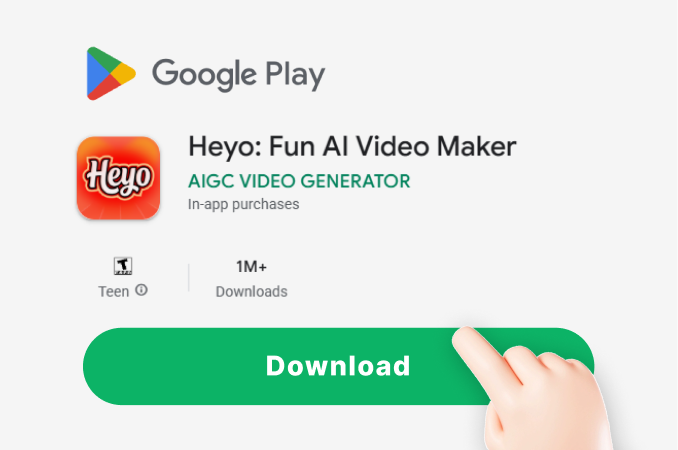
Step 01.
Download the heyo app from Google Play and open it on your phone.
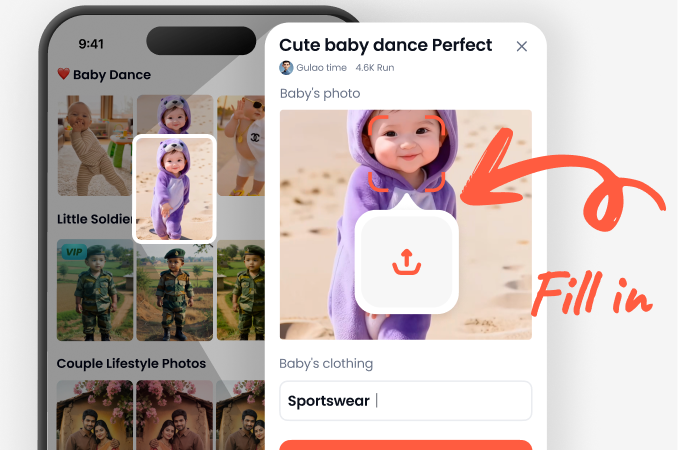
Step 02.
Choose a style filter and type a prompt or upload a photo to use as your starting point.
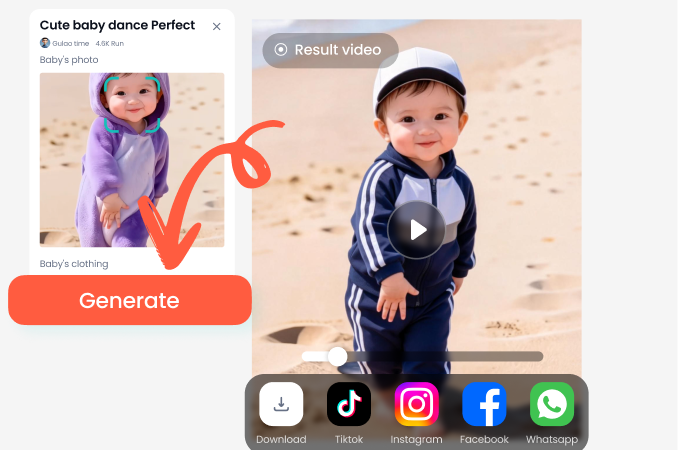
Step 03.
Generate your Pika AI video, preview the motion, then download and share it on social media.
Get the heyo App for Pika AI Video
Download heyo from Google Play and unlock unlimited Pika AI video styles, text to video, image to video, and more.

What Creators Say About Pika AI Video on heyo
Fastest way to make short clips
I used to spend hours editing travel footage. With heyo I just type a few lines and get a polished Pika AI video in under a minute. The style filters are amazing.
Finally an AI video tool that works on mobile
I run a small online store and needed quick product teasers. heyo lets me upload product photos and turn them into smooth Pika AI videos right from my phone. Huge time saver.
The style variety is unreal
From anime to cinematic to claymation, heyo has every look I want for my Pika AI video projects. I keep discovering new filters every week.
Pika AI Video FAQs
Find clear answers to common questions about creating Pika AI videos with heyo.
Watch Pika AI Video Tutorials
Explore in depth demos and tutorials that show how to create stunning Pika AI videos with heyo.
More AI Video Topics You May Like
Explore more AI video tools, generators, and creative techniques to expand your motion content skills.
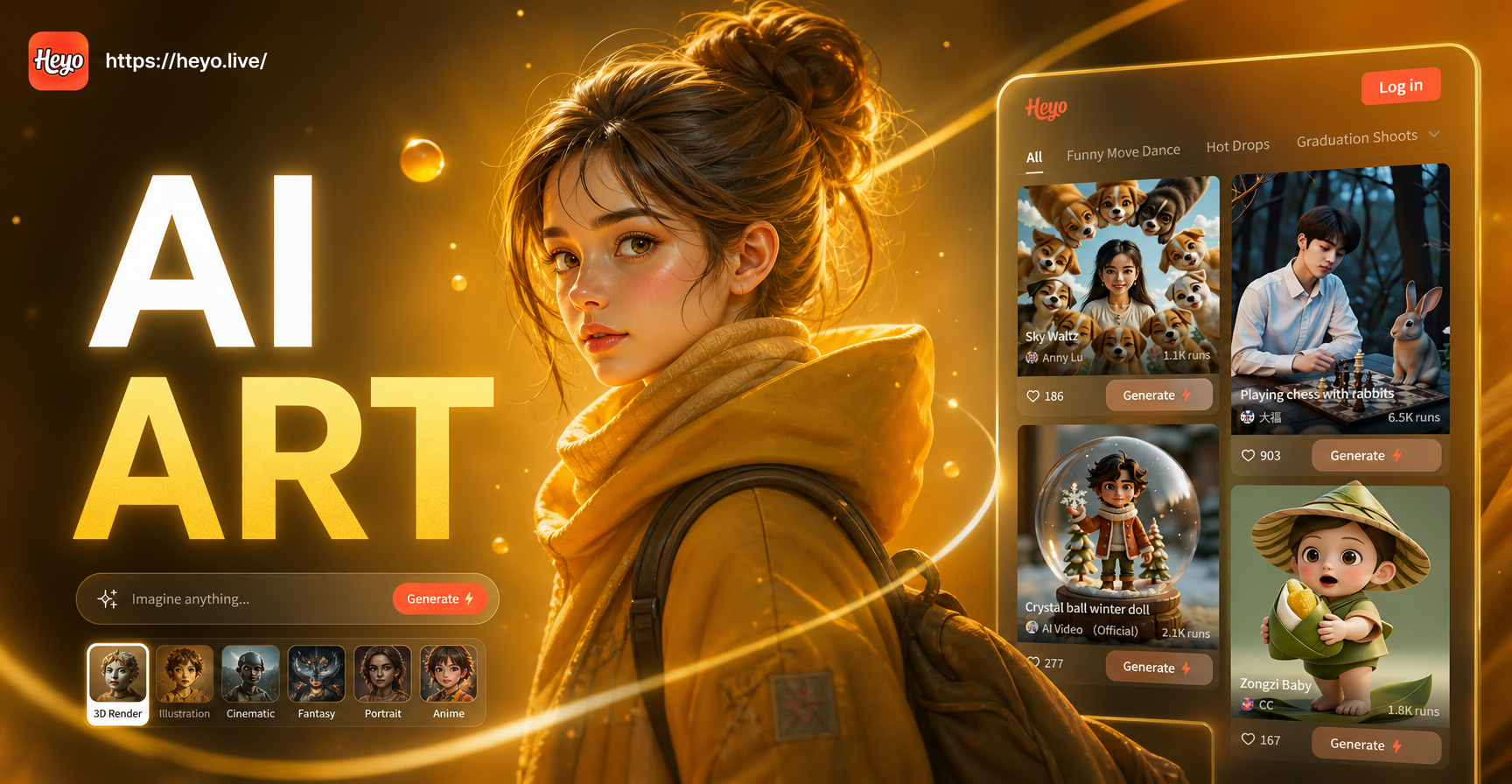
AI Medium Shot Photo: Perfect Portraits in Seconds
Generate medium shot photos with AI. Upload a photo, choose a style, and get balanced portraits with clear subject focus. Ideal for social profiles.

Create Custom AI Baby Nursery Wall Art in Seconds
Create dreamy AI baby nursery wall art with heyo. Pick watercolor, boho, or floral styles, generate wall ready prints, and download the app to start.
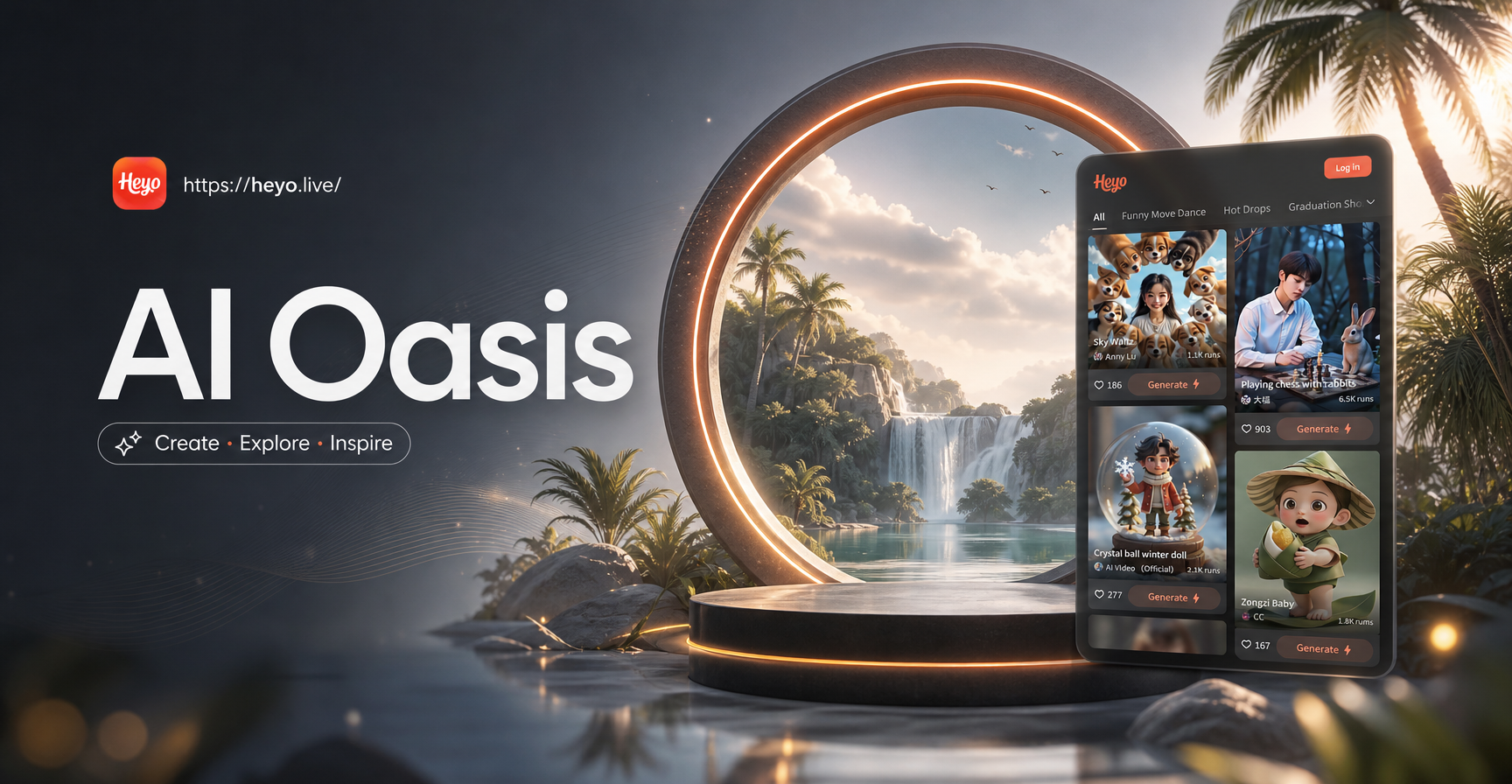
Craft Dreamy AI Oasis Images in Seconds
Turn text into stunning AI oasis images. Pick from desert, tropical, fantasy, and realistic filters, then download your creation in HD. No design skills needed.
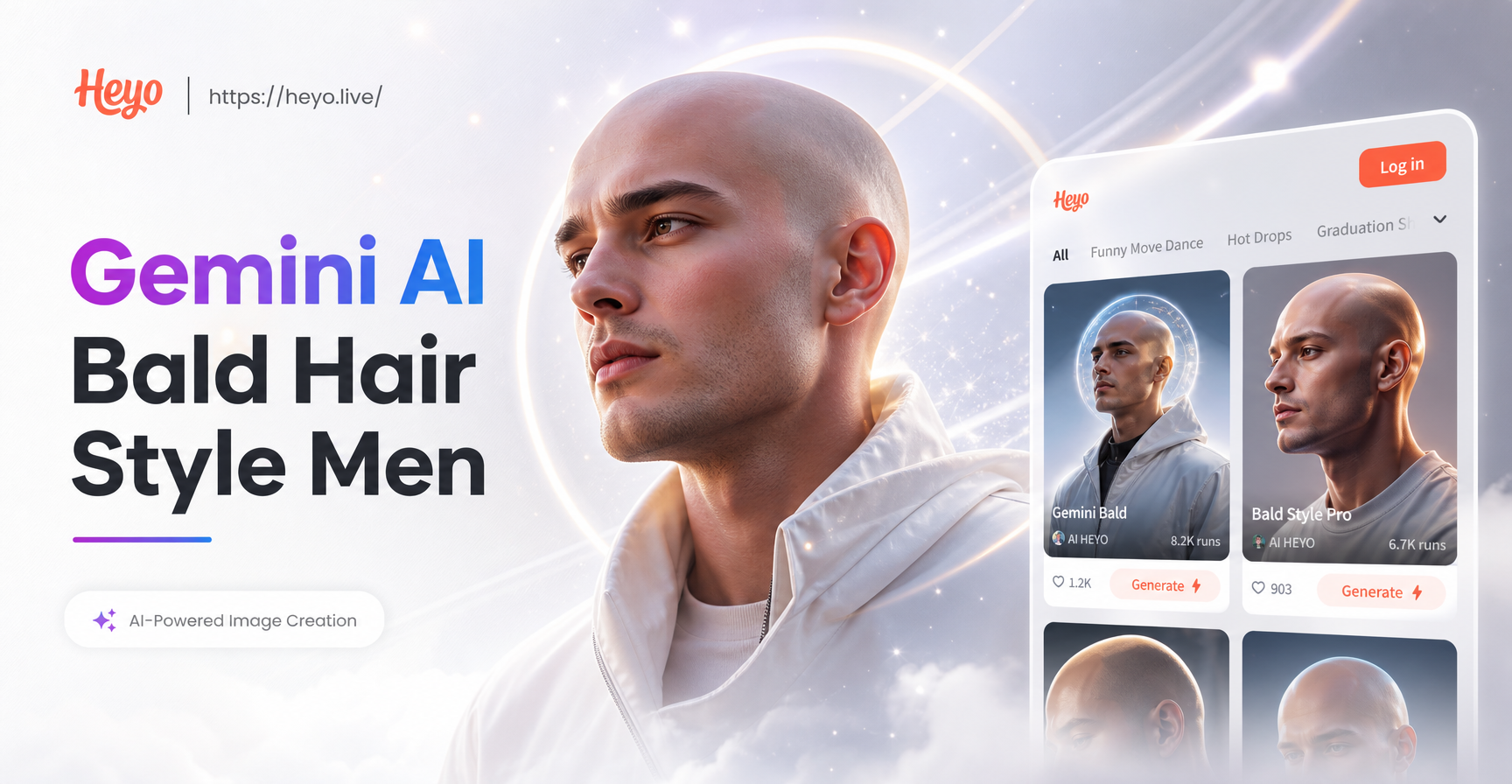
Bold Bald Looks for Men: Try Gemini AI Styles
See your bald look instantly with Gemini AI. Upload a photo and try realistic bald hair styles for men, from smooth to faded. No salon visit needed.
Start Making Pika AI Videos Today
Download heyo and turn your text prompts and photos into dynamic AI videos with over a million style filters. Create, share, and impress in minutes.
Start Making Pika AI Videos Today
Download heyo and turn your text prompts and photos into dynamic AI videos with over a million style filters. Create, share, and impress in minutes.