Animate Face
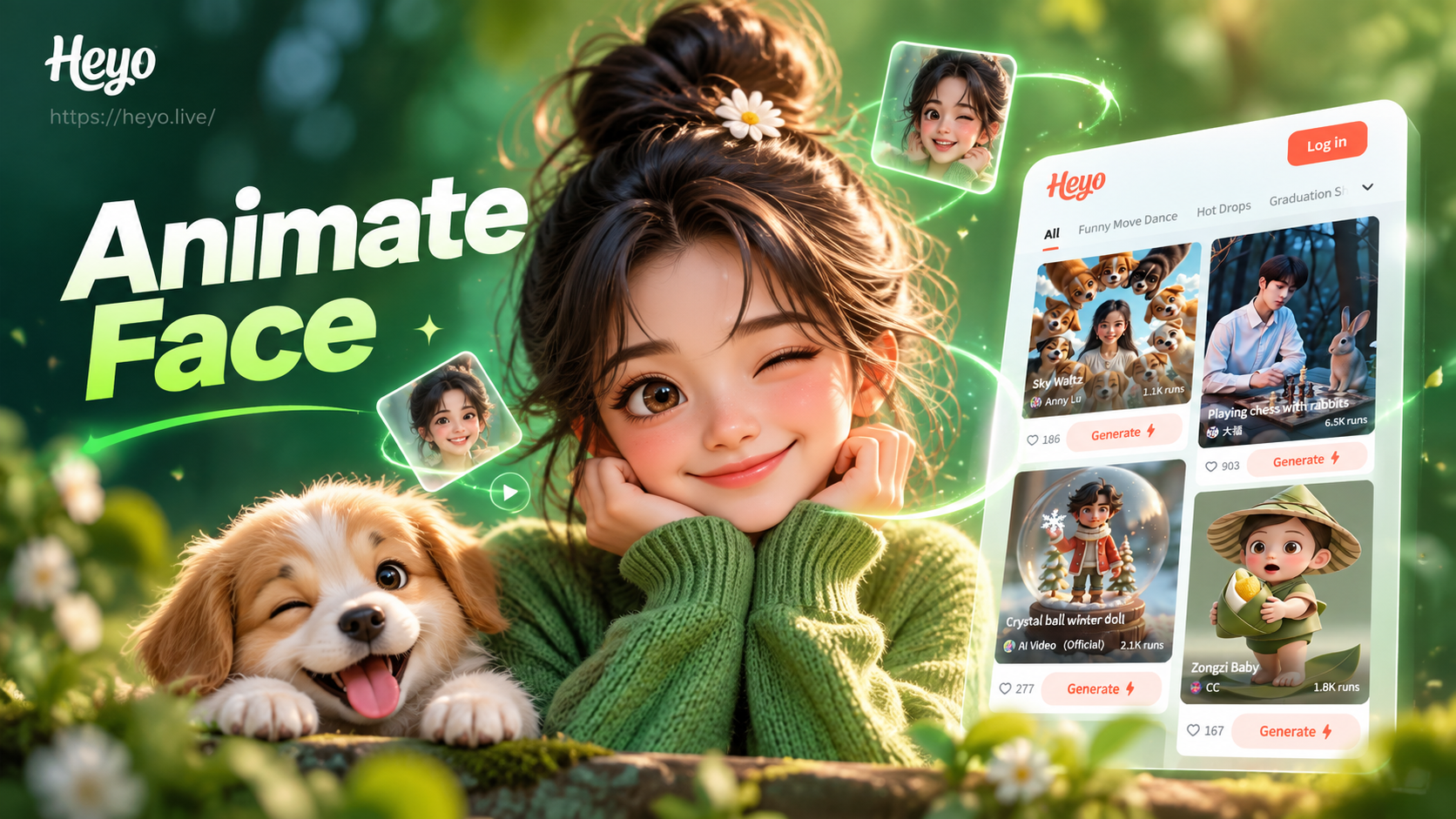
Choose Your Perfect Face Animation
Select from a wide range of lifelike facial expressions and movements. From subtle smiles to dynamic head turns, find the perfect animation for your photo.
Key Features of Face Animation
Experience cutting-edge AI technology designed to bring your photos to life with realistic, natural-looking facial movements.

Realistic Expression Library
Access dozens of preset facial expressions, including smiling, blinking, winking, and surprised looks. Each animation is crafted for natural movement.
Realistic Expression Library
Access dozens of preset facial expressions, including smiling, blinking, winking, and surprised looks. Each animation is crafted for natural movement.
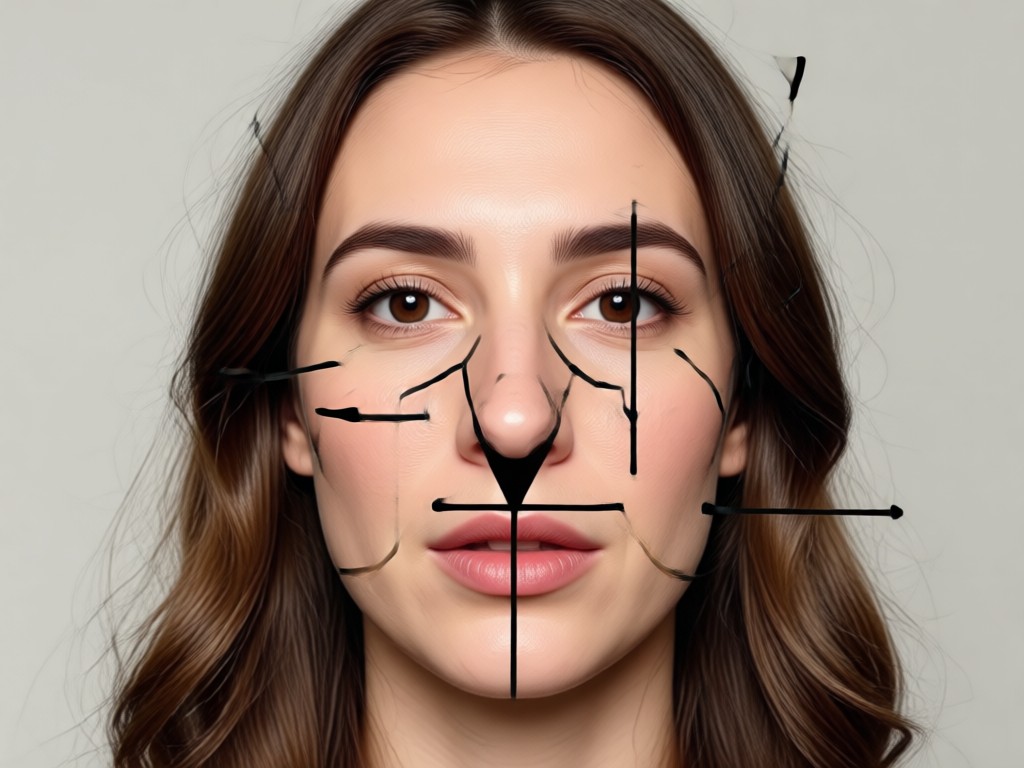
Natural Head Movement
Generate smooth, realistic head turns and nods. The AI preserves your facial structure while creating fluid, 3D-like rotation effects.
Natural Head Movement
Generate smooth, realistic head turns and nods. The AI preserves your facial structure while creating fluid, 3D-like rotation effects.

Multi-Person Animation
Animate every face in a group photo. Our AI recognizes and individually animates multiple subjects without blending features.
Multi-Person Animation
Animate every face in a group photo. Our AI recognizes and individually animates multiple subjects without blending features.
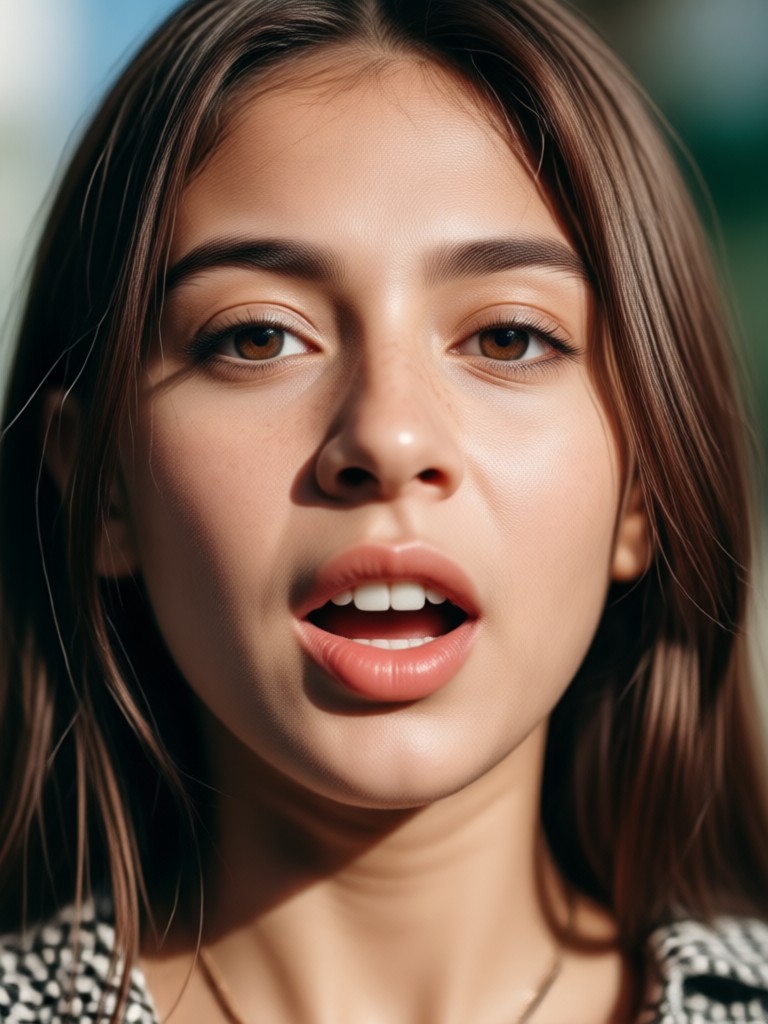
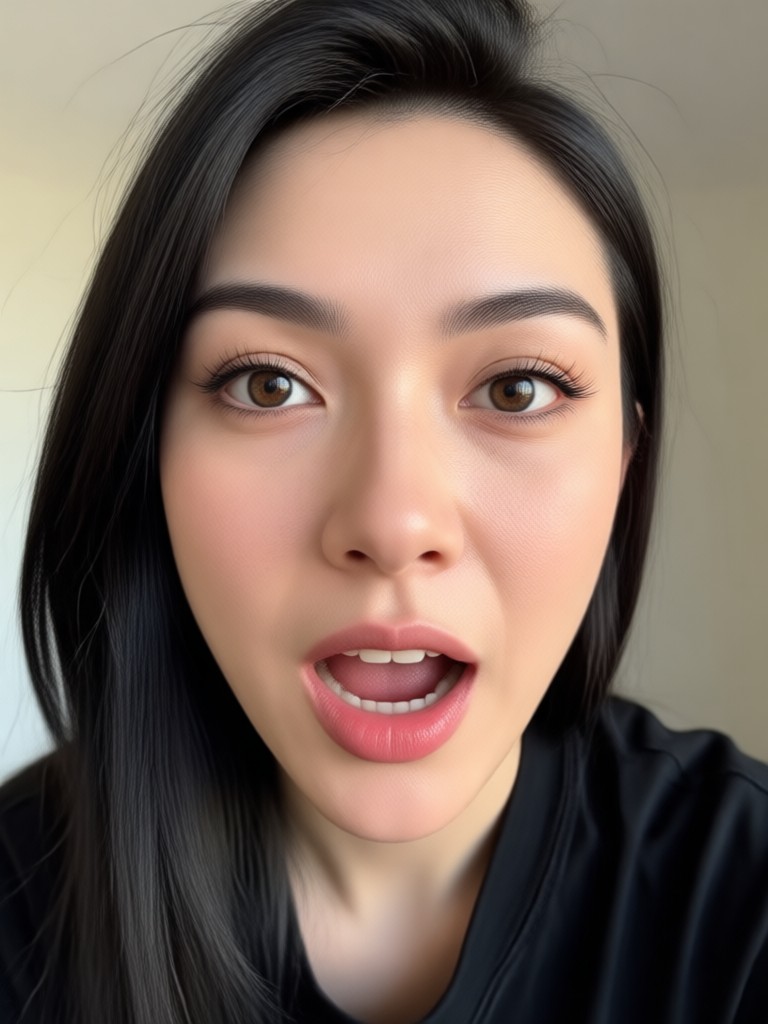
Popular Face Animation Styles
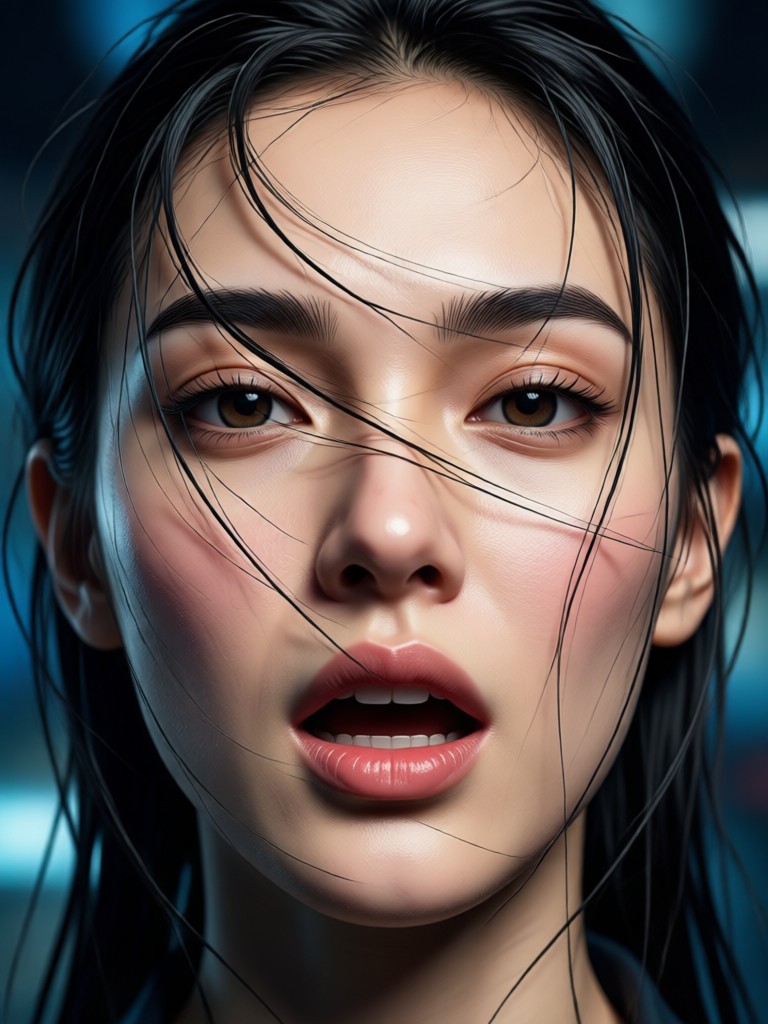
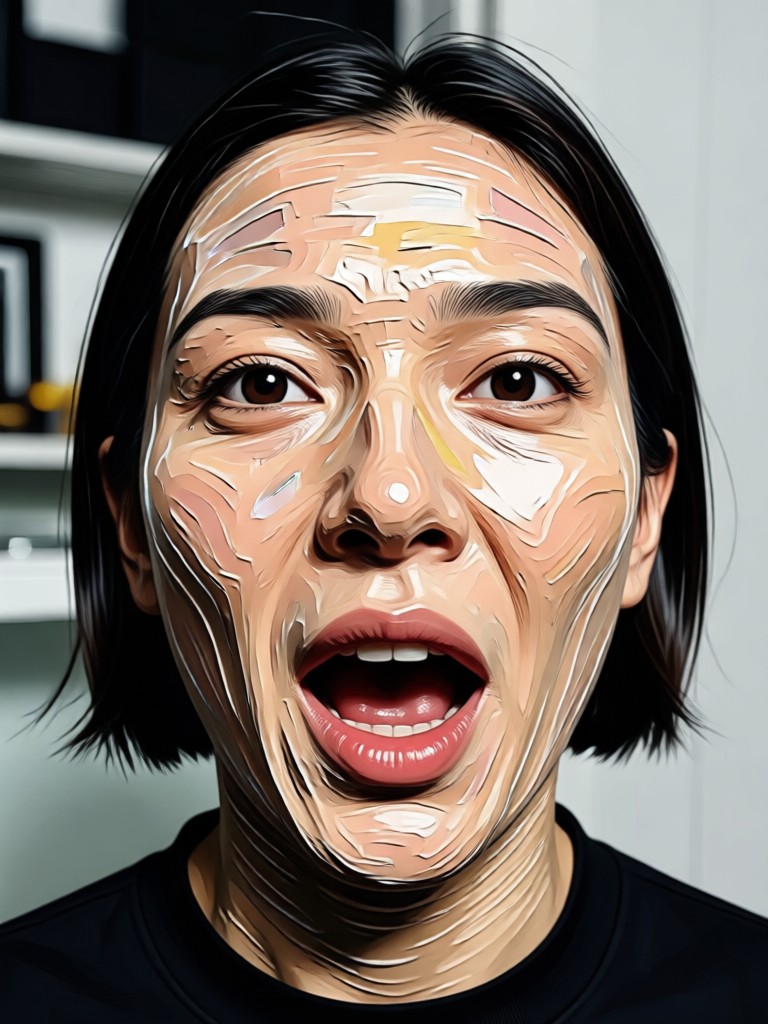
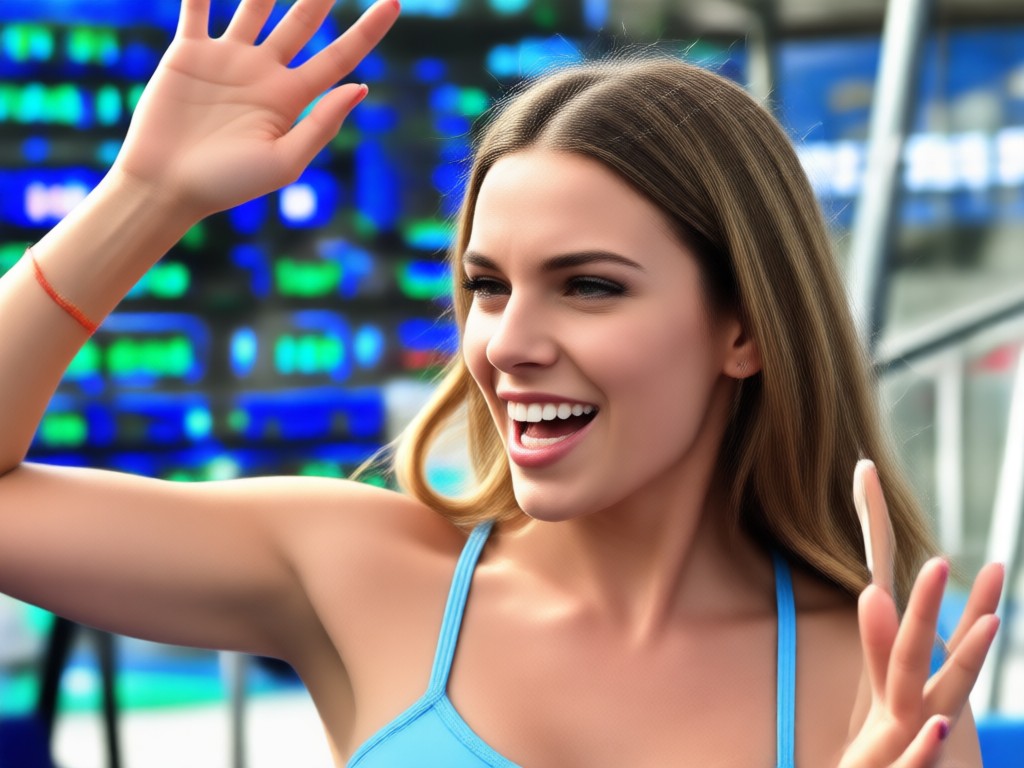
See how different animations can bring character and emotion to any portrait. Download the app to recreate these effects.

Why Animate Faces with AI?
Breathe new life into memories and create engaging content for social media. Animated portraits capture attention and tell a more dynamic story than static images.
Why Animate Faces with AI?
Breathe new life into memories and create engaging content for social media. Animated portraits capture attention and tell a more dynamic story than static images.
How to Animate a Face in 3 Steps
Create a moving portrait from any photo in less than a minute with our simple, intuitive process.

Step 01.
Download the heyo app from Google Play to access all face animation tools directly on your mobile device.

Step 02.
Upload your portrait photo and browse the library of facial animations. Select the expression or movement you want to apply.

Step 03.
Generate and preview your animated face. Download the video clip or GIF to share with friends or on social media platforms.
What Creators Say About Face Animation
Revived our family photo album
I animated old portraits of my grandparents. Seeing them smile and blink again brought tears to my family's eyes. It's like a window to the past.
Game-changer for social media content
My engagement doubled when I started posting animated portraits instead of still images. Followers love the subtle, lifelike movements. It makes my feed stand out.
Incredibly easy for zero editing skills
I've never edited a video before. This app let me create a beautiful animated thank you message from a photo in under two minutes. Unbelievably simple.
See Face Animation in Action
Watch these tutorials and showcases to see the magic of transforming static photos into living portraits.
Frequently Asked Questions
Get answers to common questions about animating faces with AI technology.
More Topics You May Like
Explore more topics you may like and discover fresh ideas tailored to your interests.
Add Custom Text to Any Photo Instantly with AI
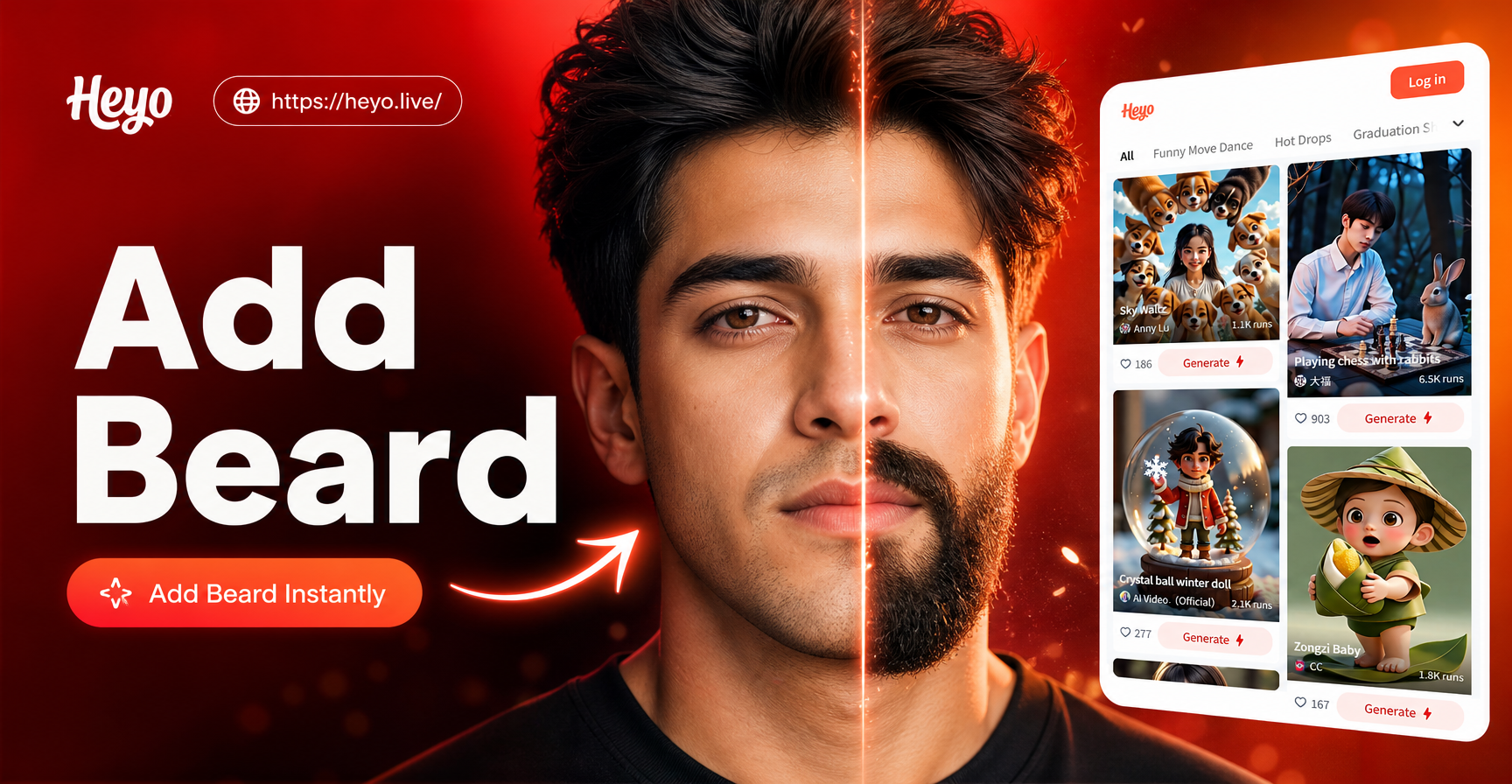
Add a Beard to Your Photo in Seconds Online
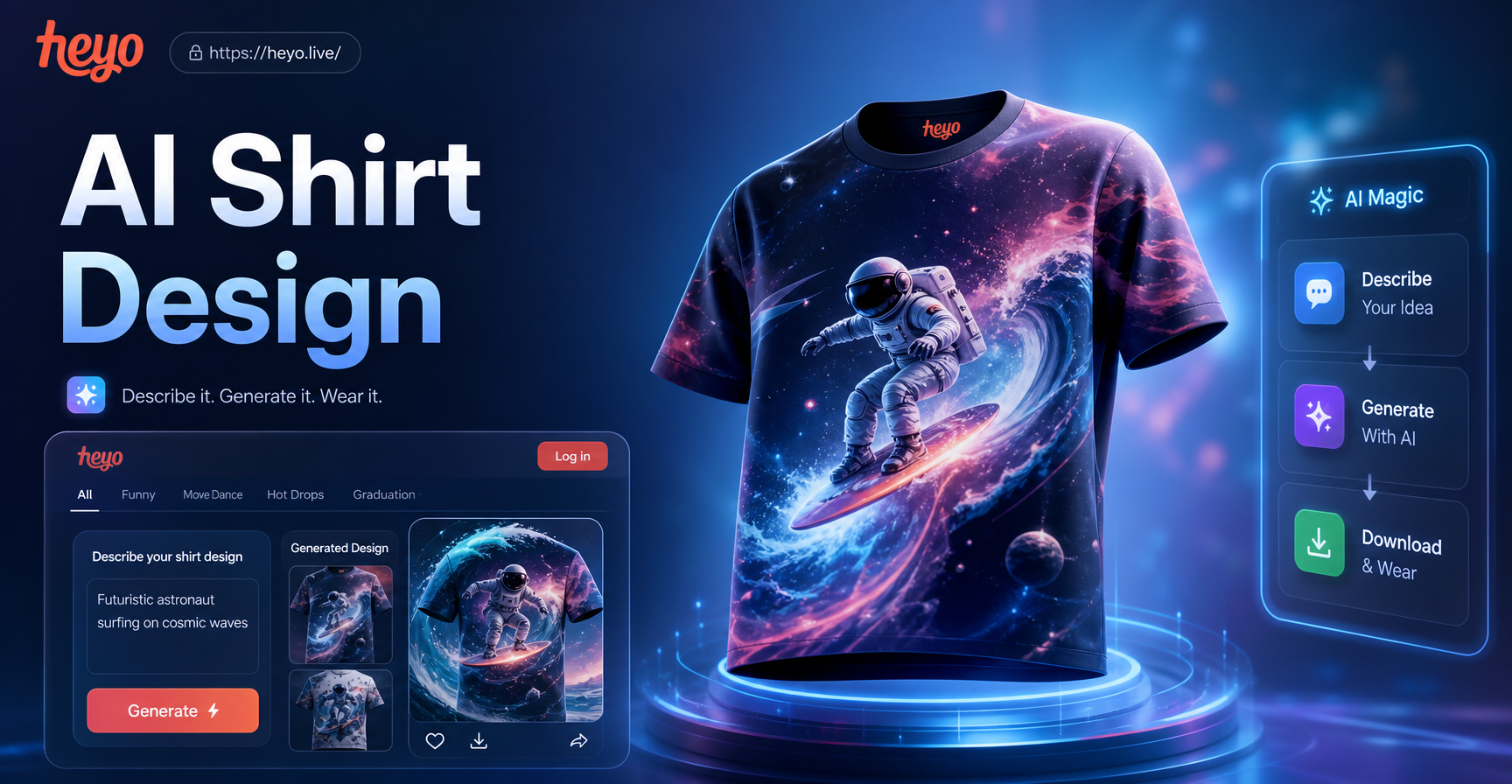
AI T-Shirt Design Maker | Create Custom Designs Instantly
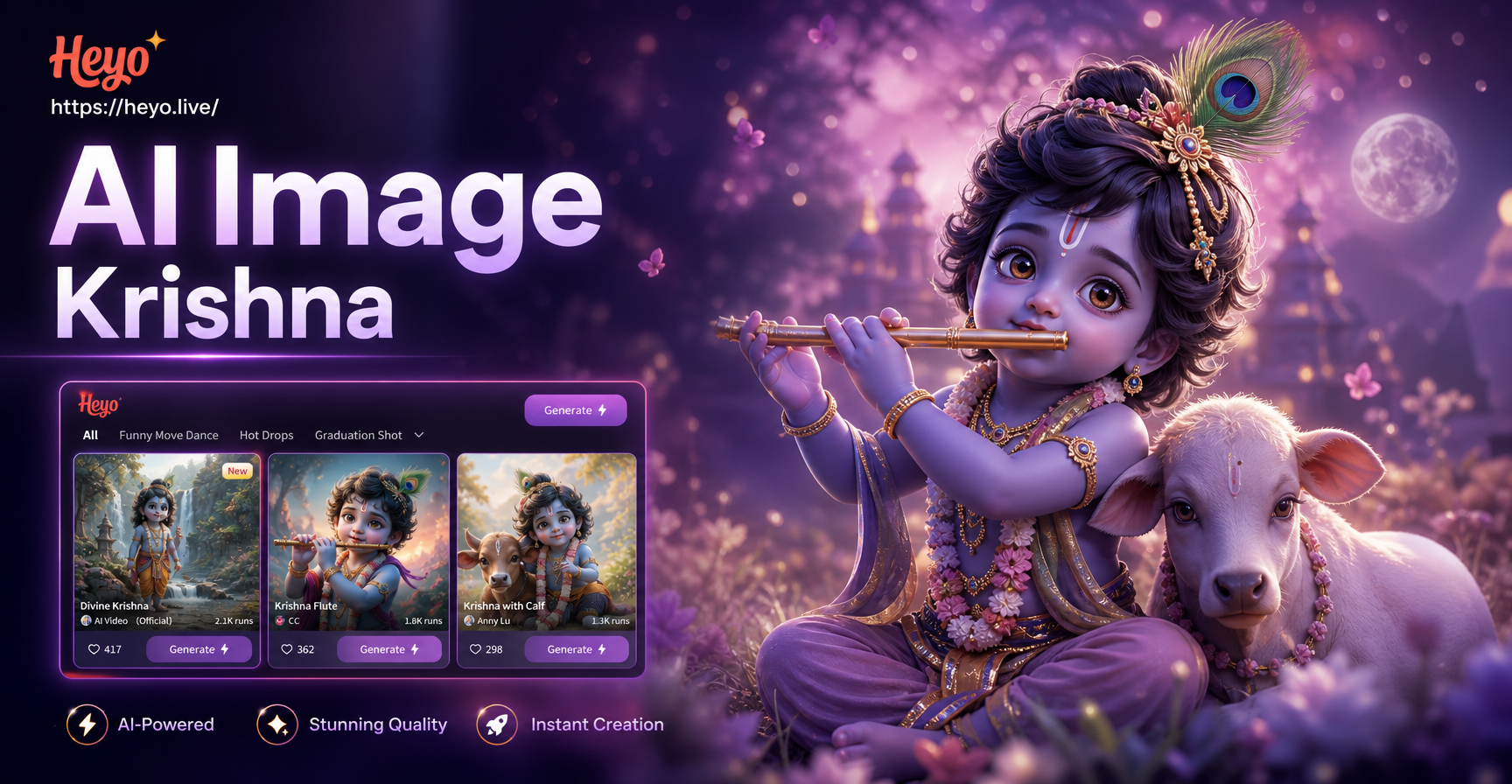
Create Divine Art: AI Krishna Image Generator
Add Custom Text to Any Photo Instantly with AI
Add a Beard to Your Photo in Seconds Online
AI T-Shirt Design Maker | Create Custom Designs Instantly
Create Divine Art: AI Krishna Image Generator
Give Your Photos a Voice
Don't let your portraits stay silent. Download heyo now and turn every smile, glance, and memory into a moving story.
Give Your Photos a Voice
Don't let your portraits stay silent. Download heyo now and turn every smile, glance, and memory into a moving story.