Change Image Color with AI
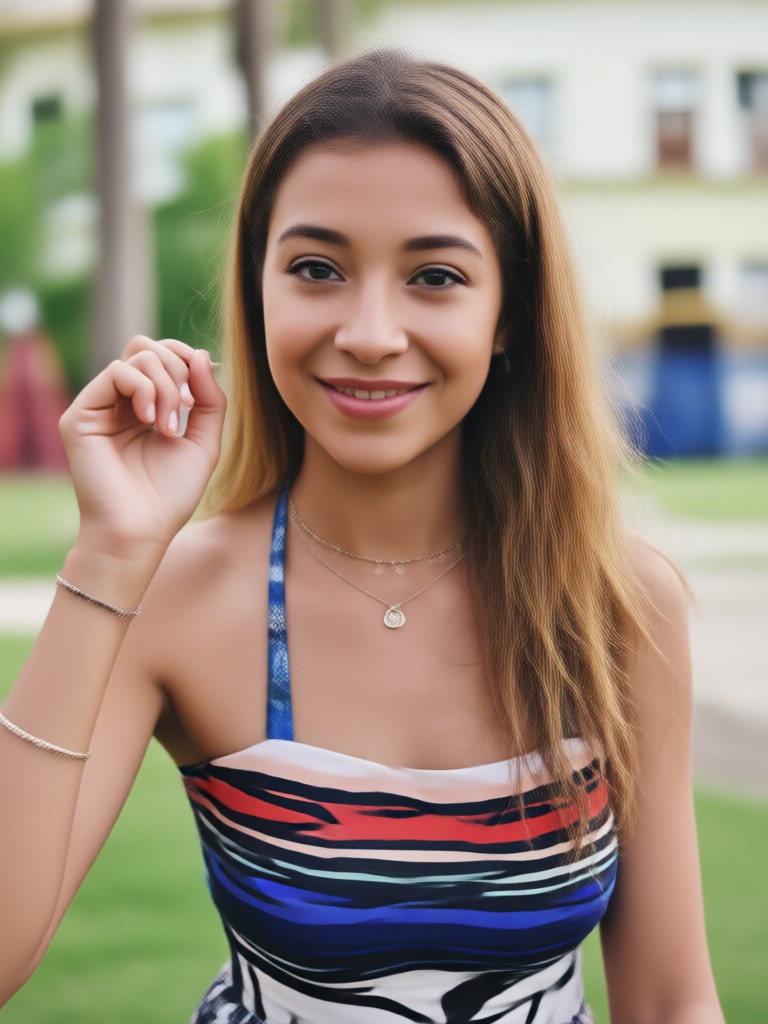
Choose Your Favorite Color Change Filters
Explore multiple AI filters that let you recolor clothes, swap backgrounds, or apply artistic color tones in one tap.
Key Features of Change Image Color
Turn your photos into vibrant new creations with powerful AI color editing tools that work directly in the heyo app.
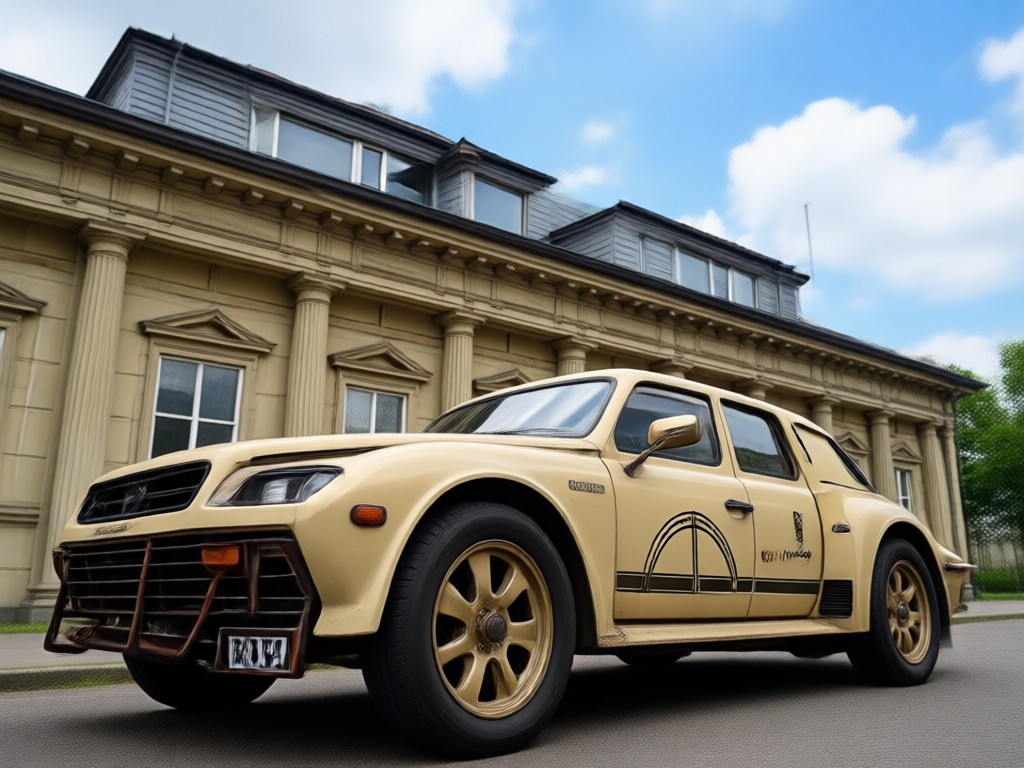
One Tap Recolor
Select any area or object and instantly change its color. The AI detects edges and shadows for a natural, seamless result every time.
One Tap Recolor
Select any area or object and instantly change its color. The AI detects edges and shadows for a natural, seamless result every time.

Millions of Color Presets
Browse a huge library of color filters, from realistic fabric dyes to artistic duotone and neon effects. Find the perfect tone for any mood.
Millions of Color Presets
Browse a huge library of color filters, from realistic fabric dyes to artistic duotone and neon effects. Find the perfect tone for any mood.
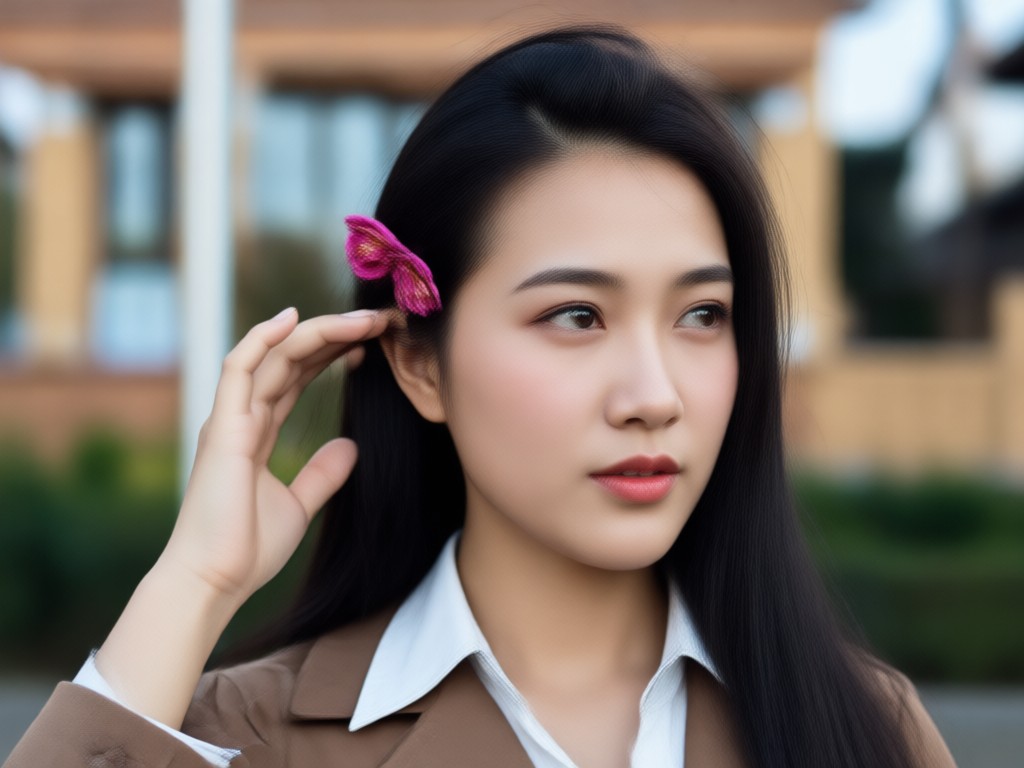
Preserve Original Details
Our AI keeps textures, lighting, and shadows intact while changing hues, so your edited photos look natural and professional, not painted over.
Preserve Original Details
Our AI keeps textures, lighting, and shadows intact while changing hues, so your edited photos look natural and professional, not painted over.
How to Change Image Color in 3 Steps
Recolor any photo quickly and easily using heyo on your Android device.

Step 01.
Download the heyo app from Google Play and open it on your Android phone.
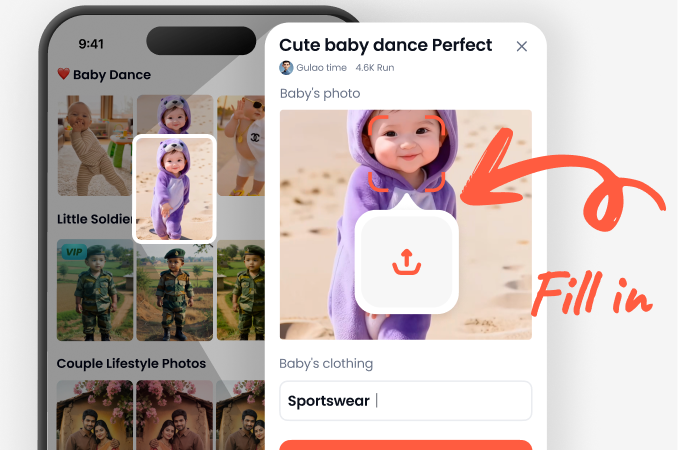
Step 02.
Upload a photo and choose from a variety of color change filters or use the smart recolor tool to target specific areas.
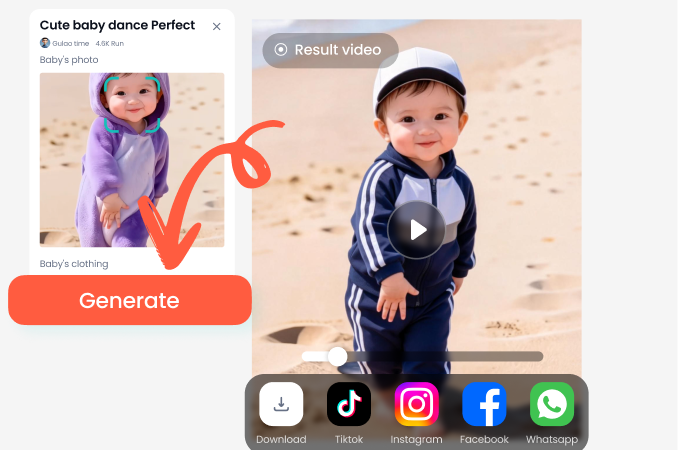
Step 03.
Generate your new image, then save and share it directly to social media or with friends.
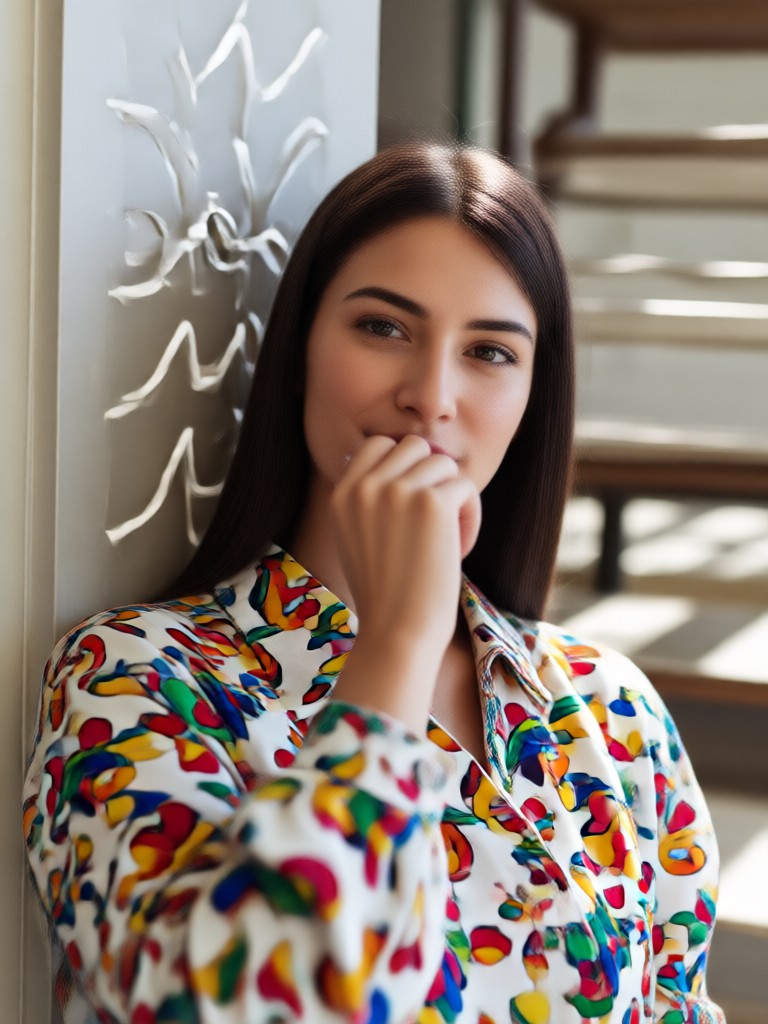
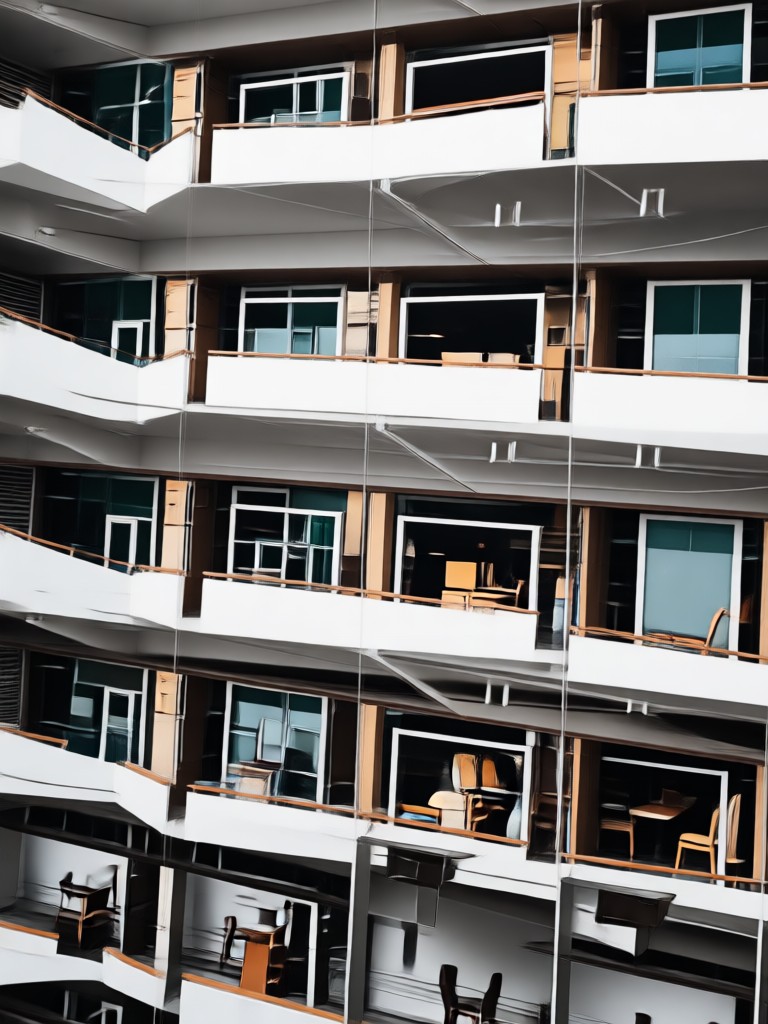
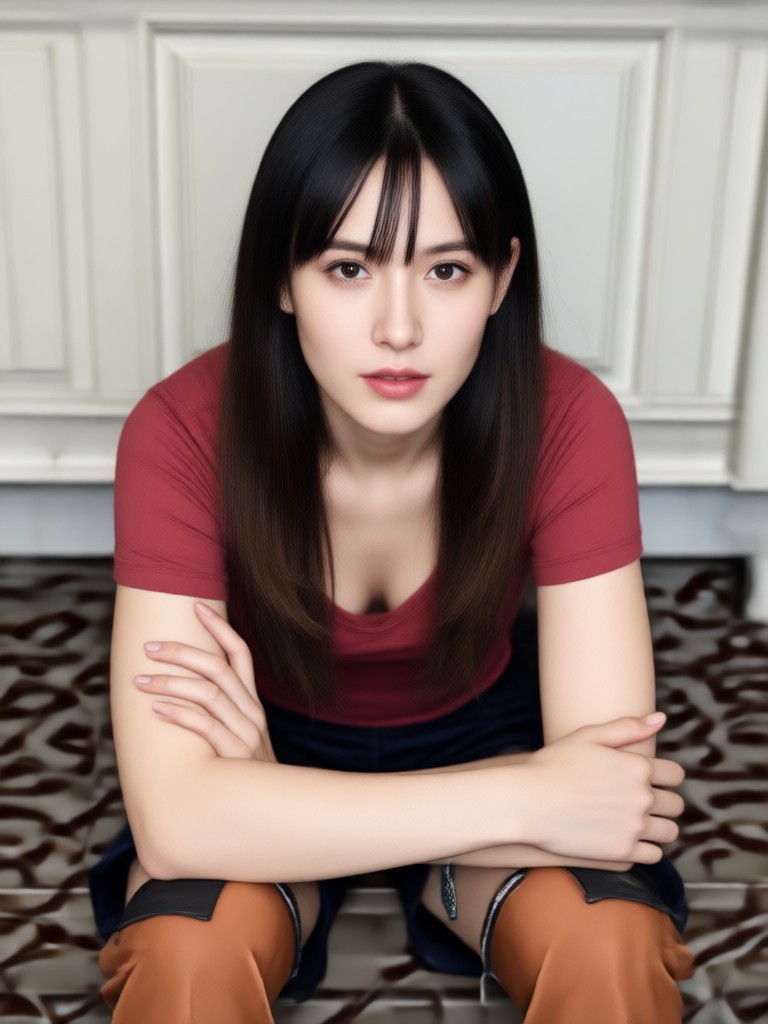
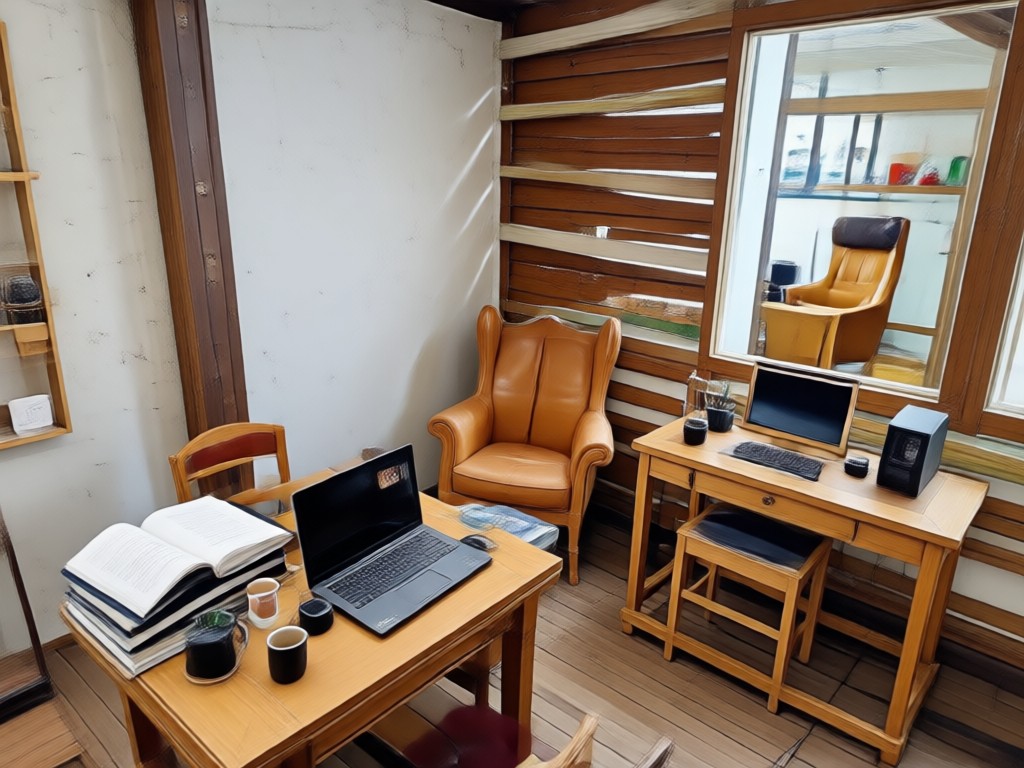
Explore AI Color Change Gallery
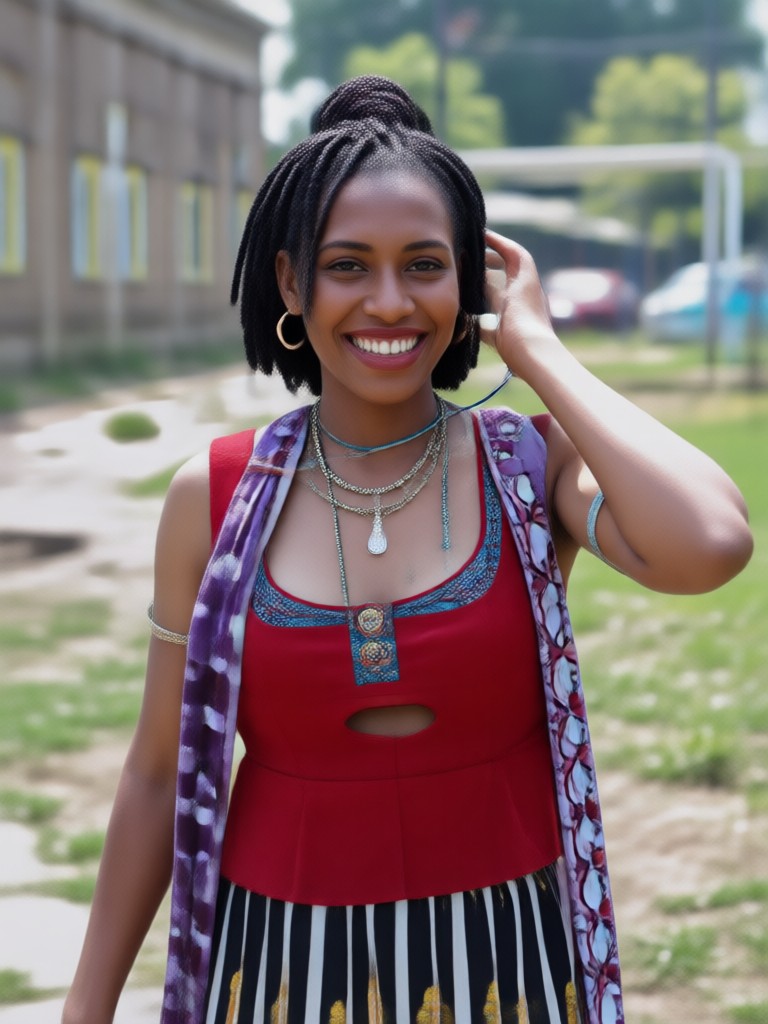
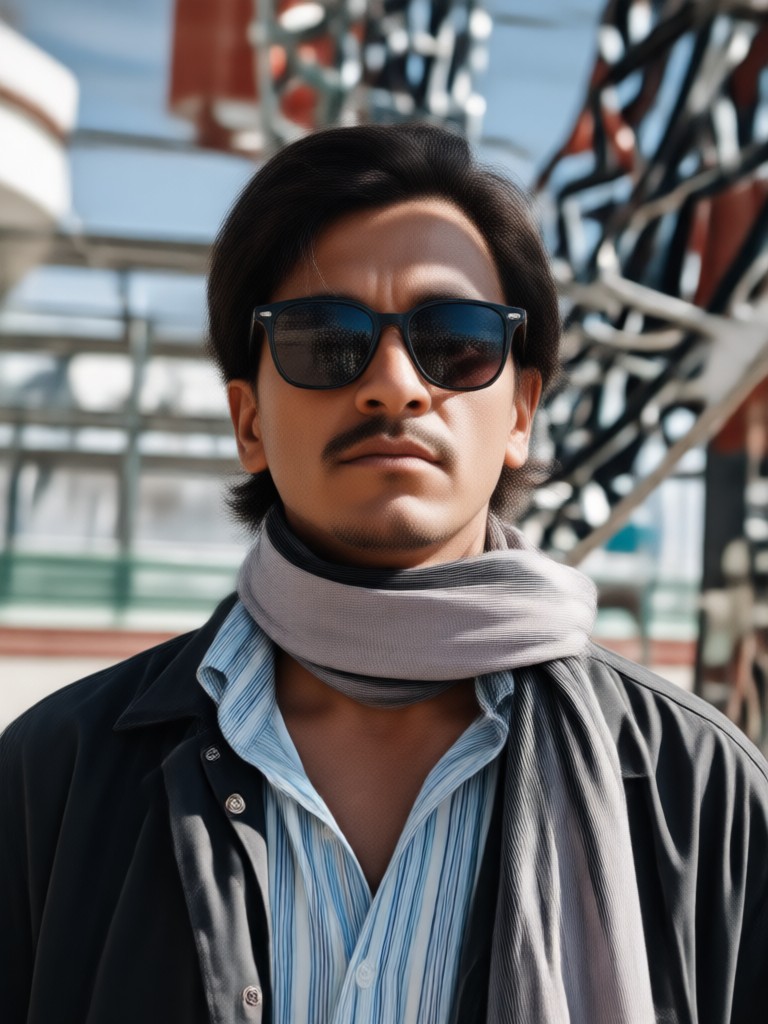
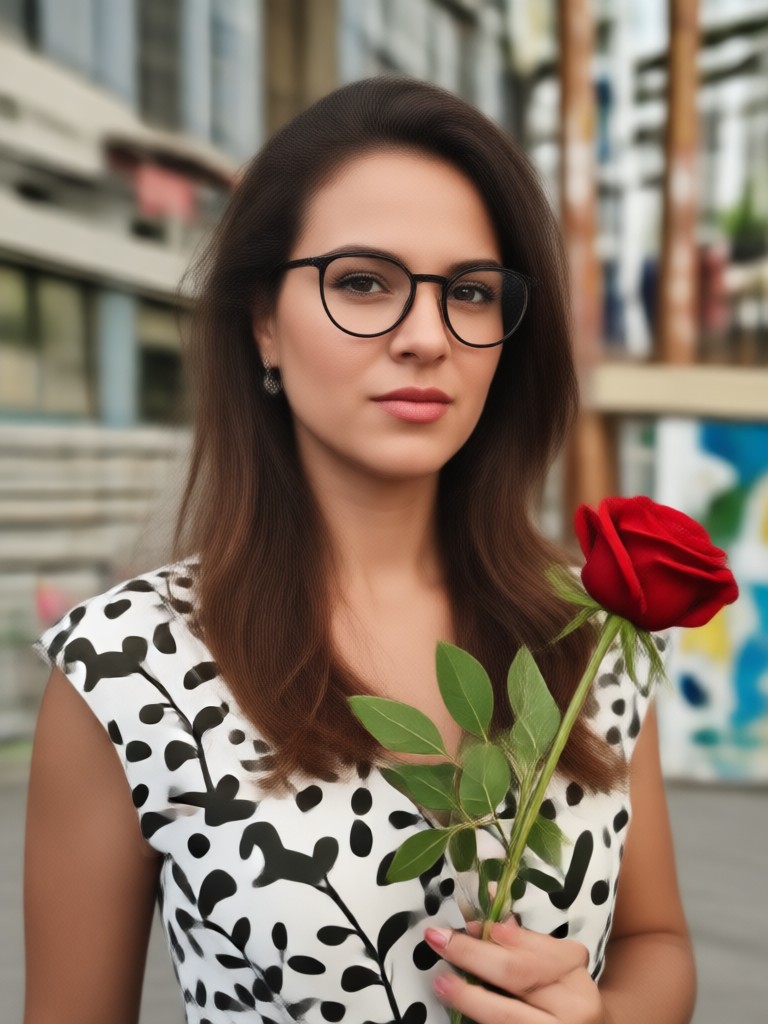
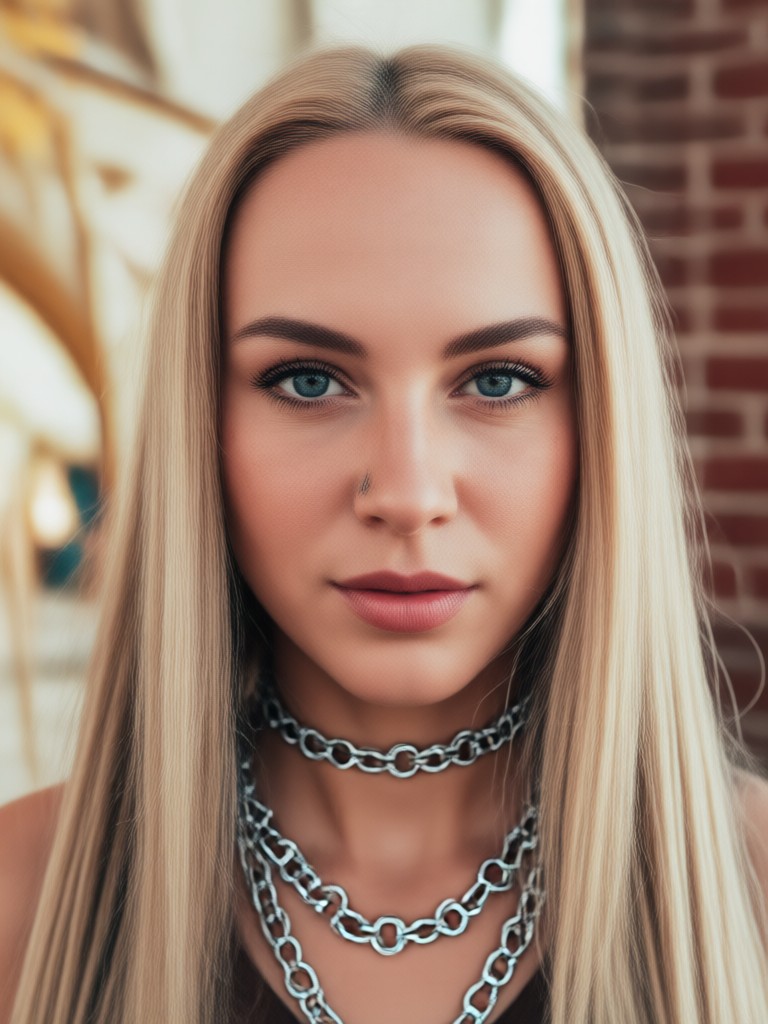
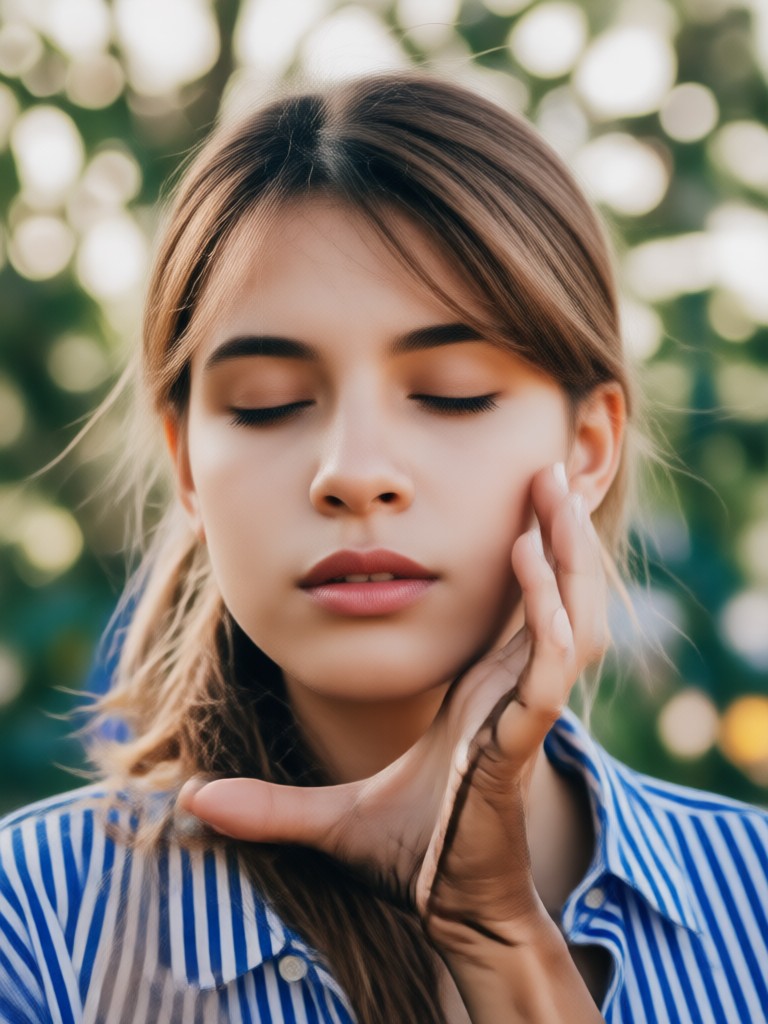
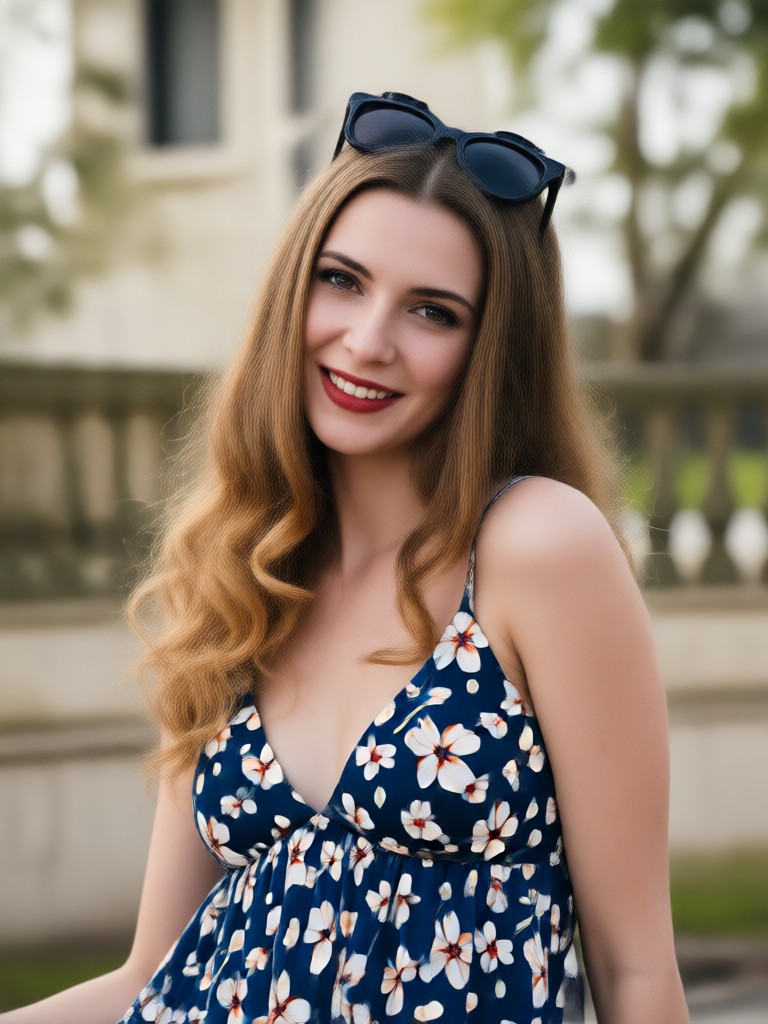
Browse stunning examples of photos recolored with heyo. From clothing color swaps to artistic color grading, see what is possible.


Why Use heyo for Changing Image Color
heyo combines powerful AI color detection with a simple mobile interface. You do not need Photoshop or years of editing experience. Just upload, tap, and watch colors transform. With over a million filters and fast processing, heyo is the easiest way to recolor photos on the go.
Why Use heyo for Changing Image Color
heyo combines powerful AI color detection with a simple mobile interface. You do not need Photoshop or years of editing experience. Just upload, tap, and watch colors transform. With over a million filters and fast processing, heyo is the easiest way to recolor photos on the go.
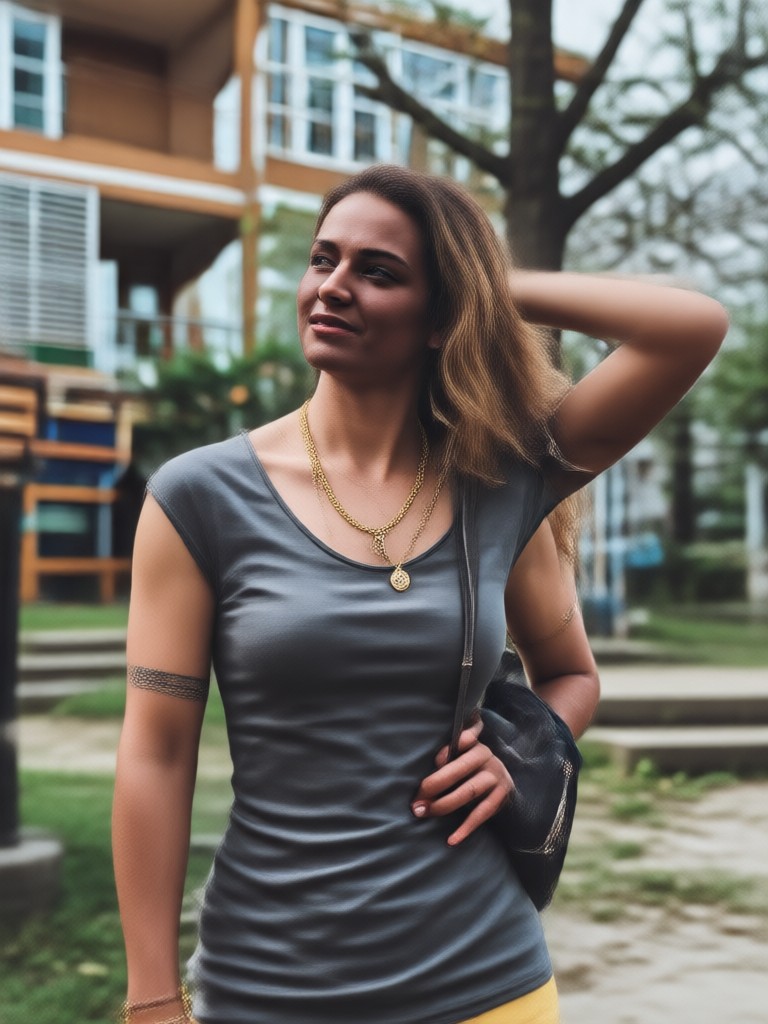
Change Image Color on Android
heyo is available exclusively on Google Play. Download the app and start recoloring photos, clothes, and backgrounds instantly.

What Users Say About heyo
So easy to recolor clothes
I used heyo to change my shirt from blue to red for a product photo. It looked completely natural and took less than a minute.
Perfect for Instagram themes
I love playing with color filters. heyo lets me match every post to my feed aesthetic without any complicated tools.
Great alternative to Photoshop
I normally use desktop software to change object colors, but heyo is faster and just as accurate. Highly recommend it.
Frequently Asked Questions
Find clear answers about changing image color with heyo.
More Topics You May Like
Explore more AI editing guides and discover fresh ideas for your photos.

Animal Face Filter: AI Animal Face Swap & Transformation
Animal Face Filter with AI lets you transform selfies into cute animal faces. Upload a photo, pick a dog, cat, fox, or more, and get a funny animal face swap instantly. Download app now.

Angry Face Filter for Hilarious Photo Edits
Turn any photo into a fierce or funny angry face with AI. Upload a selfie, pick a style, and get realistic angry expression effects in seconds. Try the app now.

Soft Dreamy Pastel Selfie Video Filters You'll Love
Create aesthetic selfie videos with soft dreamy pastel filters. Upload your clips, choose a dreamy style, and get stunning results in seconds. No editing skills needed.

Anime Filter: Turn Photos into Anime Art in Seconds
Turn any photo into stunning anime art with the heyo app. Upload a selfie or group photo, pick an anime filter, and generate HD anime images and videos in seconds.
Ready to Change Image Color?
Download heyo now and start recoloring photos, clothes, and backgrounds with AI. Fast, realistic, and free to try.
Ready to Change Image Color?
Download heyo now and start recoloring photos, clothes, and backgrounds with AI. Fast, realistic, and free to try.