Instagram Reels
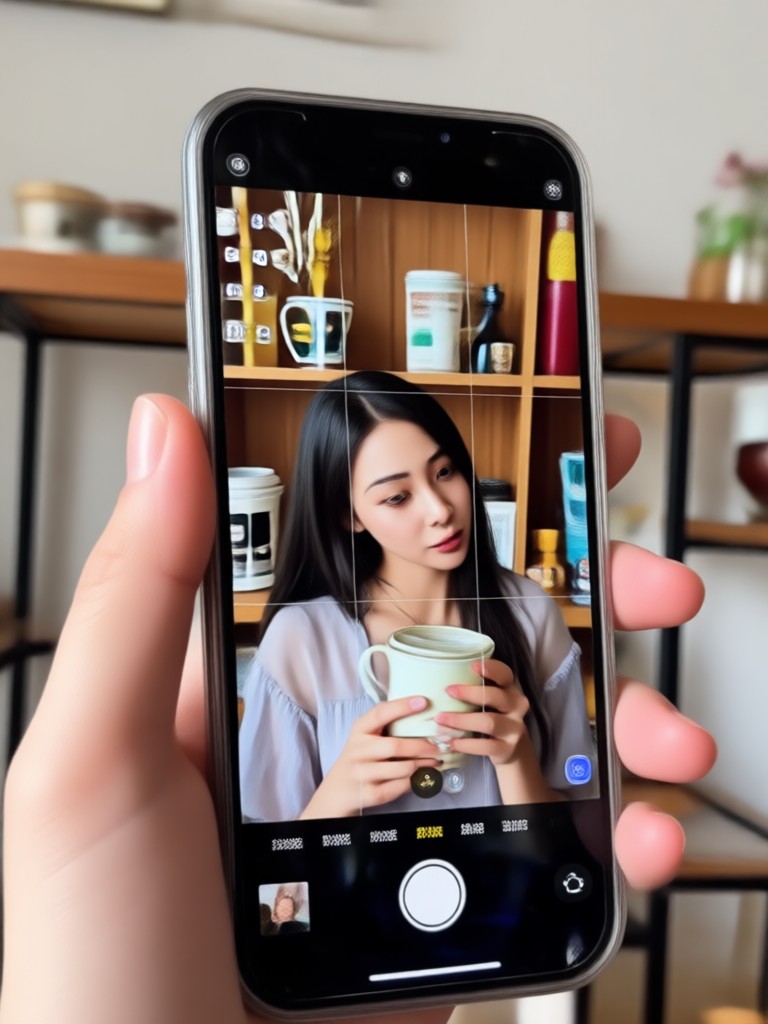
Trending Filters for Instagram Reels
Pick from viral effects and AI styles made for short-form video. From cinematic edits to playful animations, there is a filter for every Reel.
Key Features for Creating Instagram Reels
Everything you need to produce engaging Reels directly from your phone. AI handles the heavy lifting while you stay in control of the creative direction.
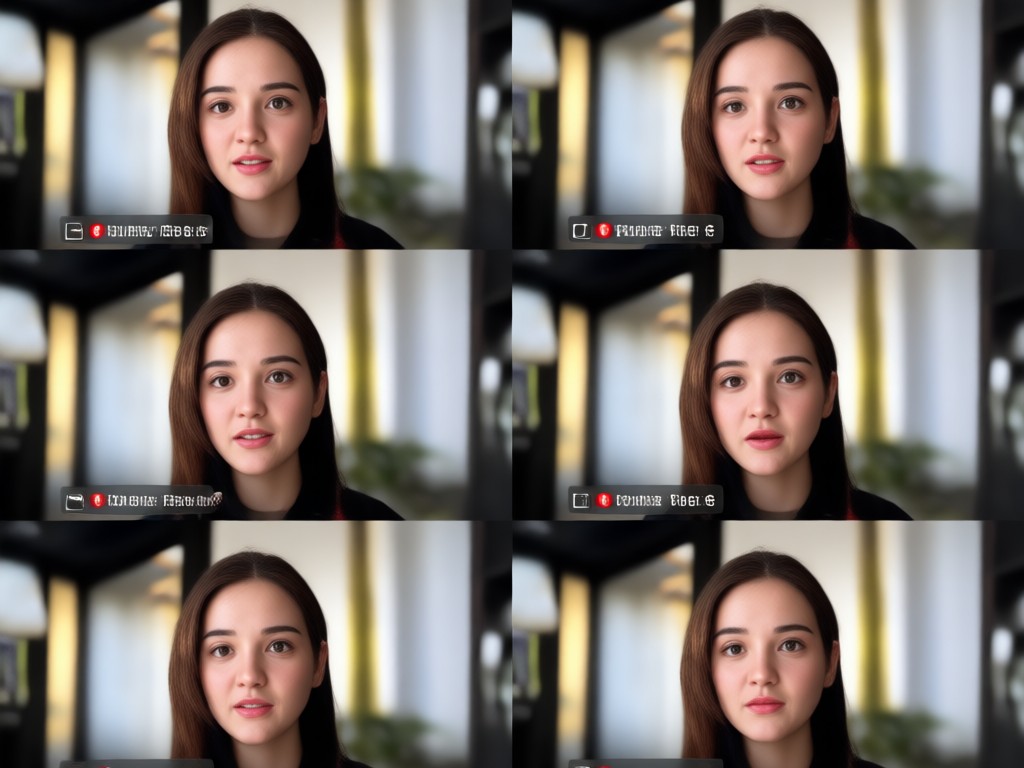
Text to Video Reels
Type a short script or describe a scene and let AI turn it into a dynamic Reel. Choose from over a million style templates and generate HD video in under a minute. Perfect for creators who want to produce engaging content fast without filming, editing, or any technical setup.
Text to Video Reels
Type a short script or describe a scene and let AI turn it into a dynamic Reel. Choose from over a million style templates and generate HD video in under a minute. Perfect for creators who want to produce engaging content fast without filming, editing, or any technical setup.
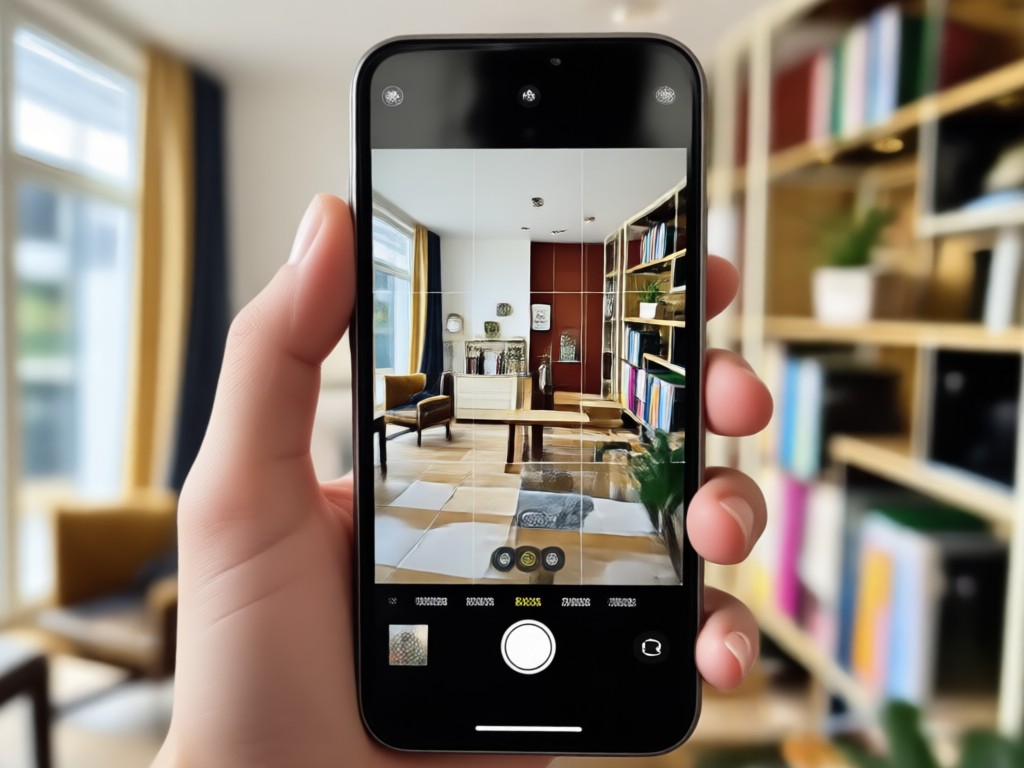
Photo to Video Animation
Bring any photo to life with natural motion. AI can make a portrait smile, blink, turn its head, or perform a trending dance. Ideal for turning still images into engaging Reels that feel like real video clips. Your followers will think you spent hours filming when it only took seconds.
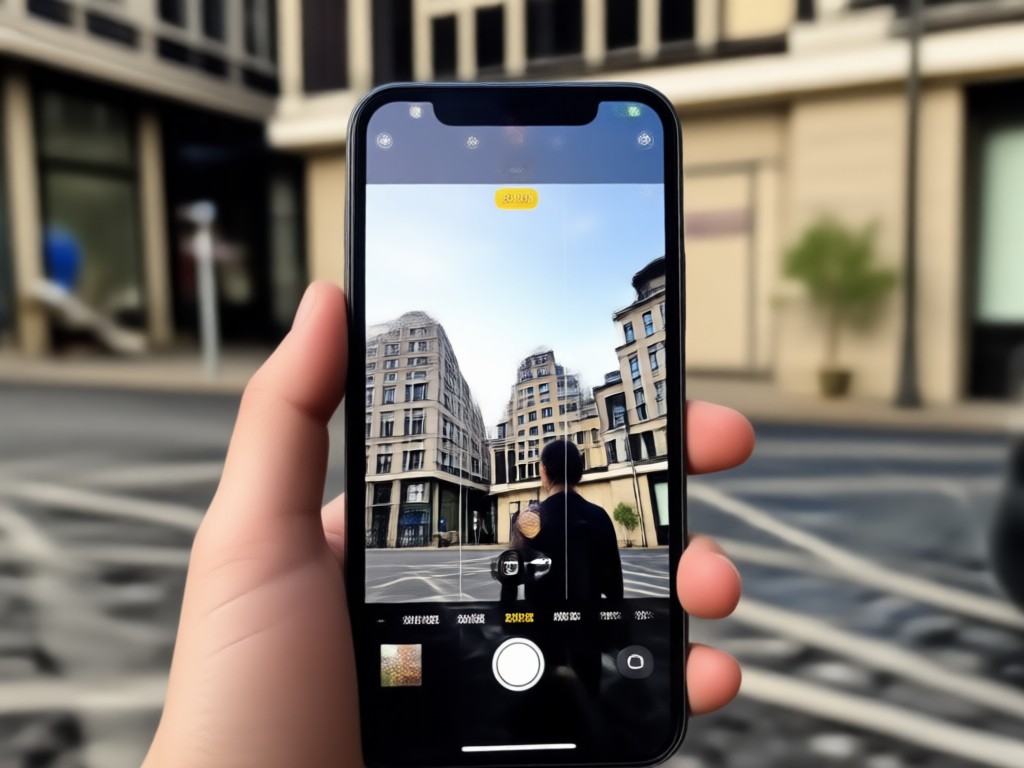
Viral Templates and Effects
Access over a million style filters including trending effects like AI Hug, AI Kiss, Old Photo Revival, and Ghibli style animation. Apply them to your Reels and stay ahead of the content curve. Whether you want cinematic quality, playful 3D clay, or realistic photography, there is a filter for every mood and niche.
How to Make Instagram Reels with AI
Creating AI-powered Instagram Reels takes just three simple steps inside the heyo app.
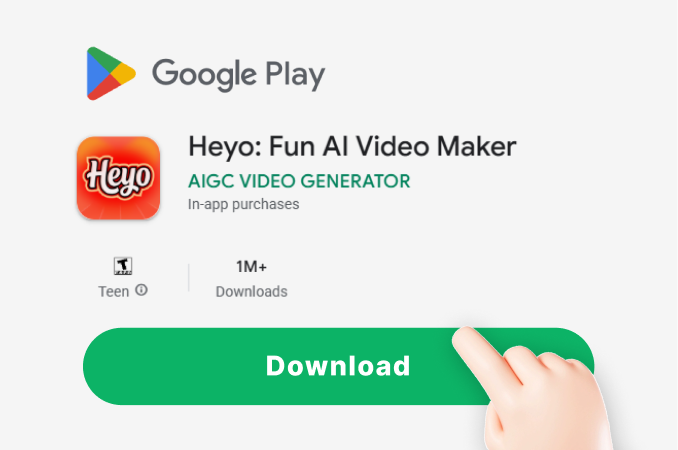
Step 01.
Download the heyo app from Google Play and open it on your phone. No complicated setup, just jump straight into creating your first Reel.
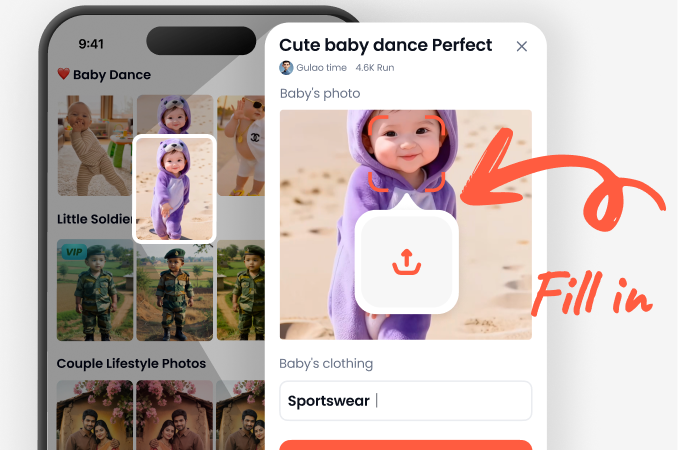
Step 02.
Choose a video style or filter. Pick from text to video, image to video, or trending effects like AI Kiss, AI Hug, and Ghibli animation.
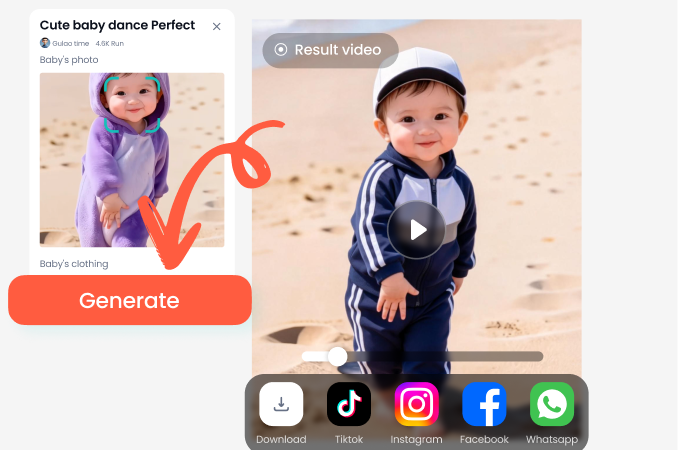
Step 03.
Generate your Reel in seconds, then download and share it directly to Instagram. Watch your engagement grow with content that stands out.
AI Instagram Reels Inspiration Gallery
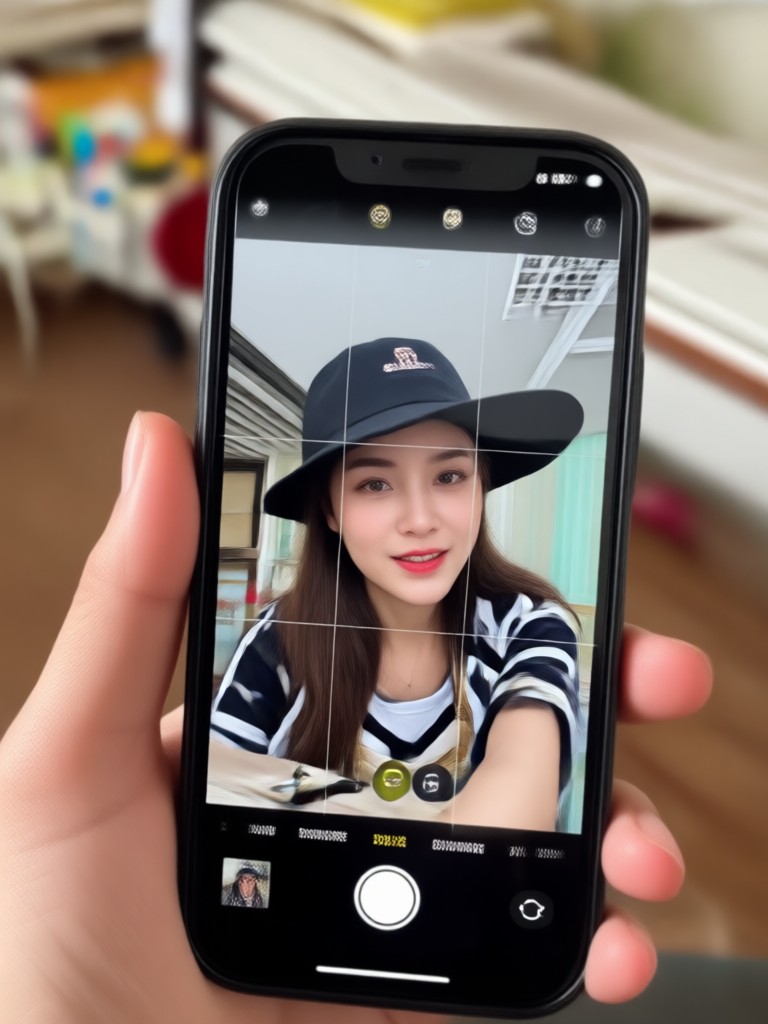
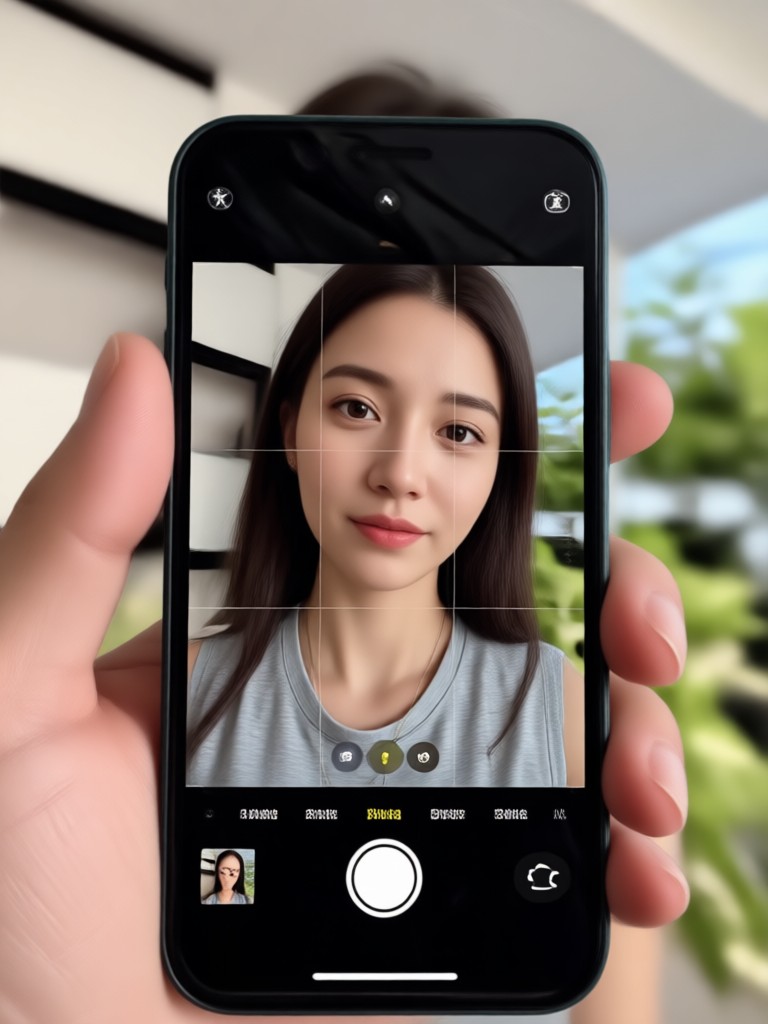
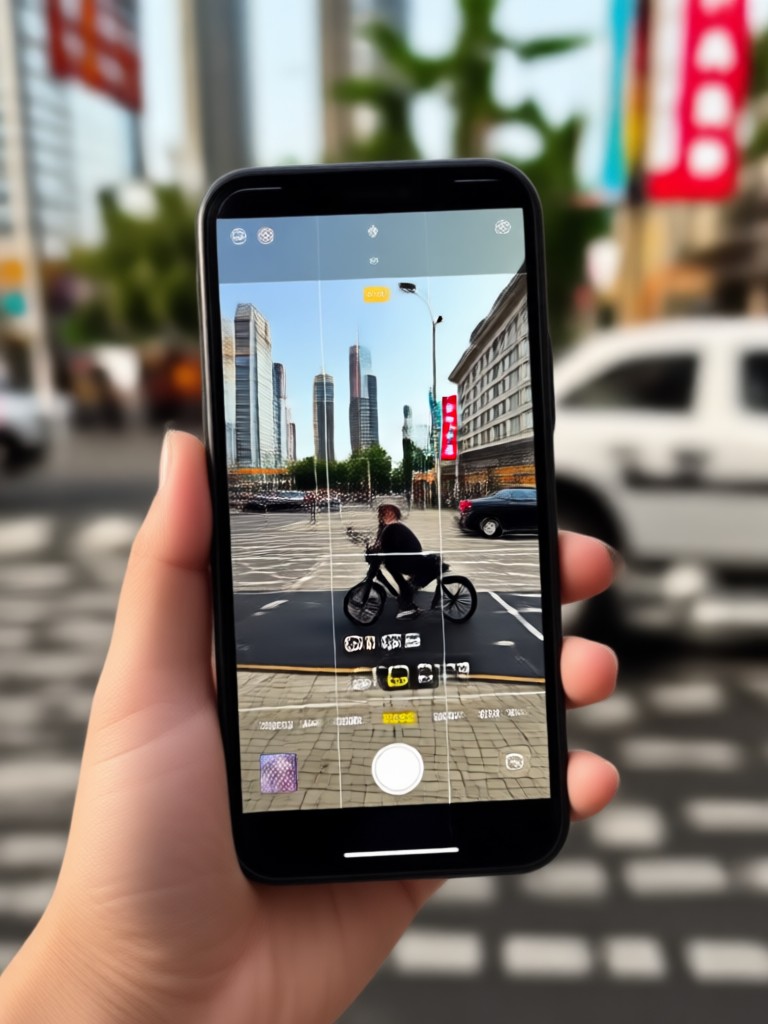
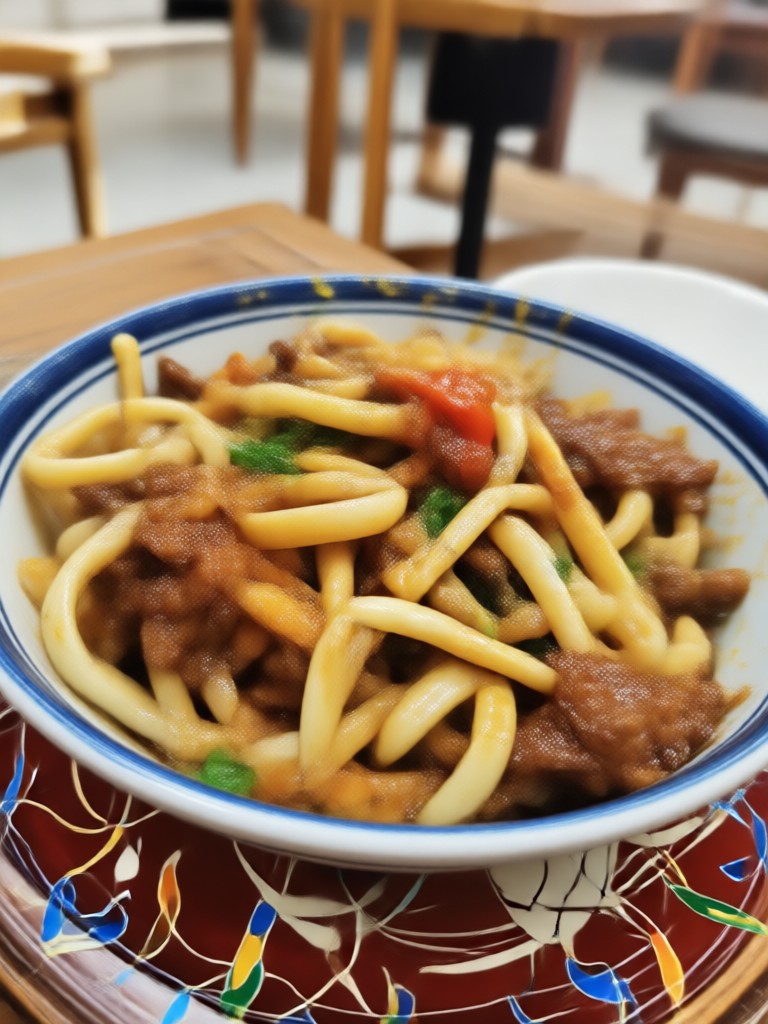
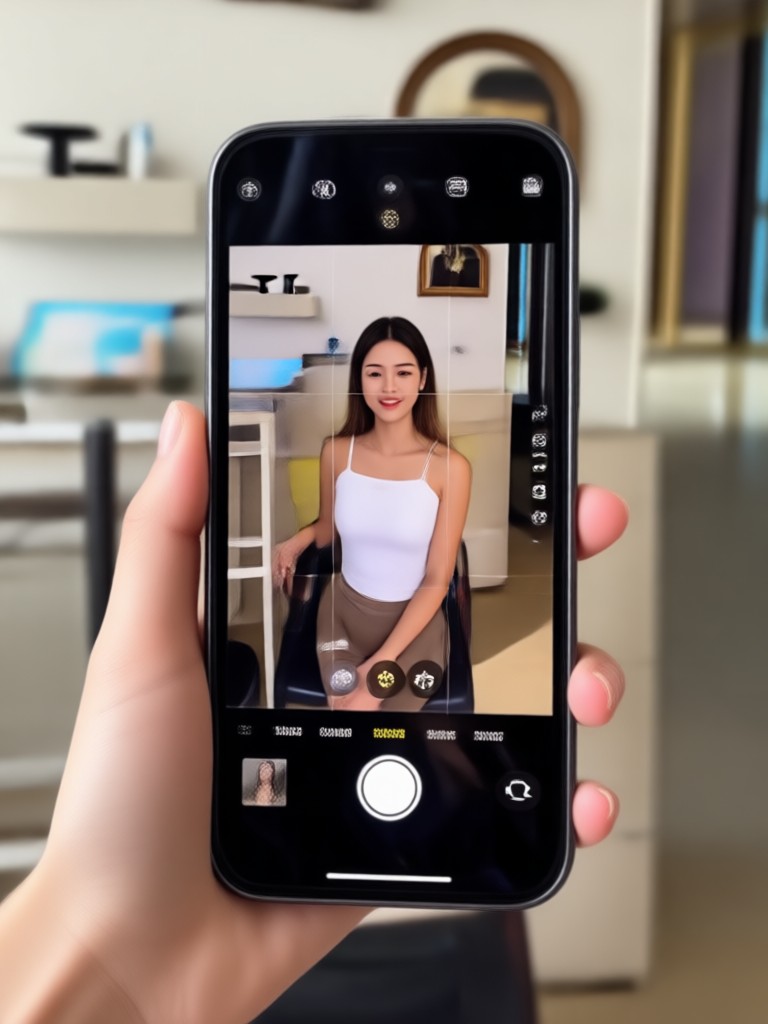
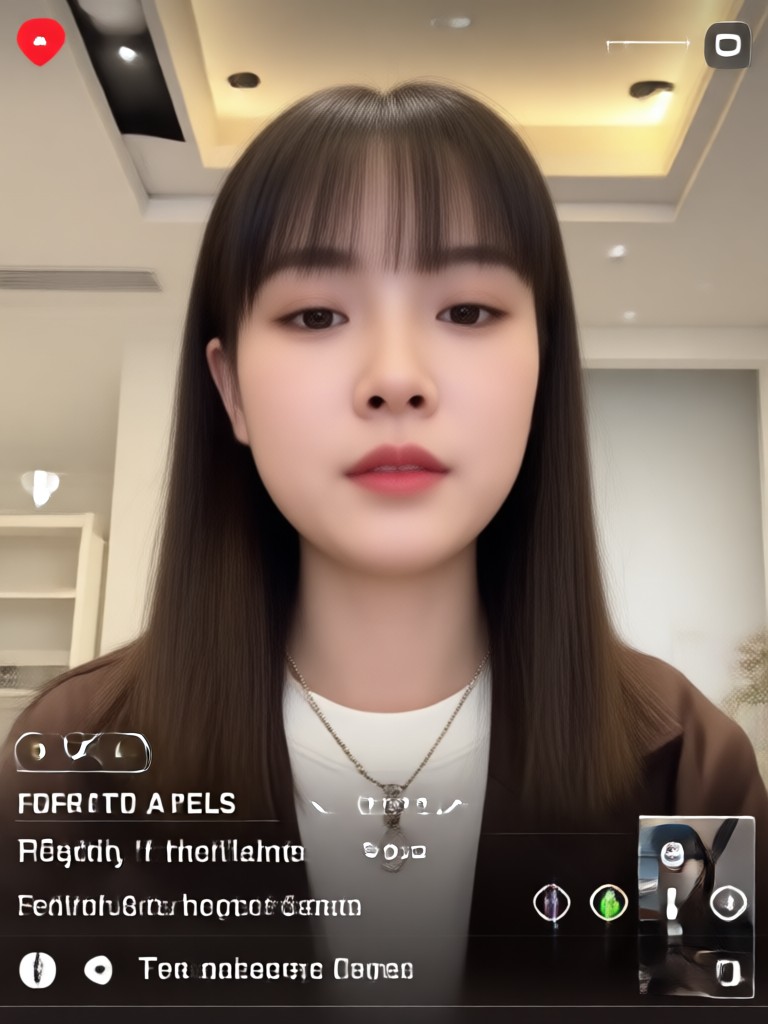
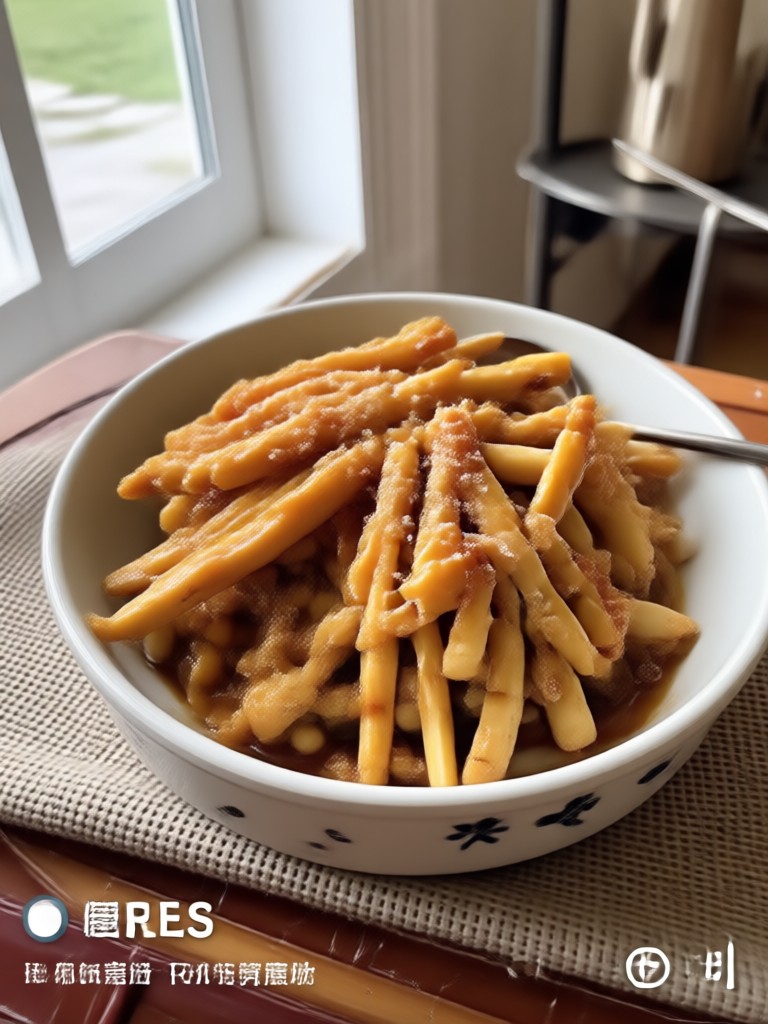
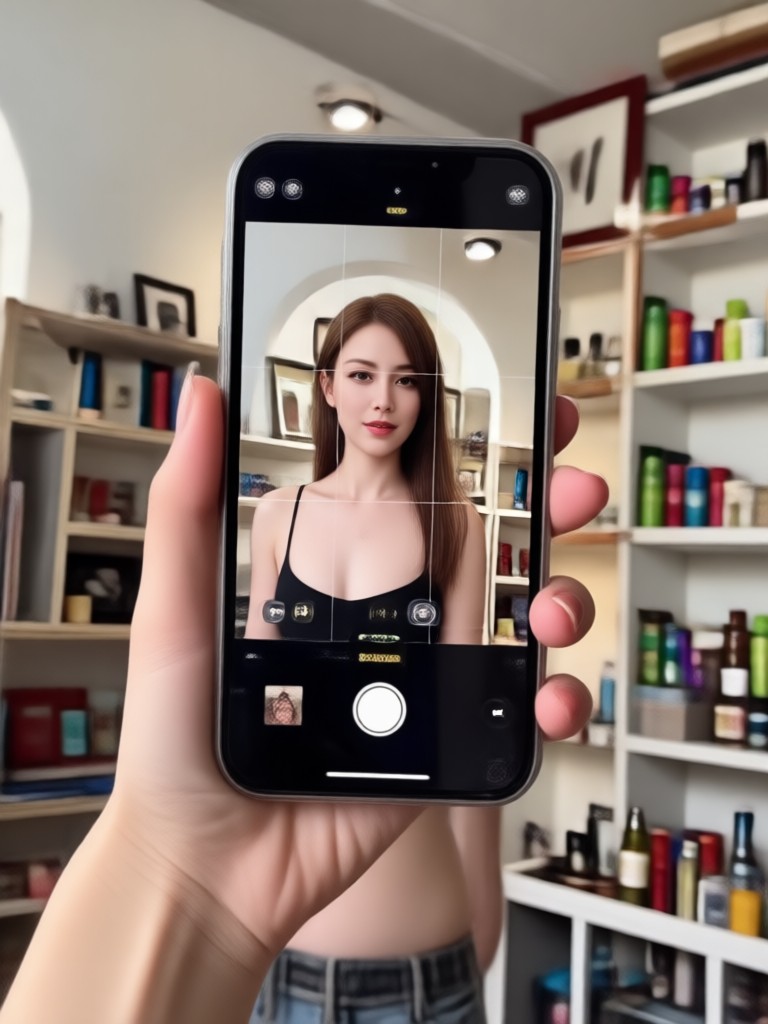
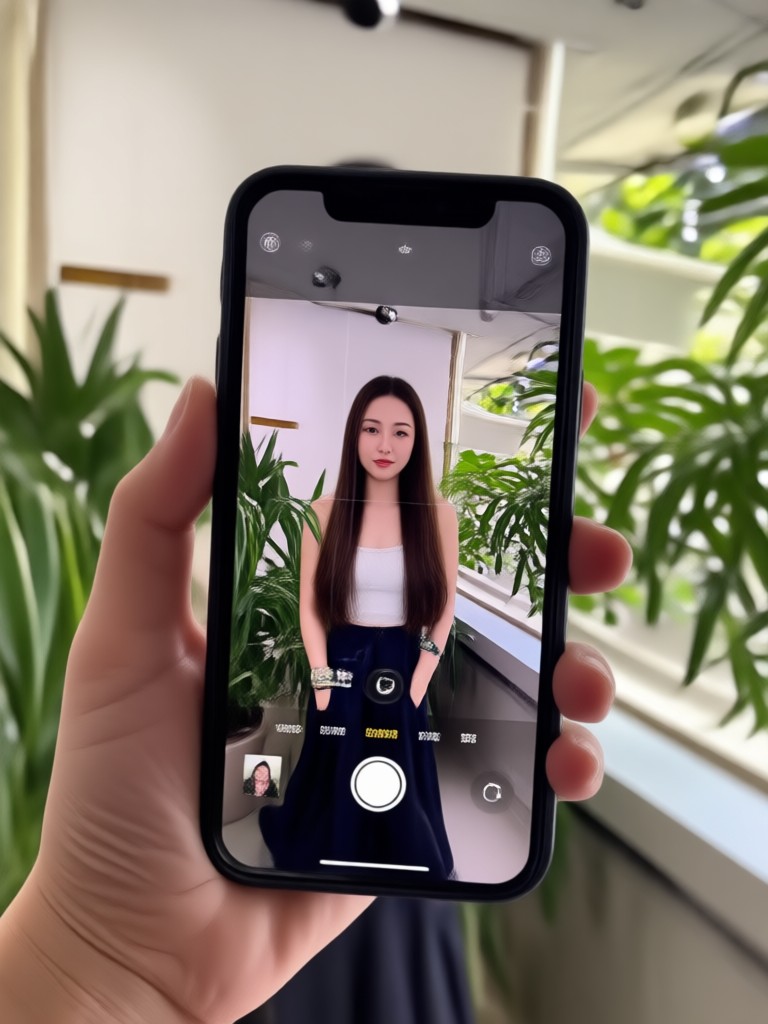
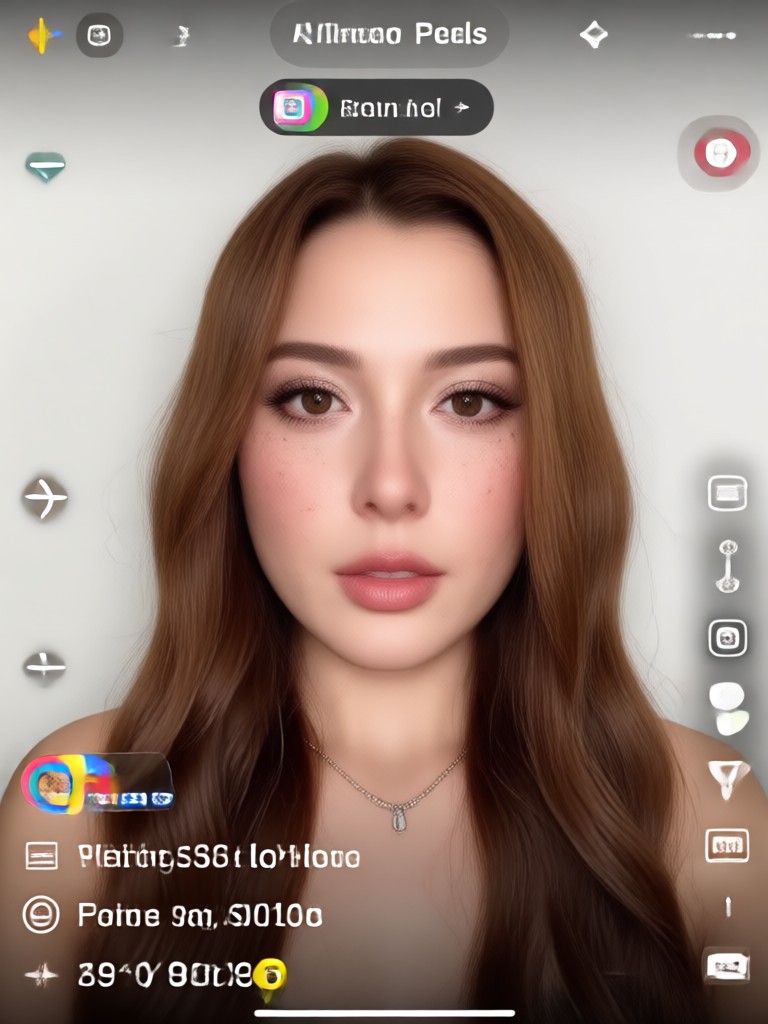
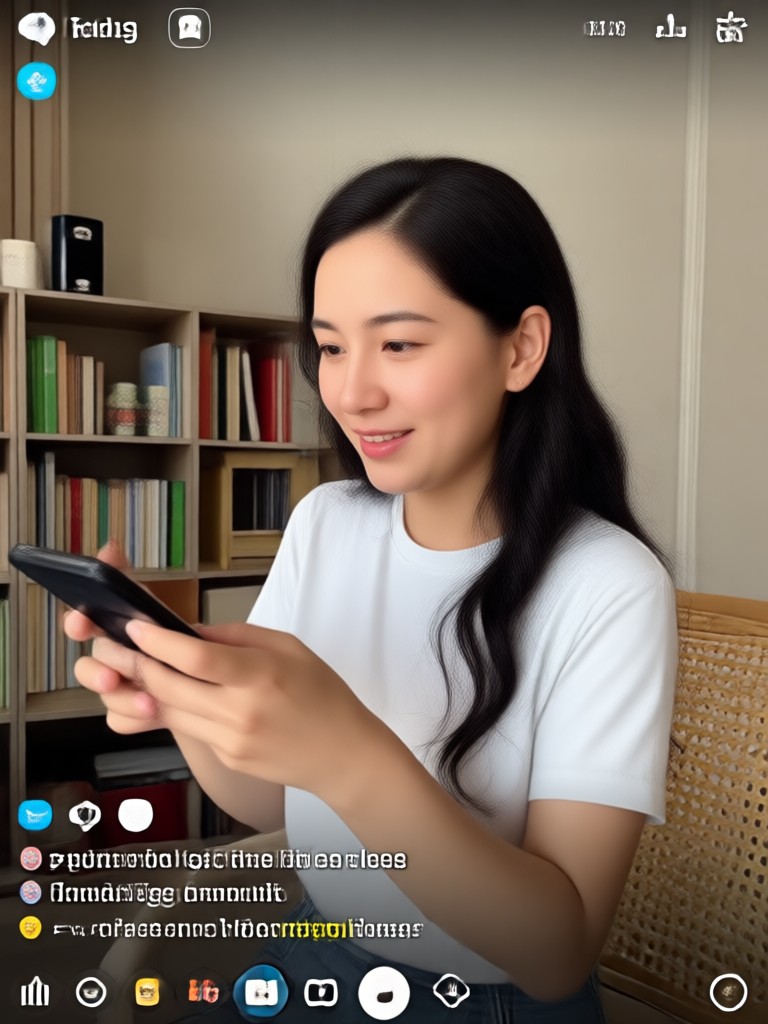
See the kind of scroll-stopping videos you can create with heyo. From cinematic clips to playful character animations, these examples show what is possible with AI.
Ready to Make Reels That Get Noticed?
Download heyo and start creating viral-worthy Instagram Reels today. AI video generation, photo animation, and a million filters all in one simple app.

Creators Using AI for Instagram Reels
Maya Torres
I made three Reels in under ten minutes using text to video. My engagement jumped and I finally stopped spending hours editing.
Jordan Lee
The photo animation feature is unreal. I turned a simple portrait into a Reel that got over 50K views. My friends still think I filmed it.
Priya Sharma
The Ghibli filter alone is worth the download. I apply it to all my travel clips and the results look professionally produced.
Chris Wong
I run a small food blog and use heyo to animate my dish photos. Customers keep asking how I make my Reels look so polished.
Maya Torres
I made three Reels in under ten minutes using text to video. My engagement jumped and I finally stopped spending hours editing.
Jordan Lee
The photo animation feature is unreal. I turned a simple portrait into a Reel that got over 50K views. My friends still think I filmed it.
Priya Sharma
The Ghibli filter alone is worth the download. I apply it to all my travel clips and the results look professionally produced.
Chris Wong
I run a small food blog and use heyo to animate my dish photos. Customers keep asking how I make my Reels look so polished.
Instagram Reels AI: Frequently Asked Questions
Get clear answers about creating AI-powered Instagram Reels with heyo.
More Topics You May Like
Explore related AI tools and creative guides to boost your content game.
Gemini AI Astrophotography: Create Stunning Night Sky Art
Pika AI Video: Turn Ideas Into Moving Art
AI Medium Shot Photo: Perfect Portraits in Seconds
Create Custom AI Baby Nursery Wall Art in Seconds
Gemini AI Astrophotography: Create Stunning Night Sky Art
Pika AI Video: Turn Ideas Into Moving Art
AI Medium Shot Photo: Perfect Portraits in Seconds
Create Custom AI Baby Nursery Wall Art in Seconds
Start Making Instagram Reels with AI Today
Download heyo and unlock over a million filters, AI video generation, and photo animation in one simple app.

Start Making Instagram Reels with AI Today
Download heyo and unlock over a million filters, AI video generation, and photo animation in one simple app.