Change Face with AI in Seconds
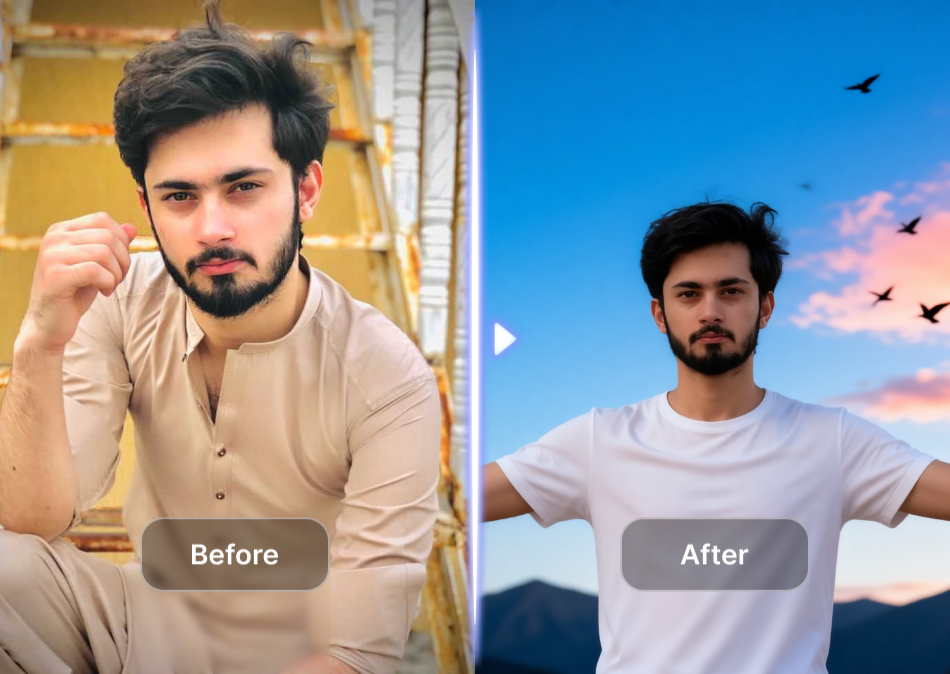
Explore Face Change Filters That Fit Your Mood
Discover face swap, expression change, age morph, and cartoon face filters built for quick, realistic results.
Key Features of Change Face AI
Turn a simple selfie into a creative face swap or style transformation with heyo's intuitive mobile tools.
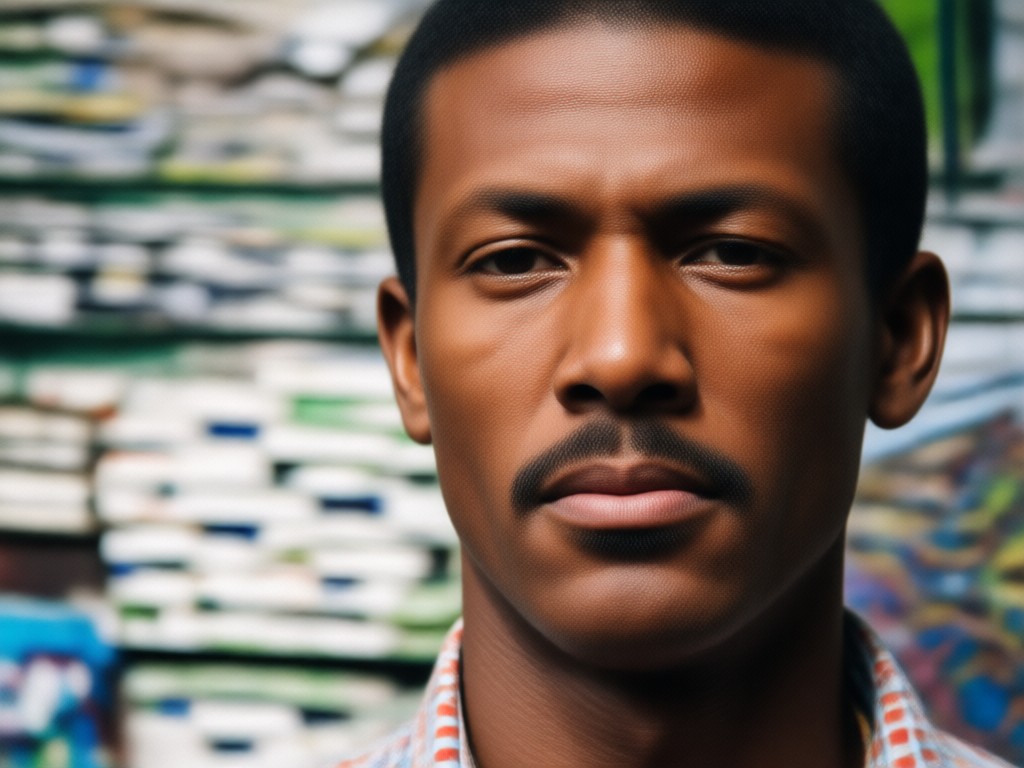
Realistic Face Swap
Swap your face with a friend, celebrity, or movie character while keeping natural skin tones and lighting. Perfect for funny social posts.
Realistic Face Swap
Swap your face with a friend, celebrity, or movie character while keeping natural skin tones and lighting. Perfect for funny social posts.
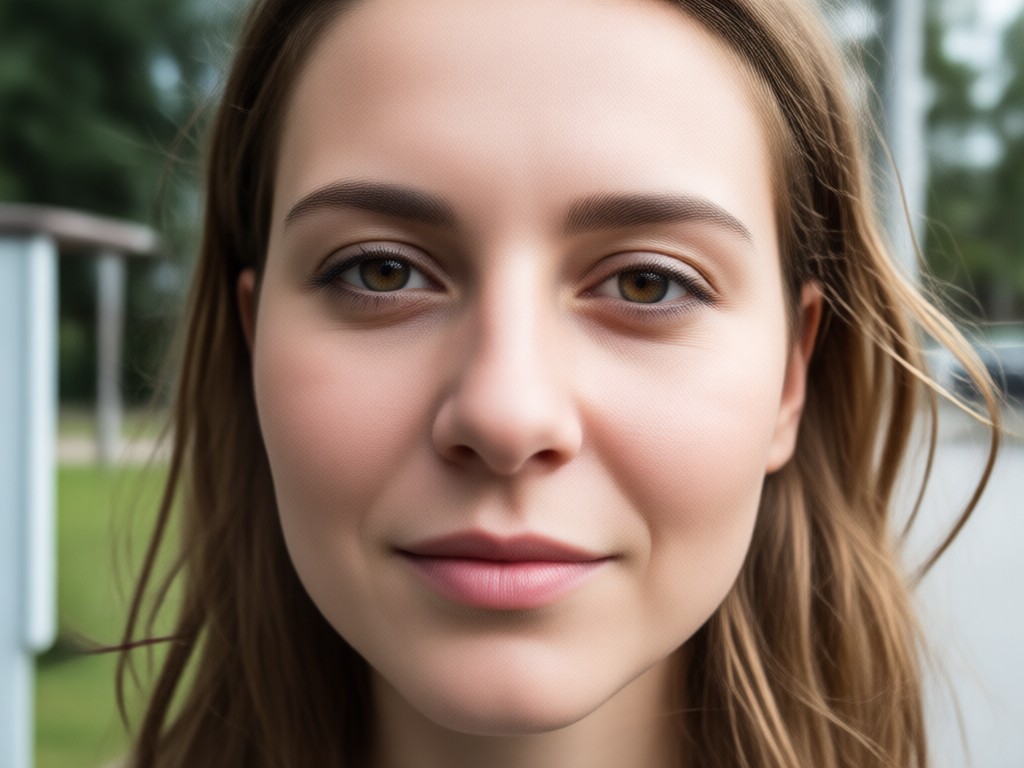
Instant Expression Change
Make yourself smile, blink, or look surprised in any photo. heyo adjusts facial features smoothly without distorting your identity.
Instant Expression Change
Make yourself smile, blink, or look surprised in any photo. heyo adjusts facial features smoothly without distorting your identity.
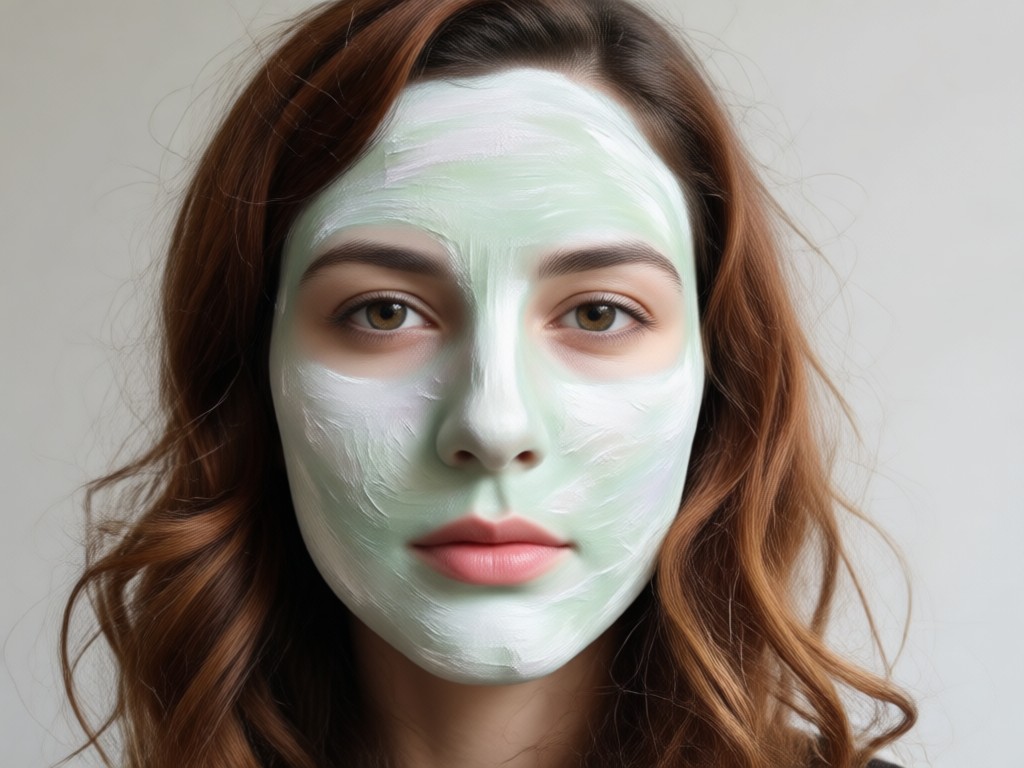
Creative Style Morph
Turn your face into anime, 3D clay, or painting styles in one tap. Keep your features recognizable while exploring bold new looks.
Creative Style Morph
Turn your face into anime, 3D clay, or painting styles in one tap. Keep your features recognizable while exploring bold new looks.
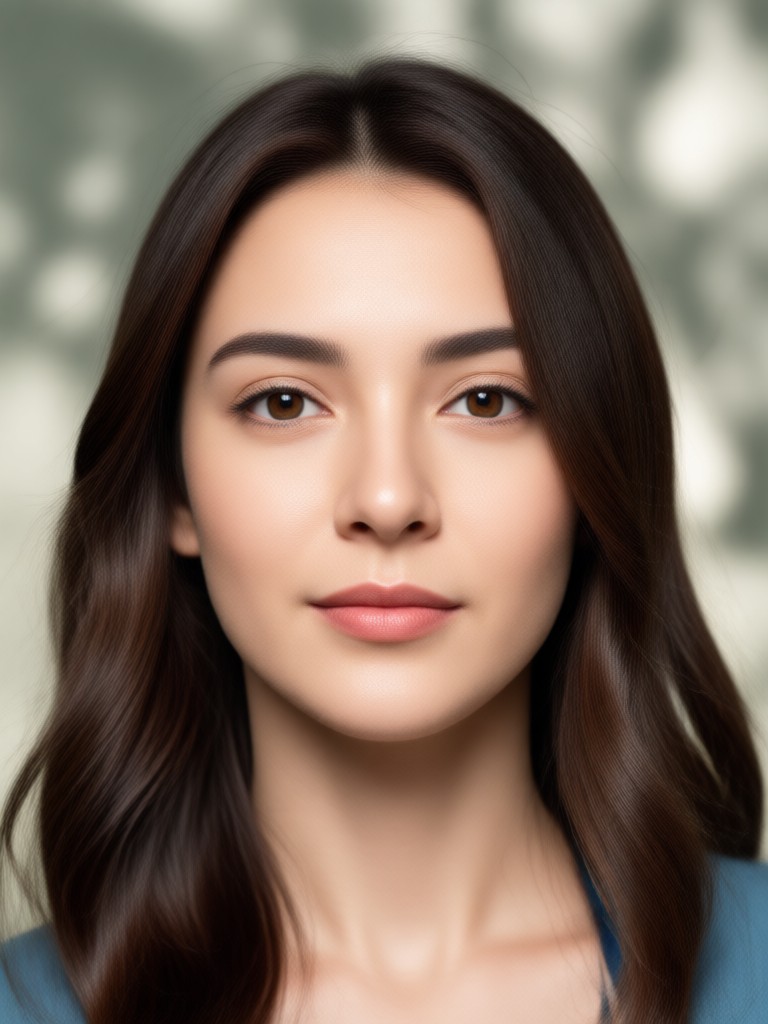
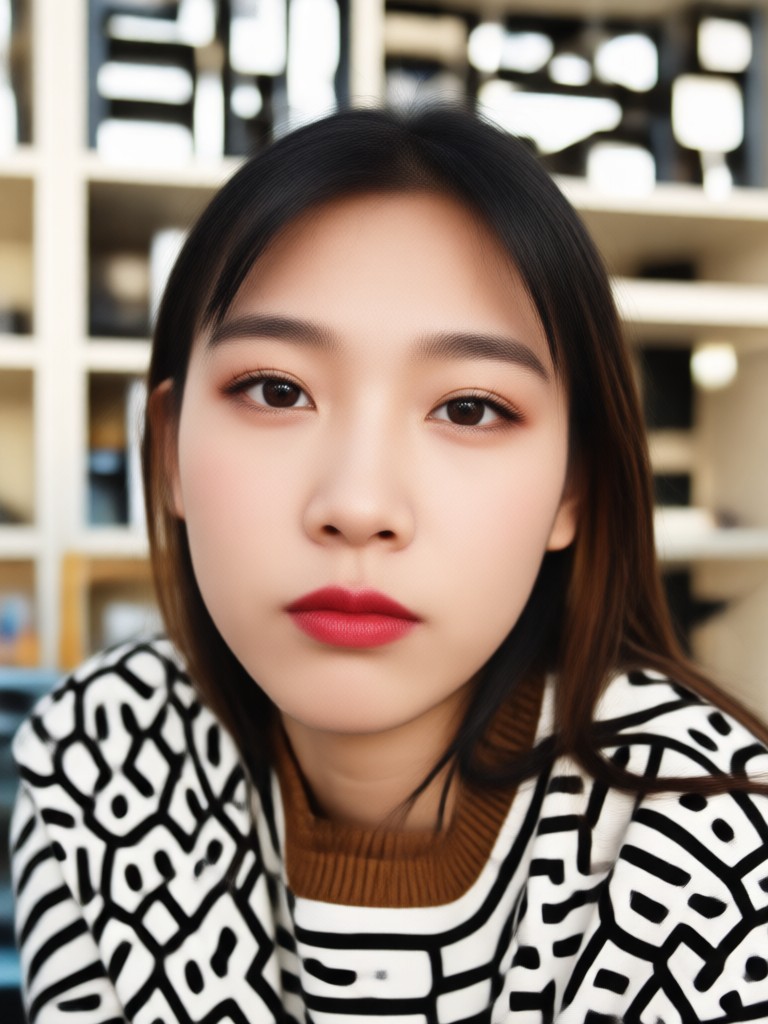
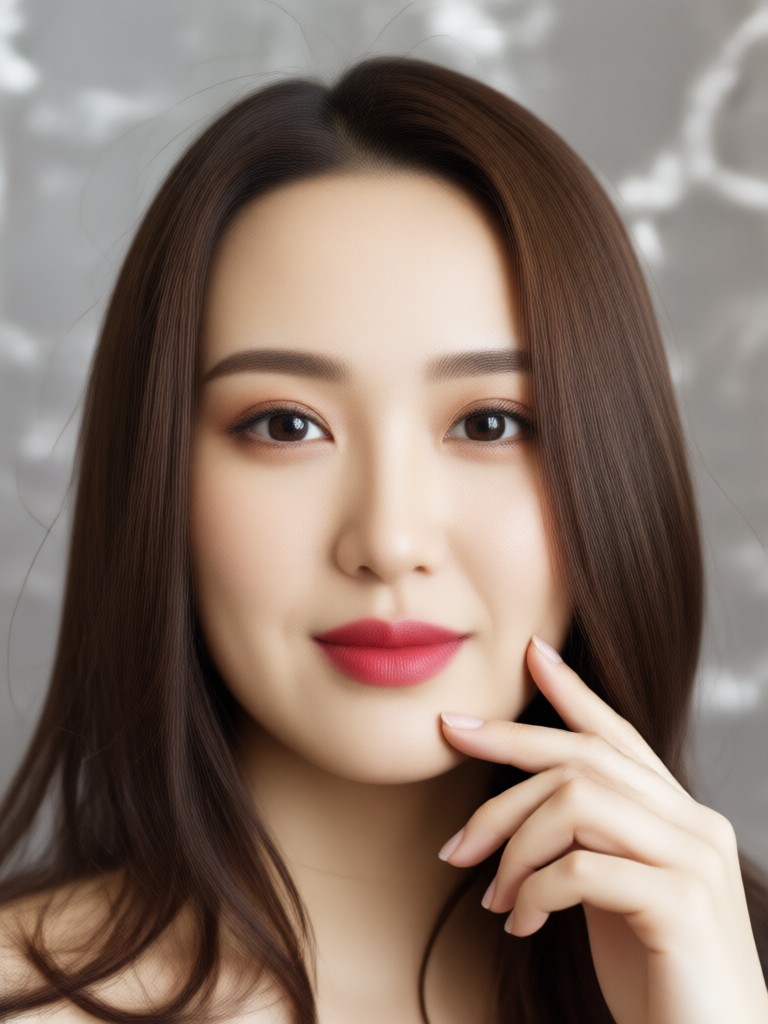
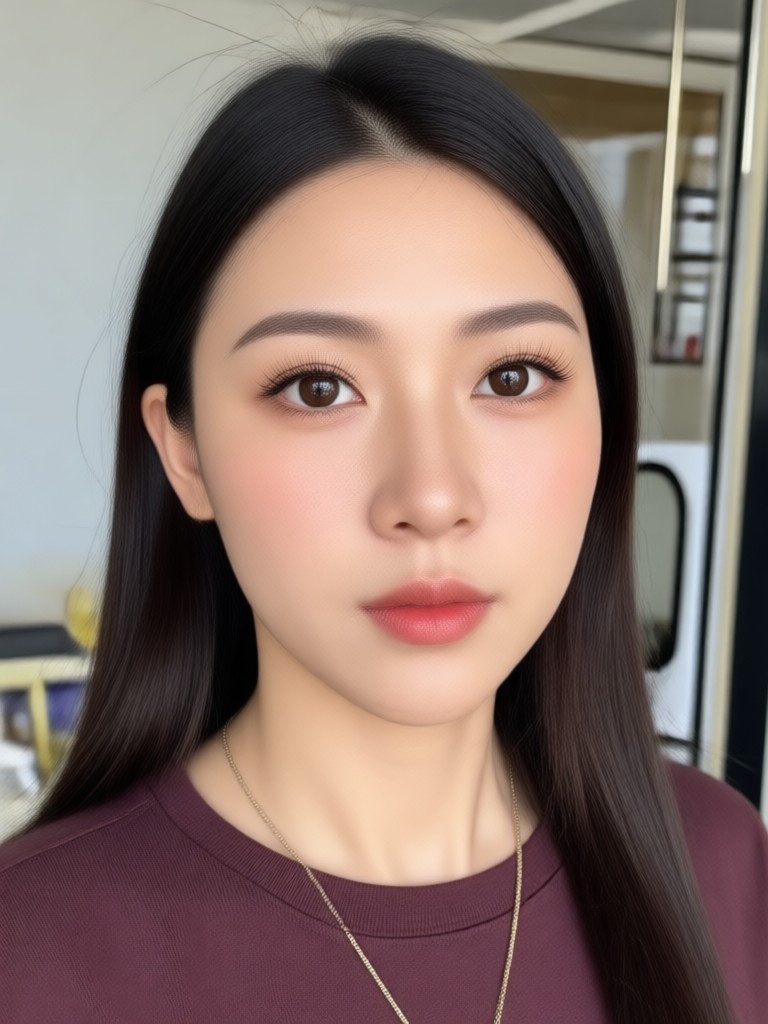
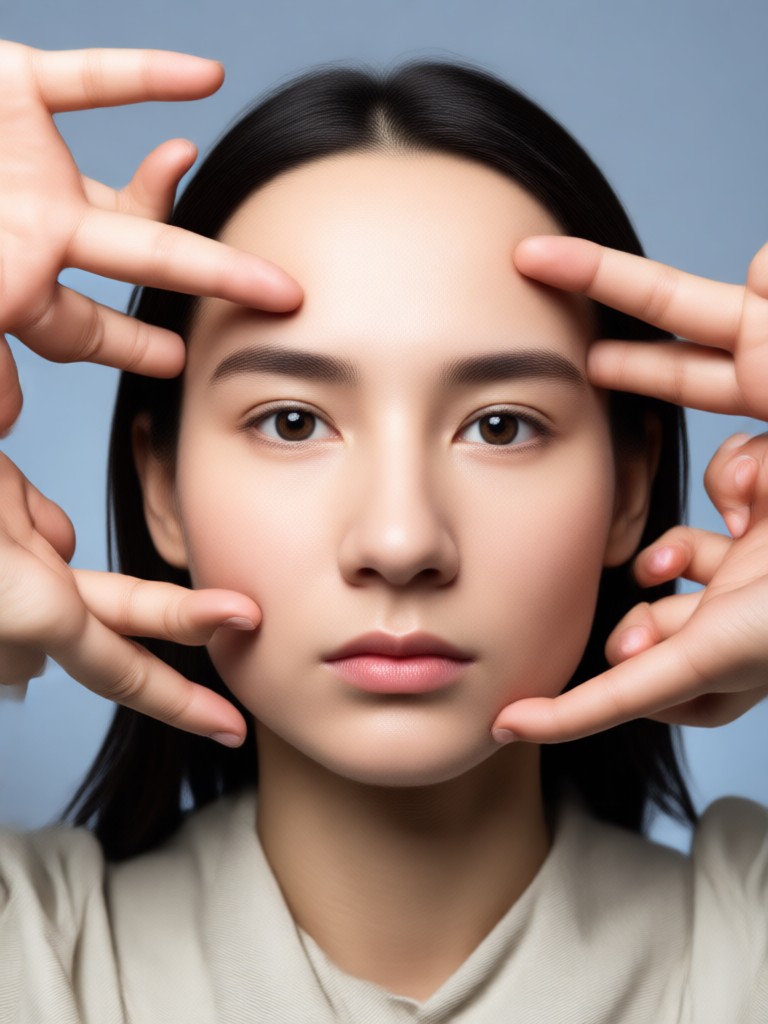
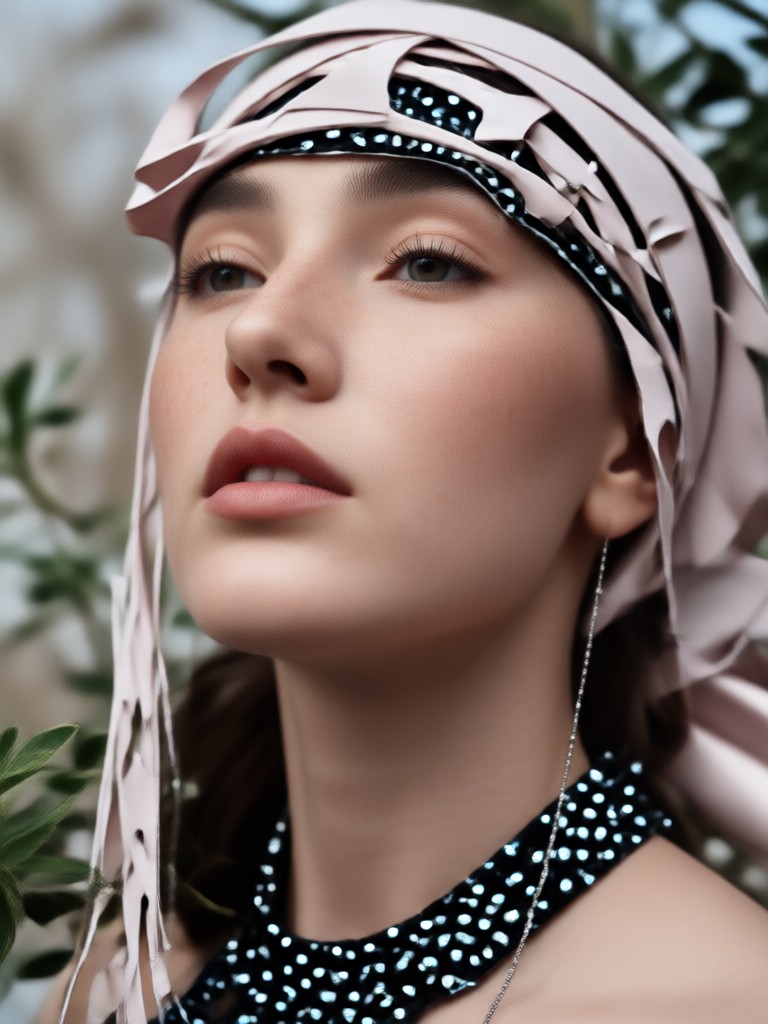
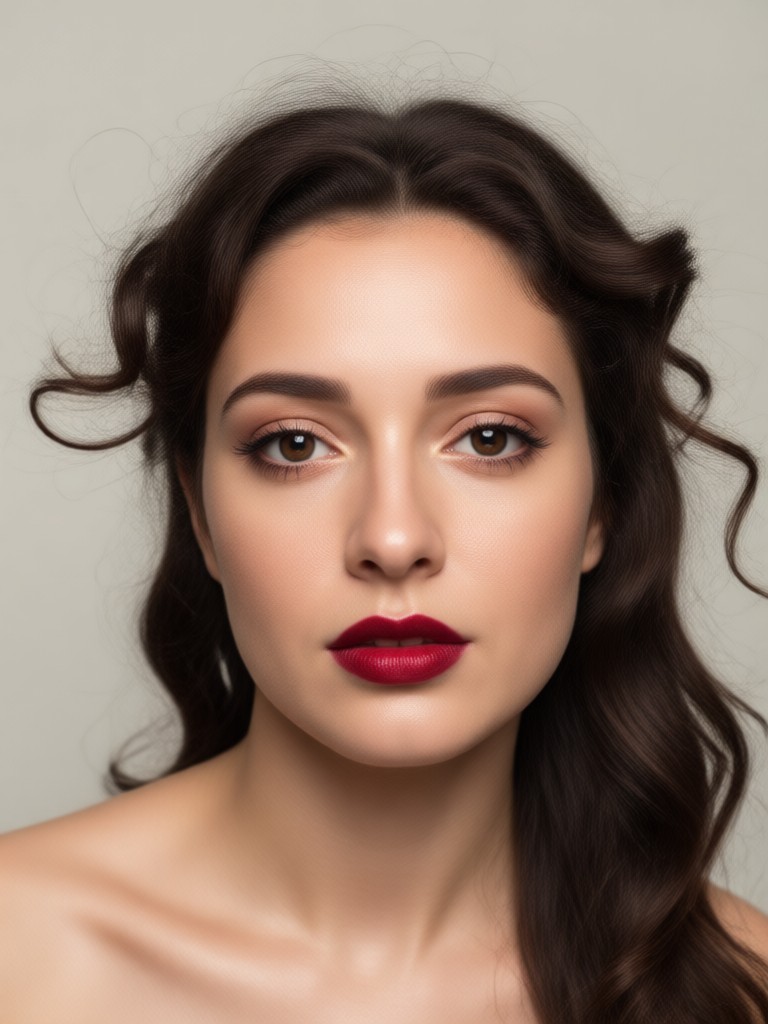
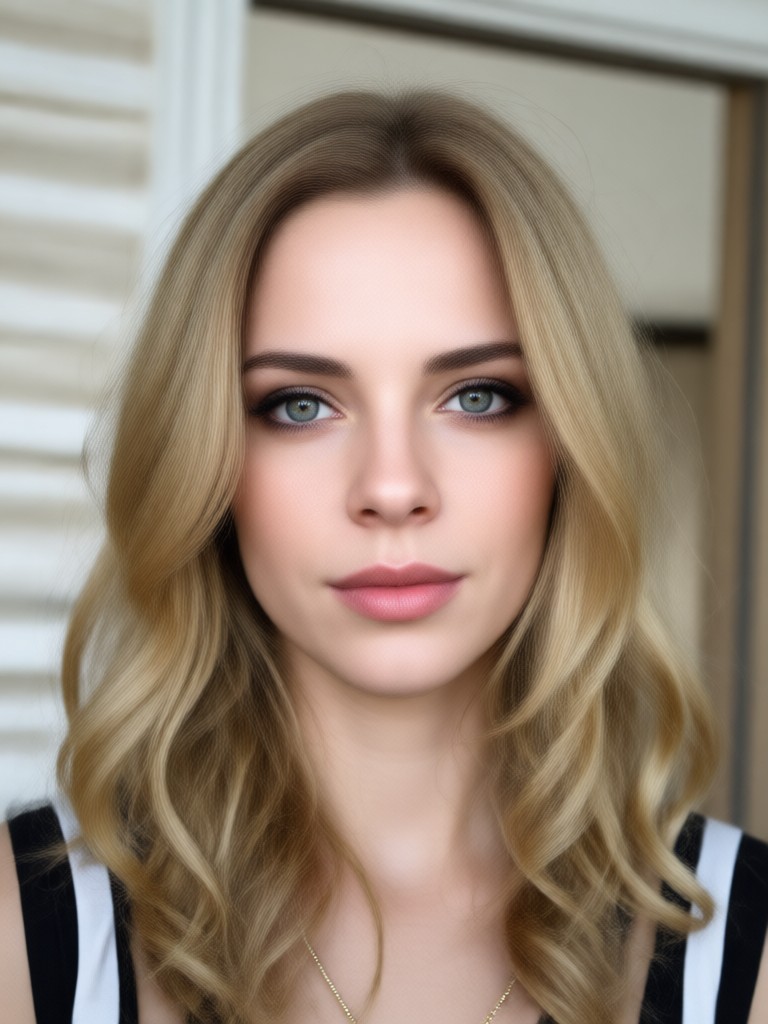
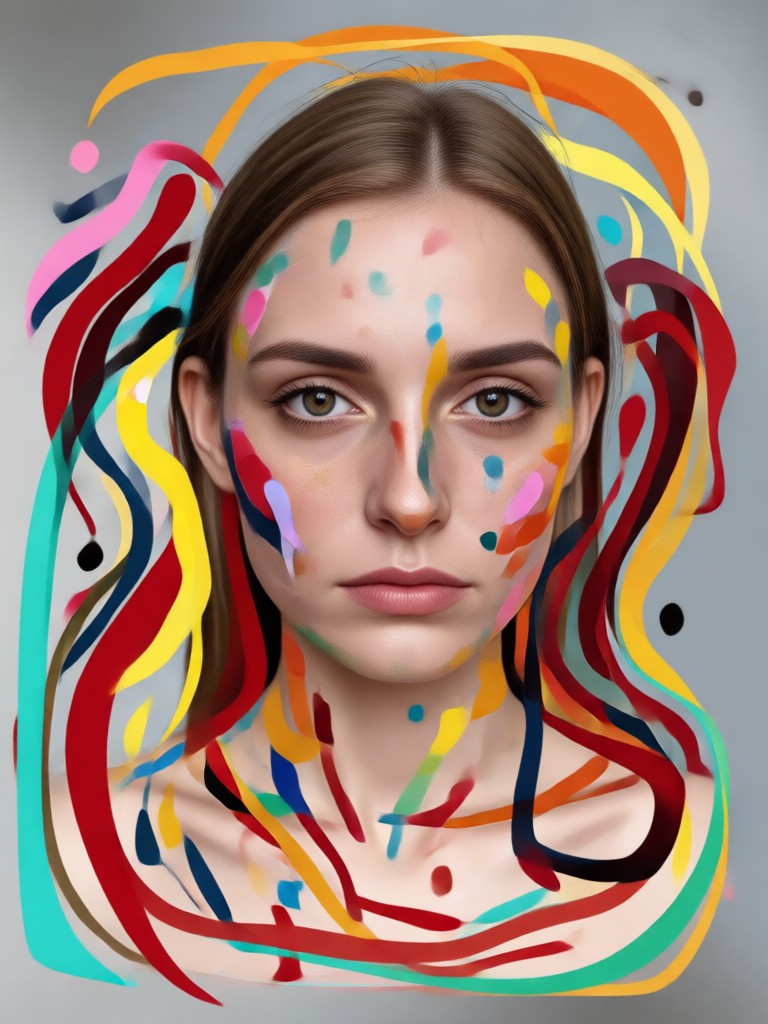
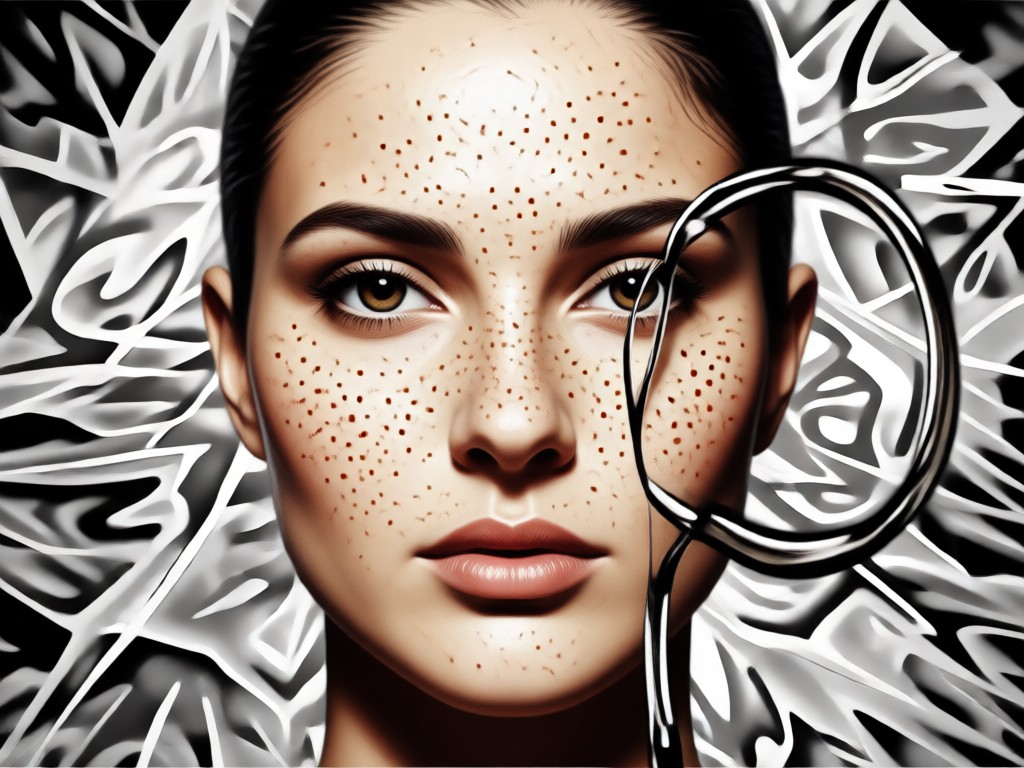
See Real Change Face Results
Browse face swaps and style transformations created with heyo. From subtle expression changes to full anime morphs, see what users are making.



Why Creators Choose heyo for Face Change
heyo puts a full face swap studio in your pocket. One million plus filters, realistic output, and ultra simple controls mean you can change faces in seconds without complex editing apps. Perfect for creators, meme lovers, and anyone who wants to refresh their selfies.
Why Creators Choose heyo for Face Change
heyo puts a full face swap studio in your pocket. One million plus filters, realistic output, and ultra simple controls mean you can change faces in seconds without complex editing apps. Perfect for creators, meme lovers, and anyone who wants to refresh their selfies.
How to Change Face in 3 Simple Steps
Create your first face swap or expression change in minutes with heyo's mobile app.

Step 01.
Download the heyo app from Google Play and open the face change tool on your phone.
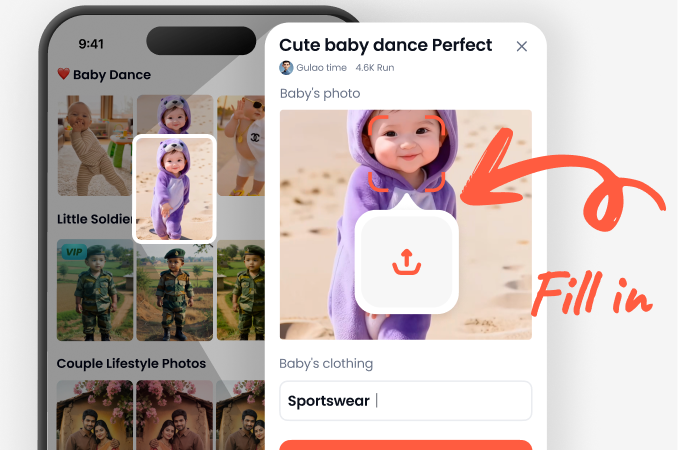
Step 02.
Upload a clear selfie or group photo and choose a face swap, expression, or style filter.
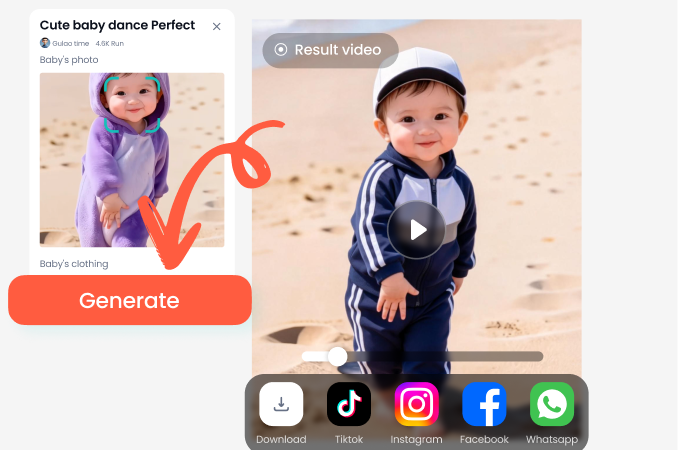
Step 03.
Generate your new image or video, then save it to your gallery or share it directly to social media.
What People Are Saying About Change Face
Perfect for funny group chats
I used the face swap on a group photo and everyone cracked up. It kept our faces clear and the results looked surprisingly natural.
Great for trying new looks
I changed my expression and hairstyle in a few taps. The app is way easier than desktop editing software and the output looks great on Instagram.
Fast and surprisingly realistic
heyo's face change tool handled side profiles and different lighting better than other apps I have tried. I use it to make quick thumbnails.
Frequently Asked Questions About Changing Faces
Find clear answers to common questions about AI face swaps, face changes, and style transformations in heyo.
More Topics You May Like
Explore more face and style transformation guides to keep your content fresh.

Change Image Color with AI in Seconds
Change image color instantly with heyo AI. Upload a photo, pick a color filter, and recolor clothes, objects, or backgrounds. No design skills needed. Get realistic results.

Animal Face Filter: AI Animal Face Swap & Transformation
Animal Face Filter with AI lets you transform selfies into cute animal faces. Upload a photo, pick a dog, cat, fox, or more, and get a funny animal face swap instantly. Download app now.

Angry Face Filter for Hilarious Photo Edits
Turn any photo into a fierce or funny angry face with AI. Upload a selfie, pick a style, and get realistic angry expression effects in seconds. Try the app now.

Soft Dreamy Pastel Selfie Video Filters You'll Love
Create aesthetic selfie videos with soft dreamy pastel filters. Upload your clips, choose a dreamy style, and get stunning results in seconds. No editing skills needed.
Trending Face Change Effects at Your Fingertips
Apply the latest face swap and style filters to your images and videos effortlessly. Stay ahead of trends and create content everyone will notice.

Trending Face Change Effects at Your Fingertips
Apply the latest face swap and style filters to your images and videos effortlessly. Stay ahead of trends and create content everyone will notice.