Cinematic Selfie Video Filters
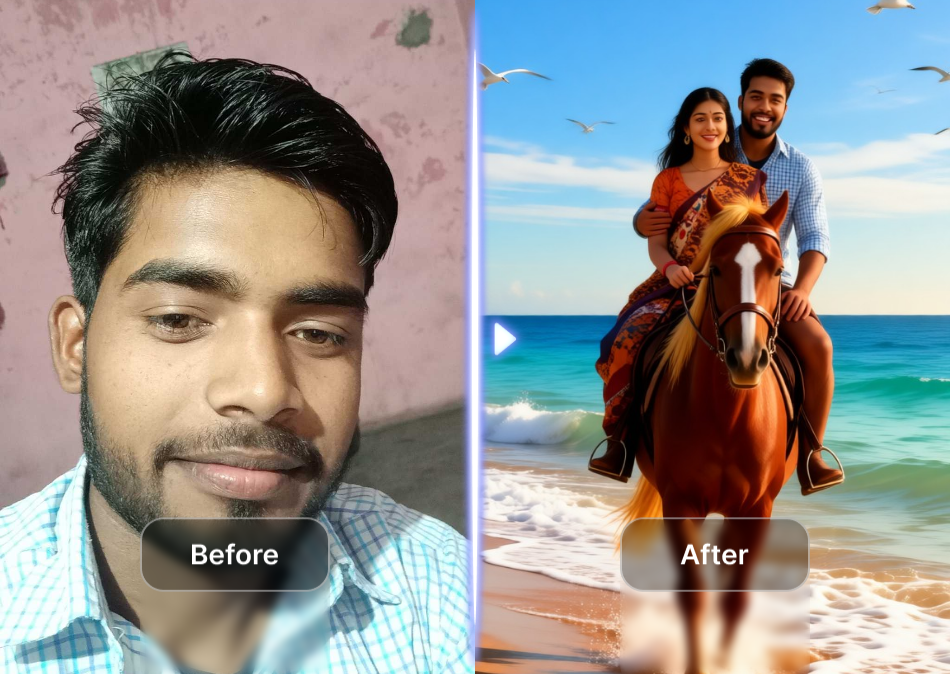
Pick a Cinematic Filter That Matches Your Mood
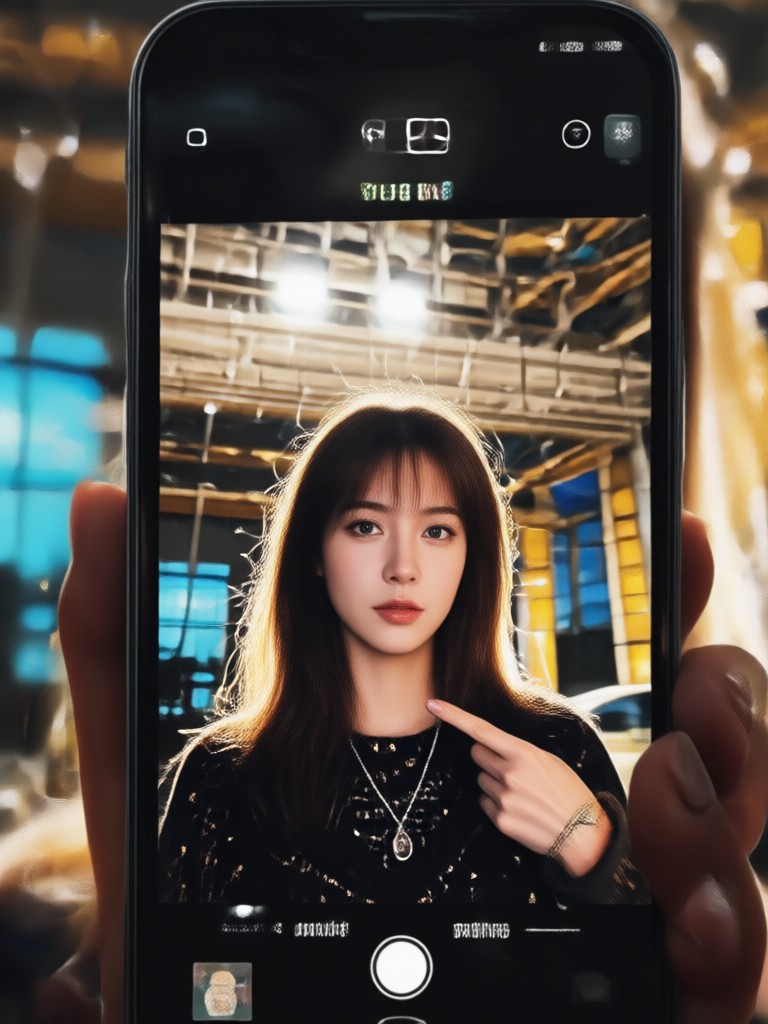
Explore curated cinematic presets including film noir, golden hour, indie drama, vintage film, and high contrast action looks. Each filter adds professional color grading and motion style to your selfie videos.
What Makes These Selfie Video Filters Stand Out
Create emotional, high quality selfie videos without complex editing tools. Each feature is designed to keep your face natural while adding the atmosphere of a professional film scene.
AI Film Color Grading
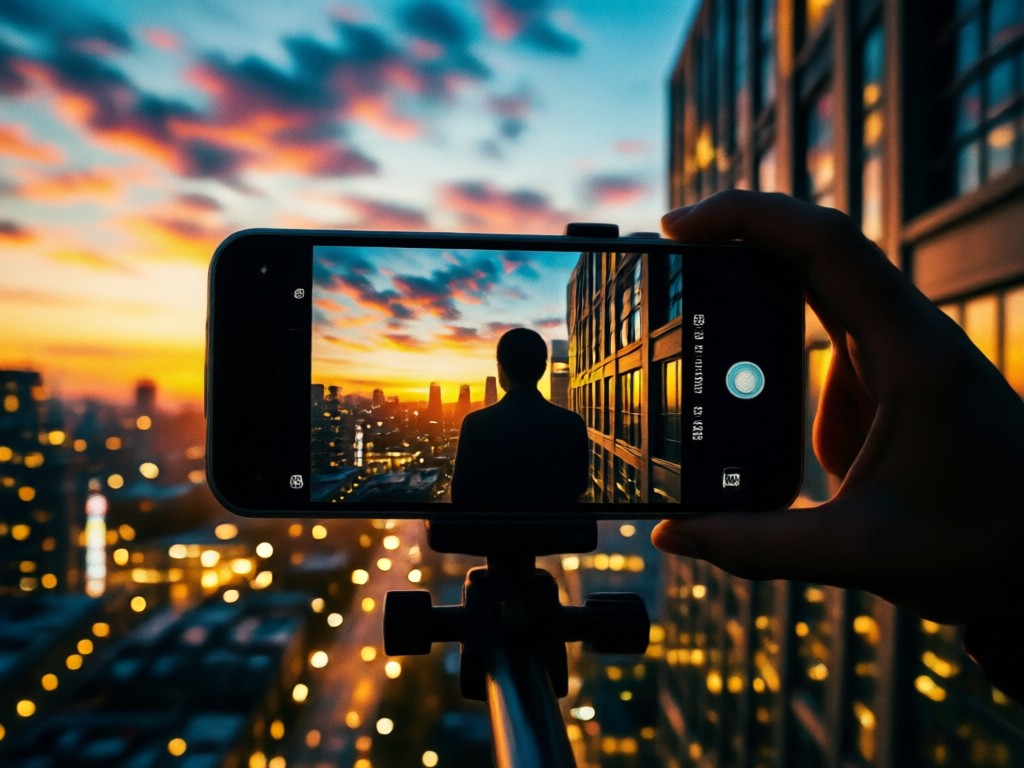
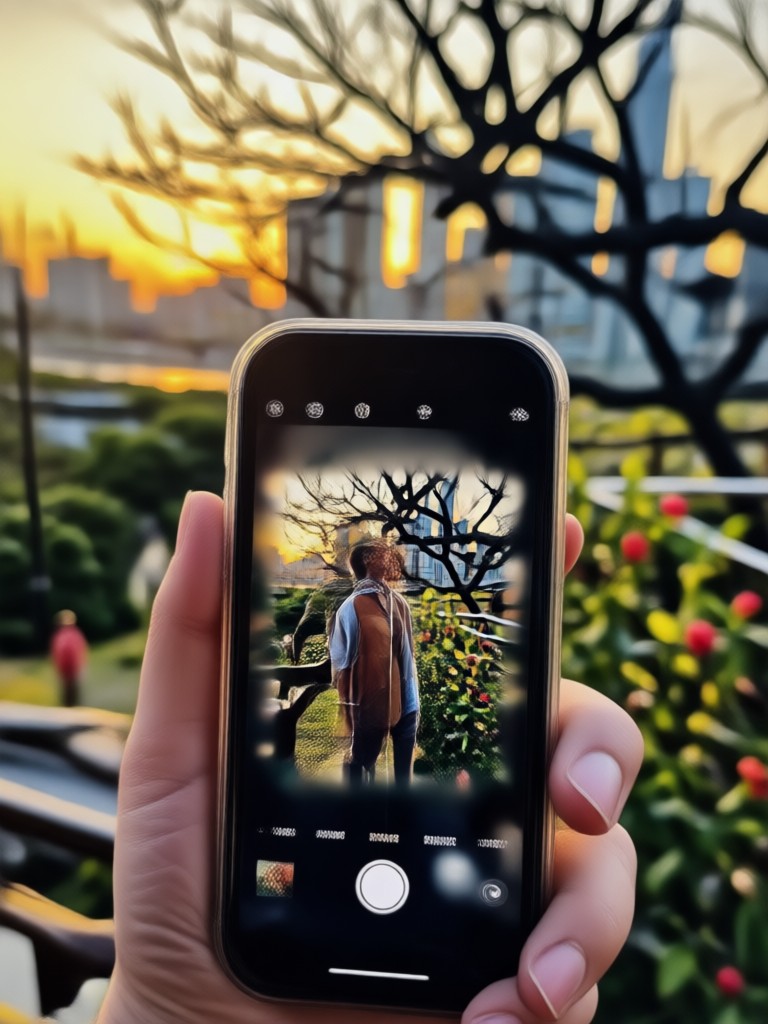
Apply professional film color palettes, soft contrast, and moody shadows to your selfie videos. Choose from warm golden hour, cold thriller blue, or classic black and white film looks.
AI Film Color Grading
Apply professional film color palettes, soft contrast, and moody shadows to your selfie videos. Choose from warm golden hour, cold thriller blue, or classic black and white film looks.
Smooth Cinematic Motion
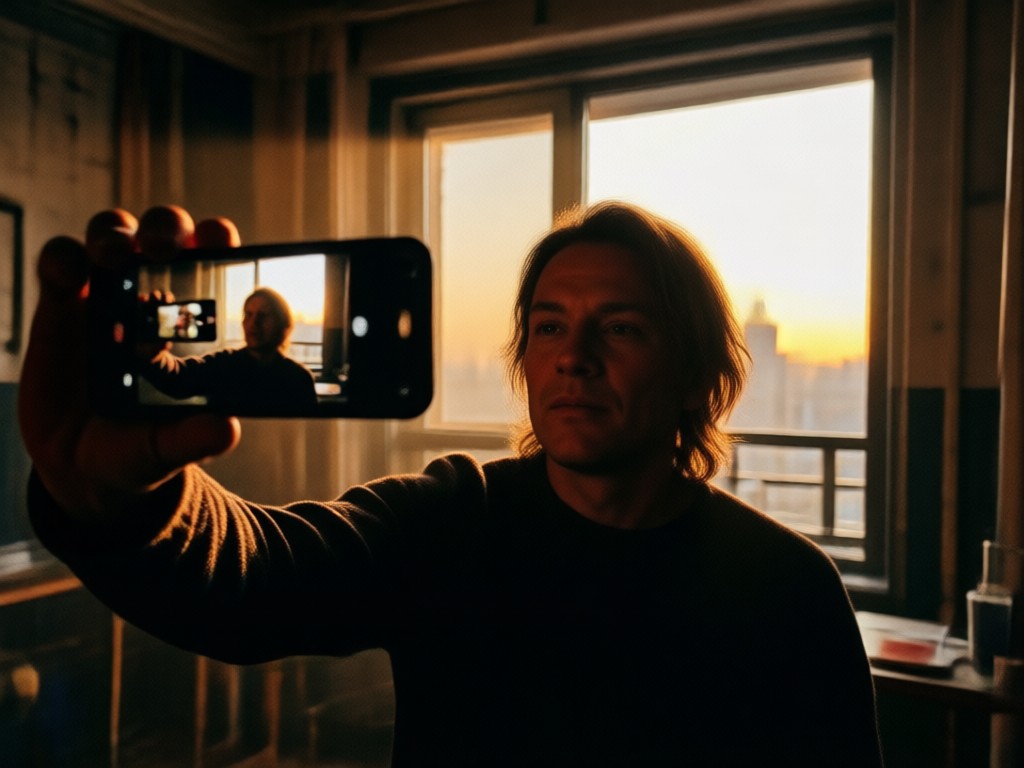
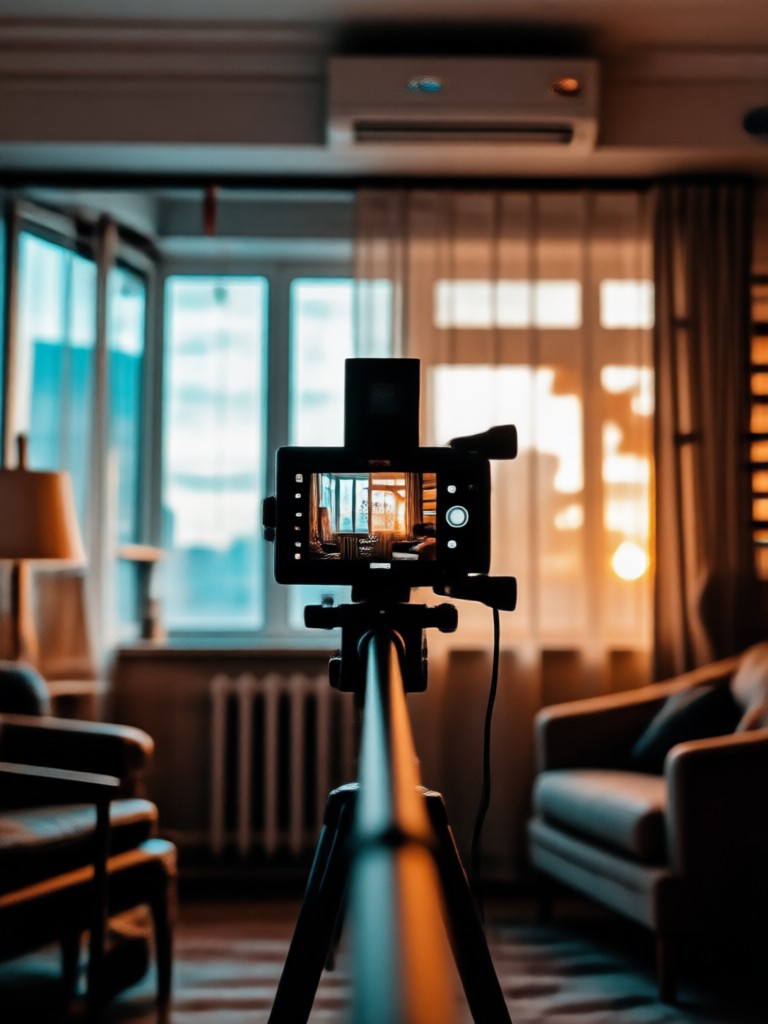
Add gentle camera movement, slow zooms, and natural head turns to your selfie clips. The motion engine keeps your identity stable while creating a polished film sequence.
Smooth Cinematic Motion
Add gentle camera movement, slow zooms, and natural head turns to your selfie clips. The motion engine keeps your identity stable while creating a polished film sequence.
Multi Face Group Support
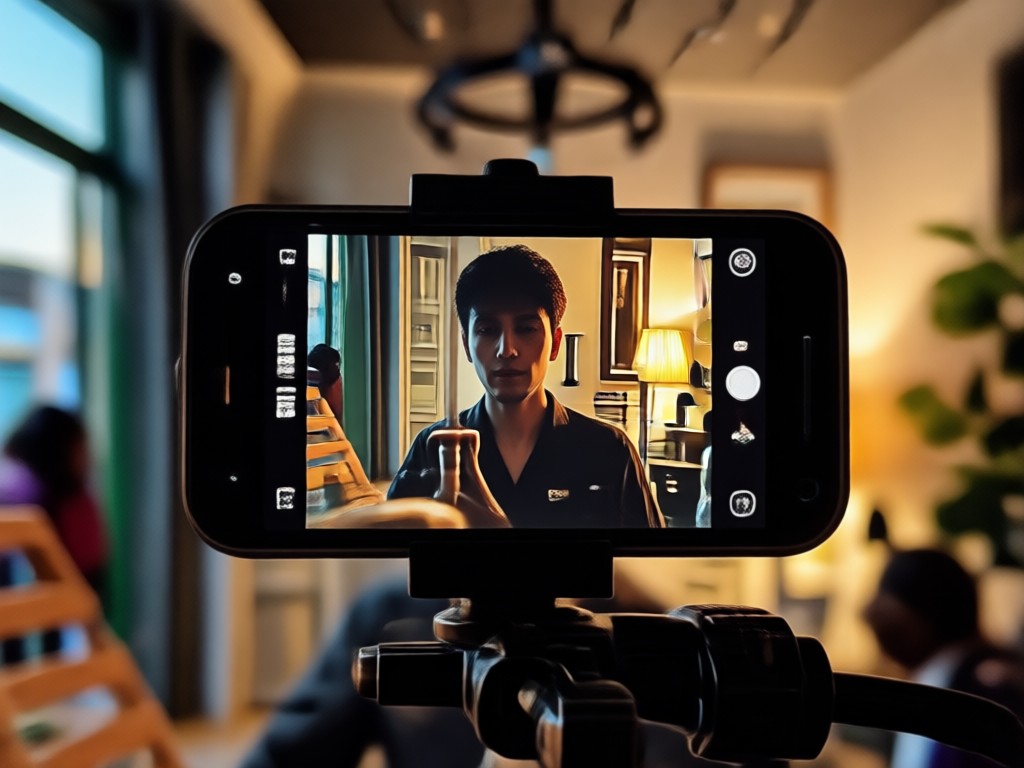
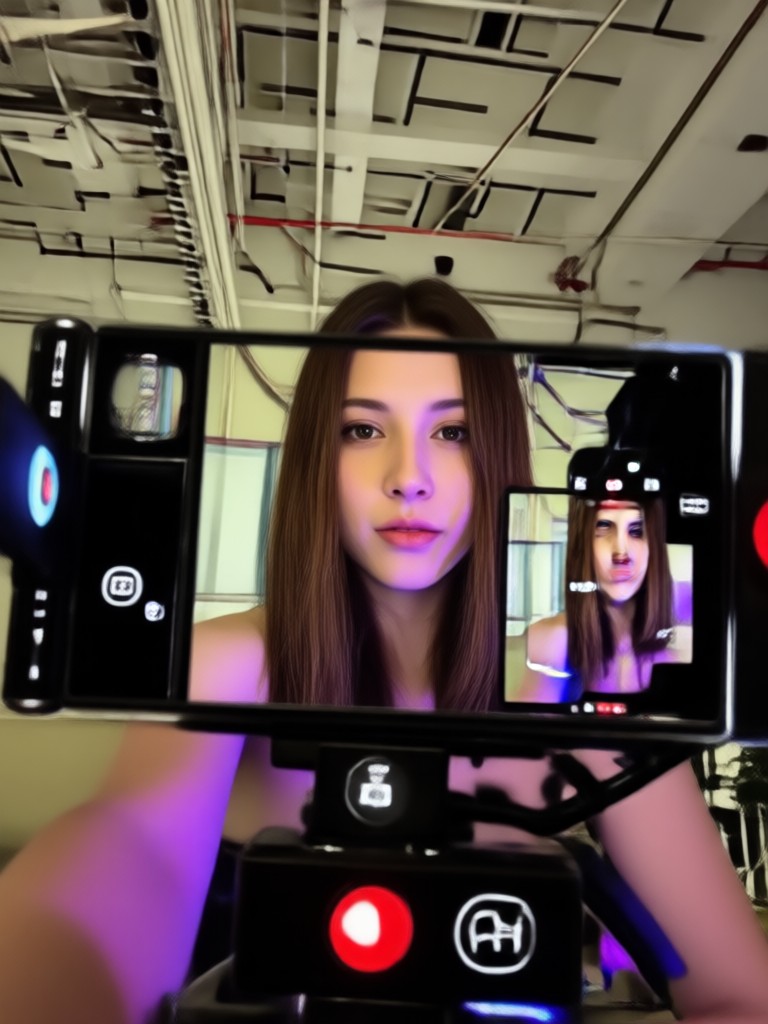
Upload a group selfie and apply cinematic filters without blending faces. The AI identifies each person separately, so everyone keeps their own expressions and features.
Multi Face Group Support
Upload a group selfie and apply cinematic filters without blending faces. The AI identifies each person separately, so everyone keeps their own expressions and features.
Ready to Use Cinematic Selfie Video Templates
Access a curated library of cinematic filters designed for selfie videos. Pick from vintage film, neon noir, dreamy soft focus, dramatic contrast, and documentary style presets. Each template includes a ready to apply color grade and motion pattern.

How to Add Cinematic Filters to Your Selfie Videos
Turn a regular selfie clip into a film quality video in three simple steps. No editing knowledge required.

Step 01.
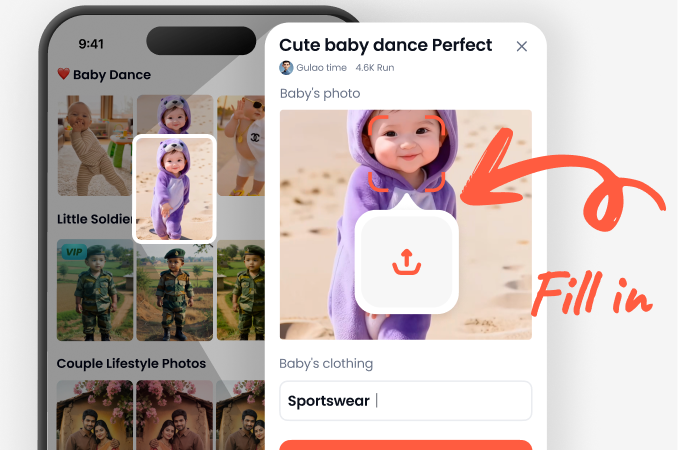
Download the heyo app from Google Play and open the AI video generator on your phone.
Step 02.
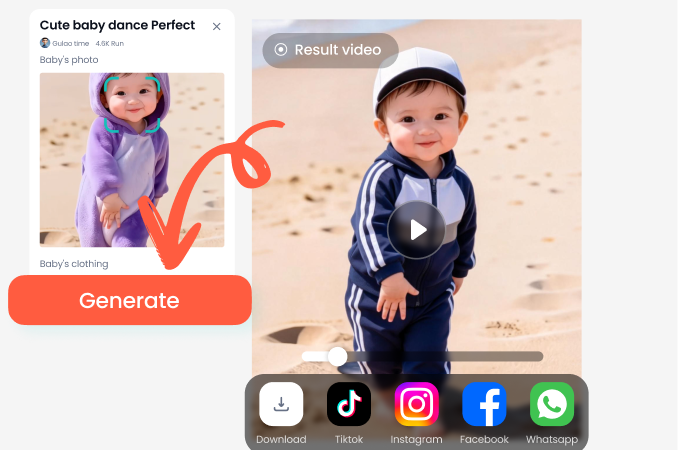
Upload your selfie video and browse the cinematic filter library. Pick a look like film noir, golden hour, or dreamy soft focus.
Step 03.
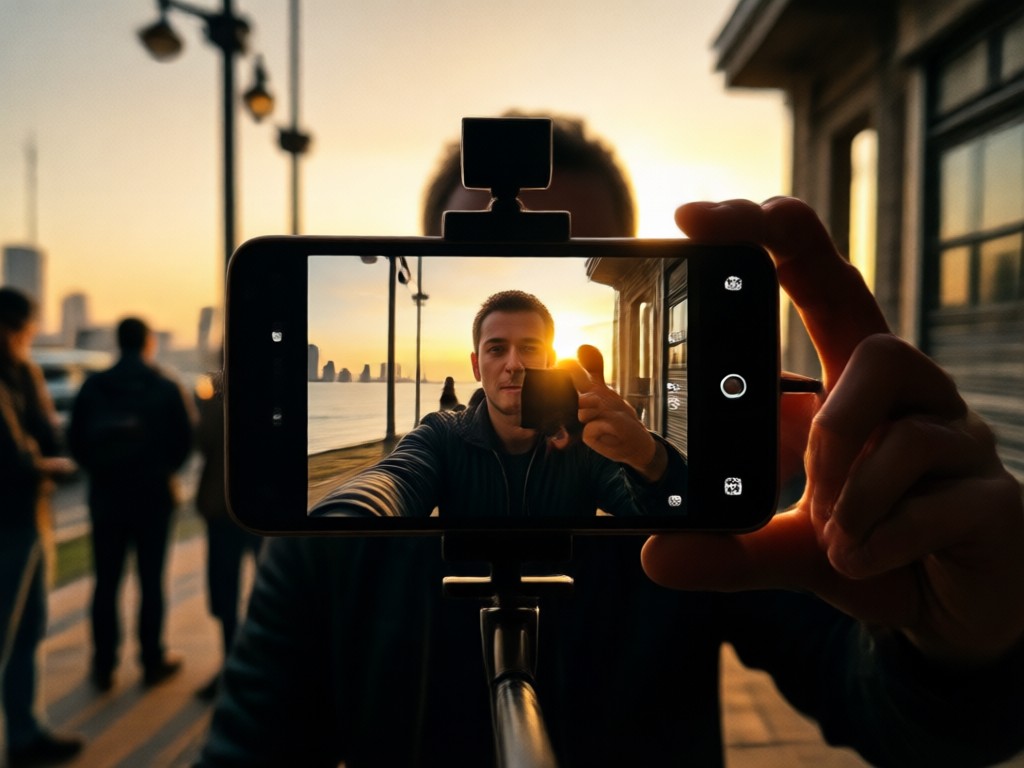
Generate your cinematic selfie video in HD. Save it to your phone or share it directly to TikTok, Instagram Reels, or YouTube Shorts.
Why Creators Use heyo for Cinematic Selfie Videos
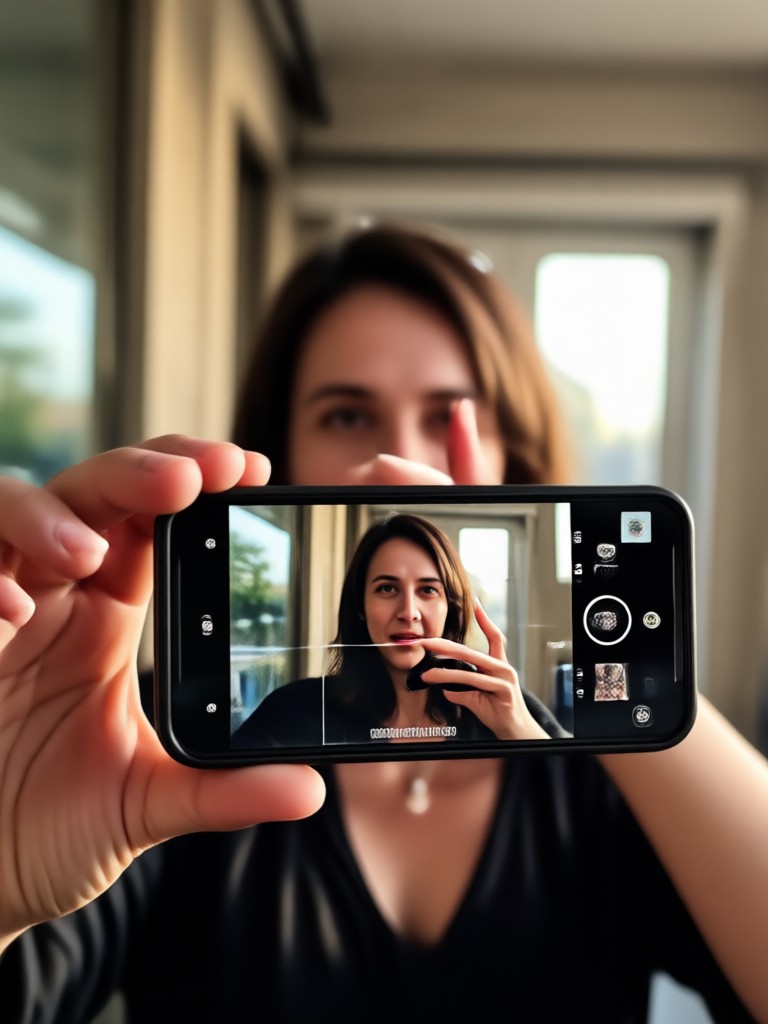
Traditional editing apps require hours of timeline work, complex color wheels, and expensive plugins. heyo condenses all of that into one simple mobile workflow. Upload your selfie clip, choose a cinematic preset, and let AI handle color, lighting, and motion. You get professional results without a production team.
Why Creators Use heyo for Cinematic Selfie Videos
Traditional editing apps require hours of timeline work, complex color wheels, and expensive plugins. heyo condenses all of that into one simple mobile workflow. Upload your selfie clip, choose a cinematic preset, and let AI handle color, lighting, and motion. You get professional results without a production team.
Download heyo for Cinematic Selfie Filters
Get the all in one AI video generator with cinematic filters, film grain, and smooth motion presets. Available on Google Play for Android devices.

Creators Love These Cinematic Selfie Video Filters
Finally a filter that looks like actual film
I used to spend forever color grading in Premiere. With heyo I pick the vintage film preset and my selfie videos instantly look like a short film. The face stays natural and the grain is beautiful.
My TikTok engagement doubled
The golden hour filter makes my talking head videos feel cinematic. I get way more comments asking how I edit. It is literally one tap inside the app.
Great for group selfies too
I uploaded a group video from a party and the AI kept all five faces distinct while applying the same moody filter. No copy paste faces, just a cohesive film look.
Frequently Asked Questions
Find clear answers about using cinematic selfie video filters in the heyo app. Learn how they work, what you can create, and how to get started.
More Topics You May Like
Explore more AI video and photo effects to expand your creative toolkit.

Change Face in Seconds: AI Face Swap Made Simple
Change your face in any photo with AI. Swap faces, try new looks, and create realistic face swaps in seconds. No skills needed. Download heyo today.

Change Image Color with AI in Seconds
Change image color instantly with heyo AI. Upload a photo, pick a color filter, and recolor clothes, objects, or backgrounds. No design skills needed. Get realistic results.

Animal Face Filter: AI Animal Face Swap & Transformation
Animal Face Filter with AI lets you transform selfies into cute animal faces. Upload a photo, pick a dog, cat, fox, or more, and get a funny animal face swap instantly. Download app now.

Angry Face Filter for Hilarious Photo Edits
Turn any photo into a fierce or funny angry face with AI. Upload a selfie, pick a style, and get realistic angry expression effects in seconds. Try the app now.
Create Your First Cinematic Selfie Video Today
Download heyo and turn an ordinary selfie clip into a film quality video with one tap. Choose from hundreds of cinematic filters and share your story.
Create Your First Cinematic Selfie Video Today
Download heyo and turn an ordinary selfie clip into a film quality video with one tap. Choose from hundreds of cinematic filters and share your story.