Colorize Black And White Photos
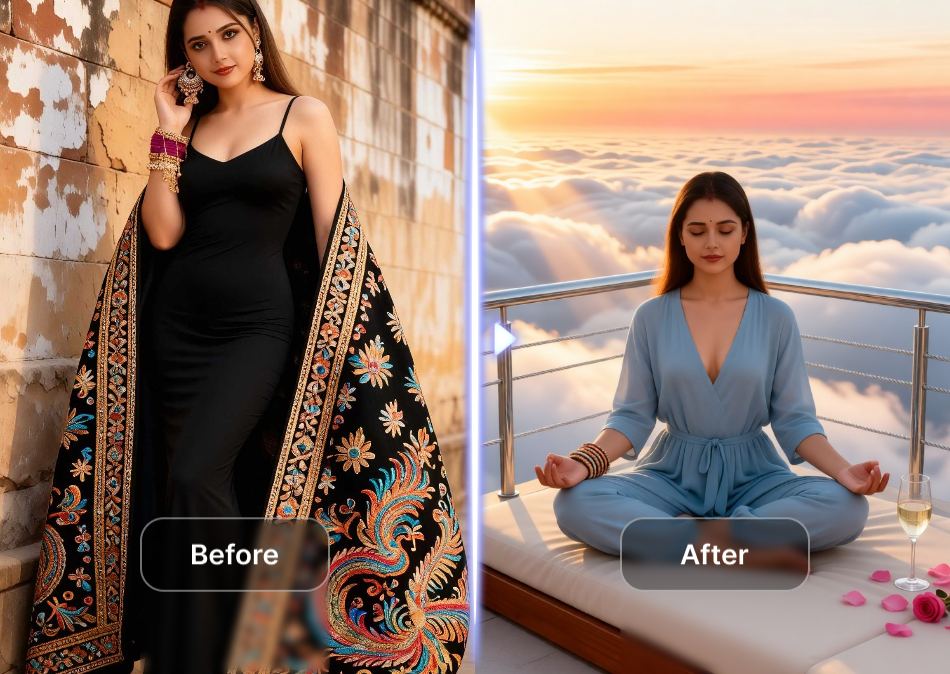
Choose the Colorization Style That Fits
Browse a wide range of AI filters made for old photos, from true to life color restoration to soft vintage palettes and modern portrait tones. Find the perfect look for your memories.
Key Features for Colorizing Black And White Photos
heyo makes photo colorization simple and realistic. Here is what you can do with the app.
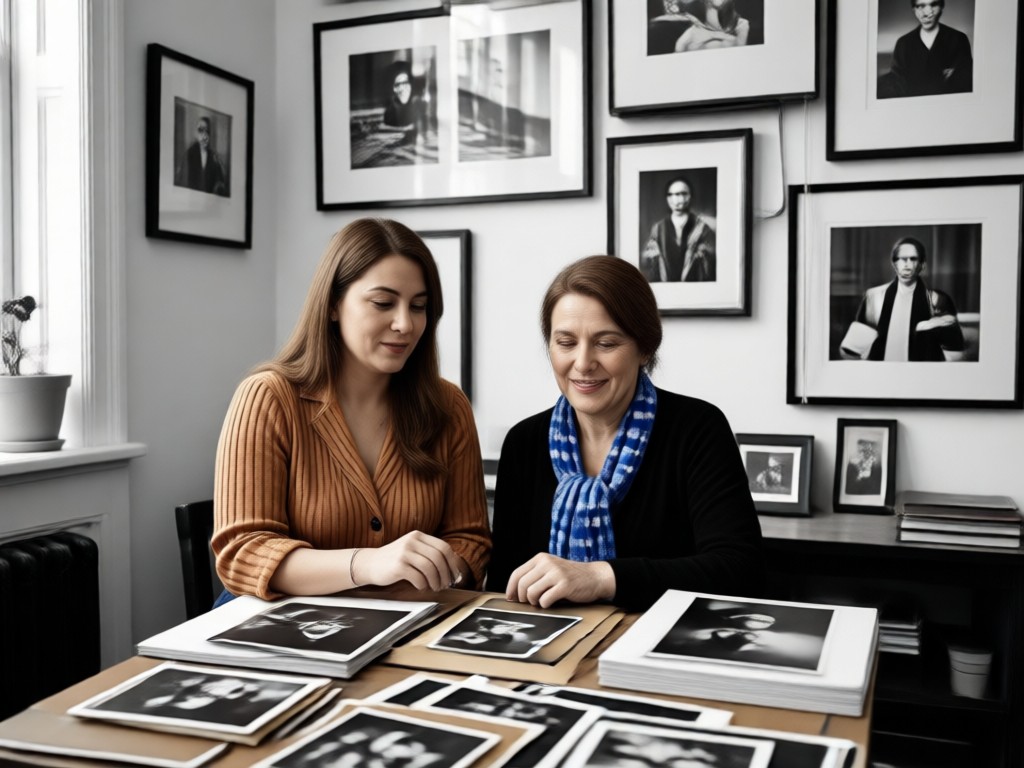
One Tap Auto Colorization
Upload any black and white image and get natural color in seconds. heyo's AI understands faces, clothing, sky, grass, and skin to apply the right tones without manual work.
One Tap Auto Colorization
Upload any black and white image and get natural color in seconds. heyo's AI understands faces, clothing, sky, grass, and skin to apply the right tones without manual work.
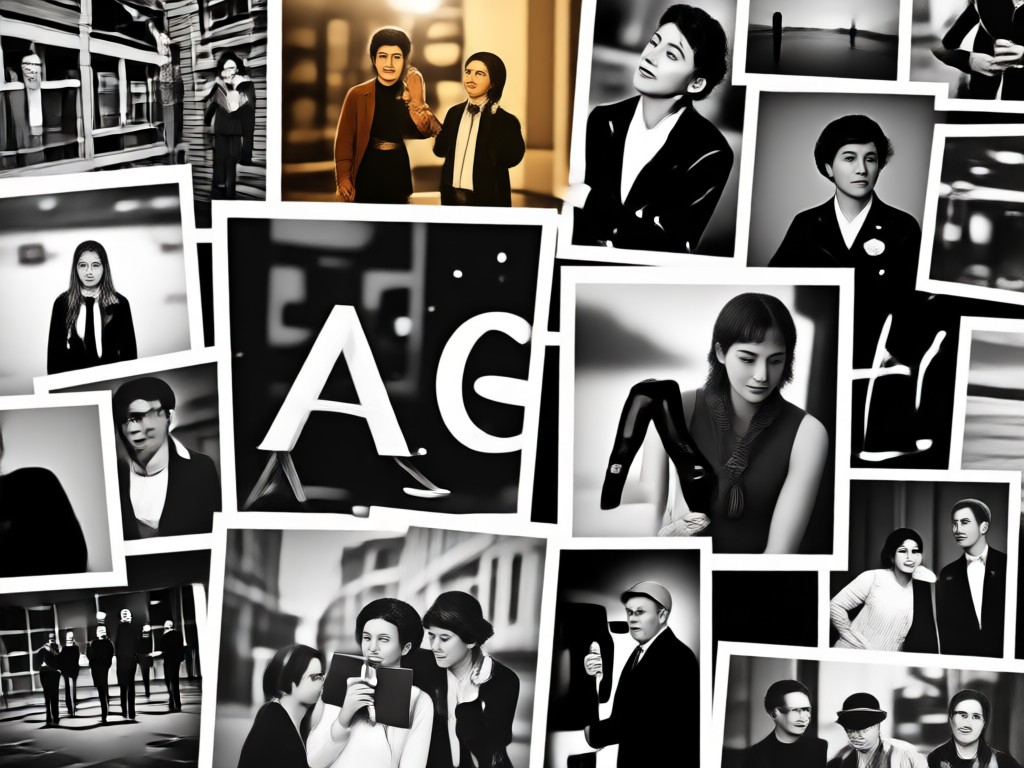
Accurate Skin Tones
The AI recognizes different skin types and adjusts highlights and shadows to produce lifelike portraits. No more washed out or overly saturated faces.
Accurate Skin Tones
The AI recognizes different skin types and adjusts highlights and shadows to produce lifelike portraits. No more washed out or overly saturated faces.
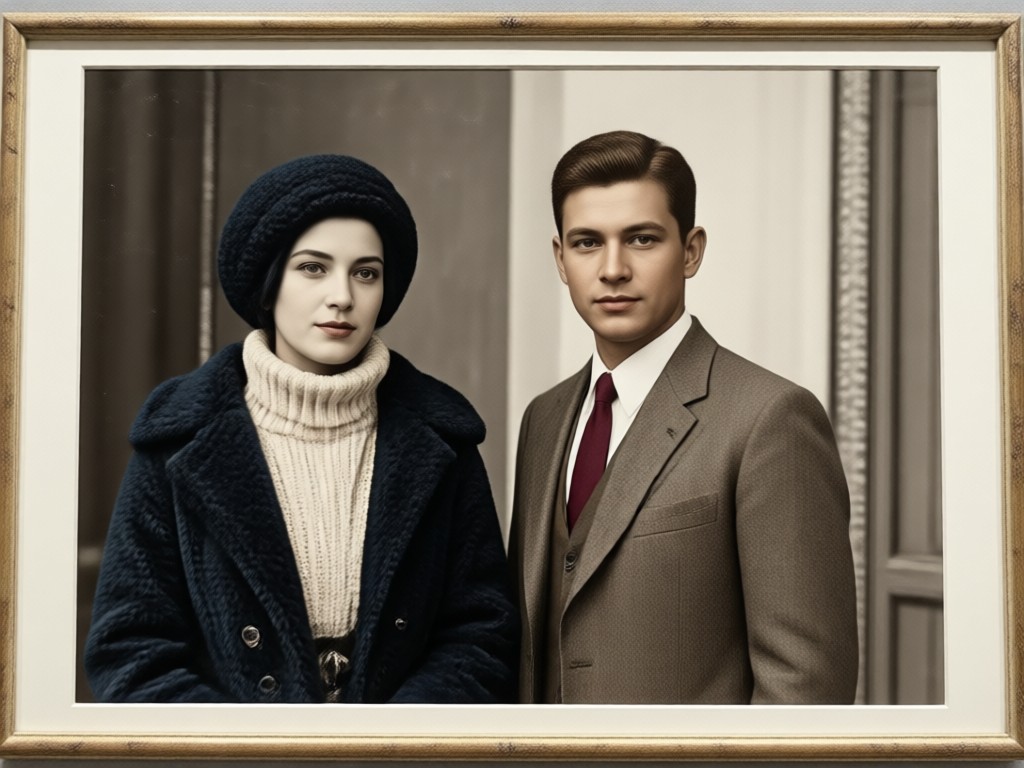
Flexible Style Control
Choose from realistic, vintage film, cinematic, or soft pastel color grades. You can also generate a fresh version if the first result is not perfect.
Flexible Style Control
Choose from realistic, vintage film, cinematic, or soft pastel color grades. You can also generate a fresh version if the first result is not perfect.
How to Colorize Black And White Photos
Follow these three simple steps to bring your old photos back to life with color.

Step 01.
Download the heyo app from Google Play. It is free and ready to use on your Android phone.

Step 02.
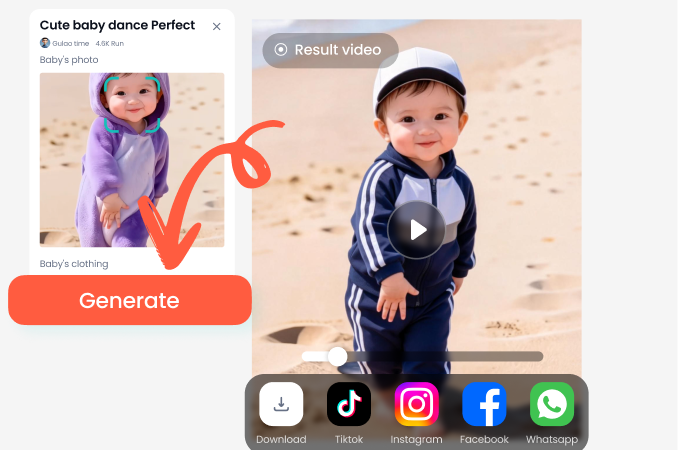
Upload your black and white photo and choose a colorization filter. The AI previews several color versions instantly.
Step 03.
Save your colorized photo in high resolution and share it with family or on social media.
See the Colorization Results
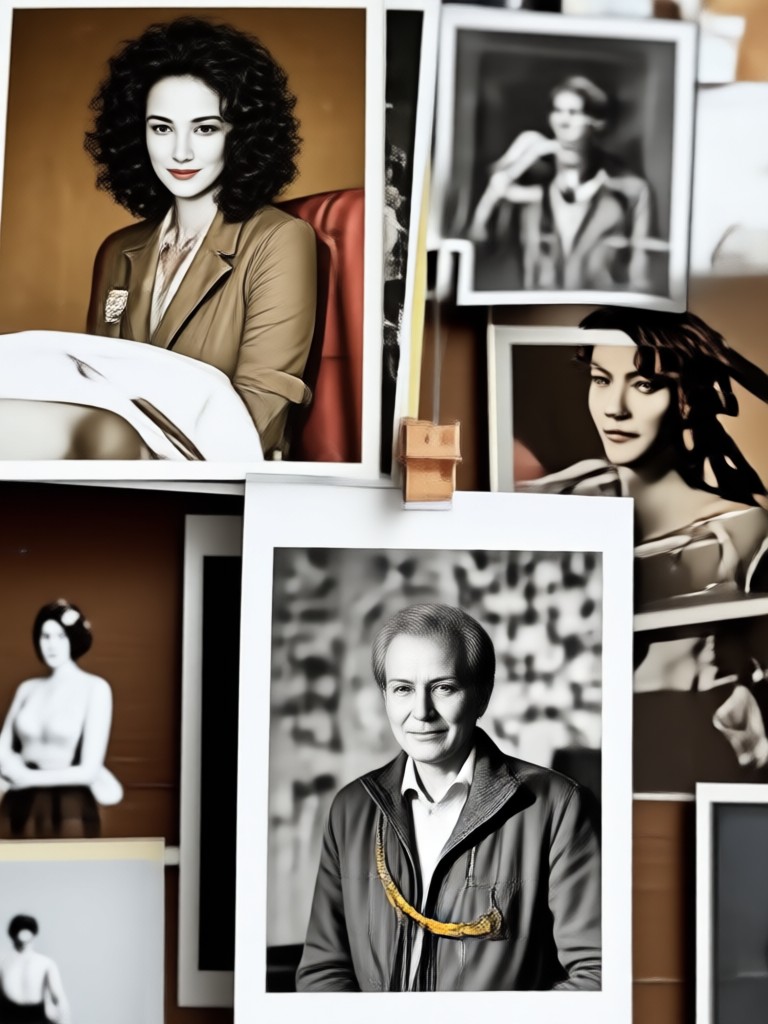
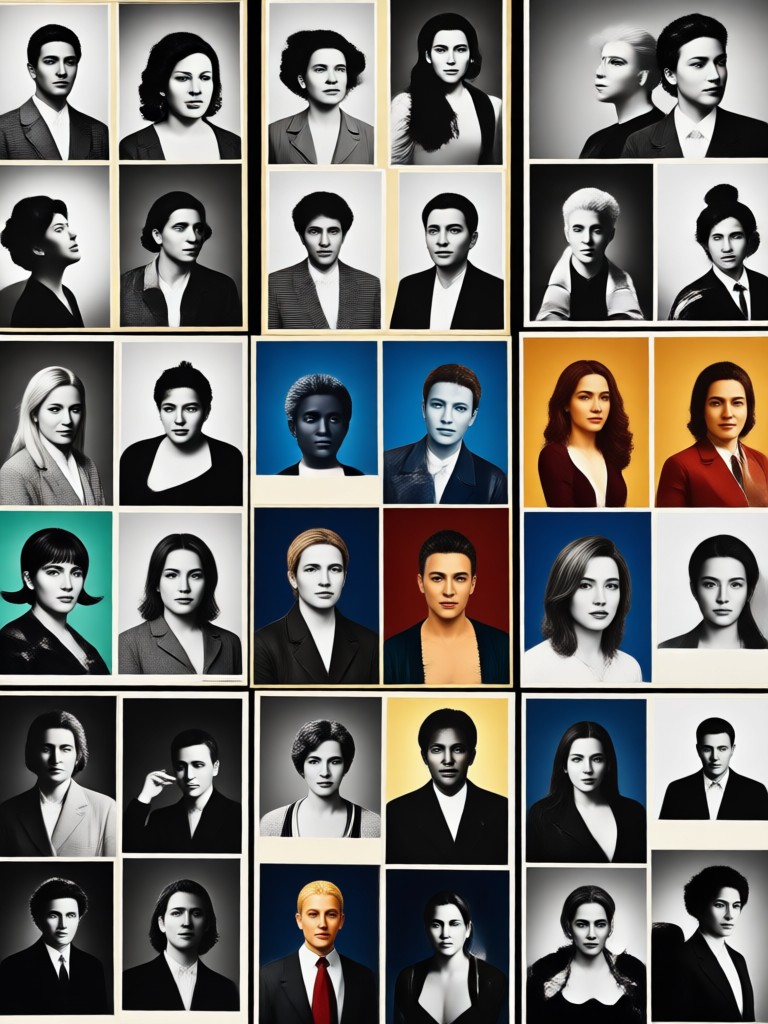
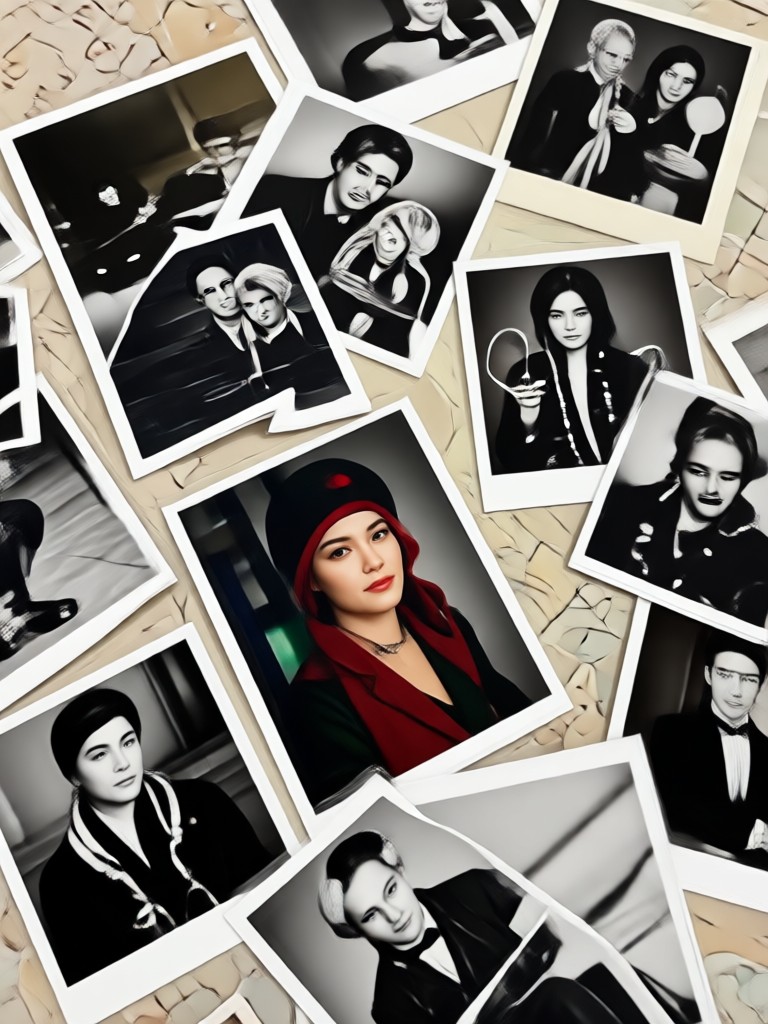
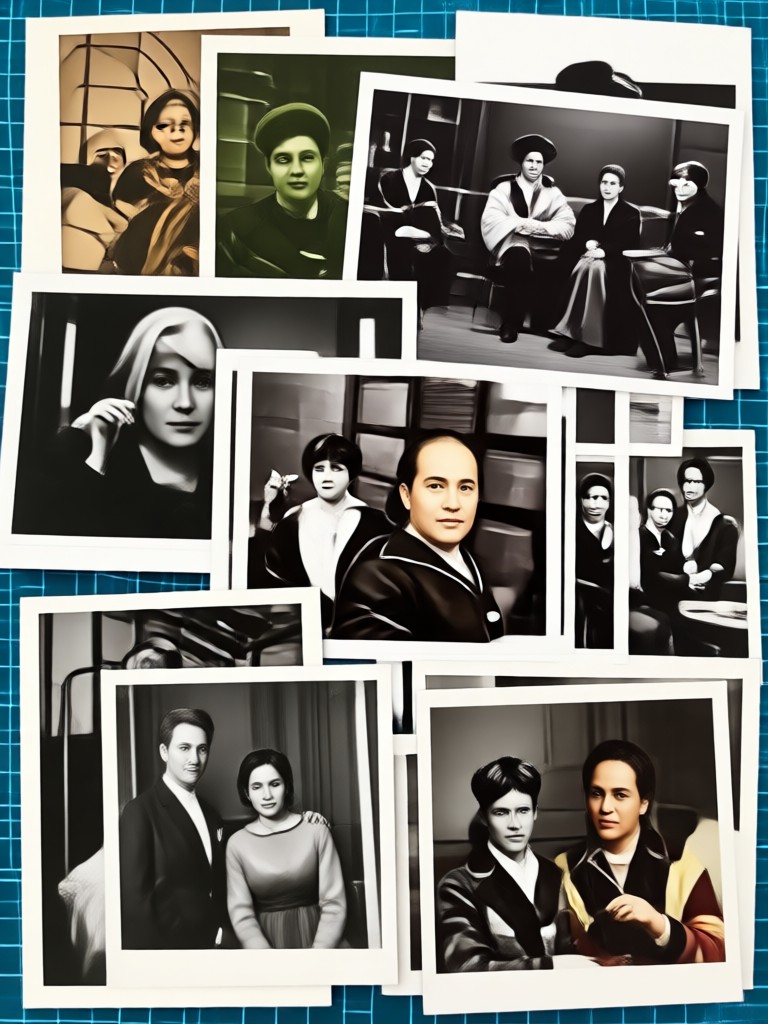
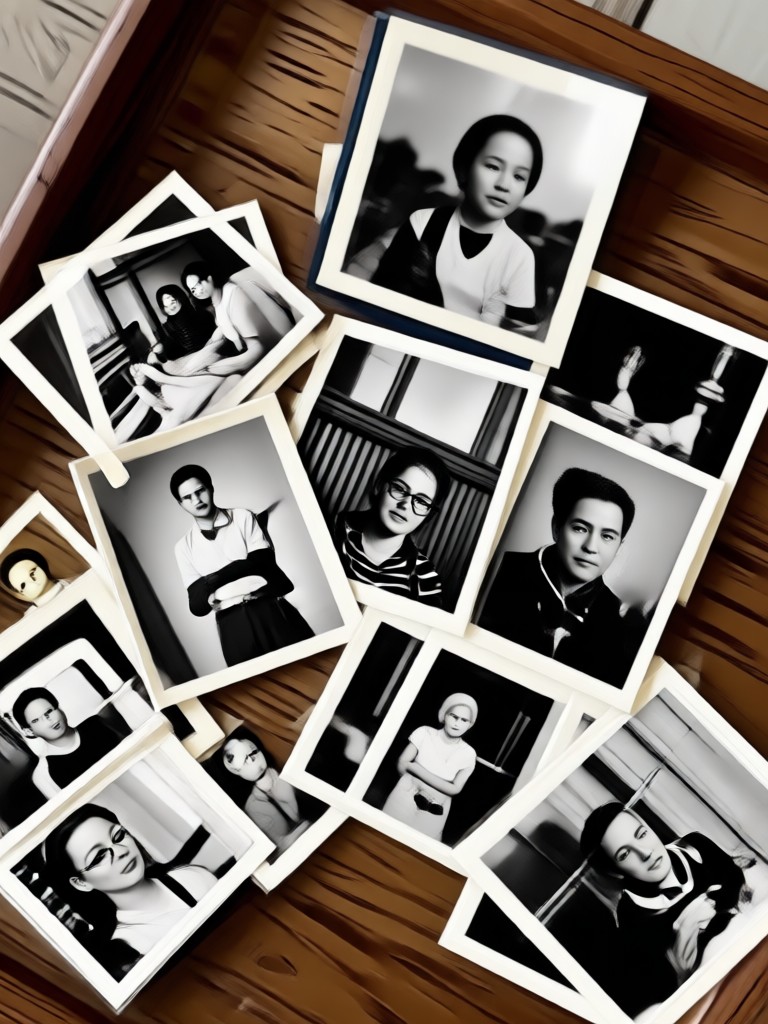
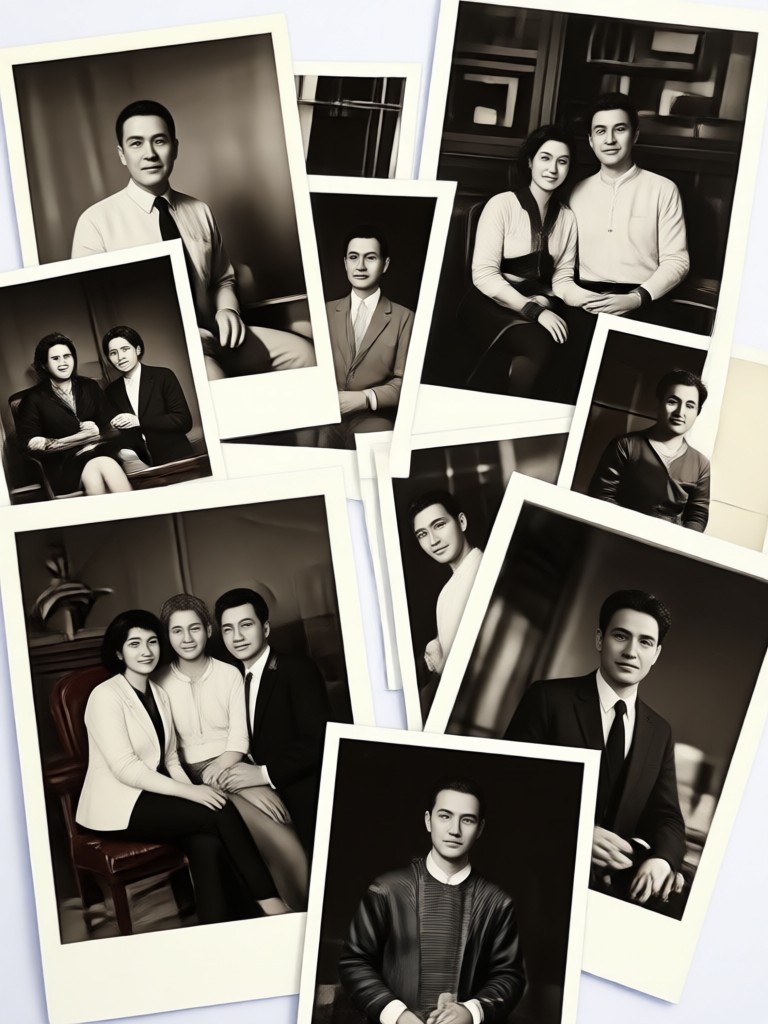
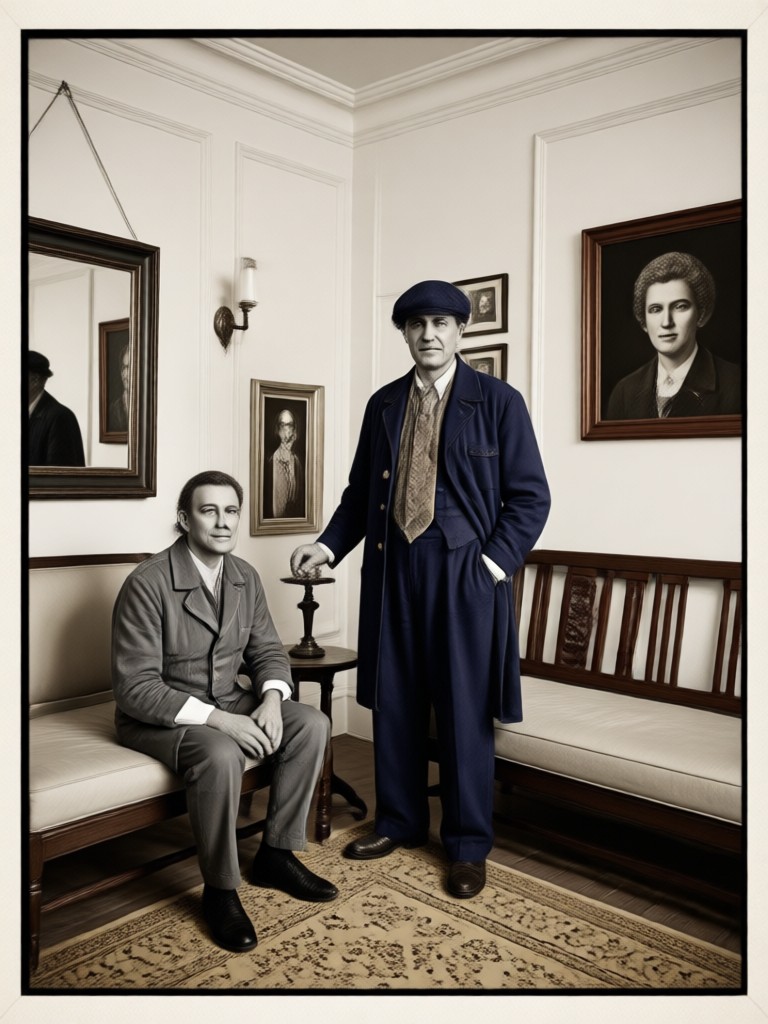
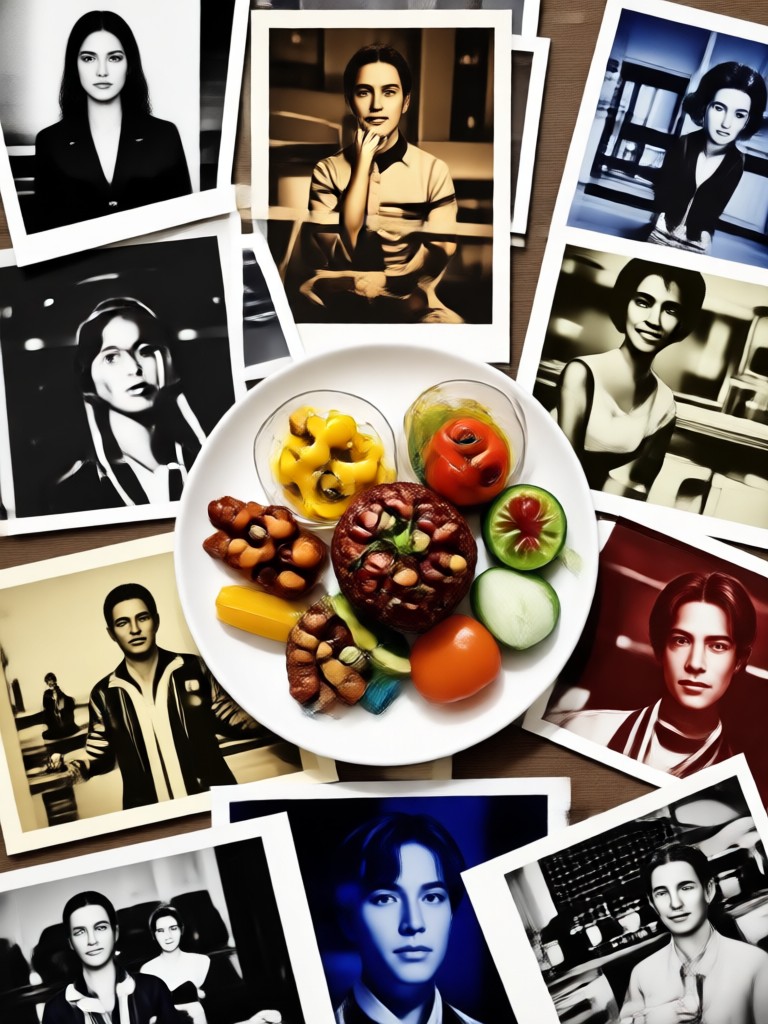
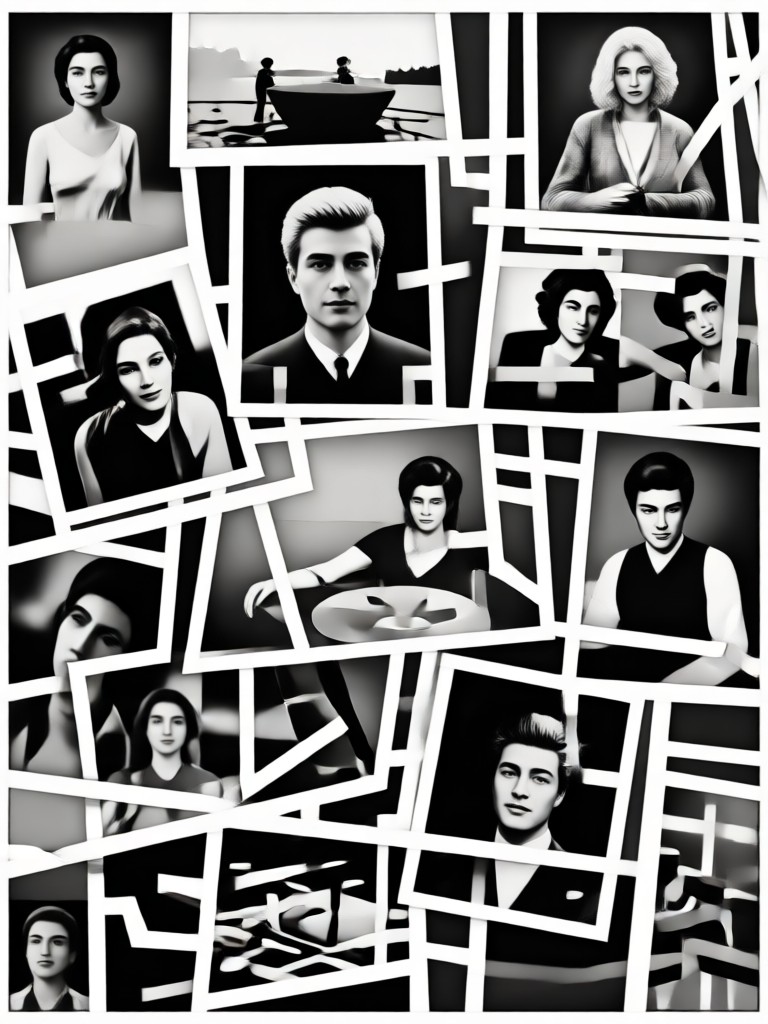
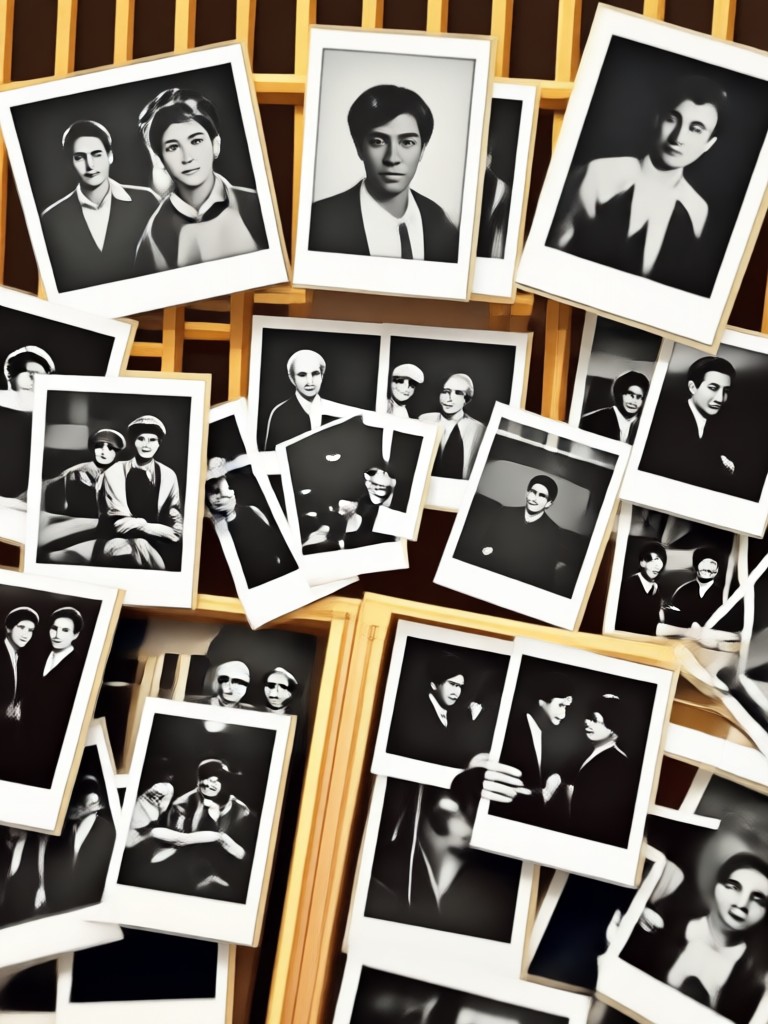
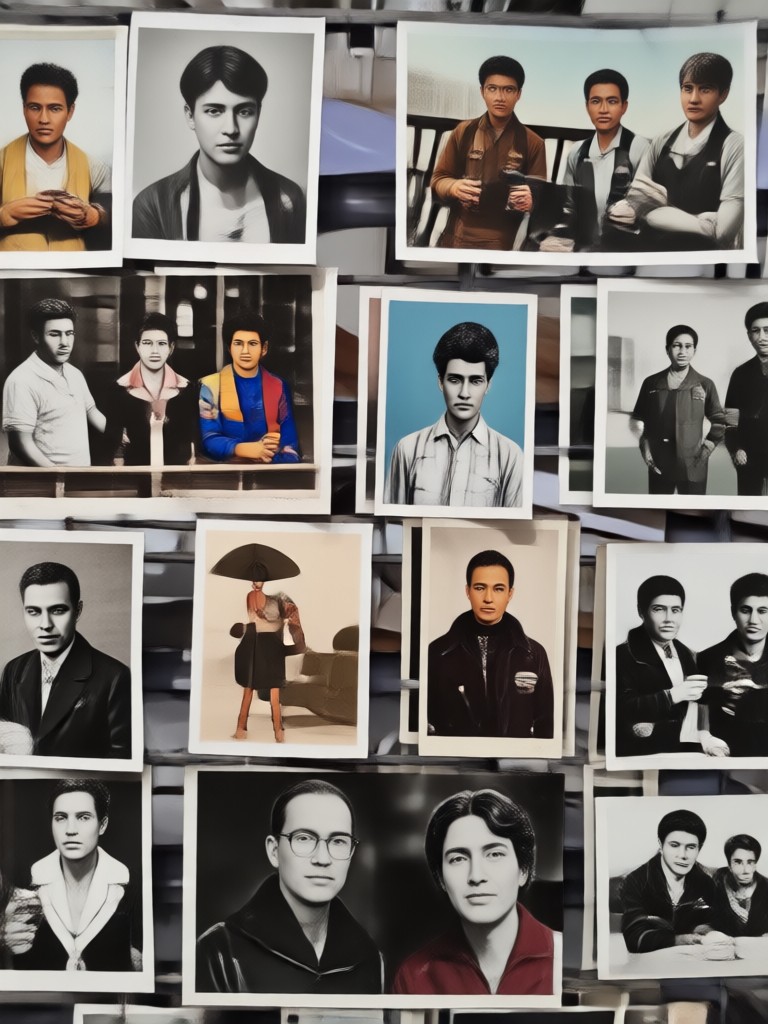
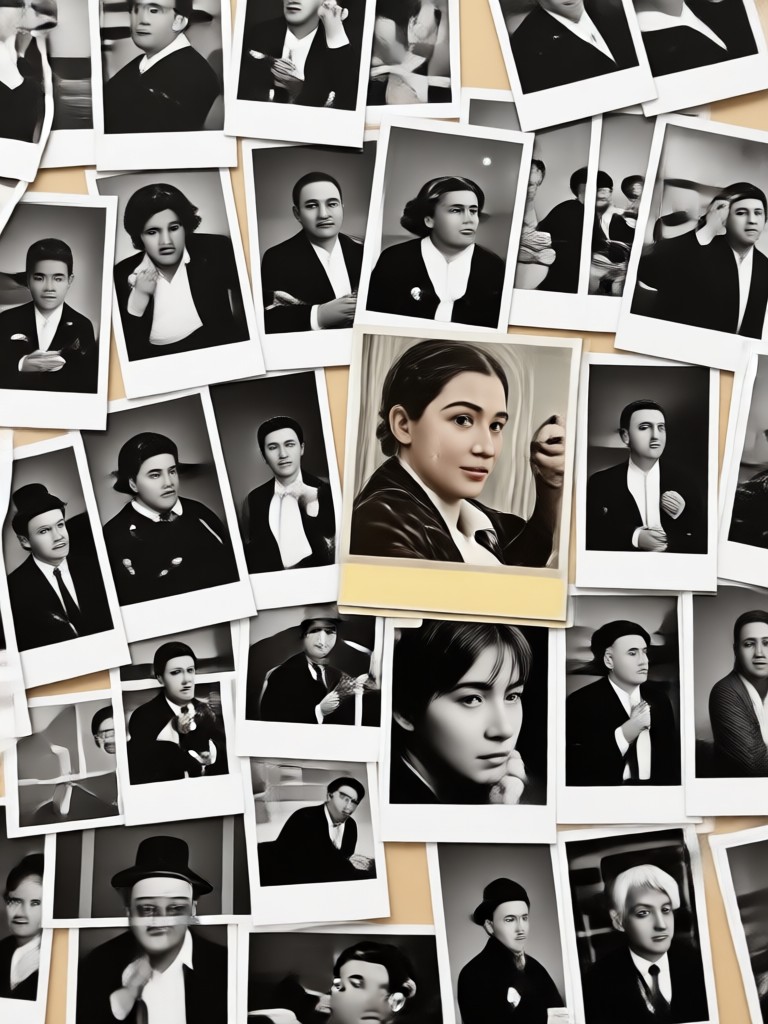
Here are real examples of black and white photos turned into vibrant color using heyo. Each image shows how the AI adds natural tones and details while keeping the original moments intact.
Why Use heyo to Colorize Old Photos
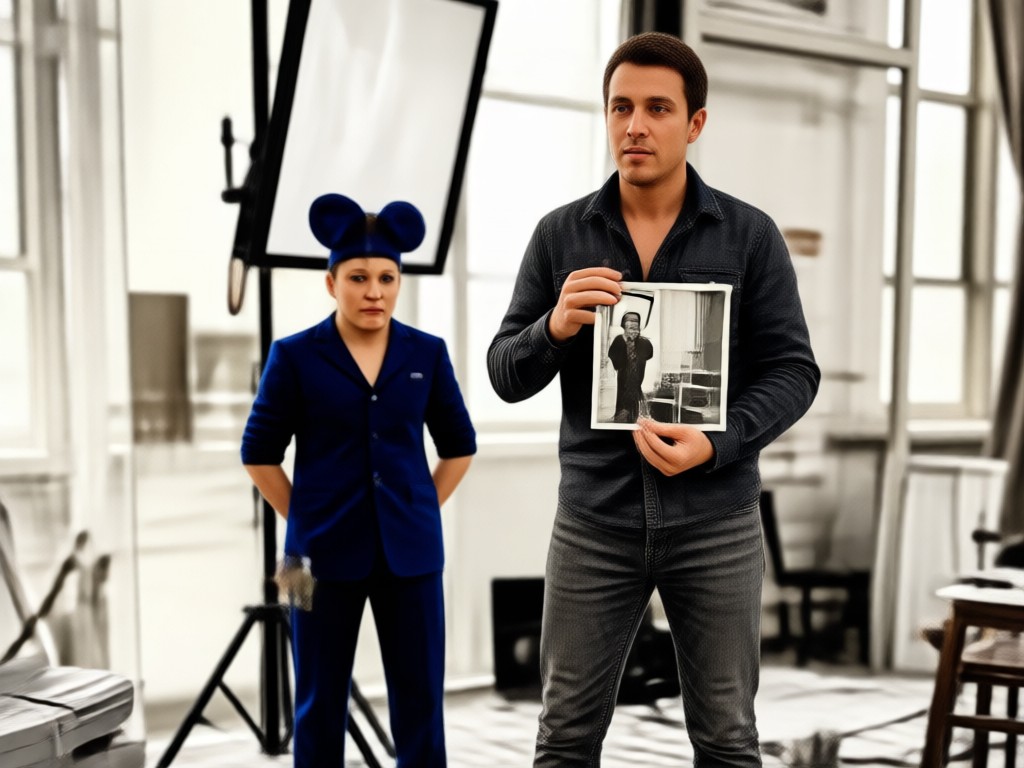
heyo combines advanced AI colorization with a simple mobile app so you can restore memories anywhere.
Memories Deserve Real Color
Old photos carry stories that feel distant in black and white. heyo's AI brings them back with natural skin tones, accurate clothing colors, and realistic scenery. Unlike complicated desktop software, heyo works entirely on your phone. You can colorize a family portrait, a childhood snapshot, or a vintage postcard in seconds, then share the result with loved ones. No learning curve, no hidden tools.
Memories Deserve Real Color
Old photos carry stories that feel distant in black and white. heyo's AI brings them back with natural skin tones, accurate clothing colors, and realistic scenery. Unlike complicated desktop software, heyo works entirely on your phone. You can colorize a family portrait, a childhood snapshot, or a vintage postcard in seconds, then share the result with loved ones. No learning curve, no hidden tools.
Who Uses heyo for Photo Colorization
Elena Ruiz
I colorized my grandparents wedding photo from 1952 and my whole family cried. The colors look so natural, especially the flowers and the suit.
Marcus Lee
I had a box of old military photos from my father. heyo restored the faded ones and added color that looks like it was taken yesterday.

Sofia Patel
As a genealogy hobbyist I use heyo for old census and family portraits. The skin tones are accurate and the app is very easy to use.

James Walker
The auto colorization is surprisingly good. It even handled the dusty sky in my 1970s vacation slides without making them look fake.
Elena Ruiz
I colorized my grandparents wedding photo from 1952 and my whole family cried. The colors look so natural, especially the flowers and the suit.
Marcus Lee
I had a box of old military photos from my father. heyo restored the faded ones and added color that looks like it was taken yesterday.
Sofia Patel
As a genealogy hobbyist I use heyo for old census and family portraits. The skin tones are accurate and the app is very easy to use.
James Walker
The auto colorization is surprisingly good. It even handled the dusty sky in my 1970s vacation slides without making them look fake.
Elena Ruiz
I colorized my grandparents wedding photo from 1952 and my whole family cried. The colors look so natural, especially the flowers and the suit.
Marcus Lee
I had a box of old military photos from my father. heyo restored the faded ones and added color that looks like it was taken yesterday.
Sofia Patel
As a genealogy hobbyist I use heyo for old census and family portraits. The skin tones are accurate and the app is very easy to use.
James Walker
The auto colorization is surprisingly good. It even handled the dusty sky in my 1970s vacation slides without making them look fake.
Frequently Asked Questions About Colorizing Photos
Find answers to common questions about turning black and white pictures into color with heyo.
More Topics You May Like
Explore more guides and ideas for bringing old photos and videos back to life.

Turn Selfies Into Cinematic Videos in Seconds

Change Face in Seconds: AI Face Swap Made Simple

Change Image Color with AI in Seconds

Animal Face Filter: AI Animal Face Swap & Transformation
Turn Selfies Into Cinematic Videos in Seconds
Change Face in Seconds: AI Face Swap Made Simple
Change Image Color with AI in Seconds
Animal Face Filter: AI Animal Face Swap & Transformation
Colorize Your Memories Today
Download heyo from Google Play and turn black and white photos into vibrant color in seconds. No editing skills needed.

Colorize Your Memories Today
Download heyo from Google Play and turn black and white photos into vibrant color in seconds. No editing skills needed.