Colorize Photo Online
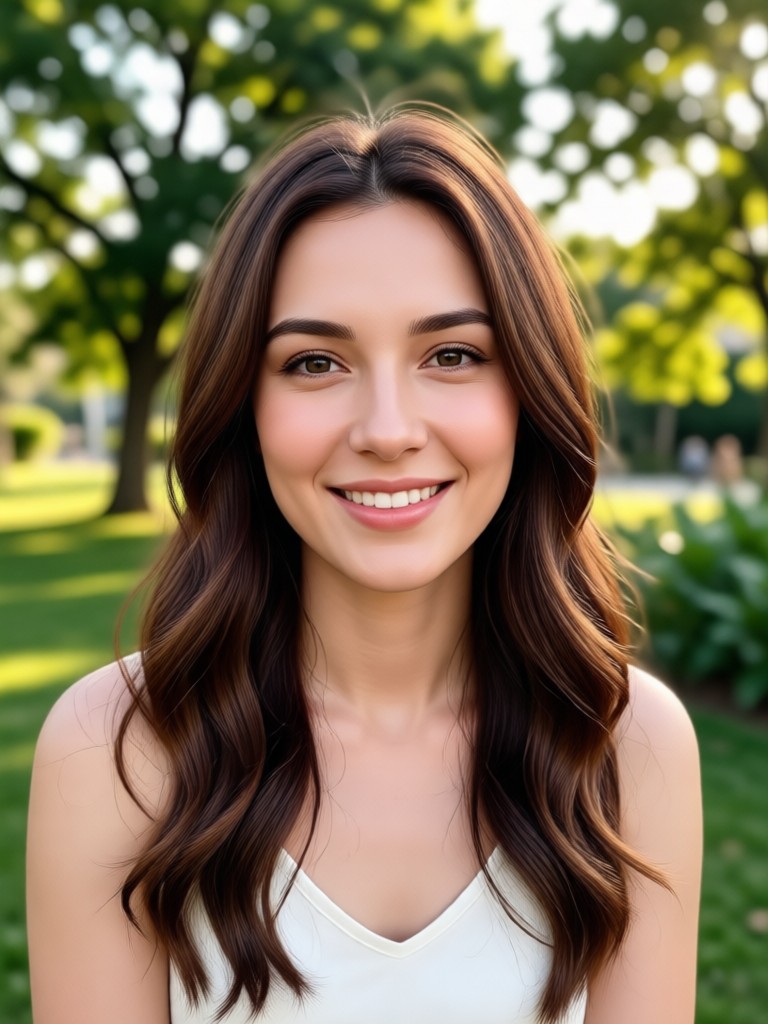
Colorize Photo Online with Matching Style Filters
Discover the best filters for bringing black and white images to life. Choose vintage tones, natural color, or high definition restoration for your old photos.
Key Features of Colorize Photo Online
Transform black and white images with powerful AI colorization and intuitive tools. Perfect for old portraits, historical photos, and social media nostalgia.
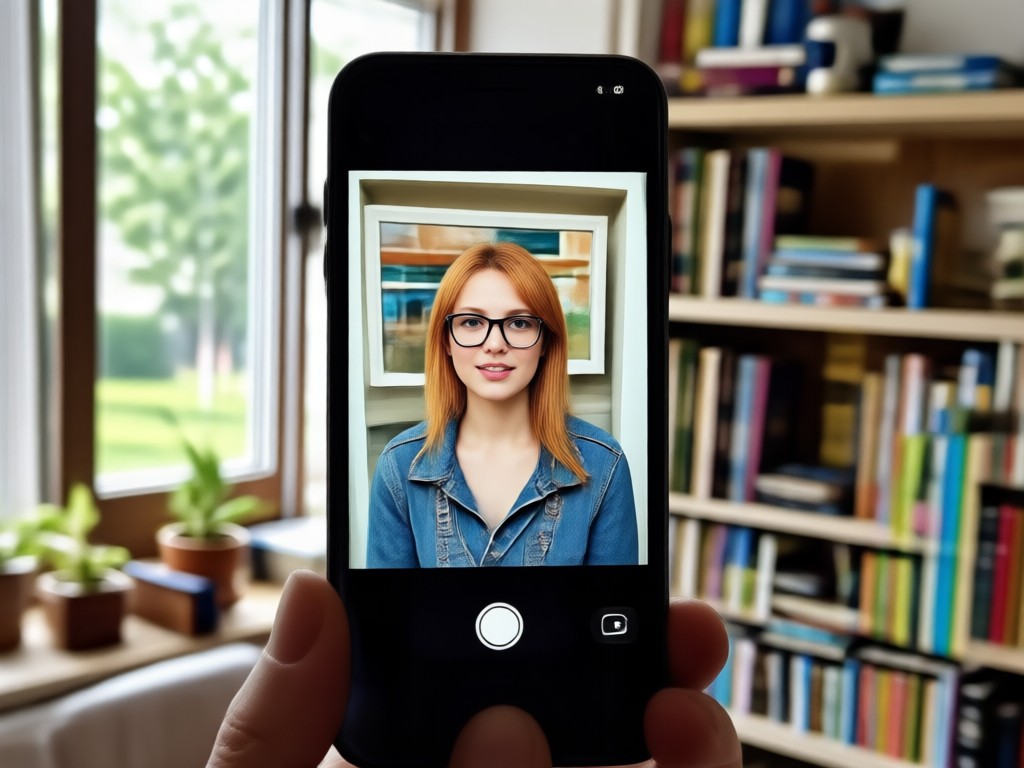
One Tap Black and White Photo Colorizer
Upload any grayscale image and let AI add realistic, balanced colors automatically. No manual painting, masks, or complex tutorials required.
One Tap Black and White Photo Colorizer
Upload any grayscale image and let AI add realistic, balanced colors automatically. No manual painting, masks, or complex tutorials required.
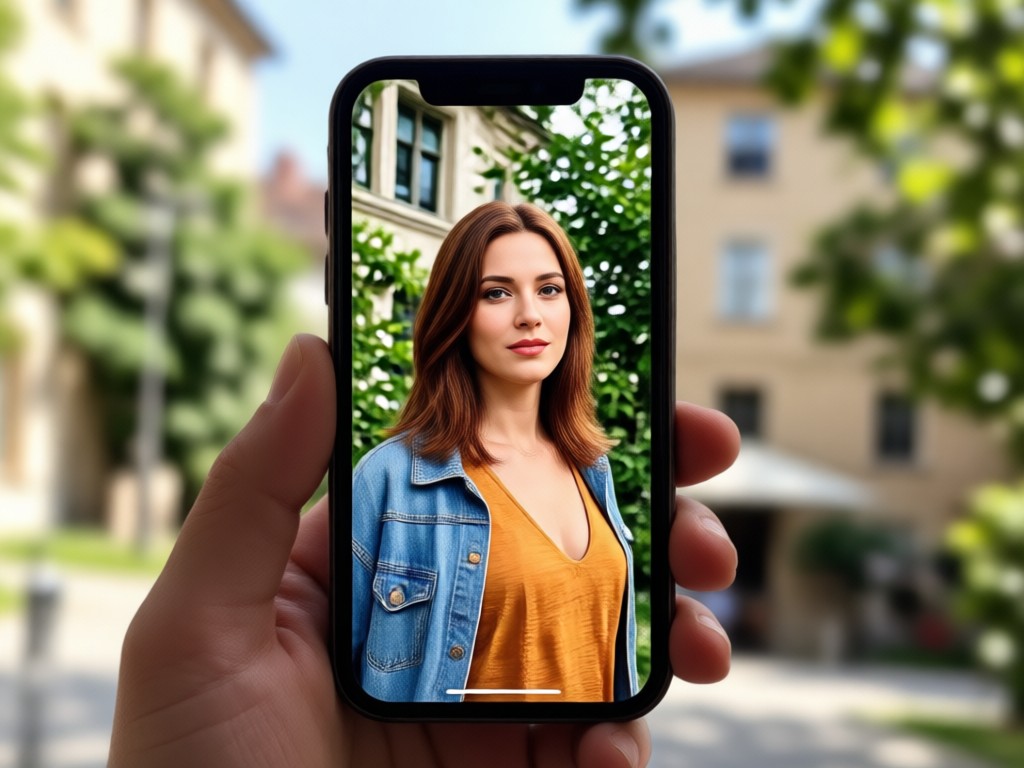
Natural Skin Tone Restoration
The AI recognizes faces, hair, clothing, and backgrounds separately. It applies accurate skin tones and soft, lifelike transitions for believable results.
Natural Skin Tone Restoration
The AI recognizes faces, hair, clothing, and backgrounds separately. It applies accurate skin tones and soft, lifelike transitions for believable results.
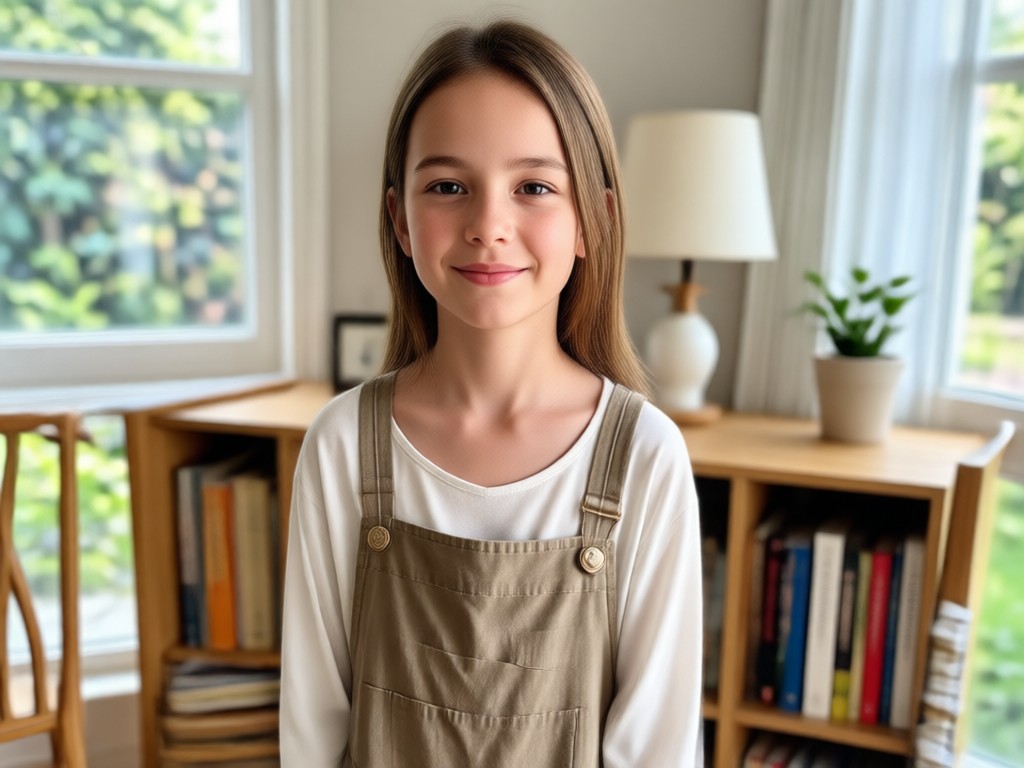
High Resolution Detail Preservation
Old photos often lose sharpness. heyo enhances edges and texture while adding color, so your restored image looks clean, crisp, and ready to share.
High Resolution Detail Preservation
Old photos often lose sharpness. heyo enhances edges and texture while adding color, so your restored image looks clean, crisp, and ready to share.
Explore AI Colorization Results
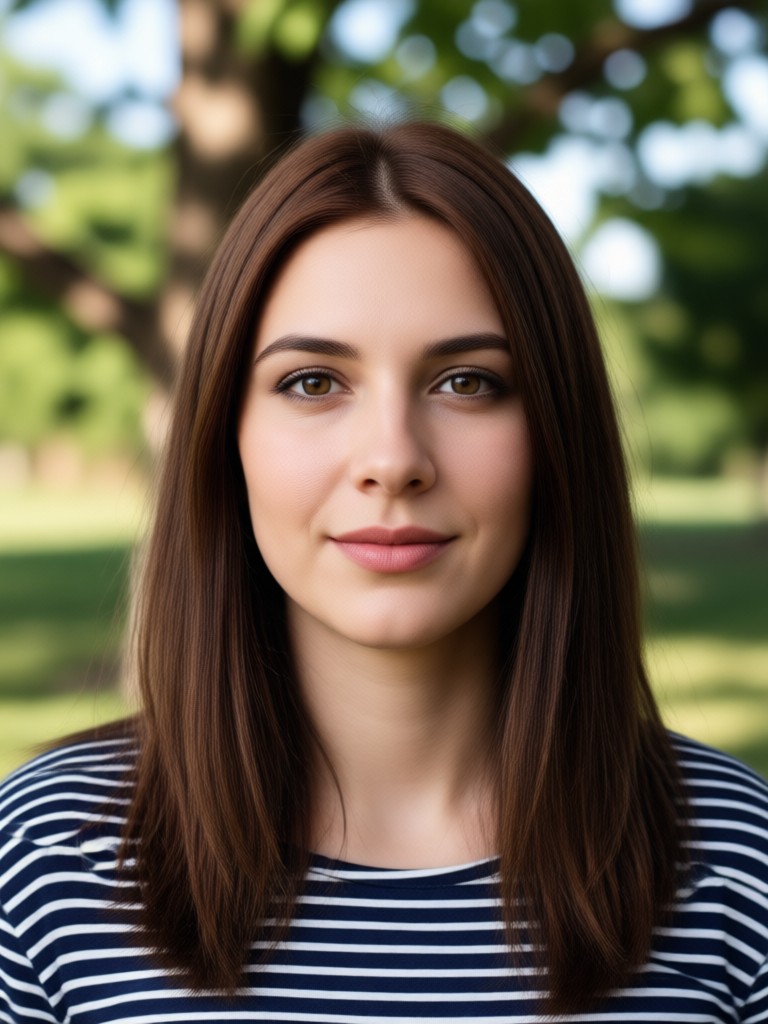
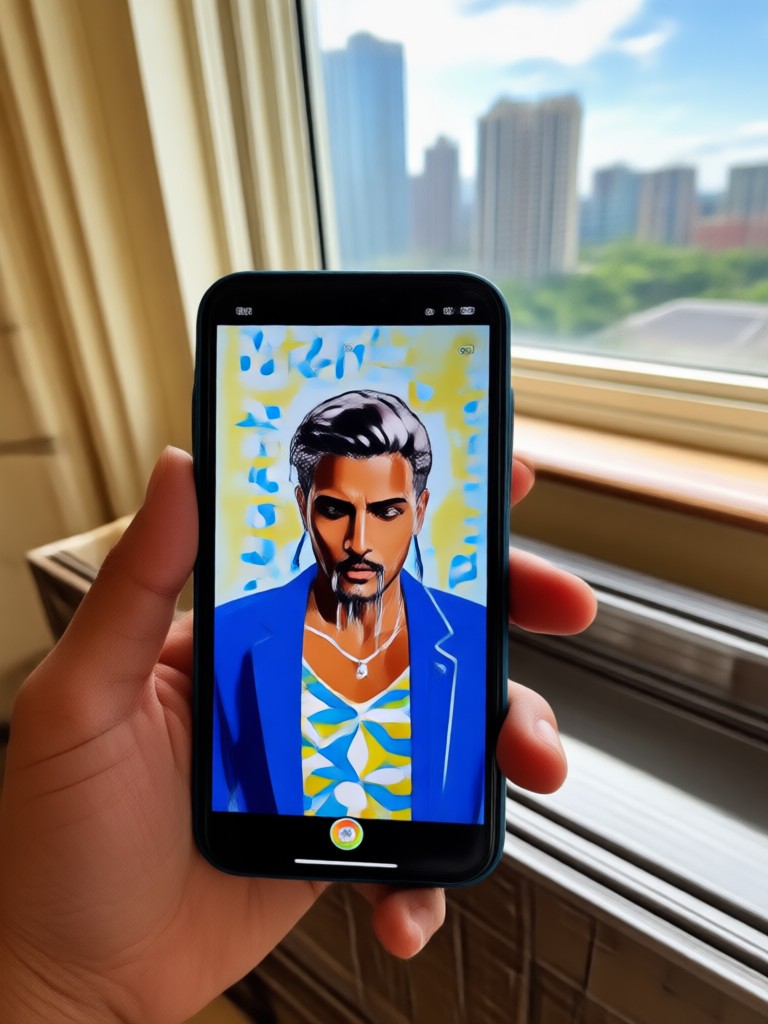
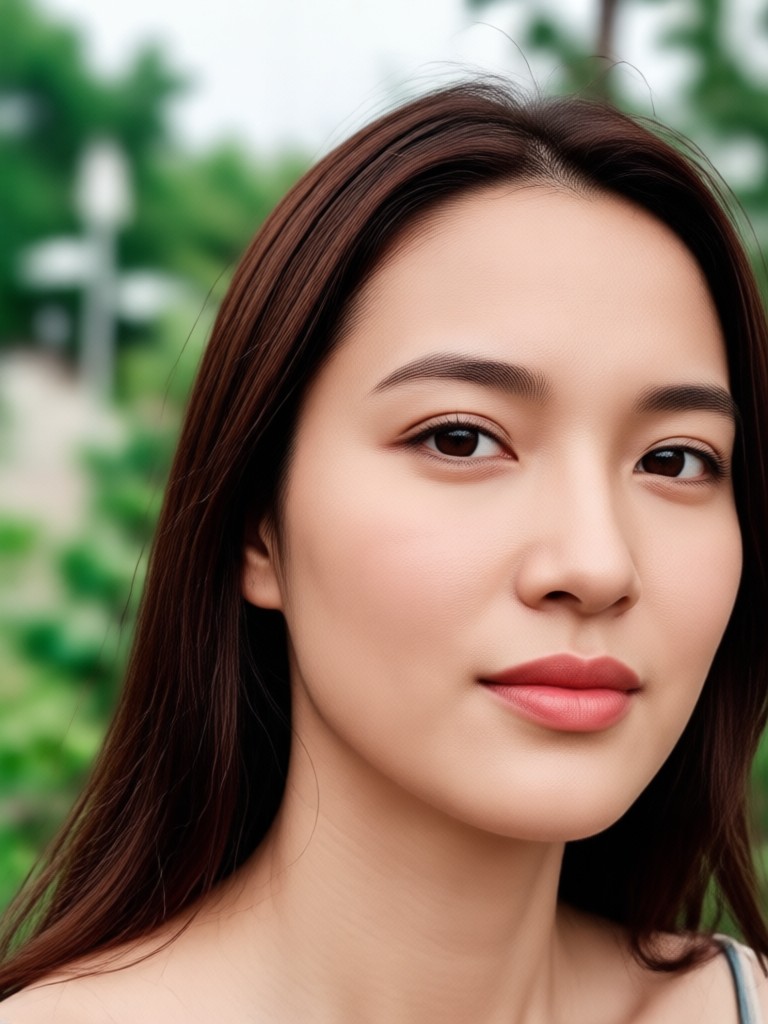
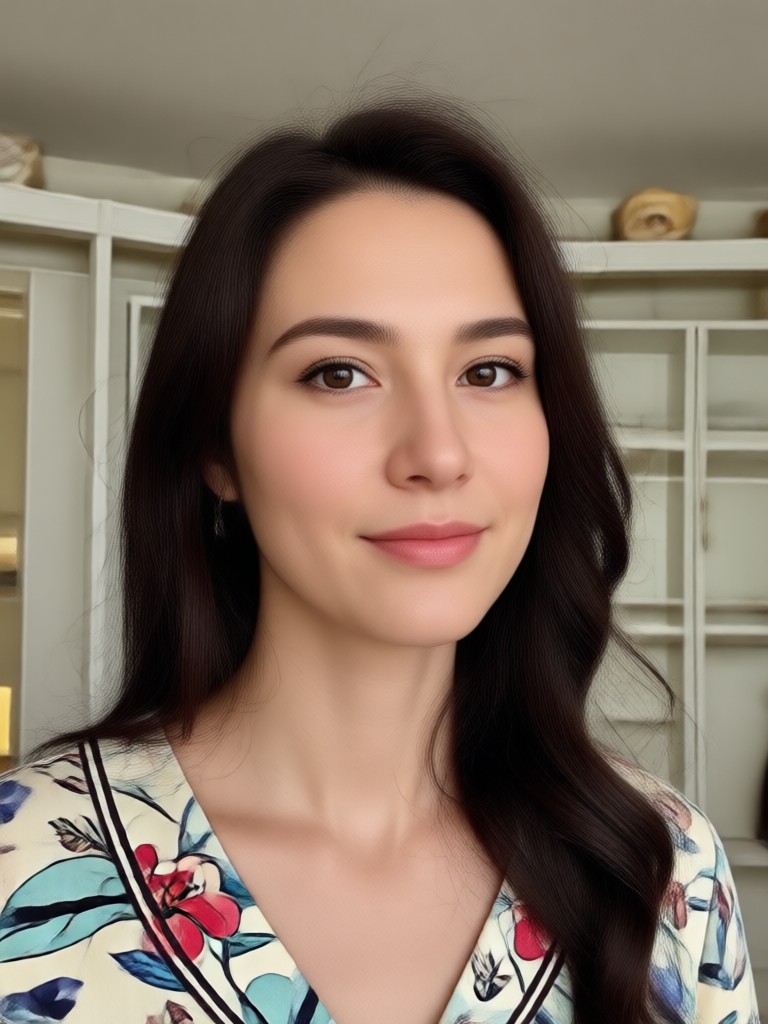
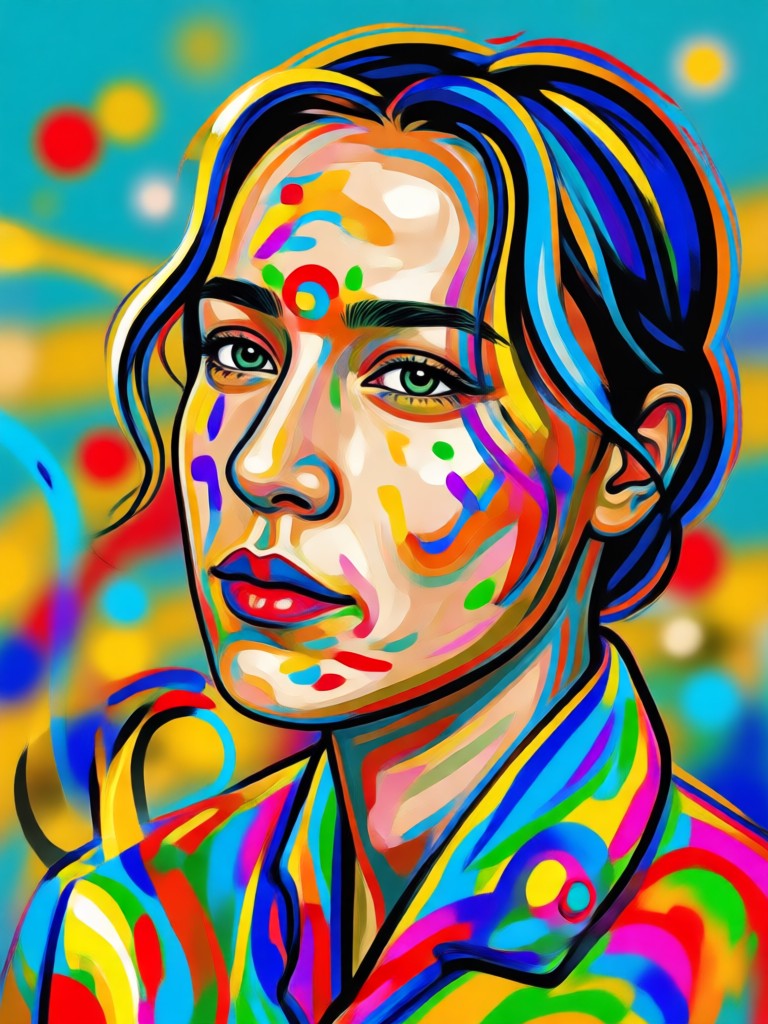
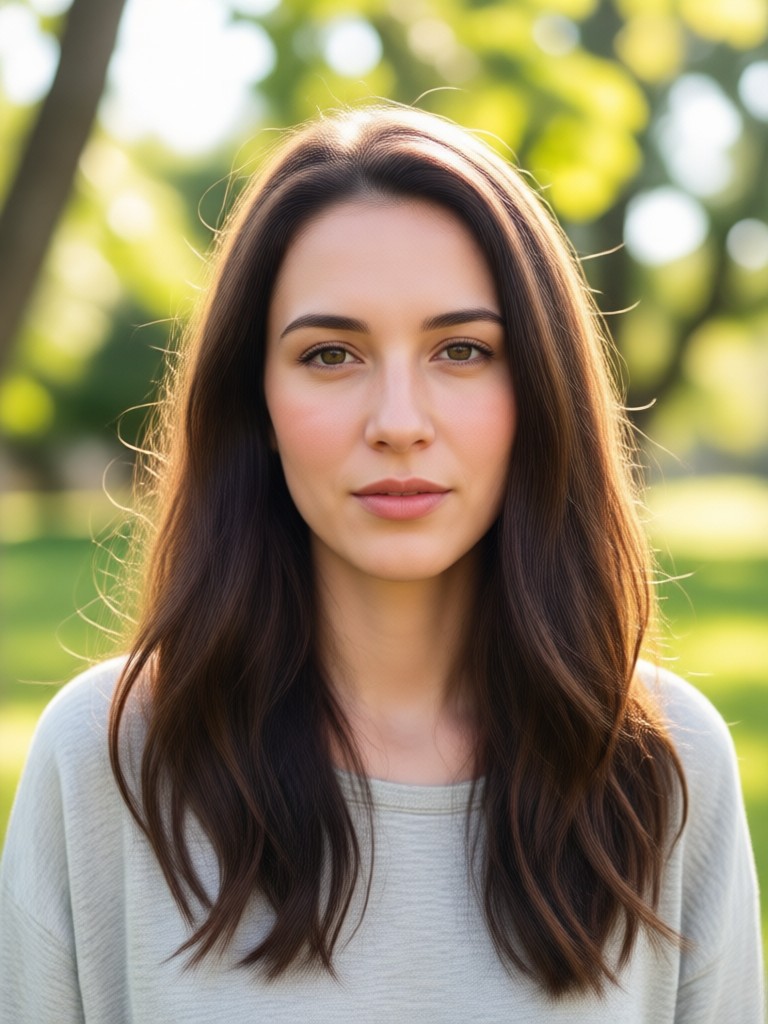
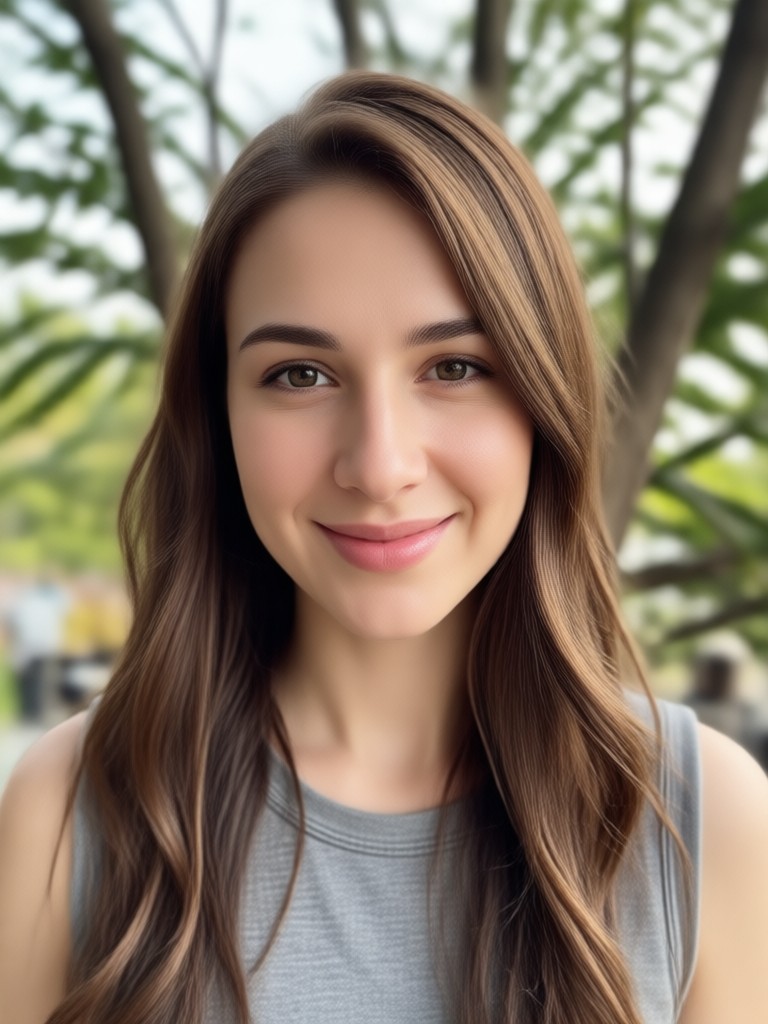
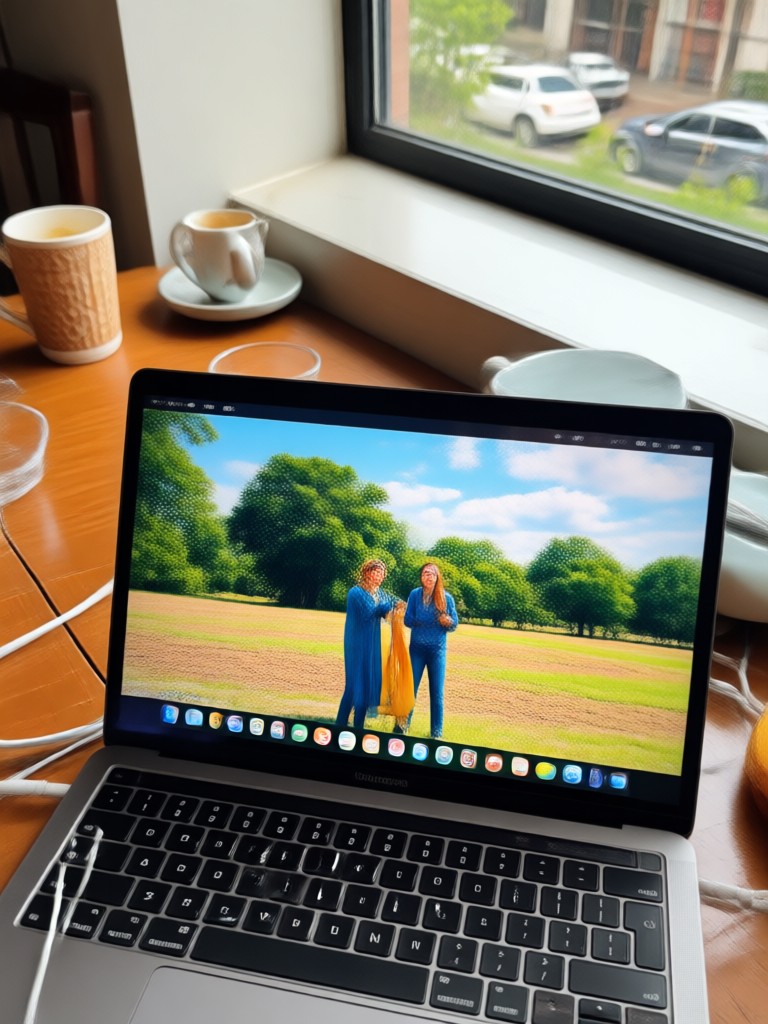
See how black and white photos turn into vibrant, realistic images. Browse samples made with heyo and imagine what your own old photos could look like.




How to Colorize Photo Online?
Restore color to your black and white photos in three simple steps using heyo.

Step 01.
Download the heyo app on your Android phone to get access to the AI photo colorizer anytime.

Step 02.
Upload a black and white photo from your gallery and choose a colorization filter that matches your desired look.

Step 03.
Generate your colorized photo, preview the result, then save or share it directly to social media or with family.
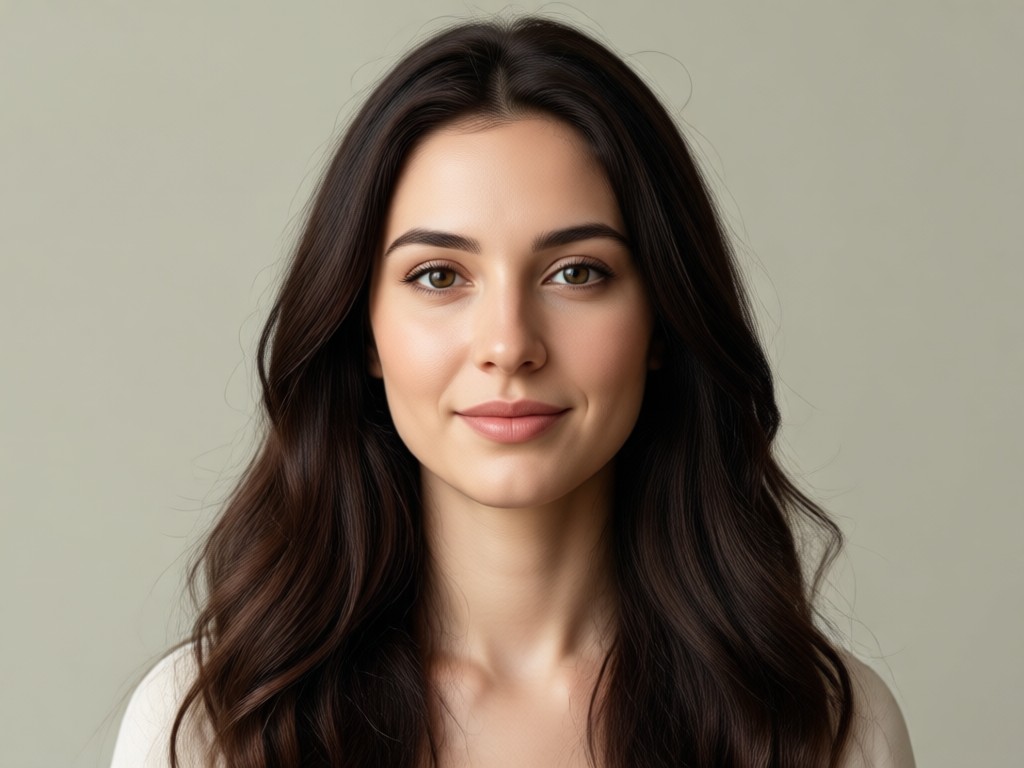
Why Use heyo for Colorize Photo Online?
Unlike basic filters, heyo analyzes each image scene to apply photography style color grading. It understands natural lighting, skin texture, and background depth. The result looks like an original color photograph rather than a hand painted copy. No watermark, no subscription surprises, and no complex software to learn.
What Users Say About Our AI Photo Colorizer
My grandparents look alive again
I colorized an old wedding photo and the skin tones looked completely natural. My mother cried when she saw it. Very easy to use on my phone.
Perfect for archive projects
I restored dozens of black and white scans from our local museum. The color results are subtle and realistic, not oversaturated. Saves me hours in Photoshop.
Fun and surprisingly accurate
I used it for old vacation pictures and the sky, water, and clothing colors all looked believable. Sharing the before and after reel got great reactions.
Frequently Asked Questions About Colorize Photo Online
Find answers to common questions about using AI to colorize black and white photos on heyo.
More Topics You May Like
Explore more topics you may like and discover fresh ideas tailored to your interests.
Convert Square Image To Circle: Easy Circular Crop Tool
Convert square image to circle in seconds. Upload a photo, apply a circular mask, and download a perfect round avatar or profile picture. No design skills needed.
Colorize Black and White Photos Like a Pro with AI
Transform black and white photos into vibrant color with heyo. Upload any monochrome image and get natural skin tones, rich fabrics, and realistic scenery. No design skills needed.
Turn Selfies Into Cinematic Videos in Seconds
Transform your selfie videos with cinematic filters, film color grading, and smooth AI motion. Upload a clip, pick a movie style, and generate HD results instantly.
Change Face in Seconds: AI Face Swap Made Simple
Change your face in any photo with AI. Swap faces, try new looks, and create realistic face swaps in seconds. No skills needed. Download heyo today.
Colorize Your Old Photos Today
Download heyo and transform black and white images into vivid color. Get lifetime access to AI photo editing tools and millions of style filters.

Colorize Your Old Photos Today
Download heyo and transform black and white images into vivid color. Get lifetime access to AI photo editing tools and millions of style filters.