Convert Square Image To Circle
Cute Figurine


Key Features for Circular Image Conversion
Turn your square images into perfect circles with tools that are built for speed, simplicity, and accuracy. No more struggling with complex photo editors.
Effortless Photo Upload
Start by uploading any square image directly from your phone gallery. The app accepts standard formats like JPG and PNG. You do not need to worry about file size limits or complicated import settings. Just pick your photo and move straight to the circular crop tool. The interface guides you intuitively through the entire process, making it accessible for complete beginners and busy professionals alike.
Automatic Circle Detection
The AI smartly detects the square boundary of your image and applies a precise circular mask around the center point. You can adjust the circle placement and size to frame the subject perfectly. Whether it is a face, a product shot, or a logo, the tool ensures the most important parts stay visible inside the round frame. This eliminates the guesswork usually associated with manual circle cropping.
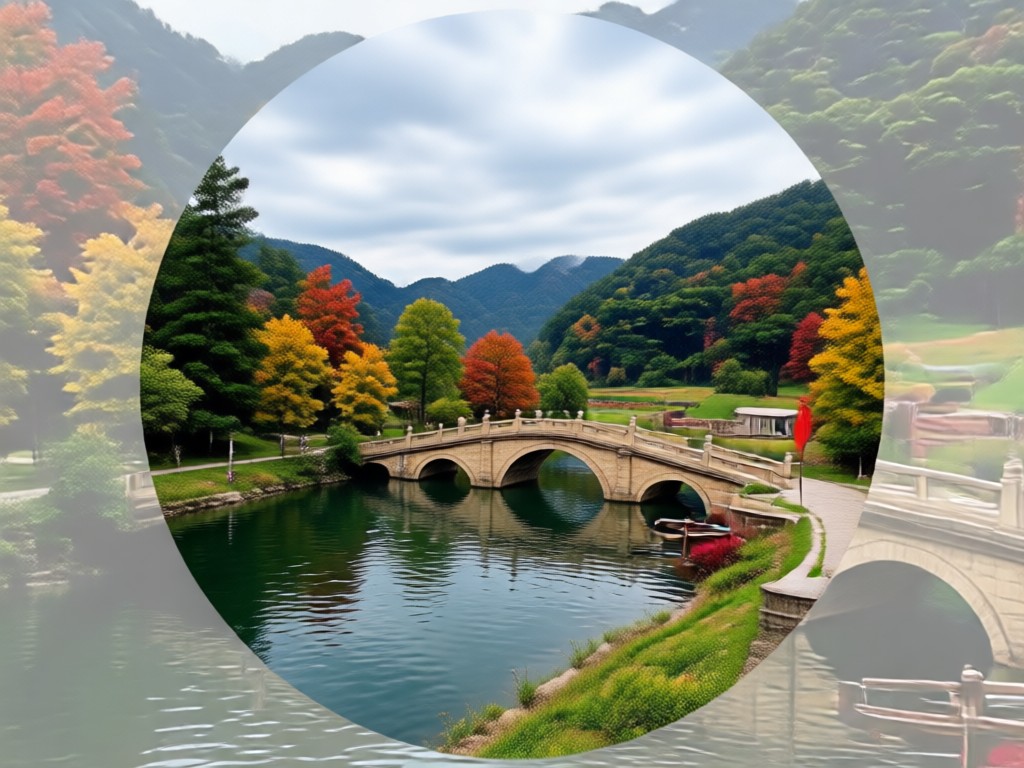
High Quality Circular Output
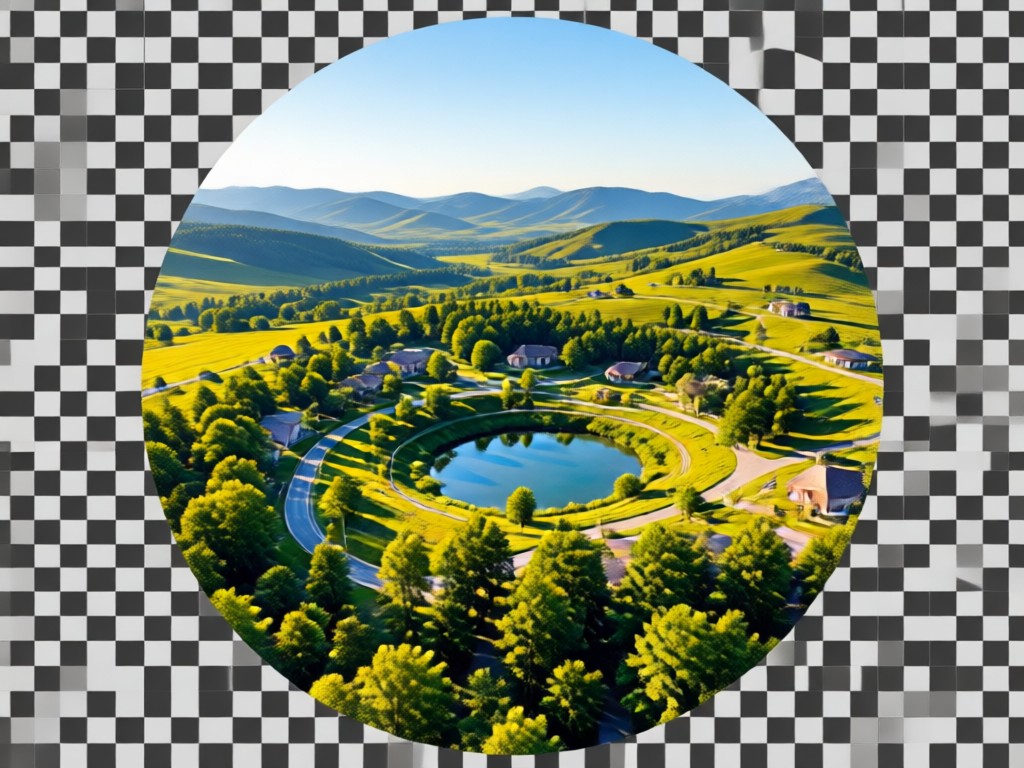
Download your new circular image in high resolution without losing detail. The app preserves the original image quality during the conversion process. You can save your round photo as a transparent PNG file to use on websites, in presentations, or on social media platforms. The clean edges and smooth curves ensure your circular image looks professional on any background, whether light, dark, or colorful.
How to Convert Square Image To Circle?
Create a perfect circular image from any square photo in just a few simple steps using the heyo app.

Step 01.
Download the heyo app from Google Play and open it on your mobile device. The app is free to install and ready to use immediately.

Step 02.
Select the Circle Crop filter from the style template list. Upload the square image you want to transform into a round shape.

Step 03.
Adjust the circle position to frame your subject perfectly, then generate the image. Download your circular photo as a PNG file and share it anywhere.
Circular Image Conversion Examples
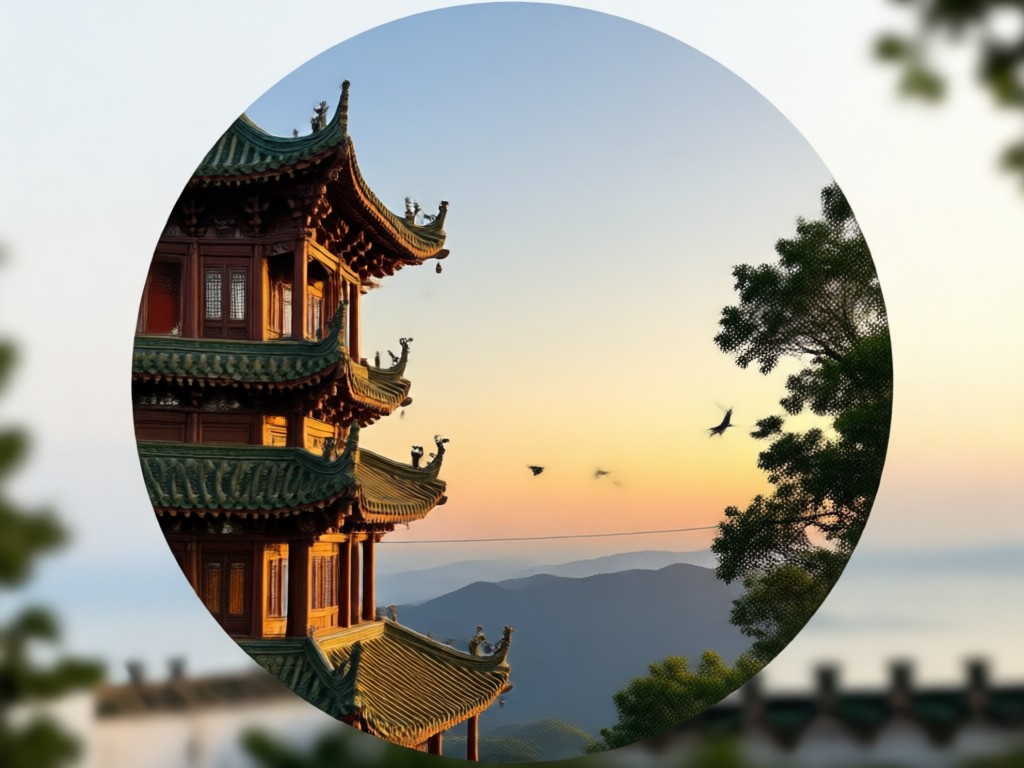
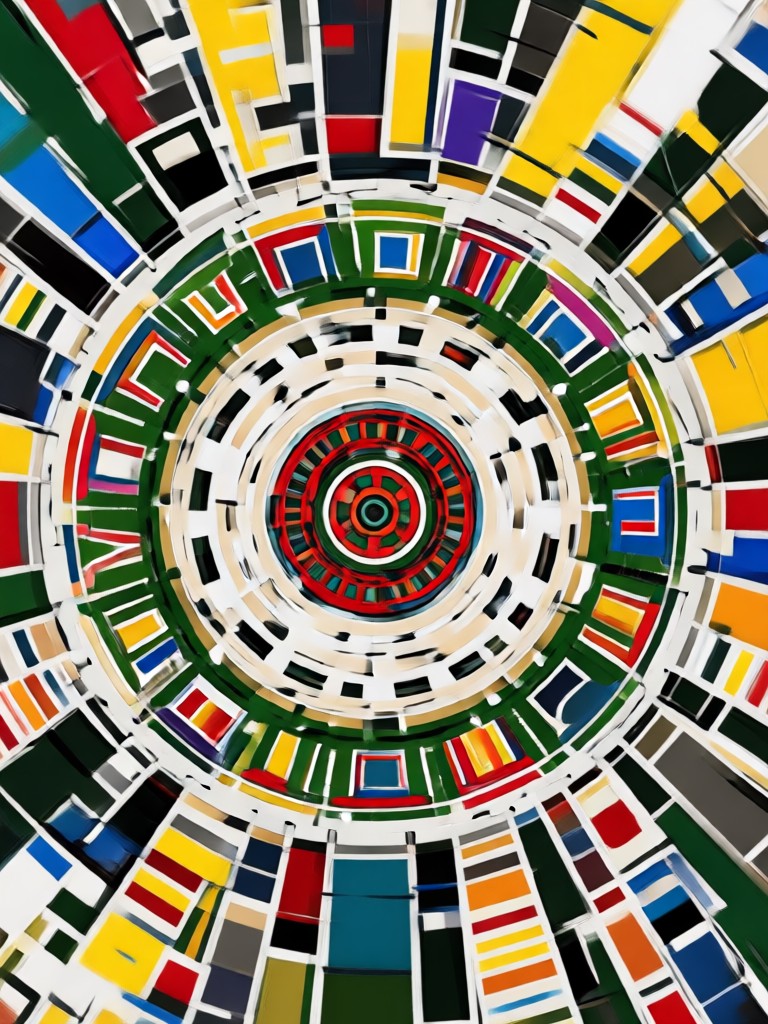
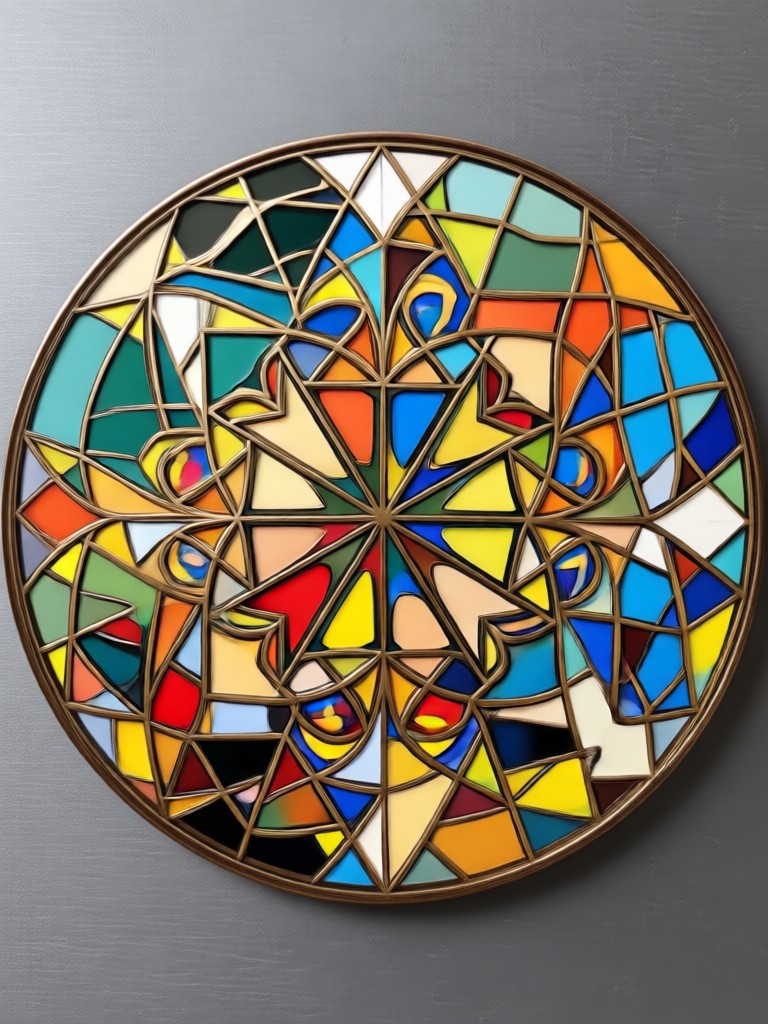
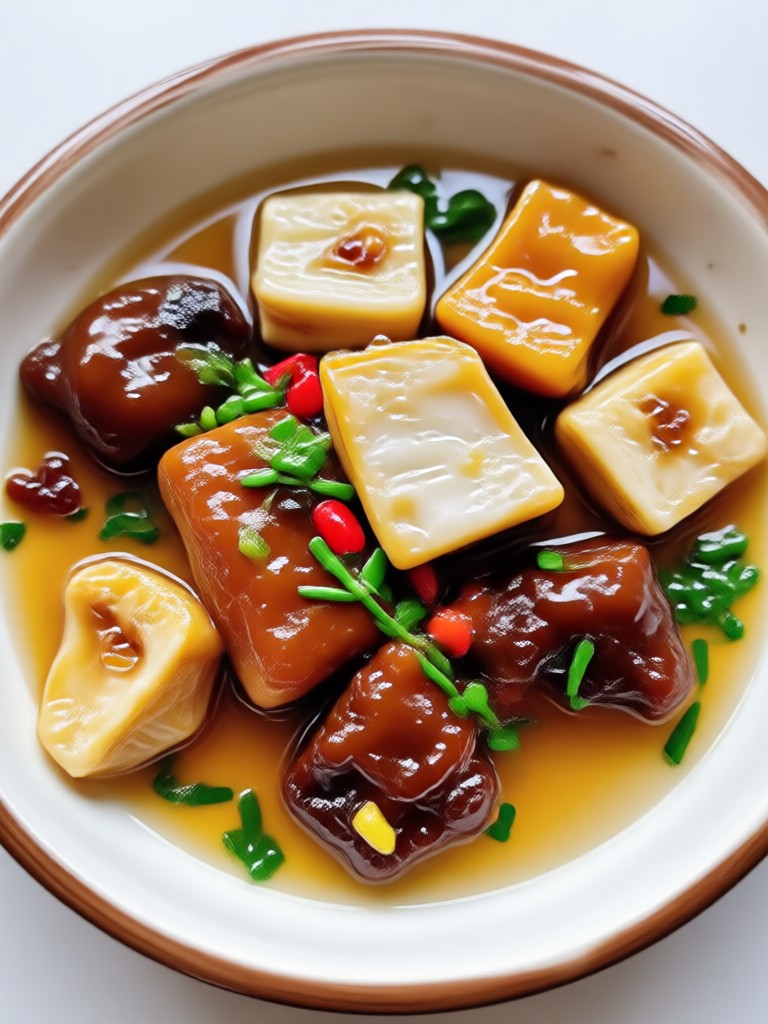
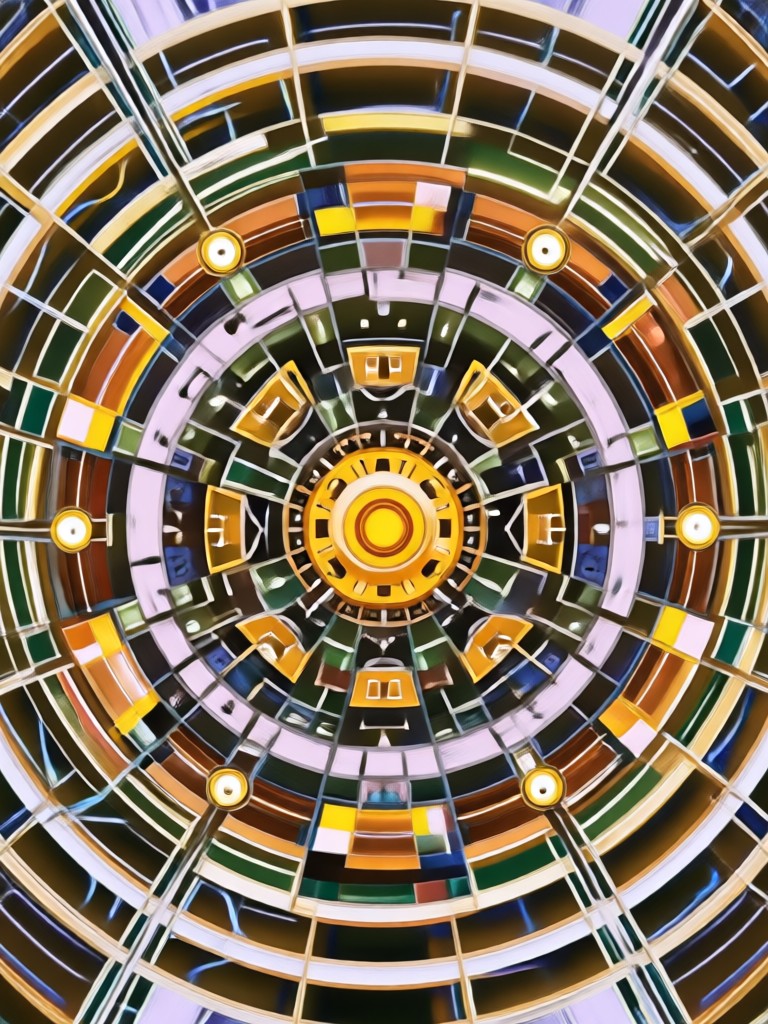
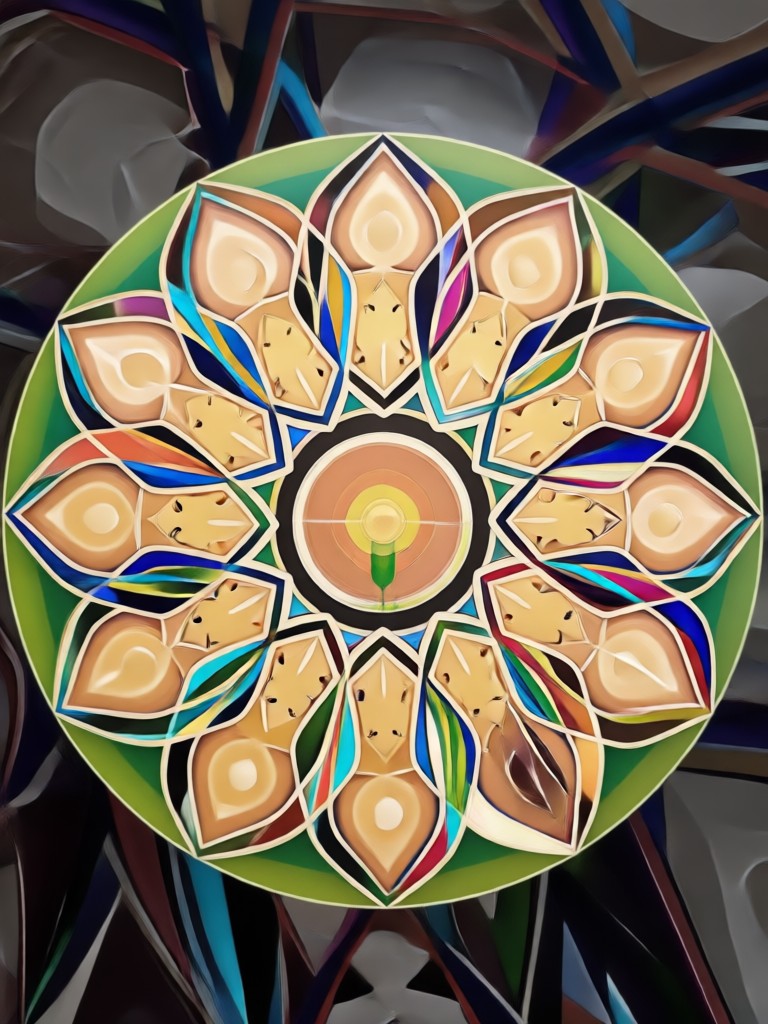
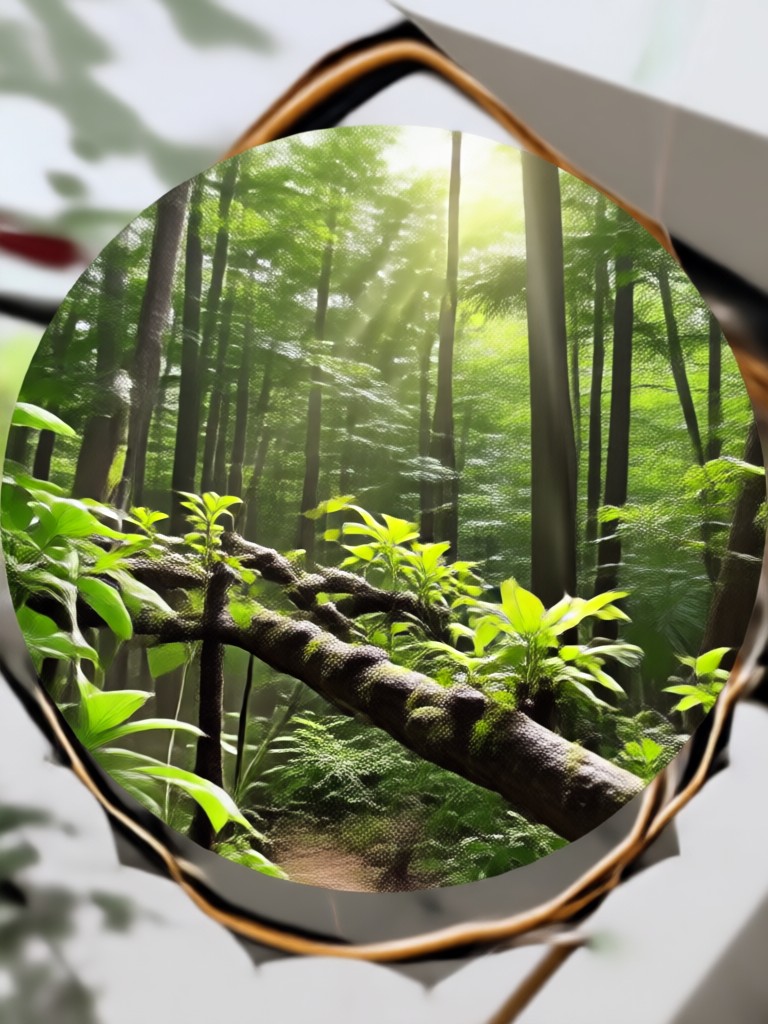
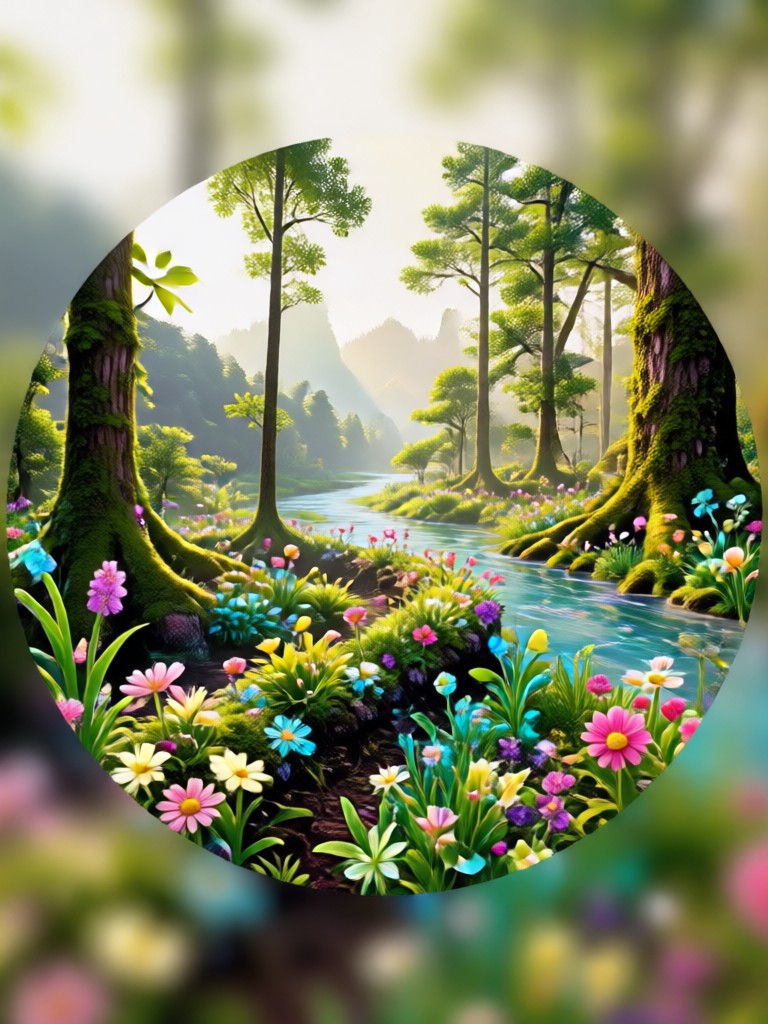
See how different square images look after converting them to perfect circles. From portraits to product shots, a round crop adds a polished touch.



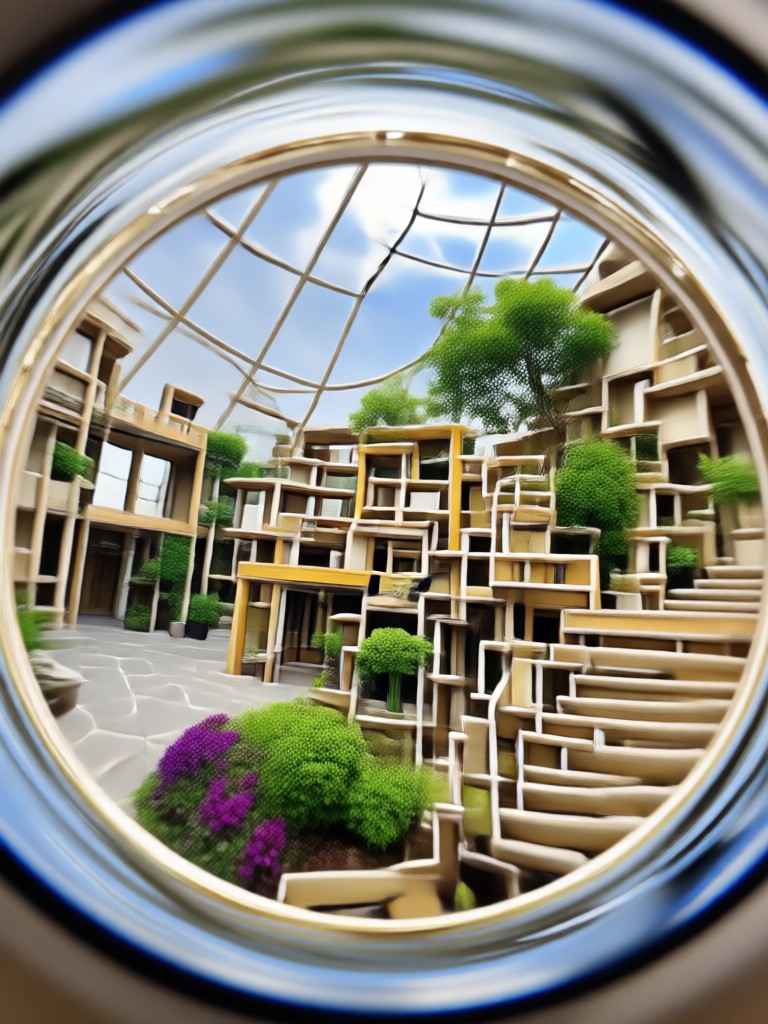


Why Convert Square Images to Circles?
A circular crop instantly makes your photos look more modern, focused, and professional. It draws the viewer's eye to the center subject, removes distracting corners, and creates a clean visual identity. Whether you are updating a social media avatar, creating a team page, or polishing a product listing, a round image helps you stand out. The circular format is universally recognized across platforms, making your content feel cohesive and intentional.

Convert Square Image To Circle on Mobile
Use the heyo app to turn any square photo into a perfect circle directly from your Android phone. No desktop software required.

Frequently Asked Questions
Find clear answers to common questions about converting square images to circles and get the most out of the heyo app.
More Topics You May Like
Explore more creative tools and effects you may like and discover fresh ideas tailored to your interests.

Colorize Black and White Photos Like a Pro with AI
Turn Selfies Into Cinematic Videos in Seconds

Change Face in Seconds: AI Face Swap Made Simple

Change Image Color with AI in Seconds
Colorize Black and White Photos Like a Pro with AI
Turn Selfies Into Cinematic Videos in Seconds
Change Face in Seconds: AI Face Swap Made Simple
Change Image Color with AI in Seconds
Convert Square Image To Circle Instantly
Download the heyo app and turn any square photo into a perfect round image. Create polished profile pictures, logos, and avatars in seconds. No design skills needed.
Convert Square Image To Circle Instantly
Download the heyo app and turn any square photo into a perfect round image. Create polished profile pictures, logos, and avatars in seconds. No design skills needed.