Colorize Picture in Seconds with AI
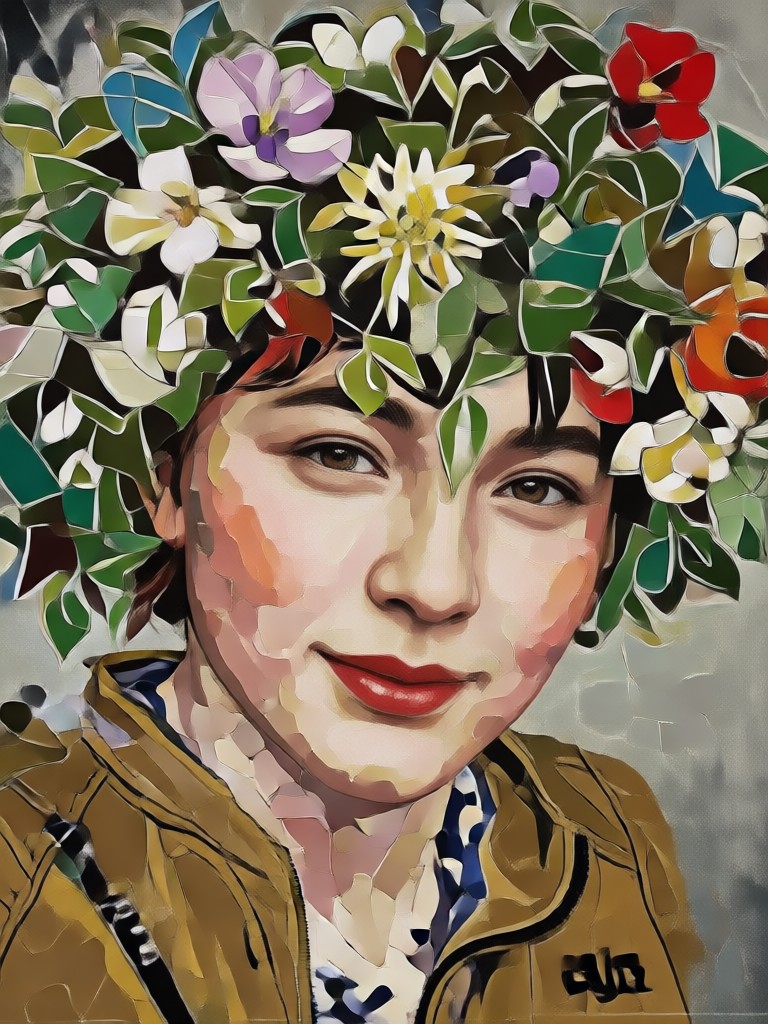
Choose a Colorize Filter That Matches Your Photo
Discover the best colorization styles for portraits, landscapes, vintage snapshots, and more. Each filter restores natural tones while preserving original details.
Key Features of Colorize Picture
heyo makes photo colorization effortless. Explore the core capabilities that turn black and white or faded photos into lifelike color images in seconds.
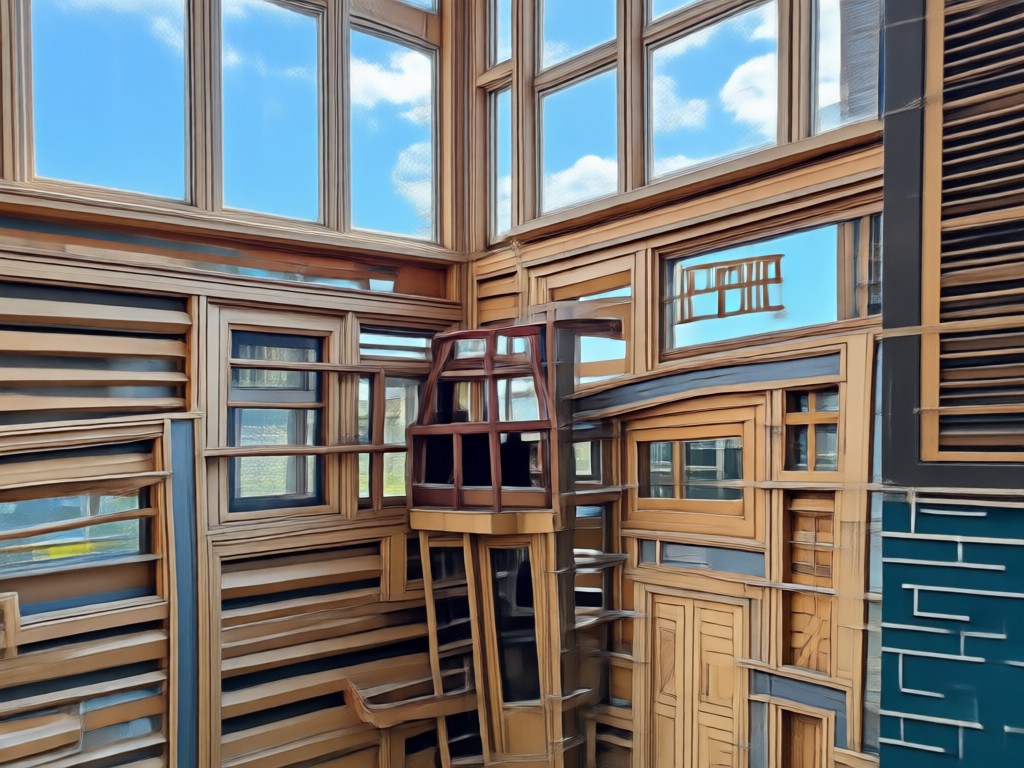
One Tap Photo Colorization
Upload a black and white, sepia, or faded picture. heyo AI analyzes the image and automatically adds realistic color while preserving textures, shadows, and facial details. No slider tweaking needed.
One Tap Photo Colorization
Upload a black and white, sepia, or faded picture. heyo AI analyzes the image and automatically adds realistic color while preserving textures, shadows, and facial details. No slider tweaking needed.
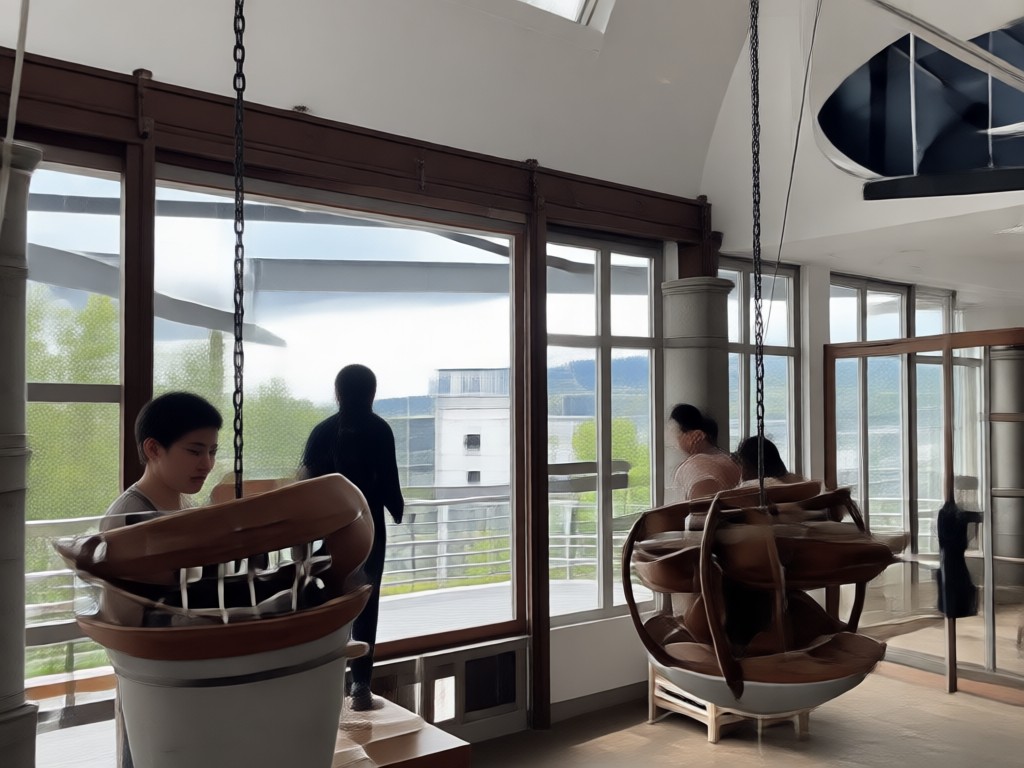
Natural Skin Tone and Texture
Portraits stay true to life. The AI recognizes skin, hair, eyes, and clothing to apply balanced colors that look natural, not artificial. Perfect for old family portraits and archival photos.
Natural Skin Tone and Texture
Portraits stay true to life. The AI recognizes skin, hair, eyes, and clothing to apply balanced colors that look natural, not artificial. Perfect for old family portraits and archival photos.
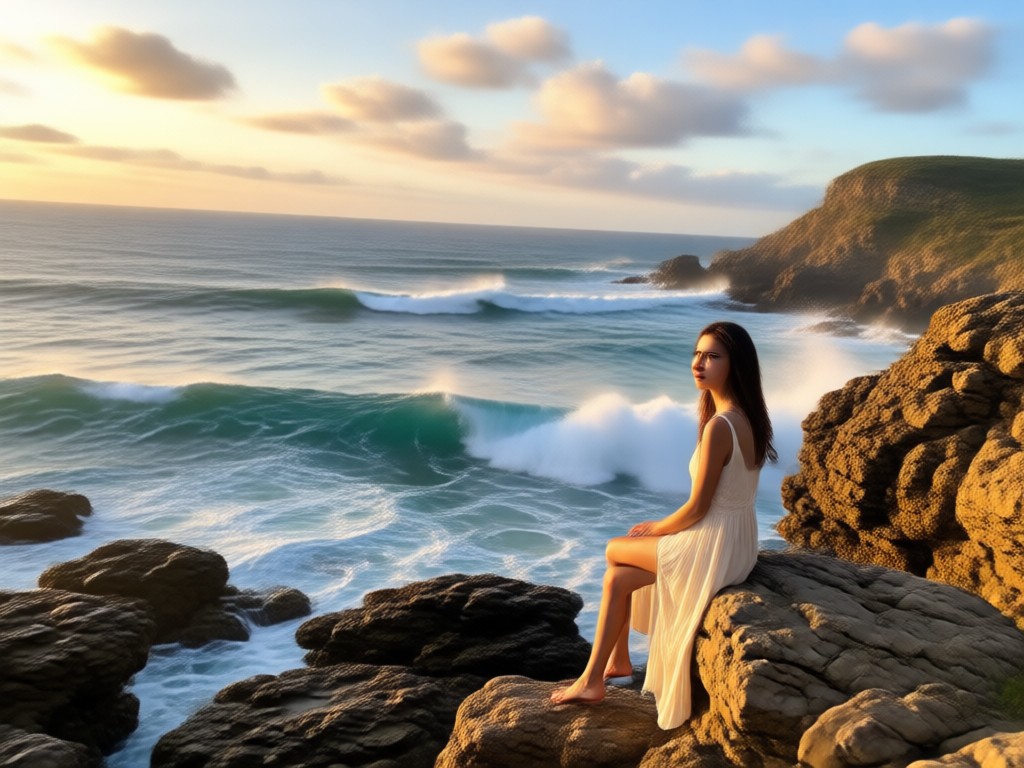
Style Templates for Every Mood
Choose from realistic, cinematic, vintage, or soft pastel color palettes. Each style template instantly transforms the mood of your picture while keeping original details intact.
Style Templates for Every Mood
Choose from realistic, cinematic, vintage, or soft pastel color palettes. Each style template instantly transforms the mood of your picture while keeping original details intact.
How to Colorize Picture in 3 Simple Steps
Bring black and white or faded photos back to life with heyo. Follow these three easy steps to colorize any picture on your phone.

Step 01.
Download the heyo app from Google Play. Install it on your Android phone or tablet to get started.

Step 02.
Upload the photo you want to colorize. Choose a color filter or style template from the gallery.

Step 03.
Tap generate and watch AI add natural color. Save or share your colorized picture instantly.
Colorize Picture Results Gallery
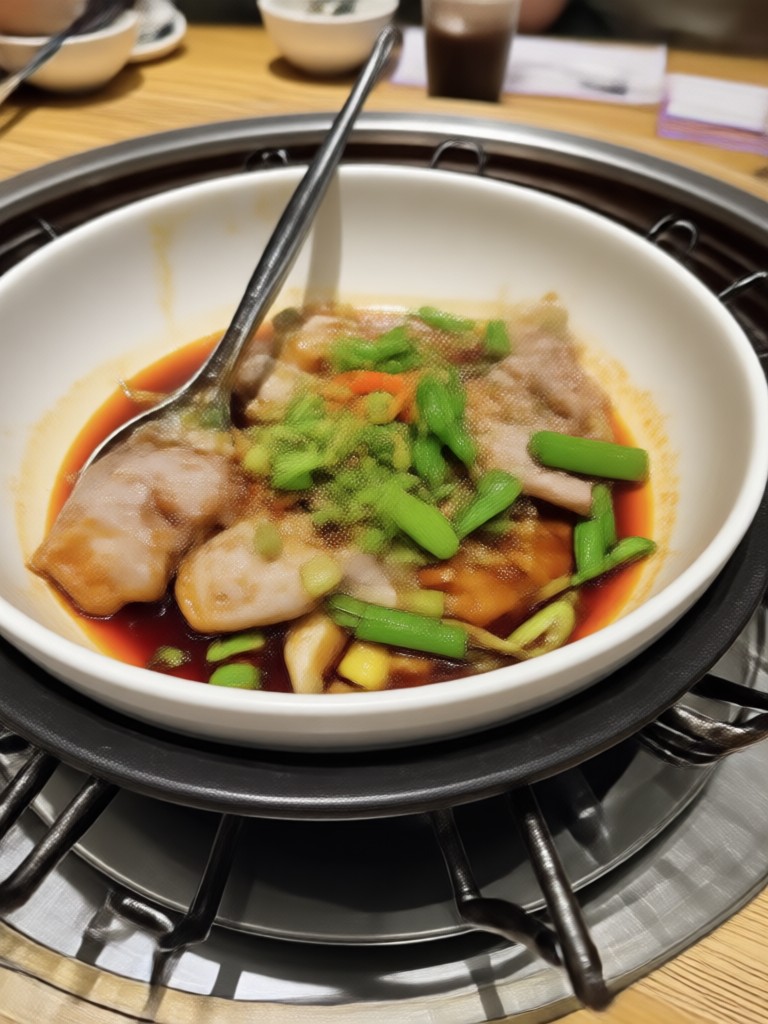
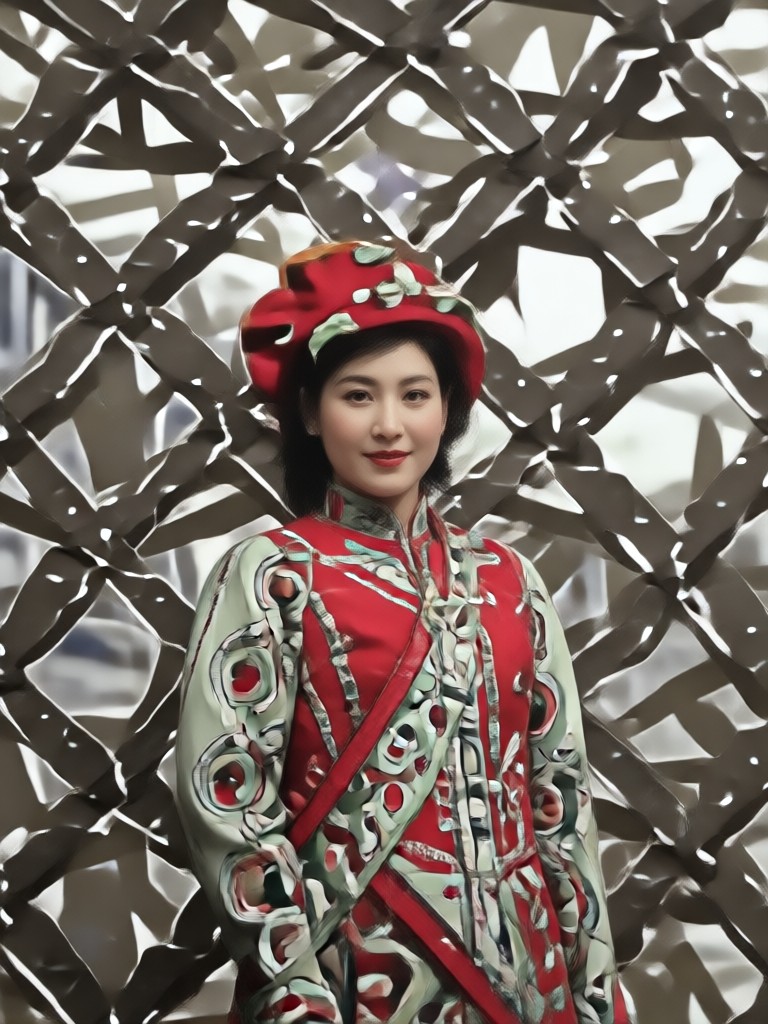
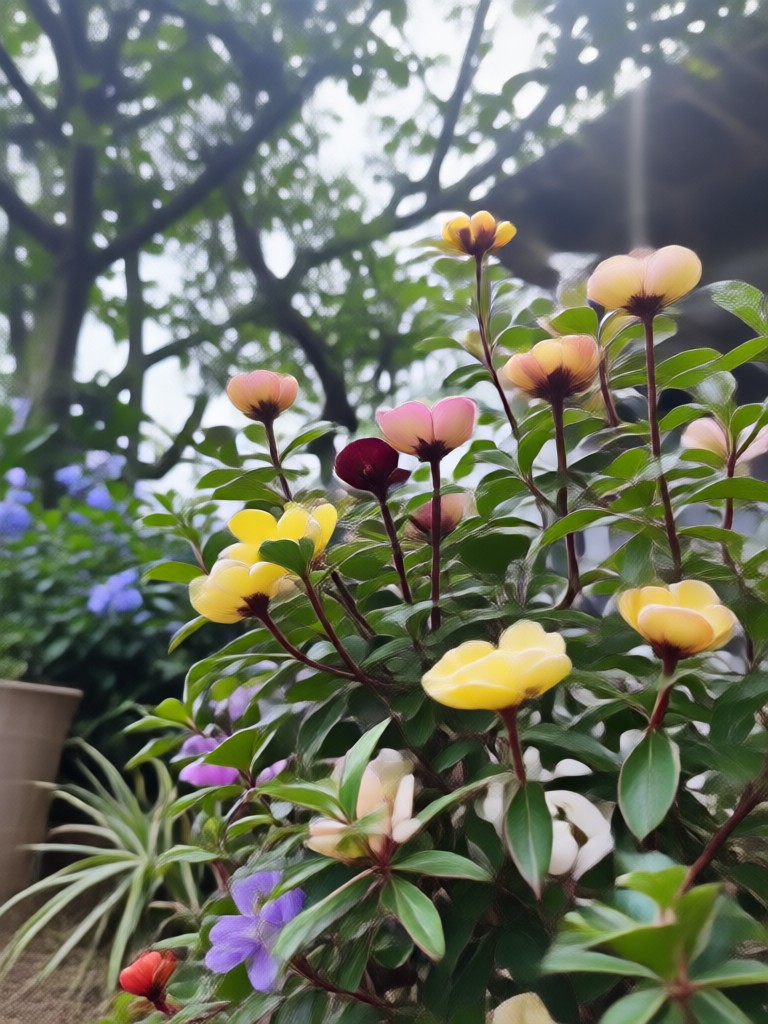
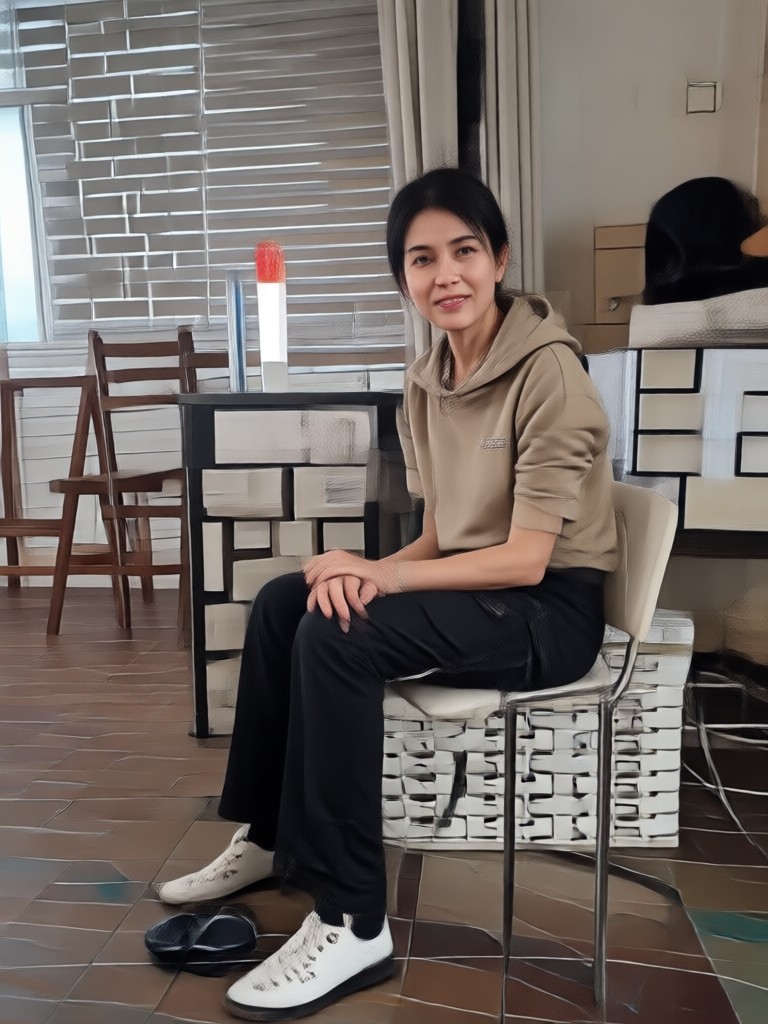
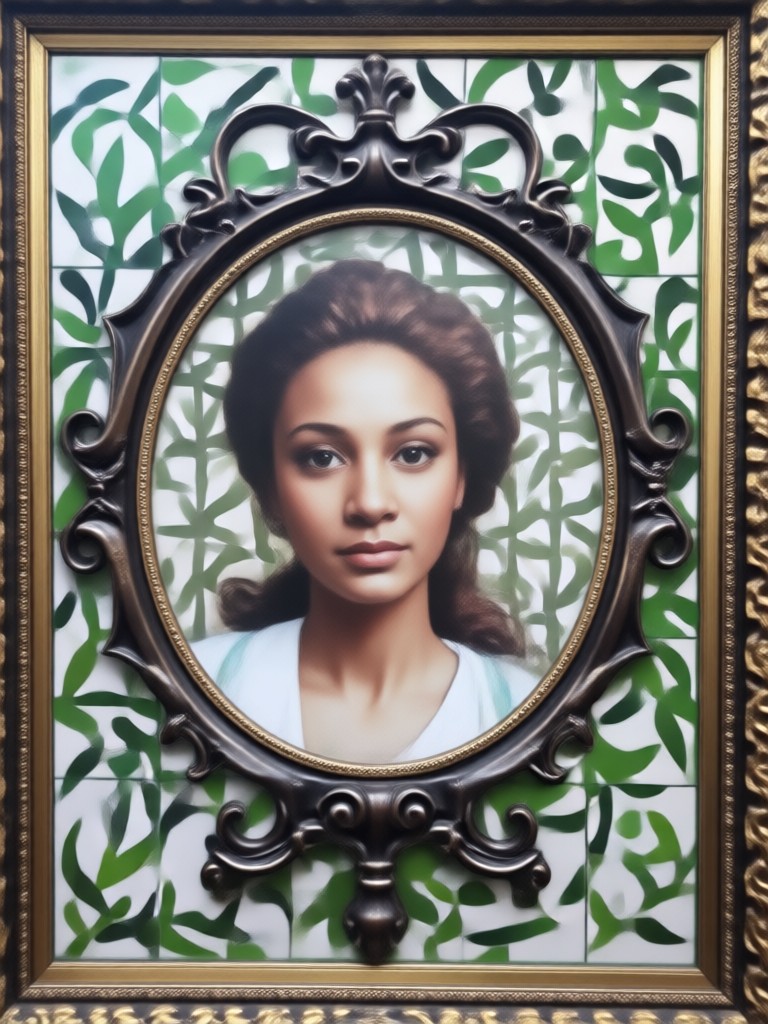
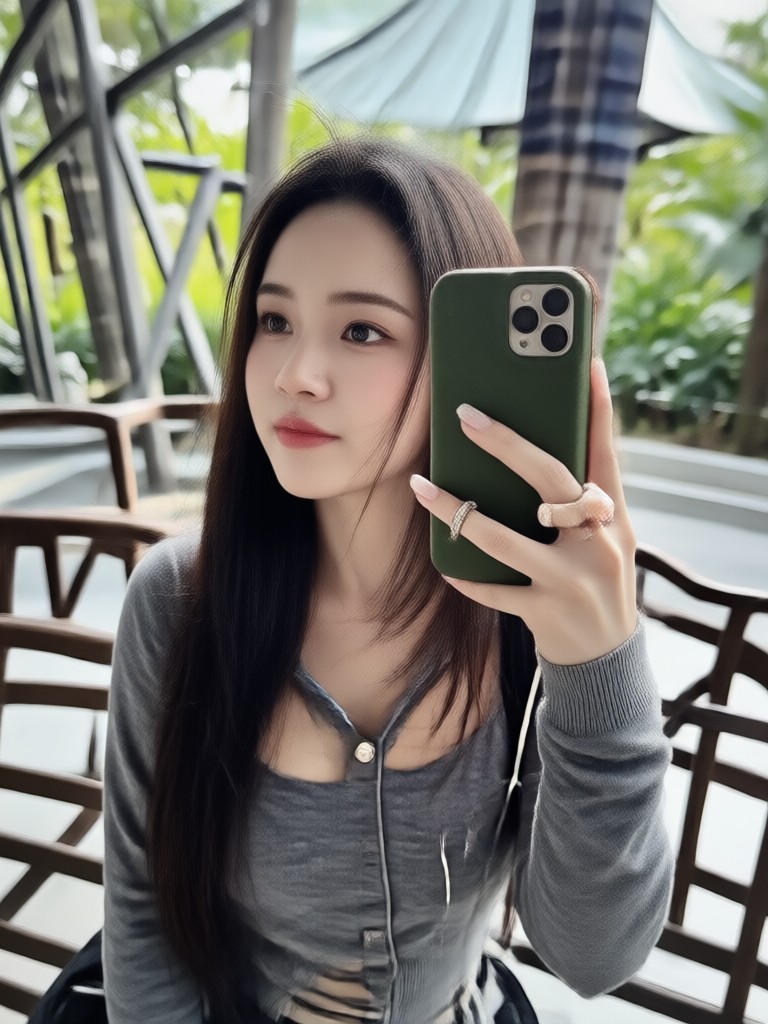
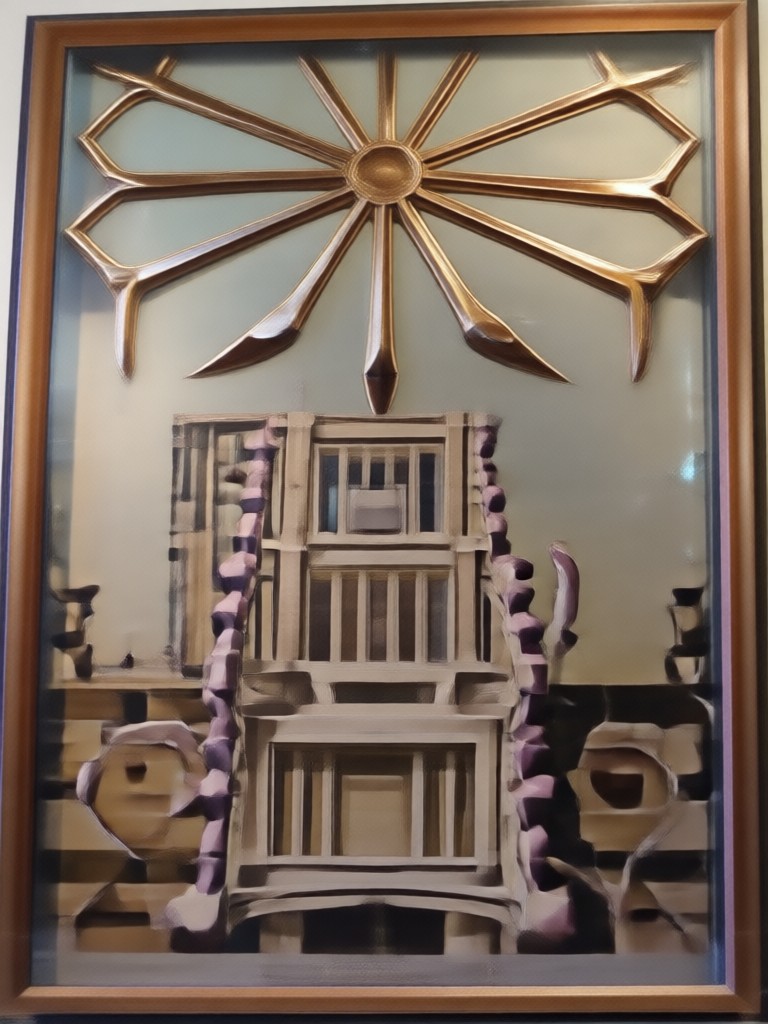
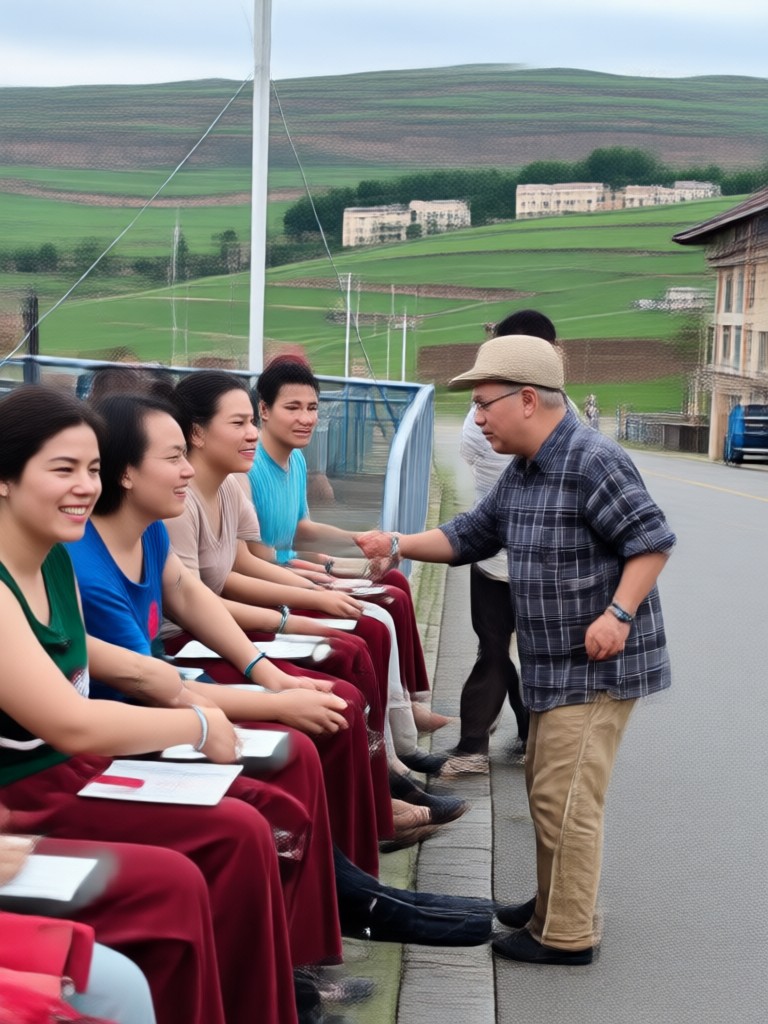
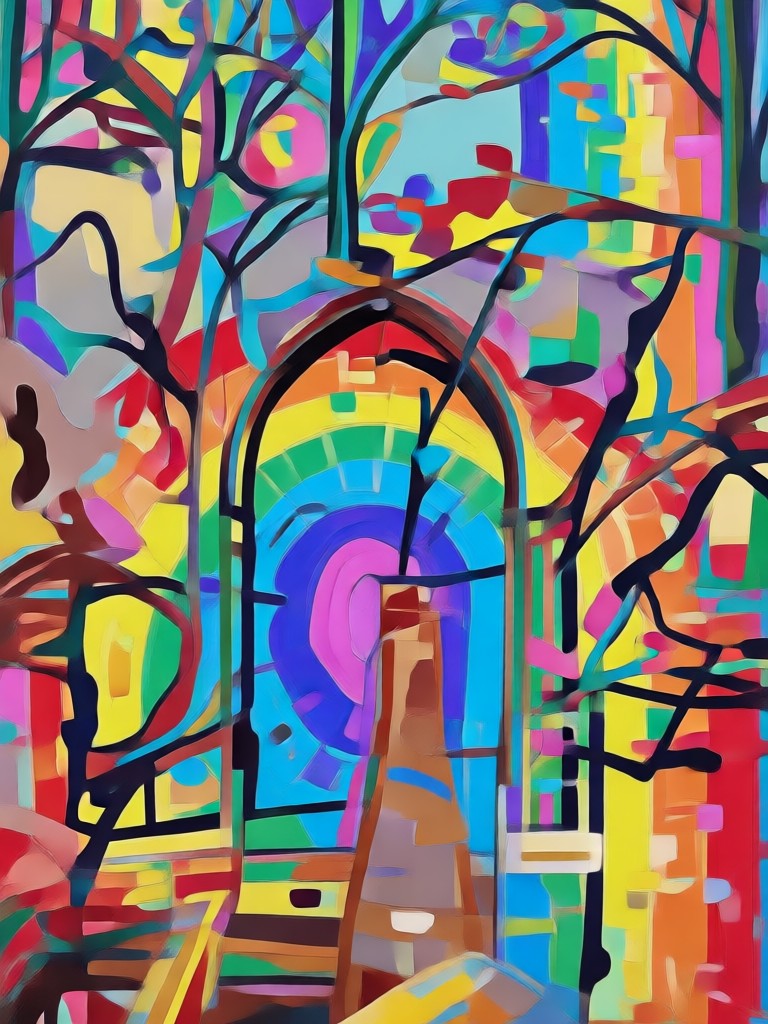
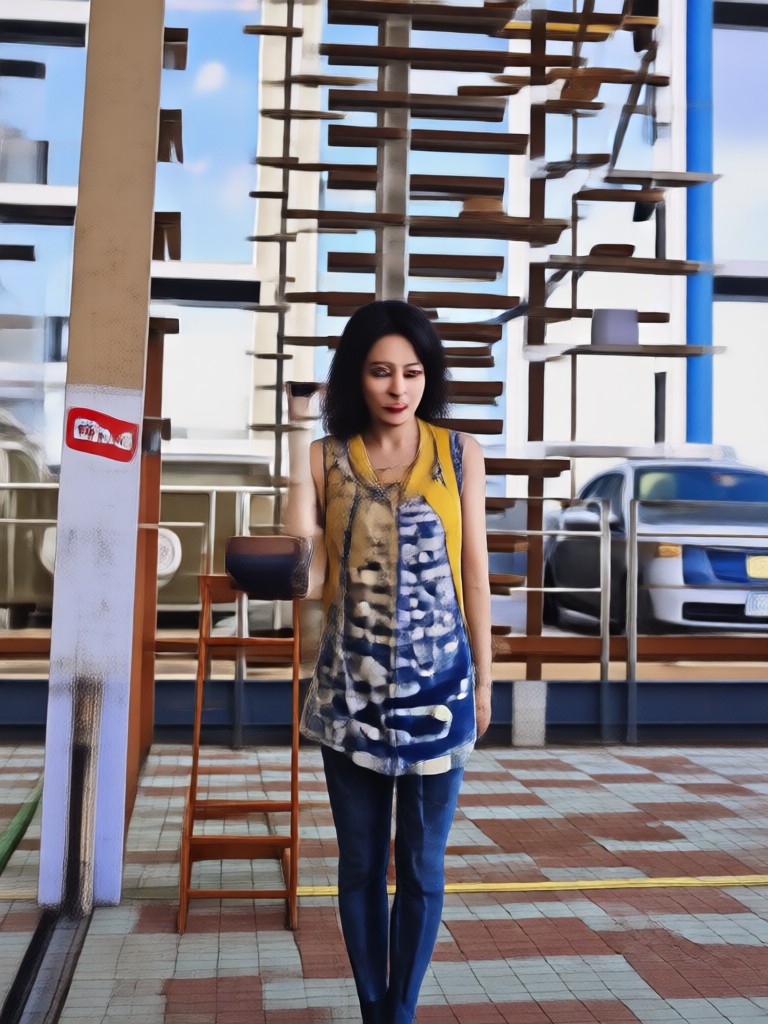
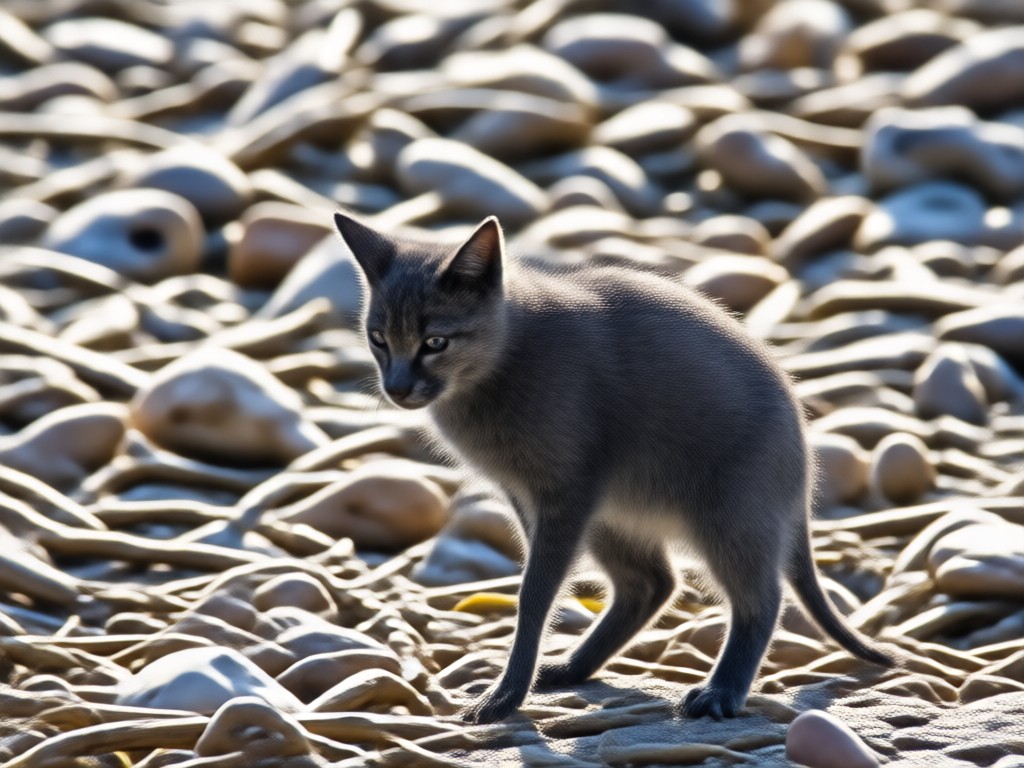
Browse real examples of AI colorized photos. See how black and white portraits, vintage landscapes, and faded snapshots transform into vibrant, lifelike images with heyo.

Why Choose heyo for Photo Colorization
heyo combines powerful AI with an ultra simple mobile interface. Unlike complex desktop editors, you can colorize pictures anywhere, right from your phone, with results in seconds.
Why Choose heyo for Photo Colorization
heyo combines powerful AI with an ultra simple mobile interface. Unlike complex desktop editors, you can colorize pictures anywhere, right from your phone, with results in seconds.
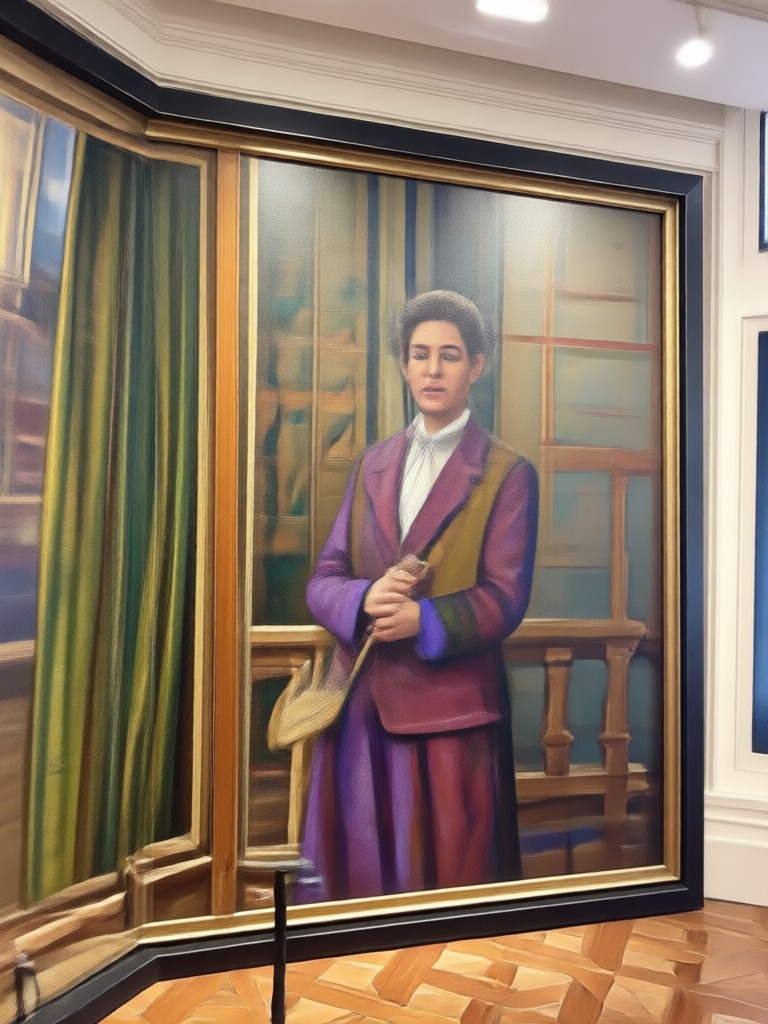
Colorize Old Photos While You Wait
Download heyo from Google Play and restore color to faded, black and white, or low contrast photos in one tap. No watermarks. No design skills needed.

Who Uses Colorize Picture Filters
Maya Thompson
I colorized my grandparents' wedding photo. The colors looked so natural and my family couldn't believe it was AI generated.

Daniel Kim
As a history teacher, I colorize archival photos for class presentations. The app is fast and the detail preservation is impressive.

Sofia Rossi
I restored old travel photos from the 1980s. heyo brought back the sky, the sea, and even the faded signs without any manual editing.

James Carter
I use heyo to colorize product photos for my vintage store. It makes every listing pop and customers trust the colors.
Maya Thompson
I colorized my grandparents' wedding photo. The colors looked so natural and my family couldn't believe it was AI generated.
Daniel Kim
As a history teacher, I colorize archival photos for class presentations. The app is fast and the detail preservation is impressive.
Sofia Rossi
I restored old travel photos from the 1980s. heyo brought back the sky, the sea, and even the faded signs without any manual editing.
James Carter
I use heyo to colorize product photos for my vintage store. It makes every listing pop and customers trust the colors.
Frequently Asked Questions About Colorize Picture
Find clear answers about colorizing pictures with heyo, including supported photo types, processing time, and how to get the best results.
More Topics You May Like
Explore more AI photo and video tools to enhance your creative projects.
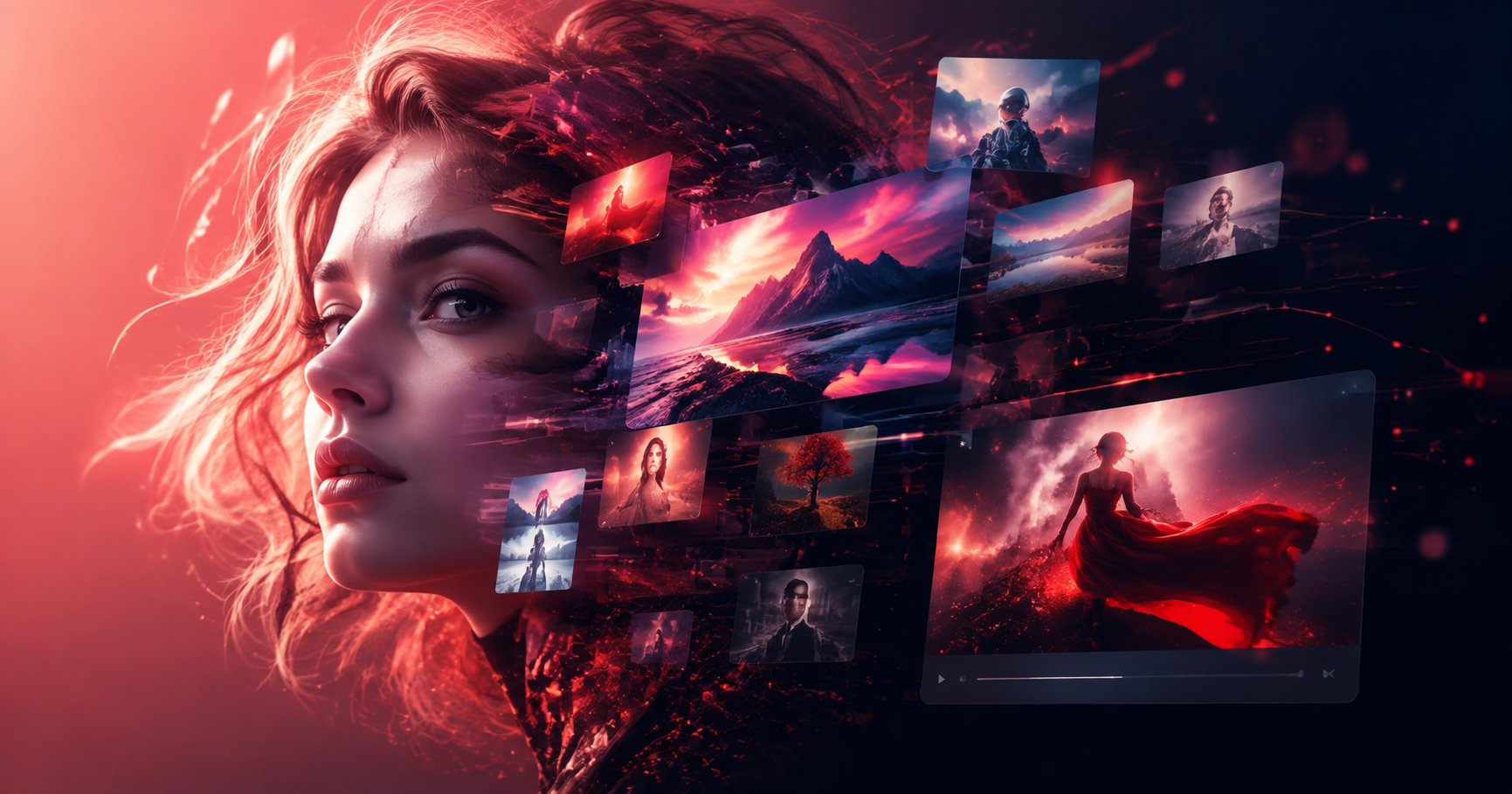
Colorize Photo Online: Instant AI Photo Colorizer
Colorize black and white photos online with heyo. Upload a photo and get rich, realistic colors in seconds. No editing skills needed.
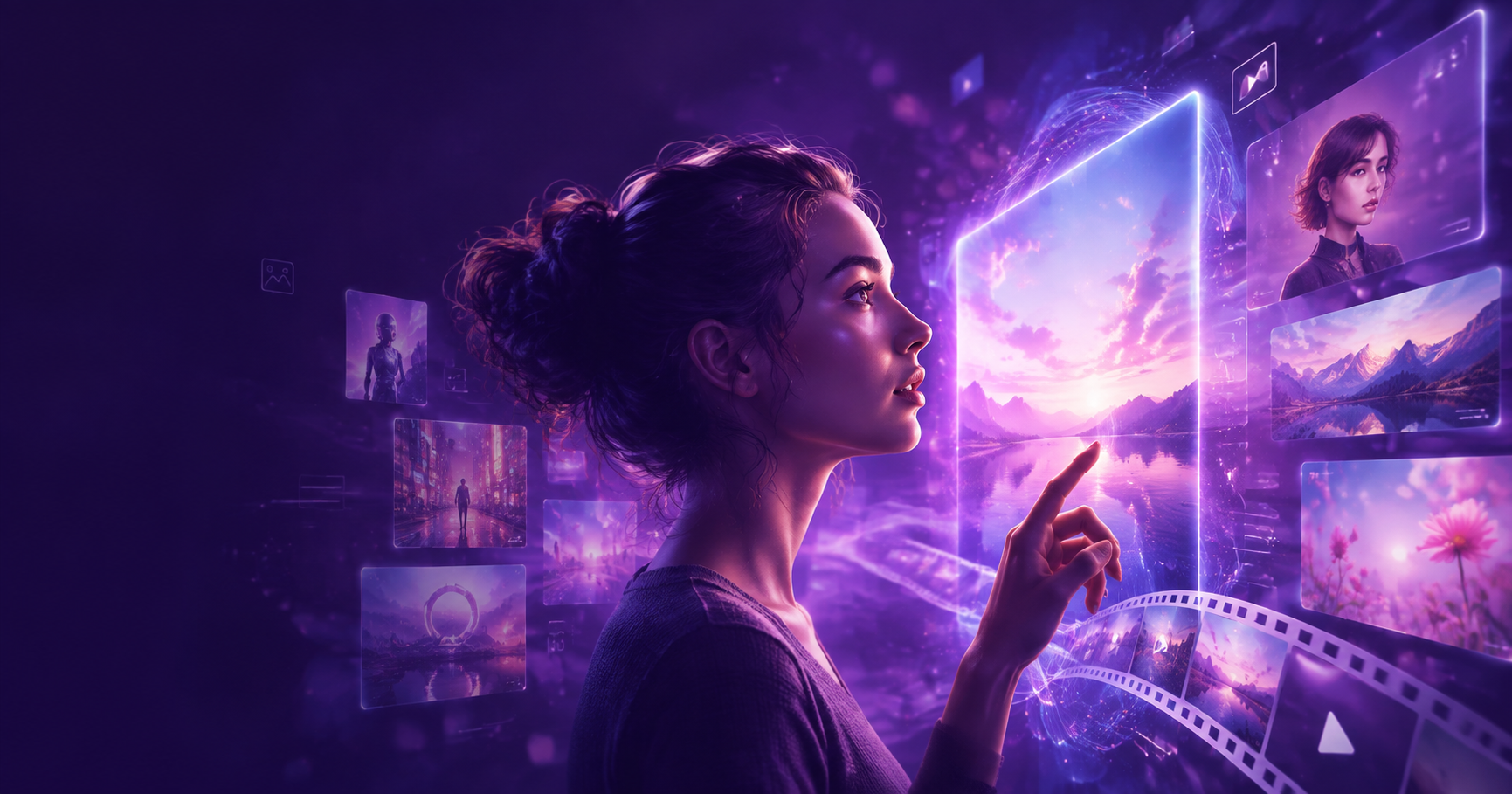
Convert Square Image To Circle: Easy Circular Crop Tool
Convert square image to circle in seconds. Upload a photo, apply a circular mask, and download a perfect round avatar or profile picture. No design skills needed.
Colorize Black and White Photos Like a Pro with AI
Transform black and white photos into vibrant color with heyo. Upload any monochrome image and get natural skin tones, rich fabrics, and realistic scenery. No design skills needed.
Turn Selfies Into Cinematic Videos in Seconds
Transform your selfie videos with cinematic filters, film color grading, and smooth AI motion. Upload a clip, pick a movie style, and generate HD results instantly.
Ready to Colorize Your Pictures?
Download heyo now and turn black and white or faded photos into vibrant color images. Start creating and sharing beautiful, lifelike pictures in seconds.
Ready to Colorize Your Pictures?
Download heyo now and turn black and white or faded photos into vibrant color images. Start creating and sharing beautiful, lifelike pictures in seconds.