Gemini AI Minecraft Art Photo
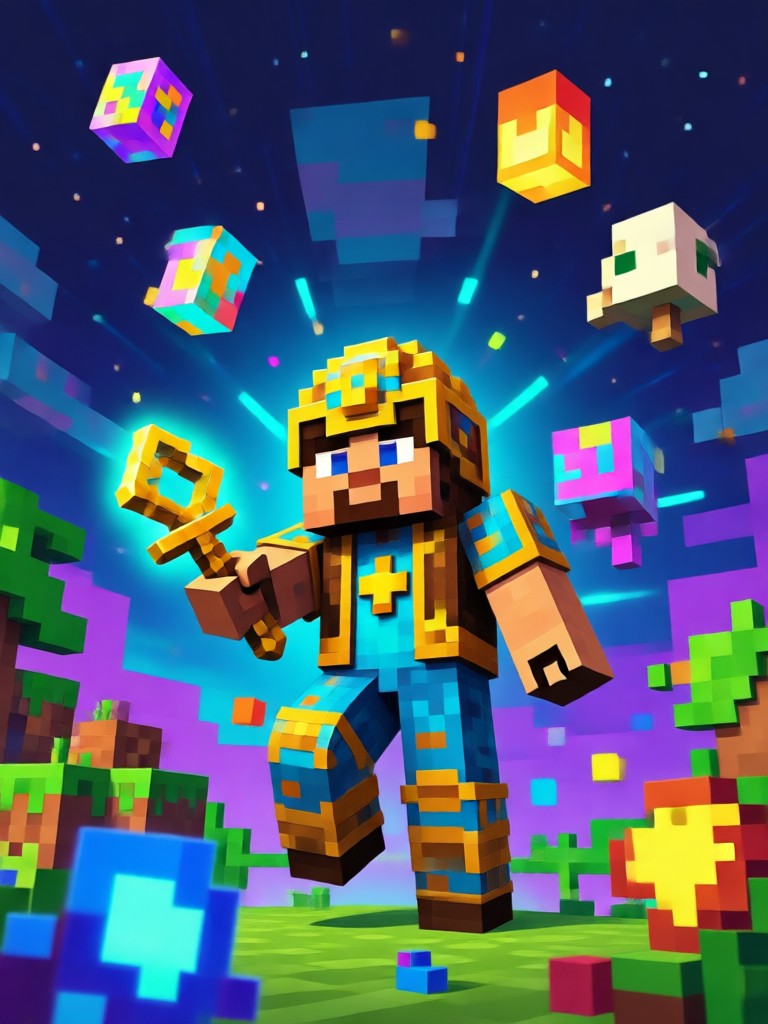
Choose Your Minecraft Art Filter
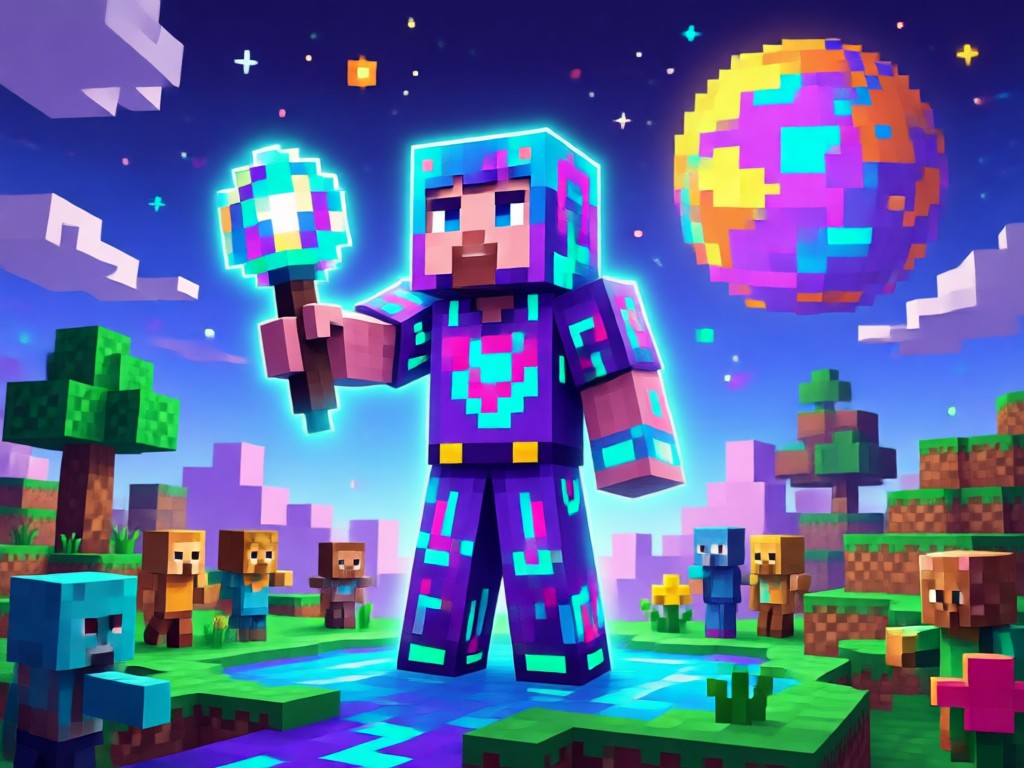
Pick from realistic blocky filters, pixelated textures, and story mode themes. Each template is tuned to keep your face recognizable while turning the scene into a game-inspired world.
Key Features of AI Minecraft Art Photo Generator
Turn your ideas into blocky reality with a flexible AI design app. Create Minecraft style portraits, scenes, and group shots without any editing experience.
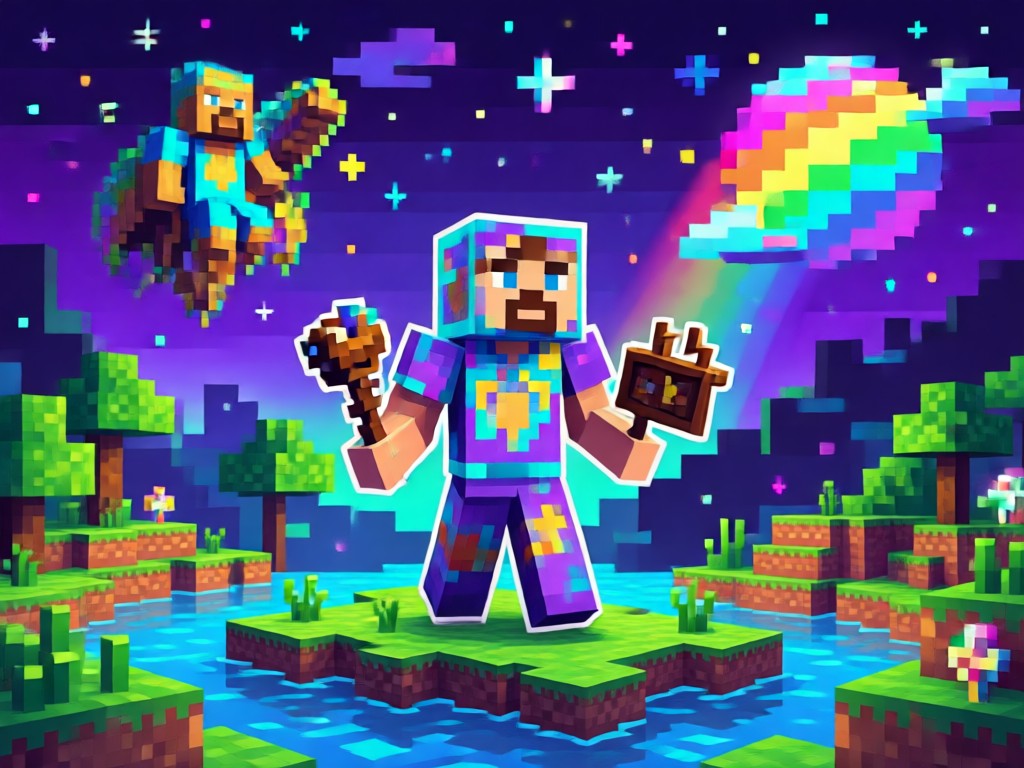
Instant Photo to Minecraft Filter
Upload a selfie or any photo and our AI converts it into blocky Minecraft art in seconds. The system keeps your face shape, hair, and expression while building a cube-based version of your look.
Instant Photo to Minecraft Filter
Upload a selfie or any photo and our AI converts it into blocky Minecraft art in seconds. The system keeps your face shape, hair, and expression while building a cube-based version of your look.
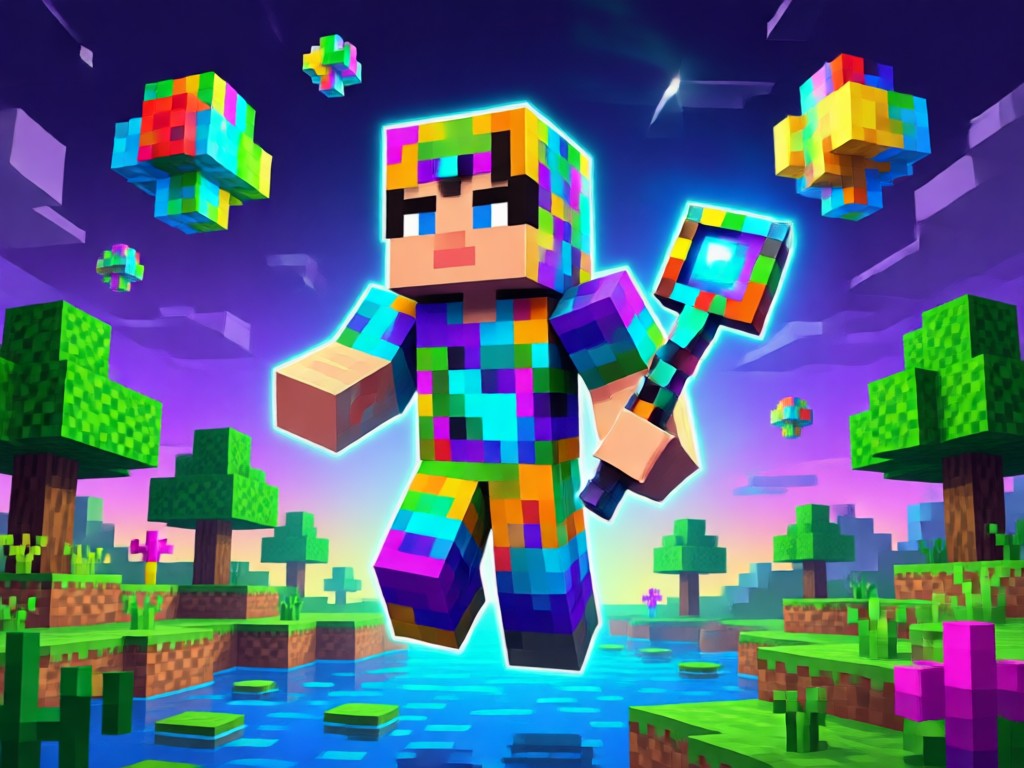
Text to Minecraft Scene Generator
Describe any scene in plain words and choose a Minecraft style template. The AI generates a unique game-inspired image, from a lonely castle to a bustling village, without complex prompt engineering.
Text to Minecraft Scene Generator
Describe any scene in plain words and choose a Minecraft style template. The AI generates a unique game-inspired image, from a lonely castle to a bustling village, without complex prompt engineering.
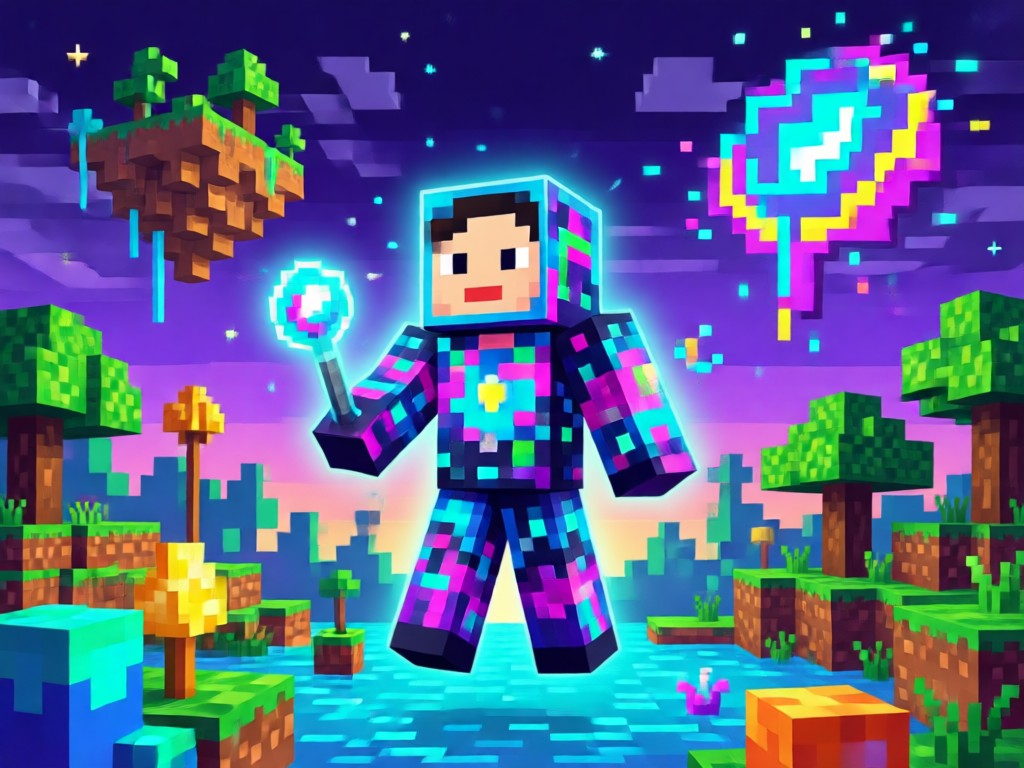
Multi Person Group Photo Support
Turn group photos into Minecraft style art without face blending. heyo accurately detects each person and applies blocky effects while keeping everyone distinct and recognizable.
Multi Person Group Photo Support
Turn group photos into Minecraft style art without face blending. heyo accurately detects each person and applies blocky effects while keeping everyone distinct and recognizable.
Minecraft Art Photo Gallery
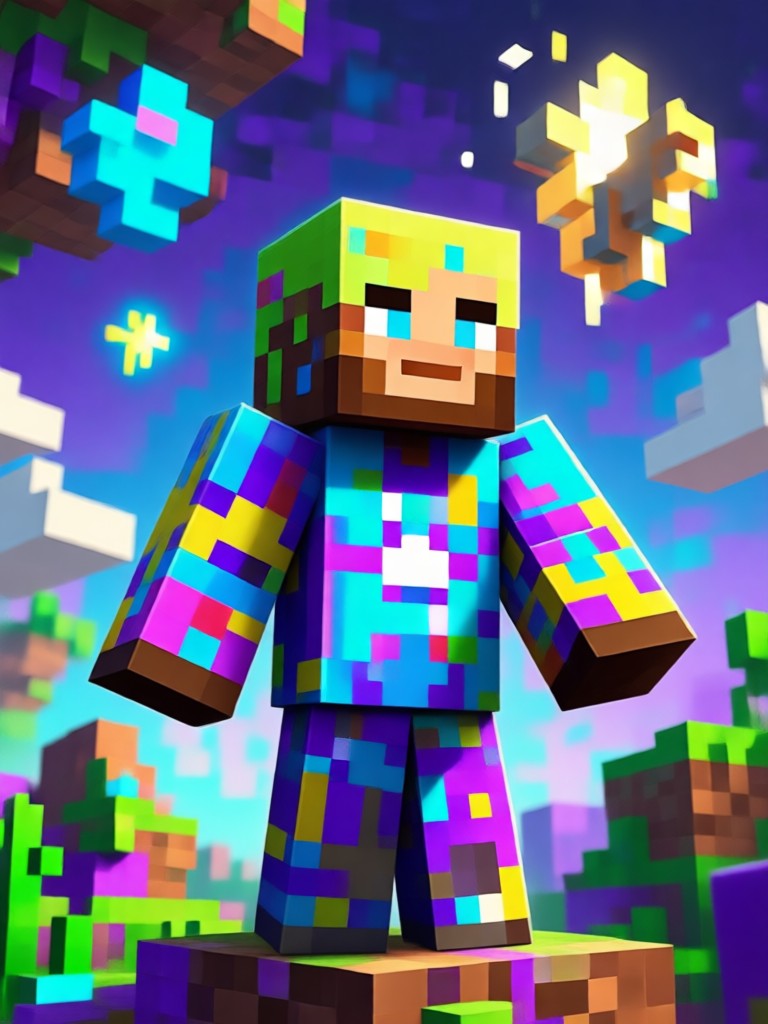
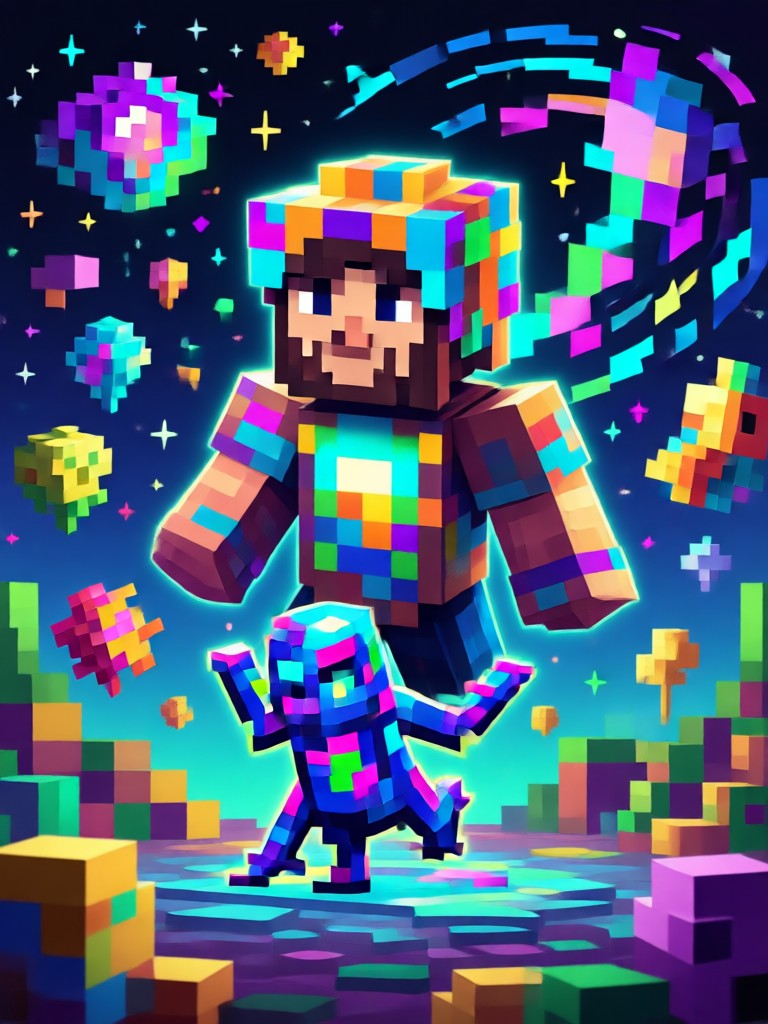
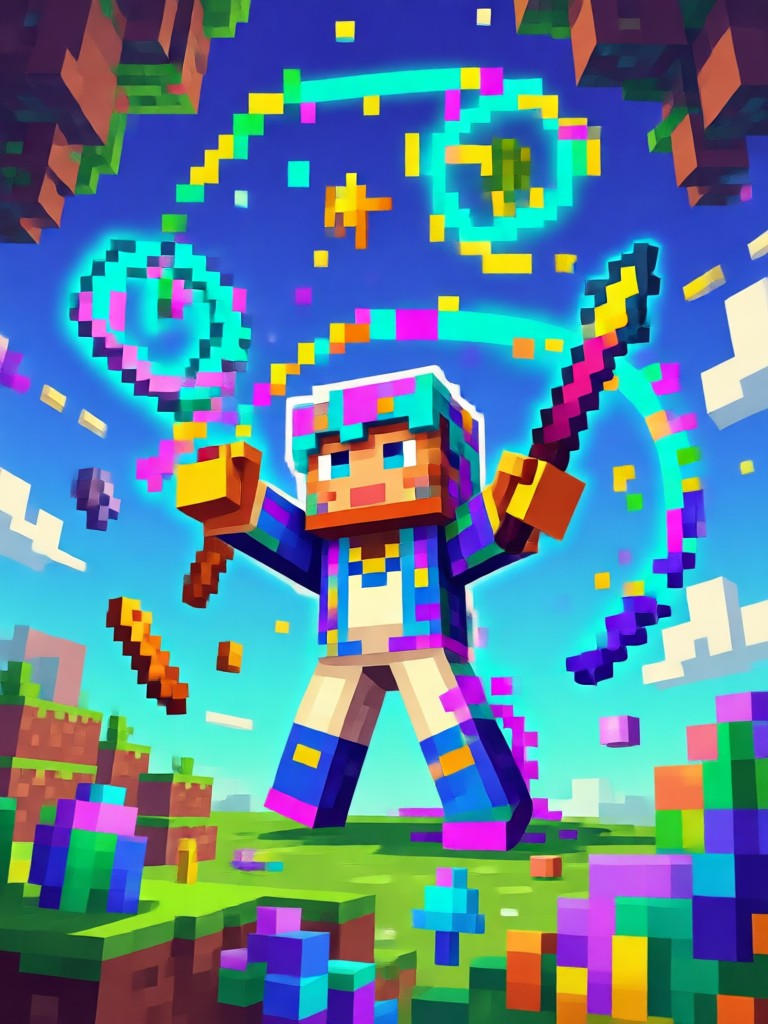
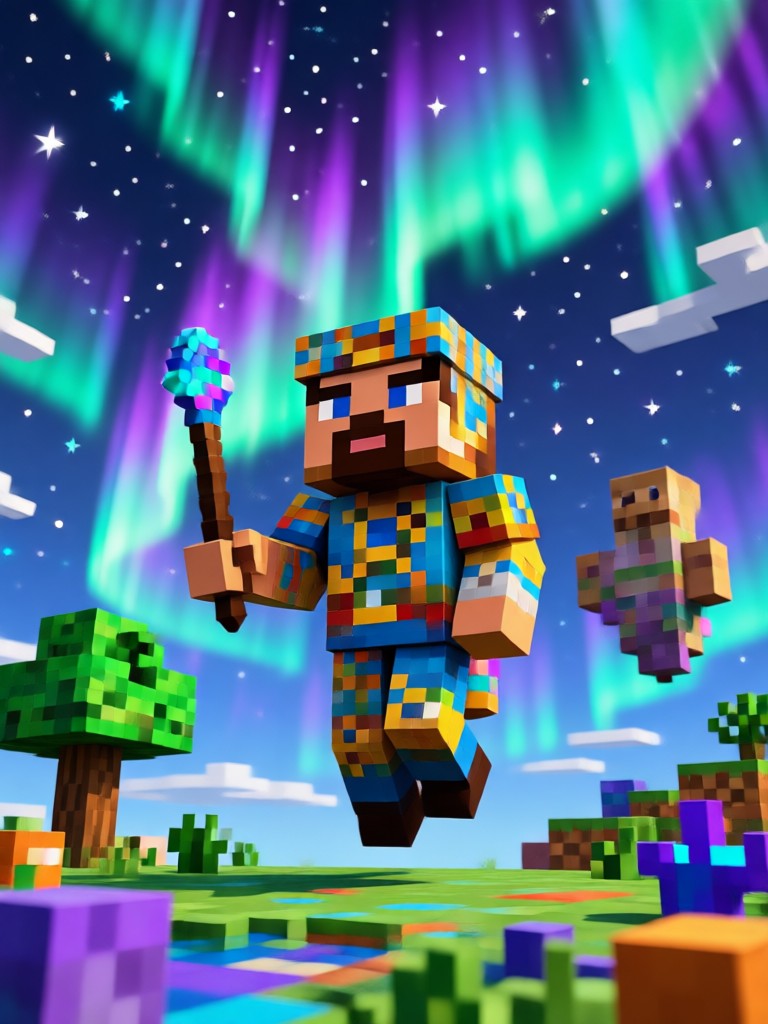
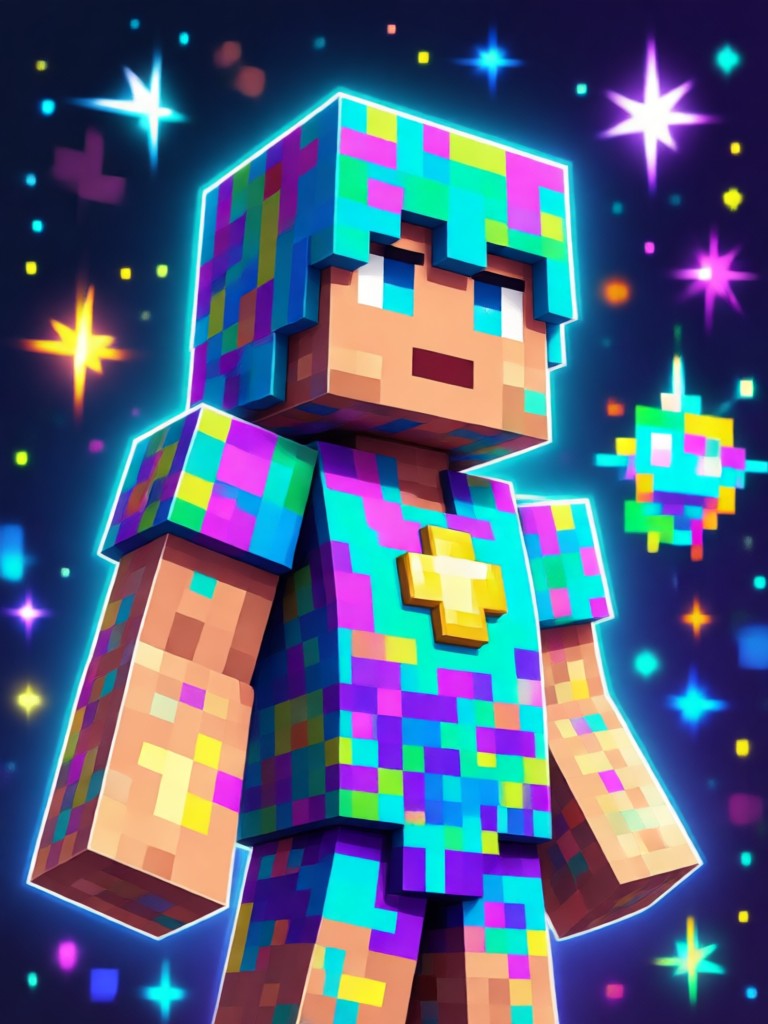
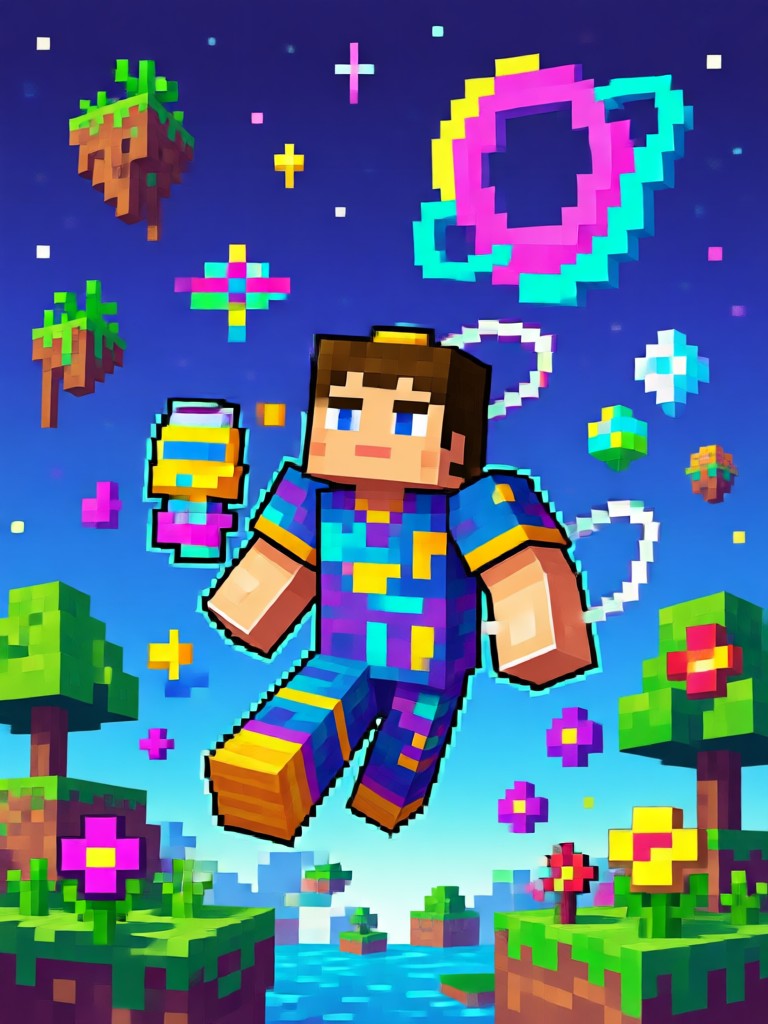
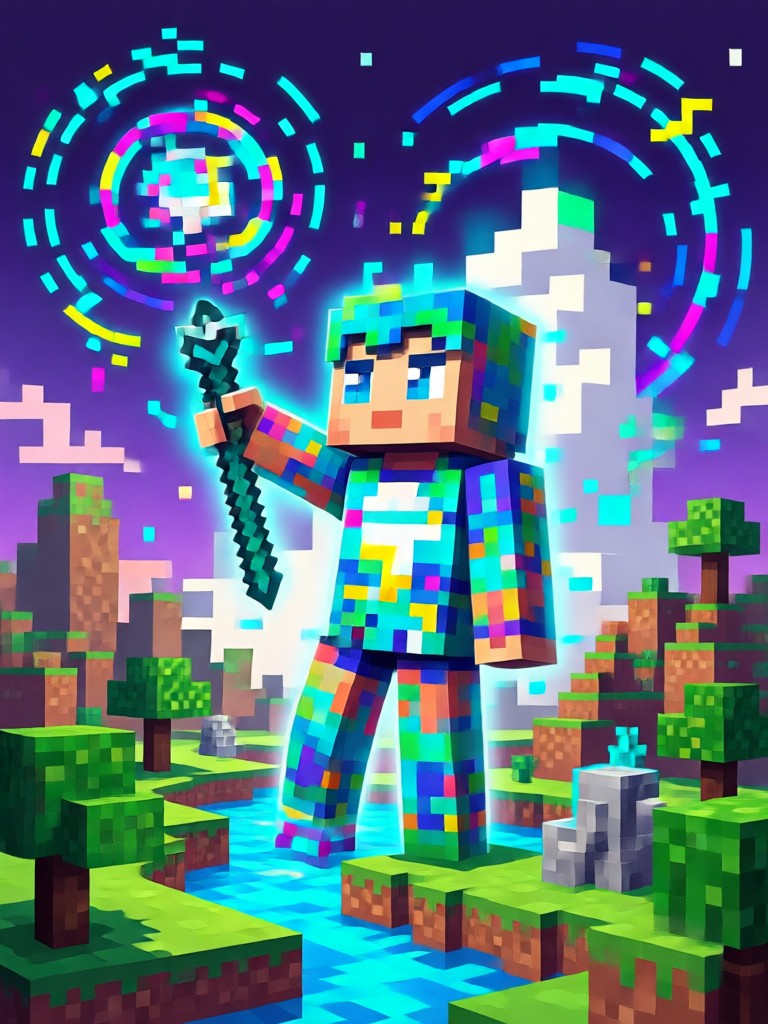
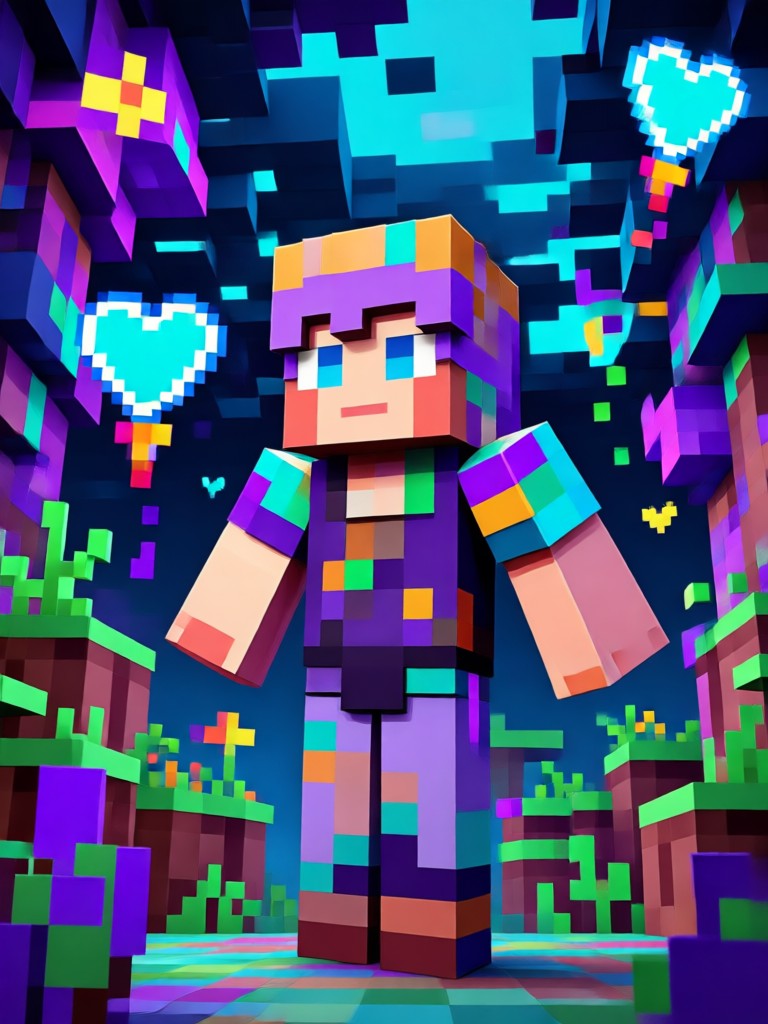
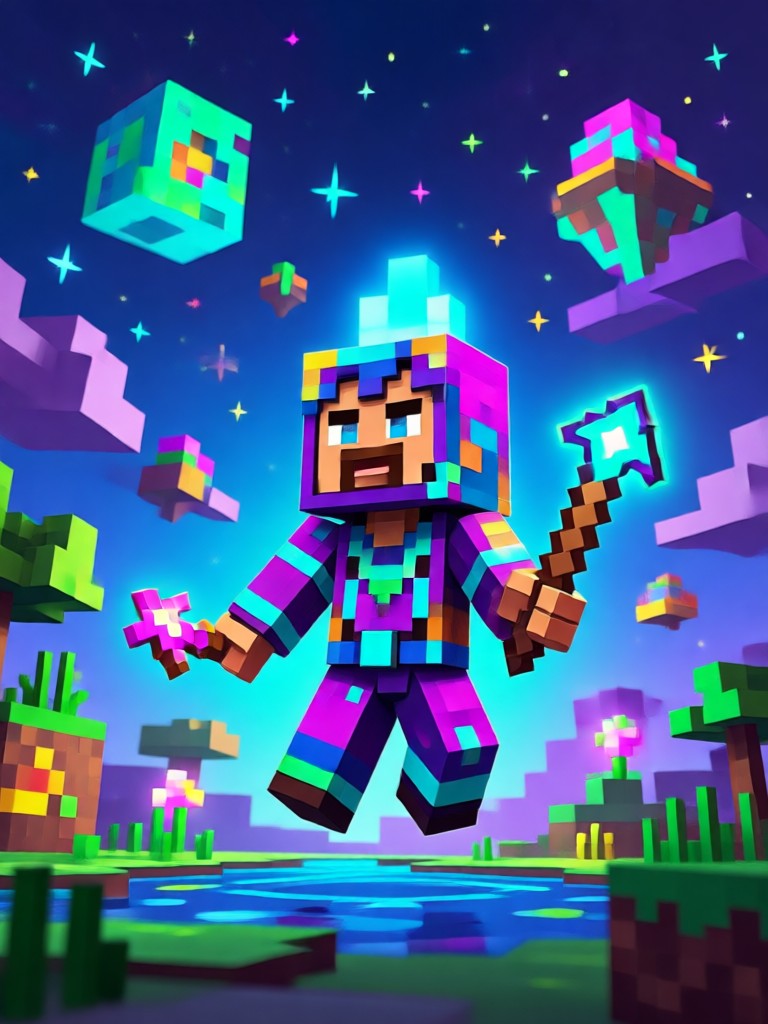
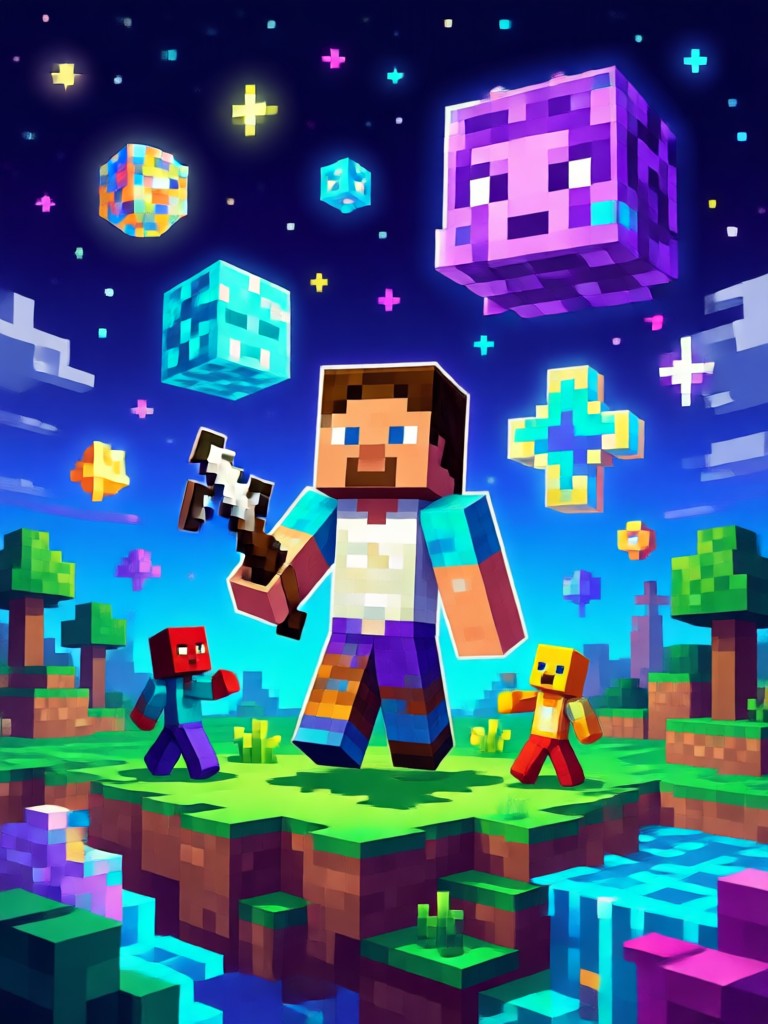
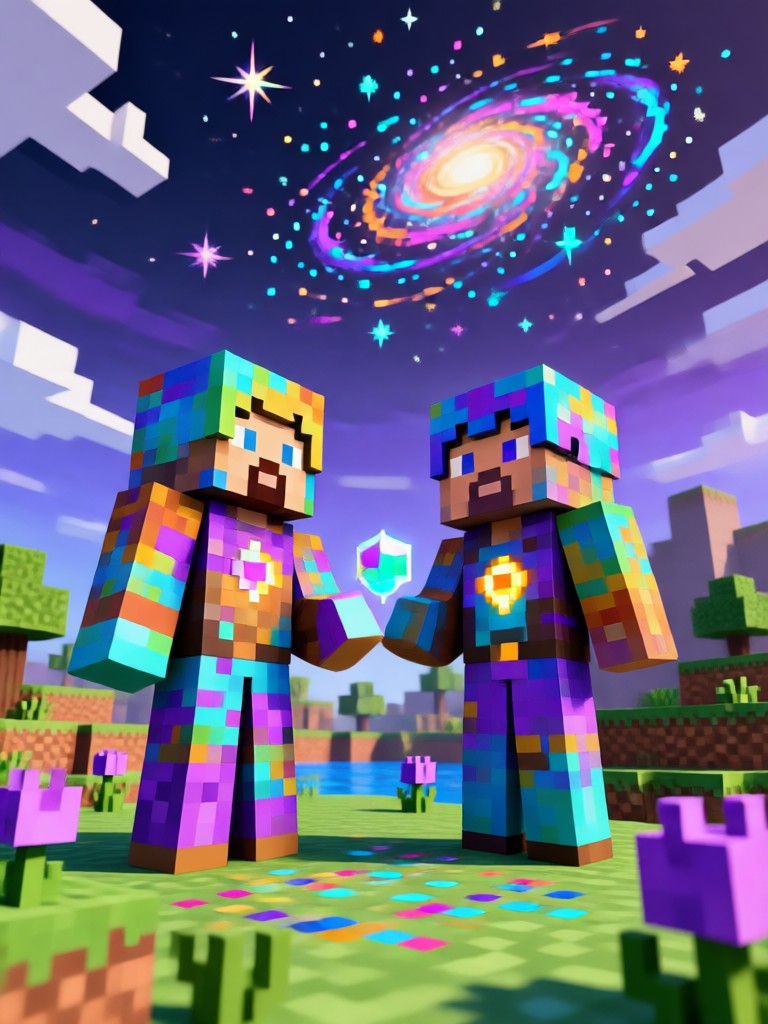
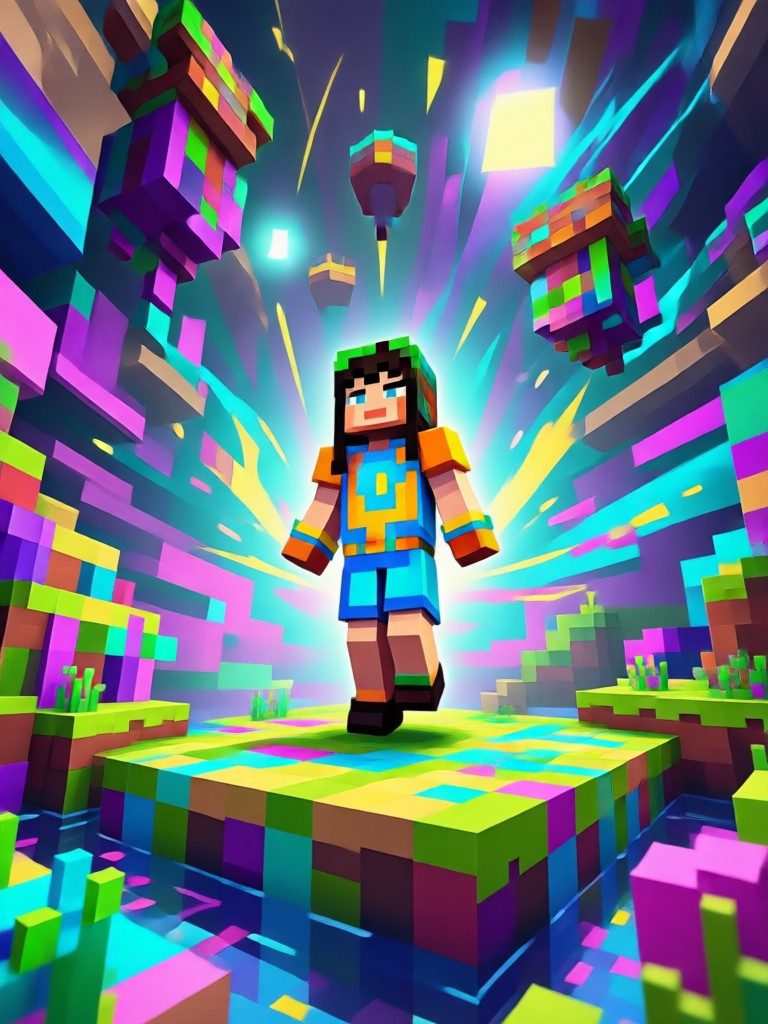
Browse stunning AI-generated Minecraft style portraits and scenes made with heyo. See how ordinary photos transform into blocky game-inspired artwork.
How to Make a Minecraft Art Photo
Create blocky game style portraits in three simple steps using the heyo app on your Android phone.

Step 01.
Download the heyo app from Google Play to access the Minecraft art generator anytime, anywhere.
Step 02.
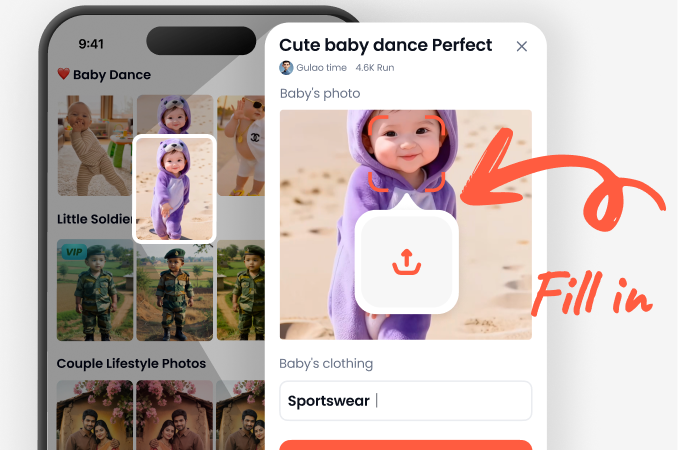
Upload your photo or enter a text prompt, then choose a Minecraft style filter from the built-in template gallery.
Step 03.
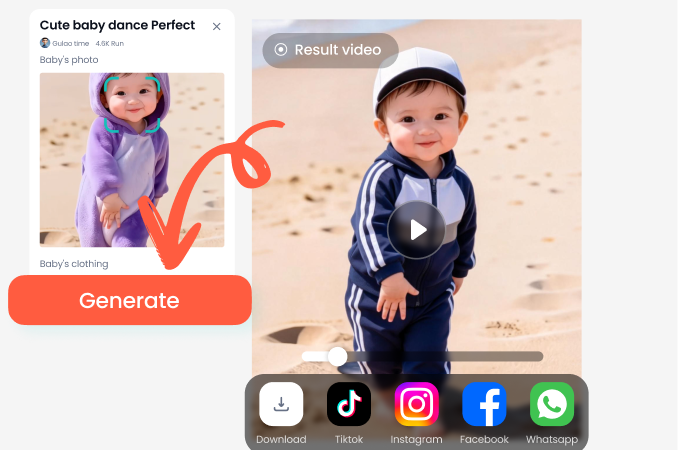
Generate your blocky portrait or scene, save it to your gallery, and share it directly to social media.
Why Use an AI Minecraft Art Photo Generator
Skip complex 3D modeling software and expensive editing tools. heyo gives you professional blocky style results in one tap, with hundreds of Minecraft filters, fast rendering, and a simple mobile interface.
Why Use an AI Minecraft Art Photo Generator
Skip complex 3D modeling software and expensive editing tools. heyo gives you professional blocky style results in one tap, with hundreds of Minecraft filters, fast rendering, and a simple mobile interface.
What Creators Say About heyo
My gaming avatar finally matches my style
I uploaded a selfie and got a perfect Minecraft portrait in seconds. It kept my face shape and added that blocky look I wanted for my channel art.
Amazing for themed birthday invitations
I made Minecraft style family photos for my son's party. The app is easy even for non-designers, and the results looked professionally made.
Better than any filter app I've tried
The variety of Minecraft templates is huge. I switched from text-to-image to photo editing in one app and it handles multi-person shots without blending faces.
Frequently Asked Questions
Find clear answers about turning photos into Minecraft art with AI and using the heyo app.
Minecraft Photo Editor for Android
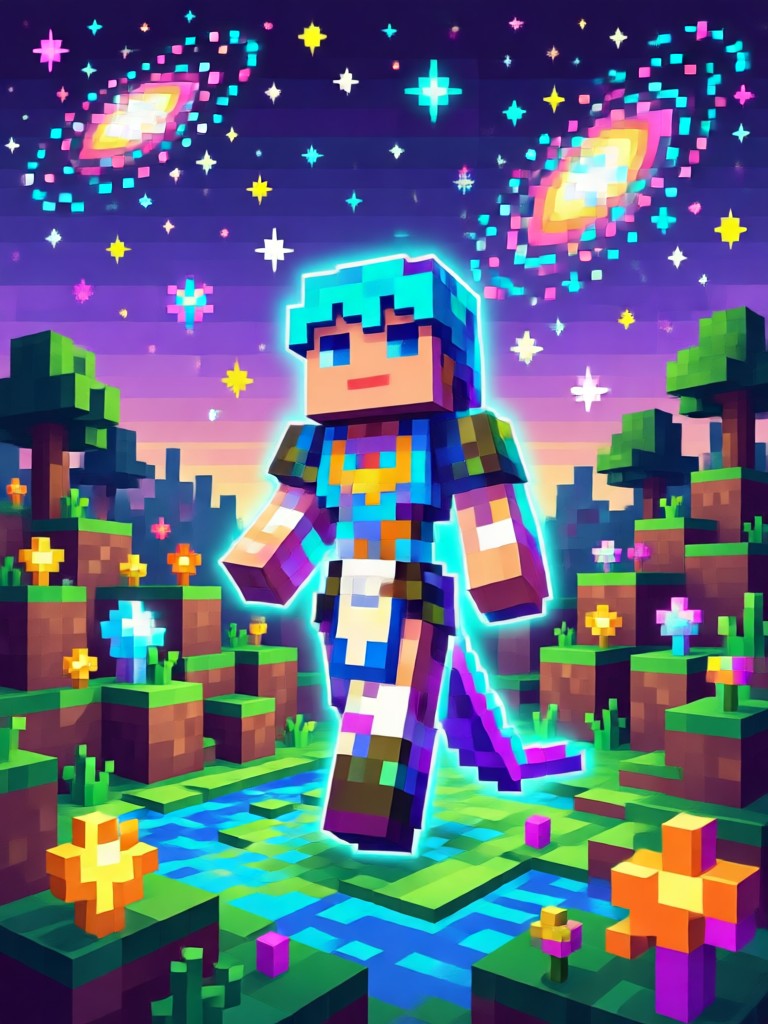
Download heyo on Google Play and apply blocky Minecraft filters to any photo. No web version needed, everything happens right inside the app.

More Topics You May Like
Explore more topics you may like and discover fresh ideas tailored to your interests.
Colorize Picture in Seconds with AI Photo Filters
Colorize Picture with heyo. Upload any black and white or faded photo, choose a style, and watch AI add natural color. No design skills needed. Get realistic results instantly.
Colorize Photo Online: Instant AI Photo Colorizer
Colorize black and white photos online with heyo. Upload a photo and get rich, realistic colors in seconds. No editing skills needed.
Convert Square Image To Circle: Easy Circular Crop Tool
Convert square image to circle in seconds. Upload a photo, apply a circular mask, and download a perfect round avatar or profile picture. No design skills needed.
Colorize Black and White Photos Like a Pro with AI
Transform black and white photos into vibrant color with heyo. Upload any monochrome image and get natural skin tones, rich fabrics, and realistic scenery. No design skills needed.
Your Blocky Masterpiece Is One Tap Away
Download heyo and turn any photo into Minecraft art in seconds. Join thousands of creators using AI filters for gaming, social posts, and themed projects.
Your Blocky Masterpiece Is One Tap Away
Download heyo and turn any photo into Minecraft art in seconds. Join thousands of creators using AI filters for gaming, social posts, and themed projects.